
Authentic Japanese Delivery Flyer
An elaborate prompt that replicates the specific visual language of Japanese neighborhood Chinese restaurant delivery flyers, including typography, layout, and paper texture.
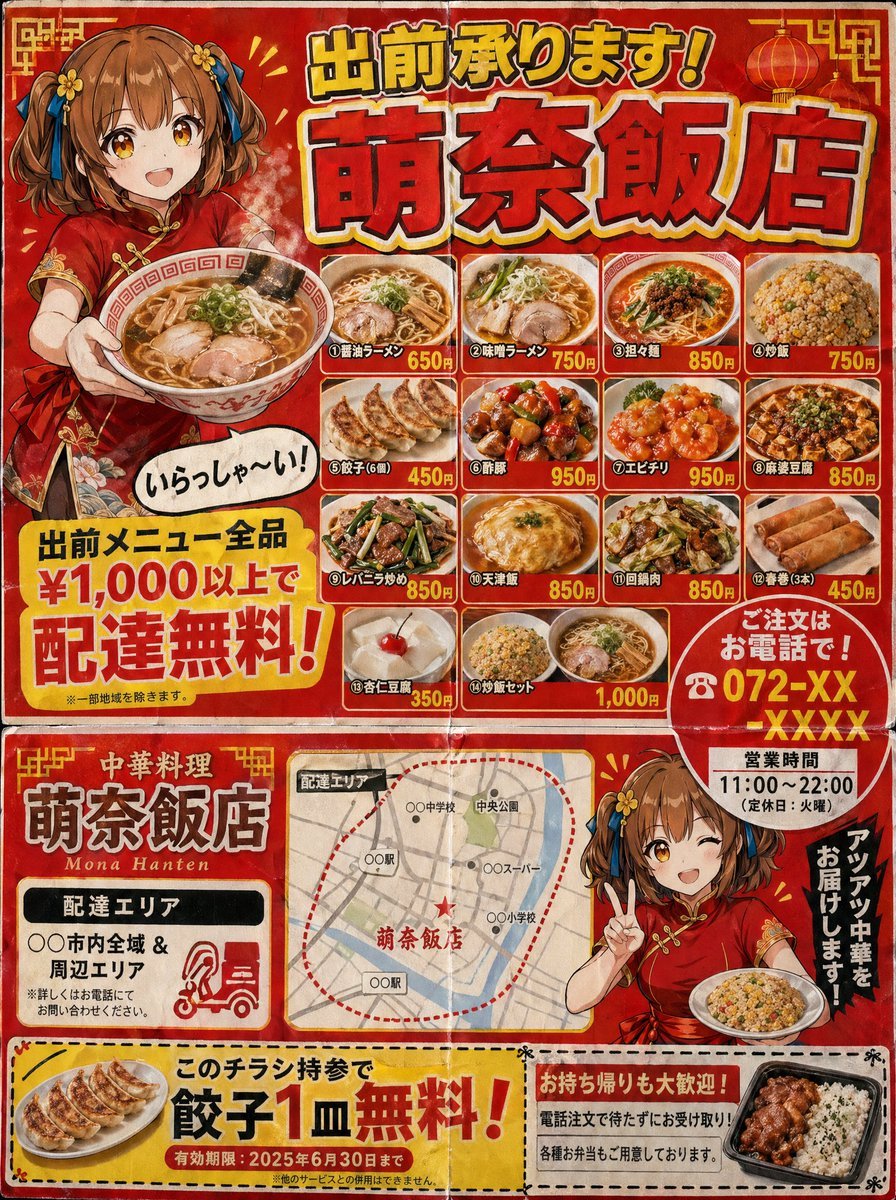
- Prompt included
- Model and format preset
- Free template
The prompt behind this image
Copy the exact prompt behind Authentic Japanese Delivery Flyer, or open it in the studio and make it yours.
A delivery flyer for door-to-door posting from a Japanese Chinese restaurant (3:4). Looks like double-sided B5-size printing. Flyer characteristics (following the conventions of a real delivery flyer): - A loud, flashy red × yellow color scheme - Large text at the top reading "出前承ります!{argument name="shop name" default="萌奈飯店"}" (gothic font with a drop shadow) - An illustration of a {argument name="character" default="Chinese-style girl (red cheongsam, brown short bob)"} holding a bowl of ramen and saying "いらっしゃ〜い!" (with a speech bubble) - A menu photo grid (4×3) lined with dish photos: Assorted ramen, fried rice, gyoza, sweet and sour pork, chili shrimp, mapo tofu, liver and chives stir-fry, tenshinhan (crab omelet rice), twice-cooked pork, spring rolls, almond tofu, fried rice set - Each dish has its name and price - A large yellow banner reading "出前メニュー全品 ¥1,000以上で配達無料!" - "ご注文はお電話で! ☎ {argument name="phone number" default="072-XX-XXXX"}" highlighted with a red circle - Business hours: "11:00〜22:00(定休日:火曜)" - A delivery area map (a simple, rough map) - A coupon (cut along the dotted line): "このチラシ持参で餃子1皿無料!" A texture that looks like cheap paper printing. Has fold creases. A level of precision that could be mistaken for a genuine Japanese delivery flyer.
How to use Authentic Japanese Delivery Flyer in 3 steps
- 1Upload ImagePNG, JPG or paste
Add your photo
Upload the photo the template builds on. The prompt, model and format are already set.
- 2…a portrait of your subject in softgolden-hour light, 85mm…
Personalize
Edit the subject and creative details for your destination.
- 3Generate
Generate
Press Generate — your image is created in PicX Studio, so you can compare it with the original and refine one variable at a time.
More like this
Templates with the same subject, style or setup. Open one to see its prompt.
Gpt2 Product Marketing Japanese Chinese Food Delivery Flyer
Japanese Supermarket Promotional Flyer

Minecraft Japanese Research Lab Exploration
Authentic Japanese Schoolgirl Smartphone Selfie
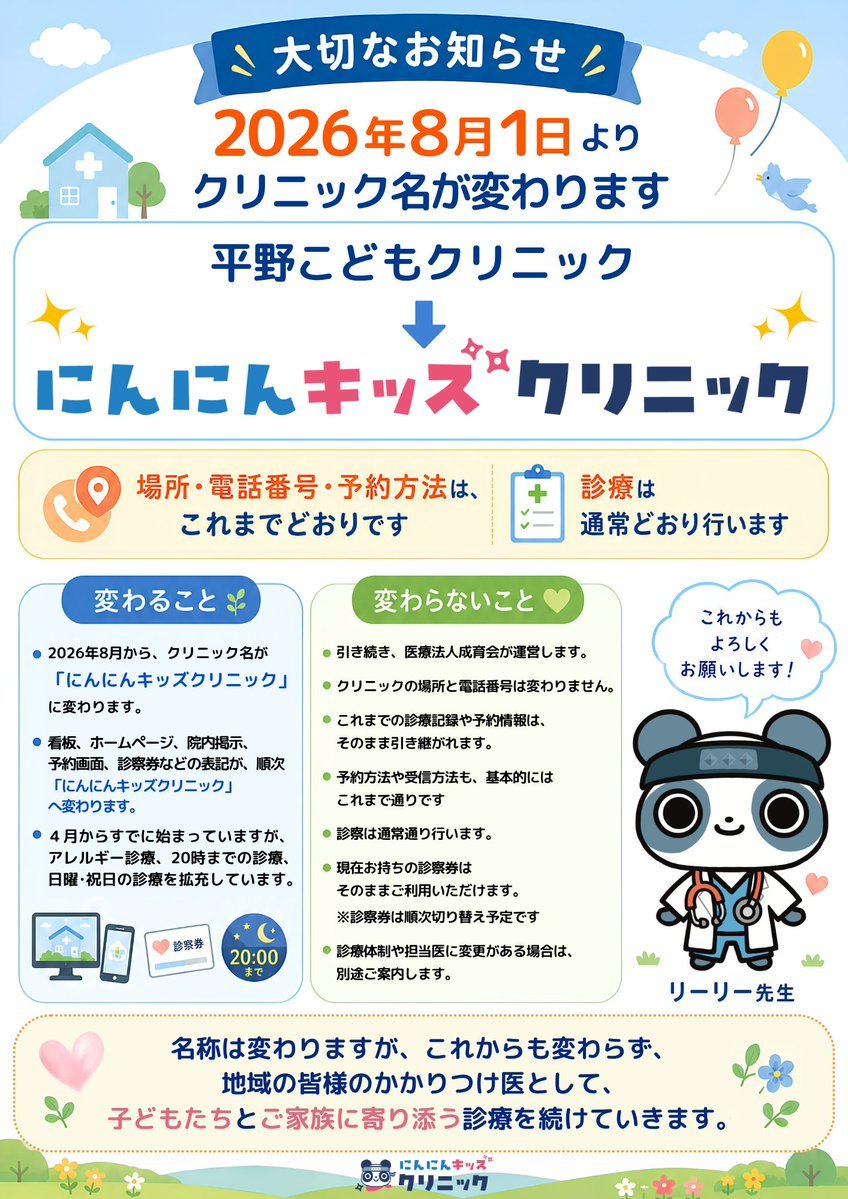
Japanese Pediatric Clinic Name Change Flyer
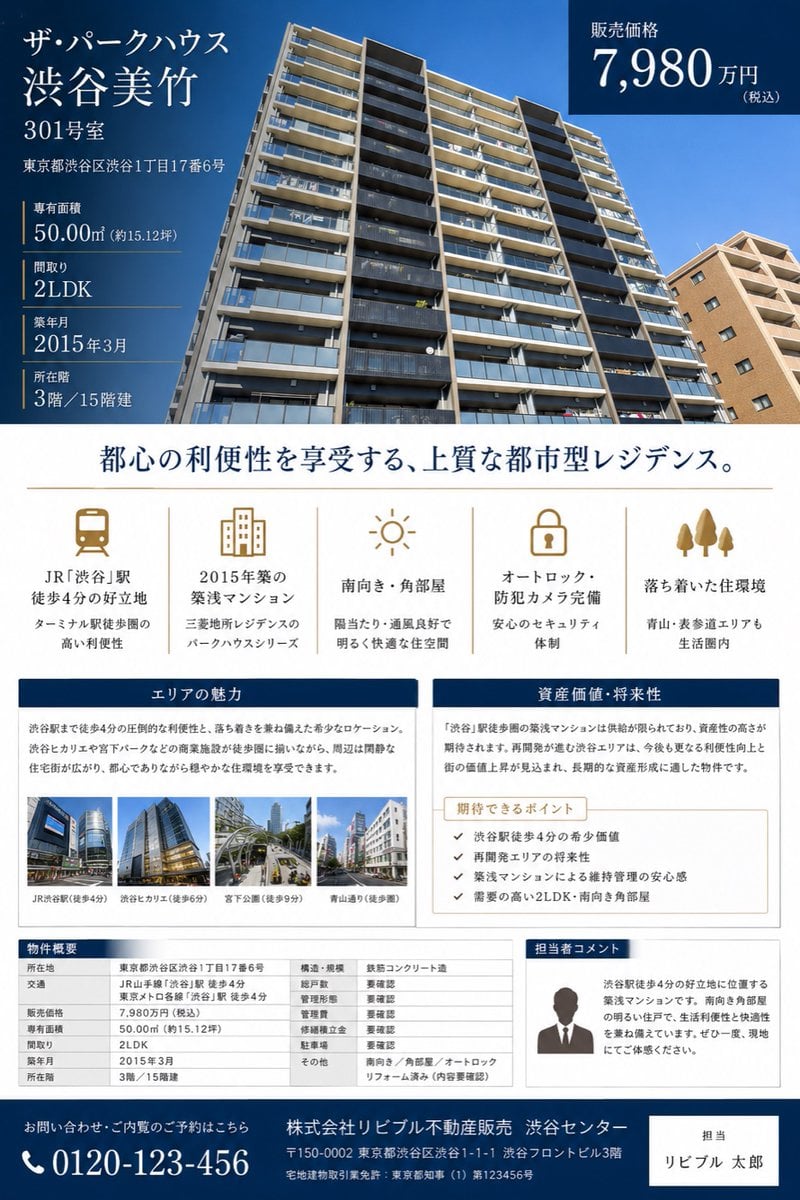
Japanese Luxury Condo Sales Flyer

Japanese Architectural Concrete Studio Fashion Campaign

Japanese Minimalist Concrete Studio Fashion Editorial

Blue Backdrop Luxury Fashion Portrait Campaign
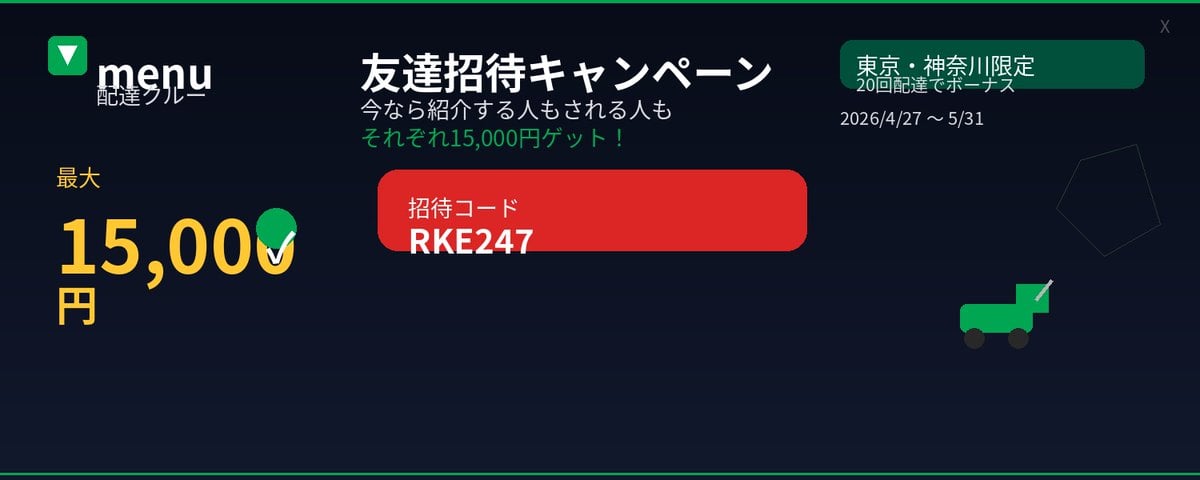
Japanese Delivery Referral Banner
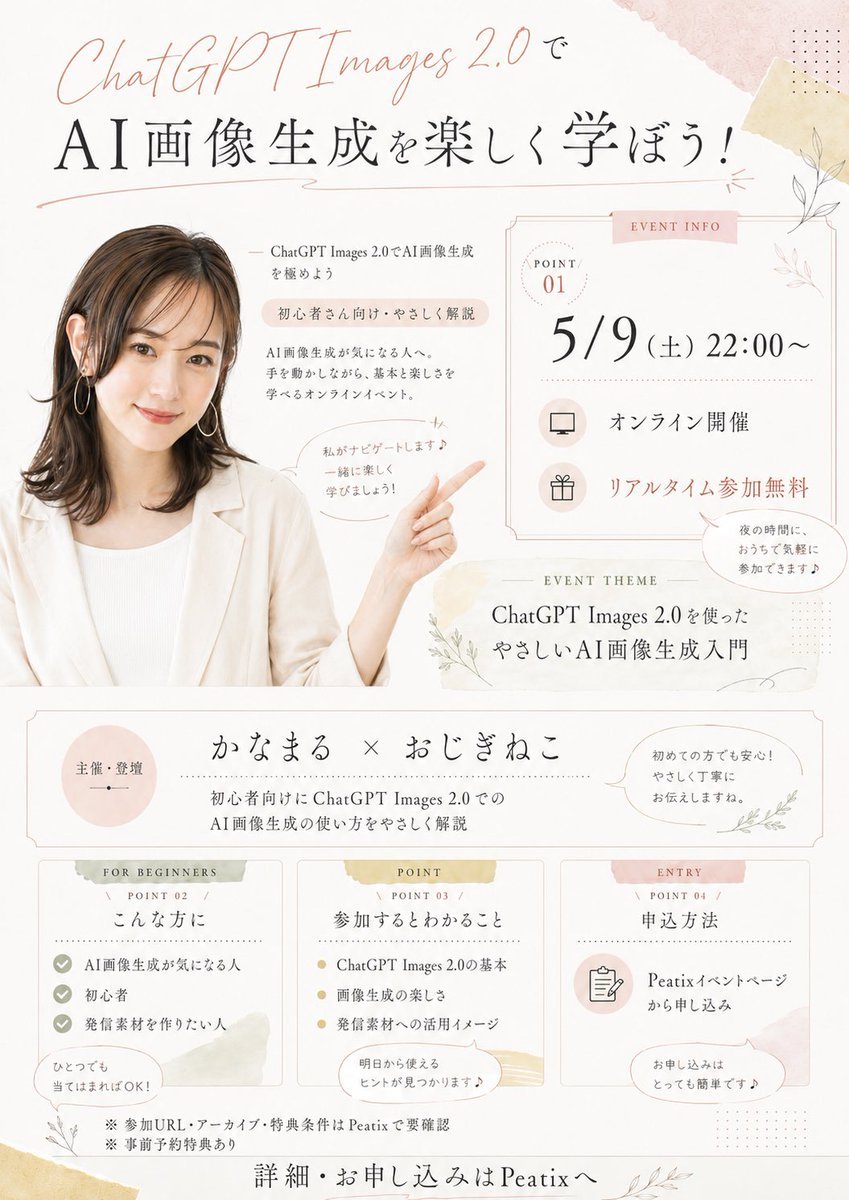
Japanese AI Seminar Flyer
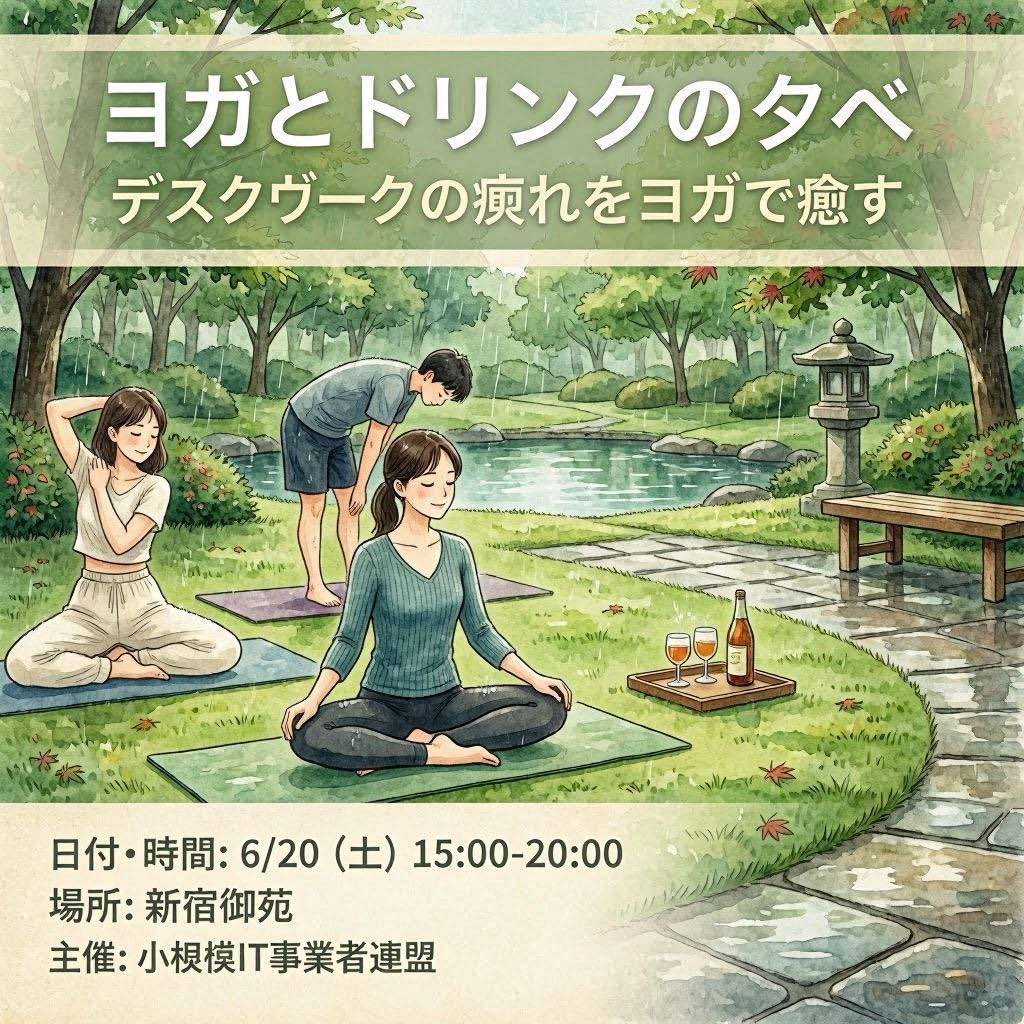
Japanese Yoga and Drinks Event Flyer
Make it yours
Authentic Japanese Delivery Flyer works as-is. These are the safest ways to change it without losing the look.
Change one field
Copy a single group, rewrite it, and generate again so you can see what that field is doing.
Keep the frame, change the subject
Hold the composition and light of Authentic Japanese Delivery Flyer, then swap wardrobe, props or the person for a new take.
| If the result… | Why | Fix |
|---|---|---|
| The result drifts from the preview | Too many fields changed at once. | Reuse Authentic Japanese Delivery Flyer as-is first, then change one group — subject, light, or setting. |
| The model over-stylizes the scene | The prose prompt leaves finish and camera underspecified. | Add one camera or lighting sentence and stay on GPT Image 2. |
More GPT Image 2 templates
Other prompts made for GPT Image 2.

Six VTuber Japanese Logo Sheet

Realistic Portrait of Woman and Deer

The Vista Modular Condo Poster

AI Model Routing Comparison Infographic

2.5D Anime Art Board

Isometric Productivity Desk Scene

New York Double Exposure Poster

Four-Panel AI Landscape Comparison

Japanese Tatami Lifestyle Magazine Cover

NESCAFÉ Coffee Map Poster
More image prompts
Fresh picks from across the catalog.
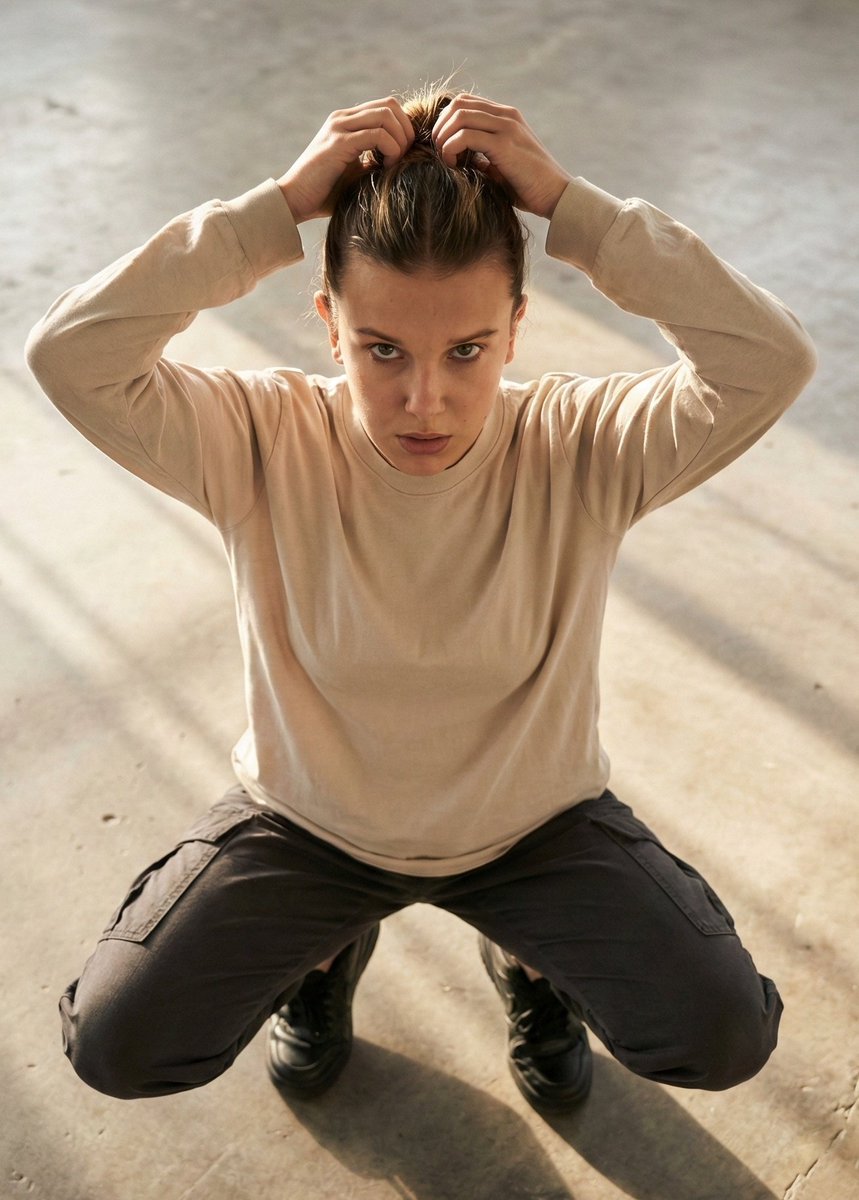
Editorial realism portrait of a woman tying her hair

Cozy Children's Birthday Portrait

Neon Censored Portrait Avatar
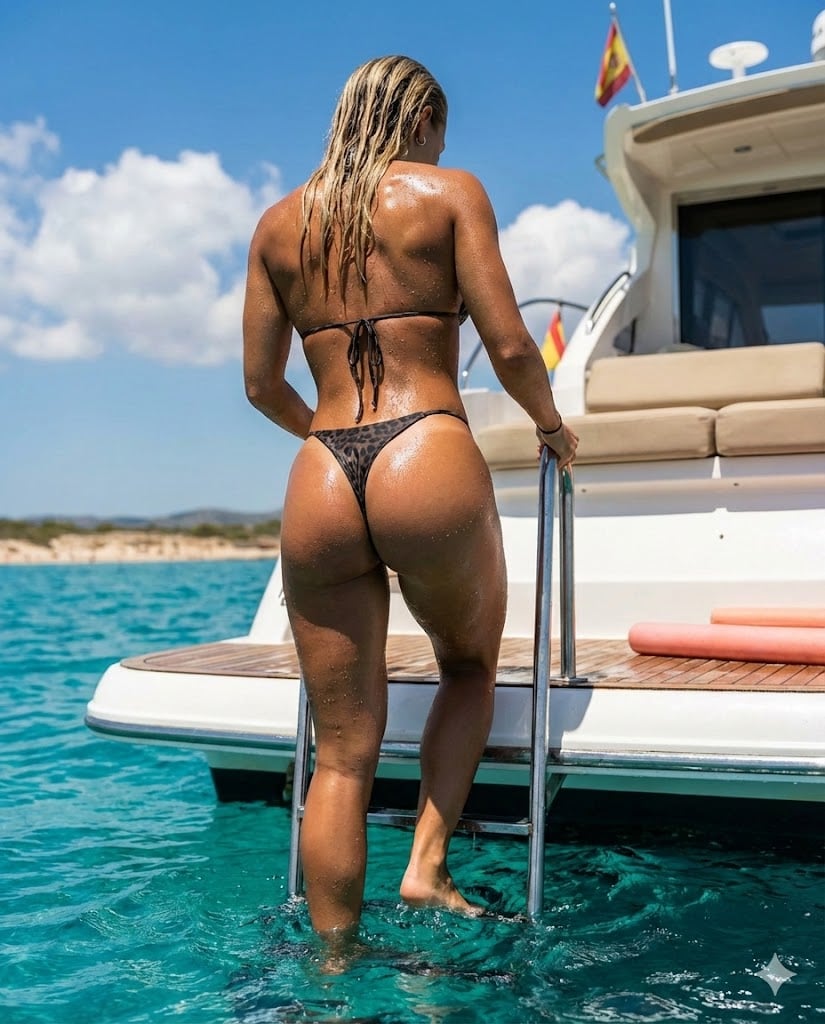
Hyperrealistic Mediterranean Luxury Yacht Scene
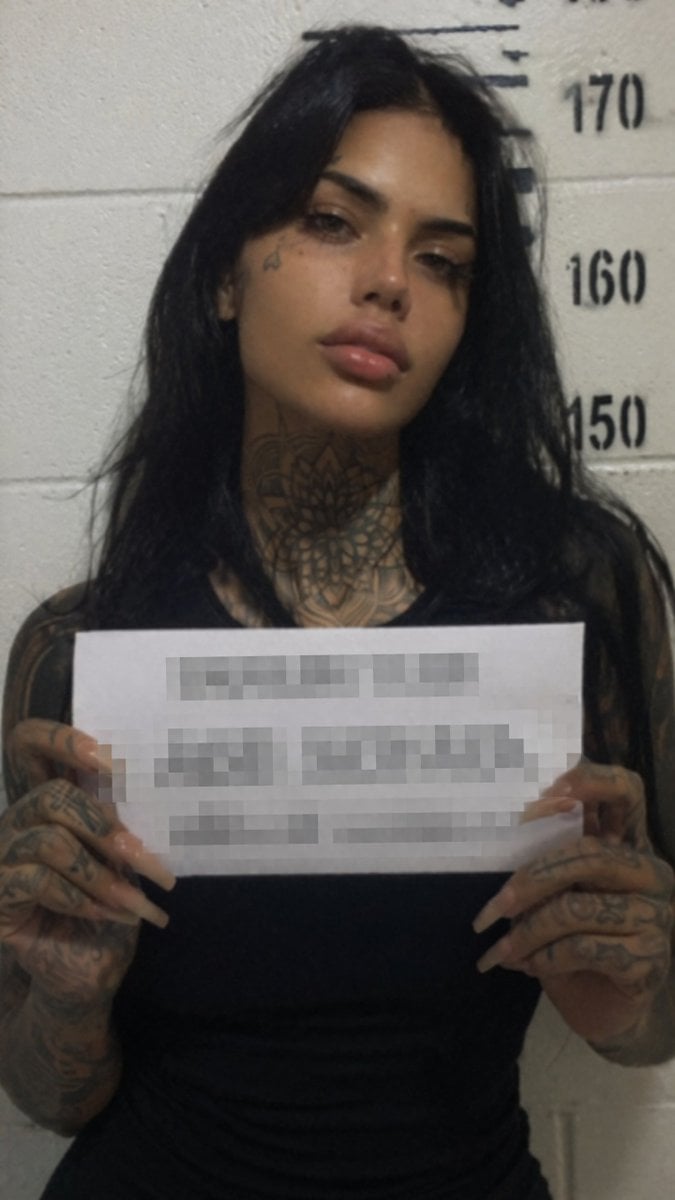
Gritty Tattooed Woman Mugshot
Cosmic Spawn Brand Poster

Ultra-Realistic Surreal Conceptual Portrait of a Baby in a Gigantic Flower Field
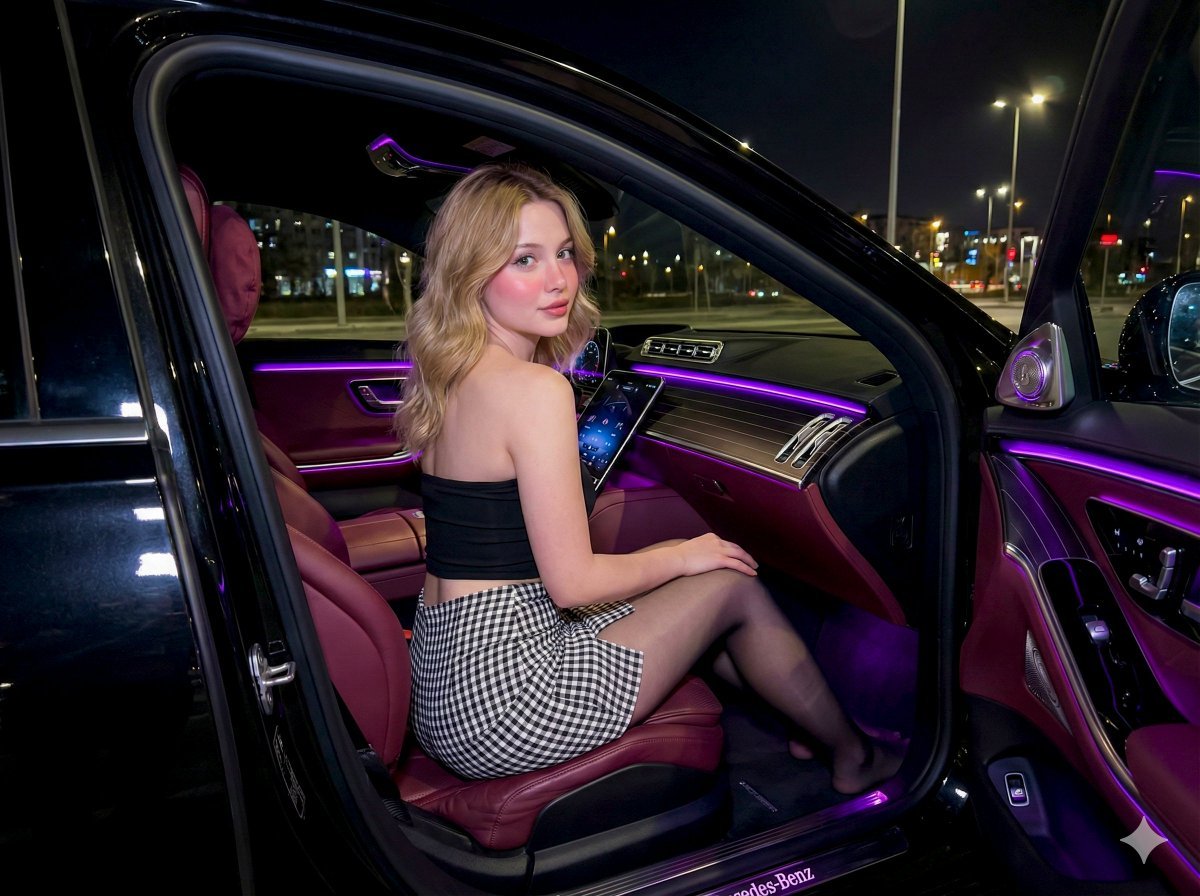
Nighttime Mercedes S-Class Interior Portrait with Purple Ambient Light

Golden Hour Fashion Editorial Portrait
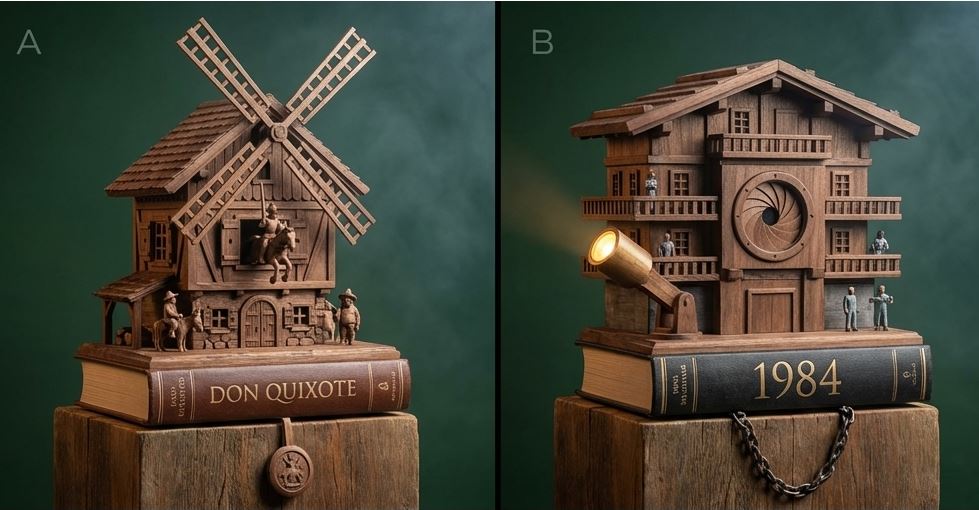
Cuckoo Clock Inspired Literary Mechanism Prompt
Browse template categories
Authentic Japanese Delivery Flyer questions
How do I use the Authentic Japanese Delivery Flyer template?
Add your photo if the template asks for one, edit the prompt if you like — the template's model and format are already selected — and press Generate. Your version opens in PicX Studio.
Can I customize the Authentic Japanese Delivery Flyer template?
Yes. You can change the subject, setting, lighting, mood, format, and available model controls before creating your image.
Is the Authentic Japanese Delivery Flyer template free?
Opening and editing this template is free. Generating uses credits, shown on the Generate button when you are signed in.
Which AI model should I use?
Start with GPT Image 2, which is the model associated with this template. You can compare another compatible model for a different finish.
Looking for something else? Browse all templates.

Your photo, any look
Thousands of ready templates for every top image and video model, from one credit balance.