
Flaming Burger Storyboard
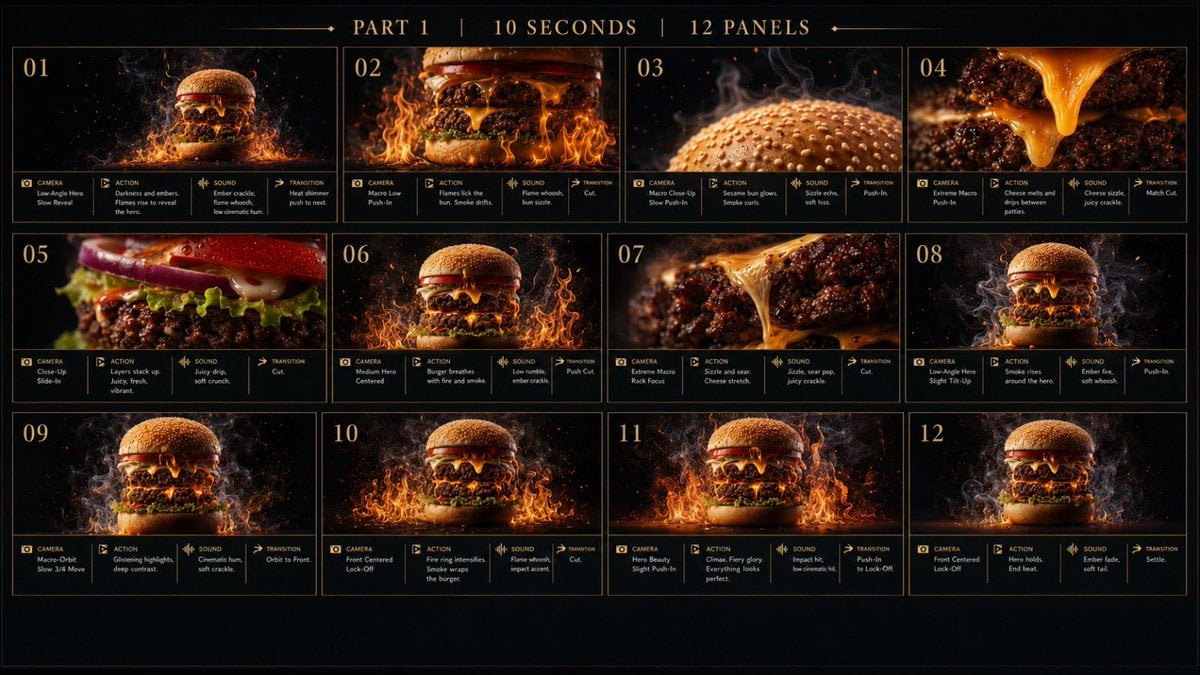
A premium 12-panel cinematic storyboard for a fiery cheeseburger commercial shot plan.
- Prompt included
- Model and format preset
- Free template
The prompt behind this image
Copy the exact prompt behind Flaming Burger Storyboard, or open it in the studio and make it yours.
Goal: Create a cinematic storyboard/spec sheet for a 10-second food commercial about a flaming cheeseburger, titled across the top with “PART 1 | 10 SECONDS | 12 PANELS”. Canvas: Wide 16:9 black canvas with a thin warm-gold border, dark premium film-treatment background, subtle smoky texture, and elegant serif typography in muted gold. Use a grid of exactly 12 storyboard panels arranged in 3 rows by 4 columns, each panel outlined in thin gold lines and numbered 01 through 12 in the top-left corner. Subject: A dramatic gourmet burger with sesame bun, charred beef patty, melted cheddar cheese, lettuce, tomato/onion accents, smoke, sparks, and flames. The burger should look hyper-real, glossy, high contrast, and shot like a luxury food commercial. Use {argument name="burger style" default="a flaming gourmet cheeseburger with sesame bun, charred patty, melted cheddar, lettuce, tomato, smoke, sparks, and fire"}. Overall palette is black, amber, orange flame, molten cheese yellow, and deep red highlights. Layout and panel content: Include exactly 12 panels, each with a large cinematic image area and a compact bottom metadata strip divided into four labeled boxes: CAMERA, ACTION, SOUND, TRANSITION. Use small gold icons beside these labels, tiny readable notes, and thin dividers. The 12 visible panels are: 01: Low-angle hero burger reveal in darkness, flames rising around the patty, smoke behind it; notes suggest “Low-Angle Hero / Slow Reveal”, “Darkness and embers. Flames rise to reveal the hero”, “Ember crackle, flame whoosh, low cinematic hum”, “Heat shimmer push to next.” 02: Macro low push-in of burger with cheese dripping and flames licking the bun; action says flames lick the bun, smoke drifts; sound flame whoosh and bun sizzle; transition cut. 03: Extreme macro of sesame bun with steam curls and glowing background; action sesame bun glows, smoke curls; sound sizzle echo and soft hiss; transition push-in. 04: Extreme macro of molten cheese stretching down between charred meat layers; action cheese melts and drips between patties; sound cheese sizzle and juicy crackle; transition match cut. 05: Close side-up profile of burger layers, lettuce and red onion/tomato visible, juicy patty in focus; action layers stack up juicy, fresh, vibrant; sound juicy drip and soft crunch; transition cut. 06: Centered medium hero shot of burger surrounded by flames; action burger breathes with fire and smoke; sound low rumble and ember crack; transition push cut. 07: Extreme macro rack focus on charred patty and cheese stretch; action sizzle and sear, cheese stretch; sound juicy sear pop and crackle; transition cut. 08: Low-angle hero shot with smoke curling around the burger; action smoke rises around the hero; sound ember flow and soft whoosh; transition push-in. 09: Macro orbit shot, three-quarter view, burger emerging from smoke and fire; action glistening highlights and deep contrast; sound cinematic hum and soft crackle; transition orbit to front. 10: Front centered locked-off burger with intensifying ring of fire; action fire ring intensifies, smoke wraps the burger; sound flame whoosh and impact accent; transition cut. 11: Hero beauty sight push-in, burger perfectly centered amid flames; action climax, fiery glory, everything looks perfect; sound impact hit and low cinematic hum; transition push-in to lock-off. 12: Final centered hero lock-off of the burger as flames settle and smoke rises; action hero holds, end beat; sound ember fade and soft tail; transition settle. Visual style: Premium cinematic food photography storyboard, ultra-detailed burger texture, shallow depth of field, crisp highlights on grease and cheese, floating embers, realistic fire simulation, smoky black background, high-end commercial treatment. Make the board look like a professional director’s shot plan rather than a comic page. Use {argument name="top title" default="PART 1 | 10 SECONDS | 12 PANELS"} and {argument name="visual mood" default="dark luxury cinematic fire-and-smoke food commercial"}. Text constraints: Keep all visible text in English. Use gold serif numbers and headings. The metadata notes should be small but visually plausible, aligned neatly under each panel. Do not add extra panels, logos, watermarks, people, utensils, plates, or restaurant branding.
How to use Flaming Burger Storyboard in 3 steps
- 1Upload ImagePNG, JPG or paste
Add your photo
Upload the photo the template builds on. The prompt, model and format are already set.
- 2…a portrait of your subject in softgolden-hour light, 85mm…
Personalize
Edit the subject and creative details for your destination.
- 3Generate
Generate
Press Generate — your image is created in PicX Studio, so you can compare it with the original and refine one variable at a time.
More like this
Templates with the same subject, style or setup. Open one to see its prompt.

Headphones Lifestyle Nine Panel Grid
Seedance - Storyboard to Movie
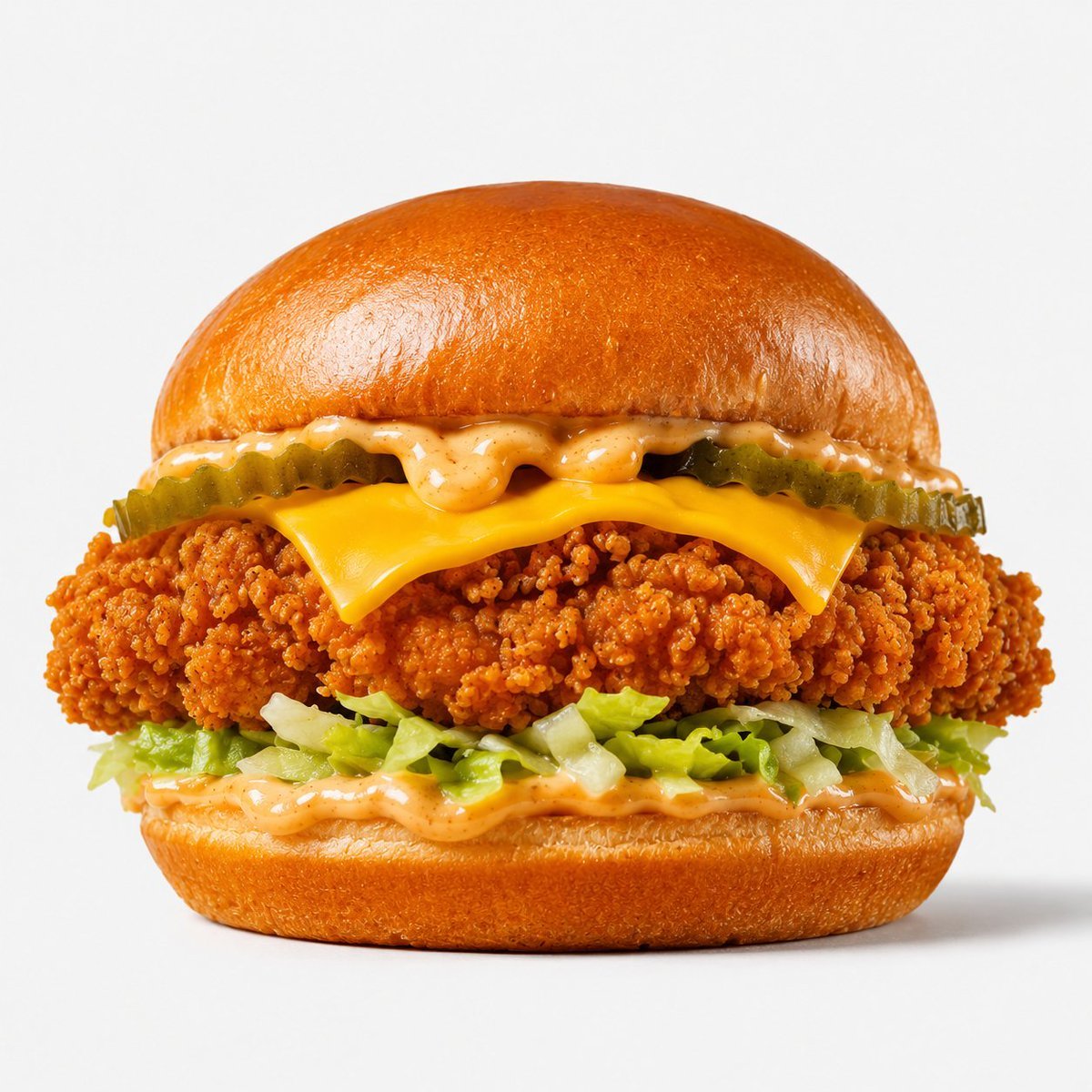
Crispy Chicken Burger Product Photo
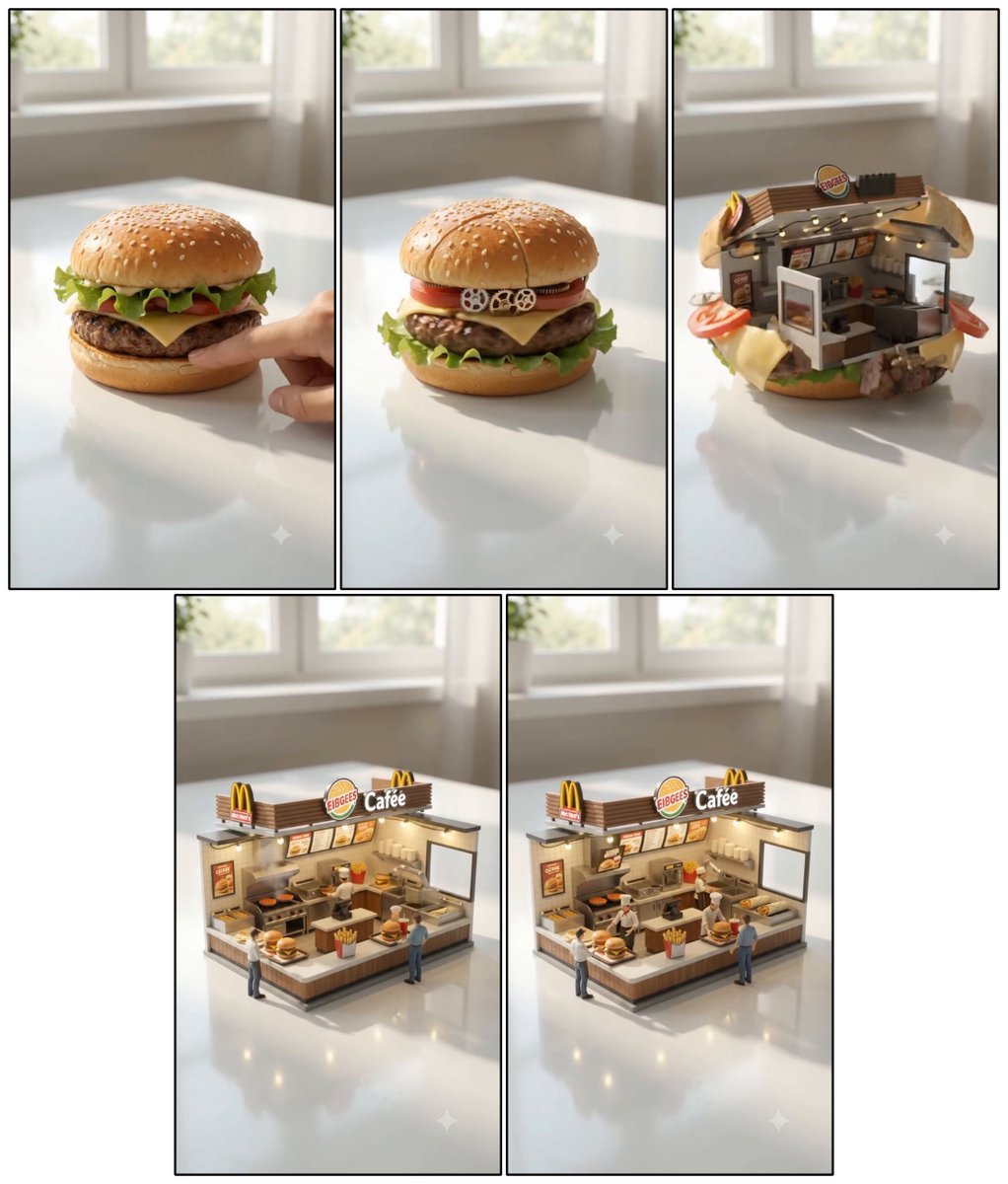
Cheeseburger to Mini Café Transformation
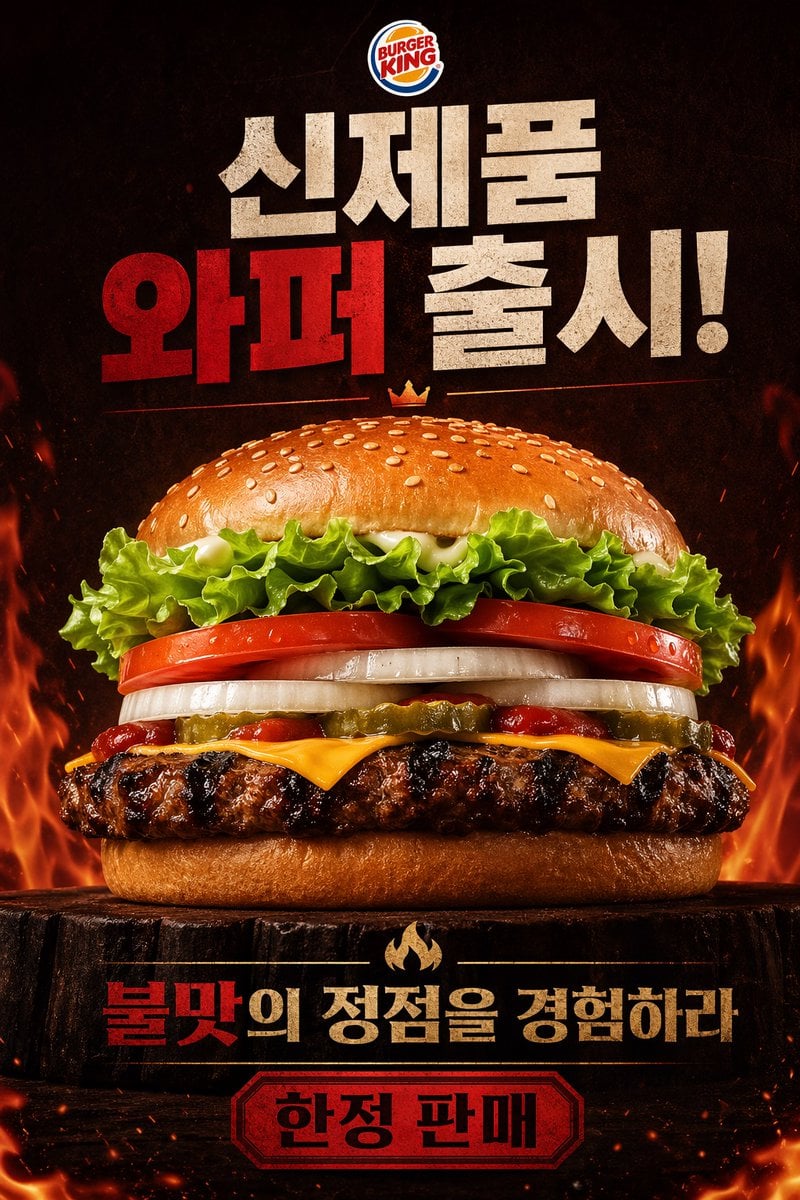
Fiery Burger King Whopper Poster
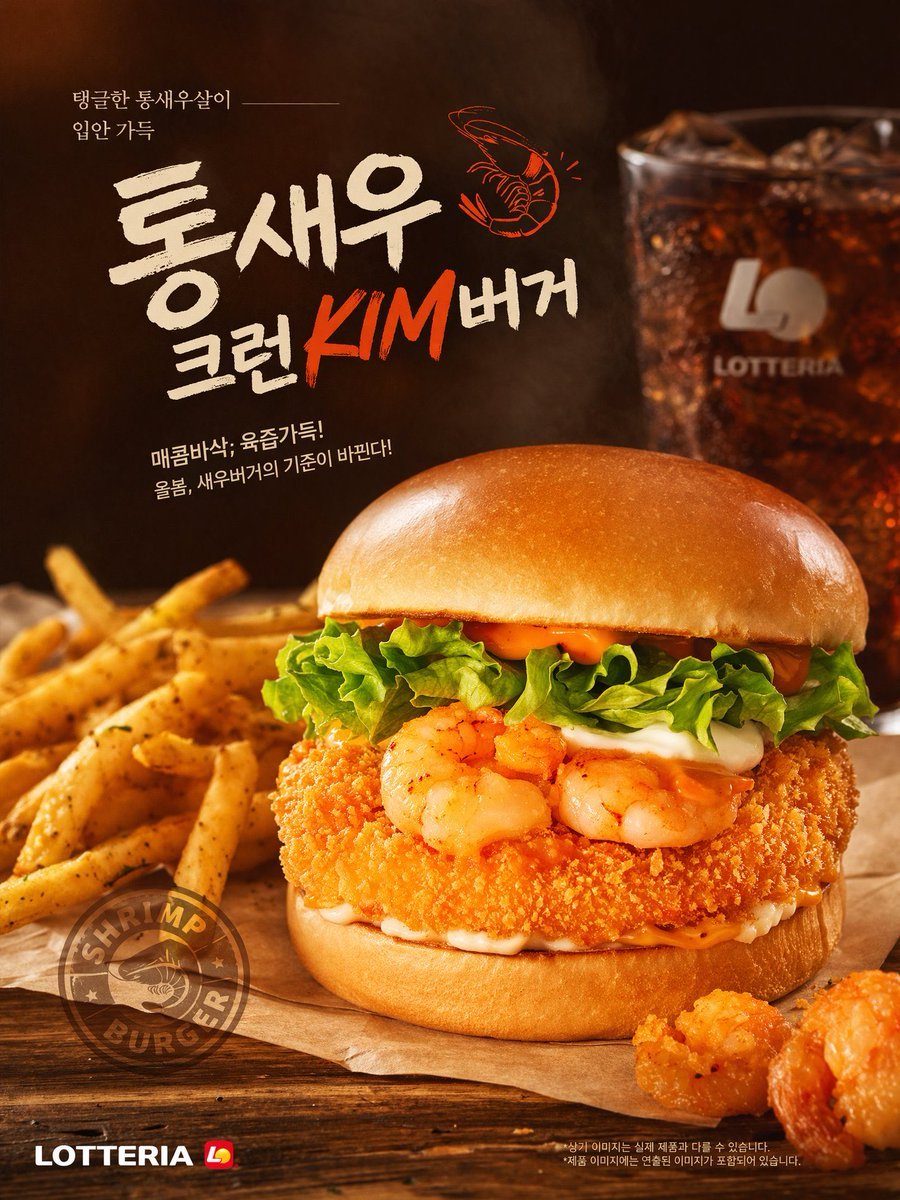
Fast Food Burger Advertisement Poster
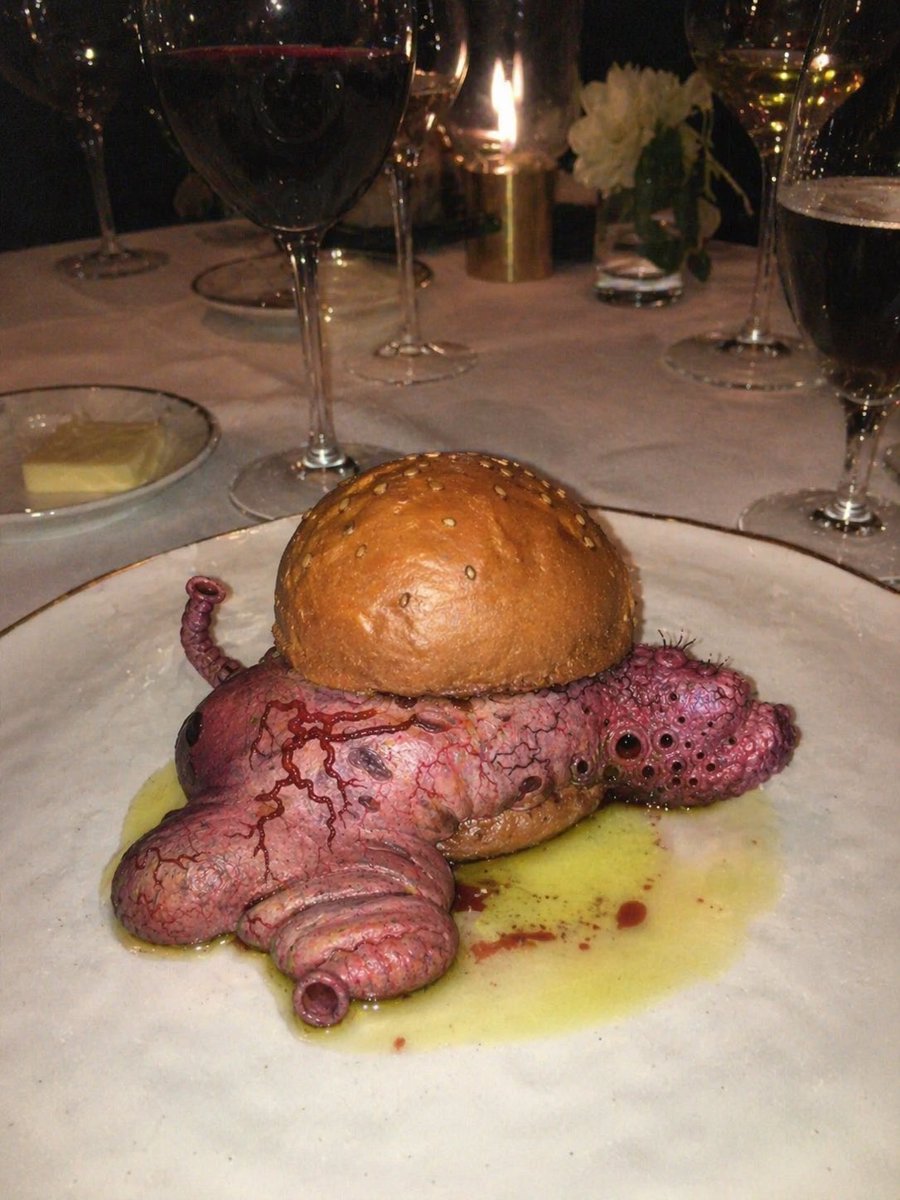
Surreal Octopus Burger Fine Dining Photo
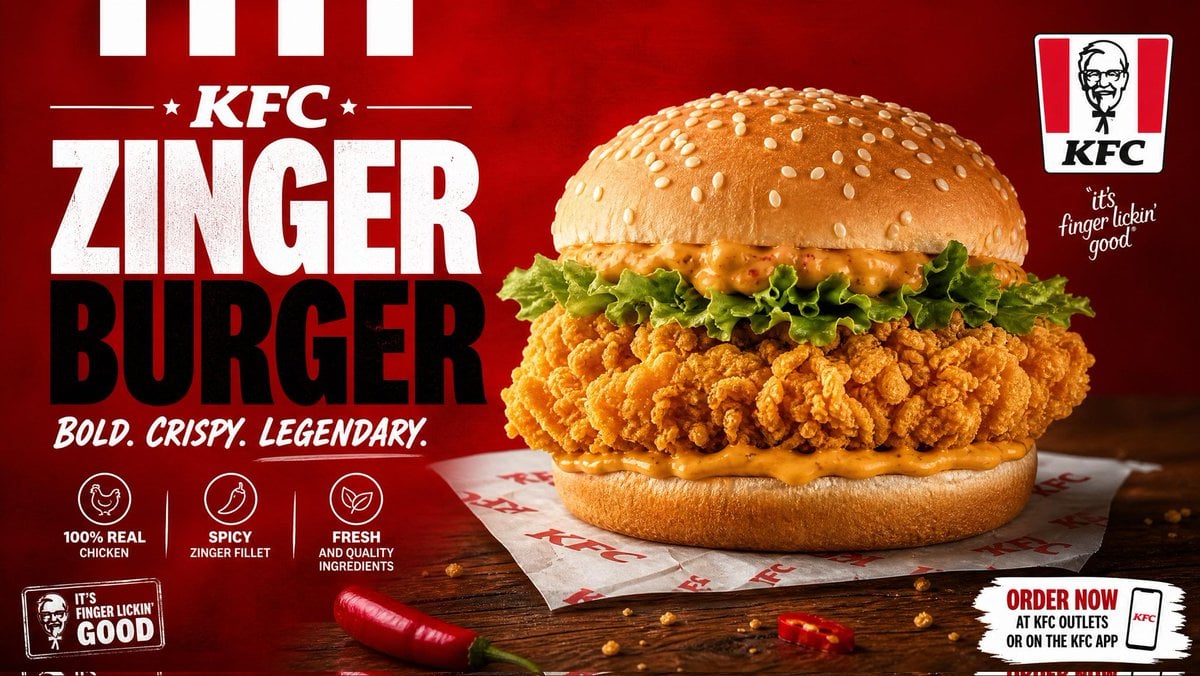
Cinematic Crispy Burger Food Photography
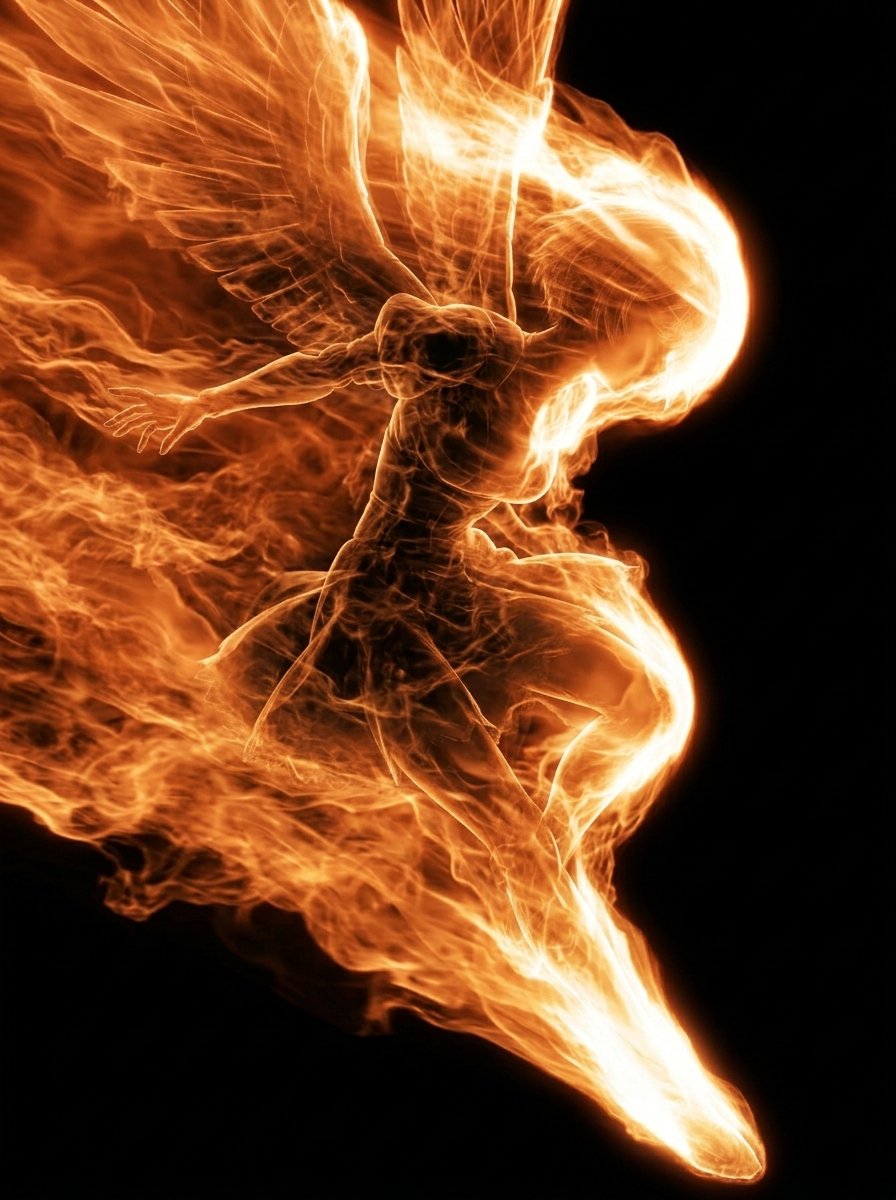
Flaming Angel in Black Void
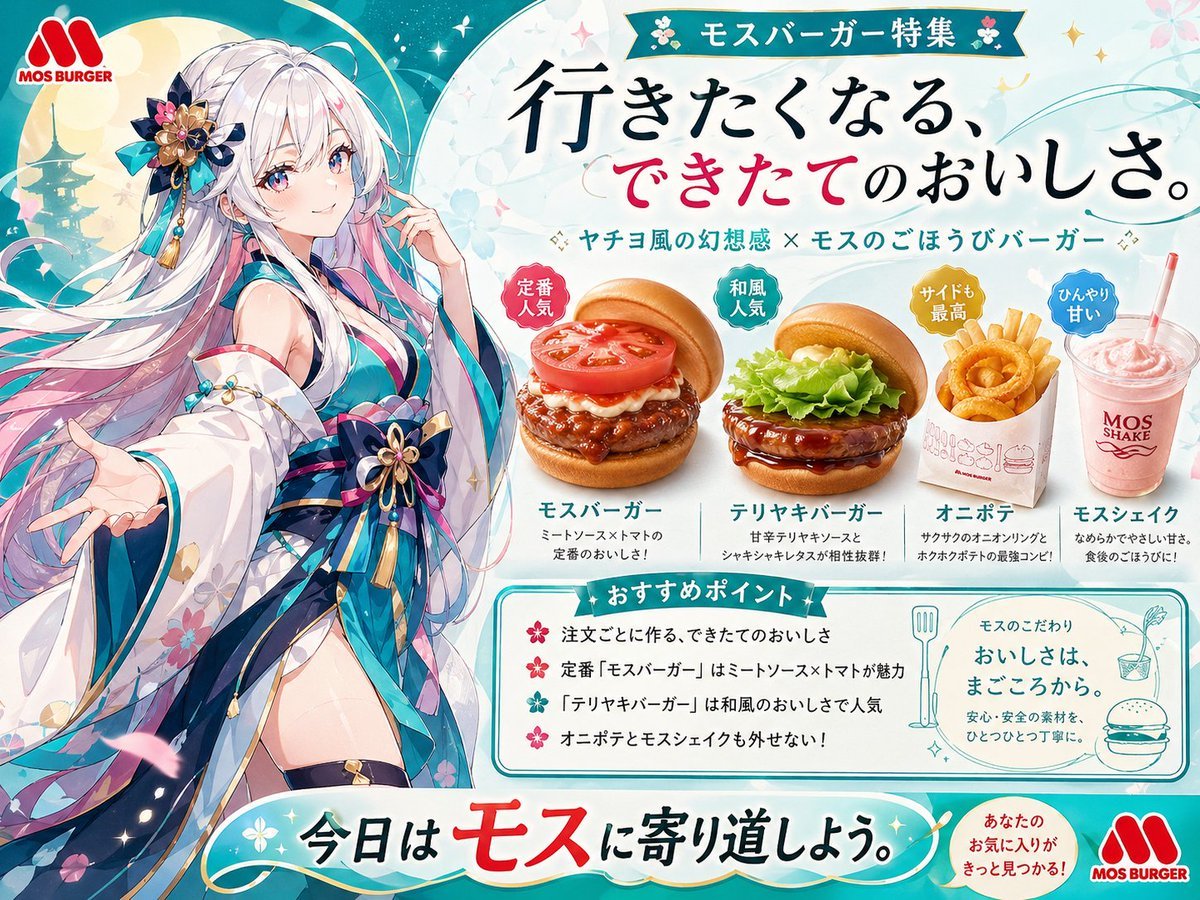
Anime MOS Burger Promo Poster
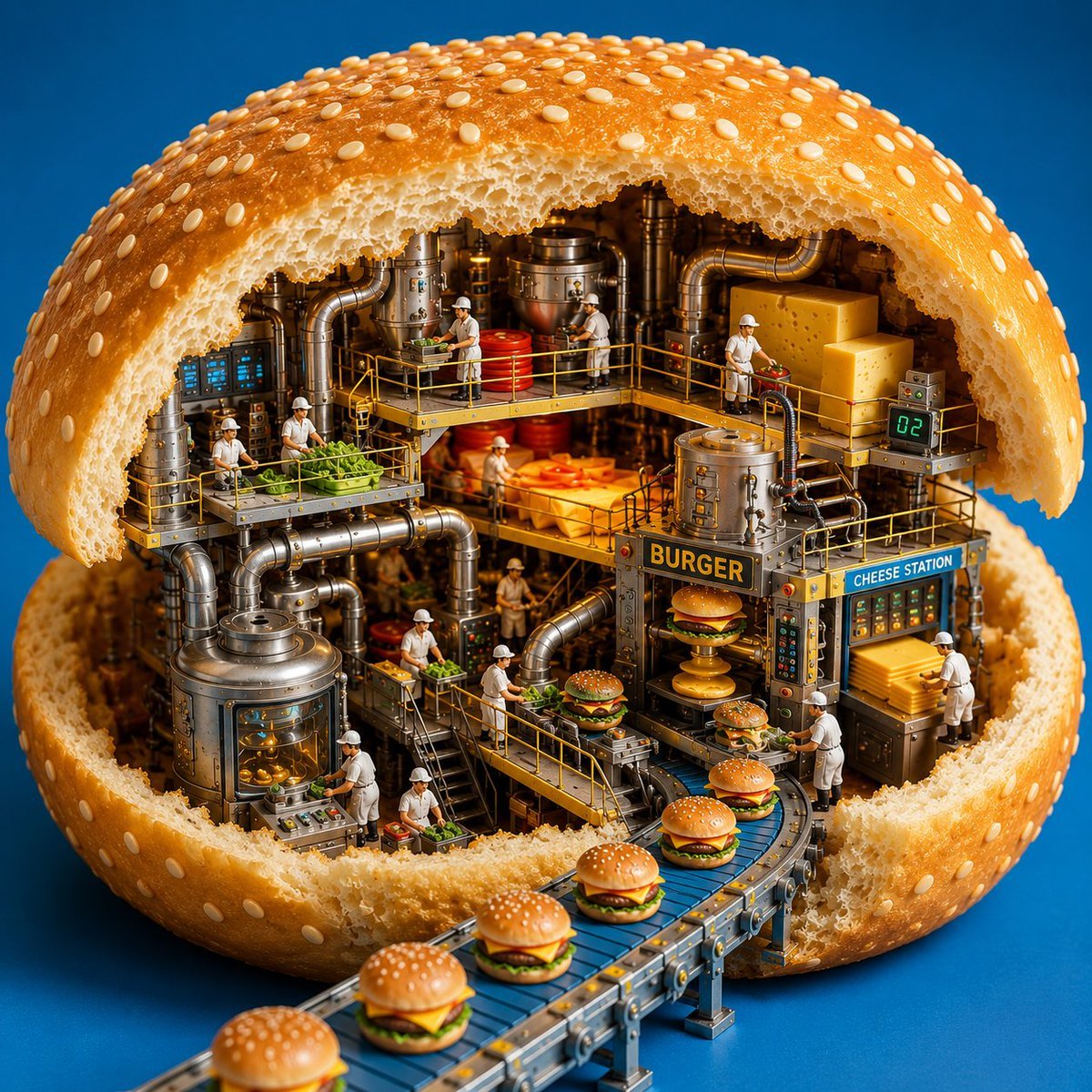
Miniature Burger Factory Render
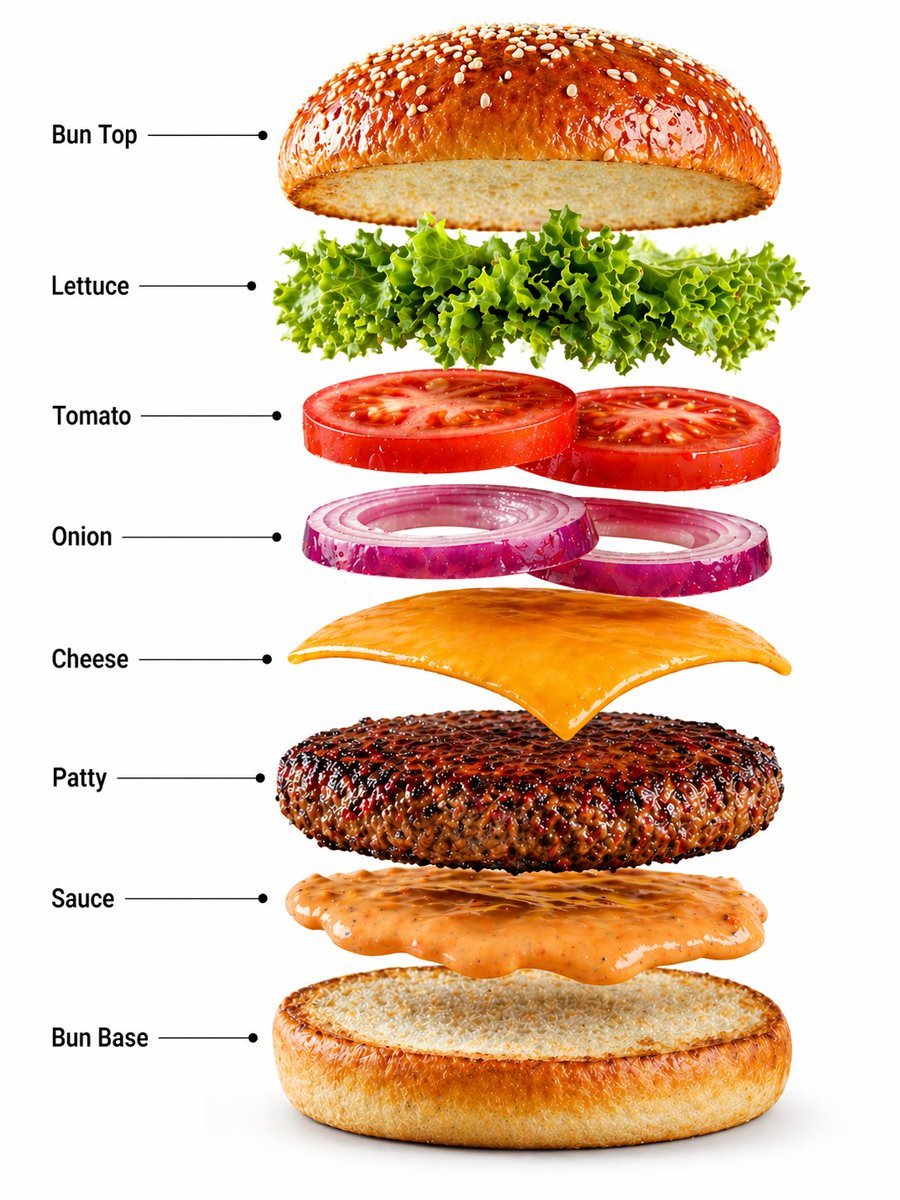
Gourmet Burger Commercial Photography
Make it yours
Flaming Burger Storyboard works as-is. These are the safest ways to change it without losing the look.
Change one field
Copy a single group, rewrite it, and generate again so you can see what that field is doing.
Keep the frame, change the subject
Hold the composition and light of Flaming Burger Storyboard, then swap wardrobe, props or the person for a new take.
| If the result… | Why | Fix |
|---|---|---|
| The result drifts from the preview | Too many fields changed at once. | Reuse Flaming Burger Storyboard as-is first, then change one group — subject, light, or setting. |
| The model over-stylizes the scene | The prose prompt leaves finish and camera underspecified. | Add one camera or lighting sentence and stay on GPT Image 2. |
More GPT Image 2 templates
Other prompts made for GPT Image 2.

Six VTuber Japanese Logo Sheet

Realistic Portrait of Woman and Deer

The Vista Modular Condo Poster

AI Model Routing Comparison Infographic

2.5D Anime Art Board

Isometric Productivity Desk Scene

New York Double Exposure Poster

Four-Panel AI Landscape Comparison

Japanese Tatami Lifestyle Magazine Cover

NESCAFÉ Coffee Map Poster
More image prompts
Fresh picks from across the catalog.
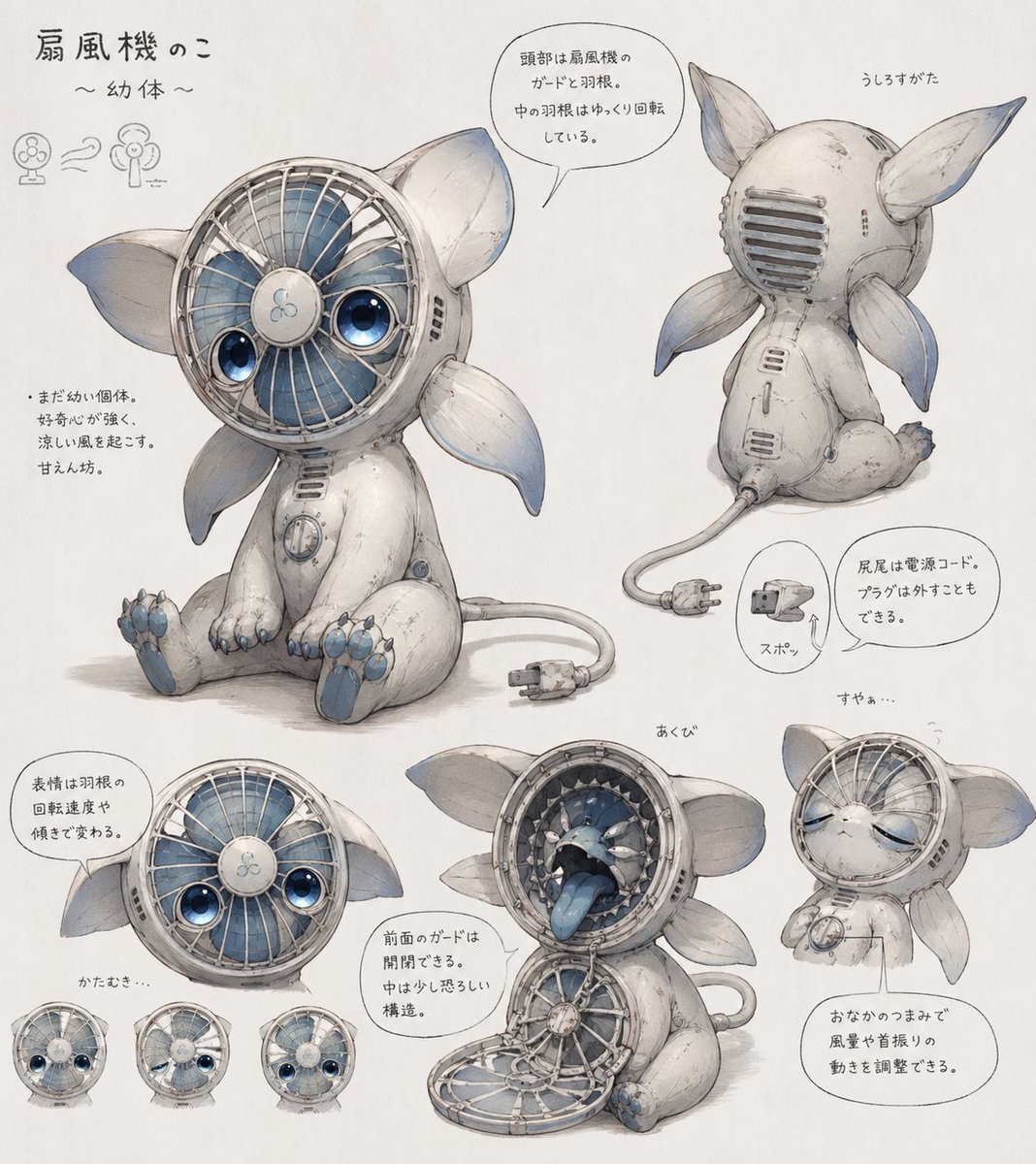
Fan Creature Concept Sheet

Hyper-Realistic Food Photography of Creamy Croissant

Jolivet's Pachinko for Two Pianos
Korean Idol Photocard Grid Collage

Nano Banana Pro Thumbnail Generation: Street & Pop Style
Renaissance Moonlit Balcony Romance

Cocktail Recipe Tutorial and Concept Poster
2000s Flash Photography Aesthetic Portrait
Mysterious Portrait with Butterflies
Space shuttle diagram in space
Browse template categories
Flaming Burger Storyboard questions
How do I use the Flaming Burger Storyboard template?
Add your photo if the template asks for one, edit the prompt if you like — the template's model and format are already selected — and press Generate. Your version opens in PicX Studio.
Can I customize the Flaming Burger Storyboard template?
Yes. You can change the subject, setting, lighting, mood, format, and available model controls before creating your image.
Is the Flaming Burger Storyboard template free?
Opening and editing this template is free. Generating uses credits, shown on the Generate button when you are signed in.
Which AI model should I use?
Start with GPT Image 2, which is the model associated with this template. You can compare another compatible model for a different finish.
Looking for something else? Browse all templates.

Your photo, any look
Thousands of ready templates for every top image and video model, from one credit balance.