
Fast Food Burger Advertisement Poster
Generates a professional food photography poster for a burger meal with customizable promotional text and branding.
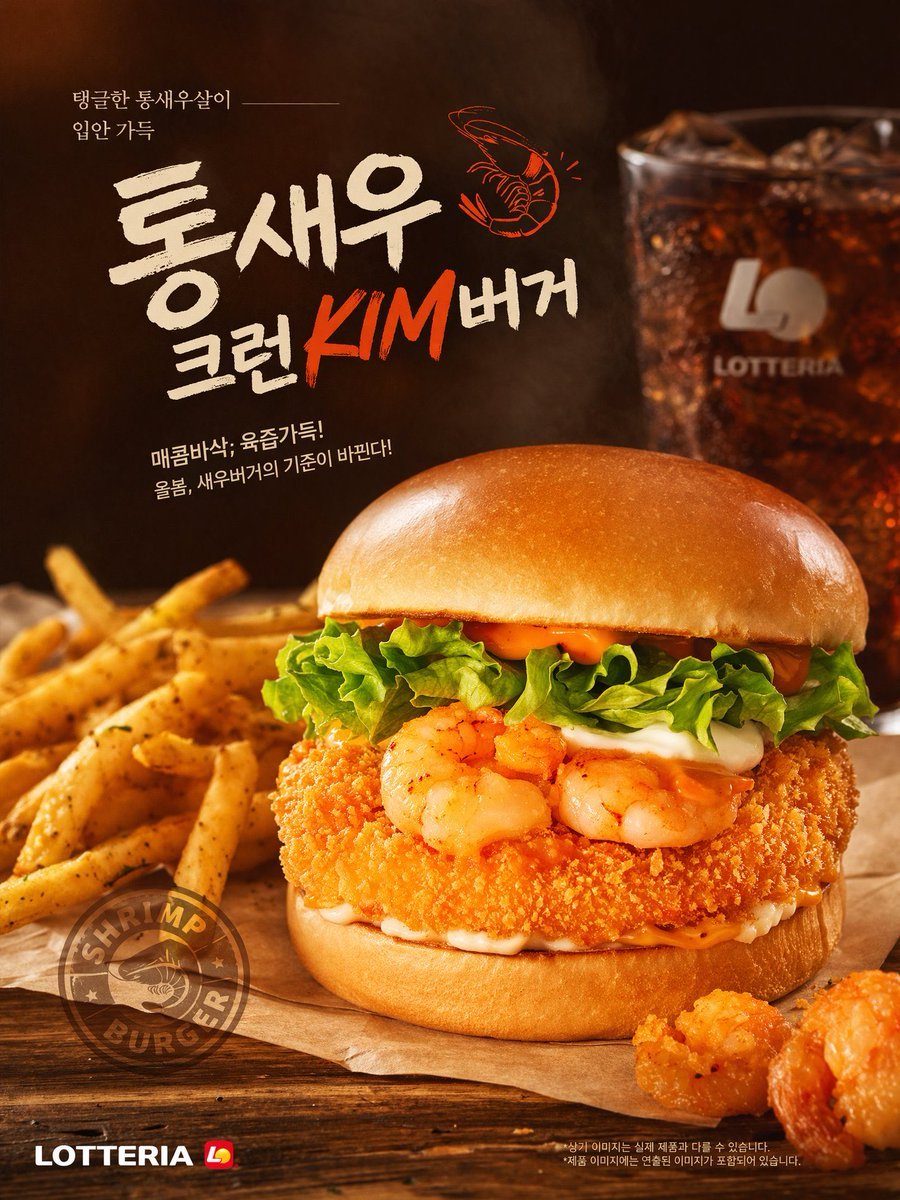
- Prompt included
- Model and format preset
- Free template
The prompt behind this image
Copy the exact prompt behind Fast Food Burger Advertisement Poster, or open it in the studio and make it yours.
A commercial food photography poster for a {argument name="burger type" default="shrimp burger"}. The central burger features a glossy brioche bun, lettuce, white sauce, spicy orange mayo, two grilled shrimp, and a thick crispy breaded patty. It rests on parchment paper on a wooden table, flanked by seasoned french fries on the left and two fried shrimp pieces on the bottom right. A blurred glass of iced cola and a faint {argument name="brand name" default="LOTTERIA"} logo appear in the dark background. The parchment bears a circular "SHRIMP BURGER" stamp. Top left Korean text reads {argument name="top left text" default="탱글한 통새우살이 입안 가득"}. The large central headline is {argument name="main headline" default="통새우 크런KIM버거"} with a small orange shrimp illustration. Below it is the subtitle {argument name="subtitle text" default="매콤바삭, 육즙가득! 올봄, 새우버거의 기준이 바뀐다!"}. The bottom left corner shows the {argument name="brand name" default="LOTTERIA"} logo. Warm, professional studio lighting.
How to use Fast Food Burger Advertisement Poster in 3 steps
- 1Upload ImagePNG, JPG or paste
Add your photo
Upload the photo the template builds on. The prompt, model and format are already set.
- 2…a portrait of your subject in softgolden-hour light, 85mm…
Personalize
Edit the subject and creative details for your destination.
- 3Generate
Generate
Press Generate — your image is created in PicX Studio, so you can compare it with the original and refine one variable at a time.
More like this
Templates with the same subject, style or setup. Open one to see its prompt.
Minimalist Fast Food Advertisement
Retro Fast Food Poster Ad
Luxury Fast Food Chef Advertisement
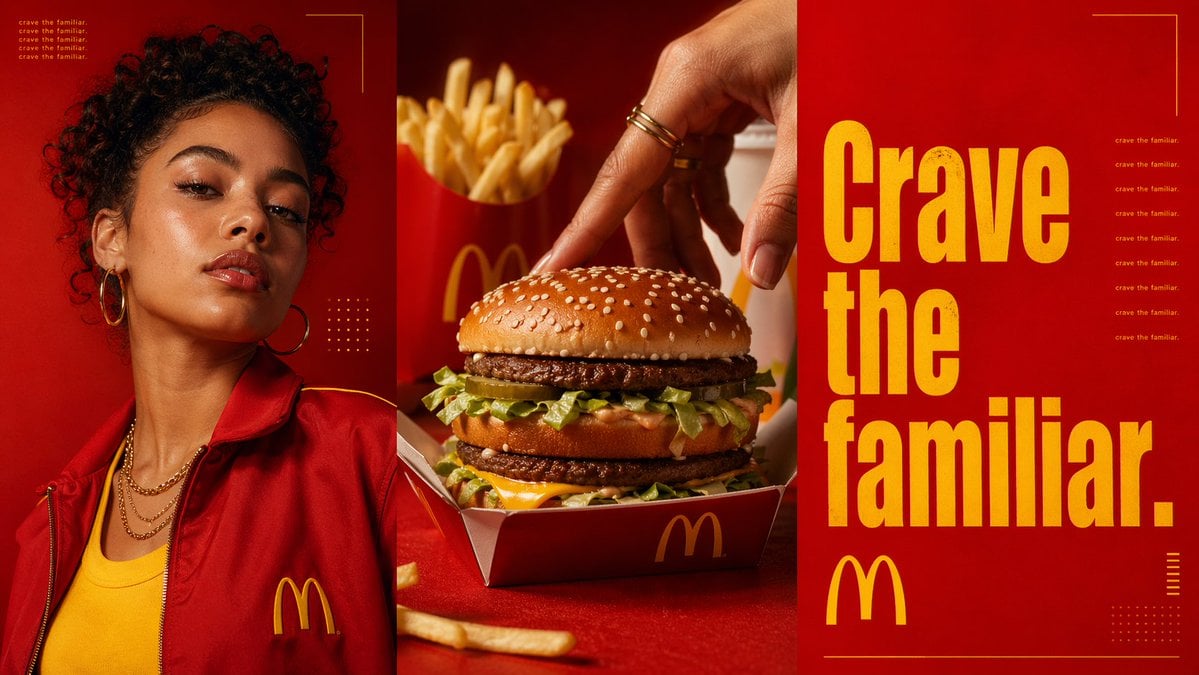
Triptych Fast-Food Ad Poster
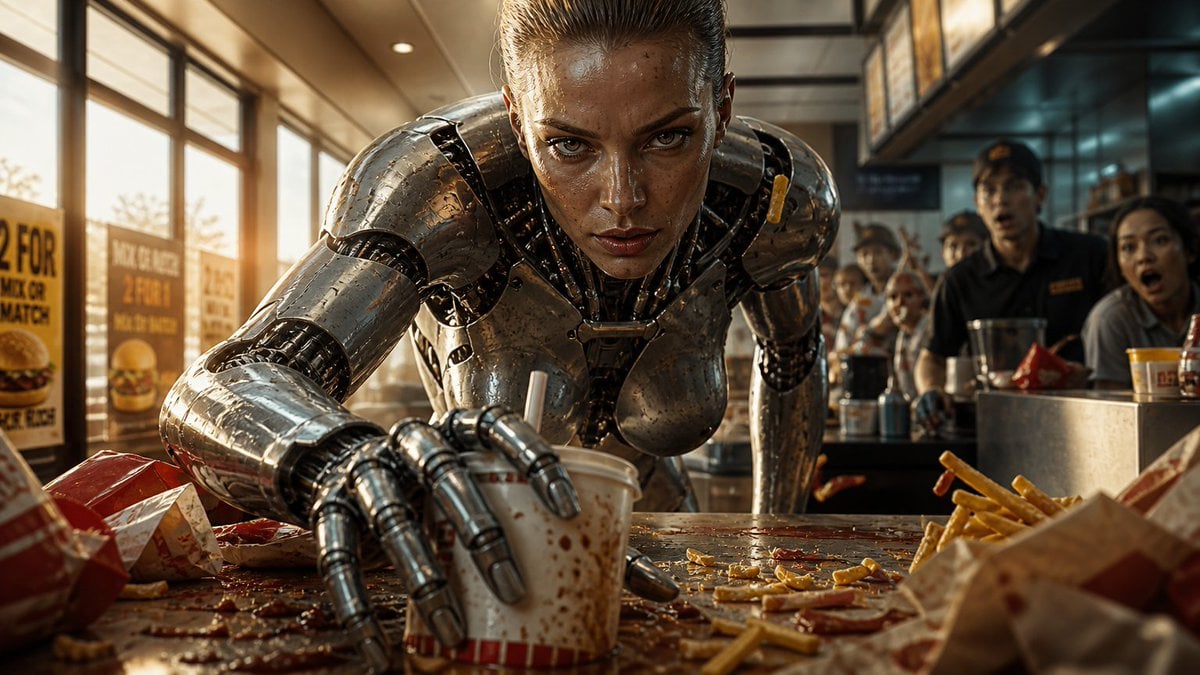
Robot Woman Fast Food Counter Chaos
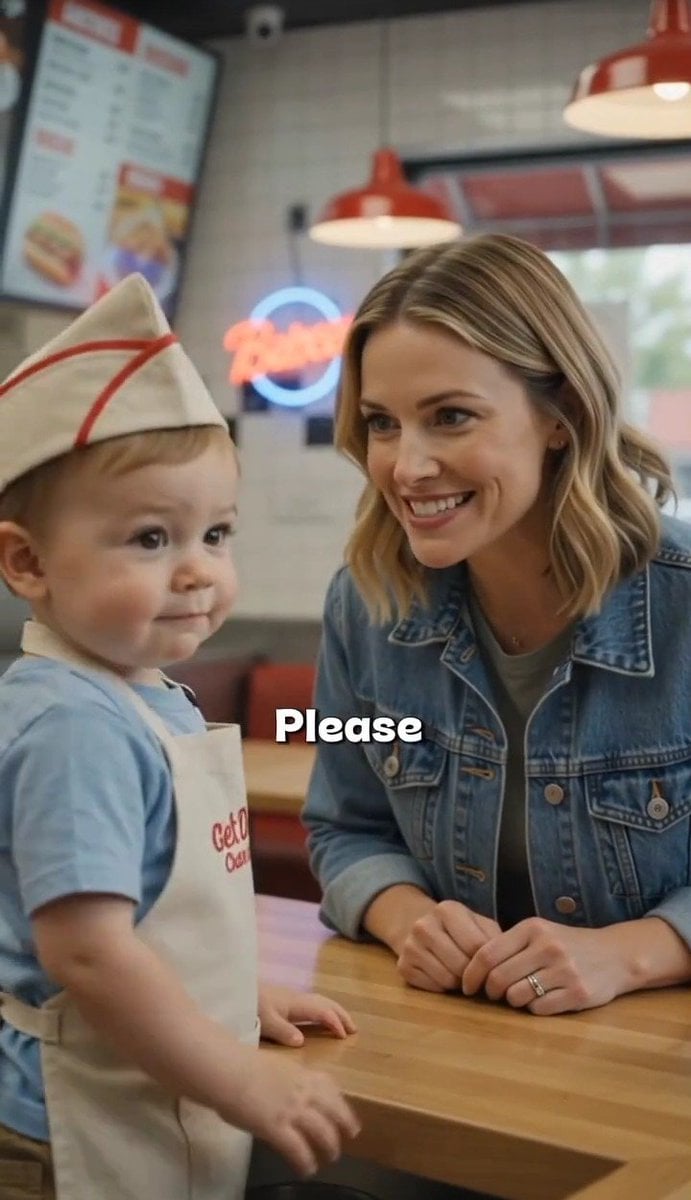
Toddler Fast Food Comedy Still
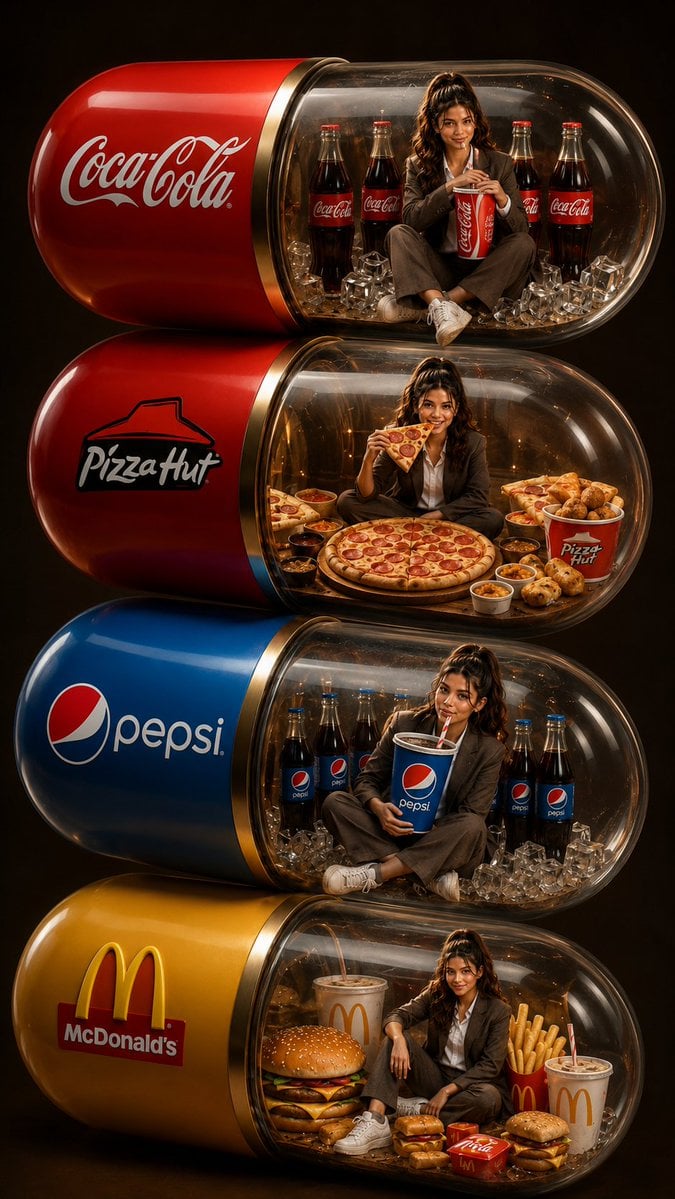
Stacked Fast Food Capsule Ads

Japan Travel Brochure Poster
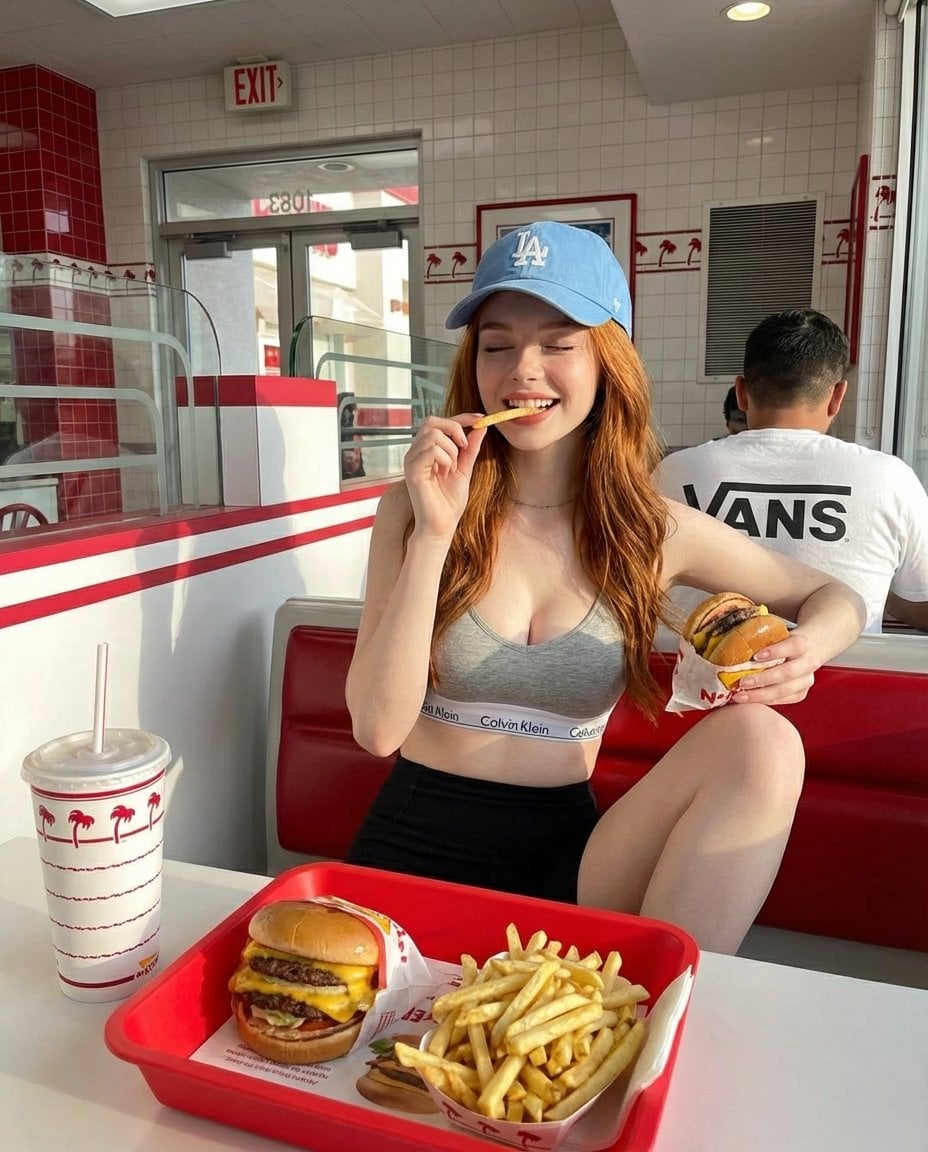
A young red-haired woman sitting inside a bright retro-style fast food

Vibrant Sports Advertisement Poster
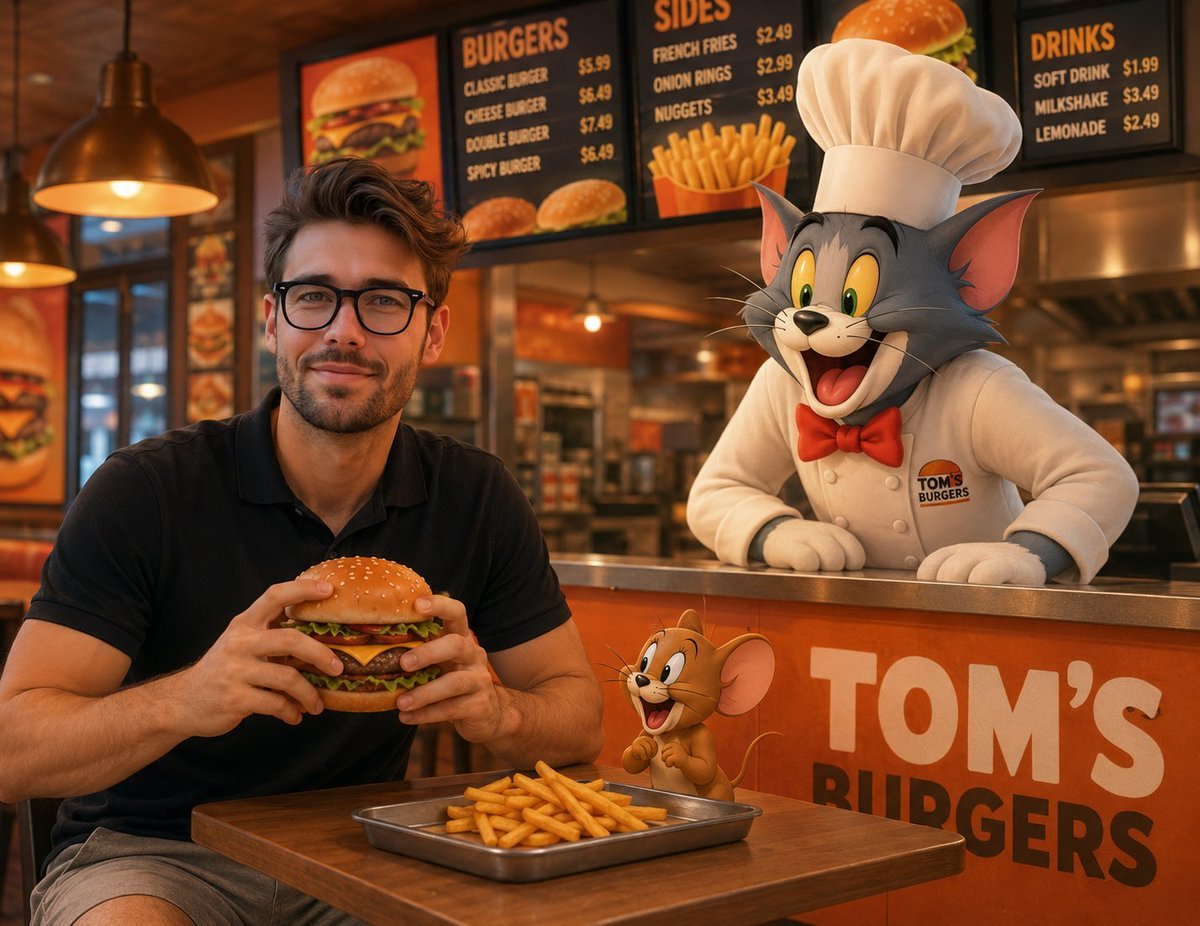
Joyful Fast-food Restaurant Crossover Scene
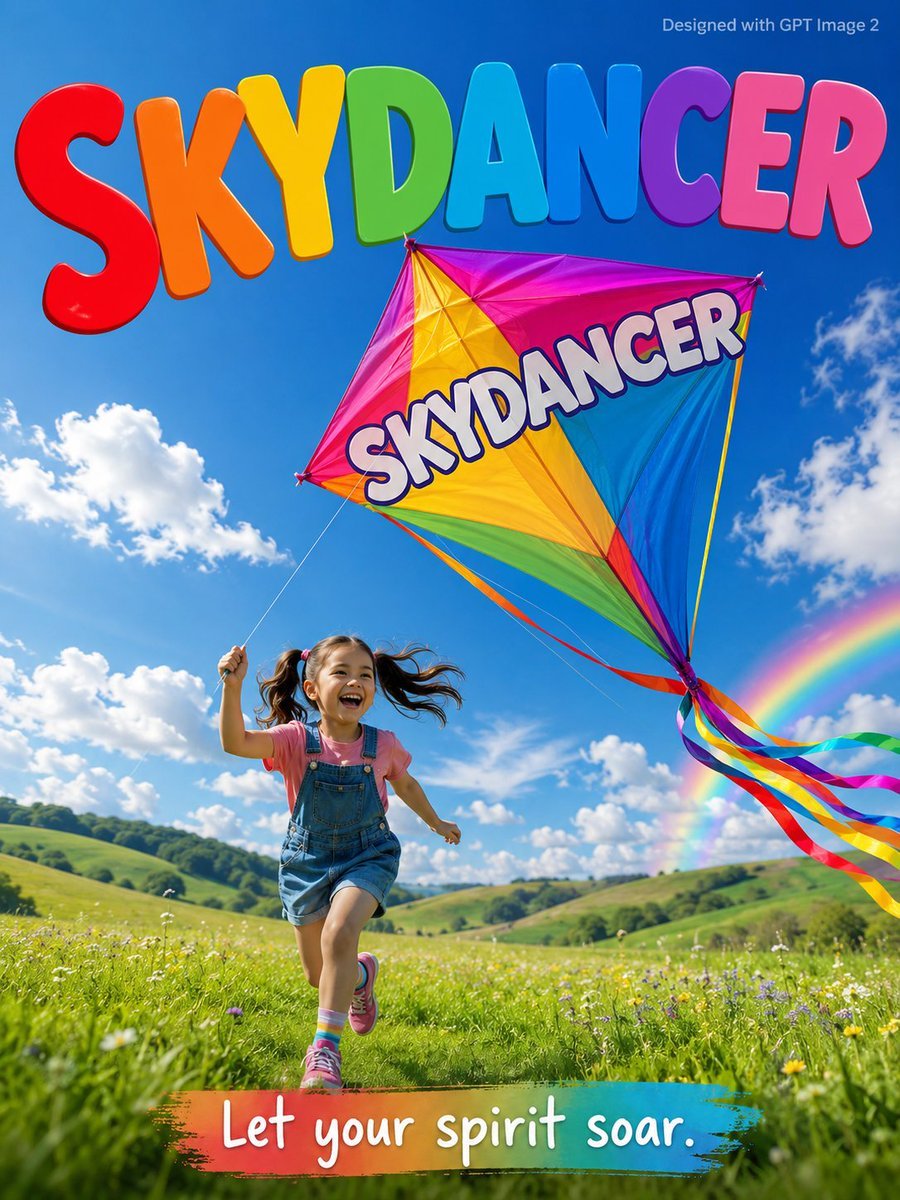
Skydancer Kite Advertisement Poster
Make it yours
Fast Food Burger Advertisement Poster works as-is. These are the safest ways to change it without losing the look.
Change one field
Copy a single group, rewrite it, and generate again so you can see what that field is doing.
Keep the frame, change the subject
Hold the composition and light of Fast Food Burger Advertisement Poster, then swap wardrobe, props or the person for a new take.
| If the result… | Why | Fix |
|---|---|---|
| The result drifts from the preview | Too many fields changed at once. | Reuse Fast Food Burger Advertisement Poster as-is first, then change one group — subject, light, or setting. |
| The model over-stylizes the scene | The prose prompt leaves finish and camera underspecified. | Add one camera or lighting sentence and stay on GPT Image 2. |
More GPT Image 2 templates
Other prompts made for GPT Image 2.

Six VTuber Japanese Logo Sheet

Realistic Portrait of Woman and Deer

The Vista Modular Condo Poster

AI Model Routing Comparison Infographic

2.5D Anime Art Board

Isometric Productivity Desk Scene

New York Double Exposure Poster

Four-Panel AI Landscape Comparison

Japanese Tatami Lifestyle Magazine Cover

NESCAFÉ Coffee Map Poster
More image prompts
Fresh picks from across the catalog.
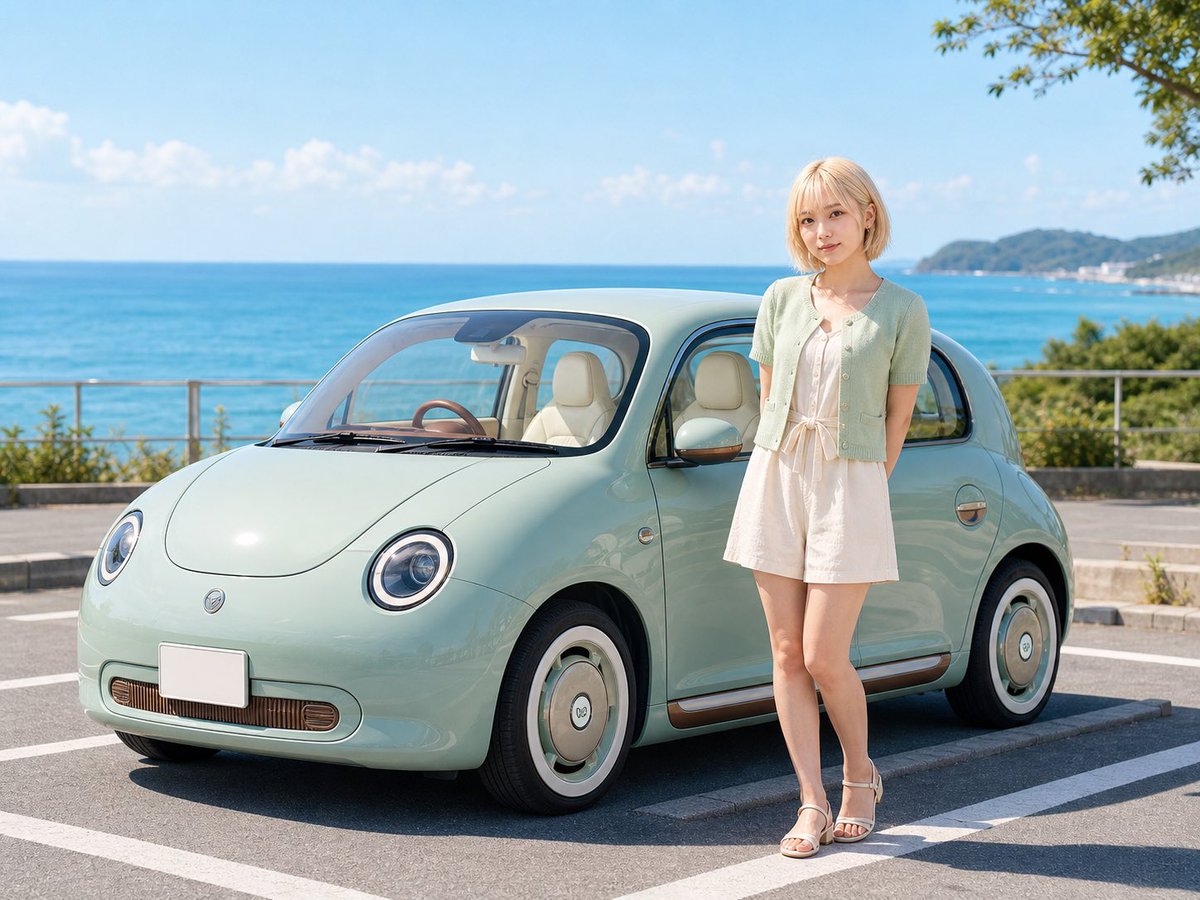
Pastel Retro Seaside Car

Sleeping Anime Star Witch
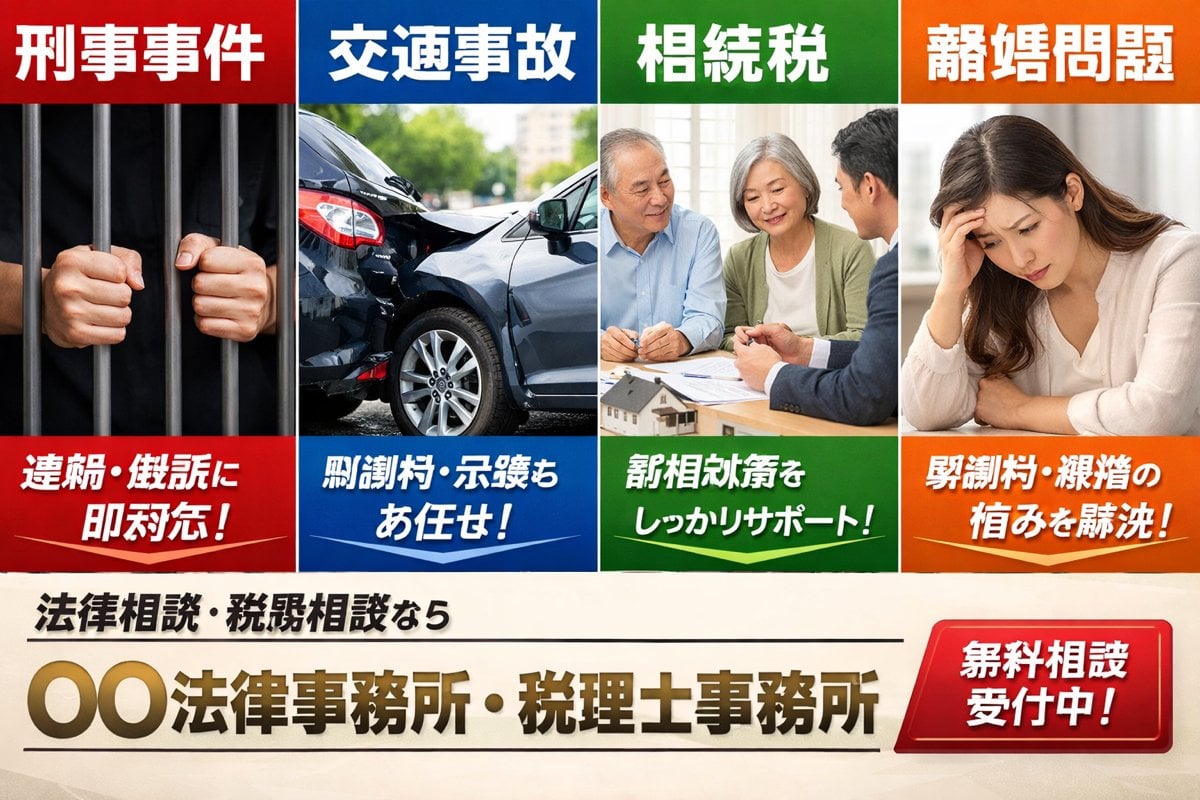
Japanese Legal Services LP Banner
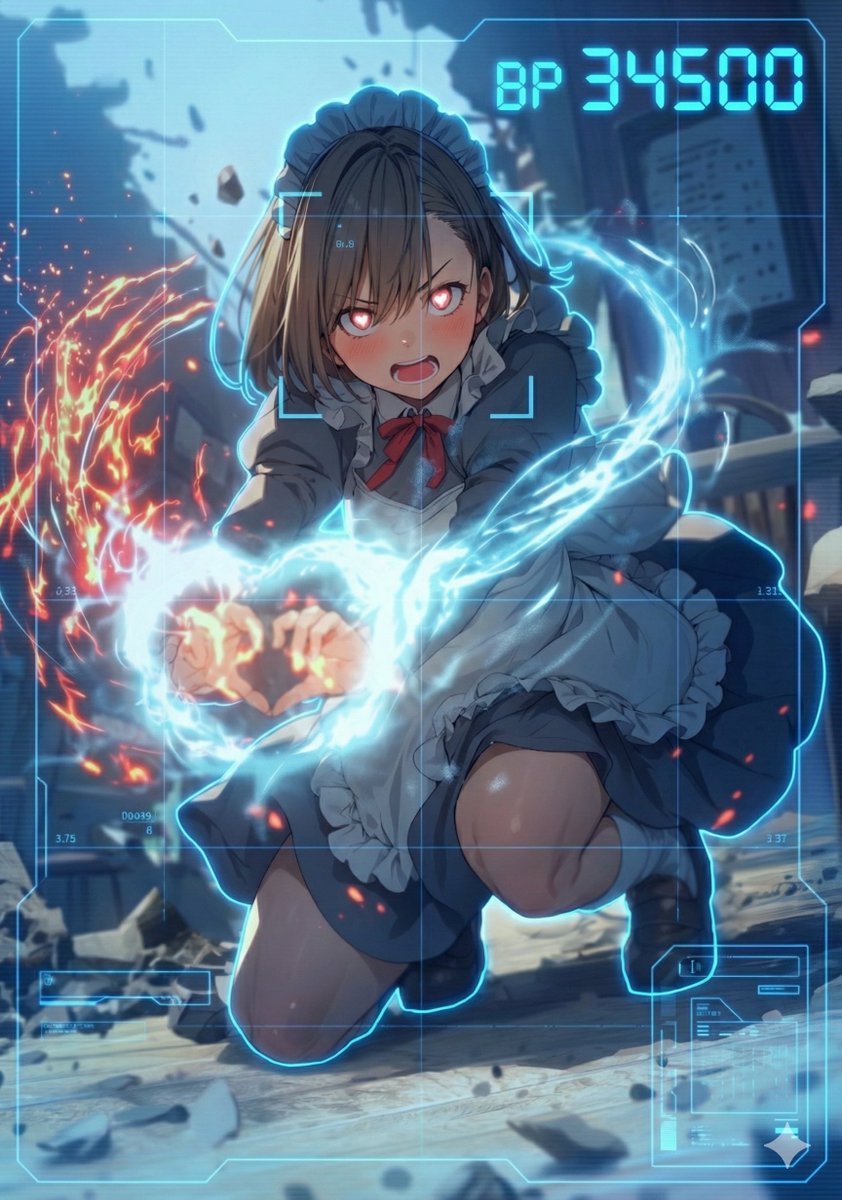
HUD battle power overlay for any character image
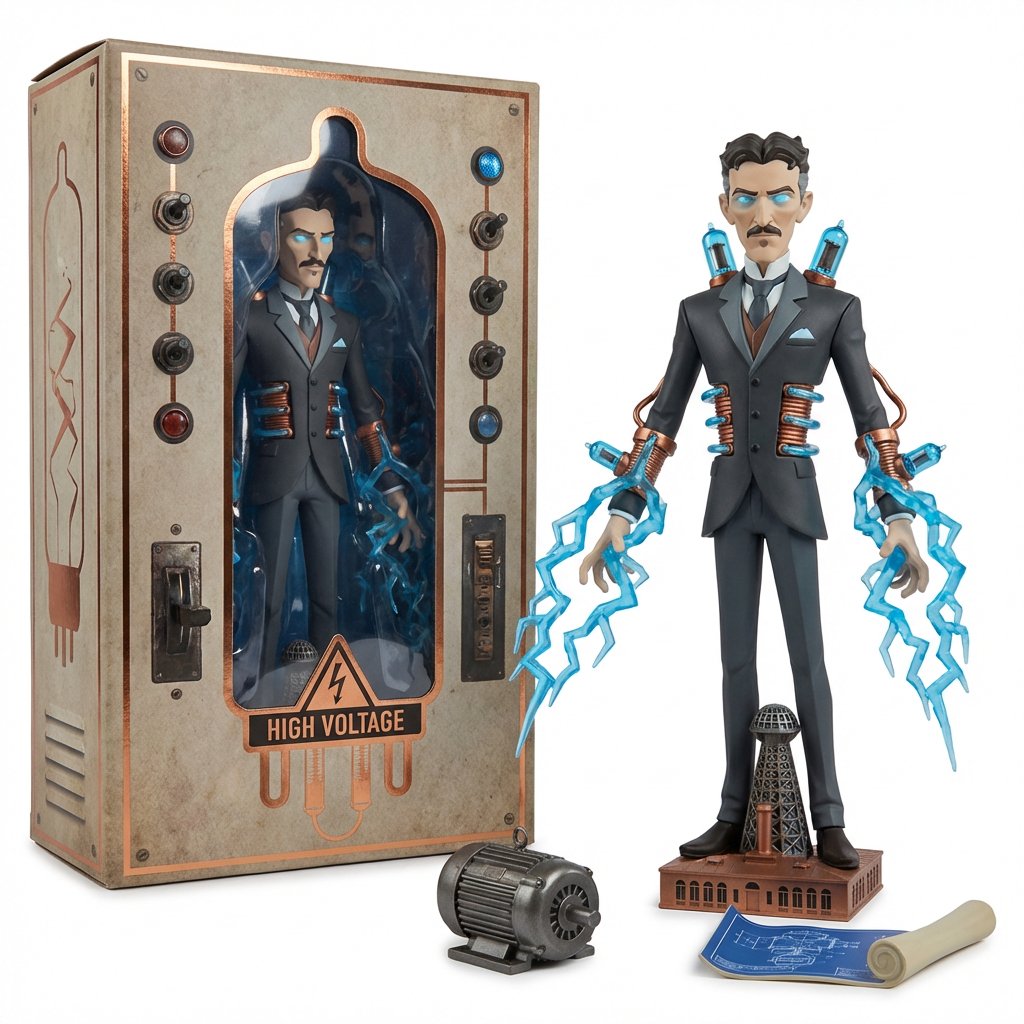
Collectible Toyline Forge Engine System Prompt
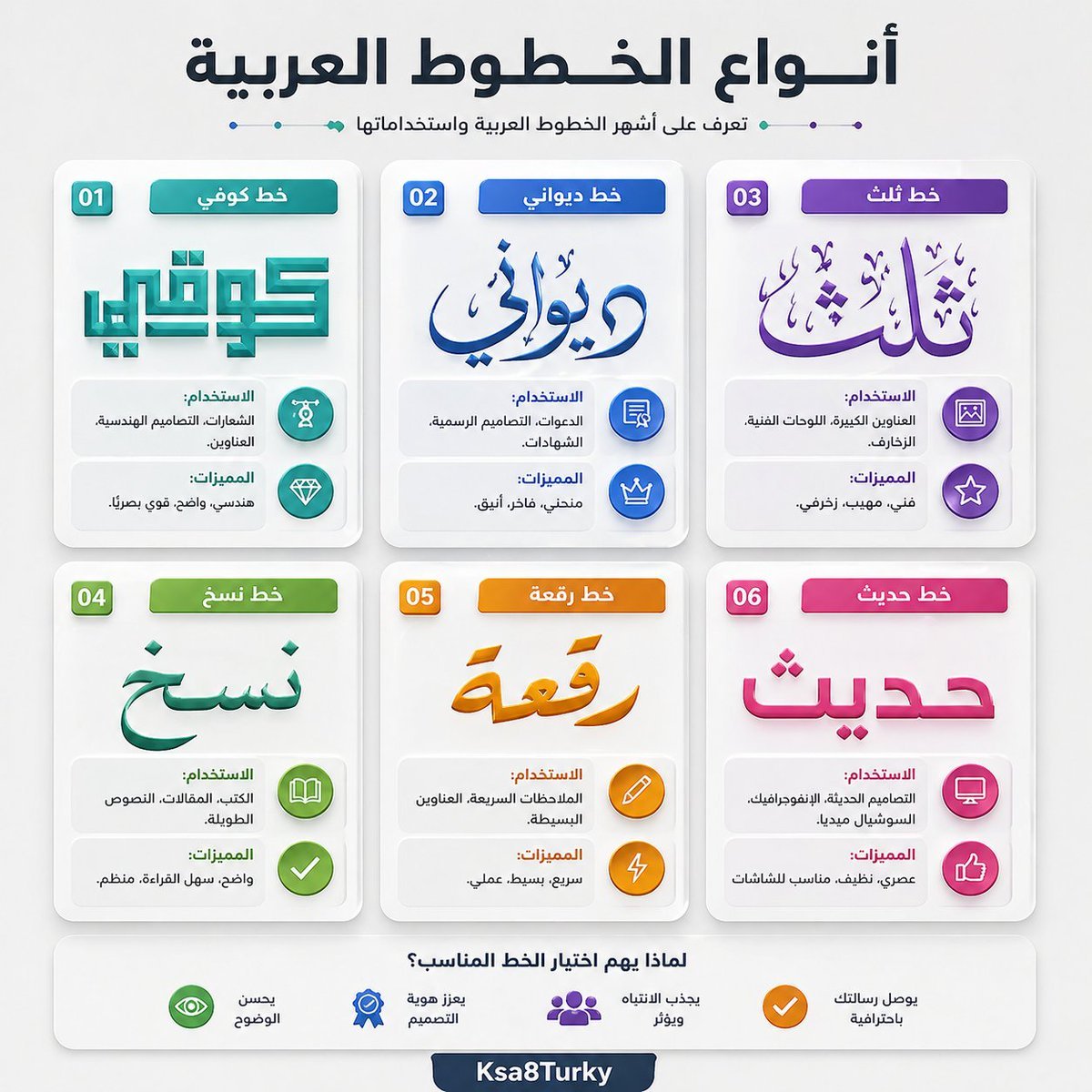
Arabic Font Types Infographic
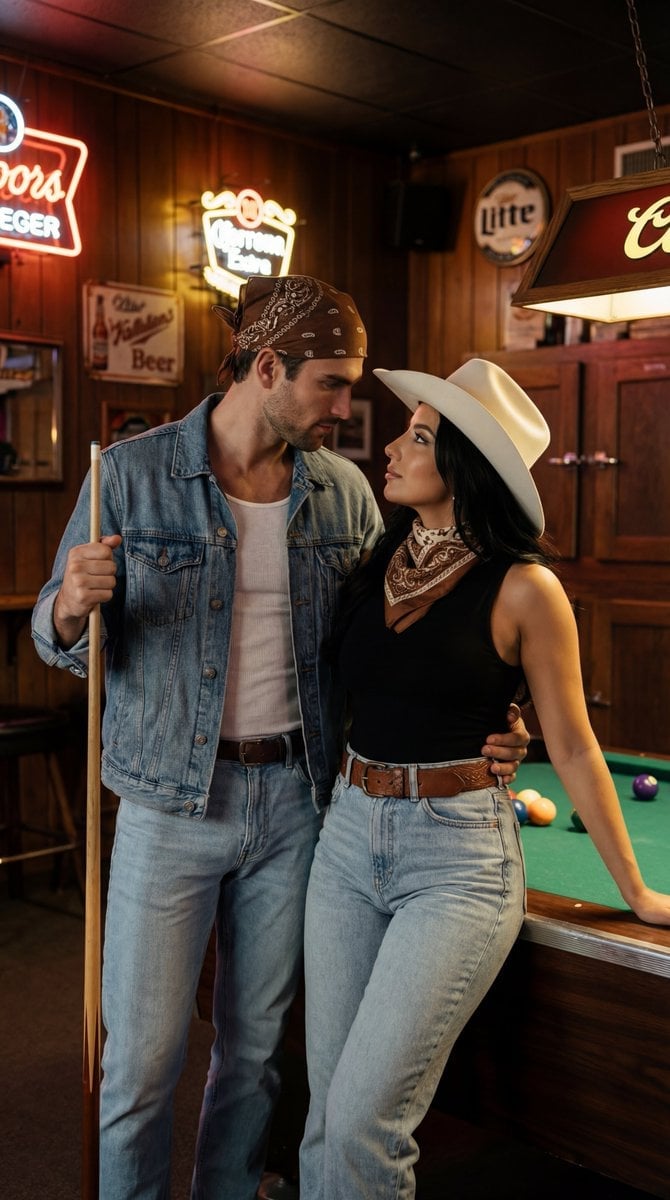
Americana Dive Bar Editorial Scene
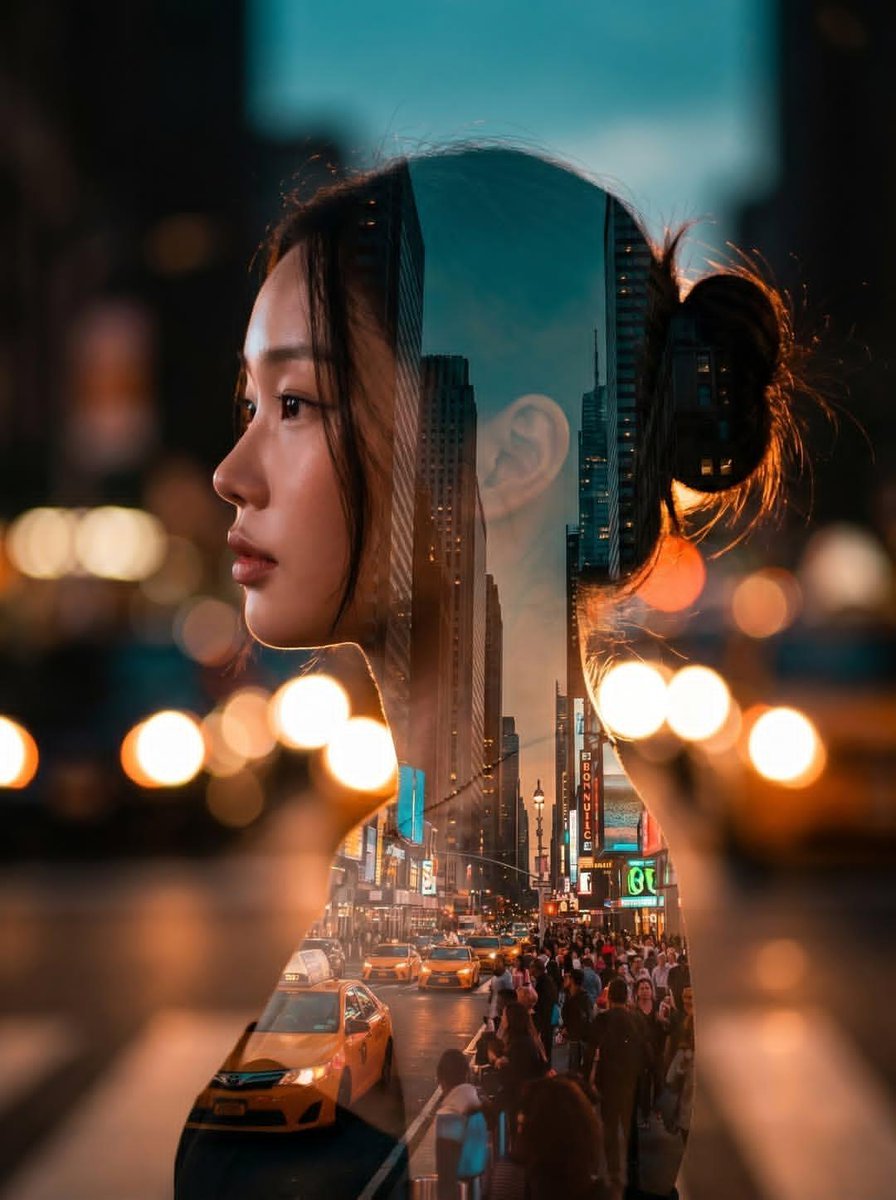
Double Exposure City Portrait
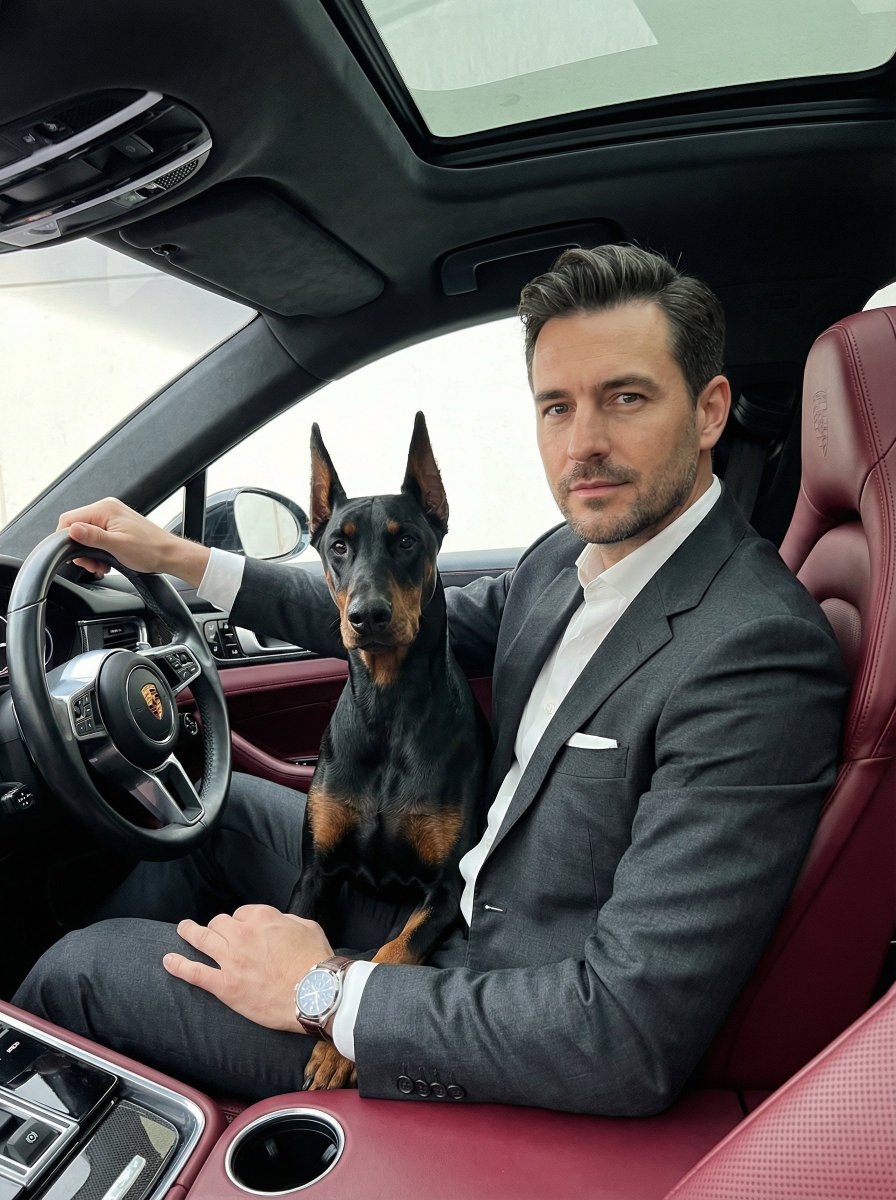
Luxury Car Portrait with Doberman
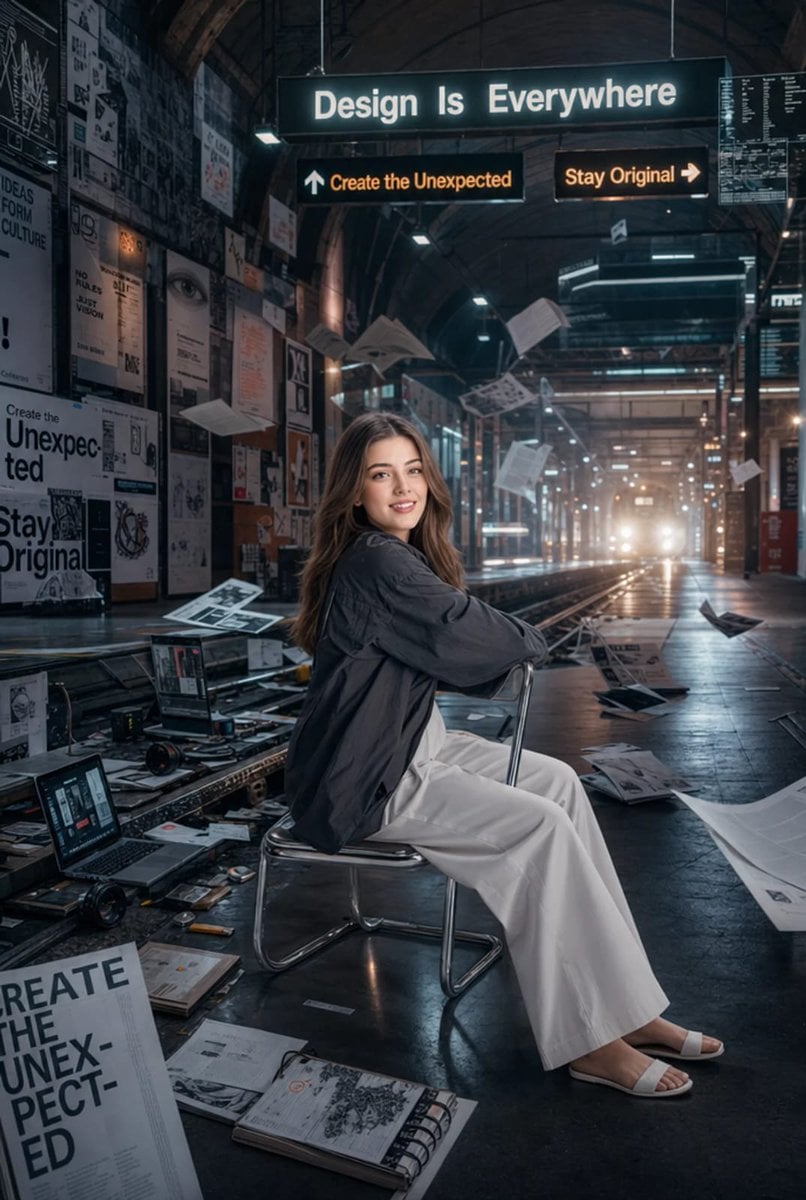
Surreal Cinematic Subway Studio
Browse template categories
Fast Food Burger Advertisement Poster questions
How do I use the Fast Food Burger Advertisement Poster template?
Add your photo if the template asks for one, edit the prompt if you like — the template's model and format are already selected — and press Generate. Your version opens in PicX Studio.
Can I customize the Fast Food Burger Advertisement Poster template?
Yes. You can change the subject, setting, lighting, mood, format, and available model controls before creating your image.
Is the Fast Food Burger Advertisement Poster template free?
Opening and editing this template is free. Generating uses credits, shown on the Generate button when you are signed in.
Which AI model should I use?
Start with GPT Image 2, which is the model associated with this template. You can compare another compatible model for a different finish.
Looking for something else? Browse all templates.

Your photo, any look
Thousands of ready templates for every top image and video model, from one credit balance.