
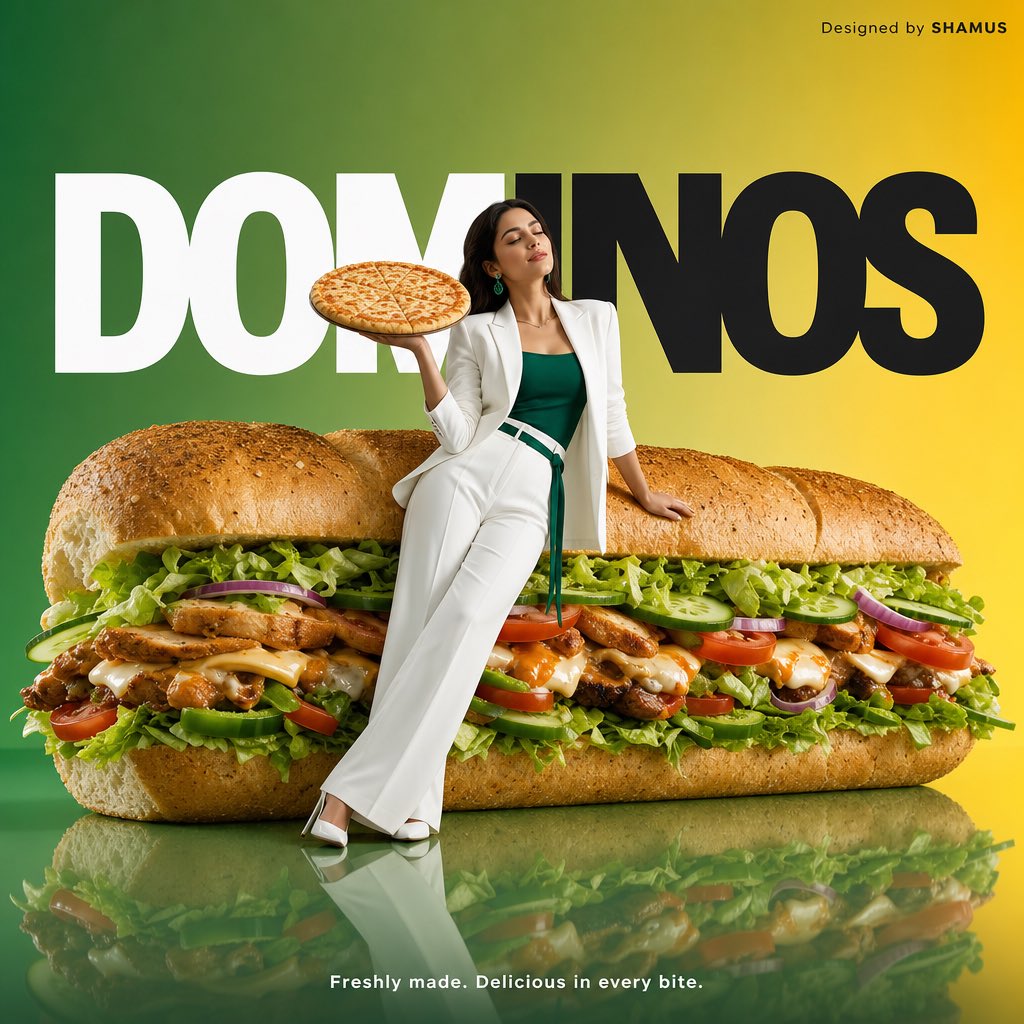
Minimalist Fast Food Advertisement
Commercial advertising prompt for a hero product with clean, luxury editorial styling and branded typography.
- Prompt included
- Model and format preset
- Free template
The prompt behind this image
Copy the exact prompt behind Minimalist Fast Food Advertisement, or open it in the studio and make it yours.
Create a minimalist commercial advertisement featuring an oversized {argument name="hero product" default="cheese pizza"} as the hero product in an ultra-clean, luxury campaign style. A young WOMAN dressed in an {argument name="outfit color" default="elegant all-pink AND white"} outfit leans casually against the giant PIZZA in a relaxed yet confident pose, eyes gently closed, while holding a freshly made {argument name="brand name" default="pizza hut"} CHEESE PIZZA in both hand. The composition is modern and editorial, emphasizing scale, freshness, and visual impact. Use a soft gradient green-to-yellow background with large bold white AND BLACK “{argument name="brand name" default="PIZZA HUT"}” typography placed prominently behind the subject. Include a glossy reflective floor that subtly mirrors the sandwich and the model, enhanced with soft studio lighting and premium food photography aesthetics. Ensure the sandwich appears hyper-realistic, packed with fresh crisp lettuce, sliced tomatoes, cucumbers, onions, cheese, savory meat or veggie filling, signature sauces, and artisan bread with mouthwatering texture and detail. Maintain a clean, luxurious layout with balanced negative space and a sophisticated commercial look suitable for a high-end global advertising campaign. Add small text in the top-right corner reading “Designed by SHAMUS”. At the bottom center, place the tagline in small white font: “Freshly made. Delicious in every bite
How to use Minimalist Fast Food Advertisement in 3 steps
- 1
Open
The prompt is already in the box next to the preview, with the template's model and format selected.
- 2…a portrait of your subject in softgolden-hour light, 85mm…
Personalize
Edit the subject and creative details for your destination.
- 3Generate
Generate
Press Generate — your image is created in PicX Studio, so you can compare it with the original and refine one variable at a time.
More like this
Templates with the same subject, style or setup. Open one to see its prompt.
Fast Food Burger Advertisement Poster
Luxury Fast Food Chef Advertisement
Robot Woman Fast Food Counter Chaos
Toddler Fast Food Comedy Still
Stacked Fast Food Capsule Ads
A young red-haired woman sitting inside a bright retro-style fast food
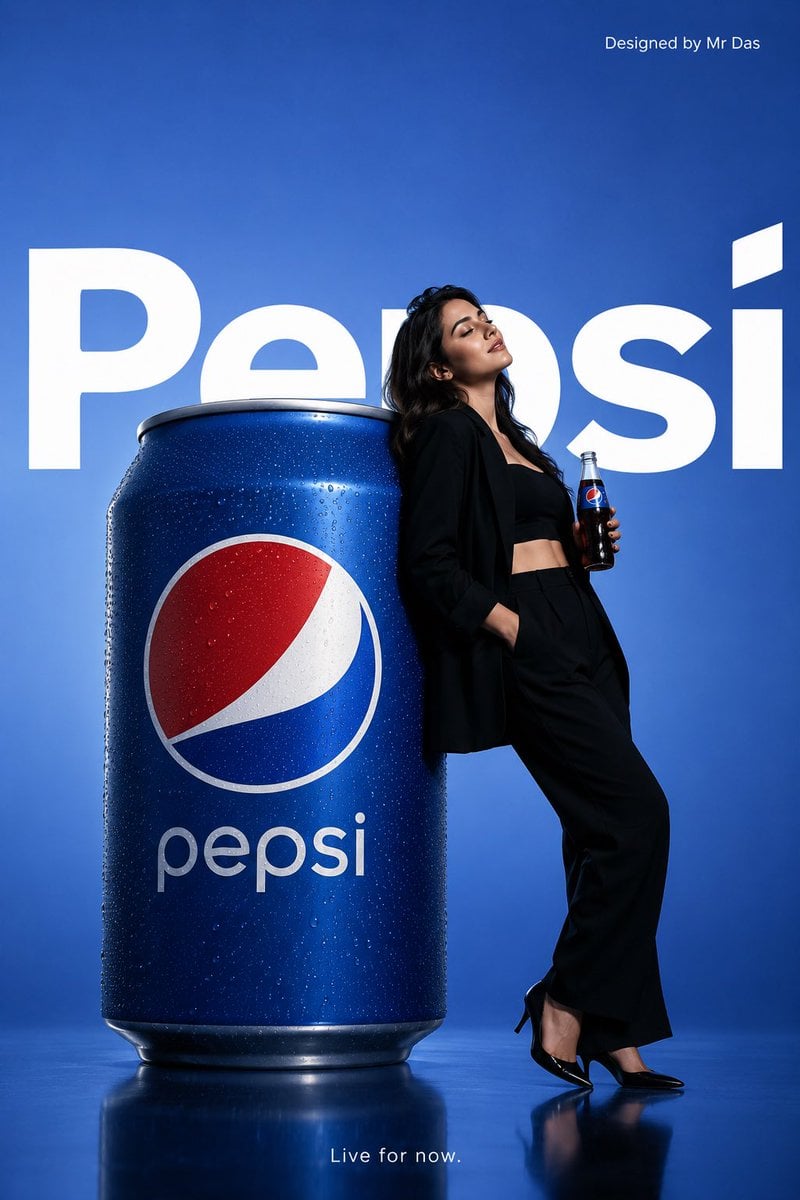
Minimalist Pepsi Commercial Advertisement
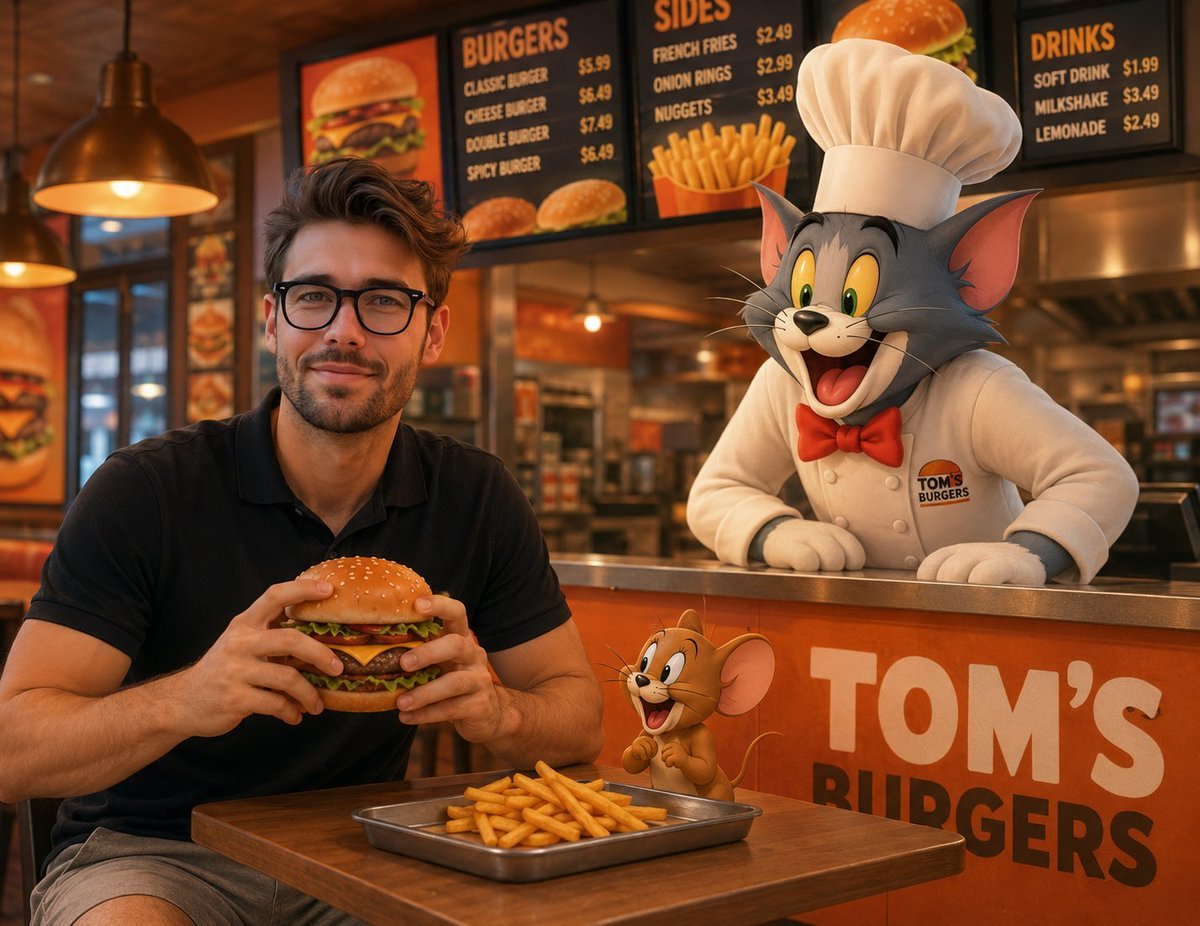
Joyful Fast-food Restaurant Crossover Scene
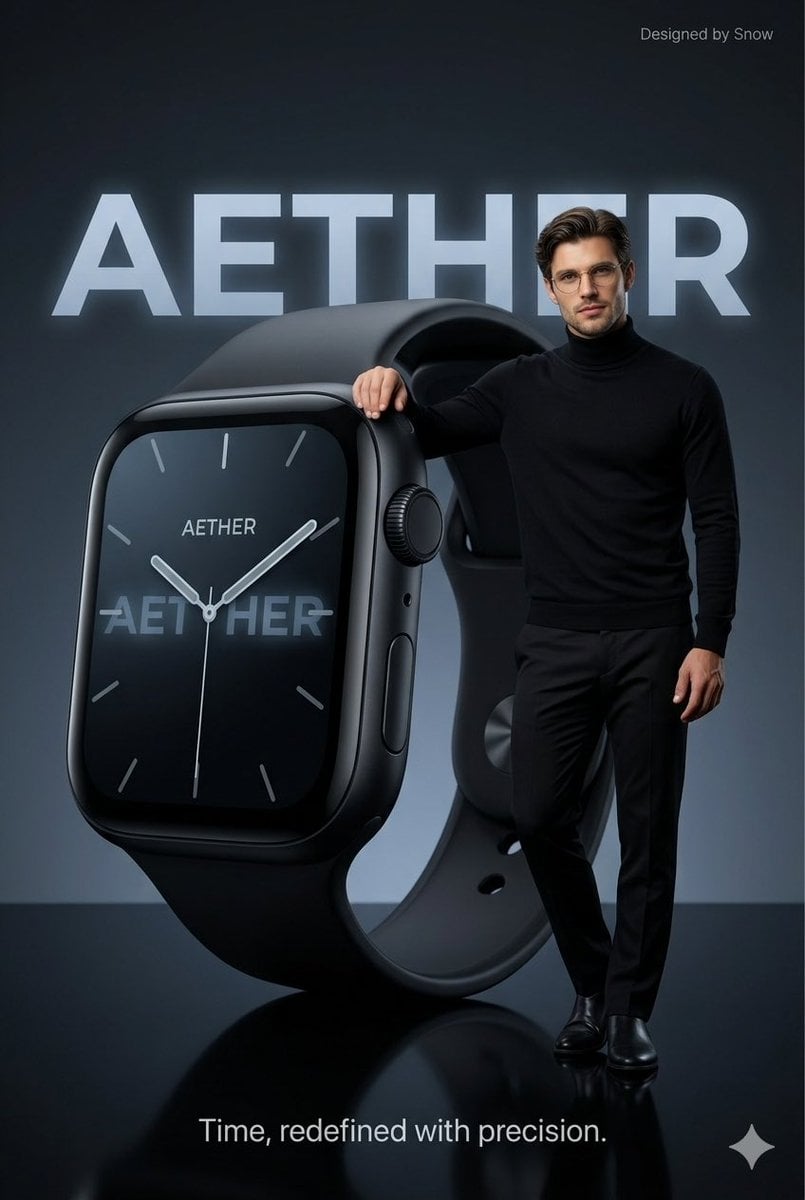
Minimalist Luxury Tech Advertisement
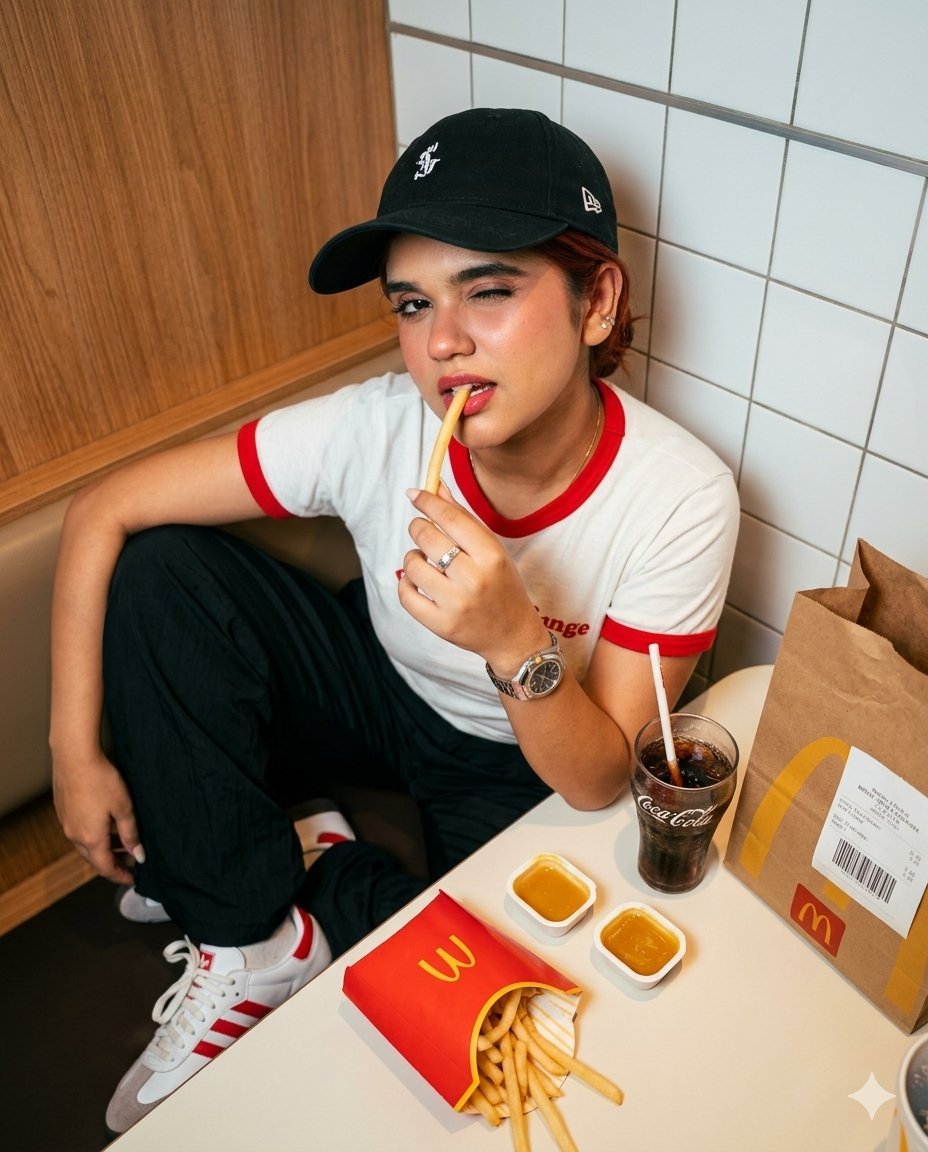
Fast Food Dining Lifestyle Shot
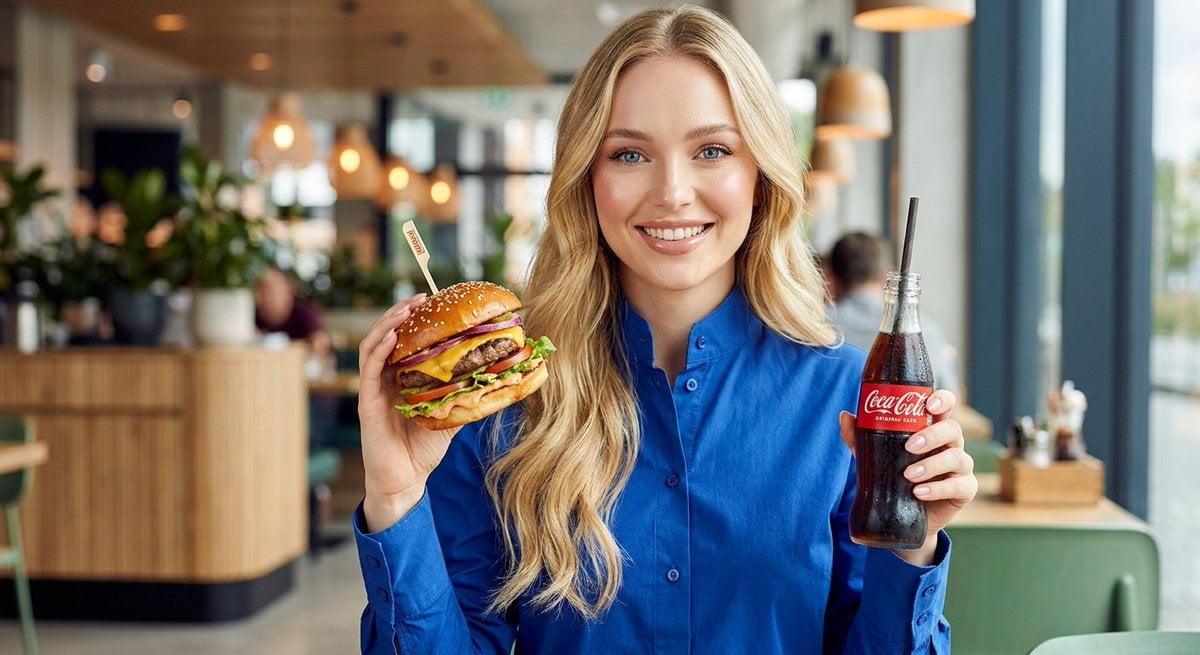
Woman enjoying fast food commercial portrait

Japanese Minimalist Concrete Studio Fashion Editorial
Make it yours
Minimalist Fast Food Advertisement works as-is. These are the safest ways to change it without losing the look.
Change one field
Copy a single group, rewrite it, and generate again so you can see what that field is doing.
Keep the frame, change the subject
Hold the composition and light of Minimalist Fast Food Advertisement, then swap wardrobe, props or the person for a new take.
| If the result… | Why | Fix |
|---|---|---|
| The result drifts from the preview | Too many fields changed at once. | Reuse Minimalist Fast Food Advertisement as-is first, then change one group — subject, light, or setting. |
| The model over-stylizes the scene | The prose prompt leaves finish and camera underspecified. | Add one camera or lighting sentence and stay on GPT Image 2. |
More GPT Image 2 templates
Other prompts made for GPT Image 2.

Six VTuber Japanese Logo Sheet

Realistic Portrait of Woman and Deer

The Vista Modular Condo Poster

AI Model Routing Comparison Infographic

2.5D Anime Art Board

Isometric Productivity Desk Scene

New York Double Exposure Poster

Four-Panel AI Landscape Comparison

Japanese Tatami Lifestyle Magazine Cover

NESCAFÉ Coffee Map Poster
More image prompts
Fresh picks from across the catalog.
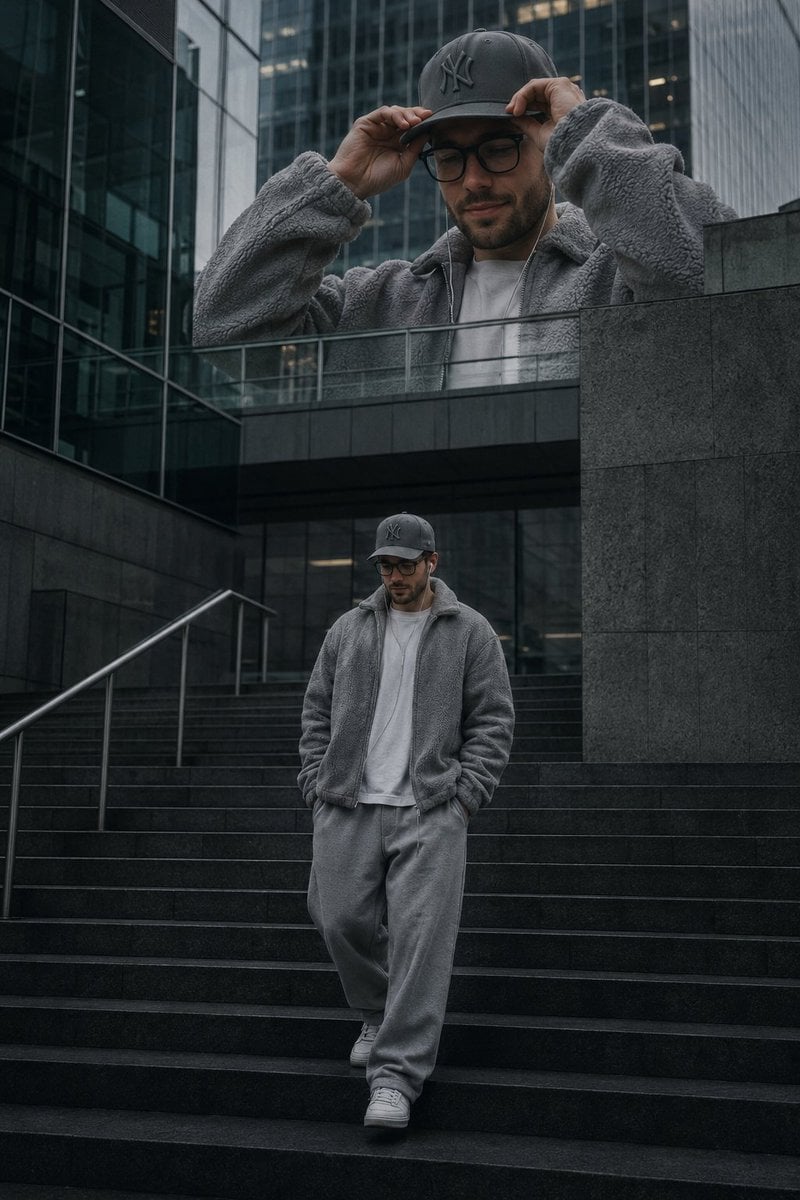
Luxury Streetwear Urban Editorial
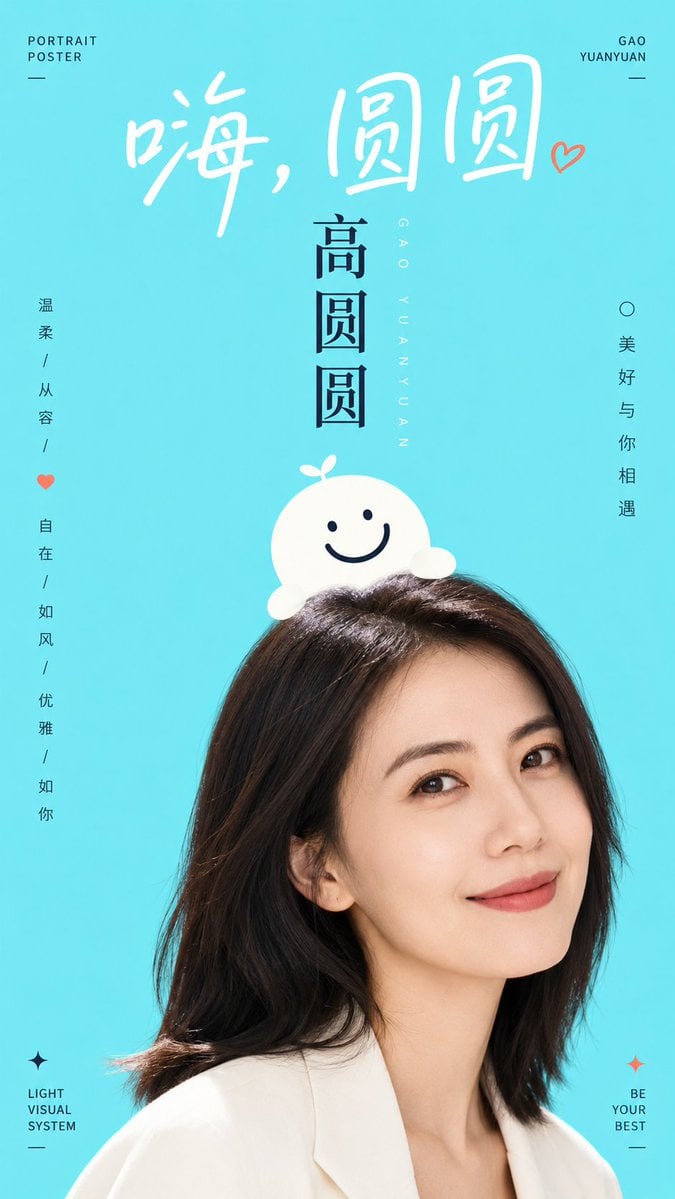
Aesthetic Graphic Fusion Portrait
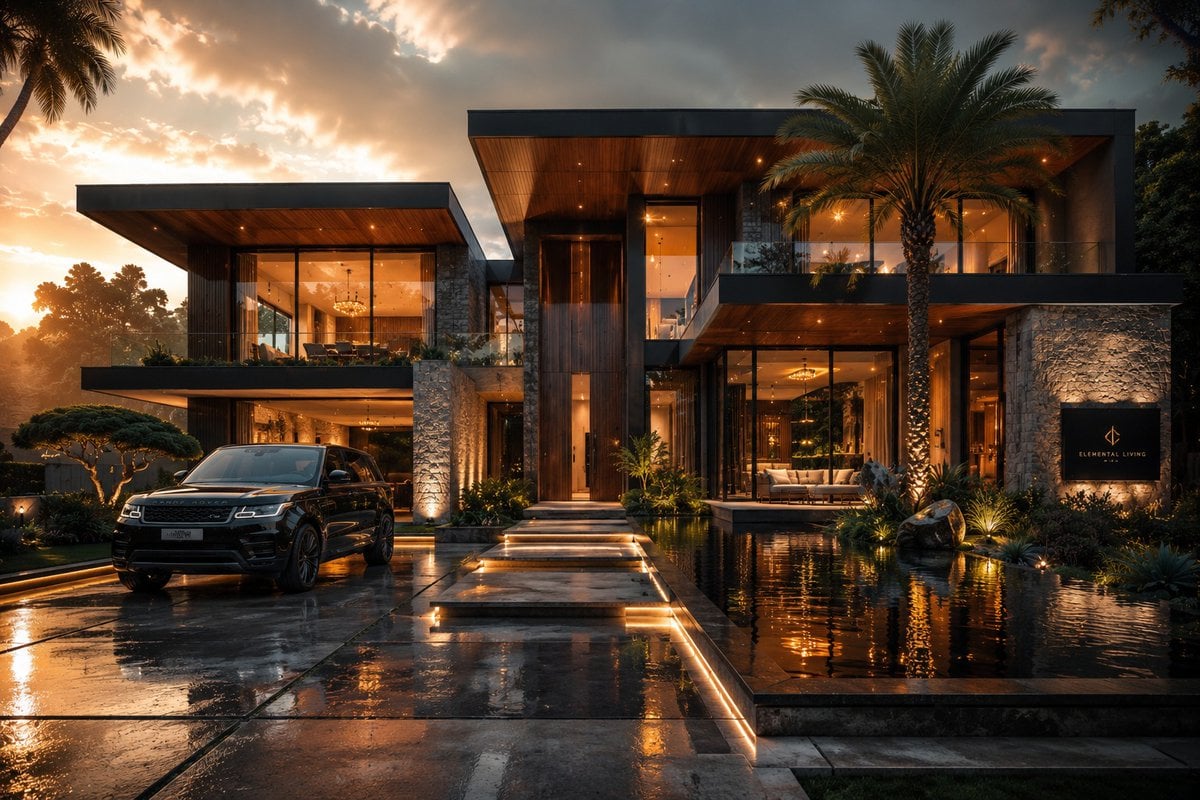
Cinematic Architectural House Exterior
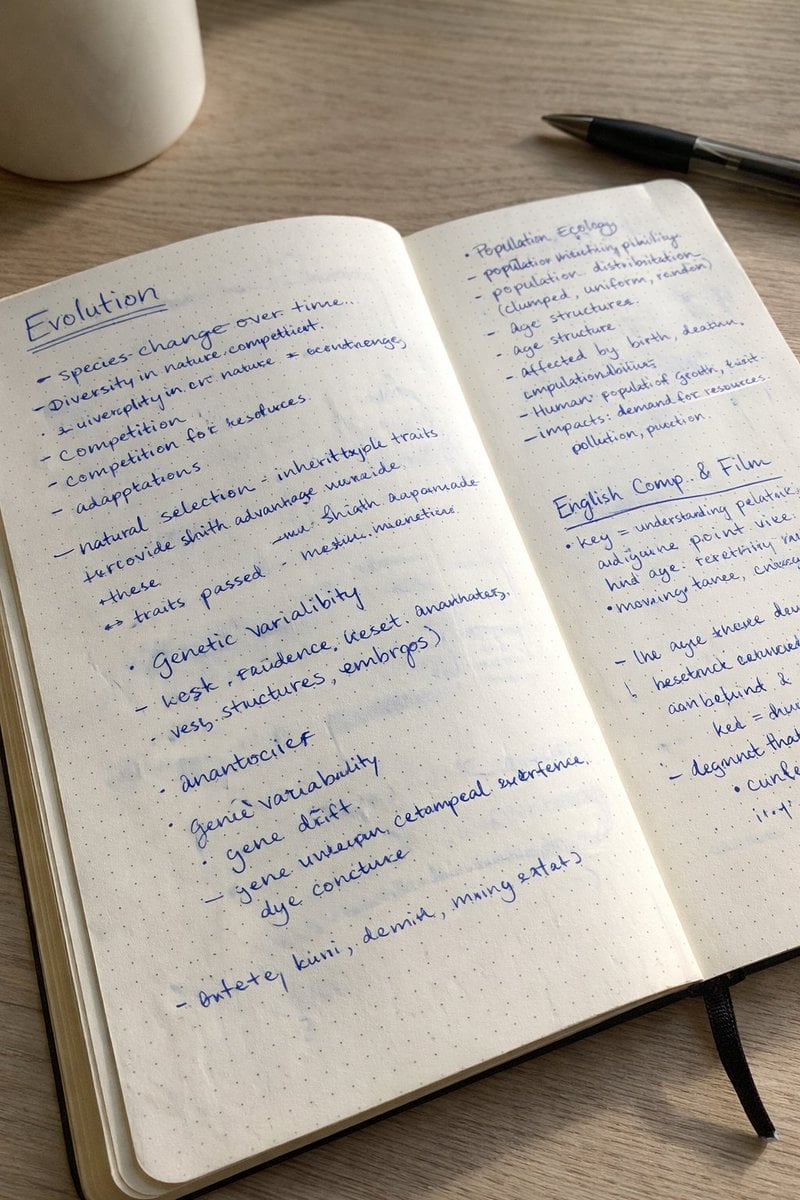
Realistic Handwritten Study Notes
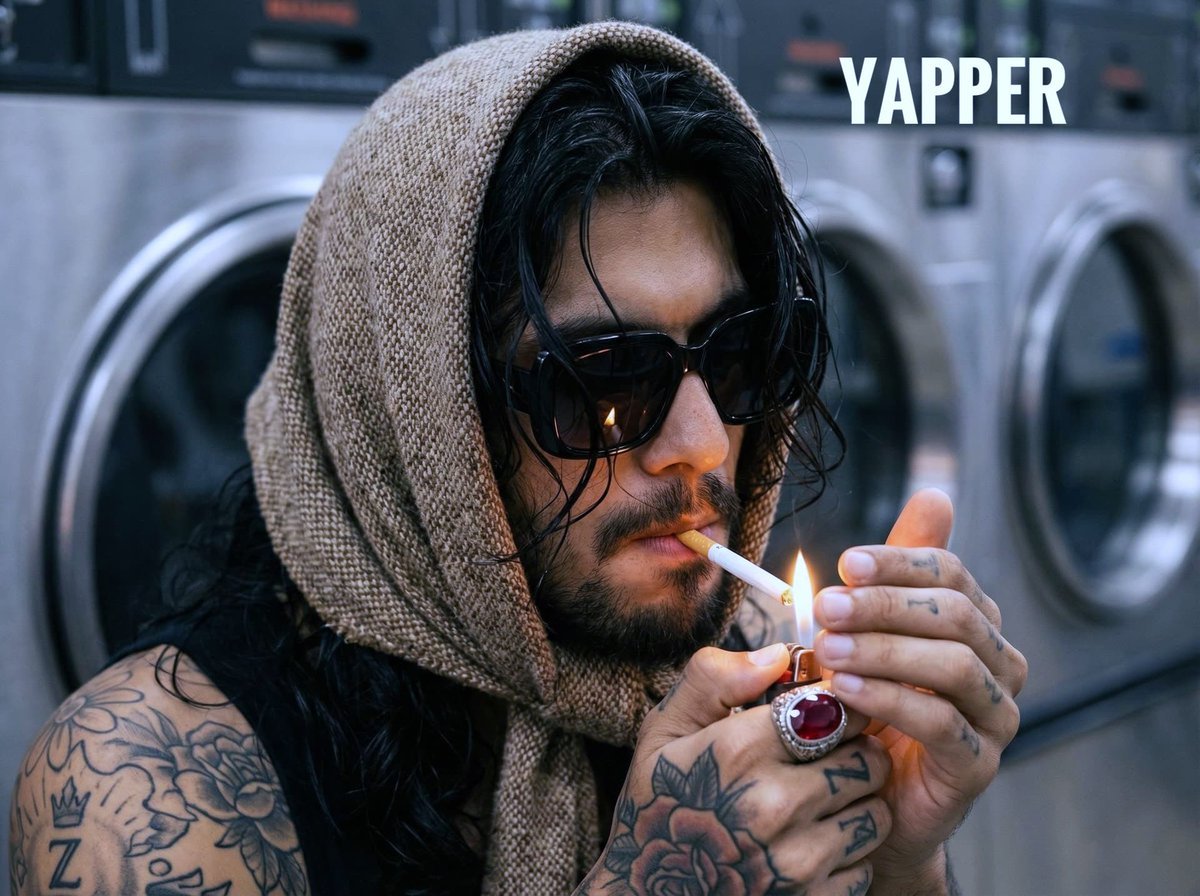
Hyperrealistic Portrait of Man Lighting Cigarette

Shadow Ensemble Movie Poster Template
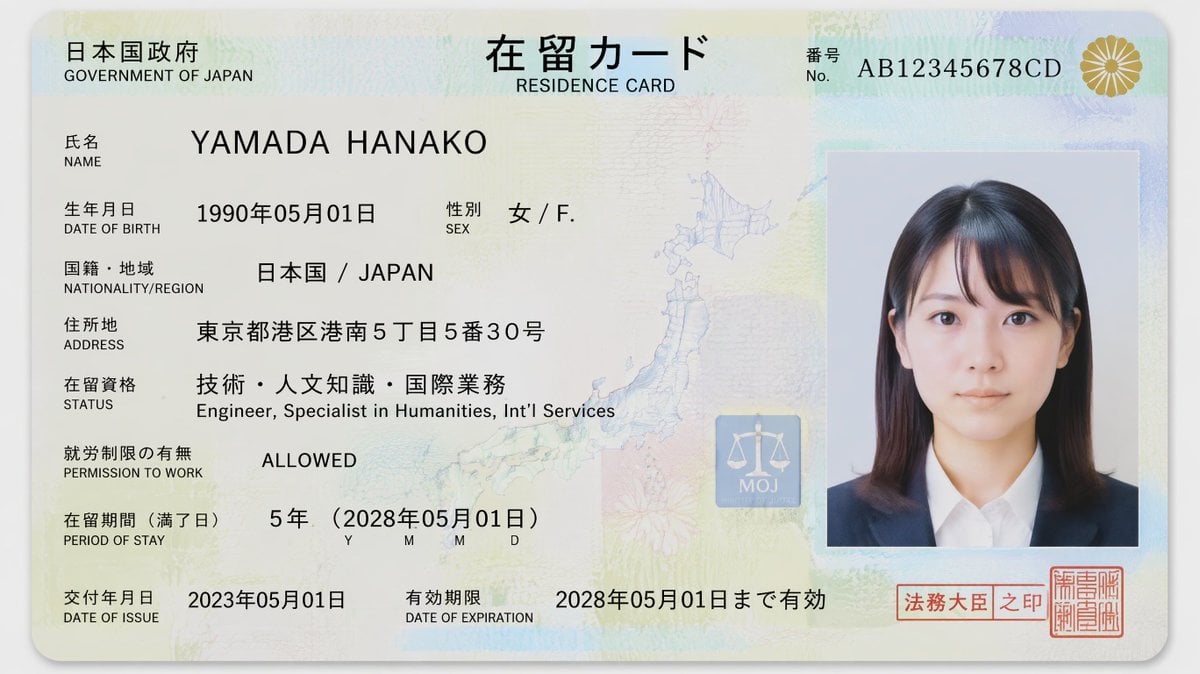
Authentic Japanese Residence Card

Misty Lotus Pond Heron Sunrise
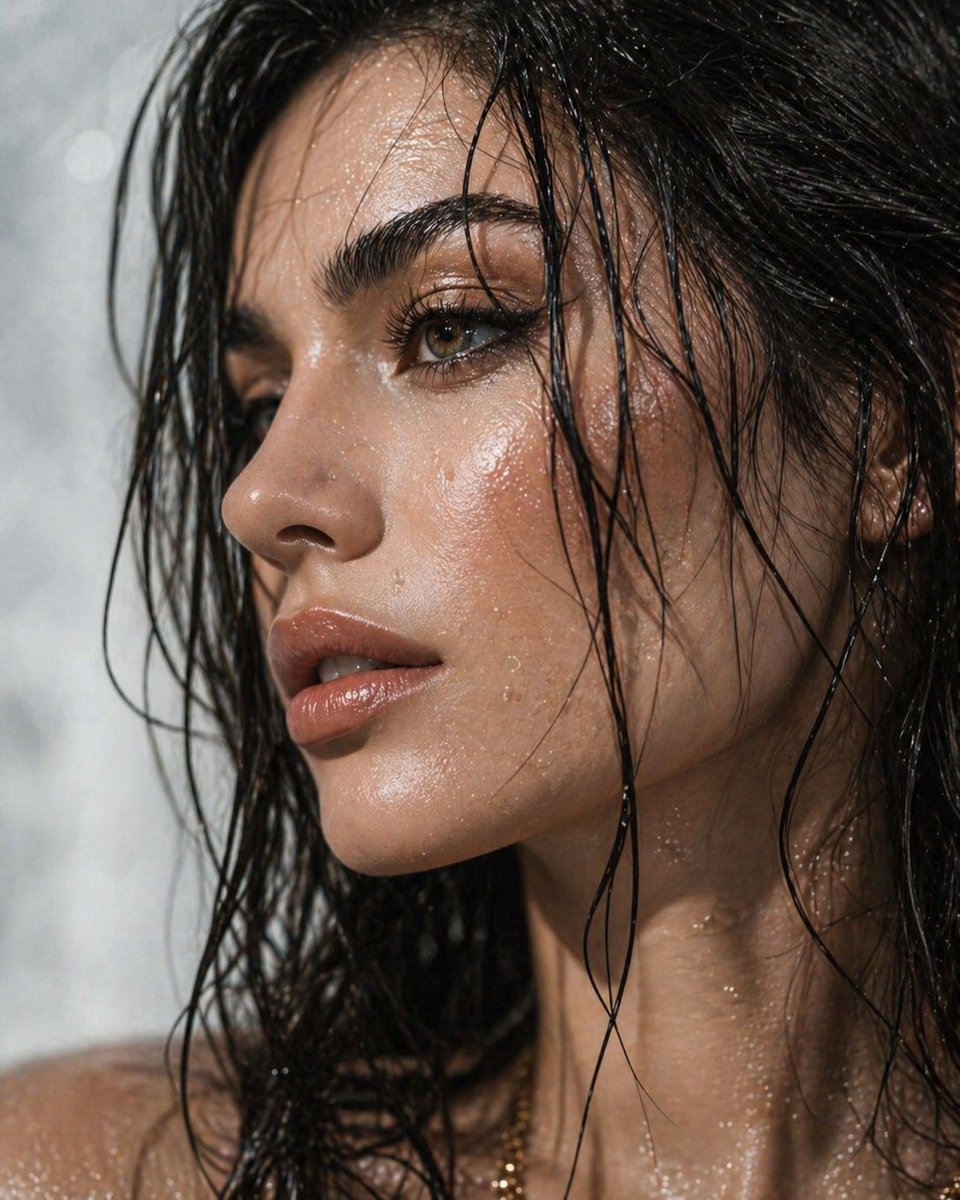
Ultra-Detailed Dewy Skin Portrait
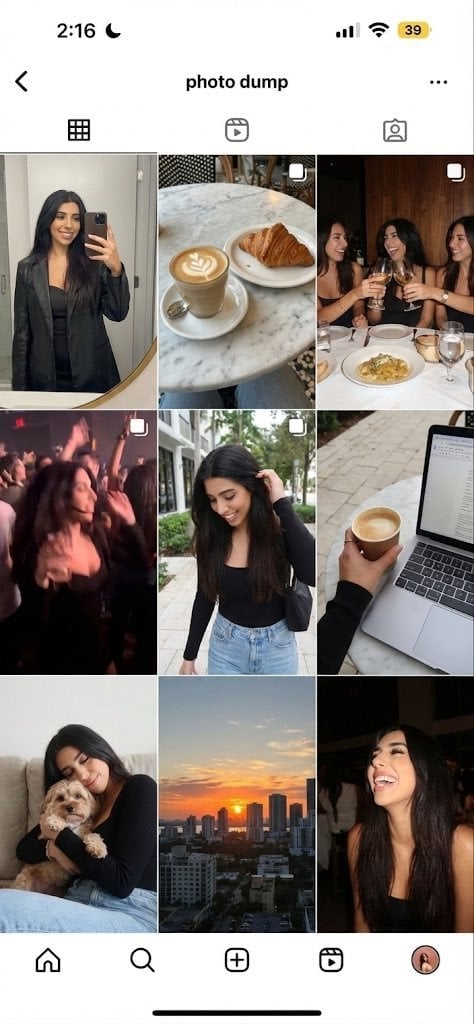
Weekend photo dump grid for Instagram
Browse template categories
Minimalist Fast Food Advertisement questions
How do I use the Minimalist Fast Food Advertisement template?
Add your photo if the template asks for one, edit the prompt if you like — the template's model and format are already selected — and press Generate. Your version opens in PicX Studio.
Can I customize the Minimalist Fast Food Advertisement template?
Yes. You can change the subject, setting, lighting, mood, format, and available model controls before creating your image.
Is the Minimalist Fast Food Advertisement template free?
Opening and editing this template is free. Generating uses credits, shown on the Generate button when you are signed in.
Which AI model should I use?
Start with GPT Image 2, which is the model associated with this template. You can compare another compatible model for a different finish.
Looking for something else? Browse all templates.

Your photo, any look
Thousands of ready templates for every top image and video model, from one credit balance.