
Fast Food Dining Lifestyle Shot
A hyper-realistic top-down photograph prompt of a woman eating fries at a McDonald's booth, featuring detailed clothing and environment descriptions.
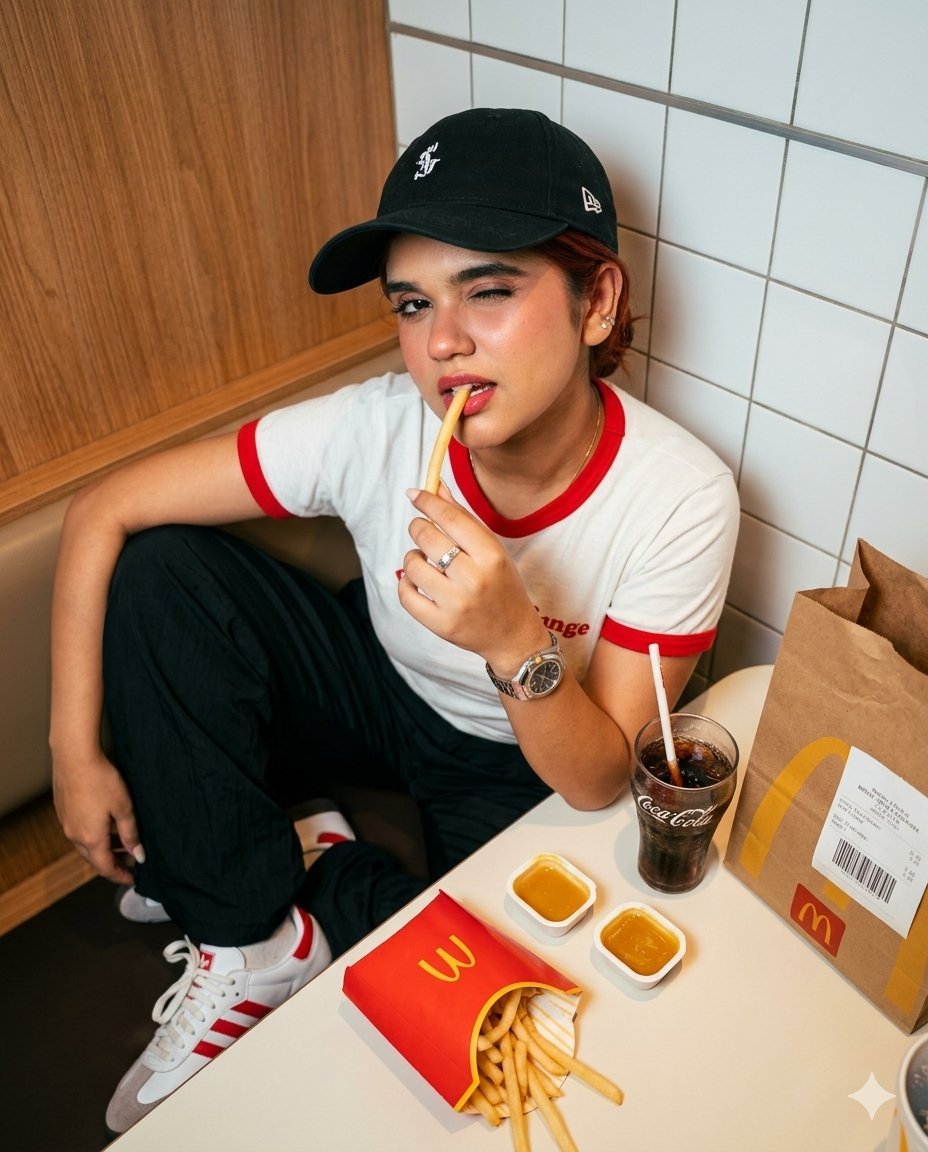
- Prompt included
- Model and format preset
- Free template
The prompt behind this image
Copy the exact prompt behind Fast Food Dining Lifestyle Shot, or open it in the studio and make it yours.
Hyper-realistic vertical photograph 4:5. Diagonal top-down angle at 50° from above. Location — {argument name="location" default="McDonald’s booth with warm wooden paneling and white square tiled wall"}. Scene anchor: Open red McDonald’s french fries box with golden M in the lower foreground, half empty, fries sticking out at an angle. Pose: Sitting in the booth, right hand bringing a long french fry to her mouth, holding it between thumb and index finger. One eye playfully squinted in a flirty way, the other eye looking directly at the camera. On the table: Two transparent sauce cups with honey-mustard dip, a glass of Coke with a white straw, a brown McDonald’s craft paper bag with golden M standing vertically, receipt sticker with barcode. Clothing: {argument name="clothing" default="Vintage white finger tee with red trim, wide black pleated baggy pants, white and red Adidas Samba sneakers, black baseball cap with white logo emblem worn with the brim to the side, AP Royal Oak watch, silver ring"}. Lighting: {argument name="lighting" default="Mixed lighting — warm amber light over the table + cool white LED rim light on the shoulder. Dirty amber-milky tone"}. Camera: Sony A7R V, 35mm f/1.8 lens, 8K sharpness, natural texture. No plastic look, CGI, or AI artifacts.
How to use Fast Food Dining Lifestyle Shot in 3 steps
- 1
Open
The prompt is already in the box next to the preview, with the template's model and format selected.
- 2…a portrait of your subject in softgolden-hour light, 85mm…
Personalize
Edit the subject and creative details for your destination.
- 3Generate
Generate
Press Generate — your image is created in PicX Studio, so you can compare it with the original and refine one variable at a time.
More like this
Templates with the same subject, style or setup. Open one to see its prompt.

Cozy Food Flat Lay Doodle Labels
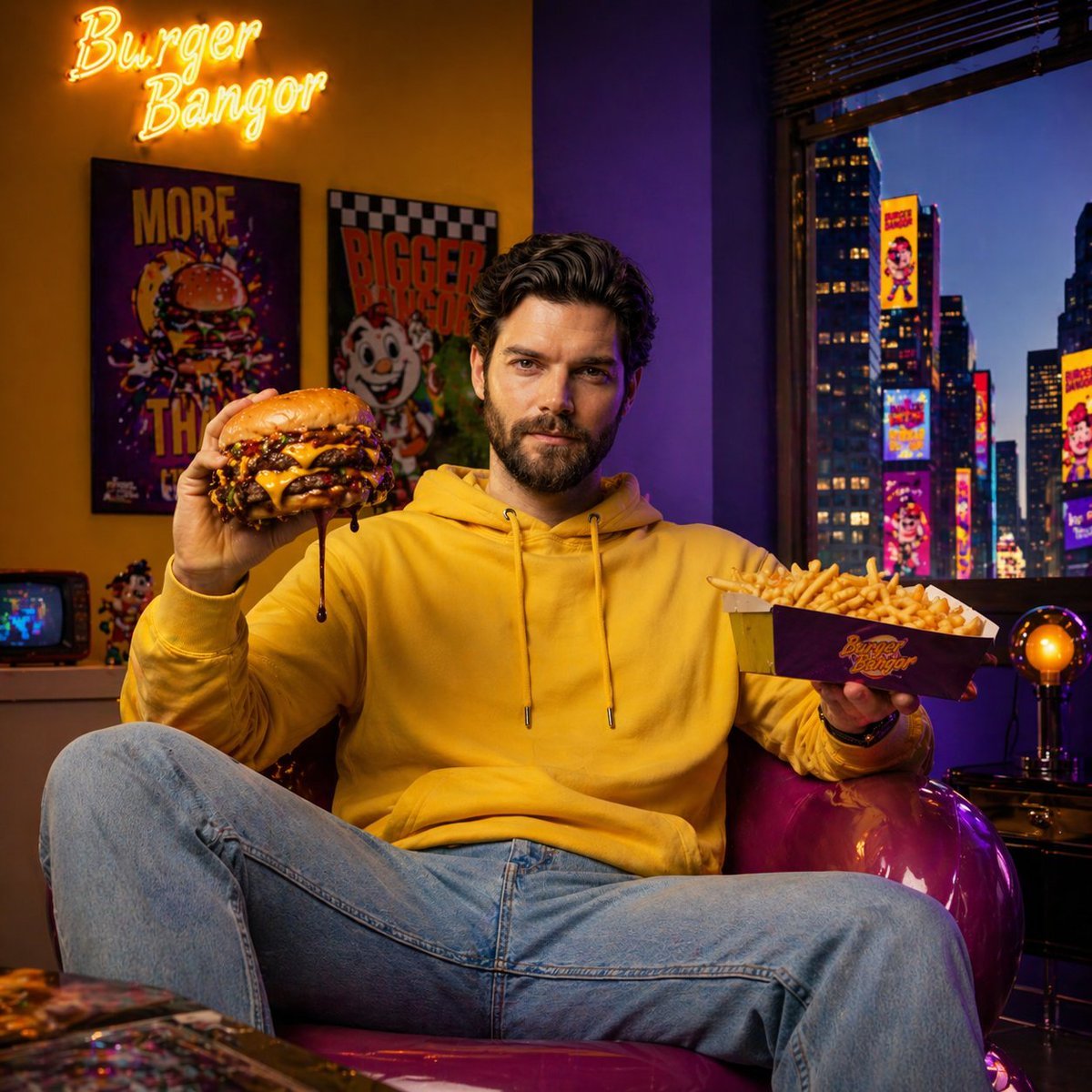
Fast-Food Lifestyle Commercial
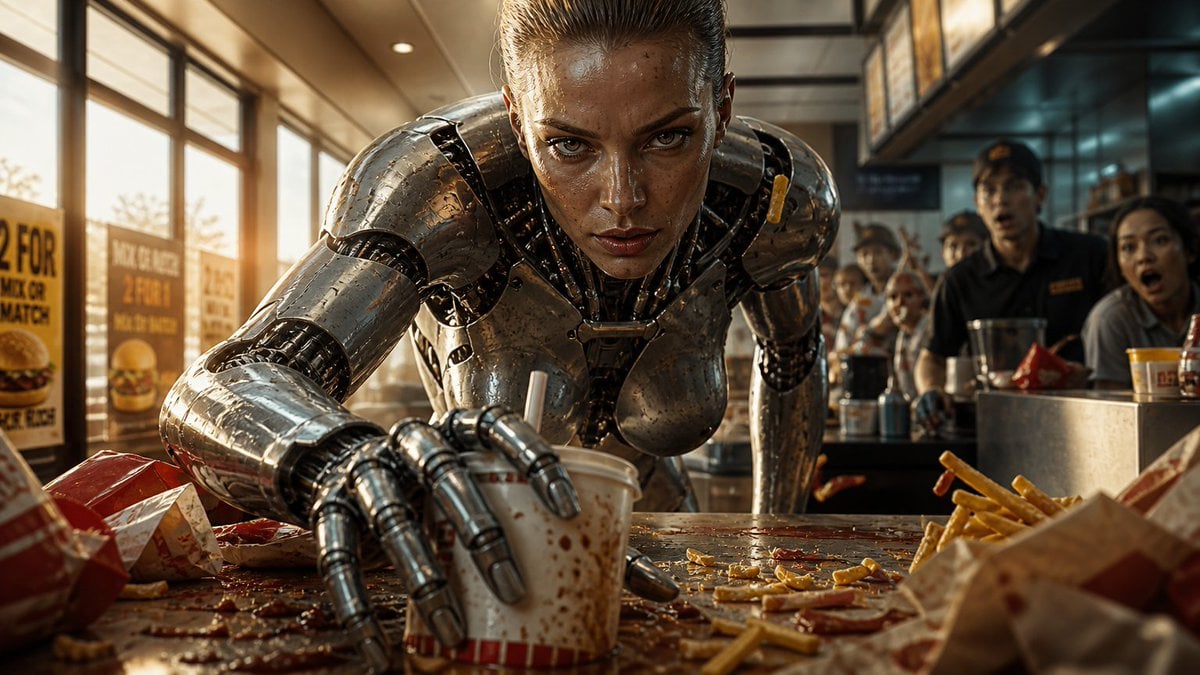
Robot Woman Fast Food Counter Chaos
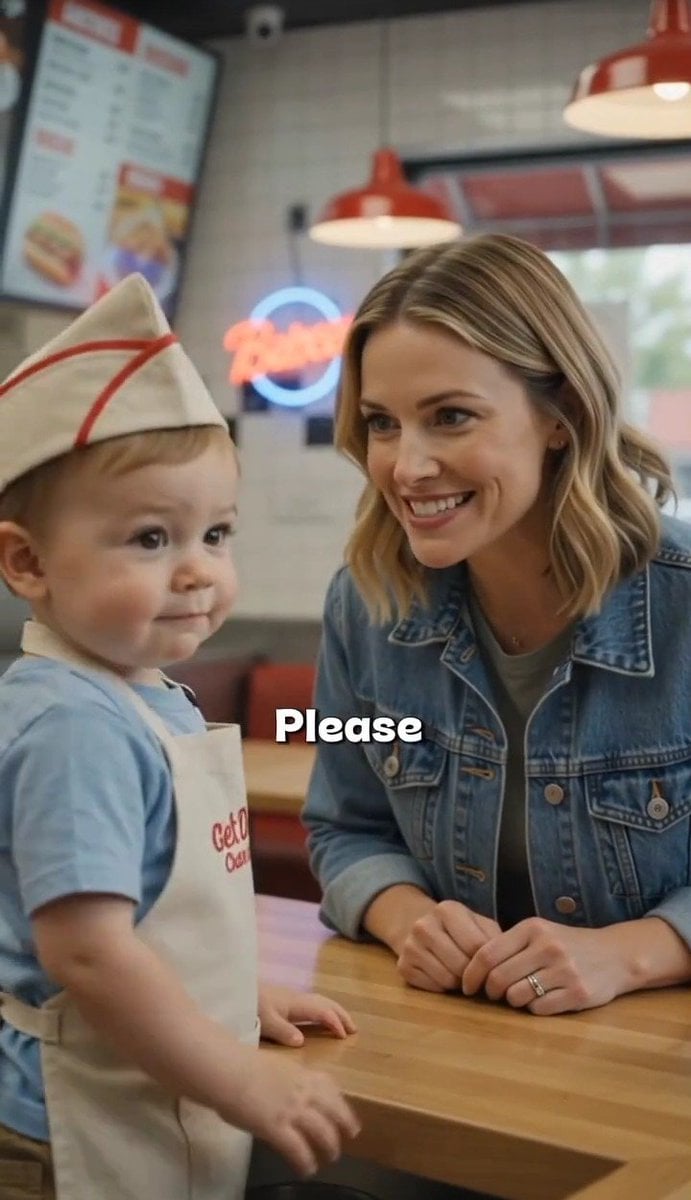
Toddler Fast Food Comedy Still
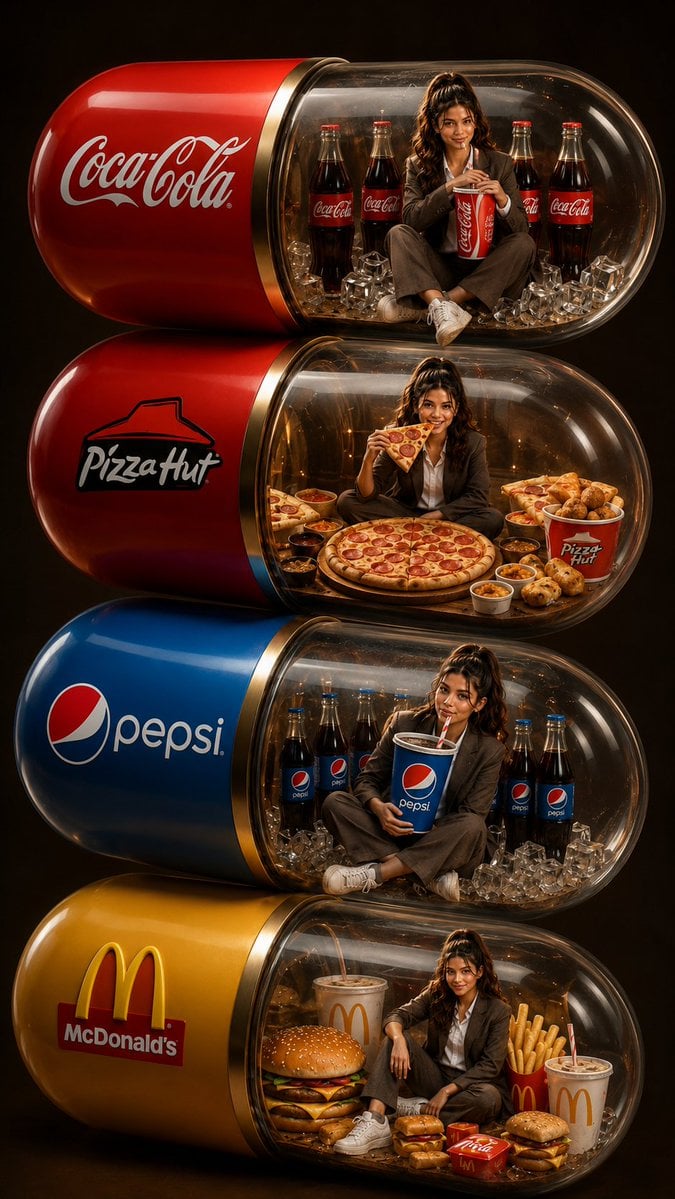
Stacked Fast Food Capsule Ads

Mirror Selfie Chibi Characters Pixar Style
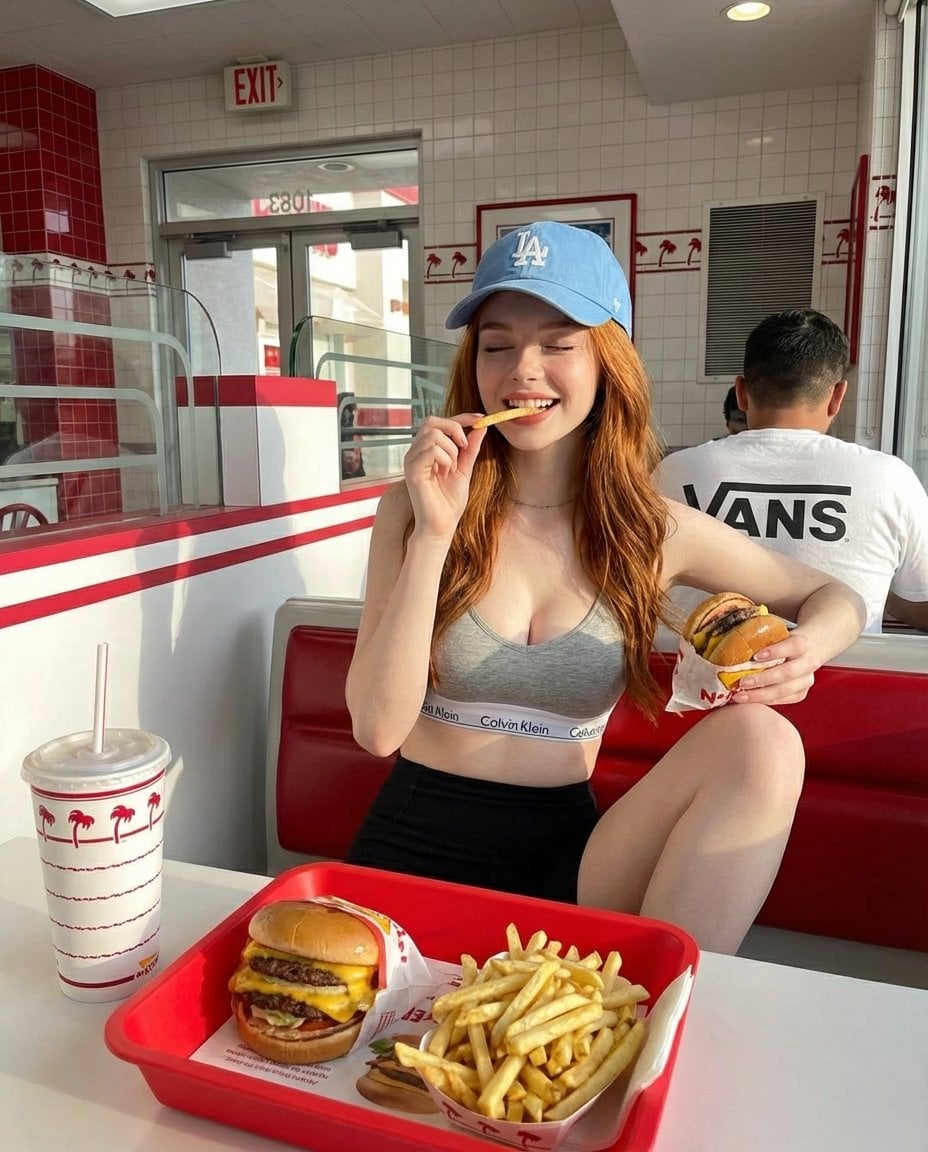
A young red-haired woman sitting inside a bright retro-style fast food
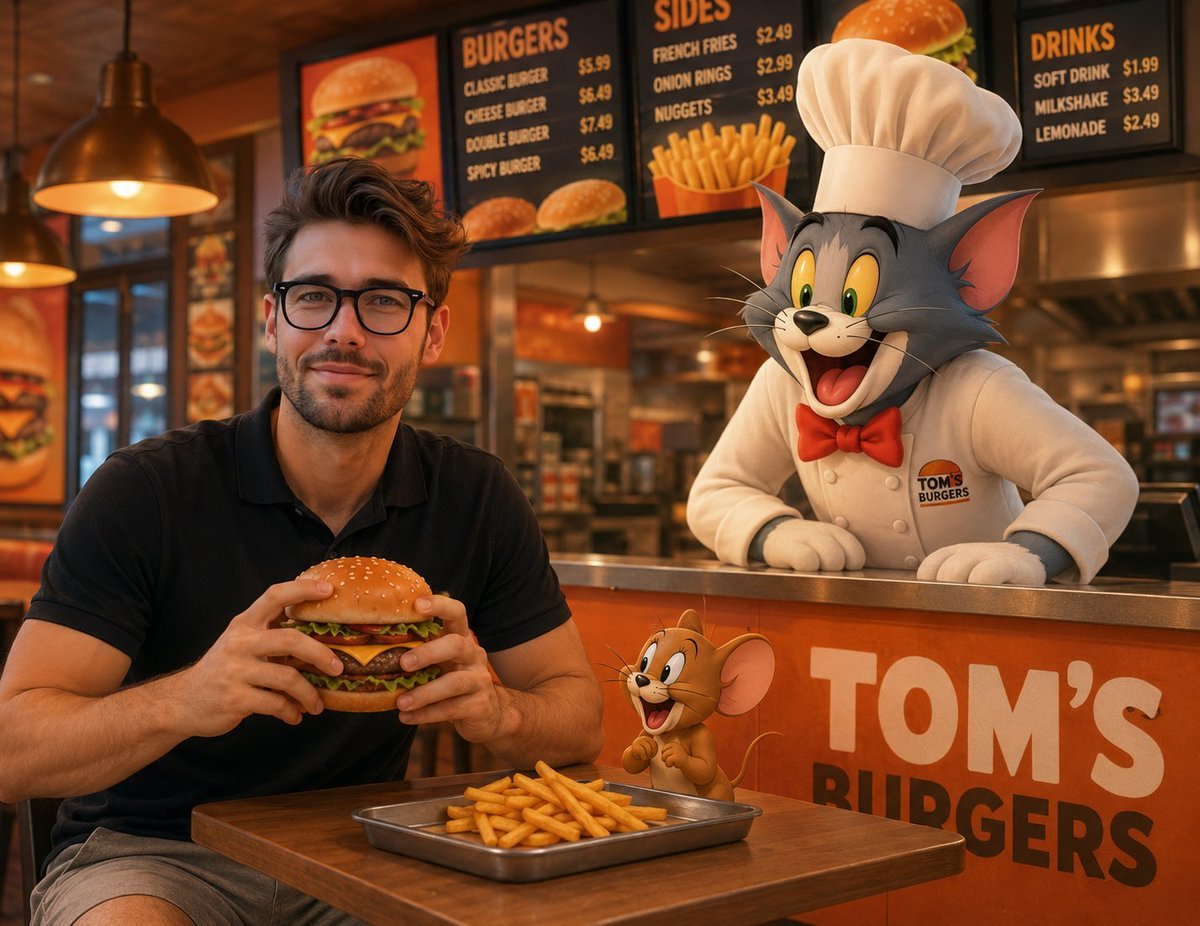
Joyful Fast-food Restaurant Crossover Scene
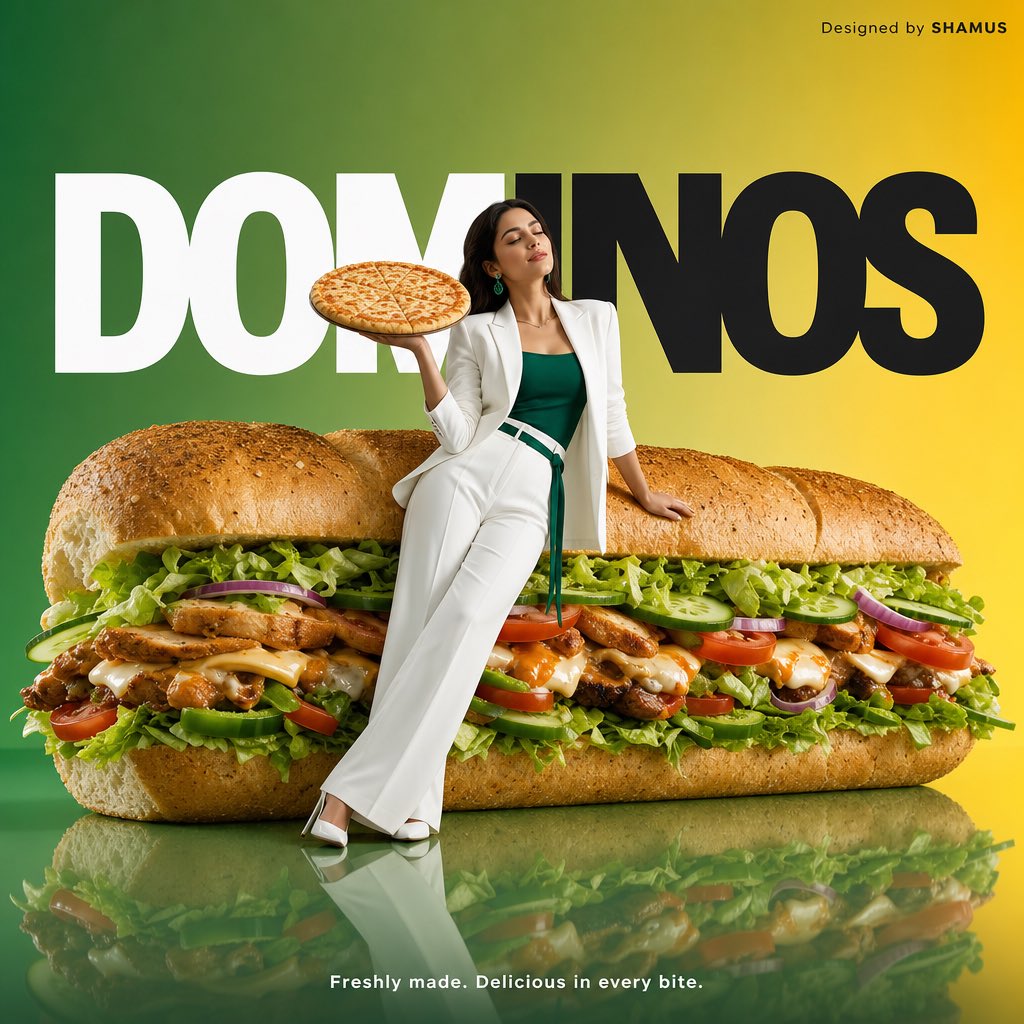
Minimalist Fast Food Advertisement

A k.pop idol on the stage with mic
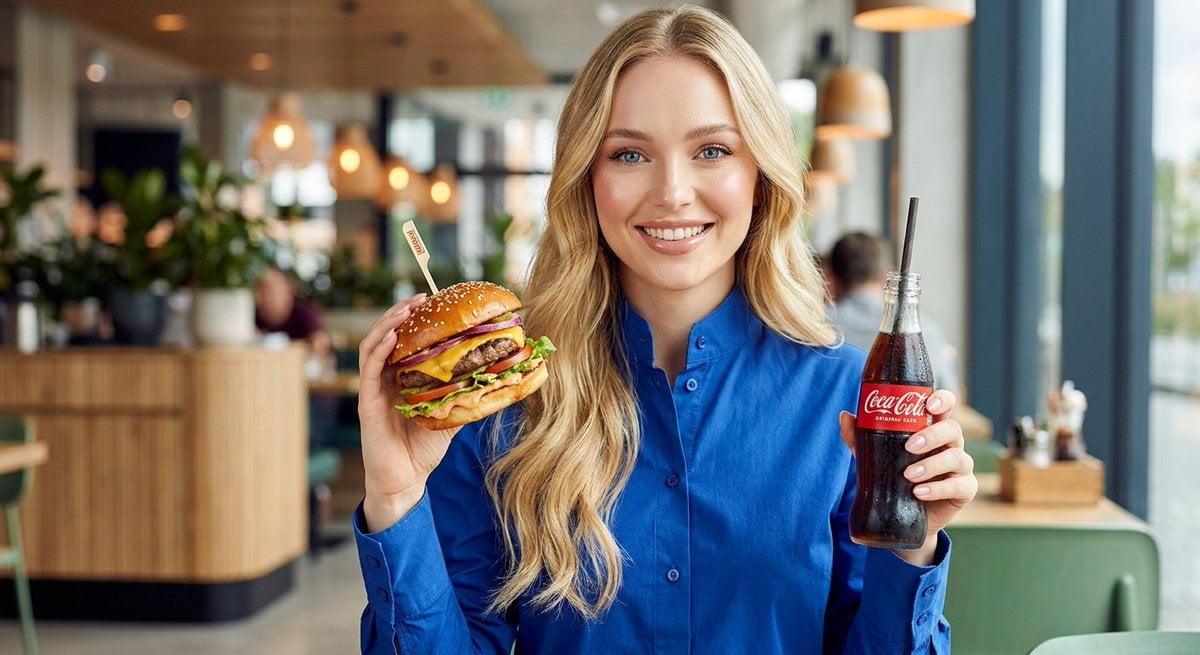
Woman enjoying fast food commercial portrait

Minimalist Fashion Editorial Split Layout
Make it yours
Fast Food Dining Lifestyle Shot works as-is. These are the safest ways to change it without losing the look.
Change one field
Copy a single group, rewrite it, and generate again so you can see what that field is doing.
Keep the frame, change the subject
Hold the composition and light of Fast Food Dining Lifestyle Shot, then swap wardrobe, props or the person for a new take.
| If the result… | Why | Fix |
|---|---|---|
| The result drifts from the preview | Too many fields changed at once. | Reuse Fast Food Dining Lifestyle Shot as-is first, then change one group — subject, light, or setting. |
| The model over-stylizes the scene | The prose prompt leaves finish and camera underspecified. | Add one camera or lighting sentence and stay on Nano Banana 2. |
More Nano Banana 2 templates
Other prompts made for Nano Banana 2.

Photorealistic Leaf Shaped Like a Dragon

K-Pop Idol Portrait Grid for Rapid Selection

Poetic Rain Forest Portrait During Golden Hour

Urban Street Portrait with Cartoon Inner Self Duo

Candid Nighttime Photo with Cat Prompt

High-Concept 3D Diorama Generation Prompt

Cinematic Futuristic Studio Portrait Template

Skincare Editorial Photography Collage Prompt

Hyper-Realistic Commercial Product Photography (Splash Effect)

Hyper-Realistic Nightclub Portrait Prompt
More image prompts
Fresh picks from across the catalog.

Urban Fantasy Coexistence Crossing
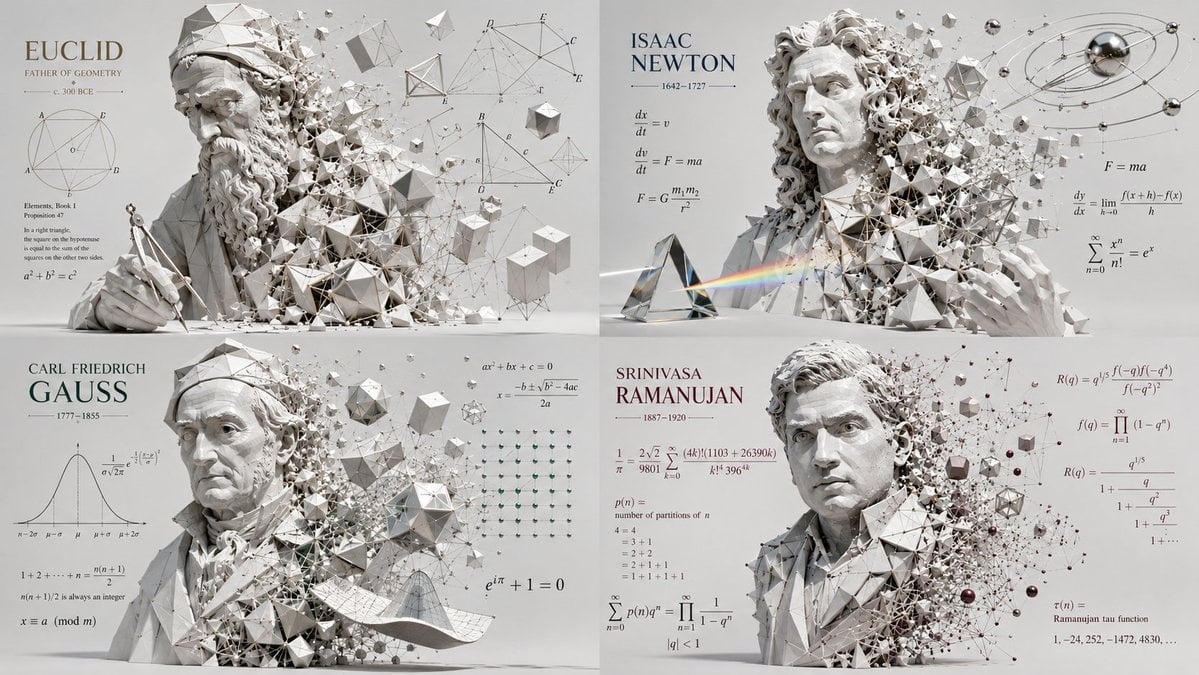
Geometric Mathematician Visualization
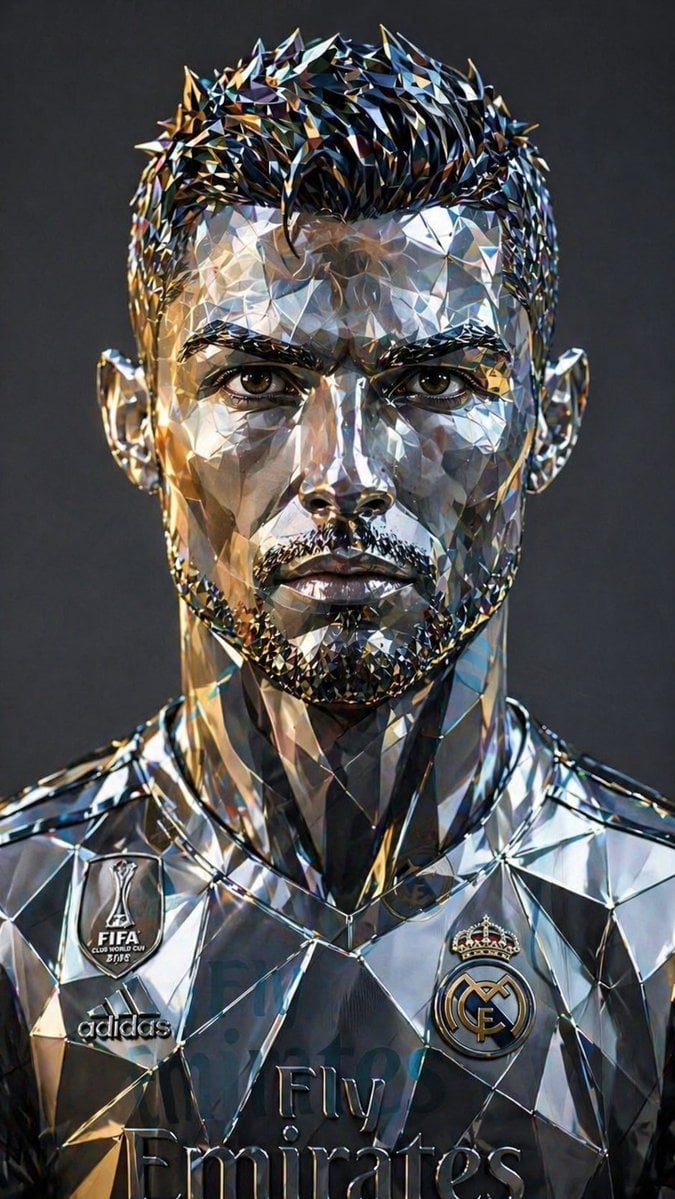
Futuristic Low-Poly Metallic Portrait
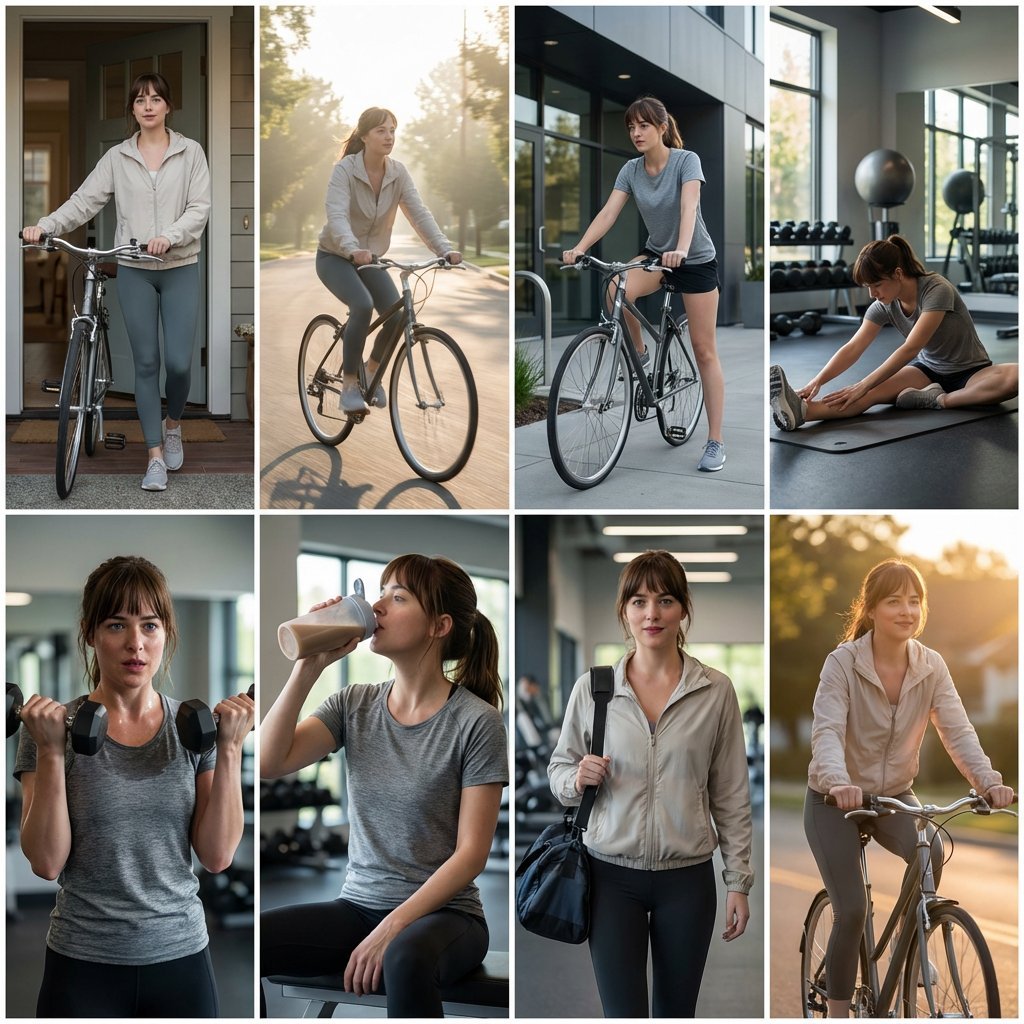
Photo Cinematic Storytelling Collage: Home to Gym Journey
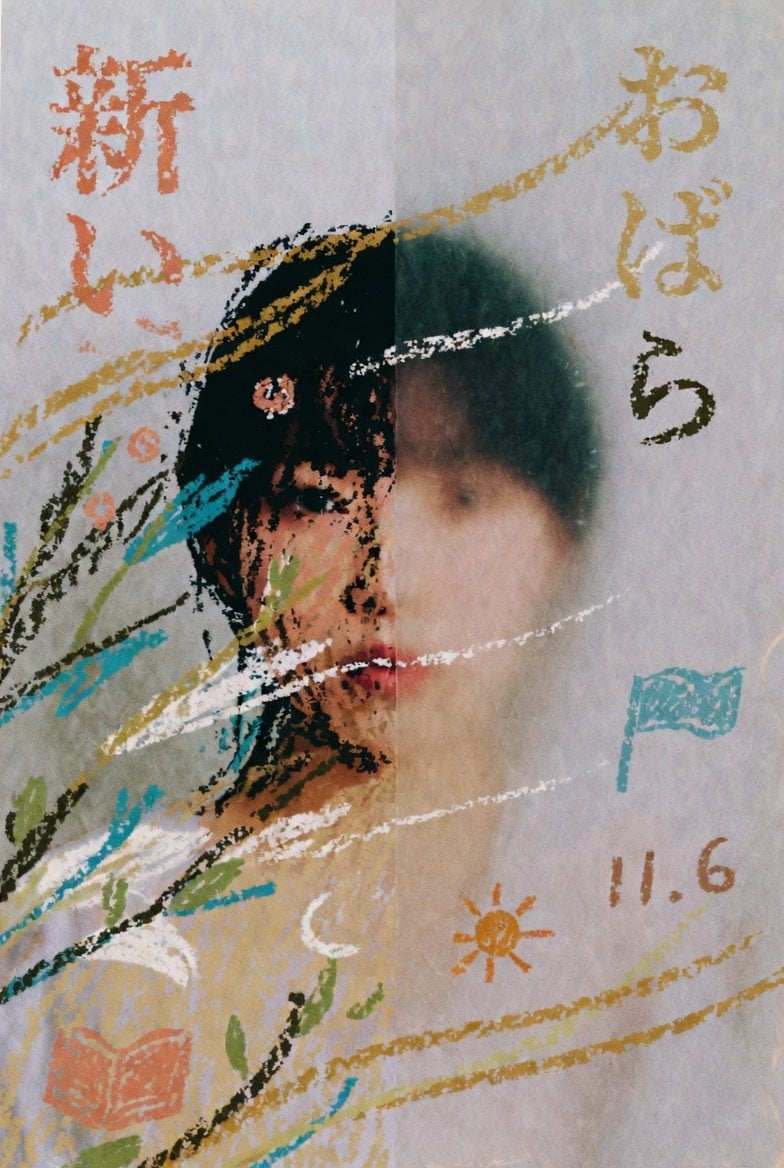
Childlike Pastel Portrait Collage

Scientific Macro Documentary Photography Prompt for Water Droplet on Leaf
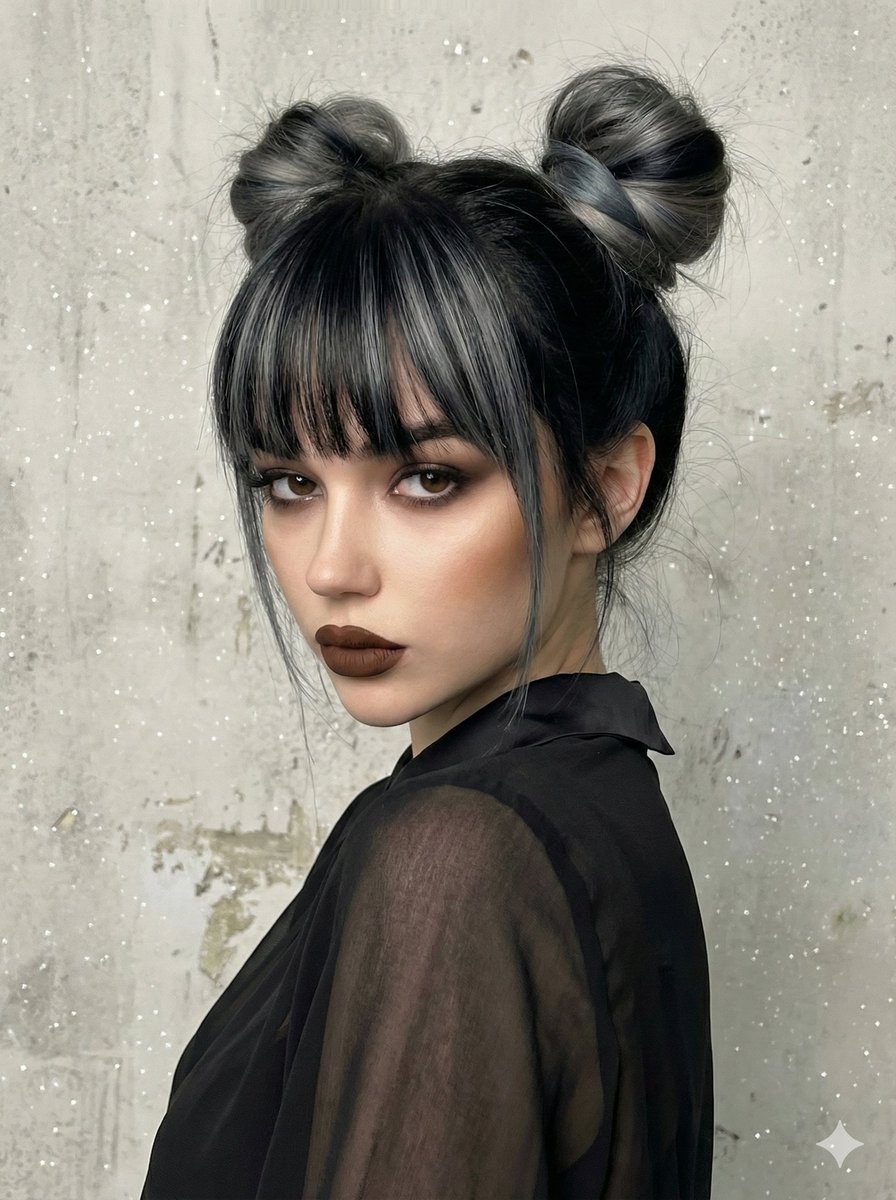
Studio Portrait with Space Buns and Glitter Overlay
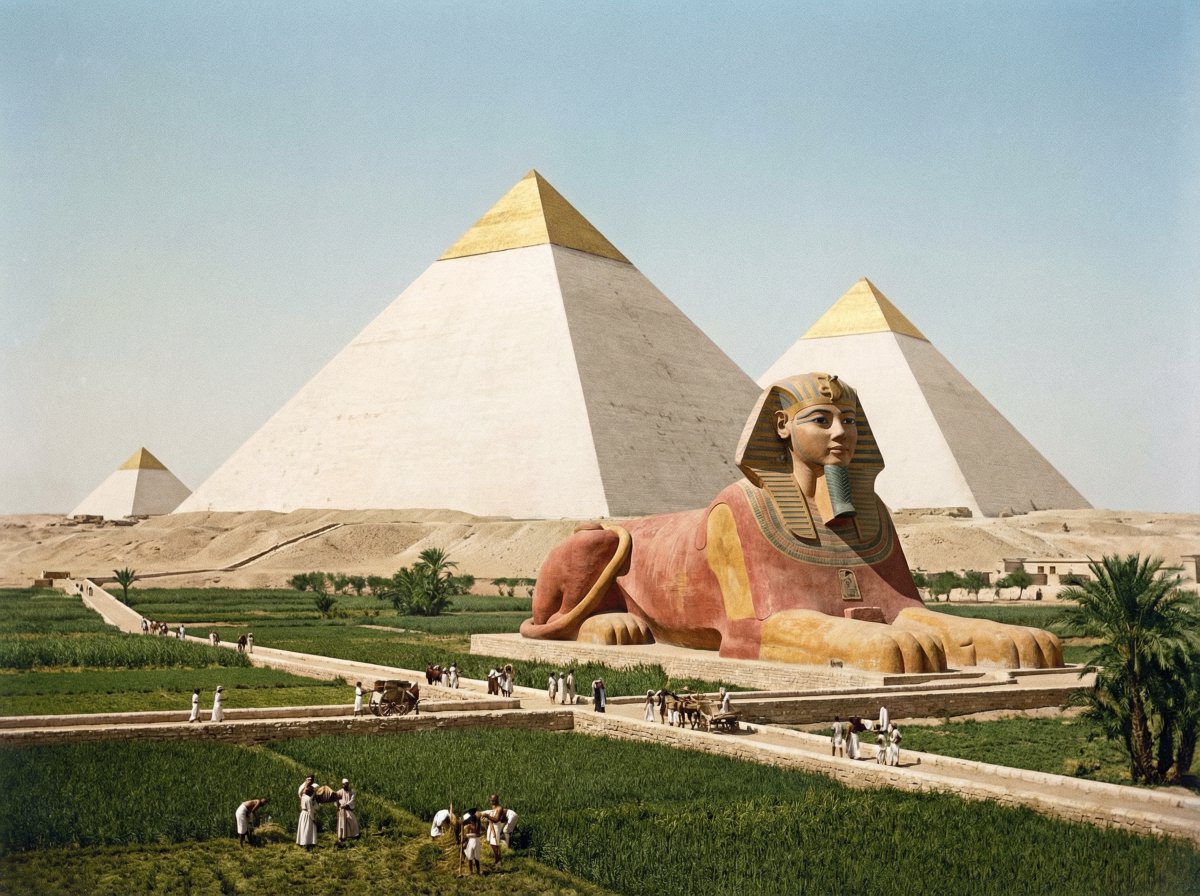
Restored pyramids and Sphinx
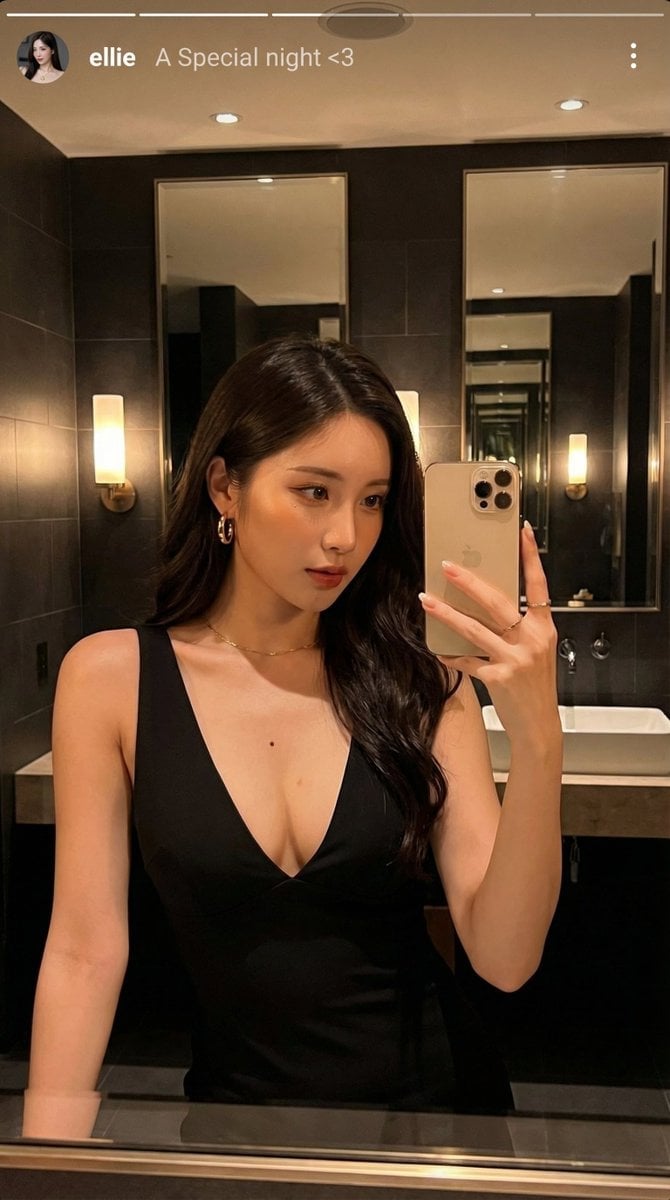
Photorealistic Selfie Prompts (Japanese Restaurant & Bathroom)

8K Cinematic Fantasy Portrait of Woman and Horse
Browse template categories
Fast Food Dining Lifestyle Shot questions
How do I use the Fast Food Dining Lifestyle Shot template?
Add your photo if the template asks for one, edit the prompt if you like — the template's model and format are already selected — and press Generate. Your version opens in PicX Studio.
Can I customize the Fast Food Dining Lifestyle Shot template?
Yes. You can change the subject, setting, lighting, mood, format, and available model controls before creating your image.
Is the Fast Food Dining Lifestyle Shot template free?
Opening and editing this template is free. Generating uses credits, shown on the Generate button when you are signed in.
Which AI model should I use?
Start with Nano Banana 2, which is the model associated with this template. You can compare another compatible model for a different finish.
Looking for something else? Browse all templates.

Your photo, any look
Thousands of ready templates for every top image and video model, from one credit balance.