
Cinematic Architectural House Exterior
A comprehensive prompt for generating hyper-realistic, high-budget cinematic architectural visualizations of luxury house exteriors.
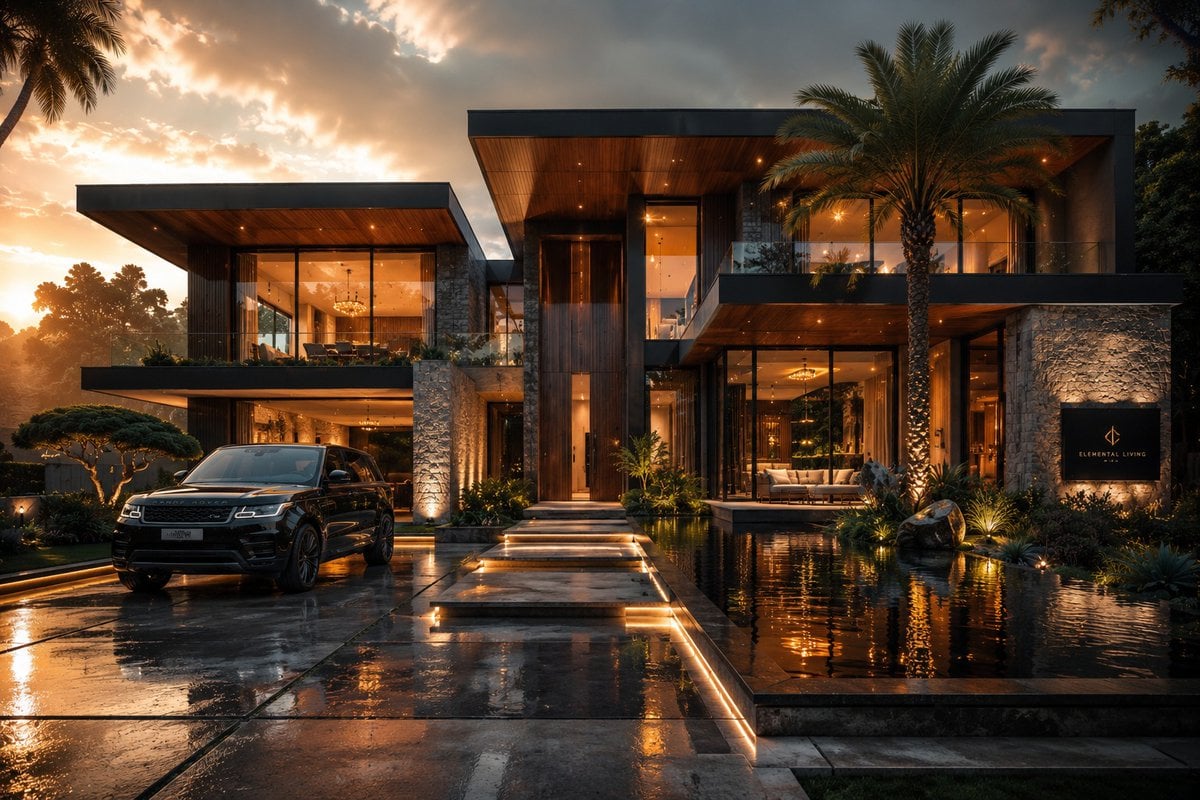
- Prompt included
- Model and format preset
- Free template
The prompt behind this image
Copy the exact prompt behind Cinematic Architectural House Exterior, or open it in the studio and make it yours.
Create an ultra-realistic cinematic house exterior with stunning architectural design and premium visual aesthetics. The house can be {argument name="architectural style" default="modern, luxury, rustic, cottage, gothic, fantasy, royal, or minimalist"} in style. Include highly detailed architecture, large windows, elegant textures, beautiful landscaping, realistic pathways, glowing interior lighting, and immersive outdoor surroundings. The environment should feel like a high-budget movie scene mixed with professional architectural photography and luxury real-estate advertising. Add dramatic cinematic lighting, volumetric sunlight, atmospheric fog, realistic reflections, shadows, {argument name="weather or time" default="rain or sunset mood"}, garden lights, trees, flowers, water elements, and detailed environmental effects for a visually powerful composition. Use wide-angle cinematic camera perspective, depth of field, HDR lighting, ray tracing, photorealistic rendering, Unreal Engine quality, cinematic color grading, hyper-detailed textures, luxury aesthetic, masterpiece composition, ultra-realistic environment design, highly immersive atmosphere, 8K ultra detail.
How to use Cinematic Architectural House Exterior in 3 steps
- 1
Open
The prompt is already in the box next to the preview, with the template's model and format selected.
- 2…a portrait of your subject in softgolden-hour light, 85mm…
Personalize
Edit the subject and creative details for your destination.
- 3Generate
Generate
Press Generate — your image is created in PicX Studio, so you can compare it with the original and refine one variable at a time.
More like this
Templates with the same subject, style or setup. Open one to see its prompt.
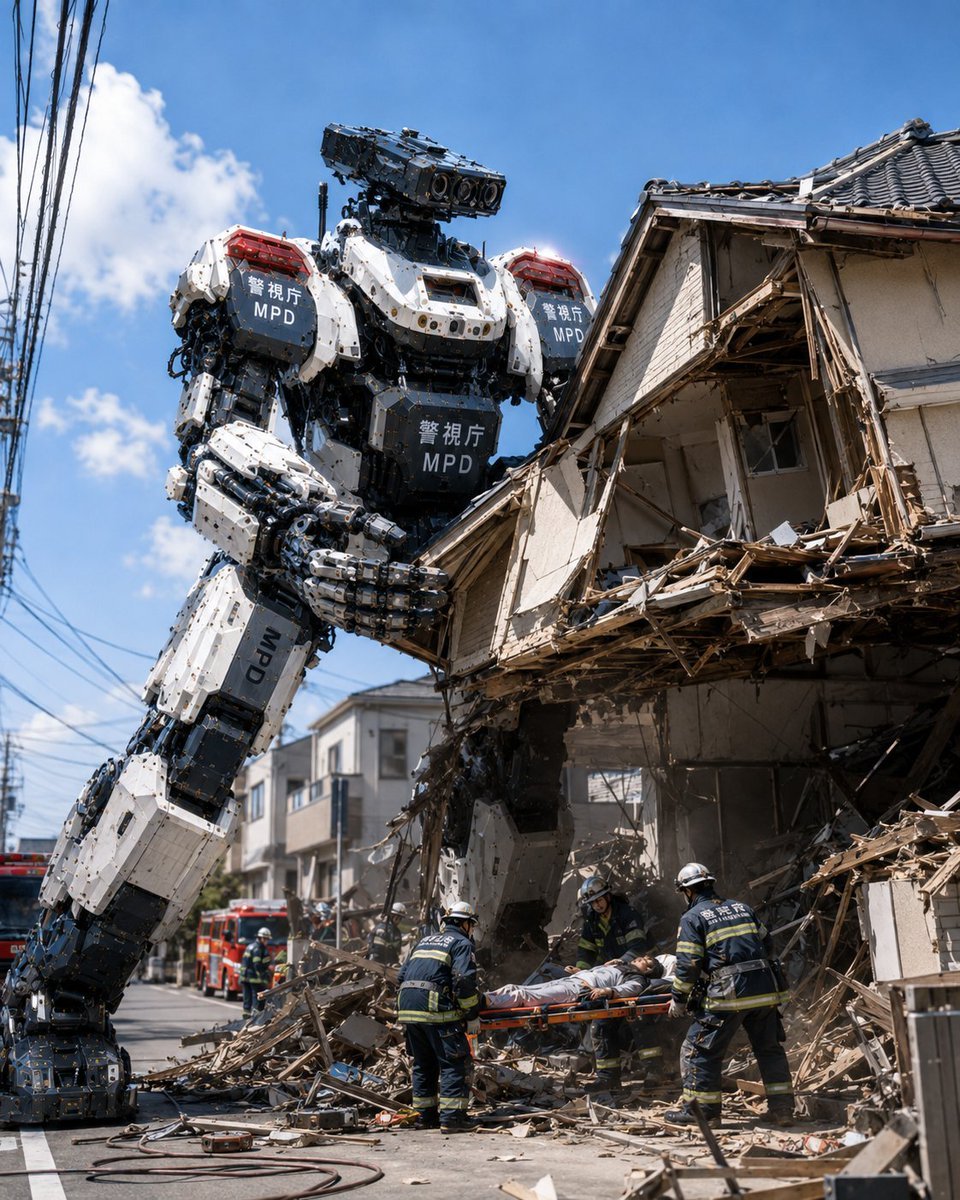
MPD Robot Collapsed House Rescue
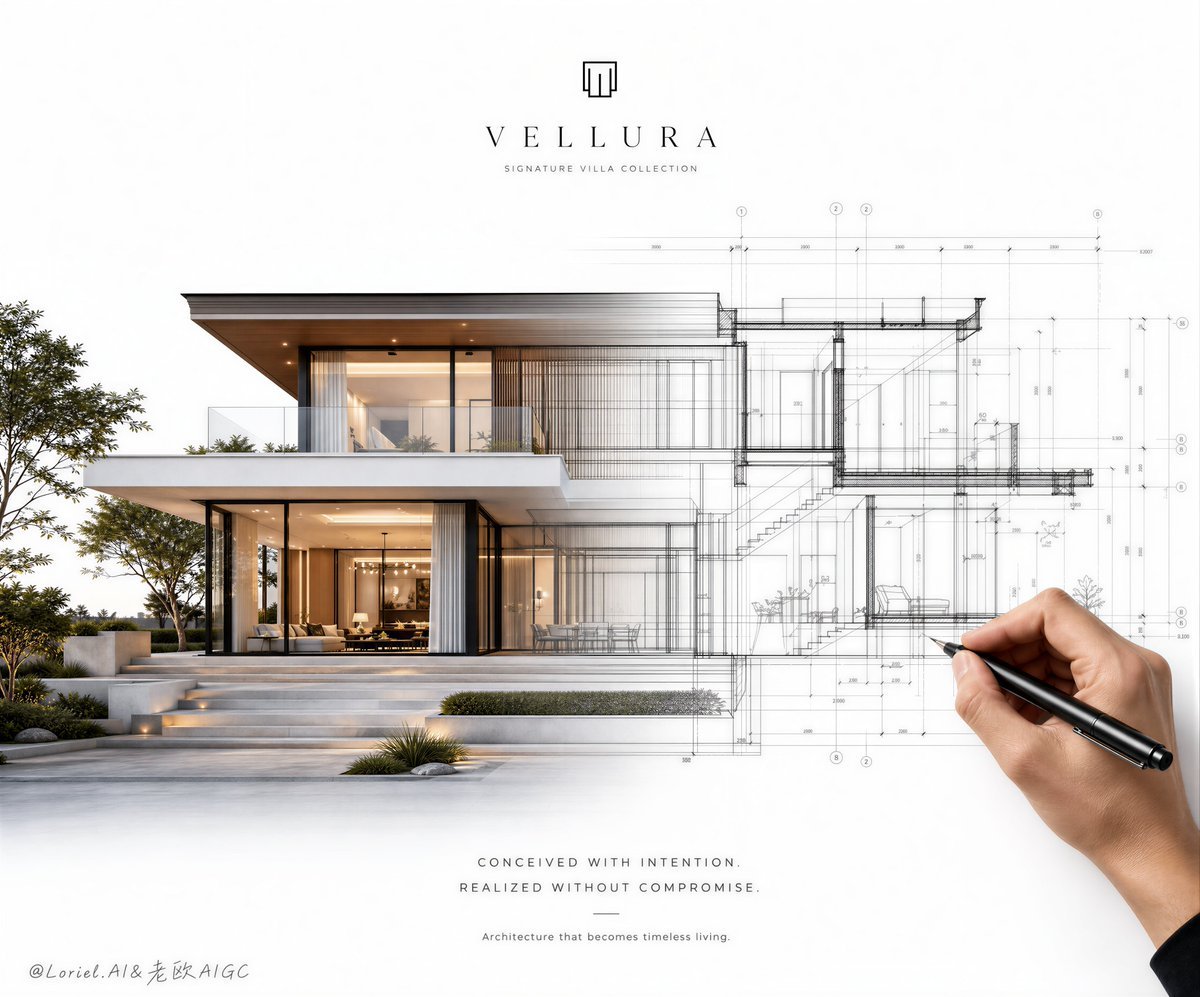
Architectural Villa Blueprint Poster
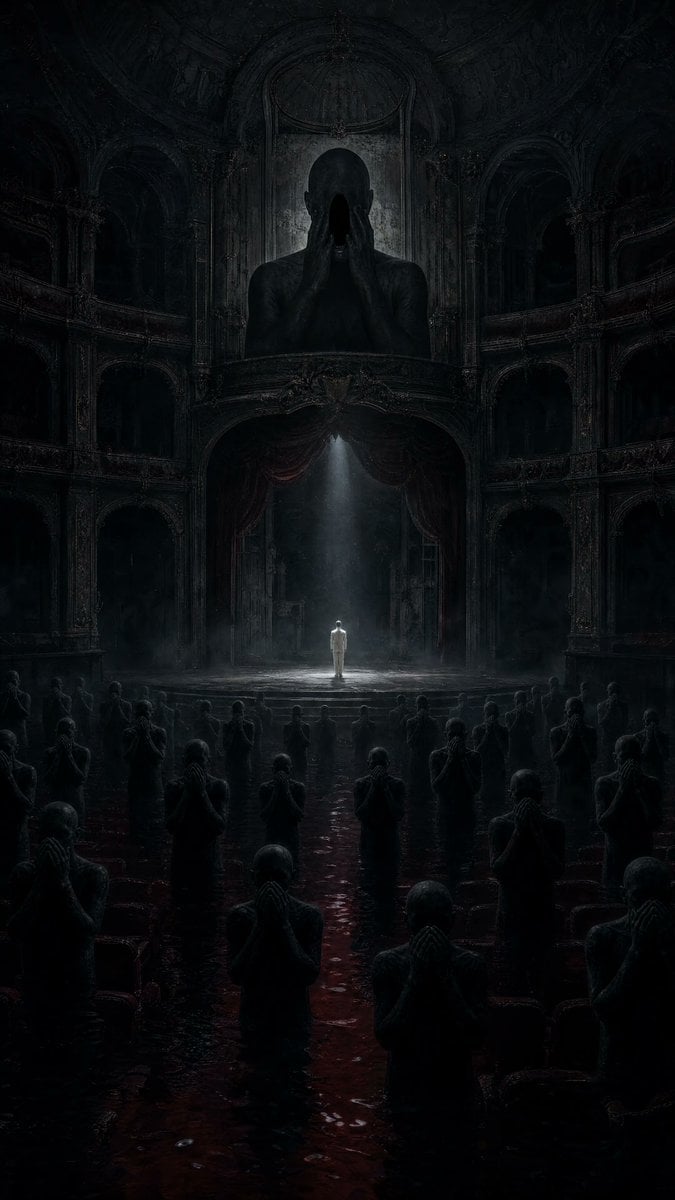
Dark Surrealist Flooded Opera House
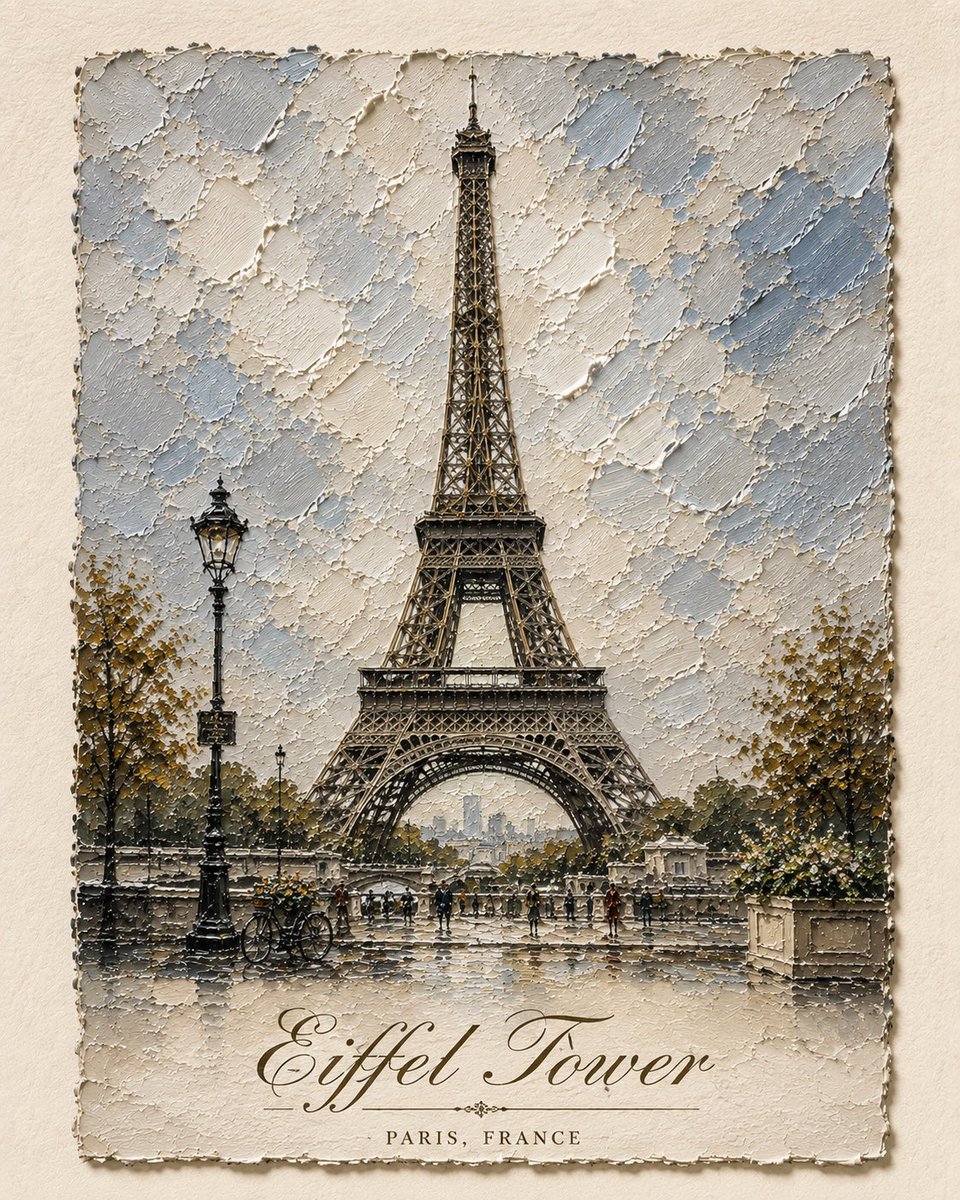
Impasto Oil Architectural Painting

Architectural Typographic Portrait Fusion
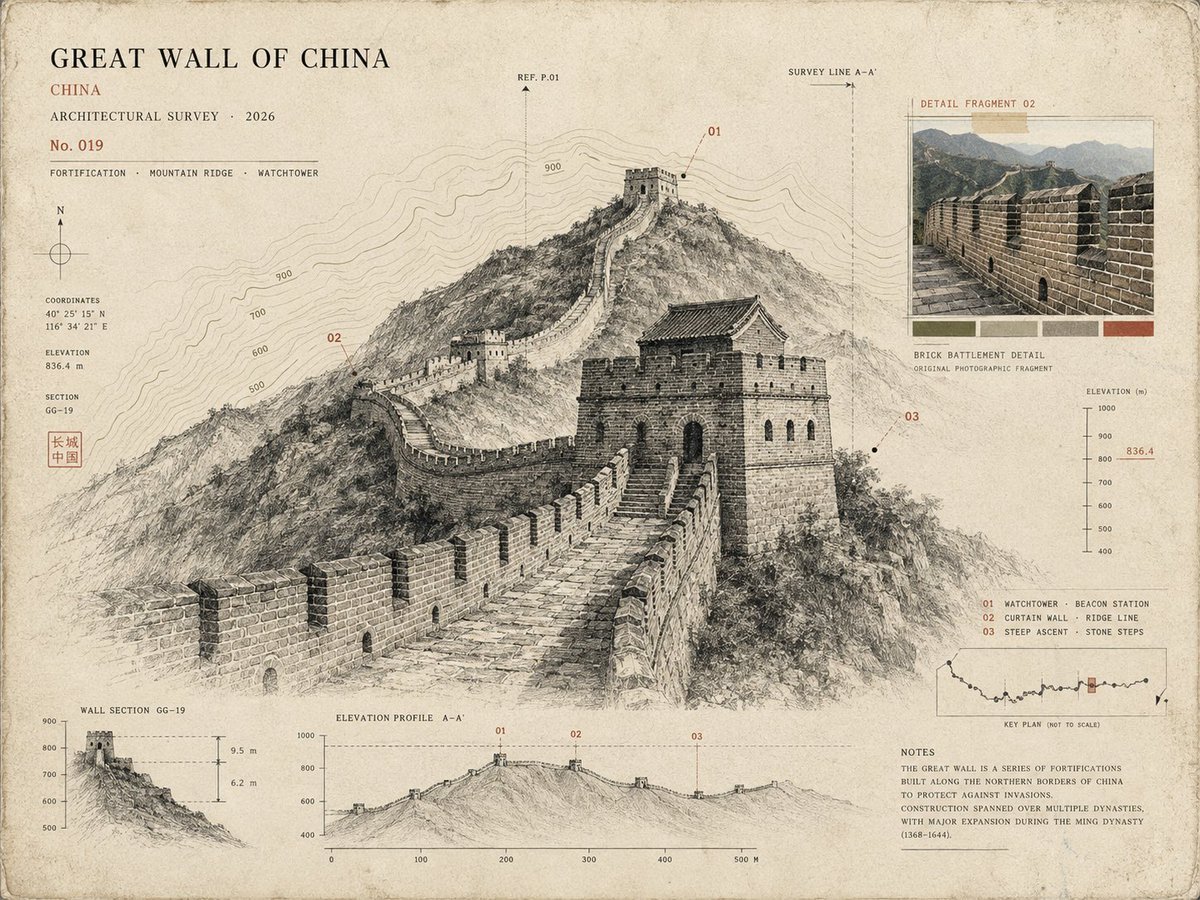
Architectural Museum Specimen Card

Gothic Whimsical Haunted House
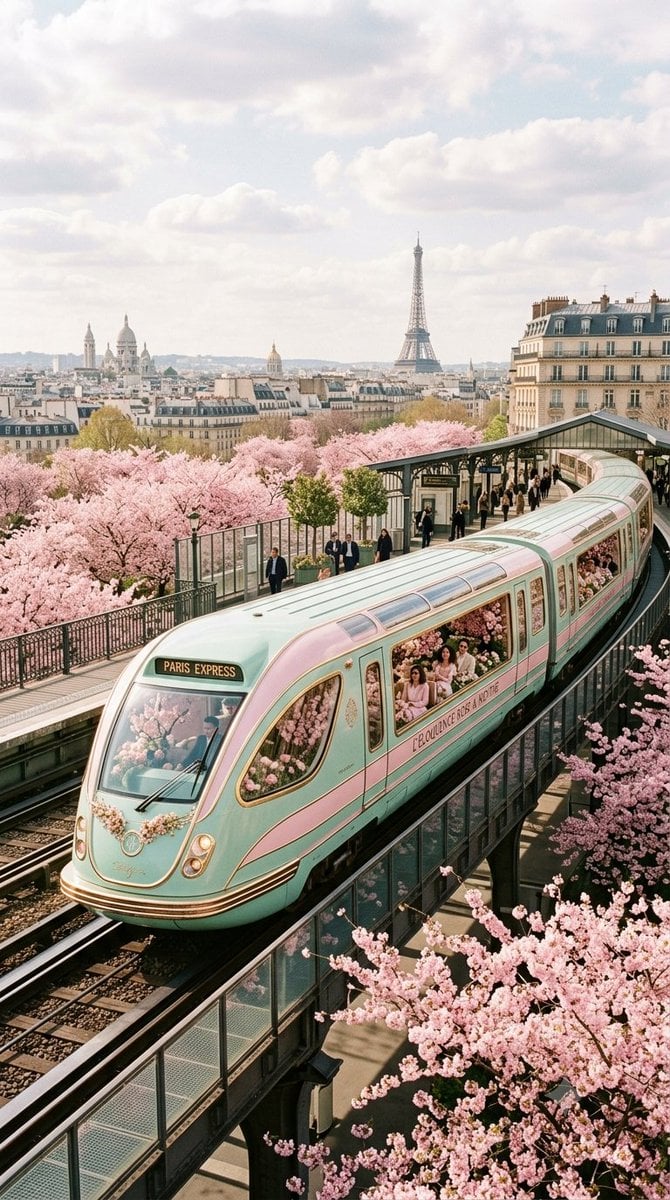
Luxurious Retrofuturistic Train Exterior
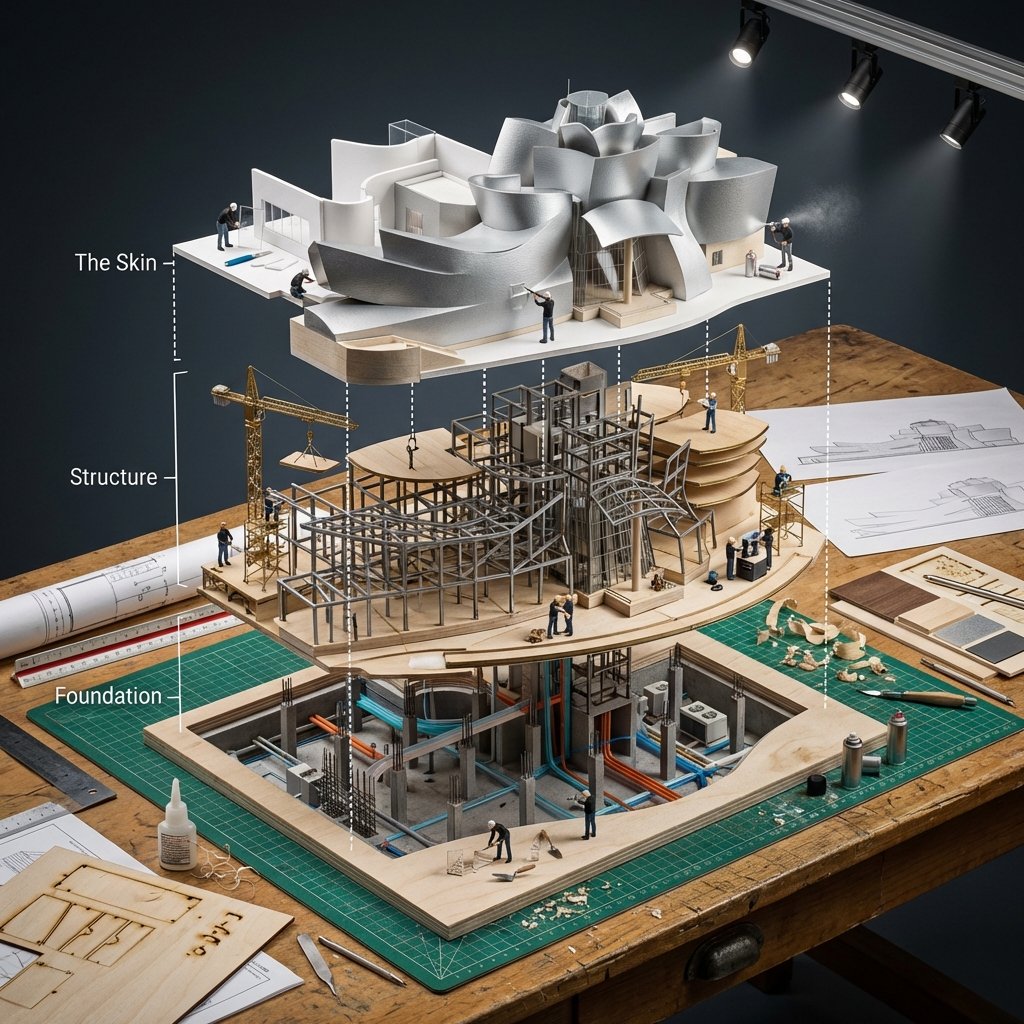
Building Exploded View Architectural Diorama
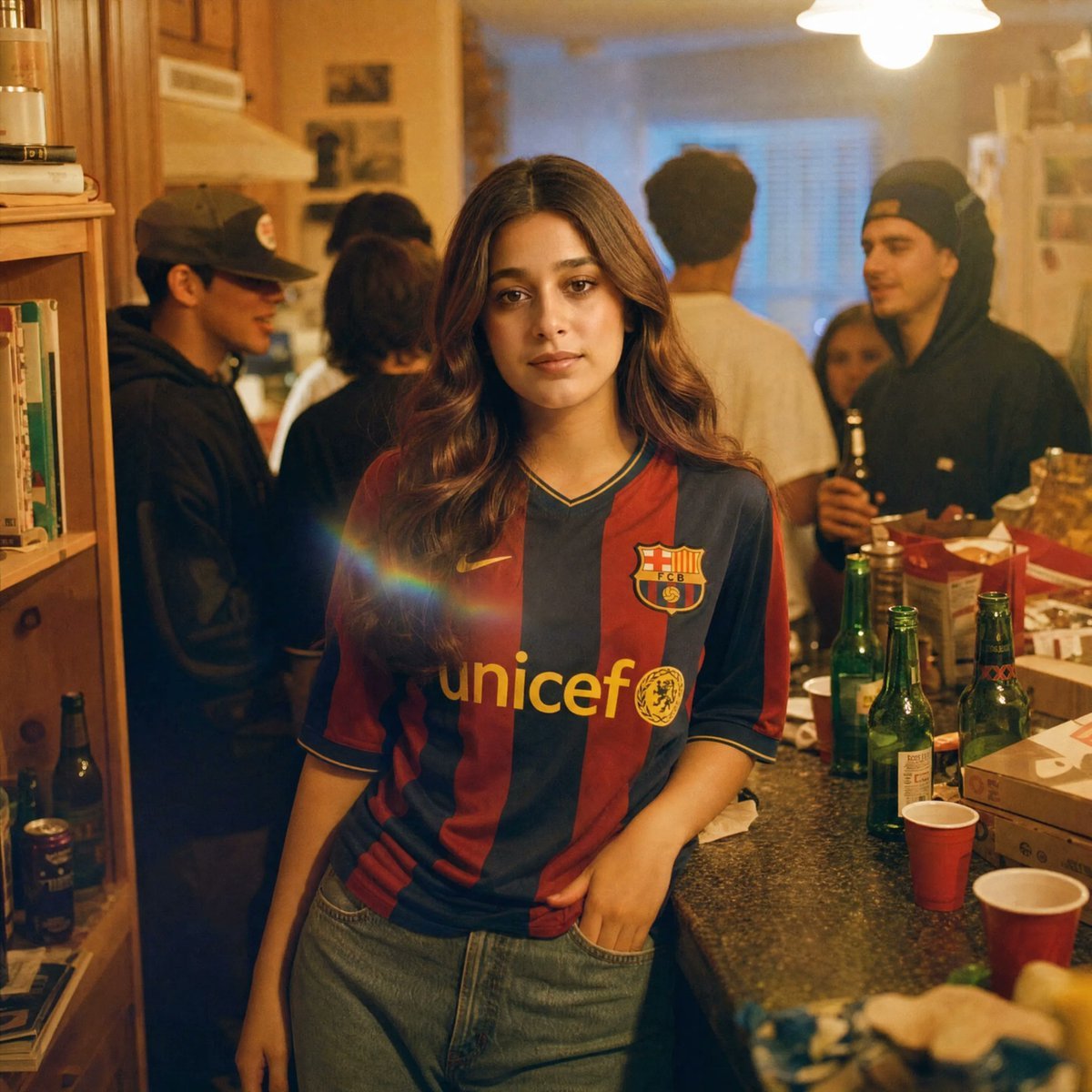
Candid House Party Soccer Jersey Portrait
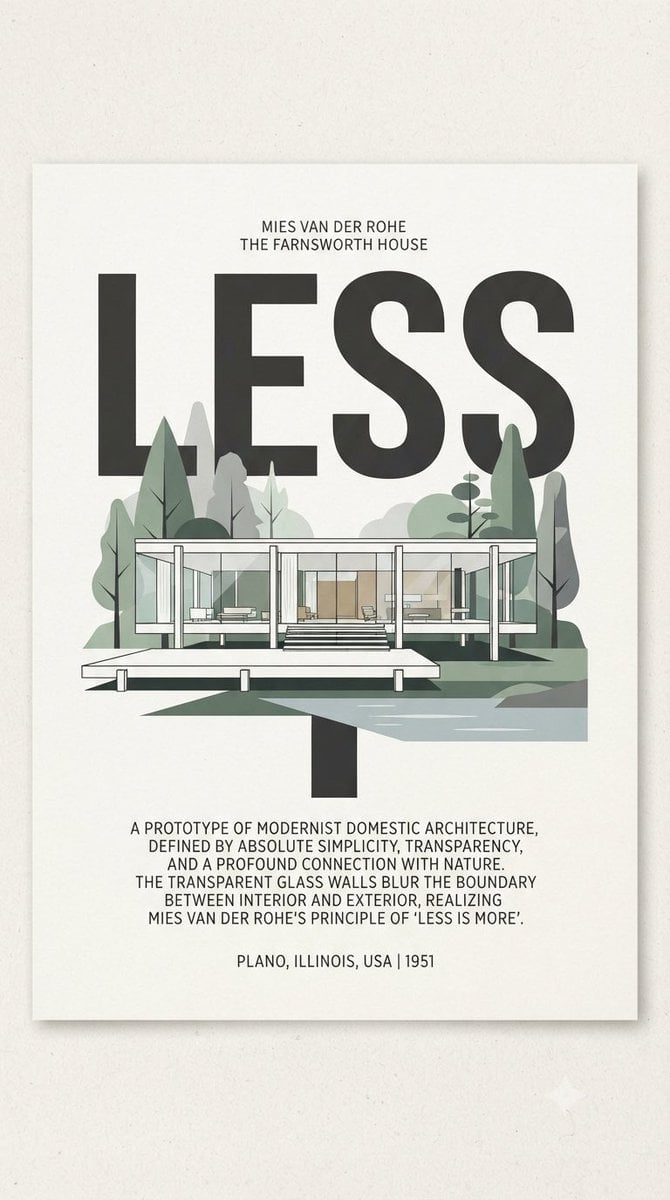
Farnsworth House LESS Poster

Paper Cut Architectural Section
Make it yours
Cinematic Architectural House Exterior works as-is. These are the safest ways to change it without losing the look.
Change one field
Copy a single group, rewrite it, and generate again so you can see what that field is doing.
Keep the frame, change the subject
Hold the composition and light of Cinematic Architectural House Exterior, then swap wardrobe, props or the person for a new take.
| If the result… | Why | Fix |
|---|---|---|
| The result drifts from the preview | Too many fields changed at once. | Reuse Cinematic Architectural House Exterior as-is first, then change one group — subject, light, or setting. |
| The model over-stylizes the scene | The prose prompt leaves finish and camera underspecified. | Add one camera or lighting sentence and stay on GPT Image 2. |
More GPT Image 2 templates
Other prompts made for GPT Image 2.

Six VTuber Japanese Logo Sheet

Realistic Portrait of Woman and Deer

The Vista Modular Condo Poster

AI Model Routing Comparison Infographic

2.5D Anime Art Board

Isometric Productivity Desk Scene

New York Double Exposure Poster

Four-Panel AI Landscape Comparison

Japanese Tatami Lifestyle Magazine Cover

NESCAFÉ Coffee Map Poster
More image prompts
Fresh picks from across the catalog.

Monochrome Portrait with Neon Rim Light

Industrial Fashion Portrait of South Asian Boy

Character Bento Recipe Magazine Page

Sweet dreams image prompt for Nano Banana Pro

Retro Constructivist Fight Poster

Hyper-Realistic Commercial Product Photography (Splash Effect)

Dark Fantasy Tarot Club Lore Infographic
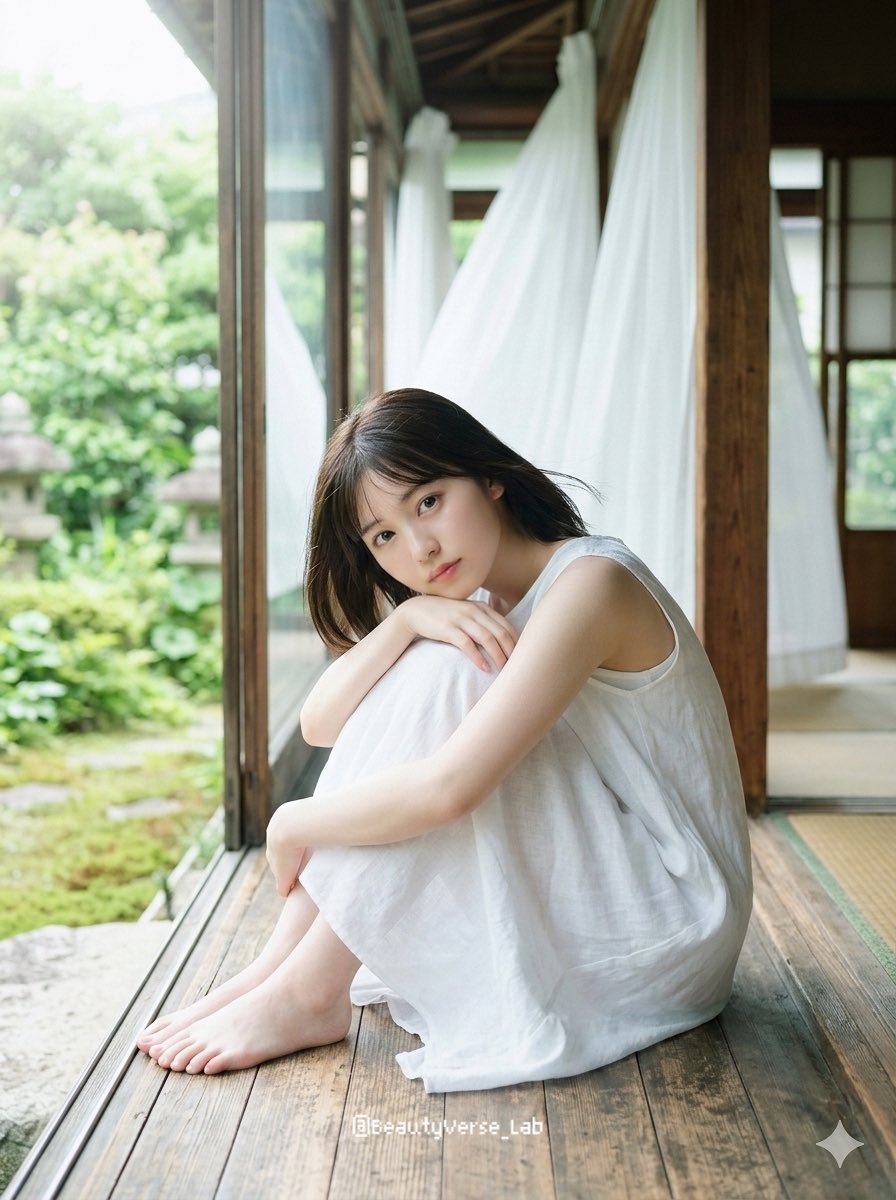
Translucent Airy Japanese Idol Photoshoot
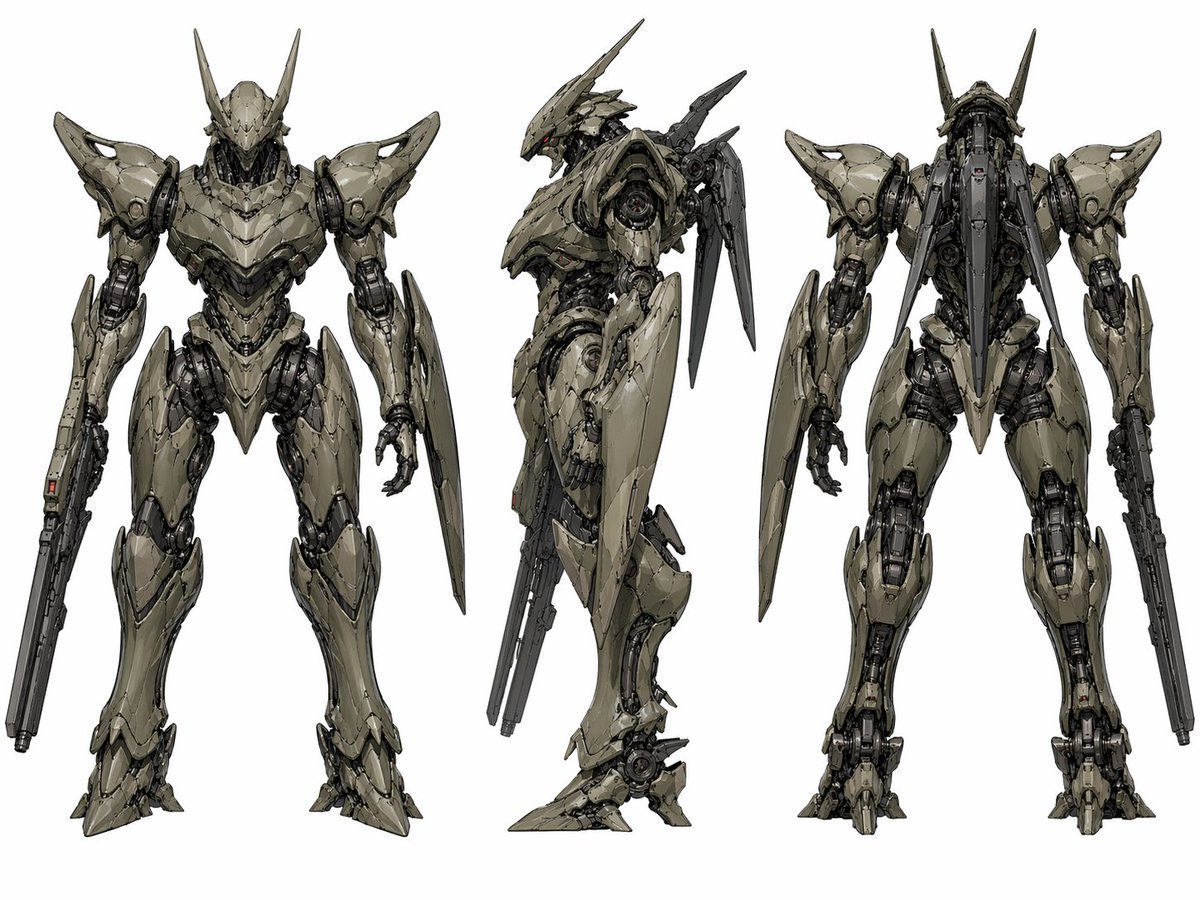
Sci-Fi Mecha Turnaround Sheet

Bullet Train Rooftop Fight Storyboard
Browse template categories
Cinematic Architectural House Exterior questions
How do I use the Cinematic Architectural House Exterior template?
Add your photo if the template asks for one, edit the prompt if you like — the template's model and format are already selected — and press Generate. Your version opens in PicX Studio.
Can I customize the Cinematic Architectural House Exterior template?
Yes. You can change the subject, setting, lighting, mood, format, and available model controls before creating your image.
Is the Cinematic Architectural House Exterior template free?
Opening and editing this template is free. Generating uses credits, shown on the Generate button when you are signed in.
Which AI model should I use?
Start with GPT Image 2, which is the model associated with this template. You can compare another compatible model for a different finish.
Looking for something else? Browse all templates.

Your photo, any look
Thousands of ready templates for every top image and video model, from one credit balance.