
Character Bento Recipe Magazine Page
A detailed magazine-style recipe layout for a character bento, featuring a main photo, ingredients list, and 6 step-by-step instructions.
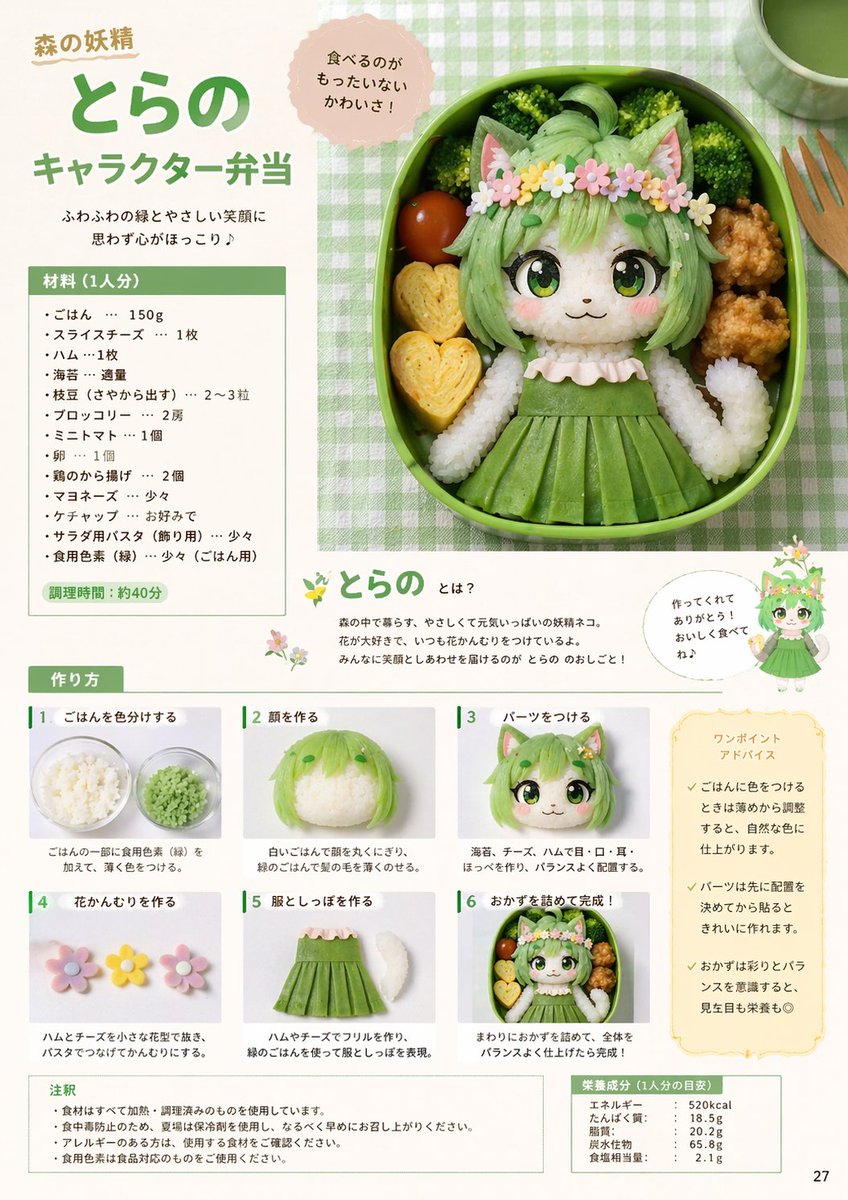
- Prompt included
- Model and format preset
- Free template
The prompt behind this image
Copy the exact prompt behind Character Bento Recipe Magazine Page, or open it in the studio and make it yours.
- Type
- magazine recipe page layout
- Theme
- character bento (kyaraben)
- Main Visual › Description
- Large top-right circular photo of a bento box featuring a {argument name="character type" default="forest fairy cat-girl"} made of rice and food. The character has {argument name="main color" default="green"} hair made of colored rice, cat ears, large anime eyes made of nori and cheese, a flower crown, and a {argument name="main color" default="green"} dress. Surrounded by broccoli, a cherry tomato, fried chicken, and 2 heart-shaped rolled omelets.
- Main Visual › Callout Bubble
- 食べるのがもったいないかわいさ!
- Header › Supertitle
- 森の妖精
- Header › Title
- {argument name="character name" default="とらの"}
- Header › Subtitle
- {argument name="recipe title" default="キャラクター弁当"}
- Header › Catchphrase
- ふわふわの緑とやさしい笑顔に思わず心がほっこり♪
- Sidebar Left › Ingredients Section › Title
- 材料 (1人分)
- Sidebar Left › Ingredients Section › Item Count
- 13
- Sidebar Left › Ingredients Section › Prep Time
- 調理時間:約40分
- Middle Section › Character Intro › Title
- とらの とは?
- Middle Section › Character Intro › Description
- Text explaining the character.
- Middle Section › Character Intro › Illustration
- Small full-body 2D anime illustration of the character.
- Middle Section › Character Intro › Speech Bubble
- 作ってくれてありがとう!おいしく食べてね♪
- Bottom Section › Instructions › Title
- 作り方
- Bottom Section › Instructions › Step Count
- 6
- Bottom Section › Instructions › Steps › 0 › Number
- 1
- Bottom Section › Instructions › Steps › 0 › Label
- ごはんを色分けする
- Bottom Section › Instructions › Steps › 0 › Image
- bowl of green colored rice
- Bottom Section › Instructions › Steps › 1 › Number
- 2
- Bottom Section › Instructions › Steps › 1 › Label
- 顔を作る
- Bottom Section › Instructions › Steps › 1 › Image
- rice shaped into a head with green hair
- Bottom Section › Instructions › Steps › 2 › Number
- 3
Raw JSON
{
  "type": "magazine recipe page layout",
  "theme": "character bento (kyaraben)",
  "main_visual": {
    "description": "Large top-right circular photo of a bento box featuring a {argument name=\"character type\" default=\"forest fairy cat-girl\"} made of rice and food. The character has {argument name=\"main color\" default=\"green\"} hair made of colored rice, cat ears, large anime eyes made of nori and cheese, a flower crown, and a {argument name=\"main color\" default=\"green\"} dress. Surrounded by broccoli, a cherry tomato, fried chicken, and 2 heart-shaped rolled omelets.",
    "callout_bubble": "食べるのがもったいないかわいさ!"
  },
  "header": {
    "supertitle": "森の妖精",
    "title": "{argument name=\"character name\" default=\"とらの\"}",
    "subtitle": "{argument name=\"recipe title\" default=\"キャラクター弁当\"}",
    "catchphrase": "ふわふわの緑とやさしい笑顔に思わず心がほっこり♪"
  },
  "sidebar_left": {
    "ingredients_section": {
      "title": "材料 (1人分)",
      "item_count": 13,
      "prep_time": "調理時間:約40分"
    }
  },
  "middle_section": {
    "character_intro": {
      "title": "とらの とは?",
      "description": "Text explaining the character.",
      "illustration": "Small full-body 2D anime illustration of the character.",
      "speech_bubble": "作ってくれてありがとう!おいしく食べてね♪"
    }
  },
  "bottom_section": {
    "instructions": {
      "title": "作り方",
      "step_count": 6,
      "steps": [
        {"number": 1, "label": "ごはんを色分けする", "image": "bowl of green colored rice"},
        {"number": 2, "label": "顔を作る", "image": "rice shaped into a head with green hair"},
        {"number": 3, "label": "パーツをつける", "image": "face with nori eyes, mouth, and cat ears added"},
        {"number": 4, "label": "花かんむりを作る", "image": "small flower shapes made of ham and cheese"},
        {"number": 5, "label": "服としっぽを作る", "image": "green dress shape and white rice tail"},
        {"number": 6, "label": "おかずを詰めて完成!", "image": "completed bento box"}
      ]
    },
    "advice_box": {
      "title": "ワンポイントアドバイス",
      "bullet_points_count": 3
    }
  },
  "footer": {
    "notes": {
      "title": "注釈",
      "bullet_points_count": 4
    },
    "nutrition": {
      "title": "栄養成分 (1人分の目安)",
      "stats": ["エネルギー", "たんぱく質", "脂質", "炭水化物", "食塩相当量"]
    },
    "page_number": "27"
  }
}How to use Character Bento Recipe Magazine Page in 3 steps
- 1Upload ImagePNG, JPG or paste
Add your photo
Upload the photo the template builds on. The prompt, model and format are already set.
- 2…a portrait of your subject in softgolden-hour light, 85mm…
Personalize
Edit the subject and creative details for your destination.
- 3Generate
Generate
Press Generate — your image is created in PicX Studio, so you can compare it with the original and refine one variable at a time.
More like this
Templates with the same subject, style or setup. Open one to see its prompt.

Korean Model Floating Magazine Pages Campaign

Open Magazine Luxury Fashion Editorial Layout

Monochrome Halftone Editorial Fashion Poster

Blue Hour Editorial Fashion Portrait
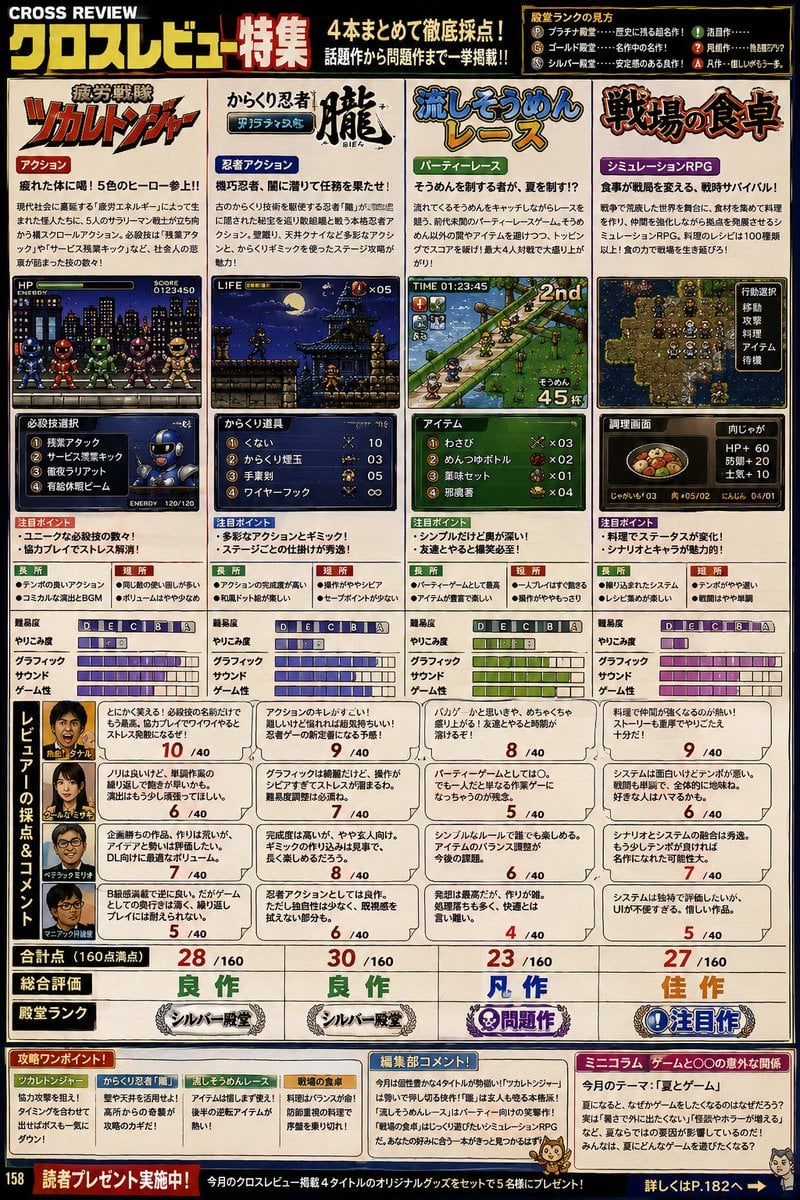
Retro Japanese Gaming Magazine Review Page
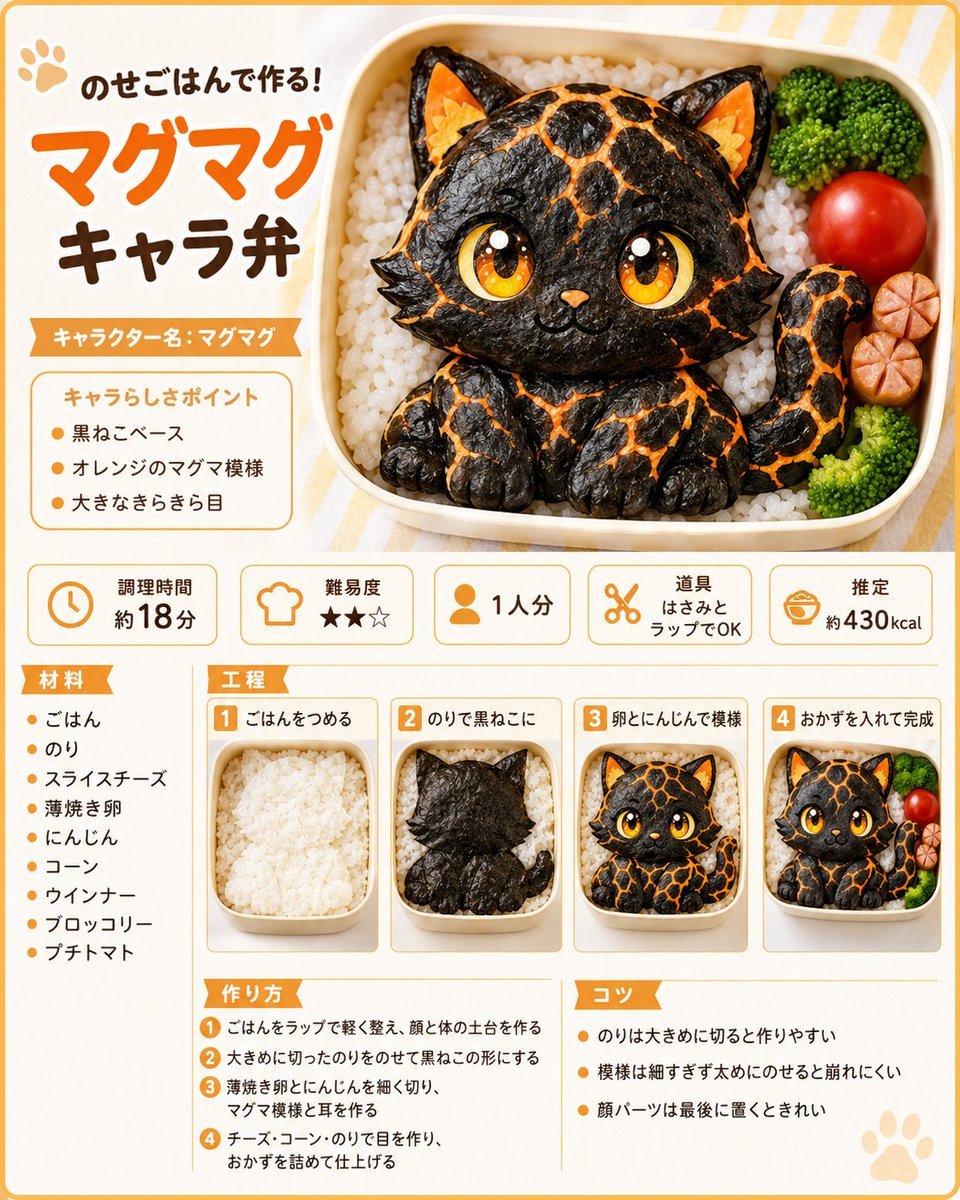
Magma Cat Bento Recipe Infographic
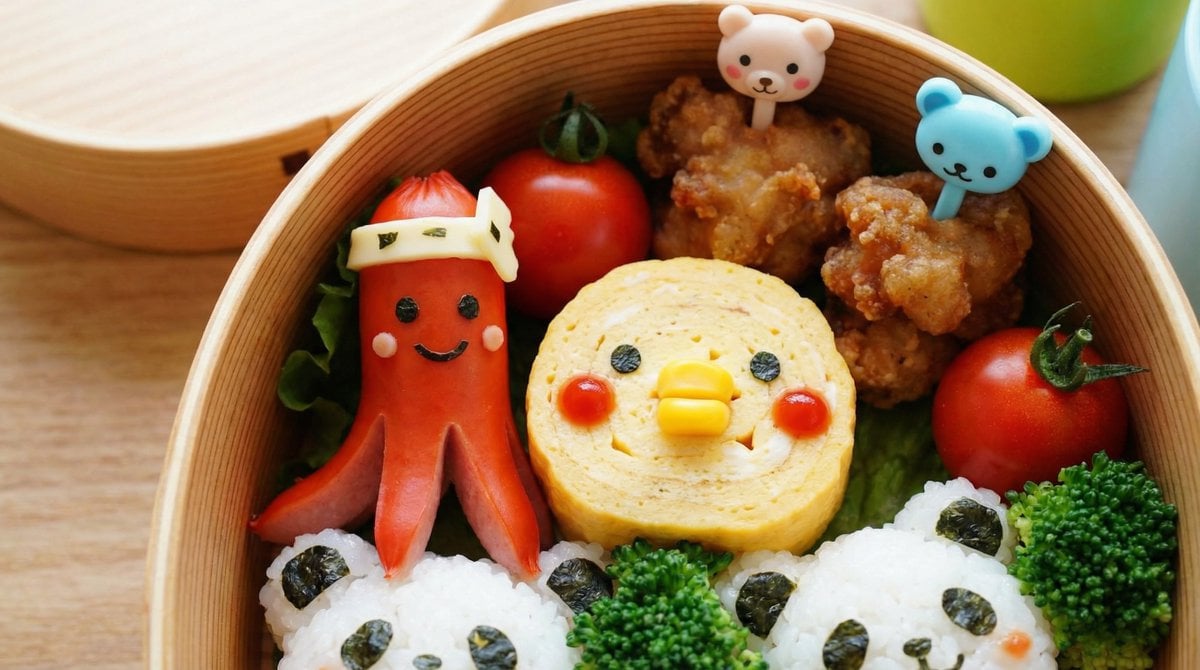
Recipe Generation Prompt for Bento Box

Quiet Hamster Manga Page
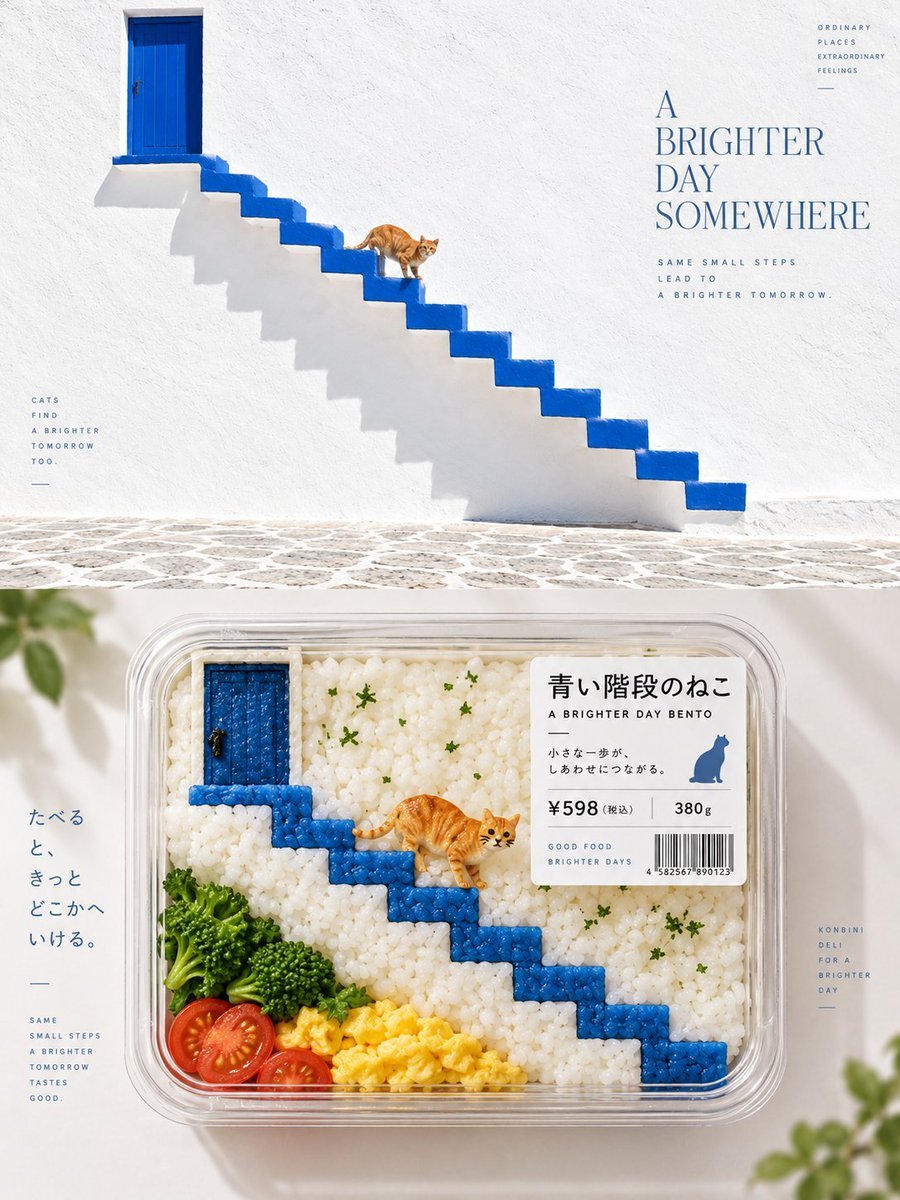
Bento-Style Food Packaging Transformation
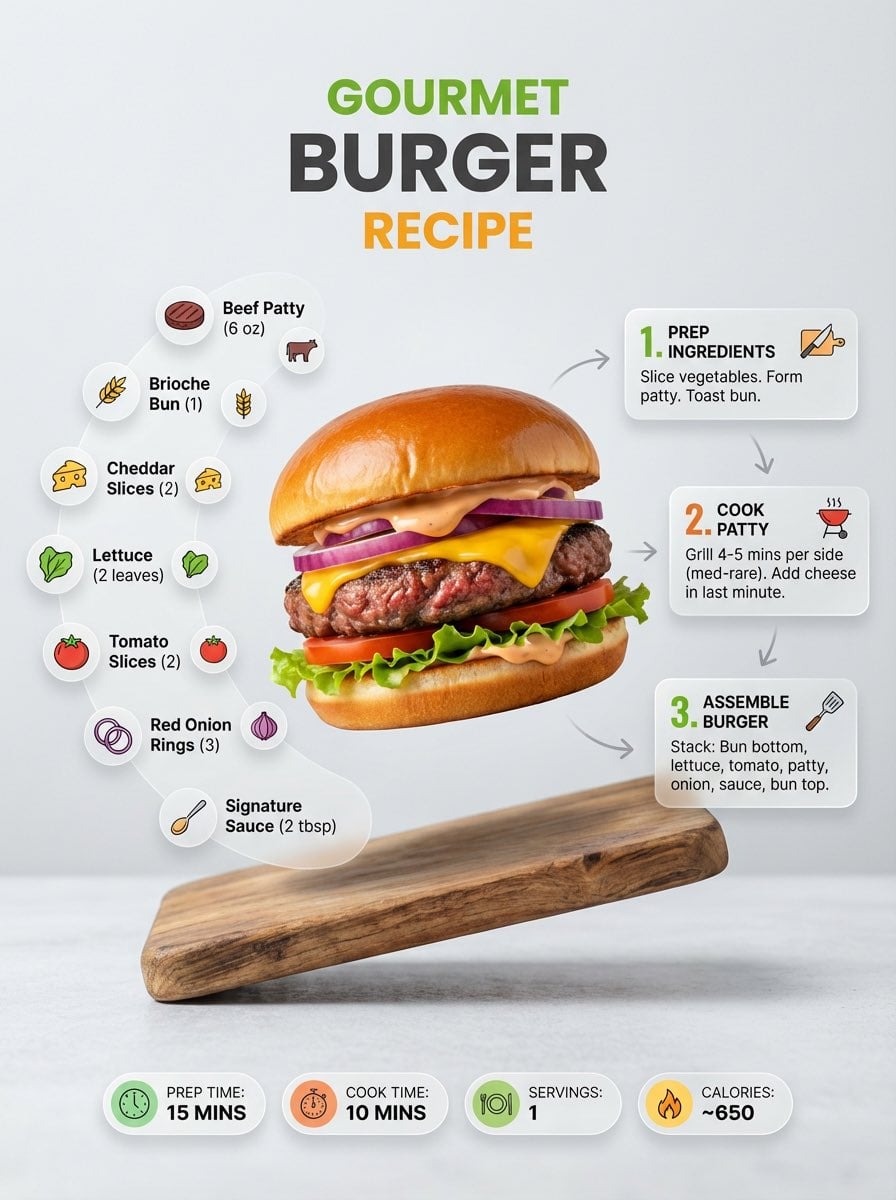
Ultra-clean modern recipe infographic
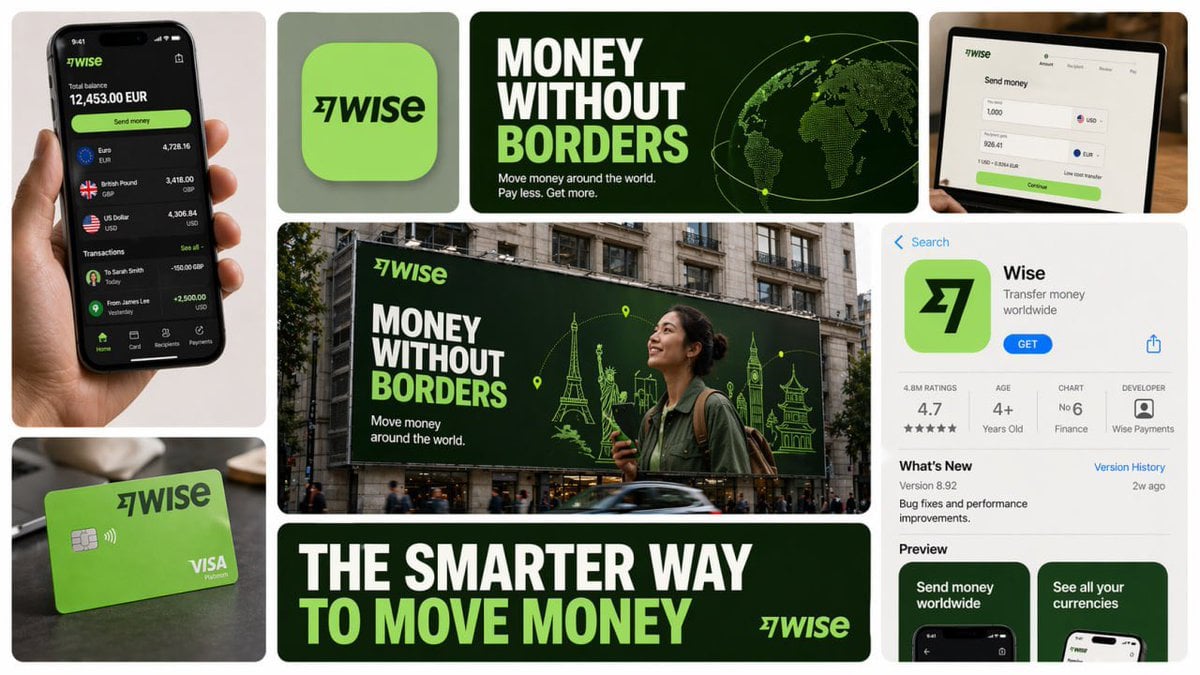
16 9 horizontal bento-grid brand collage for in a polished contemporary
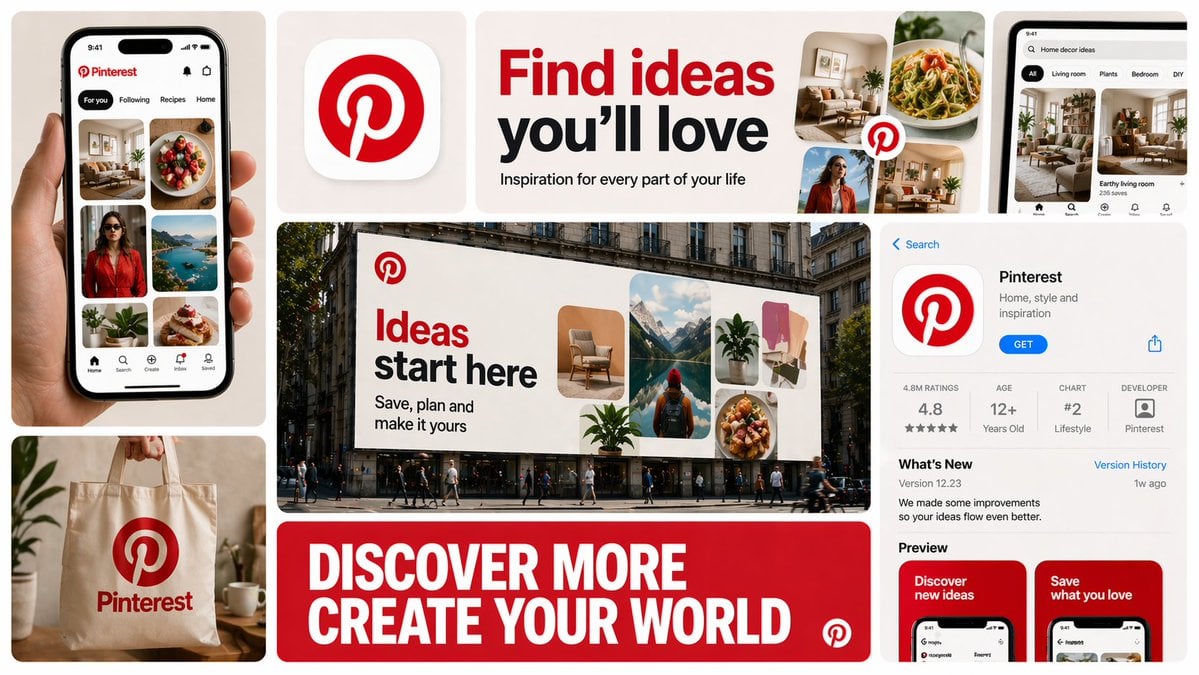
16 9 horizontal bento-grid brand collage for in a polished contemporary
Make it yours
Character Bento Recipe Magazine Page works as-is. These are the safest ways to change it without losing the look.
Change one field
Copy a single group, rewrite it, and generate again so you can see what that field is doing.
Keep the frame, change the subject
Hold the composition and light of Character Bento Recipe Magazine Page, then swap wardrobe, props or the person for a new take.
| If the result… | Why | Fix |
|---|---|---|
| The result drifts from the preview | Too many fields changed at once. | Reuse Character Bento Recipe Magazine Page as-is first, then change one group — subject, light, or setting. |
| GPT Image 2 ignores part of the JSON | Some models flatten or skip nested keys. | Keep the same values and paste them as a short paragraph instead. |
More GPT Image 2 templates
Other prompts made for GPT Image 2.

Six VTuber Japanese Logo Sheet

Realistic Portrait of Woman and Deer

The Vista Modular Condo Poster

AI Model Routing Comparison Infographic

2.5D Anime Art Board

Isometric Productivity Desk Scene

New York Double Exposure Poster

Four-Panel AI Landscape Comparison

NESCAFÉ Coffee Map Poster

Brutalist Cogito Chinese Typography Poster
More image prompts
Fresh picks from across the catalog.
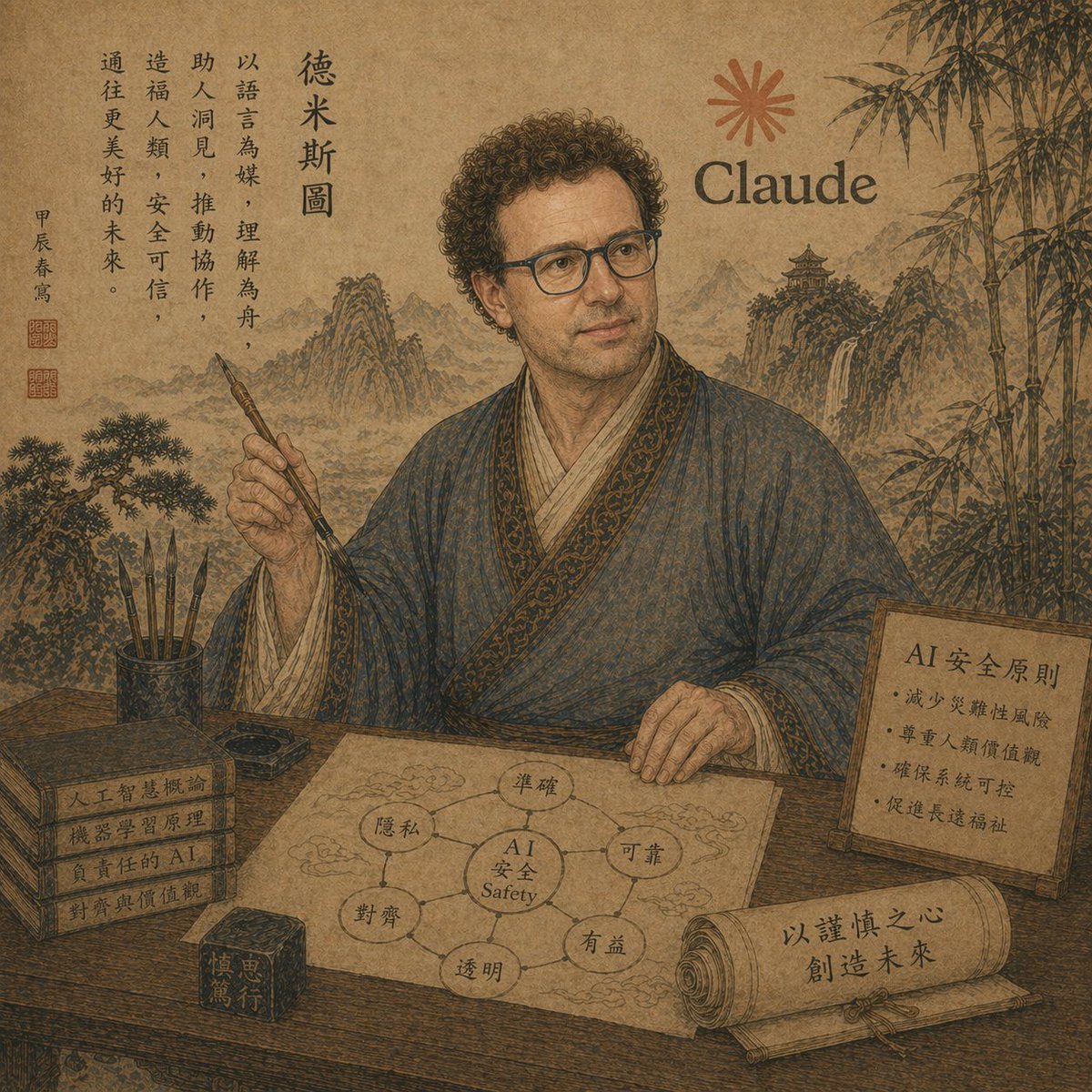
Ancient Scholar AI Safety Poster

Minimalist Fashion Runway Illustration
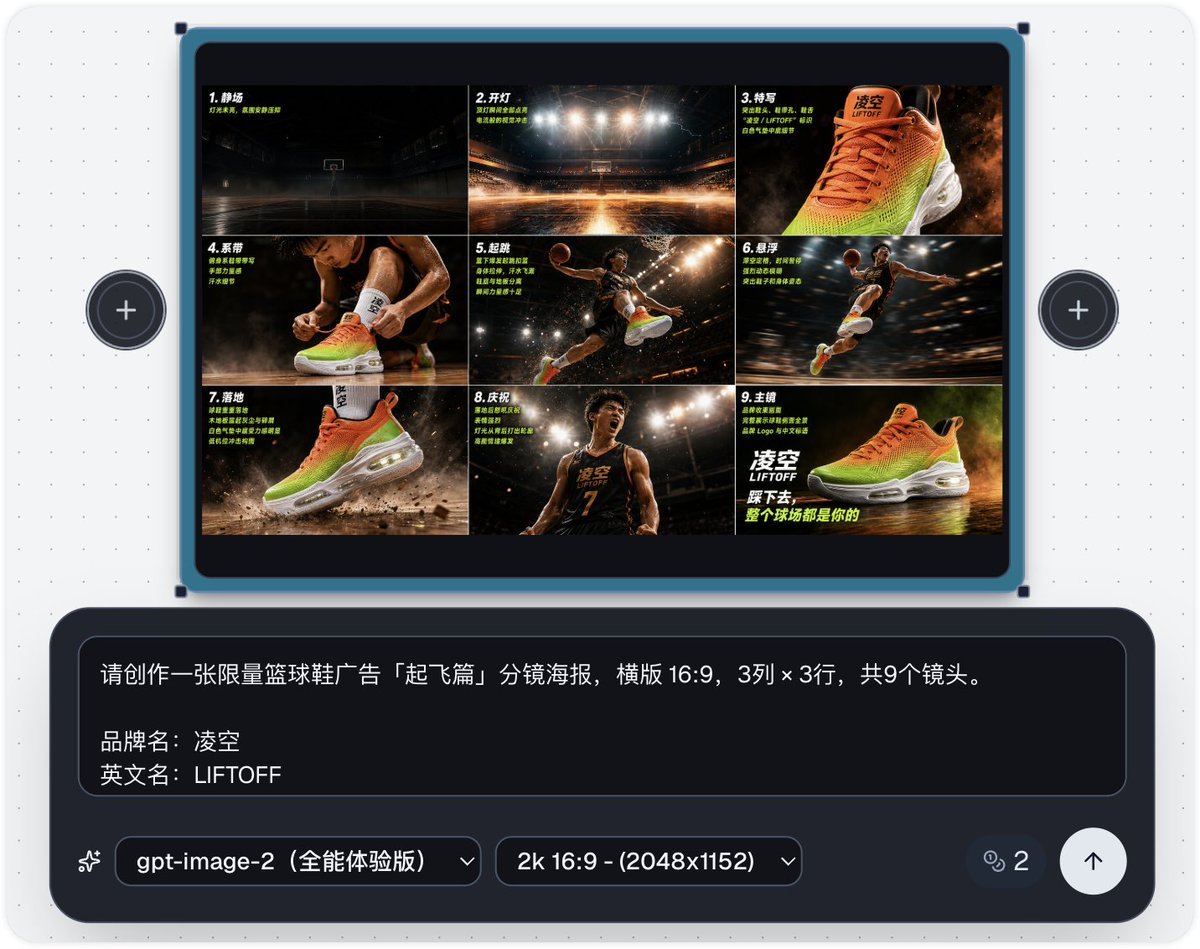
Basketball Shoe Storyboard Advertisement
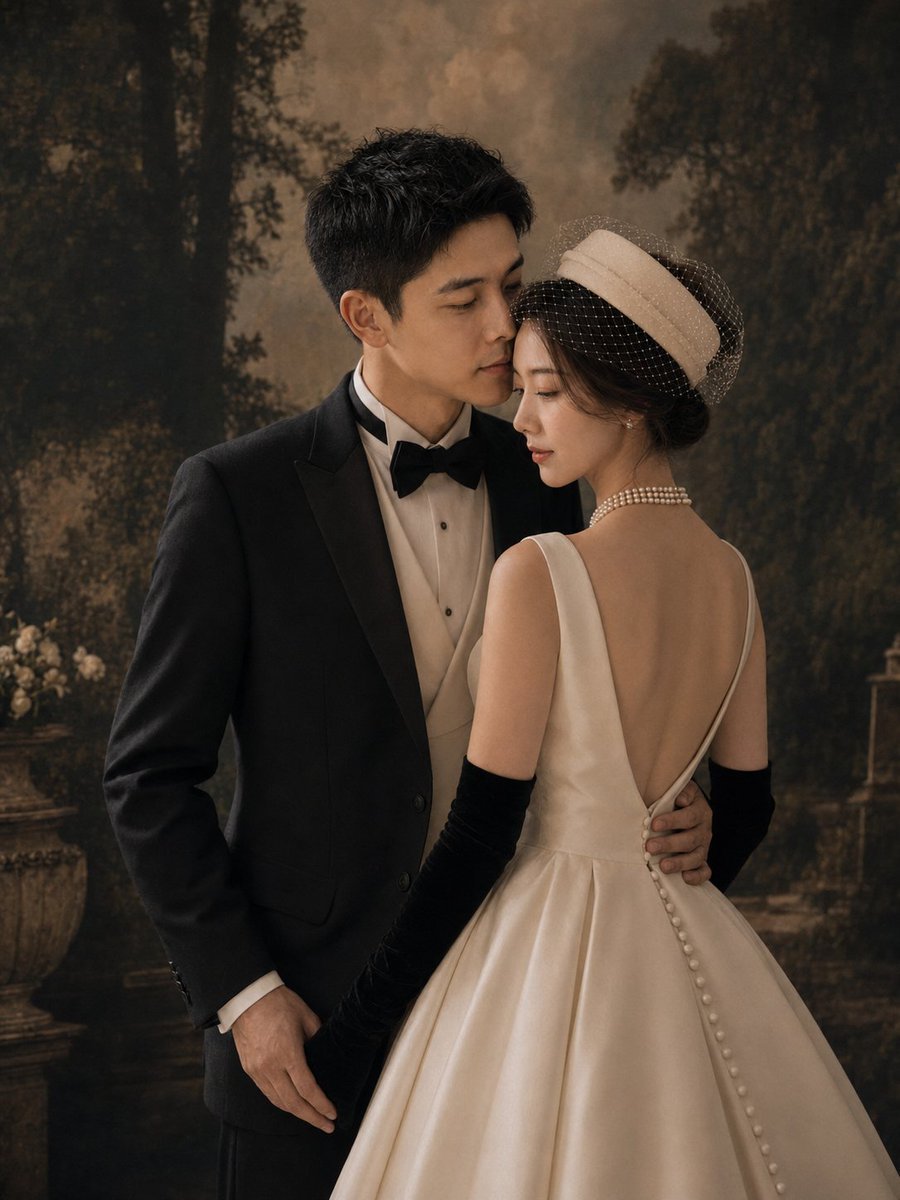
Vintage Garden Wedding Portrait
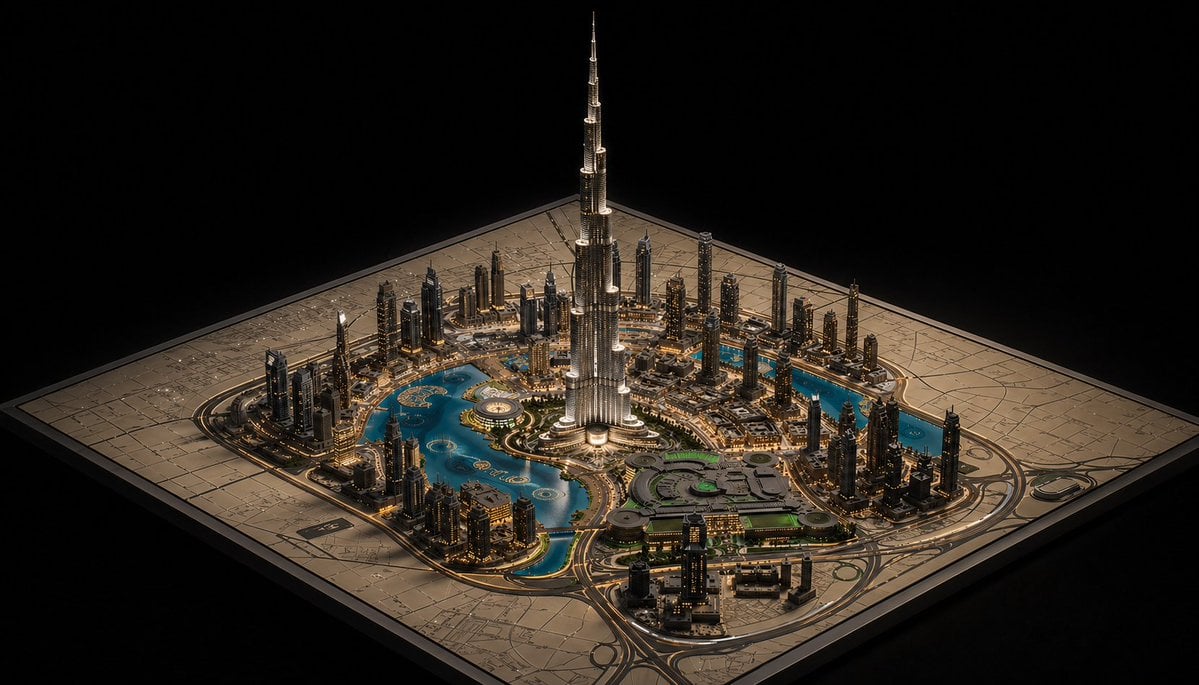
Luxury Miniature Dubai City Model
Ultra-Realistic Dramatic Portrait with Red Light Highlight
Japanese Lolita Street Style Selfie

Vintage Photo Restoration to DSLR Quality Prompt (Truncated)
2D to 3D Illustration Conversion Prompt
Commercial Beverage Ad for Layered Smoothie
Browse template categories
Character Bento Recipe Magazine Page questions
How do I use the Character Bento Recipe Magazine Page template?
Add your photo if the template asks for one, edit the prompt if you like — the template's model and format are already selected — and press Generate. Your version opens in PicX Studio.
Can I customize the Character Bento Recipe Magazine Page template?
Yes. You can change the subject, setting, lighting, mood, format, and available model controls before creating your image.
Is the Character Bento Recipe Magazine Page template free?
Opening and editing this template is free. Generating uses credits, shown on the Generate button when you are signed in.
Which AI model should I use?
Start with GPT Image 2, which is the model associated with this template. You can compare another compatible model for a different finish.
Looking for something else? Browse all templates.

Your photo, any look
Thousands of ready templates for every top image and video model, from one credit balance.