
Basketball Shoe Storyboard Advertisement
A detailed prompt for creating a 9-frame storyboard for a high-performance basketball shoe advertisement, featuring dynamic sports lighting and athletic visuals.
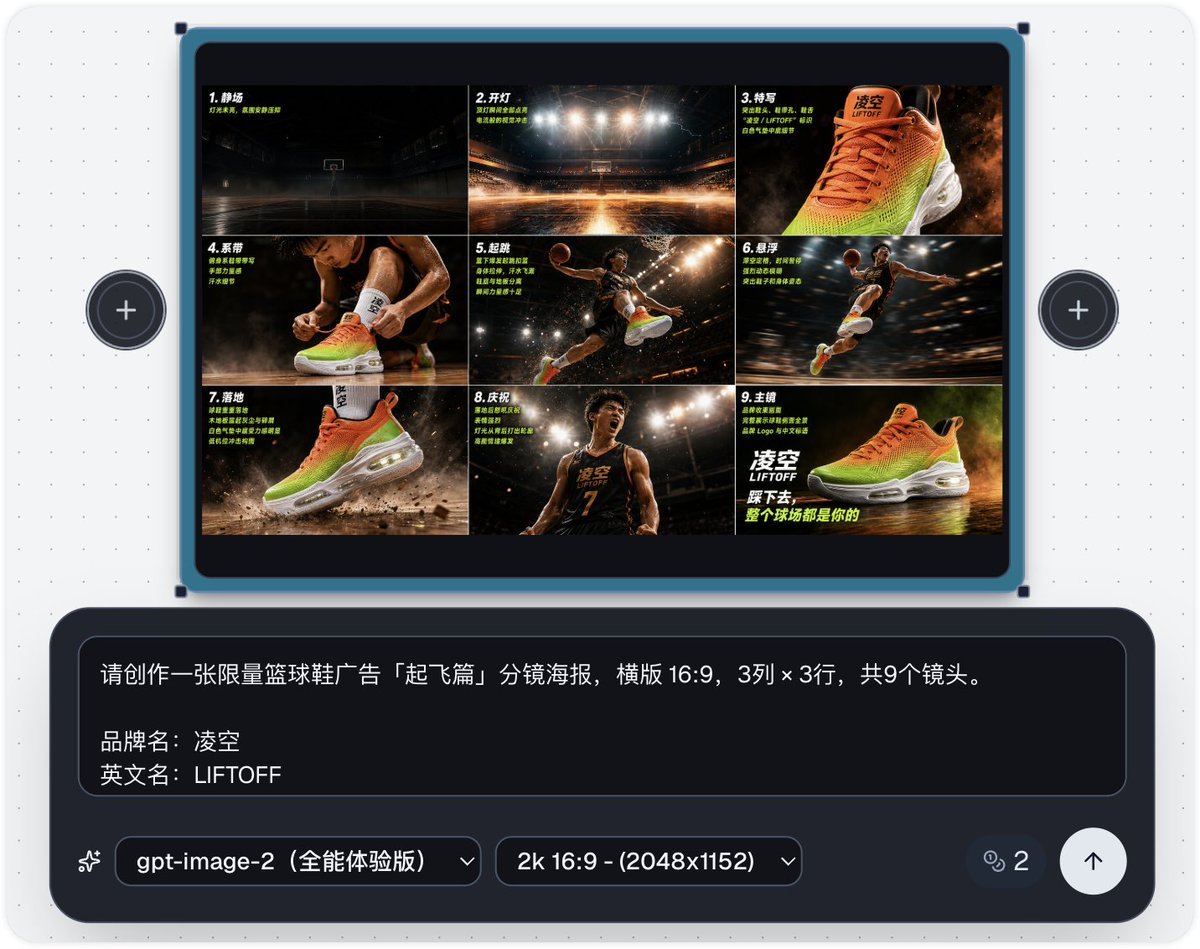
- Prompt included
- Model and format preset
- Free template
The prompt behind this image
Copy the exact prompt behind Basketball Shoe Storyboard Advertisement, or open it in the studio and make it yours.
Please create a storyboard-style poster for a limited-edition {argument name="product name" default="basketball shoe"} ad, "Liftoff Chapter," in landscape 16:9, a 3-column × 3-row grid, 9 shots total. Brand name: {argument name="brand name" default="Lingkong (凌空)"} English name: LIFTOFF Product: limited-colorway basketball shoes Subject: a teenage Asian athlete Tagline: {argument name="tagline" default="Step down, and the whole court is yours"} Visual style: high-contrast athletic feel, a bright fluorescent-orange + electric-green + pure-white color scheme, stadium lighting, basketball-court wood-floor texture, splashing sweat, a burst of explosive power, motion blur, a hazy/smoky atmosphere, spotlighting, Nike-level sports-ad production quality. The product is a pair of high-top basketball shoes, the upper fading from fluorescent orange to electric green, a white air-cushion midsole, and the tongue labeled "凌空 / LIFTOFF." Order of the 9 shots: Establishing shot (empty court, lights still off) → Lights on (the court lights suddenly switch on) → Close-up (front close-up of the shoe, air-cushion midsole detail) → Lacing up (close-up of the athlete tying their laces) → Takeoff (the athlete leaping high for a dunk) → Suspension (the athlete frozen mid-air, background motion-blurred) → Landing (the shoe slams down, dust kicked up from the floor) → Celebration (the athlete roars in celebration after landing) → Hero shot (brand logo + tagline + full side-profile display of the shoe).
How to use Basketball Shoe Storyboard Advertisement in 3 steps
- 1
Open
The prompt is already in the box next to the preview, with the template's model and format selected.
- 2…a portrait of your subject in softgolden-hour light, 85mm…
Personalize
Edit the subject and creative details for your destination.
- 3Generate
Generate
Press Generate — your image is created in PicX Studio, so you can compare it with the original and refine one variable at a time.
More like this
Templates with the same subject, style or setup. Open one to see its prompt.
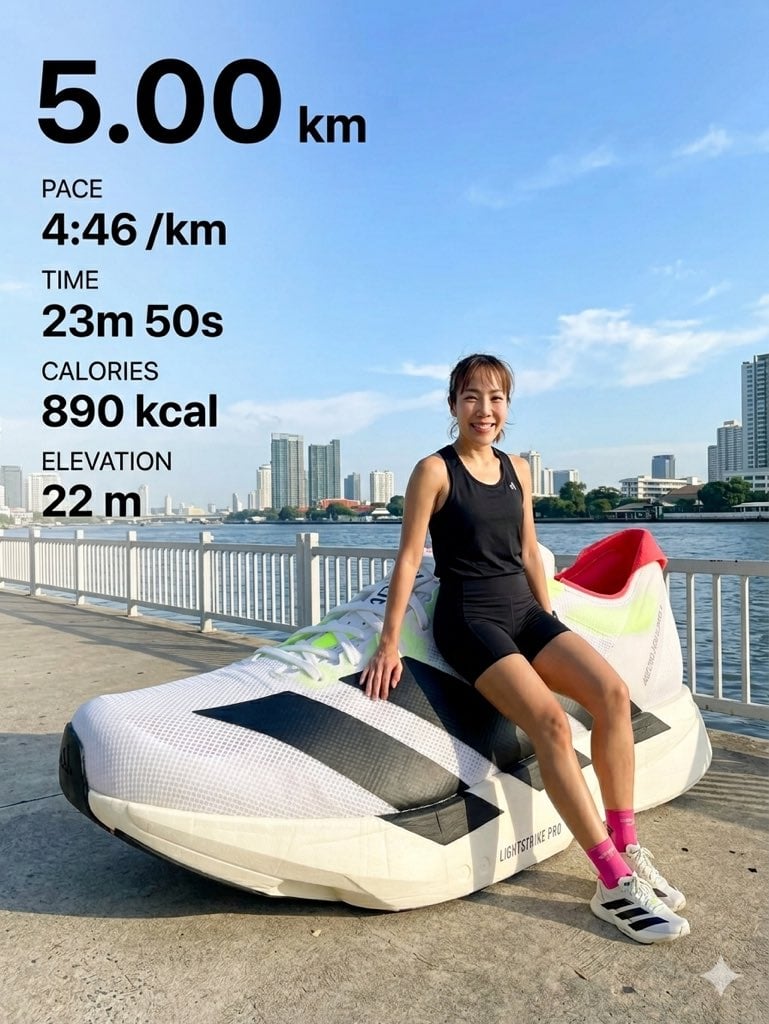
Surreal Giant Shoe Sports Advertisement

Headphones Lifestyle Nine Panel Grid
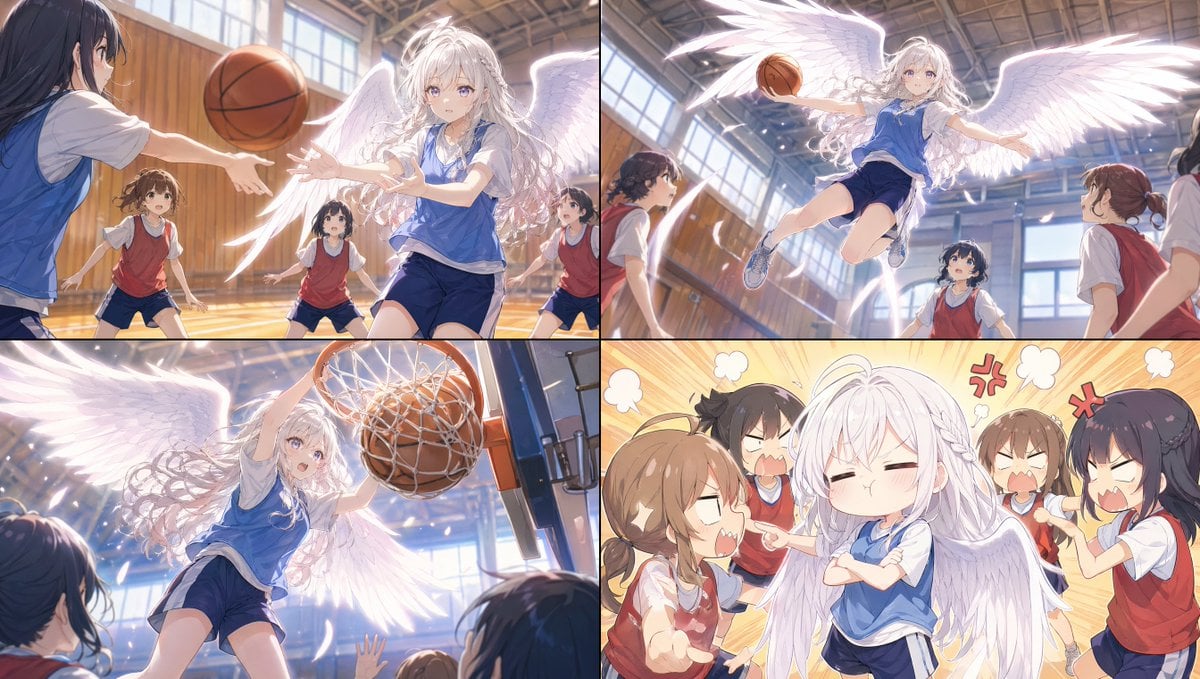
Angel Girl Basketball Storyboard
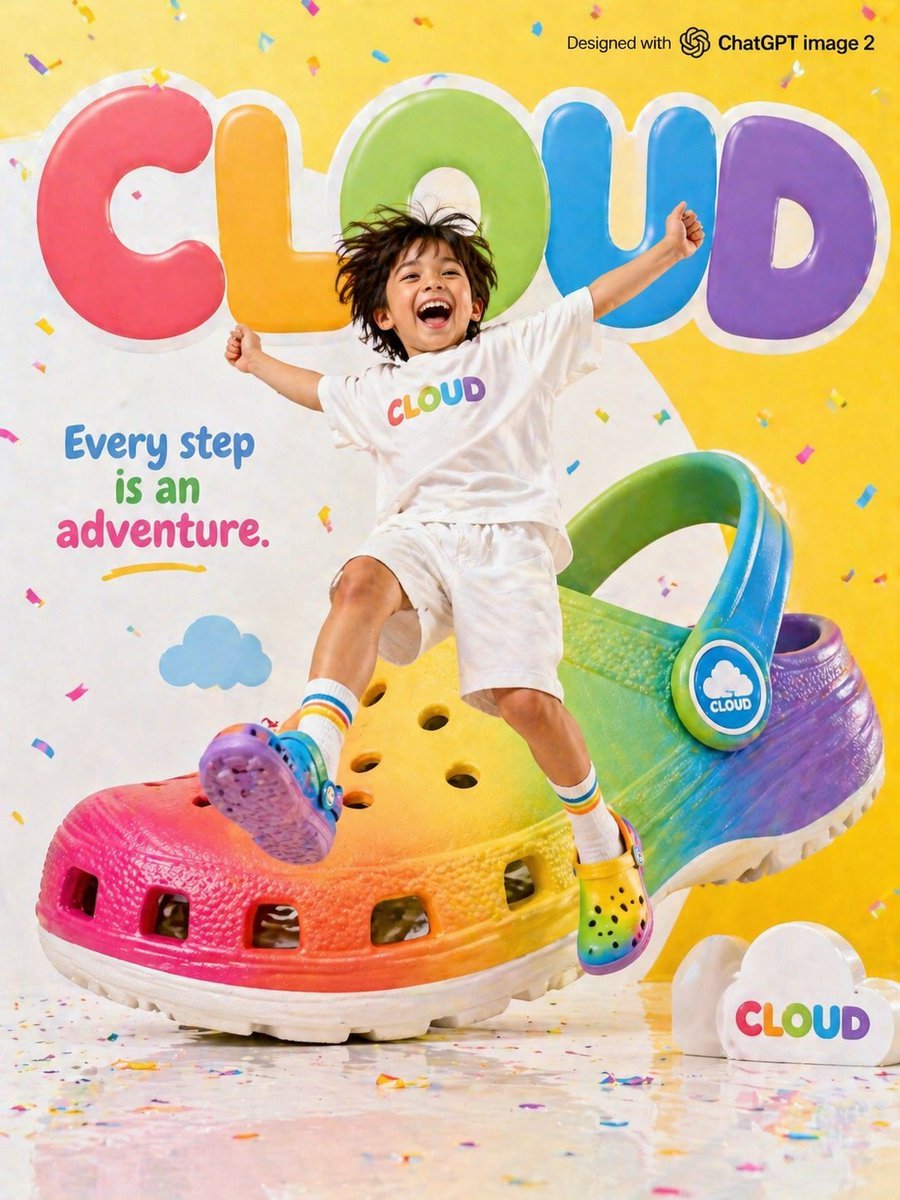
Children's Shoe Brand Advertisement
Seedance - Storyboard to Movie

Newspaper Advertisement Campaign Template

Newspaper Advertisement Template
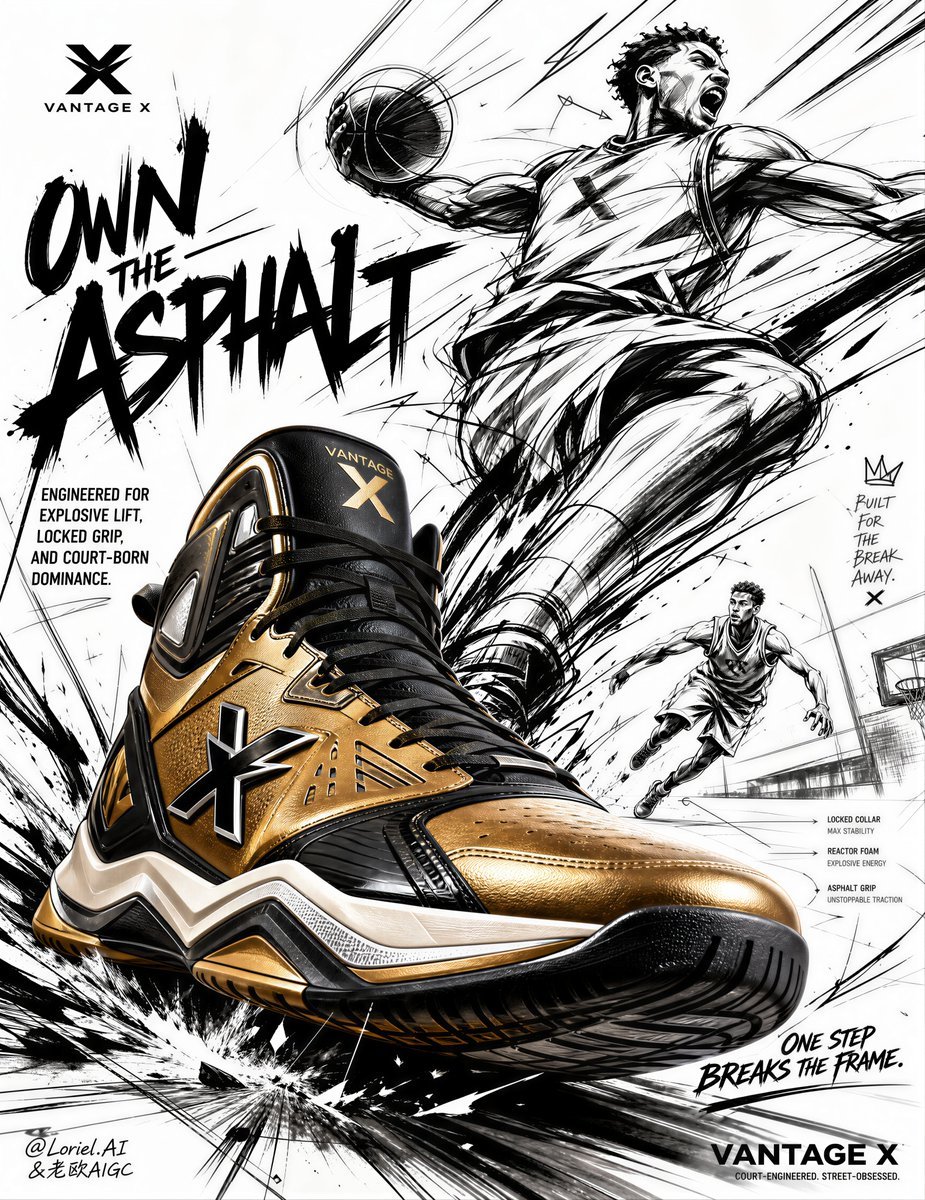
Urban Basketball Sneaker Poster Design
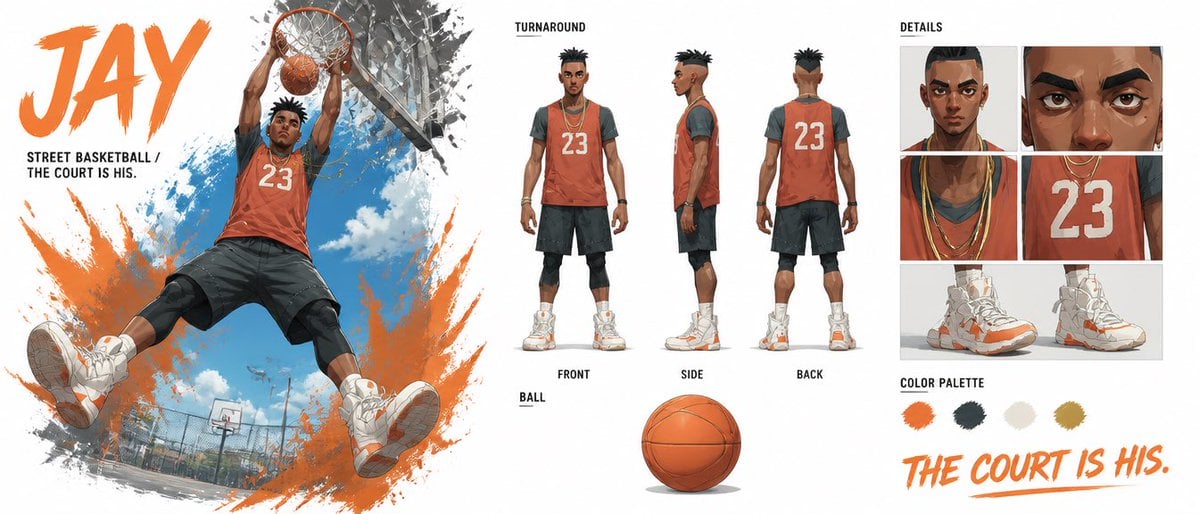
Basketball Character Bible Sheet
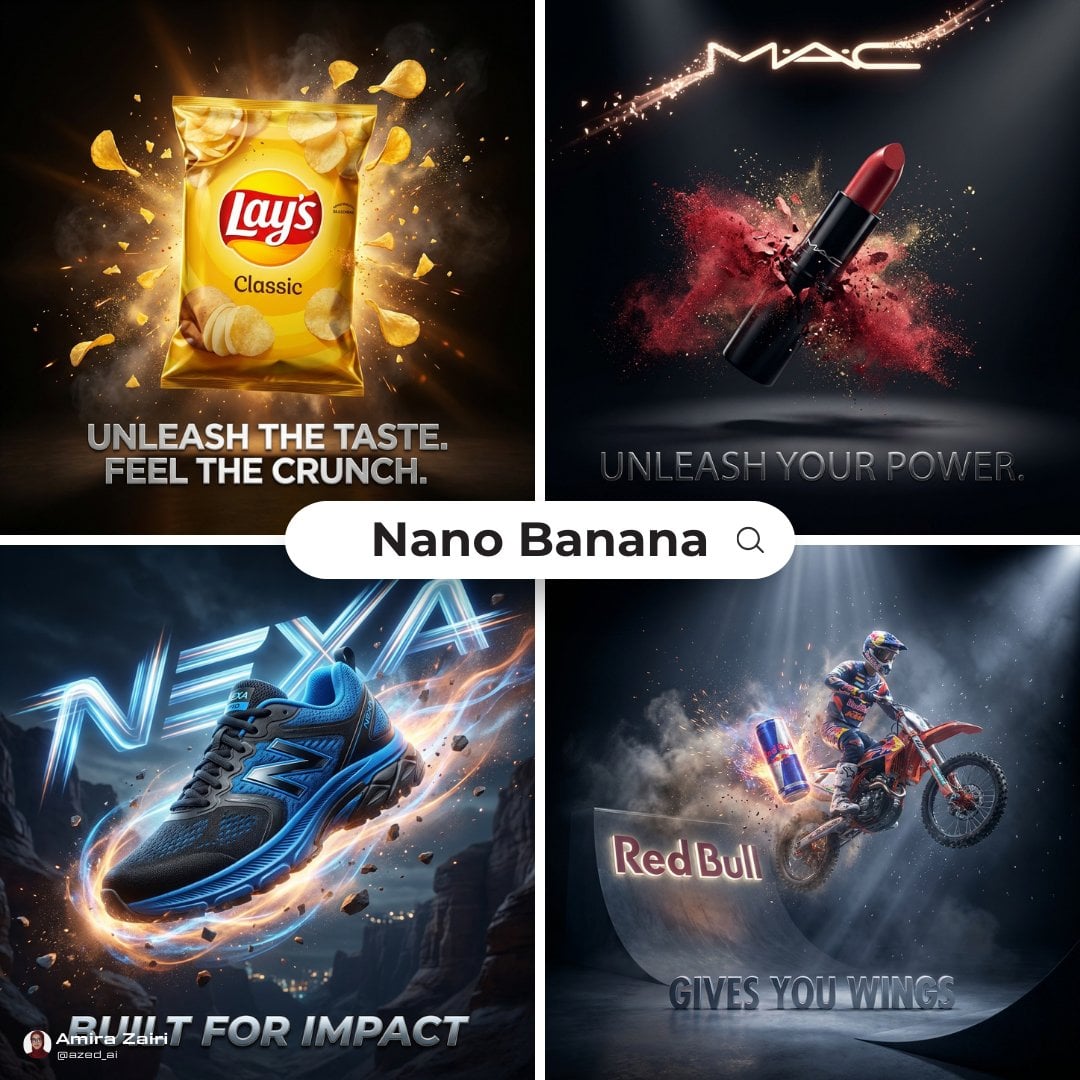
Cinematic 3D action-packed advertisement captured in an intense
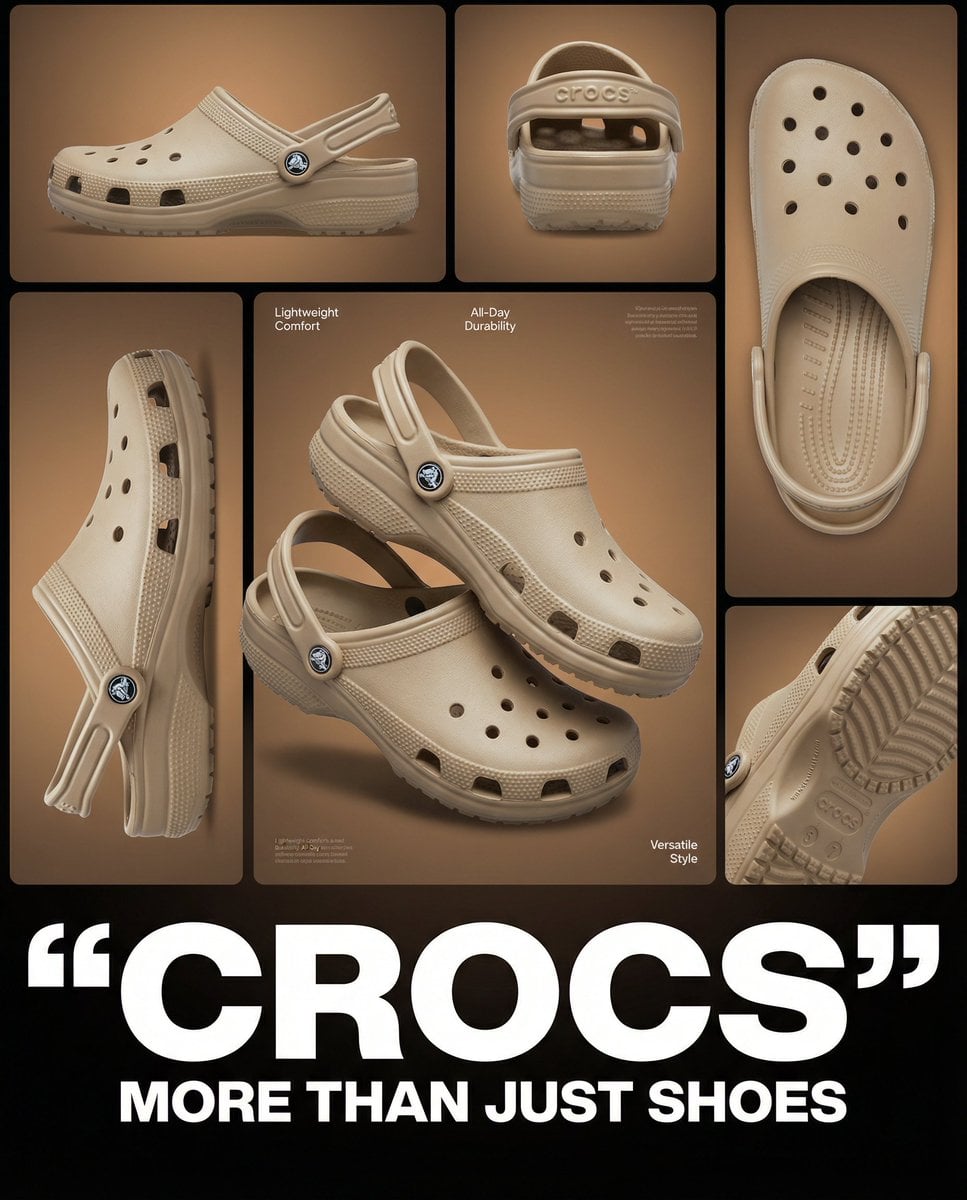
Multi-image product collage poster featuring beige/tan Crocs clog shoes

A luxury brand advertisement featuring three stylish arranged
Make it yours
Basketball Shoe Storyboard Advertisement works as-is. These are the safest ways to change it without losing the look.
Change one field
Copy a single group, rewrite it, and generate again so you can see what that field is doing.
Keep the frame, change the subject
Hold the composition and light of Basketball Shoe Storyboard Advertisement, then swap wardrobe, props or the person for a new take.
| If the result… | Why | Fix |
|---|---|---|
| The result drifts from the preview | Too many fields changed at once. | Reuse Basketball Shoe Storyboard Advertisement as-is first, then change one group — subject, light, or setting. |
| The model over-stylizes the scene | The prose prompt leaves finish and camera underspecified. | Add one camera or lighting sentence and stay on GPT Image 2. |
More GPT Image 2 templates
Other prompts made for GPT Image 2.

Six VTuber Japanese Logo Sheet

Realistic Portrait of Woman and Deer

The Vista Modular Condo Poster

AI Model Routing Comparison Infographic

2.5D Anime Art Board

Isometric Productivity Desk Scene

New York Double Exposure Poster

Four-Panel AI Landscape Comparison

Japanese Tatami Lifestyle Magazine Cover

NESCAFÉ Coffee Map Poster
More image prompts
Fresh picks from across the catalog.
Minimalist Fashion Moodboard Outfit
Software UI Desktop Screenshot
Artistic Progression Ballerina Sculpture
Clumsy MS Paint Style Redraw

AI Coding Assistant Promo Infographic
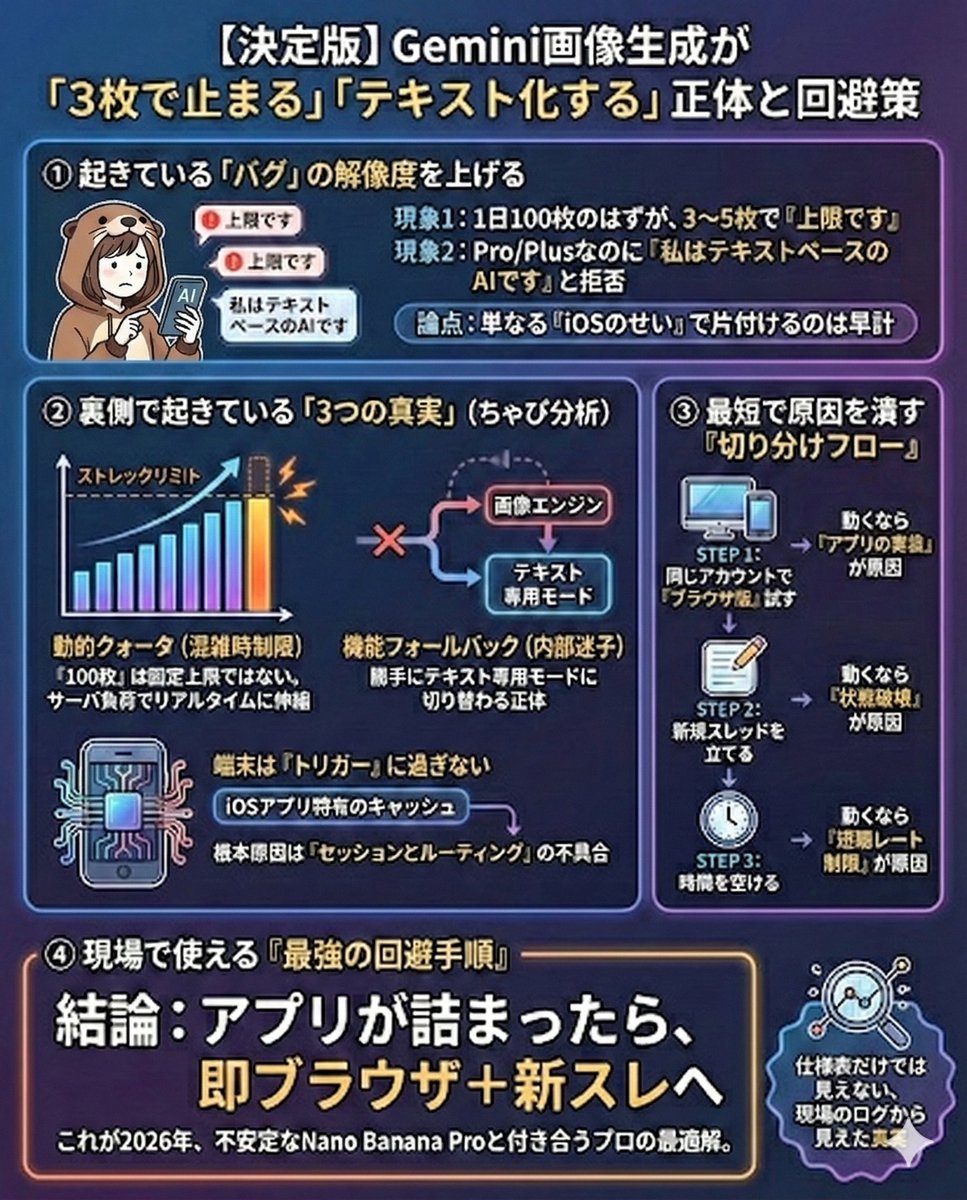
Gemini Model Troubleshooting Prompt
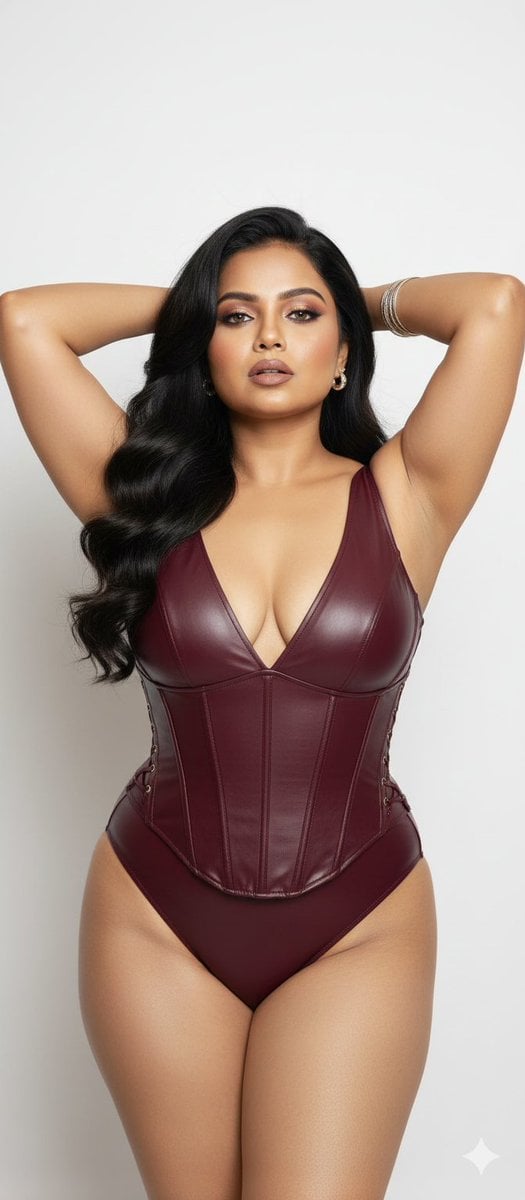
Glamorous Photo Prompt for Gemini Nano Banana Creation
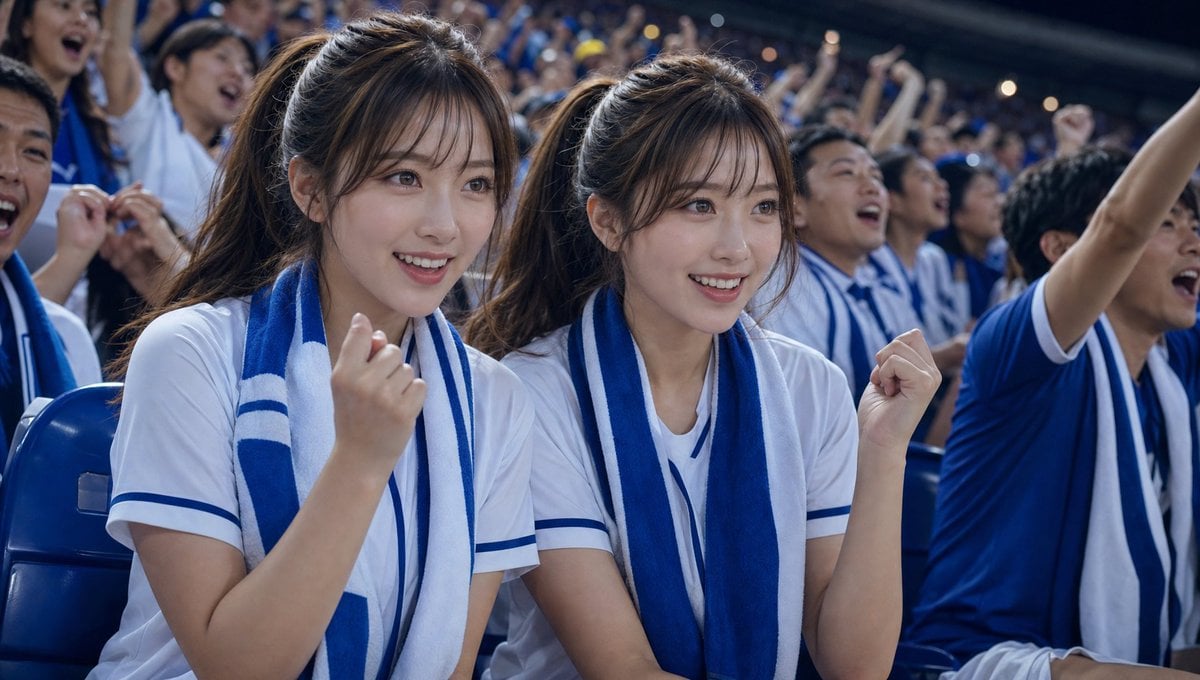
Soccer Fans Hidden Camera Cinematic Shot
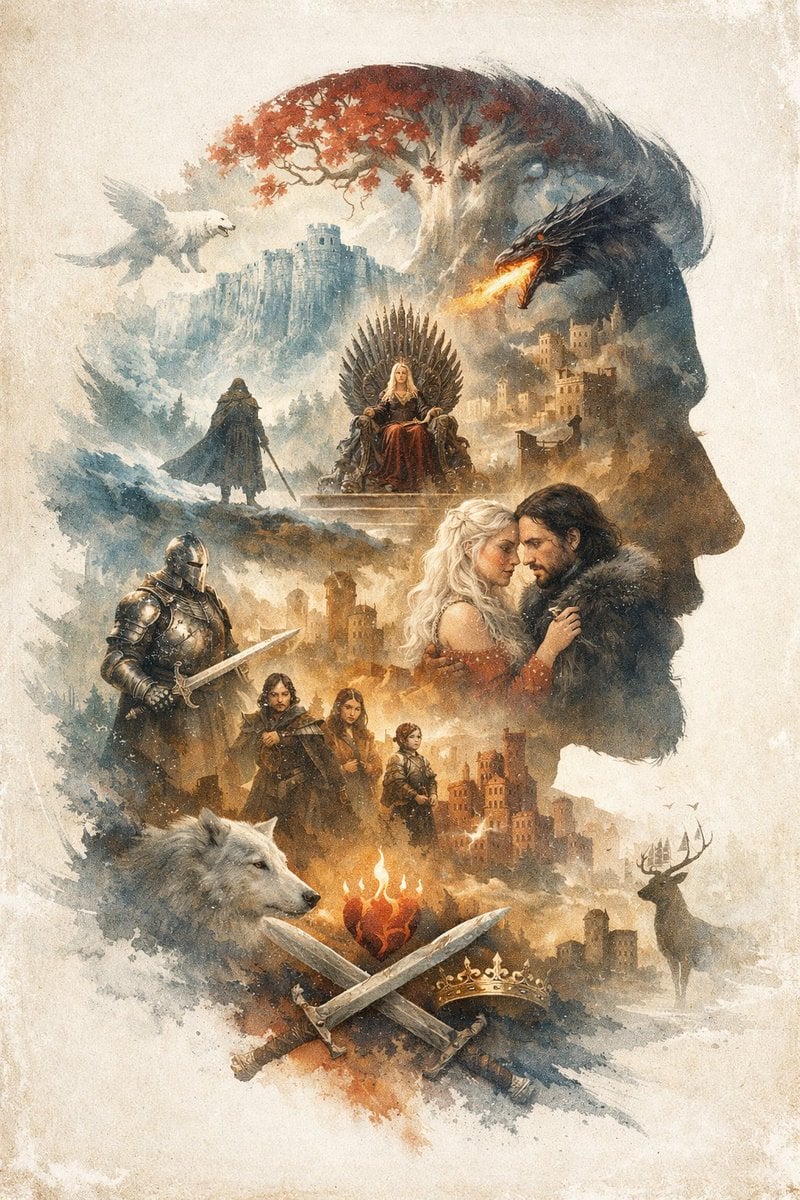
Epic Fantasy Double Exposure Silhouette
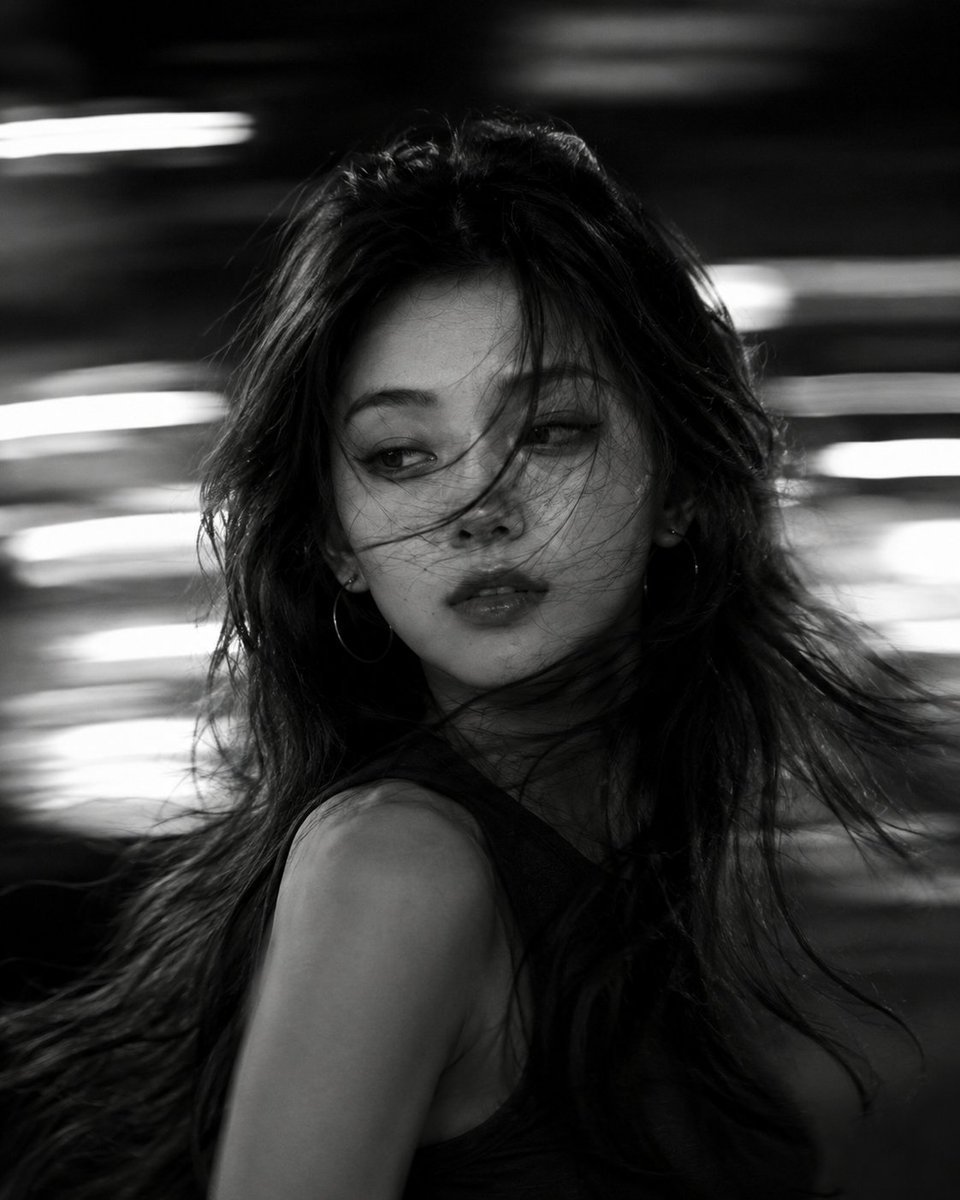
Cinematic Black and White Motion Portrait
Browse template categories
Basketball Shoe Storyboard Advertisement questions
How do I use the Basketball Shoe Storyboard Advertisement template?
Add your photo if the template asks for one, edit the prompt if you like — the template's model and format are already selected — and press Generate. Your version opens in PicX Studio.
Can I customize the Basketball Shoe Storyboard Advertisement template?
Yes. You can change the subject, setting, lighting, mood, format, and available model controls before creating your image.
Is the Basketball Shoe Storyboard Advertisement template free?
Opening and editing this template is free. Generating uses credits, shown on the Generate button when you are signed in.
Which AI model should I use?
Start with GPT Image 2, which is the model associated with this template. You can compare another compatible model for a different finish.
Looking for something else? Browse all templates.

Your photo, any look
Thousands of ready templates for every top image and video model, from one credit balance.