
Surreal Giant Shoe Sports Advertisement
A creative forced-perspective prompt for a sporty advertisement featuring a giant version of a running shoe and fitness statistics.
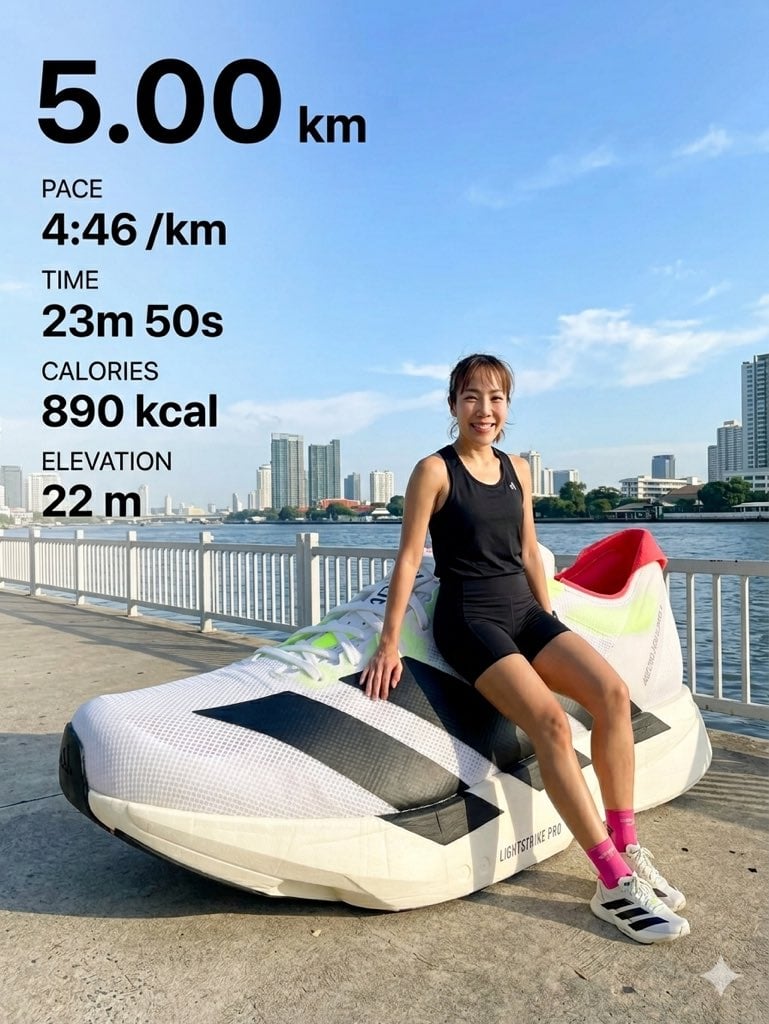
- Prompt included
- Model and format preset
- Free template
The prompt behind this image
Copy the exact prompt behind Surreal Giant Shoe Sports Advertisement, or open it in the studio and make it yours.
Creative surreal photography featuring a sporty person (based on the uploaded subject photo) wearing a {argument name="outfit color" default="black athletic outfit"} (sportswear such as tank top, shorts/leggings, and optional cap), sitting on a concrete riverside walkway. The subject’s identity (face, body, hairstyle) must closely match the uploaded photo, adapted naturally into a sporty look. The subject is leaning against a giant oversized version of the exact shoe from the uploaded shoe image, scaled dramatically larger than the subject. The shoe must accurately preserve all original details, including colors, textures, branding, and materials. Shot using forced perspective, making the shoe in the foreground appear massive and dominant. In the background, a white fence, river, and modern city skyline are visible under a bright blue sky with light clouds. On the left side, a digital overlay UI displaying running statistics in English, including a bold number like “{argument name="statistic" default="10.04"}”, along with distance, pace, time, and other fitness metrics in a clean, modern layout. Lighting: bright daylight, natural sunlight highlighting textures of the mesh shoe and athletic outfit. Mood: energetic, modern, sporty lifestyle advertisement. Color tone: vibrant and clean, maintaining realistic colors from both subject and shoe. Detail: ultra-realistic, high detail, sharp focus, 8K resolution, professional photography.
How to use Surreal Giant Shoe Sports Advertisement in 3 steps
- 1Upload ImagePNG, JPG or paste
Add your photo
Upload the photo the template builds on. The prompt, model and format are already set.
- 2…a portrait of your subject in softgolden-hour light, 85mm…
Personalize
Edit the subject and creative details for your destination.
- 3Generate
Generate
Press Generate — your image is created in PicX Studio, so you can compare it with the original and refine one variable at a time.
More like this
Templates with the same subject, style or setup. Open one to see its prompt.
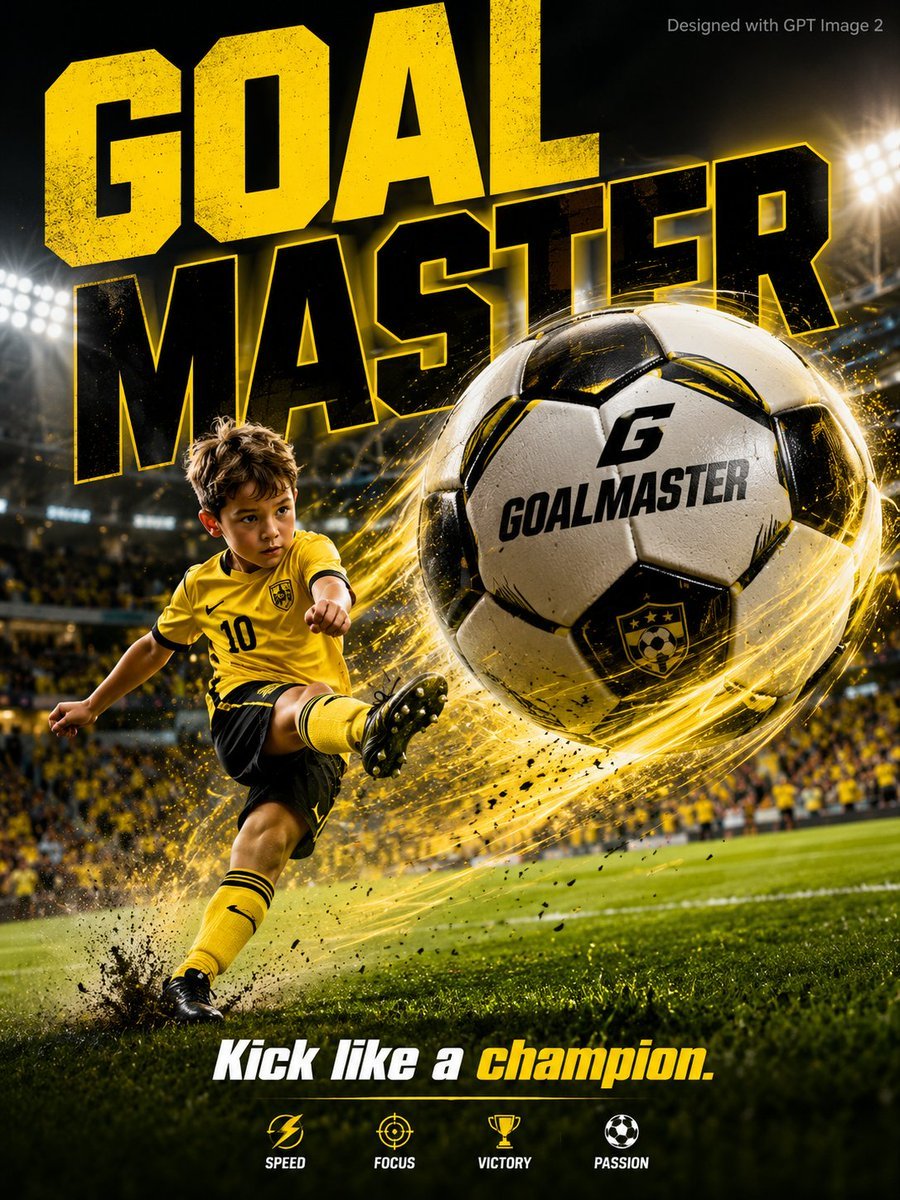
Vibrant Sports Advertisement Poster

Surreal Cat Astronaut — Humanoid Face Freefall

High-energy sports advertisement poster
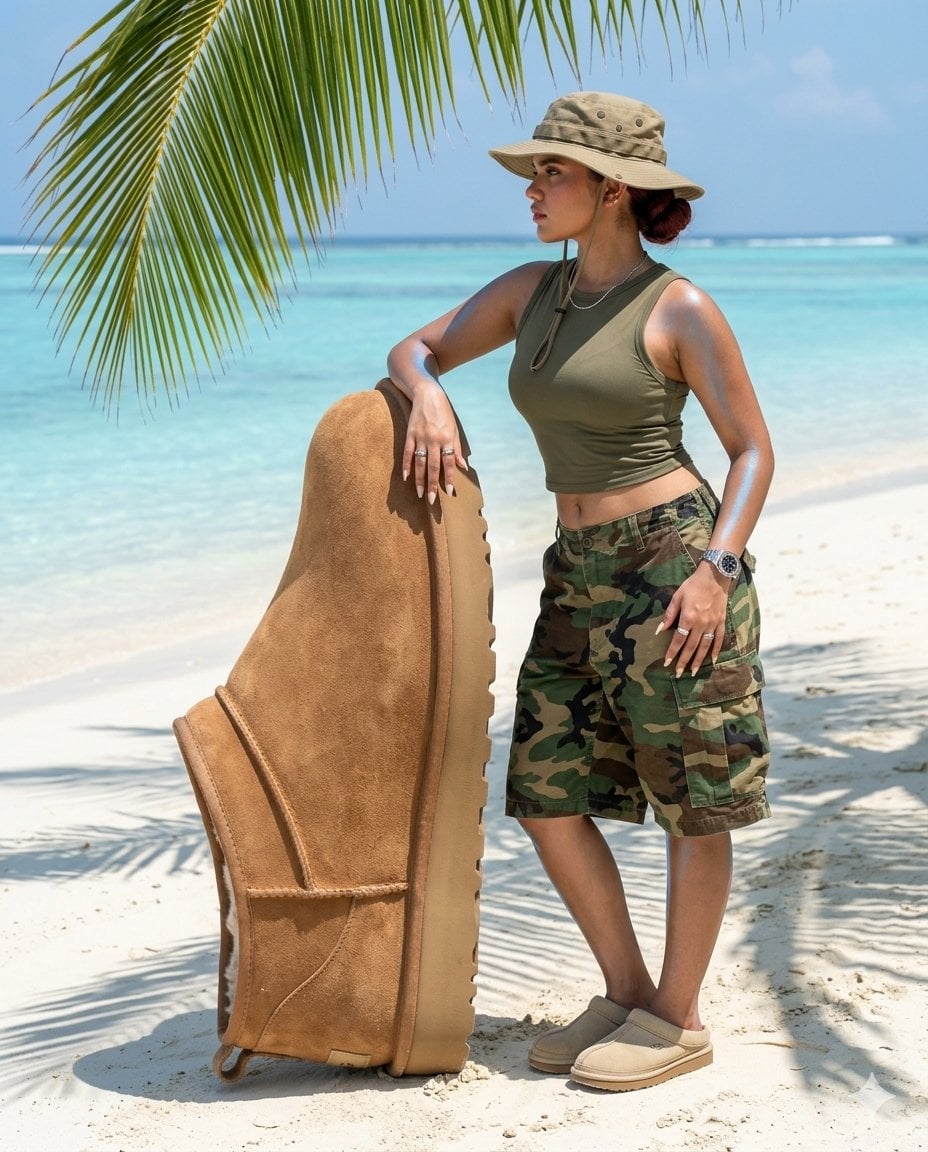
Surreal beach giant boot sculpture
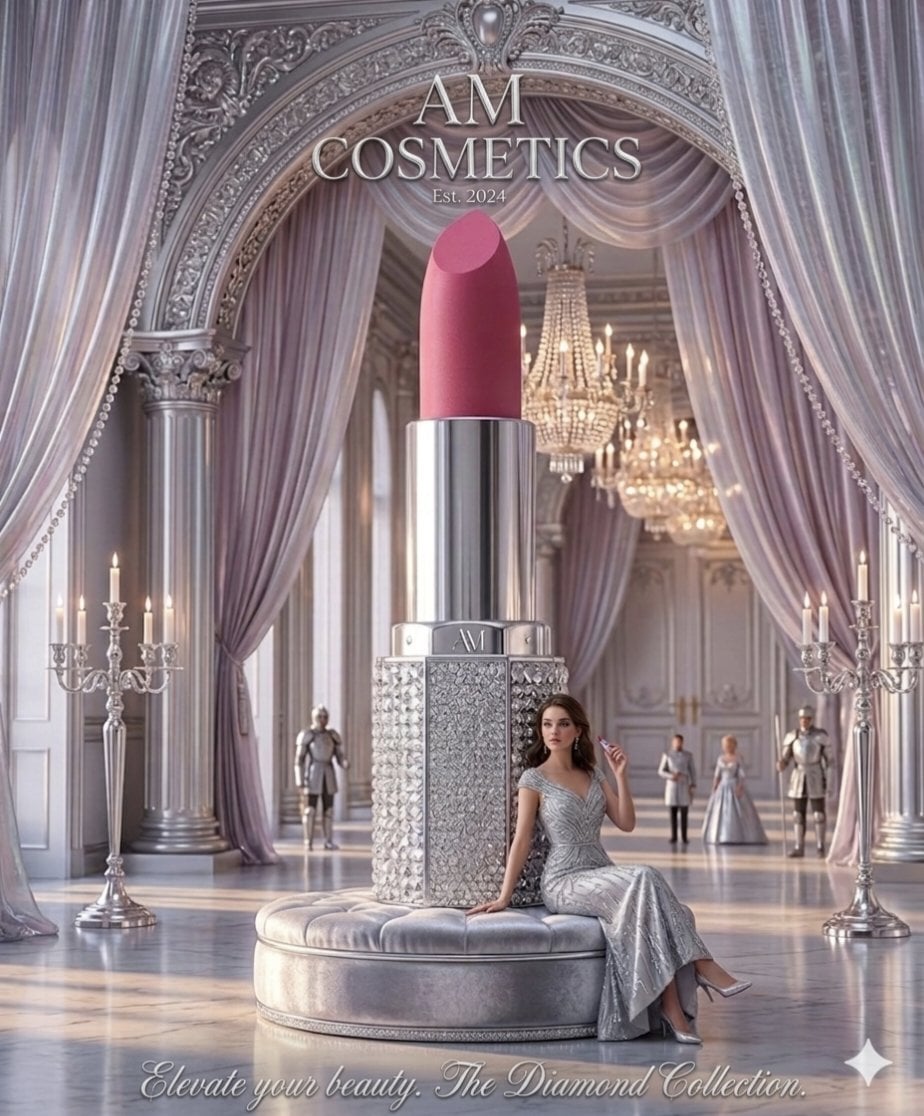
Surreal Cosmetic Ballroom Advertisement
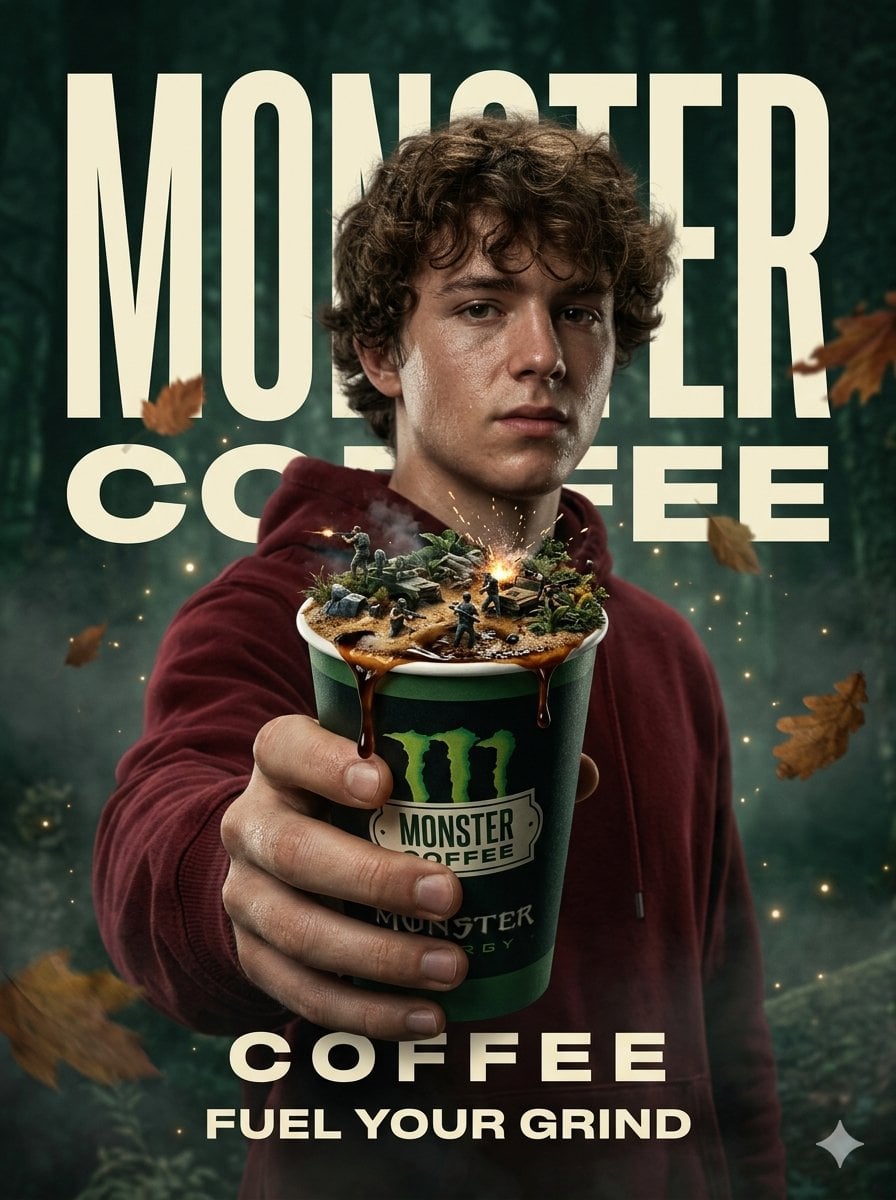
Surreal Monster Energy Coffee Advertisement

Bold Red Contrast Fashion Editorial Newspaper Room

Stylized Fashion Portrait Bold Color Contrast Editorial

Legendary Player Fragmented Editorial Poster

Goalmaster Youth Sports Poster

Clean Minimalist Player Editorial Poster

Captain Tsubasa Anime World Cup Poster
Make it yours
Surreal Giant Shoe Sports Advertisement works as-is. These are the safest ways to change it without losing the look.
Change one field
Copy a single group, rewrite it, and generate again so you can see what that field is doing.
Keep the frame, change the subject
Hold the composition and light of Surreal Giant Shoe Sports Advertisement, then swap wardrobe, props or the person for a new take.
| If the result… | Why | Fix |
|---|---|---|
| The result drifts from the preview | Too many fields changed at once. | Reuse Surreal Giant Shoe Sports Advertisement as-is first, then change one group — subject, light, or setting. |
| The model over-stylizes the scene | The prose prompt leaves finish and camera underspecified. | Add one camera or lighting sentence and stay on Nano Banana 2. |
More Nano Banana 2 templates
Other prompts made for Nano Banana 2.

Photorealistic Leaf Shaped Like a Dragon

K-Pop Idol Portrait Grid for Rapid Selection

Poetic Rain Forest Portrait During Golden Hour

Urban Street Portrait with Cartoon Inner Self Duo

Candid Nighttime Photo with Cat Prompt

High-Concept 3D Diorama Generation Prompt

Cinematic Futuristic Studio Portrait Template

Skincare Editorial Photography Collage Prompt

Hyper-Realistic Commercial Product Photography (Splash Effect)

Hyper-Realistic Nightclub Portrait Prompt
More image prompts
Fresh picks from across the catalog.
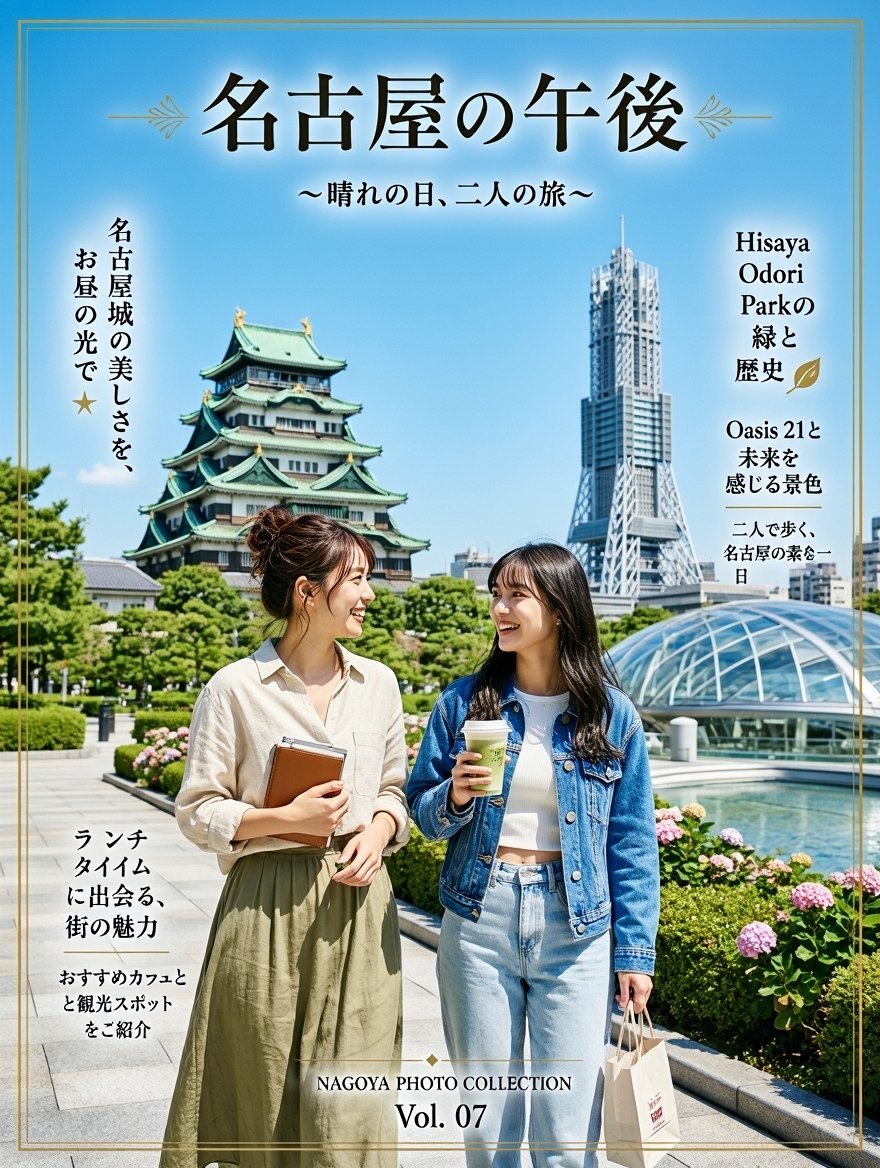
Nagoya Afternoon Travel Poster
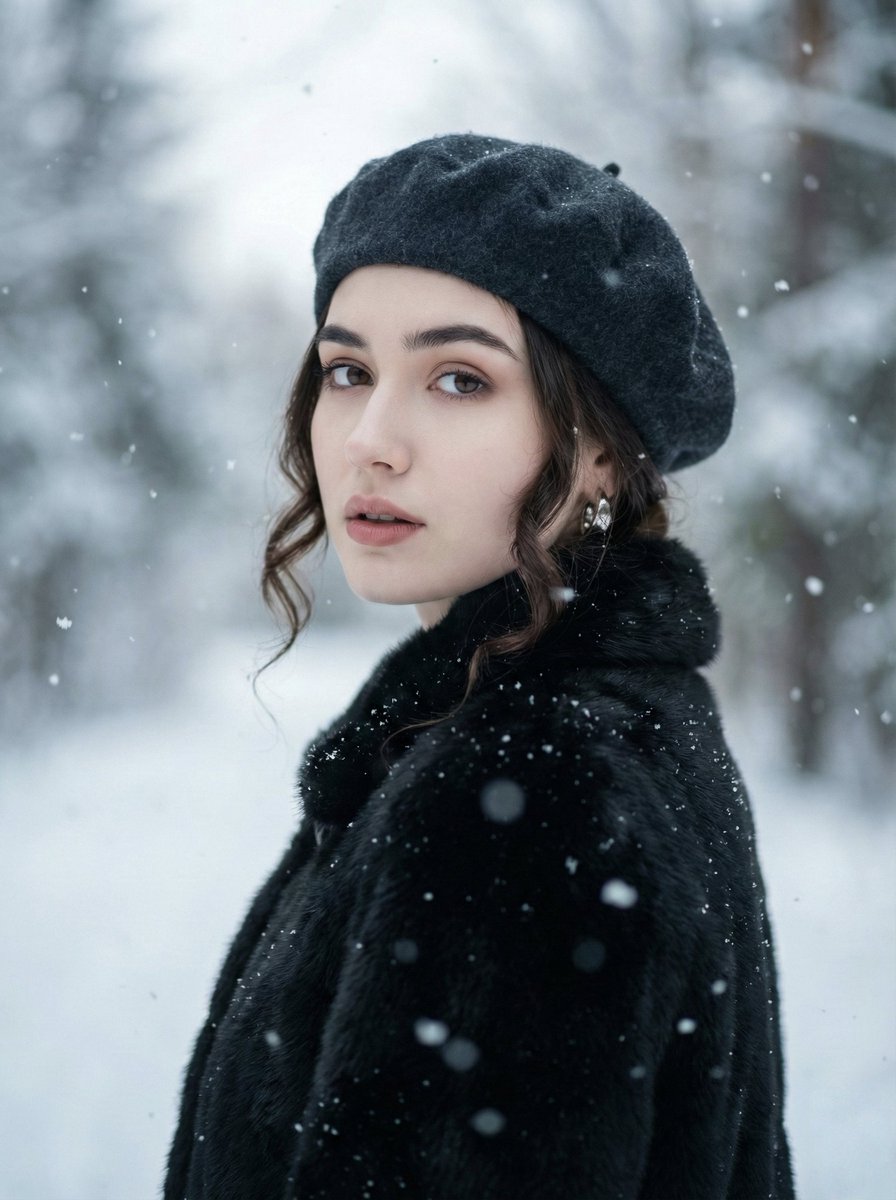
Filmic Winter Portrait Prompt with Face Preservation
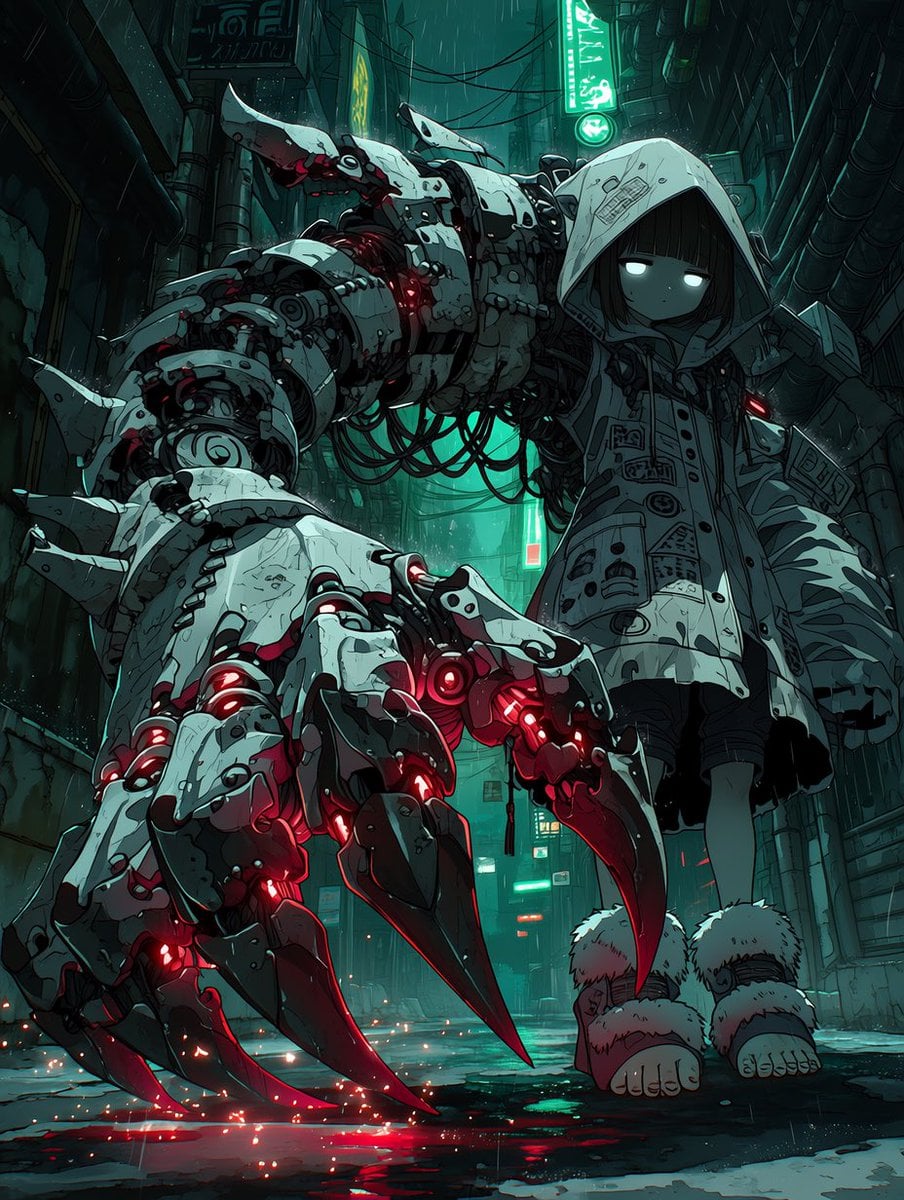
Cyberpunk Girl with Giant Mech Claw
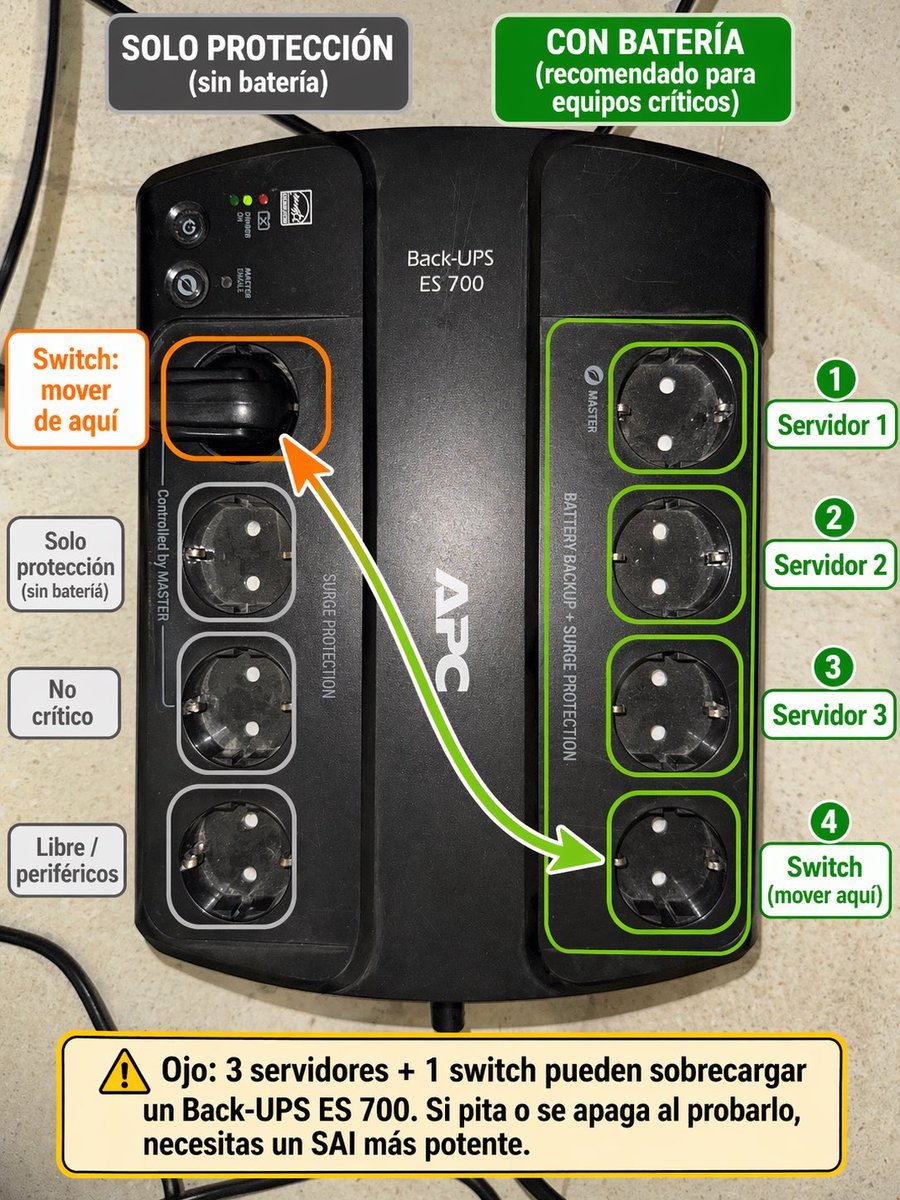
Spanish UPS outlet wiring infographic
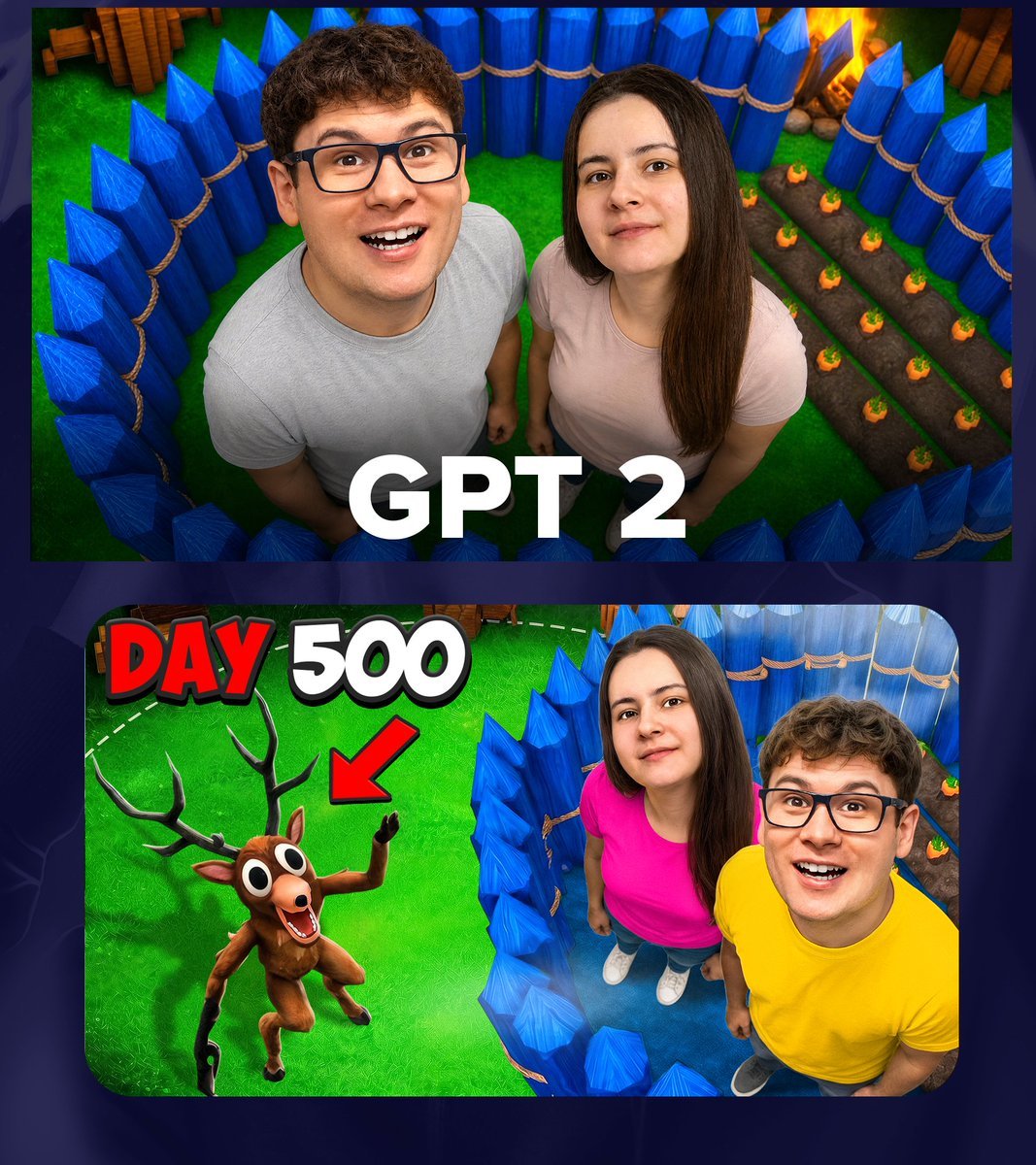
GPT 2 Day 500 Gaming Thumbnail
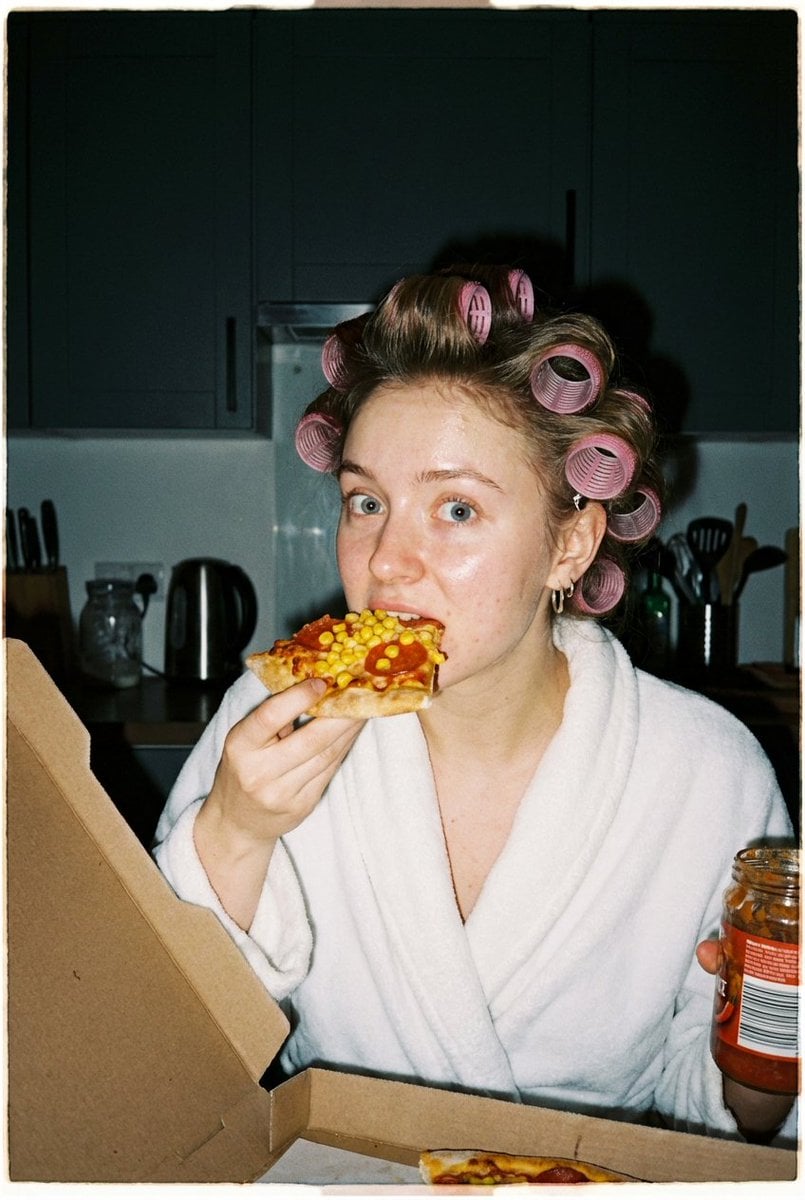
Ultra Photorealistic Candid Flash Portrait of a Woman Eating Pizza

Japanese Eel Derby Logo

Instagram Story with Annotations
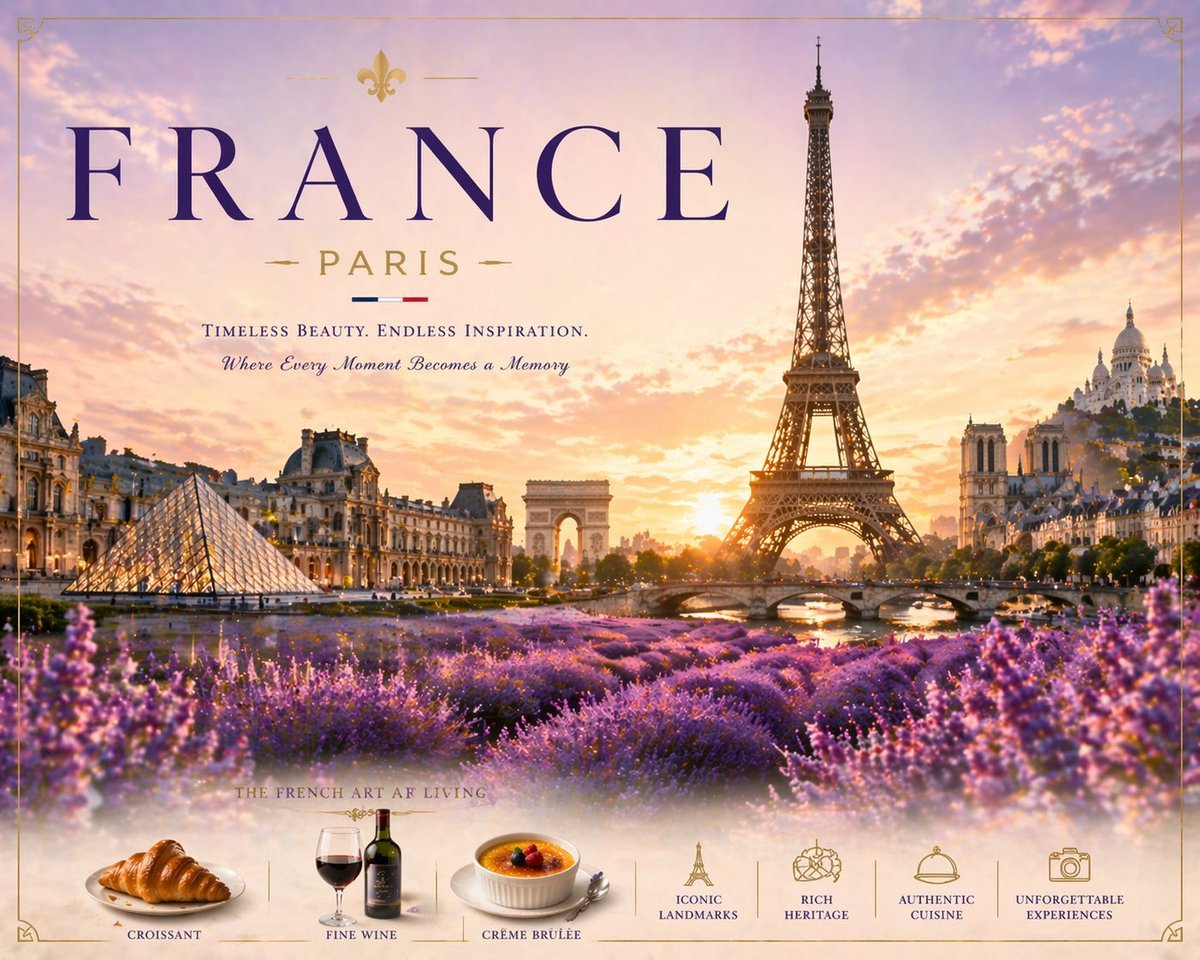
Romantic Paris Travel Poster
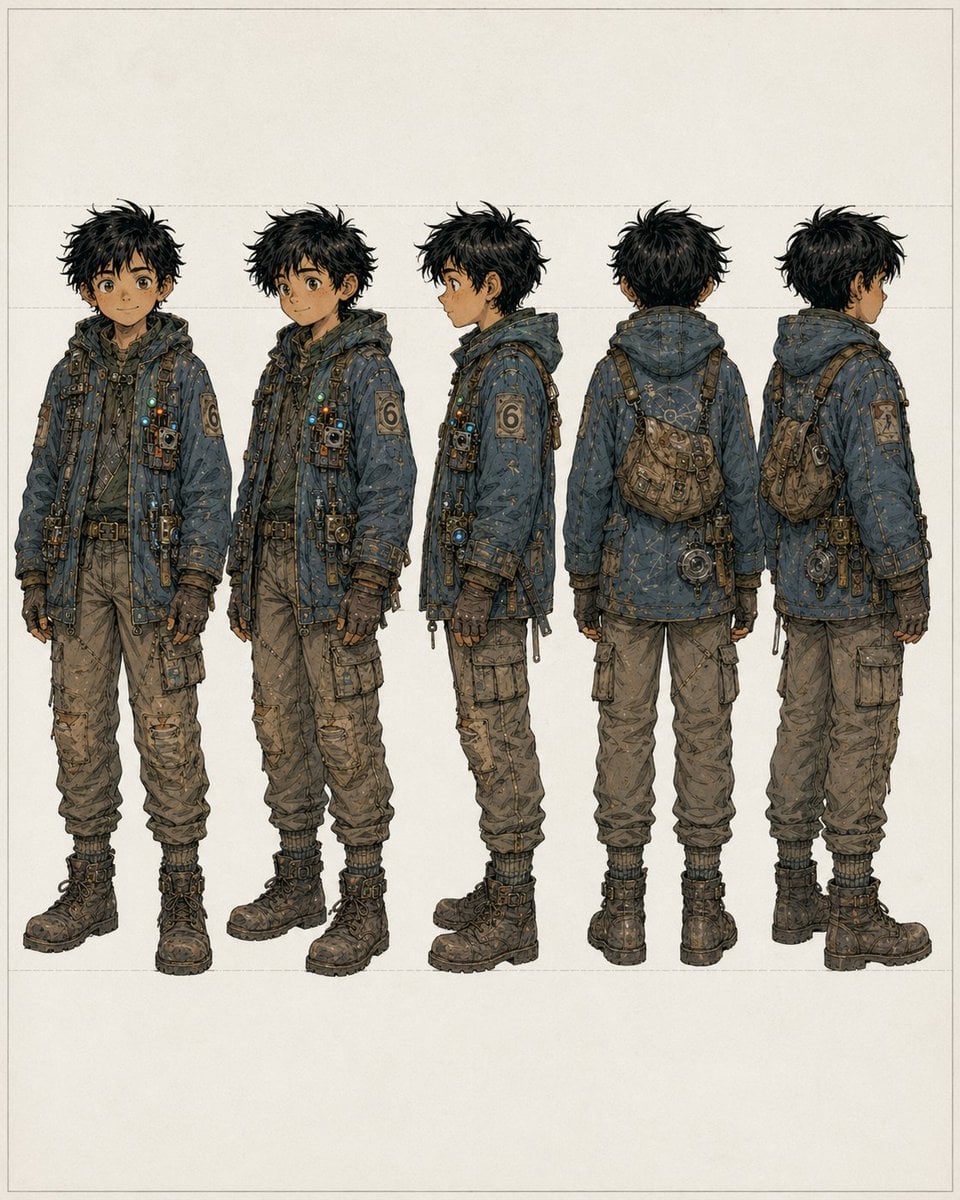
Five-View Boy Scavenger Turnaround
Browse template categories
Surreal Giant Shoe Sports Advertisement questions
How do I use the Surreal Giant Shoe Sports Advertisement template?
Add your photo if the template asks for one, edit the prompt if you like — the template's model and format are already selected — and press Generate. Your version opens in PicX Studio.
Can I customize the Surreal Giant Shoe Sports Advertisement template?
Yes. You can change the subject, setting, lighting, mood, format, and available model controls before creating your image.
Is the Surreal Giant Shoe Sports Advertisement template free?
Opening and editing this template is free. Generating uses credits, shown on the Generate button when you are signed in.
Which AI model should I use?
Start with Nano Banana 2, which is the model associated with this template. You can compare another compatible model for a different finish.
Looking for something else? Browse all templates.

Your photo, any look
Thousands of ready templates for every top image and video model, from one credit balance.