
Artistic Progression Ballerina Sculpture
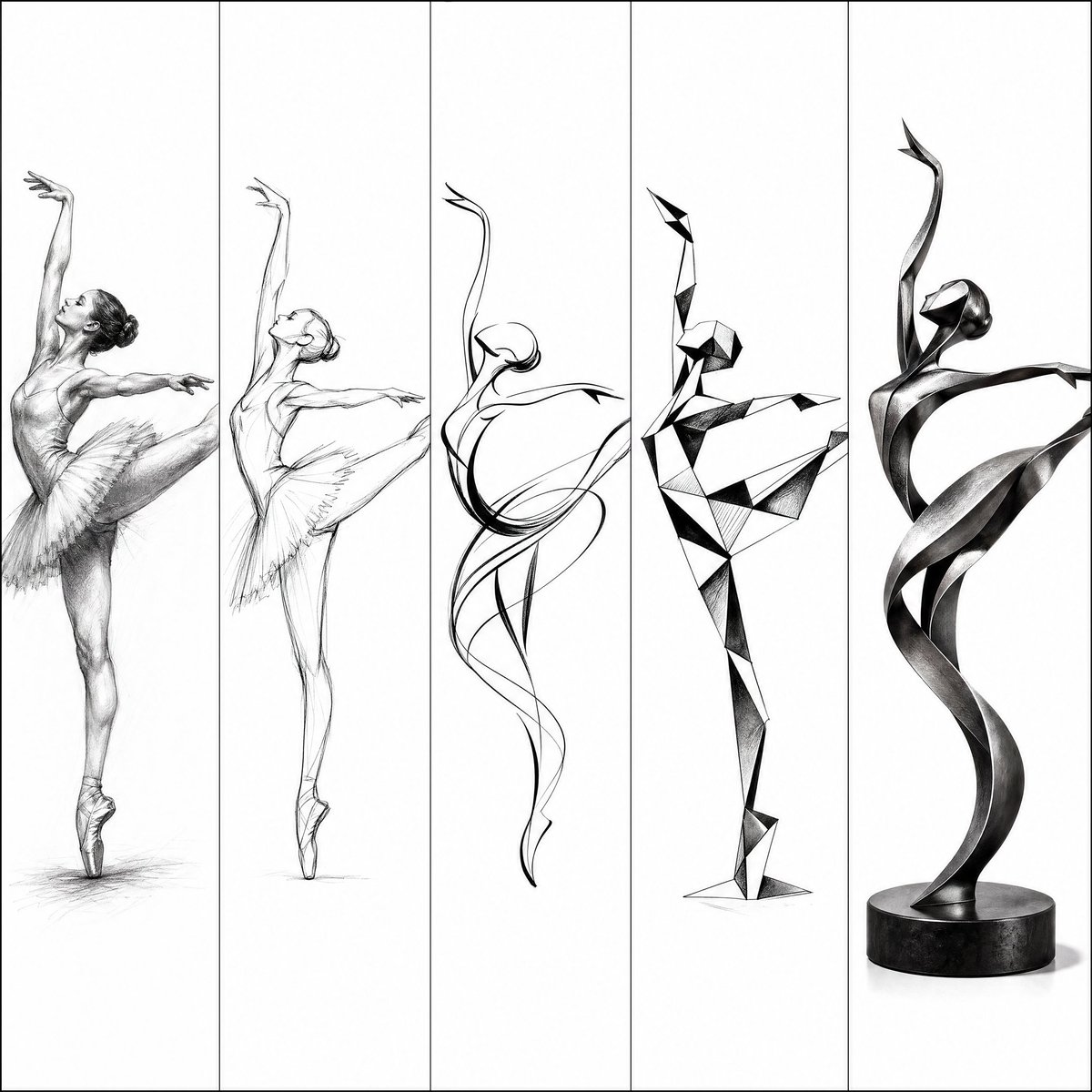
A multi-panel prompt showing the evolution from a realistic pencil sketch to a modern abstract ballerina sculpture in metal.
- Prompt included
- Model and format preset
- Free template
The prompt behind this image
Copy the exact prompt behind Artistic Progression Ballerina Sculpture, or open it in the studio and make it yours.
Artistic progression in five vertical panels: from realistic sketch to modern abstract sculpture of a {argument name="subject" default="ballerina in arabesque pose"}. 1. Detailed pencil sketch of ballerina on pointe, elegant extended leg and arms. 2. Refined mid-stage sketch. 3. Strongly stylized flowing lines. 4. Angular geometric abstraction. 5. Final sleek, {argument name="material" default="ribbon-twisted contemporary metal sculpture"} with beautiful curves and tension. {argument name="style" default="Black ink and charcoal style"} on white background, high-contrast artistic study, luxury sculpture aesthetic --ar 3:2
How to use Artistic Progression Ballerina Sculpture in 3 steps
- 1
Open
The prompt is already in the box next to the preview, with the template's model and format selected.
- 2…a portrait of your subject in softgolden-hour light, 85mm…
Personalize
Edit the subject and creative details for your destination.
- 3Generate
Generate
Press Generate — your image is created in PicX Studio, so you can compare it with the original and refine one variable at a time.
More like this
Templates with the same subject, style or setup. Open one to see its prompt.

Artistic Patchwork Fashion Portrait Spring Festival
Artistic Patchwork Fashion Portrait Spring Festival

Gpt2 Avant Garde Tennis Fashion
Blue Pencil Sketching
Pencil Sketch
Graphite Portrait Progression Sheet
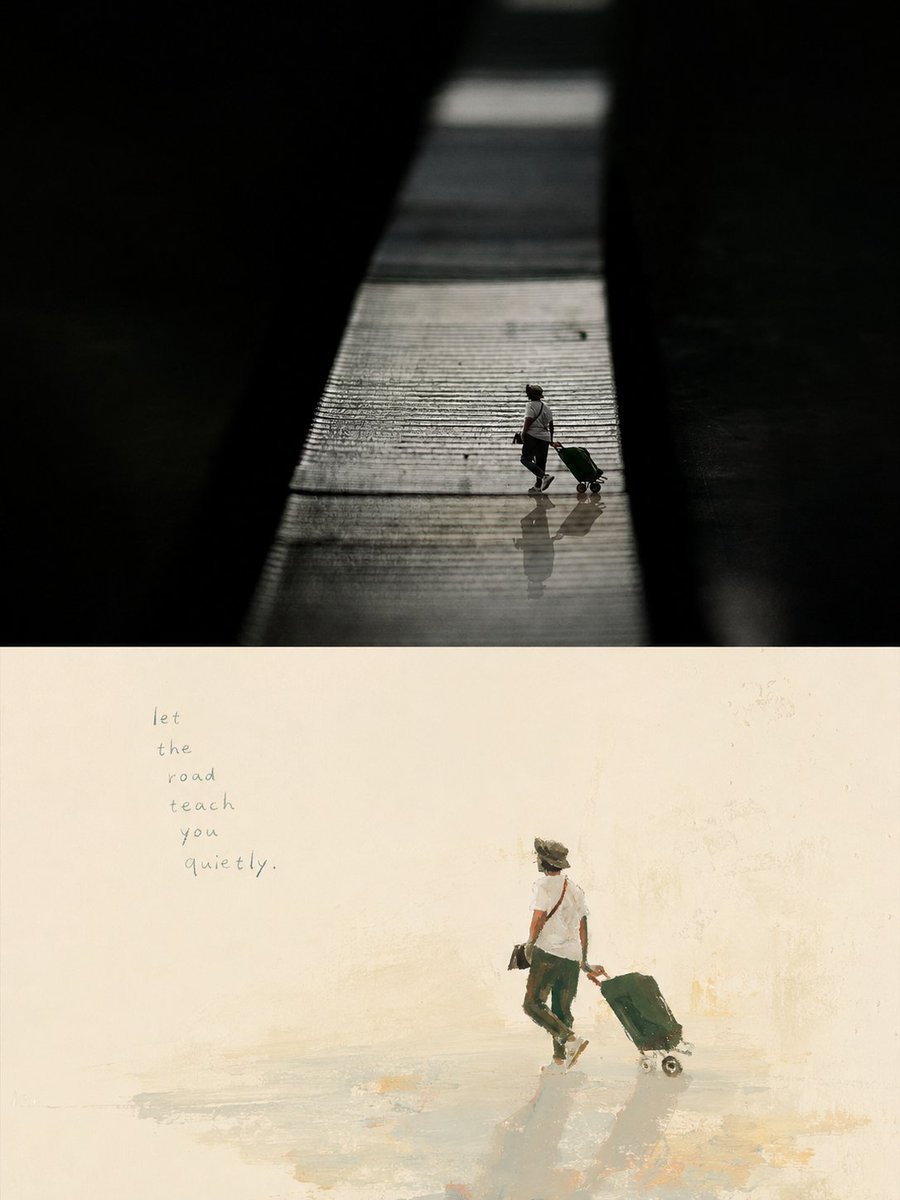
Artistic Memory Collage Poster
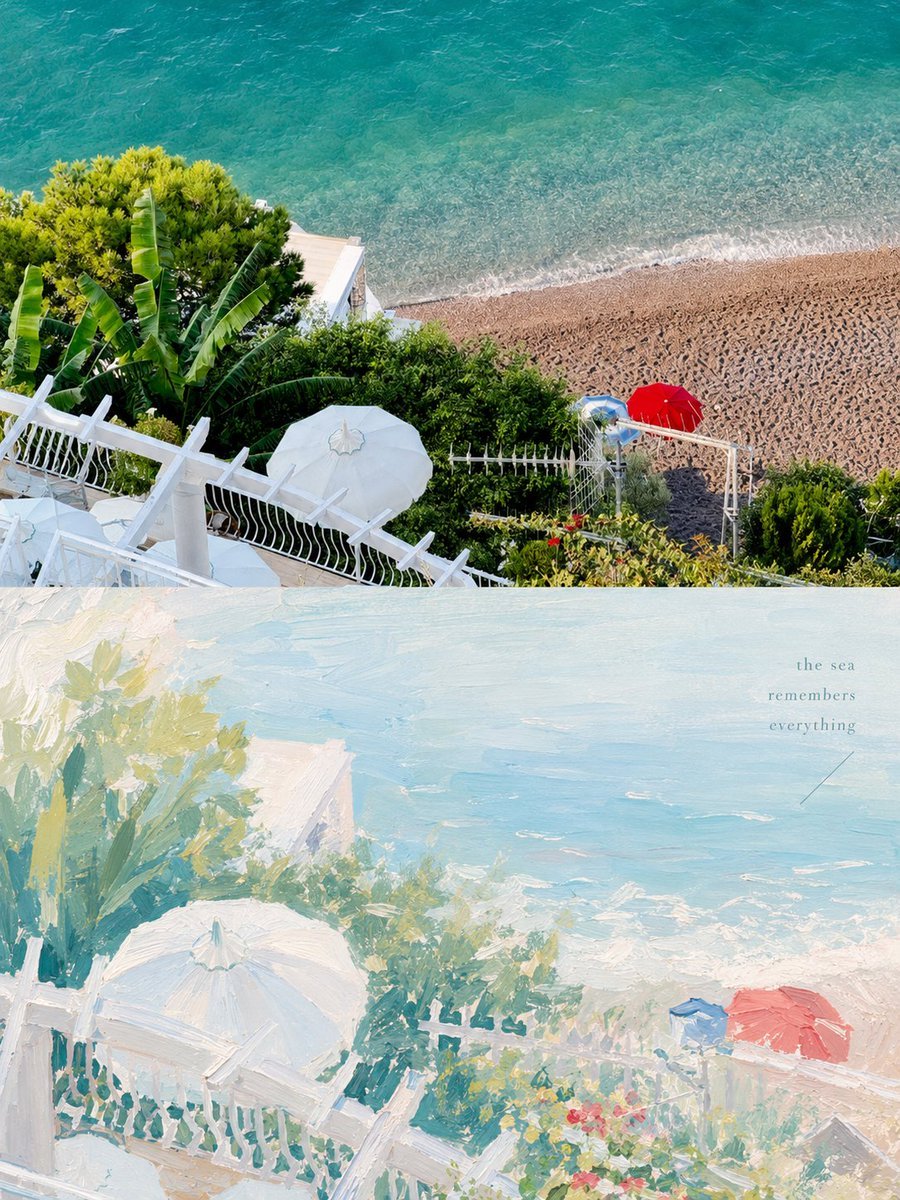
Healing Pastel Style Artistic Reconstruction
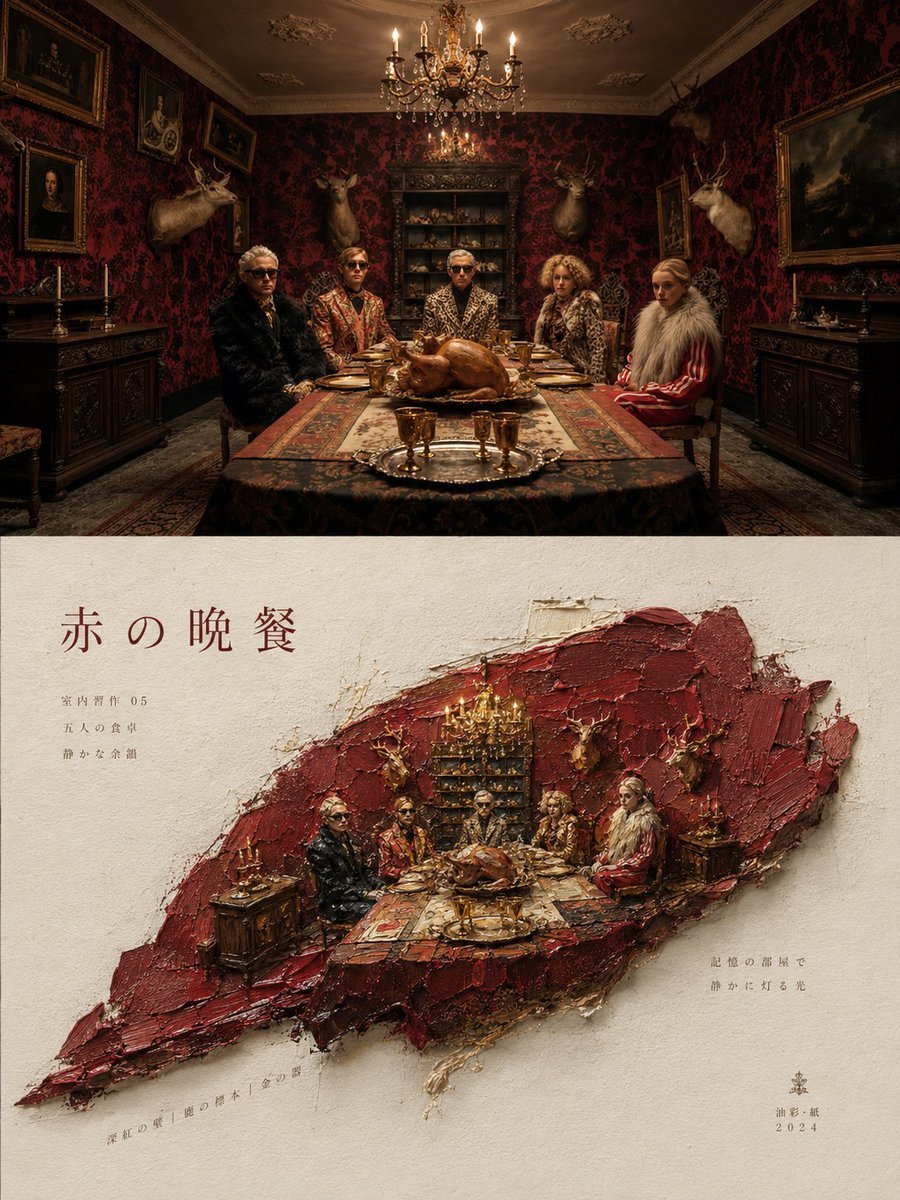
Artistic Magazine Design Poster Layout

Artistic portrait of an elegant Asian woman wearing a black silk
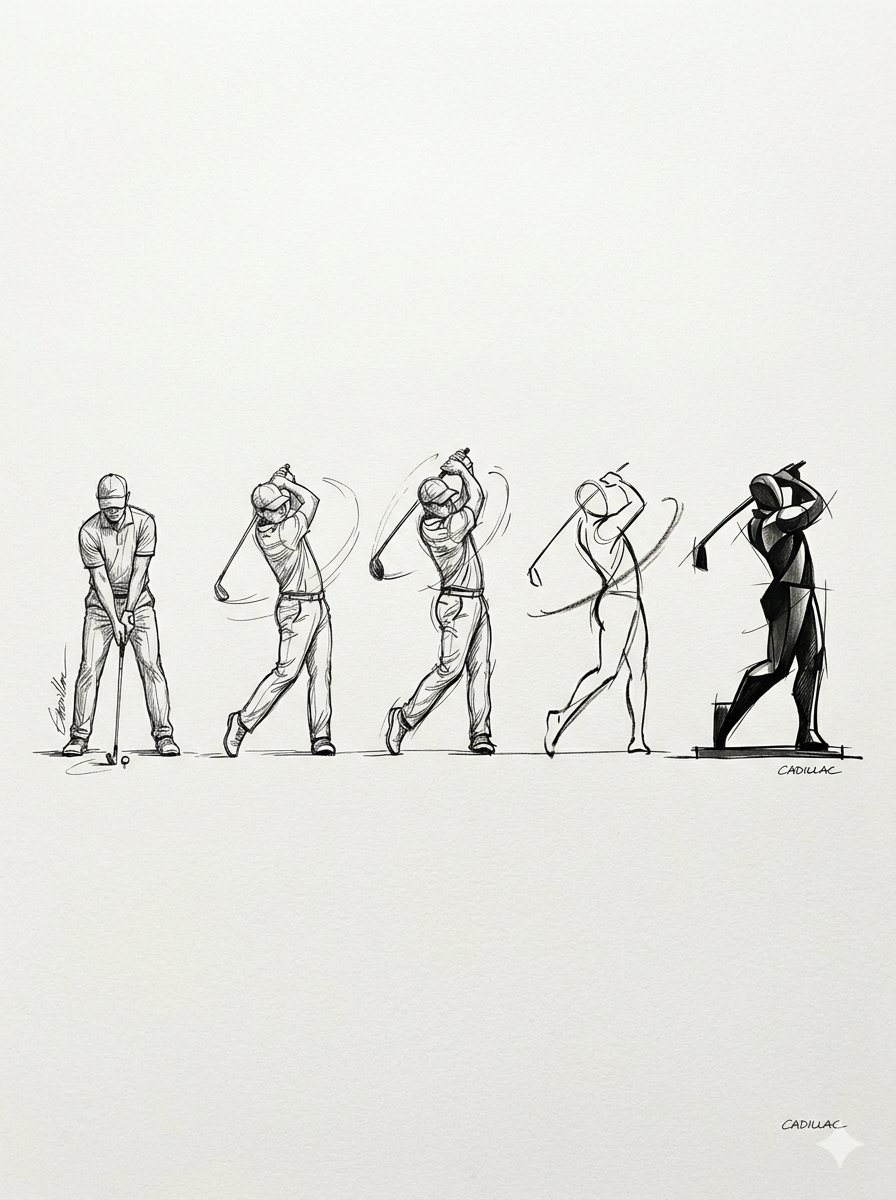
Progressive Golf Swing Artistic Sketch
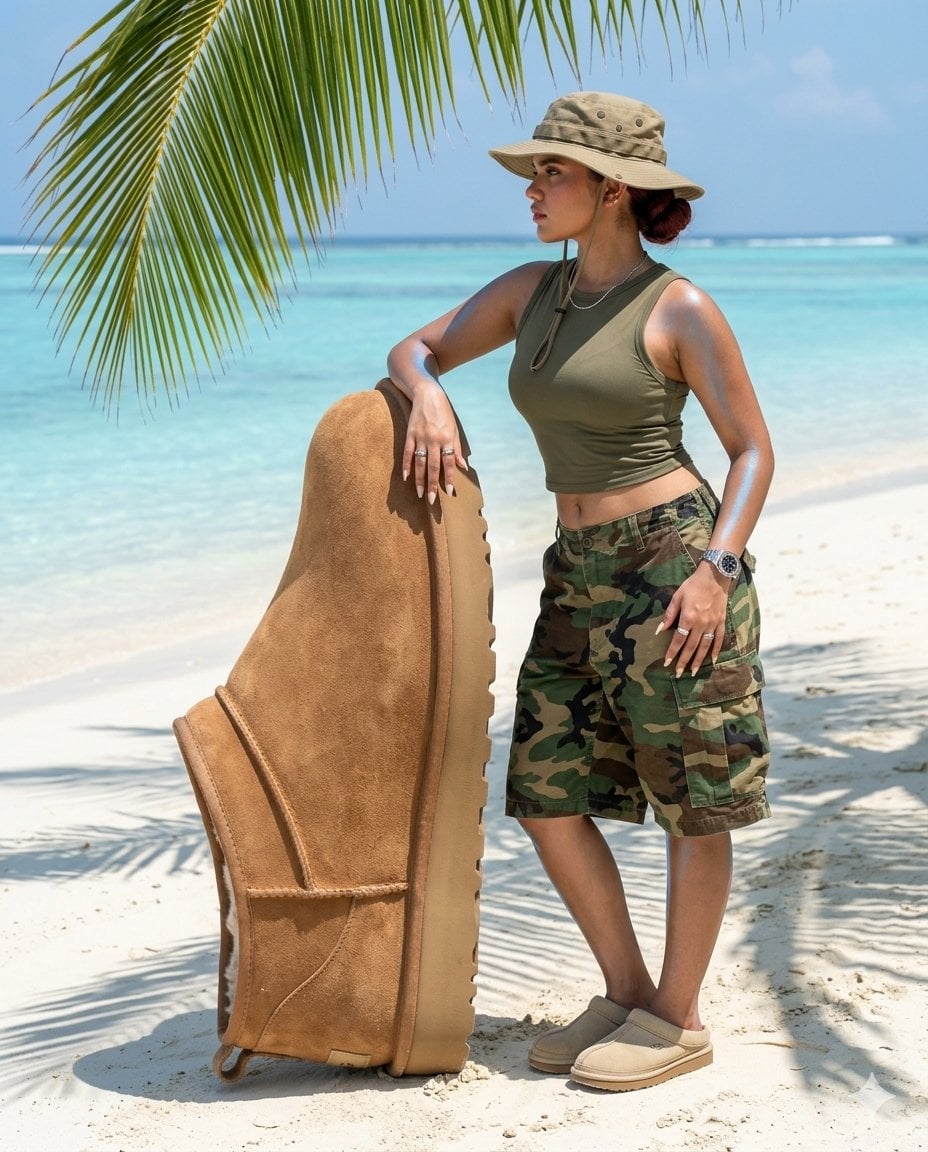
Surreal beach giant boot sculpture
Make it yours
Artistic Progression Ballerina Sculpture works as-is. These are the safest ways to change it without losing the look.
Change one field
Copy a single group, rewrite it, and generate again so you can see what that field is doing.
Keep the frame, change the subject
Hold the composition and light of Artistic Progression Ballerina Sculpture, then swap wardrobe, props or the person for a new take.
| If the result… | Why | Fix |
|---|---|---|
| The result drifts from the preview | Too many fields changed at once. | Reuse Artistic Progression Ballerina Sculpture as-is first, then change one group — subject, light, or setting. |
| The model over-stylizes the scene | The prose prompt leaves finish and camera underspecified. | Add one camera or lighting sentence and stay on GPT Image 2. |
More GPT Image 2 templates
Other prompts made for GPT Image 2.

Six VTuber Japanese Logo Sheet

Realistic Portrait of Woman and Deer

The Vista Modular Condo Poster

AI Model Routing Comparison Infographic

2.5D Anime Art Board

Isometric Productivity Desk Scene

New York Double Exposure Poster

Four-Panel AI Landscape Comparison

Japanese Tatami Lifestyle Magazine Cover

NESCAFÉ Coffee Map Poster
More image prompts
Fresh picks from across the catalog.
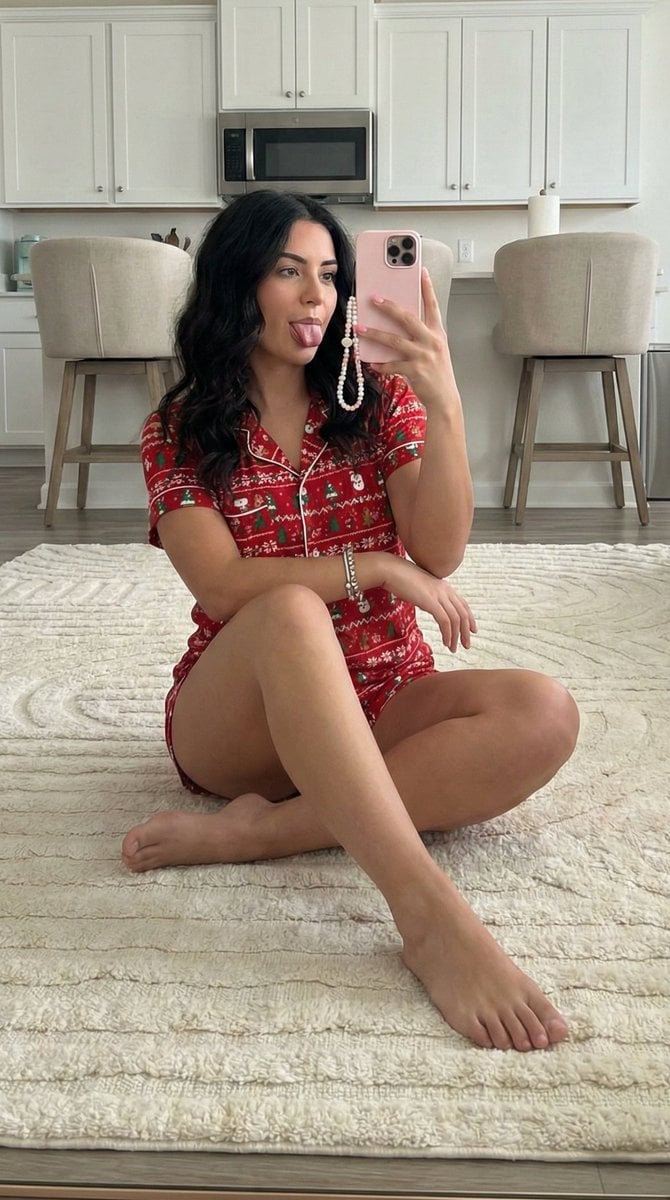
Chubby Woman Mirror Selfie in Christmas Pajamas
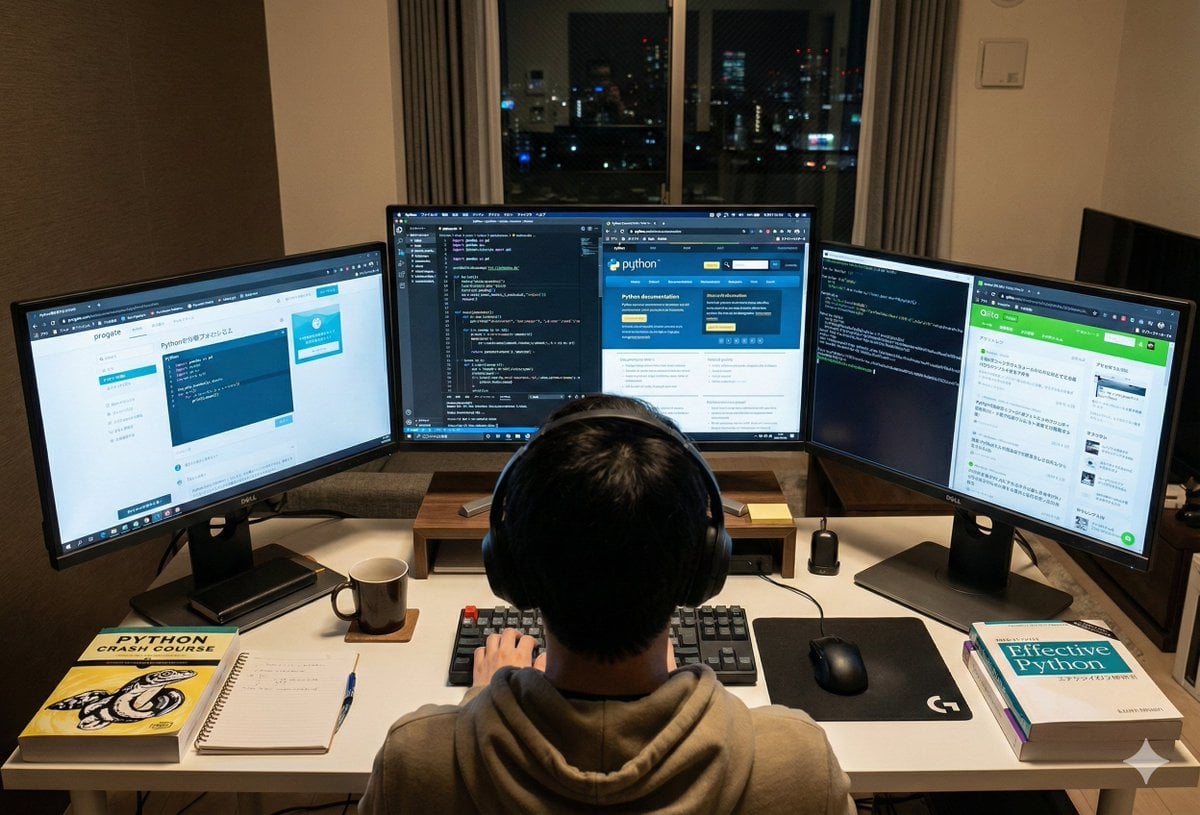
Japanese Web Engineer Studying Python Image Prompt
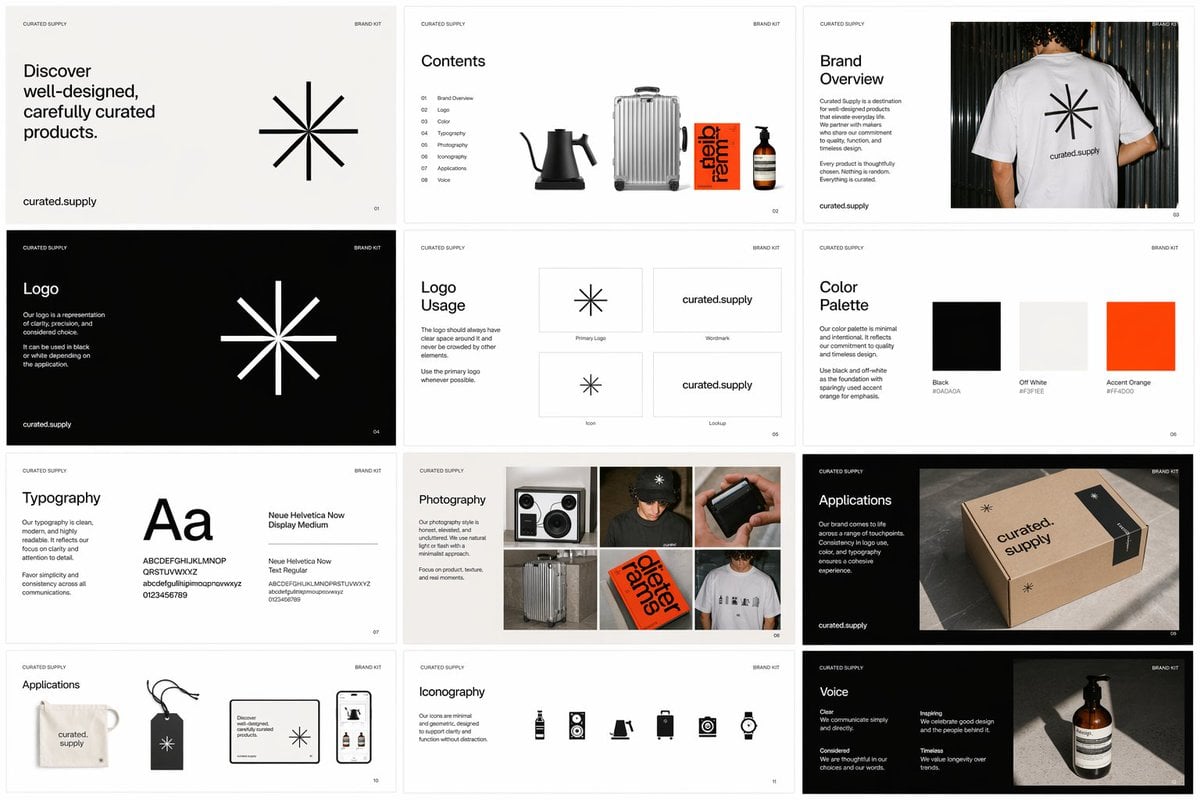
Brand Kit Design Prompt
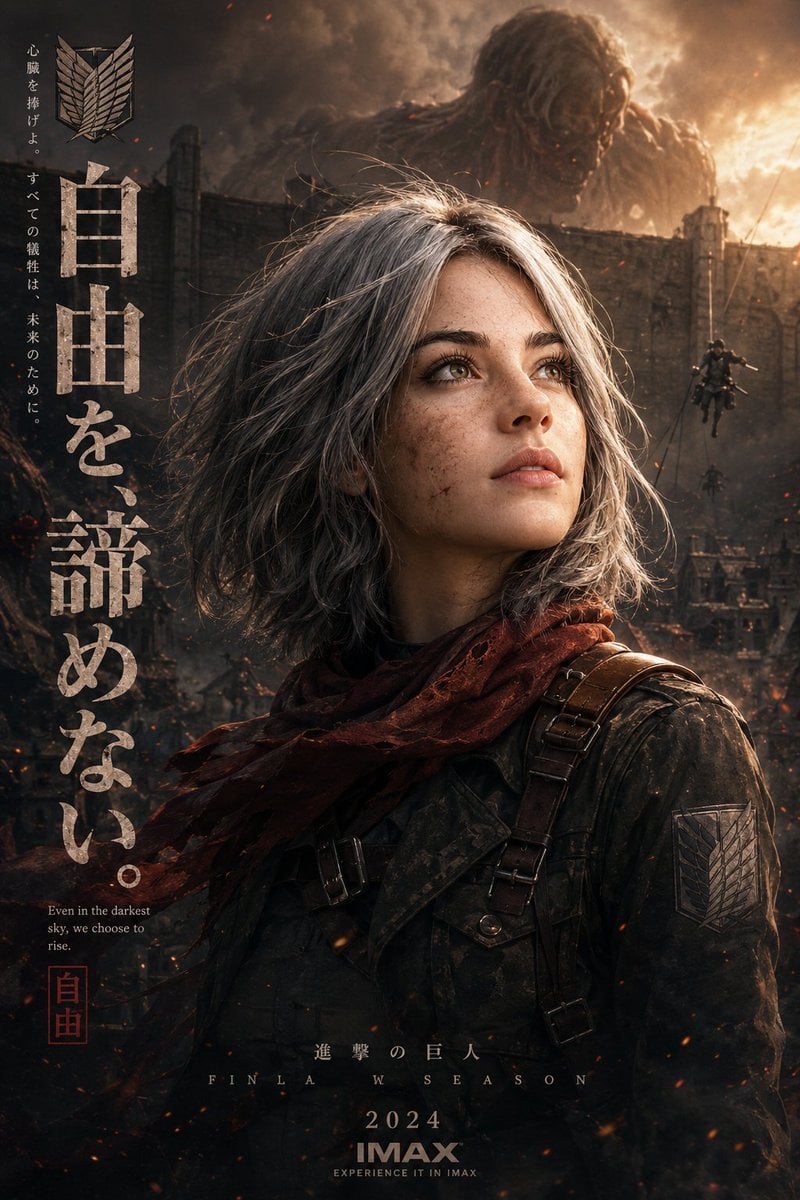
Epic Anime Movie Poster from Photo
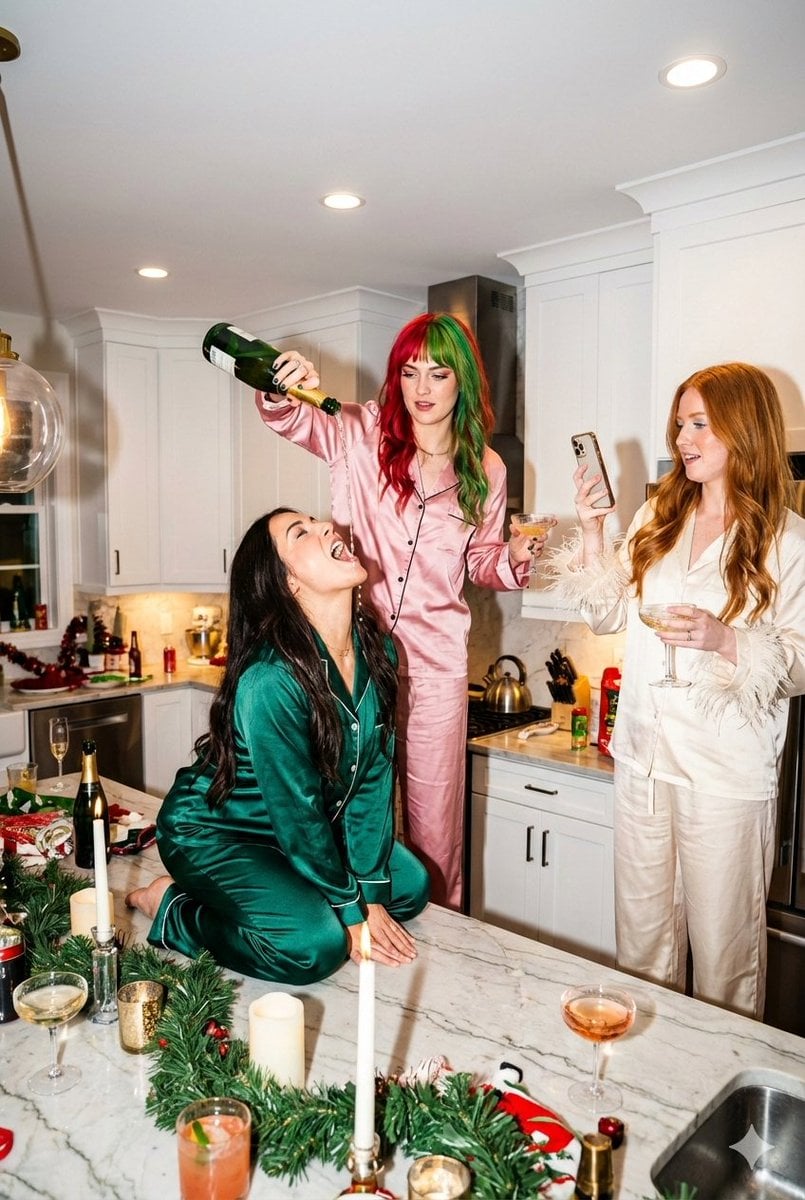
Candid Flash Photography: Chaotic Holiday Party

Sequential Continuity Generation
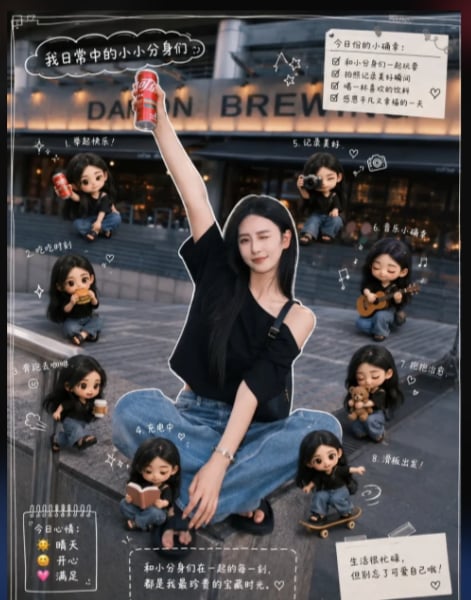
Mini Clone Cafe Selfie Composite
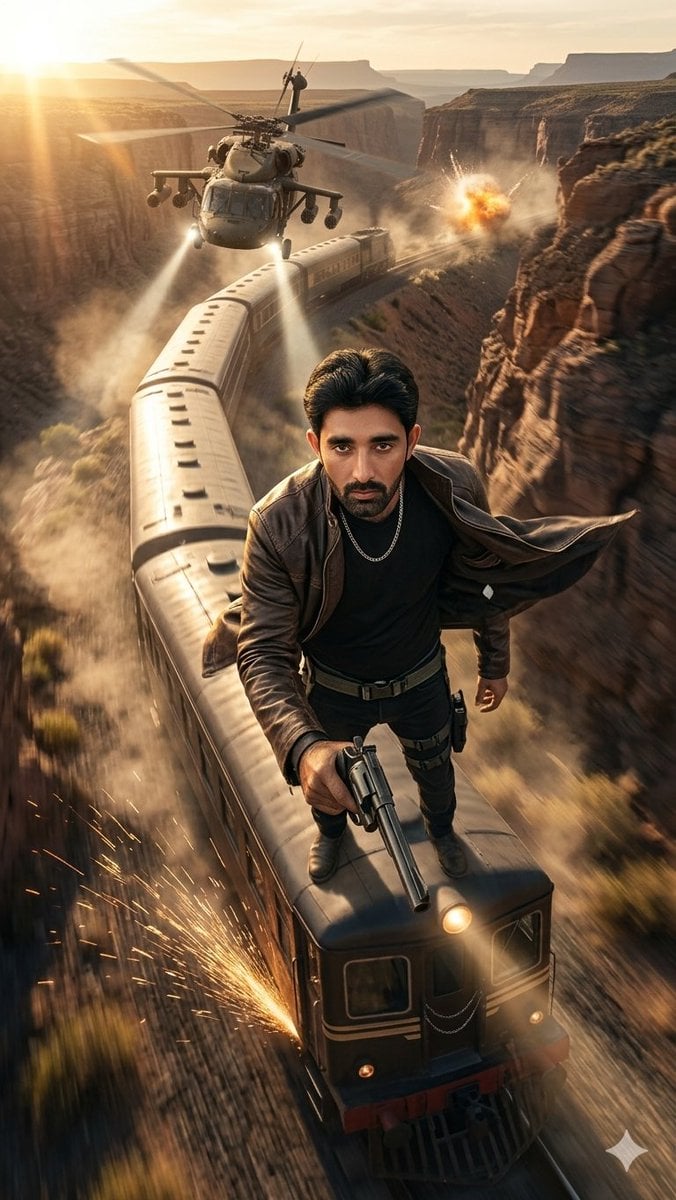
Canyon Train Action Hero
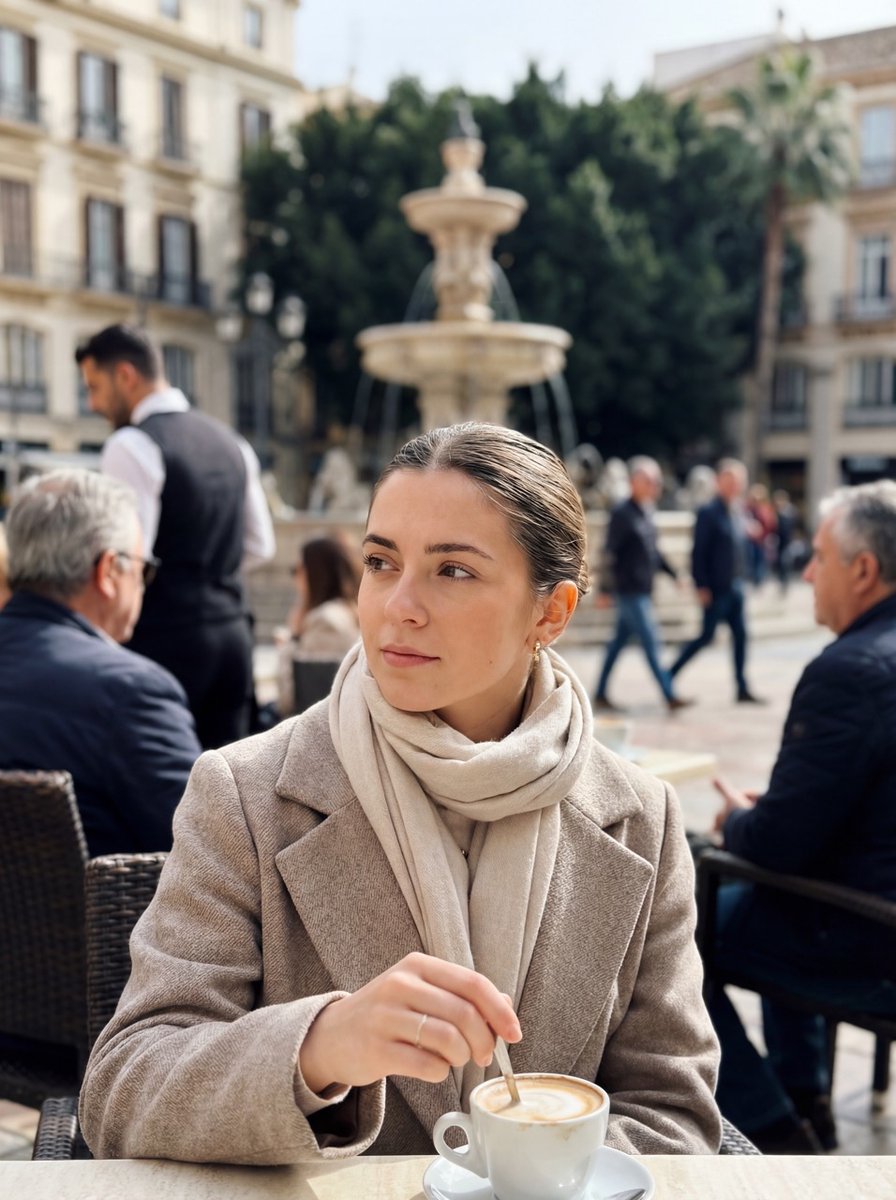
Photorealistic iPhone street café scene in Málaga

World Baseball Classic Scene Generation
Browse template categories
Artistic Progression Ballerina Sculpture questions
How do I use the Artistic Progression Ballerina Sculpture template?
Add your photo if the template asks for one, edit the prompt if you like — the template's model and format are already selected — and press Generate. Your version opens in PicX Studio.
Can I customize the Artistic Progression Ballerina Sculpture template?
Yes. You can change the subject, setting, lighting, mood, format, and available model controls before creating your image.
Is the Artistic Progression Ballerina Sculpture template free?
Opening and editing this template is free. Generating uses credits, shown on the Generate button when you are signed in.
Which AI model should I use?
Start with GPT Image 2, which is the model associated with this template. You can compare another compatible model for a different finish.
Looking for something else? Browse all templates.

Your photo, any look
Thousands of ready templates for every top image and video model, from one credit balance.