
16 9 horizontal bento-grid brand collage for in a polished contemporary
Create a 16:9 horizontal bento-grid brand collage for [BRAND NAME] in a polished contemporary campaign style.
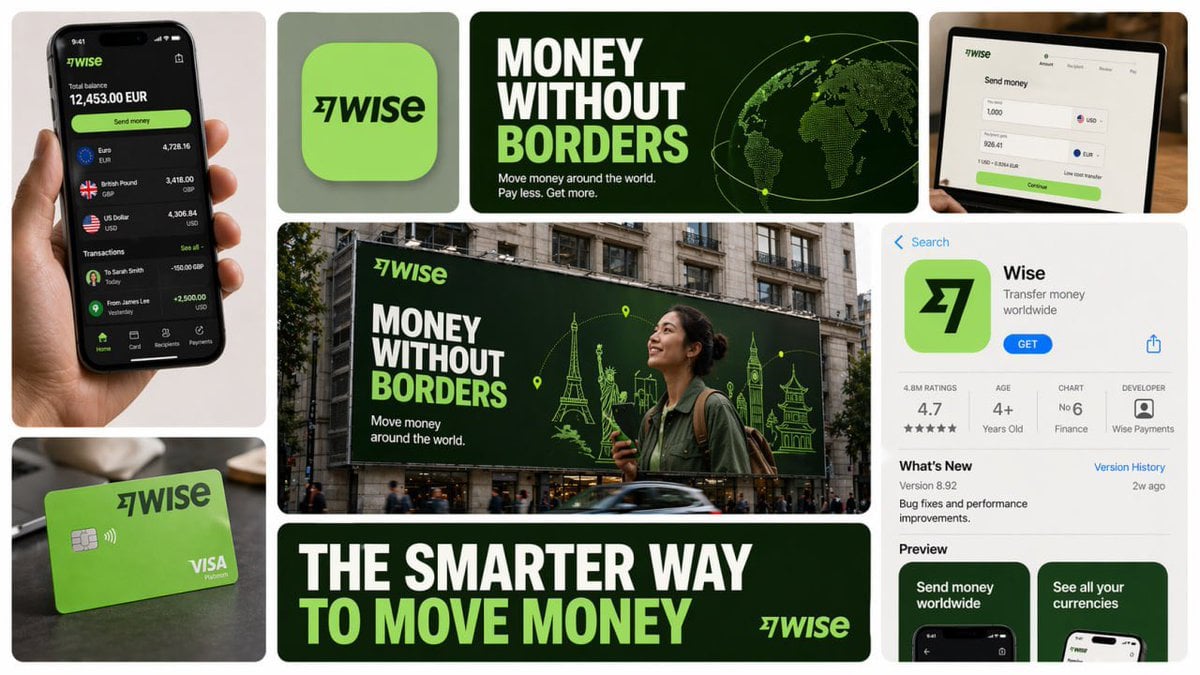
- Prompt included
- Model and format preset
- Premium template
The prompt behind this image
Copy the exact prompt behind 16 9 horizontal bento-grid brand collage for in a polished contemporary, or open it in the studio and make it yours.
Create a 16:9 horizontal bento-grid brand collage for [BRAND NAME] in a polished contemporary campaign style. Use a fixed 3-row, 4-column bento structure with rounded tiles, equal gaps, clean alignment, and a light neutral background. The layout must stay consistent across generations, but the content inside each tile must adapt to the real business model, product ecosystem, and brand language of [brand name]. Grid blueprint Build the composition as 11 visible content zones arranged in a fixed bento layout: Top-left tile: 1 column × 2 rows, tall vertical hero device or primary brand surface Top-middle-left tile: 1 column × 1 row, compact square brand asset tile Top-middle-right tile: 2 columns × 1 row, wide headline/message tile Center tile: 2 columns × 2 rows, dominant campaign hero scene Top-right tile: 1 column × 1 row, secondary device / product surface / branded object Bottom-left tile: 1 column × 1 row, product artifact or branded utility object Bottom-center tile: 2 columns × 1 row, large bold typography tile Bottom-right tile: 1 column × 2 rows, tall informational product / interface / feature tile All tiles must share the same corner radius, spacing system, and visual polish. The dominant focal points are the large center hero tile, the wide top headline tile, and the wide bottom typography tile. Adaptive content logic Do not assume [brand name] is a fintech brand. Before deciding what appears inside each tile, infer what [brand name] actually is: social platform, SaaS tool, media brand, retailer, hospitality brand, hardware company, mobility app, AI product, consumer app, etc. Every tile must contain a plausible branded asset based on that business type. Use this rule: If [brand name] has a real consumer app, dashboard, product UI, creator interface, booking flow, editor, storefront, feed, player, workspace, or operating surface, use those. If [brand name] does not realistically have payment cards, watches, or hardware, do not invent them. Only include branded physical objects when they make sense for the brand: packaging, merch, signage, magazine, laptop sticker, storefront card, delivery box, product box, wearable, poster, notebook, tote, badge, ticket, book, etc. If the brand is primarily digital, prioritize screens, interface fragments, campaign graphics, app/store listings, editorial visuals, and branded communication assets. If the brand is a platform, use realistic platform surfaces: profile screens, creator dashboards, boards, playlists, templates, analytics, publishing tools, discovery feeds, search, collaboration views, etc. If the brand is a physical-product company, use realistic product shots, packaging, product detail pages, retail signage, and lifestyle scenes. If the brand is a service business, use realistic booking, scheduling, marketplace, onboarding, testimonial, results, or service-delivery interfaces. If exact assets are unknown, infer the most believable official-looking product and campaign system for [brand name]. Tile-by-tile rules 1) Tall left hero tile Show the most iconic primary branded surface for [brand name]. Examples: phone with app UI laptop with dashboard/editor tablet with creative workspace product packaging held in hand branded poster or printed object storefront or physical product close-up This tile should represent the brand’s main touchpoint, not a generic device. 2) Small square brand asset tile Show a compact brand-signature element: app icon logo mark symbol product badge branded motif miniature packaging unit icon system object sticker or seal simplified 3D brand emblem This tile should feel like a distilled identity marker. 3) Wide top headline tile Use a short strategic message that fits [brand name]’s category and tone. Do not repeat generic fintech copy. The line should feel like a real campaign headline for that specific brand. Examples of direction: discovery creativity organization inspiration connection travel productivity expression streaming collaboration automation Use large, bold, high-contrast typography. 4) Large center hero tile Create the main campaign scene for [brand name] in a real-world or branded-environment context. This should be the most expressive tile. Possible formats: outdoor billboard subway poster retail installation city poster wall laptop-on-desk hero scene creator workspace product-in-use lifestyle shot editorial campaign image interface projected into environment branded event signage The scene must make sense for the brand’s world and audience. 5) Top-right support tile Show a secondary but still realistic brand surface: another device view product detail branded object campaign variation interface zoom-in packaging angle social post mockup desktop widget creator tool panel notification / discovery / search view This tile should complement the main touchpoint, not duplicate it exactly. 6) Bottom-left artifact tile Show a category-appropriate branded artifact, not a fixed “bank card”. Choose the artifact based on [brand name]: for fintech: payment card, wallet pass, transfer screen, exchange card for social/media: creator card, profile card, post template, content preview, board tile, channel card for SaaS/productivity: workspace card, document preview, template card, dashboard widget for e-commerce/retail: packaging, shipping box, loyalty pass, product tag, order card for travel/hospitality: booking card, room key, boarding-style pass, itinerary card for music/media: album card, playlist card, player card, event ticket for AI/software: prompt card, generation result card, model card, workflow card This tile must feel like a believable branded unit of value for that company. 7) Wide bottom message tile Use one strong oversized statement in uppercase or bold display typography. This is not necessarily the slogan from the top tile; it can be a broader campaign line or category promise. The message must match the actual brand behavior of [brand name]. For example, do not use “MOVE MONEY WITHOUT BORDERS” unless the brand actually deals with payments or finance. 8) Tall right informational tile Show a structured branded information surface: app store page product page onboarding screen feature overview marketplace listing creator profile brand campaign landing screen dashboard overview editorial page discovery feed help center / setup / feature panel This tile should add product depth and make the collage feel like a full brand system. Brand realism rules Use the real or highly plausible brand identity of [brand name]: logo, color palette, typography feel, icon language, image treatment, interface style, and tone of voice. If exact assets are unavailable, invent only what is necessary, but make it feel like the official visual system of [brand name]. Do not force a product category onto the brand. Do not invent impossible hardware, payment tools, packaging, or app features unless they are realistic adjacent extensions of the brand. Prefer believable brand adaptation over visual symmetry. Visual consistency rules Even though tile content is adaptive, the final image must still feel like one campaign system: same overall grid structure same tile spacing same corner radius same art direction quality same brand palette across all tiles consistent typography logic consistent mockup realism consistent lighting and polish Style Clean premium brand presentation, high detail, polished mockup realism, soft shadows, strong hierarchy, editorial-quality composition, modern campaign aesthetics. Avoid random collage chaos. Avoid tiny unreadable text. Avoid generic placeholder UI. Keep the structure fixed, but let the objects and branded surfaces adapt intelligently to [brand name]. Stronger one-line instruction Important: the layout is fixed, but the objects are not fixed. For each generation, select tile content based on what [brand name] realistically sells, ships, publishes, displays, or lets users interact with. Never insert category-inappropriate objects just to fill the grid.
How to use 16 9 horizontal bento-grid brand collage for in a polished contemporary in 3 steps
- 1
Open
The prompt is already in the box next to the preview, with the template's model and format selected.
- 2…a portrait of your subject in softgolden-hour light, 85mm…
Personalize
Edit the subject and creative details for your destination.
- 3Generate
Generate
Press Generate — your image is created in PicX Studio, so you can compare it with the original and refine one variable at a time.
More like this
Templates with the same subject, style or setup. Open one to see its prompt.
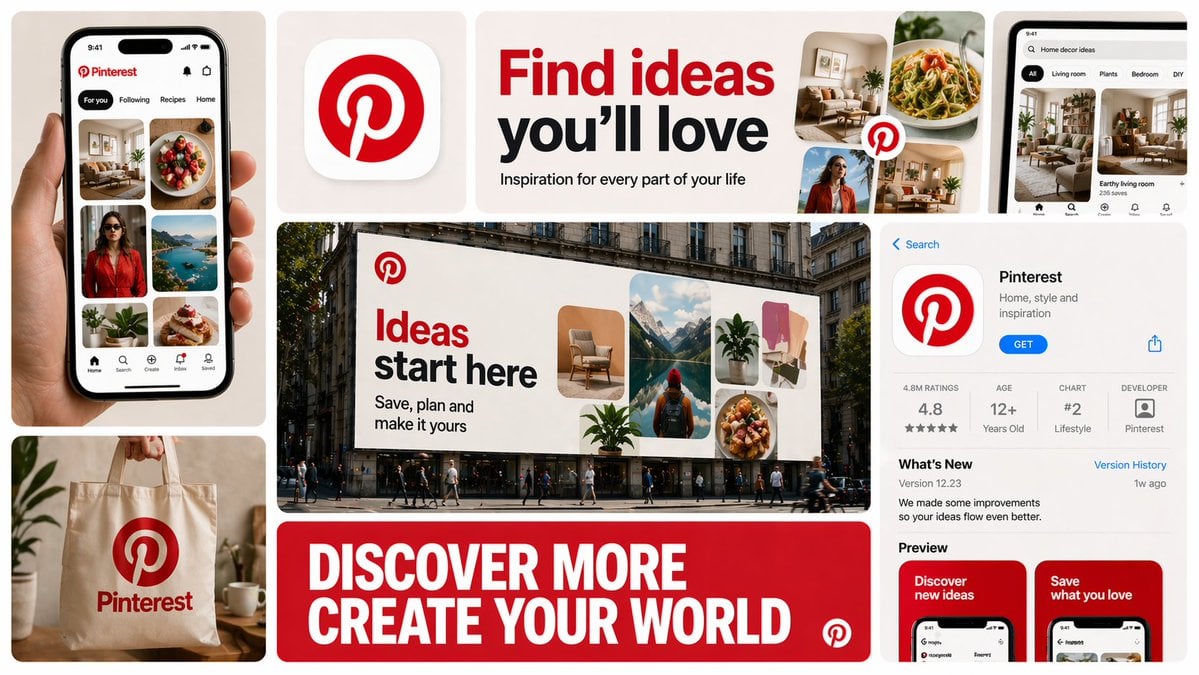
16 9 horizontal bento-grid brand collage for in a polished contemporary
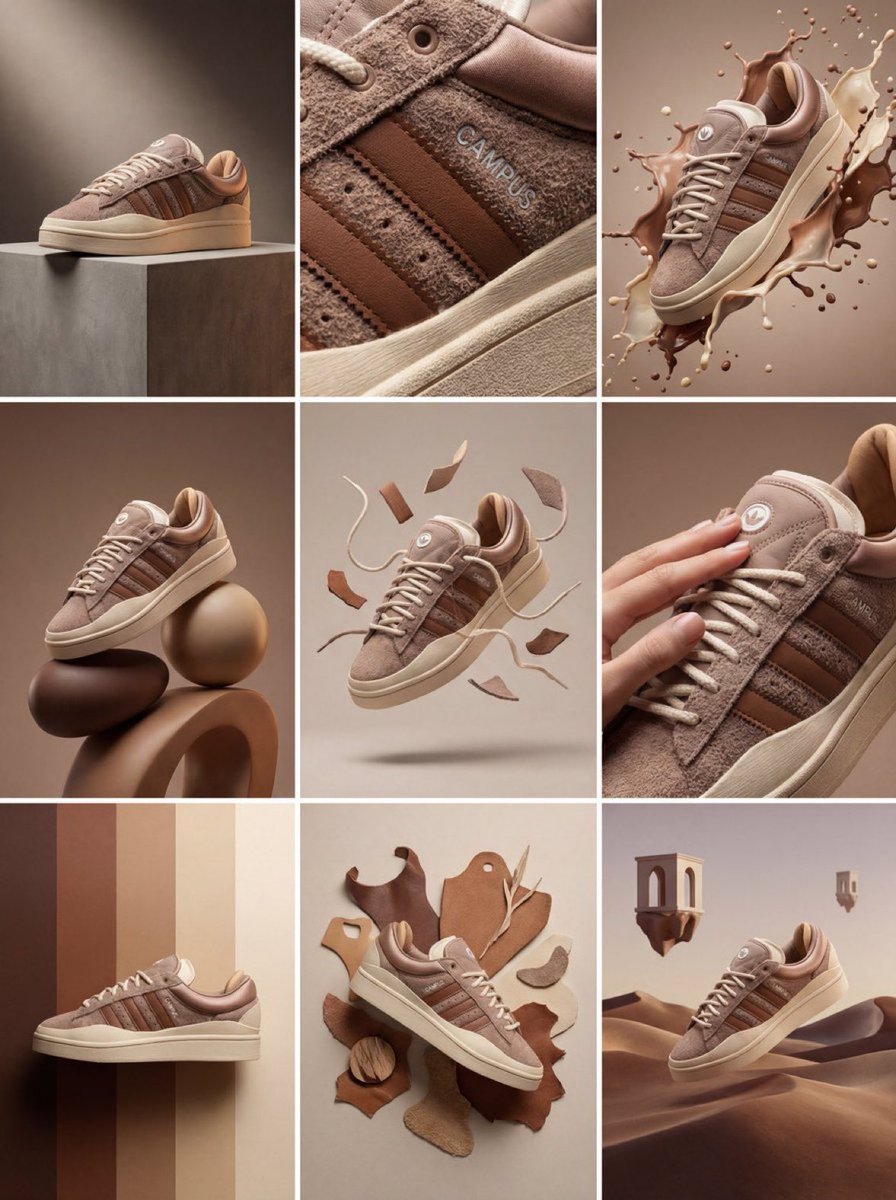
Product & Brand Prompt #1444

Product & Brand Prompt #569
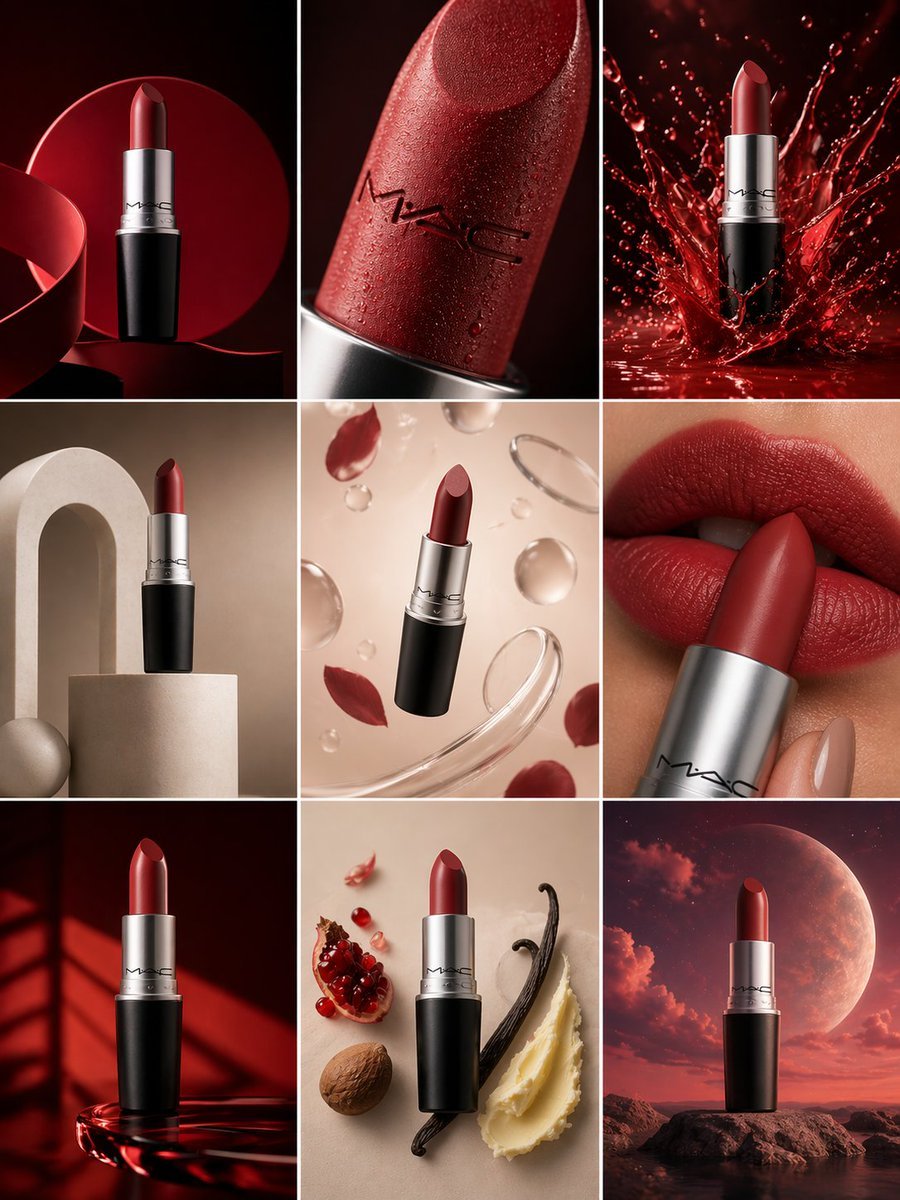
Product & Brand Prompt #285
Product & Brand Prompt #953
Product & Brand Prompt #341
Product & Brand Prompt #230

A hyper-realistic beauty product photograph of a pink jar placed

ChatGPT Image 1 5 Google Veo 3 1
A premium studio product photograph of a tall, slim red aluminum

Premium 4 3 presentation cover slide introducing Chronicle

Act as a 3D Product Visualization Artist
Make it yours
16 9 horizontal bento-grid brand collage for in a polished contemporary works as-is. These are the safest ways to change it without losing the look.
Change one field
Copy a single group, rewrite it, and generate again so you can see what that field is doing.
Keep the frame, change the subject
Hold the composition and light of 16 9 horizontal bento-grid brand collage for in a polished contemporary, then swap wardrobe, props or the person for a new take.
| If the result… | Why | Fix |
|---|---|---|
| The result drifts from the preview | Too many fields changed at once. | Reuse 16 9 horizontal bento-grid brand collage for in a polished contemporary as-is first, then change one group — subject, light, or setting. |
| The model over-stylizes the scene | The prose prompt leaves finish and camera underspecified. | Add one camera or lighting sentence and stay on GPT Image 2. |
More GPT Image 2 templates
Other prompts made for GPT Image 2.

Six VTuber Japanese Logo Sheet

Realistic Portrait of Woman and Deer

The Vista Modular Condo Poster

AI Model Routing Comparison Infographic

2.5D Anime Art Board

Isometric Productivity Desk Scene

New York Double Exposure Poster

Four-Panel AI Landscape Comparison

Japanese Tatami Lifestyle Magazine Cover

NESCAFÉ Coffee Map Poster
More image prompts
Fresh picks from across the catalog.
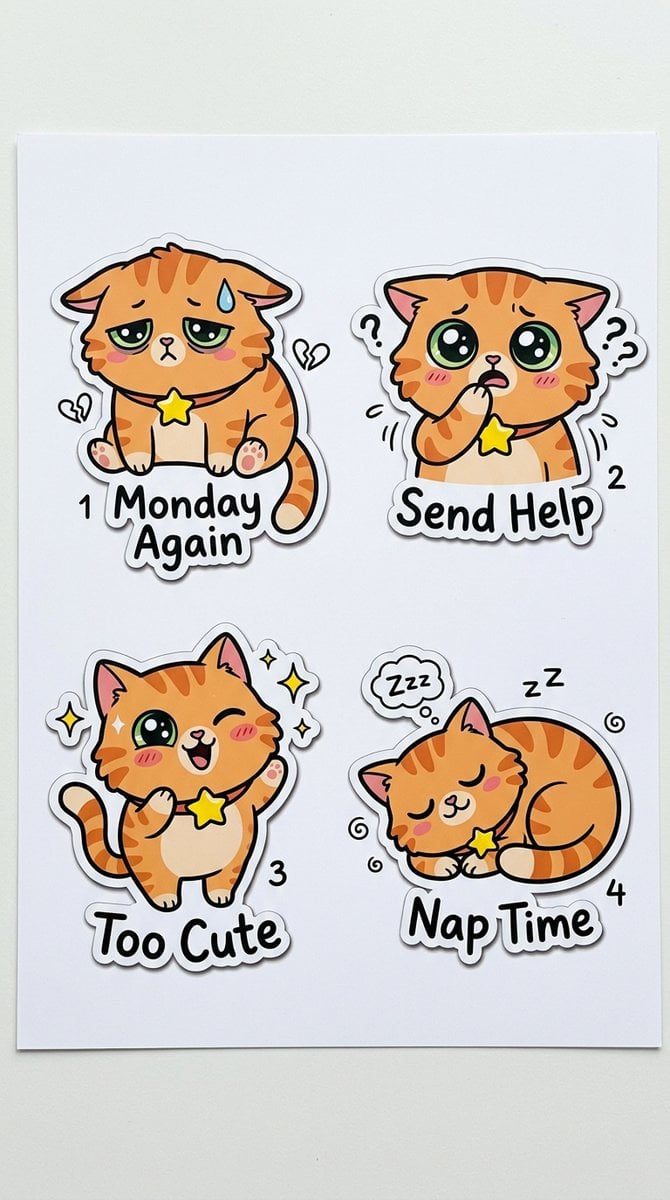
Cartoon Sticker Sheet Generator
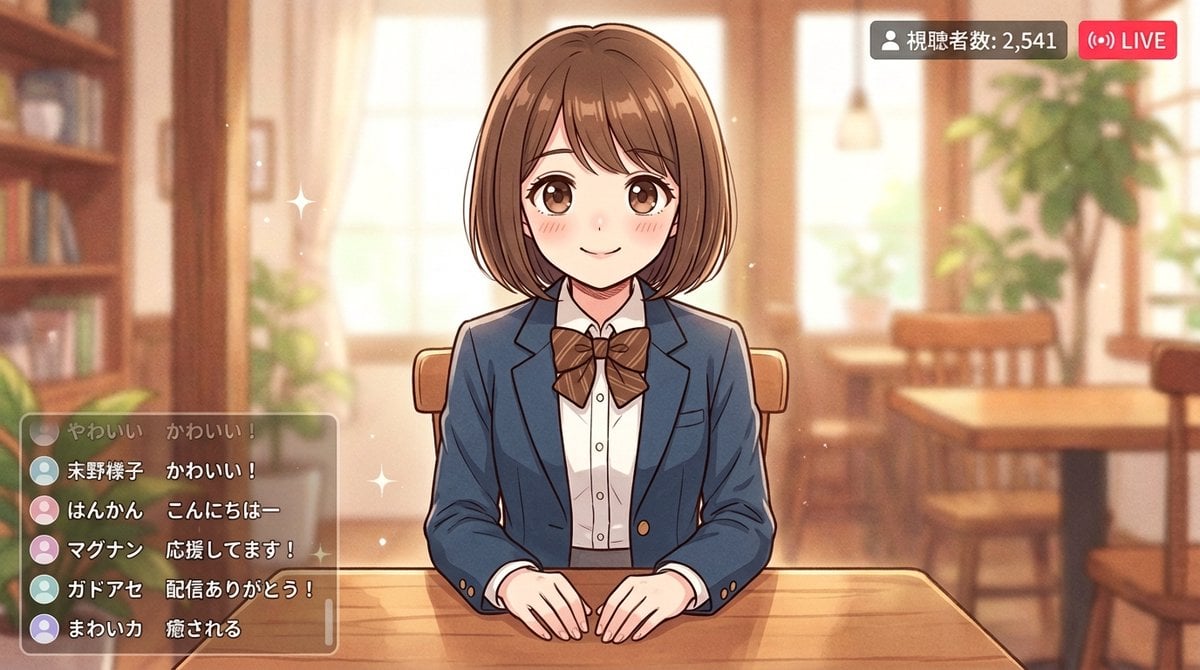
Anime Style Girl in Blazer Uniform Prompt for Nano Banana 2

Cool Beauty Korean Idol Portrait

Magical Realism Energy Summoning

Y!mobile Ad Poster Generation Prompt
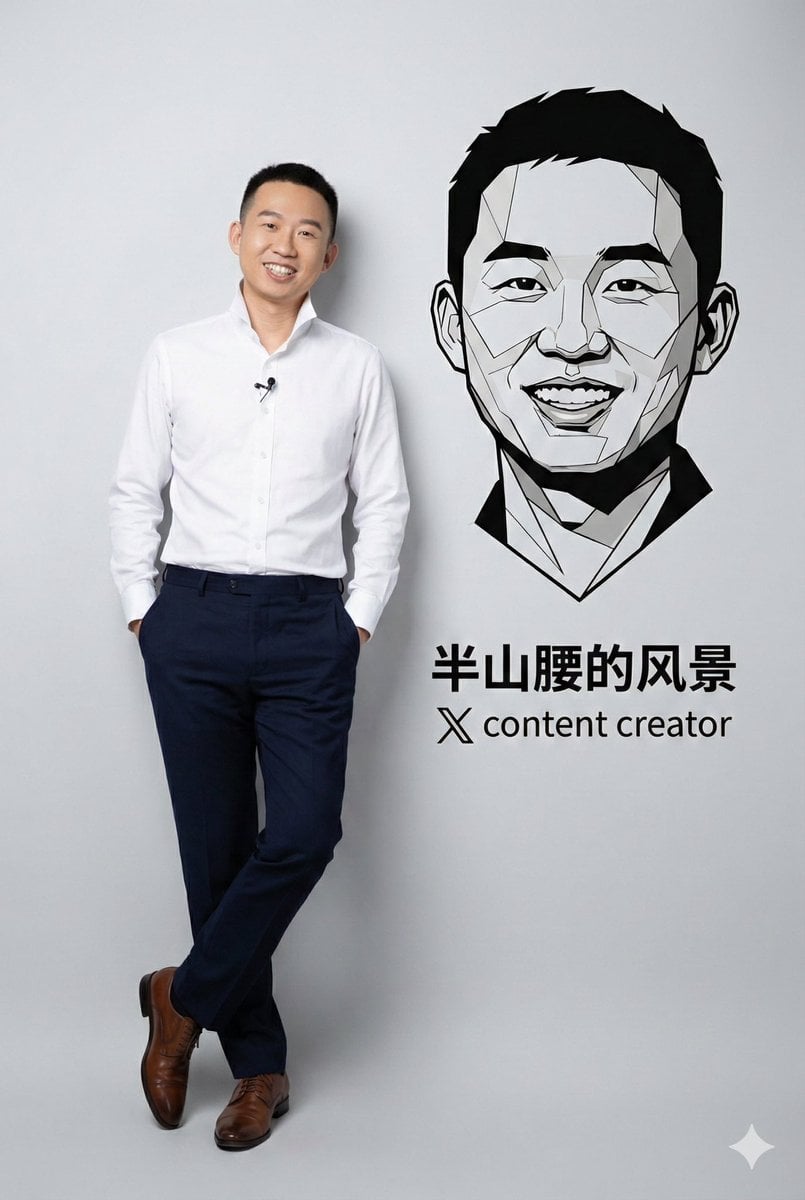
Photorealistic Portrait with Graphic Vector Art
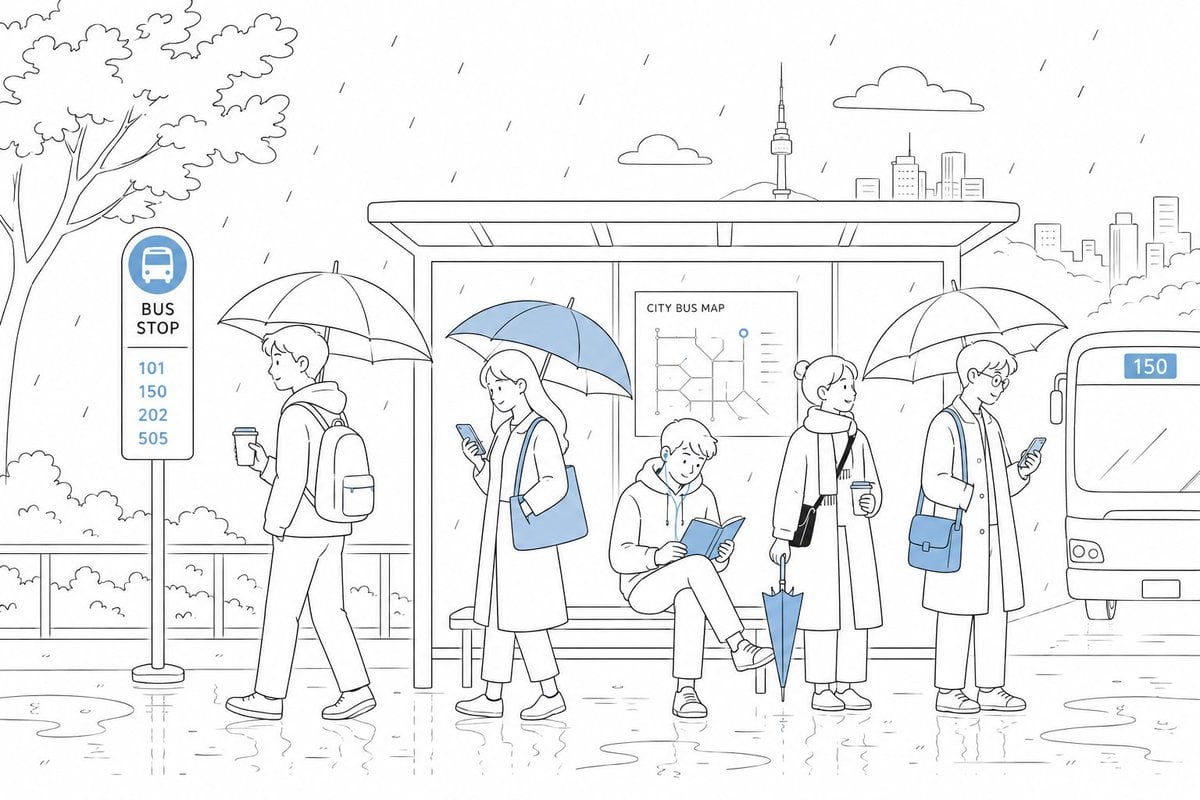
Cute Rainy Bus Stop Commute

Robot Mecha Movie Key Visual Prompt
Style Transfer to Watercolor Painting
Image Analysis and Correction Tool Description
Browse template categories
16 9 horizontal bento-grid brand collage for in a polished contemporary questions
How do I use the 16 9 horizontal bento-grid brand collage for in a polished contemporary template?
Add your photo if the template asks for one, edit the prompt if you like — the template's model and format are already selected — and press Generate. Your version opens in PicX Studio.
Can I customize the 16 9 horizontal bento-grid brand collage for in a polished contemporary template?
Yes. You can change the subject, setting, lighting, mood, format, and available model controls before creating your image.
Is the 16 9 horizontal bento-grid brand collage for in a polished contemporary template free?
Opening and editing this template is free. Generating uses credits, shown on the Generate button when you are signed in.
Which AI model should I use?
Start with GPT Image 2, which is the model associated with this template. You can compare another compatible model for a different finish.
Looking for something else? Browse all templates.

Your photo, any look
Thousands of ready templates for every top image and video model, from one credit balance.