
MPD Robot Collapsed House Rescue
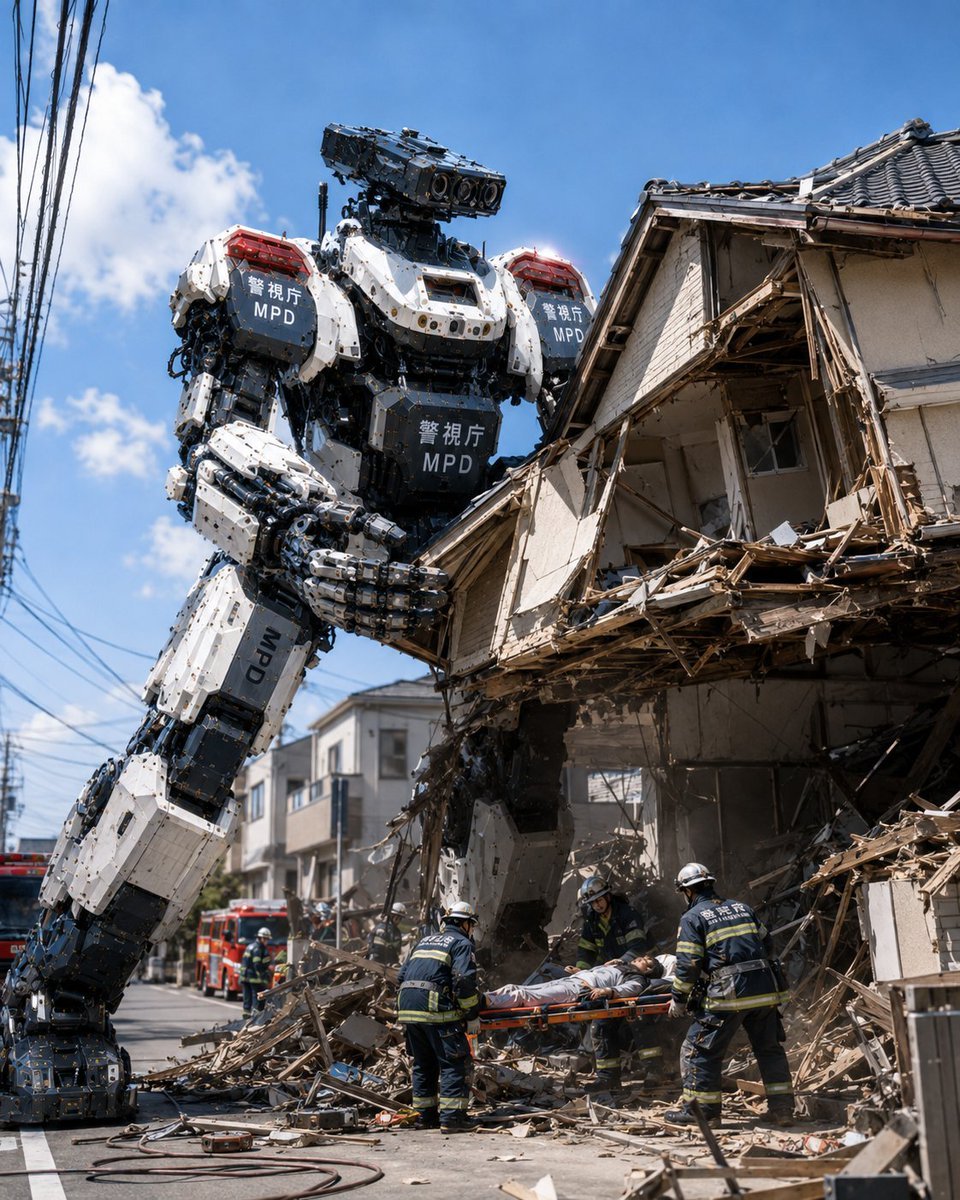
A photorealistic disaster-response scene showing a giant Tokyo police rescue robot helping firefighters evacuate a survivor from a collapsed house.
- Prompt included
- Model and format preset
- Free template
The prompt behind this image
Copy the exact prompt behind MPD Robot Collapsed House Rescue, or open it in the studio and make it yours.
Create a photorealistic cinematic disaster-rescue scene in modern Tokyo: a gigantic humanoid police rescue robot from {argument name="organization" default="Metropolitan Police Department Heavy Machinery Countermeasures Robot Unit"} stands in a narrow residential street beside a partially collapsed two-story Japanese house, assisting firefighters with rescuing a survivor from the rubble. The robot is extremely tall, about the height of the house, with bulky white-and-black armored plating, exposed hydraulic joints, dense mechanical details, bolts, cables, pistons, and heavy articulated hands; its armor panels display Japanese police markings 「警視庁」 and large white “MPD” text on the chest, shoulders, and legs. The robot leans forward with one massive hand carefully bracing or lifting broken wooden debris while human rescuers work below. Show exactly 5 human emergency responders: 4 firefighters in dark navy rescue uniforms with reflective yellow stripes and white helmets carrying a stretcher, plus 1 rescued civilian lying on the orange stretcher in light clothing. The setting is a sunlit urban neighborhood street with overhead utility wires on the left, a red fire truck in the background, scattered hoses on the asphalt, dust, splintered timber, broken wall panels, roof tiles, and debris everywhere. The damaged house should have a traditional tiled roof, exposed wooden framing, shattered exterior walls, and a large collapsed corner opening. Use a low-angle wide shot, vertical 4:5 composition, dramatic scale contrast between robot and people, bright blue sky with a few clouds, harsh midday sunlight, realistic shadows, documentary news photography style, ultra-detailed textures, believable rescue operation, no fantasy glow, no cartoon styling. Main action theme: {argument name="rescue scenario" default="rescue from a collapsed house"}.
How to use MPD Robot Collapsed House Rescue in 3 steps
- 1Upload ImagePNG, JPG or paste
Add your photo
Upload the photo the template builds on. The prompt, model and format are already set.
- 2…a portrait of your subject in softgolden-hour light, 85mm…
Personalize
Edit the subject and creative details for your destination.
- 3Generate
Generate
Press Generate — your image is created in PicX Studio, so you can compare it with the original and refine one variable at a time.
More like this
Templates with the same subject, style or setup. Open one to see its prompt.
MPD Robot Arrests Balloon Escapees
Underwater MPD Police Robot Test
Police Robot Rescue Scene
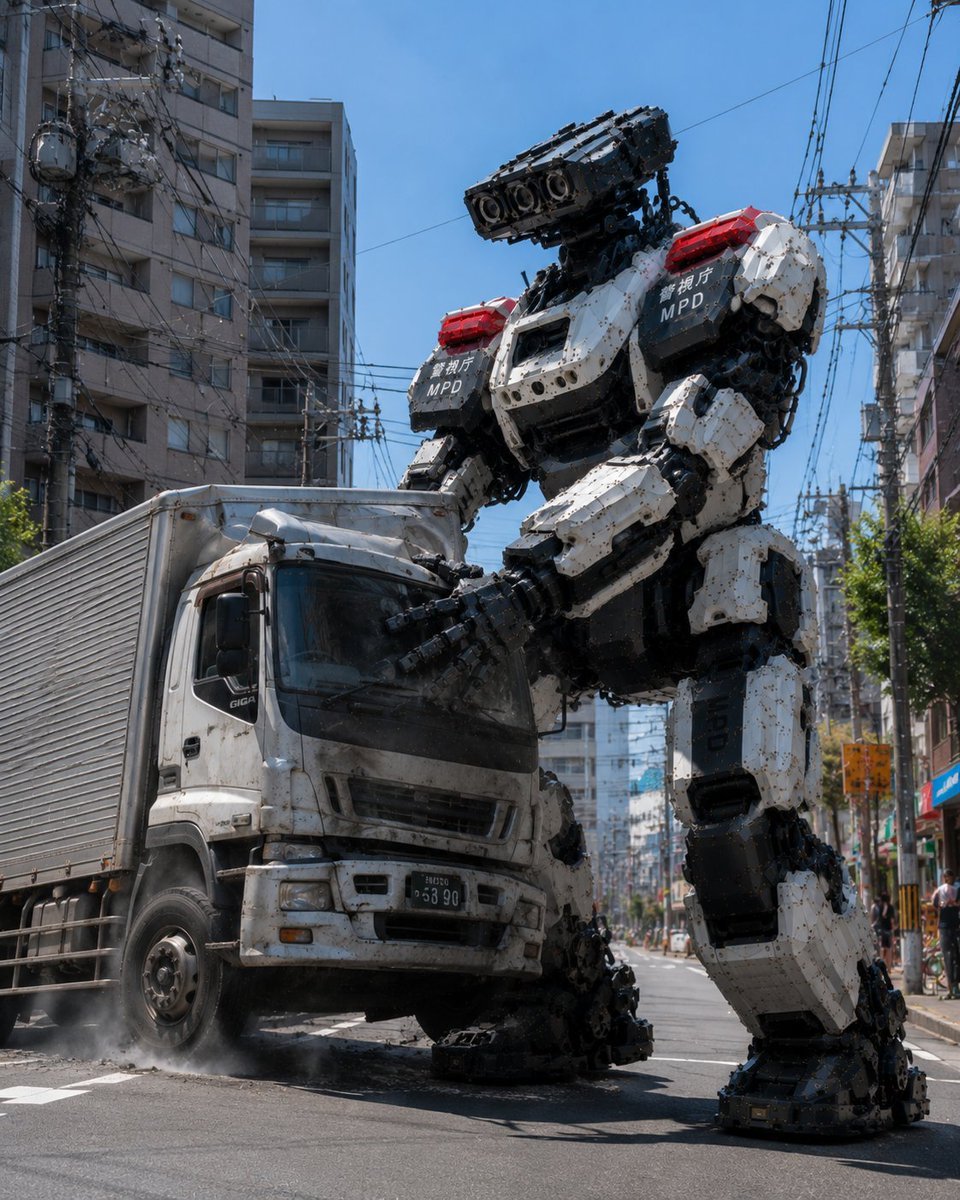
MPD Robot Stops Runaway Truck
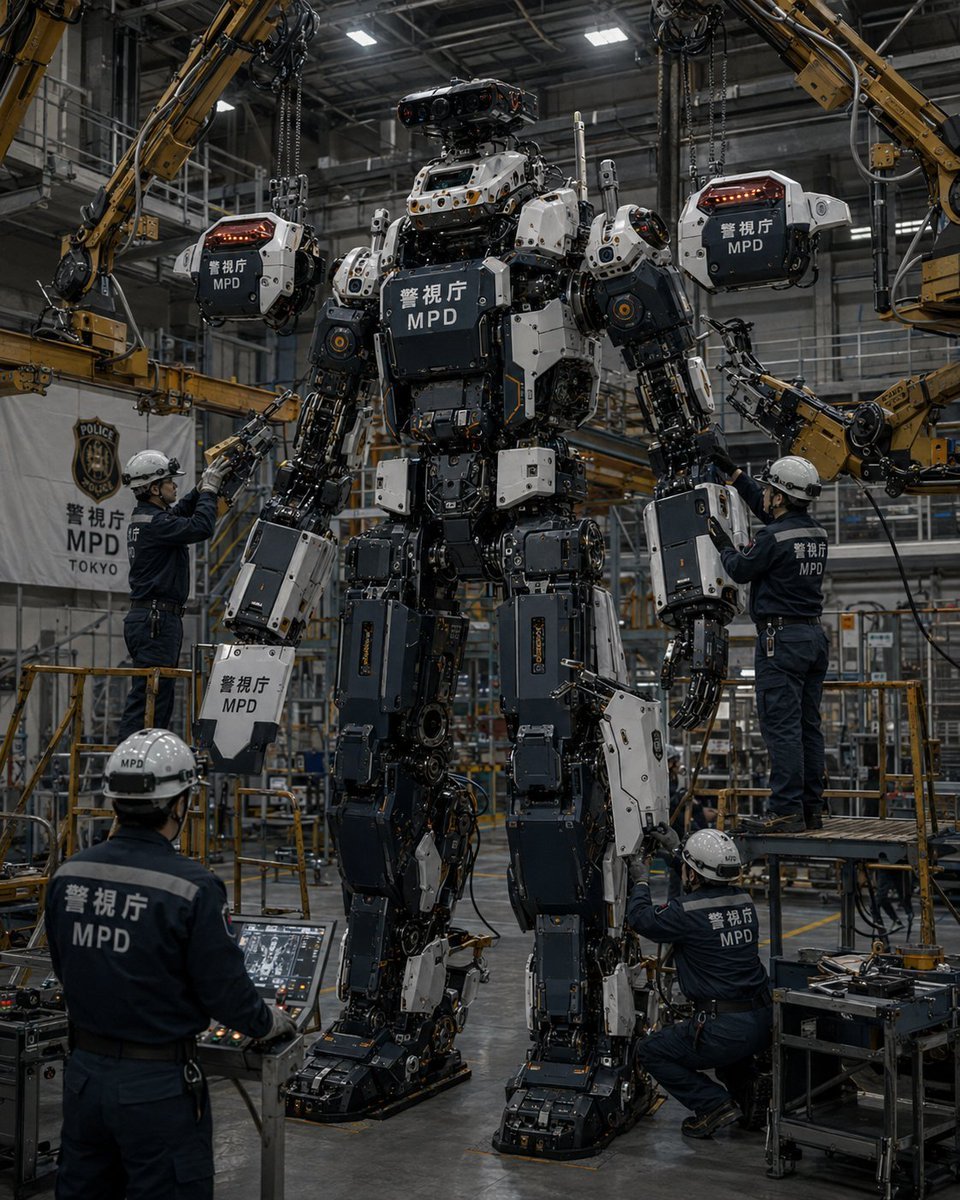
MPD Robot Assembly Bay
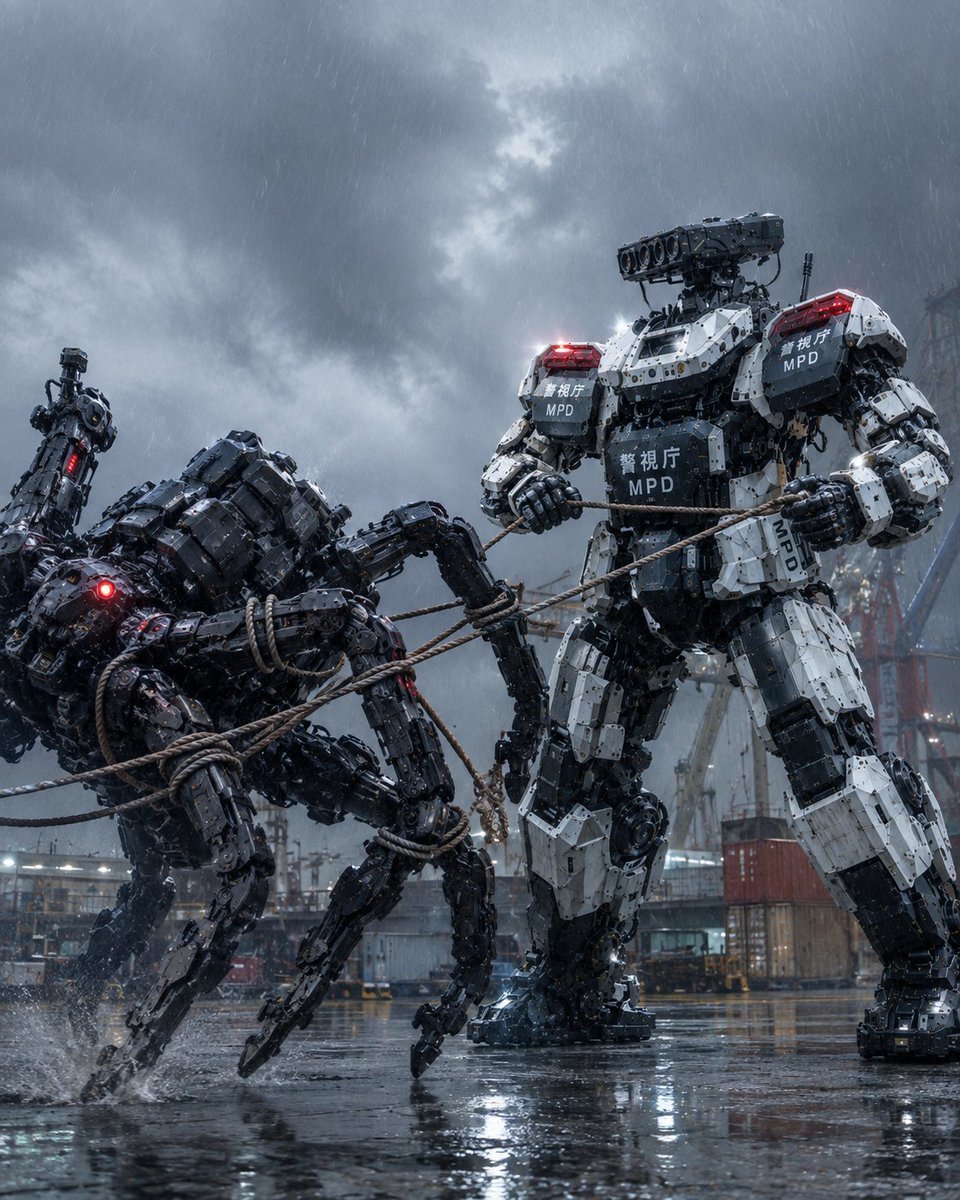
MPD Mech Captures Spider Robot
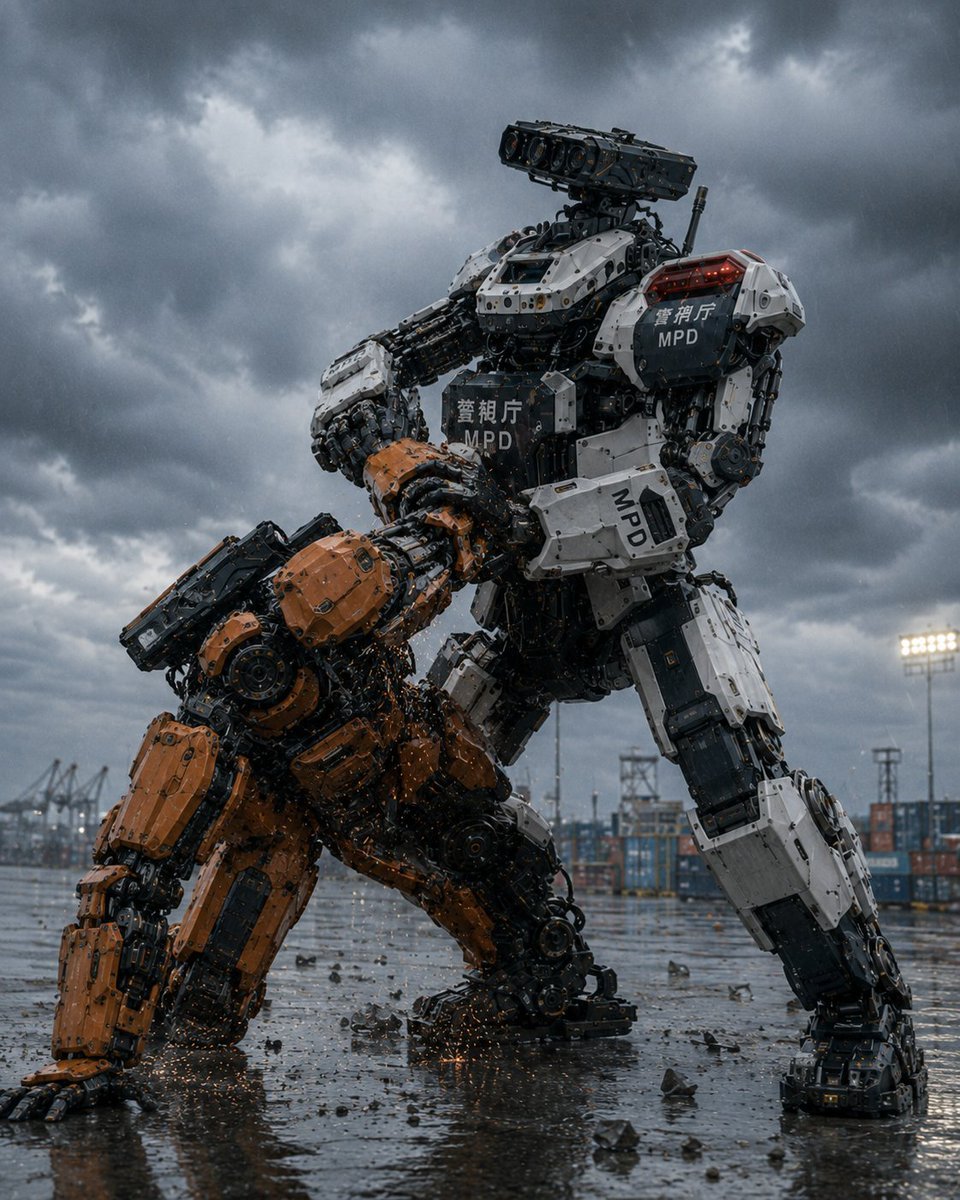
MPD Police Mecha Arrest Scene
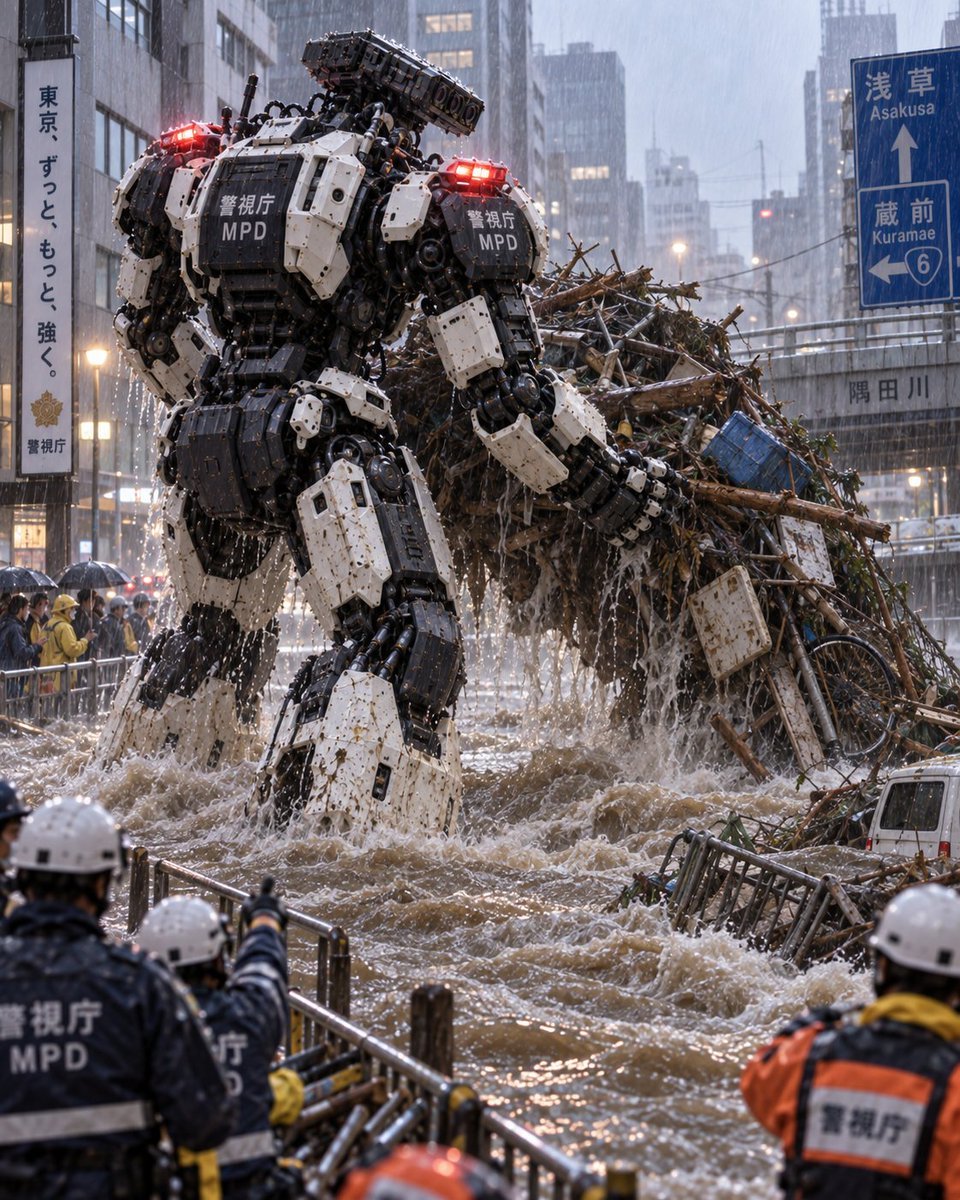
Tokyo Police Flood Rescue Mech
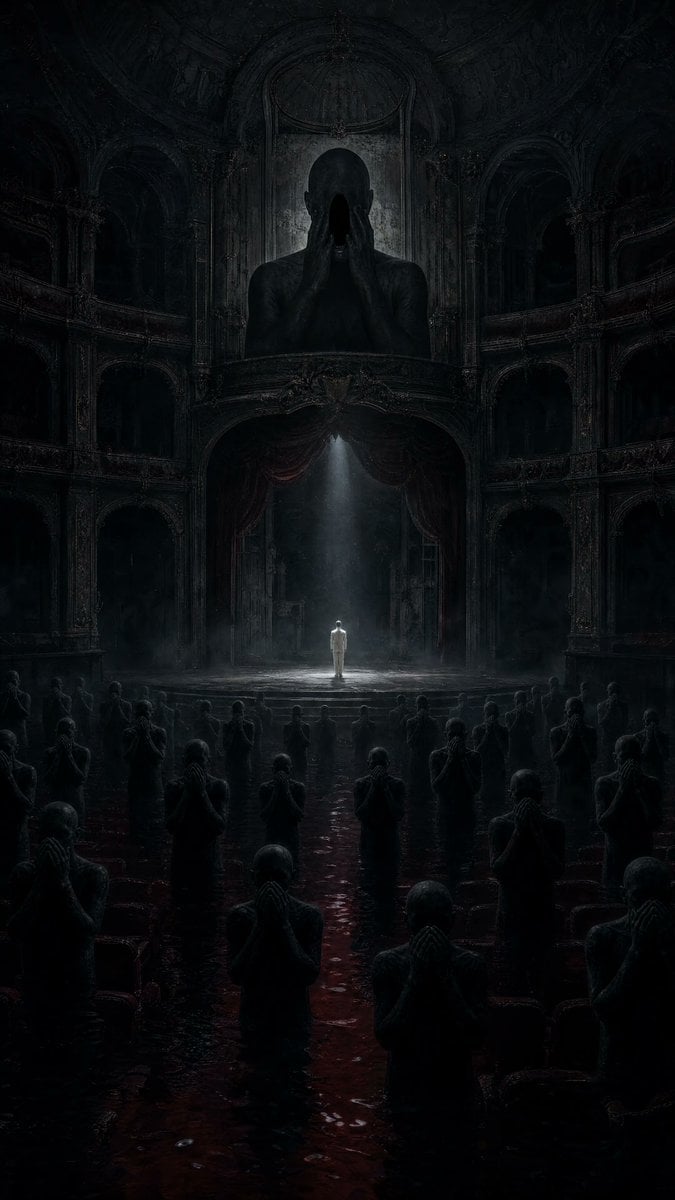
Dark Surrealist Flooded Opera House
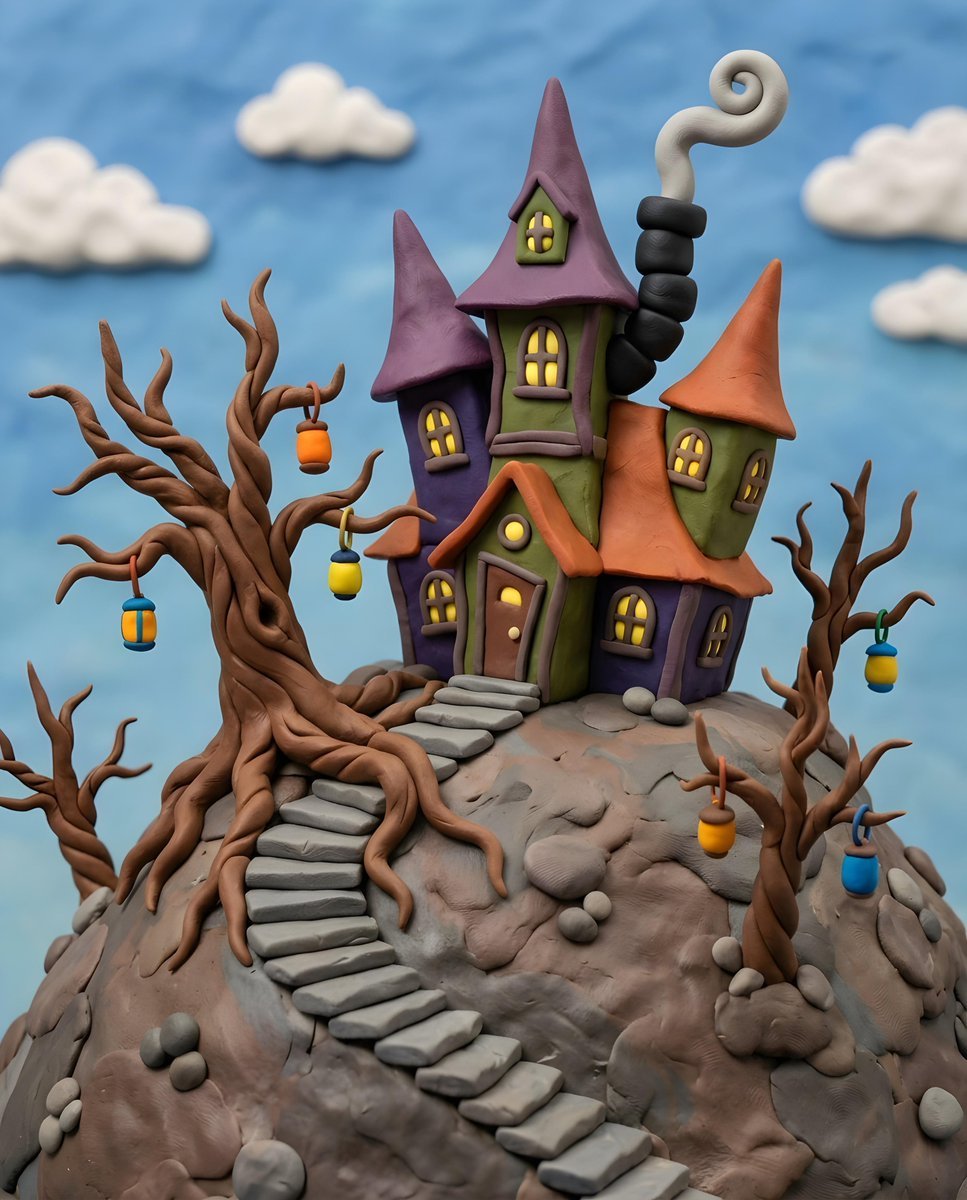
Gothic Whimsical Haunted House

Puppy and Robot Dog Ice Cream Scene
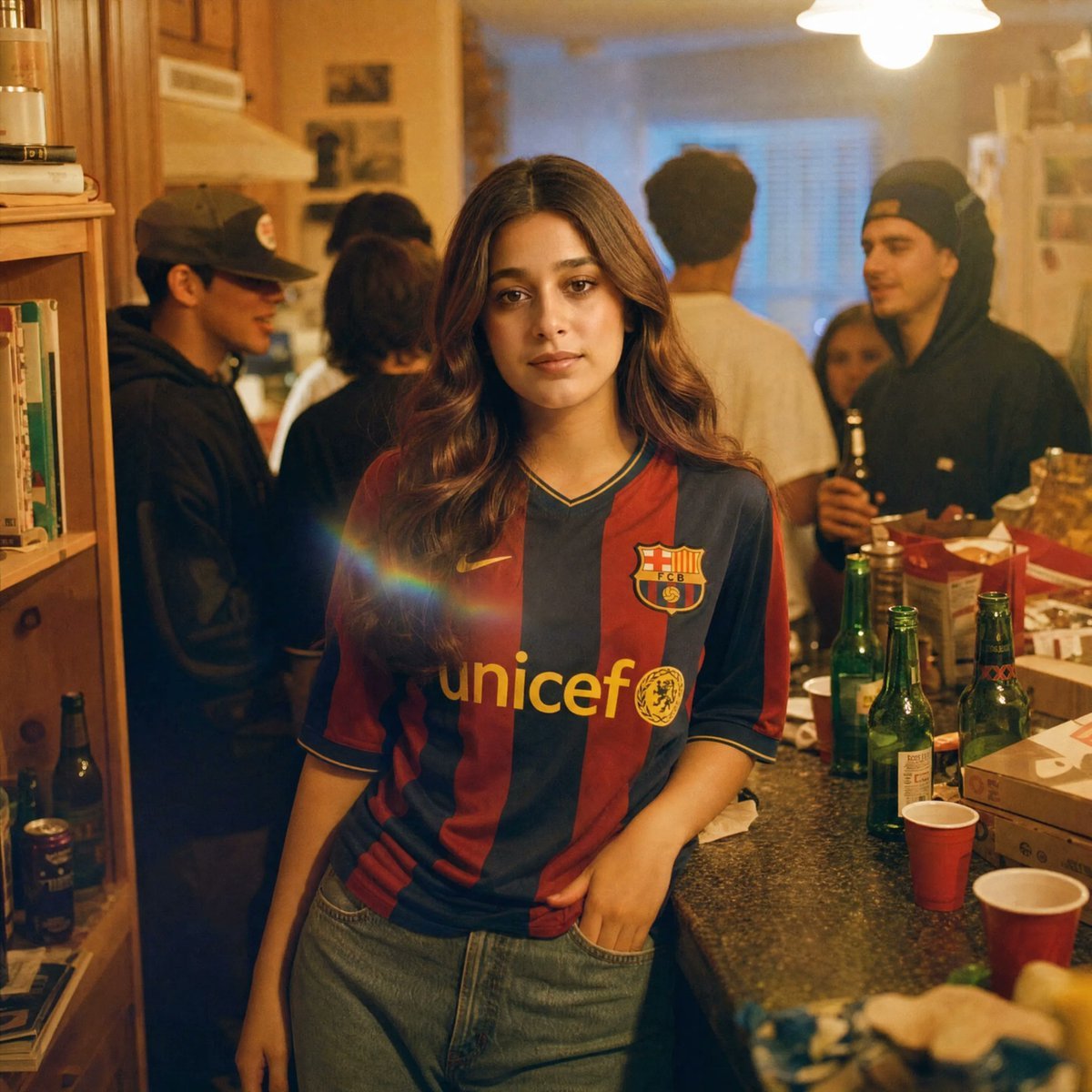
Candid House Party Soccer Jersey Portrait
Make it yours
MPD Robot Collapsed House Rescue works as-is. These are the safest ways to change it without losing the look.
Change one field
Copy a single group, rewrite it, and generate again so you can see what that field is doing.
Keep the frame, change the subject
Hold the composition and light of MPD Robot Collapsed House Rescue, then swap wardrobe, props or the person for a new take.
| If the result… | Why | Fix |
|---|---|---|
| The result drifts from the preview | Too many fields changed at once. | Reuse MPD Robot Collapsed House Rescue as-is first, then change one group — subject, light, or setting. |
| The model over-stylizes the scene | The prose prompt leaves finish and camera underspecified. | Add one camera or lighting sentence and stay on GPT Image 2. |
More GPT Image 2 templates
Other prompts made for GPT Image 2.

Six VTuber Japanese Logo Sheet

Realistic Portrait of Woman and Deer

The Vista Modular Condo Poster

AI Model Routing Comparison Infographic

2.5D Anime Art Board

Isometric Productivity Desk Scene

New York Double Exposure Poster

Four-Panel AI Landscape Comparison

Japanese Tatami Lifestyle Magazine Cover

NESCAFÉ Coffee Map Poster
More image prompts
Fresh picks from across the catalog.
Fashion Studio Portrait in Pastel Green Varsity Jacket

Athletic female portrait in studio

Pink Liquid Dress Fashion Editorial

Gpt2 Youtube Thumbnail Anime Bl Promo Thumbnail
Japanese Suburb in 2000s Old Footage Style

Glamorous Close-up Portrait with Traditional Outfit and Rose
Photo to Product Packaging Dieline Prompt
Dark Academia Library Portrait
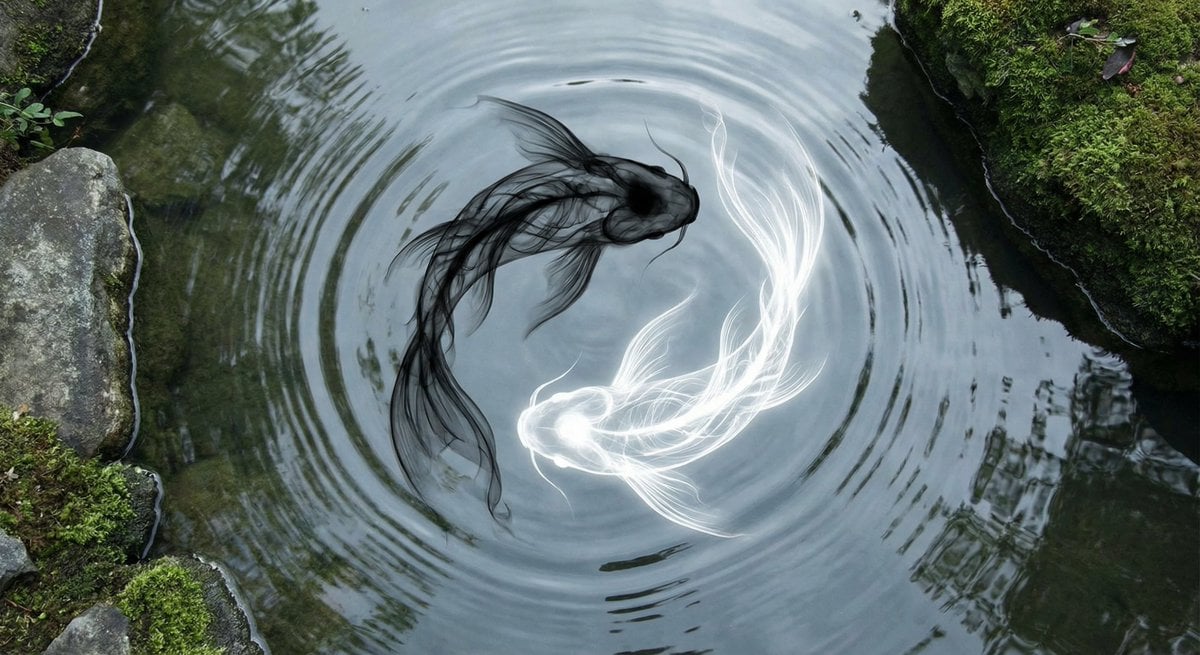
Yin-yang koi ink illustration
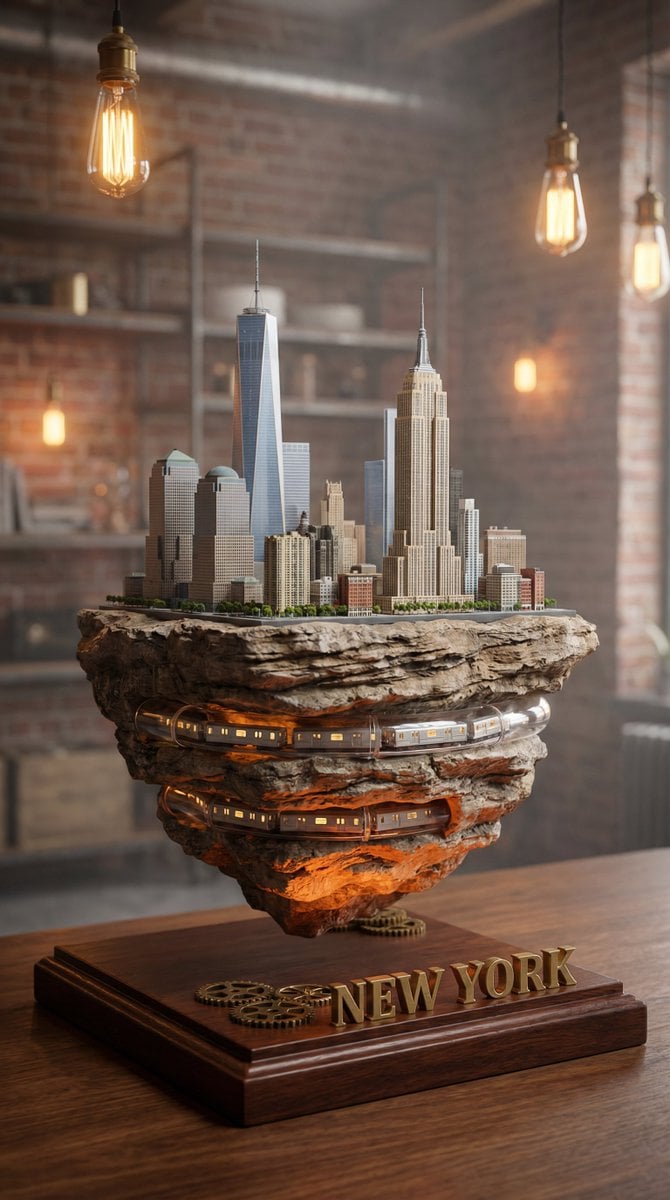
Ultra-Realistic Macro Miniature City Prompt
Browse template categories
MPD Robot Collapsed House Rescue questions
How do I use the MPD Robot Collapsed House Rescue template?
Add your photo if the template asks for one, edit the prompt if you like — the template's model and format are already selected — and press Generate. Your version opens in PicX Studio.
Can I customize the MPD Robot Collapsed House Rescue template?
Yes. You can change the subject, setting, lighting, mood, format, and available model controls before creating your image.
Is the MPD Robot Collapsed House Rescue template free?
Opening and editing this template is free. Generating uses credits, shown on the Generate button when you are signed in.
Which AI model should I use?
Start with GPT Image 2, which is the model associated with this template. You can compare another compatible model for a different finish.
Looking for something else? Browse all templates.

Your photo, any look
Thousands of ready templates for every top image and video model, from one credit balance.