
Ultra-Realistic Macro Miniature City Prompt
A highly structured JSON prompt for generating an ultra-realistic, macro-miniature city model on a floating rock structure, emphasizing tilt-shift effects, specific lighting, and detailed rules for vehicles and…
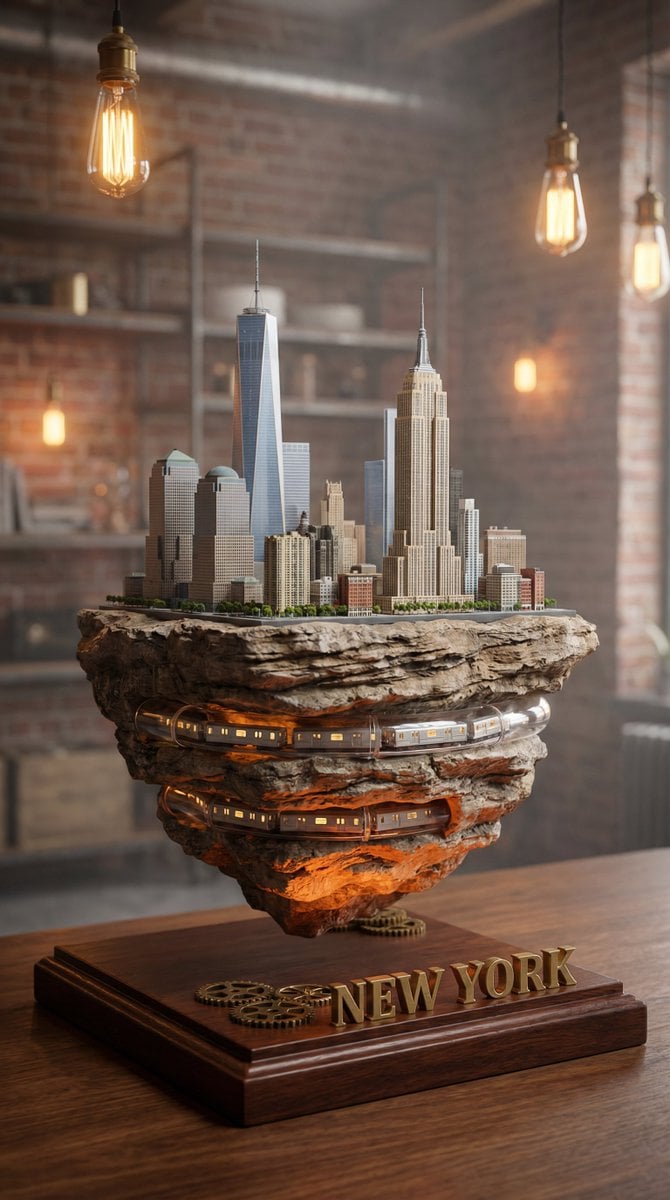
- Prompt included
- Model and format preset
- Free template
The prompt behind this image
Copy the exact prompt behind Ultra-Realistic Macro Miniature City Prompt, or open it in the studio and make it yours.
- Project
- Global Miniature City Series
- Aspect Ratio
- 9:16
- Style
- Ultra-realistic macro miniature city model
- Composition › Camera Angle
- low-angle macro
- Composition › Framing
- city centered, base fully visible
- Composition › Tilt Shift
- true
- Composition › Depth Of Field
- shallow
- Composition › Lens
- 85mm macro, f/1.8
- Base › Material
- dark polished wood
- Base › Edges
- smooth rounded
- Base › City Name Text › Style
- gold embossed 3D
- Base › City Name Text › Font
- clean modern
- Base › City Name Text › Attached
- true
- Base › City Name Text › No Distortion
- true
- Rock Structure › Type
- floating natural layered rock
- Rock Structure › Texture
- high detail geological strata
- Rock Structure › Underside Visible
- true
- Rock Structure › Internal Tunnel
- true
- Rock Structure › Tunnel Light
- warm realistic glow
- Rock Structure › No Scifi Glow
- true
- City Core › Landmarks
- REPLACE_WITH_CITY_LANDMARKS
- City Core › Architecture Density
- realistic
- City Core › Height Variation
- true
- City Core › No Fantasy Elements
- true
Raw JSON
{
  "project": "Global Miniature City Series",
  "aspect_ratio": "9:16",
  "style": "Ultra-realistic macro miniature city model",

  "composition": {
    "camera_angle": "low-angle macro",
    "framing": "city centered, base fully visible",
    "tilt_shift": true,
    "depth_of_field": "shallow",
    "lens": "85mm macro, f/1.8"
  },

  "base": {
    "material": "dark polished wood",
    "edges": "smooth rounded",
    "city_name_text": {
      "style": "gold embossed 3D",
      "font": "clean modern",
      "attached": true,
      "no_distortion": true
    }
  },

  "rock_structure": {
    "type": "floating natural layered rock",
    "texture": "high detail geological strata",
    "underside_visible": true,
    "internal_tunnel": true,
    "tunnel_light": "warm realistic glow",
    "no_scifi_glow": true
  },

  "city_core": {
    "landmarks": ["REPLACE_WITH_CITY_LANDMARKS"],
    "architecture_density": "realistic",
    "height_variation": true,
    "no_fantasy_elements": true
  },

  "road_system": {
    "type": "circular edge road",
    "lane_clear": true,
    "traffic_direction": "single_direction",
    "vehicles": {
      "lane_aligned": true,
      "no_reverse": true,
      "no_clipping": true,
      "no_floating": true
    },
    "tunnel_rule": "vehicle may enter and disappear without reappearing"
  },

  "environment": {
    "setting": "real tabletop",
    "background": "soft blurred lifestyle interior",
    "lighting": "natural indoor, warm subtle",
    "no_heavy_fog": true
  },

  "render_quality": {
    "resolution": "8K",
    "material_realism": true,
    "soft_shadows": true,
    "no_excess_hdr": true,
    "no_over_saturation": true
  },

  "negative_rules": [
    "no reverse traffic",
    "no floating objects",
    "no extreme storm",
    "no strong wind",
    "no glass-like water",
    "no cyberpunk glow",
    "no excessive particles",
    "no exaggerated lens flare"
  ]
}How to use Ultra-Realistic Macro Miniature City Prompt in 3 steps
- 1Upload ImagePNG, JPG or paste
Add your photo
Upload the photo the template builds on. The prompt, model and format are already set.
- 2…a portrait of your subject in softgolden-hour light, 85mm…
Personalize
Edit the subject and creative details for your destination.
- 3Generate
Generate
Press Generate — your image is created in PicX Studio, so you can compare it with the original and refine one variable at a time.
More like this
Templates with the same subject, style or setup. Open one to see its prompt.

Cozy Knit Sweater Window Portrait

Minimalist Hand-Drawn Doodle Portrait

Paper Tunnel Book Architecture
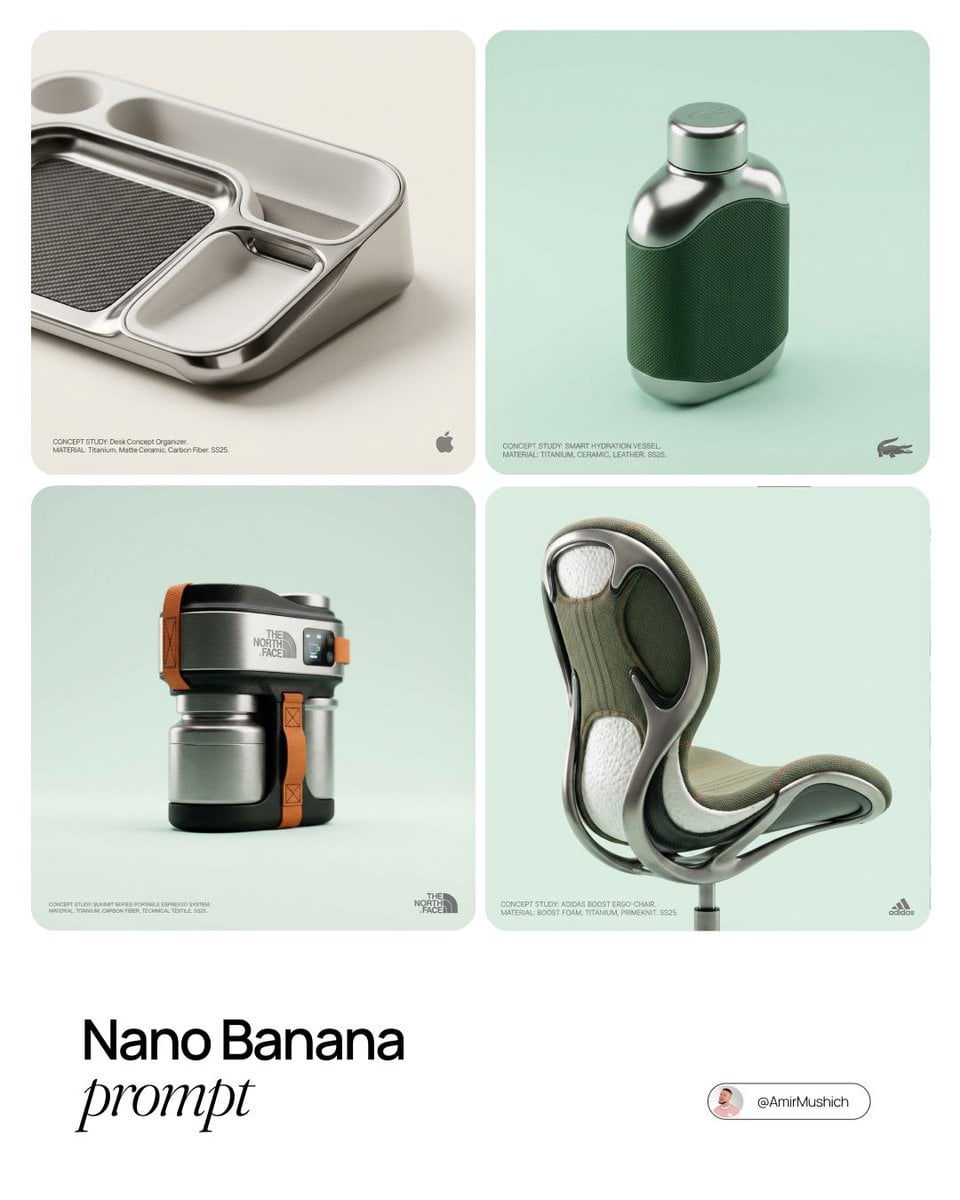
Editorial Concept Study Product Design

Isometric Brand Store Diorama
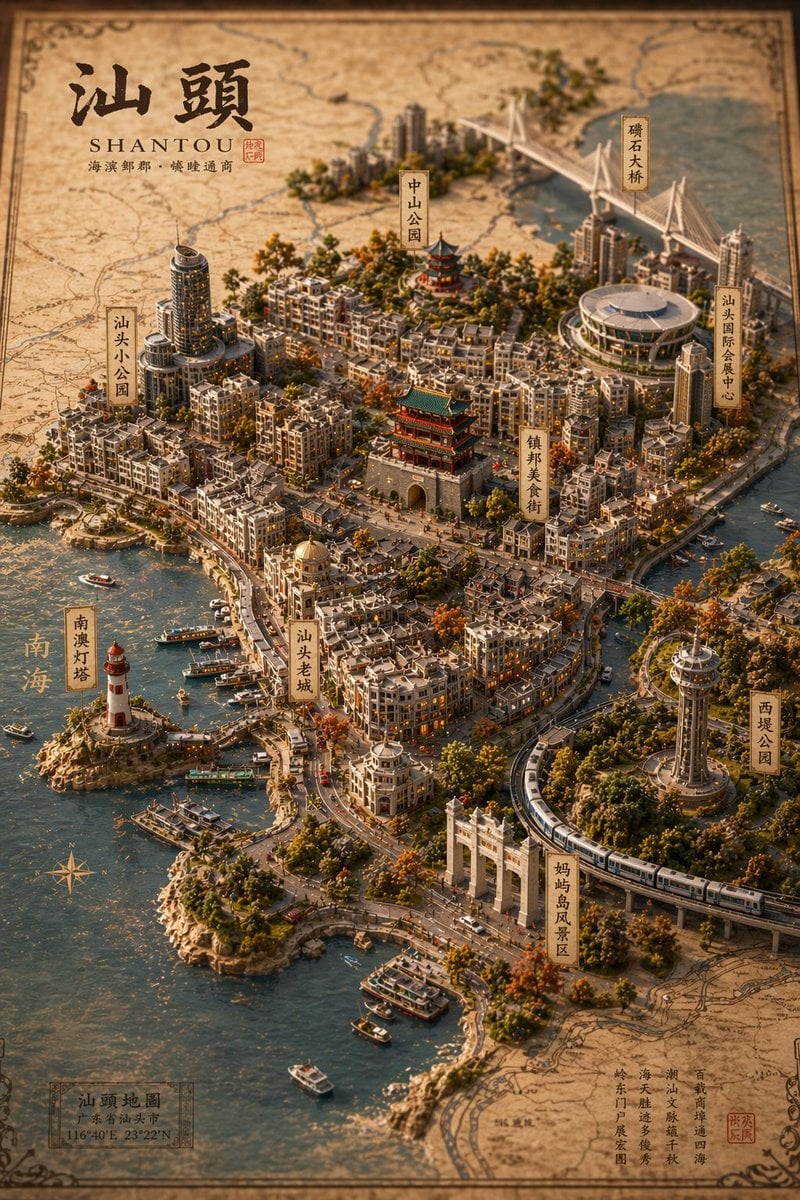
Vintage 3D Miniature City Map
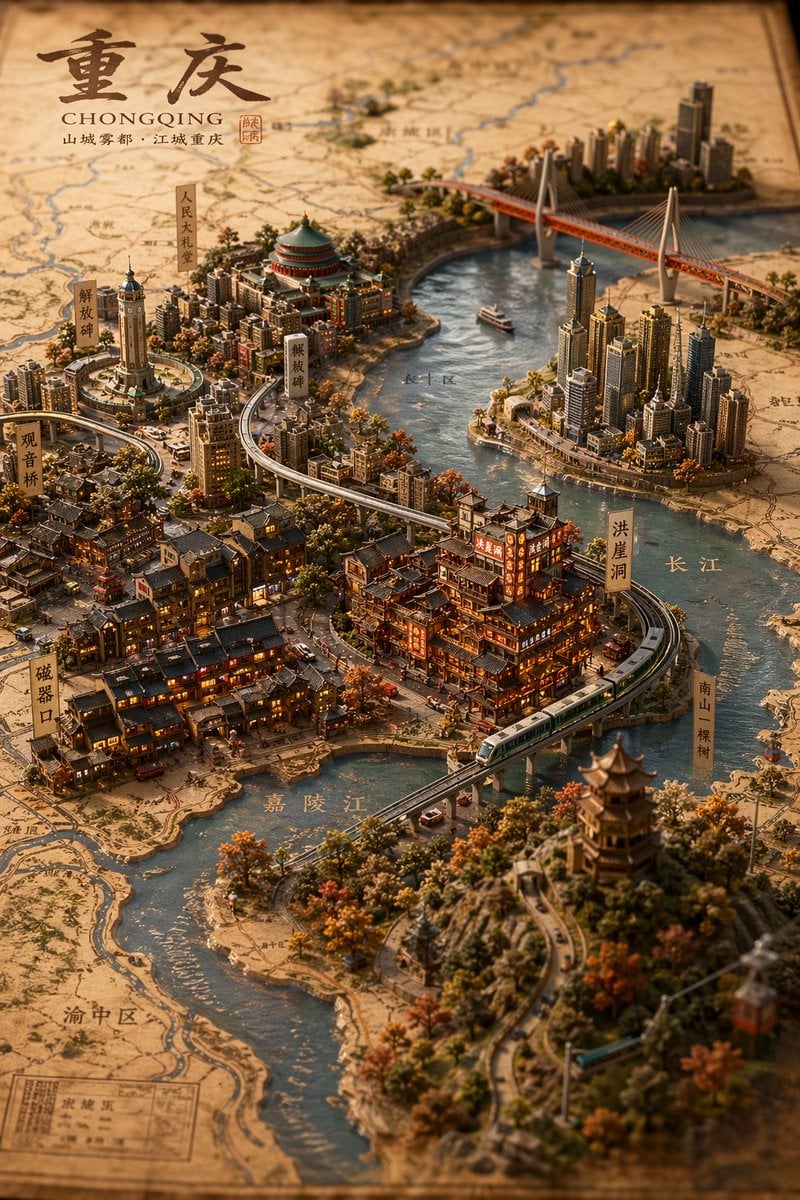
Miniature 3D City Diorama Map
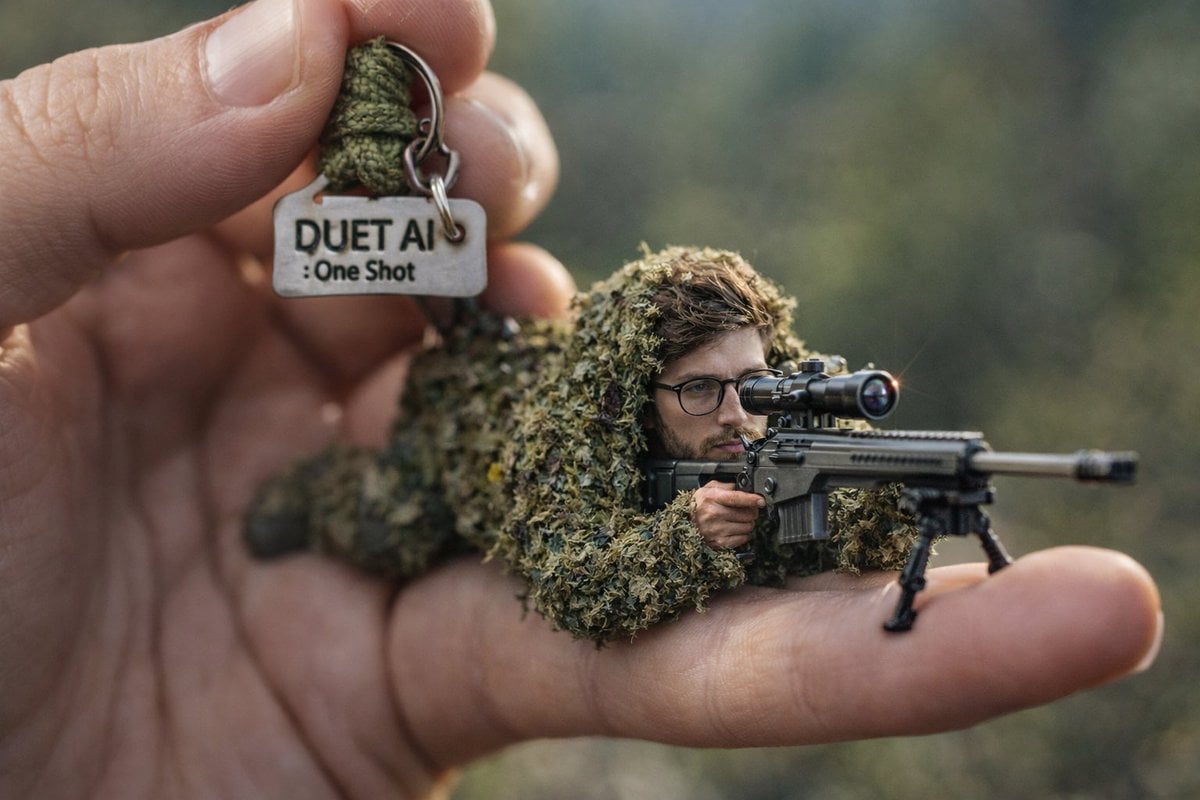
Macro Shot of Miniature Sniper Scene
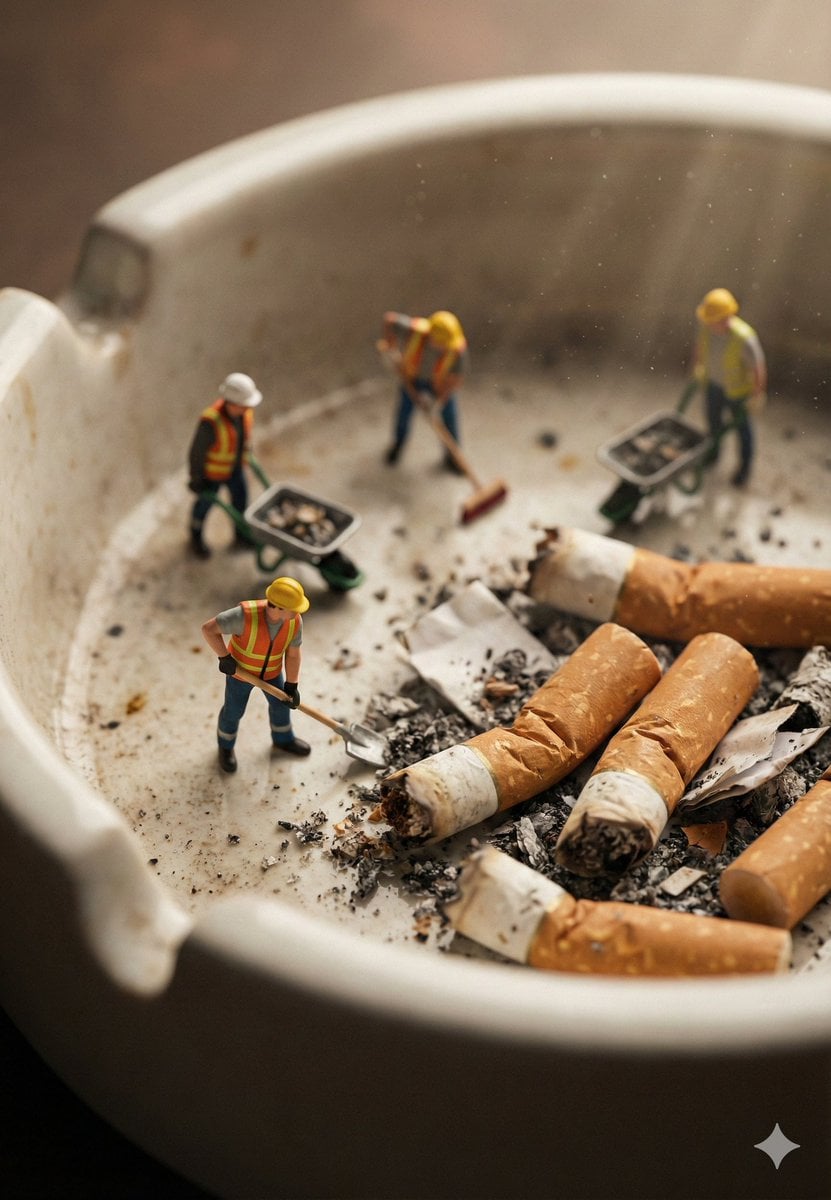
Macro Photography of Miniature Workers Cleaning Ashtray

Firefly Pixar Spill — Nano Banana Pro

Nano Banana Pro 2.0 — 3x3 Travel Profile Grid
Seedance - Arrow Microscopic Battle
Make it yours
Ultra-Realistic Macro Miniature City Prompt works as-is. These are the safest ways to change it without losing the look.
Swap the setting
Keep the rest of the prompt and replace the location block. The current setting is “real tabletop”.
Swap the light
One lighting change is enough to compare takes. Current light: “warm realistic glow”.
Change one field
Copy a single group, rewrite it, and generate again so you can see what that field is doing.
| If the result… | Why | Fix |
|---|---|---|
| The result drifts from the preview | Too many fields changed at once. | Reuse Ultra-Realistic Macro Miniature City Prompt as-is first, then change one group — subject, light, or setting. |
| Nano Banana 2 ignores part of the JSON | Some models flatten or skip nested keys. | Keep the same values and paste them as a short paragraph instead. |
More Nano Banana 2 templates
Other prompts made for Nano Banana 2.

Photorealistic Leaf Shaped Like a Dragon

K-Pop Idol Portrait Grid for Rapid Selection

Poetic Rain Forest Portrait During Golden Hour

Urban Street Portrait with Cartoon Inner Self Duo

Candid Nighttime Photo with Cat Prompt

High-Concept 3D Diorama Generation Prompt

Cinematic Futuristic Studio Portrait Template

Skincare Editorial Photography Collage Prompt

Hyper-Realistic Commercial Product Photography (Splash Effect)

Hyper-Realistic Nightclub Portrait Prompt
More image prompts
Fresh picks from across the catalog.

Cute Cat Photo Prompt
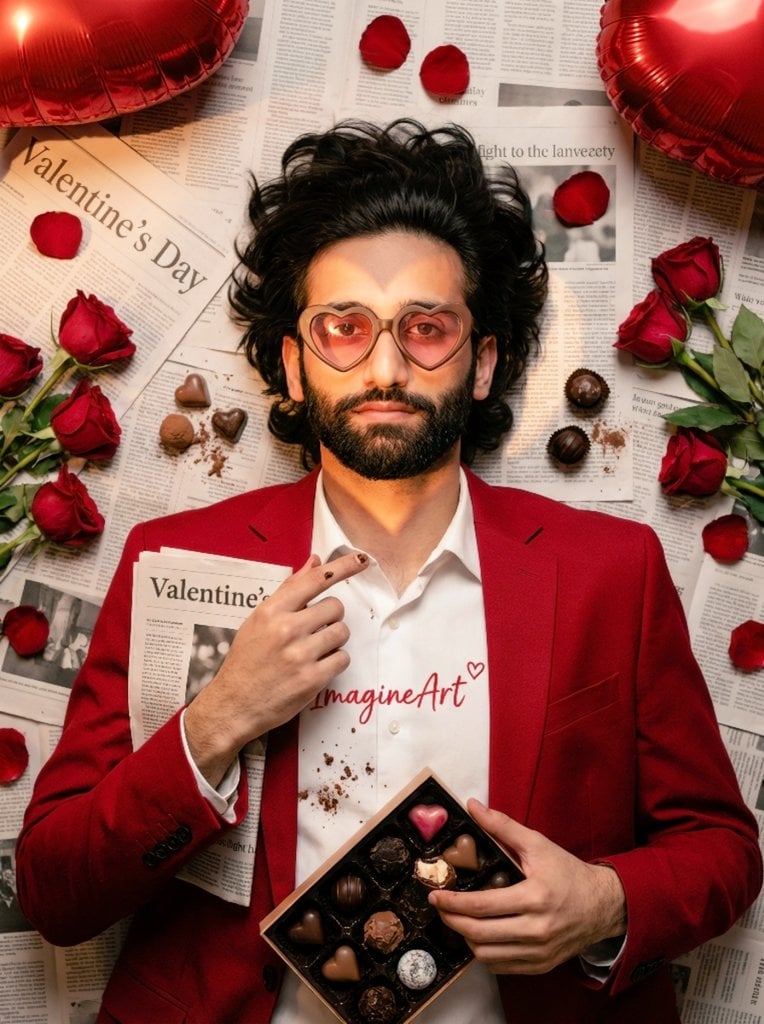
Valentine's Day Chocolate and Roses Editorial Portrait
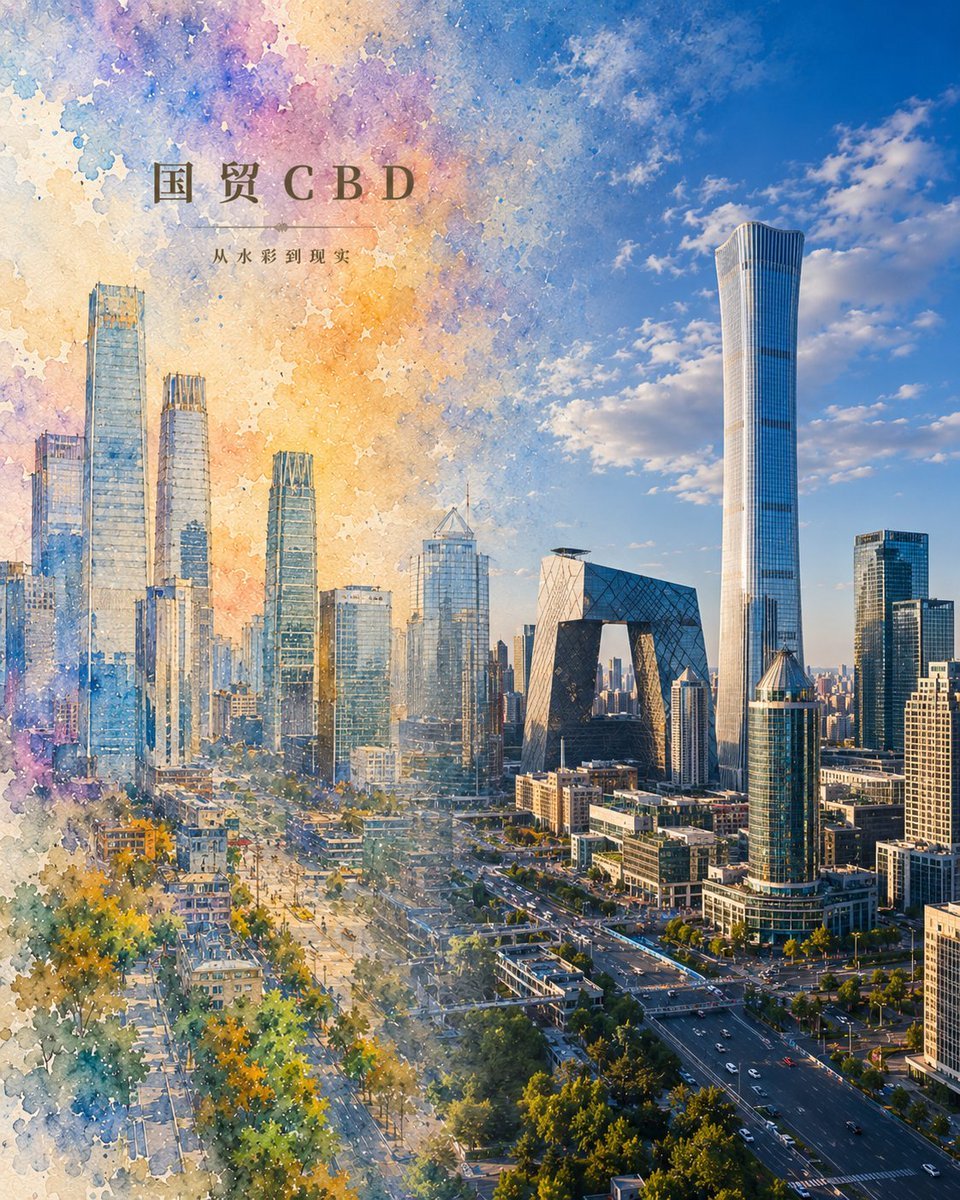
Watercolor to Reality Beijing CBD Poster
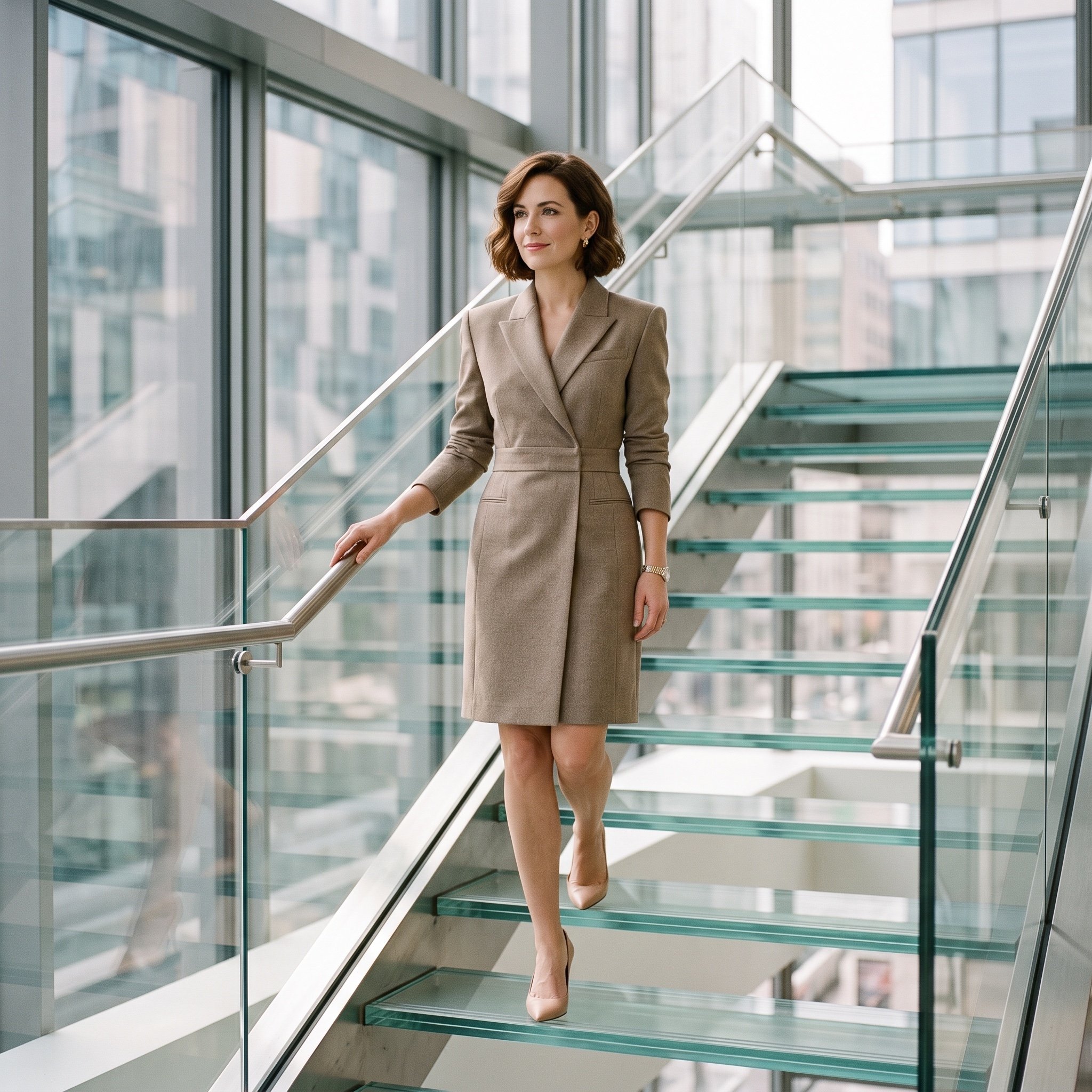
Luxury editorial portrait of a woman on a glass staircase
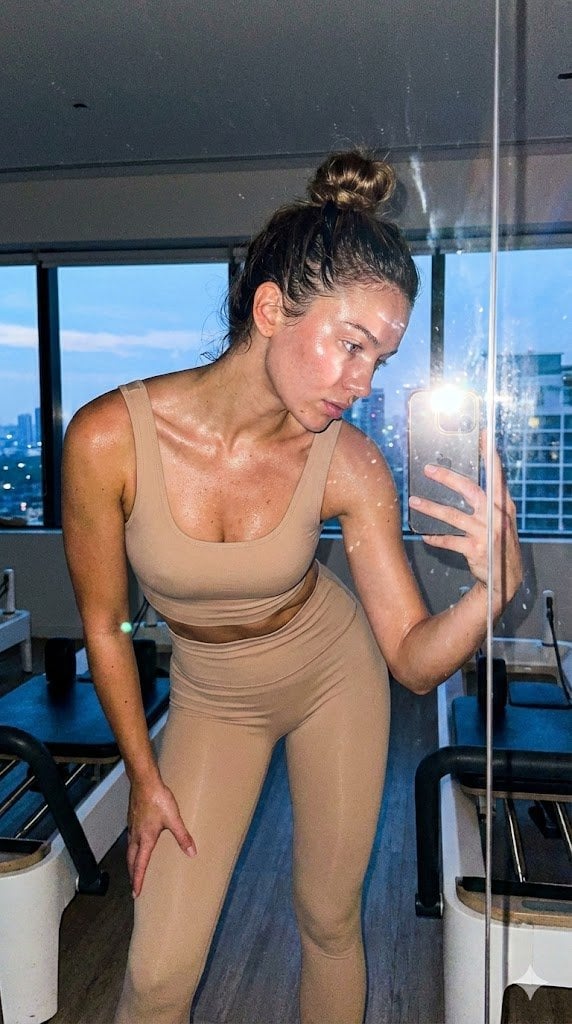
Pilates Selfie Prompt
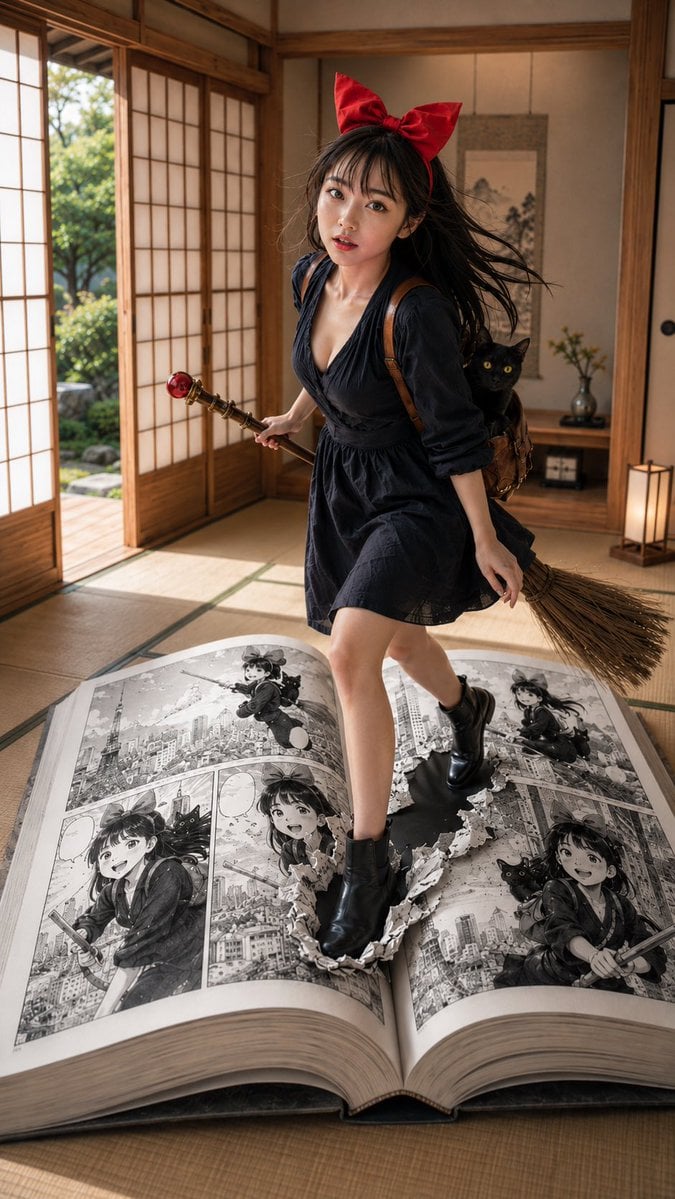
Witch in Japanese Washitsu Portal
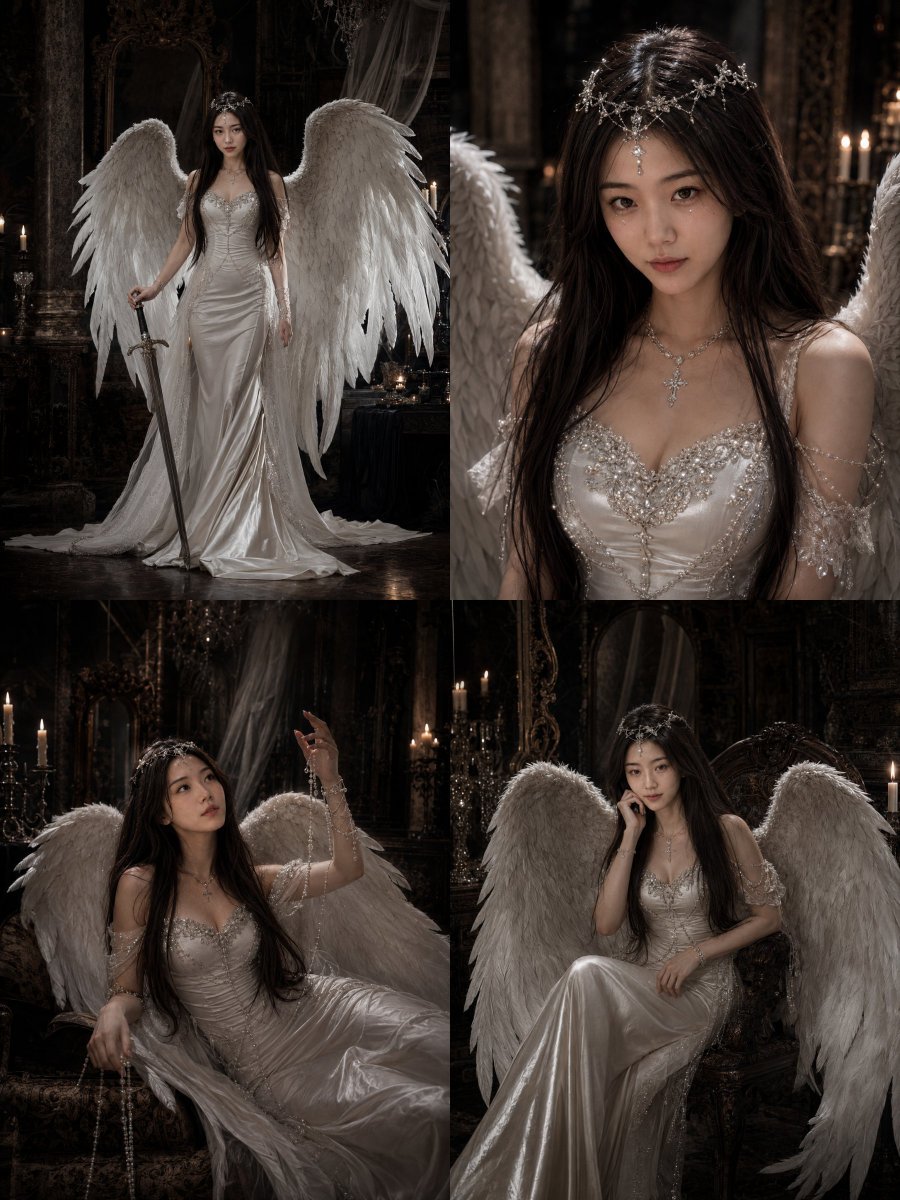
Gothic Angel Studio Portrait
High-Fashion Studio Portrait
Hyper-Realistic Macro Portrait
Digital Painterly Portrait with Street Art Feel
Browse template categories
Ultra-Realistic Macro Miniature City Prompt questions
How do I use the Ultra-Realistic Macro Miniature City Prompt template?
Add your photo if the template asks for one, edit the prompt if you like — the template's model and format are already selected — and press Generate. Your version opens in PicX Studio.
Can I customize the Ultra-Realistic Macro Miniature City Prompt template?
Yes. You can change the subject, setting, lighting, mood, format, and available model controls before creating your image.
Is the Ultra-Realistic Macro Miniature City Prompt template free?
Opening and editing this template is free. Generating uses credits, shown on the Generate button when you are signed in.
Which AI model should I use?
Start with Nano Banana 2, which is the model associated with this template. You can compare another compatible model for a different finish.
Looking for something else? Browse all templates.

Your photo, any look
Thousands of ready templates for every top image and video model, from one credit balance.