
High-Fashion Studio Portrait
An image generation prompt for Nano Banana Pro and Nano Banana 2 describing a full-body editorial fashion shot of a woman in an emerald green satin blouse and ivory trousers against a royal-blue studio backdrop…
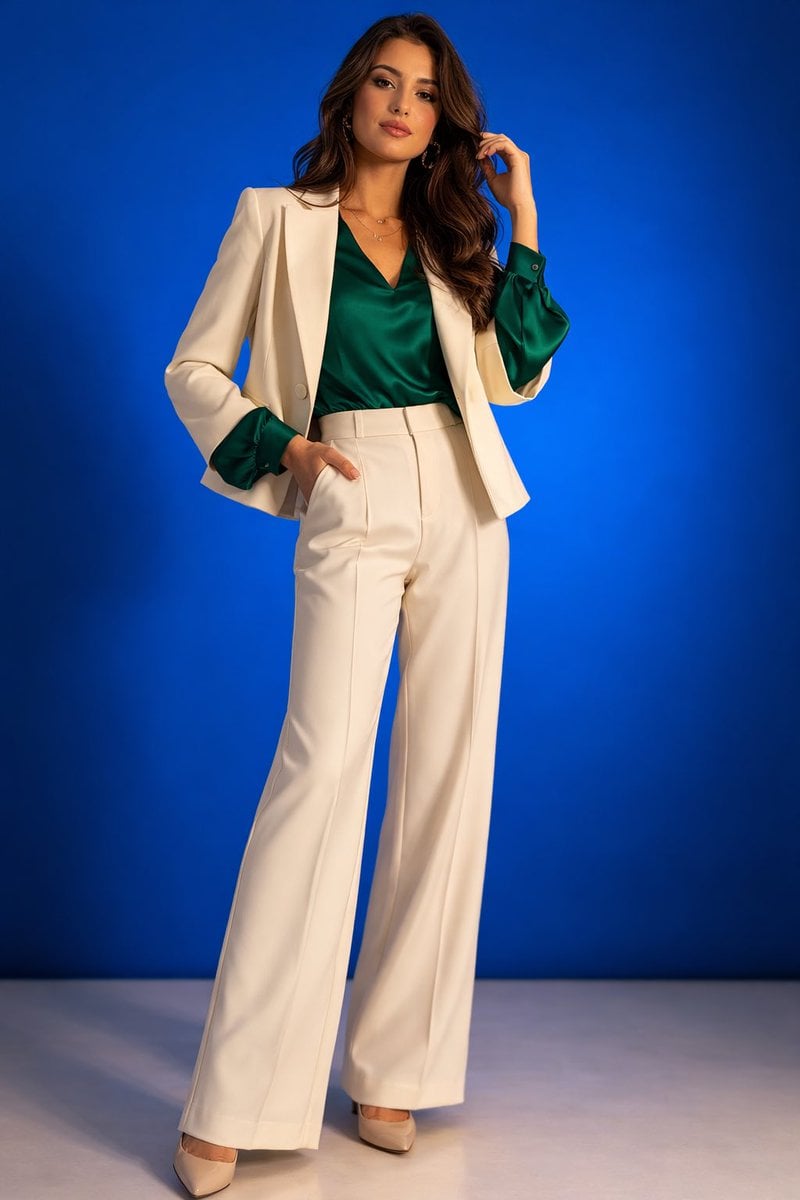
- Prompt included
- Model and format preset
- Free template
The prompt behind this image
Copy the exact prompt behind High-Fashion Studio Portrait, or open it in the studio and make it yours.
- Scene
- high-fashion studio portrait with vibrant backdrop
- Subject › Type
- woman
- Subject › Age
- mid 20s
- Subject › Pose
- standing slightly angled to the camera with her weight on one leg, one hand resting lightly on her hip while the other gently brushes her hair back
- Subject › Expression
- confident and poised with a subtle editorial smile, looking directly at the camera
- Outfit › Top
- elegant emerald green satin blouse with long flowing sleeves
- Outfit › Bottom
- high-waisted ivory wide-leg trousers with a tailored fit
- Outfit › Layer
- short structured cream blazer worn open
- Outfit › Footwear
- sleek pointed-toe heels in soft beige leather
- Environment › Background
- smooth royal-blue studio backdrop with a slight gradient
- Environment › Floor
- clean neutral studio floor reflecting a little soft light
- Environment › Setting
- professional photography studio setup
- Lighting › Type
- soft studio key light with gentle fill
- Lighting › Style
- bright fashion lighting creating soft shadows and highlighting fabric texture
- Camera › Framing
- full-body editorial fashion shot
- Camera › Angle
- slightly above eye level for a flattering magazine-style perspective
- Camera › Lens
- 85mm portrait lens
- Style › Aesthetic
- modern fashion editorial
- Style › Mood
- confident, stylish, vibrant
- Style › Details
- sharp clothing texture, clean composition, vivid color contrast, subtle film grain
Raw JSON
{
  "scene": "high-fashion studio portrait with vibrant backdrop",
  "subject": {
    "type": "woman",
    "age": "mid 20s",
    "pose": "standing slightly angled to the camera with her weight on one leg, one hand resting lightly on her hip while the other gently brushes her hair back",
    "expression": "confident and poised with a subtle editorial smile, looking directly at the camera"
  },
  "outfit": {
    "top": "elegant emerald green satin blouse with long flowing sleeves",
    "bottom": "high-waisted ivory wide-leg trousers with a tailored fit",
    "layer": "short structured cream blazer worn open",
    "footwear": "sleek pointed-toe heels in soft beige leather"
  },
  "environment": {
    "background": "smooth royal-blue studio backdrop with a slight gradient",
    "floor": "clean neutral studio floor reflecting a little soft light",
    "setting": "professional photography studio setup"
  },
  "lighting": {
    "type": "soft studio key light with gentle fill",
    "style": "bright fashion lighting creating soft shadows and highlighting fabric texture"
  },
  "camera": {
    "framing": "full-body editorial fashion shot",
    "angle": "slightly above eye level for a flattering magazine-style perspective",
    "lens": "85mm portrait lens"
  },
  "style": {
    "aesthetic": "modern fashion editorial",
    "mood": "confident, stylish, vibrant",
    "details": "sharp clothing texture, clean composition, vivid color contrast, subtle film grain"
  }
}How to use High-Fashion Studio Portrait in 3 steps
- 1
Open
The prompt is already in the box next to the preview, with the template's model and format selected.
- 2…a portrait of your subject in softgolden-hour light, 85mm…
Personalize
Edit the subject and creative details for your destination.
- 3Generate
Generate
Press Generate — your image is created in PicX Studio, so you can compare it with the original and refine one variable at a time.
More like this
Templates with the same subject, style or setup. Open one to see its prompt.

80s Couple Studio Portrait

1985 Studio Portrait

Nano Banana 2 High Fashion Sports Campai

Couture Fashion Editorial Woman and Drag

Ive Yujin Fashion Portrait in Blue

Nano Banana 2 Editorial Fashion Portrait

Caution Tape Fashion — Industrial Editorial

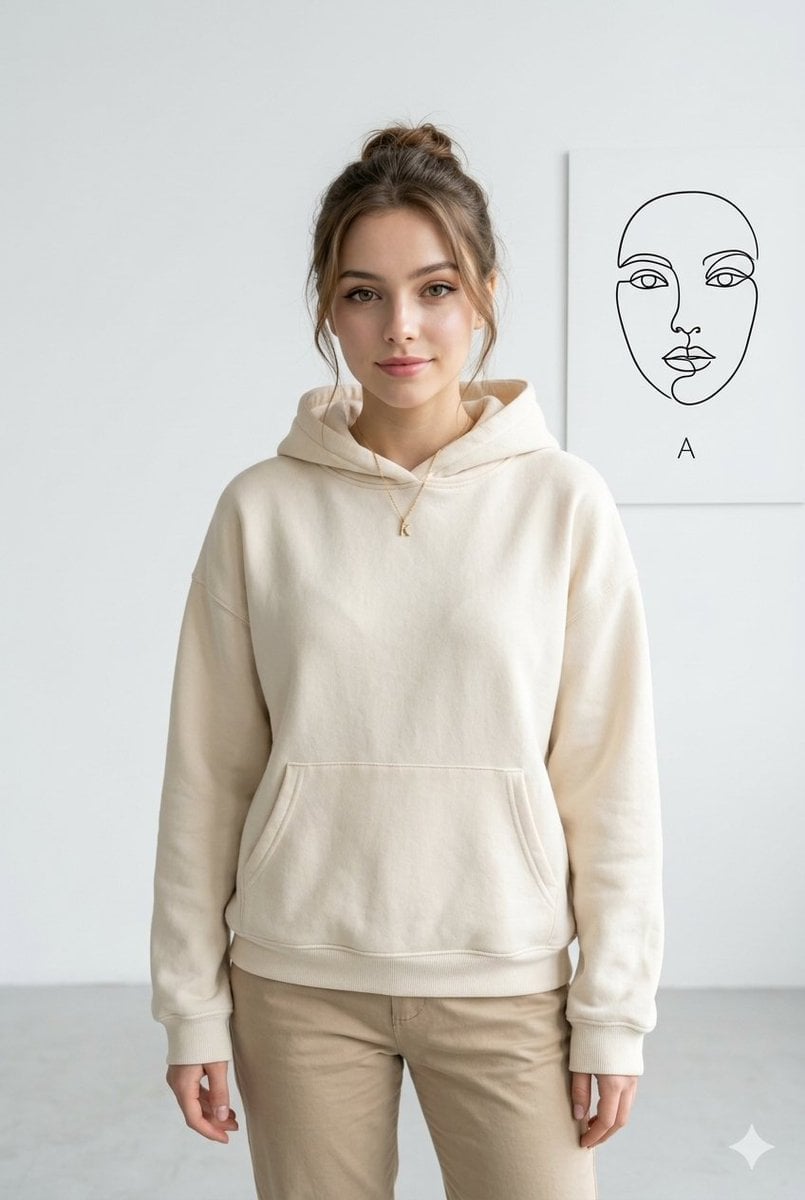
Minimalist Studio Fashion Portrait Grid
Minimalist Studio Fashion Portrait
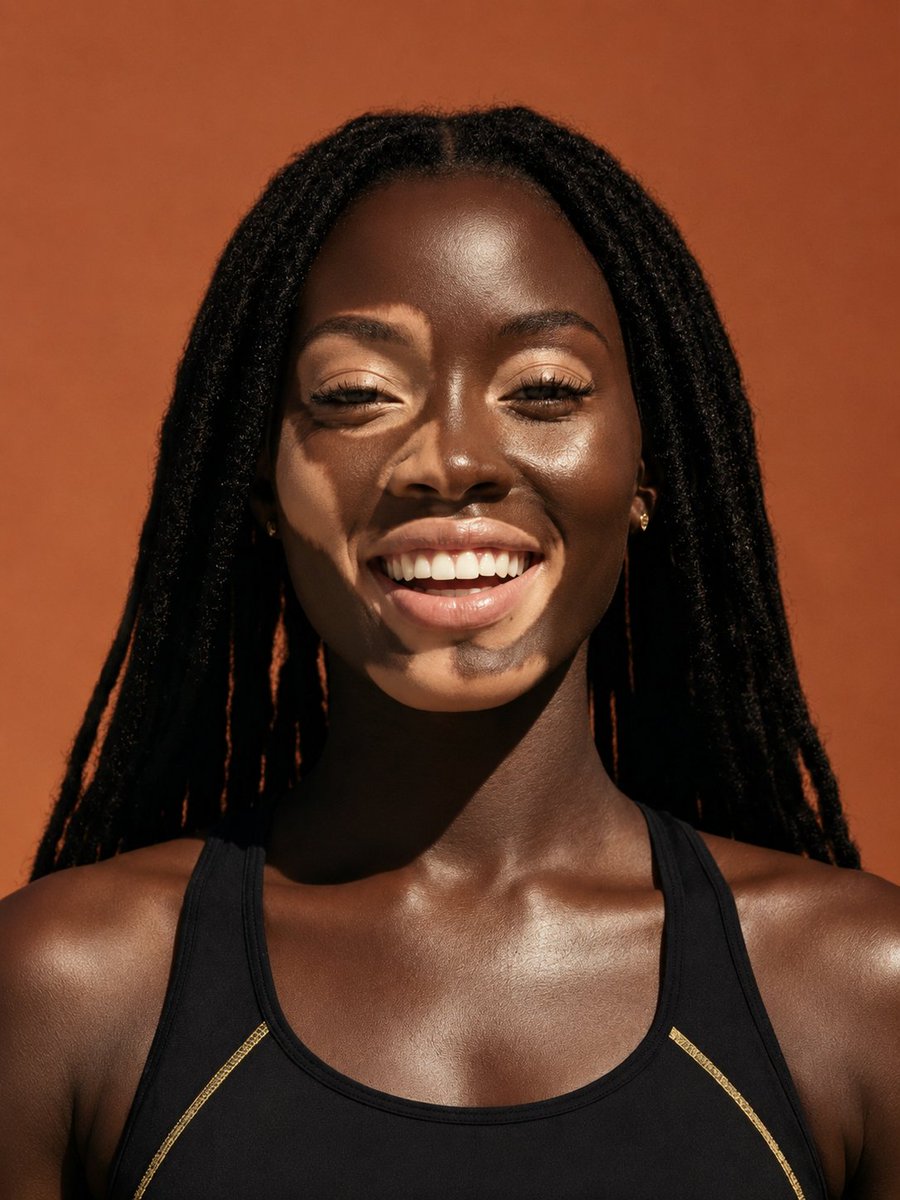
Elevated Fashion Studio Portrait
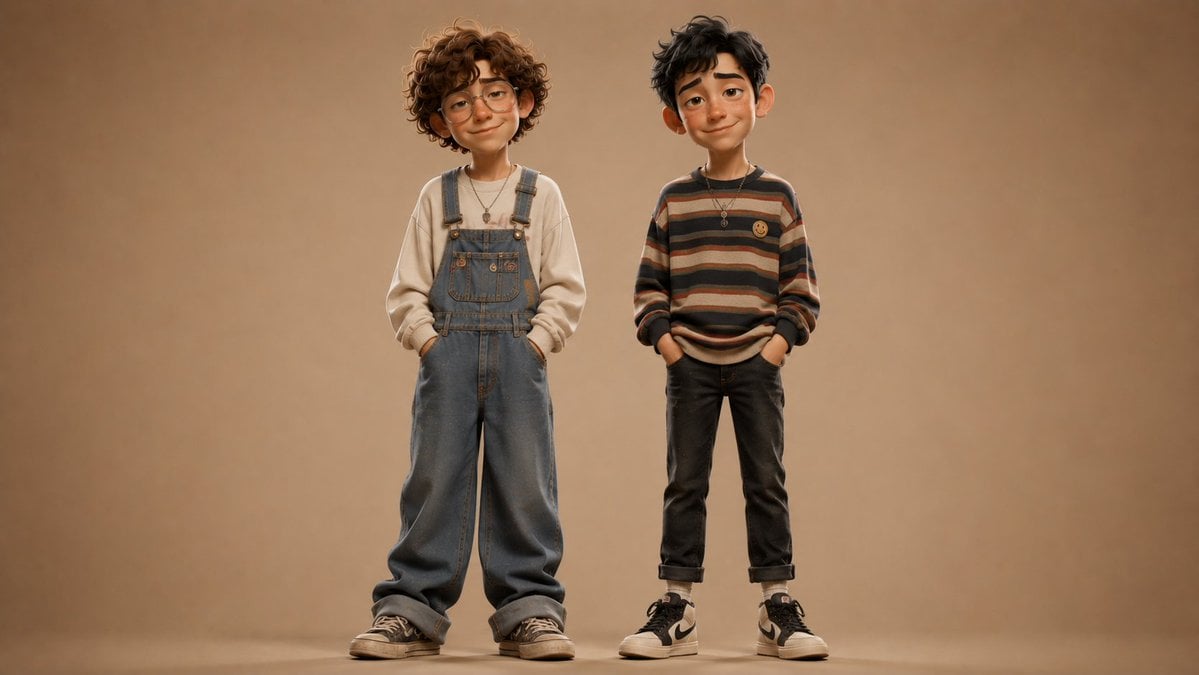
Anonymous Kids Studio Fashion Portrait

Miniature Self Portrait Collage
Make it yours
High-Fashion Studio Portrait works as-is. These are the safest ways to change it without losing the look.
Swap the setting
Keep the rest of the prompt and replace the location block. The current setting is “smooth royal-blue studio backdrop with a slight gradient”.
Swap the light
One lighting change is enough to compare takes. Current light: “soft studio key light with gentle fill”.
Change one field
Copy a single group, rewrite it, and generate again so you can see what that field is doing.
| If the result… | Why | Fix |
|---|---|---|
| The result drifts from the preview | Too many fields changed at once. | Reuse High-Fashion Studio Portrait as-is first, then change one group — subject, light, or setting. |
| Nano Banana 2 ignores part of the JSON | Some models flatten or skip nested keys. | Keep the same values and paste them as a short paragraph instead. |
More Nano Banana 2 templates
Other prompts made for Nano Banana 2.

Photorealistic Leaf Shaped Like a Dragon

K-Pop Idol Portrait Grid for Rapid Selection

Poetic Rain Forest Portrait During Golden Hour

Urban Street Portrait with Cartoon Inner Self Duo

Candid Nighttime Photo with Cat Prompt

High-Concept 3D Diorama Generation Prompt

Cinematic Futuristic Studio Portrait Template

Skincare Editorial Photography Collage Prompt

Hyper-Realistic Commercial Product Photography (Splash Effect)

Hyper-Realistic Nightclub Portrait Prompt
More image prompts
Fresh picks from across the catalog.
Wes Anderson-designed X App Mobile Interface
Cinematic portrait prompt for Nano Banana Pro
Ultra-Realistic Cinematic Portrait Prompt
Cinematic Street Photography with Motion Blur
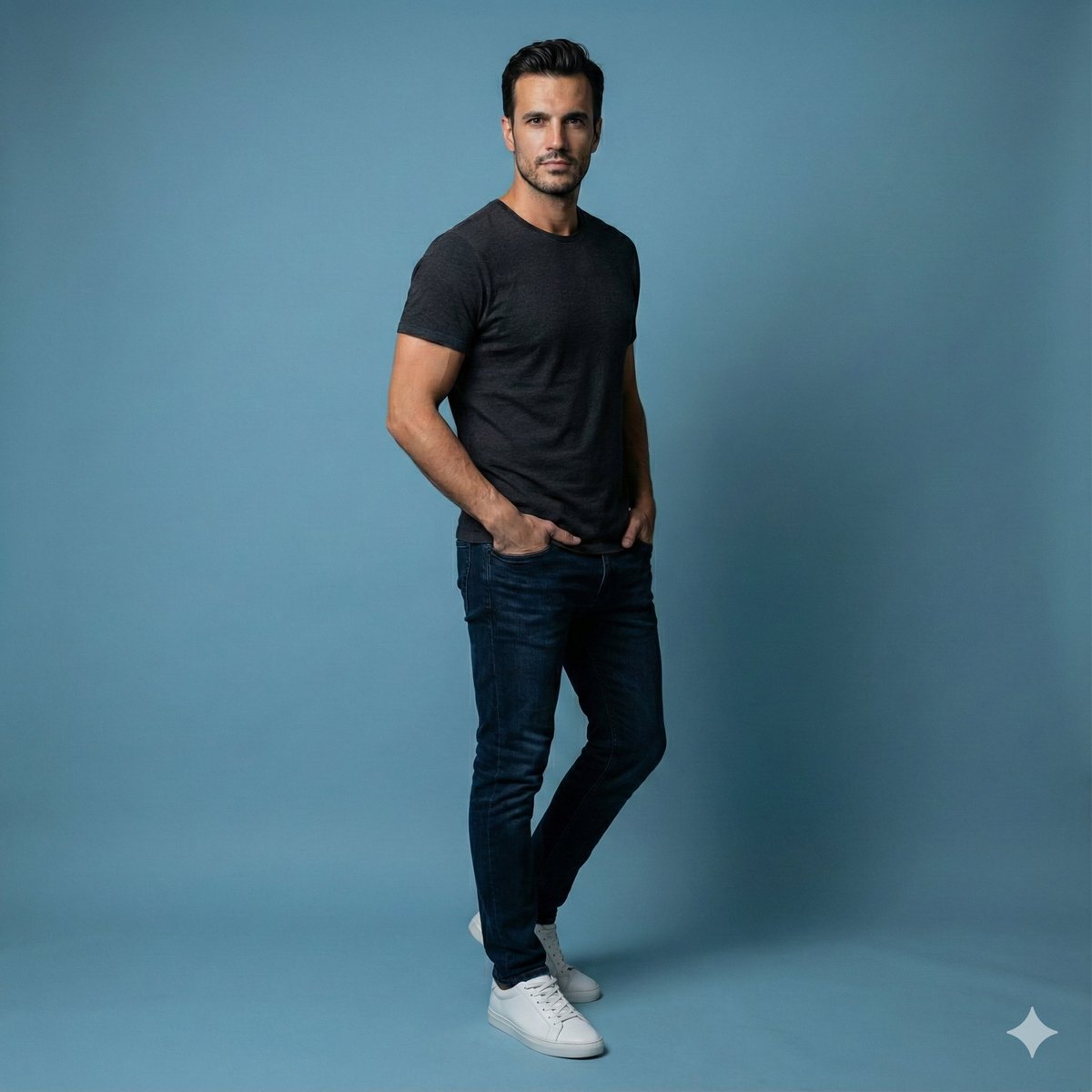
Studio Portrait of Young Man with Focused Lighting

Flashy suspicious info-product style thumbnail
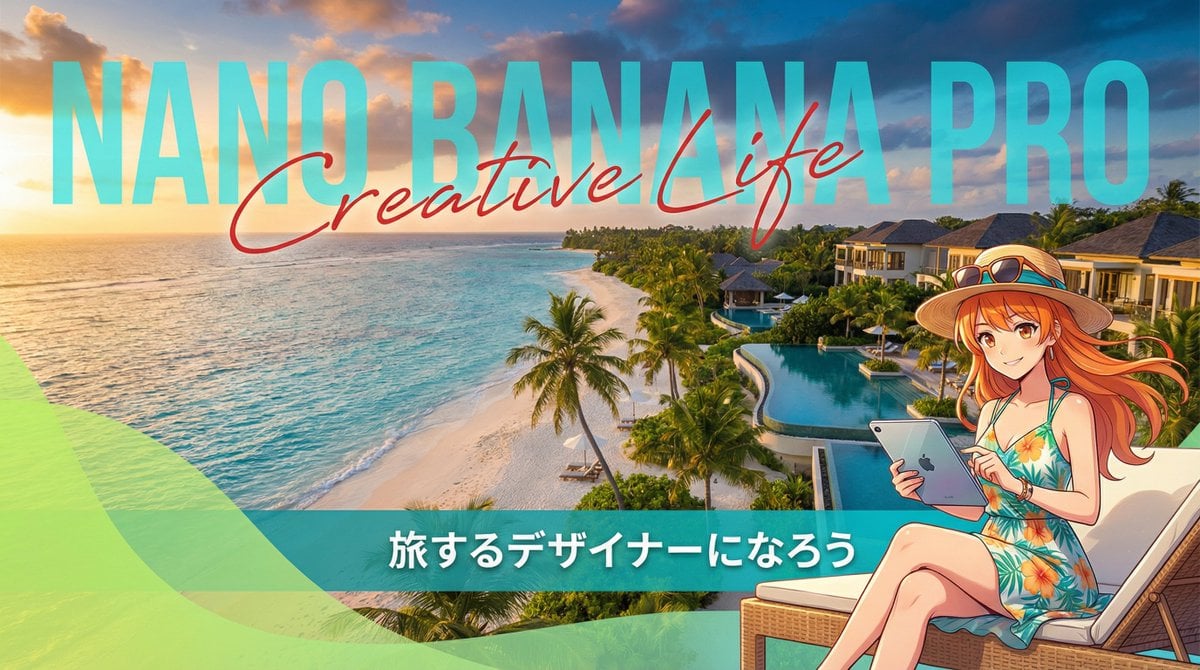
Resort Workcation Eyecatch Prompt (YAML Structure)
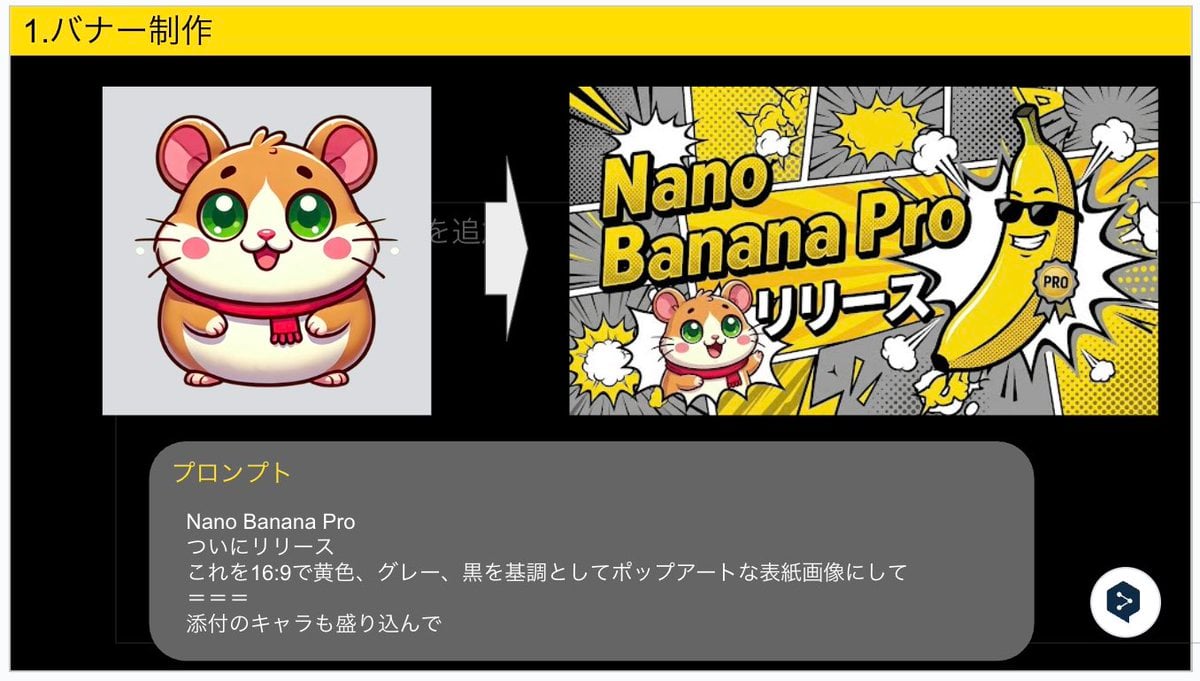
Nano Banana Pro Banner Creation Prompt
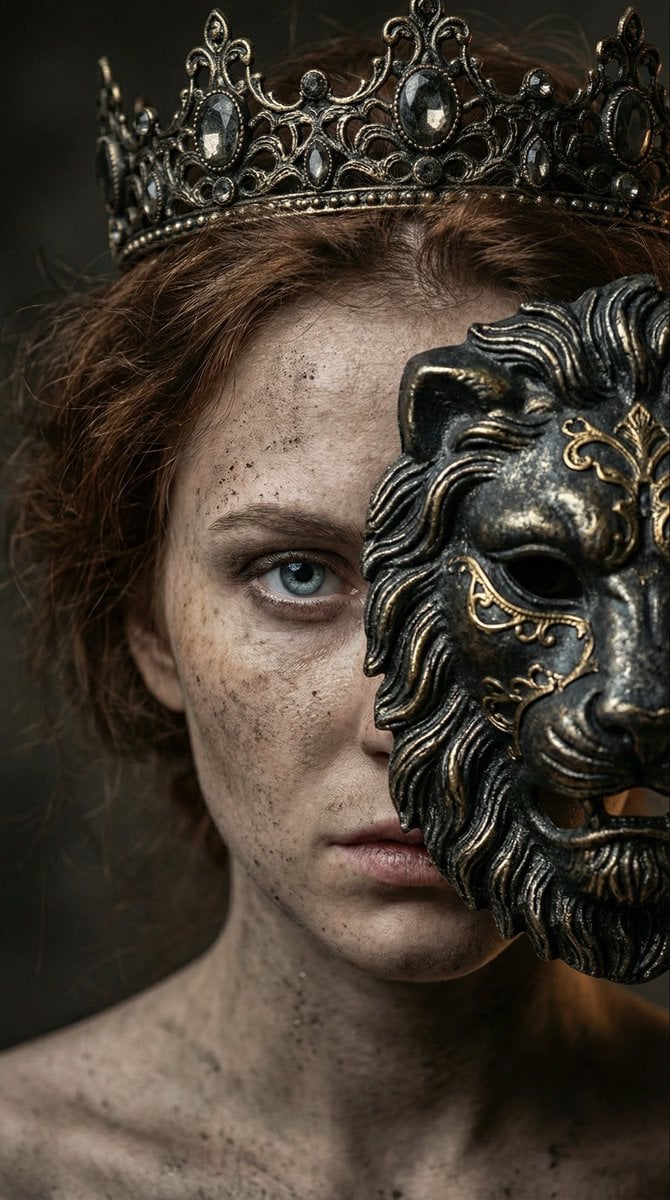
Dark fantasy portrait with metal lion mask
LINE Sticker Generation Prompt
Browse template categories
High-Fashion Studio Portrait questions
How do I use the High-Fashion Studio Portrait template?
Add your photo if the template asks for one, edit the prompt if you like — the template's model and format are already selected — and press Generate. Your version opens in PicX Studio.
Can I customize the High-Fashion Studio Portrait template?
Yes. You can change the subject, setting, lighting, mood, format, and available model controls before creating your image.
Is the High-Fashion Studio Portrait template free?
Opening and editing this template is free. Generating uses credits, shown on the Generate button when you are signed in.
Which AI model should I use?
Start with Nano Banana 2, which is the model associated with this template. You can compare another compatible model for a different finish.
Looking for something else? Browse all templates.

Your photo, any look
Thousands of ready templates for every top image and video model, from one credit balance.