
Pink Liquid Dress Fashion Editorial
Generates a realistic high-fashion studio image of a model in a dramatic glossy pink liquid dress for editorial or music-video-inspired visuals.

- Prompt included
- Model and format preset
- Free template
The prompt behind this image
Copy the exact prompt behind Pink Liquid Dress Fashion Editorial, or open it in the studio and make it yours.
Create a vertical 2:3 high-fashion editorial photo of an adult female model wearing a dramatic liquid dress made from glossy pink paint. The model stands centered in a studio against a plain light gray wall, captured from mid-thigh upward with her body slightly turned and one arm extended to the right. Her face is intentionally hidden by a flat opaque square censor block in a skin-tone beige color, while her long wavy hair is {argument name="hair color" default="blonde at the crown fading into vivid hot pink lengths"}. The dress should look like a living splash of {argument name="liquid dress color" default="bubblegum pink and translucent pale pink"}: an off-shoulder bodice with a strapless neckline and a huge swirling skirt formed from sheets of liquid, ribbons of paint, droplets, beads, splashes, and thin tendrils frozen in midair. Count and emphasize 5 main sweeping liquid shapes: one wide horizontal band across the chest, one large curling splash rising on the left, one broad skirt sheet flaring to the lower left, one bright magenta skirt panel flaring to the right, and one lower back wave with dripping edges. Add many small suspended droplets around the figure, especially along the left splash and right side. The model wears sparkly jewelry including a choker necklace, bracelets, and small hair ornaments. Use direct on-camera flash, glossy wet highlights, slight film grain, hard shadows on the wall, a glamorous 2000s music-video mood, realistic skin and fabric-liquid physics, high detail, dynamic frozen motion, no visible text, no watermark.
How to use Pink Liquid Dress Fashion Editorial in 3 steps
- 1Upload ImagePNG, JPG or paste
Add your photo
Upload the photo the template builds on. The prompt, model and format are already set.
- 2…a portrait of your subject in softgolden-hour light, 85mm…
Personalize
Edit the subject and creative details for your destination.
- 3Generate
Generate
Press Generate — your image is created in PicX Studio, so you can compare it with the original and refine one variable at a time.
More like this
Templates with the same subject, style or setup. Open one to see its prompt.

Blue Backdrop Luxury Fashion Portrait Campaign

Premium Editorial Branding Poster Charcoal Green

Typography Mask Editorial Fashion Poster

Luxury Black-and-White Fashion Contact Sheet

untitled

Google Gemini Nano Banana Pro

Conceptual Fashion Portrait in Spider We

01 Skincare Split Portrait — Nano Banana 2

24 The Getty Center — California Series

21 Glass Floor Skyscraper — California Series

19 Luxury Helicopter Travel — California Series

08 Rodeo Drive Luxury Exit — California Series
Make it yours
Pink Liquid Dress Fashion Editorial works as-is. These are the safest ways to change it without losing the look.
Change one field
Copy a single group, rewrite it, and generate again so you can see what that field is doing.
Keep the frame, change the subject
Hold the composition and light of Pink Liquid Dress Fashion Editorial, then swap wardrobe, props or the person for a new take.
| If the result… | Why | Fix |
|---|---|---|
| The result drifts from the preview | Too many fields changed at once. | Reuse Pink Liquid Dress Fashion Editorial as-is first, then change one group — subject, light, or setting. |
| The model over-stylizes the scene | The prose prompt leaves finish and camera underspecified. | Add one camera or lighting sentence and stay on GPT Image 2. |
More GPT Image 2 templates
Other prompts made for GPT Image 2.

Six VTuber Japanese Logo Sheet

Realistic Portrait of Woman and Deer

The Vista Modular Condo Poster

AI Model Routing Comparison Infographic

2.5D Anime Art Board

Isometric Productivity Desk Scene

New York Double Exposure Poster

Four-Panel AI Landscape Comparison

Japanese Tatami Lifestyle Magazine Cover

NESCAFÉ Coffee Map Poster
More image prompts
Fresh picks from across the catalog.
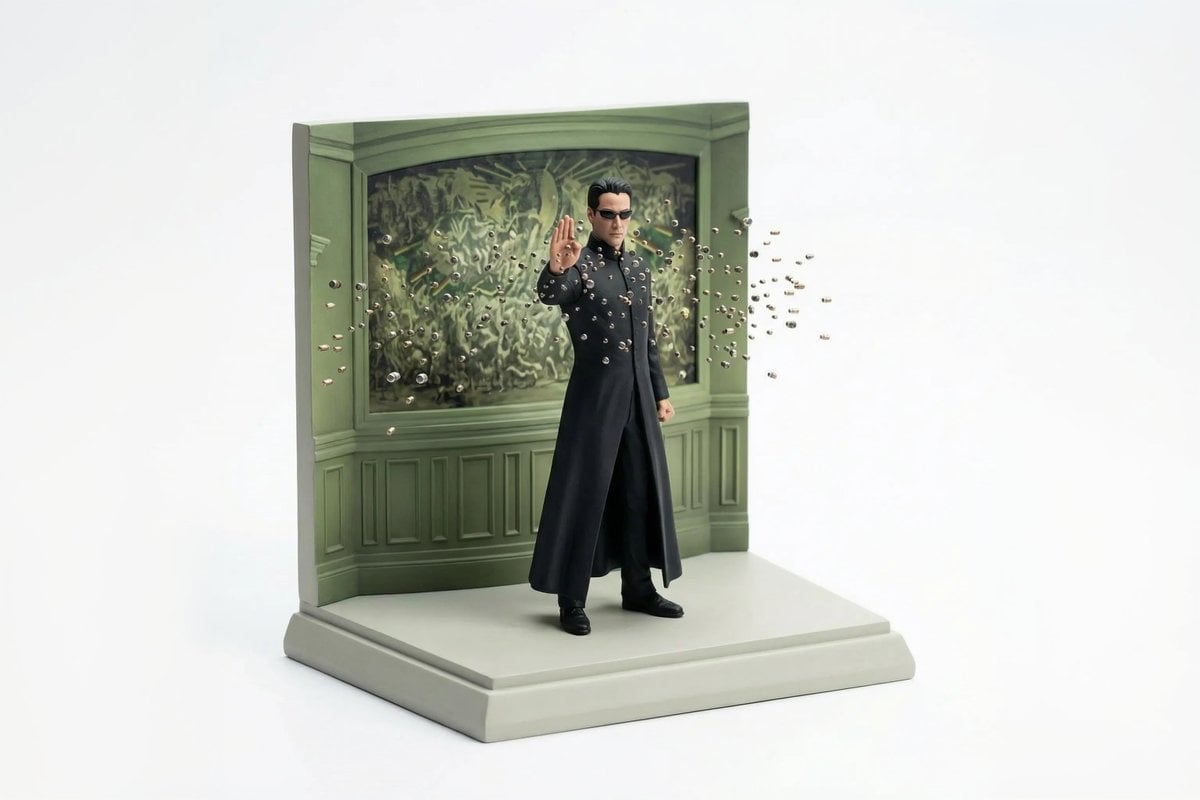
Miniature Diorama Reconstruction from a Reference Scene
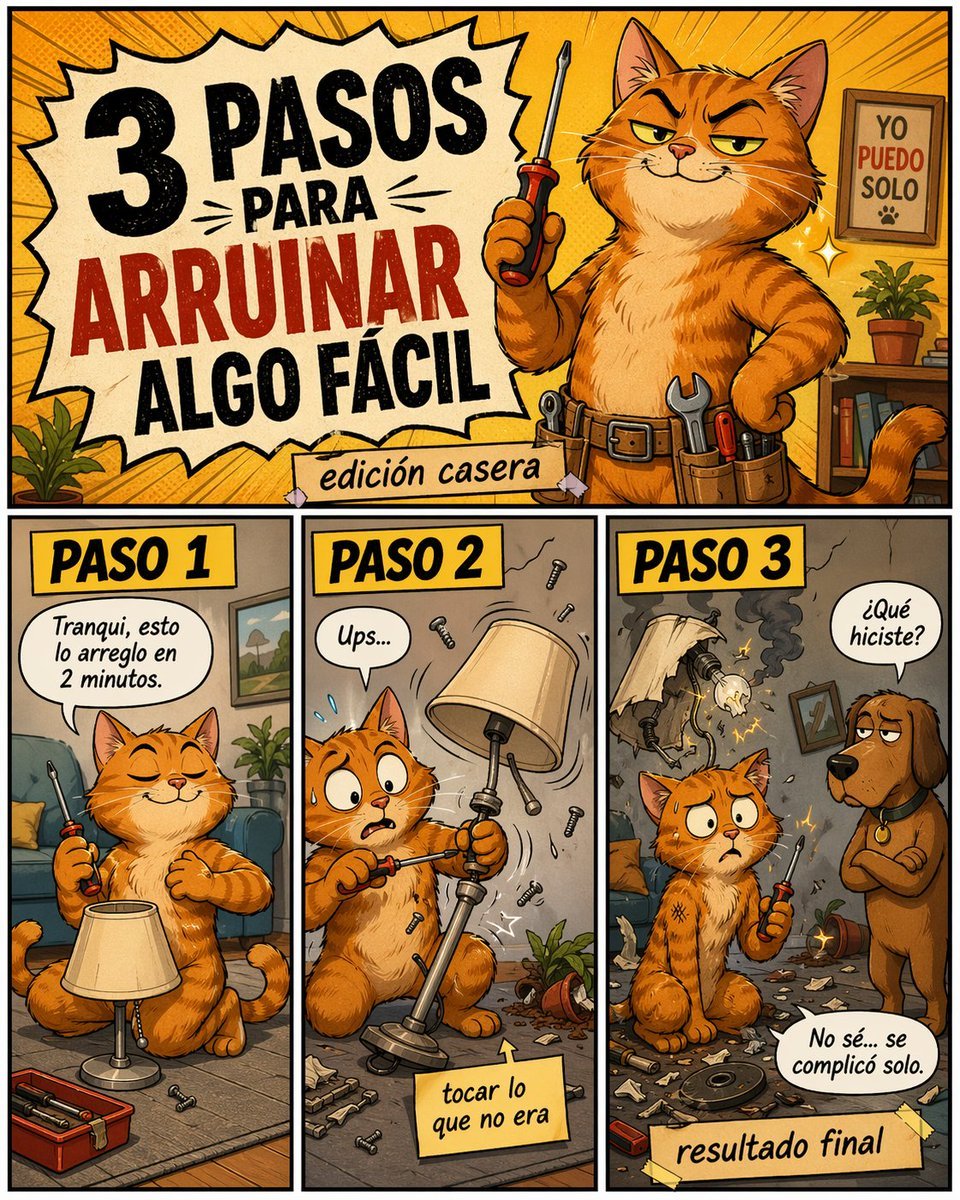
Funny DIY Disaster Cat Comic
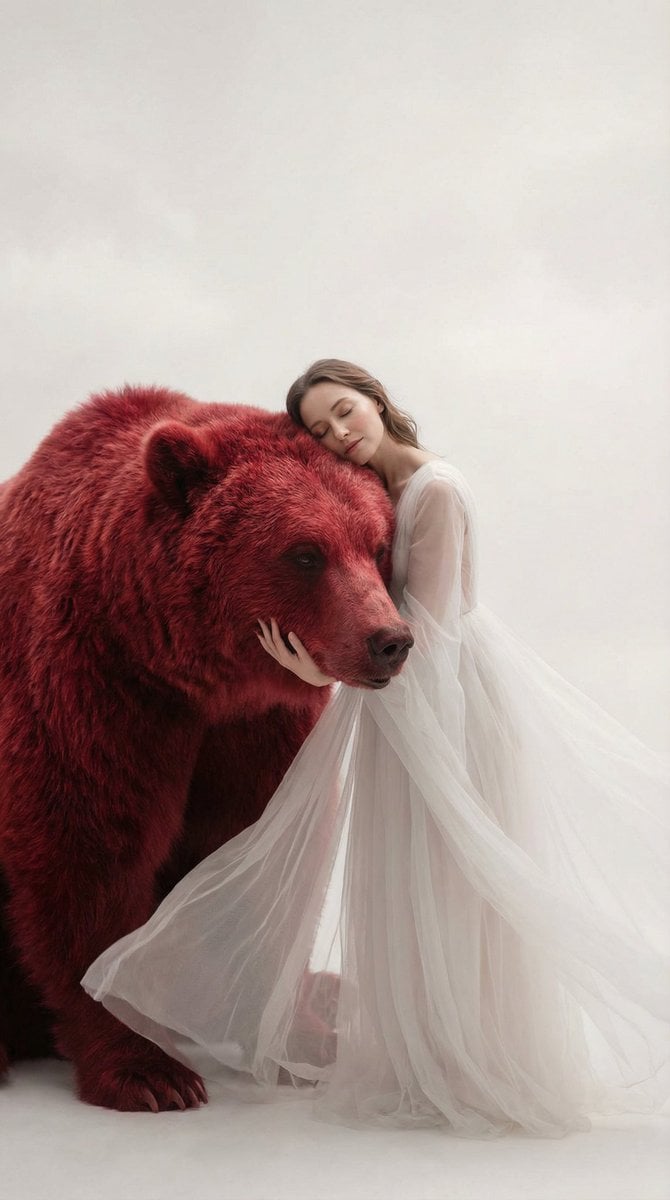
Surreal Scene of Human Embracing Massive Red Bear Prompt
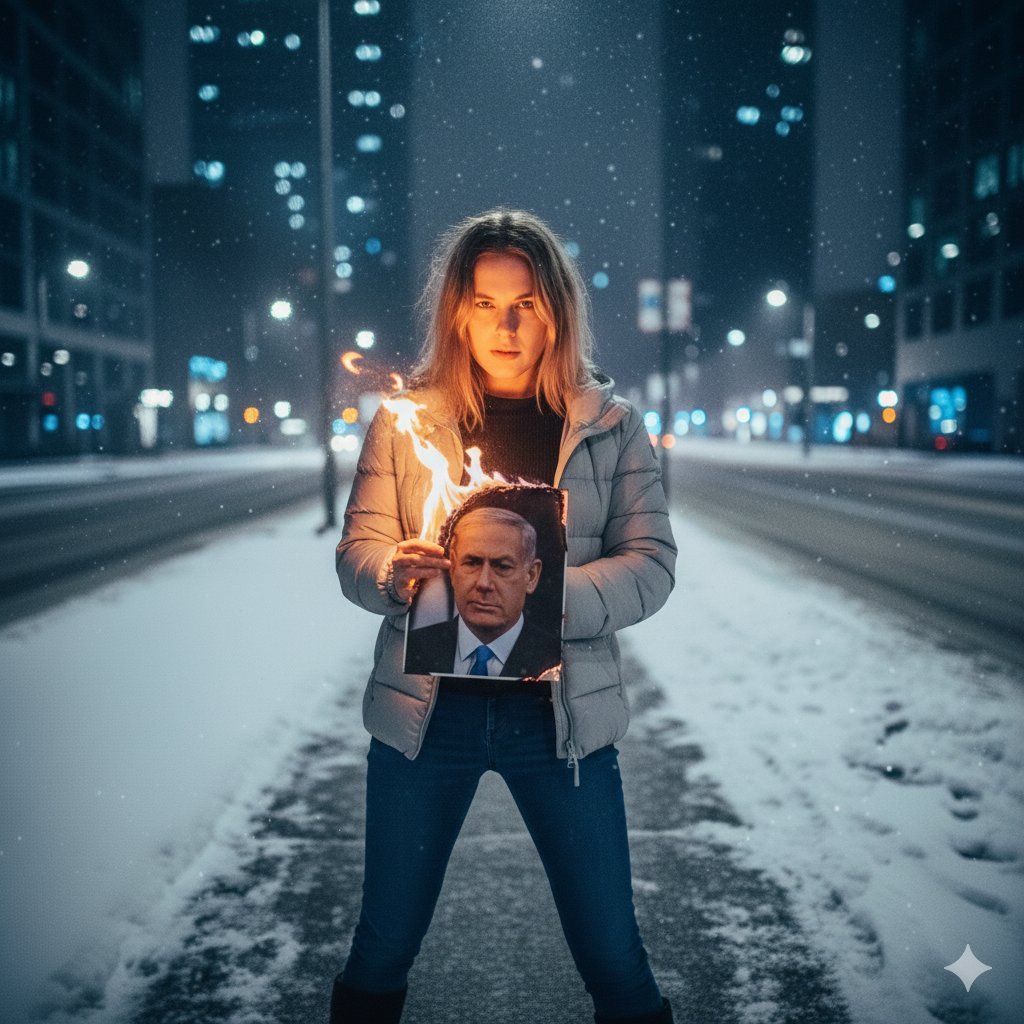
Symbolic Act of Defiance in the Snow
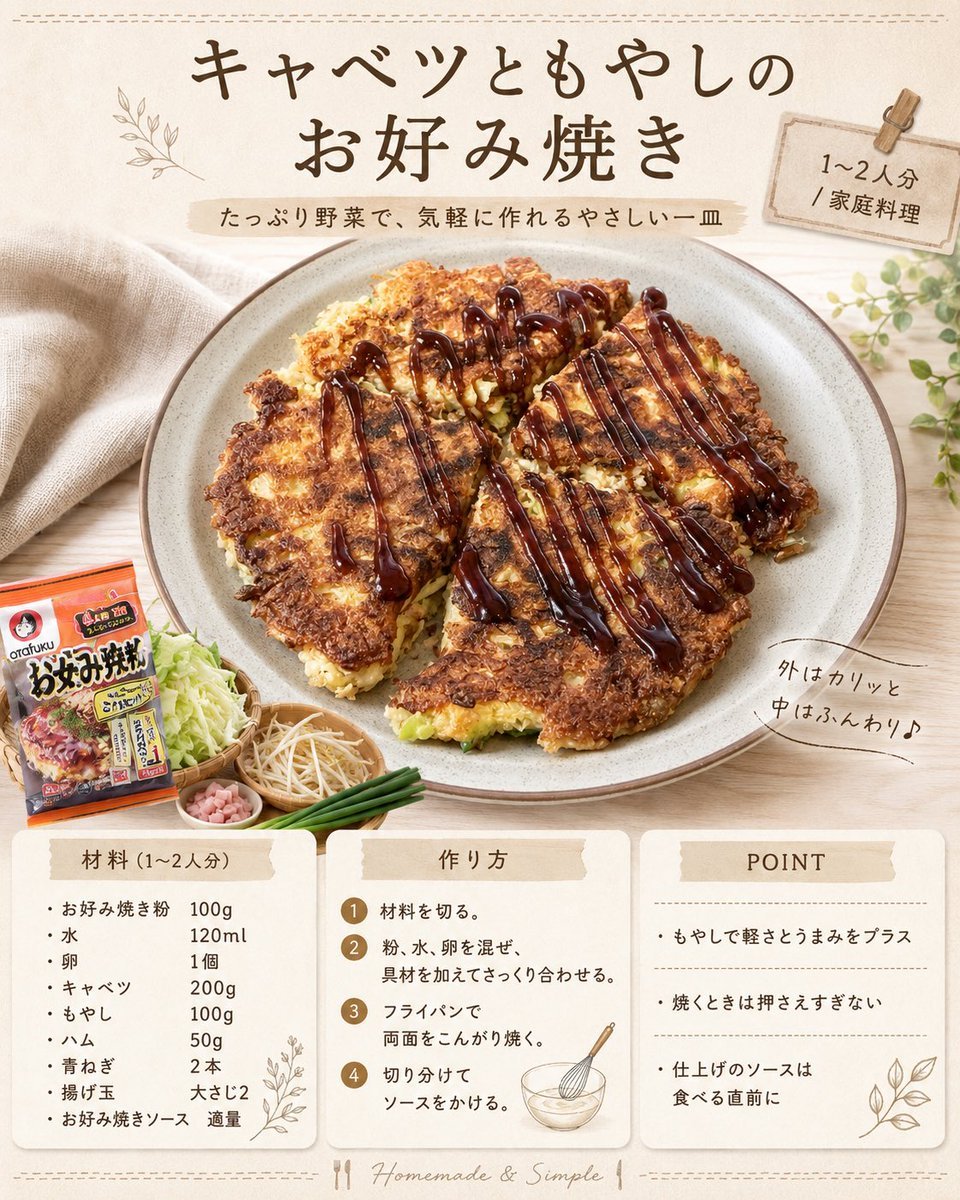
Japanese Okonomiyaki Recipe Card
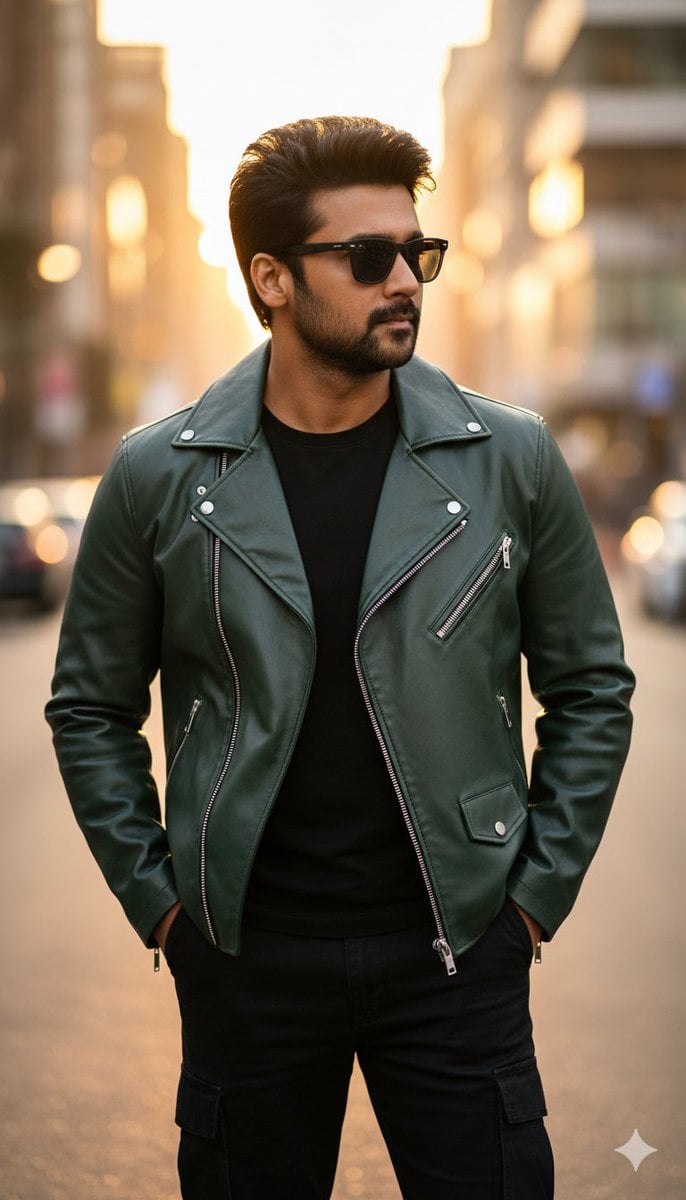
Ultra-Realistic Golden Hour City Street Portrait (Face Lock)
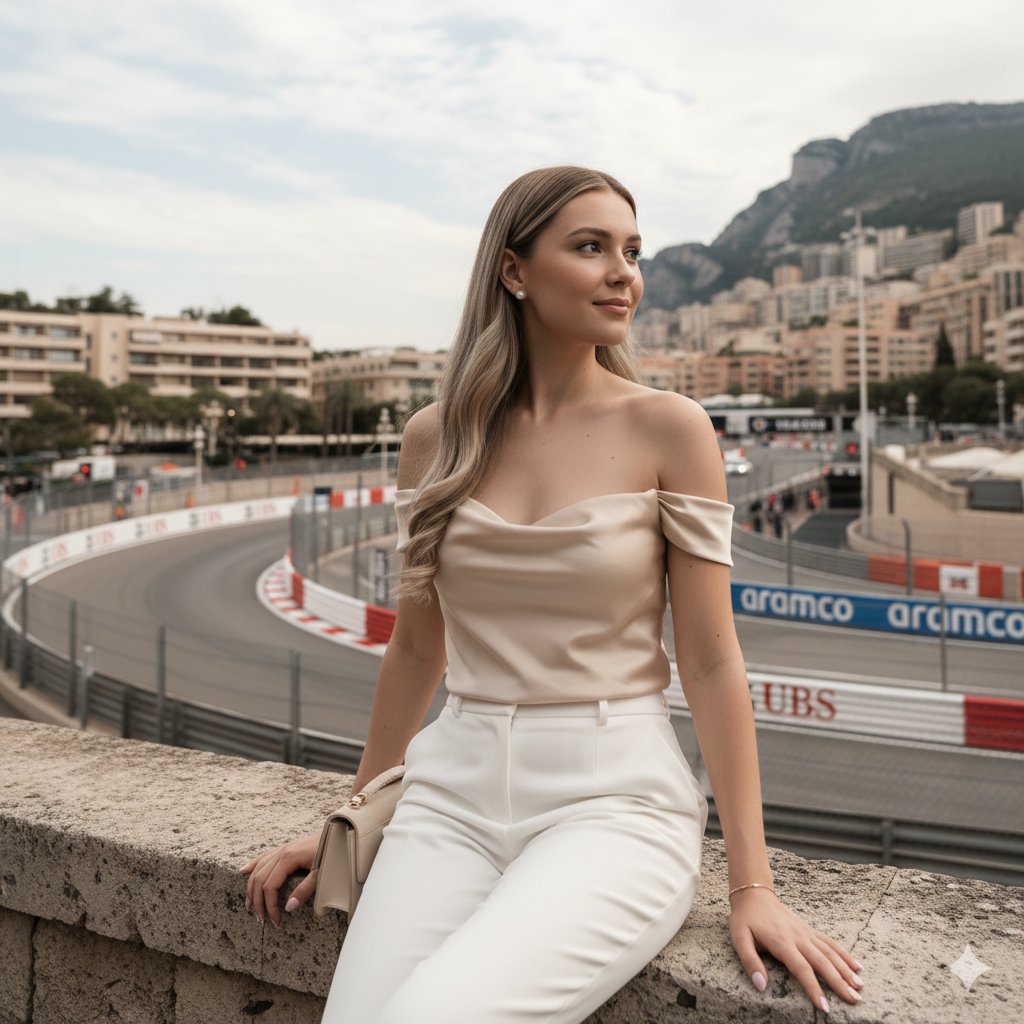
Candid Travel-Lifestyle Photograph: Monaco Terrace
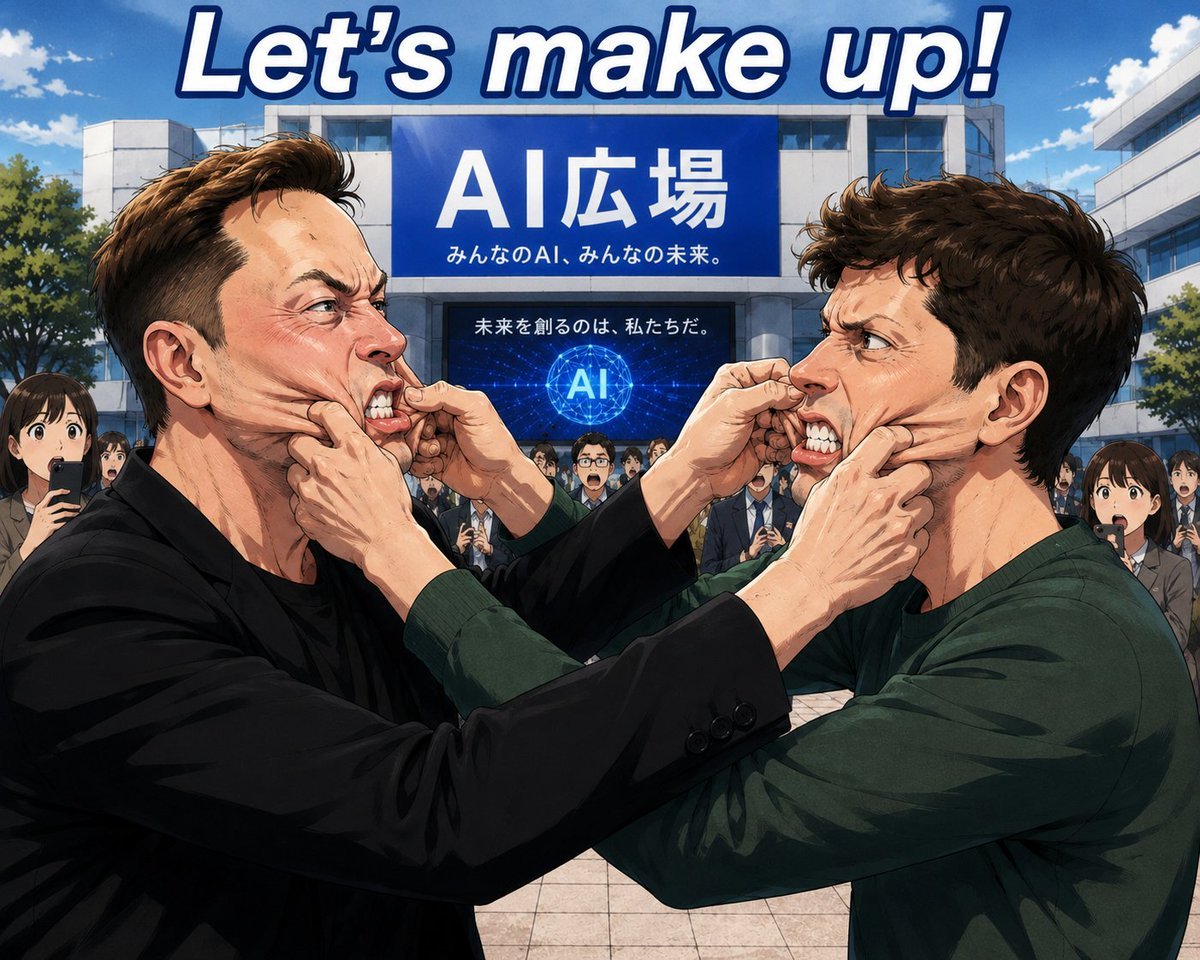
Anime AI Plaza Make-Up Scene
Stylish Man on Sidewalk at Sunset
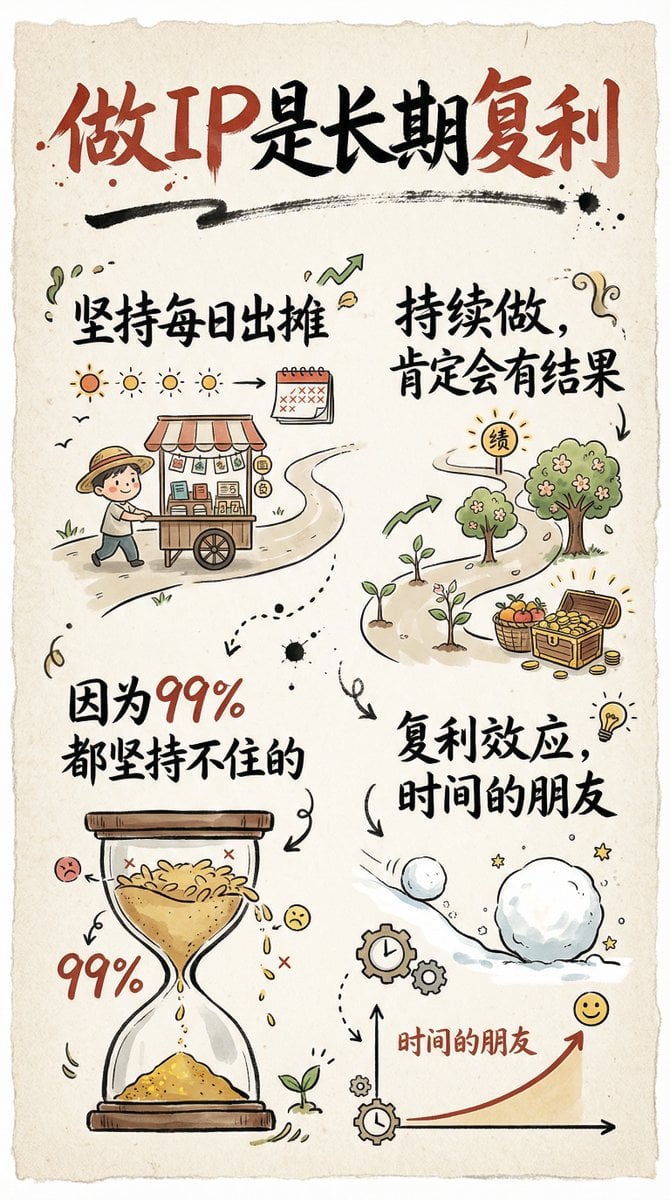
Hand-drawn infographic card about long-term IP building
Browse template categories
Pink Liquid Dress Fashion Editorial questions
How do I use the Pink Liquid Dress Fashion Editorial template?
Add your photo if the template asks for one, edit the prompt if you like — the template's model and format are already selected — and press Generate. Your version opens in PicX Studio.
Can I customize the Pink Liquid Dress Fashion Editorial template?
Yes. You can change the subject, setting, lighting, mood, format, and available model controls before creating your image.
Is the Pink Liquid Dress Fashion Editorial template free?
Opening and editing this template is free. Generating uses credits, shown on the Generate button when you are signed in.
Which AI model should I use?
Start with GPT Image 2, which is the model associated with this template. You can compare another compatible model for a different finish.
Looking for something else? Browse all templates.

Your photo, any look
Thousands of ready templates for every top image and video model, from one credit balance.