
Authentic Japanese Residence Card
A meticulously detailed prompt for generating a photorealistic Japanese residence card with accurate bureaucratic layout, security features, and realistic portraits.
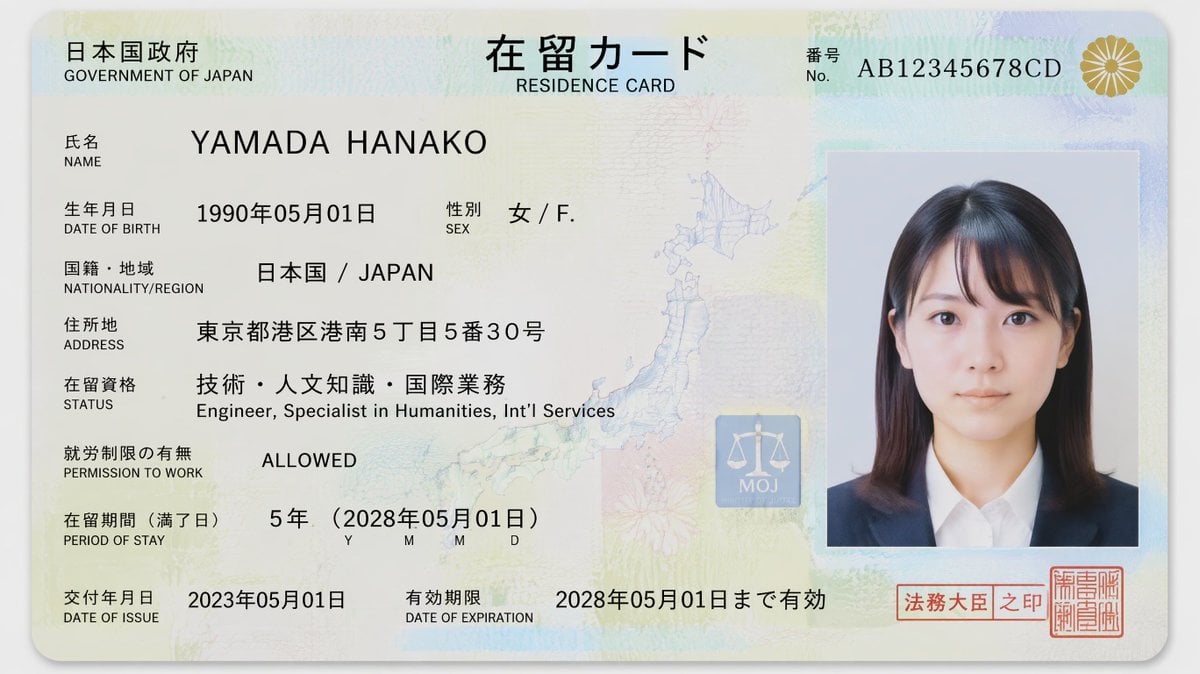
- Prompt included
- Model and format preset
- Free template
The prompt behind this image
Copy the exact prompt behind Authentic Japanese Residence Card, or open it in the studio and make it yours.
Ultra-realistic 16:9 close-up flat studio photograph of a {argument name="card type" default="Japanese residence card (在留カード)"} placed on a clean white or soft neutral background. The card is horizontally aligned, centered in frame, captured in sharp macro focus with soft diffused lighting and subtle realistic shadows. The design follows an authentic Japanese immigration and Ministry of Justice identity document aesthetic with minimalistic layout, precise typography, muted pastel colors, and realistic anti-counterfeit detailing. Top header contains bold Japanese text “在留カード” with smaller English subtitle “RESIDENCE CARD.” Top-left corner displays “日本国政府 / GOVERNMENT OF JAPAN.” Top-right contains a realistic alphanumeric card number. The card contains a passport-style portrait of a {argument name="subject" default="young Japanese woman"}: – Fair East Asian skin tone with natural texture – Straight black hair with soft bangs and shoulder-length styling – Dark brown eyes, neutral expression, direct gaze – Minimal makeup, realistic facial details – Wearing a {argument name="outfit" default="dark navy blazer over a white shirt"} Identity information displayed in bilingual Japanese-English format: – 氏名 / NAME: YAMADA HANAKO – 生年月日 / DATE OF BIRTH: 1990年05月01日 – 性別 / SEX: 女 / F. – 国籍・地域 / NATIONALITY/REGION: 日本国 / JAPAN – 住所地 / ADDRESS: 東京都港区港南5丁目5番30号 – 在留資格 / STATUS: 技術・人文知識・国際業務 / Engineer, Specialist in Humanities, Int’l Services – 就労制限の有無 / PERMISSION TO WORK: ALLOWED – 在留期間(満了日) / PERIOD OF STAY: 5年(2028年05月01日) – 交付年月日 / DATE OF ISSUE: 2023年05月01日 – 有効期限 / DATE OF EXPIRATION: 2028年05月01日まで有効 Security and design features include: – Very subtle guilloche security patterns across the card surface – Fine microprinted anti-counterfeit textures – Pale pastel cream, light blue, and mint-green gradients – Faint map of Japan embedded into the background – Chrysanthemum imperial seal in metallic gold at upper-right – Official red Japanese hanko stamps near bottom-right – Thin layered holographic overlays with restrained reflections – “MOJ” Ministry of Justice security emblem near center-right – Realistic machine-readable formatting and administrative spacing Material appearance: matte laminated polycarbonate texture with very soft reflections, realistic printed ink texture, and subtle embossed details. Lighting is soft and evenly diffused, emphasizing documentary realism and authentic bureaucratic design. No dramatic holograms, no cinematic effects, no fantasy embellishments. Style: ultra-detailed, photorealistic, authentic Japanese government document aesthetic, realistic immigration card design, macro clarity, 8K resolution, flat studio scan realism.
How to use Authentic Japanese Residence Card in 3 steps
- 1
Open
The prompt is already in the box next to the preview, with the template's model and format selected.
- 2…a portrait of your subject in softgolden-hour light, 85mm…
Personalize
Edit the subject and creative details for your destination.
- 3Generate
Generate
Press Generate — your image is created in PicX Studio, so you can compare it with the original and refine one variable at a time.
More like this
Templates with the same subject, style or setup. Open one to see its prompt.

Teal Japanese Handwritten Lyric Card

Minecraft Japanese Research Lab Exploration
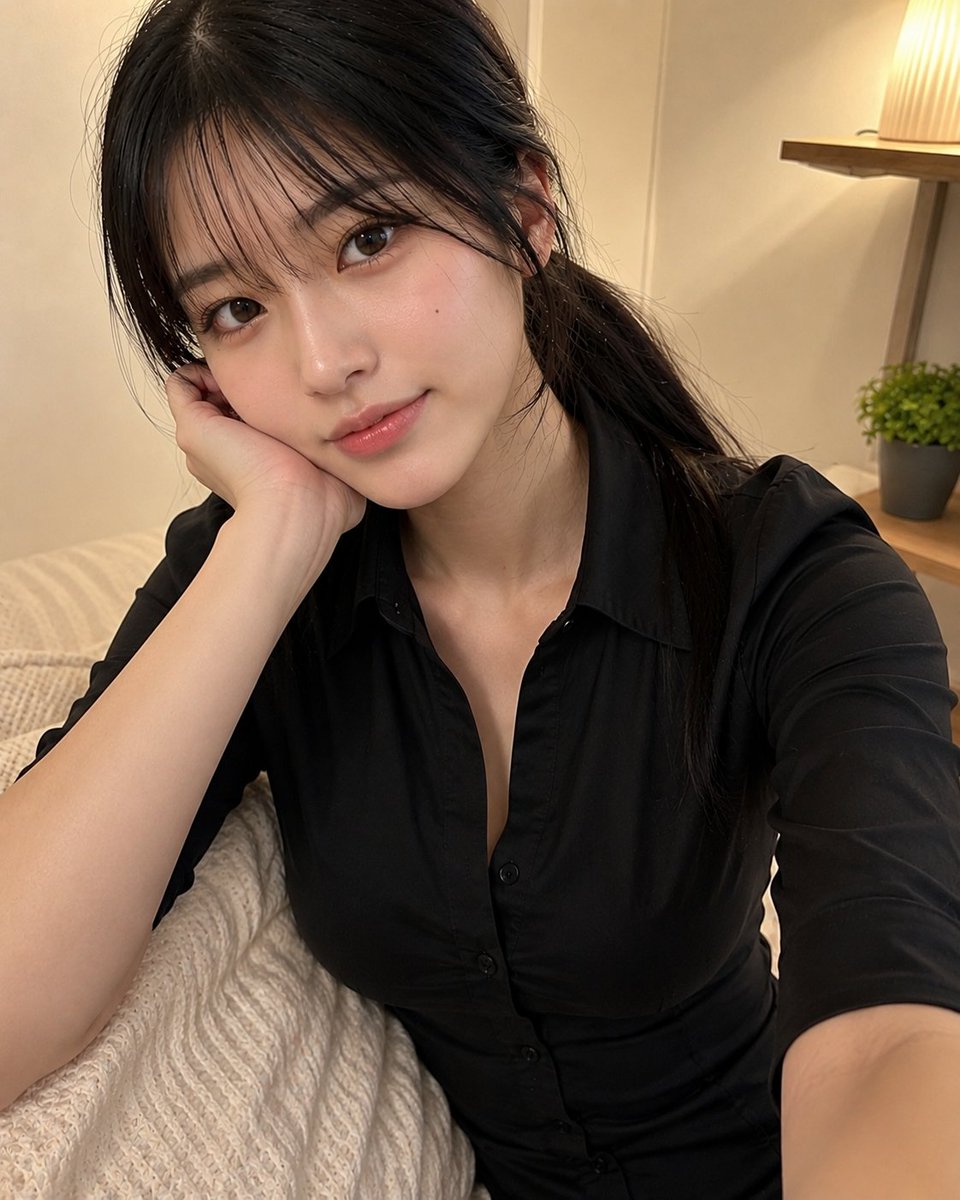
Authentic Japanese Schoolgirl Smartphone Selfie

Japanese Architectural Concrete Studio Fashion Campaign

Japanese Minimalist Concrete Studio Fashion Editorial

Blue Backdrop Luxury Fashion Portrait Campaign
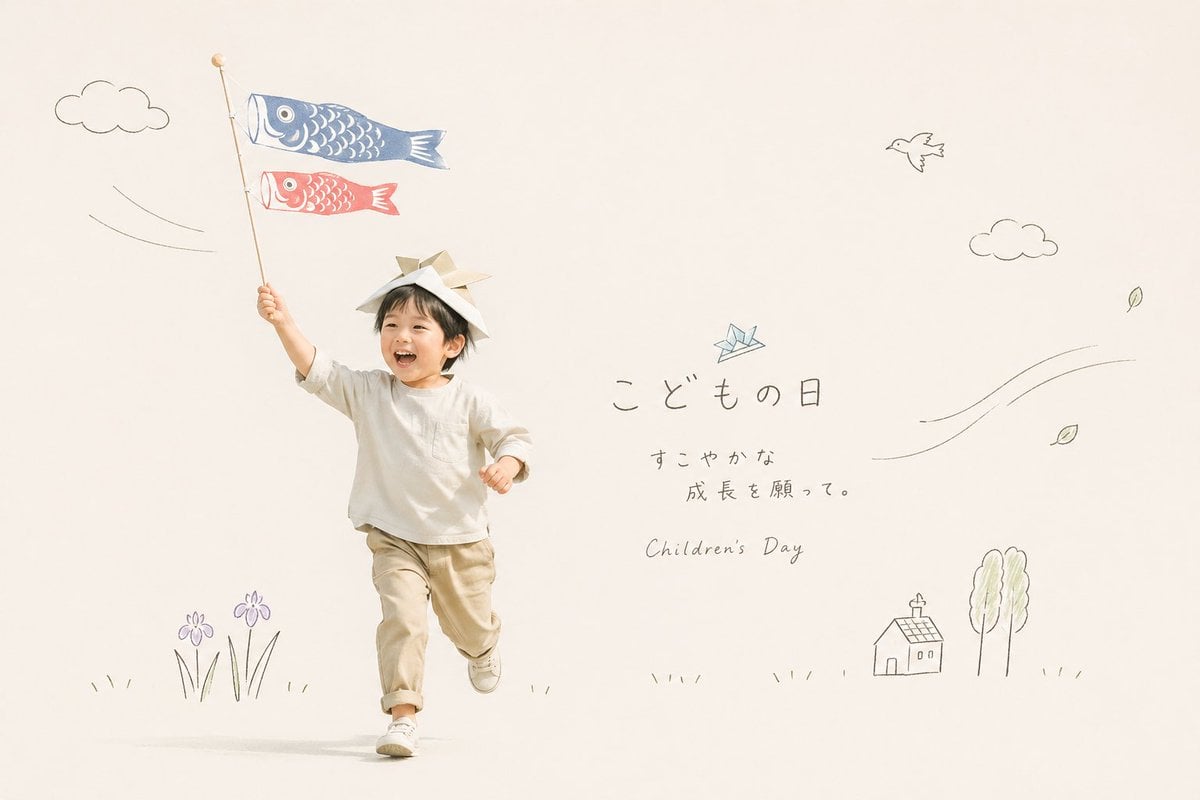
Japanese Children's Day Photo Card
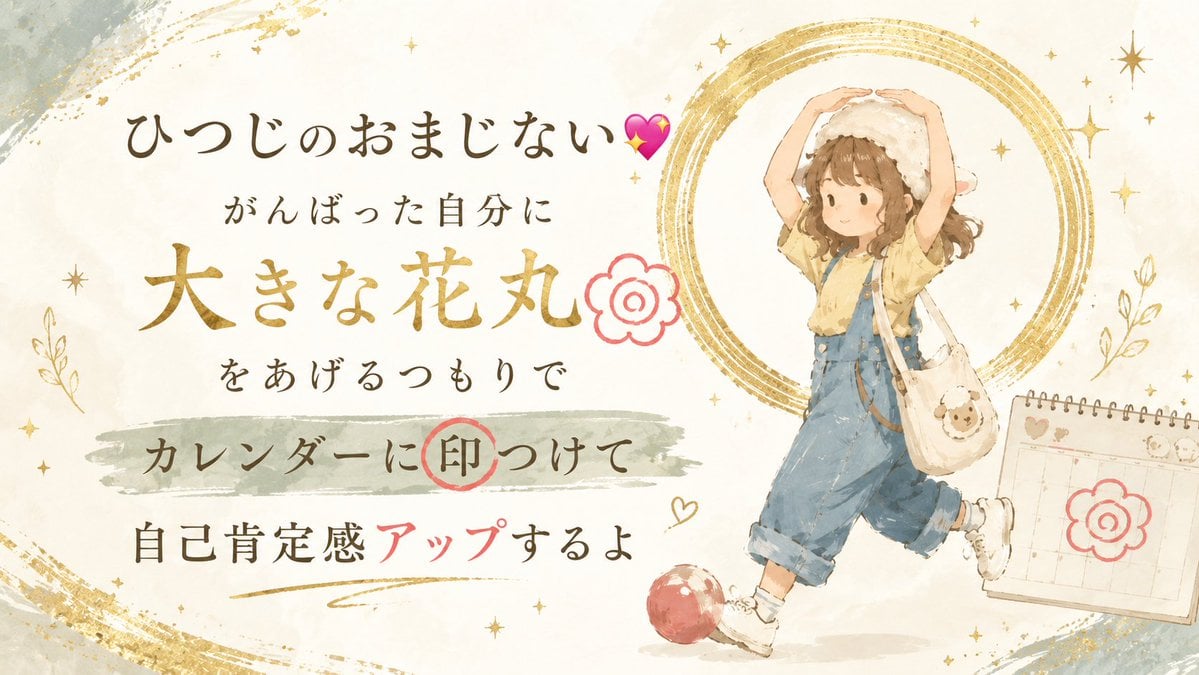
Japanese Self-Care Flower Mark Card
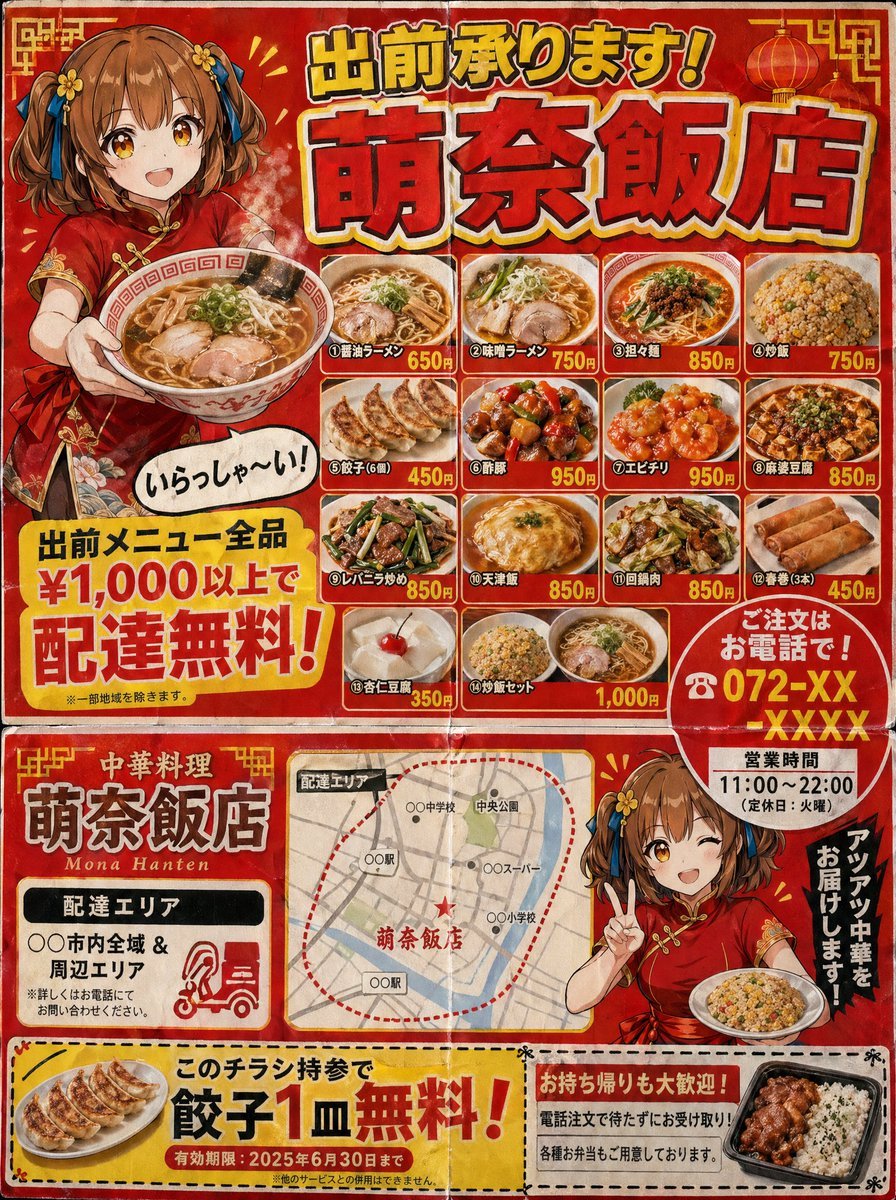
Authentic Japanese Delivery Flyer
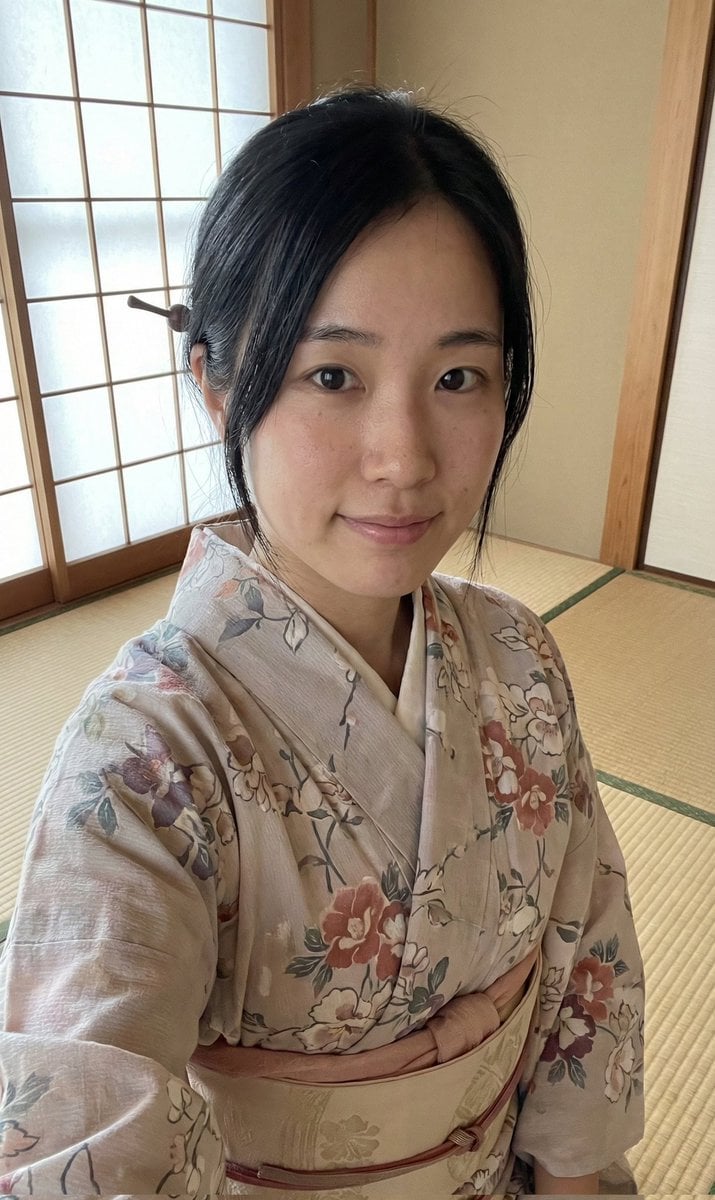
Authentic Japanese Kimono Selfie Portrait

Japanese Film Reflection Idol
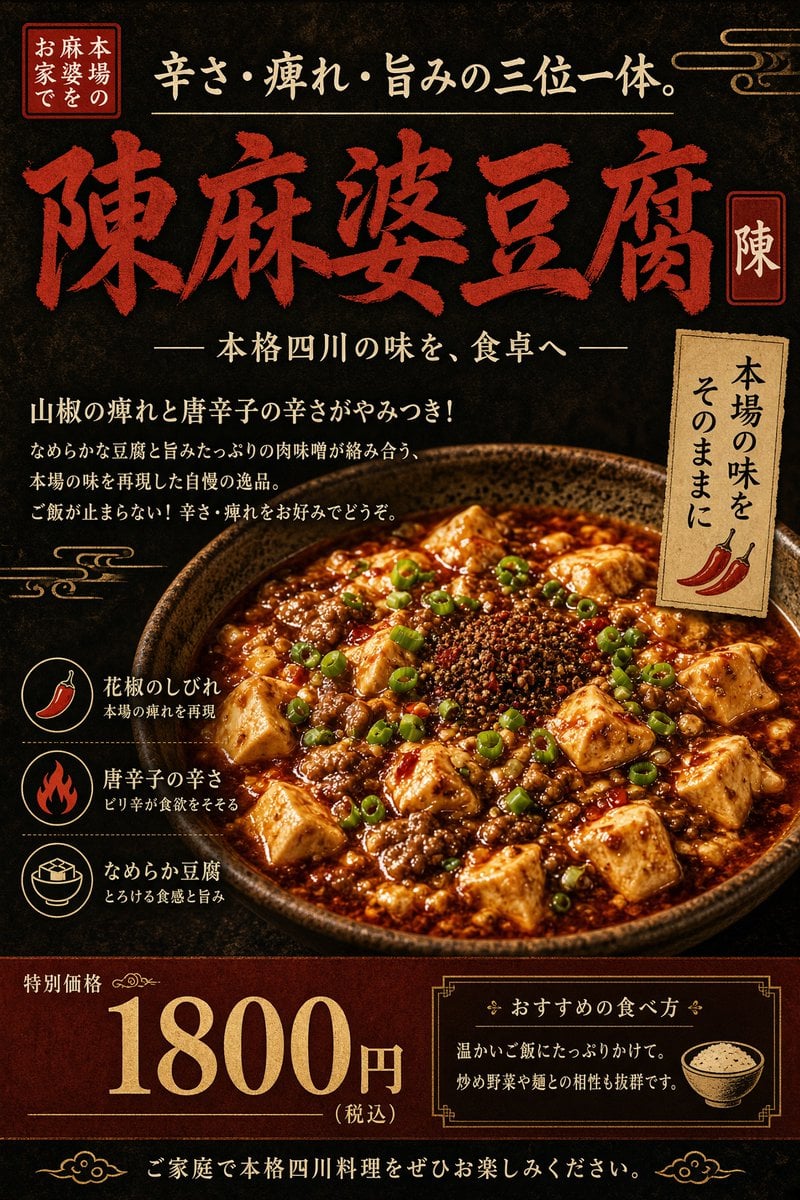
Authentic Sichuan Mapo Tofu Poster
Make it yours
Authentic Japanese Residence Card works as-is. These are the safest ways to change it without losing the look.
Change one field
Copy a single group, rewrite it, and generate again so you can see what that field is doing.
Keep the frame, change the subject
Hold the composition and light of Authentic Japanese Residence Card, then swap wardrobe, props or the person for a new take.
| If the result… | Why | Fix |
|---|---|---|
| The result drifts from the preview | Too many fields changed at once. | Reuse Authentic Japanese Residence Card as-is first, then change one group — subject, light, or setting. |
| The model over-stylizes the scene | The prose prompt leaves finish and camera underspecified. | Add one camera or lighting sentence and stay on GPT Image 2. |
More GPT Image 2 templates
Other prompts made for GPT Image 2.

Realistic Portrait of Woman and Deer

The Vista Modular Condo Poster

AI Model Routing Comparison Infographic

2.5D Anime Art Board

Isometric Productivity Desk Scene

New York Double Exposure Poster

Four-Panel AI Landscape Comparison

Japanese Tatami Lifestyle Magazine Cover

NESCAFÉ Coffee Map Poster

Brutalist Cogito Chinese Typography Poster
More image prompts
Fresh picks from across the catalog.
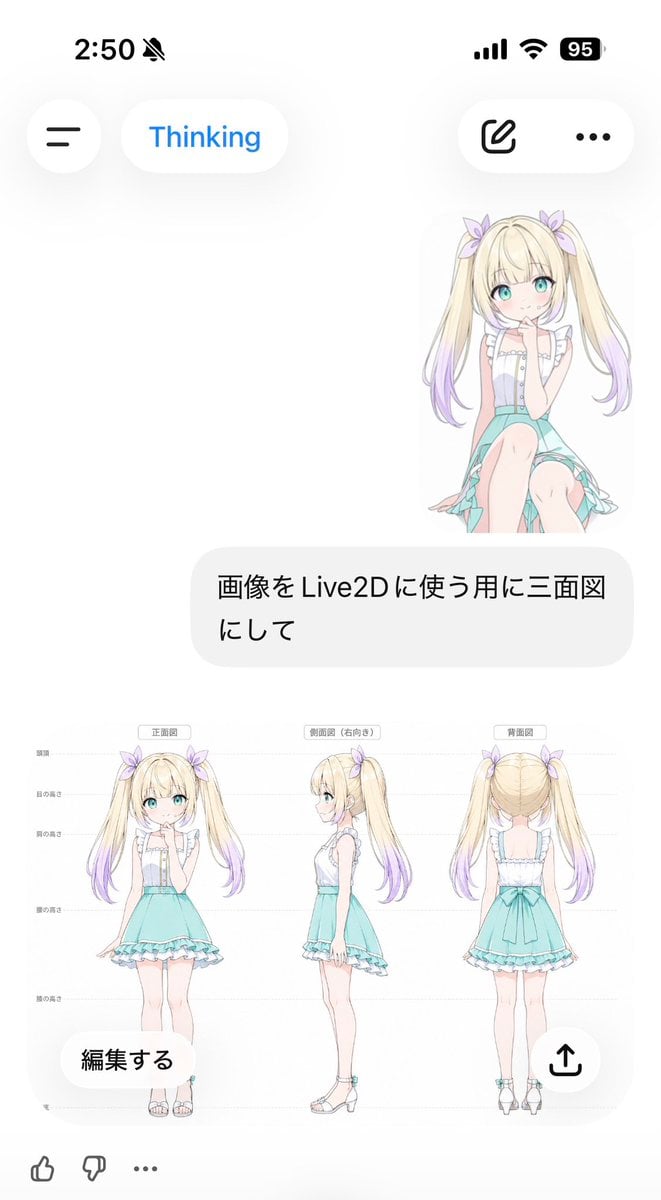
Anime Live2D Turnaround Chat Screenshot

Ultra-Realistic Studio Fashion Portrait
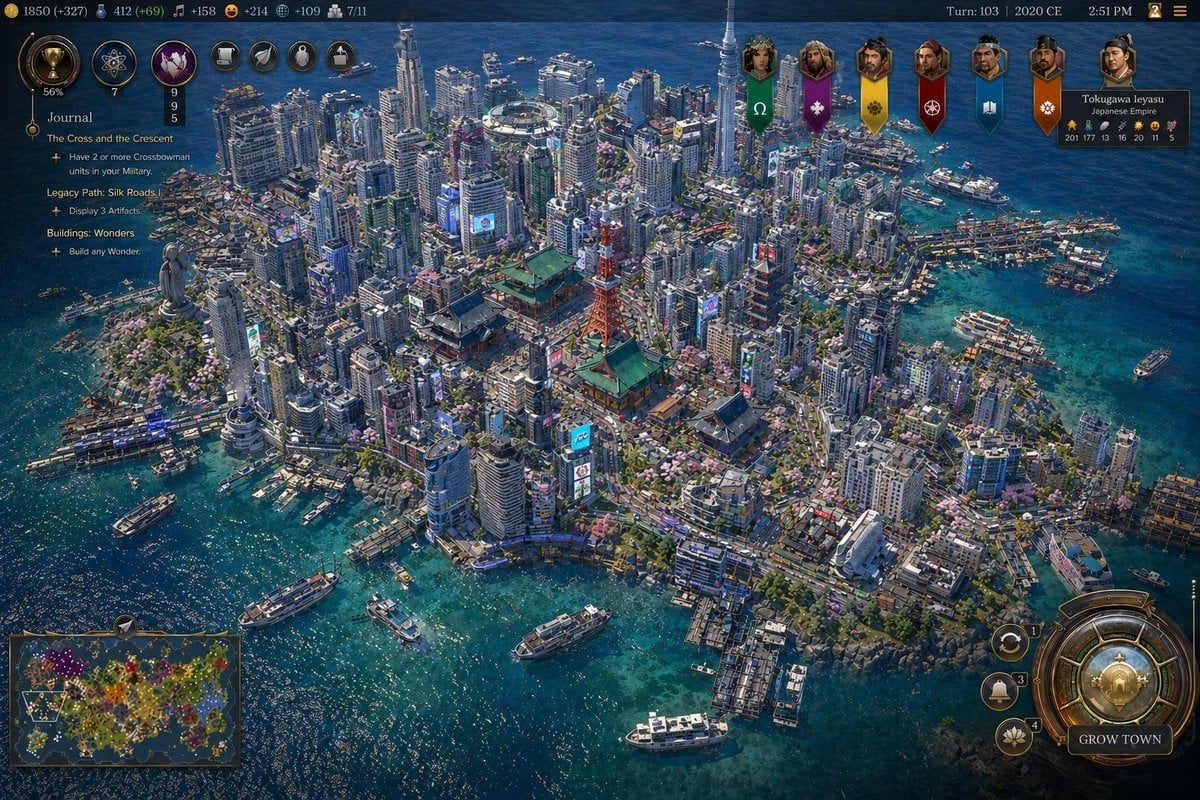
Civ-Style Tokyo Island Megacity Screenshot
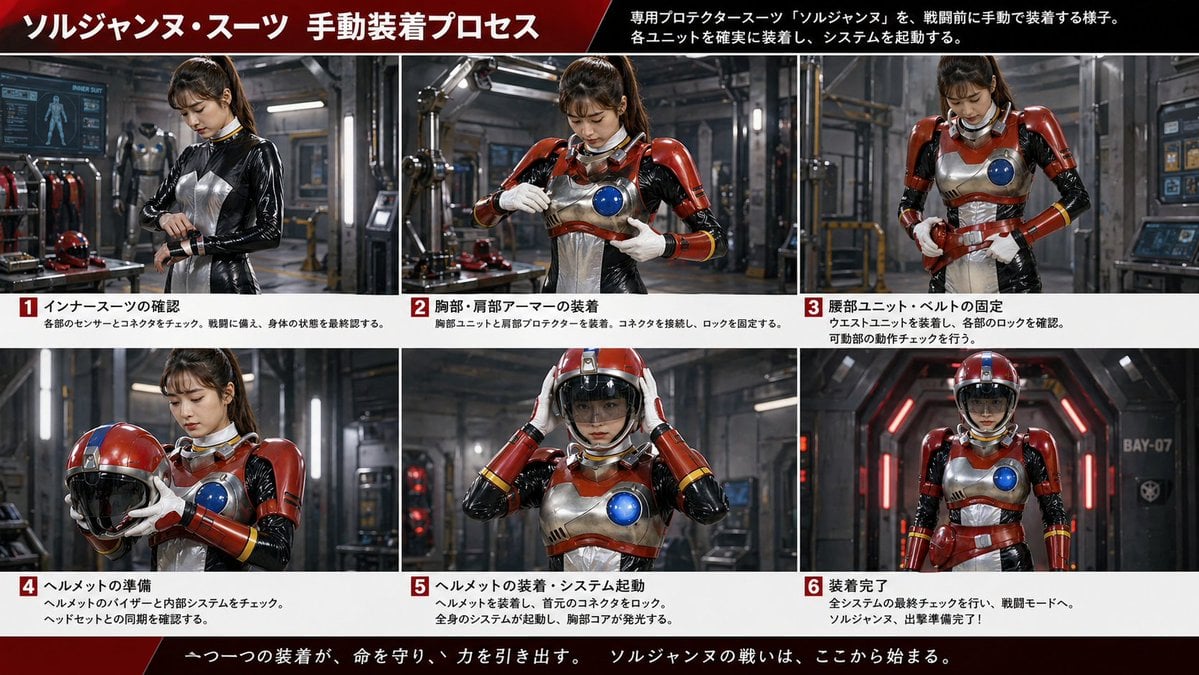
Japanese Sci-Fi Suit-Up Process Board

Stunning Fashion Photo Prompt

Kid-Friendly Emotion Illustrations (Cartoon Dog)
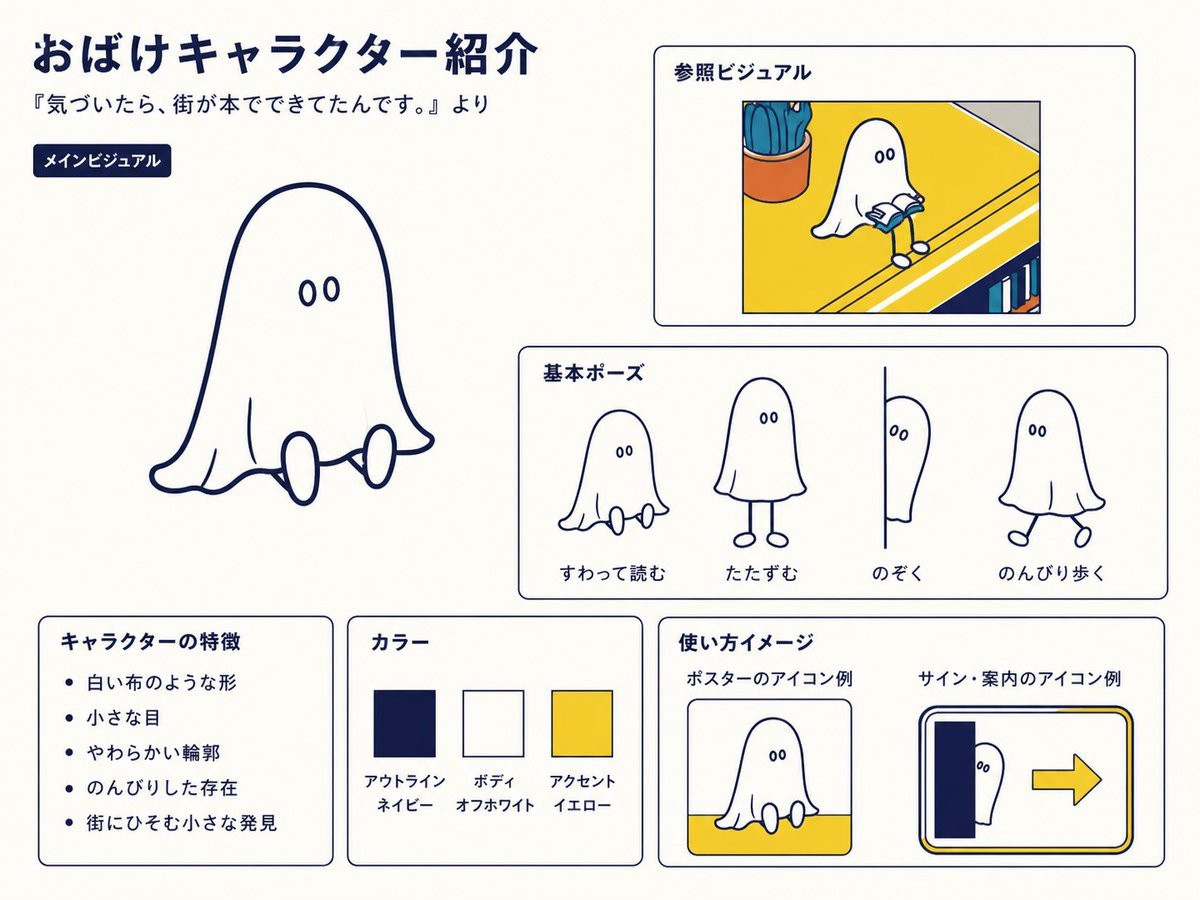
Japanese Ghost Mascot Style Guide
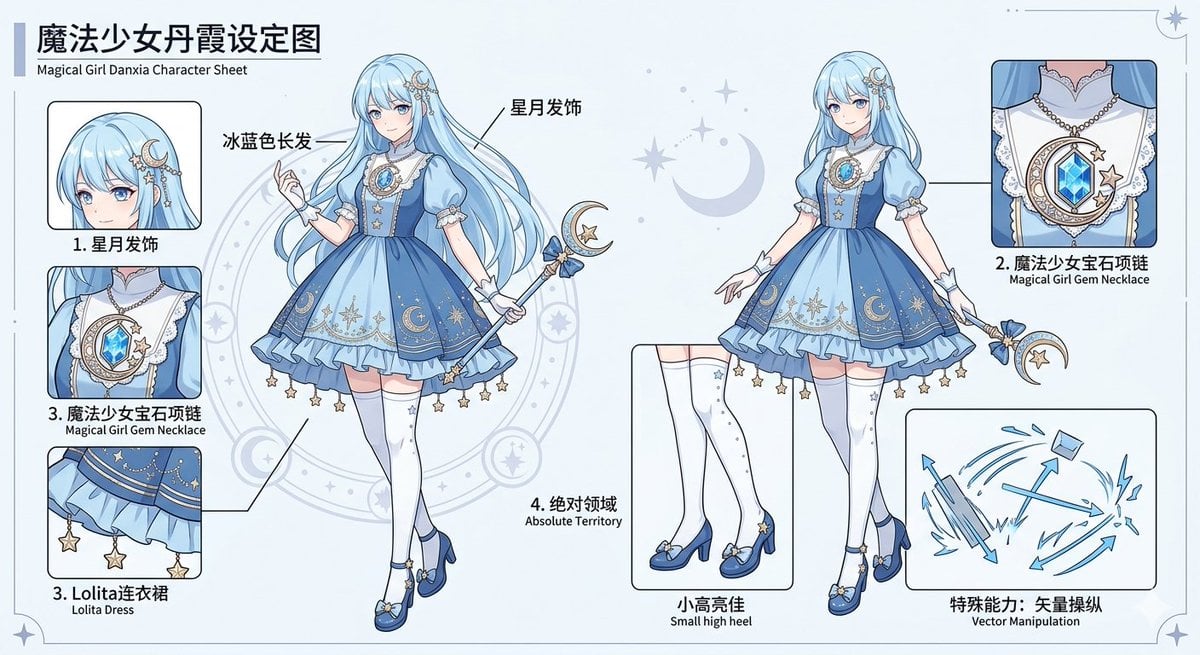
Magical Girl Character Sheet
Hyper-Realistic Miniature Food Landscapes Grid
Panel Japanese Advertising Grid
Browse template categories
Authentic Japanese Residence Card questions
How do I use the Authentic Japanese Residence Card template?
Add your photo if the template asks for one, edit the prompt if you like — the template's model and format are already selected — and press Generate. Your version opens in PicX Studio.
Can I customize the Authentic Japanese Residence Card template?
Yes. You can change the subject, setting, lighting, mood, format, and available model controls before creating your image.
Is the Authentic Japanese Residence Card template free?
Opening and editing this template is free. Generating uses credits, shown on the Generate button when you are signed in.
Which AI model should I use?
Start with GPT Image 2, which is the model associated with this template. You can compare another compatible model for a different finish.
Looking for something else? Browse all templates.

Your photo, any look
Thousands of ready templates for every top image and video model, from one credit balance.