
Hyperrealistic Portrait of Man Lighting Cigarette
A highly detailed, hyperrealistic prompt for a close-up portrait of a man in a laundromat, illuminated by the warm flicker of a lighter flame held to a cigarette.
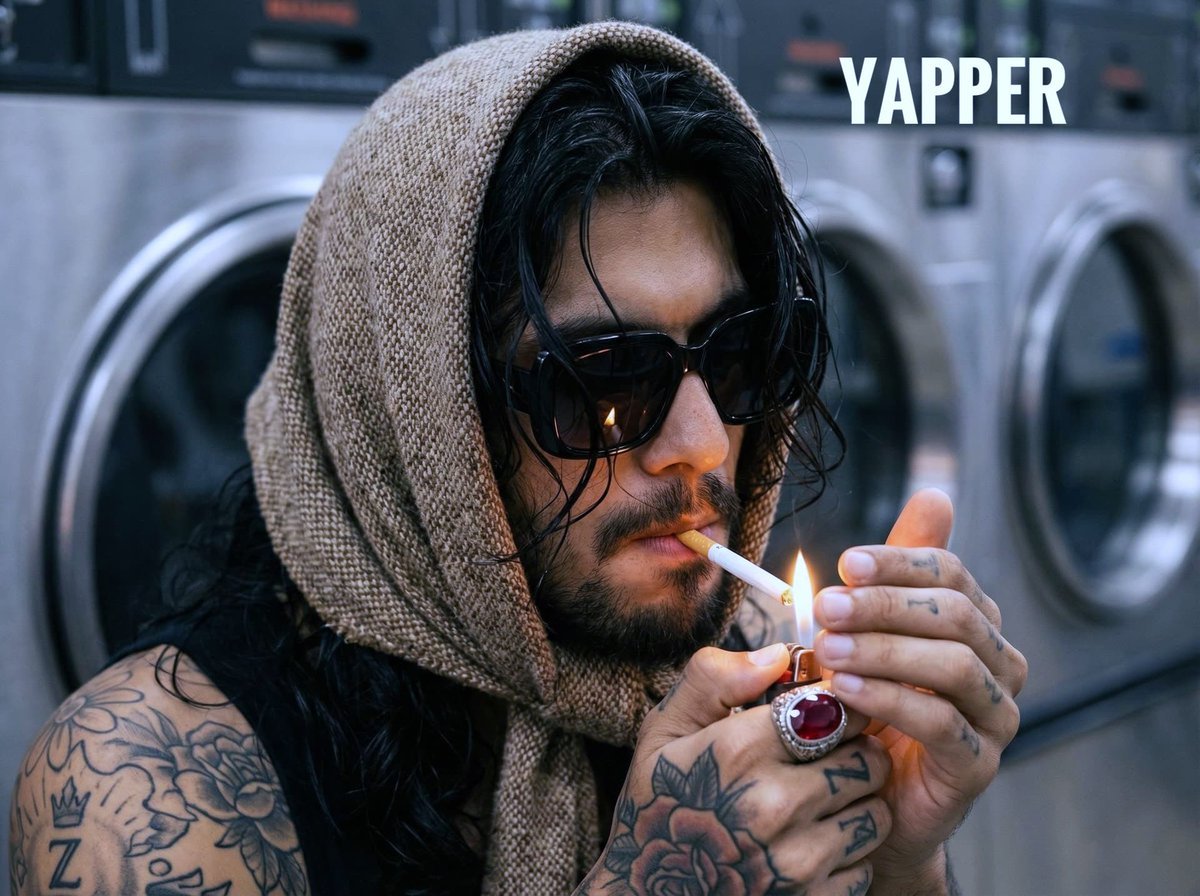
- Prompt included
- Model and format preset
- Premium template
The prompt behind this image
Copy the exact prompt behind Hyperrealistic Portrait of Man Lighting Cigarette, or open it in the studio and make it yours.
Deep hyperrealistic close-up portrait (angle from shoulder level, focussing with long, slightly wet wavy black hair, sticking out from under a tightly tied scarf on the head made of rough tweed wool into a small cage of sand-beige and brown shades. A man in profile 3/4, his face is partially shaded, but illuminated by the warm, flickering light of the flame of the lighter, which he holds in his mouth at the cigarette. He's wearing black sunglasses in a vintage massive frame. The man's hands, detailed tattooed with complex floral patterns and a rose, frame the lighter. At the base of the thumb you can see a clear tattoo in the form of the letter Z with a crown. On the middle finger of the right hand there is a massive silver ring with a large, deep, facetted ruby in the shape of a cabochon, sparkling in the light of the flame. Skin pores, individual beard hairs, tobacco texture in a lit cigarette and scarf tweed weaving are conveyed with maximum clarity and detail. The background is blurred (bokeh f/2.2), metal, industrial surfaces of laundromat (self-service laundry), vaguely outlining round hatches of stainless steel washing machines. Colour palette: dominant warm sand, brown and beige shades of wool, contrasting with cold gray metal background surfaces and deep black glasses. Accents: warm golden flame, rich red ruby, whiteness of the cigarette filter and shirt collar. Camera: Fujifilm GFX100s, lens GF85mmF1.7 R WR. Settings: f/2.2, 1/320 sec, ISO 6400. Lighting: mixed (dim laundry light and dominant warm light from the lighter flame). Film granularity: minimal, for preservation The depth of field is very small.
How to use Hyperrealistic Portrait of Man Lighting Cigarette in 3 steps
- 1
Open
The prompt is already in the box next to the preview, with the template's model and format selected.
- 2…a portrait of your subject in softgolden-hour light, 85mm…
Personalize
Edit the subject and creative details for your destination.
- 3Generate
Generate
Press Generate — your image is created in PicX Studio, so you can compare it with the original and refine one variable at a time.
More like this
Templates with the same subject, style or setup. Open one to see its prompt.
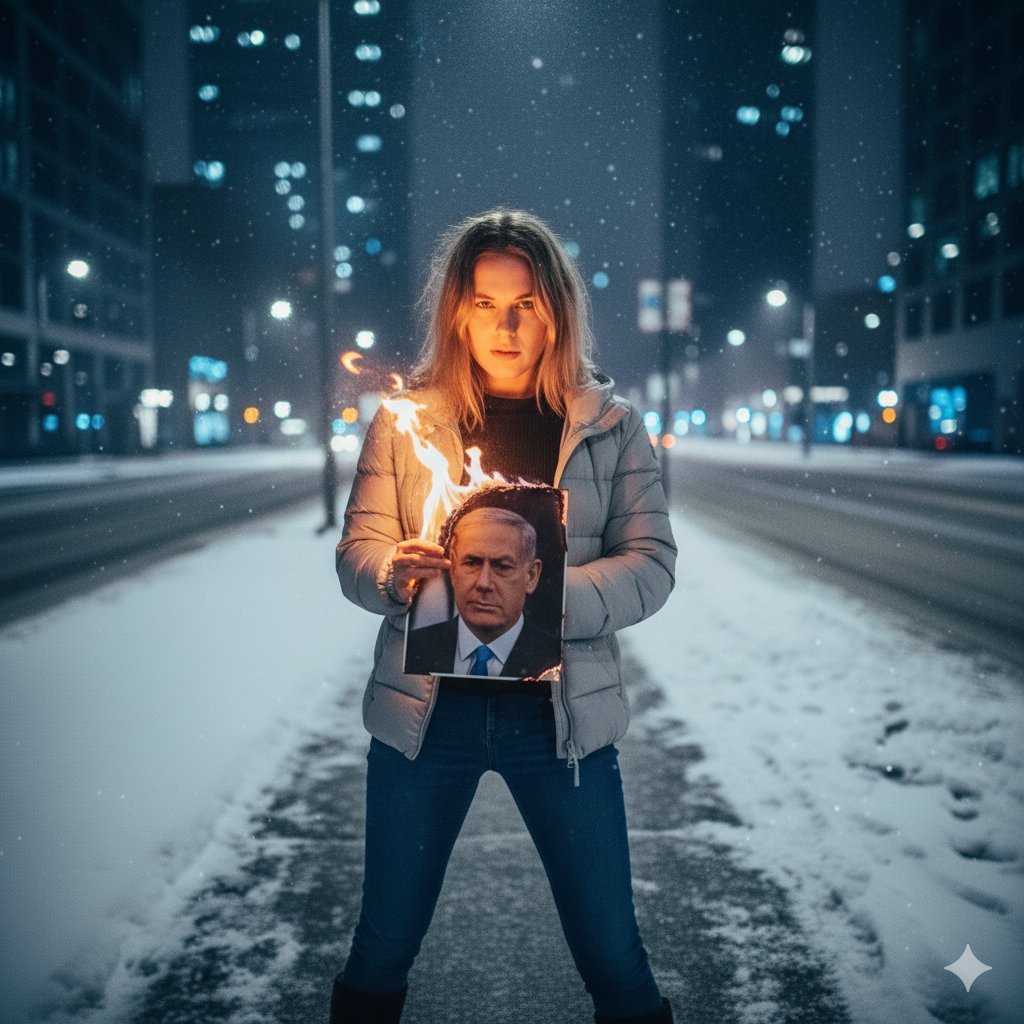
Defiant Woman Lighting Cigarette with Burning Photo

Romantic Cinematic Still of a Couple in

Couture Fashion Editorial Woman and Drag

Hyperrealistic Anime Portrait with Split Lighting Prompt

Found Photograph: Us, 1970

80s Couple Studio Portrait

80s Bollywood Star

80s Golden Hour Cinema

Me in 1985

1985 Studio Portrait

Hyper-Realistic Minecraft POV Portrait

Rooftop Fisheye — Cat-Ear Balaclava at Golden Hour
Make it yours
Hyperrealistic Portrait of Man Lighting Cigarette works as-is. These are the safest ways to change it without losing the look.
Change one field
Copy a single group, rewrite it, and generate again so you can see what that field is doing.
Keep the frame, change the subject
Hold the composition and light of Hyperrealistic Portrait of Man Lighting Cigarette, then swap wardrobe, props or the person for a new take.
| If the result… | Why | Fix |
|---|---|---|
| The result drifts from the preview | Too many fields changed at once. | Reuse Hyperrealistic Portrait of Man Lighting Cigarette as-is first, then change one group — subject, light, or setting. |
| The model over-stylizes the scene | The prose prompt leaves finish and camera underspecified. | Add one camera or lighting sentence and stay on Nano Banana 2. |
More Nano Banana 2 templates
Other prompts made for Nano Banana 2.

Photorealistic Leaf Shaped Like a Dragon

K-Pop Idol Portrait Grid for Rapid Selection

Poetic Rain Forest Portrait During Golden Hour

Urban Street Portrait with Cartoon Inner Self Duo

Candid Nighttime Photo with Cat Prompt

High-Concept 3D Diorama Generation Prompt

Cinematic Futuristic Studio Portrait Template

Skincare Editorial Photography Collage Prompt

Hyper-Realistic Commercial Product Photography (Splash Effect)

Hyper-Realistic Nightclub Portrait Prompt
More image prompts
Fresh picks from across the catalog.

Hyper-Realistic iPhone Photo Portrait with Motion Blur and Digital Artifacts

Photorealistic Man with HUD Navigation on Highway
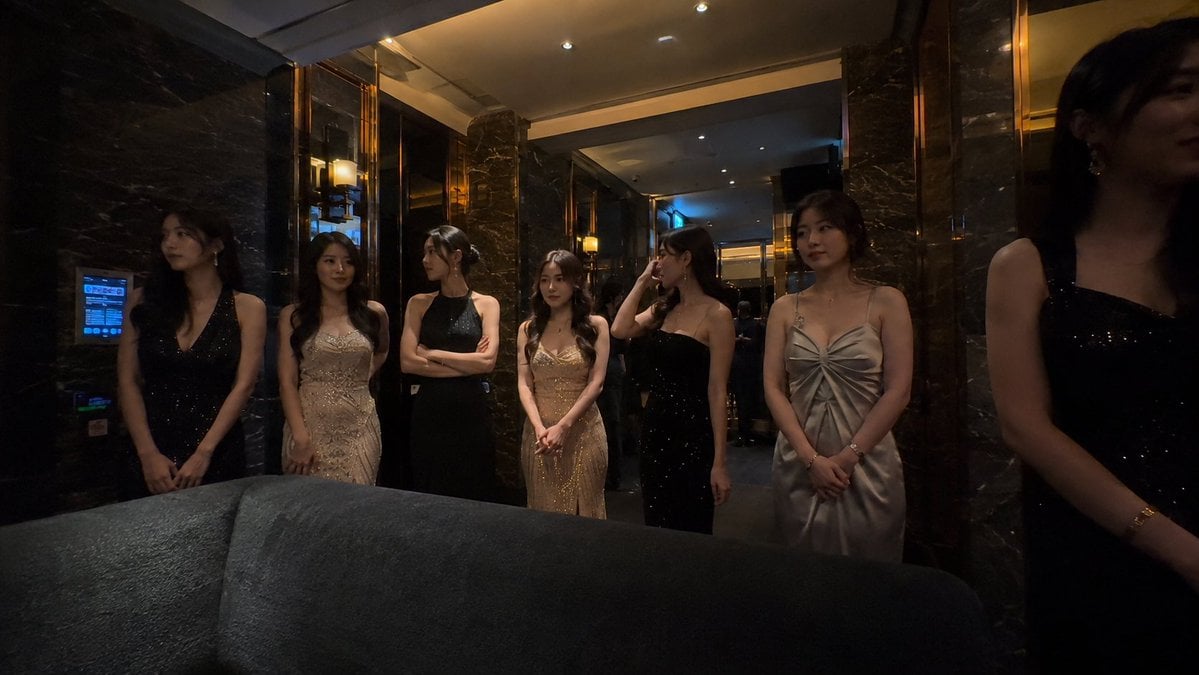
Candid Smartphone Club Portrait
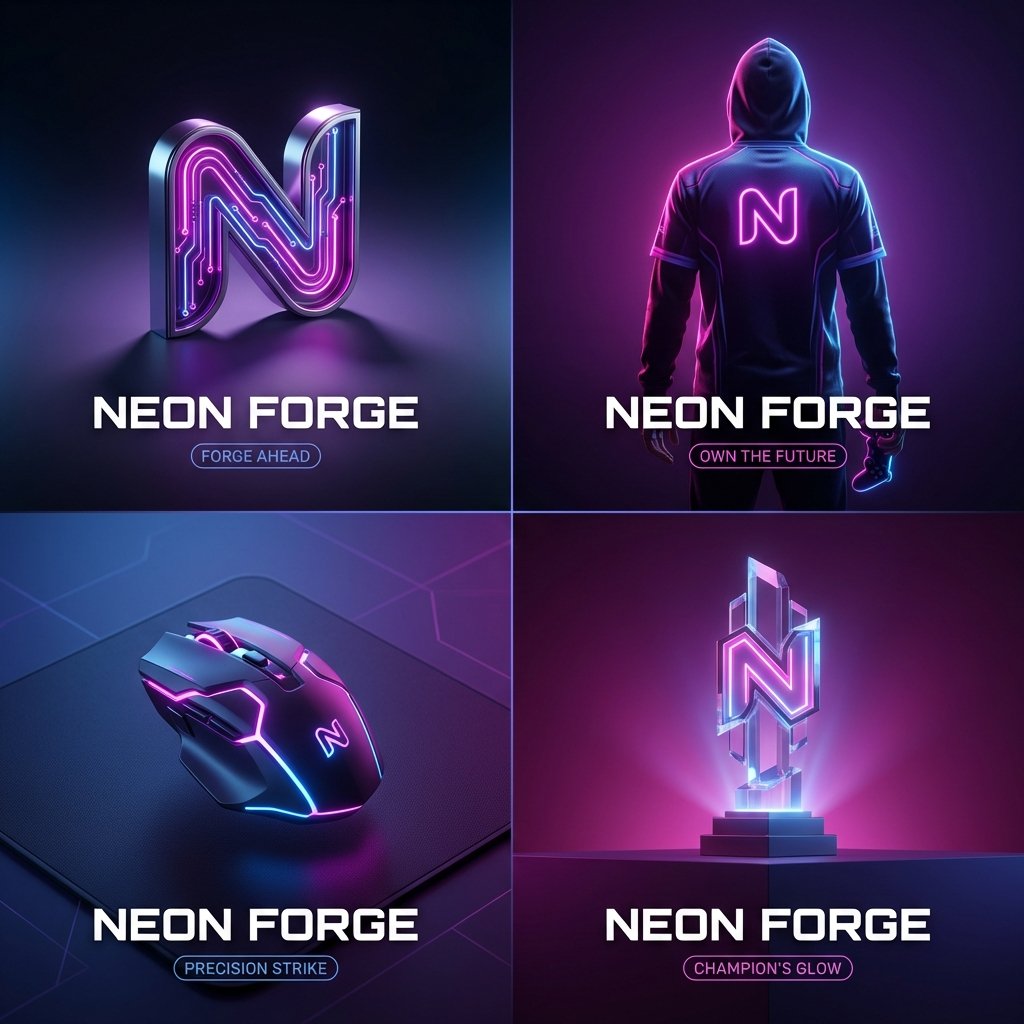
High-End Cover Visual Generation Prompt
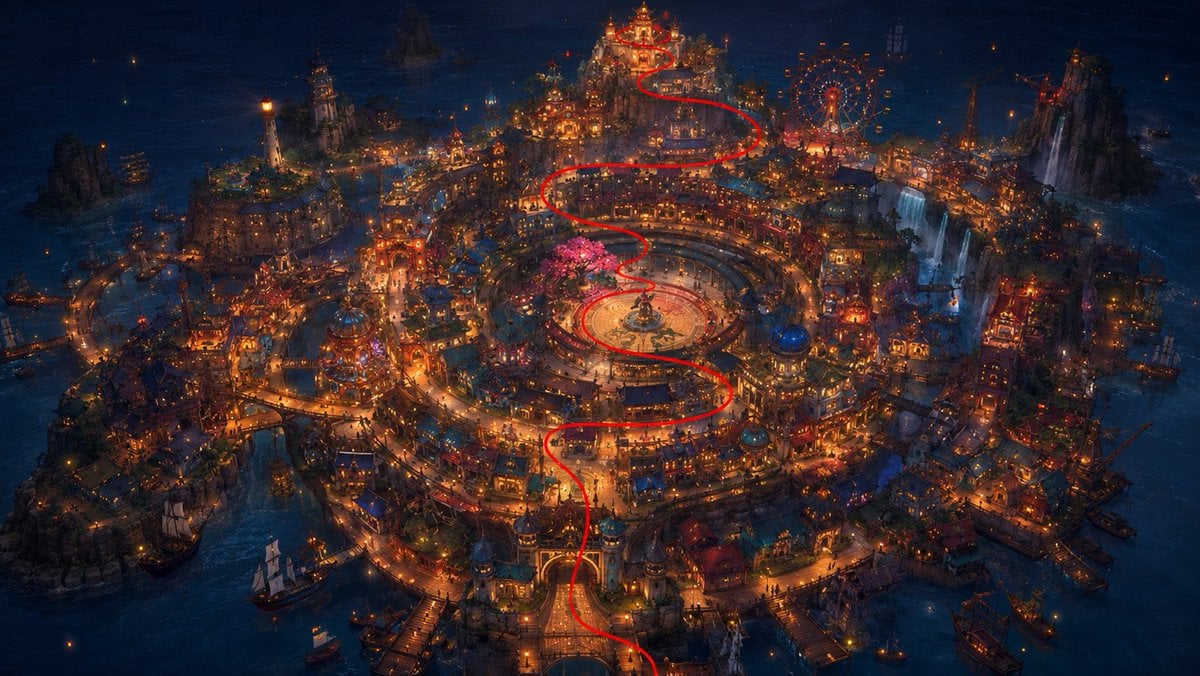
1️⃣Generate the base plate with the red flight pat

Washington Crossing Style Winter Boat Scene

Premium Fashion Studio Portrait
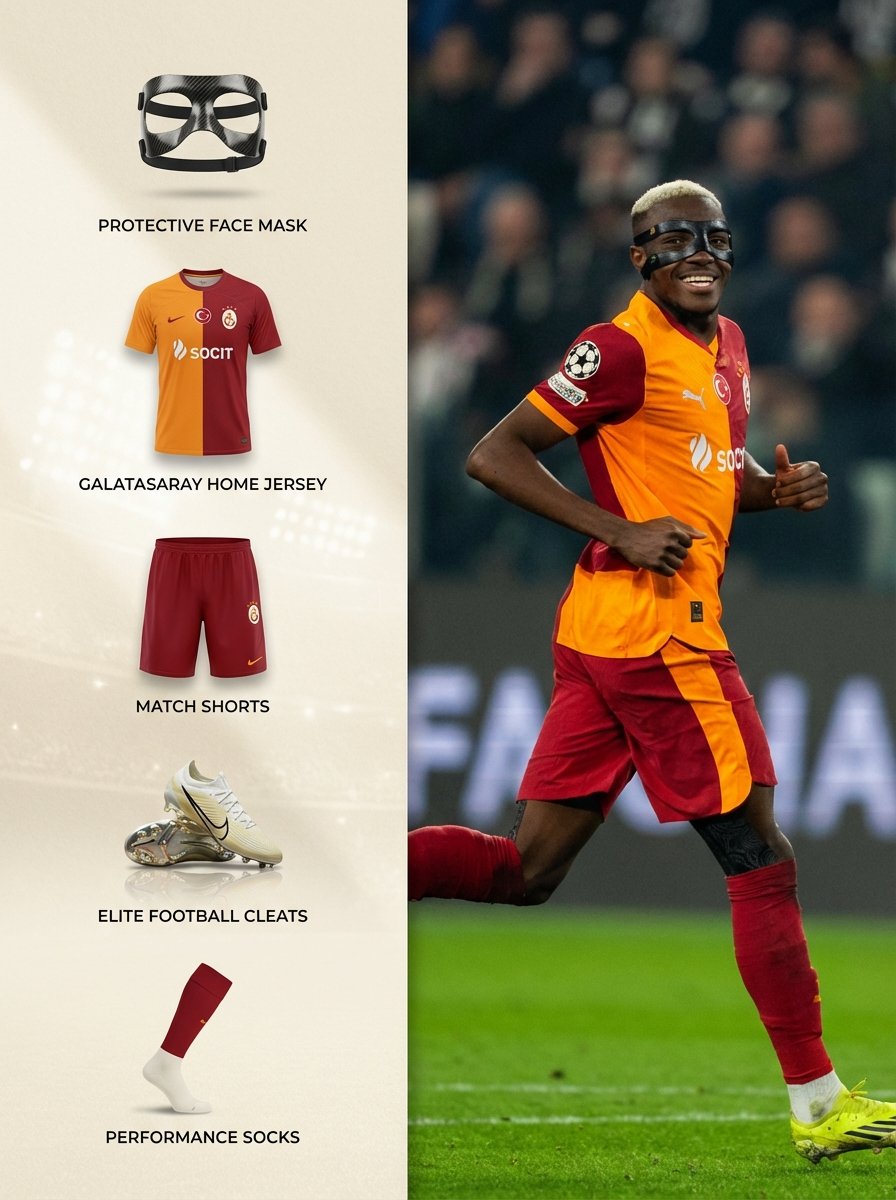
Sports Equipment Infographic Layout of Victor Osimhen
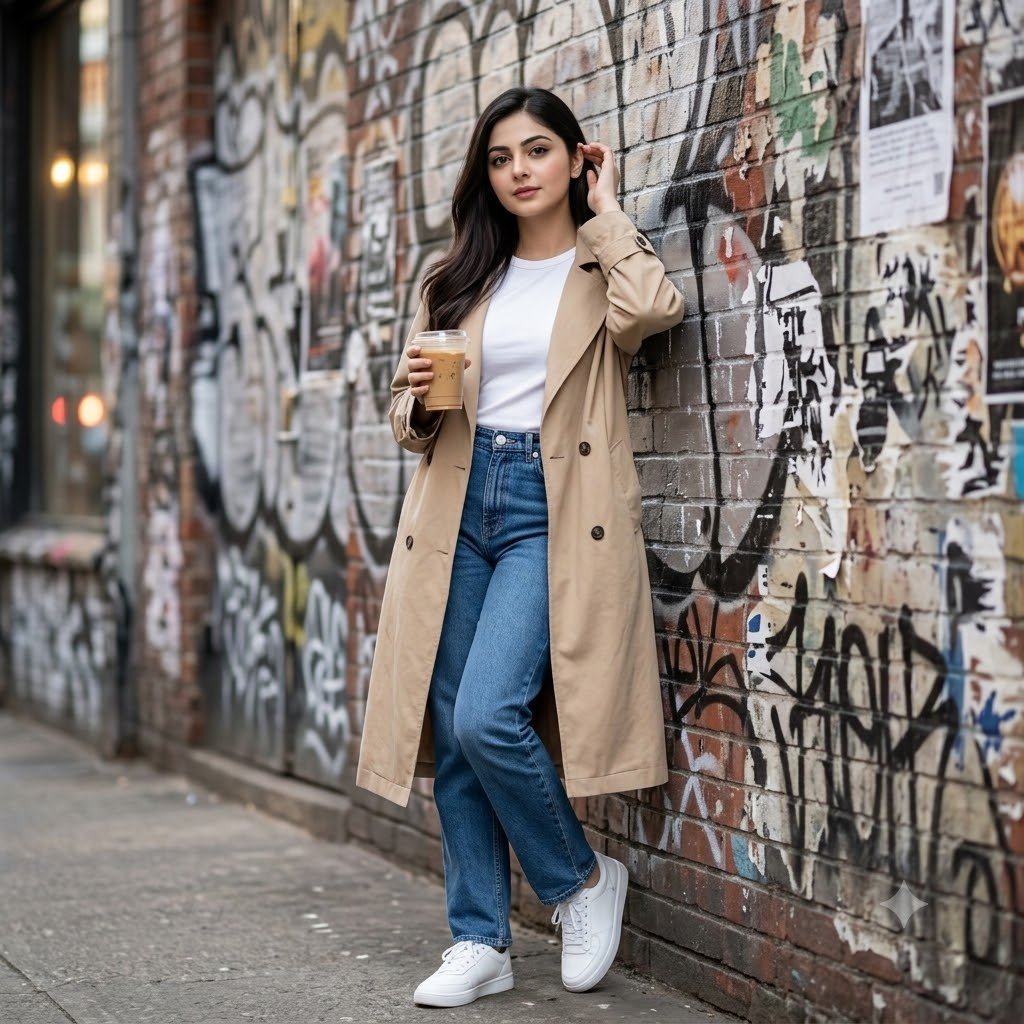
Urban Graffiti Brick Wall Portrait
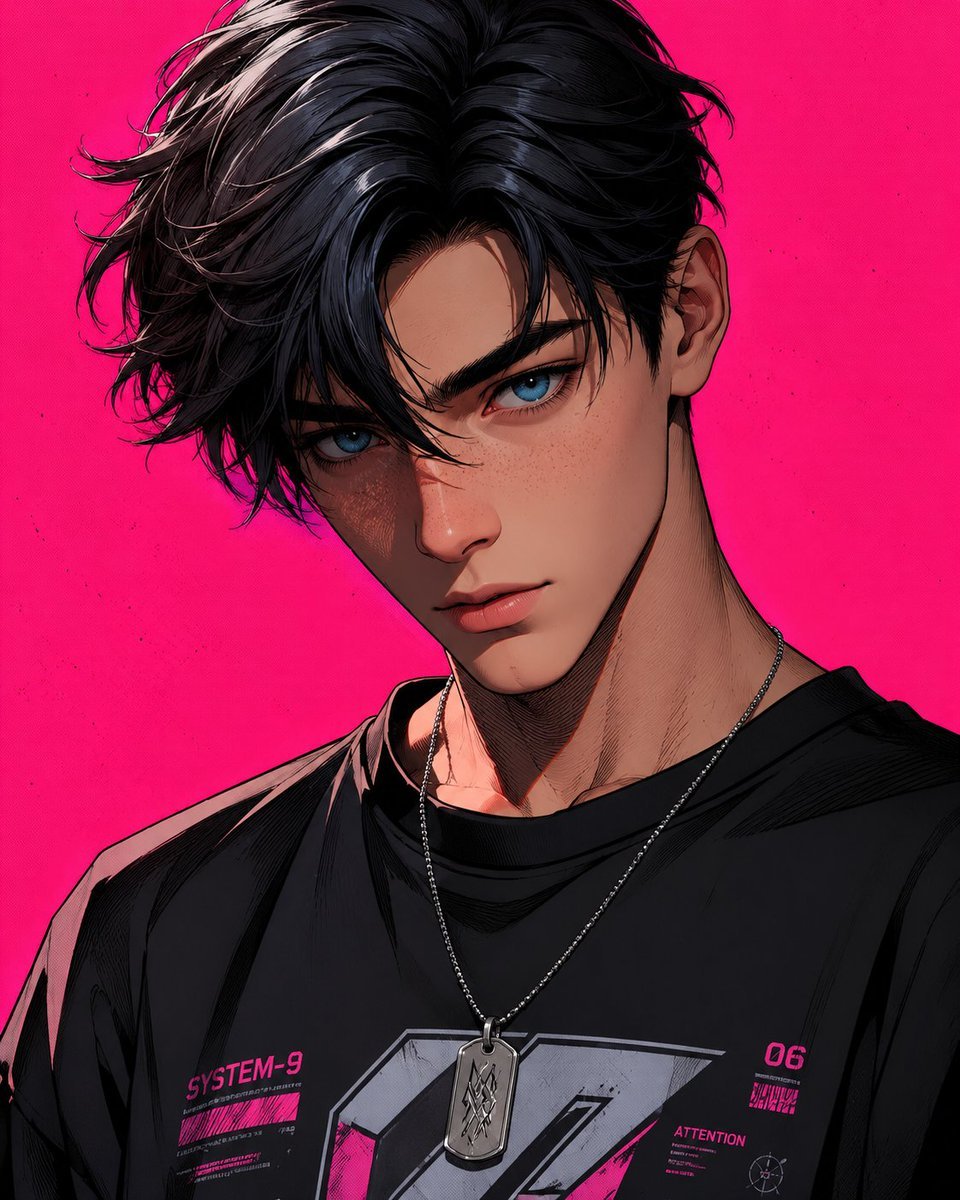
Stylized 3D Cartoon Male Portrait
Browse template categories
Hyperrealistic Portrait of Man Lighting Cigarette questions
How do I use the Hyperrealistic Portrait of Man Lighting Cigarette template?
Add your photo if the template asks for one, edit the prompt if you like — the template's model and format are already selected — and press Generate. Your version opens in PicX Studio.
Can I customize the Hyperrealistic Portrait of Man Lighting Cigarette template?
Yes. You can change the subject, setting, lighting, mood, format, and available model controls before creating your image.
Is the Hyperrealistic Portrait of Man Lighting Cigarette template free?
Opening and editing this template is free. Generating uses credits, shown on the Generate button when you are signed in.
Which AI model should I use?
Start with Nano Banana 2, which is the model associated with this template. You can compare another compatible model for a different finish.
Looking for something else? Browse all templates.

Your photo, any look
Thousands of ready templates for every top image and video model, from one credit balance.