
2000s Flash Photography Aesthetic Portrait
A detailed prompt for generating a portrait with a specific 2000s digital camera aesthetic, characterized by direct on-camera flash, harsh high-contrast lighting, sharp focus, and specific details about the subject's…
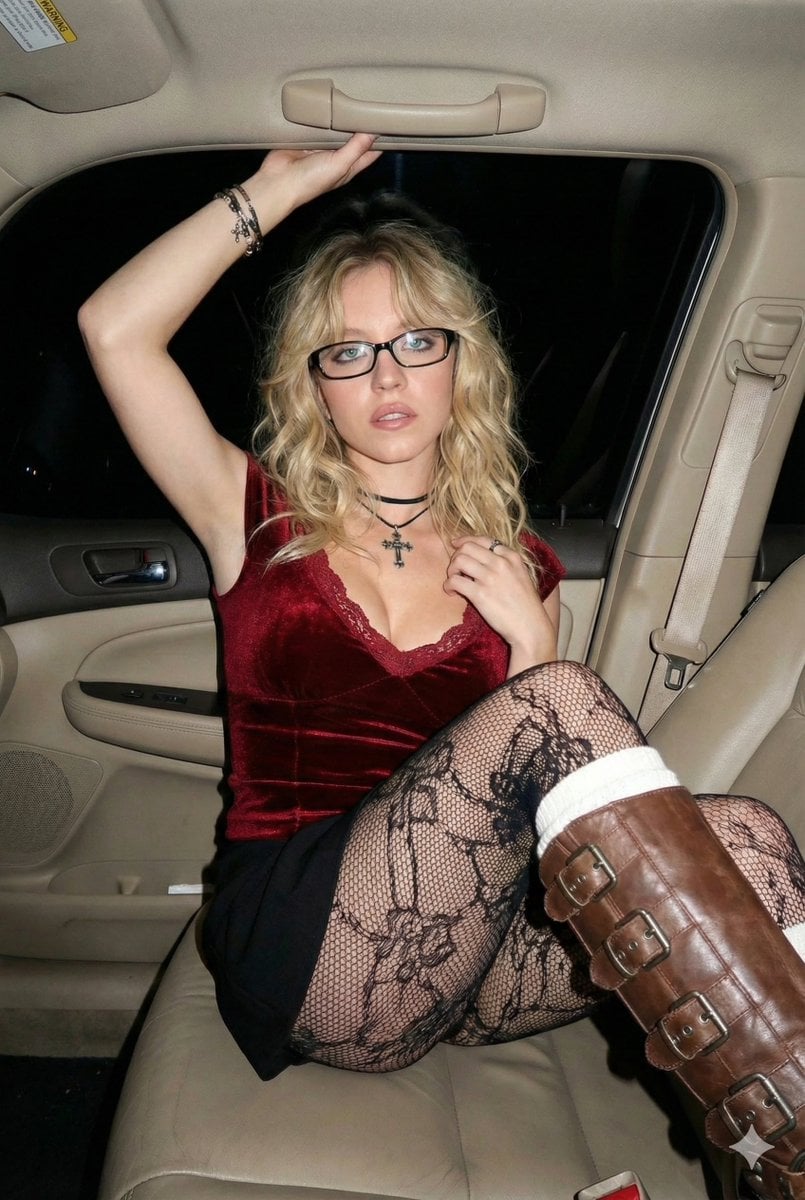
- Prompt included
- Model and format preset
- Free template
The prompt behind this image
Copy the exact prompt behind 2000s Flash Photography Aesthetic Portrait, or open it in the studio and make it yours.
- Prompt Structure › Subject › Description
- Young woman with fair skin and long, layered dark hair with messy bangs
- Prompt Structure › Subject › Facial Features › Expression
- Neutral to confident gaze, looking directly at camera
- Prompt Structure › Subject › Facial Features › Eyewear
- Black rectangular frame glasses
- Prompt Structure › Clothing › Top
- Dark red velvet fitted top with lace trim neckline and cap sleeves, deep V-neck
- Prompt Structure › Clothing › Bottoms
- Black mini skirt
- Prompt Structure › Clothing › Legwear
- Black patterned fishnet tights with floral/lace design
- Prompt Structure › Clothing › Footwear
- Brown leather knee-high boots with multiple heavy metal buckles, white knit socks peeking out from top of boots
- Prompt Structure › Clothing › Accessories
- Black choker necklace with silver cross pendant, layered bracelets on left wrist
- Prompt Structure › Pose › Body Position
- Sitting in the passenger seat of a car, body angled slightly forward
- Prompt Structure › Pose › Arms
- Both arms raised, hands holding onto the car's interior grab handle near the roof
- Prompt Structure › Pose › Legs
- Legs crossed with one knee raised high towards the camera, showcasing the boot and tights detail
- Prompt Structure › Environment › Setting
- Car interior at night
- Prompt Structure › Environment › Details
- Beige leather car seats, car ceiling grab handle, seatbelt mechanism visible, dark windows showing night pitch black outside
- Prompt Structure › Environment › Atmosphere
- Candid, night-out vibe, enclosed space
- Prompt Structure › Lighting › Type
- Direct on-camera flash photography
- Prompt Structure › Lighting › Quality
- Harsh, high-contrast lighting typical of digicams
- Prompt Structure › Lighting › Shadows
- Hard shadows cast behind the subject against the car interior
- Prompt Structure › Lighting › Brightness
- Subject is brightly illuminated against the darker background
- Prompt Structure › Technical Specs › Resolution
- 4k, Ultra HD, high fidelity
- Prompt Structure › Technical Specs › Focus
- Sharp focus throughout, deep depth of field
- Prompt Structure › Technical Specs › Constraints
- No background blur, no bokeh, everything in focus from subject to car interior details
- Prompt Structure › Technical Specs › Aesthetic
- Flash photography, 2000s digital camera aesthetic, unedited, authentic, natural look
- Prompt Structure › Technical Specs › Raw Photo Details › Color Profile
- AdobeRGB
- Prompt Structure › Technical Specs › Raw Photo Details › File Type
- RAW (NEF)
Raw JSON
{
  "prompt_structure": {
    "subject": {
      "description": "Young woman with fair skin and long, layered dark hair with messy bangs",
      "facial_features": {
        "expression": "Neutral to confident gaze, looking directly at camera",
        "eyewear": "Black rectangular frame glasses"
      }
    },
    "clothing": {
      "top": "Dark red velvet fitted top with lace trim neckline and cap sleeves, deep V-neck",
      "bottoms": "Black mini skirt",
      "legwear": "Black patterned fishnet tights with floral/lace design",
      "footwear": "Brown leather knee-high boots with multiple heavy metal buckles, white knit socks peeking out from top of boots",
      "accessories": "Black choker necklace with silver cross pendant, layered bracelets on left wrist"
    },
    "pose": {
      "body_position": "Sitting in the passenger seat of a car, body angled slightly forward",
      "arms": "Both arms raised, hands holding onto the car's interior grab handle near the roof",
      "legs": "Legs crossed with one knee raised high towards the camera, showcasing the boot and tights detail"
    },
    "environment": {
      "setting": "Car interior at night",
      "details": "Beige leather car seats, car ceiling grab handle, seatbelt mechanism visible, dark windows showing night pitch black outside",
      "atmosphere": "Candid, night-out vibe, enclosed space"
    },
    "lighting": {
      "type": "Direct on-camera flash photography",
      "quality": "Harsh, high-contrast lighting typical of digicams",
      "shadows": "Hard shadows cast behind the subject against the car interior",
      "brightness": "Subject is brightly illuminated against the darker background"
    },
    "technical_specs": {
      "resolution": "4k, Ultra HD, high fidelity",
      "focus": "Sharp focus throughout, deep depth of field",
      "constraints": "No background blur, no bokeh, everything in focus from subject to car interior details",
      "aesthetic": "Flash photography, 2000s digital camera aesthetic, unedited, authentic, natural look",
      "raw_photo_details": {
        "color_profile": "AdobeRGB",
        "file_type": "RAW (NEF)",
        "noise_level": "Low luminance noise"
      }
    }
  }
}How to use 2000s Flash Photography Aesthetic Portrait in 3 steps
- 1
Open
The prompt is already in the box next to the preview, with the template's model and format selected.
- 2…a portrait of your subject in softgolden-hour light, 85mm…
Personalize
Edit the subject and creative details for your destination.
- 3Generate
Generate
Press Generate — your image is created in PicX Studio, so you can compare it with the original and refine one variable at a time.
More like this
Templates with the same subject, style or setup. Open one to see its prompt.

Mountain Valley Lifestyle Portrait

Portrait of a young woman in her early 20s walking calmly on a beautiful

A high-definition cinematic portrait of a sophisticated woman sitting

Realistic portrait 100 identical face, no editing allowed
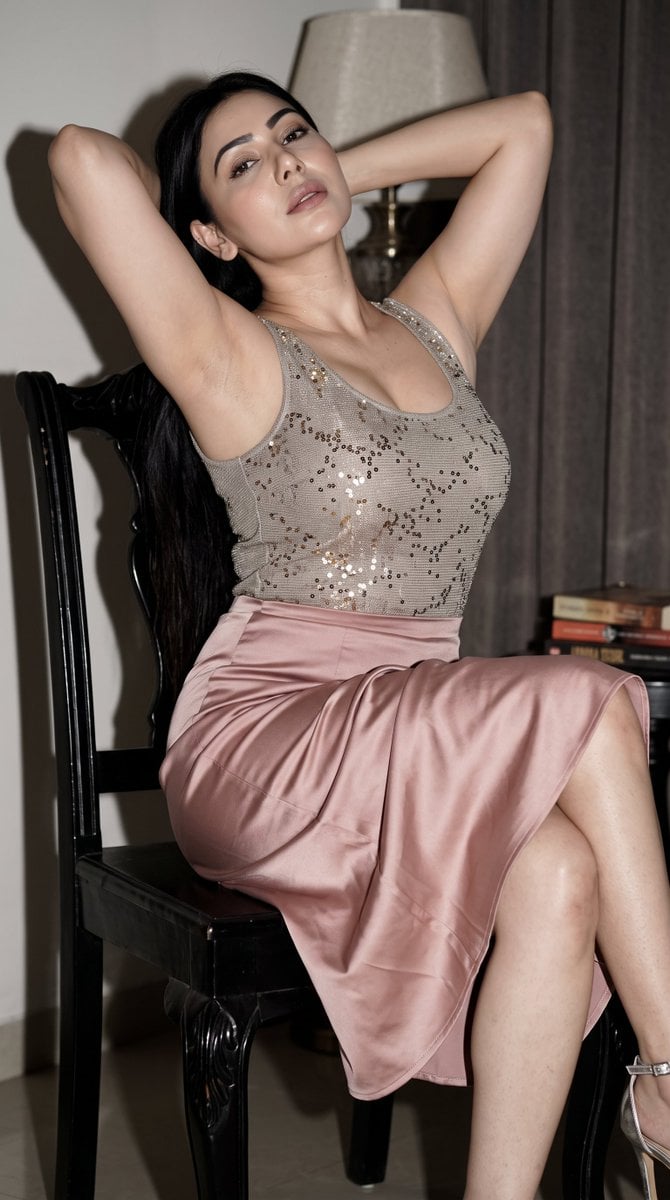
Early 2000s Nightlife Flash Portrait
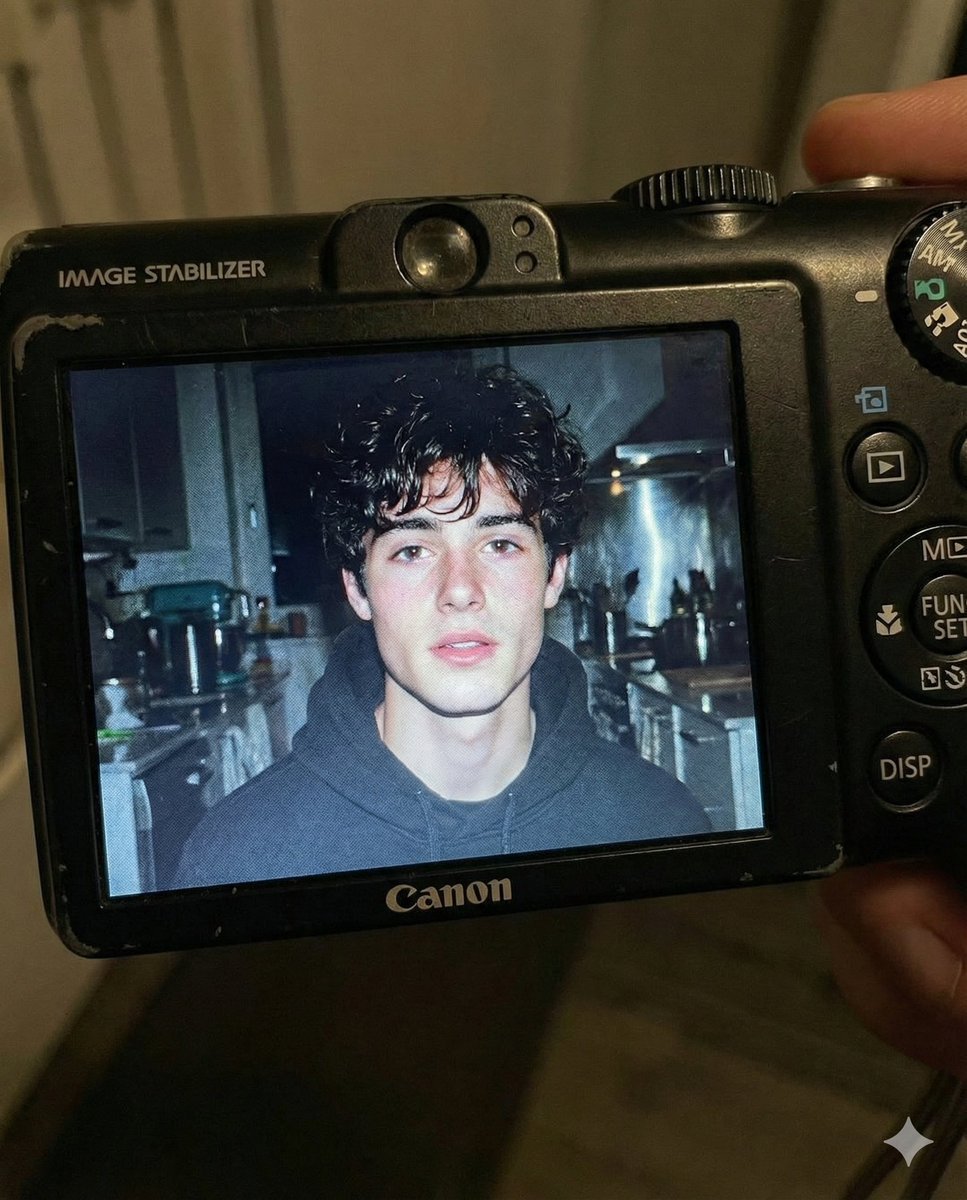
Early 2000s Digital Camera Flash Portrait Prompt

2025 Aesthetic Photography

Found Photograph: Us, 1970

80s Couple Studio Portrait

80s Bollywood Star

80s Golden Hour Cinema

Me in 1985
Make it yours
2000s Flash Photography Aesthetic Portrait works as-is. These are the safest ways to change it without losing the look.
Swap the setting
Keep the rest of the prompt and replace the location block. The current setting is “Car interior at night”.
Swap the light
One lighting change is enough to compare takes. Current light: “Direct on-camera flash photography”.
Change one field
Copy a single group, rewrite it, and generate again so you can see what that field is doing.
| If the result… | Why | Fix |
|---|---|---|
| The result drifts from the preview | Too many fields changed at once. | Reuse 2000s Flash Photography Aesthetic Portrait as-is first, then change one group — subject, light, or setting. |
| Nano Banana 2 ignores part of the JSON | Some models flatten or skip nested keys. | Keep the same values and paste them as a short paragraph instead. |
More Nano Banana 2 templates
Other prompts made for Nano Banana 2.

Photorealistic Leaf Shaped Like a Dragon

K-Pop Idol Portrait Grid for Rapid Selection

Poetic Rain Forest Portrait During Golden Hour

Urban Street Portrait with Cartoon Inner Self Duo

Candid Nighttime Photo with Cat Prompt

High-Concept 3D Diorama Generation Prompt

Cinematic Futuristic Studio Portrait Template

Skincare Editorial Photography Collage Prompt

Hyper-Realistic Commercial Product Photography (Splash Effect)

Hyper-Realistic Nightclub Portrait Prompt
More image prompts
Fresh picks from across the catalog.

Live Stream App Screenshot Generator
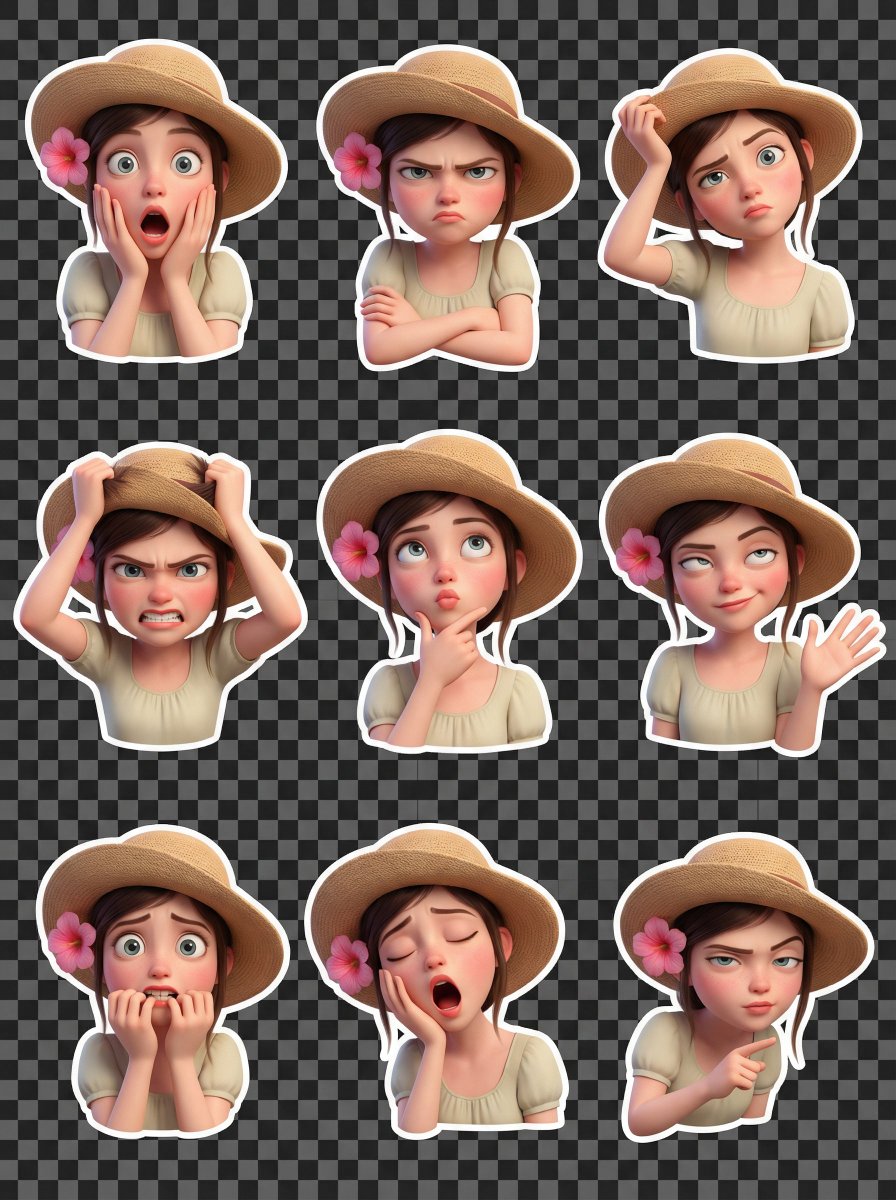
Pixar Style 3D Emoji Sticker Pack
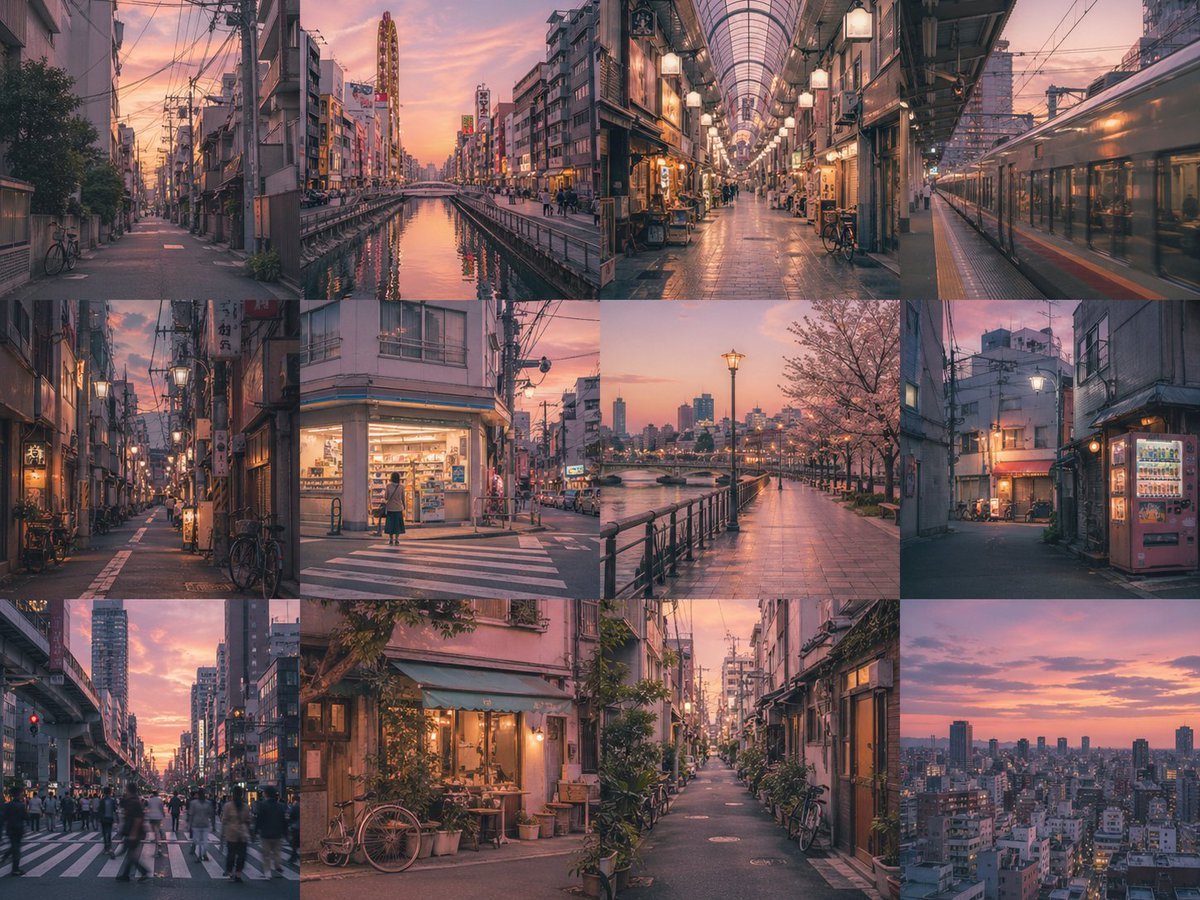
Multi-Panel Image Board Template
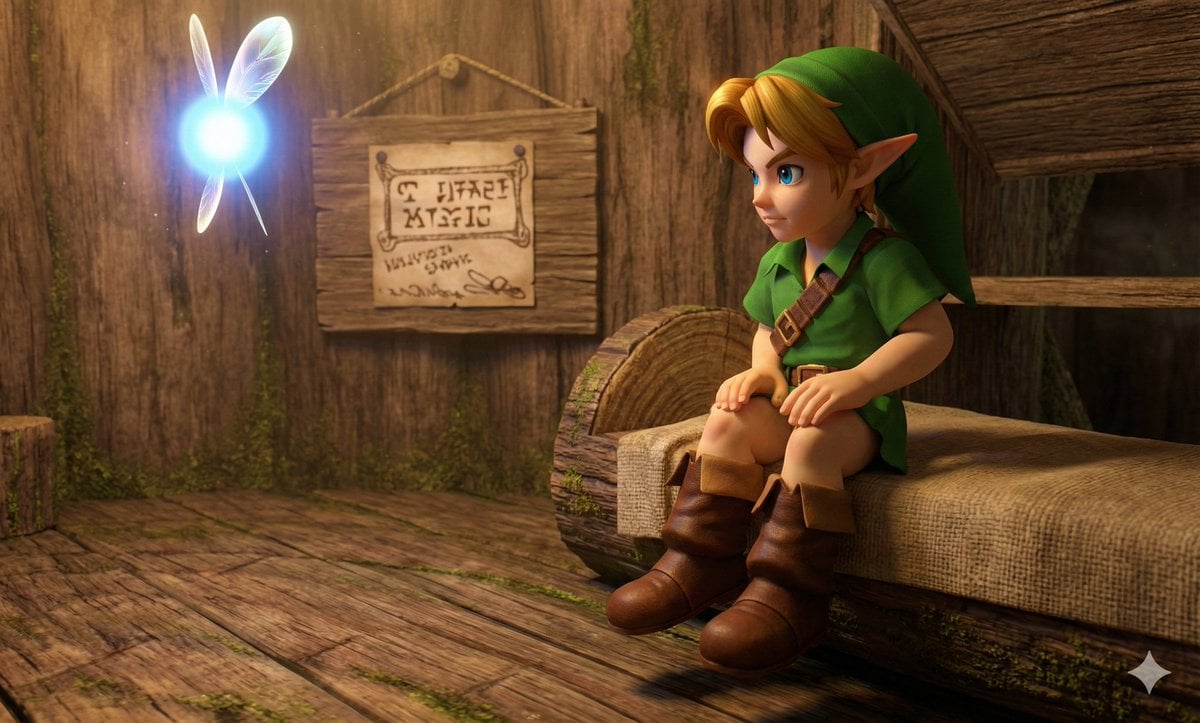
Hyper faithful image remaster
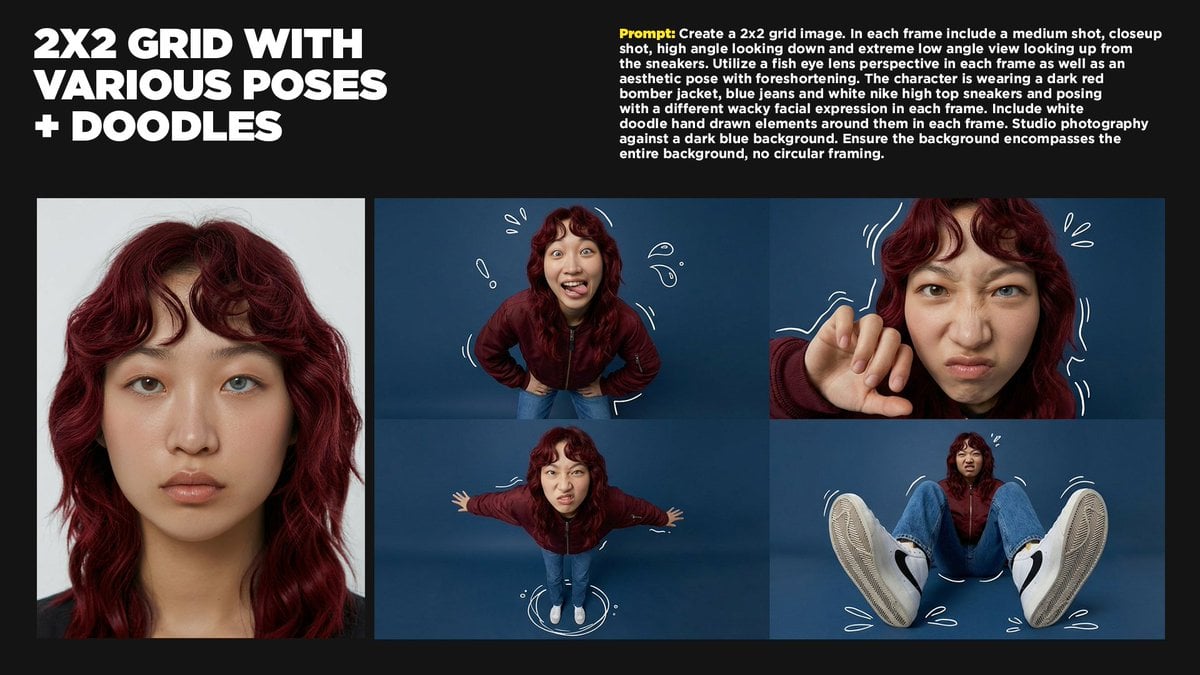
2x2 Grid Storytelling with Extreme Angles and Doodle Elements
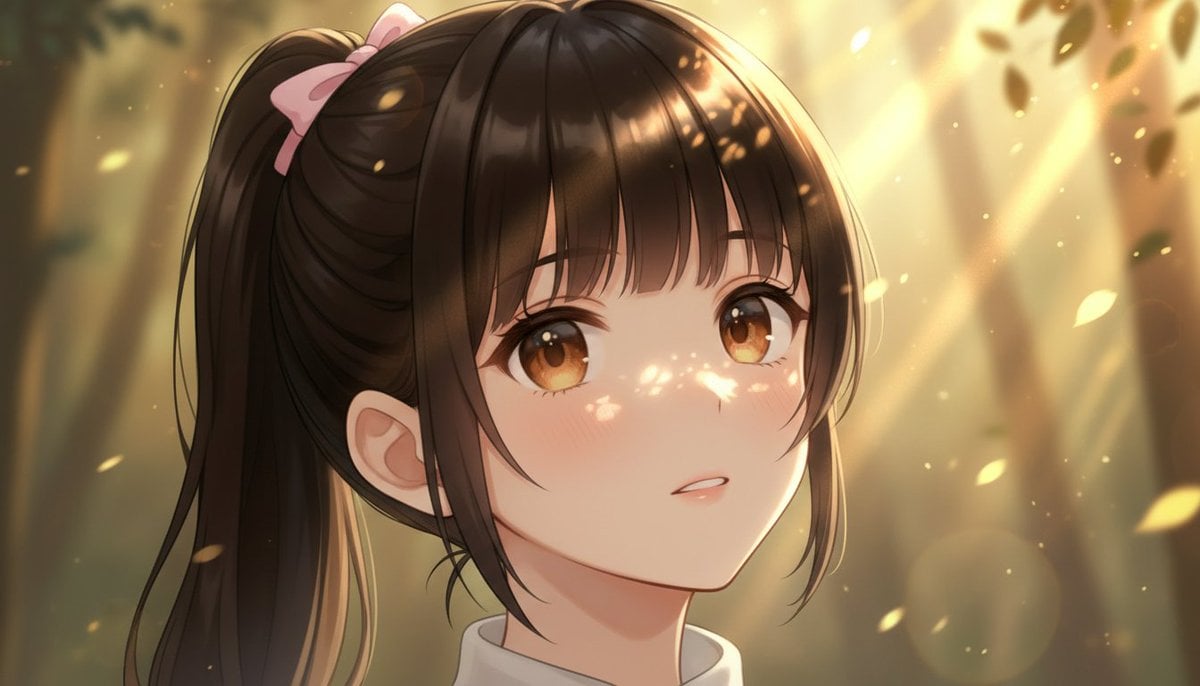
Image Generation Comparison Prompt: Extreme Zoom on a Girl's Face

Censored Chibi AI Engineer
Cinematic Fashion on Black Sand Beach Prompt
Fantasy Sunset Landscape with Black Cat Silhouette and City Reflection
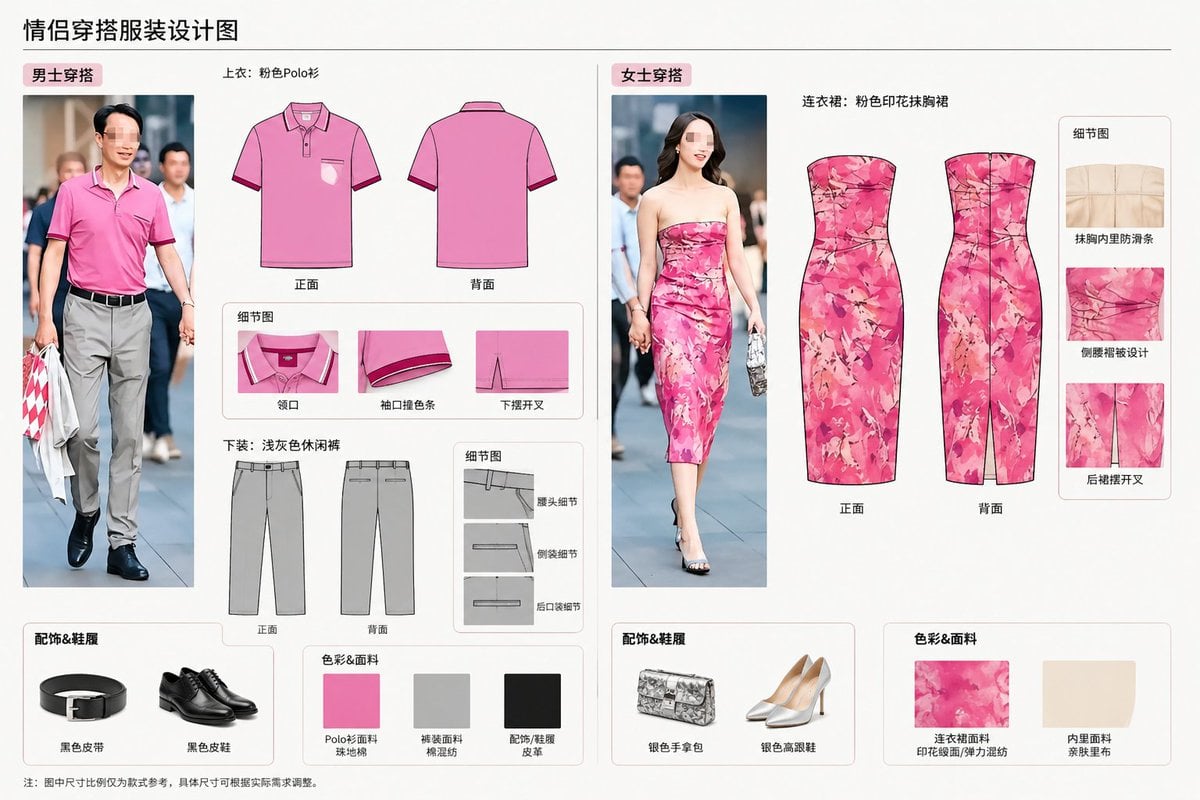
Real-World Clothing Deconstruction
Browse template categories
2000s Flash Photography Aesthetic Portrait questions
How do I use the 2000s Flash Photography Aesthetic Portrait template?
Add your photo if the template asks for one, edit the prompt if you like — the template's model and format are already selected — and press Generate. Your version opens in PicX Studio.
Can I customize the 2000s Flash Photography Aesthetic Portrait template?
Yes. You can change the subject, setting, lighting, mood, format, and available model controls before creating your image.
Is the 2000s Flash Photography Aesthetic Portrait template free?
Opening and editing this template is free. Generating uses credits, shown on the Generate button when you are signed in.
Which AI model should I use?
Start with Nano Banana 2, which is the model associated with this template. You can compare another compatible model for a different finish.
Looking for something else? Browse all templates.

Your photo, any look
Thousands of ready templates for every top image and video model, from one credit balance.