
Cheeseburger to Mini Café Transformation
A five-panel photorealistic storyboard prompt showing a juicy cheeseburger transforming into a miniature fast-food café diorama.
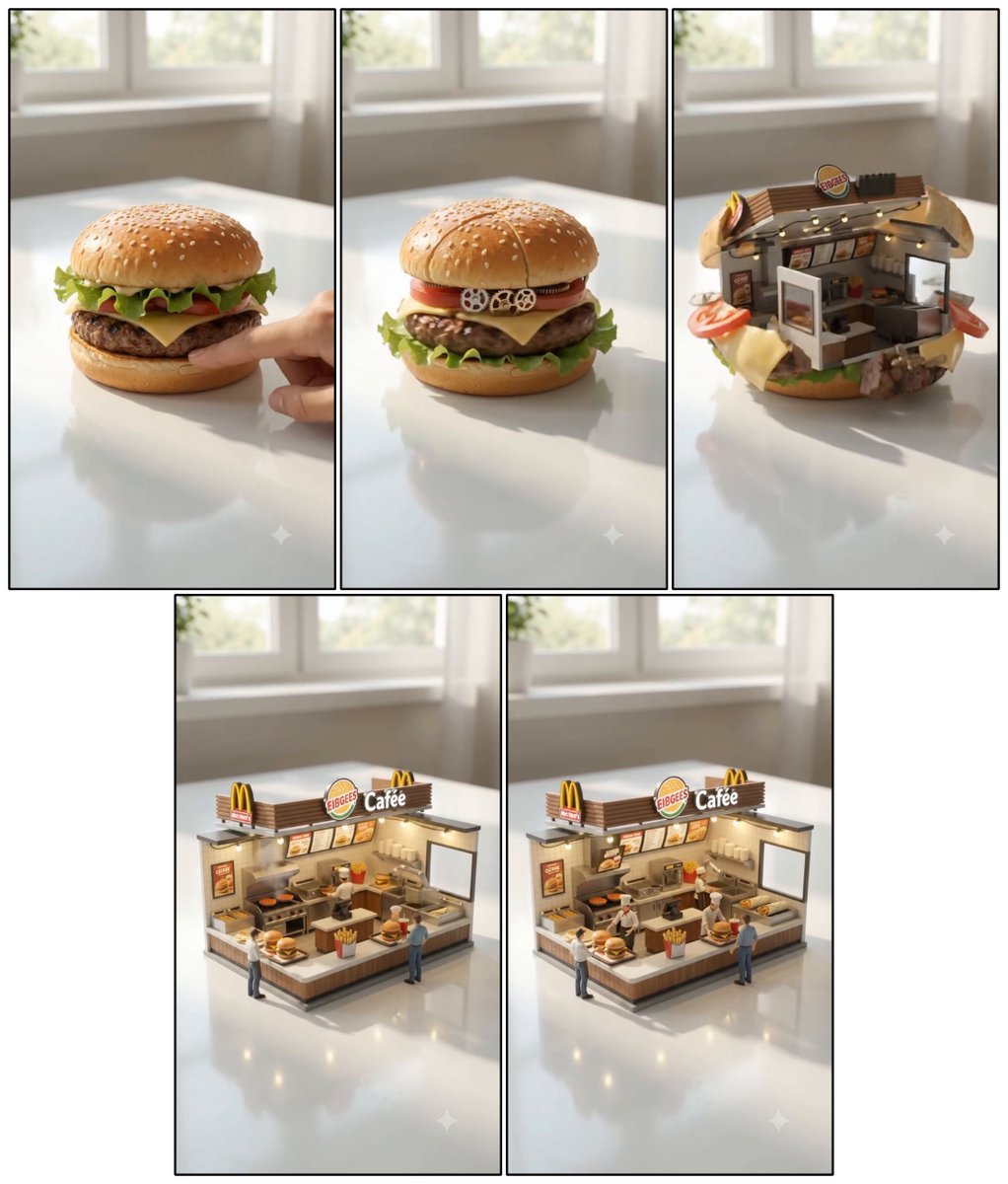
- Prompt included
- Model and format preset
- Free template
The prompt behind this image
Copy the exact prompt behind Cheeseburger to Mini Café Transformation, or open it in the studio and make it yours.
Goal: Create a highly detailed photorealistic miniature food transformation storyboard showing a cheeseburger turning into a tiny fast-food café diorama on a glossy tabletop. Canvas: Square collage layout with exactly 5 vertical 9:16 panels separated by thin black borders: 3 panels across the top row and 2 panels centered on the bottom row. Use a bright softly lit room with a blurred window in the background, white glossy tabletop, realistic reflections, shallow depth of field, warm daylight, cinematic miniature photography. Panel sequence: Panel 1 shows a realistic juicy cheeseburger on the tabletop, with a golden sesame-seed bun, crispy green lettuce, tomato, melted cheese, thick beef patty, and bottom bun; a human finger touches/pushes the burger from the right side to initiate the transformation. Panel 2 shows the burger beginning to transform, still mostly intact, with small mechanical gears and circular parts appearing between the tomato and cheese layers, suggesting hidden machinery inside. Panel 3 shows the burger partially opened and converted into a miniature restaurant interior, with bun fragments forming the outer shell, lettuce, cheese, tomato slices, and patty pieces still visible around the edges, and a tiny illuminated café counter inside. Panel 4 shows the completed miniature fast-food café diorama standing where the burger was, with a compact counter, kitchen equipment, menu boards, warm lights, condiment area, fries container, burgers on the counter, and exactly 3 tiny human figures: one customer at the front left, one worker behind the counter, and one customer standing at the right. Panel 5 shows a similar final completed café from a slightly refined angle, again with the same compact burger-shop structure, warm interior lights, menu boards, counter food, and exactly 3 tiny human figures. Signage and text: Add fast-food branding signs inspired by burger restaurants, including a roof sign reading {argument name="café sign text" default="FIBGEES Cafée"} and small golden arch-like logo signs on the roof. Include small menu boards with unreadable tiny food-item text, not crisp paragraphs. Subject details: The final miniature café should have wood-slat fascia, cream and brown walls, a stainless-steel kitchen area, small griddle, shelves, a drink cup, fries, burgers, glowing string lights or under-counter lights, and realistic scale-model construction. Maintain a sense that the café emerged from the original cheeseburger. Visual style: Photorealistic macro miniature scene, whimsical transformation, high detail, realistic materials, soft shadows, glossy reflections, warm inviting lighting, shallow depth of field, clean white tabletop, bright window-lit room. Avoid cartoon style, avoid extra panels, avoid extra figures, avoid large readable text beyond the main signage.
How to use Cheeseburger to Mini Café Transformation in 3 steps
- 1Upload ImagePNG, JPG or paste
Add your photo
Upload the photo the template builds on. The prompt, model and format are already set.
- 2…a portrait of your subject in softgolden-hour light, 85mm…
Personalize
Edit the subject and creative details for your destination.
- 3Generate
Generate
Press Generate — your image is created in PicX Studio, so you can compare it with the original and refine one variable at a time.
More like this
Templates with the same subject, style or setup. Open one to see its prompt.
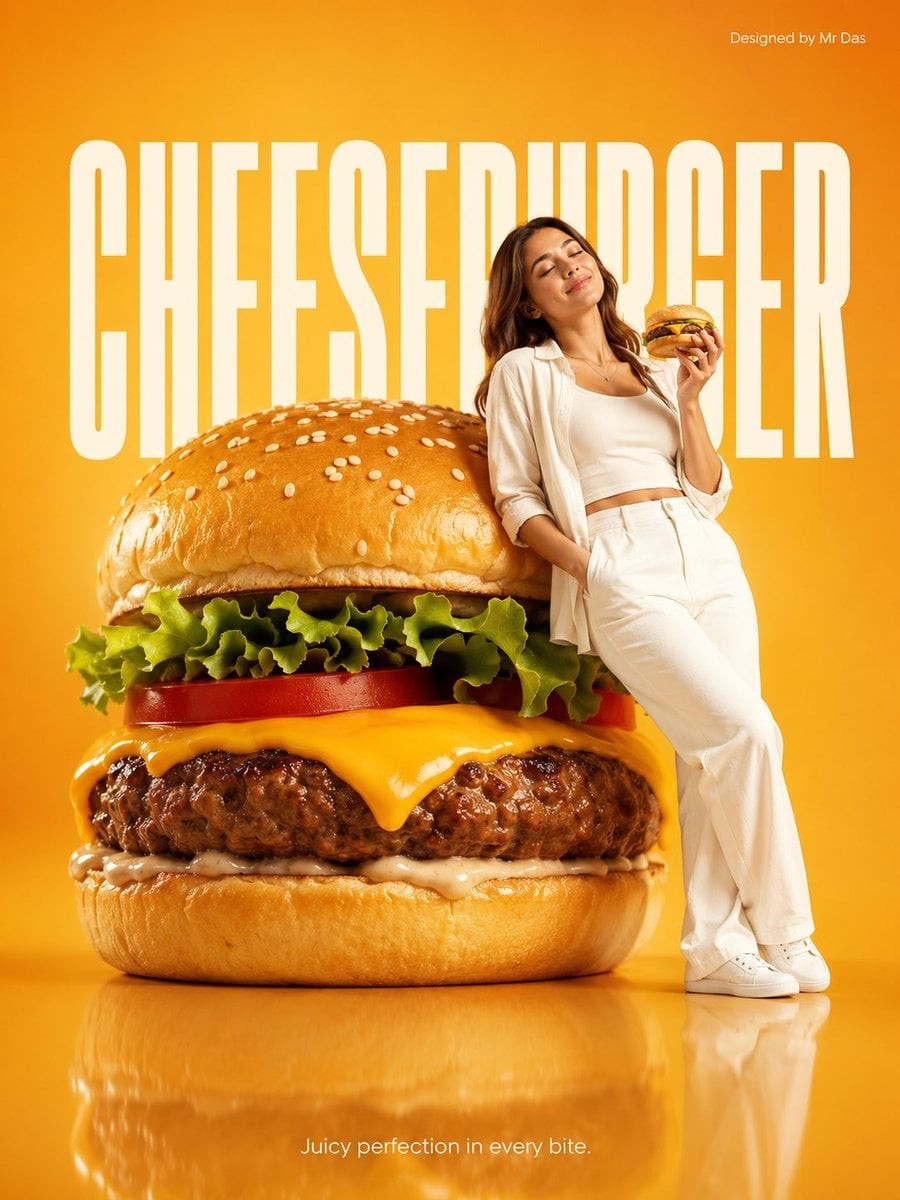
Minimalist Giant Cheeseburger Ad Concept
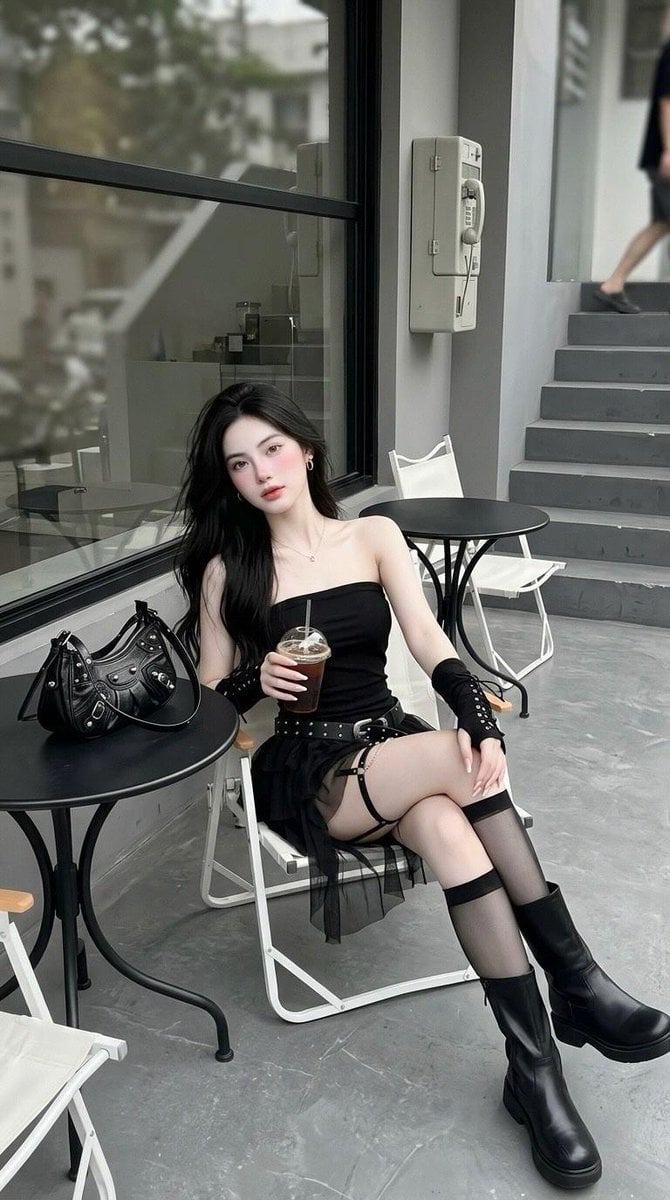
Minimalist Cafe Street Fashion
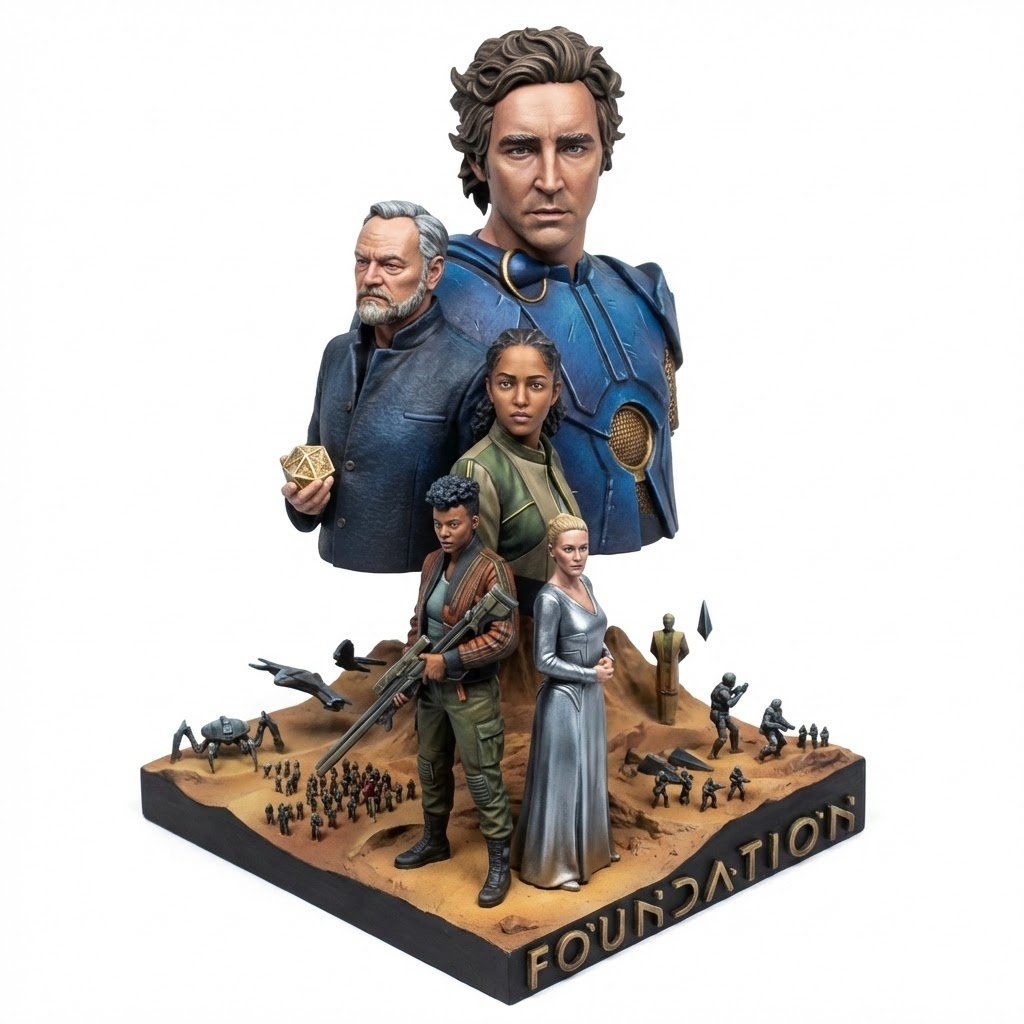
Realistic Miniature Sports Figurine Transformation
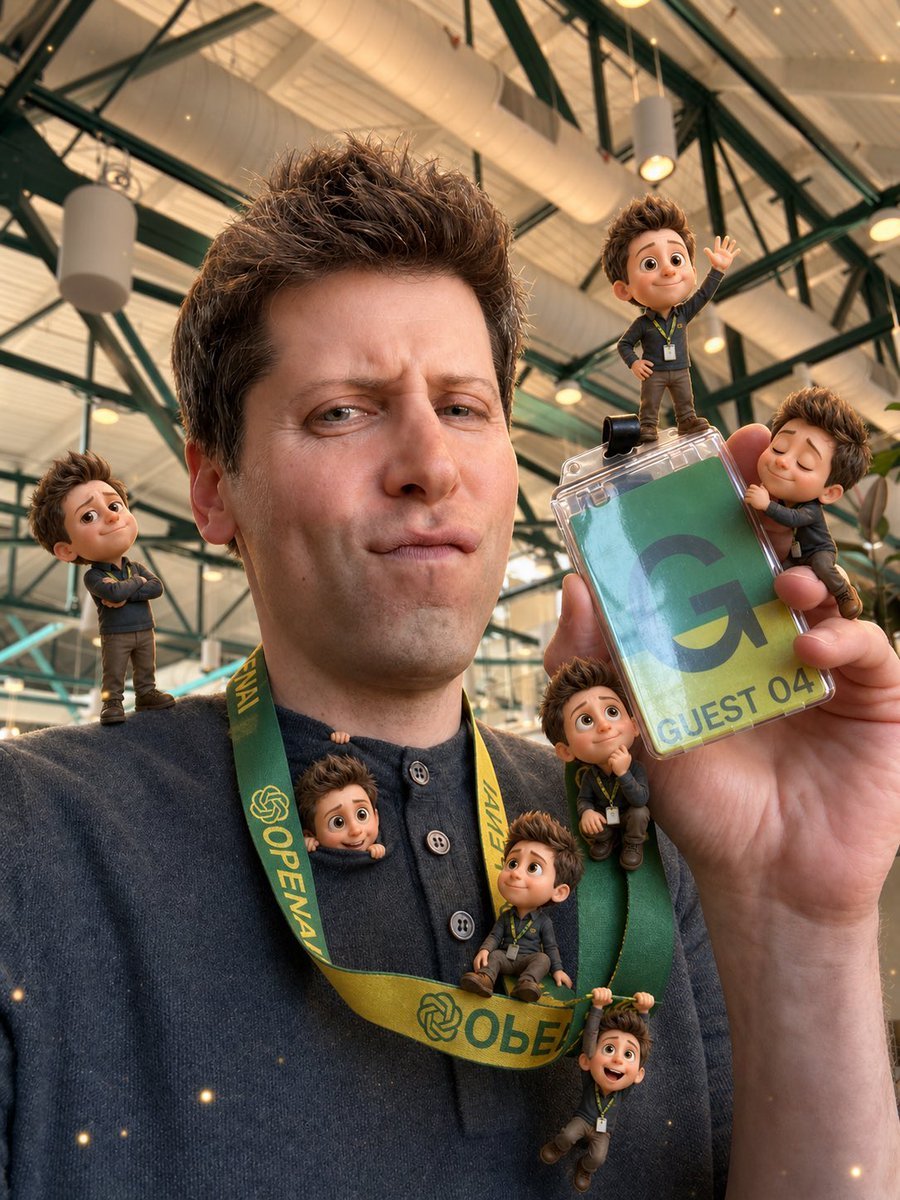
Mini-Me 3D Selfie Transformation
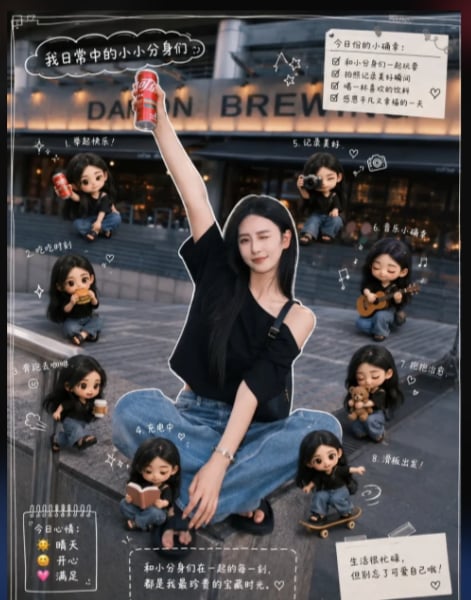
Mini Clone Cafe Selfie Composite
Seedance - Character Transition
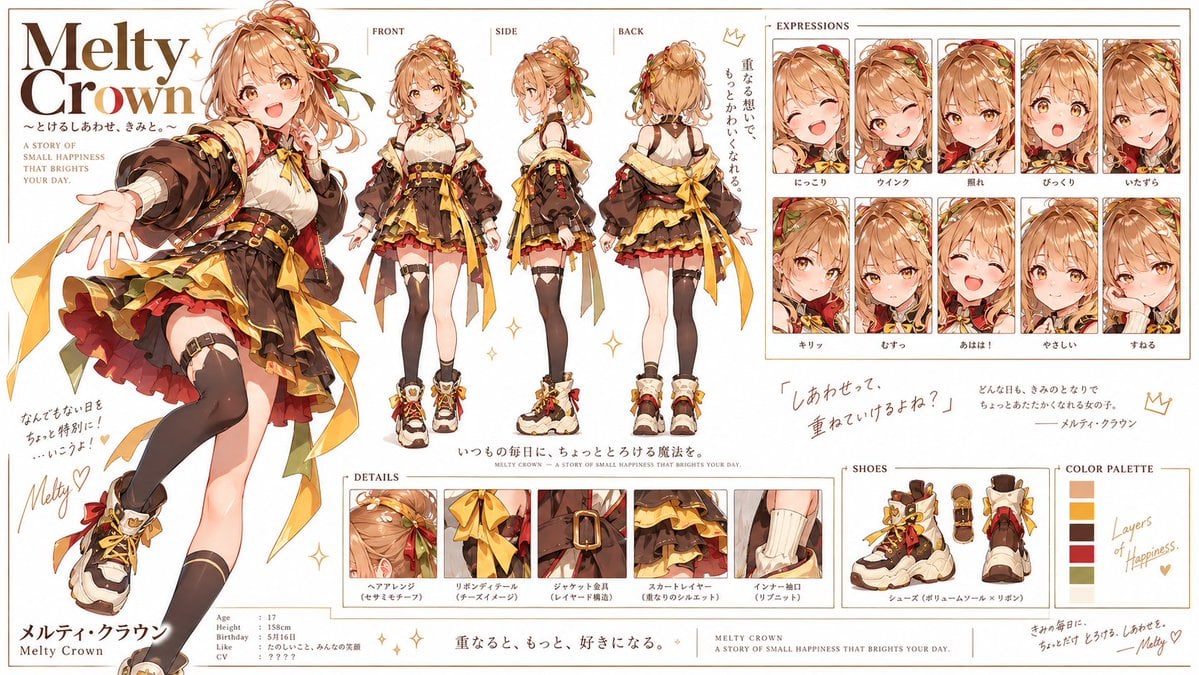
Double Cheeseburger Character Sheet

Mini Sick Woman in Water Glass
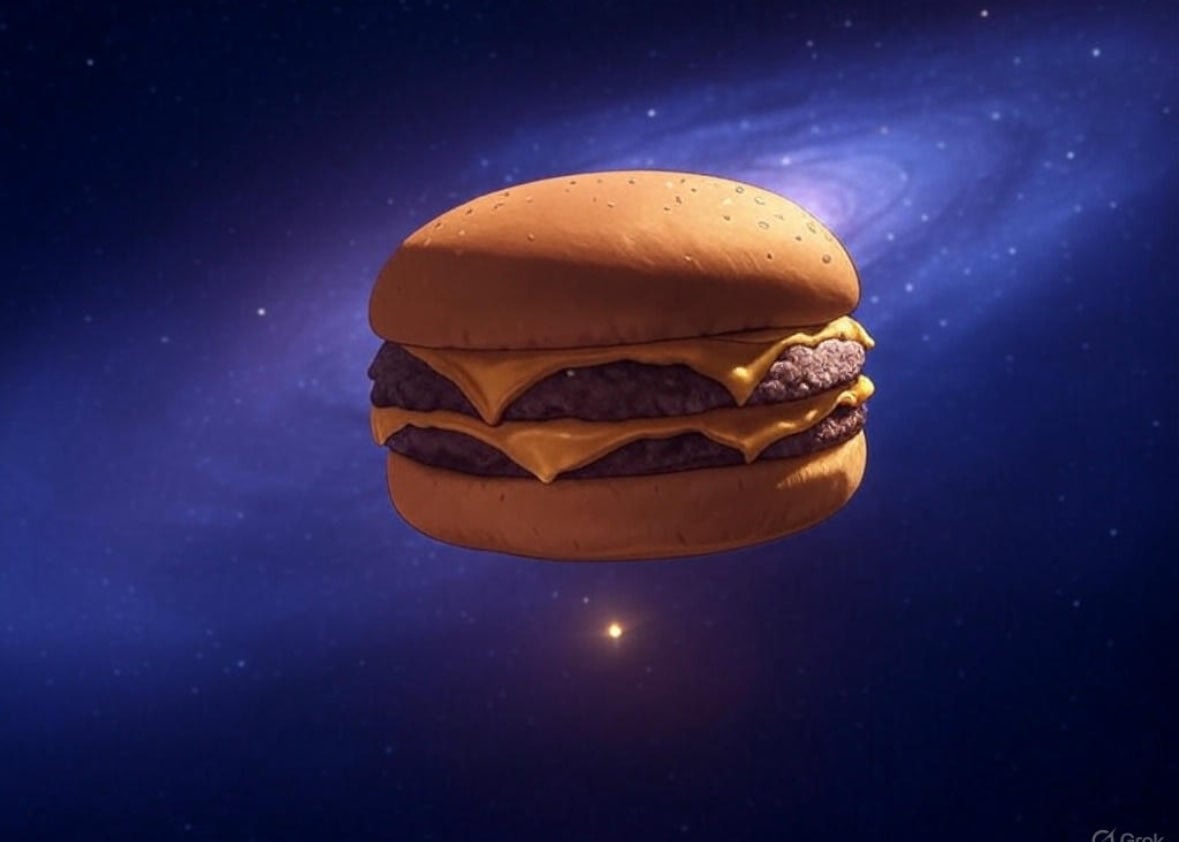
Floating Cheeseburger in Space

Anime Alley Kick Transformation
Chaotic Claymation Photo Transformation
Realistic Person with Chibi Miniatures
Make it yours
Cheeseburger to Mini Café Transformation works as-is. These are the safest ways to change it without losing the look.
Change one field
Copy a single group, rewrite it, and generate again so you can see what that field is doing.
Keep the frame, change the subject
Hold the composition and light of Cheeseburger to Mini Café Transformation, then swap wardrobe, props or the person for a new take.
| If the result… | Why | Fix |
|---|---|---|
| The result drifts from the preview | Too many fields changed at once. | Reuse Cheeseburger to Mini Café Transformation as-is first, then change one group — subject, light, or setting. |
| The model over-stylizes the scene | The prose prompt leaves finish and camera underspecified. | Add one camera or lighting sentence and stay on GPT Image 2. |
More GPT Image 2 templates
Other prompts made for GPT Image 2.

Six VTuber Japanese Logo Sheet

Realistic Portrait of Woman and Deer

The Vista Modular Condo Poster

AI Model Routing Comparison Infographic

2.5D Anime Art Board

Isometric Productivity Desk Scene

New York Double Exposure Poster

Four-Panel AI Landscape Comparison

Japanese Tatami Lifestyle Magazine Cover

NESCAFÉ Coffee Map Poster
More image prompts
Fresh picks from across the catalog.
Soft Aesthetic Portrait with Sheep
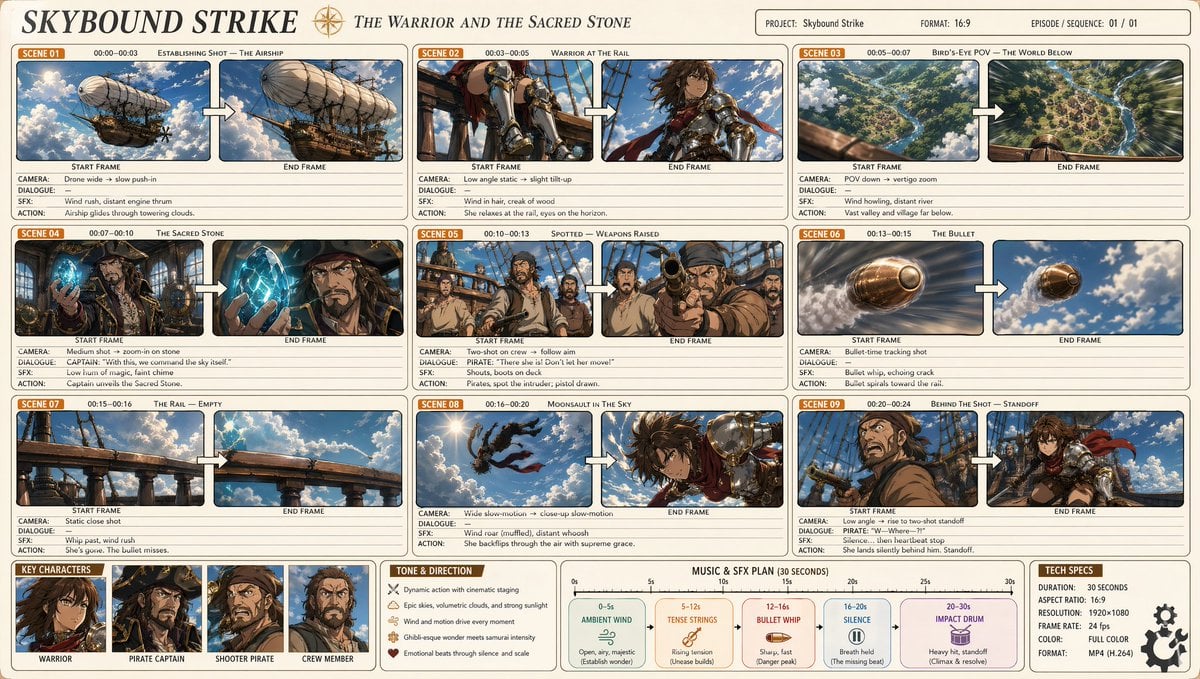
Professional Anime Cinematic Storyboard

X Strength04 X Gpt Image 2 on Chatgpt
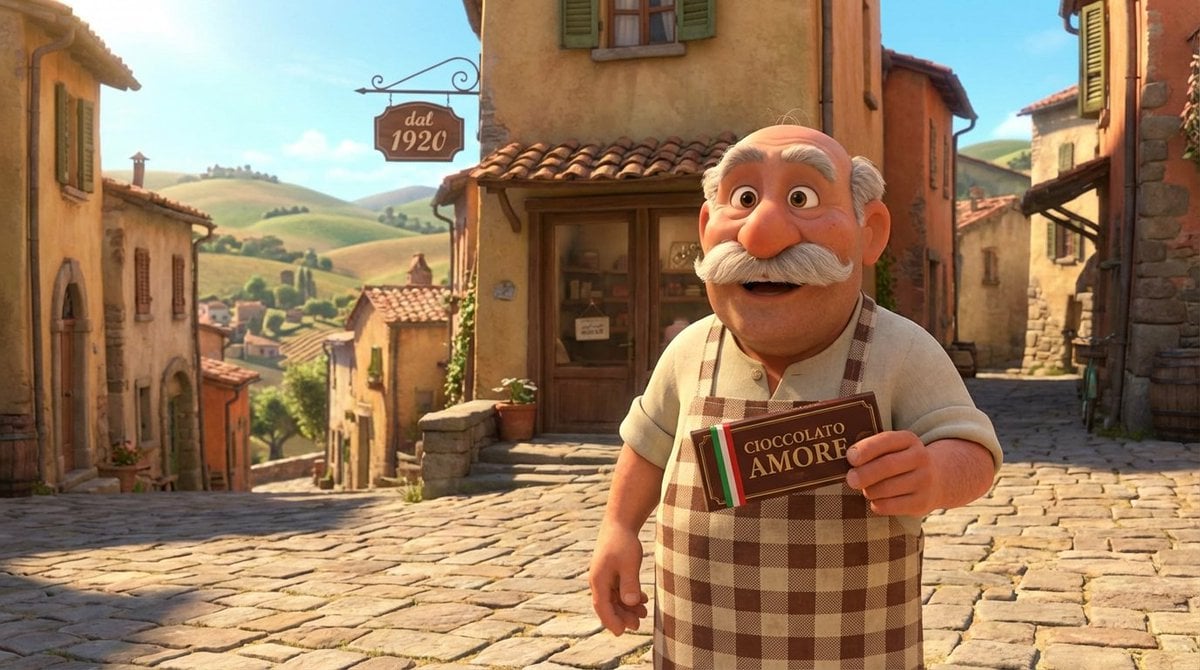
Pixar Style Italian Man in Front of Chocolate Shop
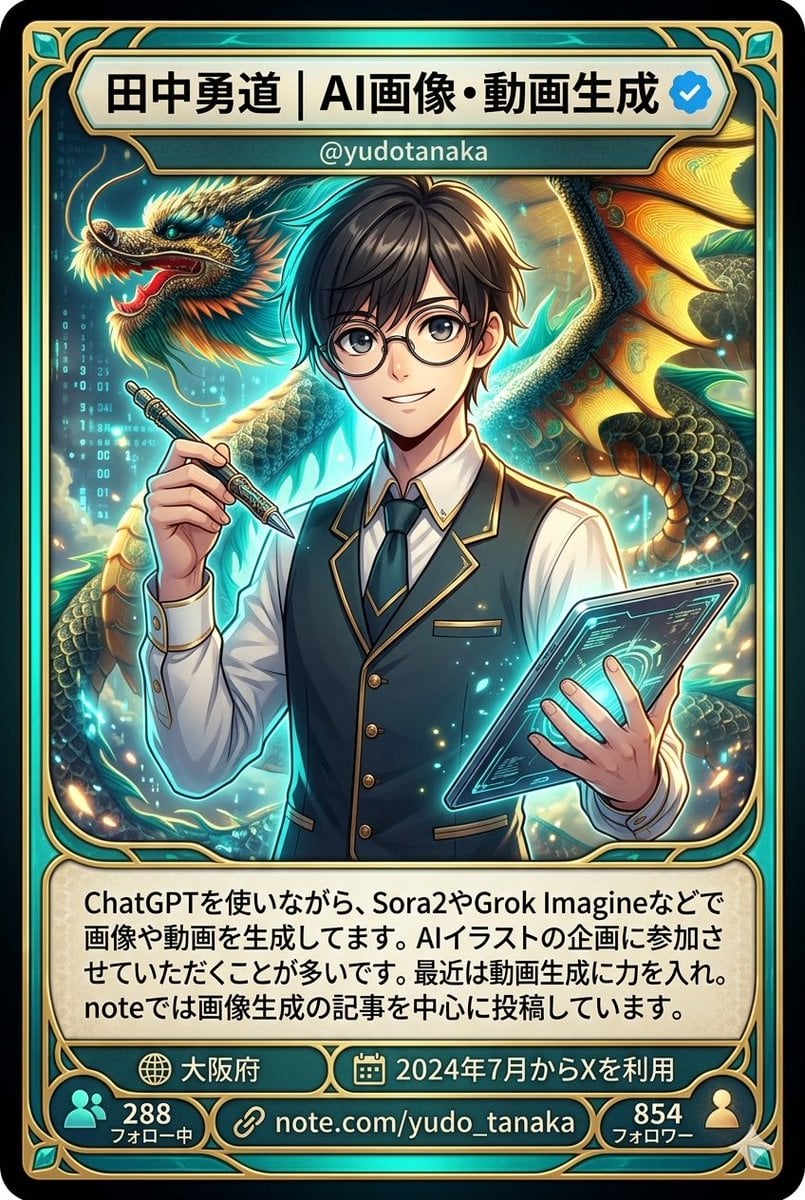
Character Card Generation from Profile Image
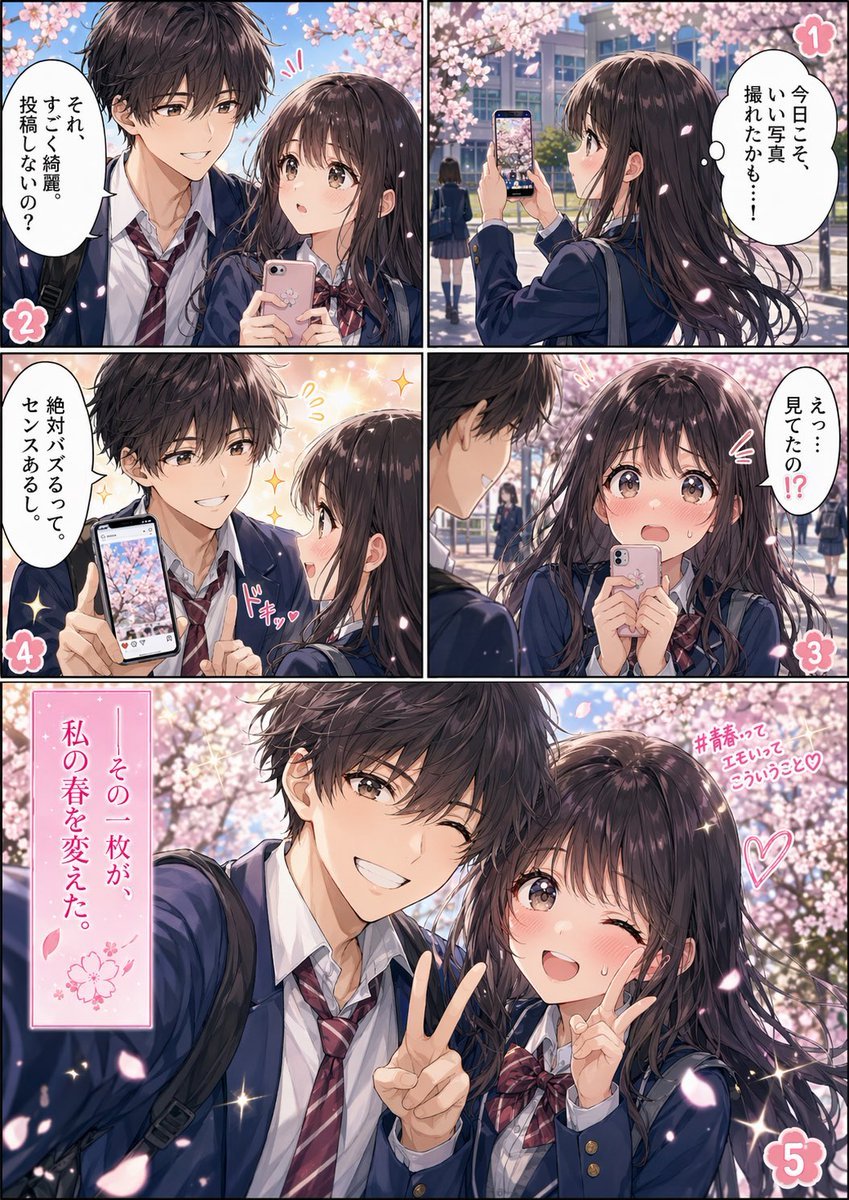
Spring School Romance Manga Page
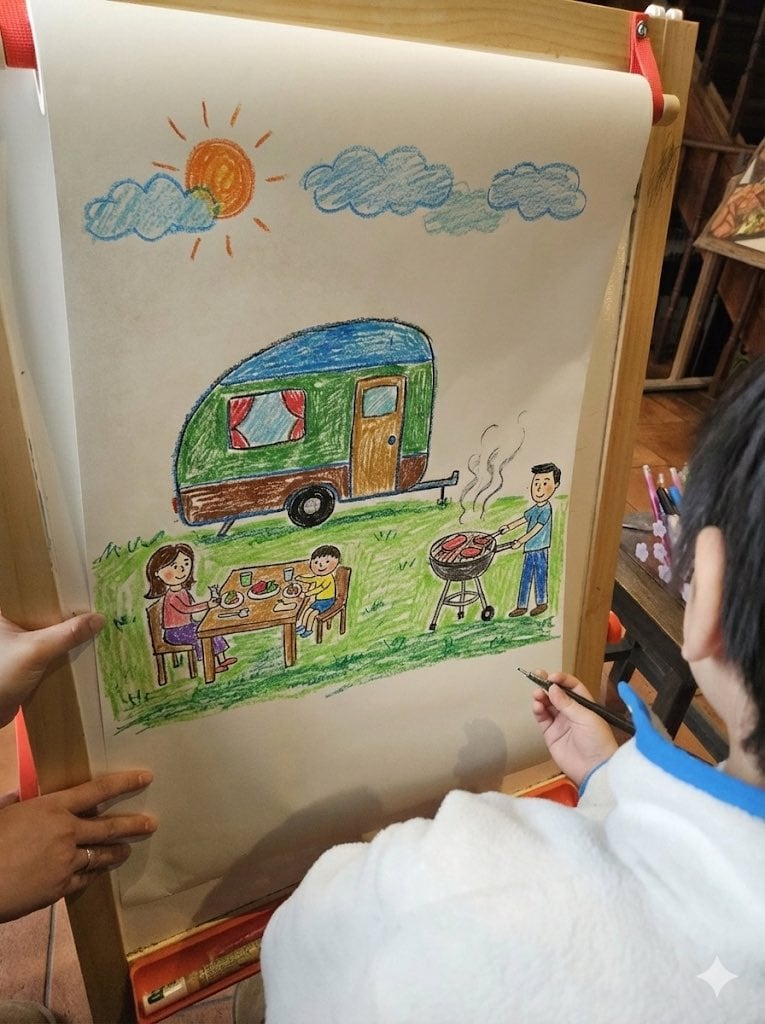
Childlike crayon-style family camping drawing
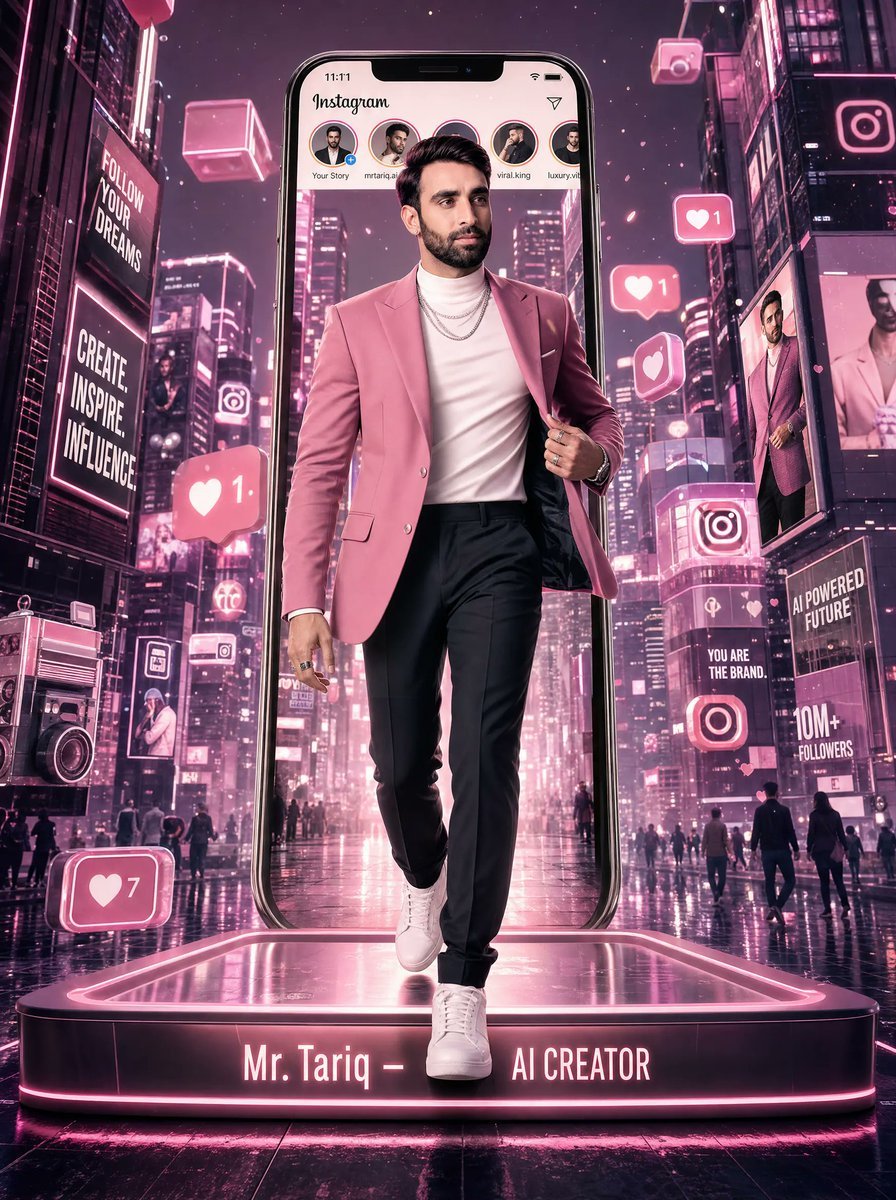
Neon Instagram AI Creator Poster
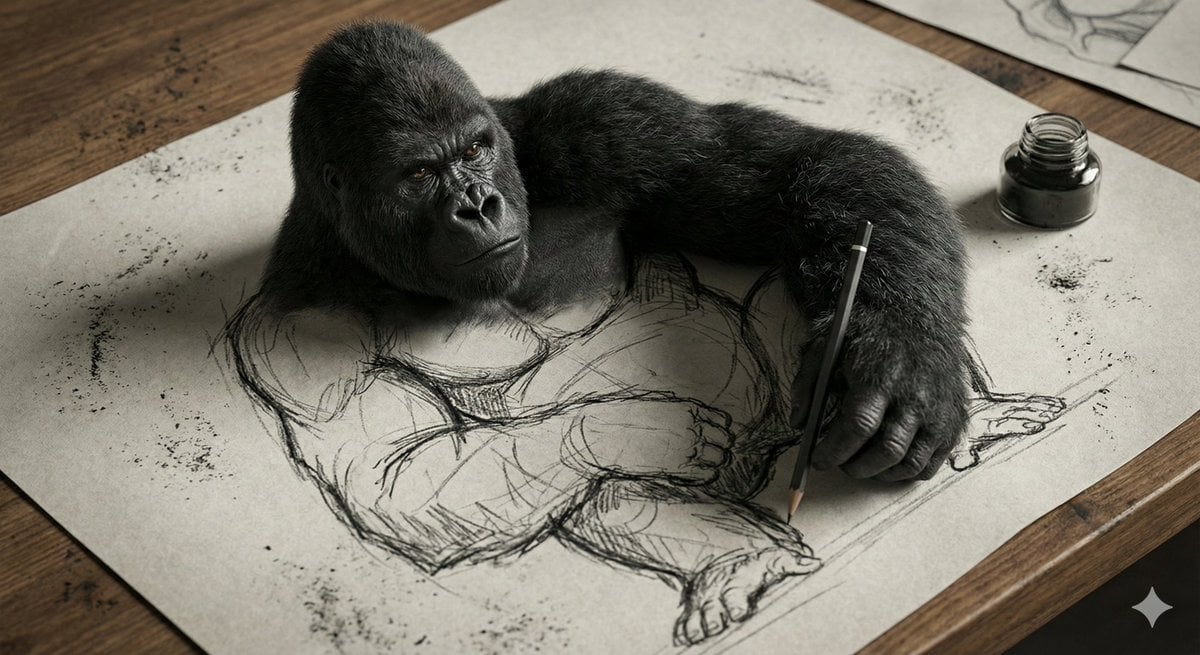
3D Gorilla Emerging from 2D Charcoal Sketch
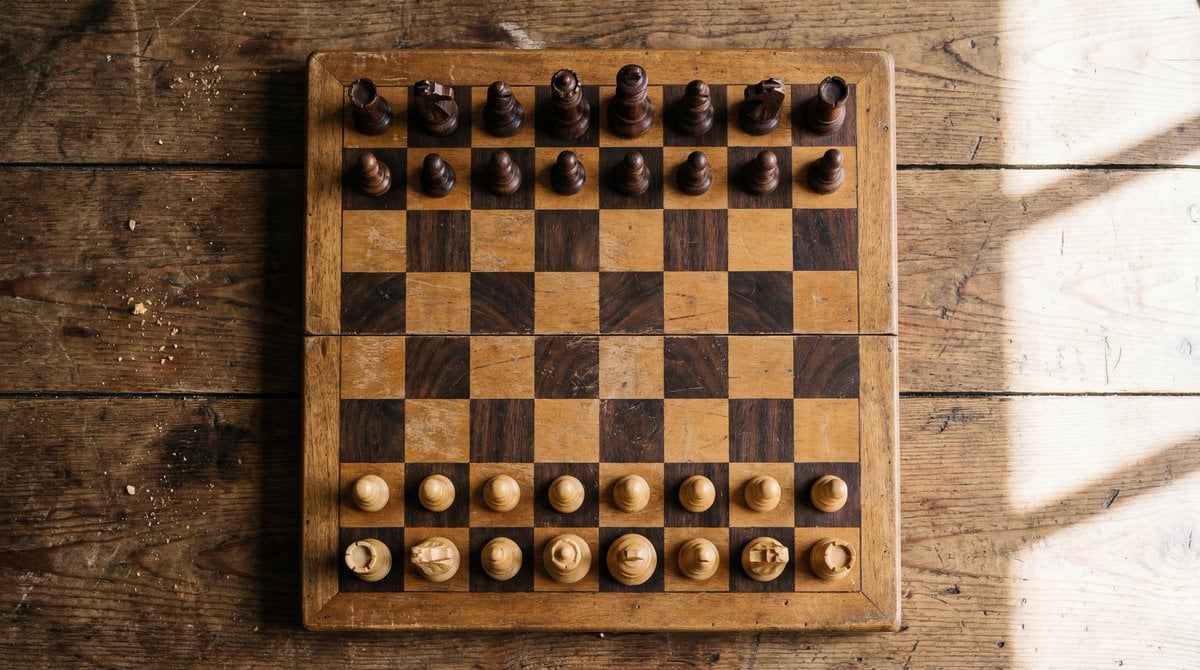
Top View of Chess Board in Starting Position
Browse template categories
Cheeseburger to Mini Café Transformation questions
How do I use the Cheeseburger to Mini Café Transformation template?
Add your photo if the template asks for one, edit the prompt if you like — the template's model and format are already selected — and press Generate. Your version opens in PicX Studio.
Can I customize the Cheeseburger to Mini Café Transformation template?
Yes. You can change the subject, setting, lighting, mood, format, and available model controls before creating your image.
Is the Cheeseburger to Mini Café Transformation template free?
Opening and editing this template is free. Generating uses credits, shown on the Generate button when you are signed in.
Which AI model should I use?
Start with GPT Image 2, which is the model associated with this template. You can compare another compatible model for a different finish.
Looking for something else? Browse all templates.

Your photo, any look
Thousands of ready templates for every top image and video model, from one credit balance.