
Floating Cheeseburger in Space
A surreal photorealistic CGI scene of a double cheeseburger floating against a galaxy-filled starfield, useful for humorous sci-fi food visuals.
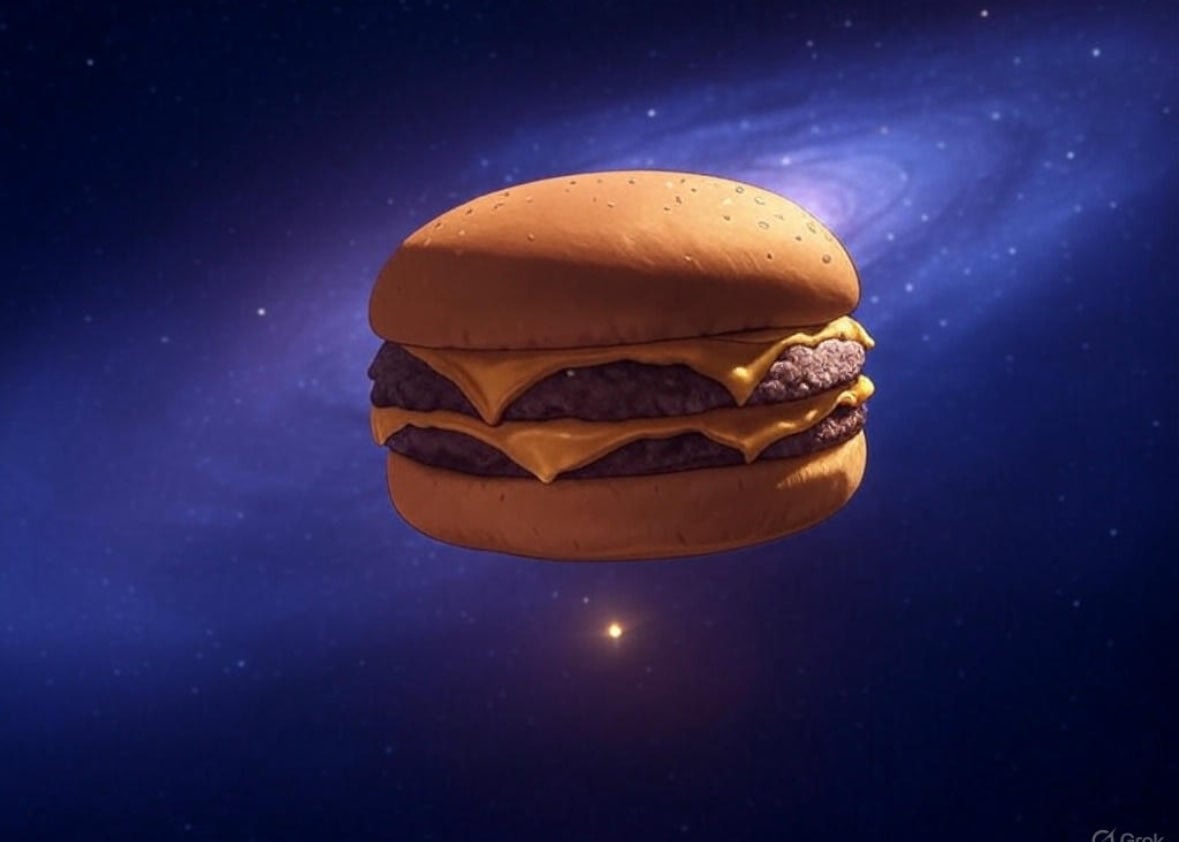
- Prompt included
- Model and format preset
- Free template
The prompt behind this image
Copy the exact prompt behind Floating Cheeseburger in Space, or open it in the studio and make it yours.
Create a cinematic surreal 3D render of a giant floating {argument name="food subject" default="double cheeseburger"} suspended in deep outer space, centered slightly left of frame. The burger has exactly 5 visible food layers: a smooth rounded top bun with tiny sesame-like pores, an upper melted cheddar cheese slice drooping over the edge, a thick dark beef patty, a second melted cheddar cheese slice, and a rounded bottom bun; make the cheese glossy orange-yellow with soft folds and the patties rough and textured. Use a dark blue and violet starfield background with countless tiny stars, one small bright golden star below the burger near the lower center, and a luminous spiral galaxy/nebula sweeping diagonally behind it in the upper right. Lighting should be dramatic and realistic, with warm highlights on the bun and cheese from the front-left and cool blue rim light from the space background. The composition is widescreen 16:9, minimal and iconic, no text, no people, no plate, no packaging, no watermark, with shallow cinematic depth and high-detail photorealistic CGI.
How to use Floating Cheeseburger in Space in 3 steps
- 1Upload ImagePNG, JPG or paste
Add your photo
Upload the photo the template builds on. The prompt, model and format are already set.
- 2…a portrait of your subject in softgolden-hour light, 85mm…
Personalize
Edit the subject and creative details for your destination.
- 3Generate
Generate
Press Generate — your image is created in PicX Studio, so you can compare it with the original and refine one variable at a time.
More like this
Templates with the same subject, style or setup. Open one to see its prompt.

Miniature Travel Diorama Postcard

Astronaut Zero-Gravity Coffee Splash

Floating Woman Above Cityscape with Notifications
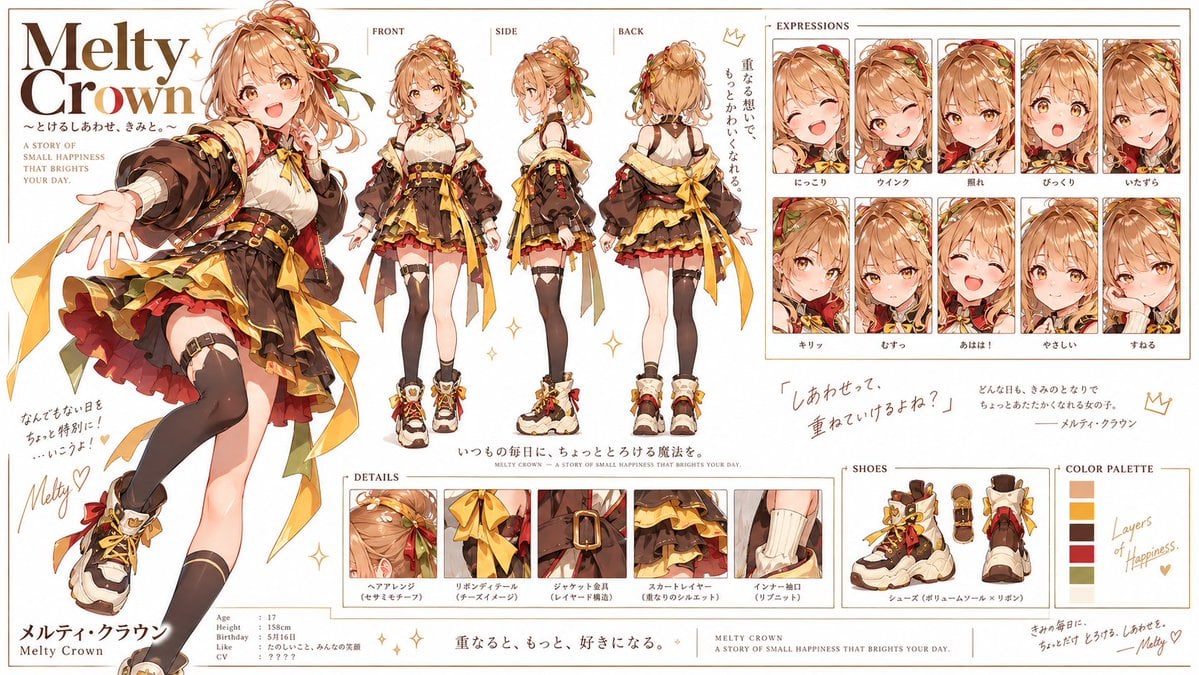
Double Cheeseburger Character Sheet
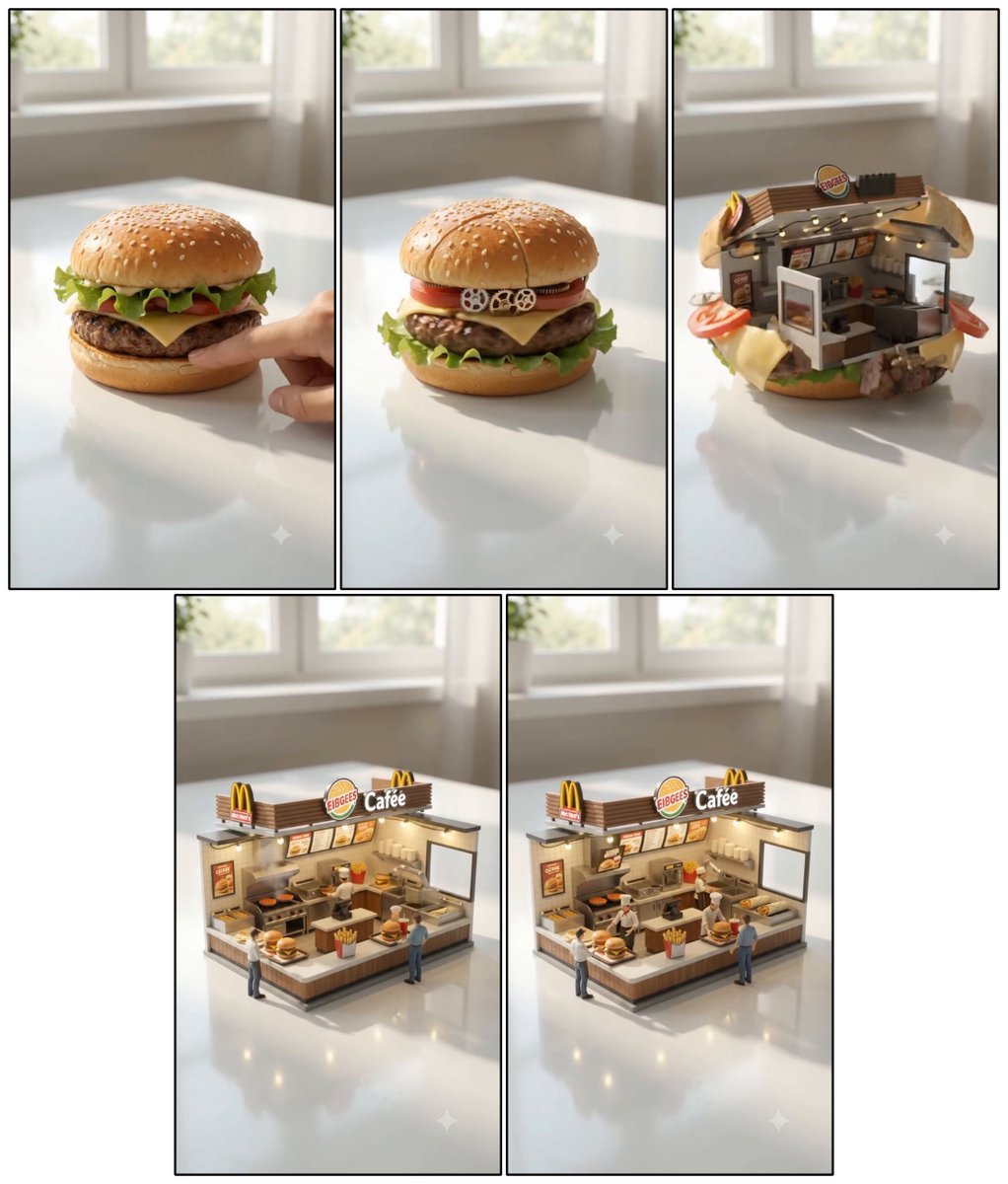
Cheeseburger to Mini Café Transformation
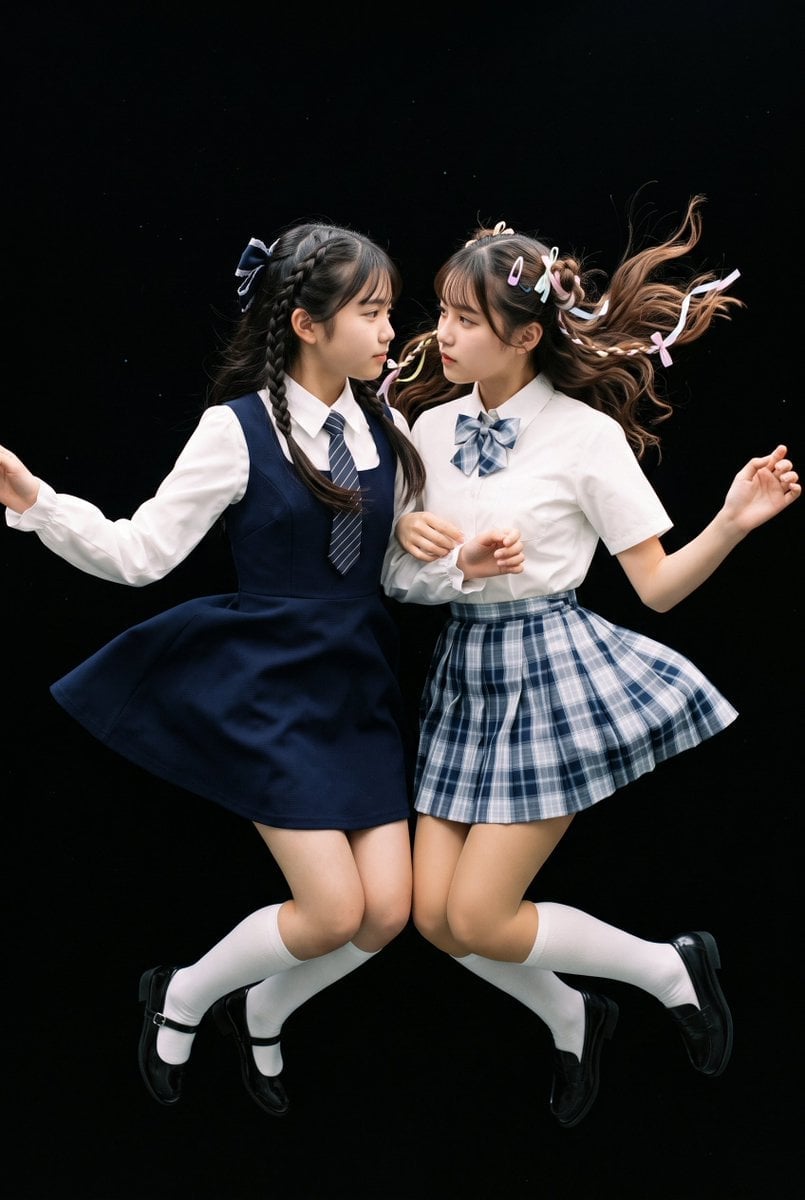
Floating Schoolgirl in Dark
Aesthetic and fill the negative space
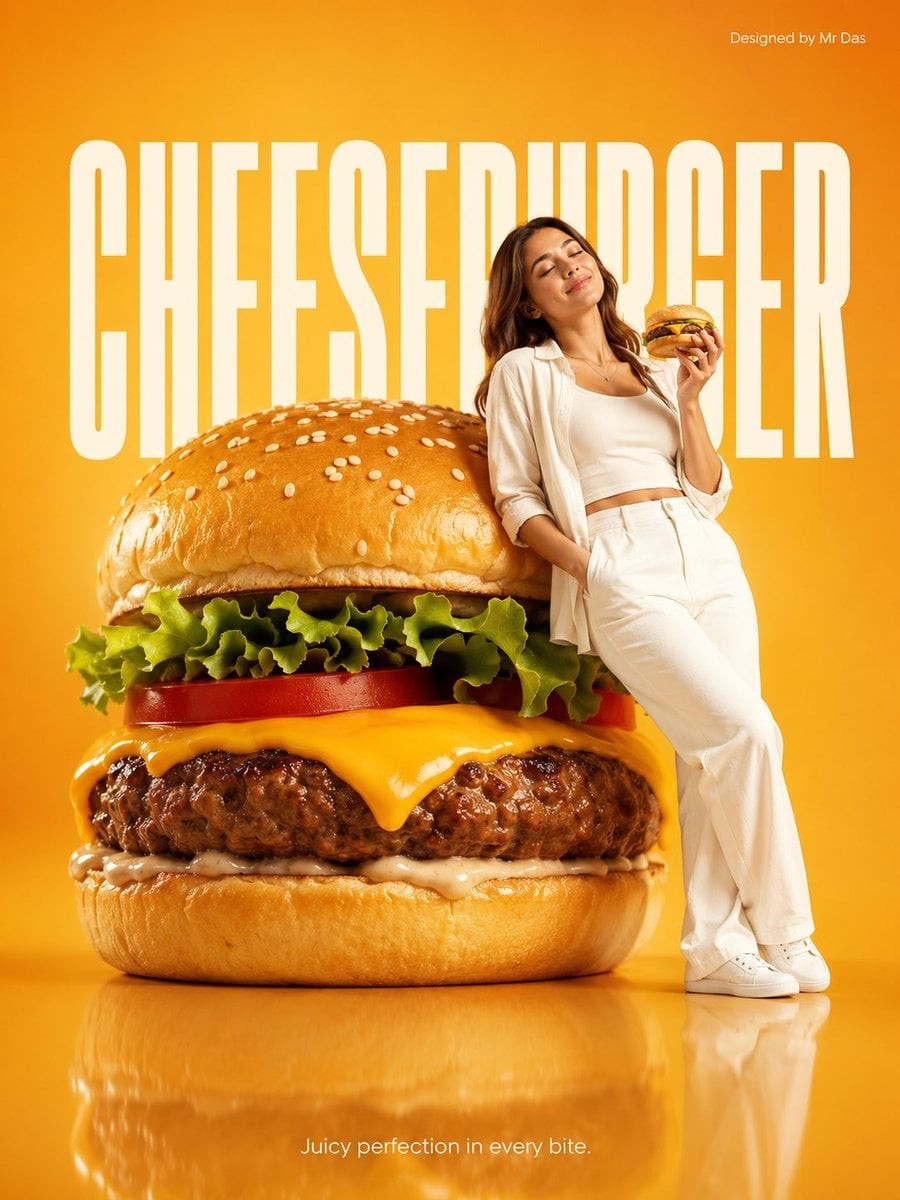
Minimalist Giant Cheeseburger Ad Concept
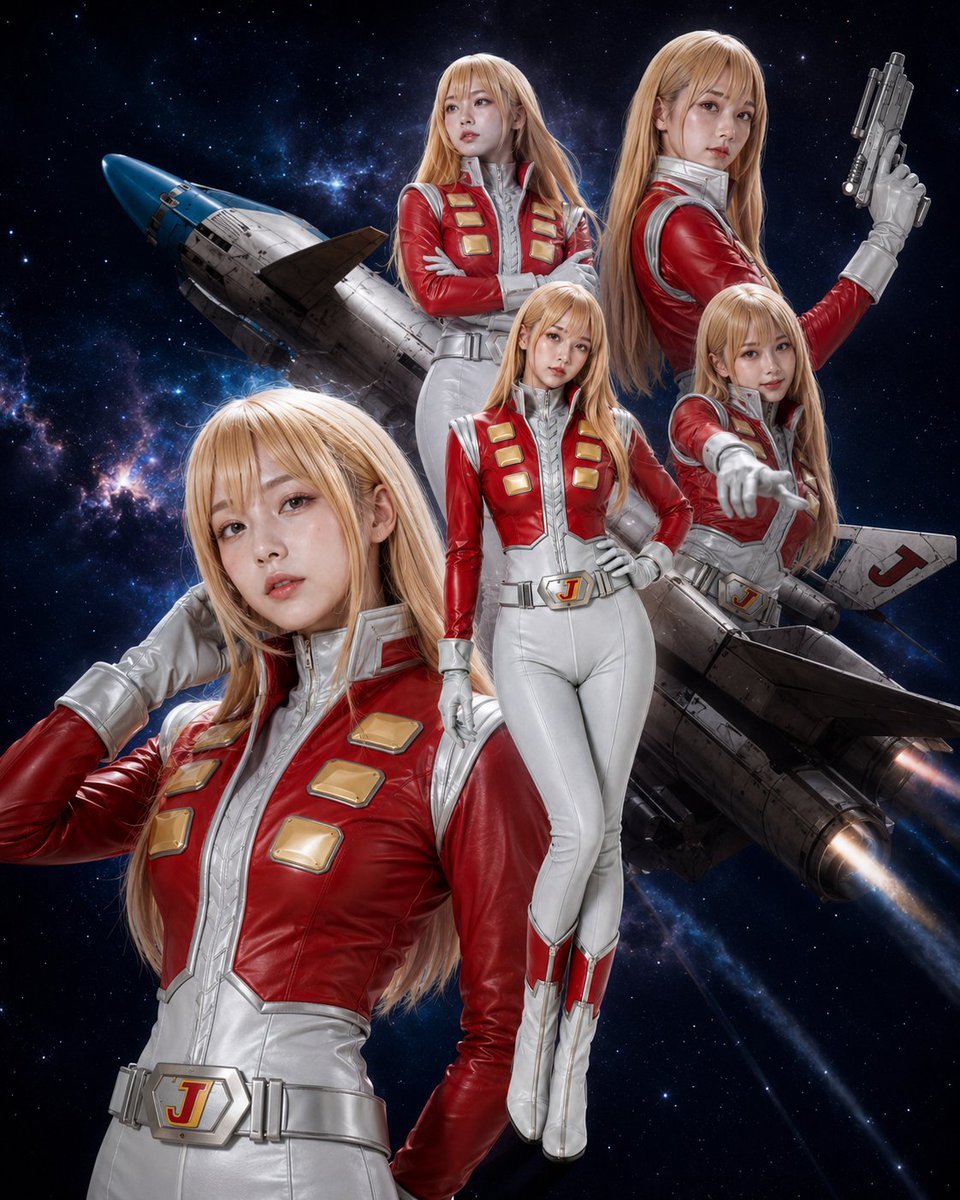
Alfin Space Anime Cosplay Composite
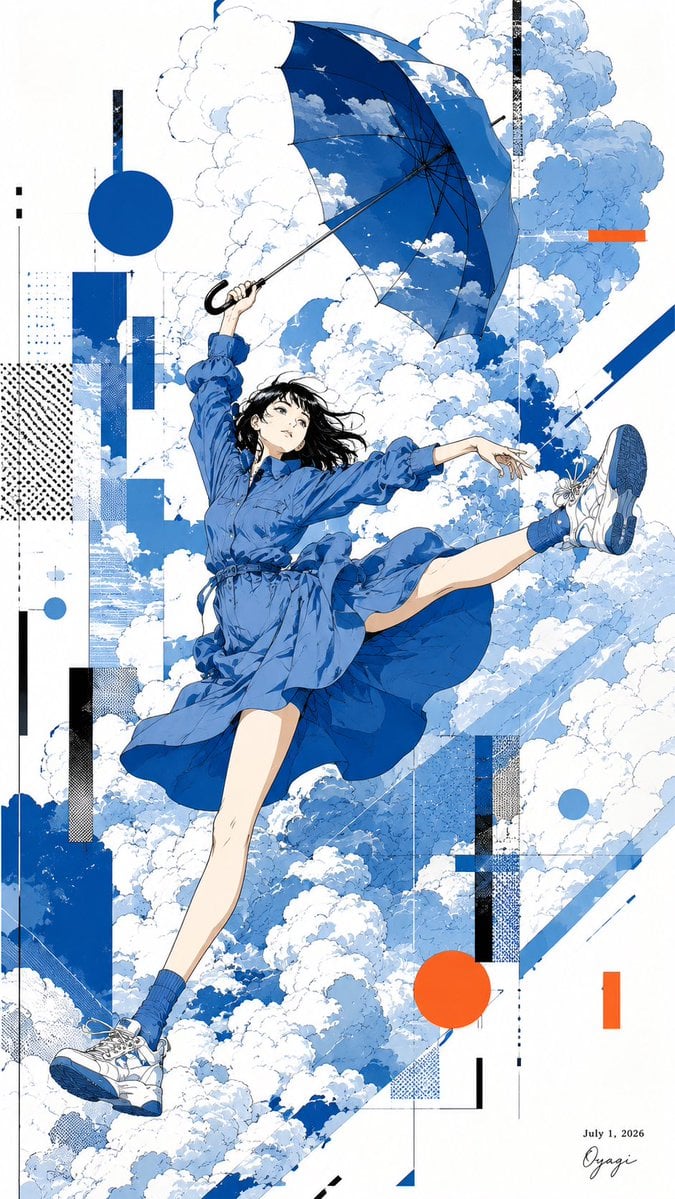
Anime Girl Floating With Umbrella
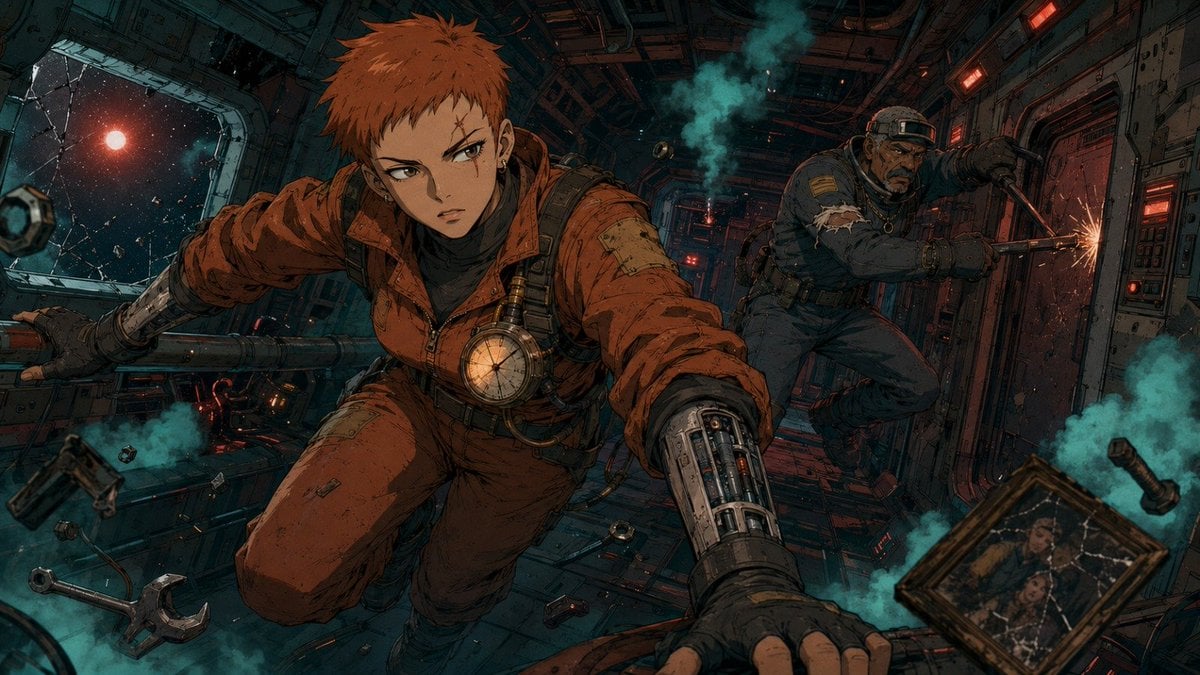
Zero-Gravity Anime Spaceship Escape
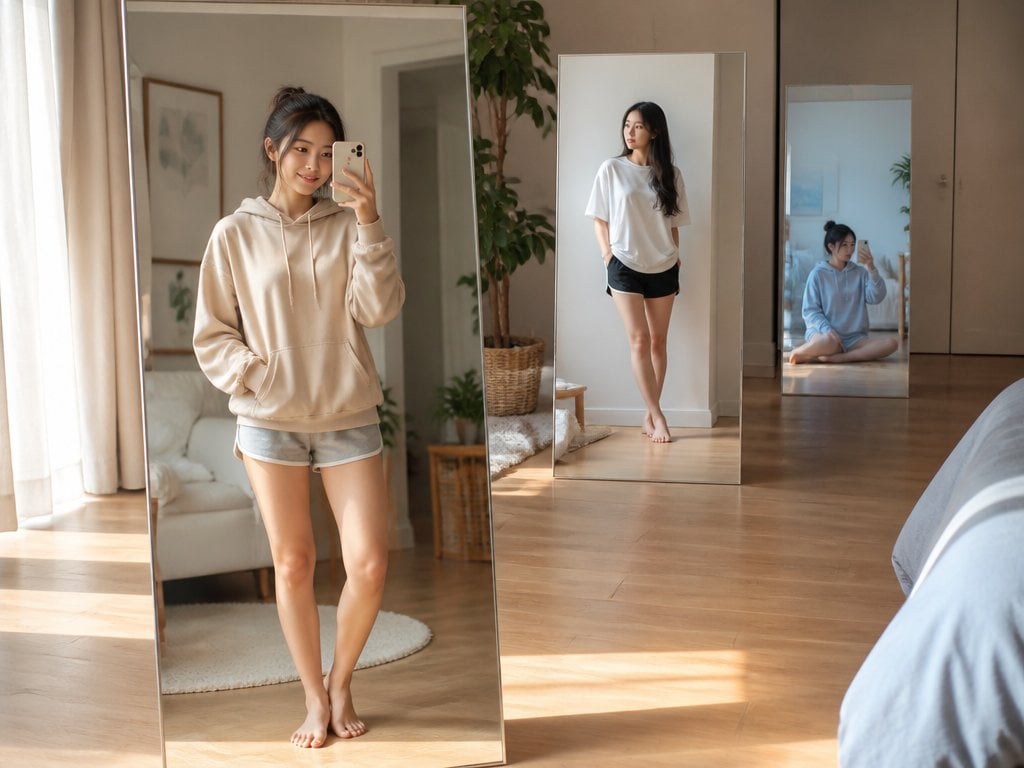
Floating Mirror Korean Apartment Lifestyle Photo
Make it yours
Floating Cheeseburger in Space works as-is. These are the safest ways to change it without losing the look.
Change one field
Copy a single group, rewrite it, and generate again so you can see what that field is doing.
Keep the frame, change the subject
Hold the composition and light of Floating Cheeseburger in Space, then swap wardrobe, props or the person for a new take.
| If the result… | Why | Fix |
|---|---|---|
| The result drifts from the preview | Too many fields changed at once. | Reuse Floating Cheeseburger in Space as-is first, then change one group — subject, light, or setting. |
| The model over-stylizes the scene | The prose prompt leaves finish and camera underspecified. | Add one camera or lighting sentence and stay on GPT Image 2. |
More GPT Image 2 templates
Other prompts made for GPT Image 2.

Six VTuber Japanese Logo Sheet

Realistic Portrait of Woman and Deer

The Vista Modular Condo Poster

AI Model Routing Comparison Infographic

2.5D Anime Art Board

Isometric Productivity Desk Scene

New York Double Exposure Poster

Four-Panel AI Landscape Comparison

Japanese Tatami Lifestyle Magazine Cover

NESCAFÉ Coffee Map Poster
More image prompts
Fresh picks from across the catalog.
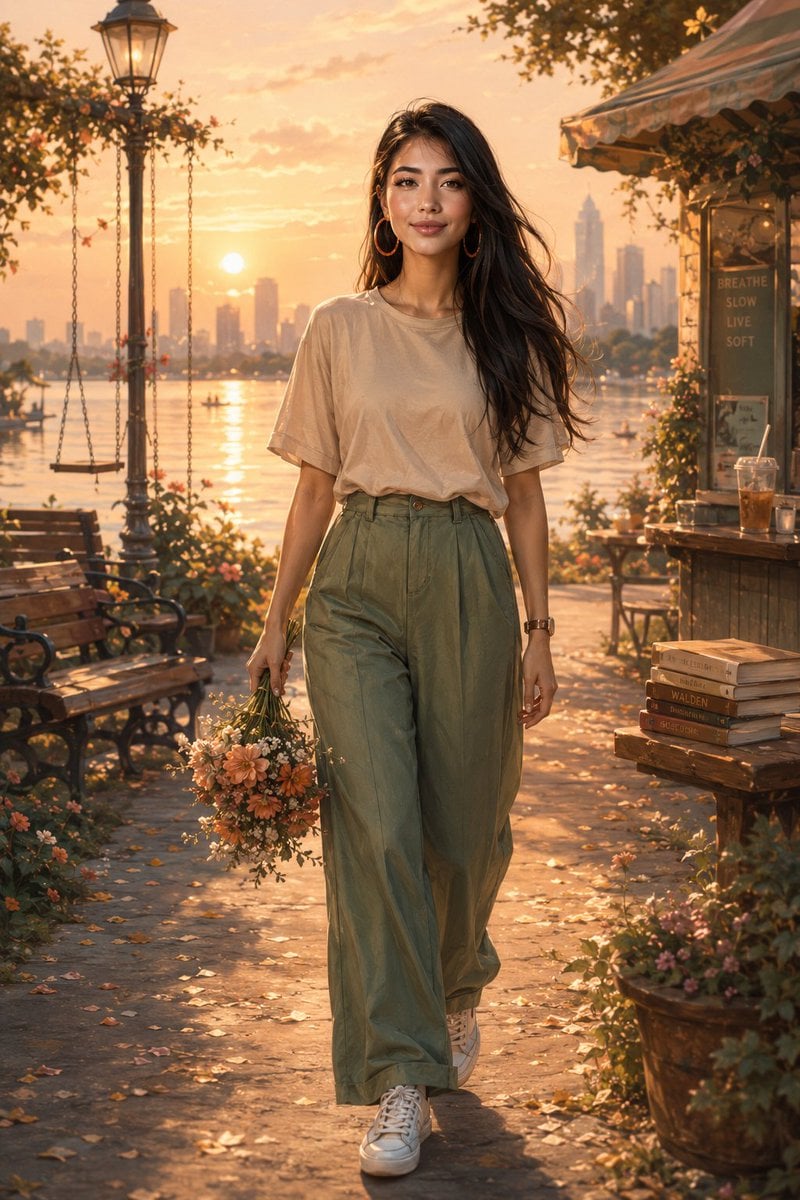
Golden Hour Lakeside Stroll
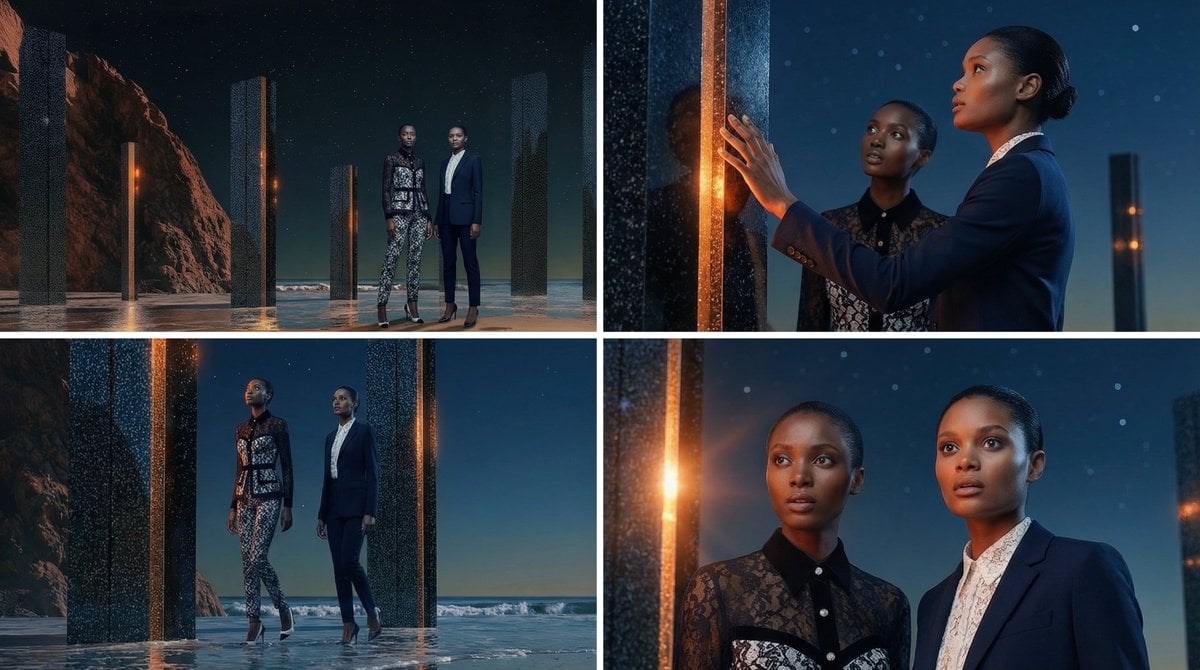
Storyboard Grid Generation Prompt (2x2)
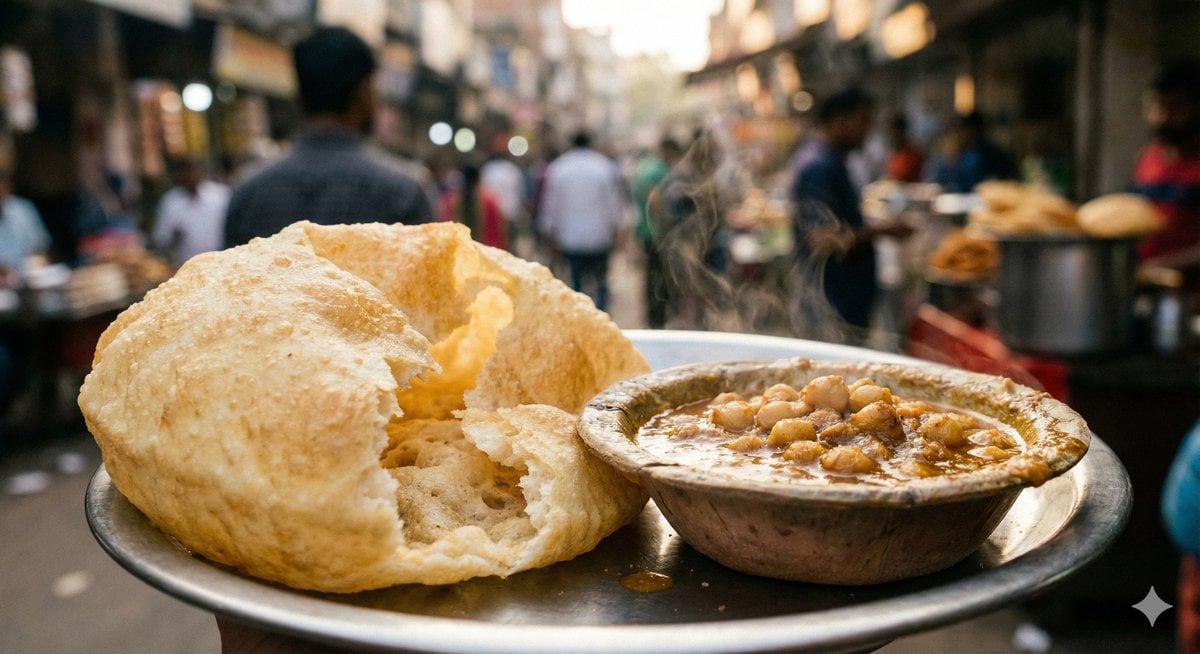
Food Photography Style Guide
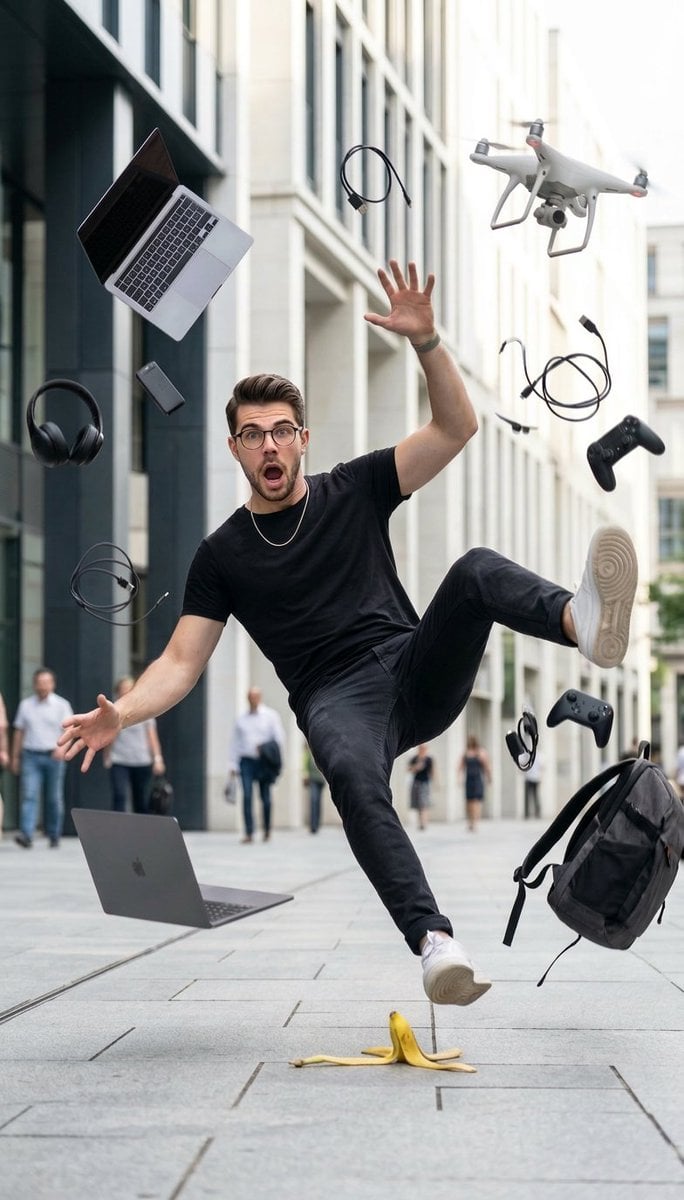
Cinematic Street Photography of Man Slipping on Banana Peel
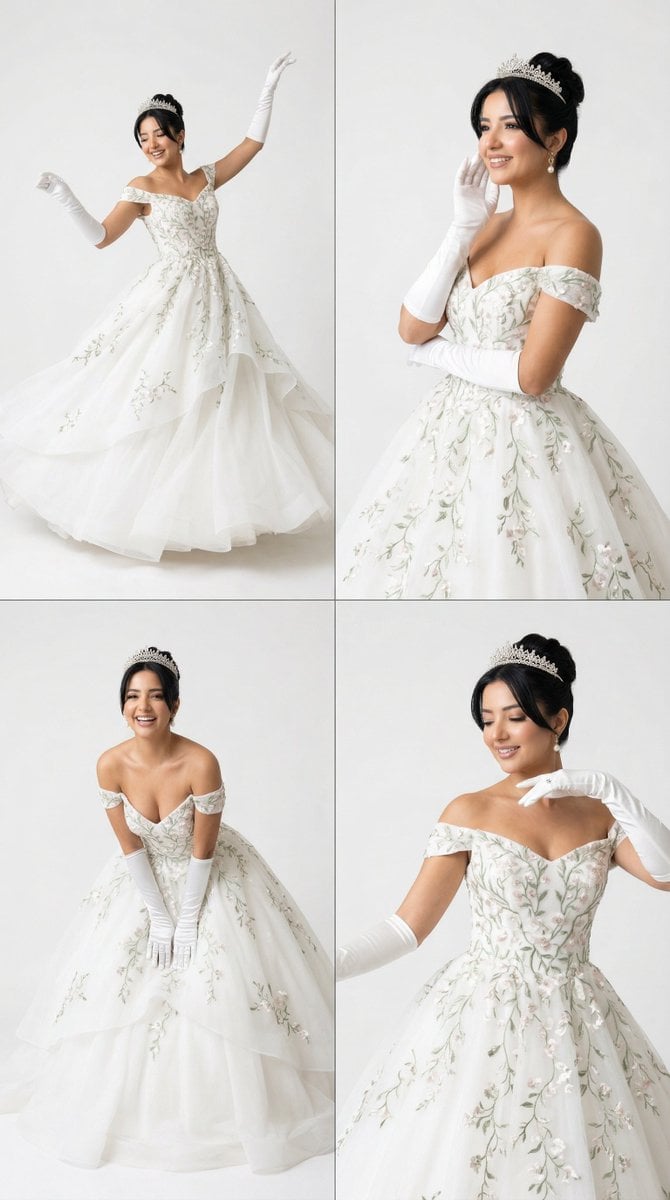
White Ballroom Dance Editorial Grid (2x2)
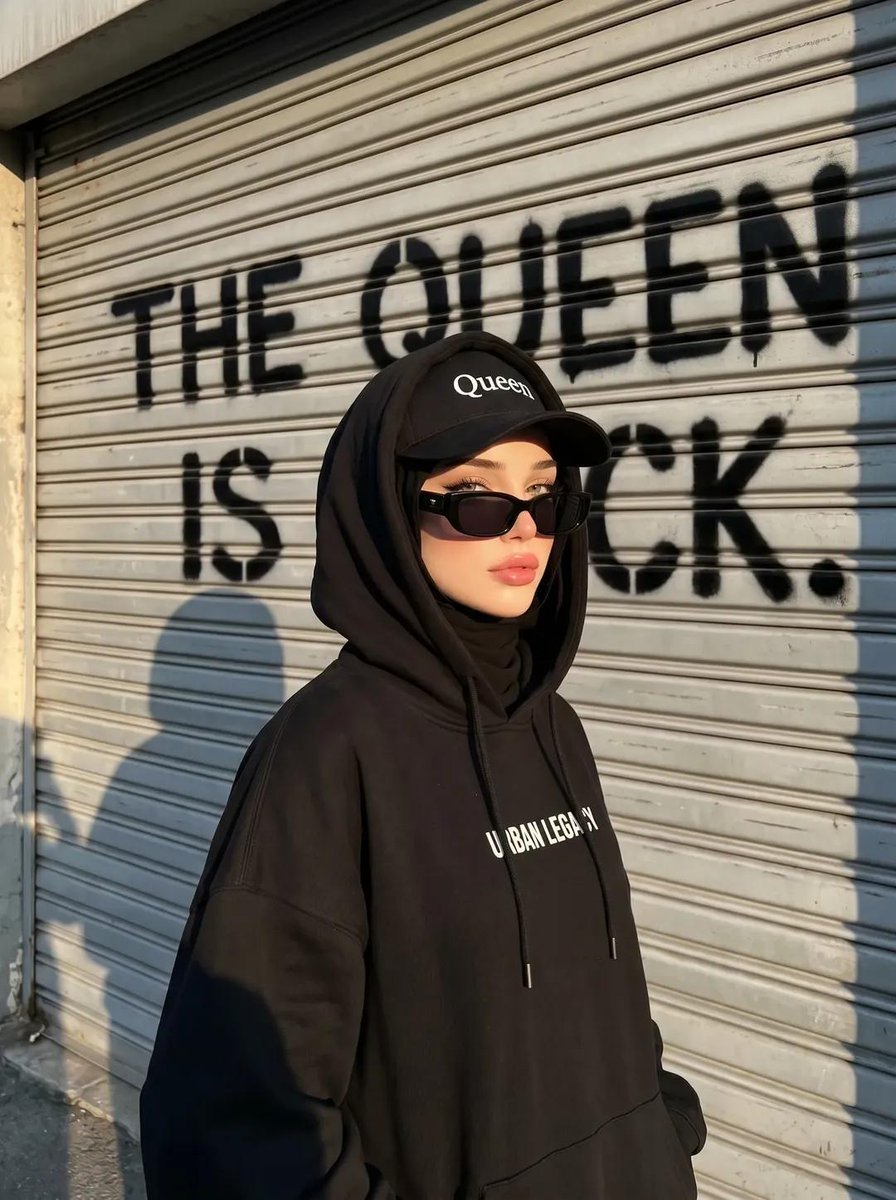
Edgy Street-Style Hijabi Portrait
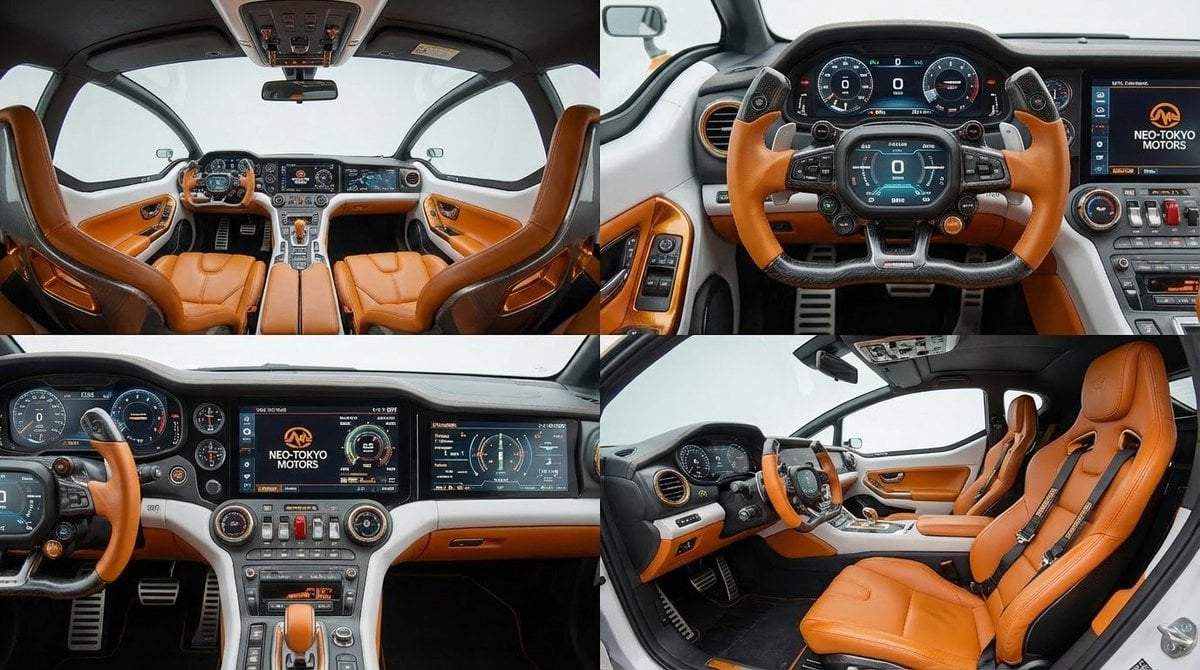
Cockpit Interior Grid View
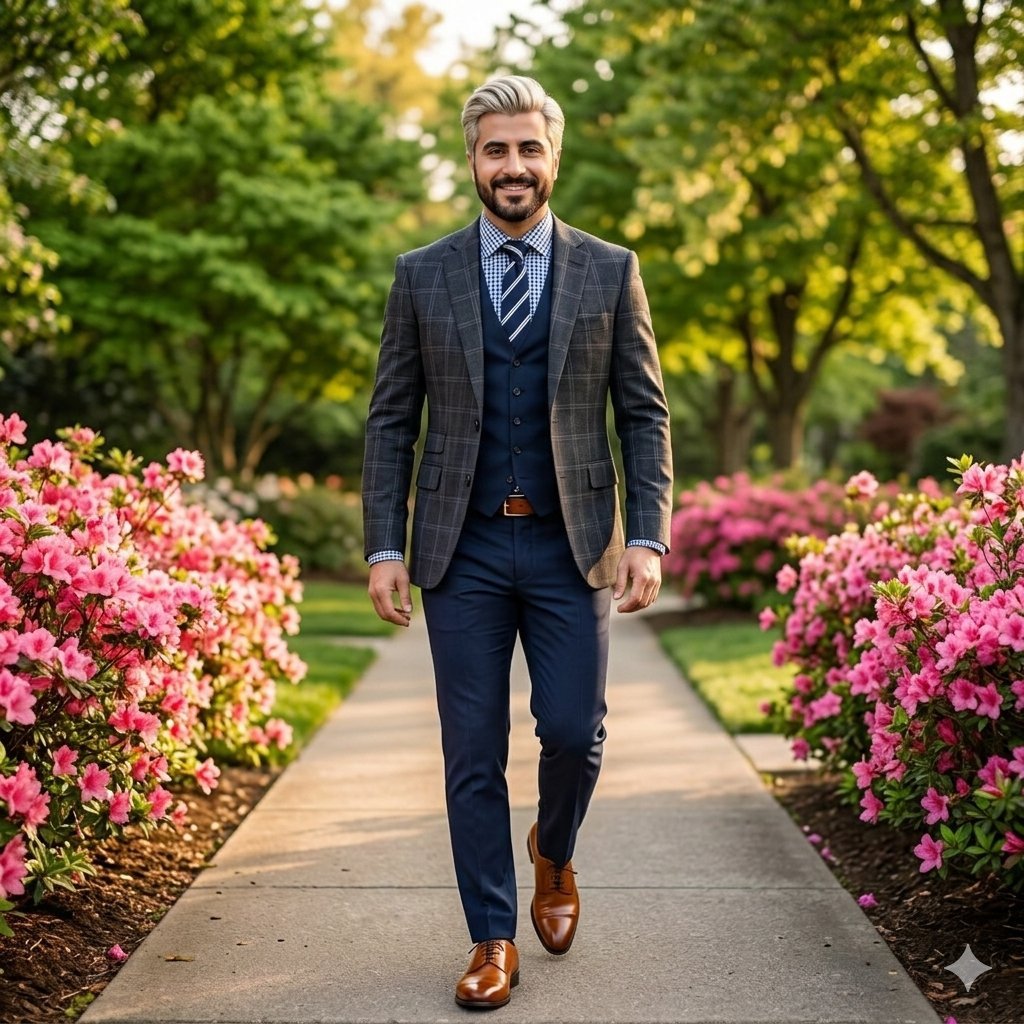
High-End Fashion Portrait of South Asian Man in Garden
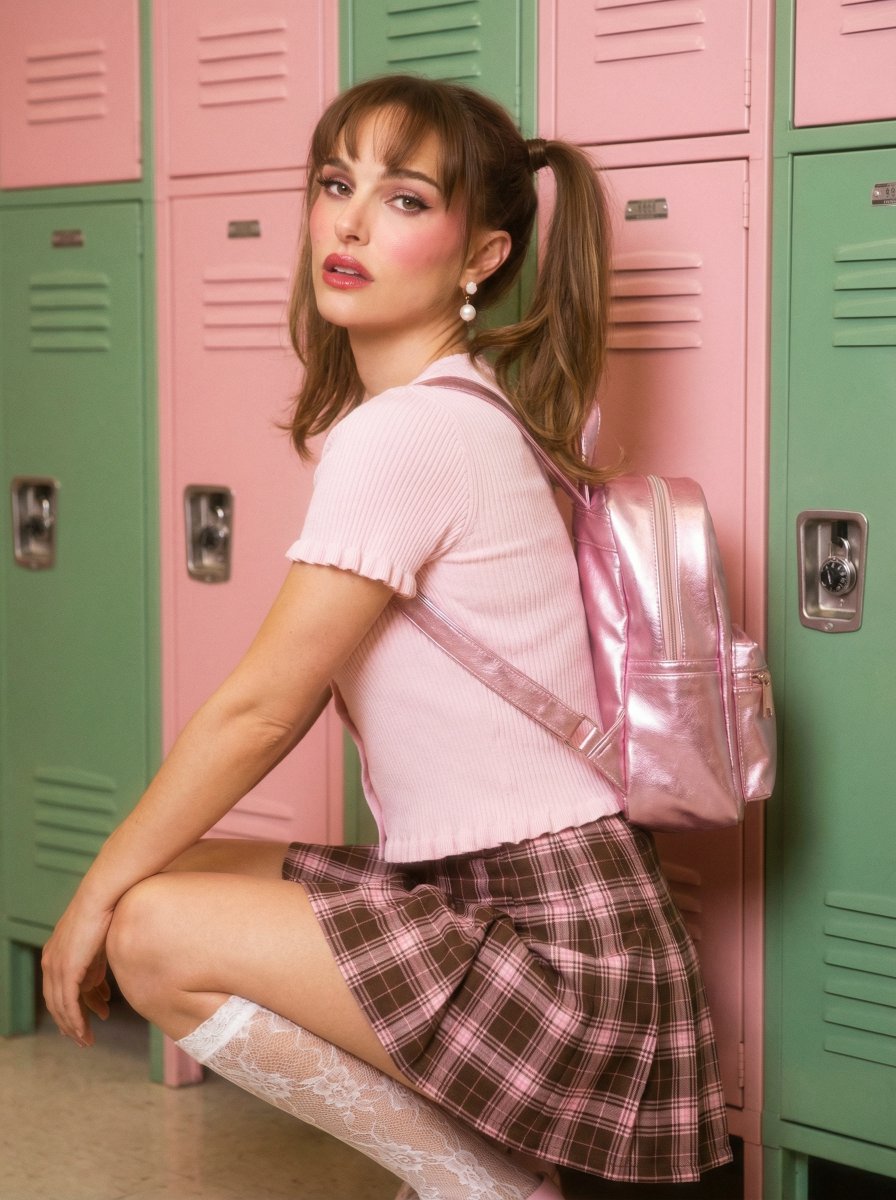
Natalie Portman School Locker Prompt
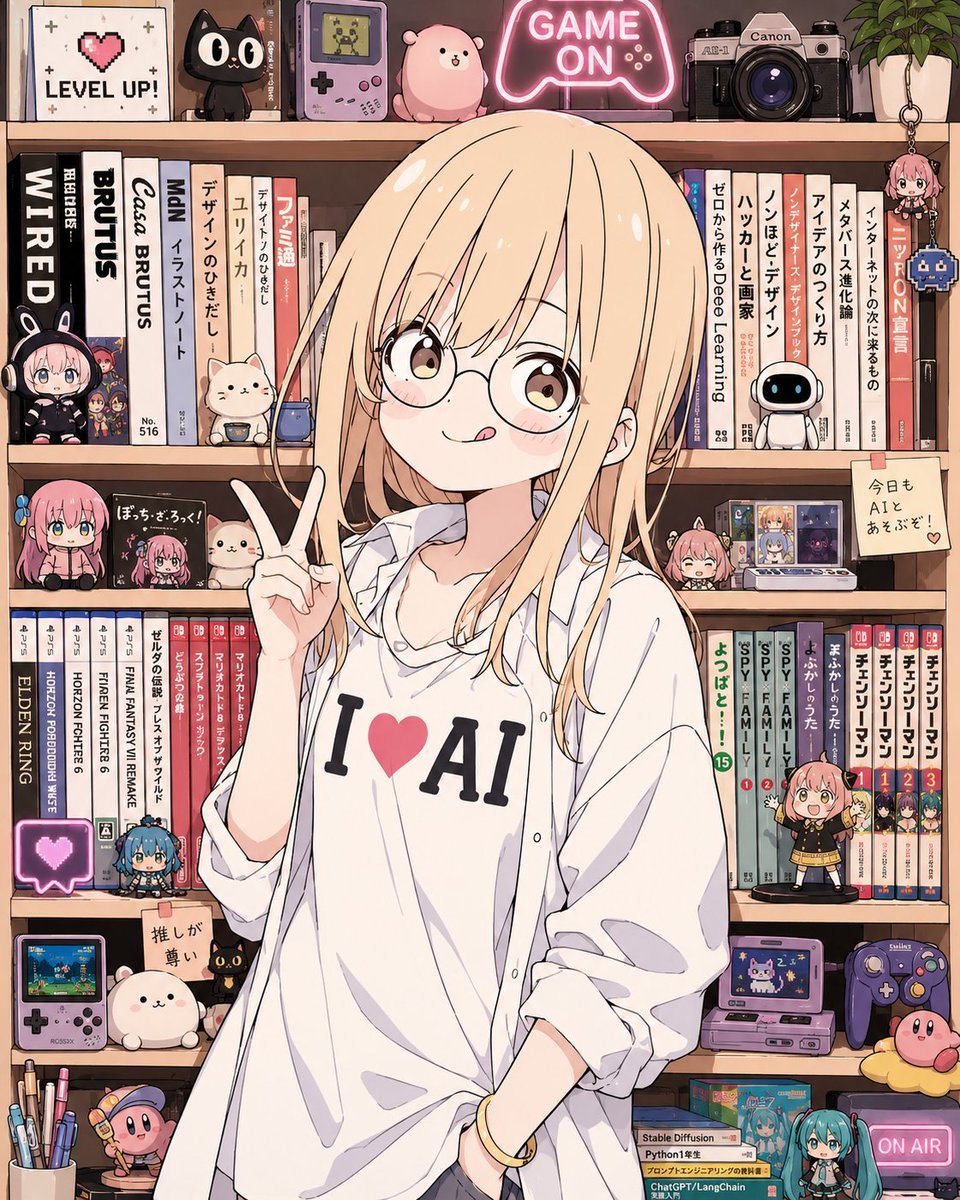
Anime AI Gamer Bookshelf Girl
Browse template categories
Floating Cheeseburger in Space questions
How do I use the Floating Cheeseburger in Space template?
Add your photo if the template asks for one, edit the prompt if you like — the template's model and format are already selected — and press Generate. Your version opens in PicX Studio.
Can I customize the Floating Cheeseburger in Space template?
Yes. You can change the subject, setting, lighting, mood, format, and available model controls before creating your image.
Is the Floating Cheeseburger in Space template free?
Opening and editing this template is free. Generating uses credits, shown on the Generate button when you are signed in.
Which AI model should I use?
Start with GPT Image 2, which is the model associated with this template. You can compare another compatible model for a different finish.
Looking for something else? Browse all templates.

Your photo, any look
Thousands of ready templates for every top image and video model, from one credit balance.