
Anime Silhouette Narrative Poster
A poetic and grand silhouette-filled narrative poster prompt inspired by Attack on Titan, combining double-exposure and watercolor styles.
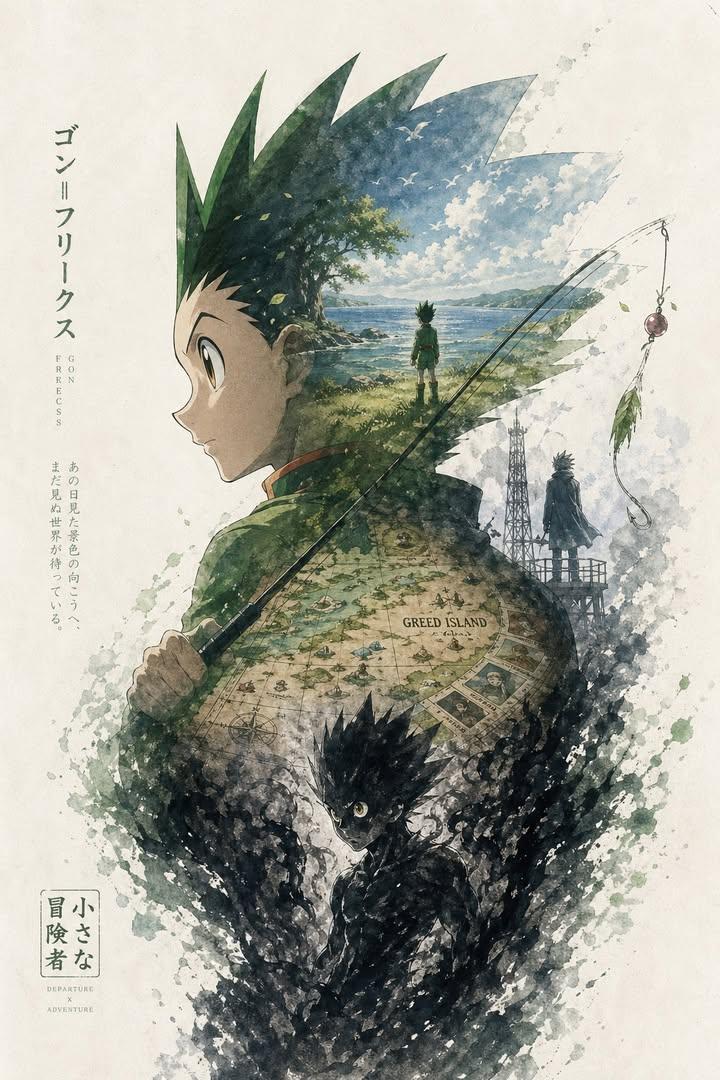
- Prompt included
- Model and format preset
- Free template
The prompt behind this image
Copy the exact prompt behind Anime Silhouette Narrative Poster, or open it in the studio and make it yours.
Based on {argument name="theme" default="Attack on Titan"}, automatically generate a collectible, epic narrative poster: use the side-profile silhouette of {argument name="character" default="Mikasa Ackerman with her red scarf flowing"} as the outer contour. Within the silhouette, let a complete world organically grow that best fits the theme. The burning streets of Shiganshina reflect in her eyes; young Eren Yeager’s smile fades within the smoke; the Ackerman bloodline crest appears subtly like a watermark; the sea breeze of the final battlefield carries away all memories; fragments of a countdown hourglass transform into falling cherry blossoms, then dissolve into ashes. The overall composition should not be a simple collage, but a refined silhouette-filled narrative synthesis. It should carry a double-exposure associative effect, yet lean more toward a fusion of cinematic poster and dreamy watercolor illustration. Use soft atmospheric perspective, gentle mist transitions, paper grain texture, white edges with brushstroke marks, and large areas of negative space. The layout should feel restrained, premium, quiet, grand, sacred, nostalgic, poetic, and legendary. Color palette: {argument name="colors" default="crimson blended with gray, muted pink, deep obsidian black"}. All elements—style, color, scenes, materials—must automatically adapt to the theme, with every detail strongly bound to it. Instantly recognizable at a glance. Avoid clutter, forced collage, template-style backgrounds, or cheap fantasy assets.
How to use Anime Silhouette Narrative Poster in 3 steps
- 1
Open
The prompt is already in the box next to the preview, with the template's model and format selected.
- 2…a portrait of your subject in softgolden-hour light, 85mm…
Personalize
Edit the subject and creative details for your destination.
- 3Generate
Generate
Press Generate — your image is created in PicX Studio, so you can compare it with the original and refine one variable at a time.
More like this
Templates with the same subject, style or setup. Open one to see its prompt.

Captain Tsubasa Anime World Cup Poster
Epic Narrative Silhouette Movie Poster

Gpt2 Youtube Thumbnail Anime Music Bootcamp Promo Poster
Personal Brand Narrative Poster
Hand-Drawn Narrative Poster Style

Japan Travel Brochure Poster
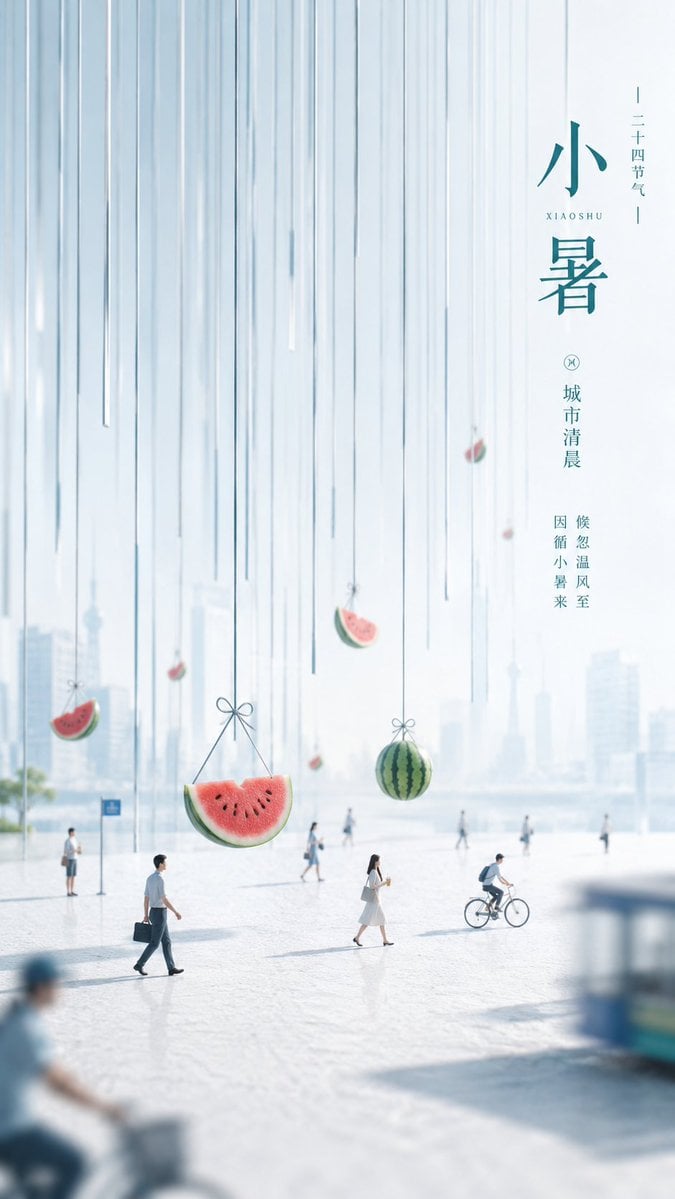
Minimalist Narrative Solar Term Poster Layout

Nice Day Anime Poster
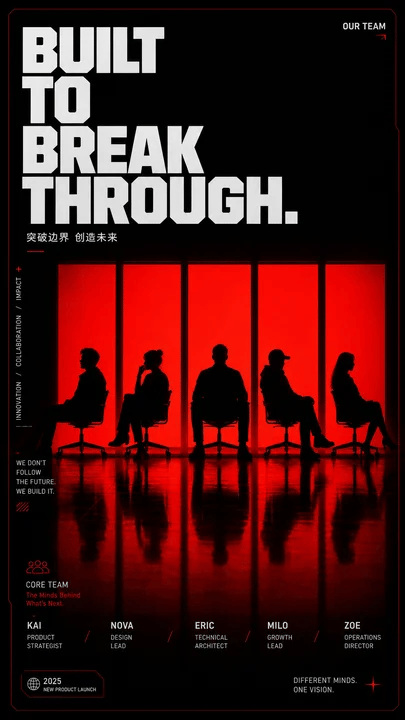
Red Silhouette Team Event Poster
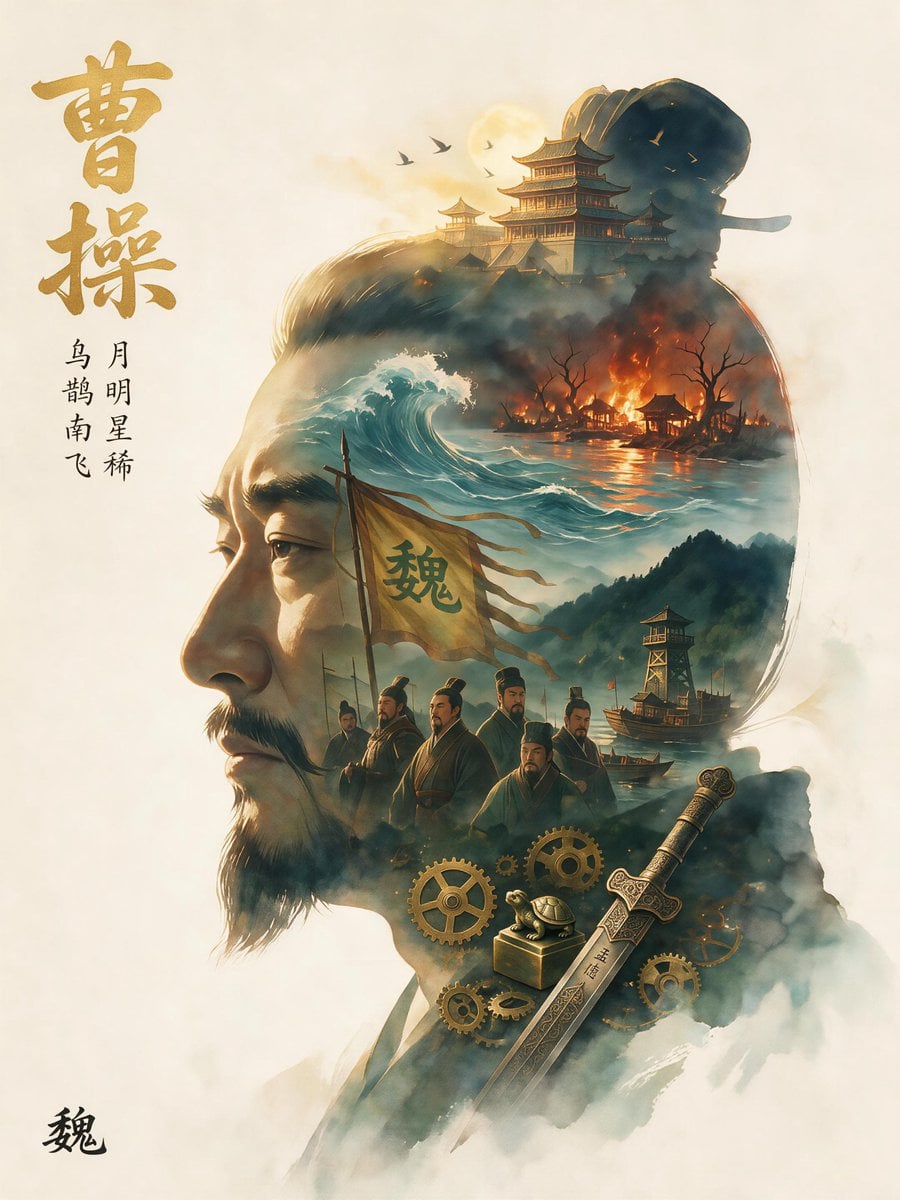
Epic Cao Cao Silhouette Poster

Cel 2D Finale Fireworks

Cel 2D Garden Maze
Make it yours
Anime Silhouette Narrative Poster works as-is. These are the safest ways to change it without losing the look.
Change one field
Copy a single group, rewrite it, and generate again so you can see what that field is doing.
Keep the frame, change the subject
Hold the composition and light of Anime Silhouette Narrative Poster, then swap wardrobe, props or the person for a new take.
| If the result… | Why | Fix |
|---|---|---|
| The result drifts from the preview | Too many fields changed at once. | Reuse Anime Silhouette Narrative Poster as-is first, then change one group — subject, light, or setting. |
| The model over-stylizes the scene | The prose prompt leaves finish and camera underspecified. | Add one camera or lighting sentence and stay on GPT Image 2. |
More GPT Image 2 templates
Other prompts made for GPT Image 2.

Six VTuber Japanese Logo Sheet

Realistic Portrait of Woman and Deer

The Vista Modular Condo Poster

AI Model Routing Comparison Infographic

2.5D Anime Art Board

Isometric Productivity Desk Scene

New York Double Exposure Poster

Four-Panel AI Landscape Comparison

Japanese Tatami Lifestyle Magazine Cover

NESCAFÉ Coffee Map Poster
More image prompts
Fresh picks from across the catalog.
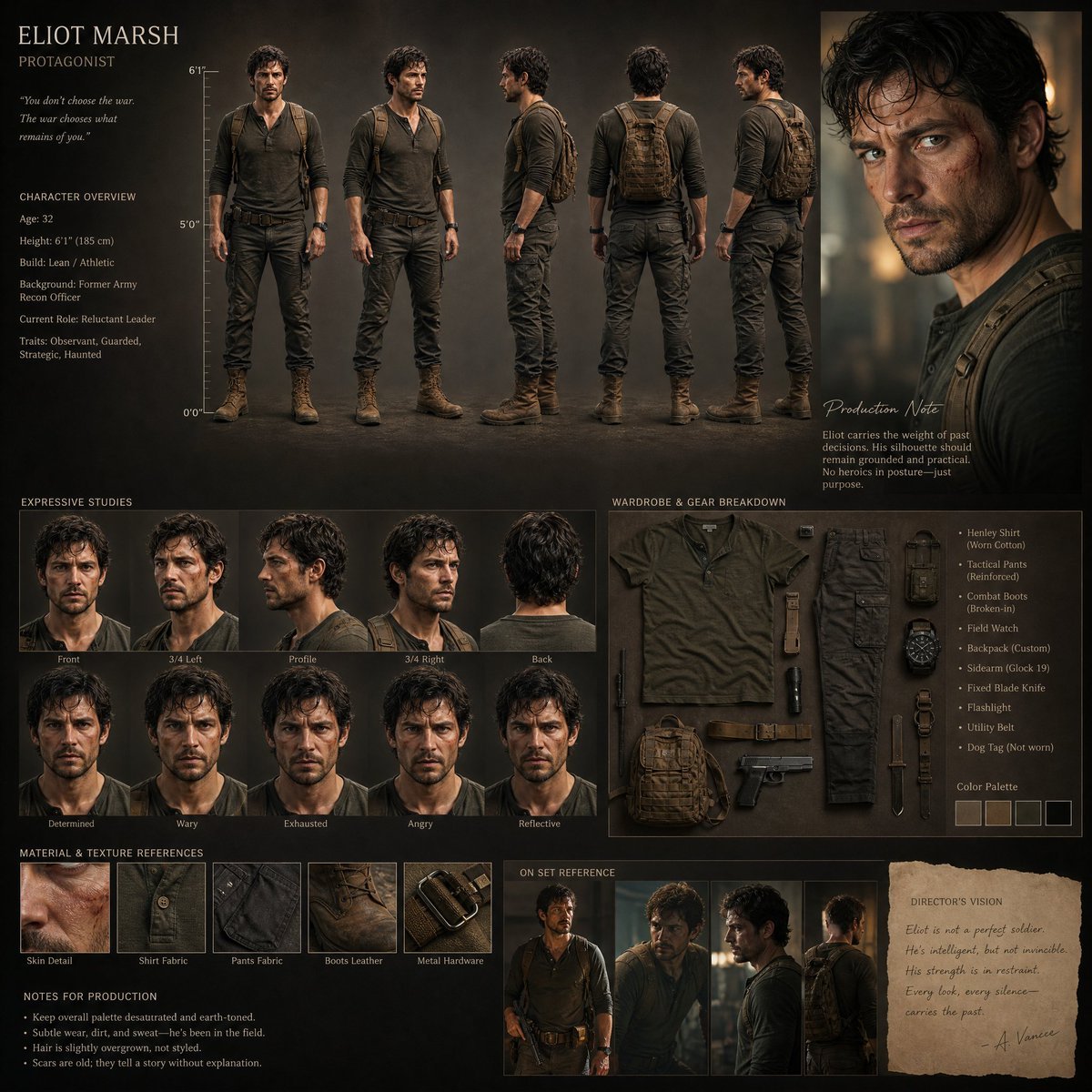
Realistic Character Design Board
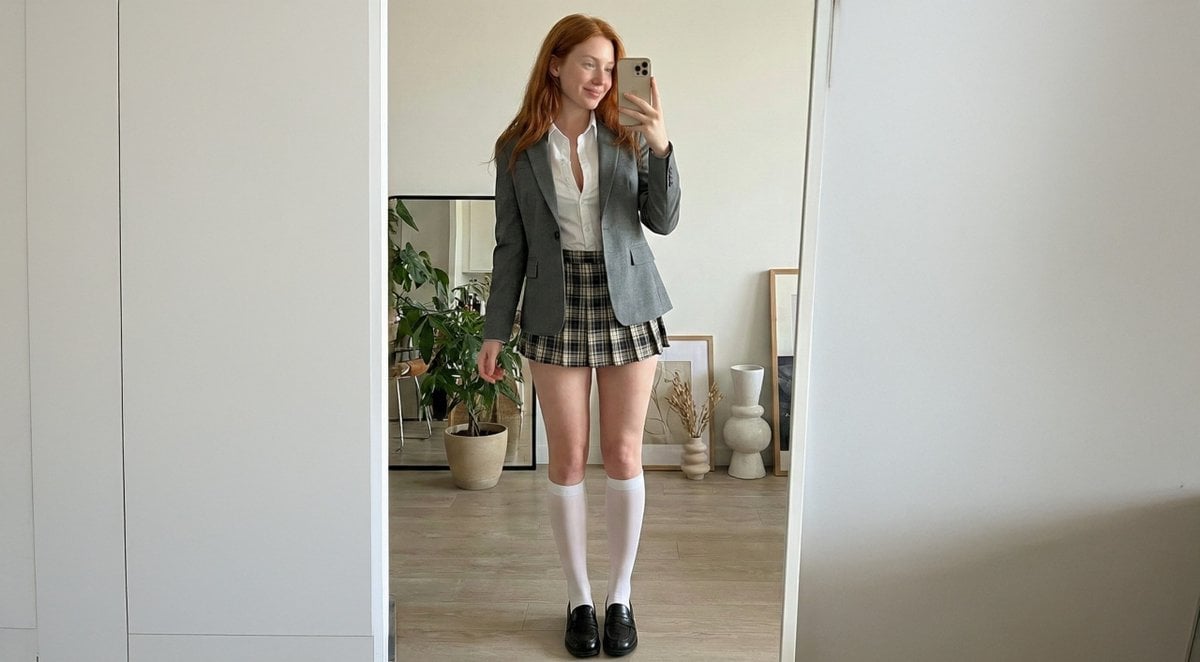
College Girl Mirror Selfie with Identity Lock
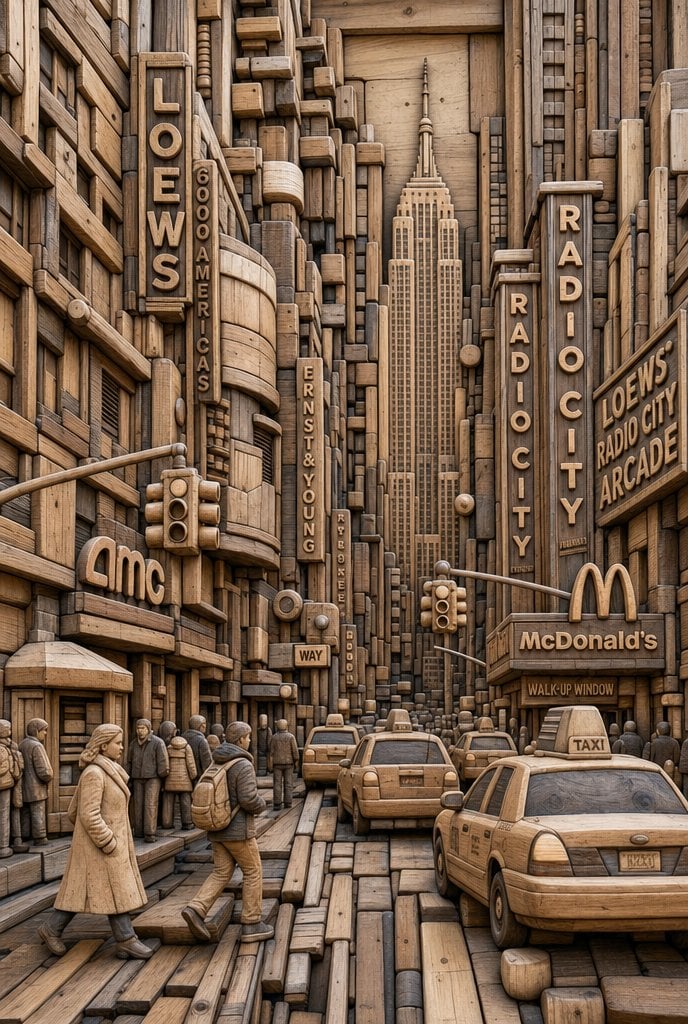
Carved Wood Block Relief
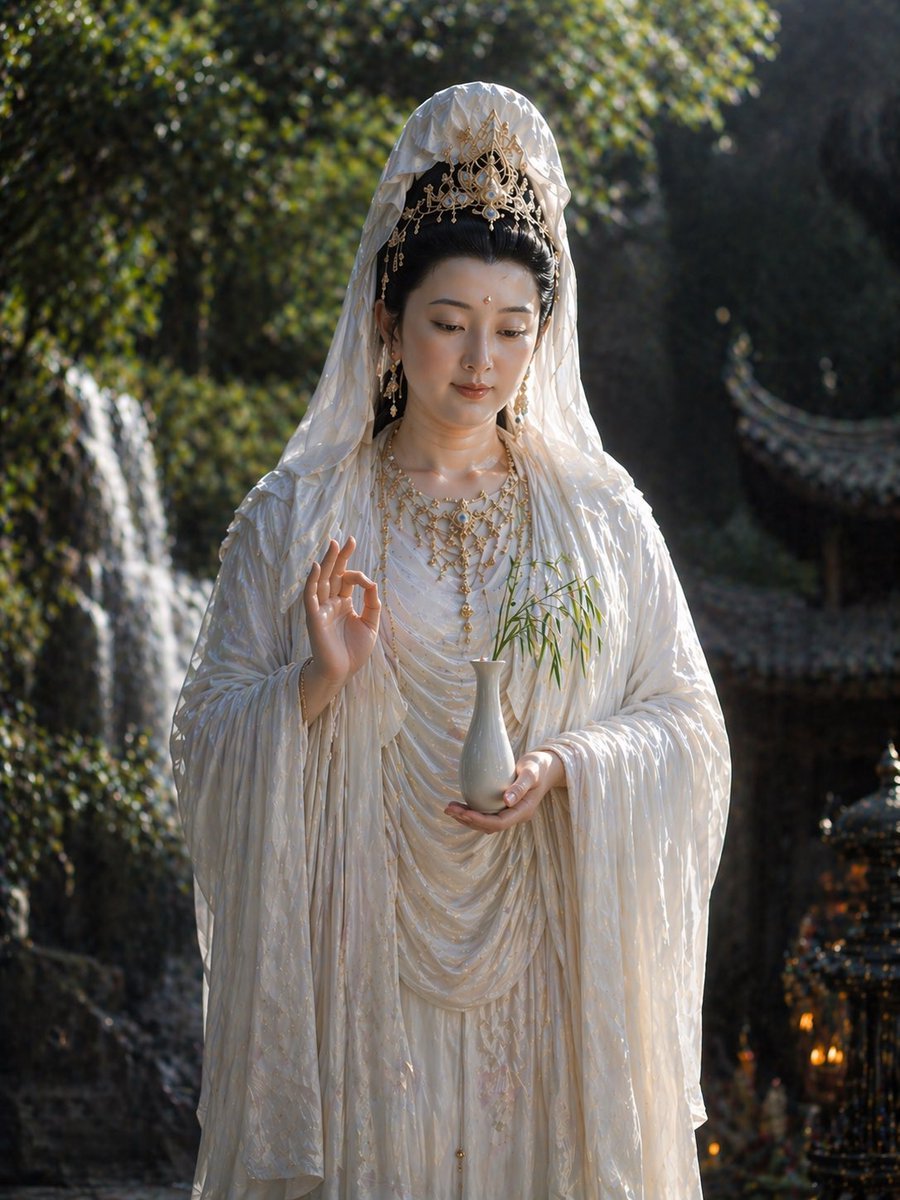
Hyper-Realistic Scriptural Deity Depiction
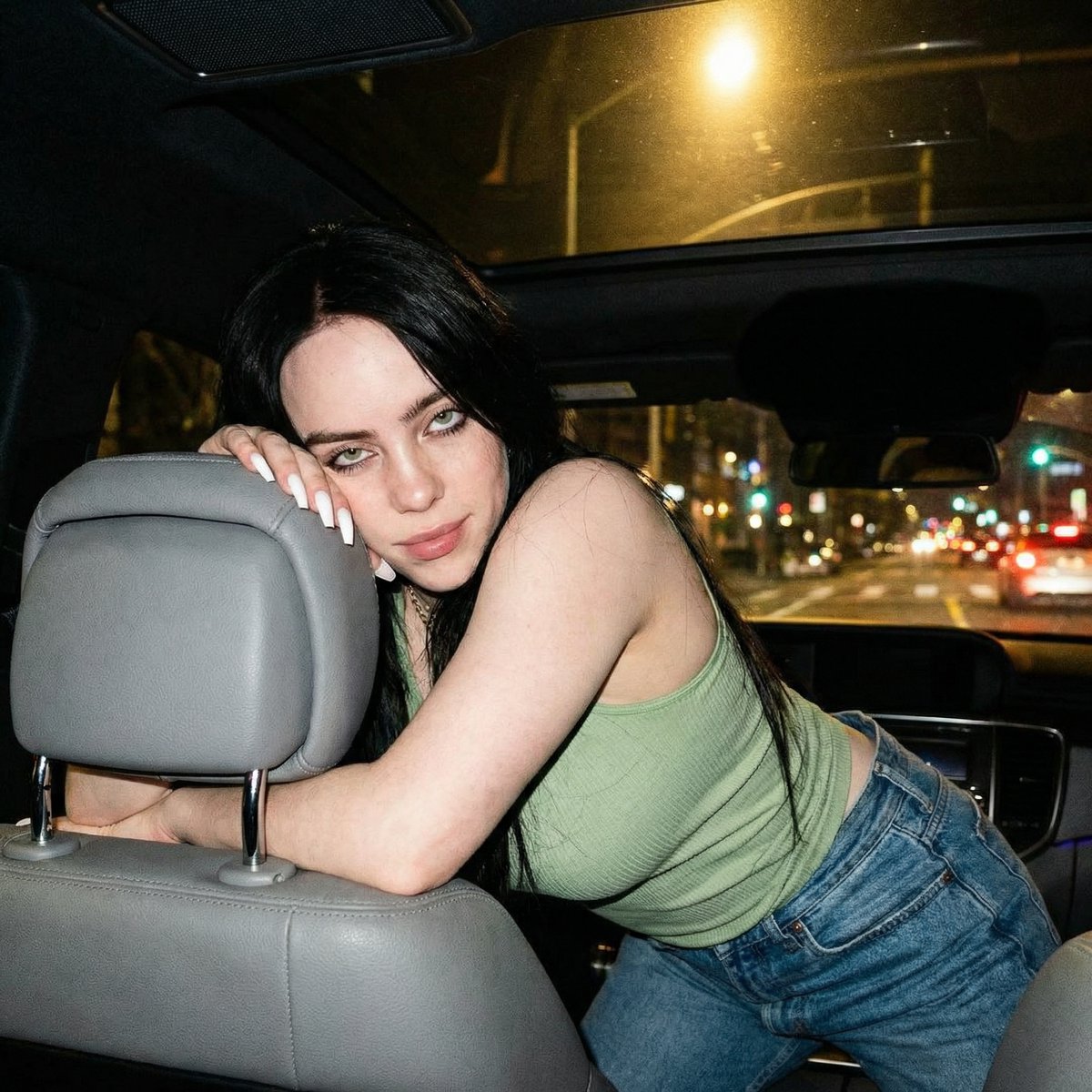
Candid Nighttime Car Portrait with High ISO Grain
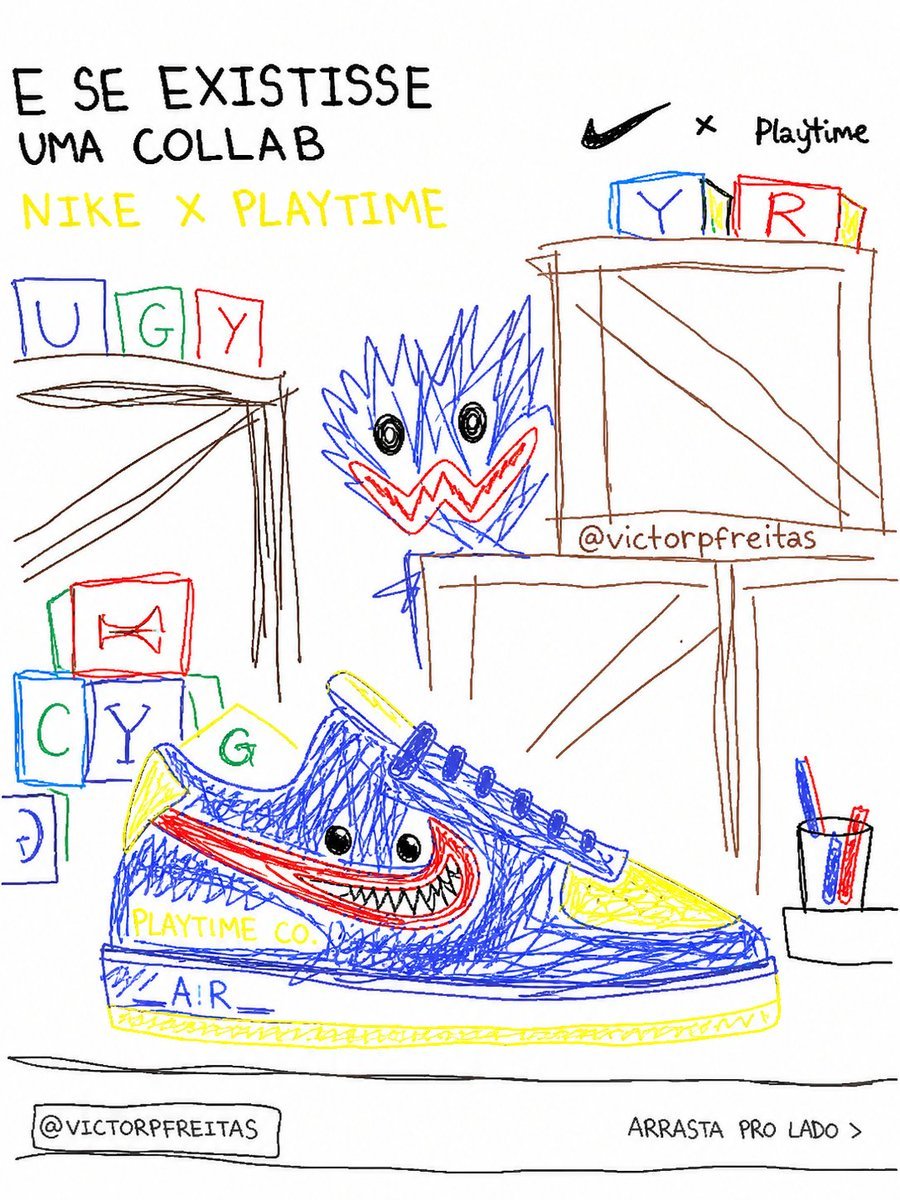
Bad MS Paint Redraw
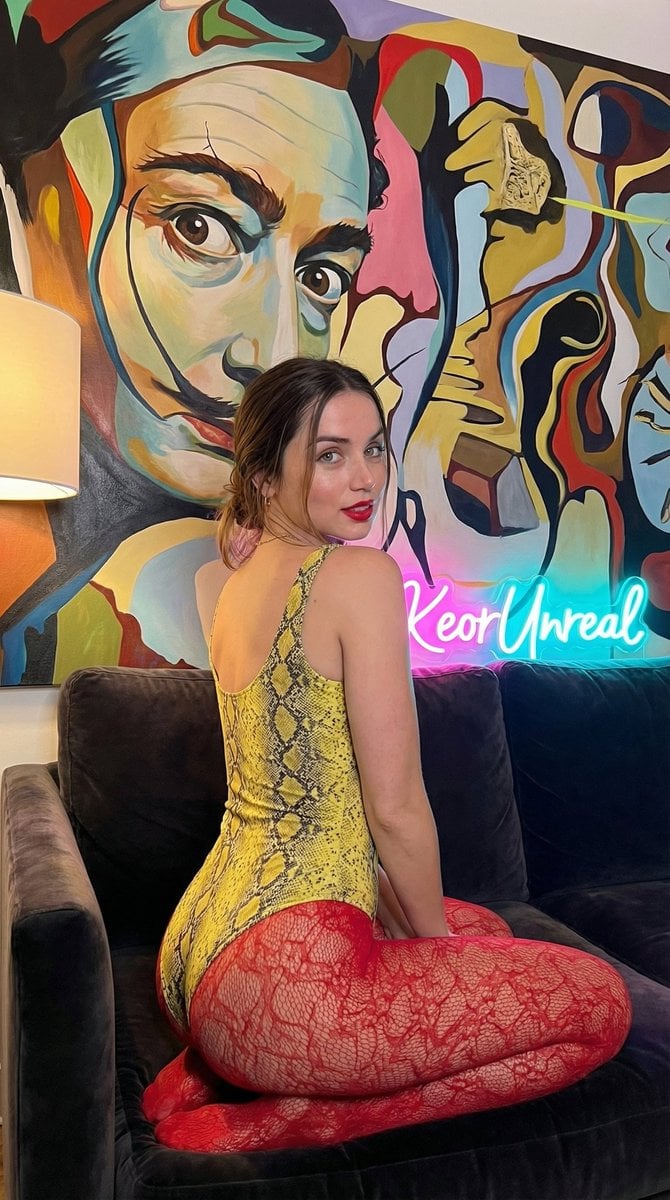
Glamorous Vertical Portrait with Salvador Dali Art and Neon
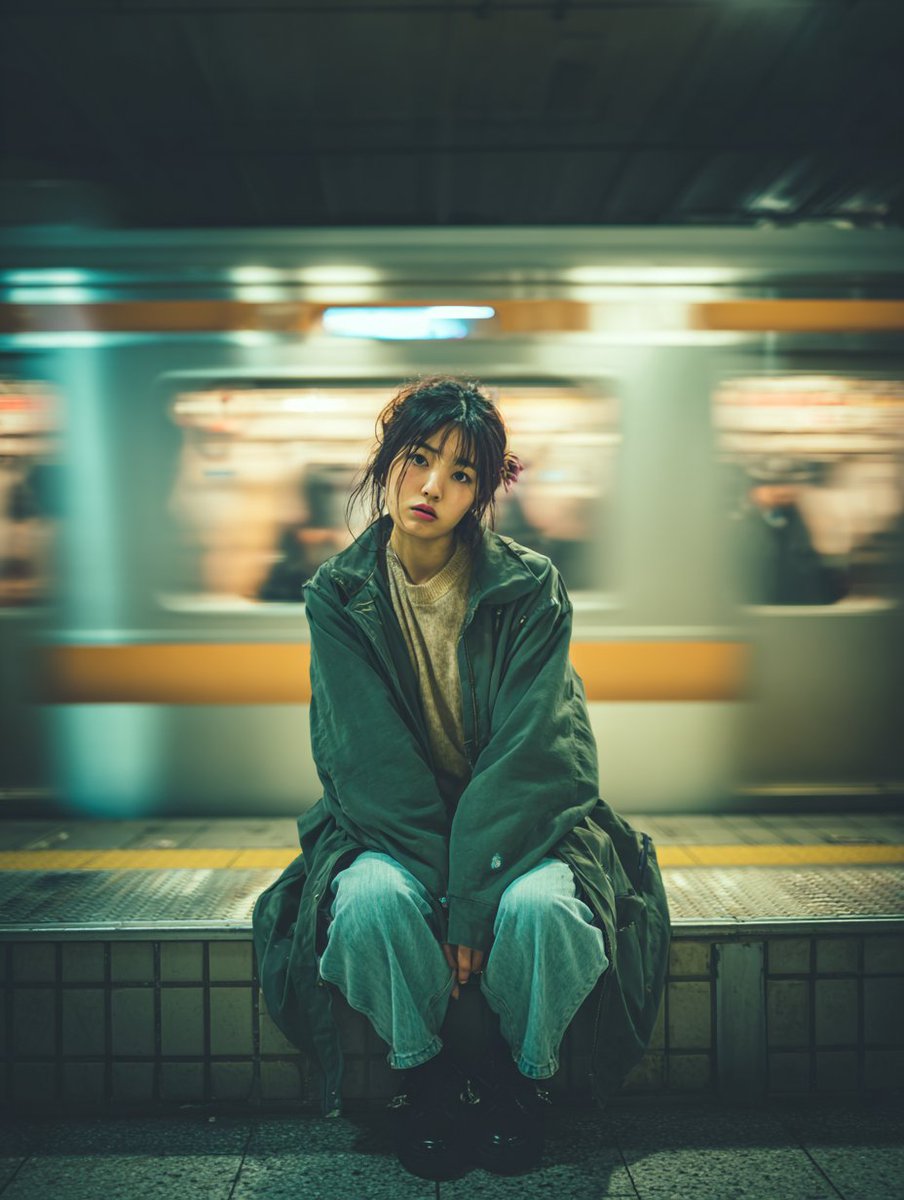
Cinematic Portrait of a Woman on a Train Platform
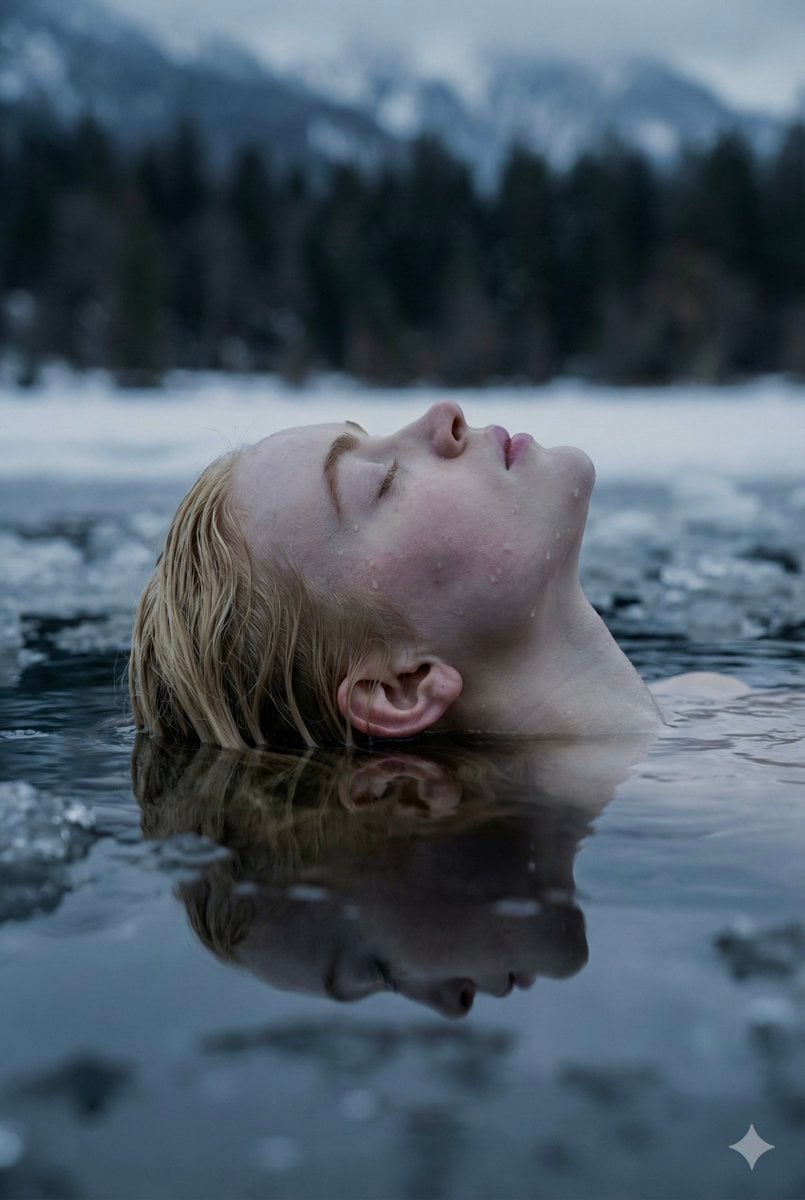
Ethereal Submerged Portrait in Icy Water
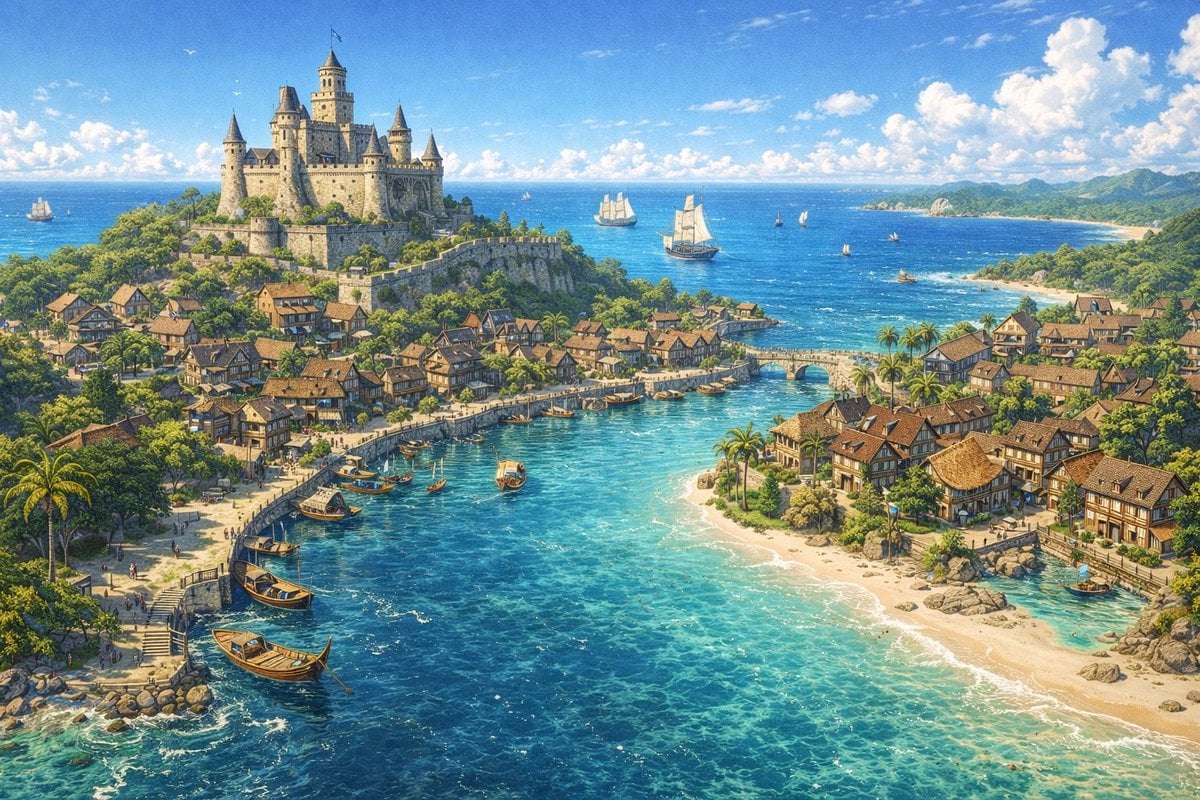
Fantasy Coastal City Landscape
Browse template categories
Anime Silhouette Narrative Poster questions
How do I use the Anime Silhouette Narrative Poster template?
Add your photo if the template asks for one, edit the prompt if you like — the template's model and format are already selected — and press Generate. Your version opens in PicX Studio.
Can I customize the Anime Silhouette Narrative Poster template?
Yes. You can change the subject, setting, lighting, mood, format, and available model controls before creating your image.
Is the Anime Silhouette Narrative Poster template free?
Opening and editing this template is free. Generating uses credits, shown on the Generate button when you are signed in.
Which AI model should I use?
Start with GPT Image 2, which is the model associated with this template. You can compare another compatible model for a different finish.
Looking for something else? Browse all templates.

Your photo, any look
Thousands of ready templates for every top image and video model, from one credit balance.