
Candid Nighttime Car Portrait with High ISO Grain
A detailed JSON prompt for generating a candid, nocturnal portrait shot inside a luxury car (Maybach) at night.
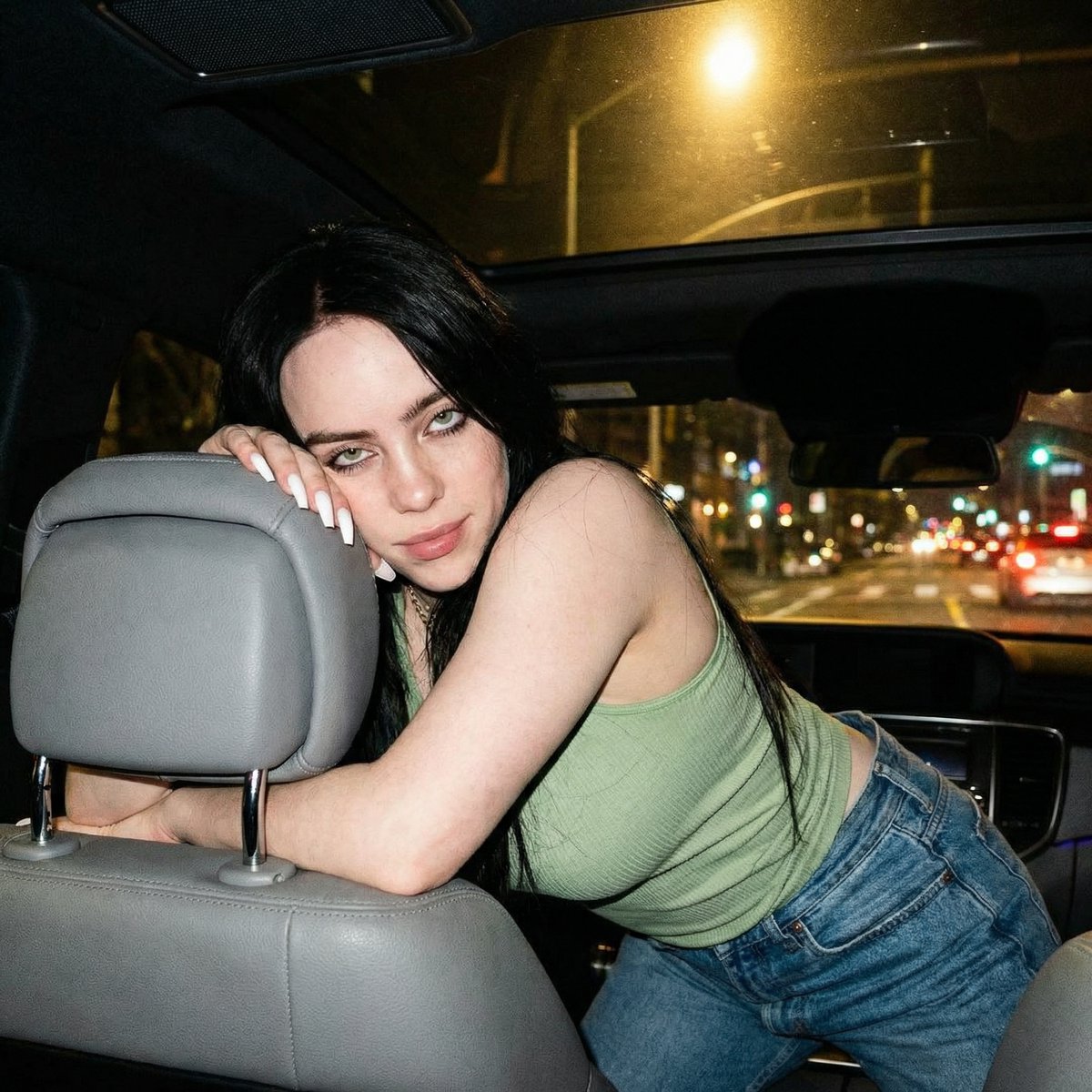
- Prompt included
- Model and format preset
- Free template
The prompt behind this image
Copy the exact prompt behind Candid Nighttime Car Portrait with High ISO Grain, or open it in the studio and make it yours.
{ "lighting": { "source": "Mixed artificial light sources. The primary source is a warm ambient light coming from the upper right, likely from a streetlamp or building outside the car, illuminating the subject's face and arm. There is also internal car light.", "quality": "Soft, diffused, but with directional shadows.", "shadows": "Soft shadows cast on the subject's face, neck, and torso. The background is mostly in shadow." }, "background": { "depth": "Shallow depth of field, with the outside world significantly blurred.", "setting": "Interior of a Maybach at night, parked or moving slowly.", "elements": [ "Grey leather car seat headrest.", "Car ceiling and rearview mirror.", "View through the passenger window showing blurry night lights, buildings, other vehicles, and streetlamps." ] }, "typography": { "visible_text": null }, "composition": { "angle": "Slightly low angle, looking up at the subject.", "framing": "Taken from inside a vehicle, looking towards the subject leaning over the driver's seat headrest. The frame is tight, focusing on the subject's upper body and face.", "shot_type": "Medium close-up", "focal_point": "The subject's face and eyes." }, "color_profile": { "mood": "Intimate, candid, nocturnal.", "palette": "Warm skin tones, cool blue denim, muted grey interior, and dark shadows, punctuated by warm yellow and orange lights from outside.", "dominant_colors": [ "#CDBCA6", "#46678C", "#7A8288", "#2A2A2A", "#D9C6B8" ] }, "technical_specs": { "iso": "High ISO, likely 800-1600, resulting in some visible grain.", "focus": "Focus is on the subject's face.", "aperture": "Likely f/1.8 or f/2.0", "lens_type": "Wide-angle lens (approx. 26mm equivalent)", "camera_type": "Smartphone camera", "shutter_speed": "Relatively slow due to low light, possibly 1/30s or 1/60s", "depth_of_field": "Shallow depth of field, blurring the background outside the car window." }, "subject_analysis": { "person": { "eyes": "Dark green, looking directly at the camera.", "hair": { "color": "Dark brown/black", "style": "Long, straight, parted in the middle, falling over her left shoulder." }, "pose": "Leaning over the grey leather headrest of the driver's seat, with her left arm resting on it and her hand near her cheek. Her body is angled towards the camera.", "skin": "Fair to light medium, with visible makeup including blush, eye shadow, and pink lipstick.", "attire": { "top": "Light pale green ribbed tank top.", "bottom": "Blue denim jeans.", "accessories": [ "Thin gold necklace with a small pendant.", "Long white artificial nails." ] }, "gender": "Female", "age_range": "Young adult (20s)"
How to use Candid Nighttime Car Portrait with High ISO Grain in 3 steps
- 1
Open
The prompt is already in the box next to the preview, with the template's model and format selected.
- 2…a portrait of your subject in softgolden-hour light, 85mm…
Personalize
Edit the subject and creative details for your destination.
- 3Generate
Generate
Press Generate — your image is created in PicX Studio, so you can compare it with the original and refine one variable at a time.
More like this
Templates with the same subject, style or setup. Open one to see its prompt.

Isometric Landmark Generation Using Nano

Ultra Detailed 3d Plush Cartoon Characte

Gemini Nano Banana 2 Isometric 3d City D
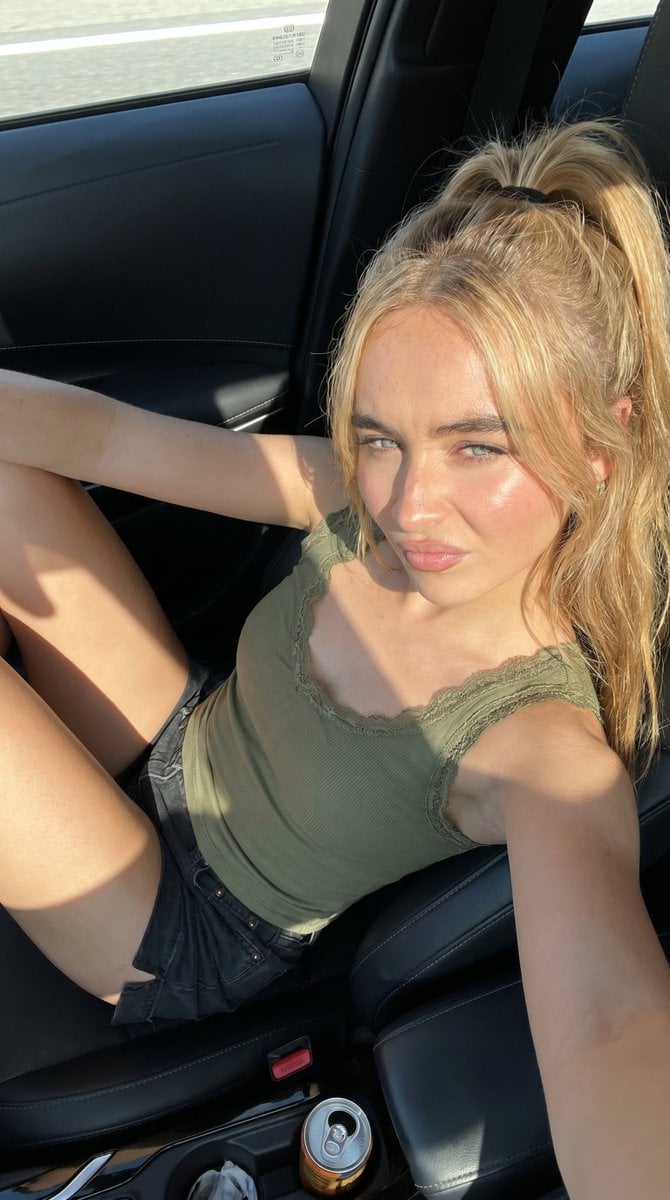
Candid Summer Car Interior Portrait
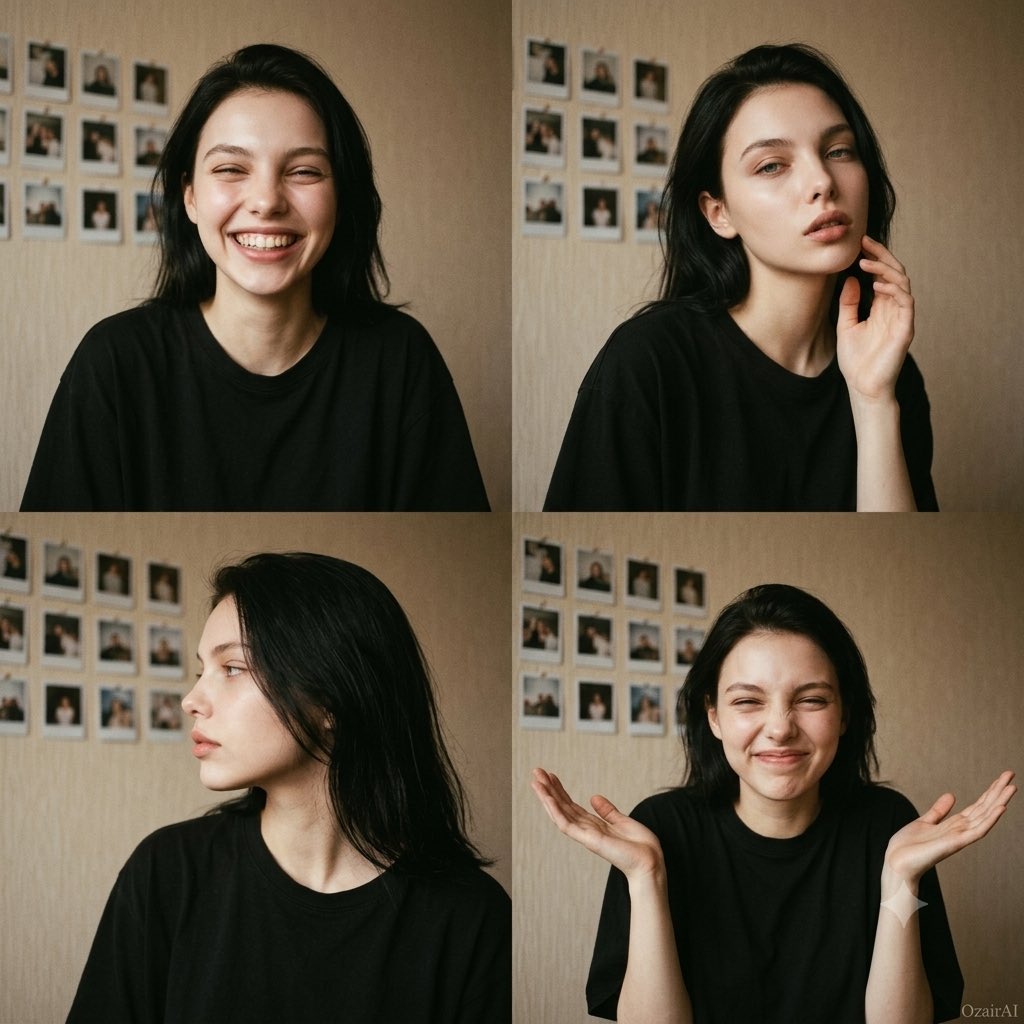
Candid Film Grain Portrait Collage

Sunday Afternoon, 1988

Found Photograph: Us, 1970

Our Song was on a Cassette

The Date After College

80s Couple Studio Portrait

80s College Gate

80s Bollywood Star
Make it yours
Candid Nighttime Car Portrait with High ISO Grain works as-is. These are the safest ways to change it without losing the look.
Change one field
Copy a single group, rewrite it, and generate again so you can see what that field is doing.
Keep the frame, change the subject
Hold the composition and light of Candid Nighttime Car Portrait with High ISO Grain, then swap wardrobe, props or the person for a new take.
| If the result… | Why | Fix |
|---|---|---|
| The result drifts from the preview | Too many fields changed at once. | Reuse Candid Nighttime Car Portrait with High ISO Grain as-is first, then change one group — subject, light, or setting. |
| The model over-stylizes the scene | The prose prompt leaves finish and camera underspecified. | Add one camera or lighting sentence and stay on Nano Banana 2. |
More Nano Banana 2 templates
Other prompts made for Nano Banana 2.

Photorealistic Leaf Shaped Like a Dragon

K-Pop Idol Portrait Grid for Rapid Selection

Poetic Rain Forest Portrait During Golden Hour

Urban Street Portrait with Cartoon Inner Self Duo

Candid Nighttime Photo with Cat Prompt

High-Concept 3D Diorama Generation Prompt

Cinematic Futuristic Studio Portrait Template

Skincare Editorial Photography Collage Prompt

Hyper-Realistic Commercial Product Photography (Splash Effect)

Hyper-Realistic Nightclub Portrait Prompt
More image prompts
Fresh picks from across the catalog.
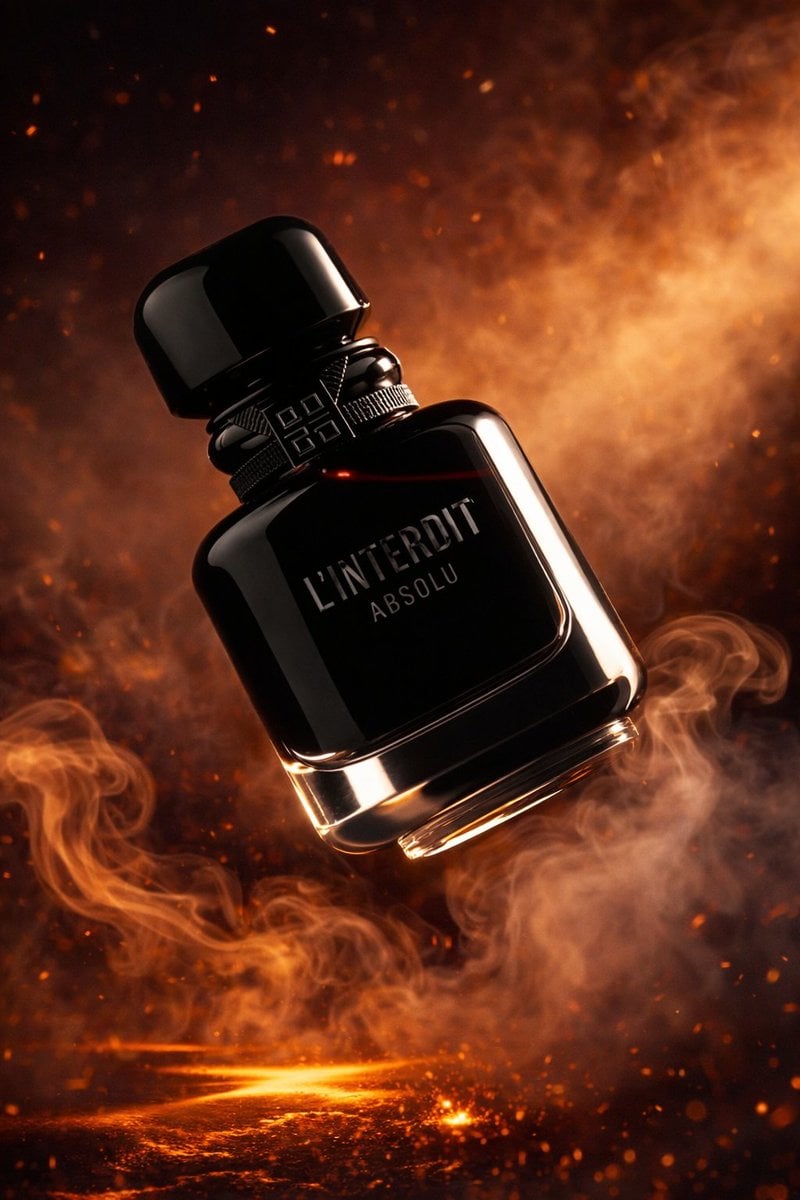
Luxury Perfume Bottle Product Shot
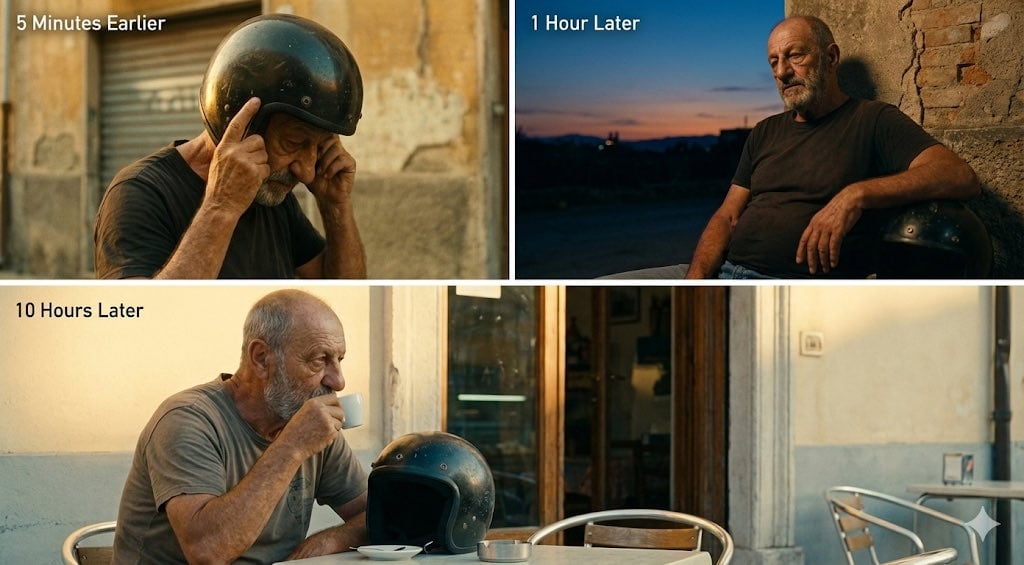
Time-Shifted Image Generation Prompt
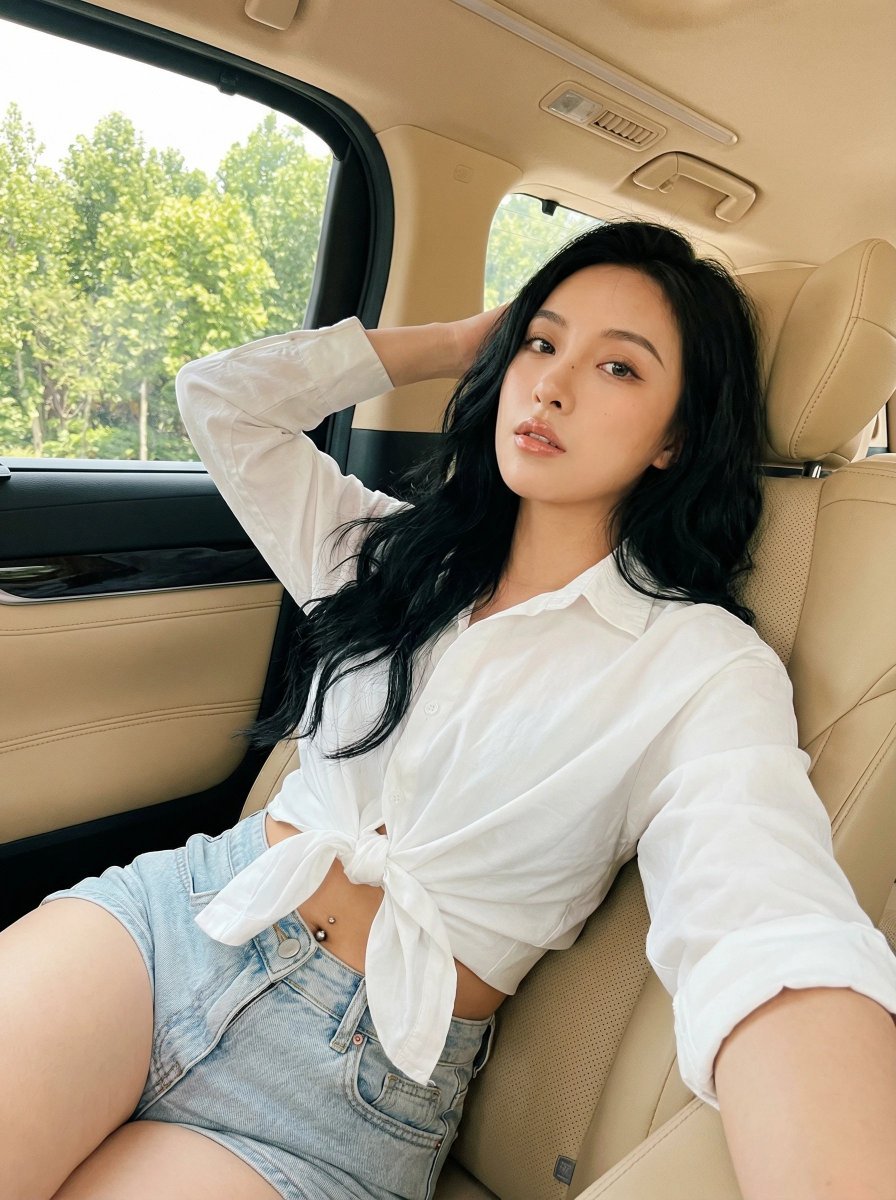
Natural Instagram-style car selfie prompt
Lego-style self transformation
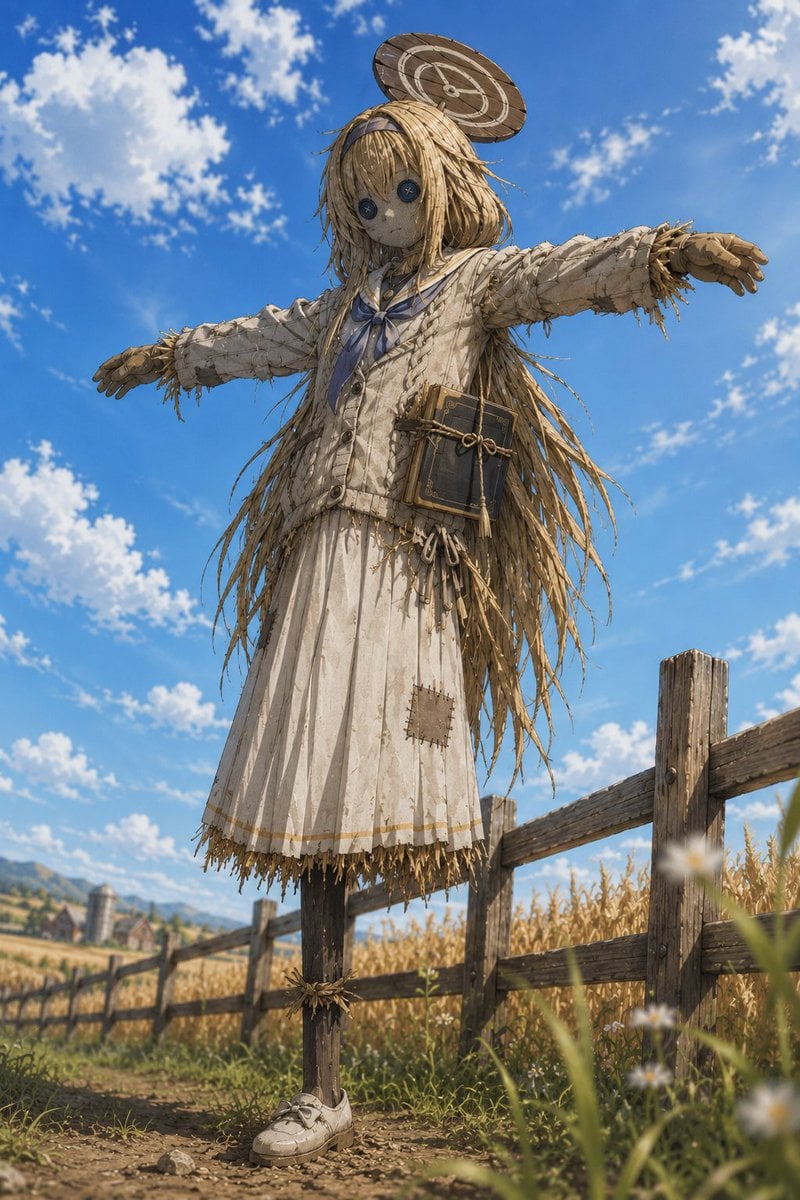
Anime Schoolgirl Scarecrow in Rural Field
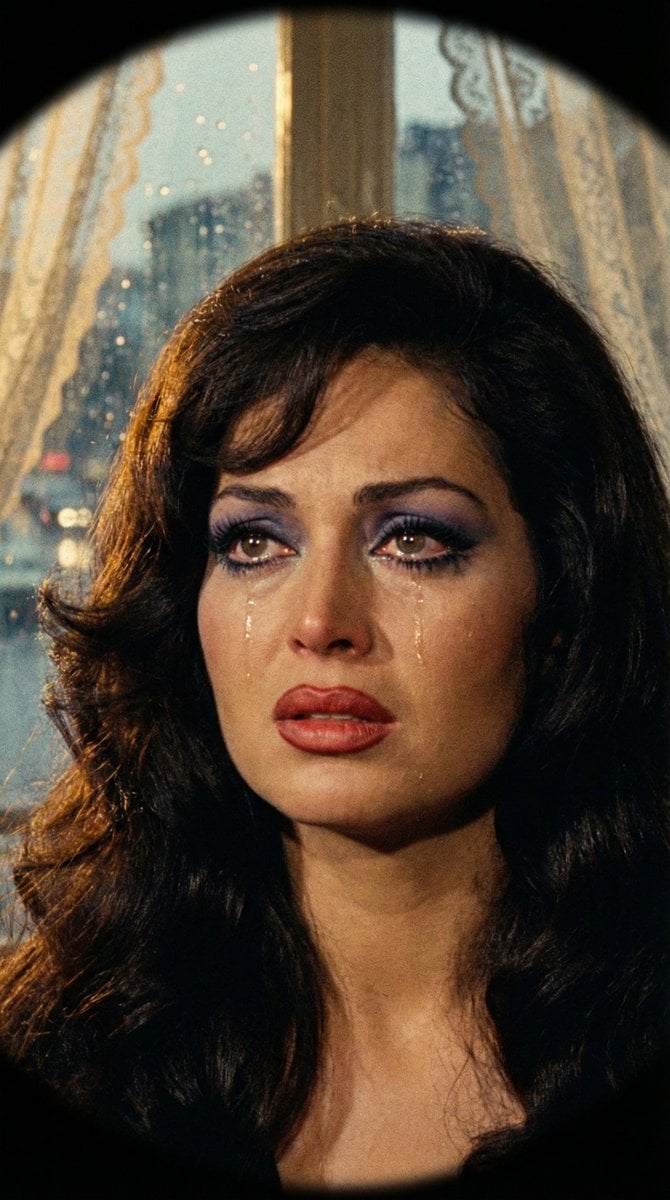
JSON Prompt for 1971 Yeşilçam Cinematic Portrait of Türkan Şoray Crying
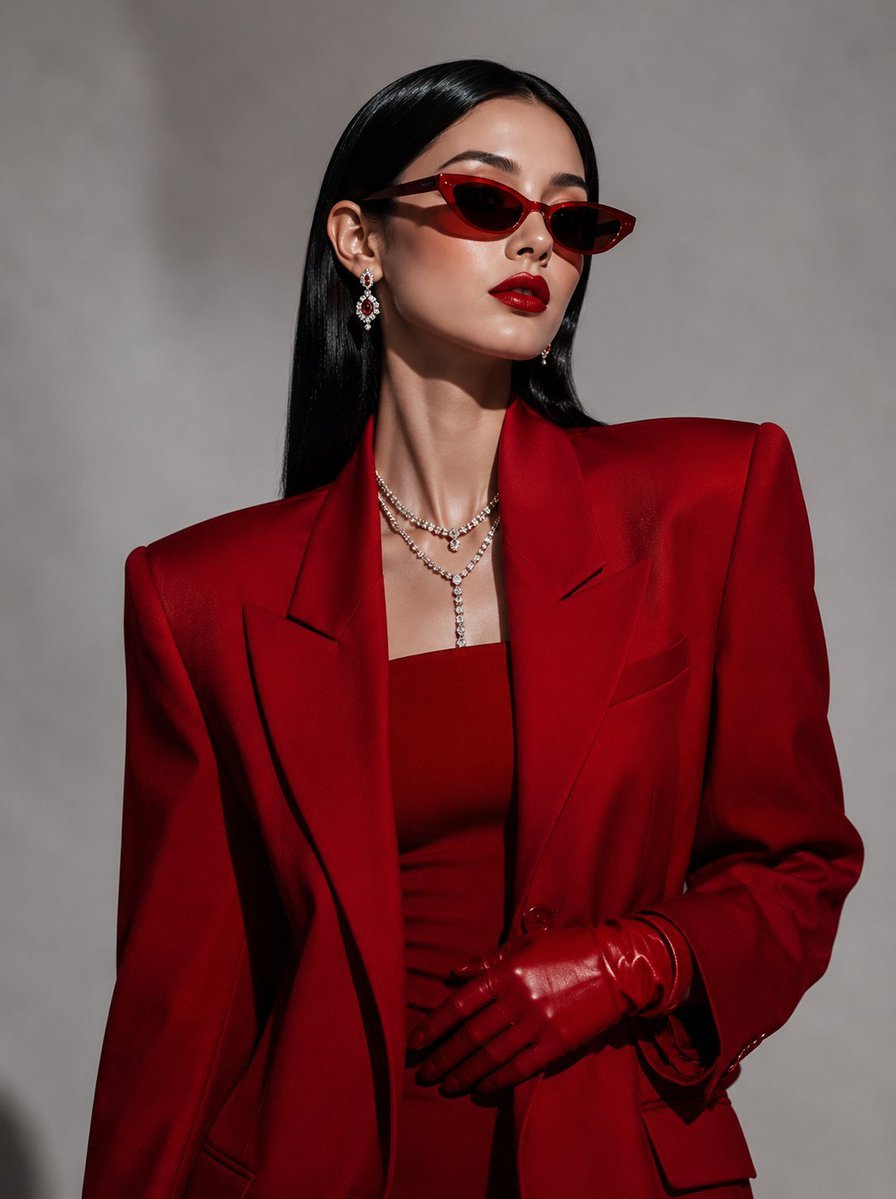
Vogue Korea Editorial Portrait
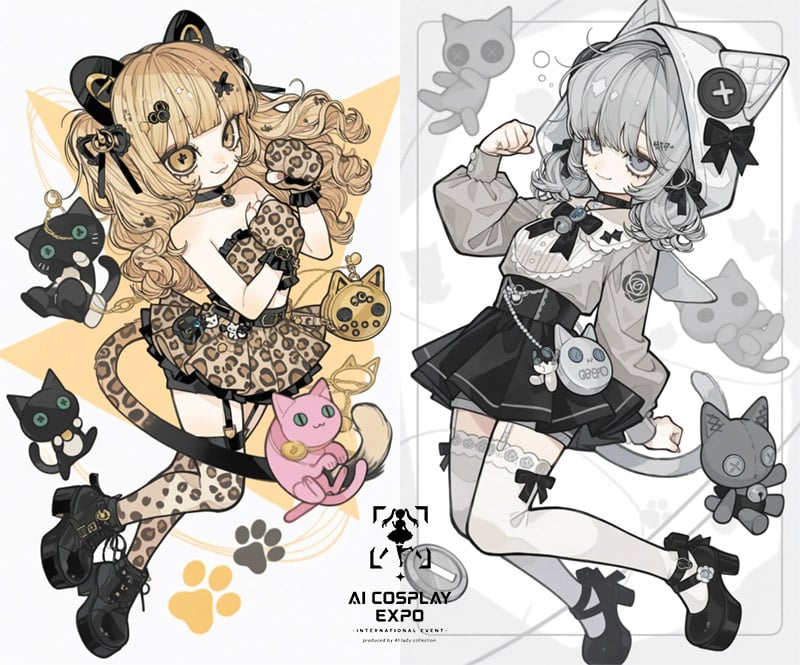
AI Cosplay Expo Cat Girls
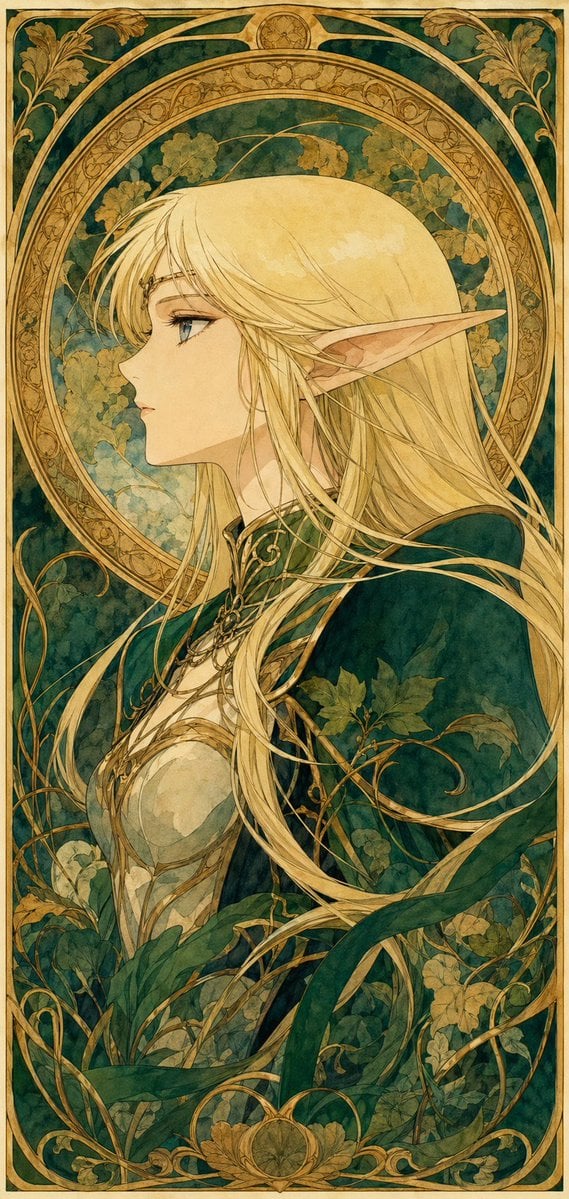
90s Anime Style Elf Warrior
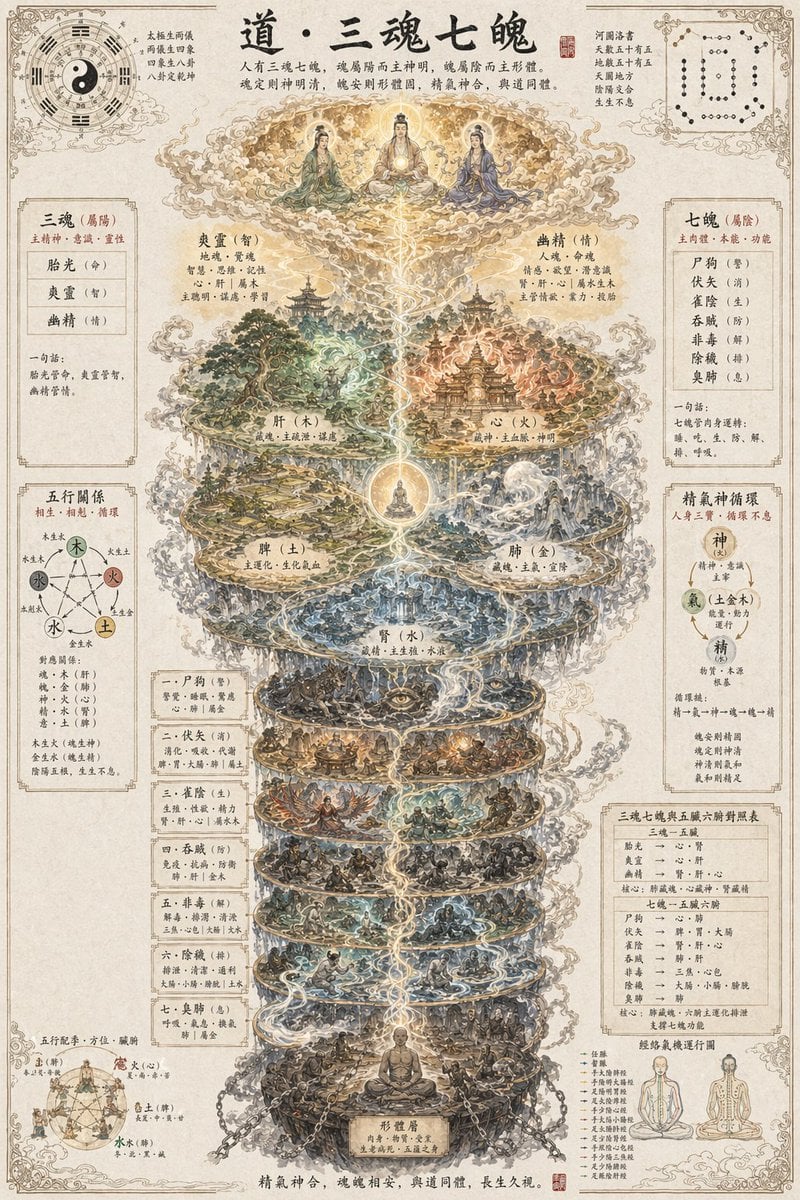
Taoist Three Souls Seven Po Poster
Browse template categories
Candid Nighttime Car Portrait with High ISO Grain questions
How do I use the Candid Nighttime Car Portrait with High ISO Grain template?
Add your photo if the template asks for one, edit the prompt if you like — the template's model and format are already selected — and press Generate. Your version opens in PicX Studio.
Can I customize the Candid Nighttime Car Portrait with High ISO Grain template?
Yes. You can change the subject, setting, lighting, mood, format, and available model controls before creating your image.
Is the Candid Nighttime Car Portrait with High ISO Grain template free?
Opening and editing this template is free. Generating uses credits, shown on the Generate button when you are signed in.
Which AI model should I use?
Start with Nano Banana 2, which is the model associated with this template. You can compare another compatible model for a different finish.
Looking for something else? Browse all templates.

Your photo, any look
Thousands of ready templates for every top image and video model, from one credit balance.