16-Bit Arcade Character Generator
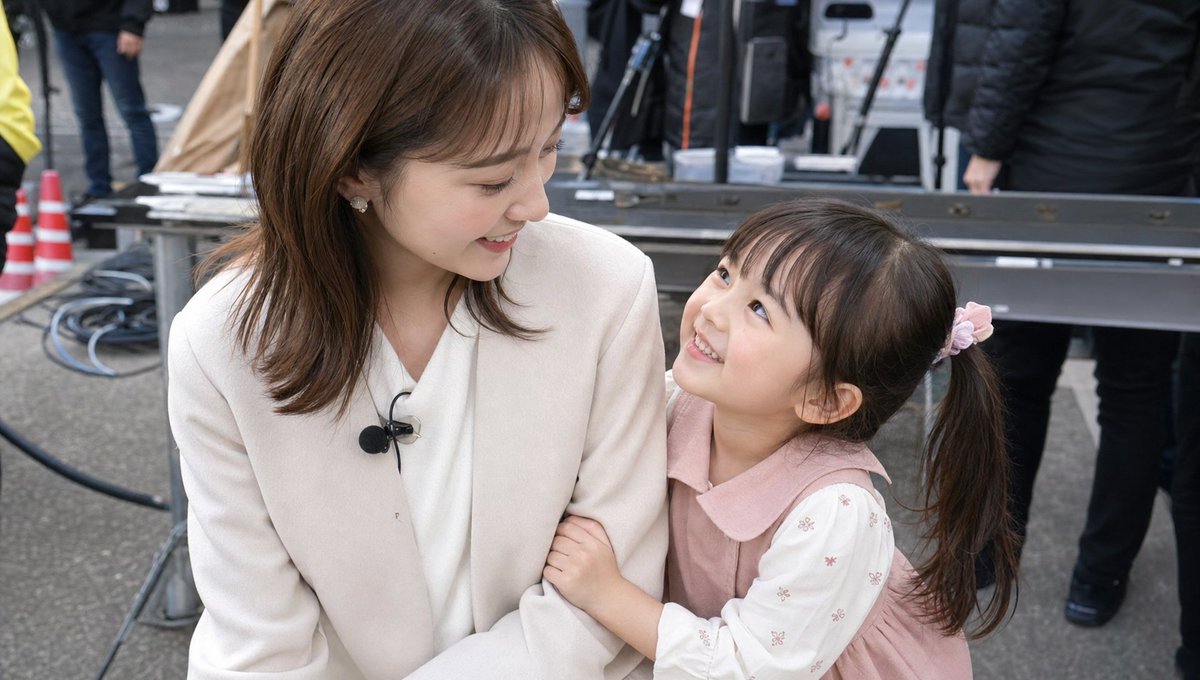
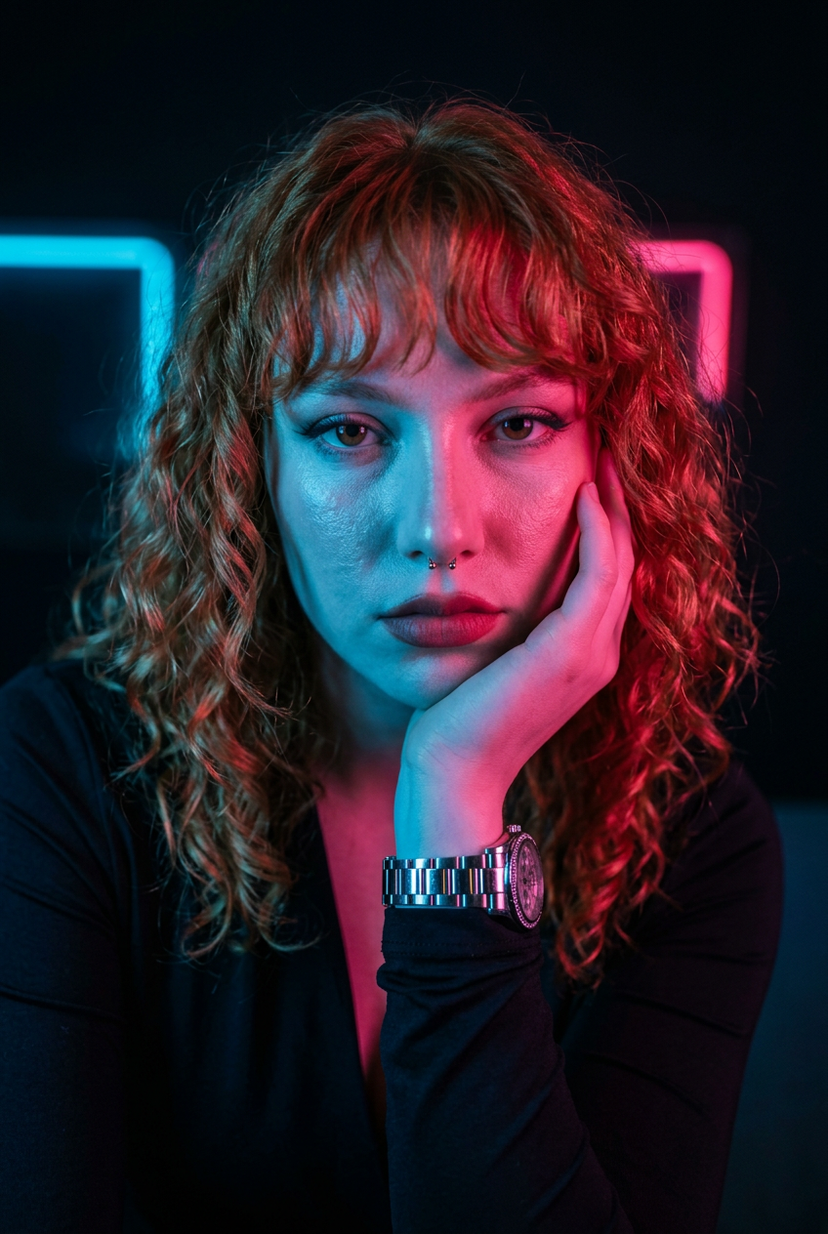
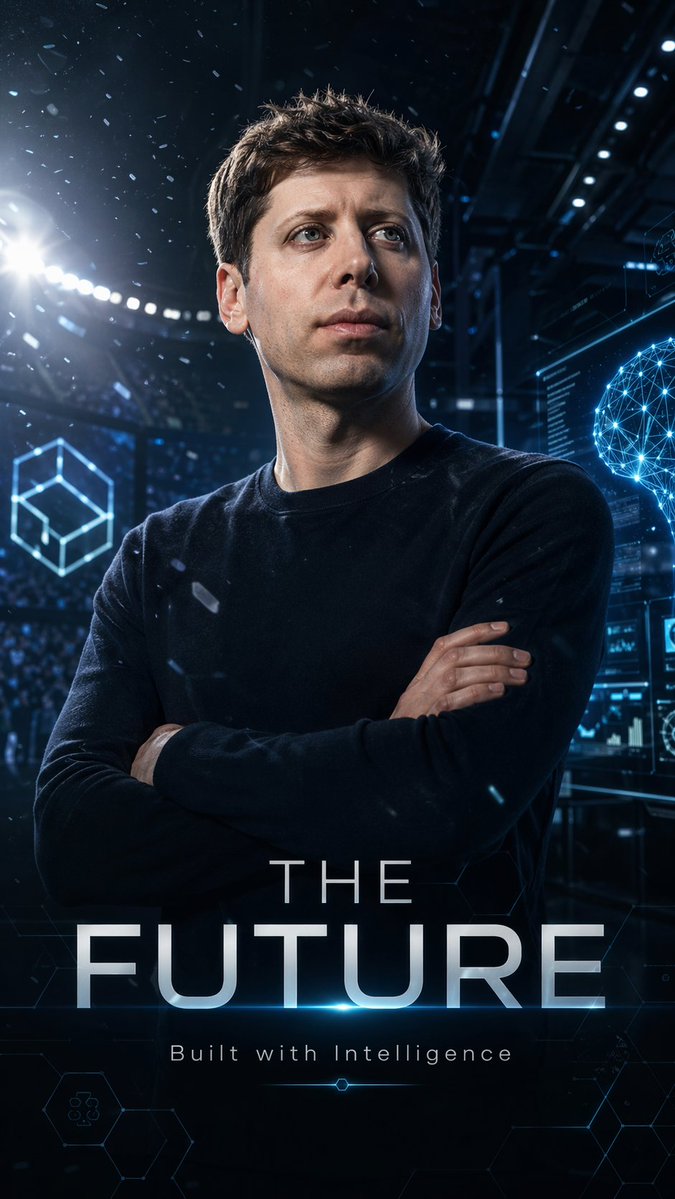
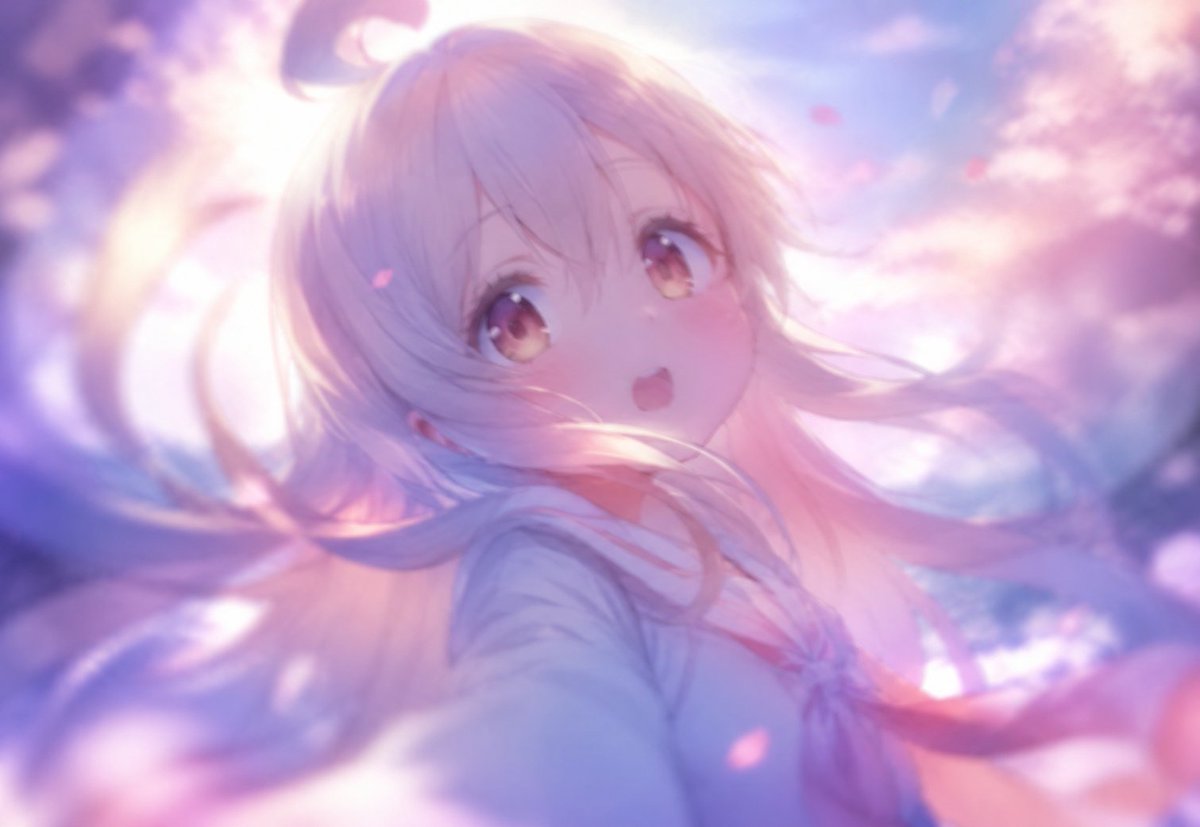
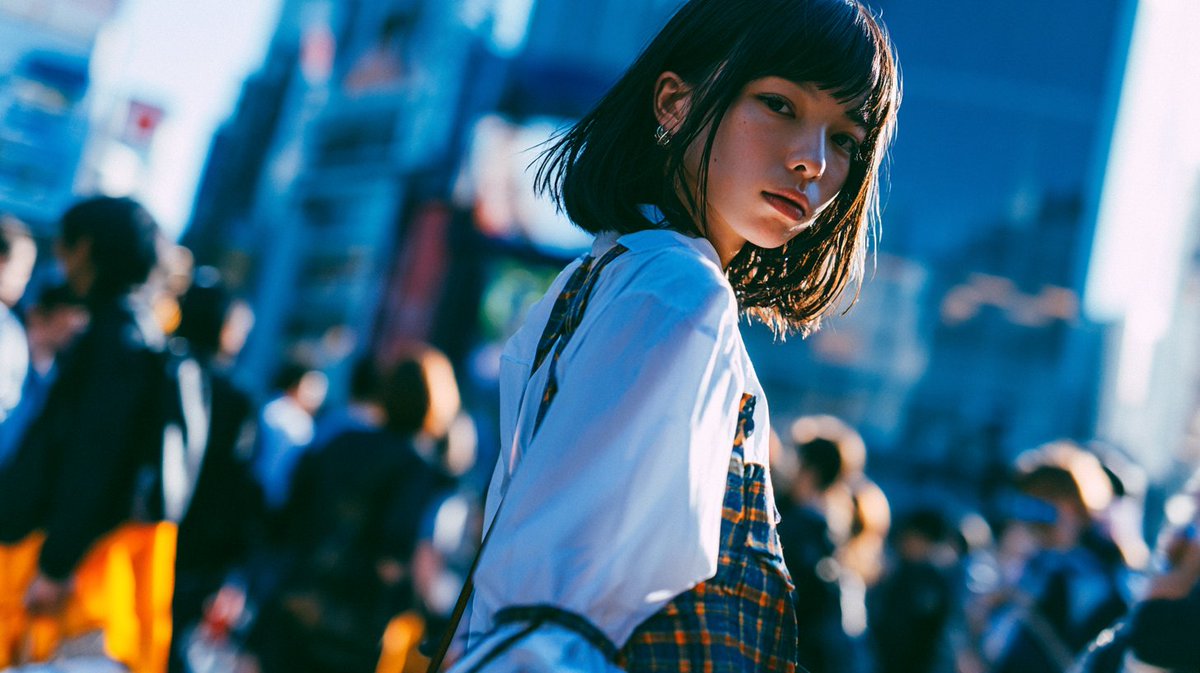
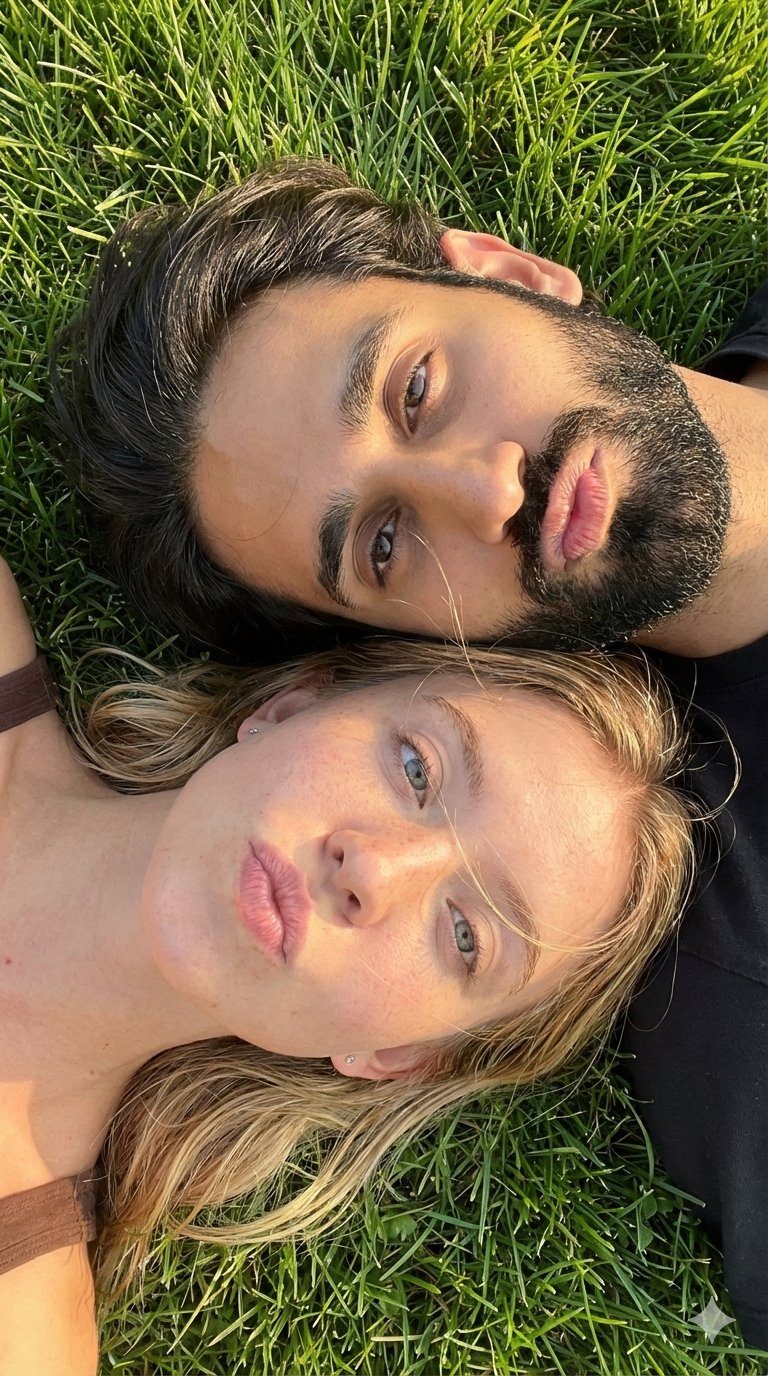
(Female Adapted) Create a 16‑bit retro arcade character portrait based on the uploaded user photo. Preserve only the subject’s face and hair likeness from the photo; do not preserve the original clothing, pose, or background. Render the subject as a stylized pixel‑hero, blending crisp retro pixel art with modern shading and chaotic arcade energy. Use a centered portrait composition with the subject facing the camera, expressing bold, playful, high‑energy arcade attitude. Skin should appear pixel‑rendered with chunky shading blocks, soft dithering, and stylized highlights. Edges should be crisp, with subtle pixel outlines and retro color‑banding. Apply a vibrant 16‑bit color palette: saturated primaries, neon accents, and high‑contrast arcade lighting. Add optional chaotic FX such as pixel sparks, glitch streaks, scanline distortions, power‑up flashes, or retro HUD particles. Randomize the following elements each time the prompt is used: Hairstyle: pixel‑punk spikes, retro 16‑bit waves, chunky pixel curls, neon‑lit arcade bob, stylized pixel‑hero sweep, or glossy pixel‑rendered long hair. Outfit: 16‑bit fighter jacket, pixel‑armor suit, neon arcade hoodie, retro hero tunic, cyber‑pixel vest, or bold color‑blocked arcade gear. Accessories: pixel visor, retro headset, glowing 16‑bit wristband, power‑up badge, LED earpiece, or none. Background: pixel grid with color bursts, retro game‑menu screen, neon scanline gradient, chaotic glitch field, or arcade cabinet glow. Include a customizable Gamer Tag displayed as a floating retro nameplate using pixel‑font or neon‑HUD lettering. Overall mood: chaotic, playful, retro‑arcade portrait with 16‑bit texture, glitch energy, and vibrant pixel‑hero personality. Avoid unwanted elements such as text, logos, distortions, or additional people. (Male Adapted) Create a 16‑bit retro arcade character portrait based on the uploaded male user photo. Preserve only the subject’s face and hair likeness from the photo; do not preserve the original clothing, pose, or background. Render the subject as a stylized male pixel‑hero, blending chunky retro pixel art with modern shading and chaotic arcade energy. Use a centered portrait composition with the subject facing the camera, expressing bold, confident, high‑energy arcade‑hero attitude. Skin should appear pixel‑rendered with blocky shading, soft dithering, and stylized highlights. Edges should be crisp, with subtle pixel outlines and retro color‑banding. Apply a vibrant 16‑bit color palette: saturated primaries, neon accents, and high‑contrast arcade lighting. Add optional chaotic FX such as pixel sparks, glitch streaks, scanline distortions, power‑up flashes, or retro HUD particles. Randomize the following elements each time the prompt is used: Hairstyle (male variations): pixel‑punk spikes, retro 16‑bit action‑hero sweep, short textured pixel crop, stylized arcade quiff, chunky pixel curls, or neon‑lit warrior hair. Outfit (male variations): 16‑bit fighter jacket, pixel‑armor chestplate, neon arcade varsity jacket, retro hero tunic, cyber‑pixel vest, or bold color‑blocked arcade hoodie. Accessories (male variations): pixel visor, retro headset, glowing 16‑bit wristband, power‑up badge, LED earpiece, or none. Background: pixel grid with color bursts, retro game‑menu screen, neon scanline gradient, chaotic glitch field, or arcade cabinet glow. Include a customizable Gamer Tag displayed as a floating retro nameplate using pixel‑font or neon‑HUD lettering. Overall mood: chaotic, playful, retro‑arcade portrait with 16‑bit texture, glitch energy, and bold male pixel‑hero personality. Avoid unwanted elements such as text, logos, distortions, or additional people.












![Naive doodle-style subject illustration — A doodle-style {argument name="subject" default="[subject]"}, naive lines, humorous shape exaggeration](https://pbs.twimg.com/media/G6Wl2YxbsAARB2b.jpg)