
Bit Arcade Character Generator
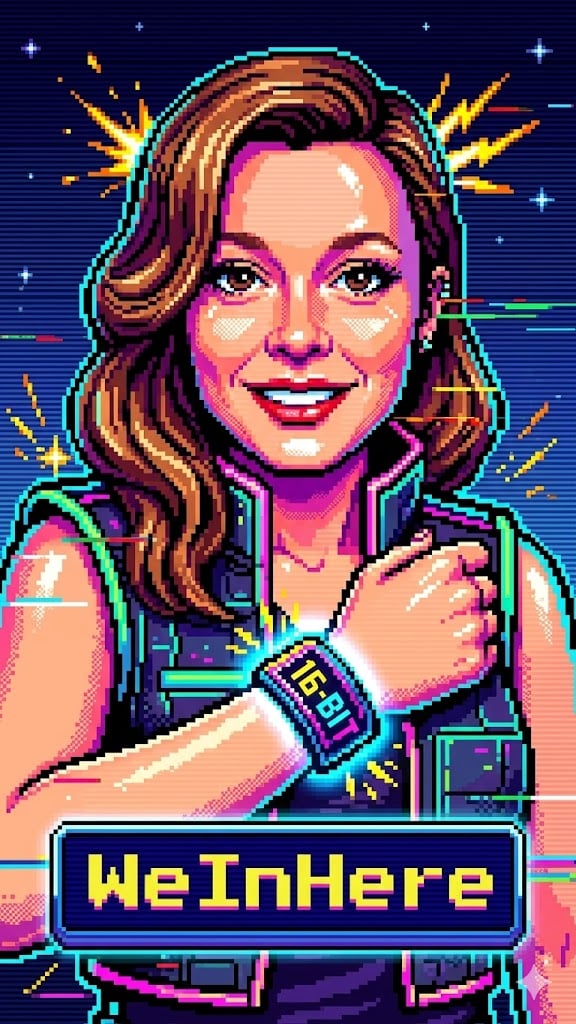
A specialized prompt to convert user photos into retro 16-bit arcade pixel art heroes.
- Prompt included
- Model and format preset
- Free template
The prompt behind this image
Copy the exact prompt behind Bit Arcade Character Generator, or open it in the studio and make it yours.
(Female Adapted) Create a 16‑bit retro arcade character portrait based on the uploaded user photo. Preserve only the subject’s face and hair likeness from the photo; do not preserve the original clothing, pose, or background. Render the subject as a stylized pixel‑hero, blending crisp retro pixel art with modern shading and chaotic arcade energy. Use a centered portrait composition with the subject facing the camera, expressing bold, playful, high‑energy arcade attitude. Skin should appear pixel‑rendered with chunky shading blocks, soft dithering, and stylized highlights. Edges should be crisp, with subtle pixel outlines and retro color‑banding. Apply a vibrant 16‑bit color palette: saturated primaries, neon accents, and high‑contrast arcade lighting. Add optional chaotic FX such as pixel sparks, glitch streaks, scanline distortions, power‑up flashes, or retro HUD particles. Randomize the following elements each time the prompt is used: Hairstyle: pixel‑punk spikes, retro 16‑bit waves, chunky pixel curls, neon‑lit arcade bob, stylized pixel‑hero sweep, or glossy pixel‑rendered long hair. Outfit: 16‑bit fighter jacket, pixel‑armor suit, neon arcade hoodie, retro hero tunic, cyber‑pixel vest, or bold color‑blocked arcade gear. Accessories: pixel visor, retro headset, glowing 16‑bit wristband, power‑up badge, LED earpiece, or none. Background: pixel grid with color bursts, retro game‑menu screen, neon scanline gradient, chaotic glitch field, or arcade cabinet glow. Include a customizable Gamer Tag displayed as a floating retro nameplate using pixel‑font or neon‑HUD lettering. Overall mood: chaotic, playful, retro‑arcade portrait with 16‑bit texture, glitch energy, and vibrant pixel‑hero personality. Avoid unwanted elements such as text, logos, distortions, or additional people. (Male Adapted) Create a 16‑bit retro arcade character portrait based on the uploaded male user photo. Preserve only the subject’s face and hair likeness from the photo; do not preserve the original clothing, pose, or background. Render the subject as a stylized male pixel‑hero, blending chunky retro pixel art with modern shading and chaotic arcade energy. Use a centered portrait composition with the subject facing the camera, expressing bold, confident, high‑energy arcade‑hero attitude. Skin should appear pixel‑rendered with blocky shading, soft dithering, and stylized highlights. Edges should be crisp, with subtle pixel outlines and retro color‑banding. Apply a vibrant 16‑bit color palette: saturated primaries, neon accents, and high‑contrast arcade lighting. Add optional chaotic FX such as pixel sparks, glitch streaks, scanline distortions, power‑up flashes, or retro HUD particles. Randomize the following elements each time the prompt is used: Hairstyle (male variations): pixel‑punk spikes, retro 16‑bit action‑hero sweep, short textured pixel crop, stylized arcade quiff, chunky pixel curls, or neon‑lit warrior hair. Outfit (male variations): 16‑bit fighter jacket, pixel‑armor chestplate, neon arcade varsity jacket, retro hero tunic, cyber‑pixel vest, or bold color‑blocked arcade hoodie. Accessories (male variations): pixel visor, retro headset, glowing 16‑bit wristband, power‑up badge, LED earpiece, or none. Background: pixel grid with color bursts, retro game‑menu screen, neon scanline gradient, chaotic glitch field, or arcade cabinet glow. Include a customizable Gamer Tag displayed as a floating retro nameplate using pixel‑font or neon‑HUD lettering. Overall mood: chaotic, playful, retro‑arcade portrait with 16‑bit texture, glitch energy, and bold male pixel‑hero personality. Avoid unwanted elements such as text, logos, distortions, or additional people.
How to use Bit Arcade Character Generator in 3 steps
- 1Upload ImagePNG, JPG or paste
Add your photo
Upload the photo the template builds on. The prompt, model and format are already set.
- 2…a portrait of your subject in softgolden-hour light, 85mm…
Personalize
Edit the subject and creative details for your destination.
- 3Generate
Generate
Press Generate — your image is created in PicX Studio, so you can compare it with the original and refine one variable at a time.
More like this
Templates with the same subject, style or setup. Open one to see its prompt.
Image to 16-Bit Retro Pixel Art Transformation
Retro 8-Bit Pixel Art Persephone
Bit Tech Container Ship
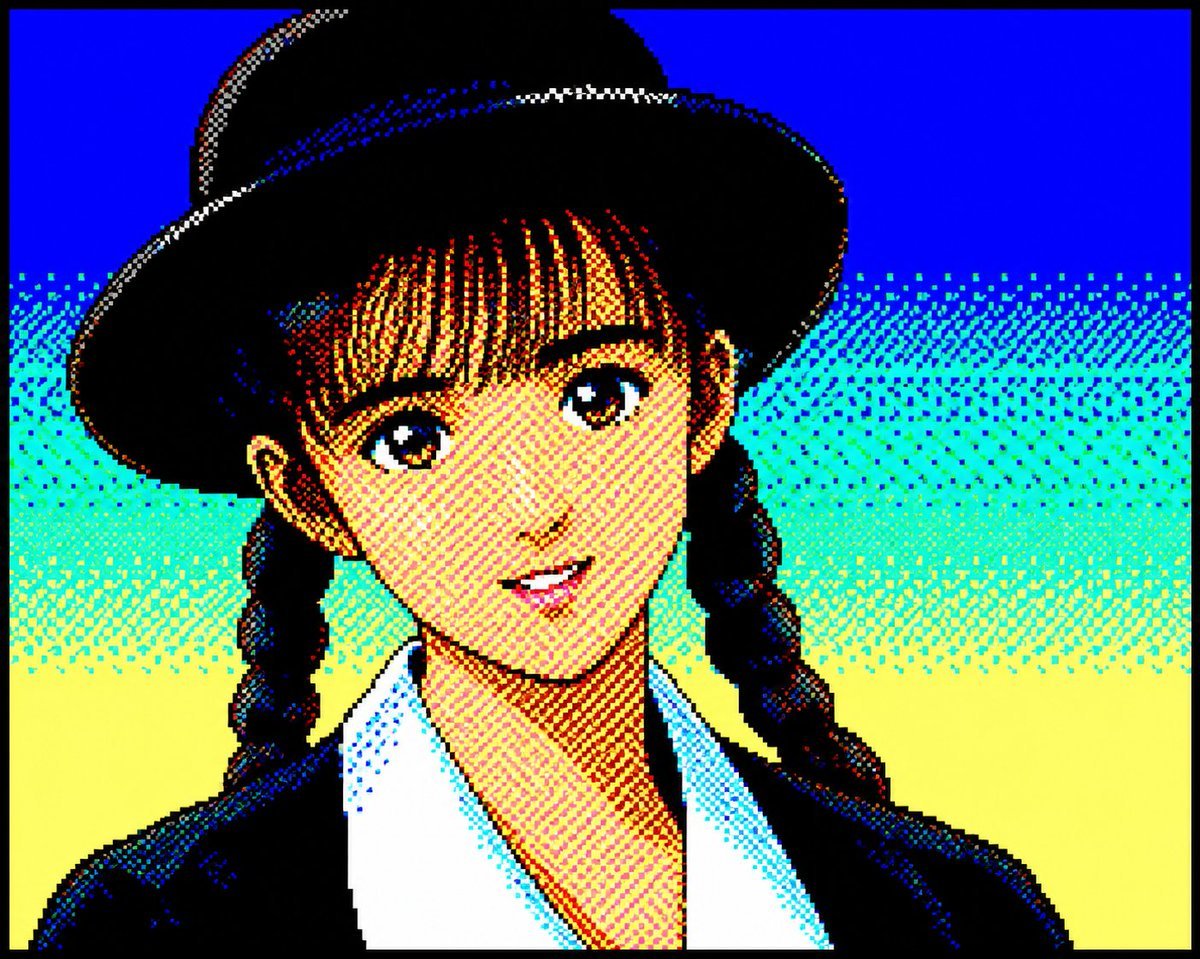
Retro PC-88 8-Bit Anime Portrait
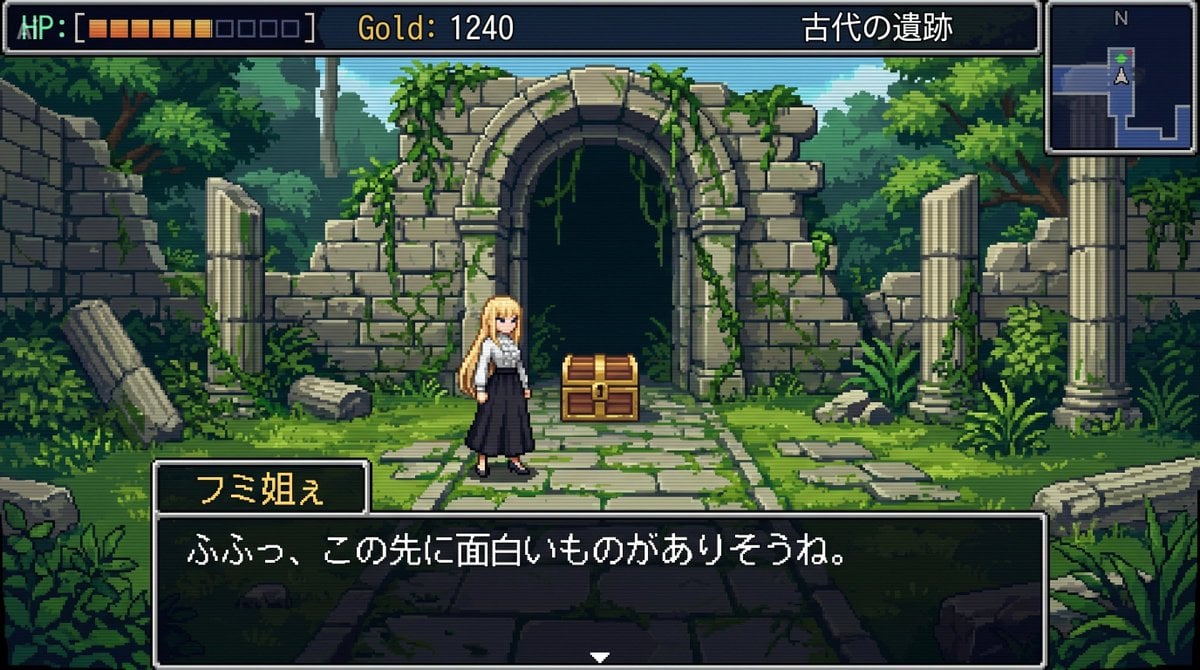
bit RPG Field Exploration Prompt
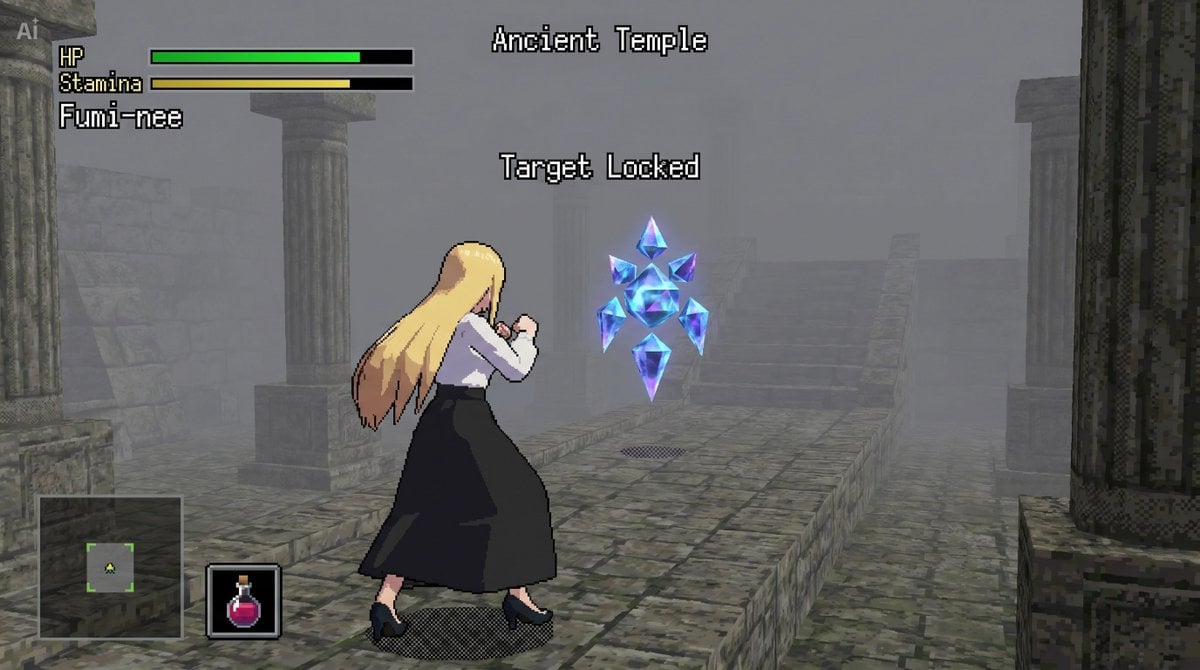
bit Low Poly Action RPG Prompt
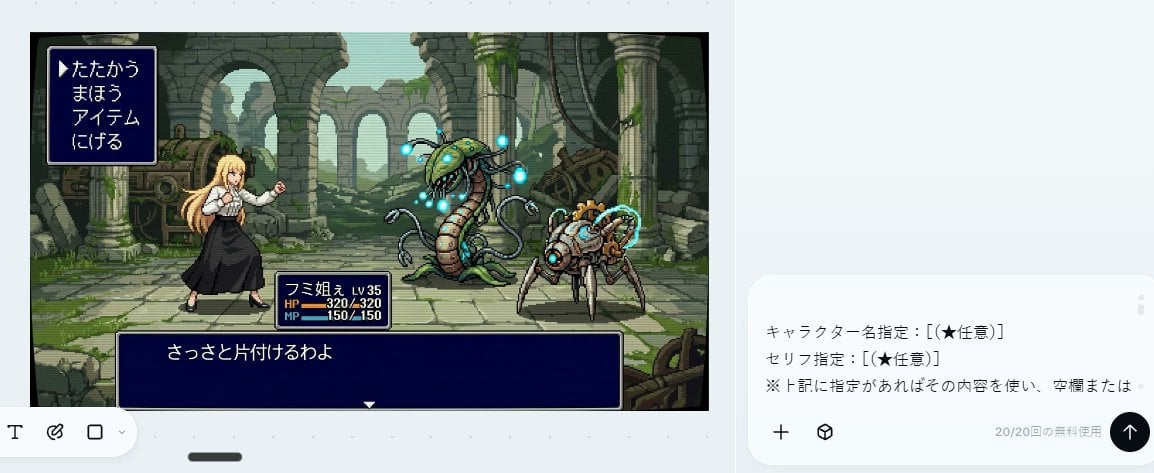
Bit RPG Battle Screen
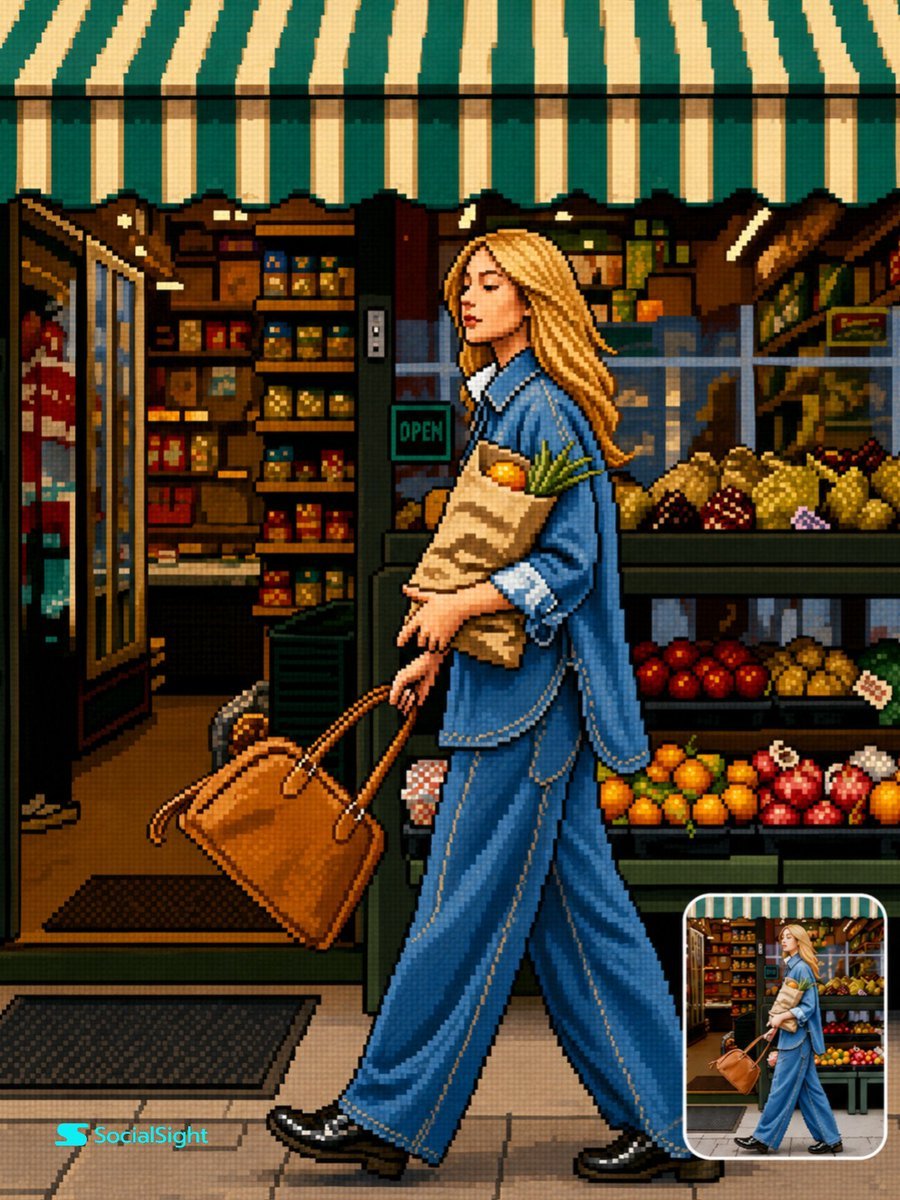
Retro 16-Bit Pixel Art Transformation
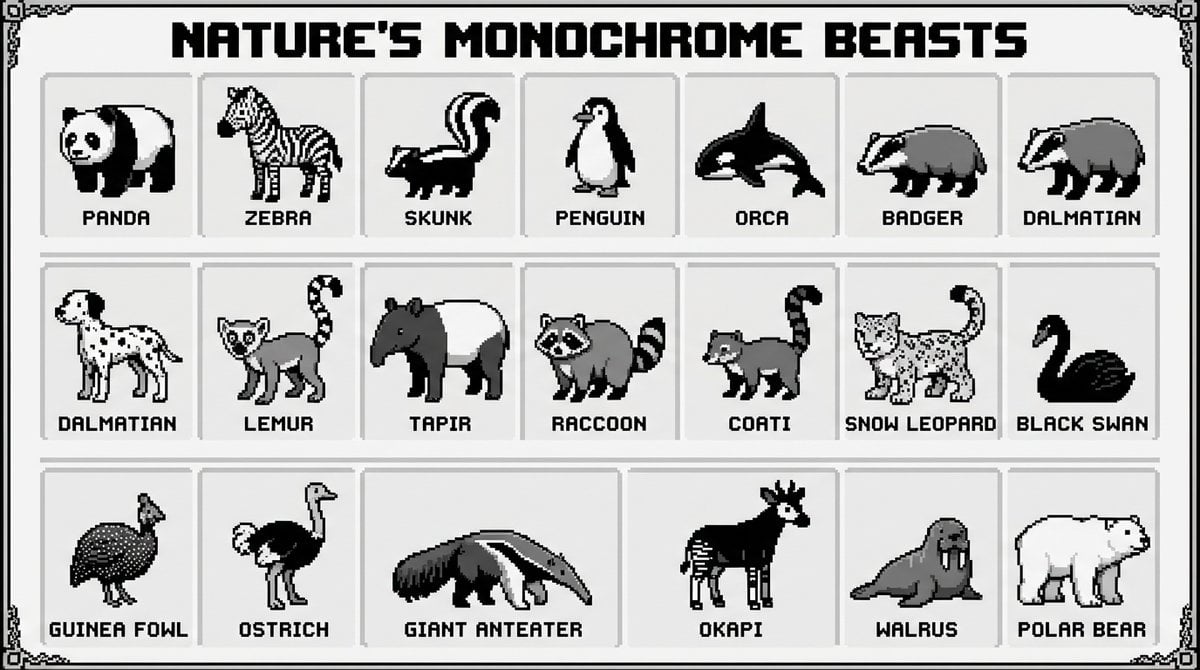
bit pixel art poster of black-and-white animals
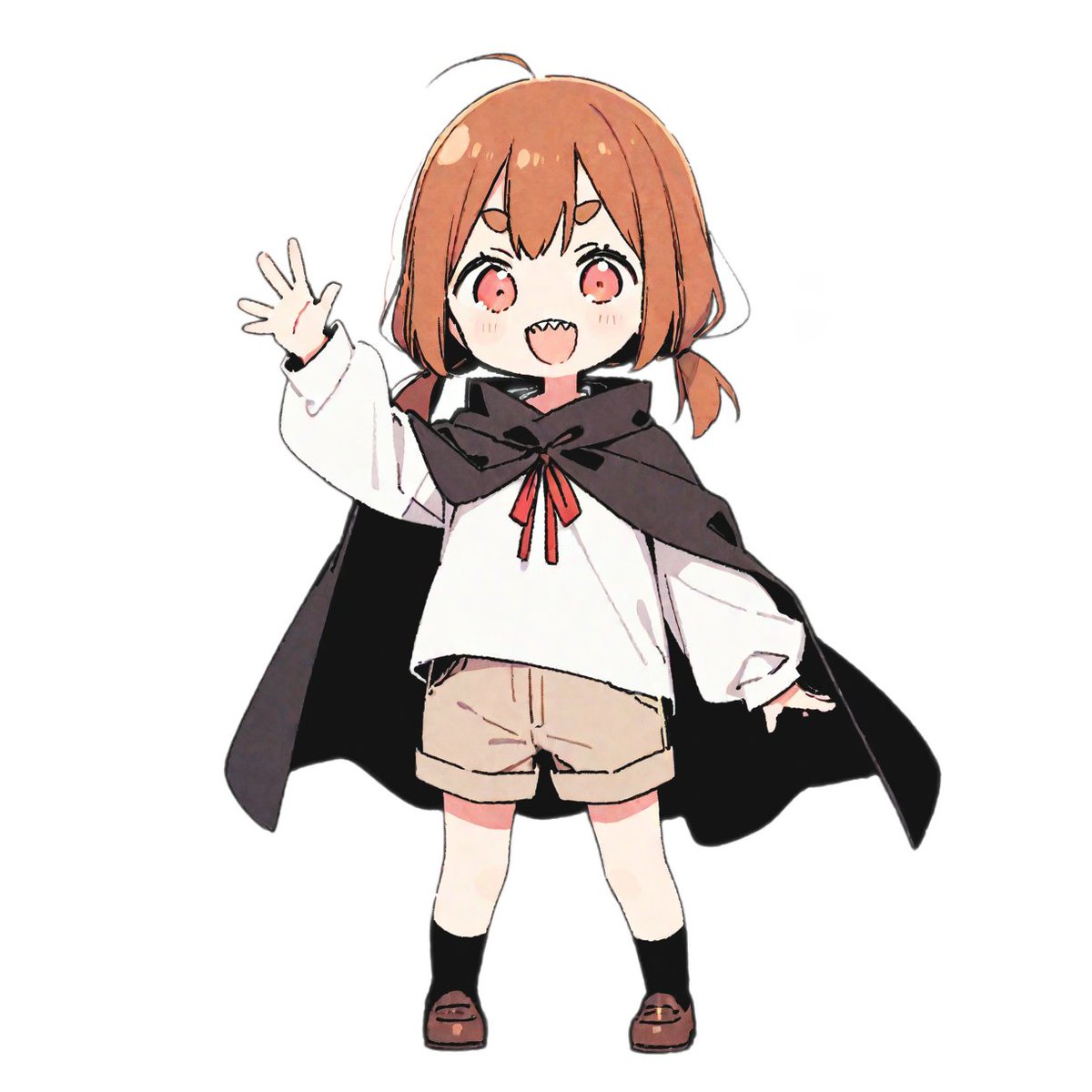
bit Retro Game Character Conversion Prompts
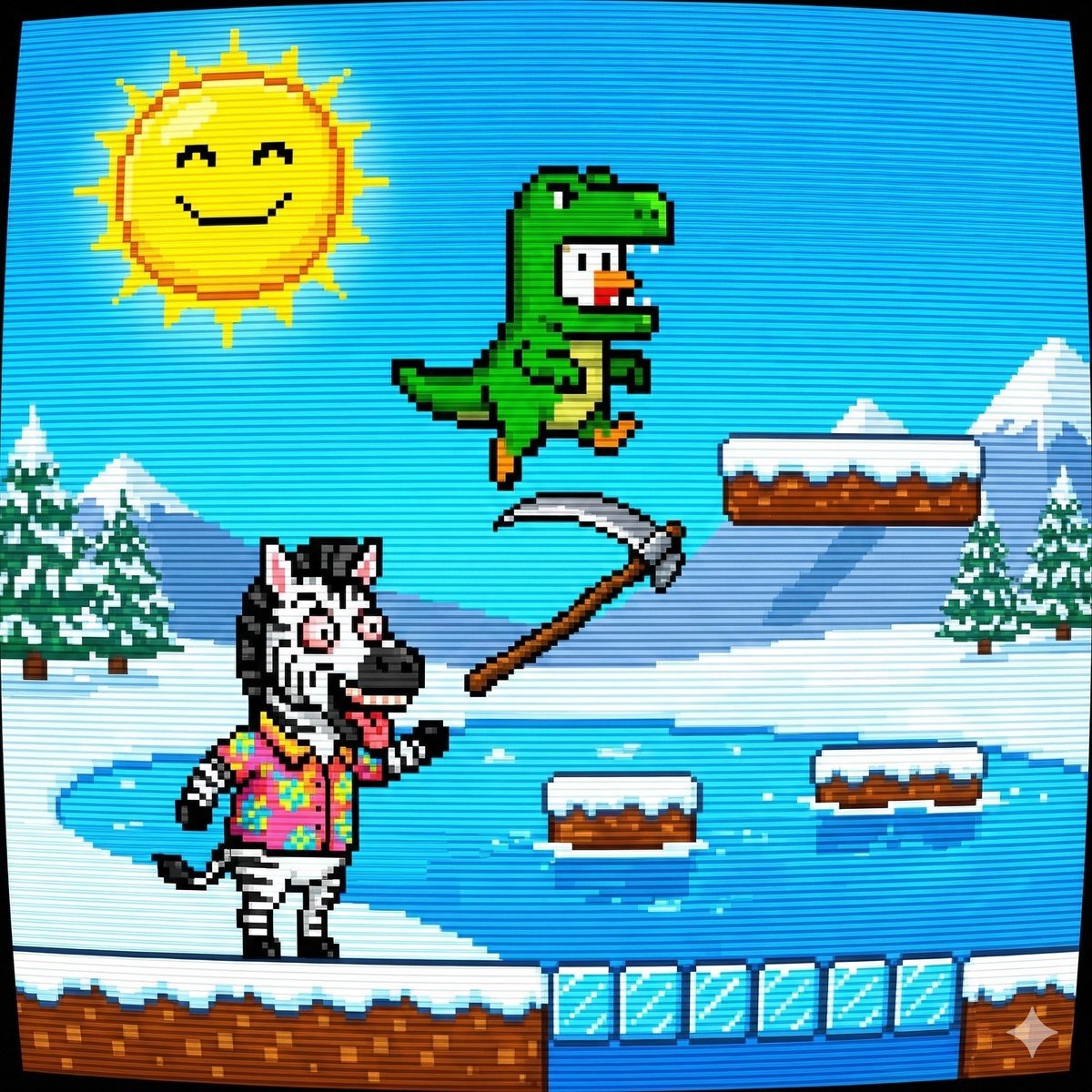
Nano Banana Pro Prompt: 8-bit Chicken in T-Rex Costume
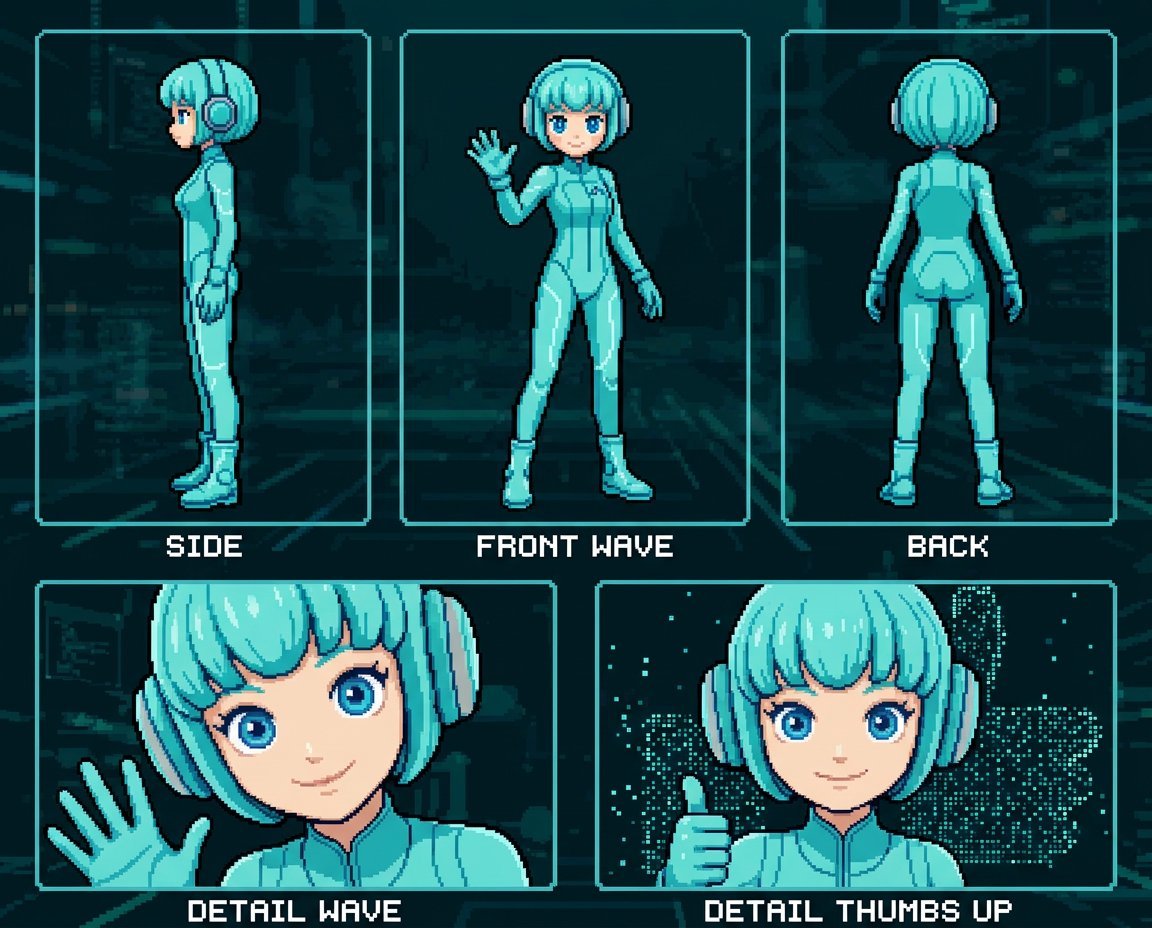
Retro 8-Bit Game Aesthetic Prompt
Make it yours
Bit Arcade Character Generator works as-is. These are the safest ways to change it without losing the look.
Change one field
Copy a single group, rewrite it, and generate again so you can see what that field is doing.
Keep the frame, change the subject
Hold the composition and light of 16-Bit Arcade Character Generator, then swap wardrobe, props or the person for a new take.
| If the result… | Why | Fix |
|---|---|---|
| The result drifts from the preview | Too many fields changed at once. | Reuse 16-Bit Arcade Character Generator as-is first, then change one group — subject, light, or setting. |
| The model over-stylizes the scene | The prose prompt leaves finish and camera underspecified. | Add one camera or lighting sentence and stay on Nano Banana 2. |
More Nano Banana 2 templates
Other prompts made for Nano Banana 2.

Photorealistic Leaf Shaped Like a Dragon

K-Pop Idol Portrait Grid for Rapid Selection

Poetic Rain Forest Portrait During Golden Hour

Urban Street Portrait with Cartoon Inner Self Duo

Candid Nighttime Photo with Cat Prompt

High-Concept 3D Diorama Generation Prompt

Cinematic Futuristic Studio Portrait Template

Skincare Editorial Photography Collage Prompt

Hyper-Realistic Commercial Product Photography (Splash Effect)

Hyper-Realistic Nightclub Portrait Prompt
More image prompts
Fresh picks from across the catalog.
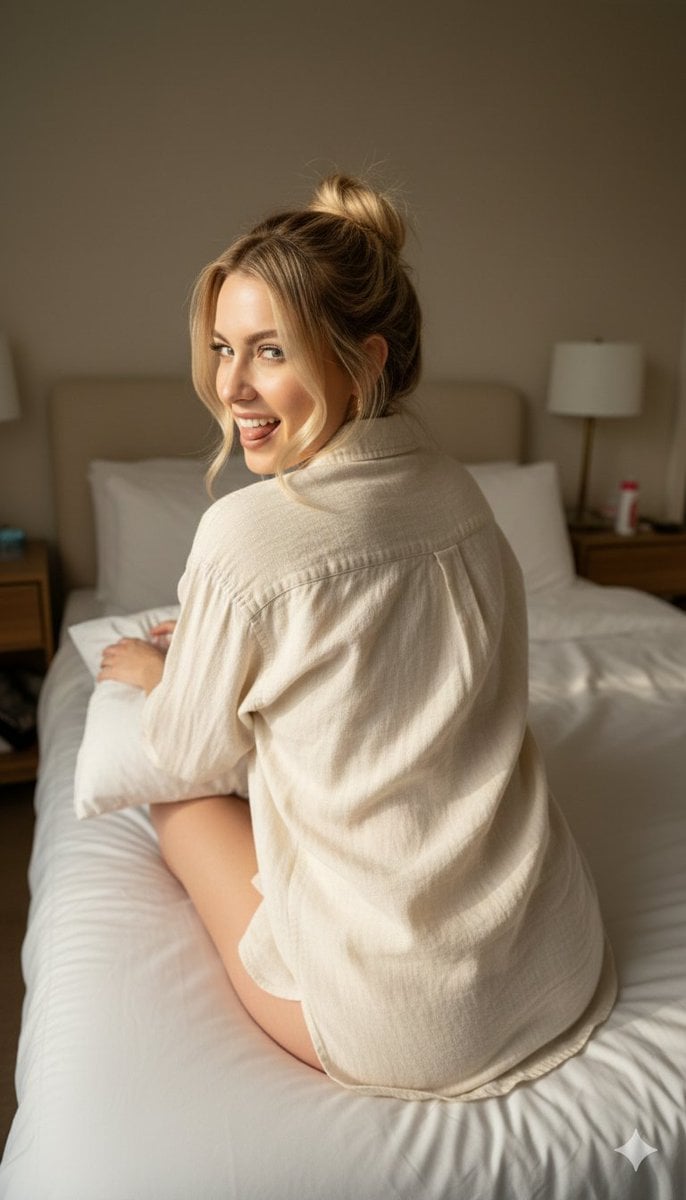
Candid 8K Bedroom Portrait with Playful Expression
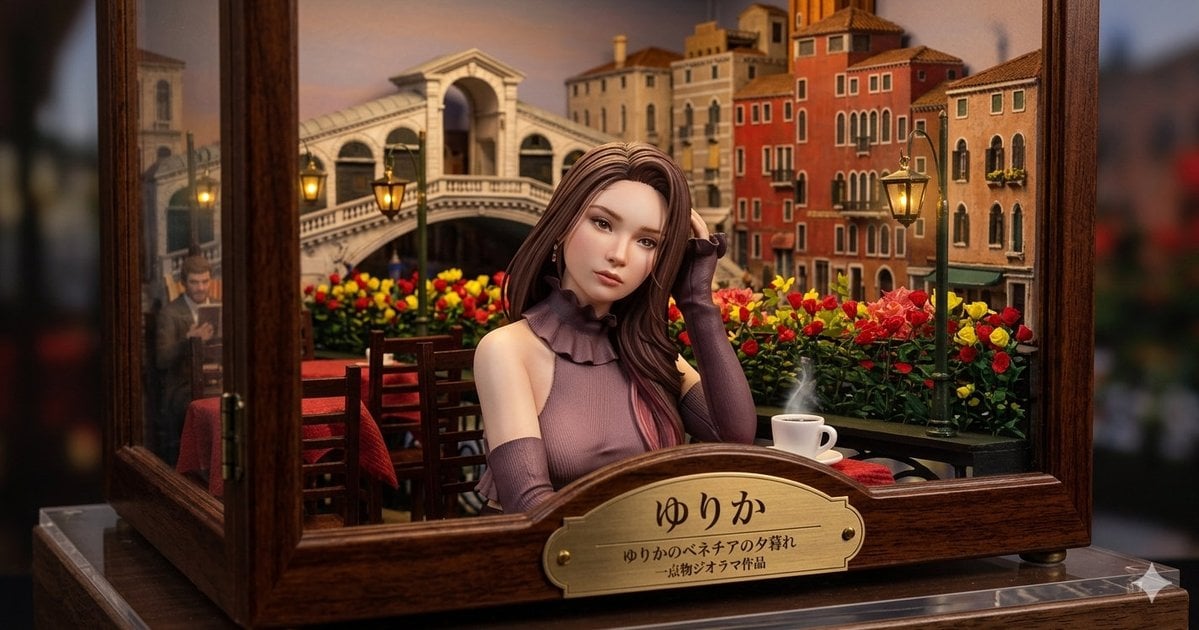
Venice Café Diorama Display
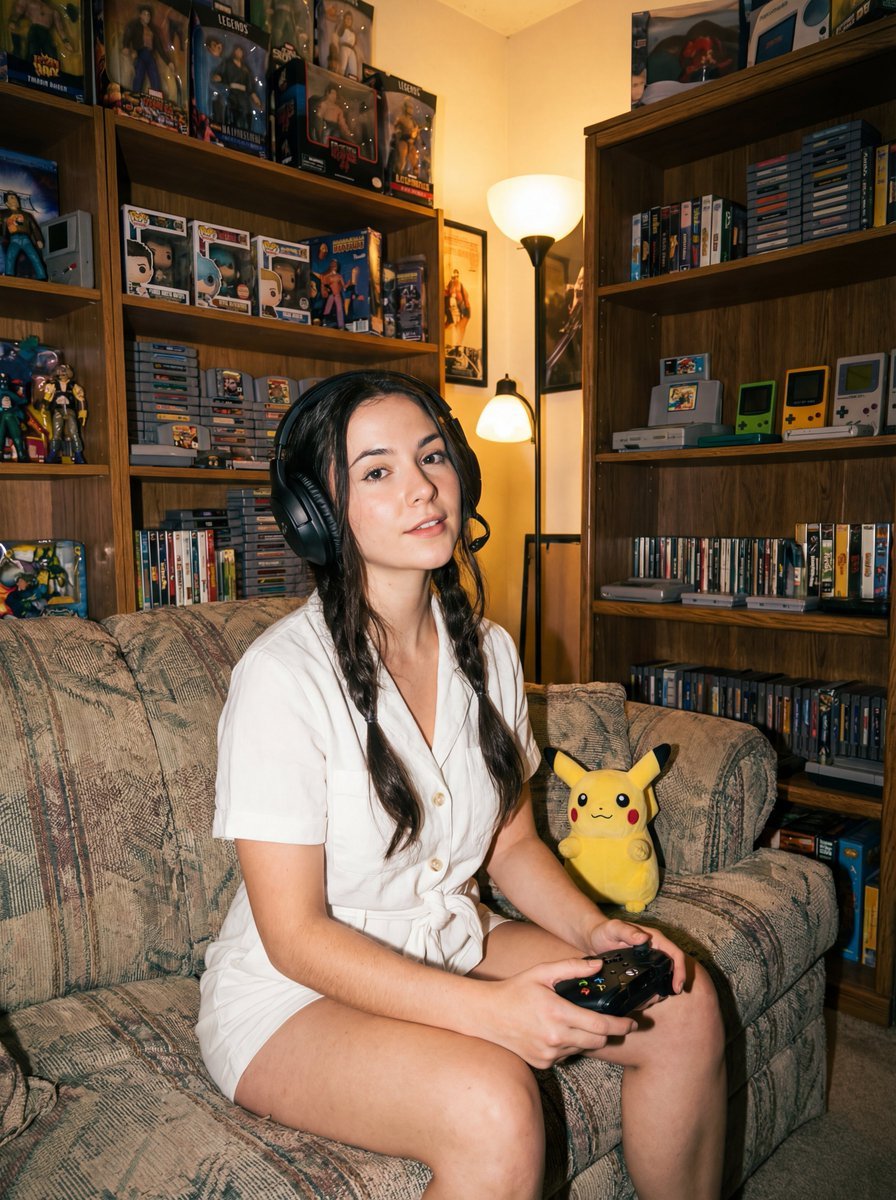
Direct flash gamer girl Nano Banana Pro JSON tag prompt
Cute Rainy Bus Stop Commute
Ultra-Realistic Macro Miniature City Prompt
Dress
Conceptual Stationery Design Prompt for Toyohashi Specialties
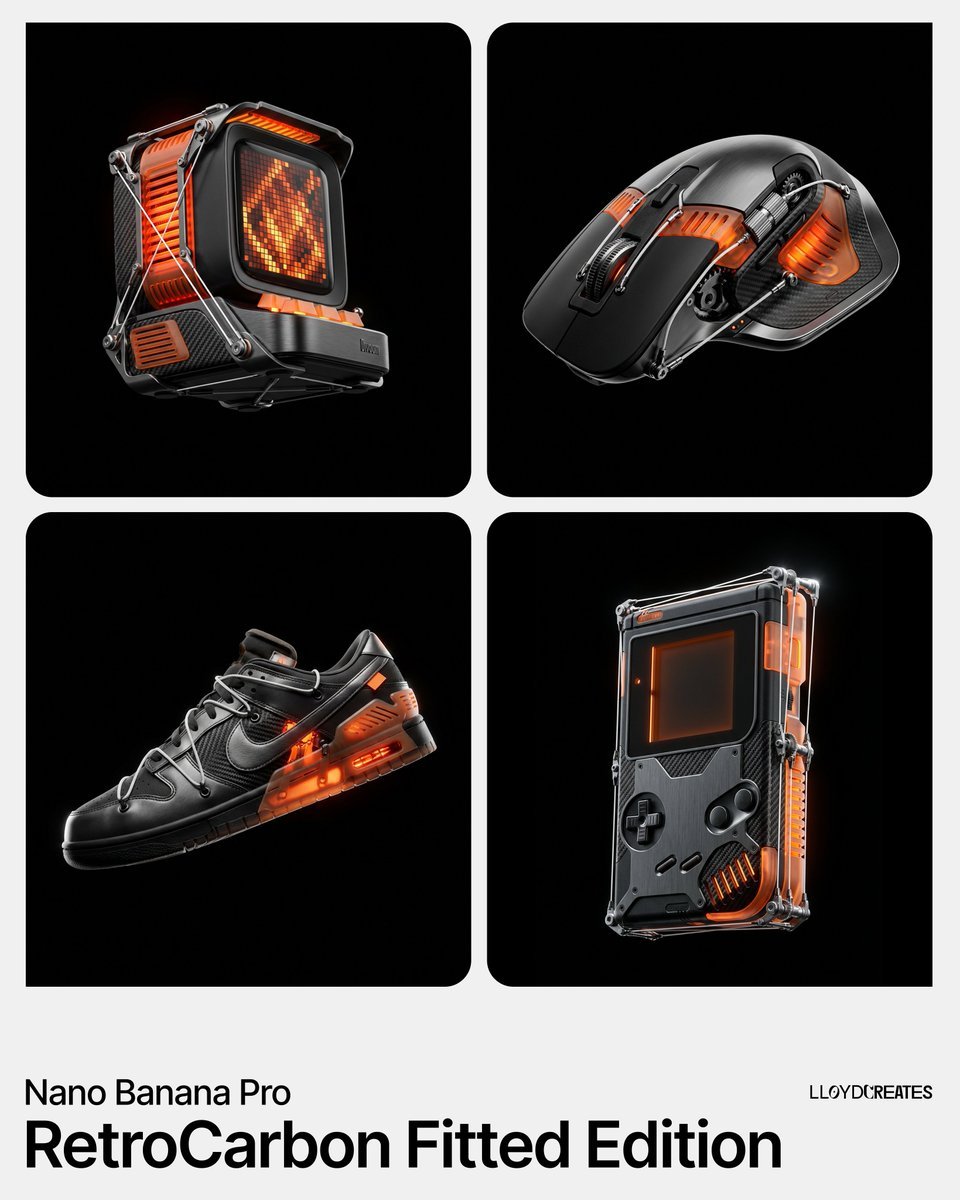
RetroCarbon Levitating Product Void Prompt
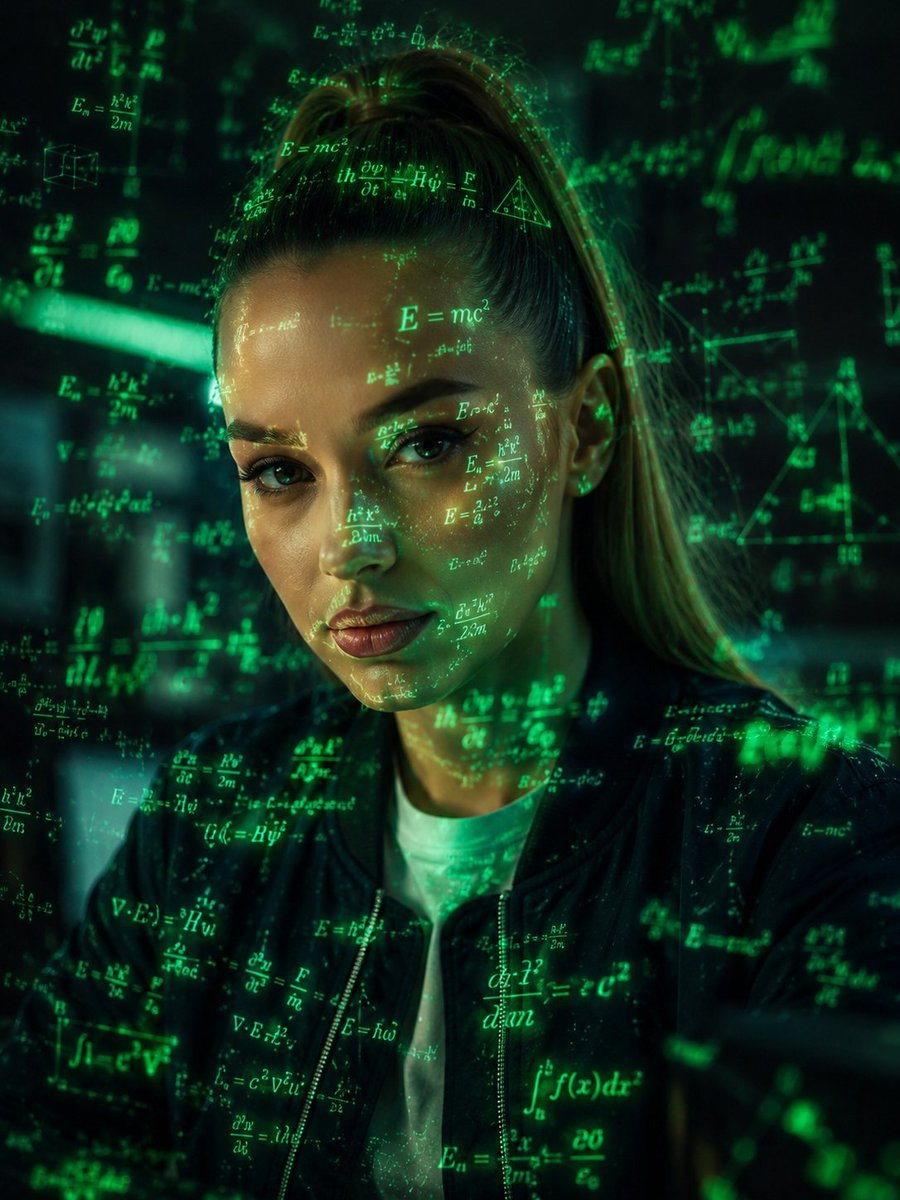
Futuristic Holographic Data Portrait
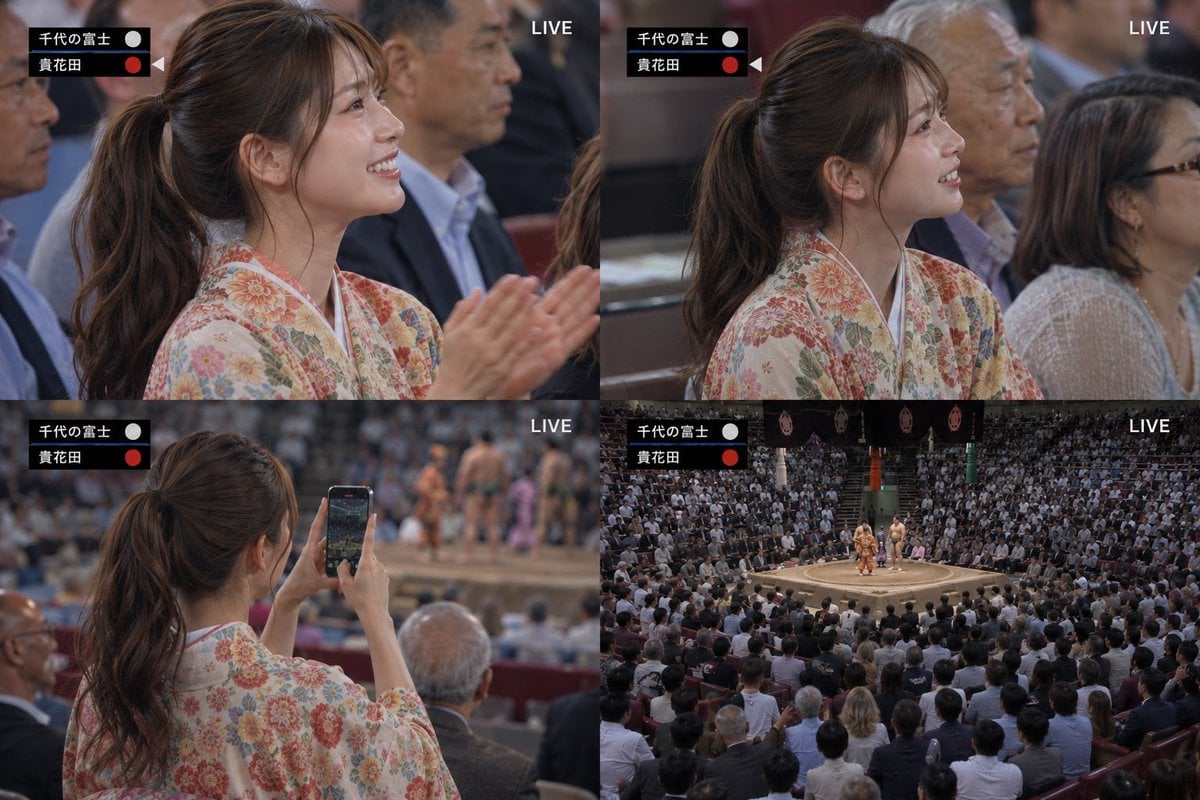
Live Sumo Broadcast Collage
Browse template categories
Bit Arcade Character Generator questions
How do I use the 16-Bit Arcade Character Generator template?
Add your photo if the template asks for one, edit the prompt if you like — the template's model and format are already selected — and press Generate. Your version opens in PicX Studio.
Can I customize the 16-Bit Arcade Character Generator template?
Yes. You can change the subject, setting, lighting, mood, format, and available model controls before creating your image.
Is the 16-Bit Arcade Character Generator template free?
Opening and editing this template is free. Generating uses credits, shown on the Generate button when you are signed in.
Which AI model should I use?
Start with Nano Banana 2, which is the model associated with this template. You can compare another compatible model for a different finish.
Looking for something else? Browse all templates.

Your photo, any look
Thousands of ready templates for every top image and video model, from one credit balance.