How do I use the Dual Celebrity Latex Mirror Selfie template?
Choose the primary action to open PicX Studio with the available template settings. Review the model and format, personalize the creative direction, and generate when ready.
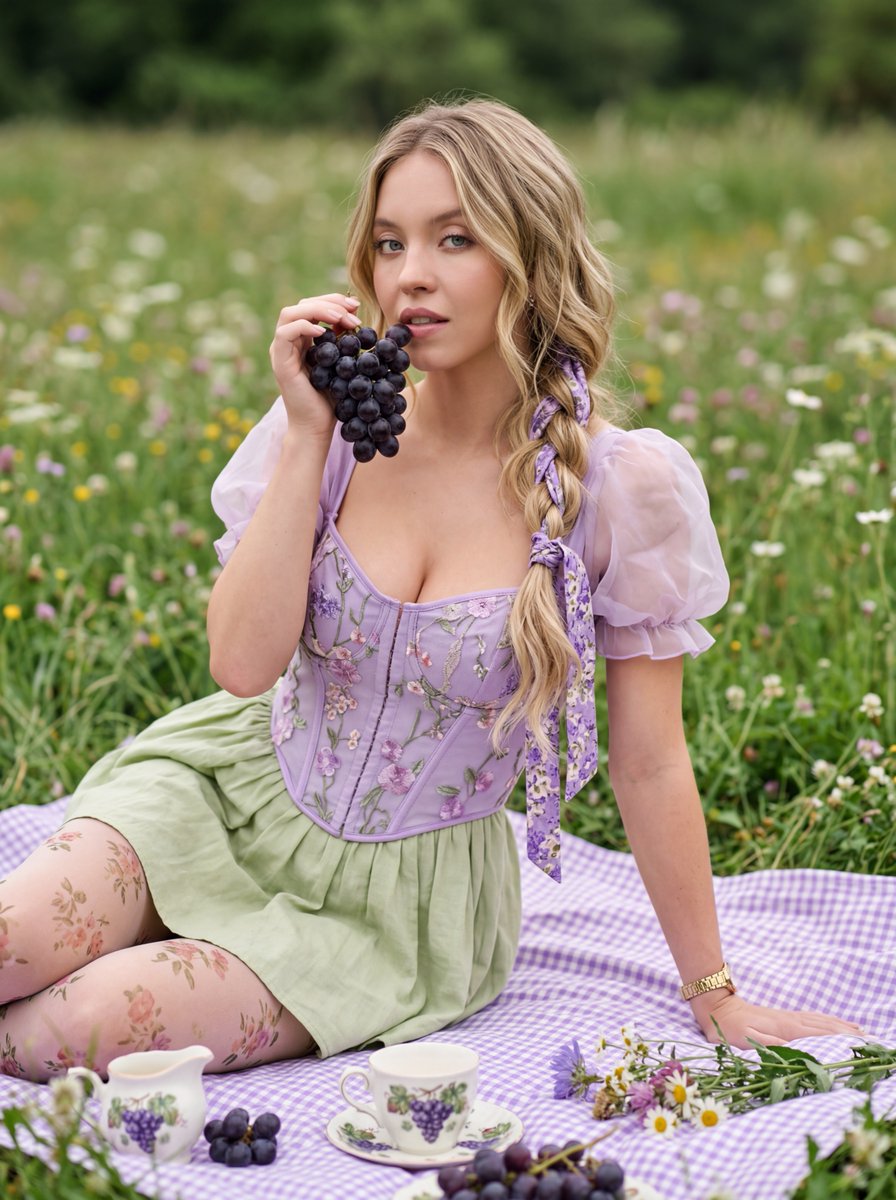
A complex, highly detailed JSON prompt for an ultra-photorealistic image featuring two subjects resembling Dua Lipa and Sydney Sweeney in skin-tight black latex catsuits, executing a sophisticated mirror selfie pose in a luxury dressing room, with specific biometric and material science details, and a focus on reflection integrity. Change the subject, setting, or lighting one variable at a time.

{ "subject": { "biometric_identity_1": { "biometric_reference": "Dua Lipa", "facial_structure": "Oval face morphology with prominent zygomatic bones and a 120-degree mandibular angle. Defined philtrum and natural lip volume with a 1:1.618 ratio.", "ocular_details": "Hazel-green iris with detailed radial stroma and visible limbal rings. High follicular density in eyelashes.", "body_morphology": "Ecto-mesomorph somatotype, athletic skin tonality (Hex: #E8BEAC), and pronounced clavicle definition. Positioned in a professional prone pose on the horizontal surface.", "hair": "Dark brunette (Hex: #1C1C1C), sleek texture, styled in a high ponytail secured with a large matte black silk bow." }, "biometric_identity_2": { "biometric_reference": "Sydney Sweeney", "facial_structure": "Soft oval face, rounded malar fat pads, and distinct blue iris patterns (Hex: #7398B1) with crystalline stroma texture.", "ocular_details": "Deep-set orbital structure with natural hooded eyelid morphology.", "body_morphology": "Significant hourglass somatotype with a high-volume upper thoracic to waist ratio. Fair skin tone (Hex: #F3D9C1) with high-fidelity pore detail and realistic tissue elasticity.", "hair": "Ash blonde (Hex: #C2B280), straight, pulled back into a sleek bun with a matching large black silk bow." } }, "wardrobe": { "material_science": "Ultra-glossy vulcanized black latex (Hex: #0A0A0A), 0.4mm thickness. High specular highlights with sharp reflection falloff and subsurface scattering on skin-contact areas.", "pieces": [ "Dua: High-neck sleeveless catsuit, skin-tight vacuum fit with matching elbow-length opera gloves.", "Sydney: Long-sleeve catsuit with an elegant, deeply sculpted V-neckline plunge descending to the lower sternum, highlighting the natural curvature and volume of the upper torso. Skin-tight vacuum fit with matching opera gloves.", "Accessories: Graphite-finish smartphone held by the standing subject." ] }, "pose_action": { "description": "Sophisticated mirror selfie composition. Dua Lipa is positioned prone on the white marble vanity top, looking towards the mirror with a focused expression. Sydney Sweeney stands upright beside the vanity, holding the smartphone to capture the reflection. Both subjects are looking into the mirror lens. Symmetry and reflection integrity are paramount." }, "scene": { "location": "High-end luxury dressing room. Features a white marble vanity with grey veining and an ornate gold-framed mirror (Hex: #D4AF37).", "background": "Reflected walk-in closet with organized dark garments and warm interior architectural lighting (3000K).", "specific_detail": "On the mirror surface near the prone subject, the number '{argument name="number" default="10000"}' is written neatly in vibrant red lipstick (Hex: #DC143C), appe"
Choose the primary action to open PicX Studio with the available template settings. Review the model and format, personalize the creative direction, and generate when ready.
Yes. You can change the subject, setting, lighting, mood, format, and available model controls before creating your image.
This template is free to open and customize. Generation usage is shown in PicX Studio before you create.
Start with Nano Banana 2, which is the model associated with this template. You can compare another compatible model for a different finish.
© 2026 PicX Studio. All rights reserved.

Follow a topic to a crawlable collection of related PicX Studio templates.
43,474 public templates available. Verified via the PicX Studio public templates API; refreshed hourly.







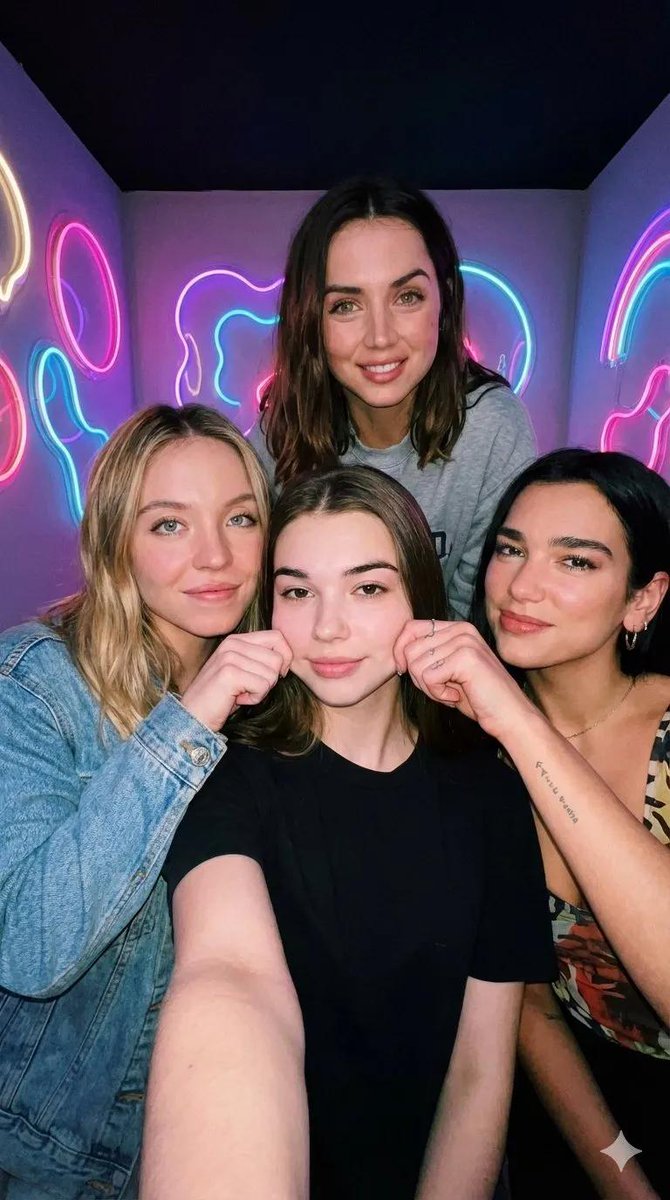




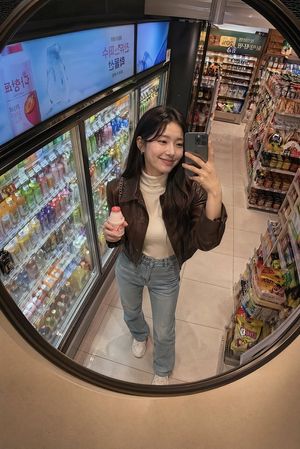
![nano-banana-grwm-mirror-selfie-pink — Nano Banana 2
Prompt (JSON):
{
"type": "image_prompt",
"description": {
"subject": {
"main": "[NAME] com o](/_next/image?url=https%3A%2F%2Fcdn.picxstudio.com%2Fuploads%2Ftweet_img_10a_612da6f9-cf6d-417e-bdd5-cc1300d1d830.jpg&w=828&q=100)


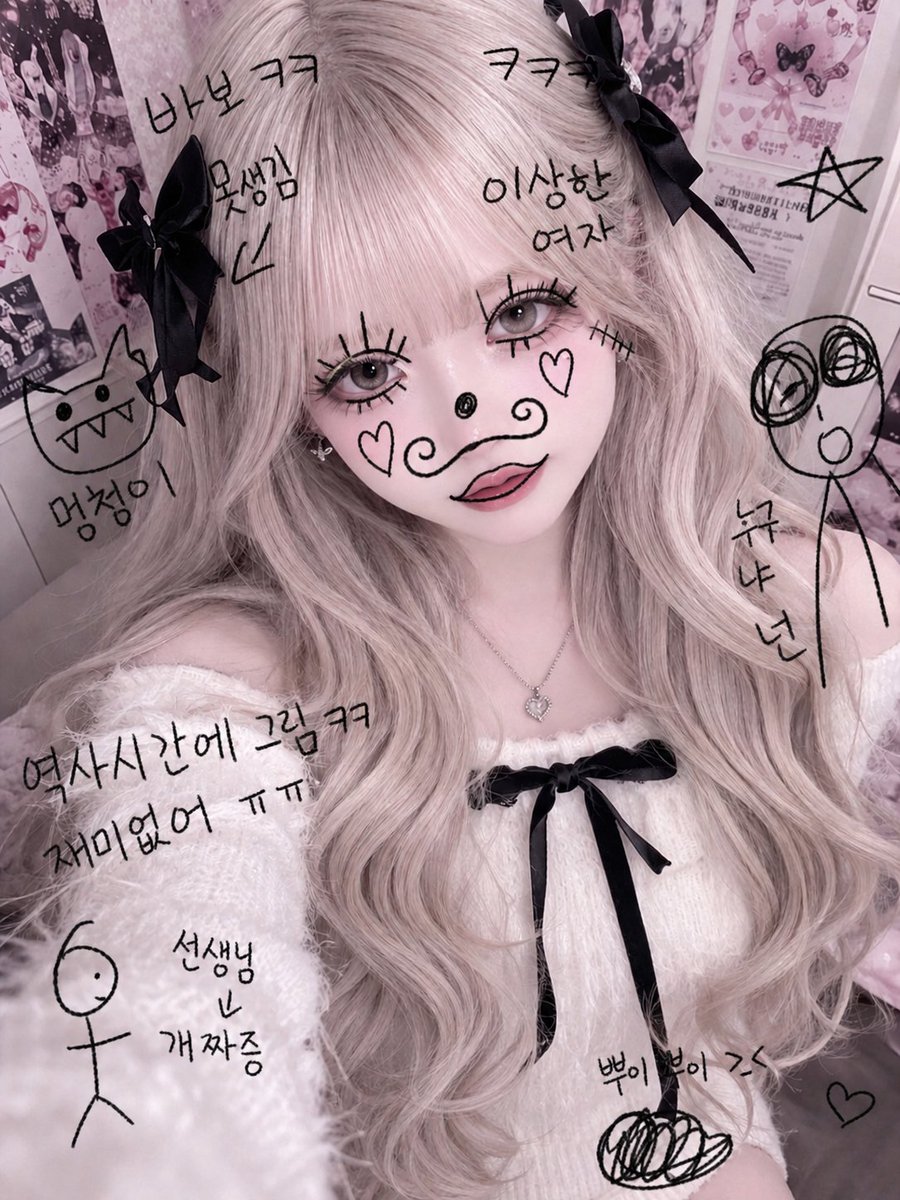
![Naive doodle-style subject illustration — A doodle-style {argument name="subject" default="[subject]"}, naive lines, humorous shape exaggeration](https://pbs.twimg.com/media/G6Wl2YxbsAARB2b.jpg)