
Neon Room Celebrity Selfie
A casual front-camera iPhone selfie prompt featuring the user alongside Sydney Sweeney, Ana de Armas, and Dua Lipa in a neon-lit room.
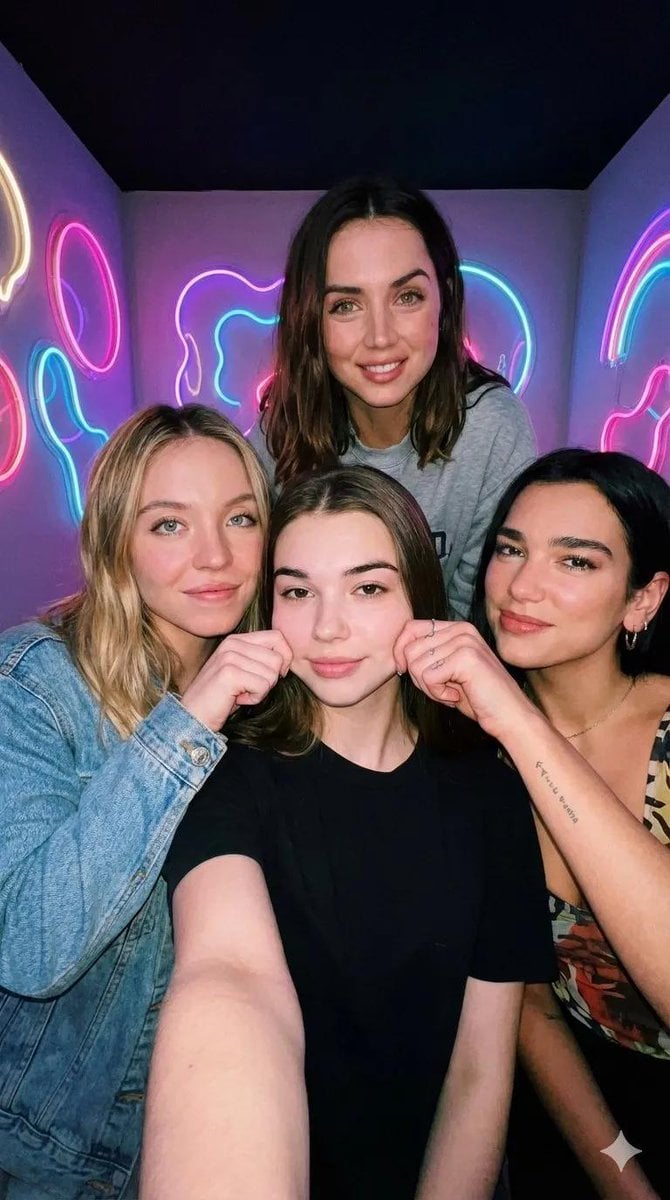
- Prompt included
- Model and format preset
- Premium template
The prompt behind this image
Copy the exact prompt behind Neon Room Celebrity Selfie, or open it in the studio and make it yours.
- Type
- image_generation_prompt
- Format › Orientation
- vertical
- Format › Aspect Ratio
- 9:16
- Format › Style
- ultra-realistic iPhone selfie
- Identity Preservation › User › Use Reference Image
- true
- Identity Preservation › User › Strict Identity Lock
- true
- Identity Preservation › User › Alter Face
- false
- Identity Preservation › User › Notes
- Preserve 100% of the user’s facial features, proportions, skin texture, hairstyle, and expression exactly as in the provided image.
- Identity Preservation › Public Figures › 0 › Name
- {argument name="actress 1" default="Sydney Sweeney"}
- Identity Preservation › Public Figures › 0 › Recognizable
- true
- Identity Preservation › Public Figures › 0 › High Likeness
- true
- Identity Preservation › Public Figures › 1 › Name
- {argument name="actress 2" default="Ana de Armas"}
- Identity Preservation › Public Figures › 1 › Recognizable
- true
- Identity Preservation › Public Figures › 1 › High Likeness
- true
- Identity Preservation › Public Figures › 2 › Name
- {argument name="actress 3" default="Dua Lipa"}
- Identity Preservation › Public Figures › 2 › Recognizable
- true
- Identity Preservation › Public Figures › 2 › High Likeness
- true
- Subjects › 0 › Role
- Sydney Sweeney
- Subjects › 0 › Gender
- female
- Subjects › 0 › Position
- left side of the frame
- Subjects › 0 › Expression
- smiling
- Subjects › 0 › Interaction
- playfully pinching the user’s cheek
- Subjects › 1 › Role
- Ana de Armas
- Subjects › 1 › Gender
- female
Raw JSON
{
 "type": "image_generation_prompt",
 "format": {
 "orientation": "vertical",
 "aspect_ratio": "9:16",
 "style": "ultra-realistic iPhone selfie"
 },
 "identity_preservation": {
 "user": {
 "use_reference_image": true,
 "strict_identity_lock": true,
"alter_face": false,
      "notes": "Preserve 100% of the user’s facial features, proportions, skin texture, hairstyle, and expression exactly as in the provided image."
    },
    "public_figures": [
      {
        "name": "{argument name=\"actress 1\" default=\"Sydney Sweeney\"}",
        "recognizable": true,
        "high_likeness": true
      },
      {
        "name": "{argument name=\"actress 2\" default=\"Ana de Armas\"}",
        "recognizable": true,
        "high_likeness": true
      },
      {
        "name": "{argument name=\"actress 3\" default=\"Dua Lipa\"}",
        "recognizable": true,
        "high_likeness": true
      }
    ]
  },
  "subjects": [
    {
      "role": "Sydney Sweeney",
      "gender": "female",
      "position": "left side of the frame",
      "expression": "smiling",
      "interaction": "playfully pinching the user’s cheek"
    },
    {
      "role": "Ana de Armas",
      "gender": "female",
      "position": "slightly behind the group, centered",
      "expression": "warm, friendly smile",
      "interaction": "standing behind, looking toward the camera"
    },
    {
      "role": "User",
      "gender": "female",
      "position": "center foreground",
      "expression": "subtle closed-mouth smile",
      "interaction": "being playfully pinched on the cheeks"
    },
    {
      "role": "Dua Lipa",
      "gender": "female",
      "position": "right side of the frame",
      "expression": "smiling",
      "interaction": "playfully pinching the user’s other cheek"
    }
  ],
  "environment": {
    "location": "small white room",
    "background_elements": [
      "bright neon signs in multiple colors",
      "soft glowing neon text shapes (no readable text)"
    ],
    "lighting": {
      "type": "neon ambient lighting",
      "effects": [
        "soft colorful light projected onto faces",
        "mixed color casts",
        "imperfect lighting balance"
      ]
    }
  },
  "camera_simulation": {
    "device": "iPhone front camera",
    "framing": "slightly uneven selfie framing",
    "angle": "arm-length selfie angle",
    "distortion": "subtle front-camera lens distortion",
    "depth_of_field": "authentic shallow smartphone DOF",
    "details": [
      "small screen reflections in eyes",
      "realistic noise in darker areas",
      "slight motion blur from hand movement"
    ]
  },
  "visual_style": {
    "look": "casual, unpolished, realistic",
    "skin": "natural texture, visible pores, no beauty filters",
    "color_grading": "vibrant neon tones with realistic skin colors"
  },
  "quality": {
    "realism": "ultra-photorealistic",
    "resolution": "high detail",
    "artifacts": "none"
  },
  "constraints": [
    "Do not alter the user’s face"
  ]
}How to use Neon Room Celebrity Selfie in 3 steps
- 1Upload ImagePNG, JPG or paste
Add your photo
Upload the photo the template builds on. The prompt, model and format are already set.
- 2…a portrait of your subject in softgolden-hour light, 85mm…
Personalize
Edit the subject and creative details for your destination.
- 3Generate
Generate
Press Generate — your image is created in PicX Studio, so you can compare it with the original and refine one variable at a time.
More like this
Templates with the same subject, style or setup. Open one to see its prompt.

Nano Banana - Peace Sign Bedroom Selfie

80s Neon Disco Night

Rooftop Fisheye — Cat-Ear Balaclava at Golden Hour

Felt & Knit 3D Character — Photo-Exact Face, Pixar-Quality Plush Figurine

Eid al-Adha Cute Chaos — Fisheye Selfie with Farm Selfie, Mosque & Animals

Cat Photobomb Selfie — 0.5x Wide Angle Café Chaos

Gen Z Triple Selfie Collage — Y2K Flash Photography

Surreal Cat Astronaut — Humanoid Face Freefall
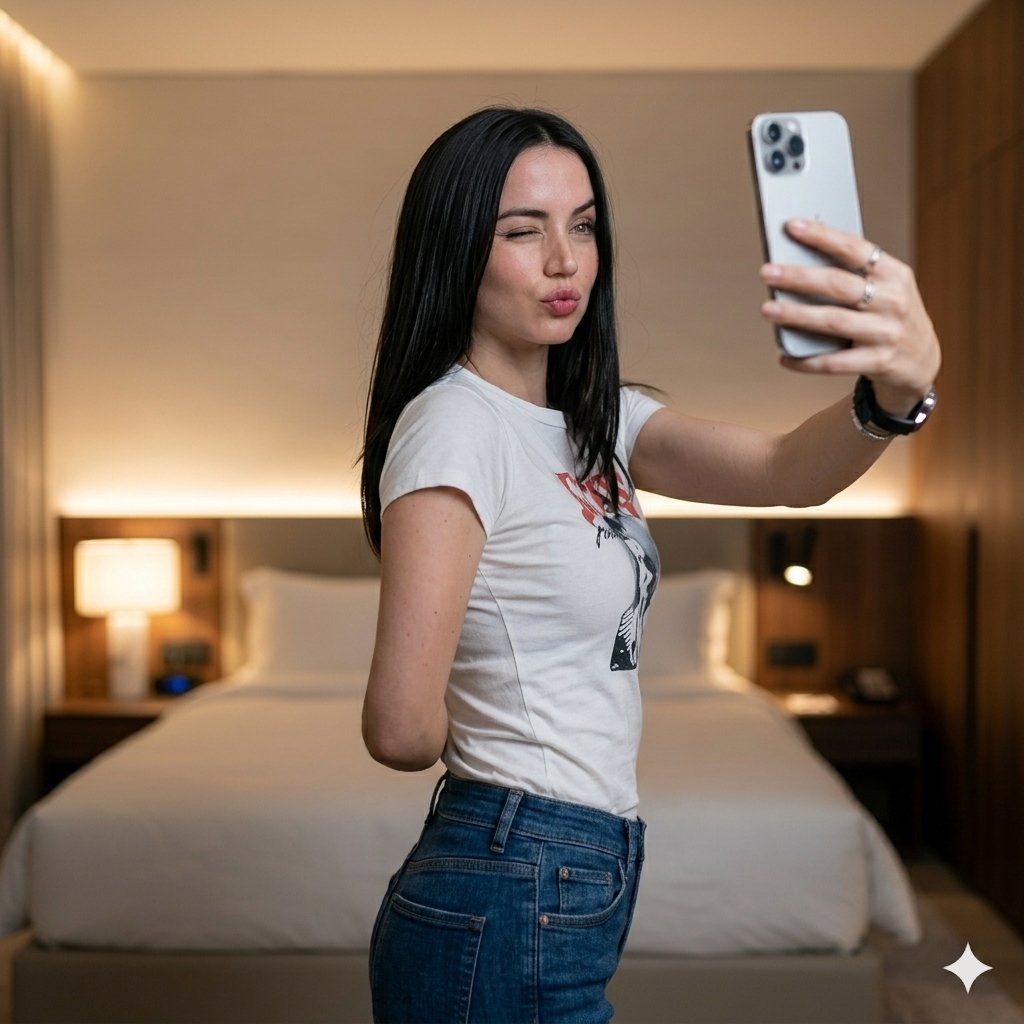
Luxury Bedroom Selfie Portrait

Cartoon TV Show Poster Pack

Rainy Night Android Cyberpunk Portrait

Korean Idol Partial Shadow Editorial Portrait
Make it yours
Neon Room Celebrity Selfie works as-is. These are the safest ways to change it without losing the look.
Swap the setting
Keep the rest of the prompt and replace the location block. The current setting is “small white room”.
Swap the light
One lighting change is enough to compare takes. Current light: “neon ambient lighting”.
Change one field
Copy a single group, rewrite it, and generate again so you can see what that field is doing.
| If the result… | Why | Fix |
|---|---|---|
| The result drifts from the preview | Too many fields changed at once. | Reuse Neon Room Celebrity Selfie as-is first, then change one group — subject, light, or setting. |
| Nano Banana 2 ignores part of the JSON | Some models flatten or skip nested keys. | Keep the same values and paste them as a short paragraph instead. |
More Nano Banana 2 templates
Other prompts made for Nano Banana 2.

Photorealistic Leaf Shaped Like a Dragon

K-Pop Idol Portrait Grid for Rapid Selection

Poetic Rain Forest Portrait During Golden Hour

Urban Street Portrait with Cartoon Inner Self Duo

Candid Nighttime Photo with Cat Prompt

High-Concept 3D Diorama Generation Prompt

Cinematic Futuristic Studio Portrait Template

Skincare Editorial Photography Collage Prompt

Hyper-Realistic Commercial Product Photography (Splash Effect)

Hyper-Realistic Nightclub Portrait Prompt
More image prompts
Fresh picks from across the catalog.
Vibrant Geometric Studio Banner
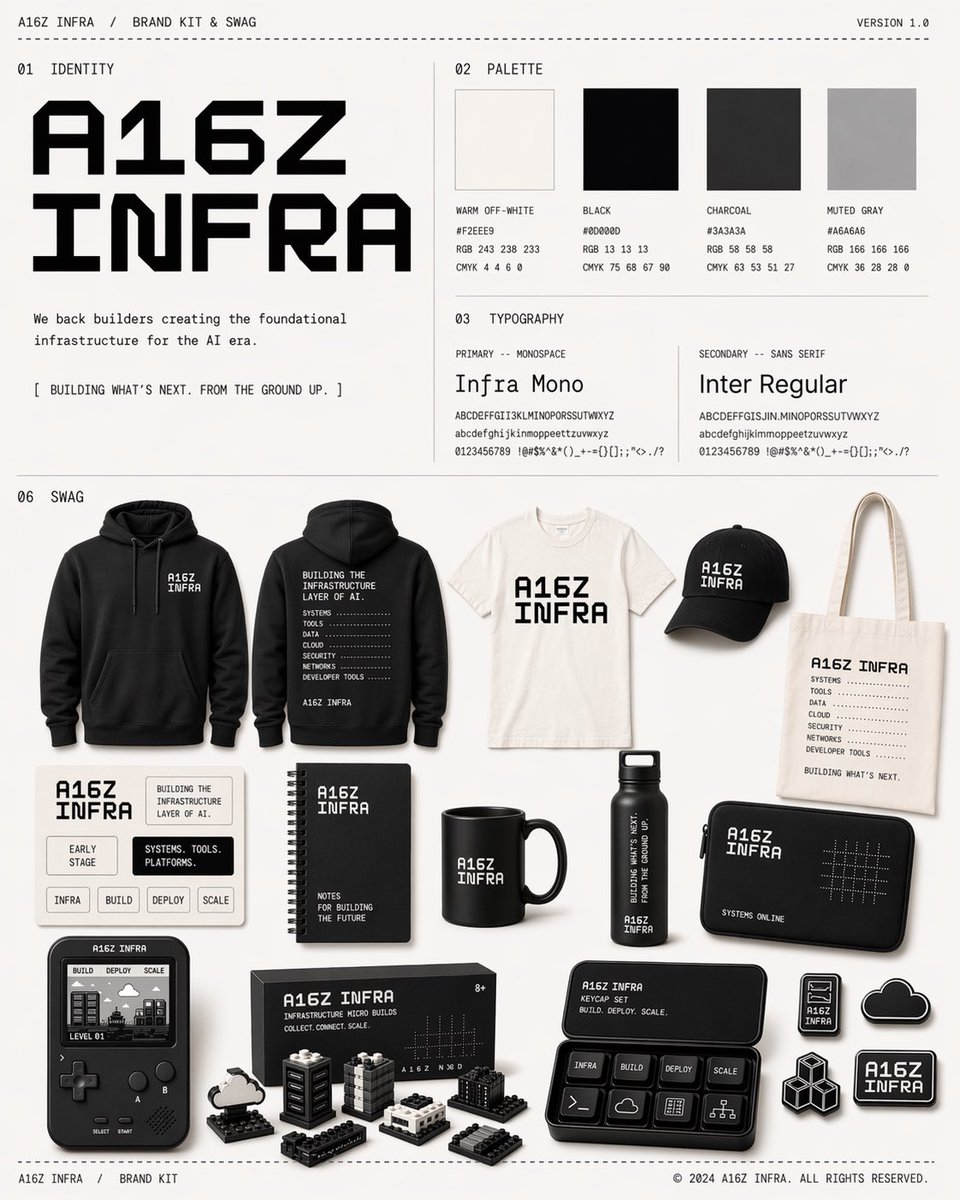
Monochrome Infra Brand Kit Board
Nano Banana Pro Ad Generation Template
Backlit Censored Portrait
Formal Boardroom Portrait AI Prompt
Miniature Fashionable Girl on Soccer Ball
Conceptual Trapped Reflection Art
Nano Banana Pro Prompt: 8-bit Chicken in T-Rex Costume
Debussy's 'En Bateau' in Monet Style Prompt
Cinematic Portrait of Couple in Intimate Embrace
Browse template categories
Neon Room Celebrity Selfie questions
How do I use the Neon Room Celebrity Selfie template?
Add your photo if the template asks for one, edit the prompt if you like — the template's model and format are already selected — and press Generate. Your version opens in PicX Studio.
Can I customize the Neon Room Celebrity Selfie template?
Yes. You can change the subject, setting, lighting, mood, format, and available model controls before creating your image.
Is the Neon Room Celebrity Selfie template free?
Opening and editing this template is free. Generating uses credits, shown on the Generate button when you are signed in.
Which AI model should I use?
Start with Nano Banana 2, which is the model associated with this template. You can compare another compatible model for a different finish.
Looking for something else? Browse all templates.

Your photo, any look
Thousands of ready templates for every top image and video model, from one credit balance.