
Vibrant Geometric Studio Banner
Vibrant Geometric Studio Banner is a ready photo look.
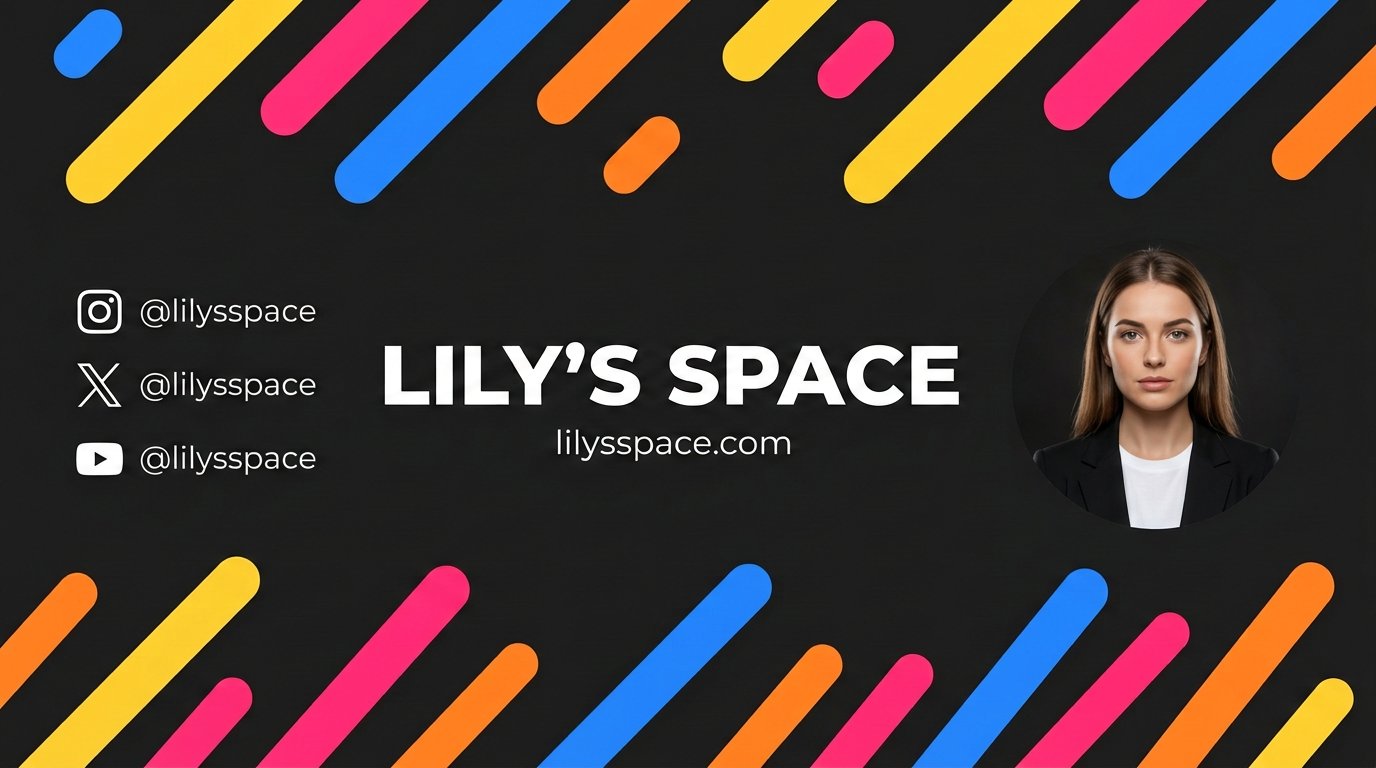
- Prompt included
- Model and format preset
- Free template
The prompt behind this image
Copy the exact prompt behind Vibrant Geometric Studio Banner, or open it in the studio and make it yours.
Replace the cartoonized circular portrait on the right side with a fully photorealistic, real-person portrait matching the exact facial features, skin tone, hair, and appearance from the reference image https://cdn.picxstudio.com/uploads/HCGJ4elaUAAePFs_29edc7d8-60c6-4033-8c3b-cf9e19ca9e0d.png. Dress her in a black blazer and white crew neck shirt. Neutral confident expression. Studio lighting: soft key light from front-left, subtle rim light separating from background. Perfect circle crop, clean crisp cutout edge, no distortion. Keep EVERYTHING else identical: solid dark charcoal gray background (#1c1c1c) matte texture, diagonal rounded bars in vibrant yellow (#FFC83D), hot pink (#FF3E7F), electric blue (#2E8BFF), orange (#FF8A2A) at 45-degree tilt varying lengths across top/bottom, center text “Lily's Space” in bold geometric sans-serif like Montserrat ExtraBold all caps white #FFFFFF wide tracking perfectly centered, small thin white lowercase website URL below, left side three vertically stacked white minimal flat social icons with lowercase handles, flat graphic style, no shadows. 2560x1440 resolution, safe center 1546x423 preserved. Negative: No gradients, no drop shadows, no glow, no bevel, no 3D, no metallic, no clutter, no extra icons, no watermark, no AI distortion, no warped text, no misalign, no blur, no noise, no photorealistic background texture, no random shapes. Crisp vector finish except realistic portrait.
How to use Vibrant Geometric Studio Banner in 3 steps
- 1Upload ImagePNG, JPG or paste
Add your photo
Upload the photo the template builds on. The prompt, model and format are already set.
- 2…a portrait of your subject in softgolden-hour light, 85mm…
Personalize
Edit the subject and creative details for your destination.
- 3Generate
Generate
Press Generate — your image is created in PicX Studio, so you can compare it with the original and refine one variable at a time.
More like this
Templates with the same subject, style or setup. Open one to see its prompt.
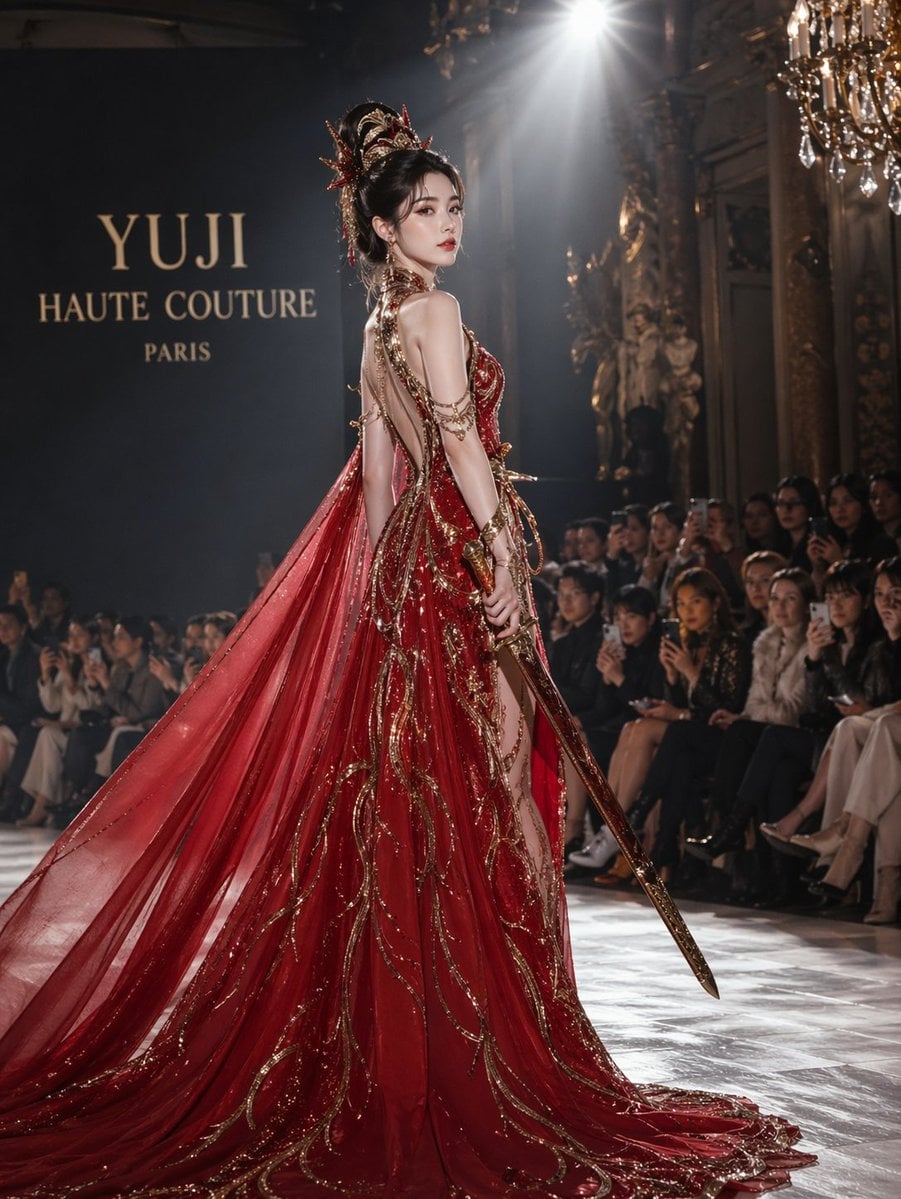
High-Fashion Bauhaus Geometric Cutout Editorial
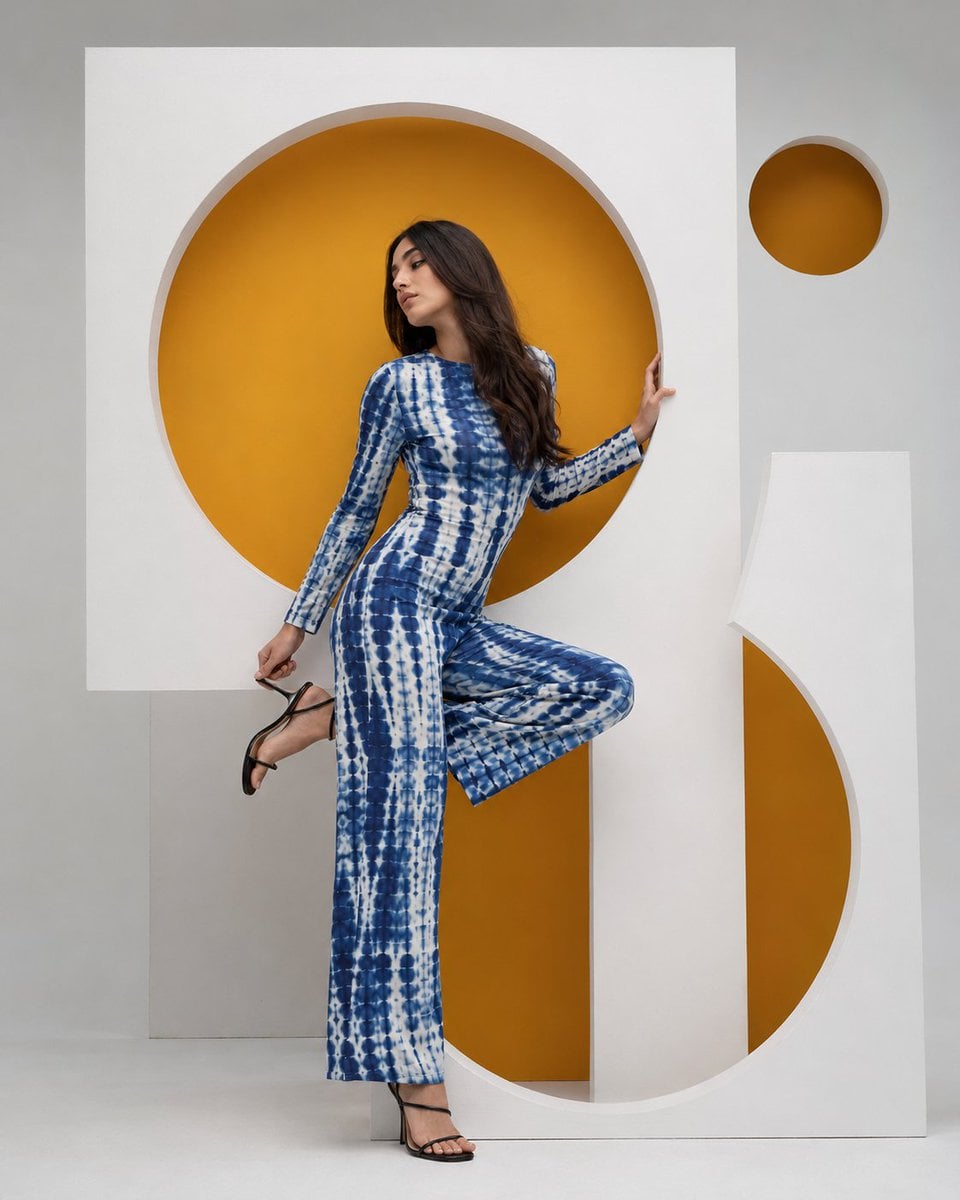
High-Fashion Bauhaus Geometric Cutout Editorial

Stylized Fashion Portrait Bold Color Contrast Editorial

80s Couple Studio Portrait

1985 Studio Portrait
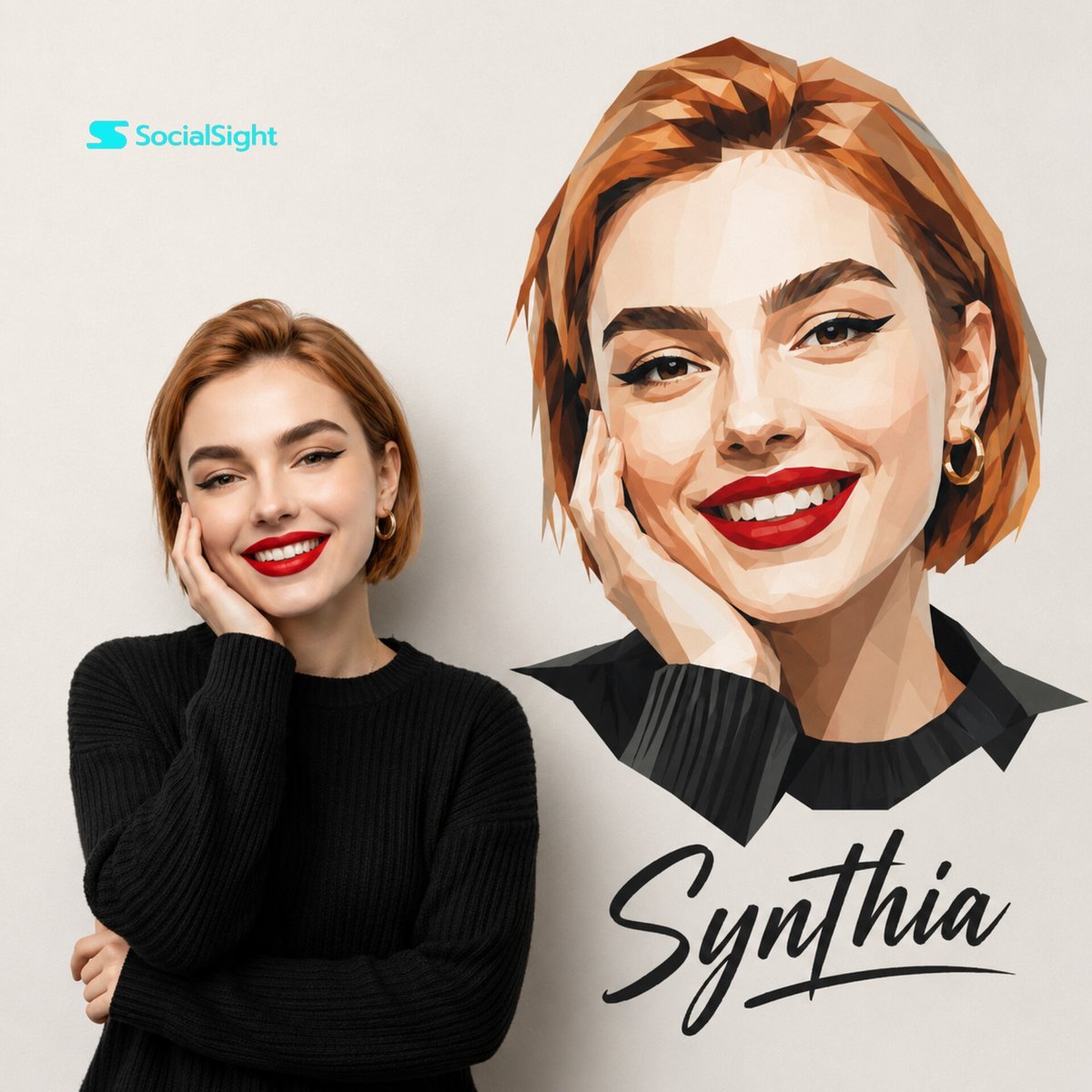
Geometric Studio Portrait Art
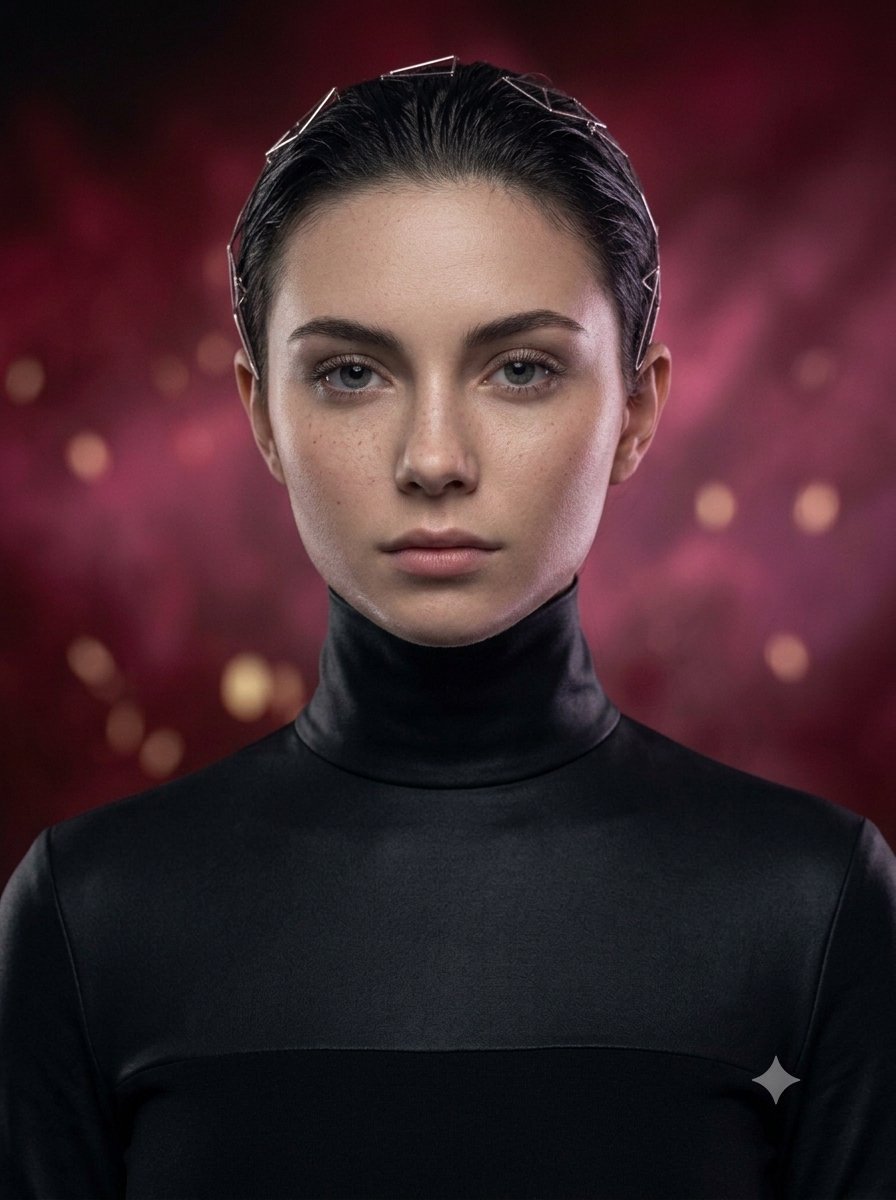
Hyper-Realistic Studio Portrait with Geometric Headband

Cinematic Low-Angle Fashion Portrait Smoke Editorial

Japanese Architectural Concrete Studio Fashion Campaign

Japanese Minimalist Concrete Studio Fashion Editorial

Geometric Color-Block Beauty Editorial Portrait
Cinematic Low-Angle Fashion Portrait Smoke Editorial
Make it yours
Vibrant Geometric Studio Banner works as-is. These are the safest ways to change it without losing the look.
Change one field
Copy a single group, rewrite it, and generate again so you can see what that field is doing.
Keep the frame, change the subject
Hold the composition and light of Vibrant Geometric Studio Banner, then swap wardrobe, props or the person for a new take.
| If the result… | Why | Fix |
|---|---|---|
| The result drifts from the preview | Too many fields changed at once. | Reuse Vibrant Geometric Studio Banner as-is first, then change one group — subject, light, or setting. |
| The model over-stylizes the scene | The prose prompt leaves finish and camera underspecified. | Add one camera or lighting sentence and stay on PicX Studio. |
More image prompts
Fresh picks from across the catalog.
Adding Fabric Texture to Clothing
Epic Fantasy Movie Poster
Prehistoric Shaman Bonded with Eagle Spirit
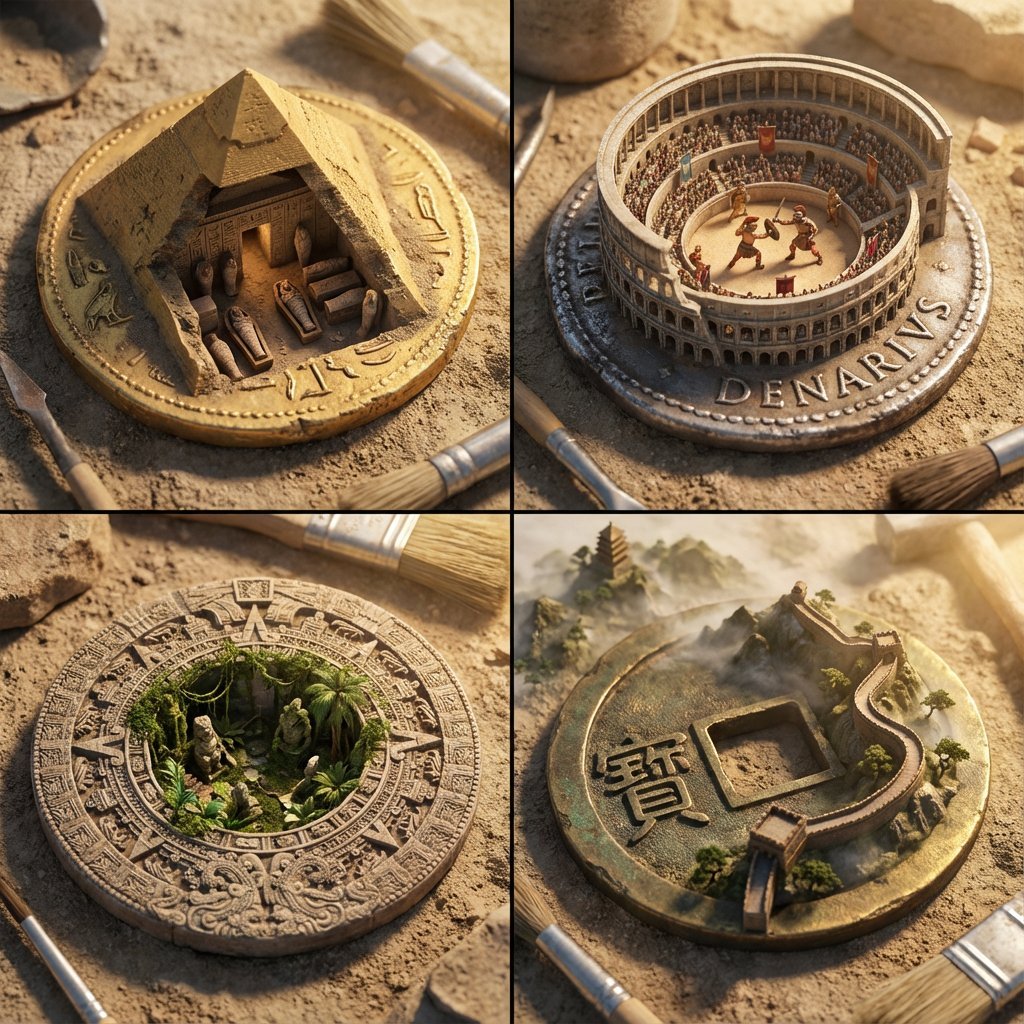
Architectural Diorama Coin Art Grid Prompt
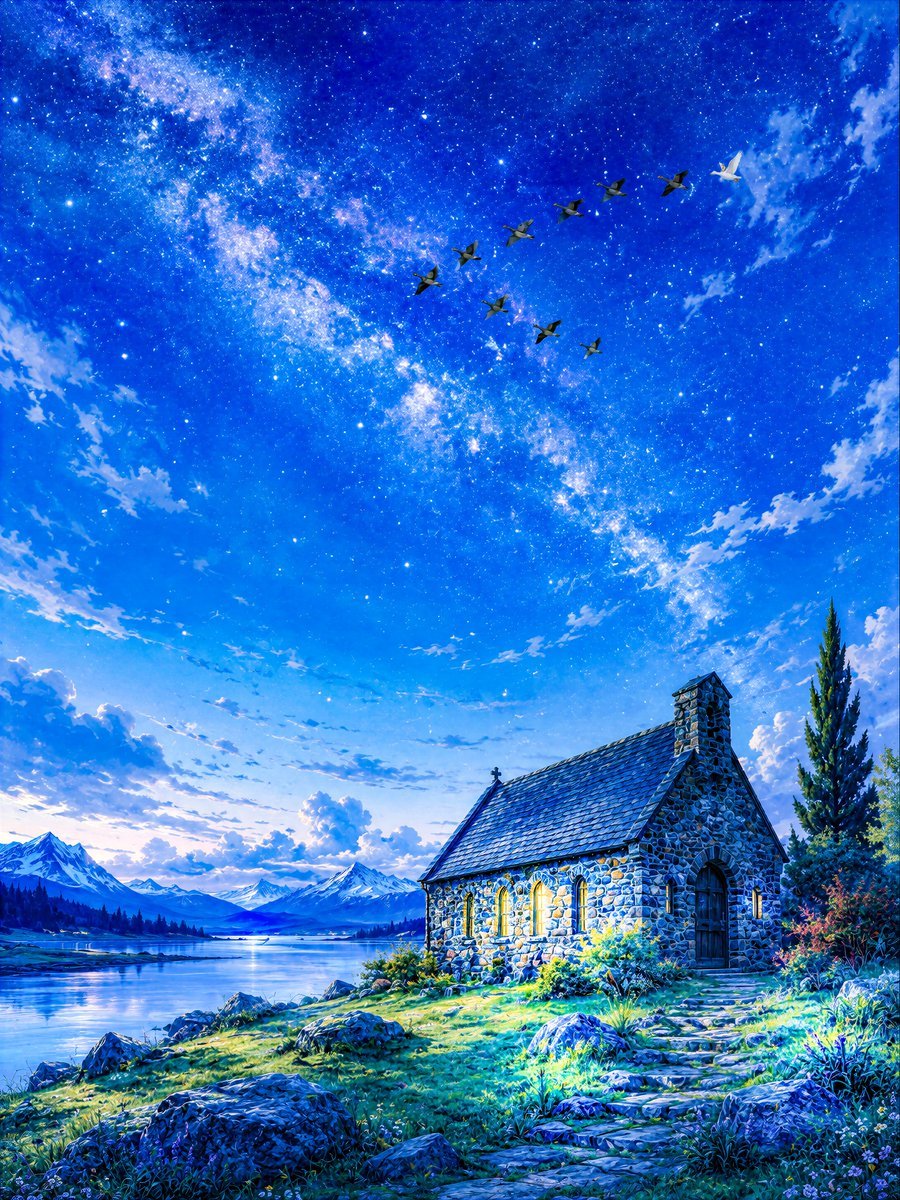
Geese Crossing the Galaxy at Dawn
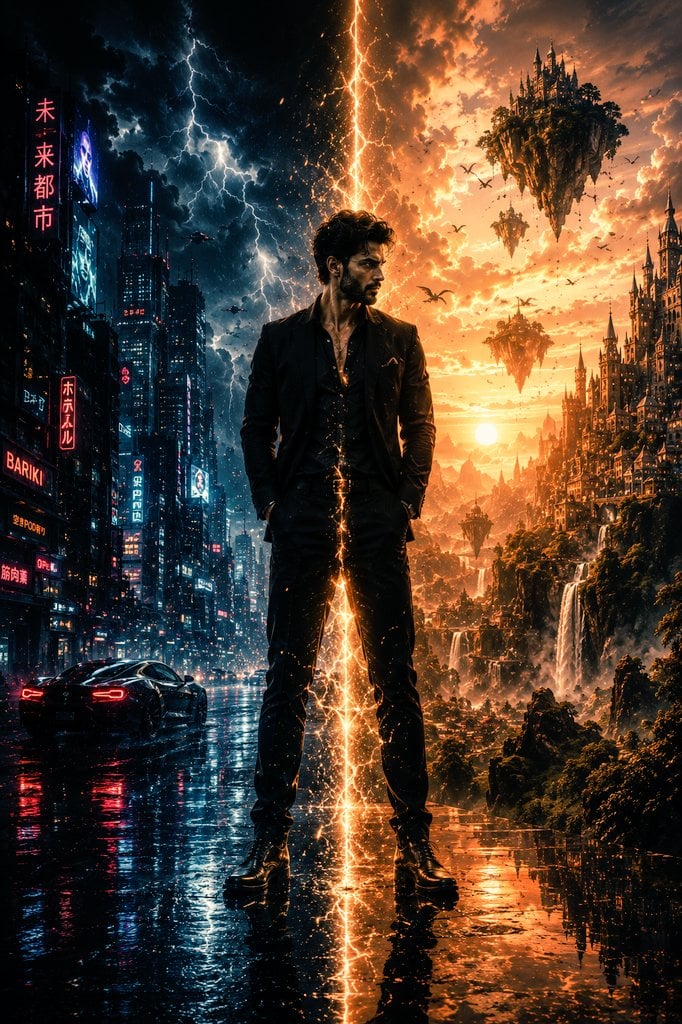
Epic Sci-Fi Parallel Worlds Artwork
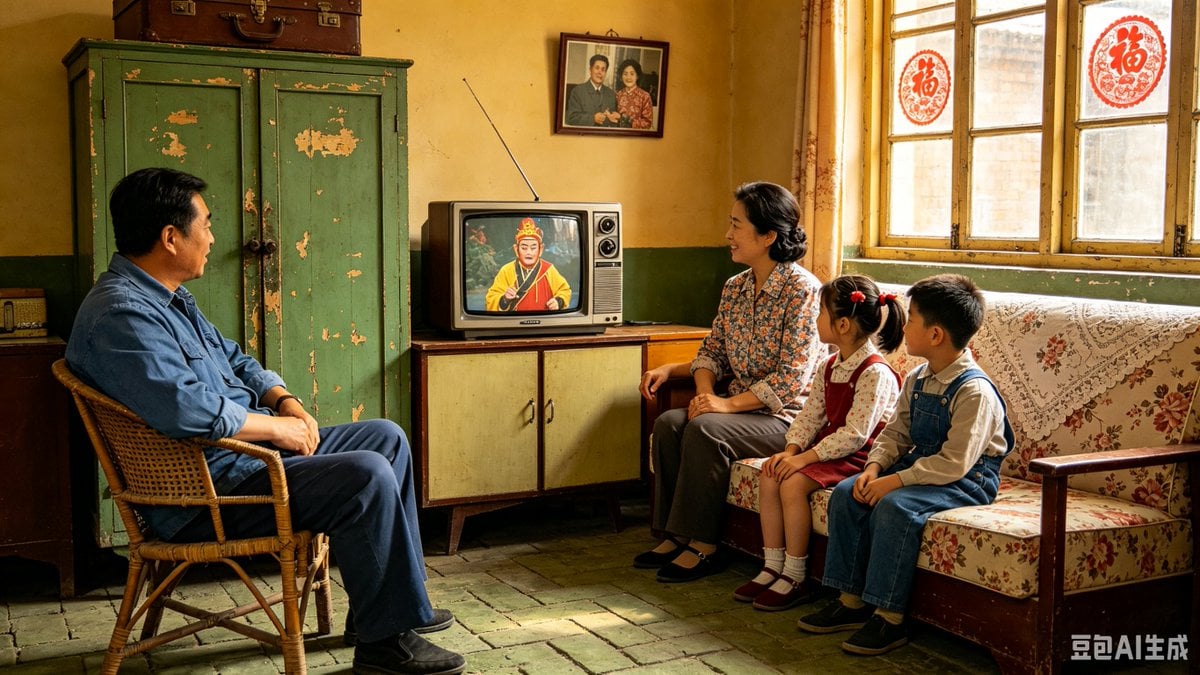
1980s Chinese Family Watching TV
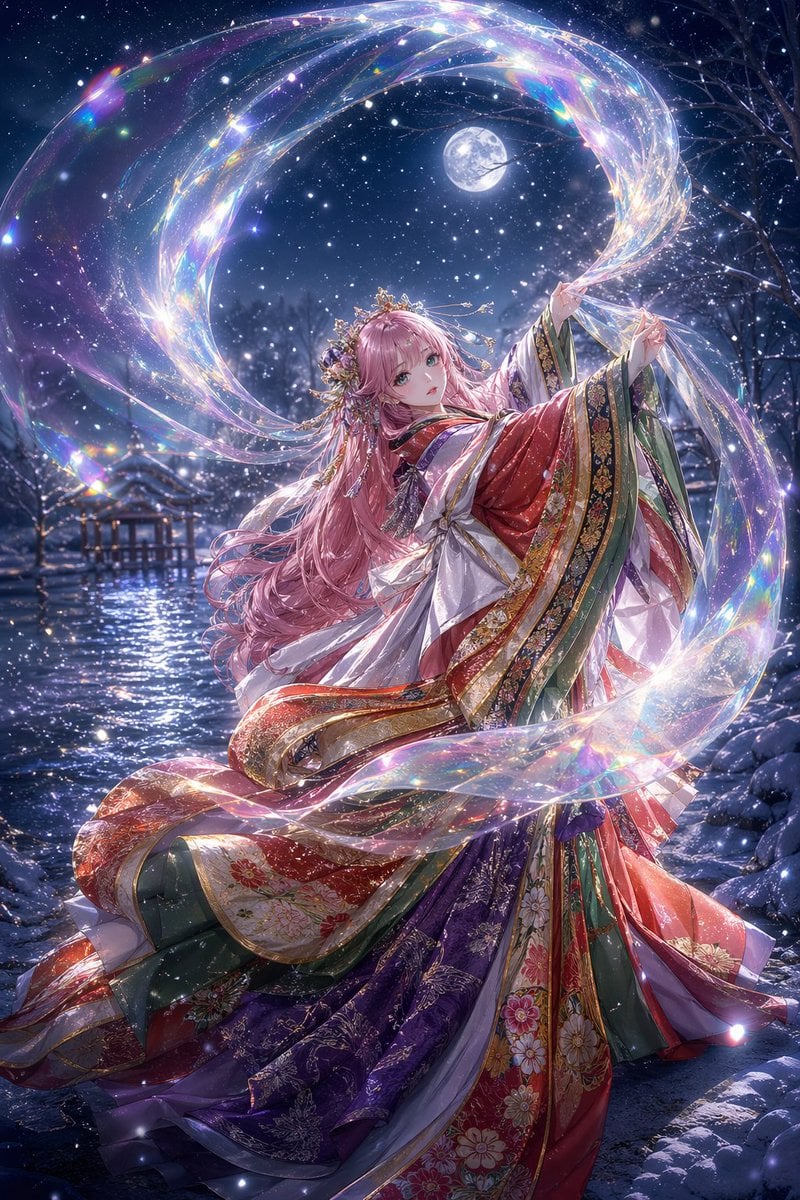
Moonlit Celestial Kimono Dancer
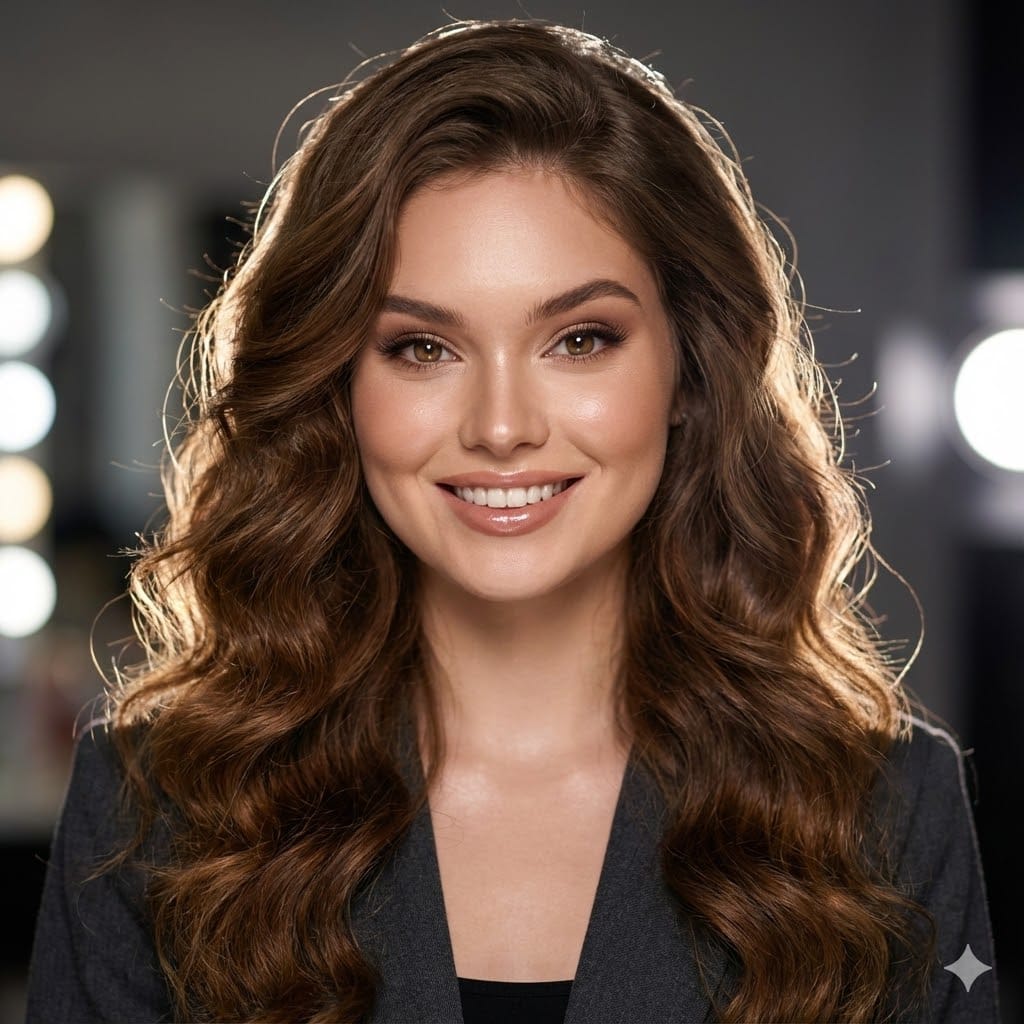
Ultra-Realistic Beauty Portrait Prompt
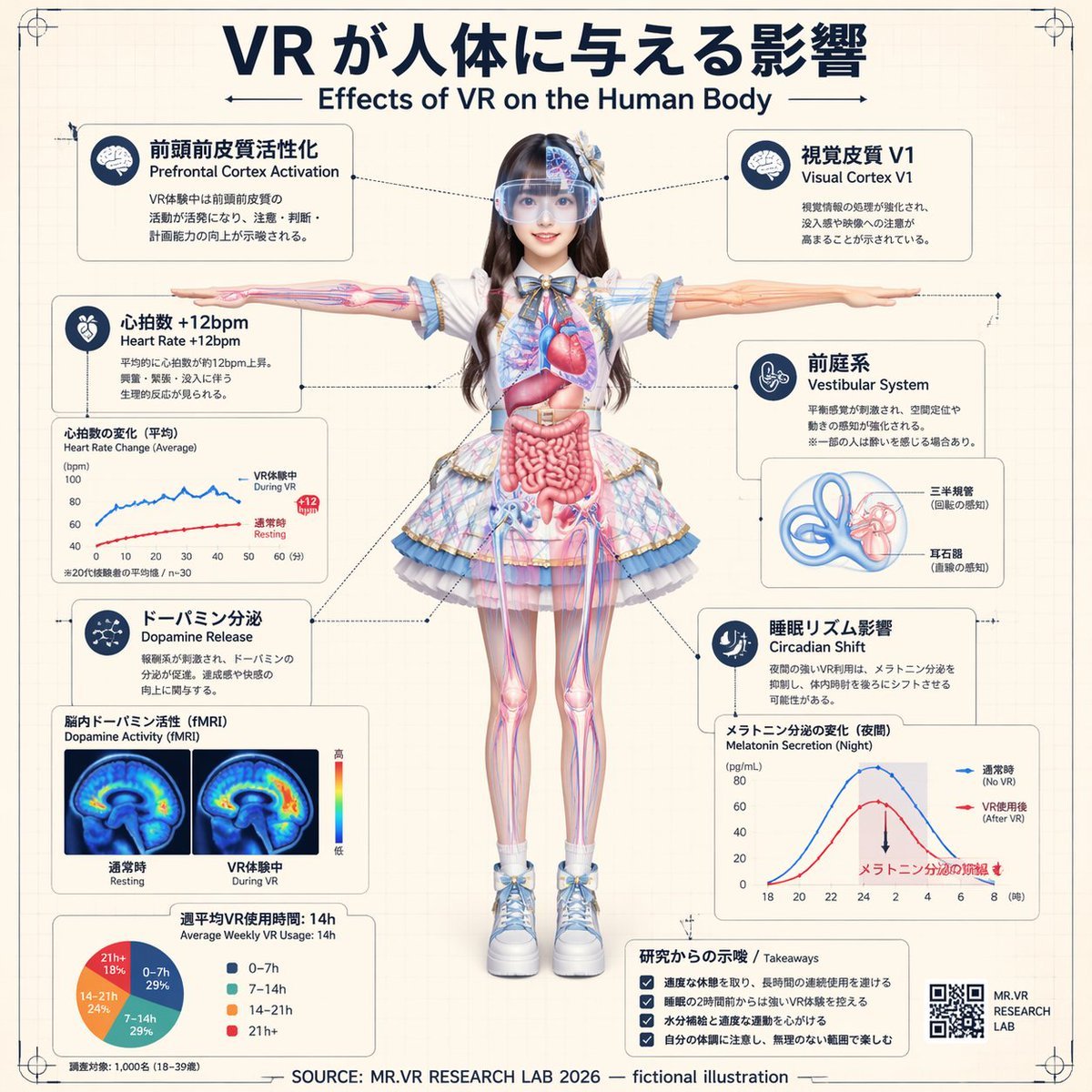
VR Effects on the Human Body Infographic
Featured in prompt roundups
Hand-picked collections that include this template.
Browse template categories
Vibrant Geometric Studio Banner questions
How do I use the Vibrant Geometric Studio Banner template?
Add your photo if the template asks for one, edit the prompt if you like — the template's model and format are already selected — and press Generate. Your version opens in PicX Studio.
Can I customize the Vibrant Geometric Studio Banner template?
Yes. You can change the subject, setting, lighting, mood, format, and available model controls before creating your image.
Is the Vibrant Geometric Studio Banner template free?
Opening and editing this template is free. Generating uses credits, shown on the Generate button when you are signed in.
Which AI model should I use?
Choose a compatible model in PicX Studio based on the style, speed, and output controls your project needs.
Looking for something else? Browse all templates.

Your photo, any look
Thousands of ready templates for every top image and video model, from one credit balance.