How do I use the Geometric Studio Portrait Art template?
Choose the primary action to open PicX Studio with the available template settings. Review the model and format, personalize the creative direction, and generate when ready.
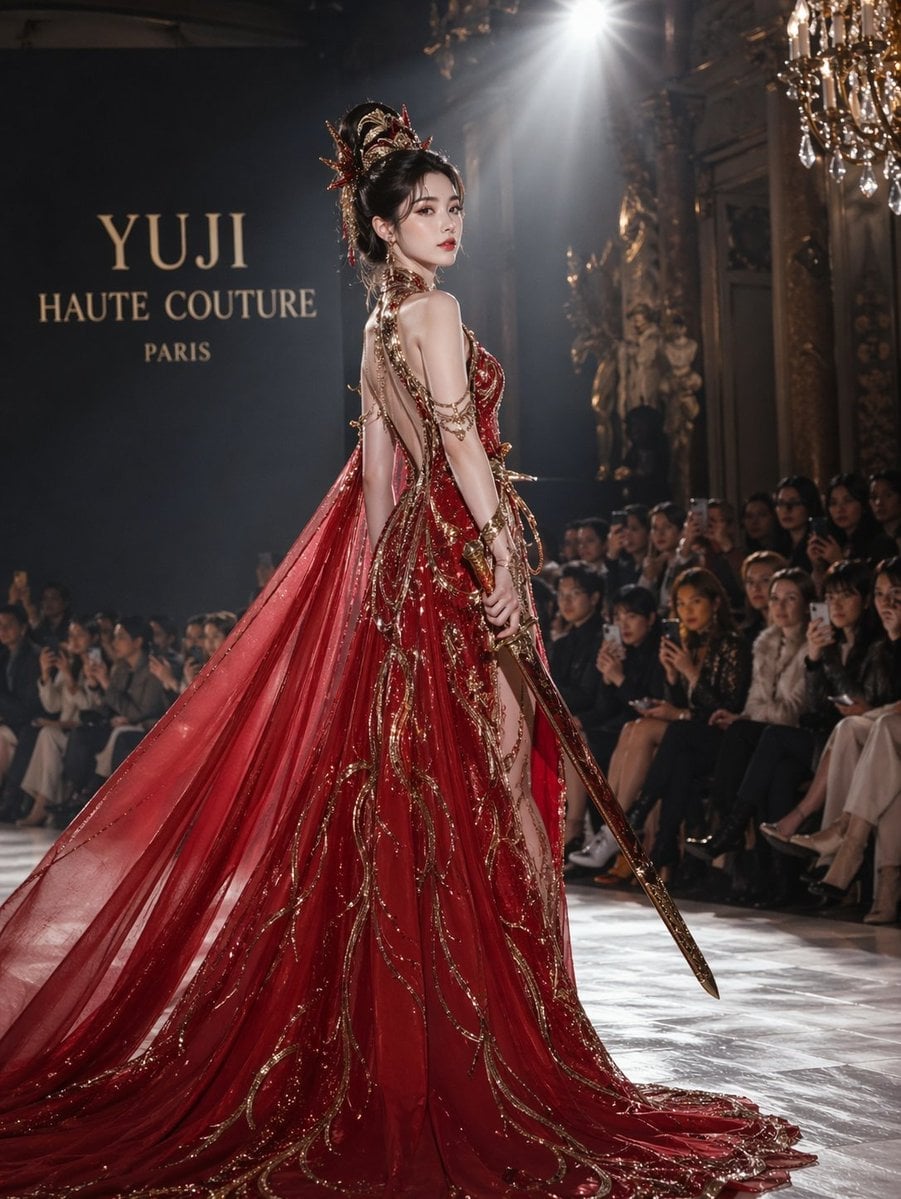
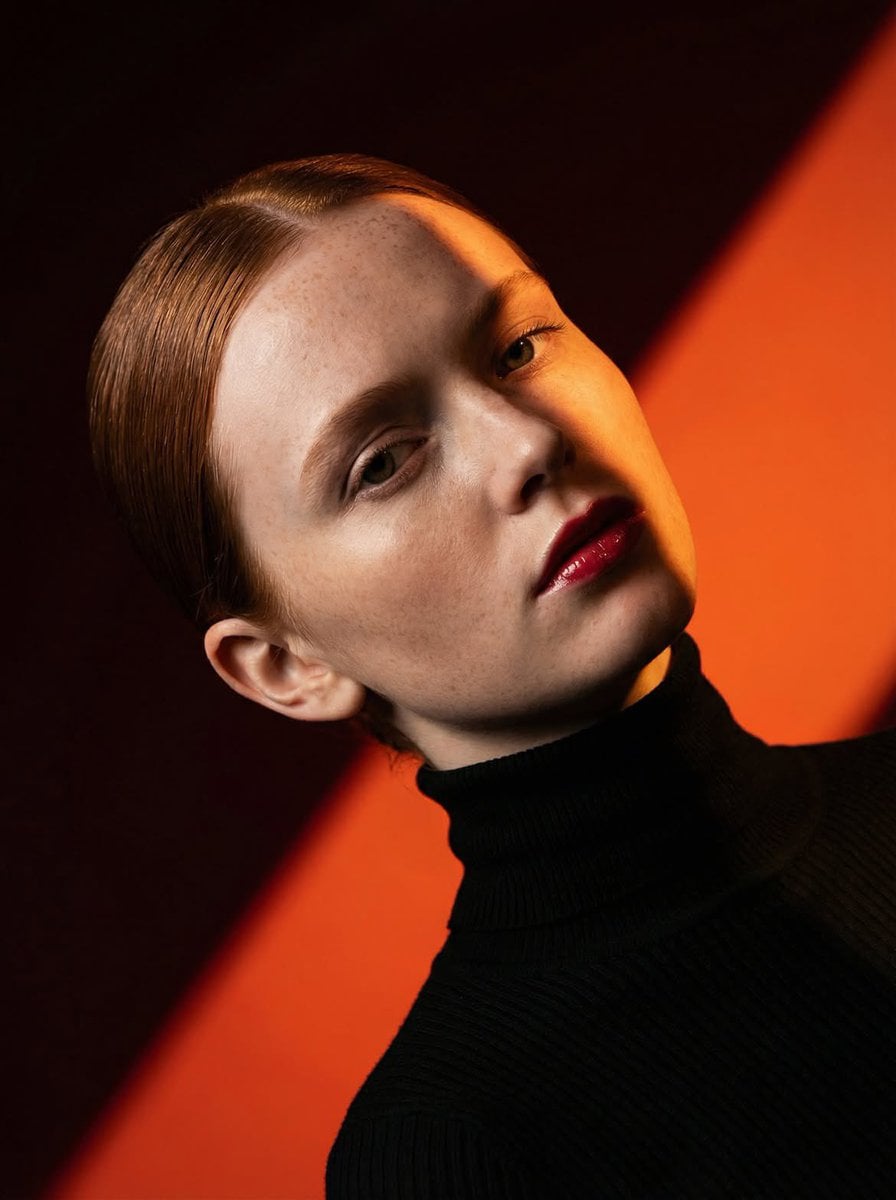
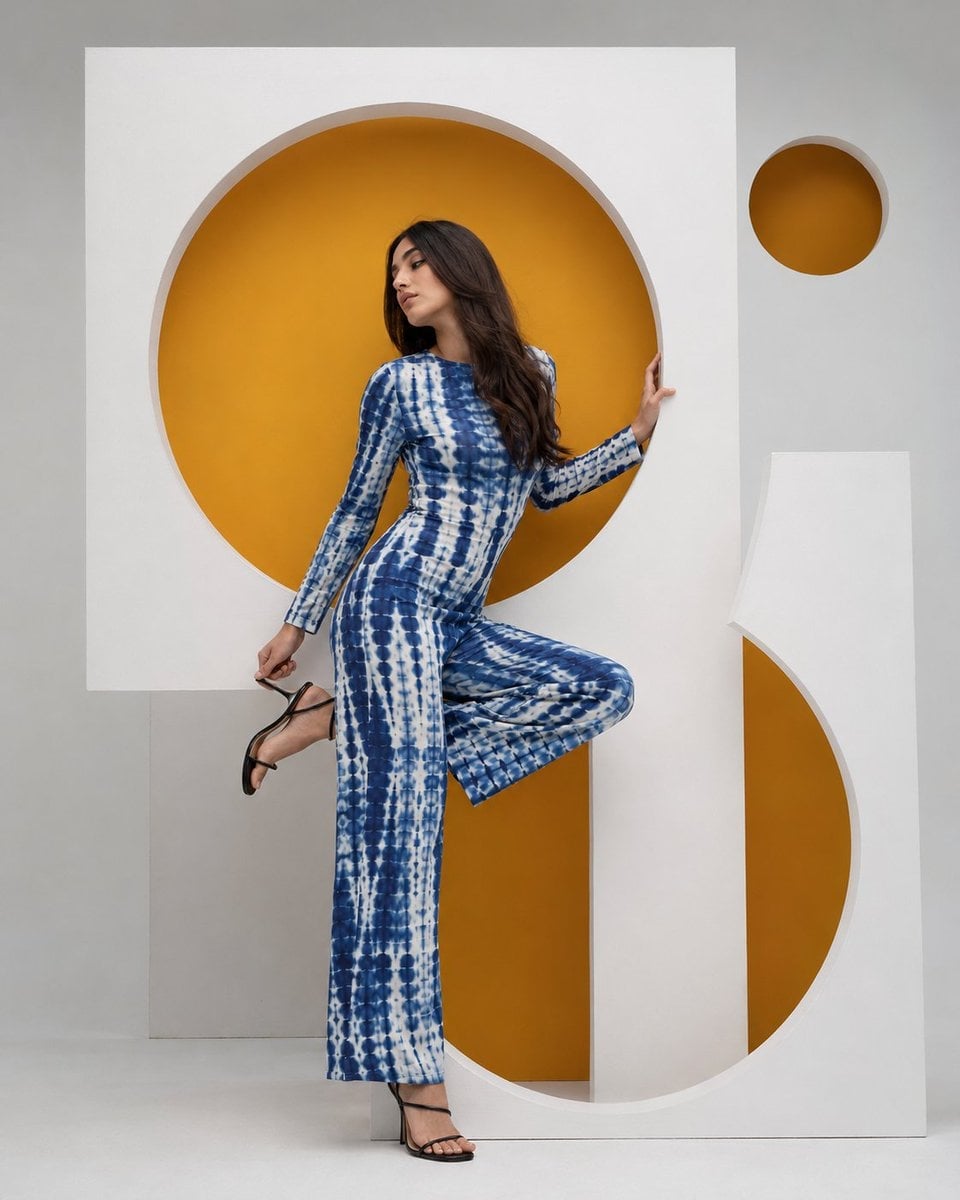
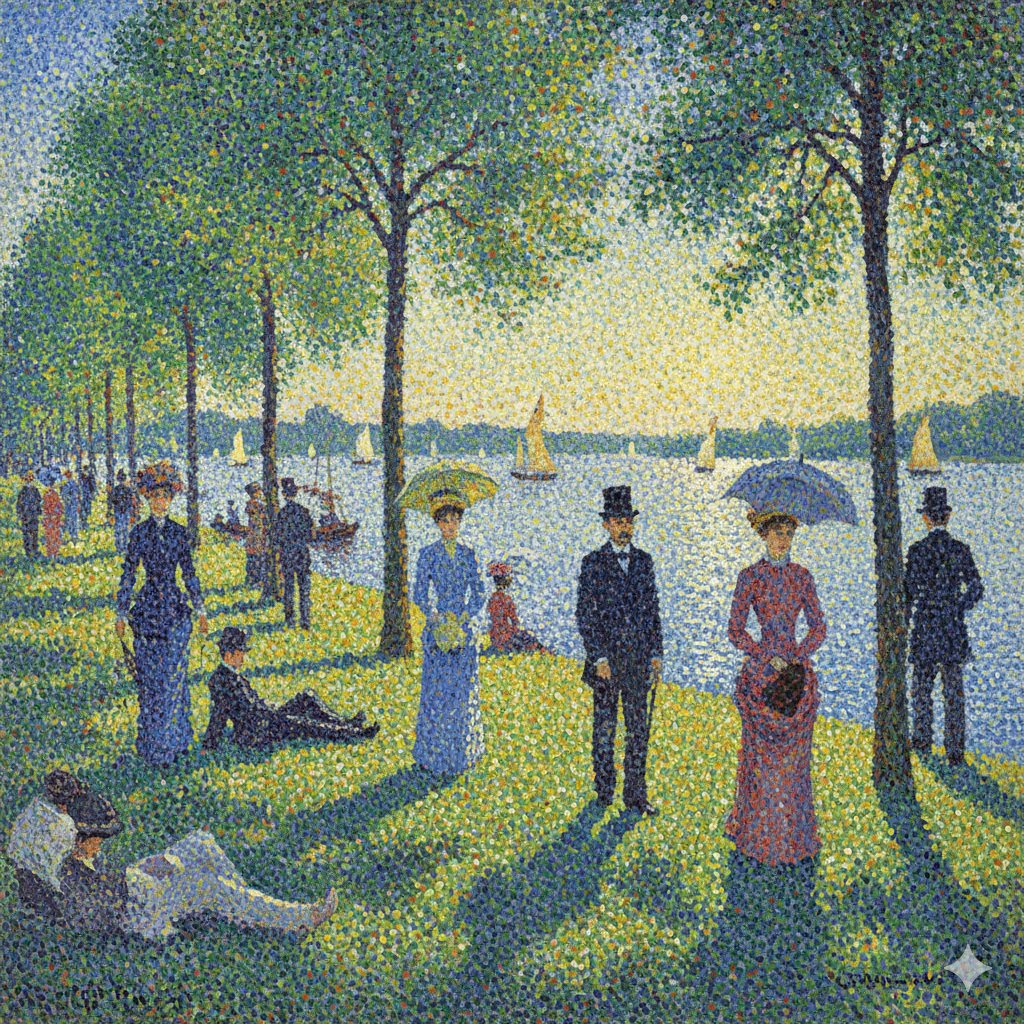
An ultra-realistic modern studio portrait featuring a subject posing beside a geometric illustration of themselves on a gallery-style wall.
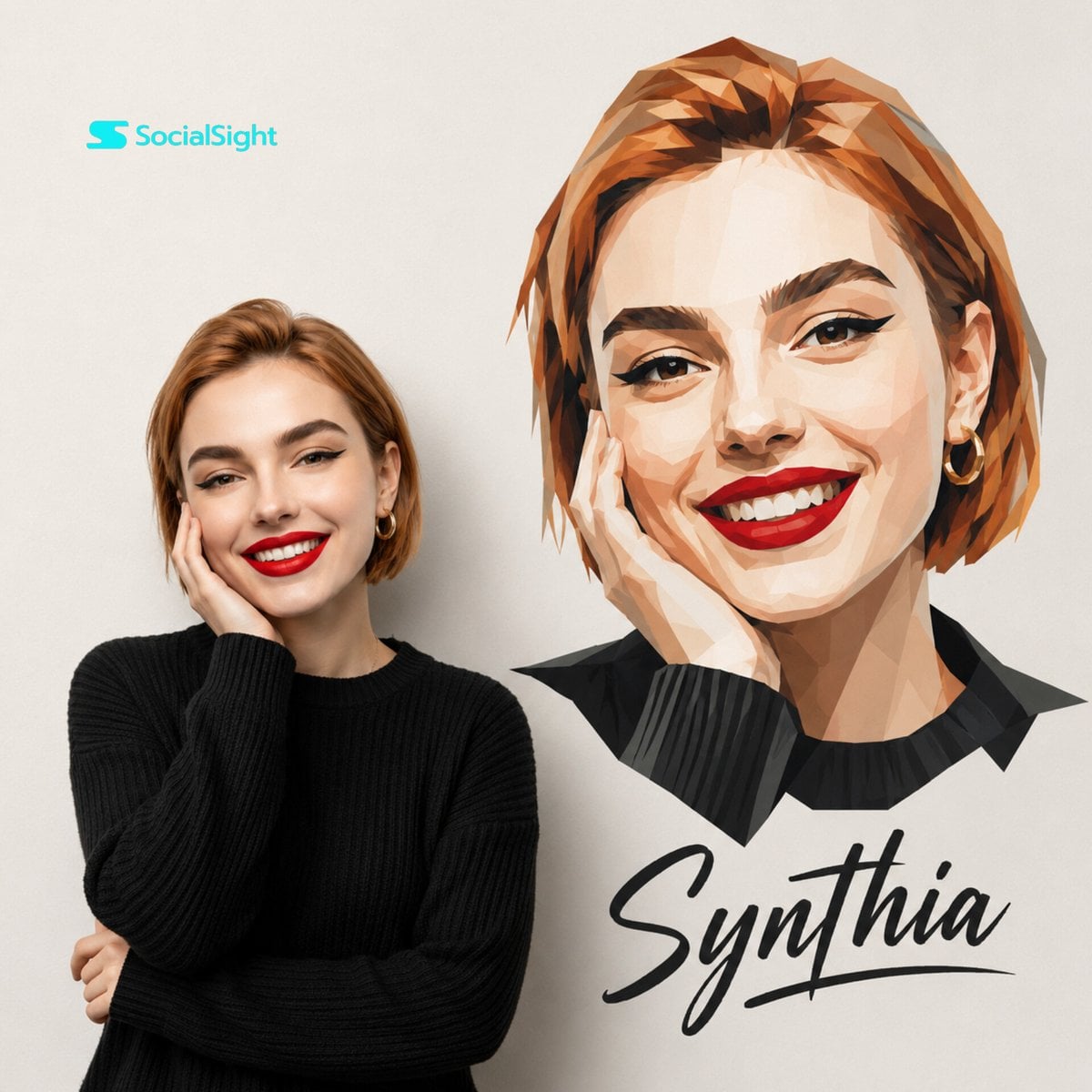
Ultra-realistic modern studio portrait using the uploaded image as the main subject, {argument name="background" default="clean soft beige background"}, minimal Scandinavian aesthetic, {argument name="subject" default="smiling woman in a black knitted sweater"} posing beside a large artistic low-poly geometric illustration version of herself on the wall, elegant red lipstick, soft cinematic lighting, premium fashion campaign look, high-end editorial photography, detailed facial features, luxury branding composition, handwritten stylish typography {argument name="text" default="text “Synthia”"} below the artwork, balanced composition, warm neutral tones, ultra detailed, realistic skin texture, contemporary gallery poster aesthetic, professional commercial photoshoot style, 8k quality
Choose the primary action to open PicX Studio with the available template settings. Review the model and format, personalize the creative direction, and generate when ready.
Yes. You can change the subject, setting, lighting, mood, format, and available model controls before creating your image.
This template is free to open and customize. Generation usage is shown in PicX Studio before you create.
Start with Nano Banana 2, which is the model associated with this template. You can compare another compatible model for a different finish.
Follow a topic to a crawlable collection of related PicX Studio templates.