
2x2 Social Media School Banner Ad Grid
Generates a 2x2 grid of Japanese banner advertisements for an online school, featuring female models, benefit icons, and call-to-action buttons.
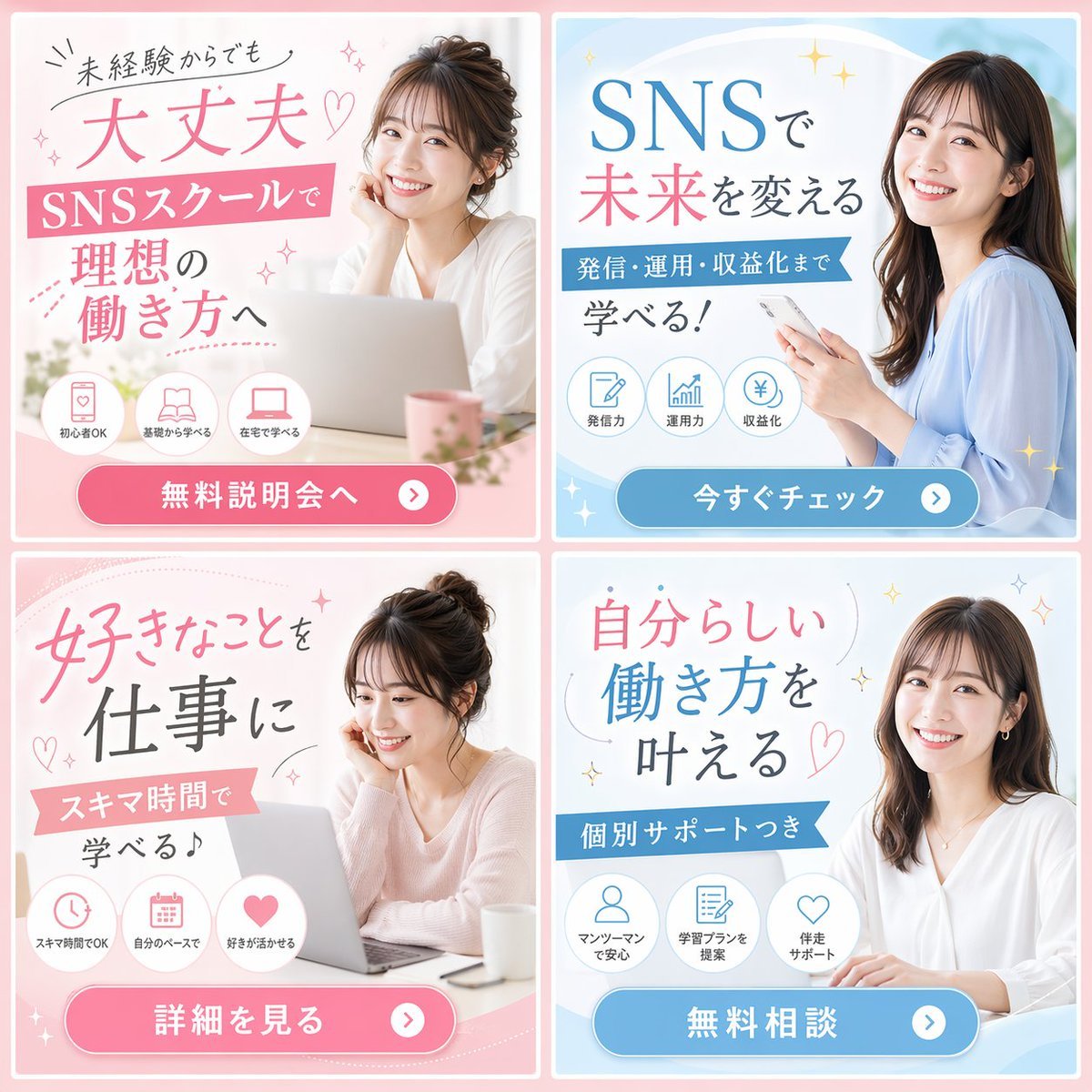
- Prompt included
- Model and format preset
- Free template
The prompt behind this image
Copy the exact prompt behind 2x2 Social Media School Banner Ad Grid, or open it in the studio and make it yours.
- Type
- 2x2 banner ad grid
- Theme
- {argument name="school type" default="SNSスクール"}
- Demographic
- {argument name="model demographic" default="young Japanese women"}
- Color Palette
- {argument name="primary color theme" default="pink and light blue"}
- Layout › Panels › 0 › Position
- top-left
- Layout › Panels › 0 › Color
- pink
- Layout › Panels › 0 › Subject
- woman with hair up, resting chin on hand, laptop
- Layout › Panels › 0 › Headline
- {argument name="top left headline" default="未経験からでも 大丈夫♡"}
- Layout › Panels › 0 › Subheadline
- SNSスクールで 理想の働き方へ
- Layout › Panels › 0 › Icon Count
- 3
- Layout › Panels › 0 › Icon Labels
- 初心者OK, 基礎から学べる, 在宅で学べる
- Layout › Panels › 0 › Cta Button
- 無料説明会へ >
- Layout › Panels › 1 › Position
- top-right
- Layout › Panels › 1 › Color
- light blue
- Layout › Panels › 1 › Subject
- woman with long dark hair, holding smartphone
- Layout › Panels › 1 › Headline
- {argument name="top right headline" default="SNSで 未来を変える"}
- Layout › Panels › 1 › Subheadline
- 発信・運用・収益化まで 学べる!
- Layout › Panels › 1 › Icon Count
- 3
- Layout › Panels › 1 › Icon Labels
- 発信力, 運用力, 収益化
- Layout › Panels › 1 › Cta Button
- 今すぐチェック >
- Layout › Panels › 2 › Position
- bottom-left
- Layout › Panels › 2 › Color
- pink
- Layout › Panels › 2 › Subject
- woman with hair up, looking down at laptop
- Layout › Panels › 2 › Headline
- 好きなことを 仕事に
Raw JSON
{
  "type": "2x2 banner ad grid",
  "theme": "{argument name=\"school type\" default=\"SNSスクール\"}",
  "demographic": "{argument name=\"model demographic\" default=\"young Japanese women\"}",
  "color_palette": "{argument name=\"primary color theme\" default=\"pink and light blue\"}",
  "layout": {
    "panels": [
      {
        "position": "top-left",
        "color": "pink",
        "subject": "woman with hair up, resting chin on hand, laptop",
        "headline": "{argument name=\"top left headline\" default=\"未経験からでも 大丈夫♡\"}",
        "subheadline": "SNSスクールで 理想の働き方へ",
        "icon_count": 3,
        "icon_labels": ["初心者OK", "基礎から学べる", "在宅で学べる"],
        "cta_button": "無料説明会へ >"
      },
      {
        "position": "top-right",
        "color": "light blue",
        "subject": "woman with long dark hair, holding smartphone",
        "headline": "{argument name=\"top right headline\" default=\"SNSで 未来を変える\"}",
        "subheadline": "発信・運用・収益化まで 学べる!",
        "icon_count": 3,
        "icon_labels": ["発信力", "運用力", "収益化"],
        "cta_button": "今すぐチェック >"
      },
      {
        "position": "bottom-left",
        "color": "pink",
        "subject": "woman with hair up, looking down at laptop",
        "headline": "好きなことを 仕事に",
        "subheadline": "スキマ時間で 学べる♪",
        "icon_count": 3,
        "icon_labels": ["スキマ時間でOK", "自分のペースで", "好きが活かせる"],
        "cta_button": "詳細を見る >"
      },
      {
        "position": "bottom-right",
        "color": "light blue",
        "subject": "woman with long dark hair, white blouse, hands on desk",
        "headline": "自分らしい 働き方を 叶える♡",
        "subheadline": "個別サポートつき",
        "icon_count": 3,
        "icon_labels": ["マンツーマンで安心", "学習プランを提案", "伴走サポート"],
        "cta_button": "無料相談 >"
      }
    ]
  }
}How to use 2x2 Social Media School Banner Ad Grid in 3 steps
- 1Upload ImagePNG, JPG or paste
Add your photo
Upload the photo the template builds on. The prompt, model and format are already set.
- 2…a portrait of your subject in softgolden-hour light, 85mm…
Personalize
Edit the subject and creative details for your destination.
- 3Generate
Generate
Press Generate — your image is created in PicX Studio, so you can compare it with the original and refine one variable at a time.
More like this
Templates with the same subject, style or setup. Open one to see its prompt.

Gpt2 Social Media Post 4 Panel Japanese Digital Ad Banner Grid

Korean Luxury Fashion Editorial 2x2 Grid Series

Gpt2 Social Media Post Nostalgic 16 Photo Couple Grid
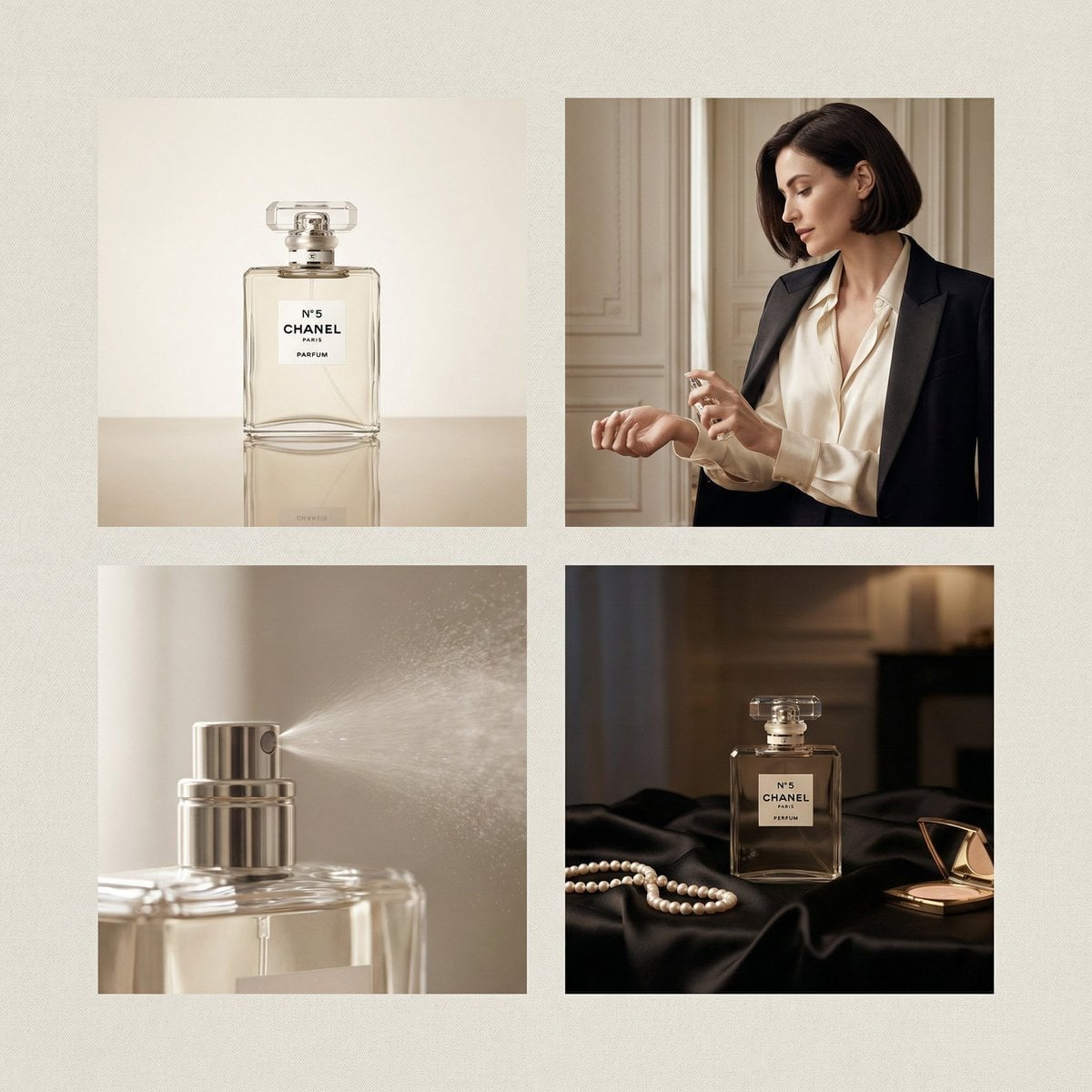
Chanel Perfume 2x2 Grid Luxury Campaign

Shattered Screen Social Media Ad

Torn Social Media Profile Art

Minimalist Fashion Editorial Split Layout

Ultra-Realistic Vogue-Style Editorial Fashion Grid

Headphones Lifestyle Nine Panel Grid

VLOG Style Social Media Post
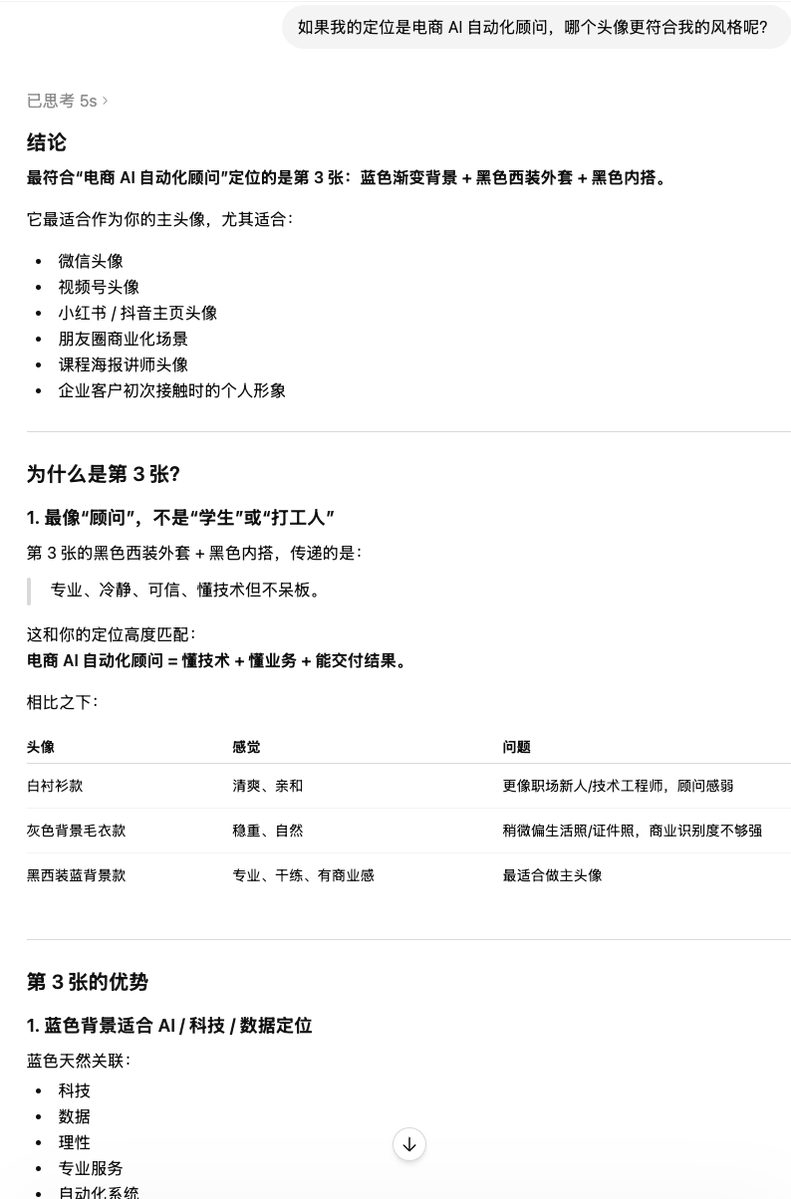
Clean Professional Social Media Avatar
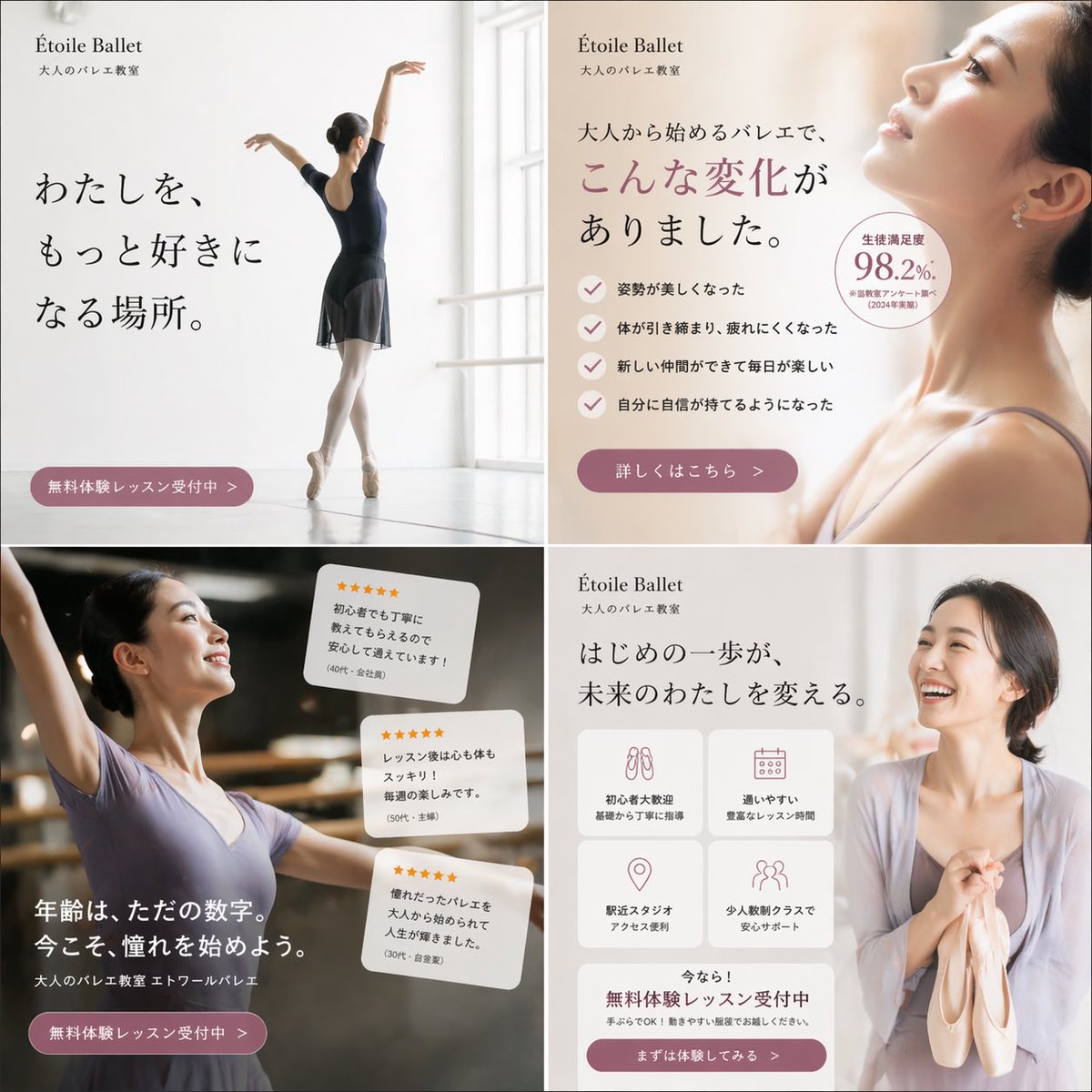
Elegant Ballet School Promo Grid
Make it yours
2x2 Social Media School Banner Ad Grid works as-is. These are the safest ways to change it without losing the look.
Change one field
Copy a single group, rewrite it, and generate again so you can see what that field is doing.
Keep the frame, change the subject
Hold the composition and light of 2x2 Social Media School Banner Ad Grid, then swap wardrobe, props or the person for a new take.
| If the result… | Why | Fix |
|---|---|---|
| The result drifts from the preview | Too many fields changed at once. | Reuse 2x2 Social Media School Banner Ad Grid as-is first, then change one group — subject, light, or setting. |
| GPT Image 2 ignores part of the JSON | Some models flatten or skip nested keys. | Keep the same values and paste them as a short paragraph instead. |
More GPT Image 2 templates
Other prompts made for GPT Image 2.

Six VTuber Japanese Logo Sheet

Realistic Portrait of Woman and Deer

The Vista Modular Condo Poster

AI Model Routing Comparison Infographic

2.5D Anime Art Board

Isometric Productivity Desk Scene

New York Double Exposure Poster

Four-Panel AI Landscape Comparison

Japanese Tatami Lifestyle Magazine Cover

NESCAFÉ Coffee Map Poster
More image prompts
Fresh picks from across the catalog.
High-Fashion Sportswear Catalog Prompt
High-Fashion Mirror Selfie in Pink Shimmer Set

Nostalgic Japanese Seaside Sunset

Cinematic Double Exposure Travel Poster
Surreal Advertising Concept Grid
Hand-Drawn Sketch Illustration from Reference Image
Midnight Anime Album Cover
Fantasy Mushroom Forest Storyboard

Luxury Sportswear Advertising Poster
Golden Hour Portrait Collage JSON Prompt
Browse template categories
2x2 Social Media School Banner Ad Grid questions
How do I use the 2x2 Social Media School Banner Ad Grid template?
Add your photo if the template asks for one, edit the prompt if you like — the template's model and format are already selected — and press Generate. Your version opens in PicX Studio.
Can I customize the 2x2 Social Media School Banner Ad Grid template?
Yes. You can change the subject, setting, lighting, mood, format, and available model controls before creating your image.
Is the 2x2 Social Media School Banner Ad Grid template free?
Opening and editing this template is free. Generating uses credits, shown on the Generate button when you are signed in.
Which AI model should I use?
Start with GPT Image 2, which is the model associated with this template. You can compare another compatible model for a different finish.
Looking for something else? Browse all templates.

Your photo, any look
Thousands of ready templates for every top image and video model, from one credit balance.