How do I use the Drive-In Movie Date Scene template?
Choose the primary action to open PicX Studio with the available template settings. Review the model and format, personalize the creative direction, and generate when ready.
An image generation prompt for a cinematic scene featuring a couple on a drive-in movie date, emphasizing the style, shot angle, and specific details of the subjects and environment. Change the subject, setting, or lighting one variable at a time.

{ "style": "{argument name="style" default="Drive-In Movie Date"}", "shot_angle": "{argument name="shot angle" default="Through windshield shot"}", "prompt": "{argument name="scene description" default="White male and stunning black woman with pin-up curls sitting in red 1960s Ford Mustang at drive-in theater, movie screen glowing in background"}"}
Choose the primary action to open PicX Studio with the available template settings. Review the model and format, personalize the creative direction, and generate when ready.
Yes. You can change the subject, setting, lighting, mood, format, and available model controls before creating your image.
This template is free to open and customize. Generation usage is shown in PicX Studio before you create.
Start with Nano Banana 2, which is the model associated with this template. You can compare another compatible model for a different finish.
Follow a topic to a crawlable collection of related PicX Studio templates.
43,474 public templates available. Verified via the PicX Studio public templates API; refreshed hourly.


![3D Typography Movie Poster — A cinematic poster featuring colossal 3D typography spelling "{argument name="movie name" default="[Movie/Anime Name]"}" in dark re](https://cms-assets.youmind.com/media/1782984832183_20u8ru_HMD8hIjWIAA3RES-300x169.jpg)






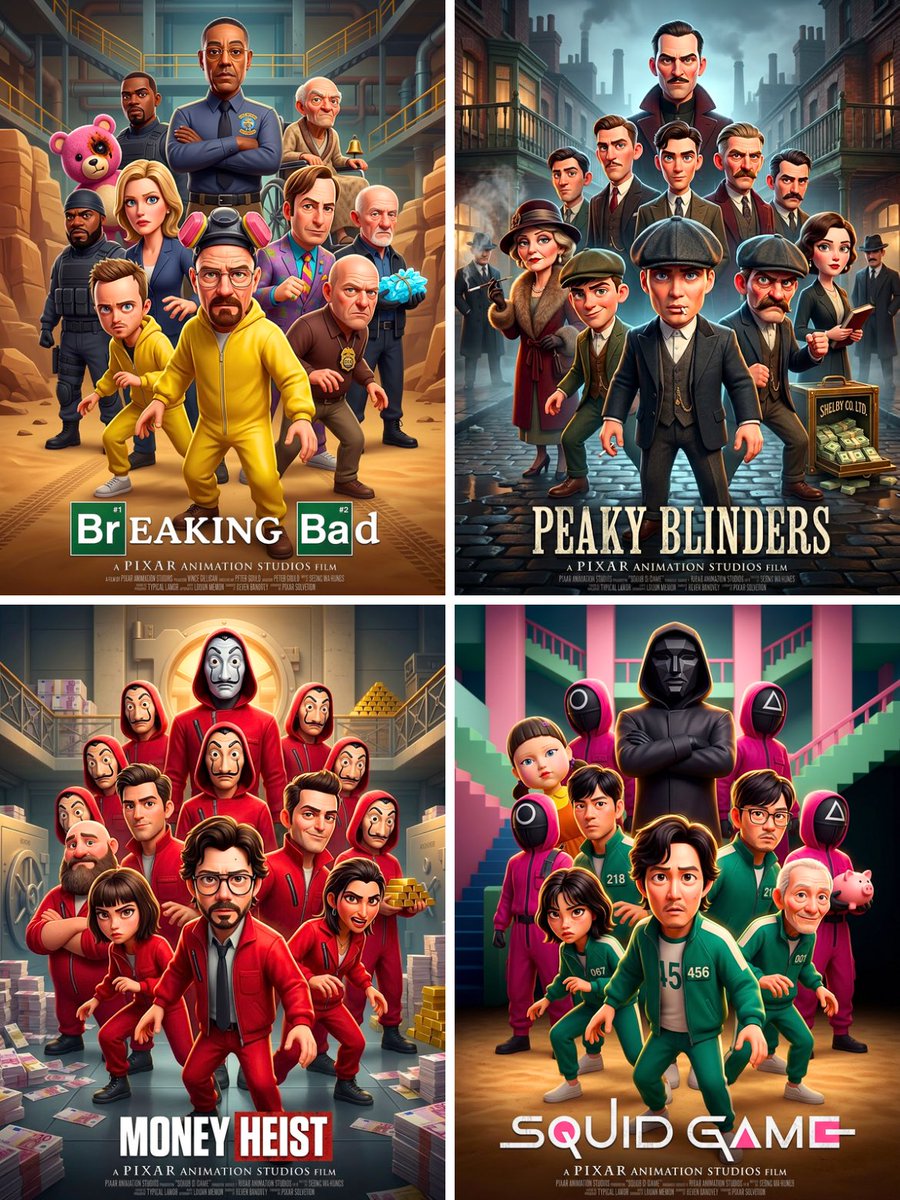


![Naive doodle-style subject illustration — A doodle-style {argument name="subject" default="[subject]"}, naive lines, humorous shape exaggeration](https://pbs.twimg.com/media/G6Wl2YxbsAARB2b.jpg)











![Cinematic Chinese Style Fashion Editorial (Shang Cheng Shi) — 作为世界级时尚摄影师(Steven Meisel / Paolo Roversi / Harley Weir 风格),为**[参考图1人物100%严格还原面部特征、发型、气质]**拍摄《上城士 S](https://pbs.twimg.com/media/G_ICgFrXoAAPWEf.jpg)
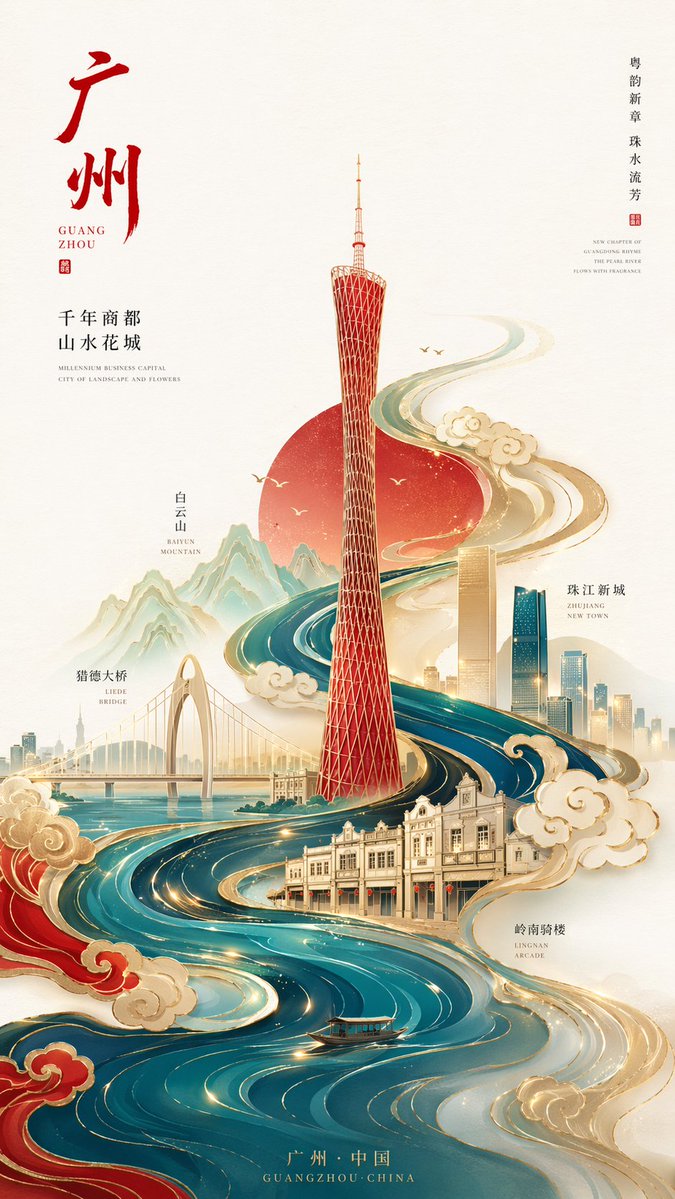






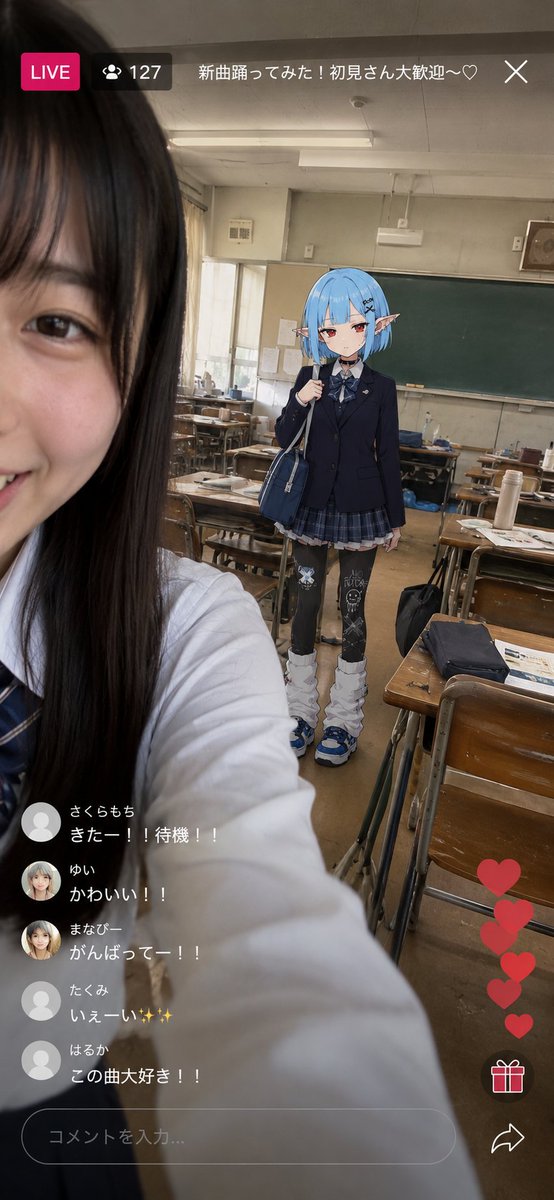


![Mid-Century Travel Poster — Create a vertical mid-century travel poster for {argument name="city name" default="[CITY NAME]"} fe…](https://cms-assets.youmind.com/media/1778490956036_lmrr6t_HH-VFGqaIAE0yEf.jpg)