
Gothic Mystery Movie Poster
Generates a cinematic movie poster for a dark mystery thriller featuring a detective, a clock tower, and customizable Japanese typography.
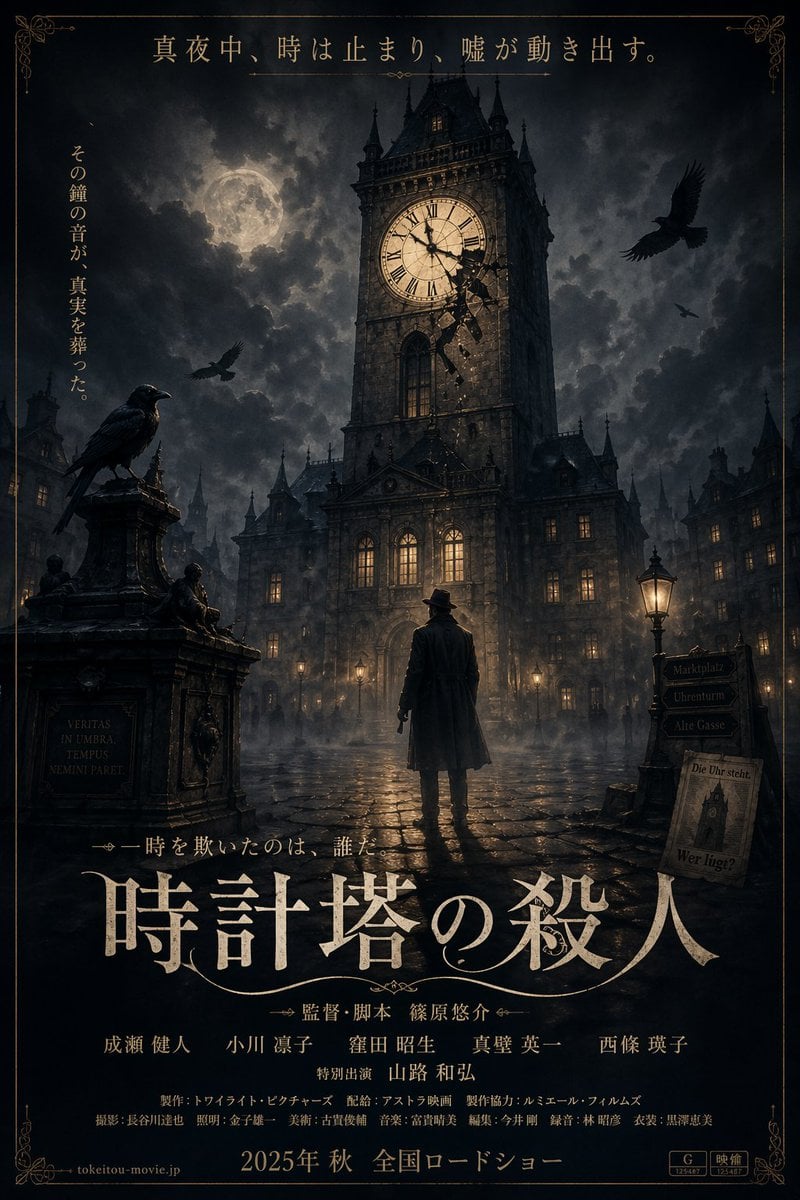
- Prompt included
- Model and format preset
- Free template
The prompt behind this image
Copy the exact prompt behind Gothic Mystery Movie Poster, or open it in the studio and make it yours.
A cinematic, dark gothic mystery movie poster. In the center, a lone man wearing a trench coat and fedora stands with his back to the viewer, looking up at a massive, imposing gothic clock tower. The clock face is illuminated, and the structure around it is shattering with dark fragments falling. The setting is a foggy, wet cobblestone square at night, illuminated by warm yellow streetlamps and glowing windows from surrounding European-style buildings. A full moon shines through cloudy skies. There are exactly 3 ravens: one perched on a stone monument on the left, and two flying in the sky. The monument on the left has engraved text "VERITAS IN UMBRA, TEMPUS NEMINI PARET". On the right, a wooden signpost has 3 directional arrows reading "Marktplatz", "Uhrenturm", and "Alte Gasse", with a small newspaper leaning against it reading "Die Uhr steht." and "Wer lügt?". The poster features elegant, slightly distressed serif Japanese typography. At the top, a horizontal tagline reads {argument name="top tagline" default="真夜中、時は止まり、嘘が動き出す。"}. On the upper left, a vertical tagline reads {argument name="side tagline" default="その鐘の音が、真実を葬った。"}. In the lower center, the large main title reads {argument name="main title" default="時計塔の殺人"}. Below the title is a smaller tagline "時を欺いたのは、誰だ。" followed by a dense block of realistic movie credits including director, cast, and crew names. At the very bottom, the release text {argument name="release date" default="2025年 秋 全国ロードショー"} is displayed alongside a website URL and rating logos. The entire poster is framed by a thin, ornate gold border.
How to use Gothic Mystery Movie Poster in 3 steps
- 1Upload ImagePNG, JPG or paste
Add your photo
Upload the photo the template builds on. The prompt, model and format are already set.
- 2…a portrait of your subject in softgolden-hour light, 85mm…
Personalize
Edit the subject and creative details for your destination.
- 3Generate
Generate
Press Generate — your image is created in PicX Studio, so you can compare it with the original and refine one variable at a time.
More like this
Templates with the same subject, style or setup. Open one to see its prompt.

Gpt2 Youtube Thumbnail Wuxia Movie Character Posters
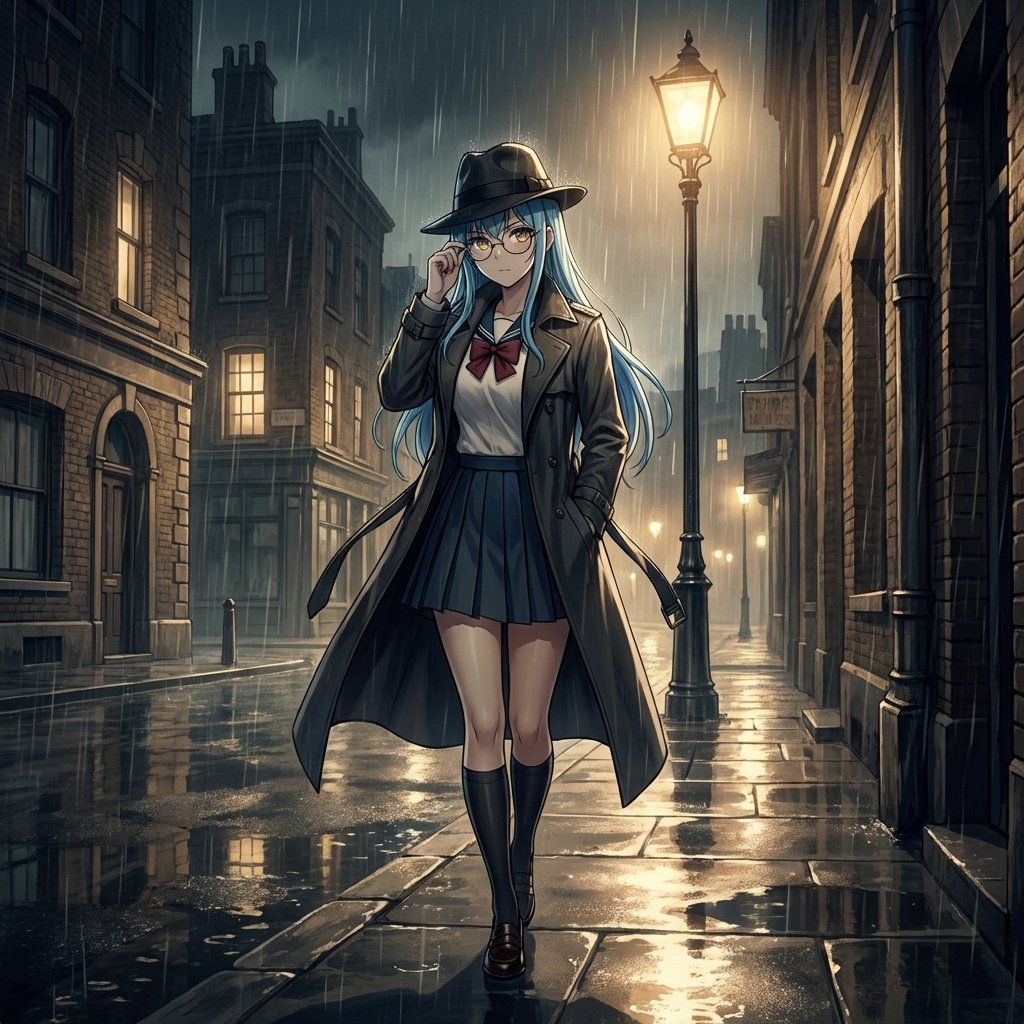
Mystery Movie Poster Conversion

Japan Travel Brochure Poster

Cartoon TV Show Poster Pack

Trendy Cafe Drink Promo Poster

Urban Fashion Editorial Collage Streetwear Poster

Premium Fashion Editorial Cover Layout System

Polo Ralph Lauren Luxury American Heritage Fashion Campaign

Monochrome Halftone Editorial Fashion Poster

Retro Mirror Luxury Fashion Campaign Poster

Luxury Fashion Campaign Typography Poster System

Premium Fashion Editorial Campaign Poster System
Make it yours
Gothic Mystery Movie Poster works as-is. These are the safest ways to change it without losing the look.
Change one field
Copy a single group, rewrite it, and generate again so you can see what that field is doing.
Keep the frame, change the subject
Hold the composition and light of Gothic Mystery Movie Poster, then swap wardrobe, props or the person for a new take.
| If the result… | Why | Fix |
|---|---|---|
| The result drifts from the preview | Too many fields changed at once. | Reuse Gothic Mystery Movie Poster as-is first, then change one group — subject, light, or setting. |
| The model over-stylizes the scene | The prose prompt leaves finish and camera underspecified. | Add one camera or lighting sentence and stay on GPT Image 2. |
More GPT Image 2 templates
Other prompts made for GPT Image 2.

Six VTuber Japanese Logo Sheet

Realistic Portrait of Woman and Deer

The Vista Modular Condo Poster

AI Model Routing Comparison Infographic

2.5D Anime Art Board

Isometric Productivity Desk Scene

New York Double Exposure Poster

Four-Panel AI Landscape Comparison

Japanese Tatami Lifestyle Magazine Cover

NESCAFÉ Coffee Map Poster
More image prompts
Fresh picks from across the catalog.
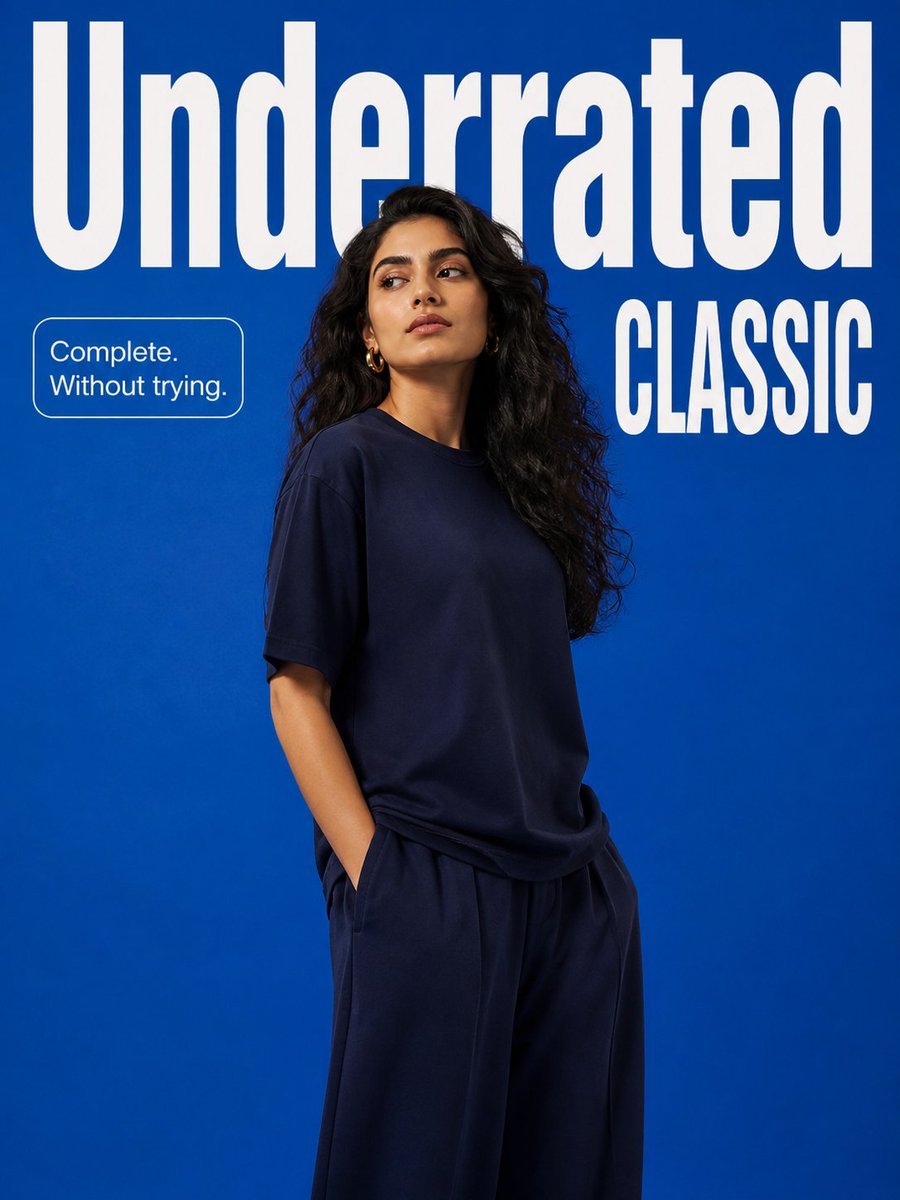
Minimalist Fashion Campaign Typography

Scrapbook Chibi Transformation
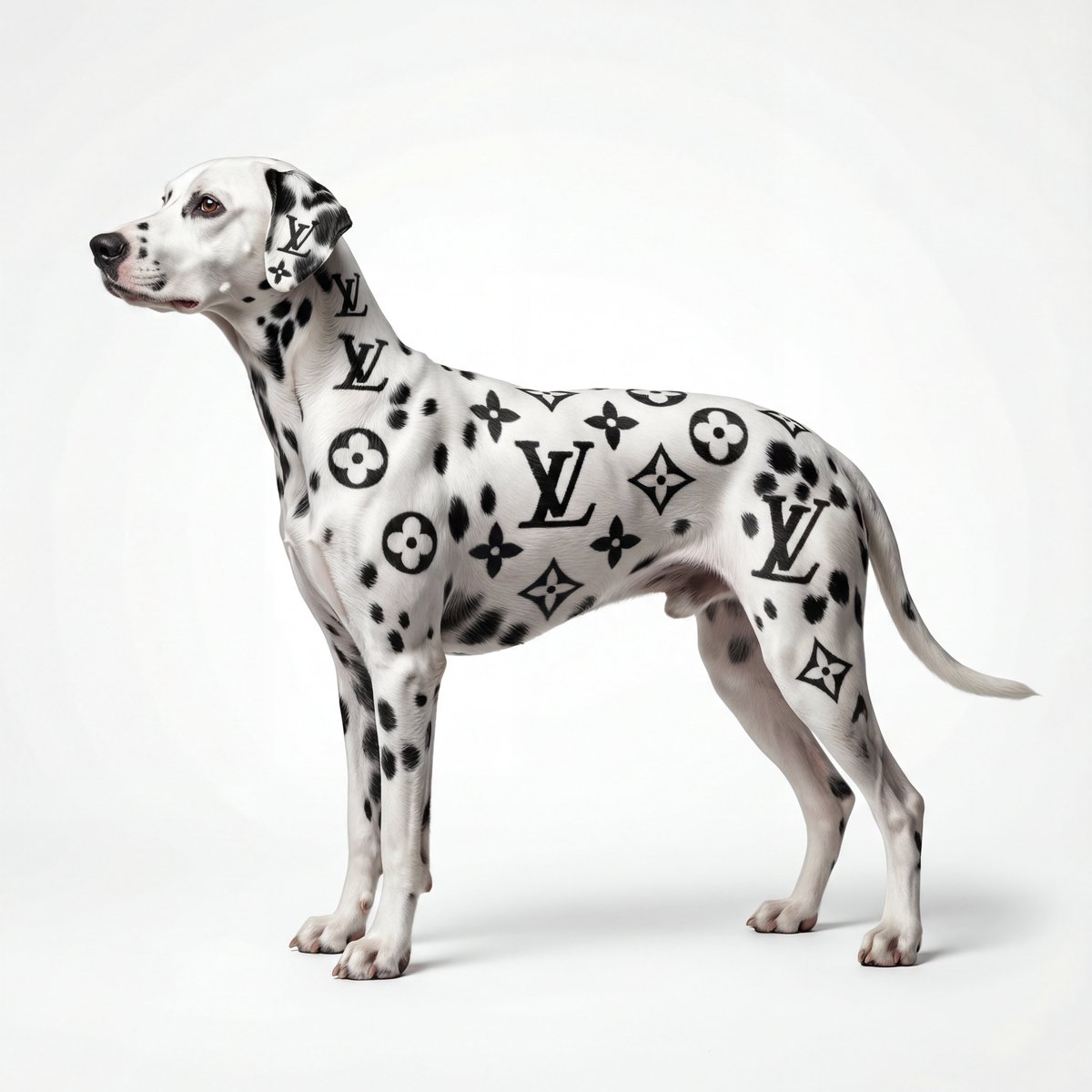
Museum-Quality Animal Portrait with Integrated Luxury Brand Pattern
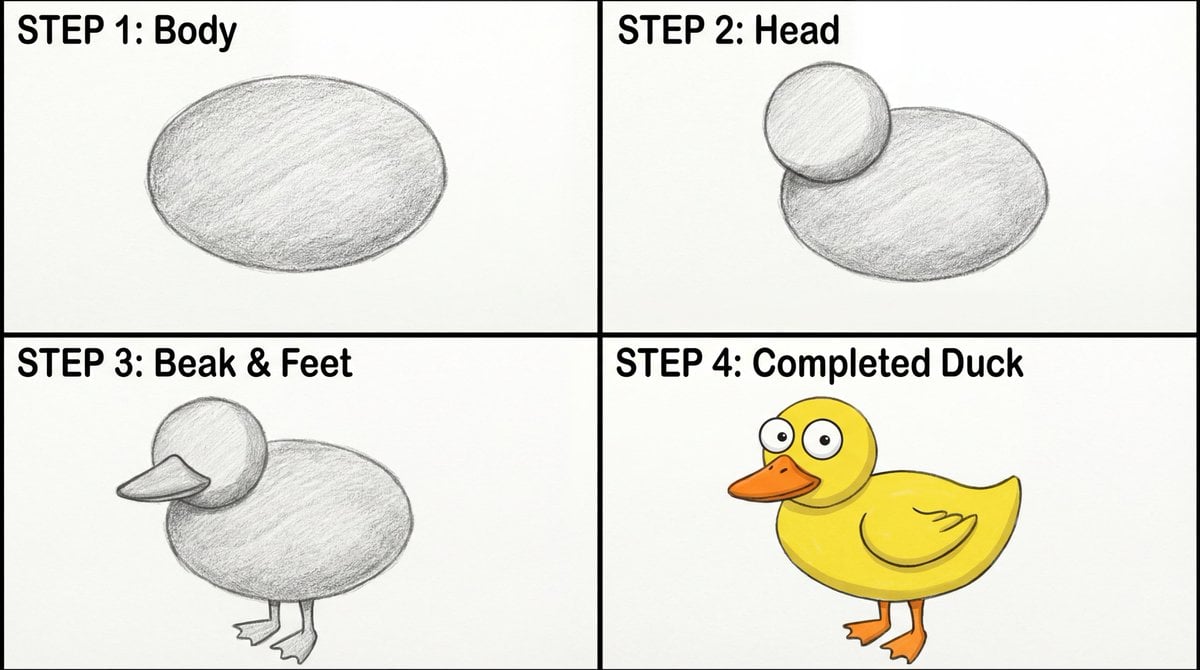
Four-Panel Guide for Drawing a Cartoon Duck

Image-to-Character Christmas Tree Prompt

untitled

Chinese Livestream Dorm Selfie UI

Cinematic Realism of Morning Breakfast on a Balcony
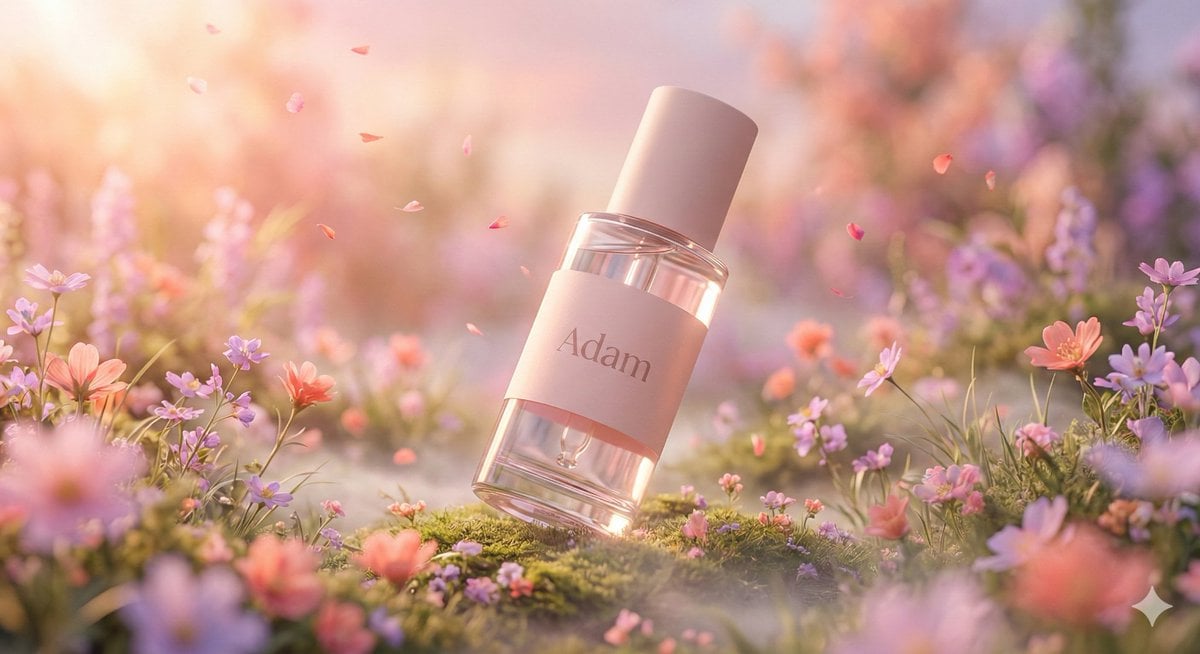
Hyper-Realistic Luxury Serum Product Photography Prompt (JSON)

Ultra-Photorealistic Winter Portrait Macro Focus
Browse template categories
Gothic Mystery Movie Poster questions
How do I use the Gothic Mystery Movie Poster template?
Add your photo if the template asks for one, edit the prompt if you like — the template's model and format are already selected — and press Generate. Your version opens in PicX Studio.
Can I customize the Gothic Mystery Movie Poster template?
Yes. You can change the subject, setting, lighting, mood, format, and available model controls before creating your image.
Is the Gothic Mystery Movie Poster template free?
Opening and editing this template is free. Generating uses credits, shown on the Generate button when you are signed in.
Which AI model should I use?
Start with GPT Image 2, which is the model associated with this template. You can compare another compatible model for a different finish.
Looking for something else? Browse all templates.

Your photo, any look
Thousands of ready templates for every top image and video model, from one credit balance.