How do I use the Cinematic Football Star Poster template?
Choose the primary action to open PicX Studio with the available template settings. Review the model and format, personalize the creative direction, and generate when ready.
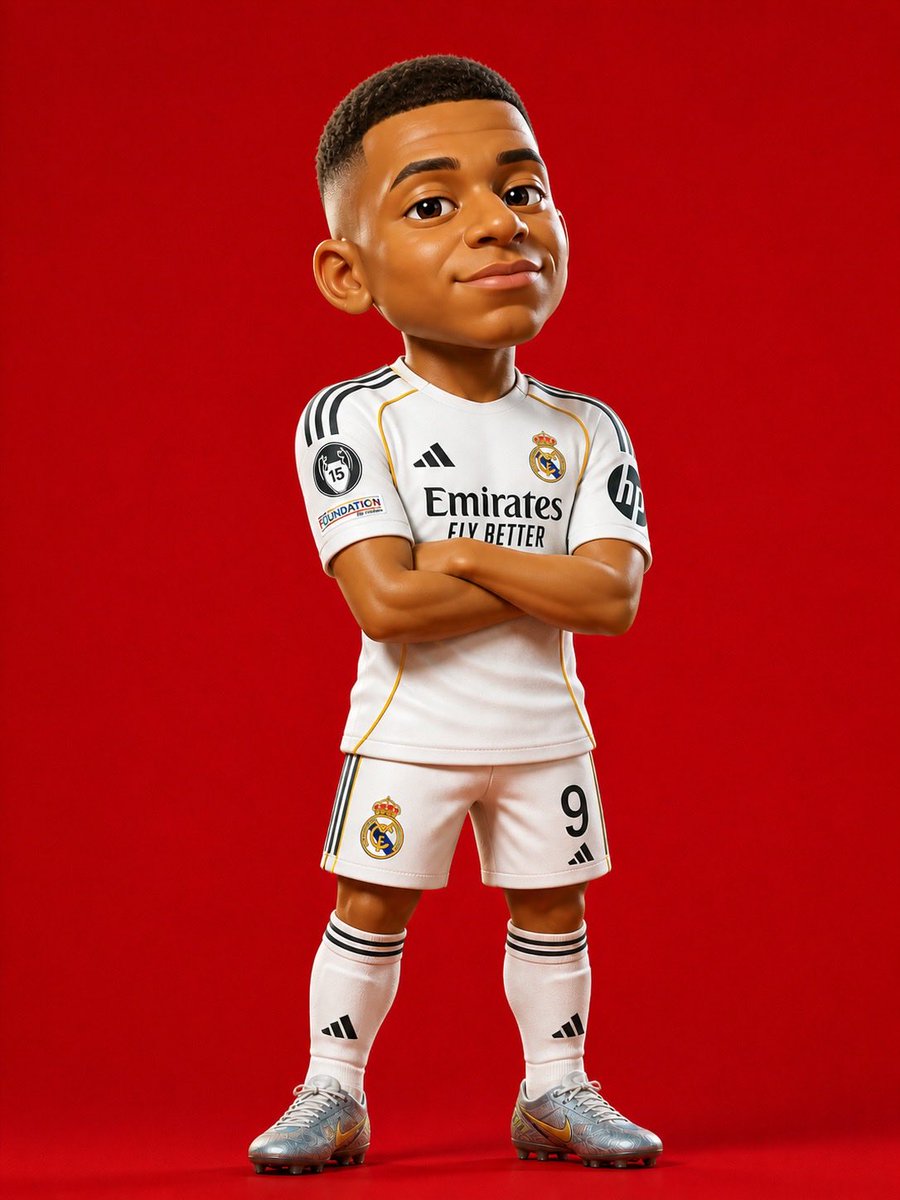
A dynamic sports poster composition featuring a football player in the Argentina national jersey with neon lighting and various action poses. (free to use) — Free AI image template on PicX Studio.
Ultra-realistic cinematic football poster of her wearing the {argument name="team" default="Argentina national team"} jersey number {argument name="number" default="10"}, inside a massive glowing blue stadium at night. Dramatic sports poster composition with multiple poses of the same player: a close-up front portrait with confident expression, a back-facing pose showing “{argument name="name" default="Zara"} 10” on the jersey, a full-body standing pose, and an action bicycle-kick shot with a football in mid-air. Bright neon blue lighting, glowing number “10” in the background, fog, sparks, stadium lights, dynamic energy effects, realistic skin texture, detailed beard and curly hair, Adidas-style Argentina kit, cinematic contrast, ultra detailed, epic sports atmosphere, FIFA World Cup aesthetic, professional Photoshop manipulation style, high sharpness, blue and white color grading, depth of field, realistic shadows, premium football wallpaper design, 8K ultra HD. Leo Messi. Text on poster: “Zara” “10” “ARGENTINA 2026 – ONE NATION. ONE DREAM.”
Use Cinematic Football Star Poster to plan an AI image around gpt-image-2 generation, themes such as en and gpt-image-2. Match the preview's composition first, then personalize the subject, setting, and mood for your own project.
Use the primary action to load the template settings in PicX Studio.
Adjust the subject and creative details for your destination.
Create the image, compare the result with the preview, and refine one variable at a time.
A continuous mix — similar concepts first, woven with same-model prompts and fresh picks from the catalog.
Choose the primary action to open PicX Studio with the available template settings. Review the model and format, personalize the creative direction, and generate when ready.
Yes. You can change the subject, setting, lighting, mood, format, and available model controls before creating your image.
This template is free to open and customize. Generation usage is shown in PicX Studio before you create.
Start with gpt-image-2, which is the model associated with this template. You can compare another compatible model for a different finish.
Follow a topic to a crawlable collection of related PicX Studio templates.
39,157 public templates available. Verified via the PicX Studio public templates API; refreshed hourly.
A continuous mix — similar concepts first, woven with same-model prompts and fresh picks from the catalog.