How do I use the Two-Frame Candid Intimacy Identity Lock Prompt template?
Choose the primary action to open PicX Studio with the available template settings. Review the model and format, personalize the creative direction, and generate when ready.
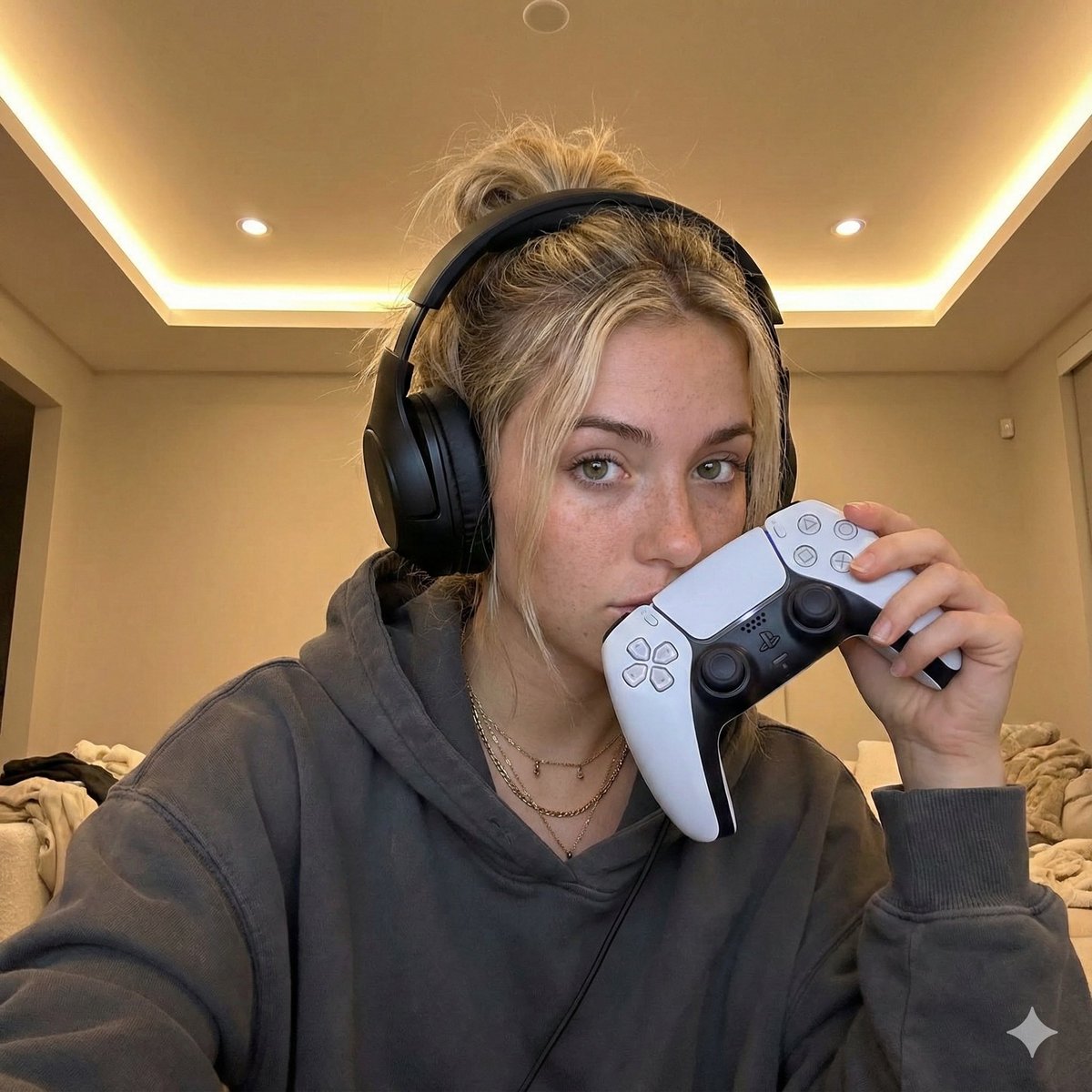
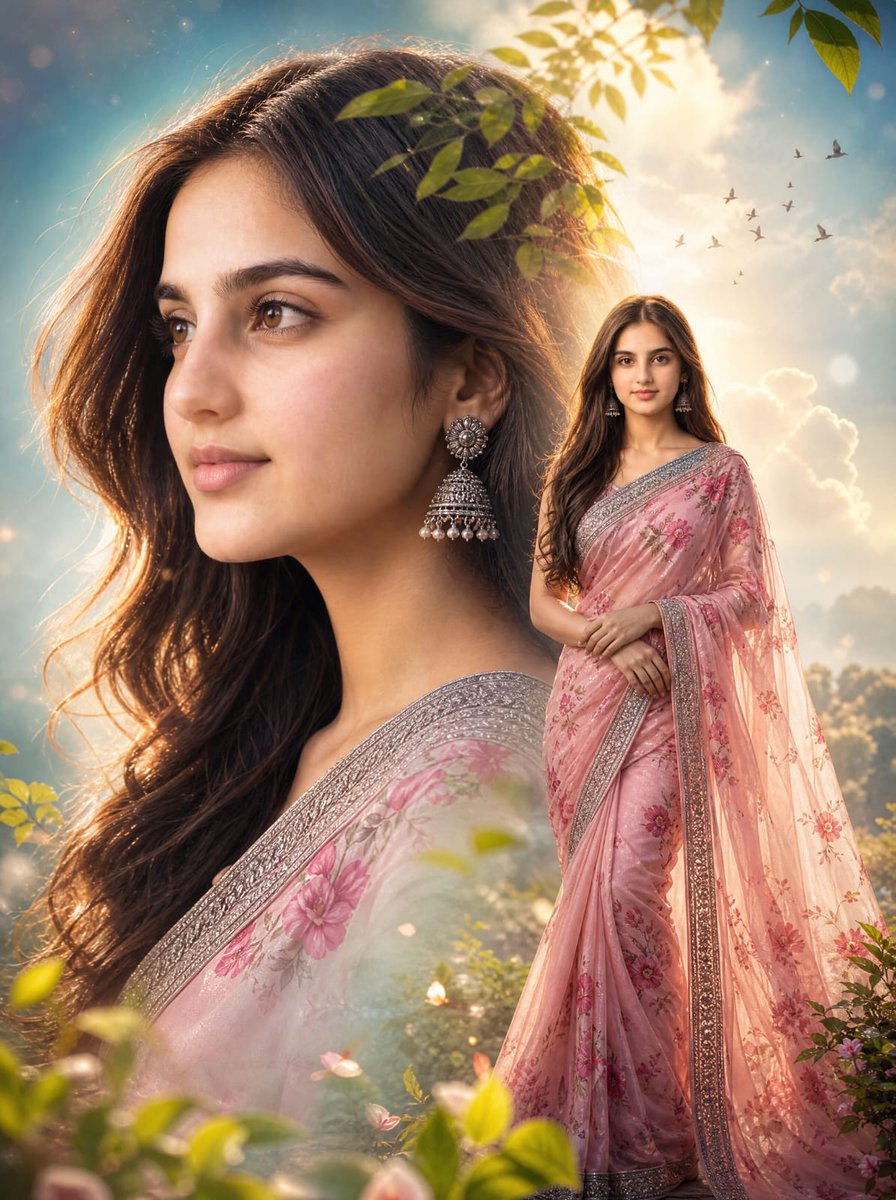
A highly structured prompt for generating a two-frame vertical composition (diptych) of the same woman, ensuring identical identity and proportions across both frames. It aims for a raw, unfiltered, high-end smartphone aesthetic, contrasting a relaxed, fully-clothed pose (Frame 1) with an intimate, lingerie-clad selfie pose (Frame 2), both set in a bright home interior. (free to use) — Free AI image template on PicX Studio.
{ "vibe": "raw, unfiltered, natural realism, confident femininity, sensual but non-explicit, spontaneous everyday intimacy, high-end smartphone photography aesthetic", "composition": { "layout": "two-frame vertical composition, stacked one above the other", "branding": "no logos, no text, no watermarks", "effects": "no filters, no artificial effects, no beauty smoothing", "quality": "4K ultra high definition, iPhone 16 Pro Max photo quality" }, "subject": { "identity": { "gender": "female", "age": 35, "nationality": "Canadian", "status": "clearly adult", "identity_consistency": "the same woman must be preserved identically in both frames, facial features and body proportions unchanged" }, "appearance": { "beauty": "beautiful and highly attractive woman", "body": { "waist": "extremely tight, slim, and firm waist", "hips": "wide hips with strong feminine curves", "chest": "very large natural breasts, realistic weight and volume", "silhouette": "busty, curvy, hourglass figure" }, "hands": { "nails": "very long manicured nails, elegant and well-groomed" } } }, "environment": { "location": "bright American home interior", "lighting": { "type": "bright natural daylight", "quality": "clean, soft, evenly distributed", "realism": "true-to-life exposure, no dramatic shadows" }, "atmosphere": "casual, lived-in, spontaneous, candid feeling" }, "camera": { "device": "iPhone 16 Pro Max", "style": "handheld smartphone photography", "sharpness": "natural sharpness without oversharpening", "color": "accurate natural color reproduction", "noise": "minimal realistic sensor grain" }, "frame_1": { "scene": "spontaneous candid moment", "pose": "lying on a couch in a relaxed position", "awareness": "unaware, caught-in-the-moment feeling", "outfit": { "dress": "single-piece long-sleeve midi dress", "stockings": "thin nude-colored pantyhose worn underneath", "fit": "dress tightly hugs the body, emphasizing waist, hips, and chest naturally" }, "framing": { "shot": "full-body view", "angle": "natural eye-level smartphone angle" } }, "frame_2": { "scene": "same location, same pose, same body position", "continuity": "identical identity, environment, lighting, and proportions as frame 1", "interaction": "selfie taken with a smartphone", "outfit": { "lingerie": "provocative lingerie set", "details": "string garter belt, thong, bra", "lips": "glossy lips with subtle shine" }, "gesture": { "hands": "one hand holding the phone, partially covering face and chest", "intent": "teasing, confident, controlled exposure without explicit nudity" }, "framing": { "shot": ""
Use Two-Frame Candid Intimacy Identity Lock Prompt to plan an AI image around nano-banana-2 generation. Match the preview's composition first, then personalize the subject, setting, and mood for your own project.
Use the primary action to load the template settings in PicX Studio.
Adjust the subject and creative details for your destination.
Create the image, compare the result with the preview, and refine one variable at a time.
A continuous mix — similar concepts first, woven with same-model prompts and fresh picks from the catalog.
Choose the primary action to open PicX Studio with the available template settings. Review the model and format, personalize the creative direction, and generate when ready.
Yes. You can change the subject, setting, lighting, mood, format, and available model controls before creating your image.
This template is free to open and customize. Generation usage is shown in PicX Studio before you create.
Start with nano-banana-2, which is the model associated with this template. You can compare another compatible model for a different finish.
Follow a topic to a crawlable collection of related PicX Studio templates.
39,155 public templates available. Verified via the PicX Studio public templates API; refreshed hourly.
A continuous mix — similar concepts first, woven with same-model prompts and fresh picks from the catalog.