
Generating a Food Infographic for a Hamburger
A detailed, multi-step prompt template designed for Nano Banana Pro to generate a clean, modern food recipe infographic based on an uploaded image (in this case, a hamburger).

- Prompt included
- Model and format preset
- Free template
The prompt behind this image
Copy the exact prompt behind Generating a Food Infographic for a Hamburger, or open it in the studio and make it yours.
角色设定:你是一位精通美食摄影与视觉设计的AI提示词工程师。任务:请分析我上传的美食图片,识别菜品名称、主要食材、烹饪逻辑和大致热量。 输出:请严格按照以下【通用提示词模板】格式,填充分析出的具体内容,生成一段用于AI绘画的提示词。 【通用提示词模板】 超干净的现代风食谱信息图。以极具吸引力的成品形态展示{argument name="菜品名称" default="[这里填入分析出的菜品名称]"},画面略带悬浮感,使用透视或倾斜视角。将食材、步骤与小贴士围绕主菜进行动态编辑式排版,不局限于俯视角。 核心指令 (Language):图中所有文字、标签、步骤说明必须严格使用“简体中文”显示。 1. 食材区: 为每种食材({argument name="主要食材列表" default="[这里填入分析出的5-8种主要食材列表]"})配以图标或迷你插画,并用中文标注用量。以分组、列表或环形流线的方式排列,通过视觉连线与主菜相连。 2. 步骤区: 用编号面板(1, 2, 3...)、箭头或线条展示制作流程({argument name="关键烹饪步骤" default="[这里填入推测的3-4个关键烹饪步骤]"}),在主菜周围形成清晰的逻辑动线。 3. 补充信息(可选): 用中文标注:总热量([估算卡路里])、准备时间([估算时间])、烹饪时间([估算时间])、份量、辣度等,以简洁气泡或徽章形式呈现在主菜附近。 4. 视觉风格: 编辑级信息图融合生活方式美食摄影。食物色彩鲜亮自然,搭配轻微投影、干净的矢量图标、现代无衬线字体(中文黑体风格)。步骤面板可使用柔和渐变或玻璃拟态效果。强调色用于突出关键信息。 5. 构图指南: 成品菜肴作为视觉核心,采用透视或倾斜角度; 食材与步骤围绕主菜动态流动; 层级清晰:主菜 > 步骤 > 食材 > 可选数据; 保留充足留白,整体轻盈、易读。 6. 光影与背景: 柔和自然的棚拍光线,极简纹理或渐变背景,营造高级编辑感。 7. 输出规格: 1080×1080,超清锐利,适配社交流水线展示,无水印。
How to use Generating a Food Infographic for a Hamburger in 3 steps
- 1
Open
The prompt is already in the box next to the preview, with the template's model and format selected.
- 2…a portrait of your subject in softgolden-hour light, 85mm…
Personalize
Edit the subject and creative details for your destination.
- 3Generate
Generate
Press Generate — your image is created in PicX Studio, so you can compare it with the original and refine one variable at a time.
More like this
Templates with the same subject, style or setup. Open one to see its prompt.

Japan Travel Brochure Poster

Cozy Food Flat Lay Doodle Labels

Isometric Process Educational Diorama

Isometric Vehicle Teardown Infographic Template

Gpt2 E Commerce Main Image Earbuds E Commerce Infographic

Gpt2 Infographic Edu Visual Alishan One Day Travel Poster

Gpt2 Infographic Edu Visual Ethnographic Plate for Tibetan Ceremonial Hat

Gpt2 Infographic Edu Visual Earth Signs Zodiac Character Poster

Gpt2 Infographic Edu Visual Water Signs Zodiac Character Poster

Gpt2 Infographic Edu Visual Ink Wash Tribute Poster for Chen Uen

Gpt2 Infographic Edu Visual Vintage Claude Shannon Infographic Poster

Gpt2 Infographic Edu Visual Taoist Three Souls Seven Po Poster
Make it yours
Generating a Food Infographic for a Hamburger works as-is. These are the safest ways to change it without losing the look.
Change one field
Copy a single group, rewrite it, and generate again so you can see what that field is doing.
Keep the frame, change the subject
Hold the composition and light of Generating a Food Infographic for a Hamburger, then swap wardrobe, props or the person for a new take.
| If the result… | Why | Fix |
|---|---|---|
| The result drifts from the preview | Too many fields changed at once. | Reuse Generating a Food Infographic for a Hamburger as-is first, then change one group — subject, light, or setting. |
| The model over-stylizes the scene | The prose prompt leaves finish and camera underspecified. | Add one camera or lighting sentence and stay on Nano Banana 2. |
More Nano Banana 2 templates
Other prompts made for Nano Banana 2.

Photorealistic Leaf Shaped Like a Dragon

K-Pop Idol Portrait Grid for Rapid Selection

Poetic Rain Forest Portrait During Golden Hour

Urban Street Portrait with Cartoon Inner Self Duo

Candid Nighttime Photo with Cat Prompt

High-Concept 3D Diorama Generation Prompt

Cinematic Futuristic Studio Portrait Template

Skincare Editorial Photography Collage Prompt

Hyper-Realistic Commercial Product Photography (Splash Effect)

Hyper-Realistic Nightclub Portrait Prompt
More image prompts
Fresh picks from across the catalog.

Professional Dark-Background LinkedIn Portrait

Cinematic Voyeuristic Portrait through Rain-Streaked Window
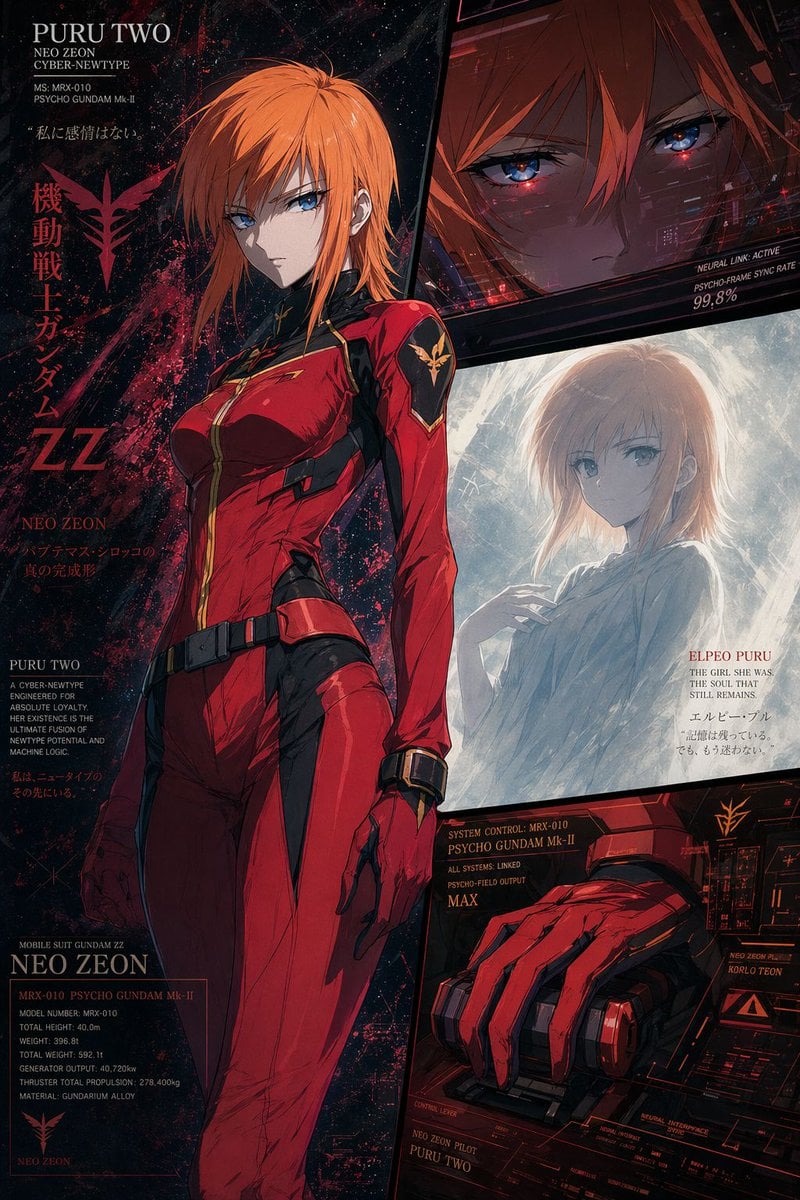
Anime Mecha Pilot Poster
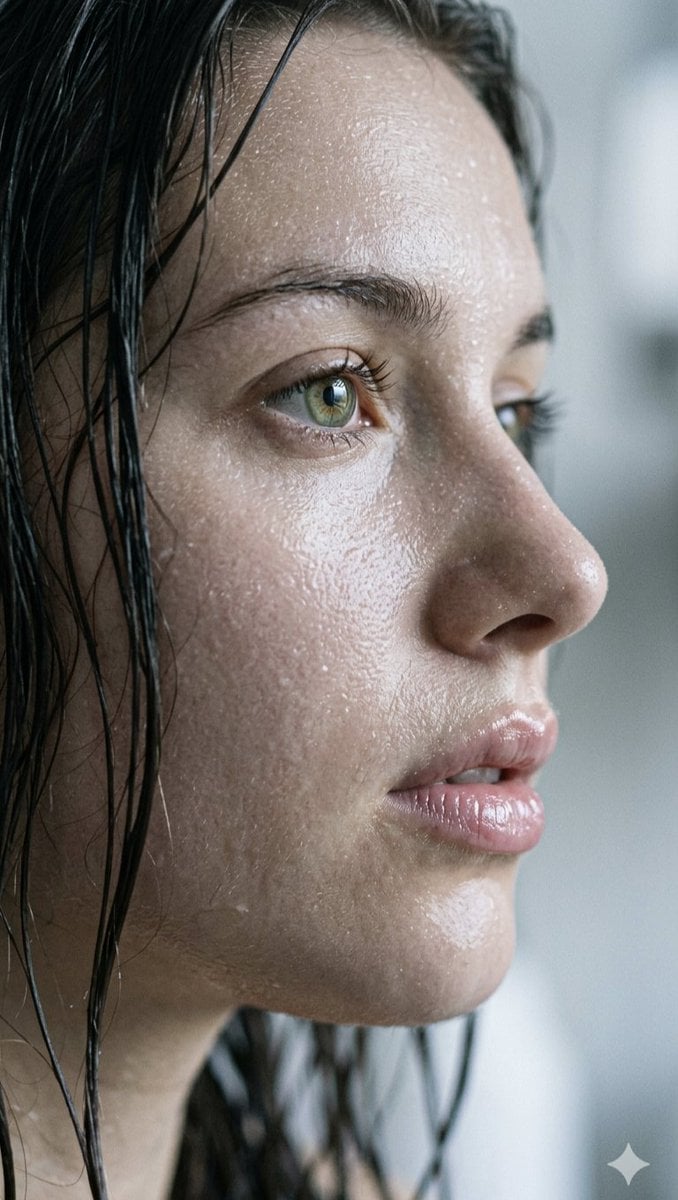
Extreme Close-up Portrait with Glistening Skin
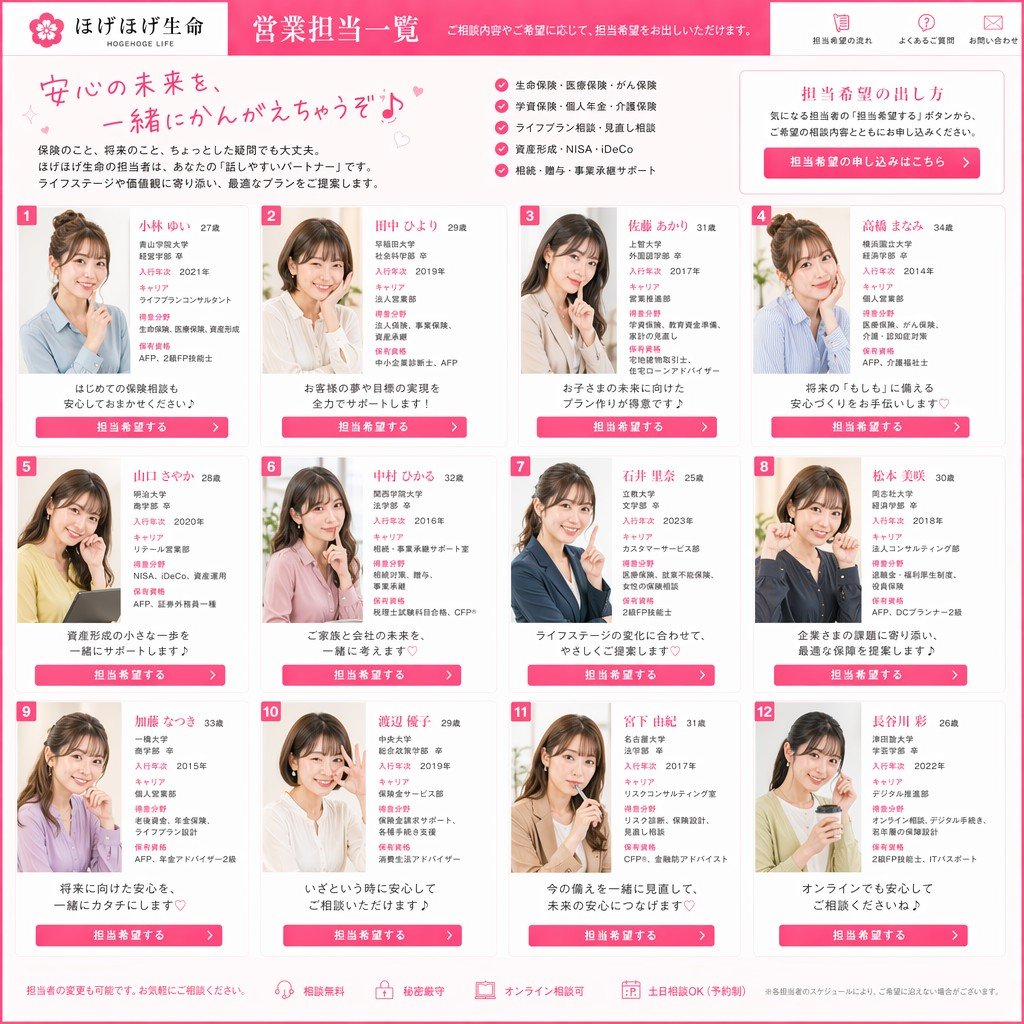
Japanese Insurance Staff Directory Mockup

Playful Duck-Face Selfie on Marble Stairs

Professional Identity-Preserving Corporate Portrait
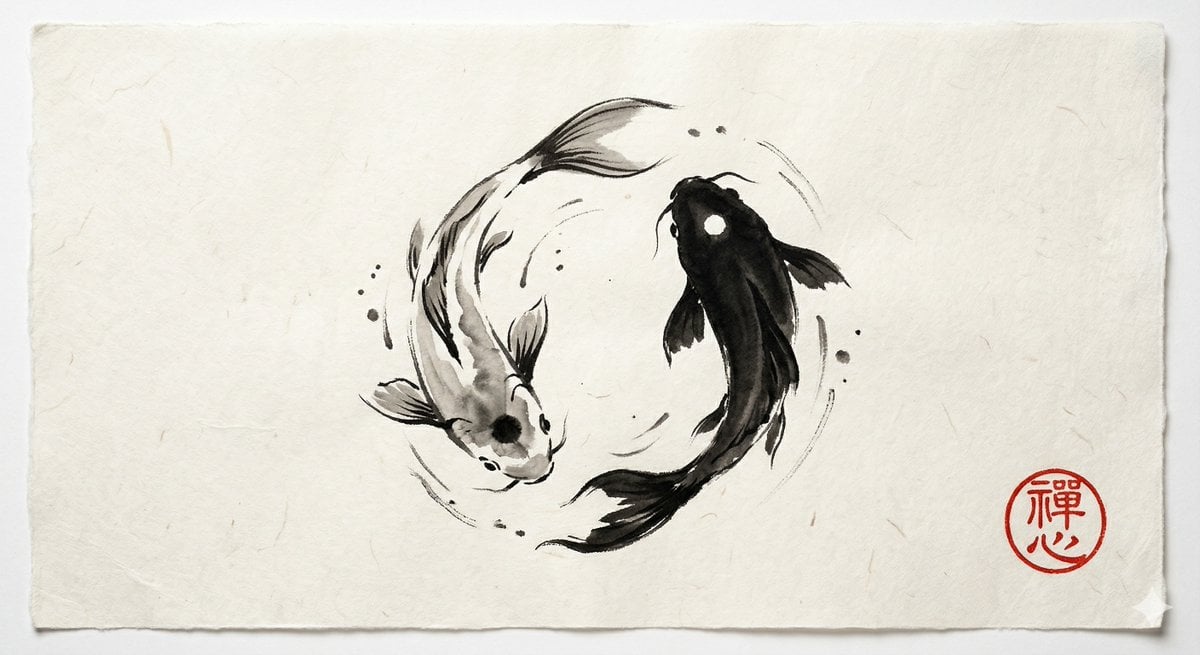
Yin and Yang Koi Fish Sumi-e Prompt
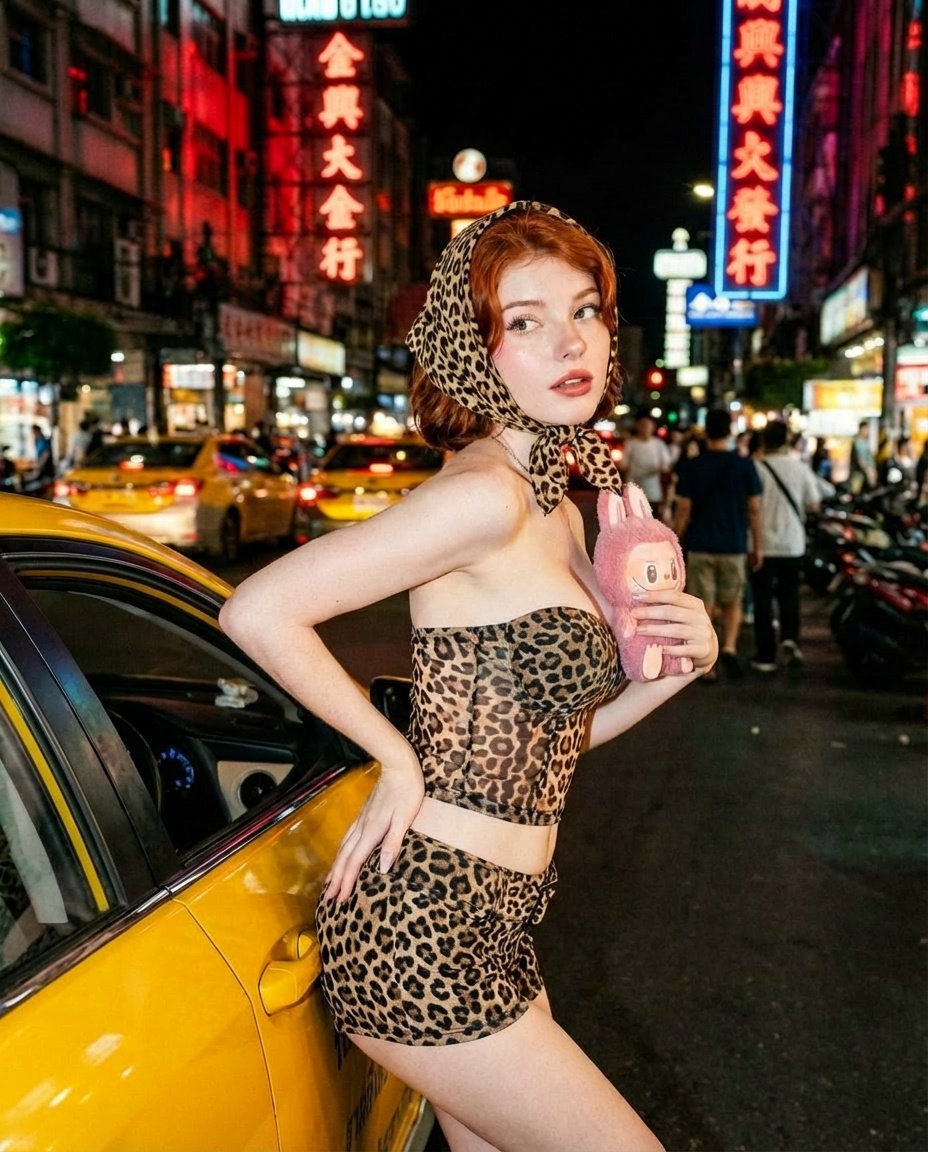
Neon City Nightlife Fashion Editorial Prompt
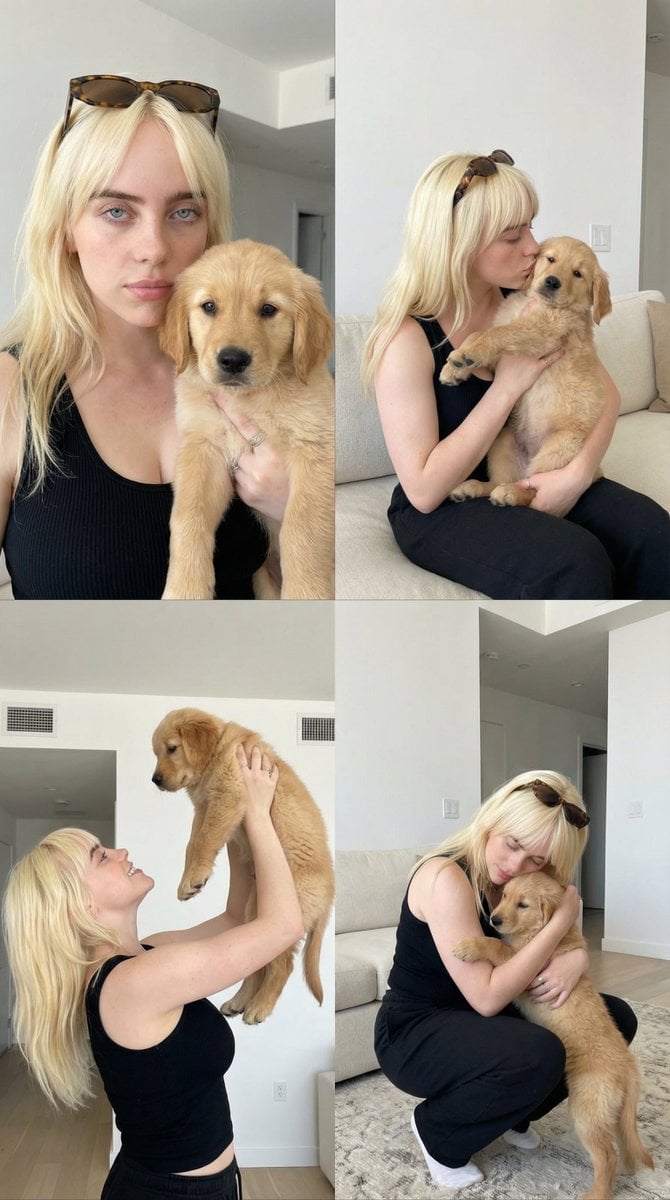
2x2 Collage of Woman with Golden Retriever Puppy
Browse template categories
Generating a Food Infographic for a Hamburger questions
How do I use the Generating a Food Infographic for a Hamburger template?
Add your photo if the template asks for one, edit the prompt if you like — the template's model and format are already selected — and press Generate. Your version opens in PicX Studio.
Can I customize the Generating a Food Infographic for a Hamburger template?
Yes. You can change the subject, setting, lighting, mood, format, and available model controls before creating your image.
Is the Generating a Food Infographic for a Hamburger template free?
Opening and editing this template is free. Generating uses credits, shown on the Generate button when you are signed in.
Which AI model should I use?
Start with Nano Banana 2, which is the model associated with this template. You can compare another compatible model for a different finish.
Looking for something else? Browse all templates.

Your photo, any look
Thousands of ready templates for every top image and video model, from one credit balance.