
Overlapping Anime Knight Motion Trail
Generates a dynamic anime fantasy knight duplicated four times as a layered motion-trail cutout for character art or sticker-style compositions.
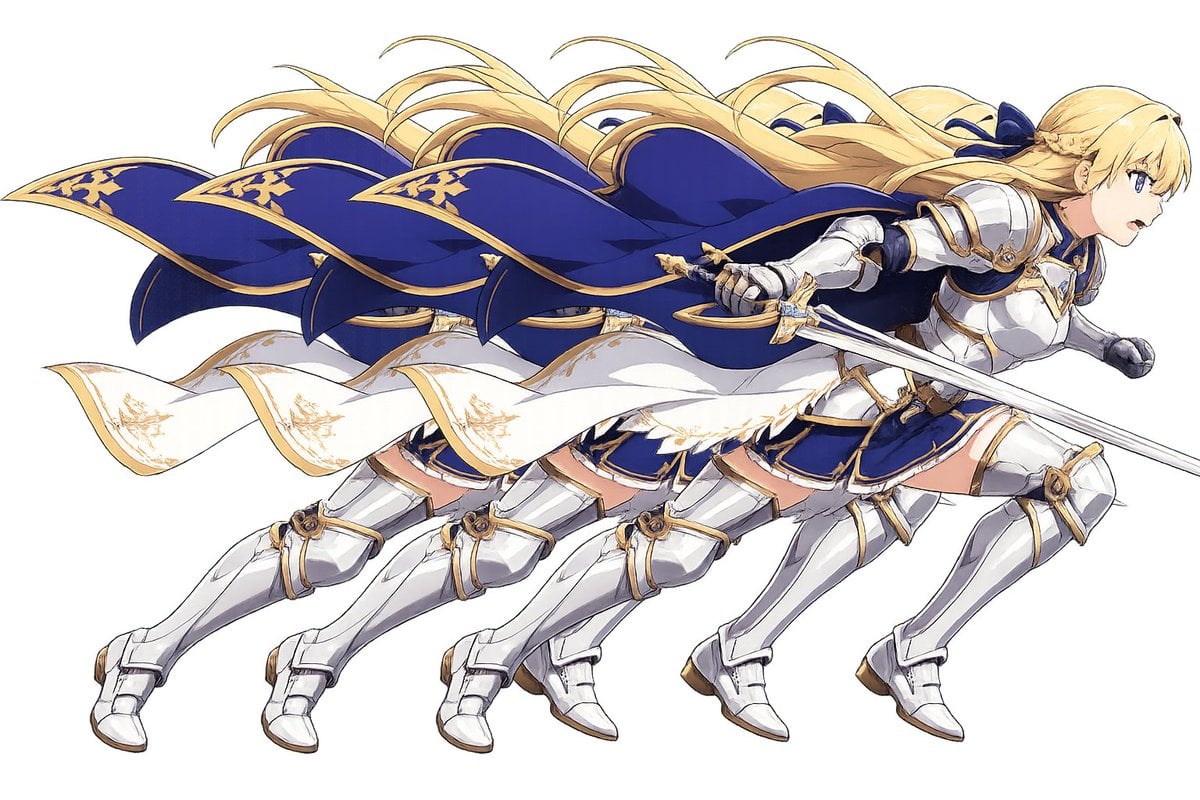
- Prompt included
- Model and format preset
- Free template
The prompt behind this image
Copy the exact prompt behind Overlapping Anime Knight Motion Trail, or open it in the studio and make it yours.
Create a wide anime-style action illustration on a plain white or transparent-looking background showing exactly 4 overlapping duplicate copies of the same female fantasy knight, staggered horizontally from left to right like a motion trail. The character is {argument name="character archetype" default="a blonde female holy knight"} sprinting or lunging to the right with her body leaning forward, long {argument name="hair color" default="golden blonde"} hair streaming backward in wind-swept ribbons, and a large deep {argument name="cape color" default="royal blue"} cape with ornate gold trim billowing dramatically behind her. She wears polished white-silver plate armor with gold accents over a navy blue skirt and bodice, white armored boots and gauntlets, and decorative gold filigree details; a white sash or cloak strip with gold embroidery waves across the middle of the composition. In the foremost rightmost copy, she holds a long silver sword angled diagonally across the front, with a gold crossguard and fantasy knight styling. The 4 duplicated figures should be nearly identical, partially occluding each other, creating a layered cutout/sticker effect and emphasizing fast movement. Use crisp clean line art, high-detail anime fantasy game character rendering, bright highlights on metal armor, elegant blue-and-gold color palette, dynamic flowing cloth and hair, minimal shadows, no scenery, no text, no border, centered composition in a 3:2 horizontal canvas. Add a small opaque {argument name="face cover color" default="pale beige"} square over the visible face area of the foremost rightmost character, hiding the face while leaving the rest of the figure intact.
How to use Overlapping Anime Knight Motion Trail in 3 steps
- 1Upload ImagePNG, JPG or paste
Add your photo
Upload the photo the template builds on. The prompt, model and format are already set.
- 2…a portrait of your subject in softgolden-hour light, 85mm…
Personalize
Edit the subject and creative details for your destination.
- 3Generate
Generate
Press Generate — your image is created in PicX Studio, so you can compare it with the original and refine one variable at a time.
More like this
Templates with the same subject, style or setup. Open one to see its prompt.
Seedance - Anime Fighting Game Finisher
Videogame Cinematic Trailer - Seedance 2.0

Dramatic motion blur trails, long-exposure photography effect, dynamic
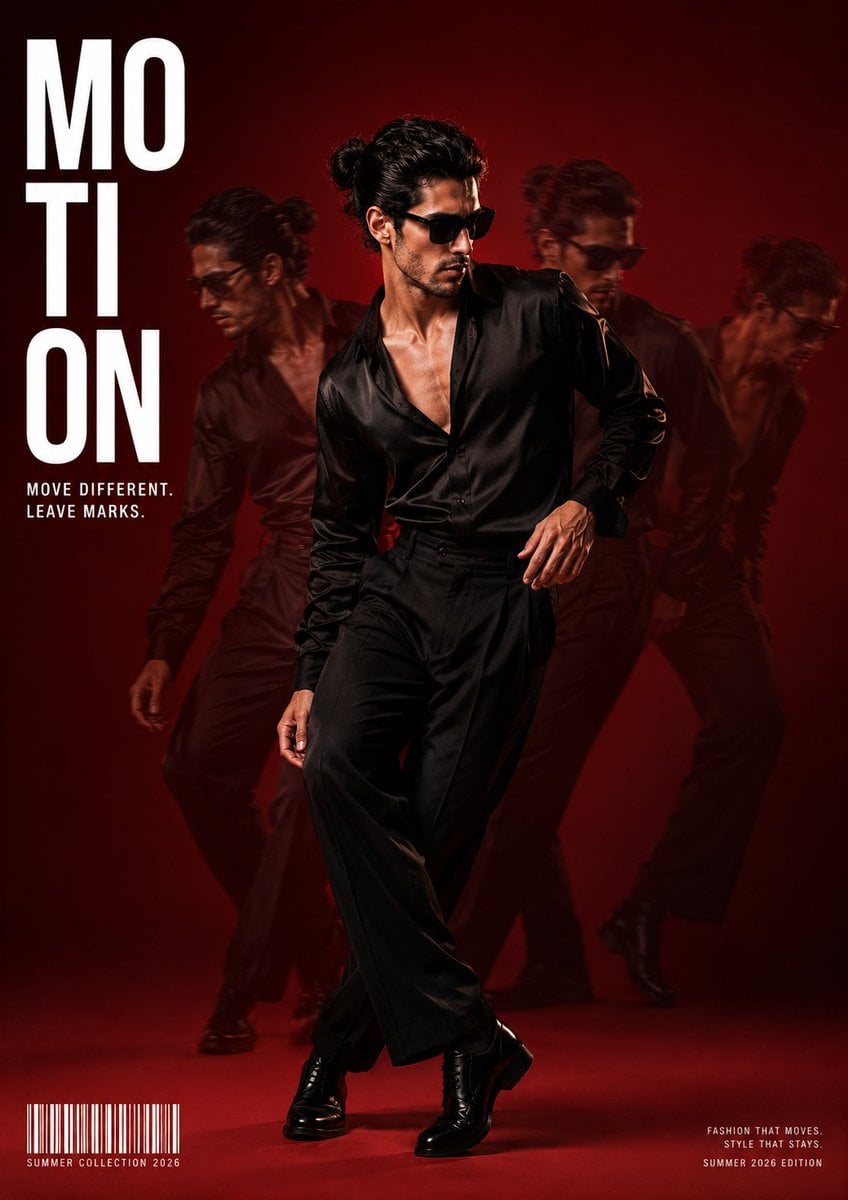
Fashion Editorial Magazine Cover with Motion Trails

Cel 2D Finale Fireworks

Cel 2D Garden Maze

Cel 2D Rooftop Concert

Cel 2D Bicycle Coast

Cel 2D Castle Gate

Cel 2D Kitchen Chaos

Cel 2D Carnival Ride

Cel 2D Rainy Bus Stop
Make it yours
Overlapping Anime Knight Motion Trail works as-is. These are the safest ways to change it without losing the look.
Change one field
Copy a single group, rewrite it, and generate again so you can see what that field is doing.
Keep the frame, change the subject
Hold the composition and light of Overlapping Anime Knight Motion Trail, then swap wardrobe, props or the person for a new take.
| If the result… | Why | Fix |
|---|---|---|
| The result drifts from the preview | Too many fields changed at once. | Reuse Overlapping Anime Knight Motion Trail as-is first, then change one group — subject, light, or setting. |
| The model over-stylizes the scene | The prose prompt leaves finish and camera underspecified. | Add one camera or lighting sentence and stay on GPT Image 2. |
More GPT Image 2 templates
Other prompts made for GPT Image 2.

Six VTuber Japanese Logo Sheet

Realistic Portrait of Woman and Deer

The Vista Modular Condo Poster

AI Model Routing Comparison Infographic

2.5D Anime Art Board

Isometric Productivity Desk Scene

New York Double Exposure Poster

Four-Panel AI Landscape Comparison

Japanese Tatami Lifestyle Magazine Cover

NESCAFÉ Coffee Map Poster
More image prompts
Fresh picks from across the catalog.
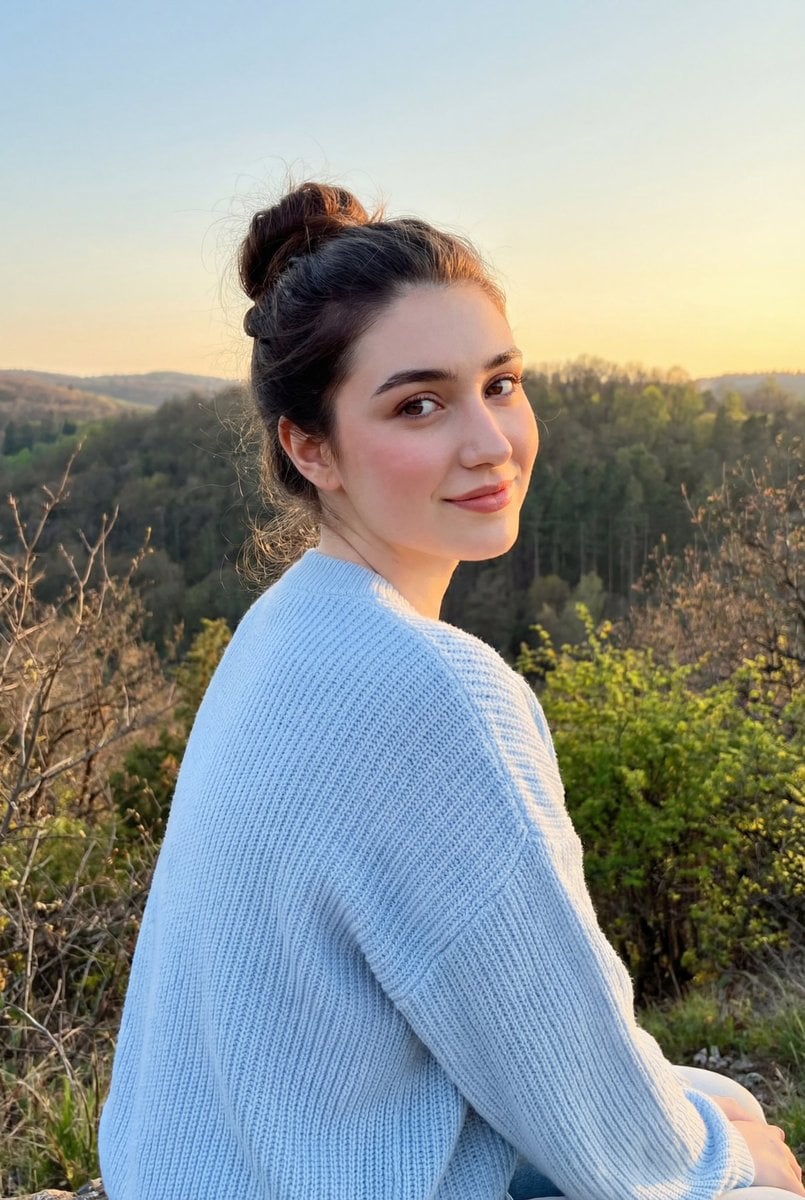
Cinematic Golden Hour Portrait on a Hillside

Painterly Steampunk Girl Portrait
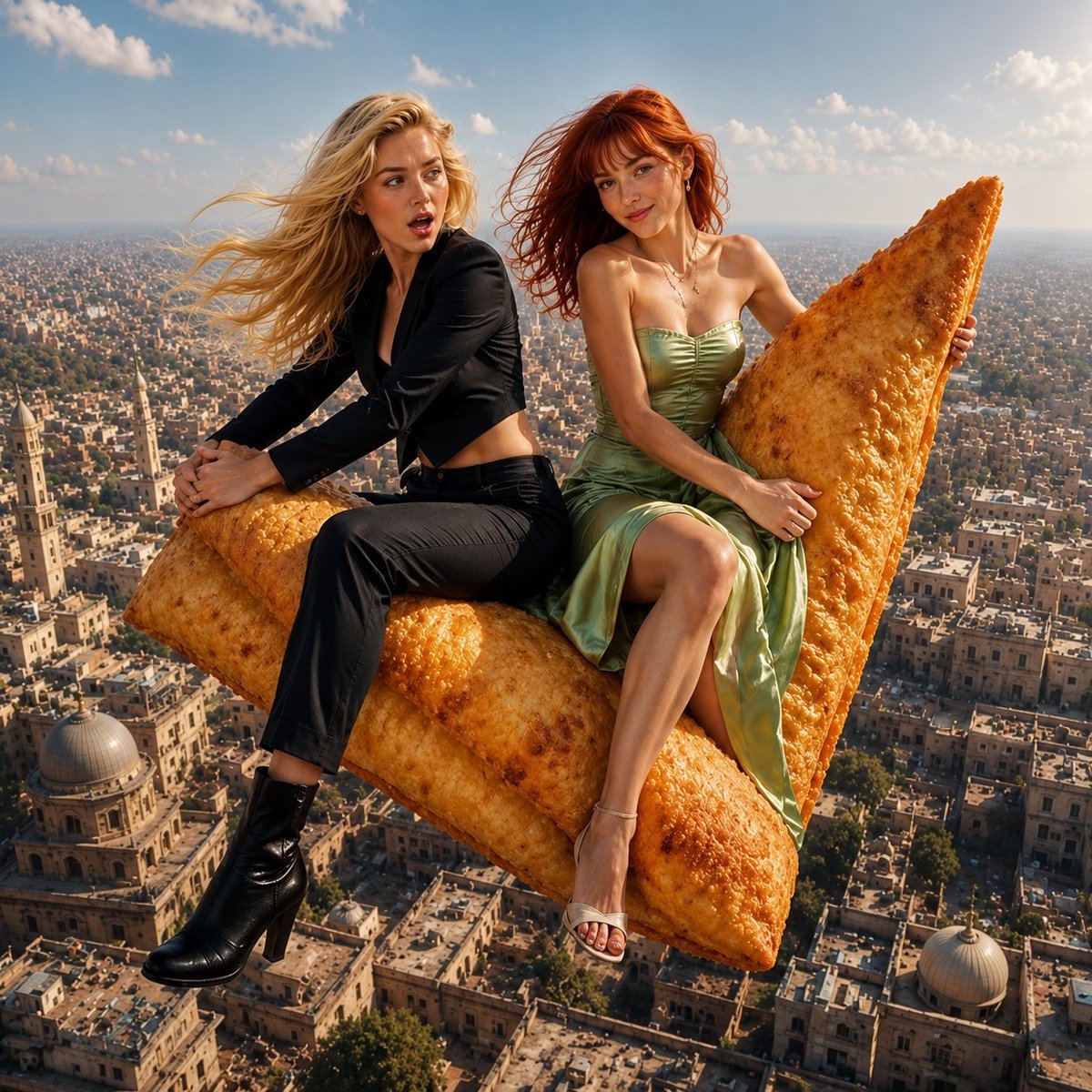
Flying Samosa Aerial Fantasy
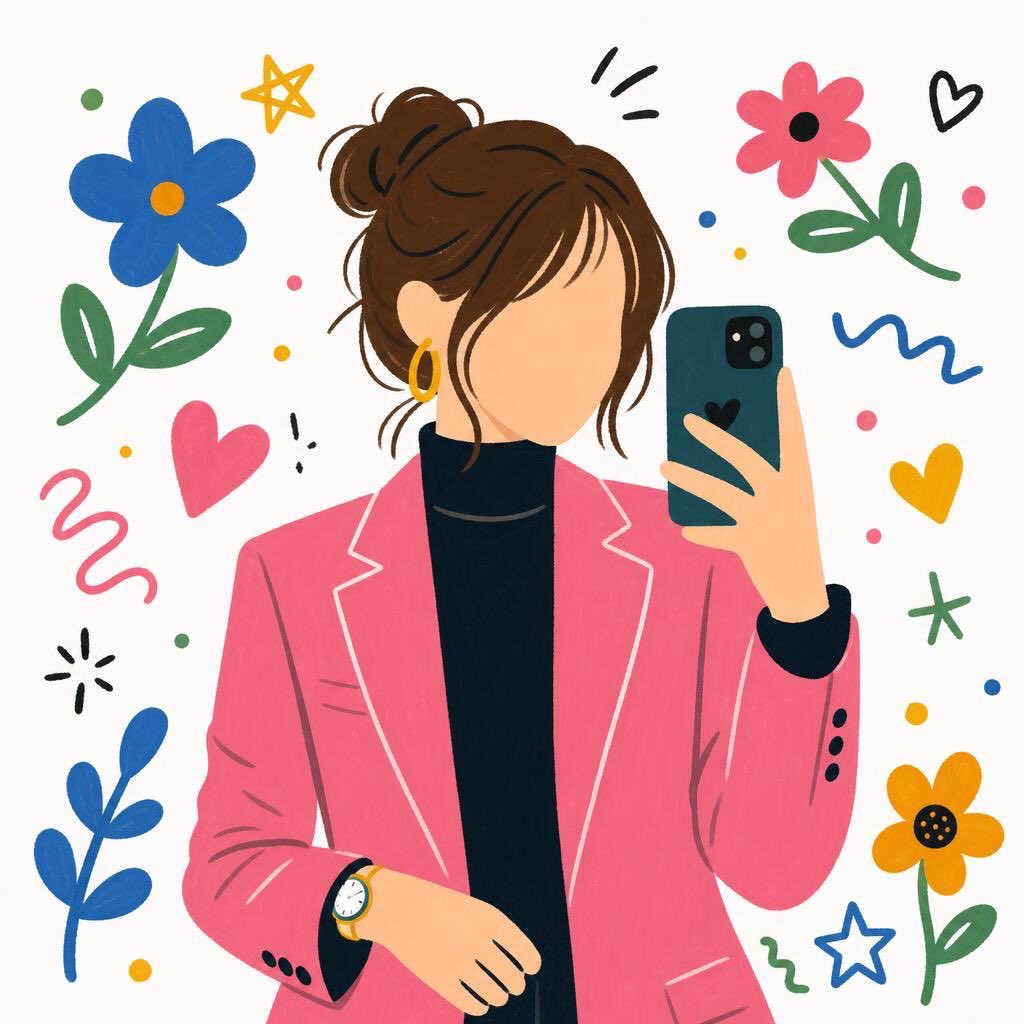
Flat Cartoon Faceless Girl Illustration
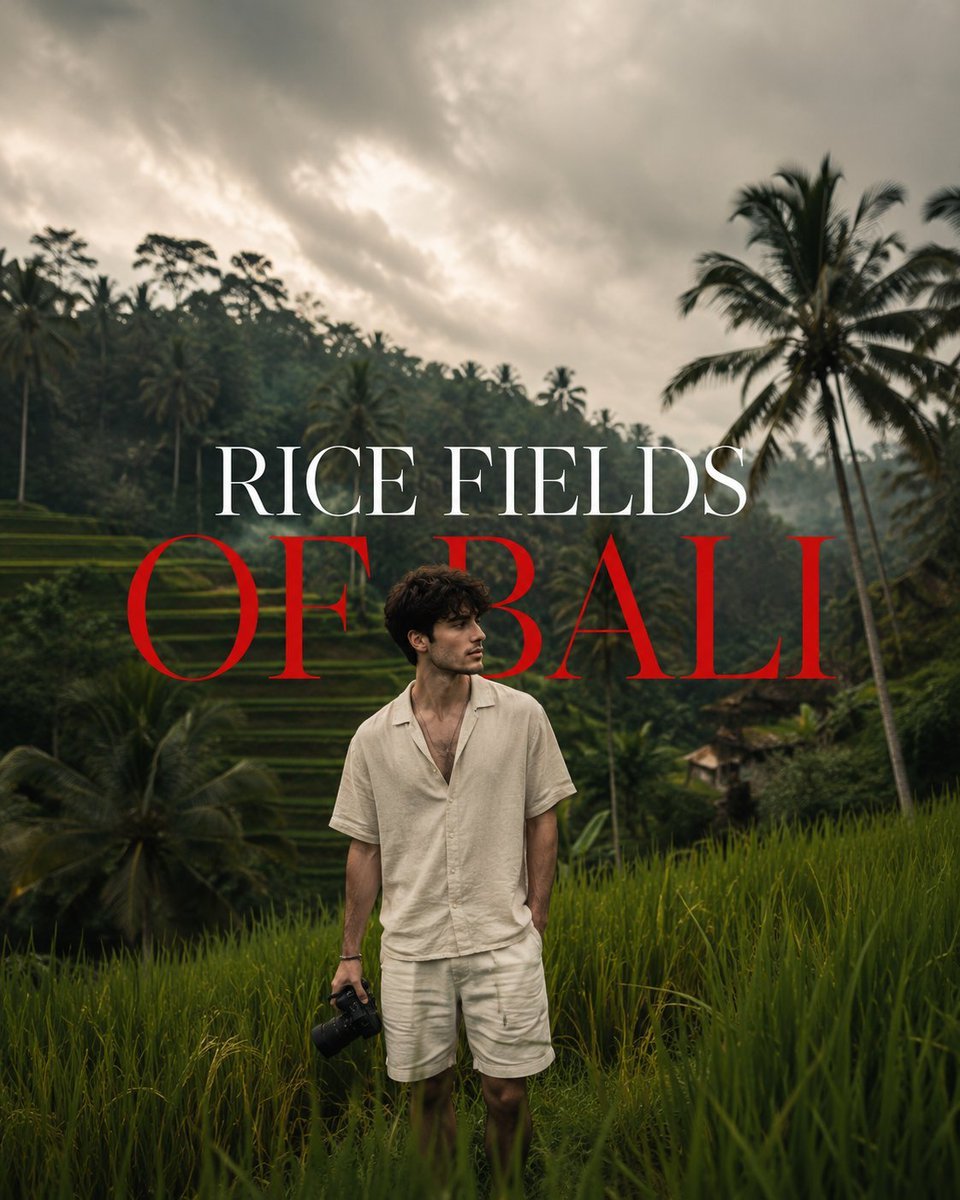
Bali Rice Field Photography
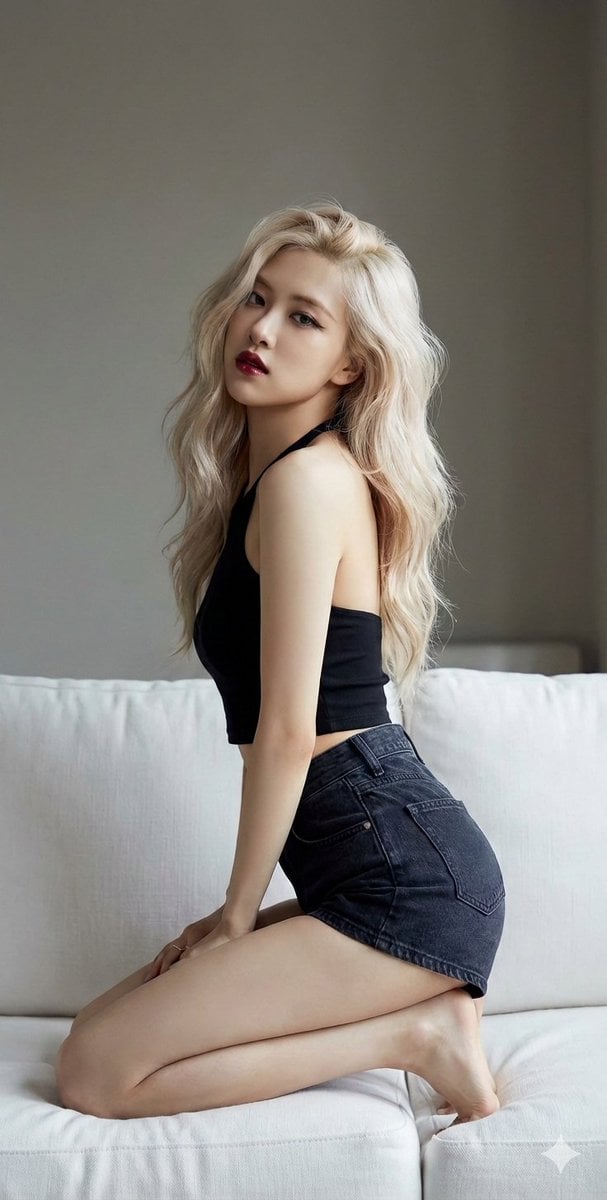
K-Pop Star Rosé High-Fashion Editorial Prompt
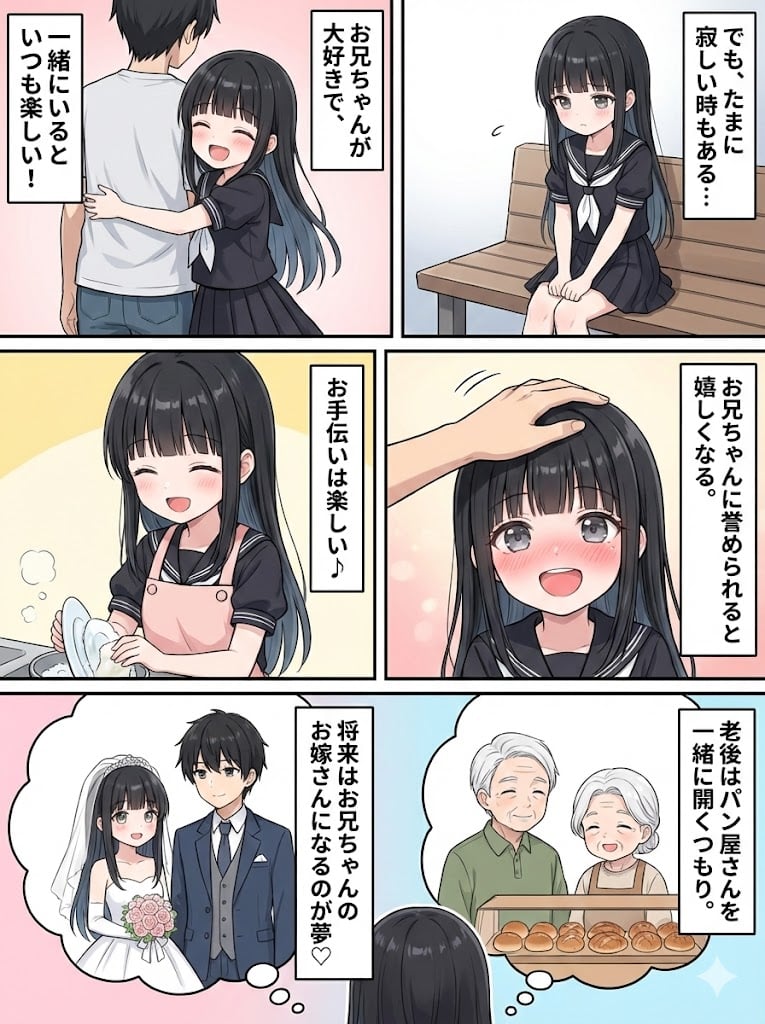
Character Generation and Document Summary Visualization

Anime Police Mannequin Fashion Display
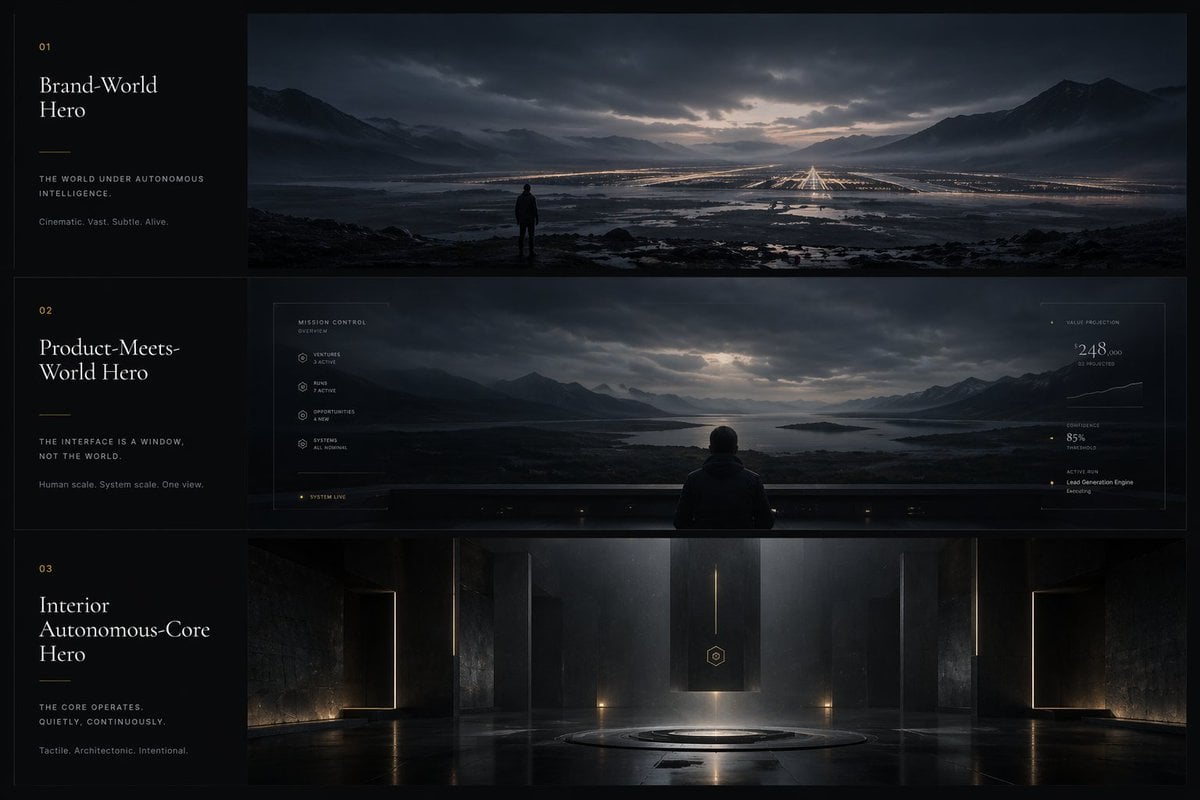
Cinematic Autonomous AI Mood Board
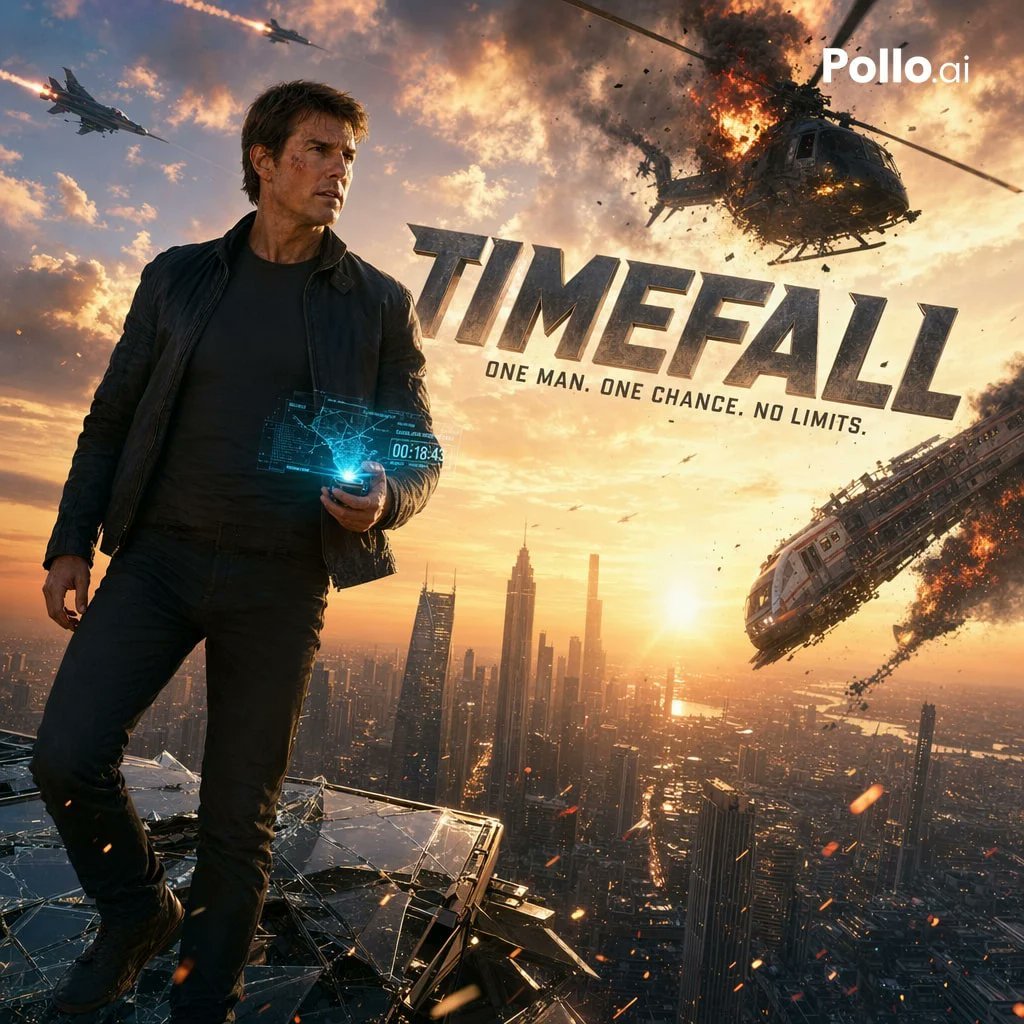
Cinematic Sci-Fi Action Poster
Browse template categories
Overlapping Anime Knight Motion Trail questions
How do I use the Overlapping Anime Knight Motion Trail template?
Add your photo if the template asks for one, edit the prompt if you like — the template's model and format are already selected — and press Generate. Your version opens in PicX Studio.
Can I customize the Overlapping Anime Knight Motion Trail template?
Yes. You can change the subject, setting, lighting, mood, format, and available model controls before creating your image.
Is the Overlapping Anime Knight Motion Trail template free?
Opening and editing this template is free. Generating uses credits, shown on the Generate button when you are signed in.
Which AI model should I use?
Start with GPT Image 2, which is the model associated with this template. You can compare another compatible model for a different finish.
Looking for something else? Browse all templates.

Your photo, any look
Thousands of ready templates for every top image and video model, from one credit balance.