
Moonlit Dark Ninja Rooftop
Generates a cinematic dark fantasy portrait of a shadow-faced ninja standing above a misty feudal Japanese town under a full moon.
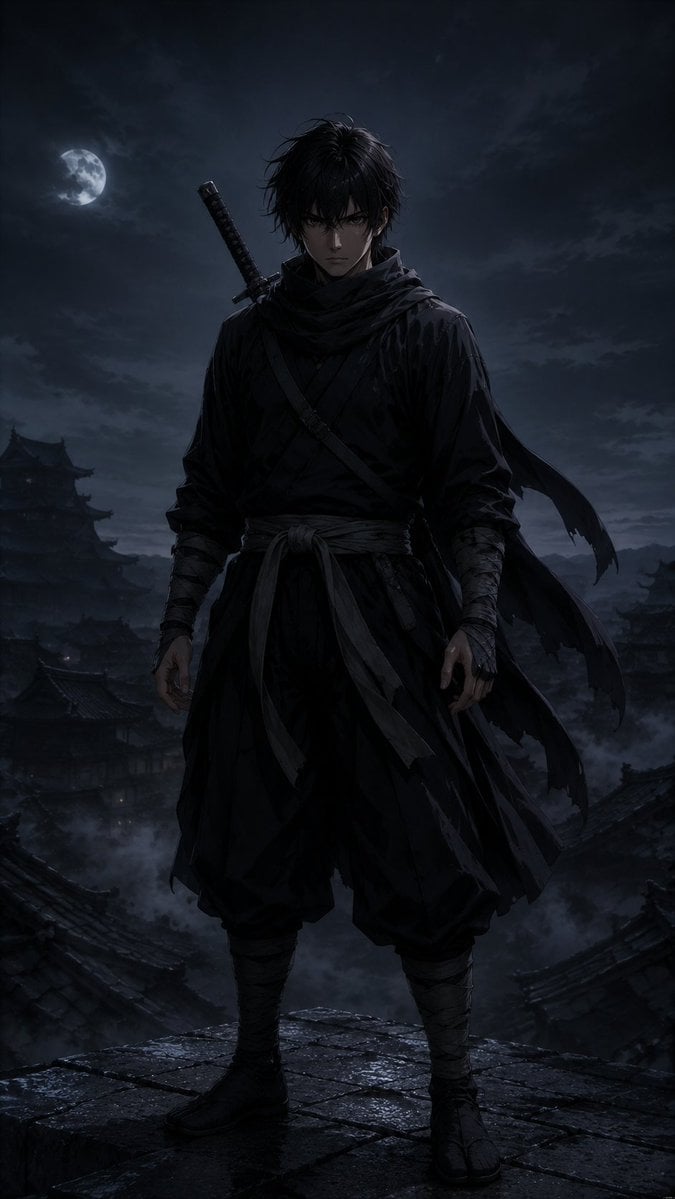
- Prompt included
- Model and format preset
- Free template
The prompt behind this image
Copy the exact prompt behind Moonlit Dark Ninja Rooftop, or open it in the studio and make it yours.
Create a dark cinematic full-body portrait of {argument name="character name" default="a lone ninja shinobi"} standing on a wet stone rooftop at night, centered and facing forward in a powerful still pose. The figure wears layered black Japanese shinobi clothing: loose hakama-style pants, wrapped forearms and calves, tabi boots, a tied waist sash with hanging fabric strips, crossed chest straps, and a dark scarf or cloak with long torn ribbons blowing to the right. A sheathed katana is strapped diagonally across the back, with the handle visible over the left shoulder. The face should be intentionally obscured in deep shadow, unreadable and featureless, while messy {argument name="hair color" default="black"} hair is rim-lit by moonlight. Background: a misty feudal Japanese castle town with tiled rooftops and pagoda silhouettes fading into fog, a bright full moon on the upper left behind thin clouds, stormy blue-black sky, low drifting smoke, and distant mountain shapes. Style: ultra-detailed dark fantasy realism, moody samurai/ninja concept art, dramatic moonlit rim lighting, high contrast, wet reflective stone textures, desaturated navy and charcoal palette with subtle silver highlights. Composition: vertical 9:16 poster crop, full body visible from head to feet, low-angle heroic framing, subject occupying the center, atmospheric depth, no text, no logo, no extra characters.
How to use Moonlit Dark Ninja Rooftop in 3 steps
- 1Upload ImagePNG, JPG or paste
Add your photo
Upload the photo the template builds on. The prompt, model and format are already set.
- 2…a portrait of your subject in softgolden-hour light, 85mm…
Personalize
Edit the subject and creative details for your destination.
- 3Generate
Generate
Press Generate — your image is created in PicX Studio, so you can compare it with the original and refine one variable at a time.
More like this
Templates with the same subject, style or setup. Open one to see its prompt.

If We Met in 1985
Anime Ninja Girl on Rooftop

Rooftop Fisheye — Cat-Ear Balaclava at Golden Hour

Spider-Man Rooftop Golden Hour Cinematic Photo

Selective Color Monochrome Football Poster

Japanese Negative Film Rooftop Summer Portrait

Night Sports Car Portrait — Cinematic Moody

Cinematic Eye Light Portraits — 3 Nano Banana Prompts

Horror Cinematic Portrait
Nano Banana - Rooftop Dinner Night

80s Rooftop Couple
Cyberpunk Neon Ninja Samurai
Make it yours
Moonlit Dark Ninja Rooftop works as-is. These are the safest ways to change it without losing the look.
Change one field
Copy a single group, rewrite it, and generate again so you can see what that field is doing.
Keep the frame, change the subject
Hold the composition and light of Moonlit Dark Ninja Rooftop, then swap wardrobe, props or the person for a new take.
| If the result… | Why | Fix |
|---|---|---|
| The result drifts from the preview | Too many fields changed at once. | Reuse Moonlit Dark Ninja Rooftop as-is first, then change one group — subject, light, or setting. |
| The model over-stylizes the scene | The prose prompt leaves finish and camera underspecified. | Add one camera or lighting sentence and stay on GPT Image 2. |
More GPT Image 2 templates
Other prompts made for GPT Image 2.

Six VTuber Japanese Logo Sheet

Realistic Portrait of Woman and Deer

The Vista Modular Condo Poster

AI Model Routing Comparison Infographic

2.5D Anime Art Board

Isometric Productivity Desk Scene

New York Double Exposure Poster

Four-Panel AI Landscape Comparison

Japanese Tatami Lifestyle Magazine Cover

NESCAFÉ Coffee Map Poster
More image prompts
Fresh picks from across the catalog.
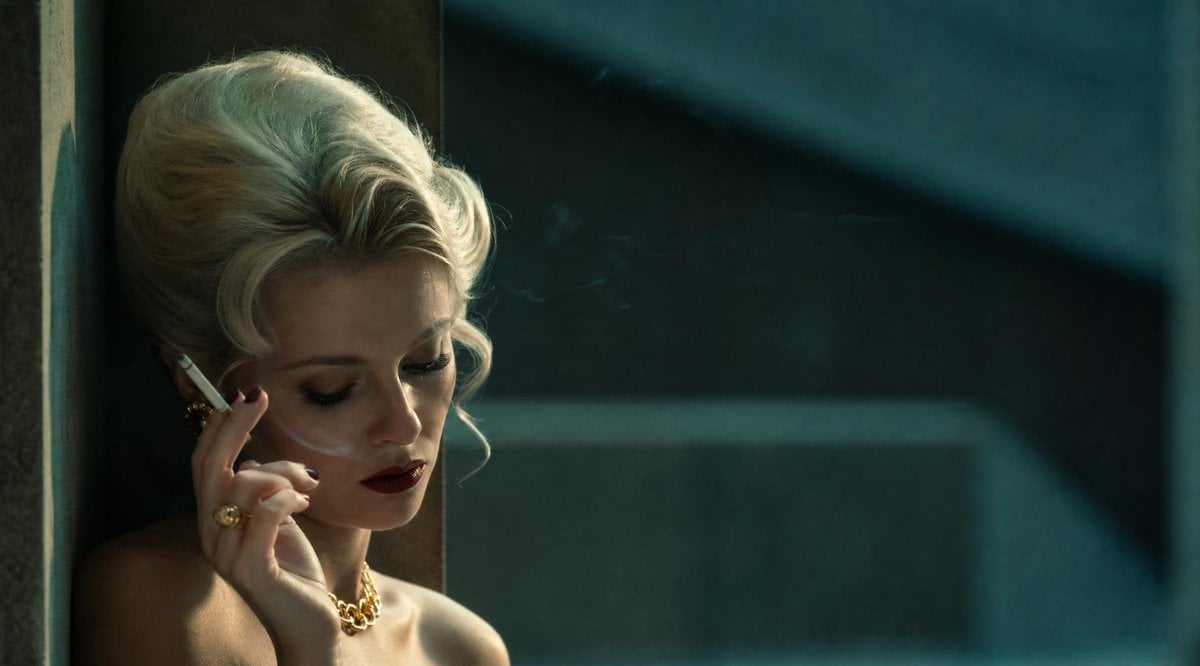
Censored Vintage Noir Film Still
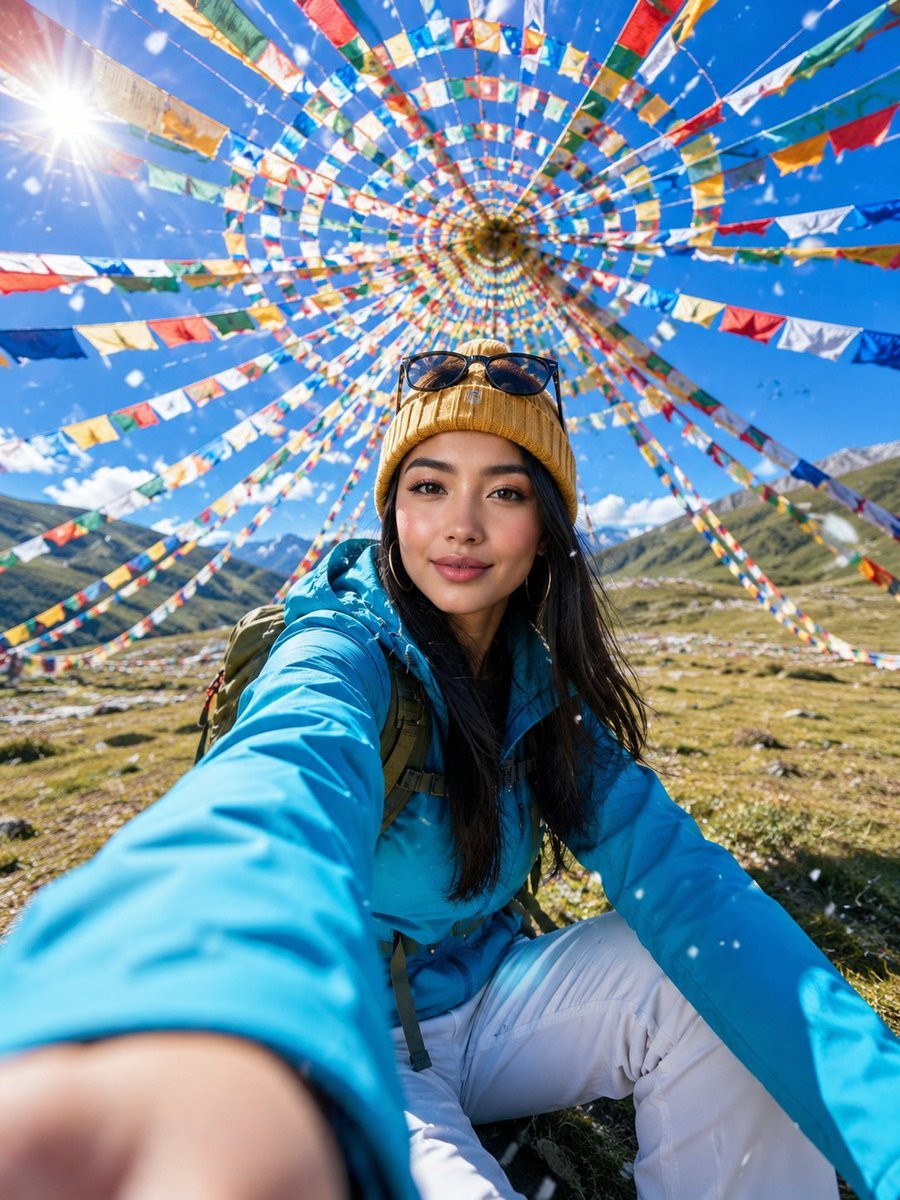
Alpine Meadow Travel Selfie Portrait
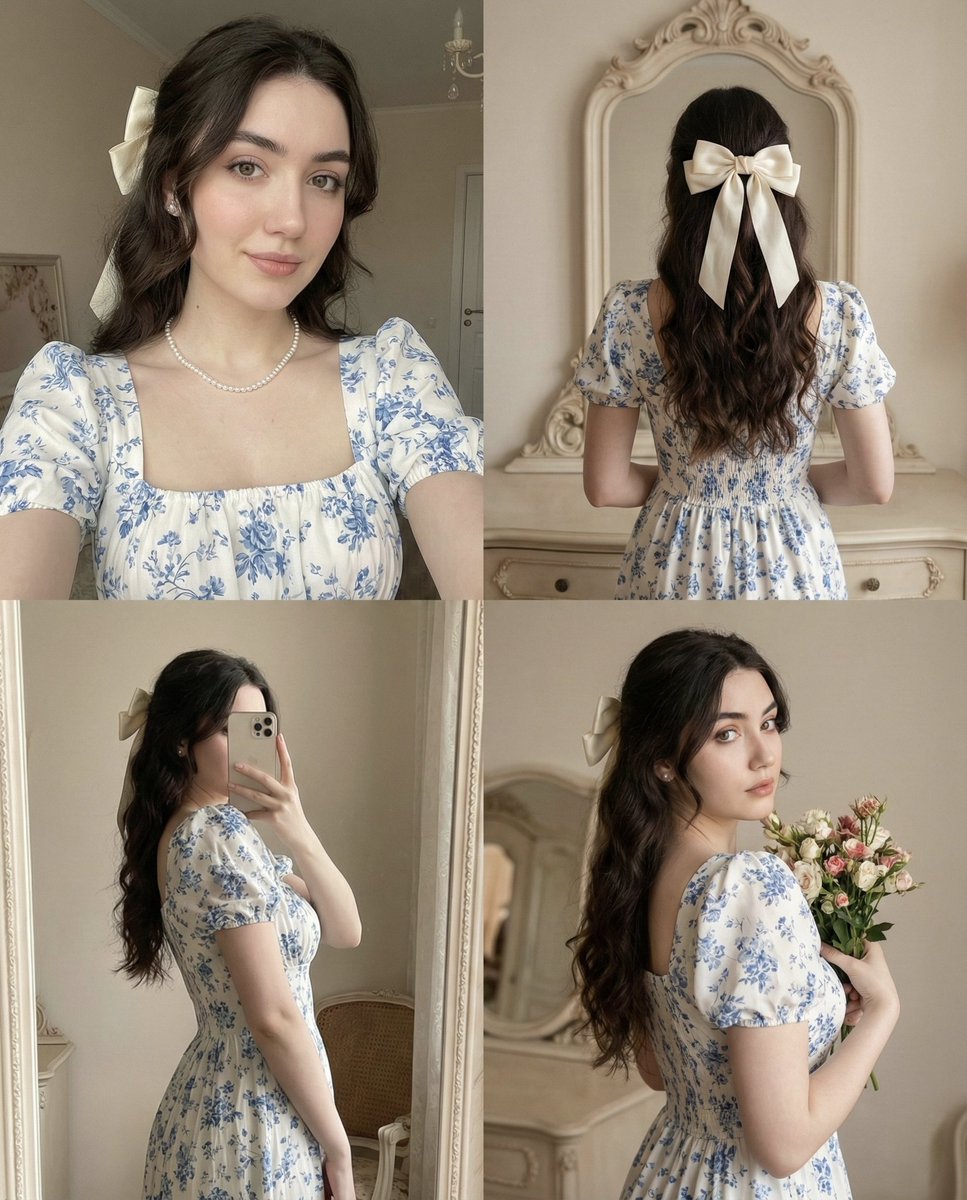
2x2 Collage with Pose and Identity Lock Prompt
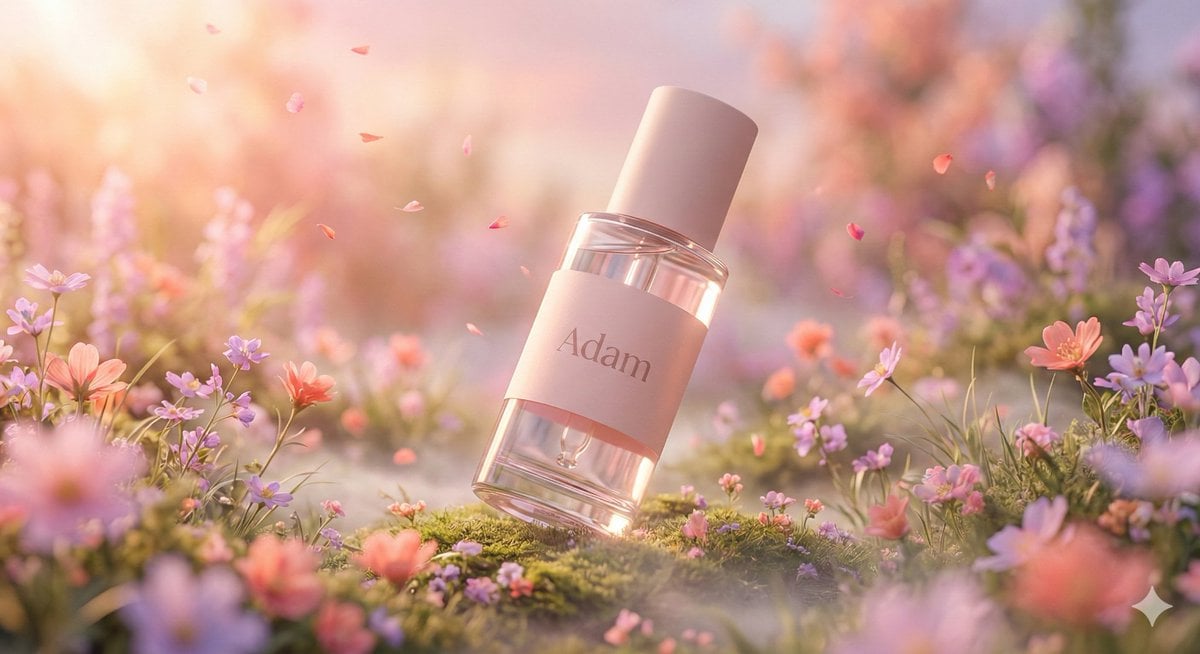
Hyper-Realistic Luxury Serum Product Photography Prompt (JSON)
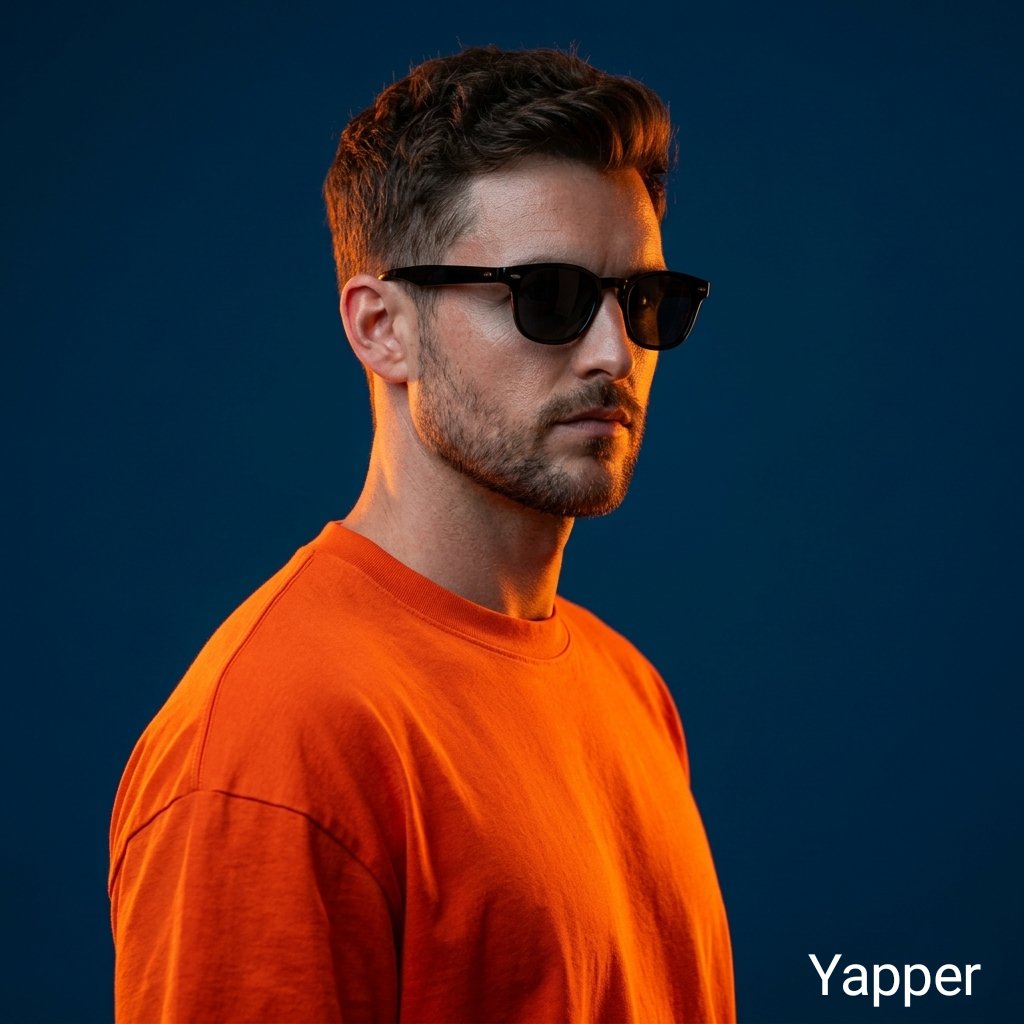
Ultra-Realistic Portrait with Neon Rim Lighting
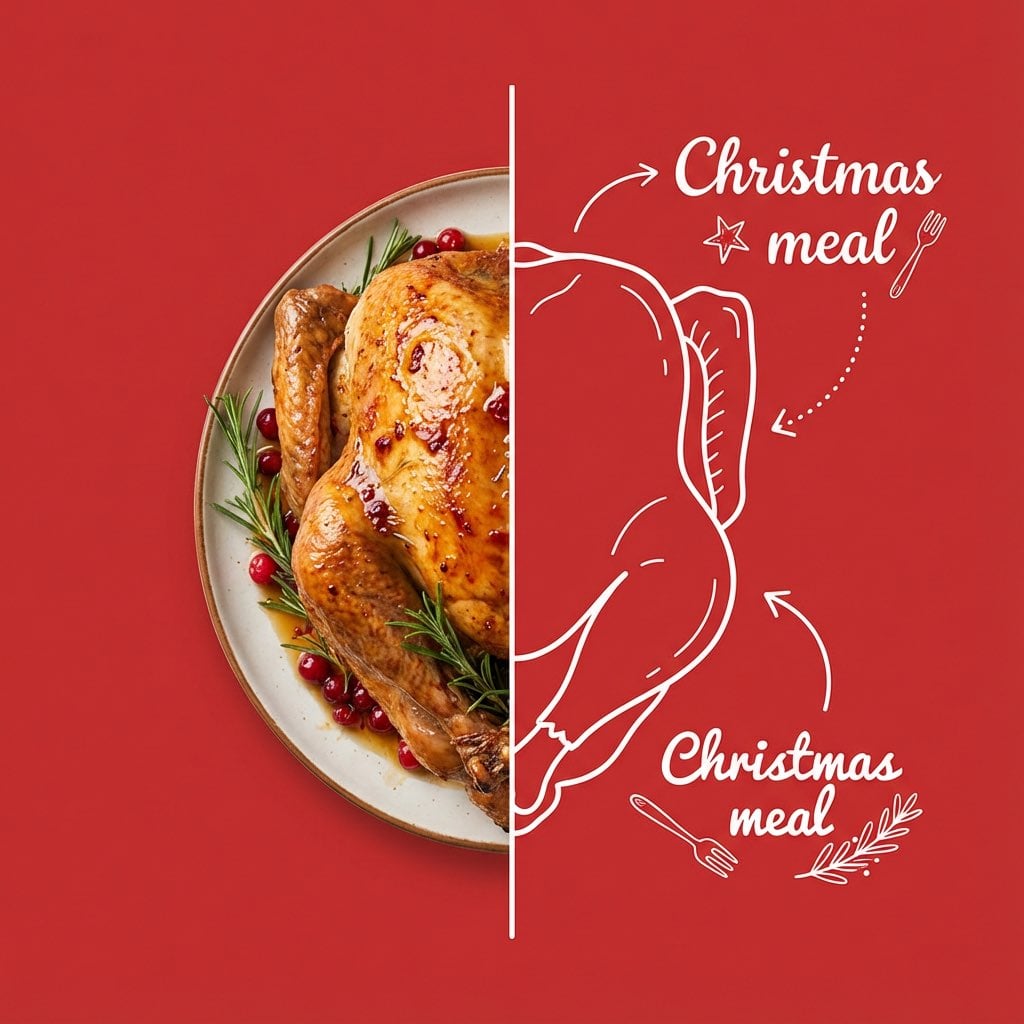
Culinary Poster with Split Photo/Illustration Design
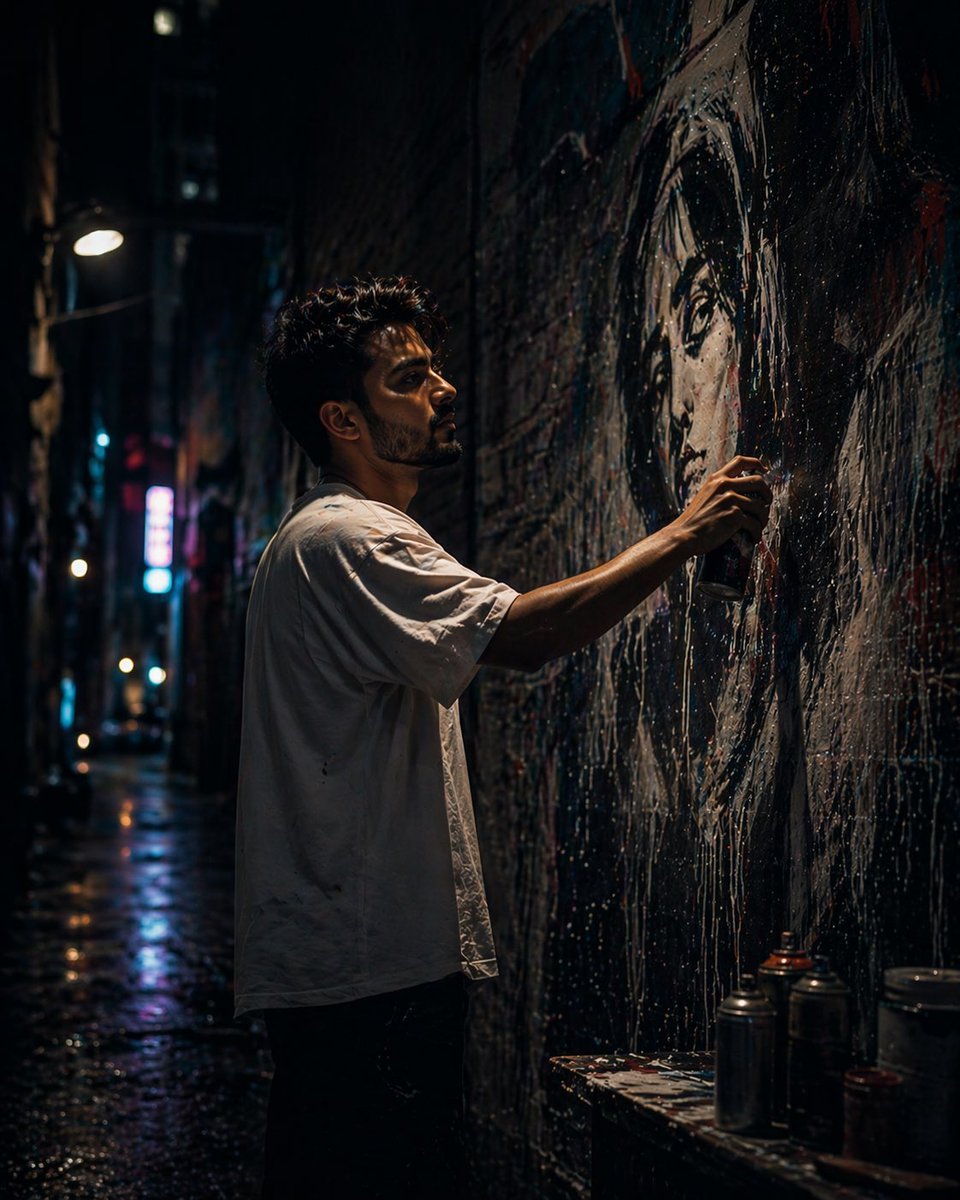
Urban Alley Mural Artist
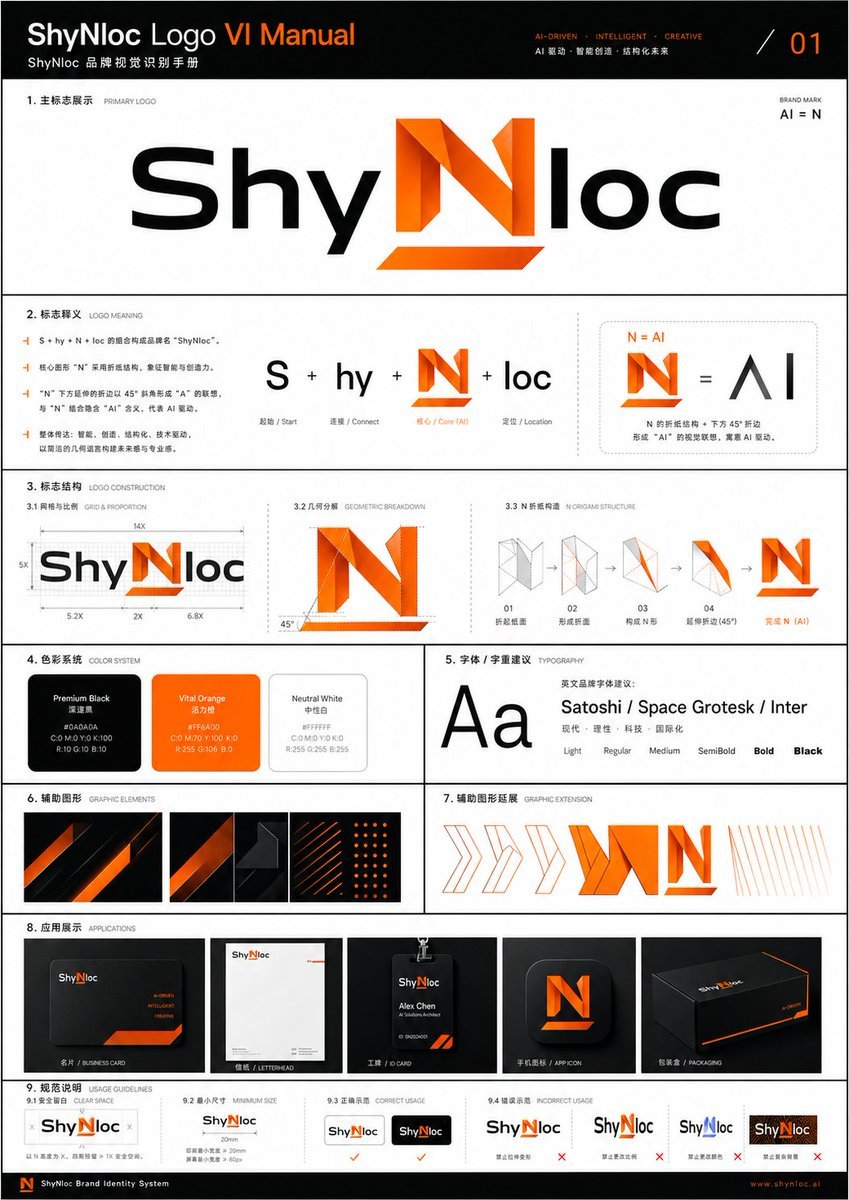
Professional Logo VI Design Manual
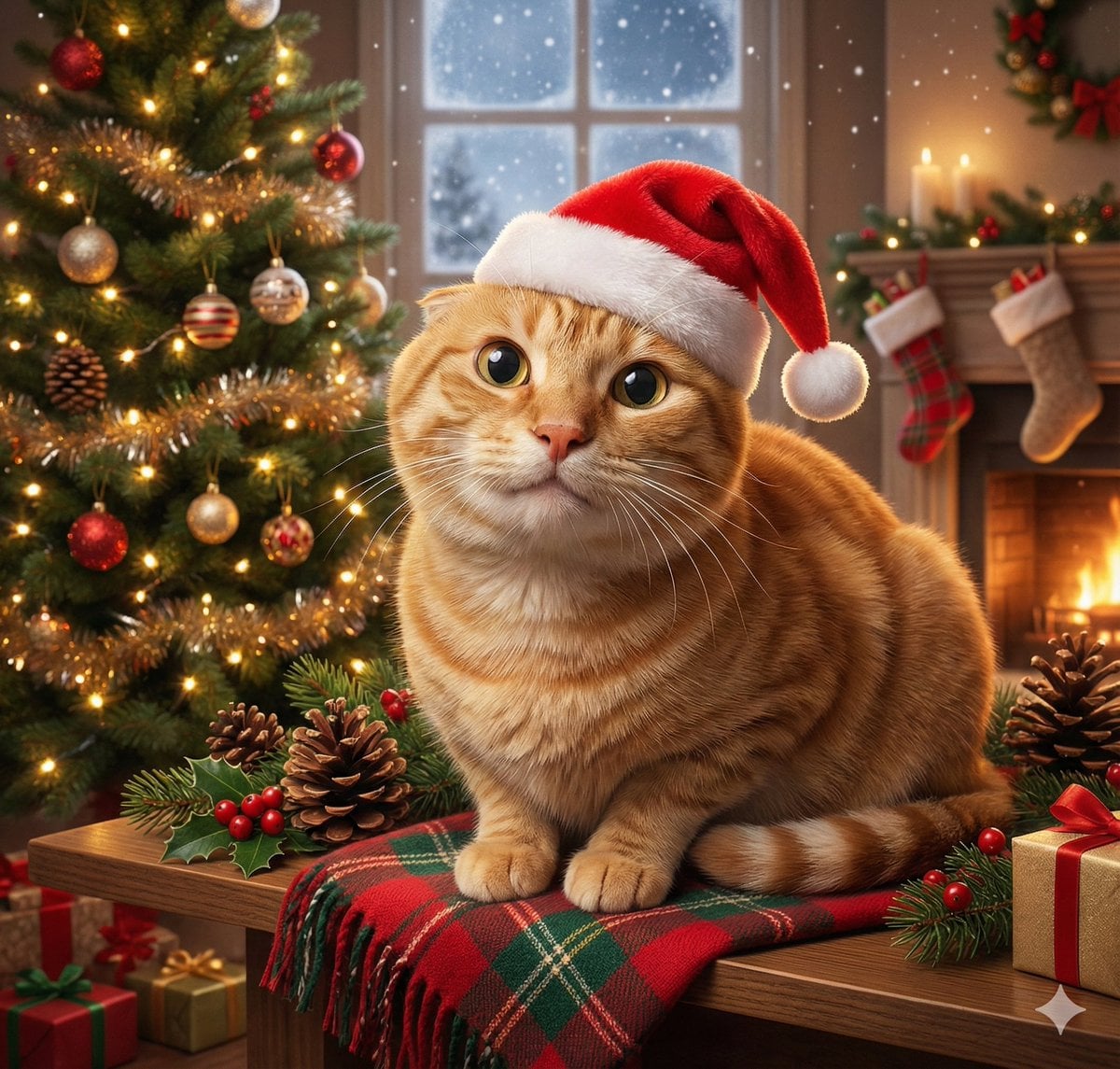
Universal Christmas Filter Prompt Template
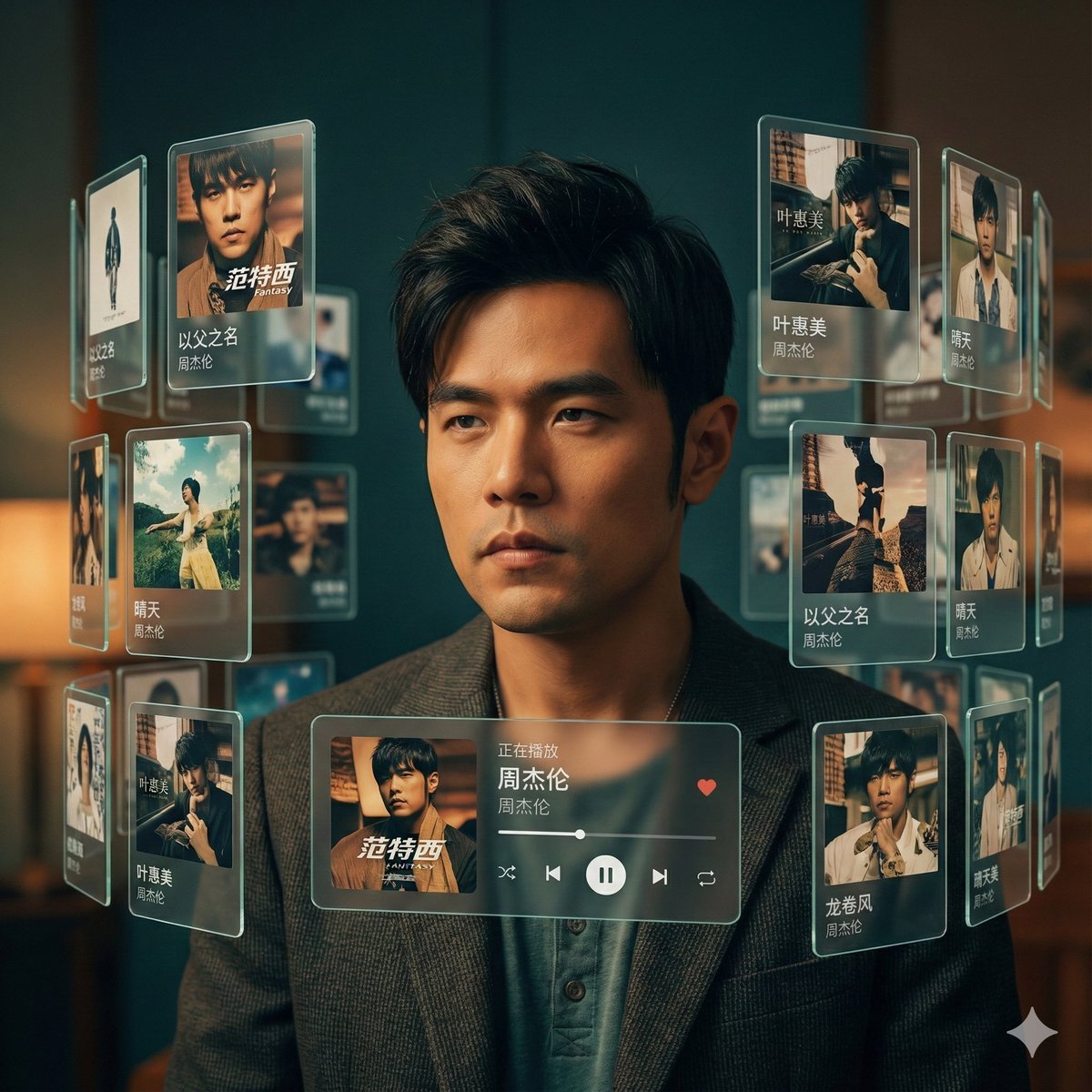
Singer AR Floating Play Card Effect
Browse template categories
Moonlit Dark Ninja Rooftop questions
How do I use the Moonlit Dark Ninja Rooftop template?
Add your photo if the template asks for one, edit the prompt if you like — the template's model and format are already selected — and press Generate. Your version opens in PicX Studio.
Can I customize the Moonlit Dark Ninja Rooftop template?
Yes. You can change the subject, setting, lighting, mood, format, and available model controls before creating your image.
Is the Moonlit Dark Ninja Rooftop template free?
Opening and editing this template is free. Generating uses credits, shown on the Generate button when you are signed in.
Which AI model should I use?
Start with GPT Image 2, which is the model associated with this template. You can compare another compatible model for a different finish.
Looking for something else? Browse all templates.

Your photo, any look
Thousands of ready templates for every top image and video model, from one credit balance.