
Iridescent Squirrel Girl Above Sapporo
This prompt generates a polished anime fantasy cityscape of a sparkling squirrel-eared girl flying over Sapporo surrounded by glossy soap bubbles, ideal for vibrant AI art and character-centric key visuals.
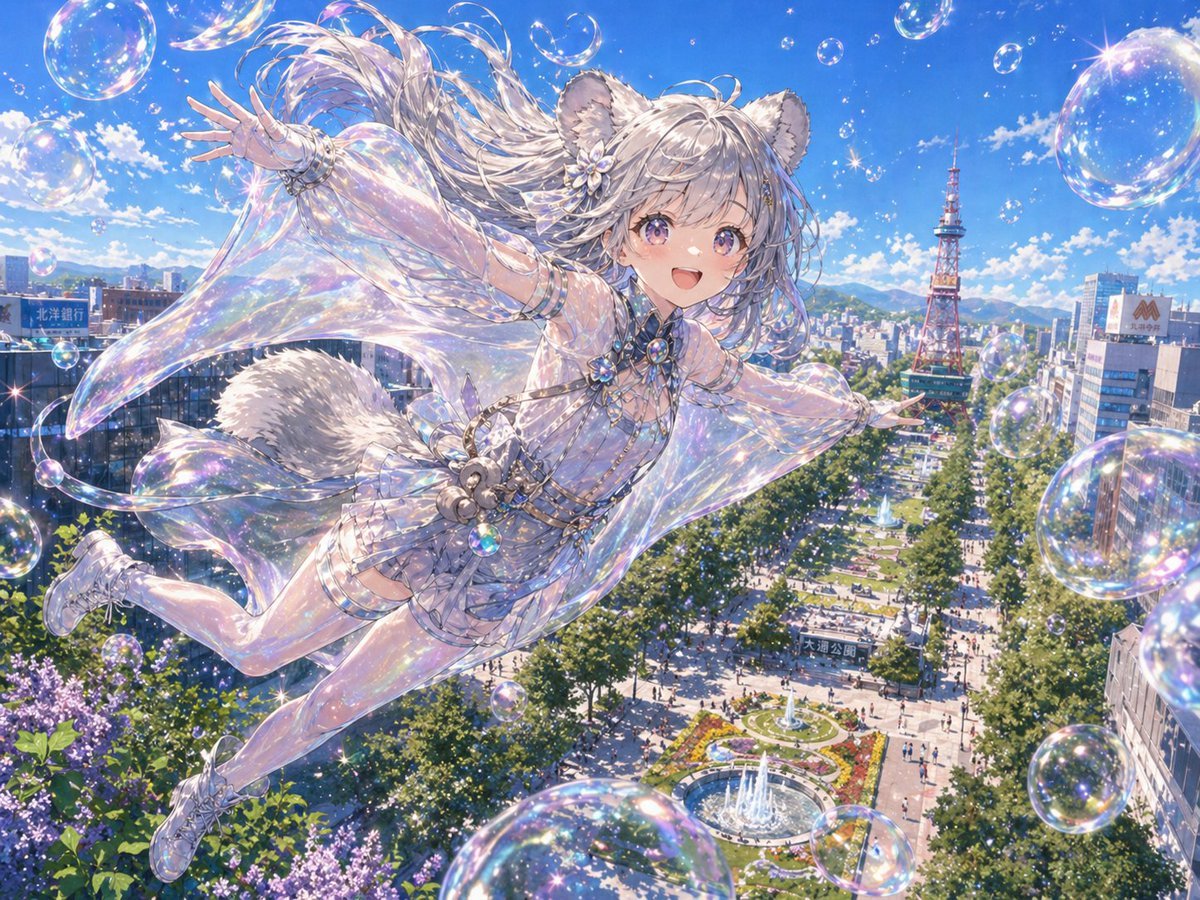
- Prompt included
- Model and format preset
- Free template
The prompt behind this image
Copy the exact prompt behind Iridescent Squirrel Girl Above Sapporo, or open it in the studio and make it yours.
A luminous anime fantasy illustration of an {argument name="animal mascot" default="Ezo flying squirrel girl"} soaring high above {argument name="city" default="Sapporo"} on a brilliant summer day, viewed from a dramatic aerial angle over a long tree-lined boulevard and park with fountains, crowds, flower beds, and the red Sapporo TV Tower rising in the distance. The character is a youthful, ethereal kemonomimi girl with 2 fluffy squirrel ears, 1 large fluffy tail, and long flowing {argument name="hair color" default="silver-blonde"} hair whipping in the wind, posed diagonally across the frame as if gliding or floating through the sky with both arms stretched wide. She wears an intricate, shimmering translucent outfit in {argument name="outfit color" default="iridescent pastel white"}: a jewel-studded fantasy dress with sheer cape-like fabric, delicate straps, frilled shorts, glossy thigh-high stockings, ornate bracelets, gemstone ornaments, and light lace-up shoes. Emphasize highly reflective soap-bubble aesthetics throughout: exactly 18 visible bubbles of varying size floating around her, each with rainbow iridescence, sparkling highlights, and glassy reflections, with additional tiny star-like glints scattered across the scene. The fabrics should look pearlescent and almost bubble-made, with intense prismatic light, glitter, and a polished high-detail gpt-image-2 anime finish. Bright saturated blue sky, fluffy white clouds, crisp sunlight, detailed urban skyline, lush green trees, and a magical airy sense of motion and freedom. Make it feel dazzling, expensive, ornate, whimsical, and celebratory, with the composition centered on the flying character crossing the cityscape in a burst of bubbles and light.
How to use Iridescent Squirrel Girl Above Sapporo in 3 steps
- 1Upload ImagePNG, JPG or paste
Add your photo
Upload the photo the template builds on. The prompt, model and format are already set.
- 2…a portrait of your subject in softgolden-hour light, 85mm…
Personalize
Edit the subject and creative details for your destination.
- 3Generate
Generate
Press Generate — your image is created in PicX Studio, so you can compare it with the original and refine one variable at a time.
More like this
Templates with the same subject, style or setup. Open one to see its prompt.

Teen Girl Alpine Lake Mountain View
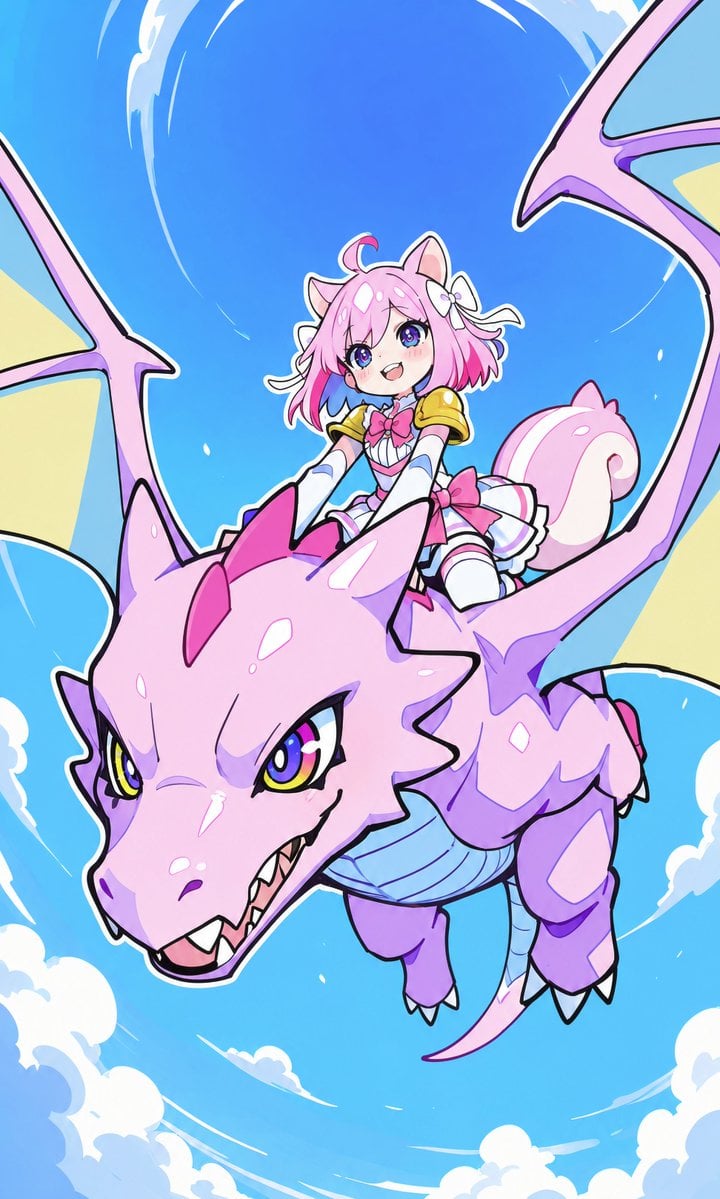
Squirrel Girl Dragon Rider
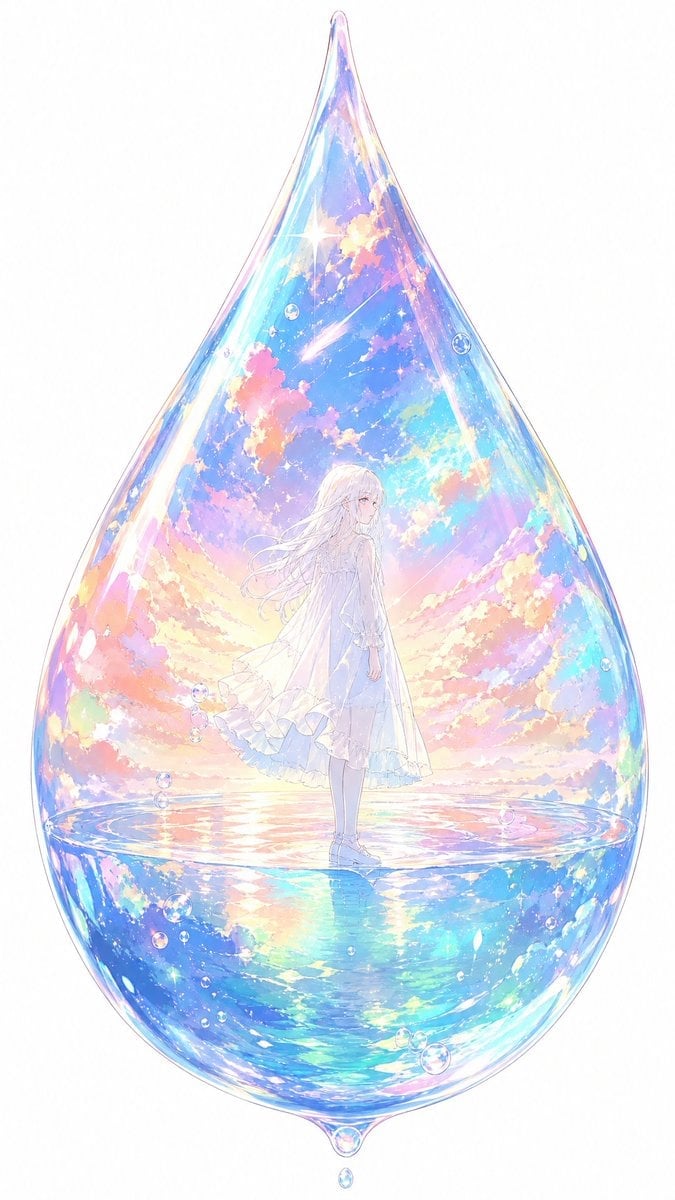
Anime Girl Inside Iridescent Dream Droplet
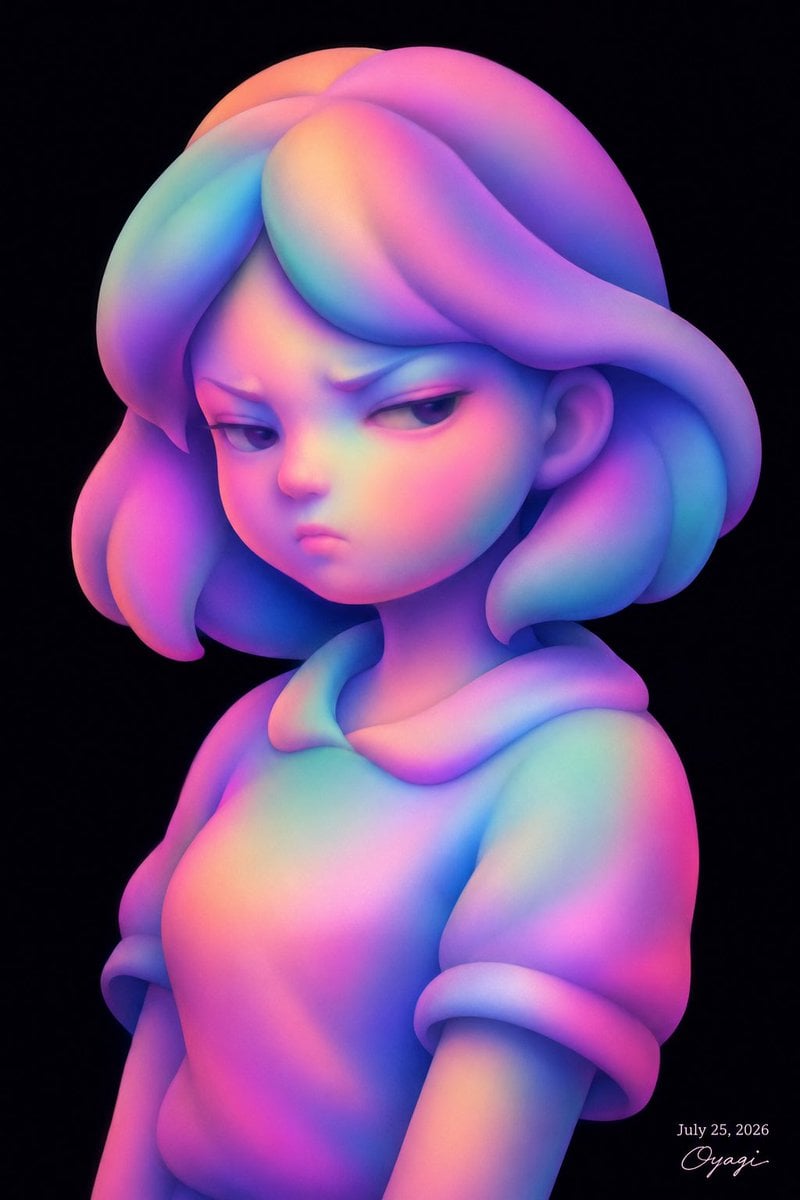
Iridescent Abstract Girl Portrait
Surreal Iridescent Portrait with Tabby Cat
Iridescent Bubble-Hair Bust Portrait
Mother-of-Pearl Iridescent Wings
Zentangle Squirrel Line Drawing
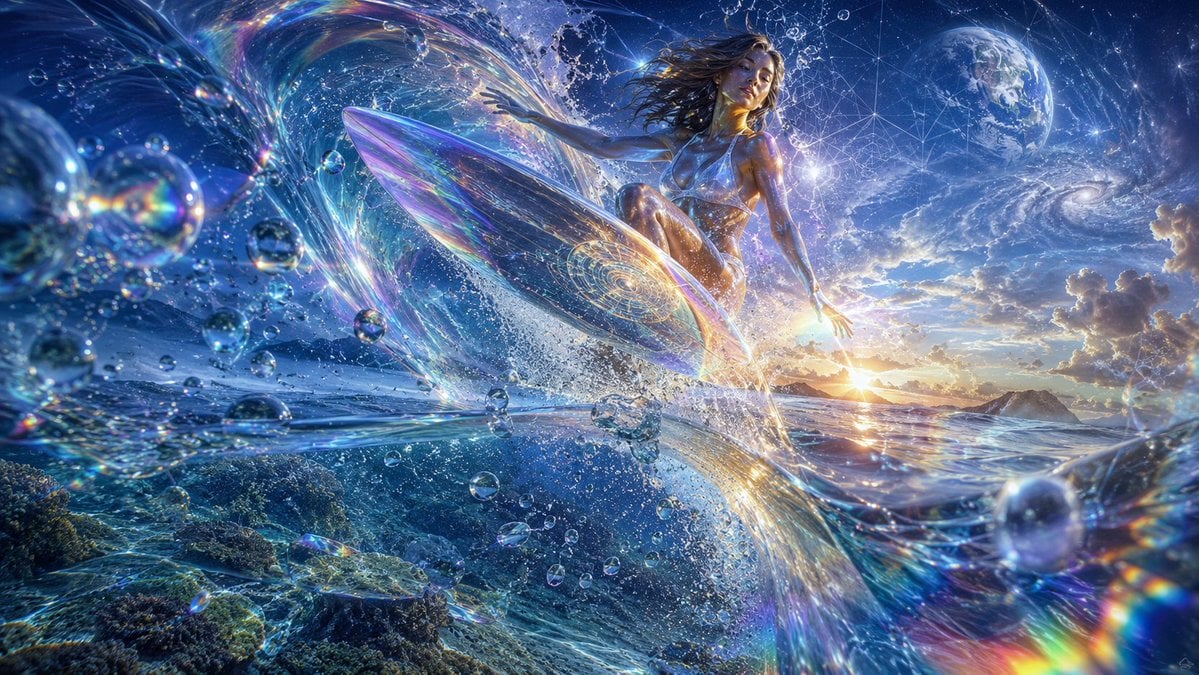
Cosmic Surfer on Iridescent Wave
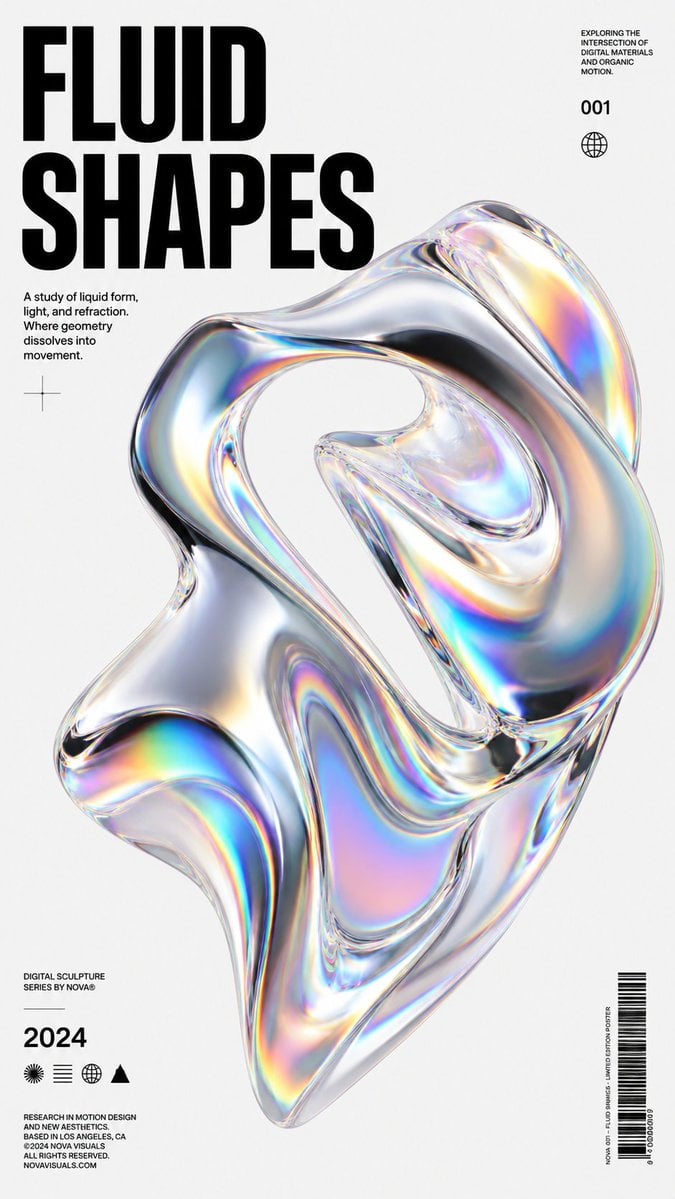
Iridescent Fluid Shapes Poster
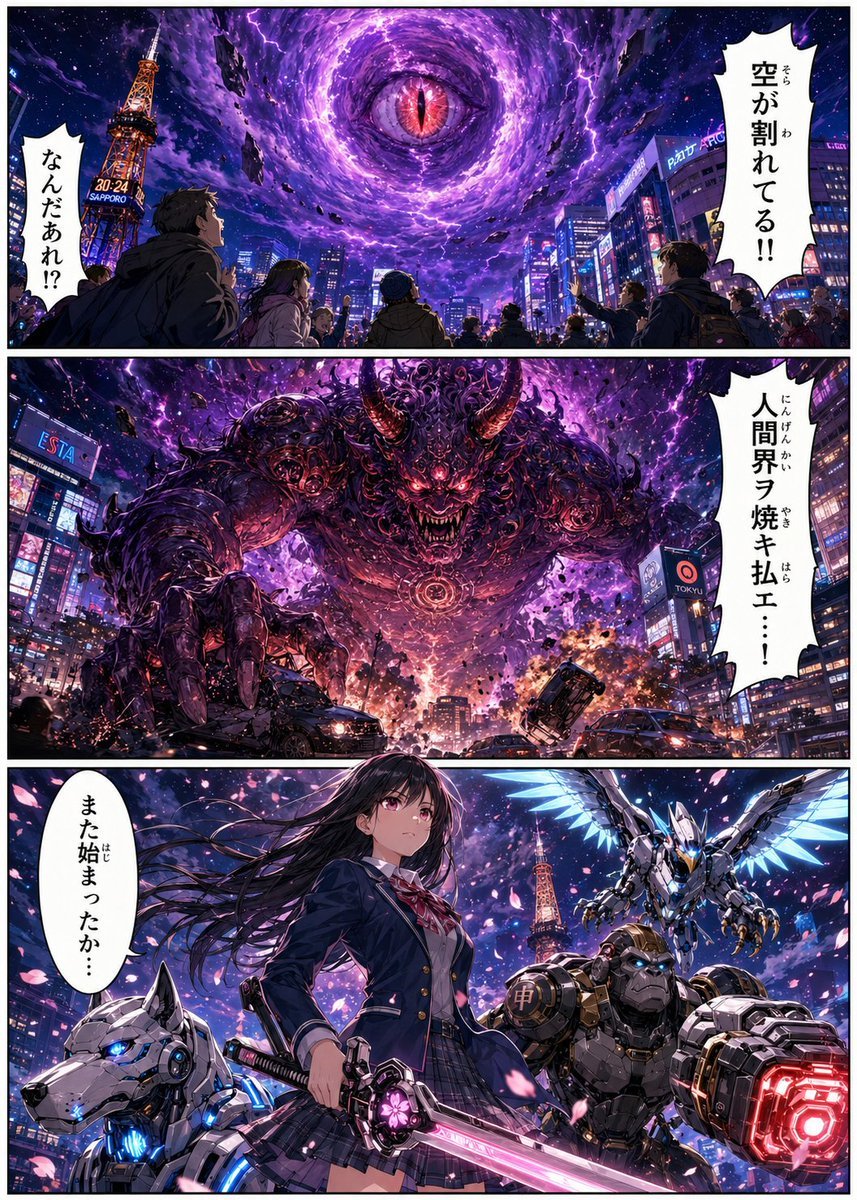
Sapporo Apocalypse Manga Page
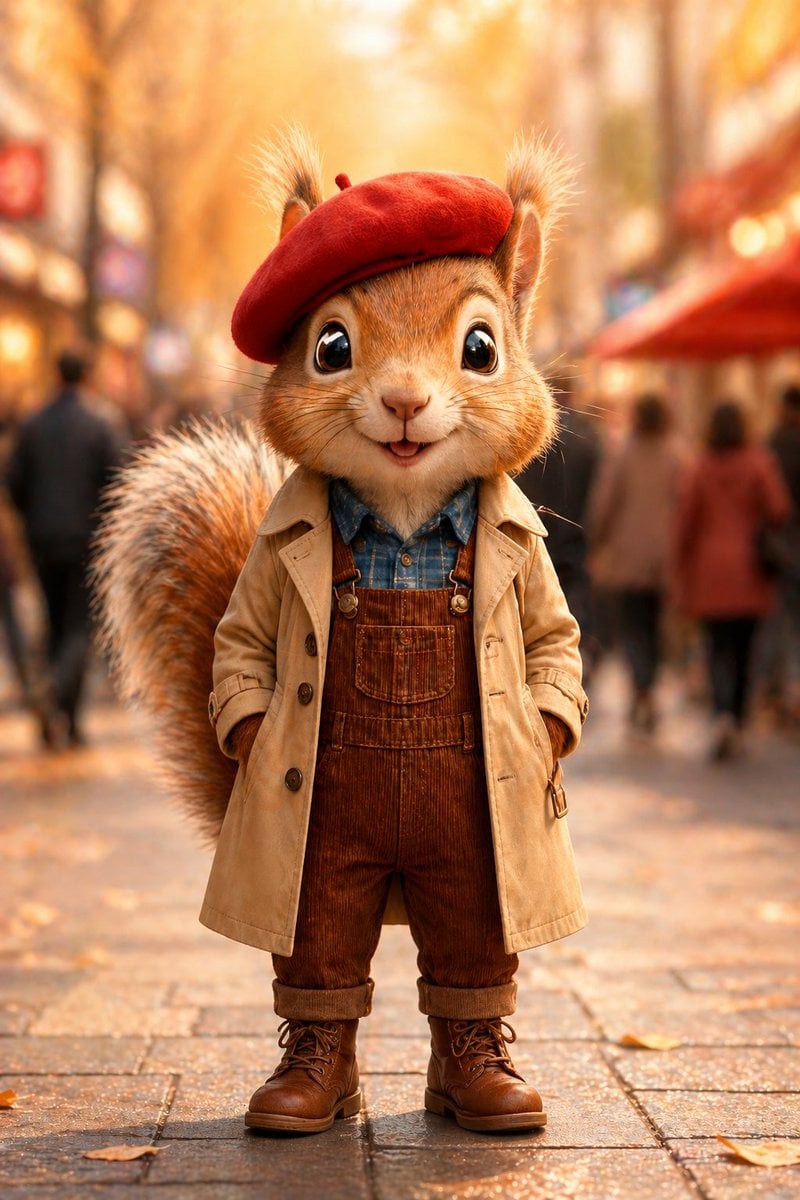
Autumn Squirrel Child Street Portrait
Make it yours
Iridescent Squirrel Girl Above Sapporo works as-is. These are the safest ways to change it without losing the look.
Change one field
Copy a single group, rewrite it, and generate again so you can see what that field is doing.
Keep the frame, change the subject
Hold the composition and light of Iridescent Squirrel Girl Above Sapporo, then swap wardrobe, props or the person for a new take.
| If the result… | Why | Fix |
|---|---|---|
| The result drifts from the preview | Too many fields changed at once. | Reuse Iridescent Squirrel Girl Above Sapporo as-is first, then change one group — subject, light, or setting. |
| The model over-stylizes the scene | The prose prompt leaves finish and camera underspecified. | Add one camera or lighting sentence and stay on GPT Image 2. |
More GPT Image 2 templates
Other prompts made for GPT Image 2.

Six VTuber Japanese Logo Sheet

Realistic Portrait of Woman and Deer

The Vista Modular Condo Poster

AI Model Routing Comparison Infographic

2.5D Anime Art Board

Isometric Productivity Desk Scene

New York Double Exposure Poster

Four-Panel AI Landscape Comparison

Japanese Tatami Lifestyle Magazine Cover

NESCAFÉ Coffee Map Poster
More image prompts
Fresh picks from across the catalog.
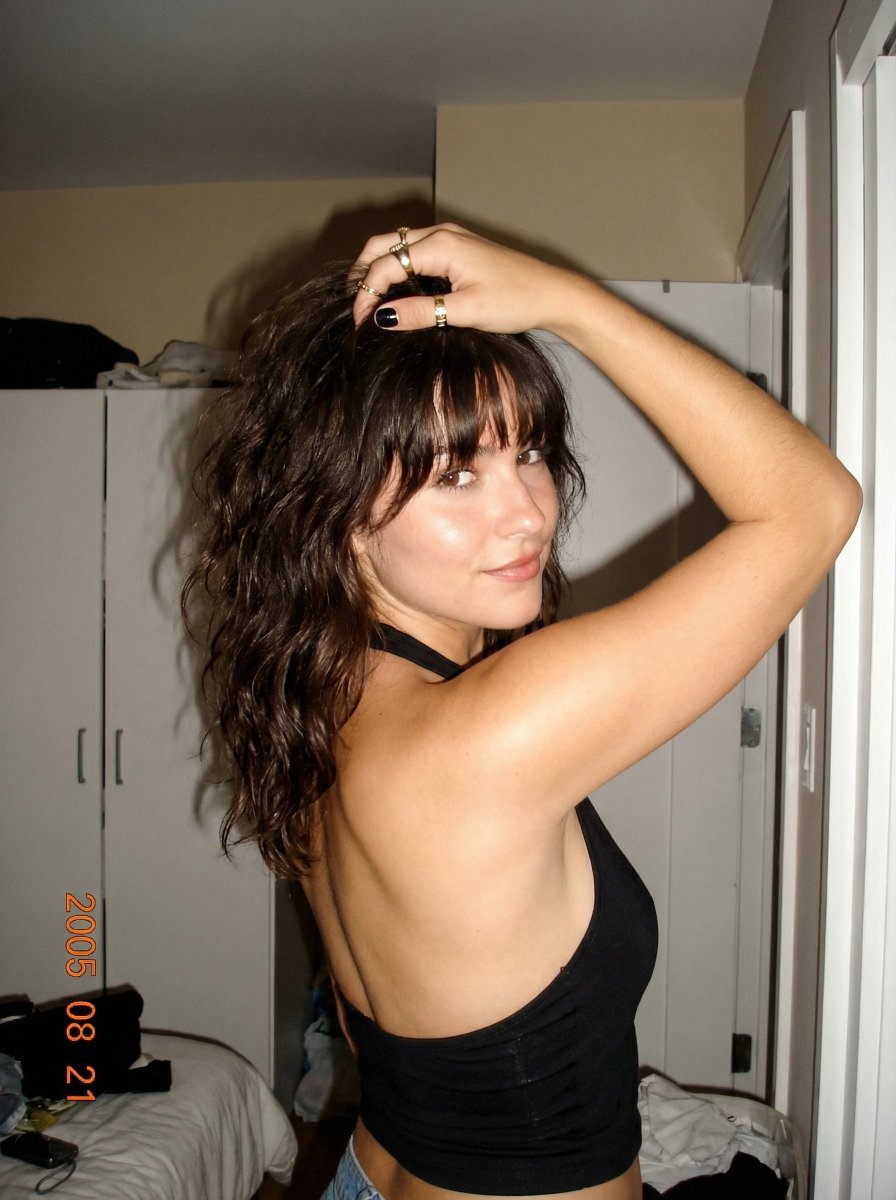
2000s Digital Camera Backless Top Snapshot Prompt

untitled

Anime Style Character Transformation
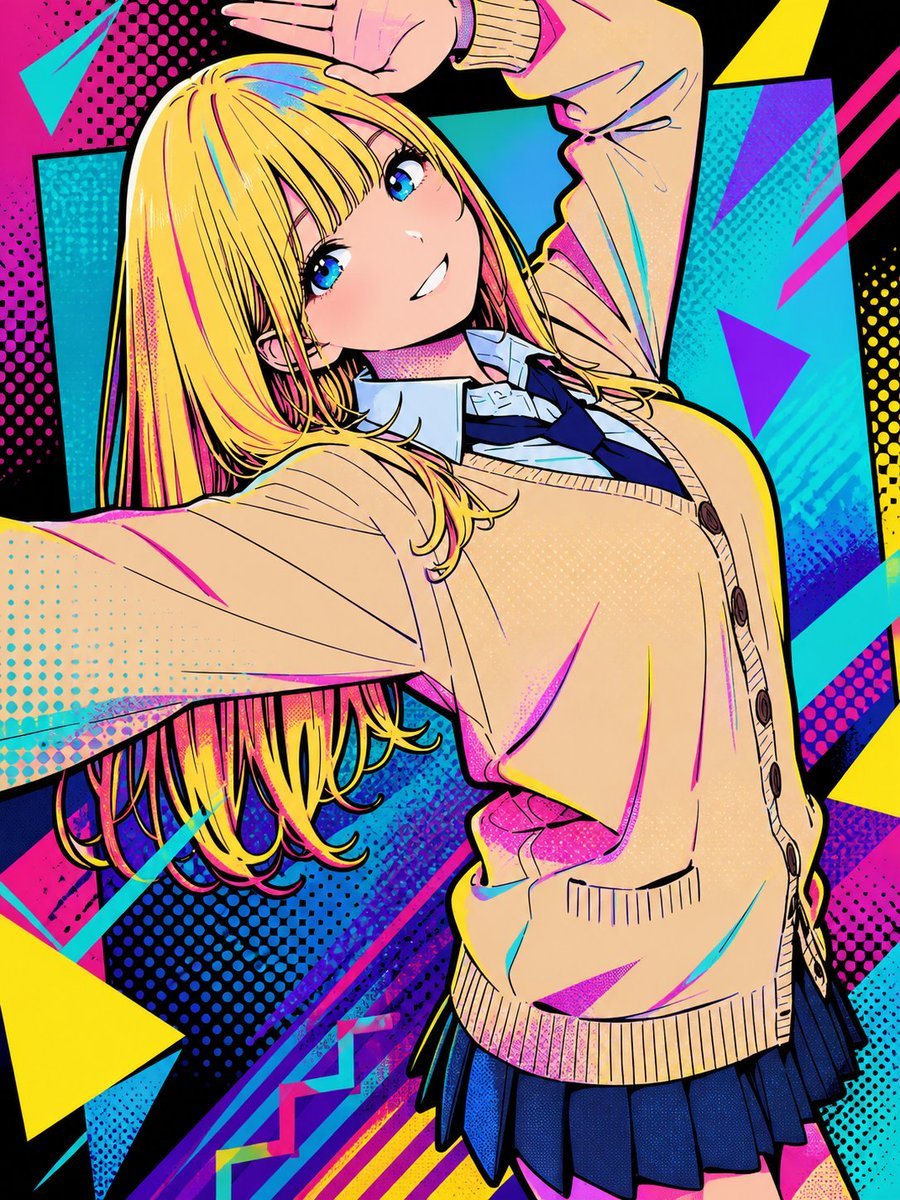
Pop Art Street Style Conversion
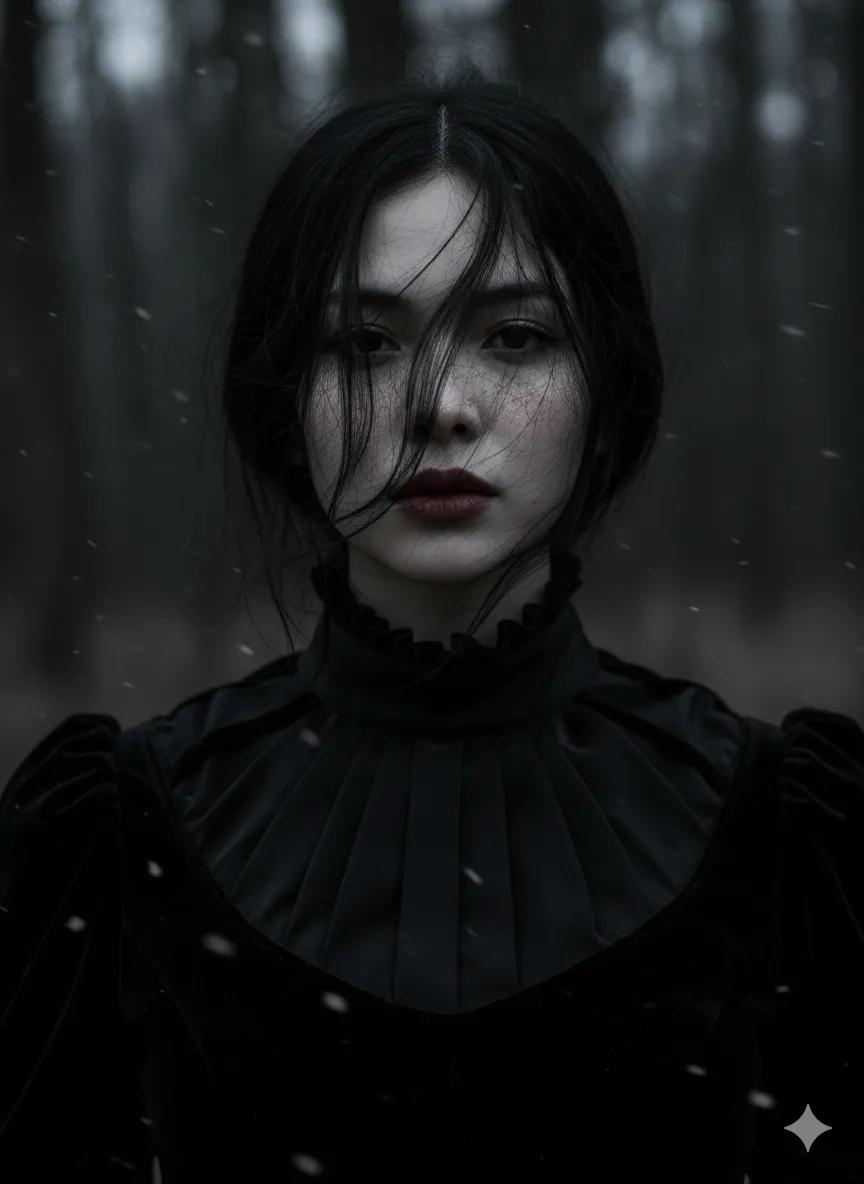
Gothic Ethereal Portrait in Snowy Forest
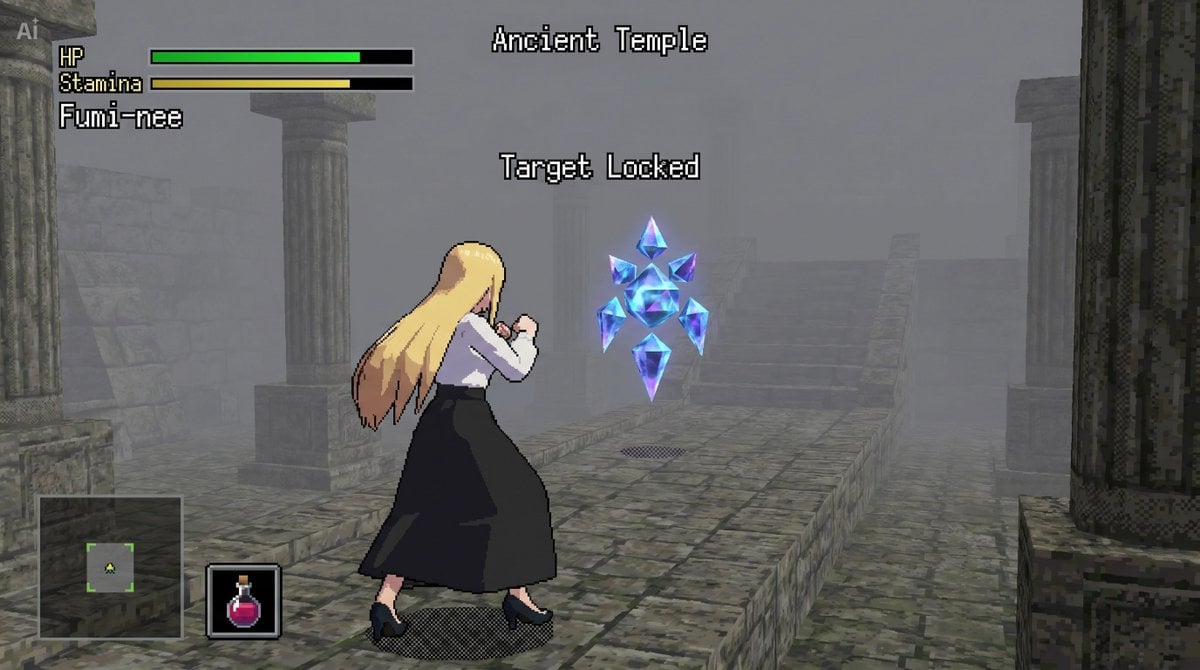
bit Low Poly Action RPG Prompt
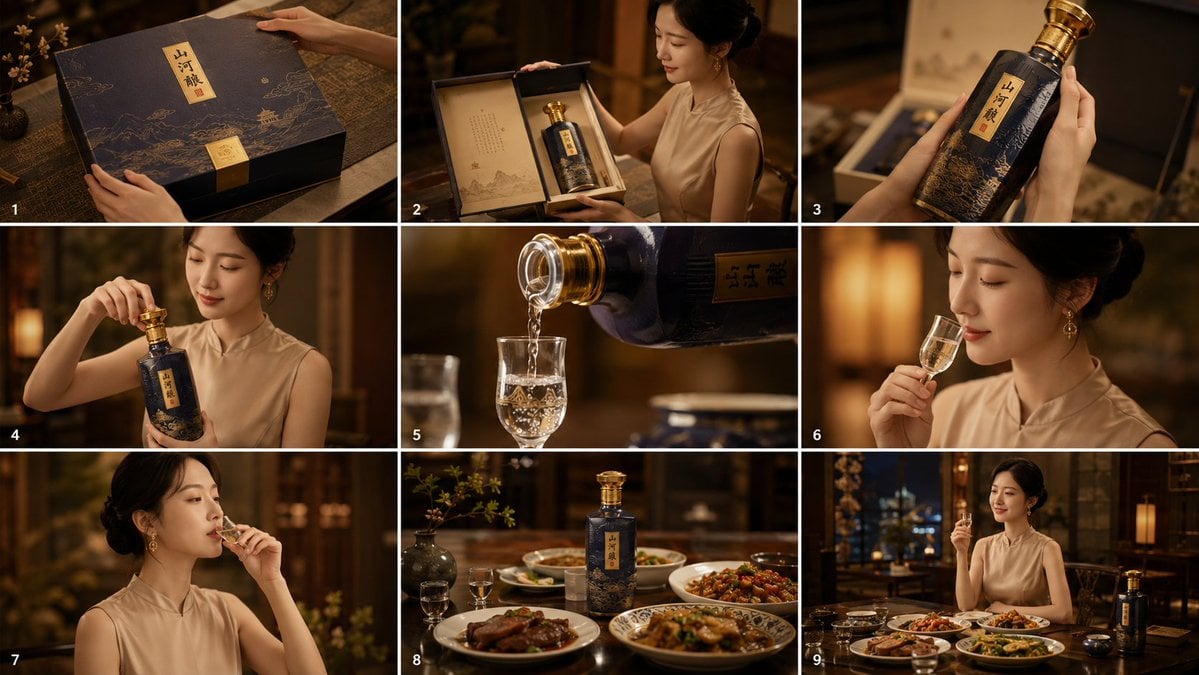
Cinematic Baijiu 9-Panel Storyboard
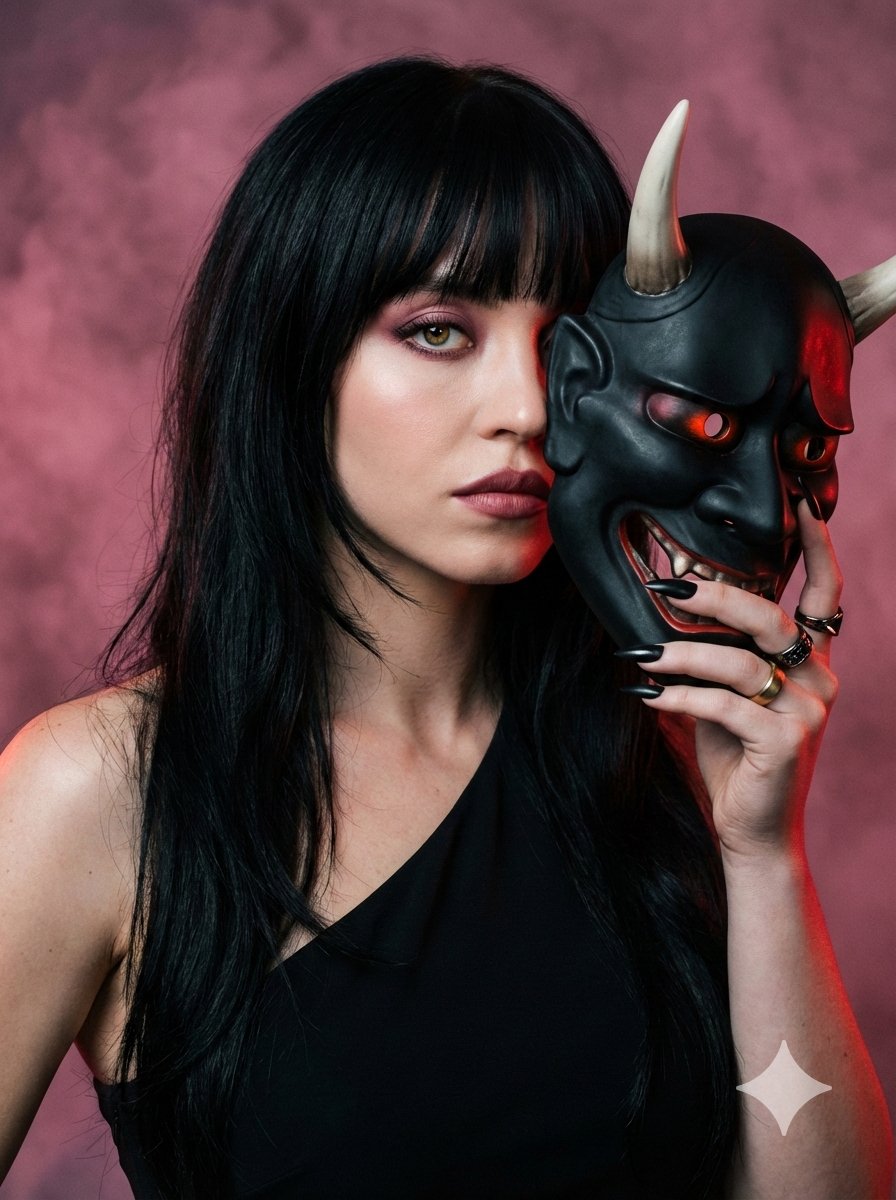
Ultra-Realistic Portrait with Oni Mask and Cinematic Lighting
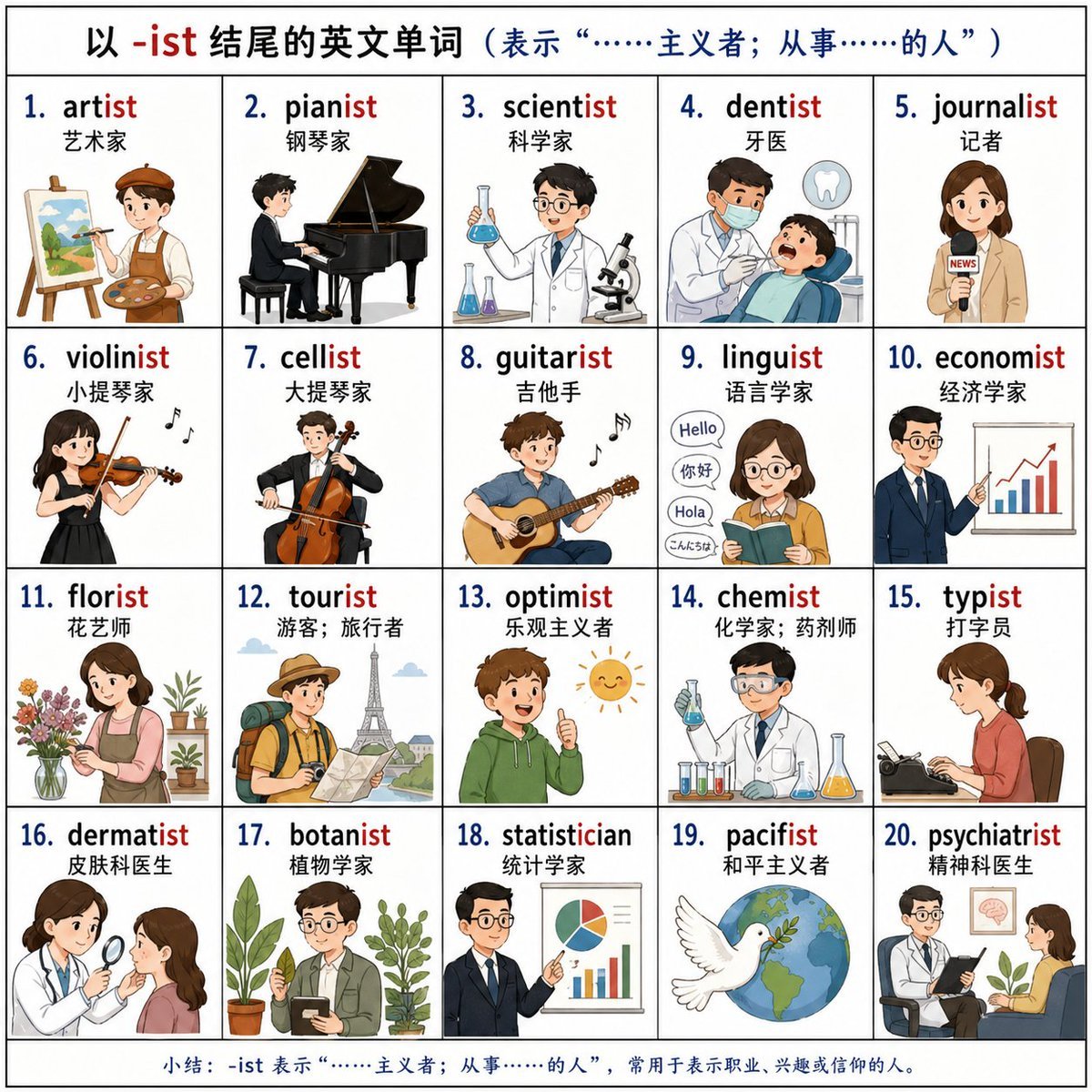
Vocabulary Learning Grid
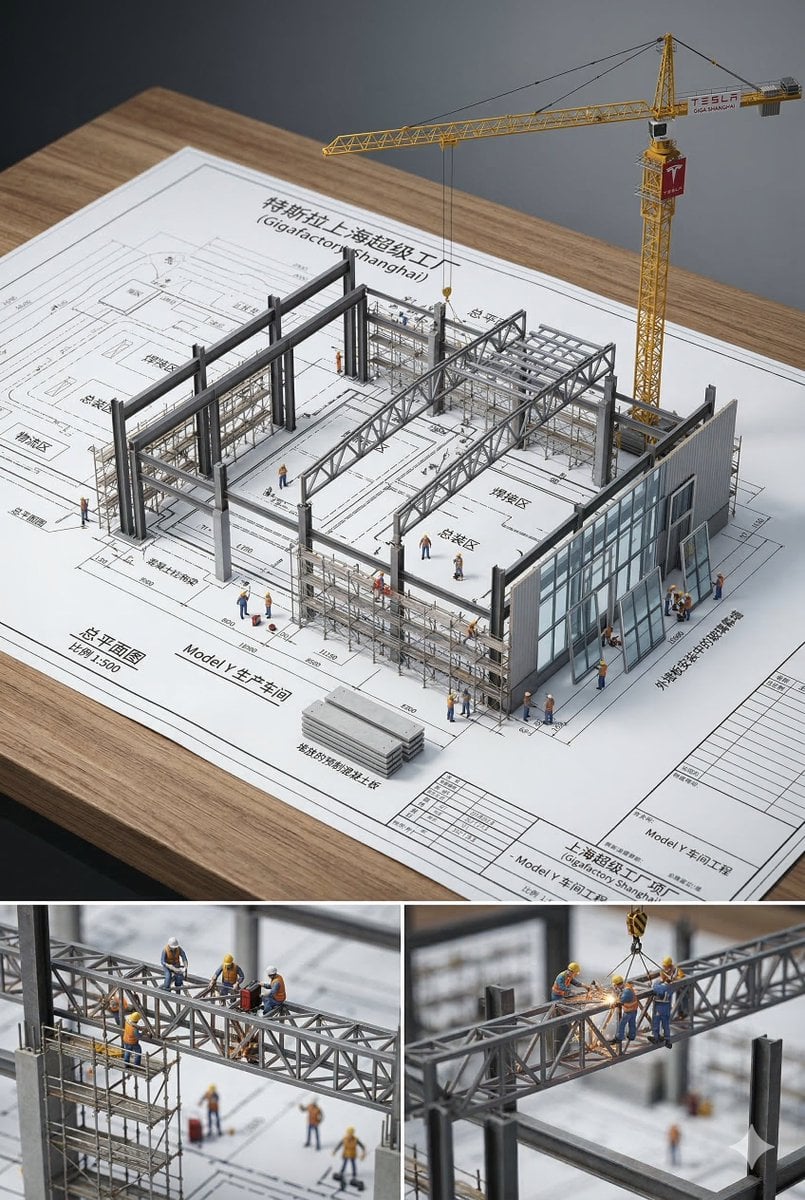
3D Miniature Architectural Blueprint
Browse template categories
Iridescent Squirrel Girl Above Sapporo questions
How do I use the Iridescent Squirrel Girl Above Sapporo template?
Add your photo if the template asks for one, edit the prompt if you like — the template's model and format are already selected — and press Generate. Your version opens in PicX Studio.
Can I customize the Iridescent Squirrel Girl Above Sapporo template?
Yes. You can change the subject, setting, lighting, mood, format, and available model controls before creating your image.
Is the Iridescent Squirrel Girl Above Sapporo template free?
Opening and editing this template is free. Generating uses credits, shown on the Generate button when you are signed in.
Which AI model should I use?
Start with GPT Image 2, which is the model associated with this template. You can compare another compatible model for a different finish.
Looking for something else? Browse all templates.

Your photo, any look
Thousands of ready templates for every top image and video model, from one credit balance.