
Cosmic Surfer on Iridescent Wave
A cinematic fantasy prompt for generating a hyperreal cosmic ocean scene with a glowing surfer, rainbow wave, planets, galaxies, and underwater reef details.
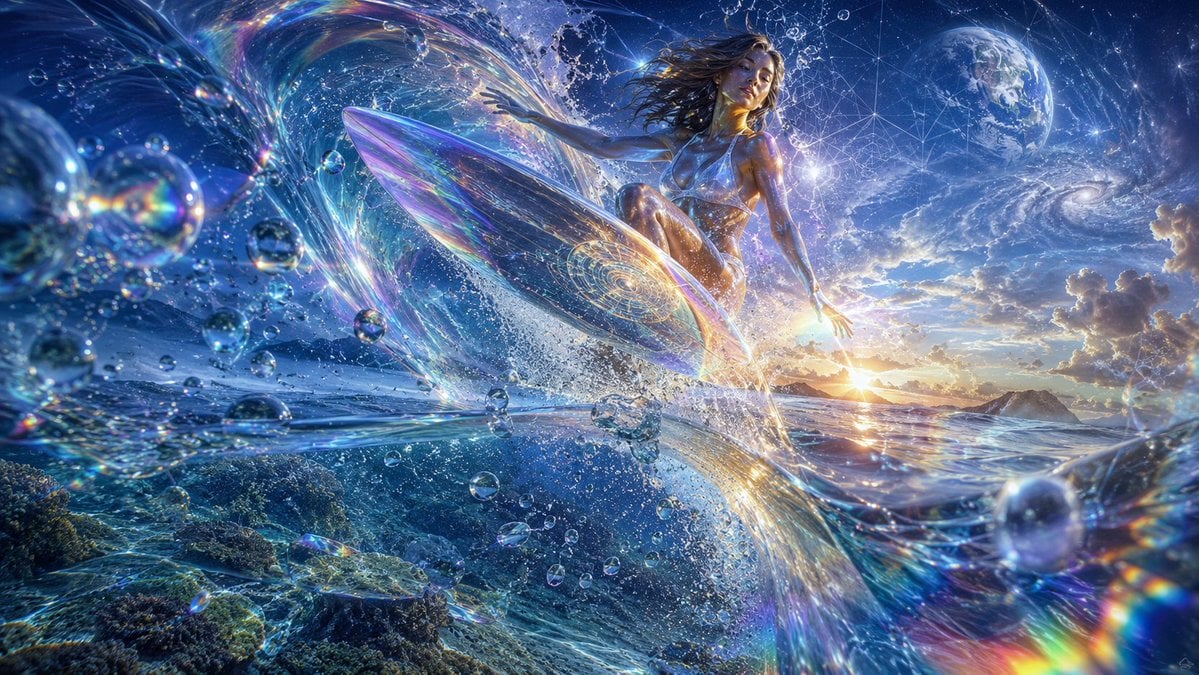
- Prompt included
- Model and format preset
- Free template
The prompt behind this image
Copy the exact prompt behind Cosmic Surfer on Iridescent Wave, or open it in the studio and make it yours.
Create an ultra-detailed cinematic fantasy image of {argument name="character name" default="a lone cosmic surfer goddess"} riding one translucent iridescent surfboard through a towering ocean wave at sunrise, blending ocean, outer space, and sacred geometry. The composition is a wide 16:9 panorama with the surfer slightly right of center, seated/crouched gracefully on the glowing crystal-like board as it launches through spray; her long dark wet hair streams backward, her athletic metallic-blue body catches gold rim light, and her face is intentionally obscured by a soft square blur. Surround her with one enormous curling wave made of liquid glass, rainbow refractions, star trails, and luminous water ribbons. Include a split-world feeling: underwater coral reef and sea turtles visible in the lower left beneath the surface, open ocean and distant islands along the horizon, and a deep starry sky above with one Earth-like planet in the upper right and one spiral galaxy near the right-center sky. Add dozens of floating spherical water droplets and bubbles of varied sizes across the foreground and midground, each acting like prisms with rainbow caustics and lens flares. Use {argument name="color palette" default="electric blues, cyan, violet, silver, gold, and rainbow iridescence"}, hyperreal digital art, epic fantasy realism, volumetric light, sparkling cosmic particles, intricate geometric constellations, high dynamic range, sharp details, dramatic depth of field, motion energy, no text, no logo, no watermark.
How to use Cosmic Surfer on Iridescent Wave in 3 steps
- 1Upload ImagePNG, JPG or paste
Add your photo
Upload the photo the template builds on. The prompt, model and format are already set.
- 2…a portrait of your subject in softgolden-hour light, 85mm…
Personalize
Edit the subject and creative details for your destination.
- 3Generate
Generate
Press Generate — your image is created in PicX Studio, so you can compare it with the original and refine one variable at a time.
More like this
Templates with the same subject, style or setup. Open one to see its prompt.
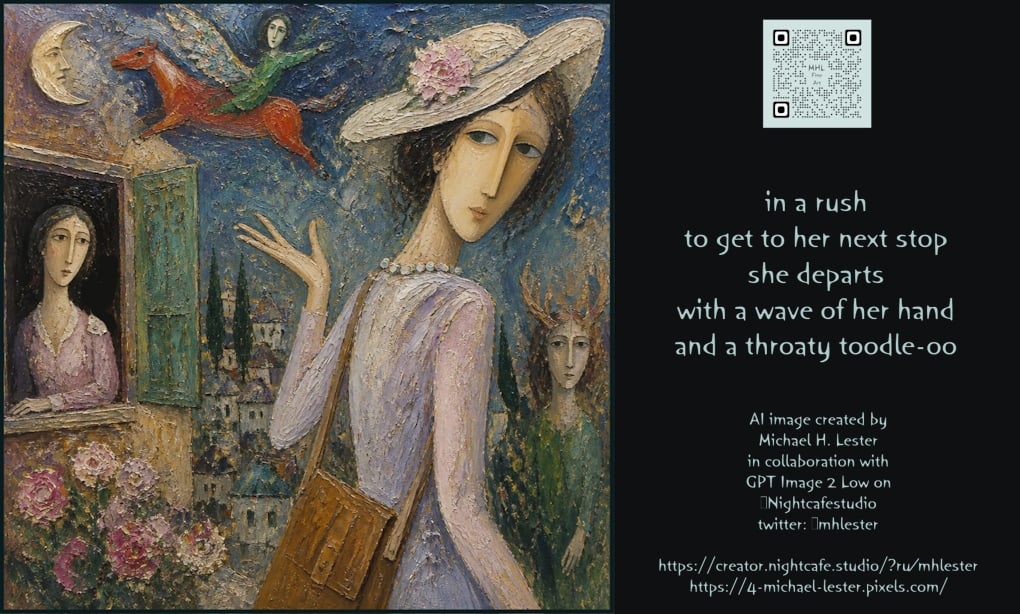
Poetic Wave of Departure Portrait
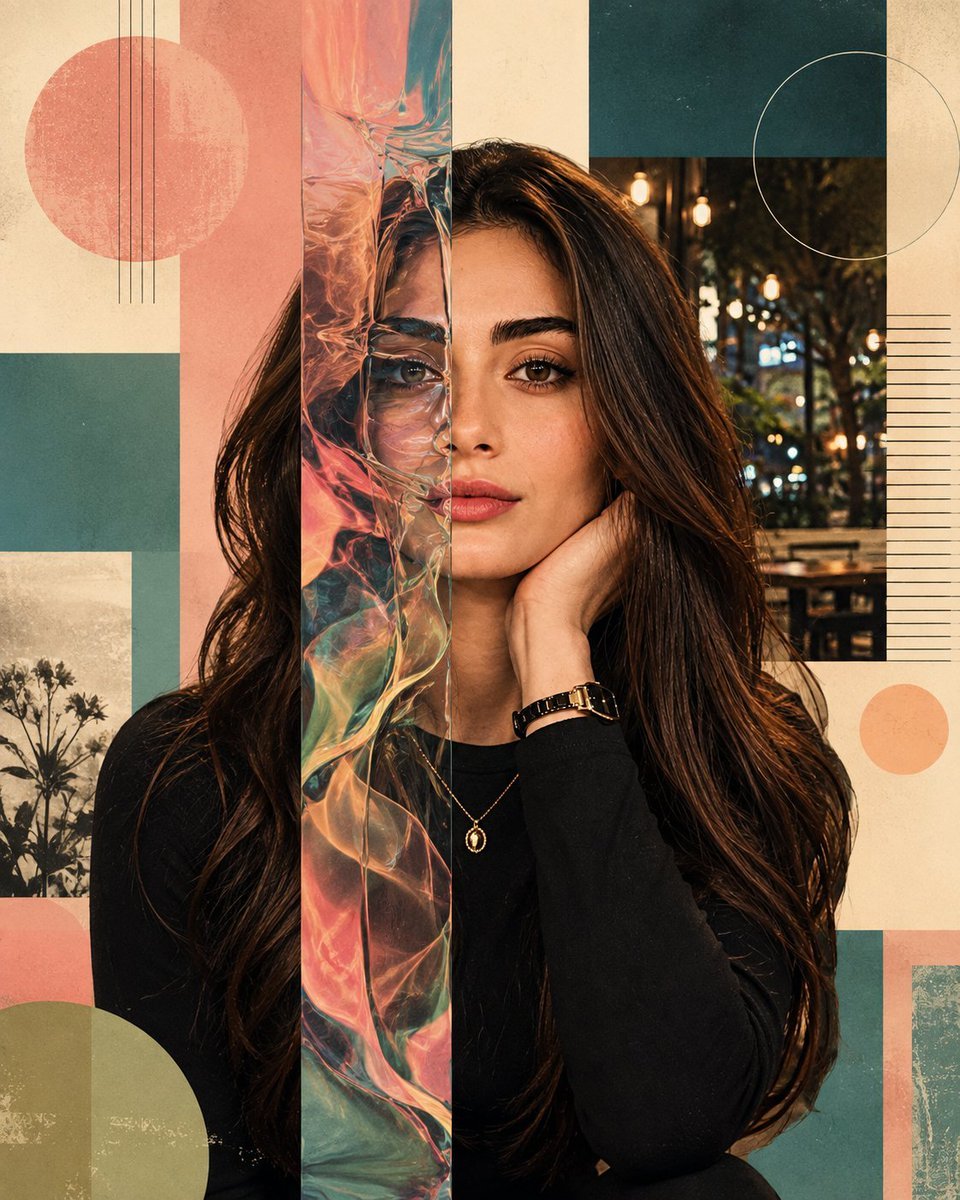
Surreal Iridescent Portrait with Tabby Cat

Cinematic Ocean Wave Fashion Portrait
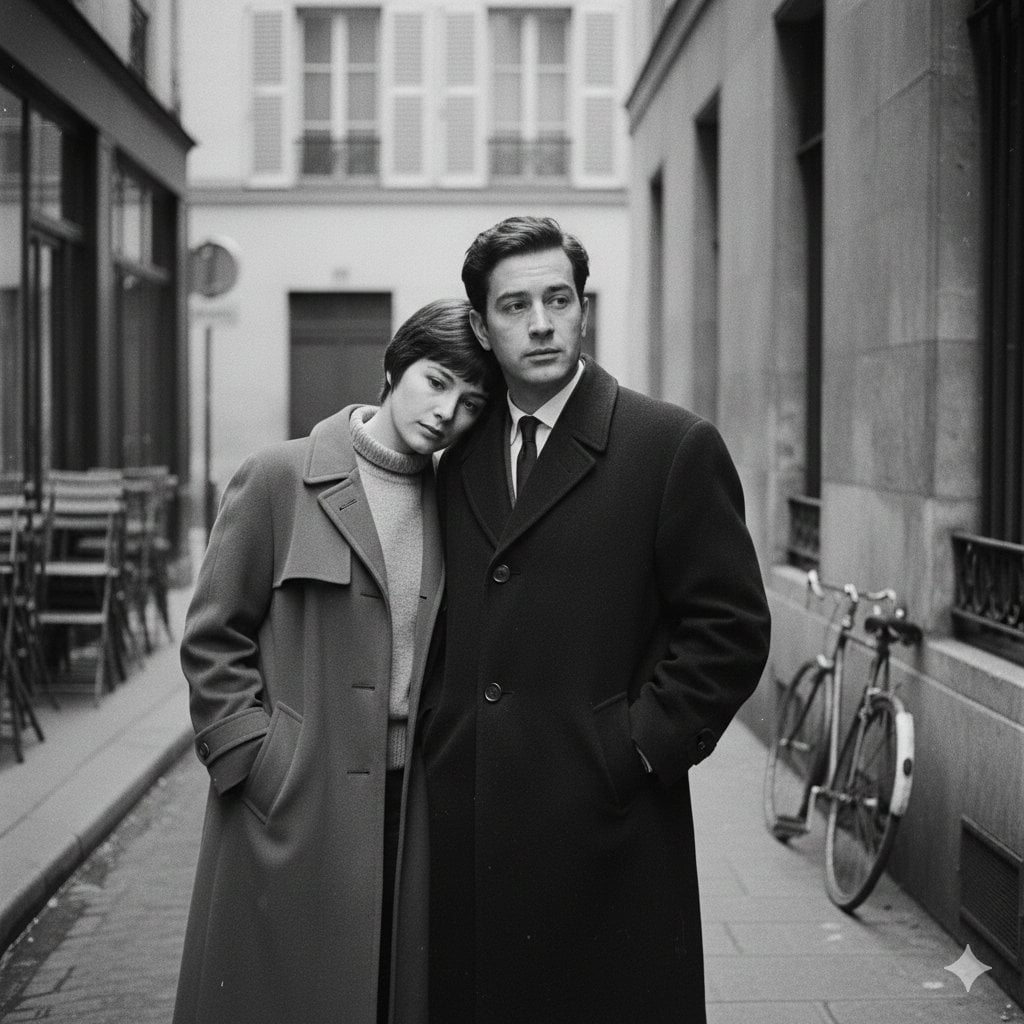
A French New Wave style minimalist lovers scene, black and white, 1950s
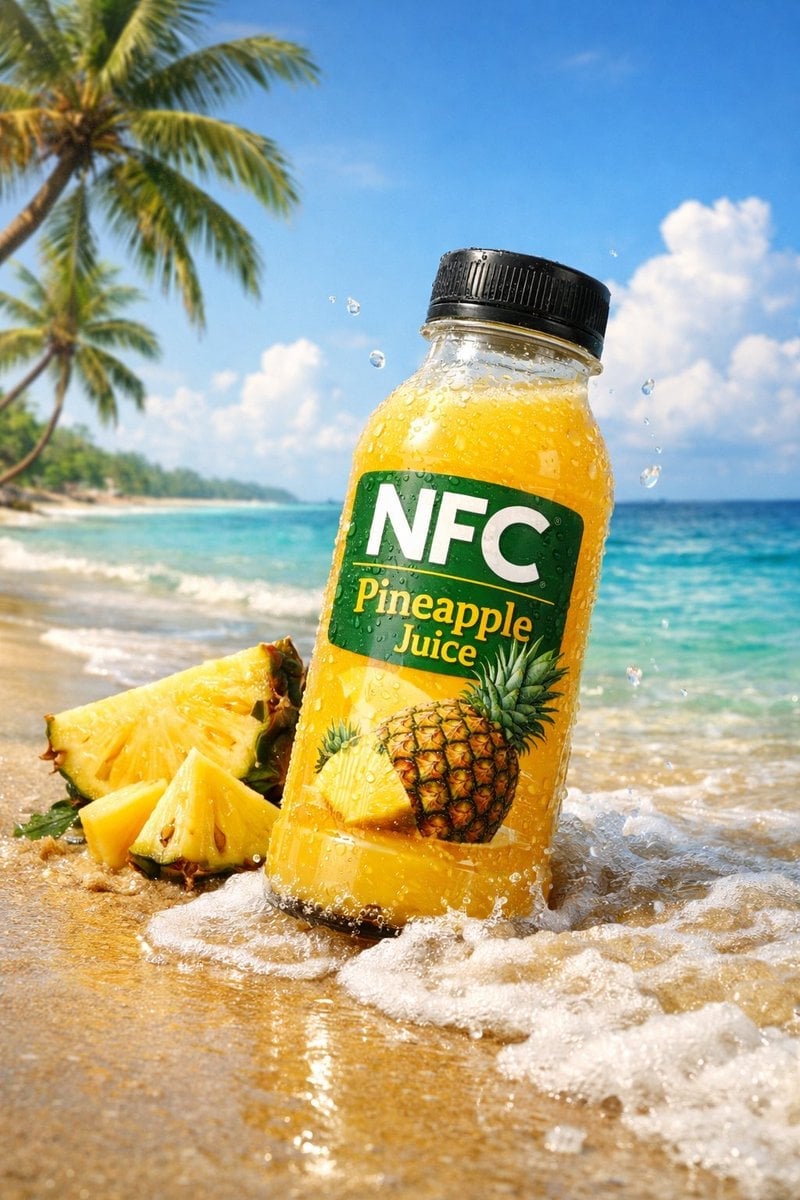
A small wave splashes lightly against the bottle base
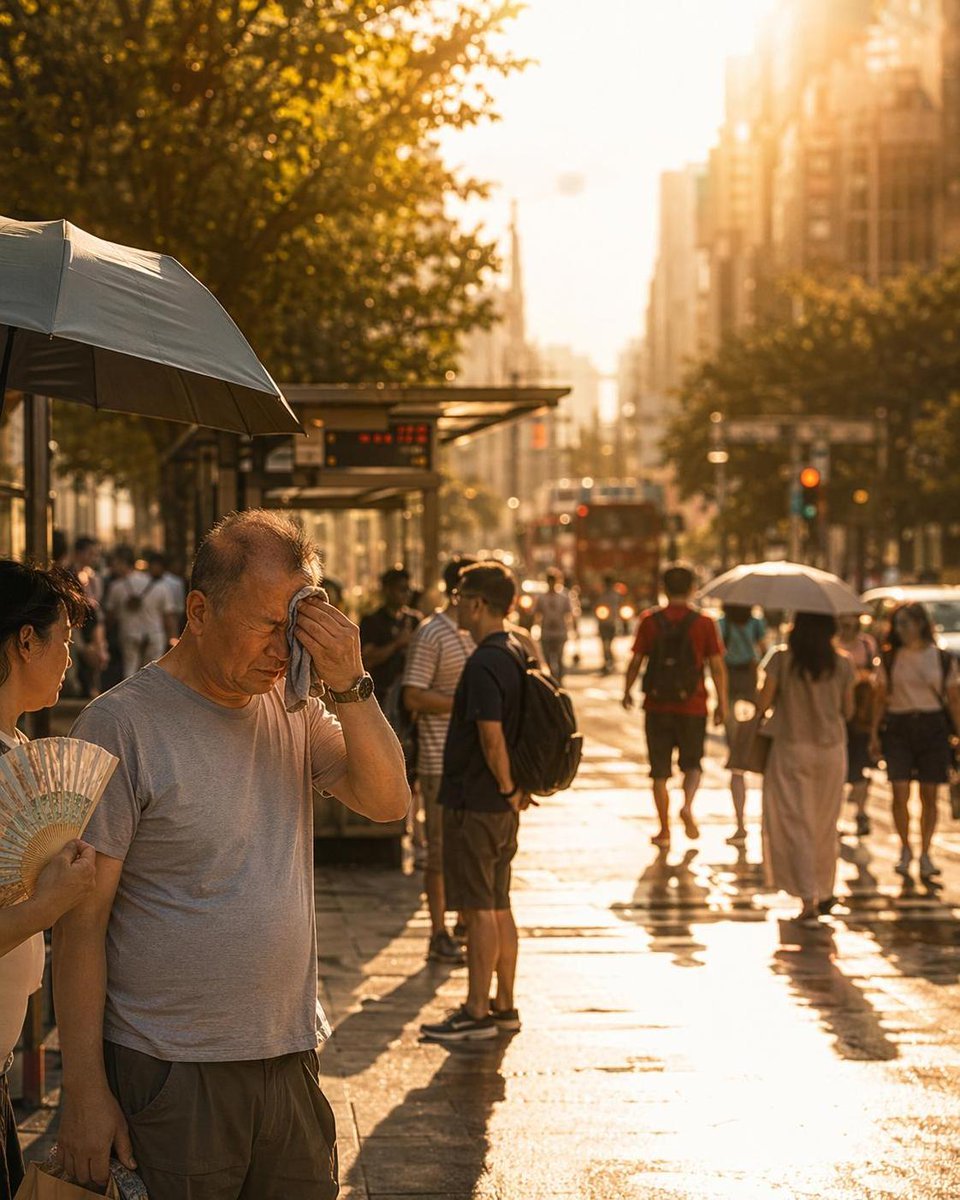
City Heatwave Editorial Photography
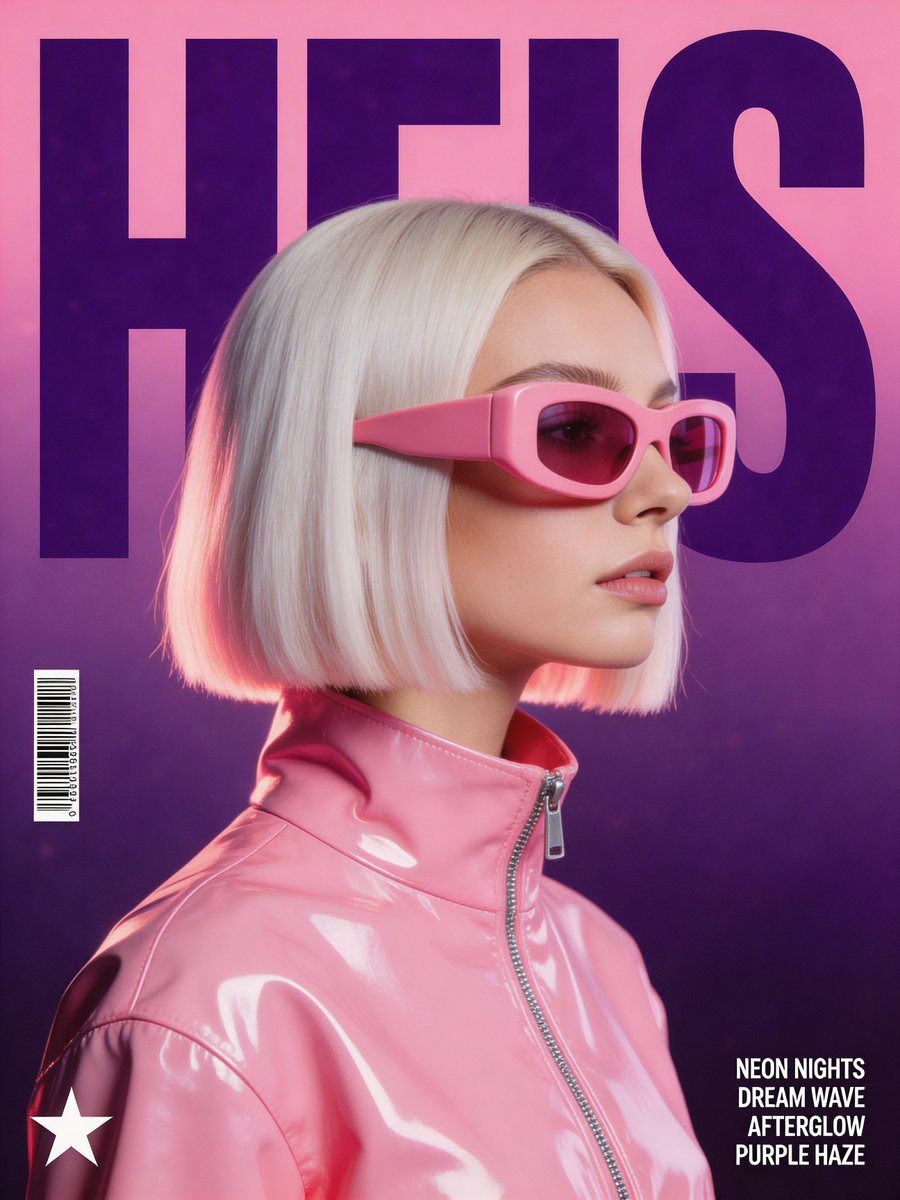
Synthwave Retro-Futuristic Music Poster
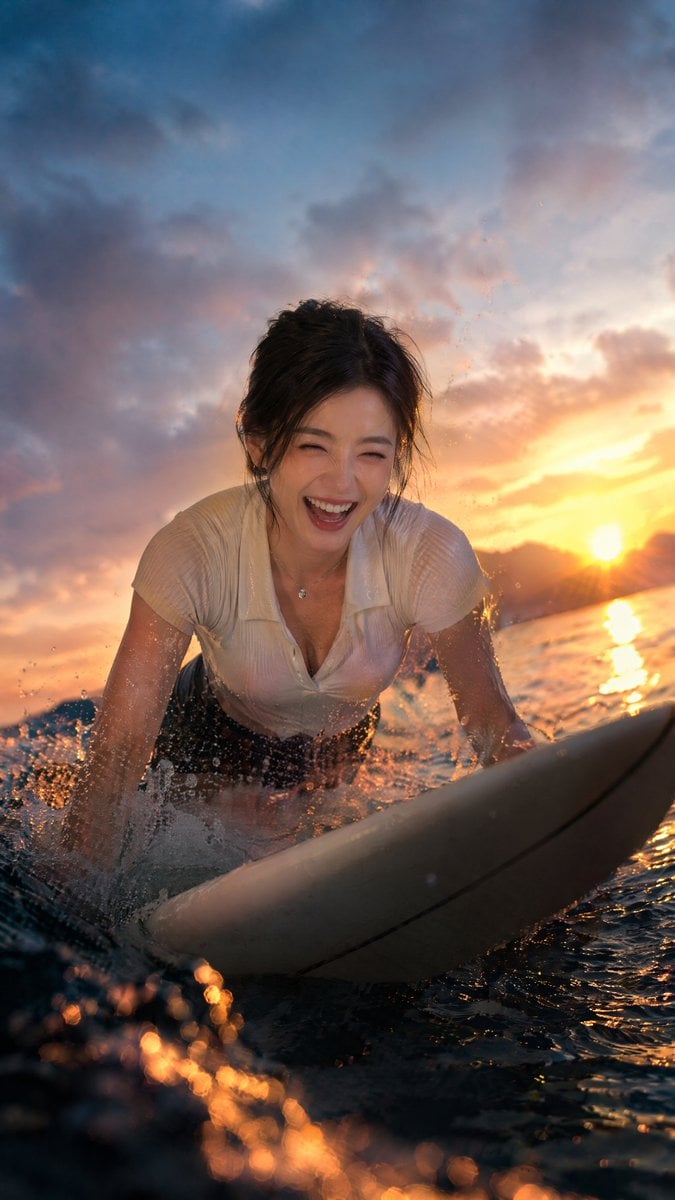
Laughing Surfer at Sunset
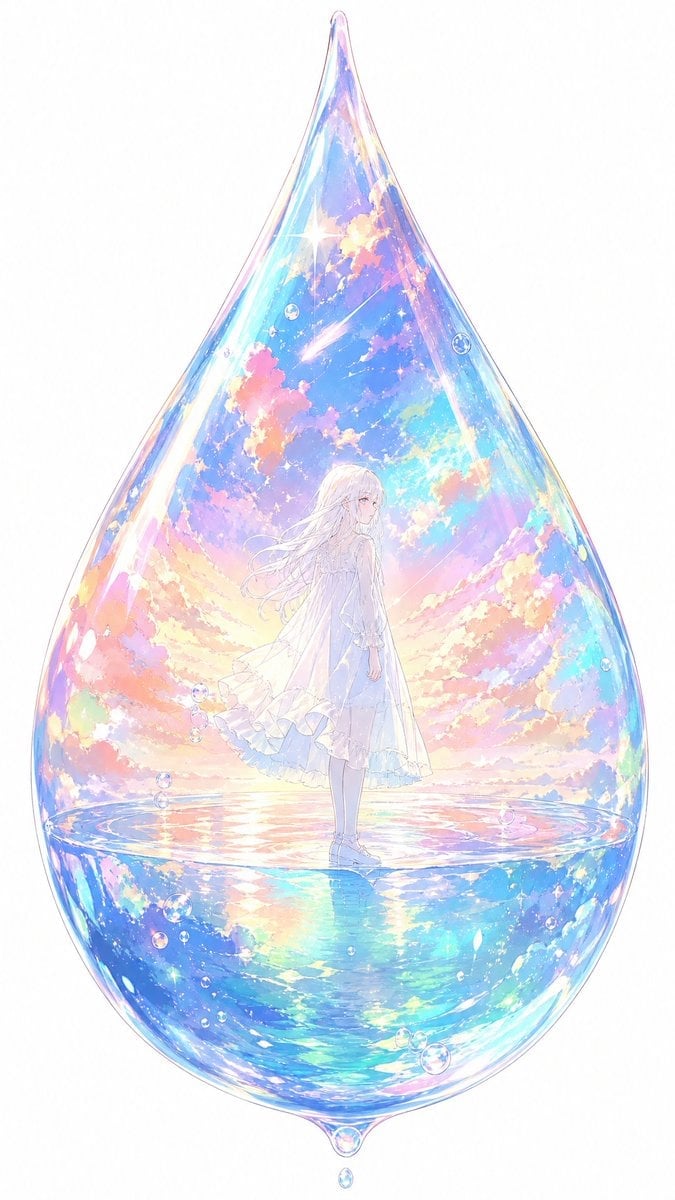
Anime Girl Inside Iridescent Dream Droplet
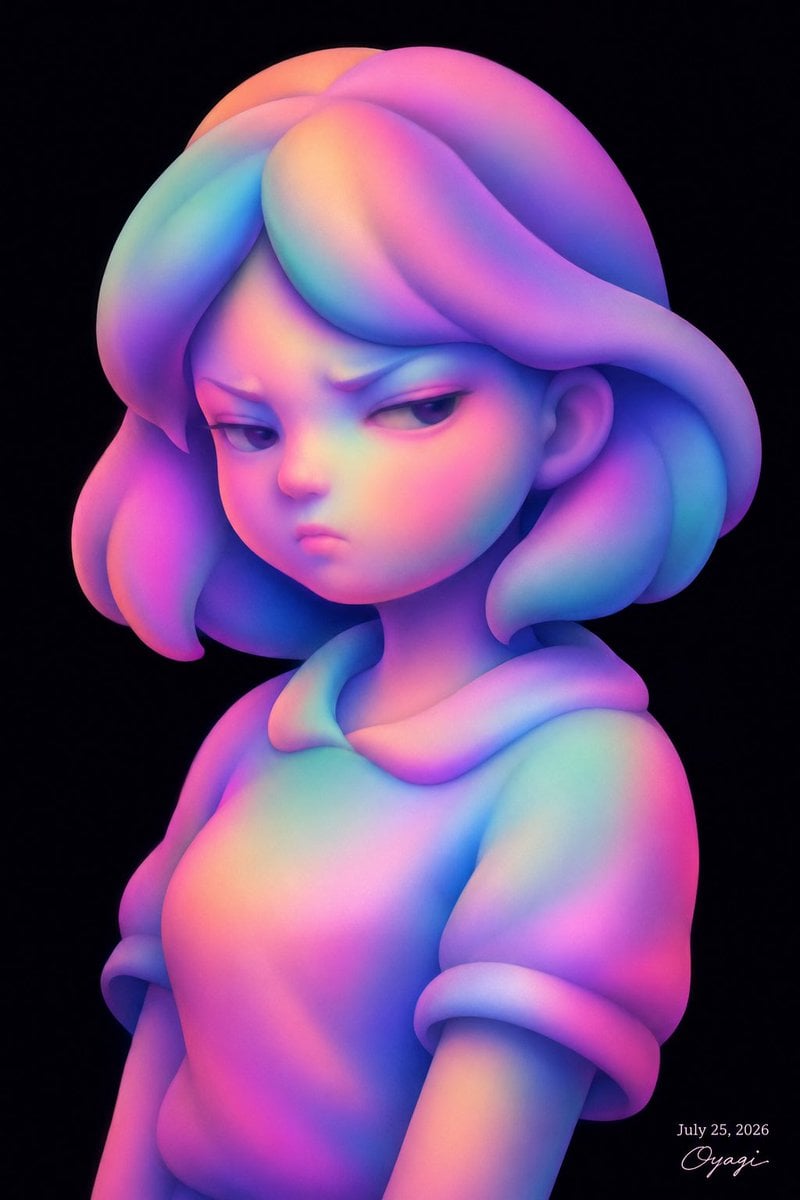
Iridescent Abstract Girl Portrait
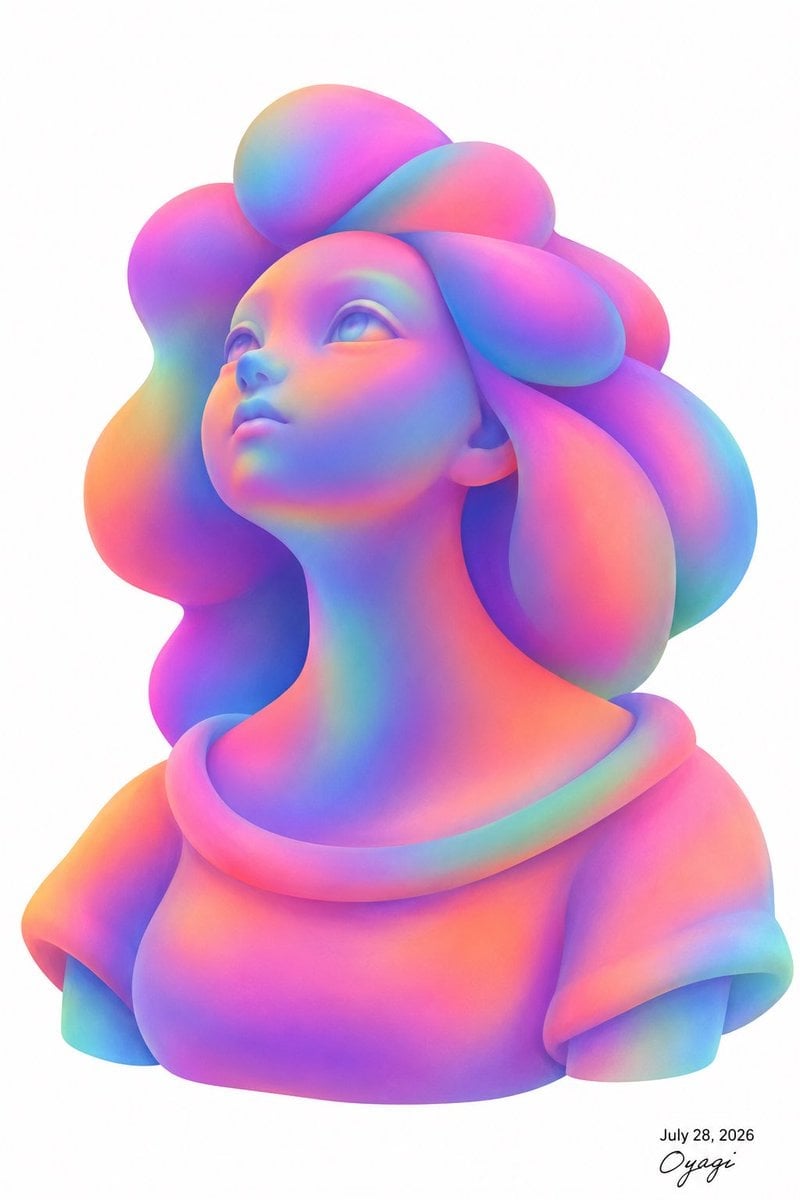
Iridescent Bubble-Hair Bust Portrait
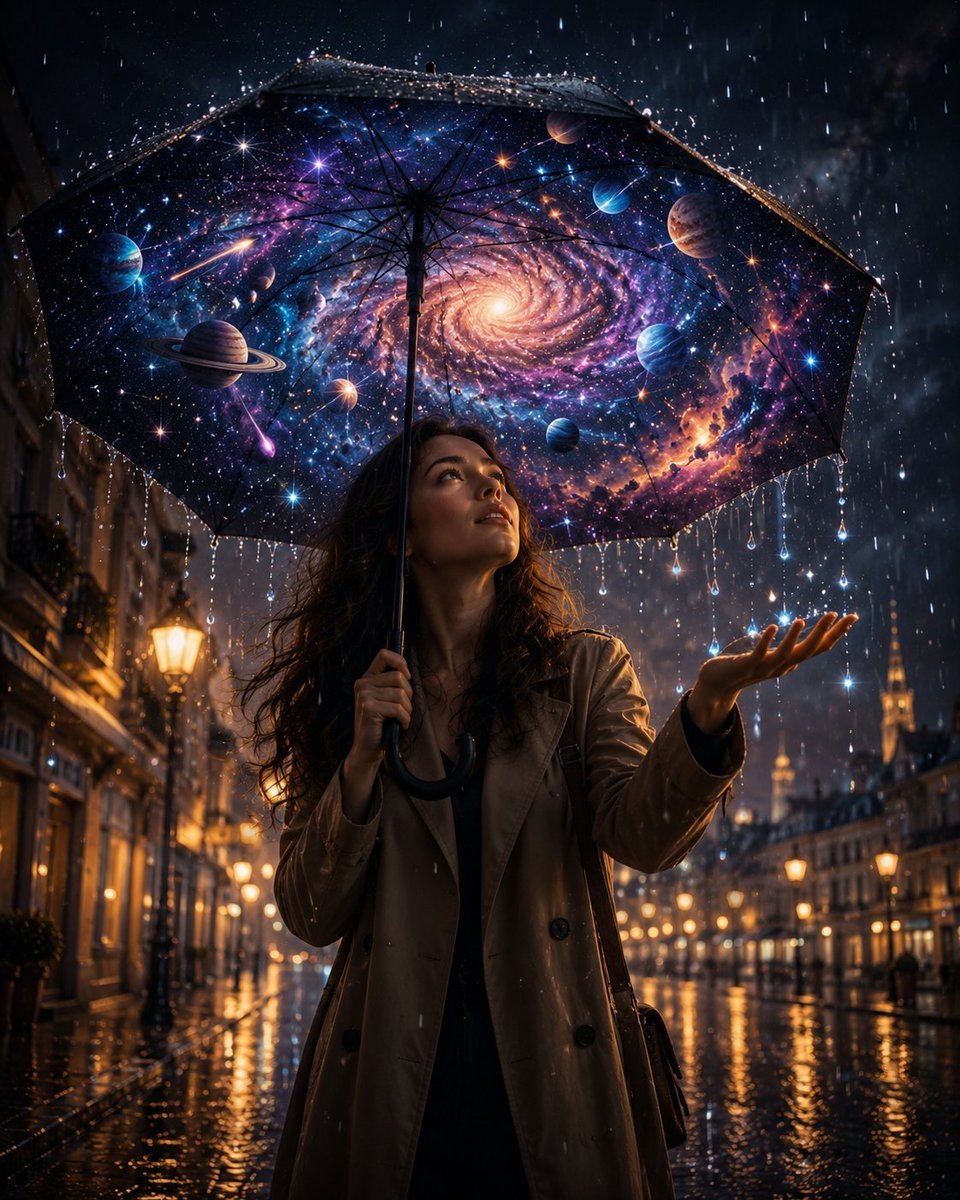
Cosmic Universe Umbrella Fantasy Scene
Make it yours
Cosmic Surfer on Iridescent Wave works as-is. These are the safest ways to change it without losing the look.
Change one field
Copy a single group, rewrite it, and generate again so you can see what that field is doing.
Keep the frame, change the subject
Hold the composition and light of Cosmic Surfer on Iridescent Wave, then swap wardrobe, props or the person for a new take.
| If the result… | Why | Fix |
|---|---|---|
| The result drifts from the preview | Too many fields changed at once. | Reuse Cosmic Surfer on Iridescent Wave as-is first, then change one group — subject, light, or setting. |
| The model over-stylizes the scene | The prose prompt leaves finish and camera underspecified. | Add one camera or lighting sentence and stay on GPT Image 2. |
More GPT Image 2 templates
Other prompts made for GPT Image 2.

Six VTuber Japanese Logo Sheet

Realistic Portrait of Woman and Deer

The Vista Modular Condo Poster

AI Model Routing Comparison Infographic

2.5D Anime Art Board

Isometric Productivity Desk Scene

New York Double Exposure Poster

Four-Panel AI Landscape Comparison

Japanese Tatami Lifestyle Magazine Cover

NESCAFÉ Coffee Map Poster
More image prompts
Fresh picks from across the catalog.
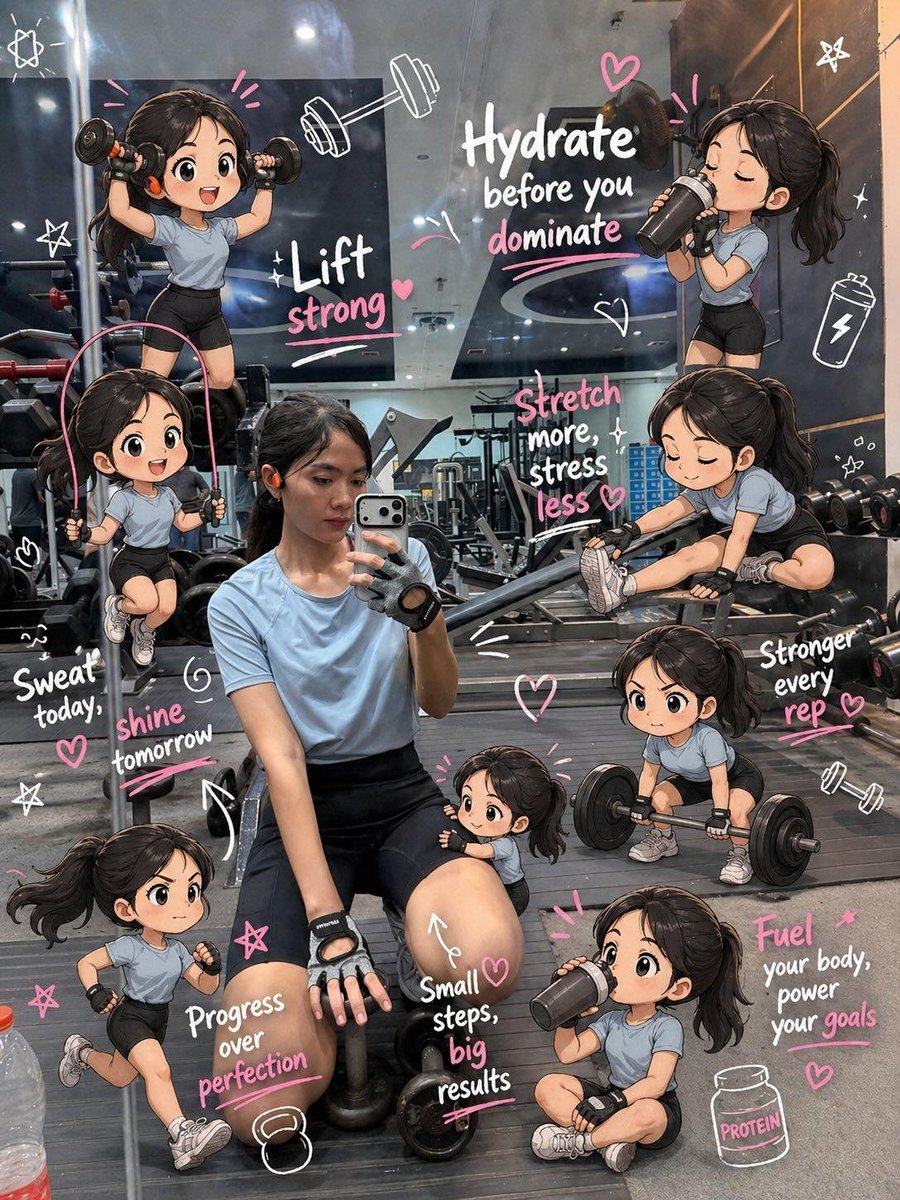
Chibi Mini Versions Photo Edit
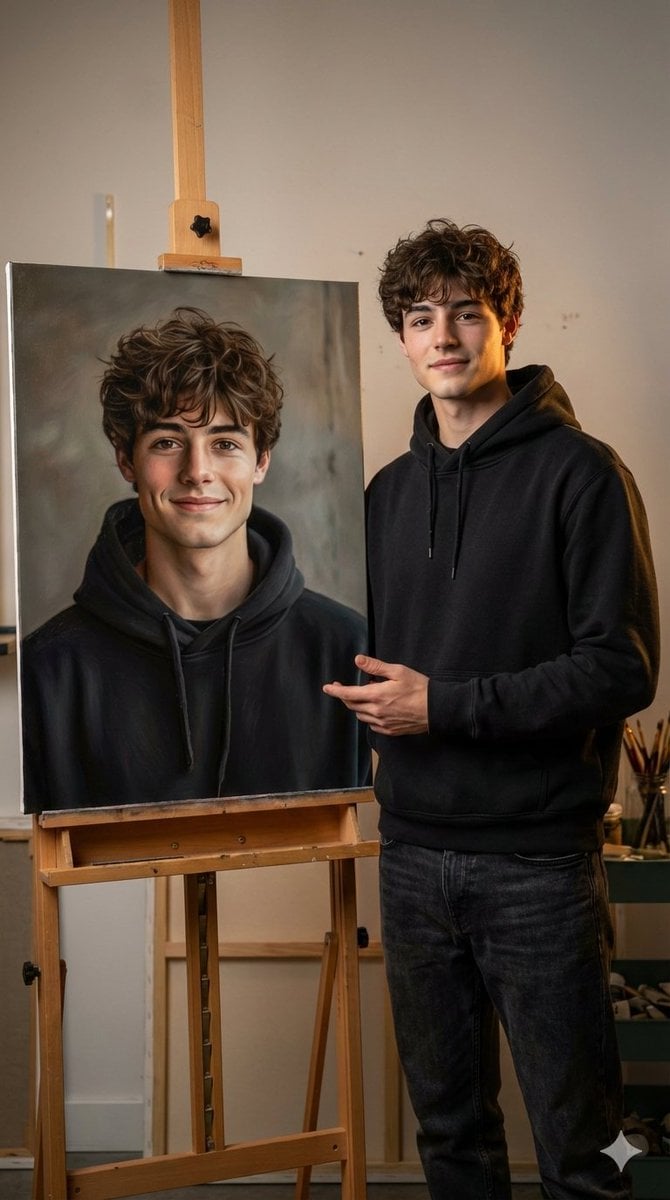
Hyper-realistic portrait with a painting of the subject
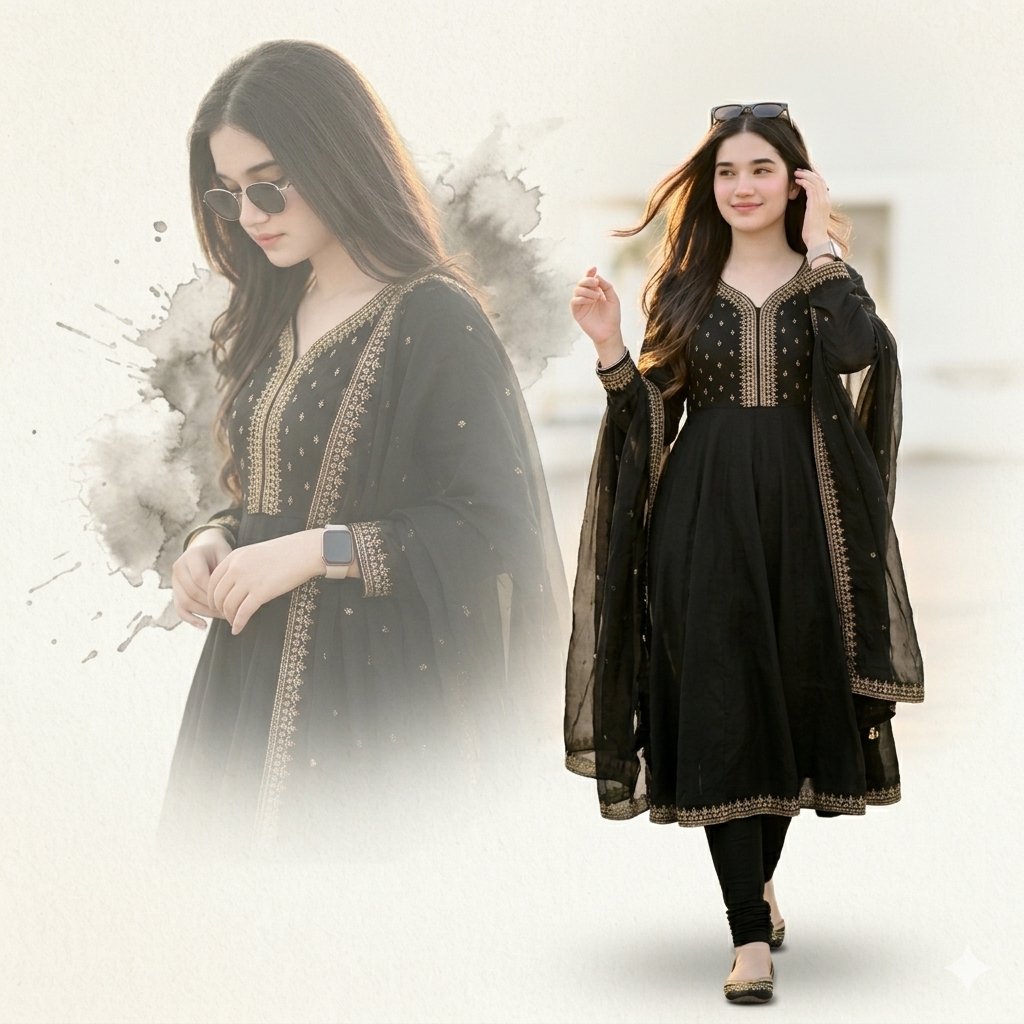
Elegant Double Portrait Fashion Collage
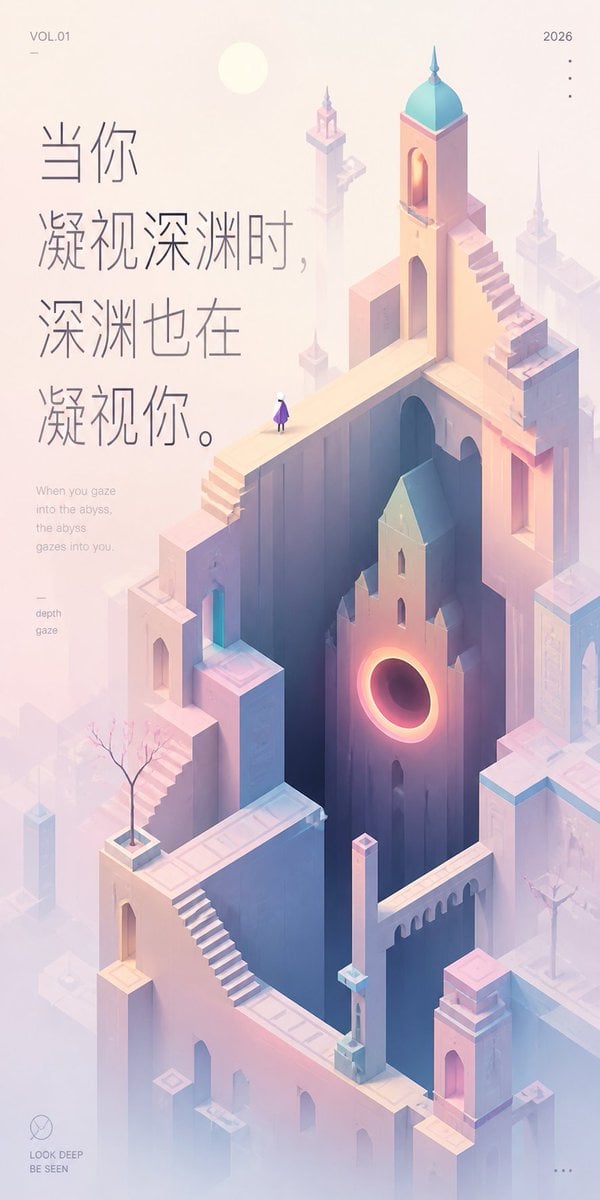
Pastel Abyss Quote Wallpaper
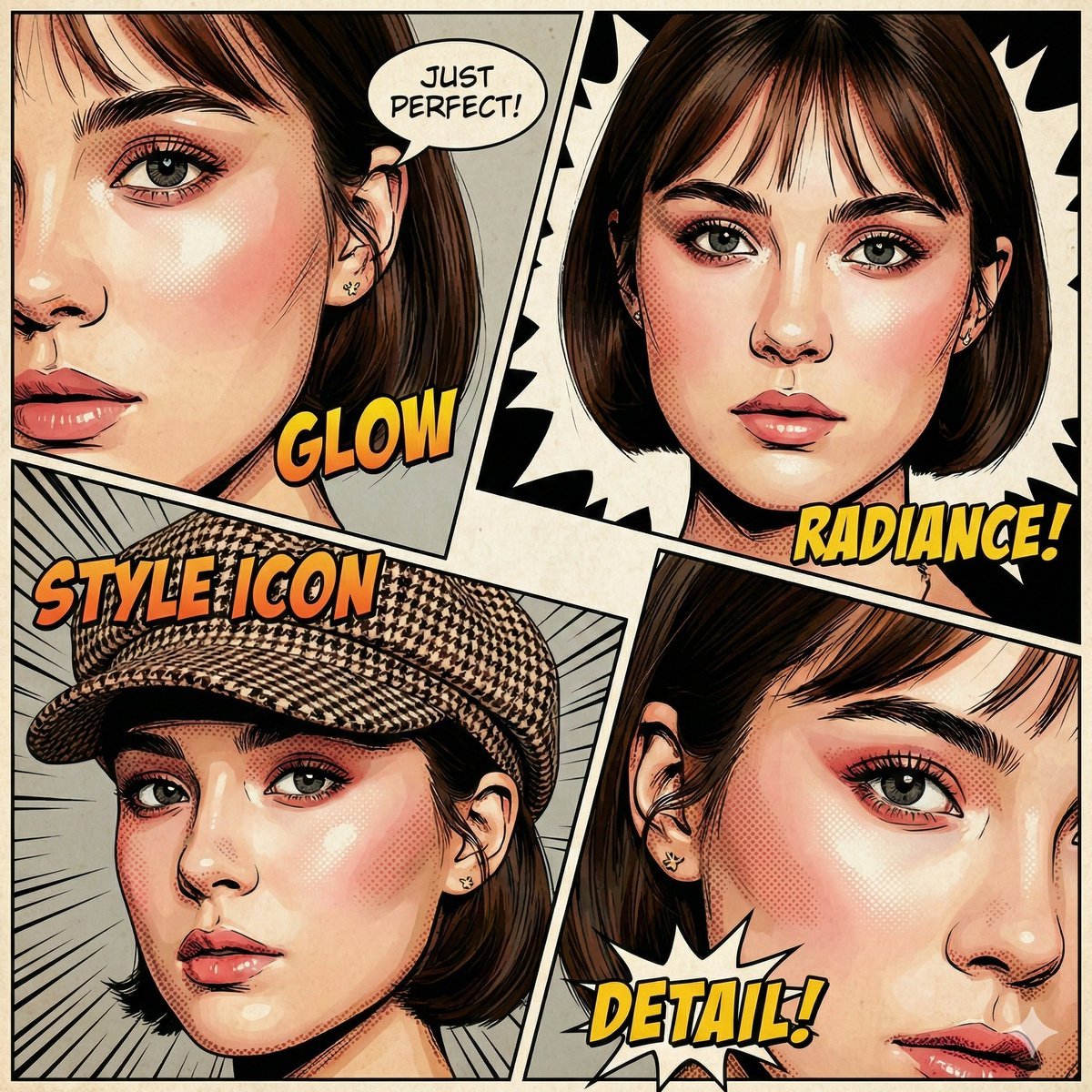
Image-to-Comic Style Conversion Prompt
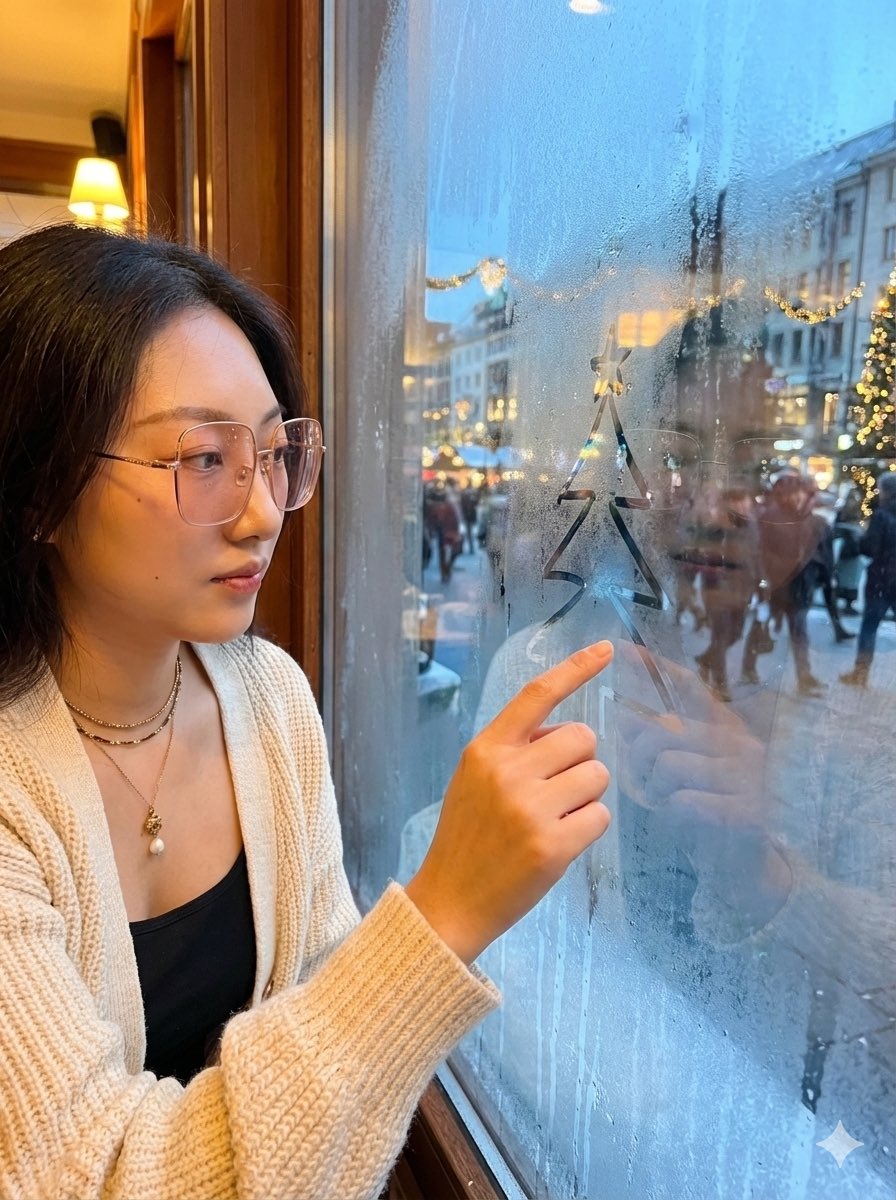
Christmas Window Condensation Doodle Portrait
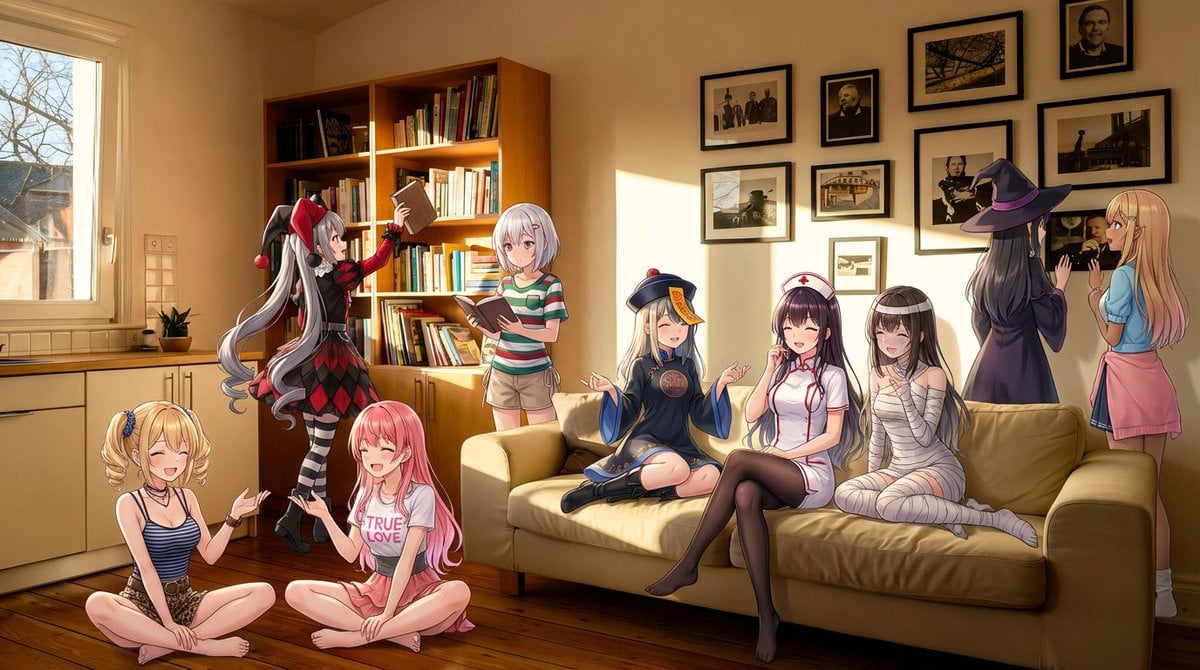
Nine-character group scene in living room background

Q-Style Sticker Diary Clone

Vintage Qipao Mother and Daughter Portrait
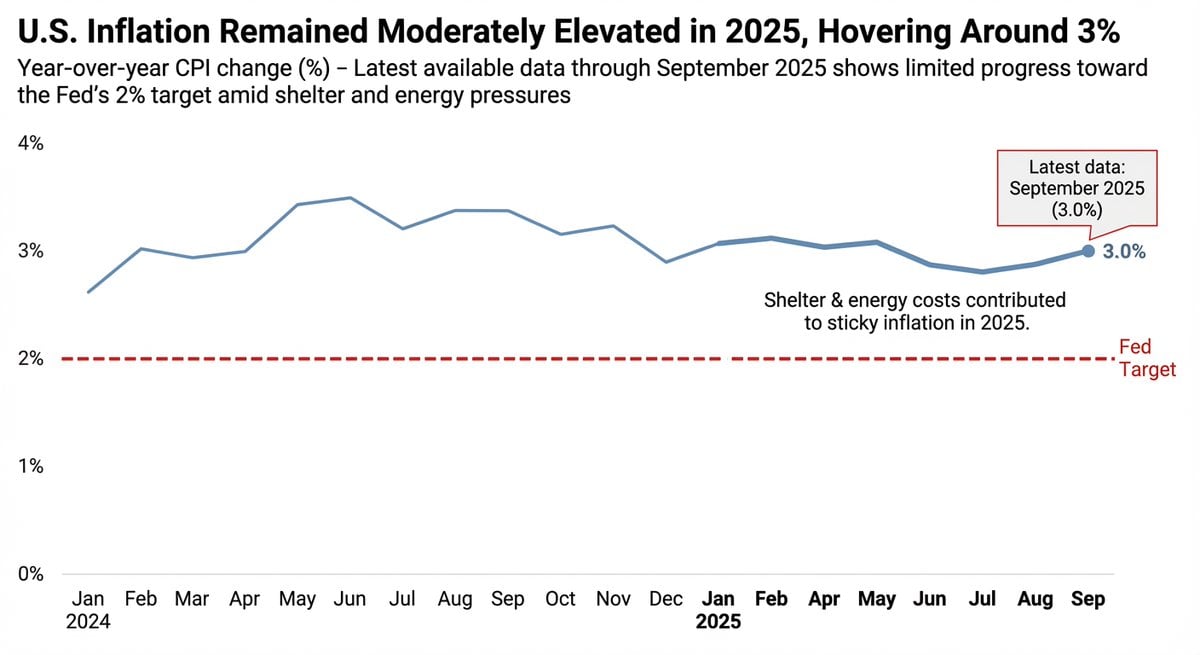
Data Visualization based on Storytelling with Data
Browse template categories
Cosmic Surfer on Iridescent Wave questions
How do I use the Cosmic Surfer on Iridescent Wave template?
Add your photo if the template asks for one, edit the prompt if you like — the template's model and format are already selected — and press Generate. Your version opens in PicX Studio.
Can I customize the Cosmic Surfer on Iridescent Wave template?
Yes. You can change the subject, setting, lighting, mood, format, and available model controls before creating your image.
Is the Cosmic Surfer on Iridescent Wave template free?
Opening and editing this template is free. Generating uses credits, shown on the Generate button when you are signed in.
Which AI model should I use?
Start with GPT Image 2, which is the model associated with this template. You can compare another compatible model for a different finish.
Looking for something else? Browse all templates.

Your photo, any look
Thousands of ready templates for every top image and video model, from one credit balance.