
Iridescent Abstract Girl Portrait
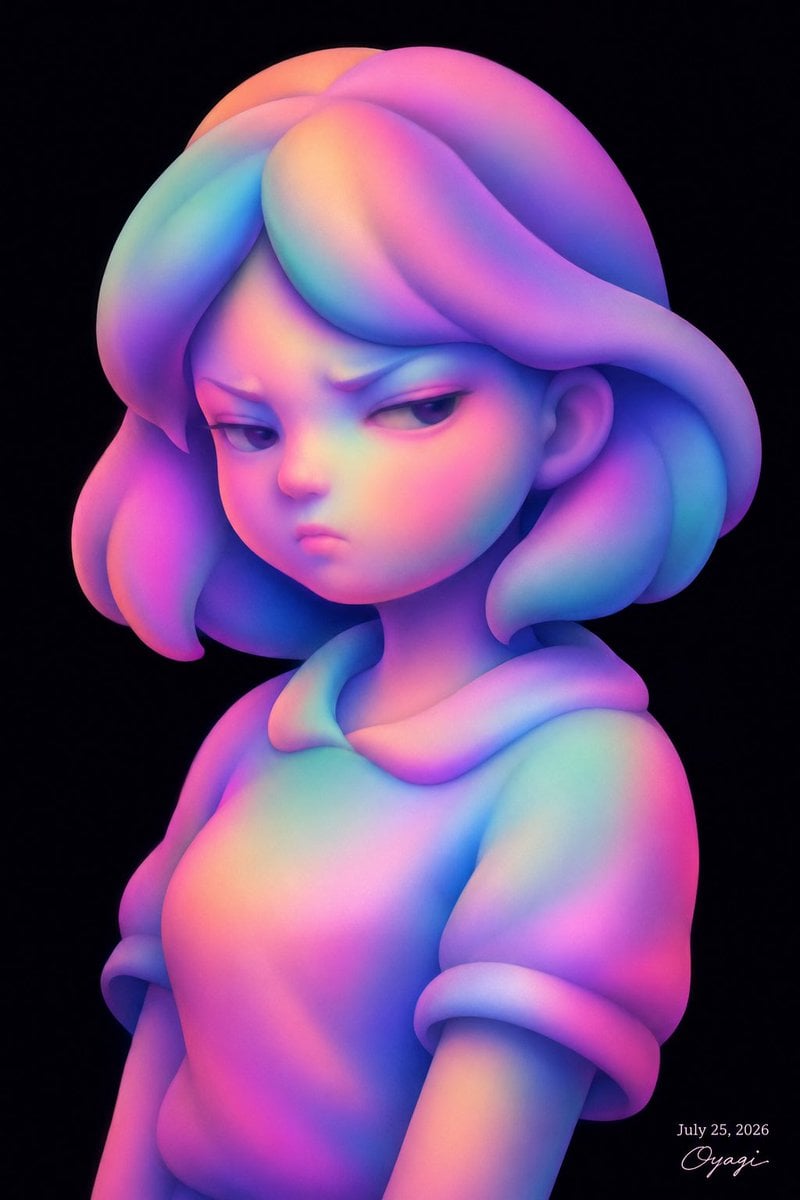
A prompt for generating a smooth 3D stylized girl bust with abstract rounded forms and vivid gradient lighting on a black background.
- Prompt included
- Model and format preset
- Free template
The prompt behind this image
Copy the exact prompt behind Iridescent Abstract Girl Portrait, or open it in the studio and make it yours.
Create a square digital 3D illustration of a stylized deformed human girl bust portrait on a deep black background. The character is shown from the upper torso up, turned slightly three-quarters to the viewer’s left, with a large head, small chin, short neck, slim shoulders, and a mildly annoyed or unimpressed expression. She has heavy-lidded eyes looking sideways to the left, downturned brows, a tiny nose, and a small closed frown. Her hair is an abstract sculptural bob made of thick rounded ribbon-like masses: one large sweeping bang across the forehead, two puffy side locks, and rounded layered hair volumes behind the ears. Remove natural object-specific colors and render the entire character as smooth matte clay-like forms with luminous gradients instead of outlines: blend {argument name="main gradient colors" default="hot pink, violet, cyan, soft blue, peach, and mint green"} across the skin, hair, and clothing so all parts share the same iridescent color language. Dress her in a simple short-sleeve hooded top with a soft rounded hood opening and rolled sleeve cuffs, also made from the same smooth inflated abstract shapes. Use soft studio lighting, subtle ambient occlusion in the creases, velvety subsurface shading, high-quality 3D render detail, and a dreamy toy-sculpture aesthetic. Composition should place the face in the upper center, torso cropped near the lower edge, with generous black negative space and no scenery. Add a small elegant handwritten signature and date in the bottom-right corner reading {argument name="date text" default="July 25, 2026"} and {argument name="signature text" default="Oyagi"}.
How to use Iridescent Abstract Girl Portrait in 3 steps
- 1Upload ImagePNG, JPG or paste
Add your photo
Upload the photo the template builds on. The prompt, model and format are already set.
- 2…a portrait of your subject in softgolden-hour light, 85mm…
Personalize
Edit the subject and creative details for your destination.
- 3Generate
Generate
Press Generate — your image is created in PicX Studio, so you can compare it with the original and refine one variable at a time.
More like this
Templates with the same subject, style or setup. Open one to see its prompt.

Found Photograph: Us, 1970

80s Couple Studio Portrait

80s Bollywood Star

80s Golden Hour Cinema

Me in 1985

1985 Studio Portrait
Abstract Fine-Art Editorial Portrait
Surreal Iridescent Portrait with Tabby Cat

Hyper-Realistic Minecraft POV Portrait

Teen Girl Alpine Lake Mountain View
Anime Girl Inside Iridescent Dream Droplet
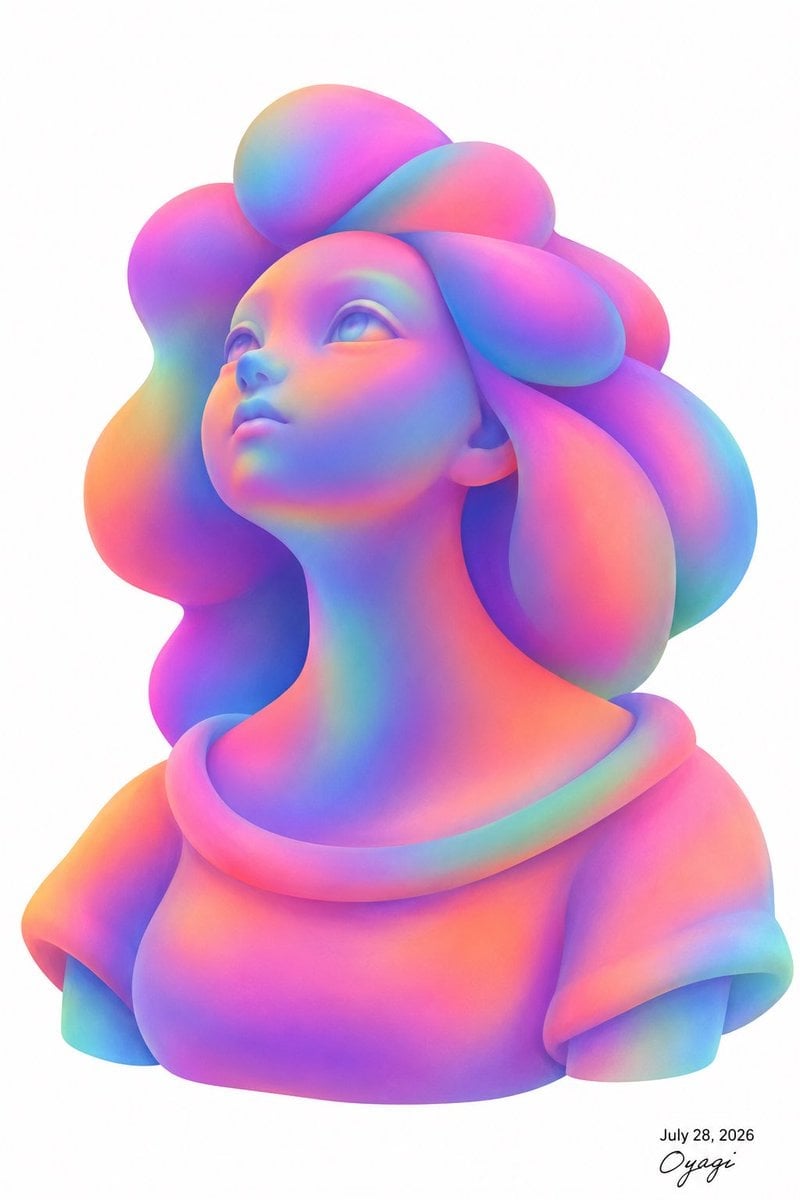
Iridescent Bubble-Hair Bust Portrait
Make it yours
Iridescent Abstract Girl Portrait works as-is. These are the safest ways to change it without losing the look.
Change one field
Copy a single group, rewrite it, and generate again so you can see what that field is doing.
Keep the frame, change the subject
Hold the composition and light of Iridescent Abstract Girl Portrait, then swap wardrobe, props or the person for a new take.
| If the result… | Why | Fix |
|---|---|---|
| The result drifts from the preview | Too many fields changed at once. | Reuse Iridescent Abstract Girl Portrait as-is first, then change one group — subject, light, or setting. |
| The model over-stylizes the scene | The prose prompt leaves finish and camera underspecified. | Add one camera or lighting sentence and stay on GPT Image 2. |
More GPT Image 2 templates
Other prompts made for GPT Image 2.

Six VTuber Japanese Logo Sheet

Realistic Portrait of Woman and Deer

The Vista Modular Condo Poster

AI Model Routing Comparison Infographic

2.5D Anime Art Board

Isometric Productivity Desk Scene

New York Double Exposure Poster

Four-Panel AI Landscape Comparison

Japanese Tatami Lifestyle Magazine Cover

NESCAFÉ Coffee Map Poster
More image prompts
Fresh picks from across the catalog.
Cyberpunk Couple in Rainy City

Rooftop Walkway Fashion OOTD

Cartoon Animal Sticker Set
Top-Down Flat Lay of Custom-Shaped Conference Table (Duplicate)

Jon Jones vs Poatan Care Bears Style
Autumn Squirrel Child Street Portrait
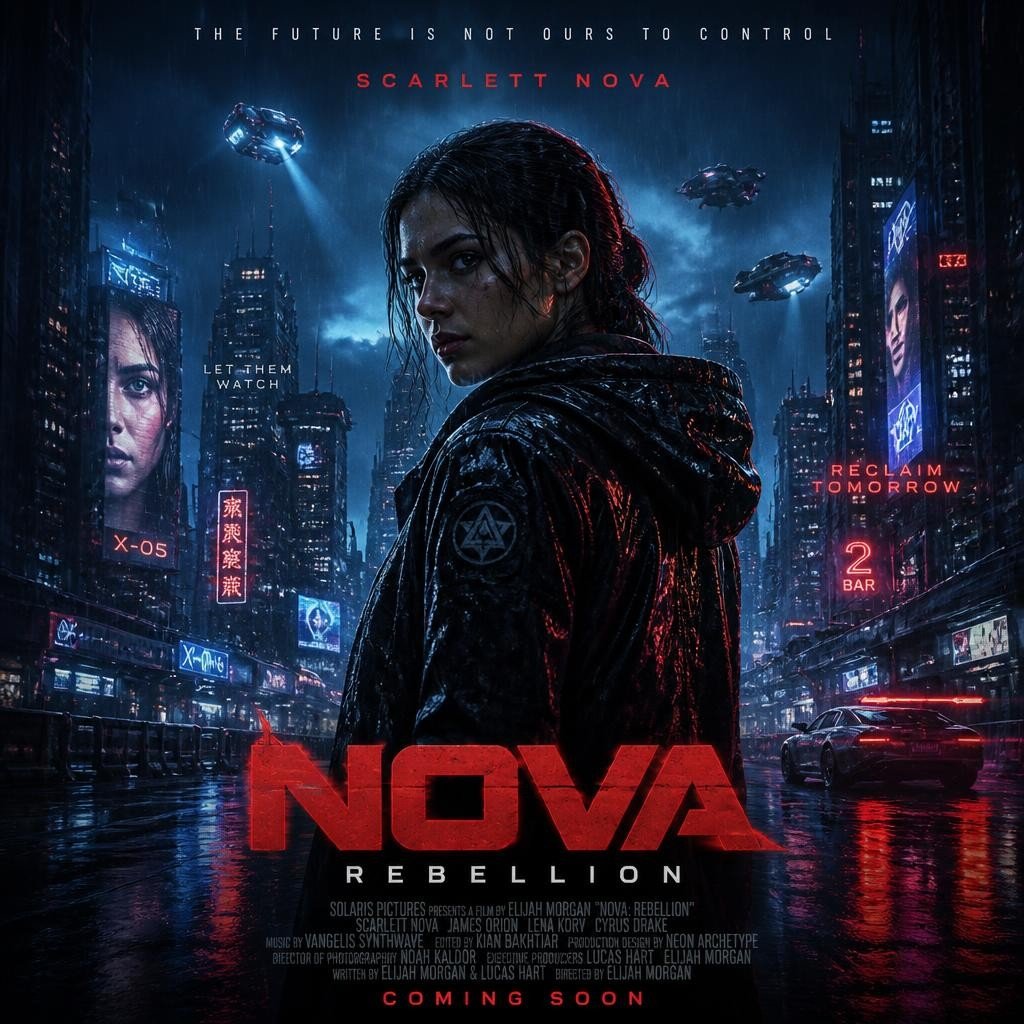
Cyberpunk Nova Rebellion Poster
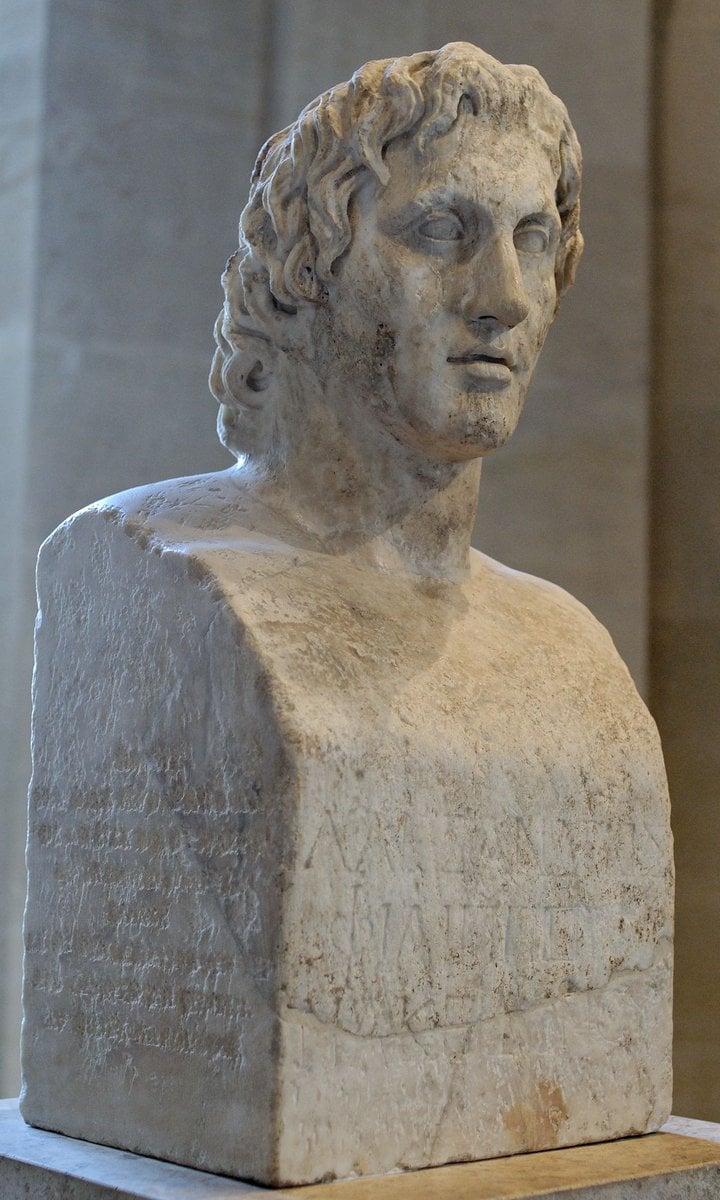
Request for Realistic Face Generation from Sculpture
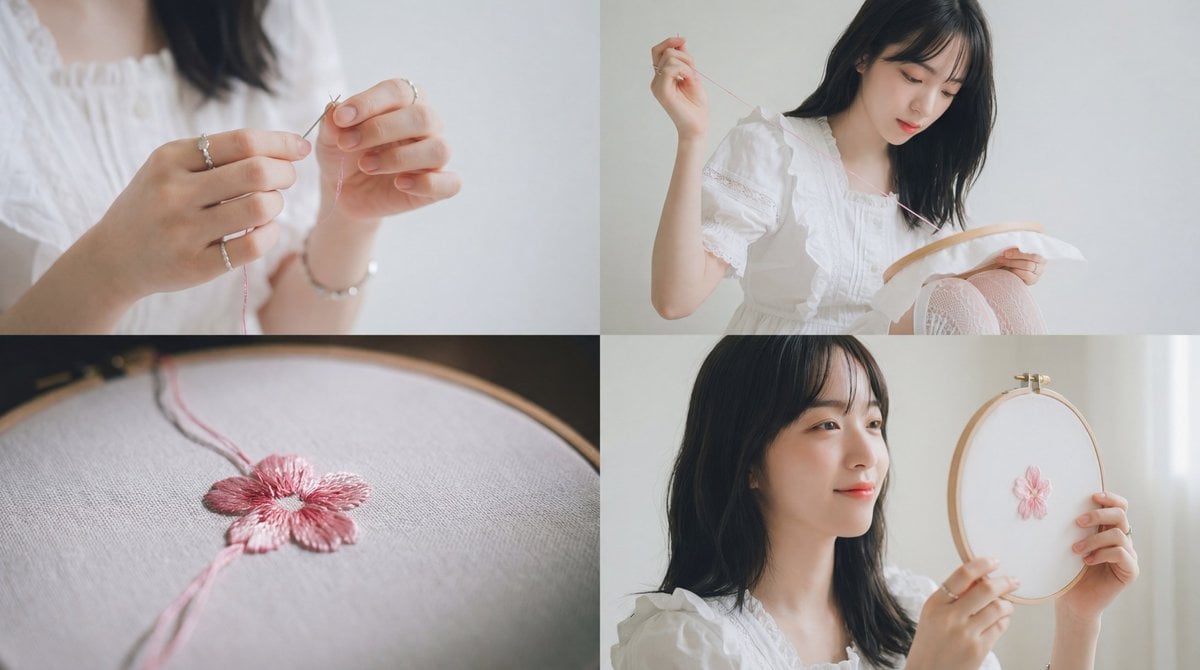
Cinematic Embroidery Scene Video
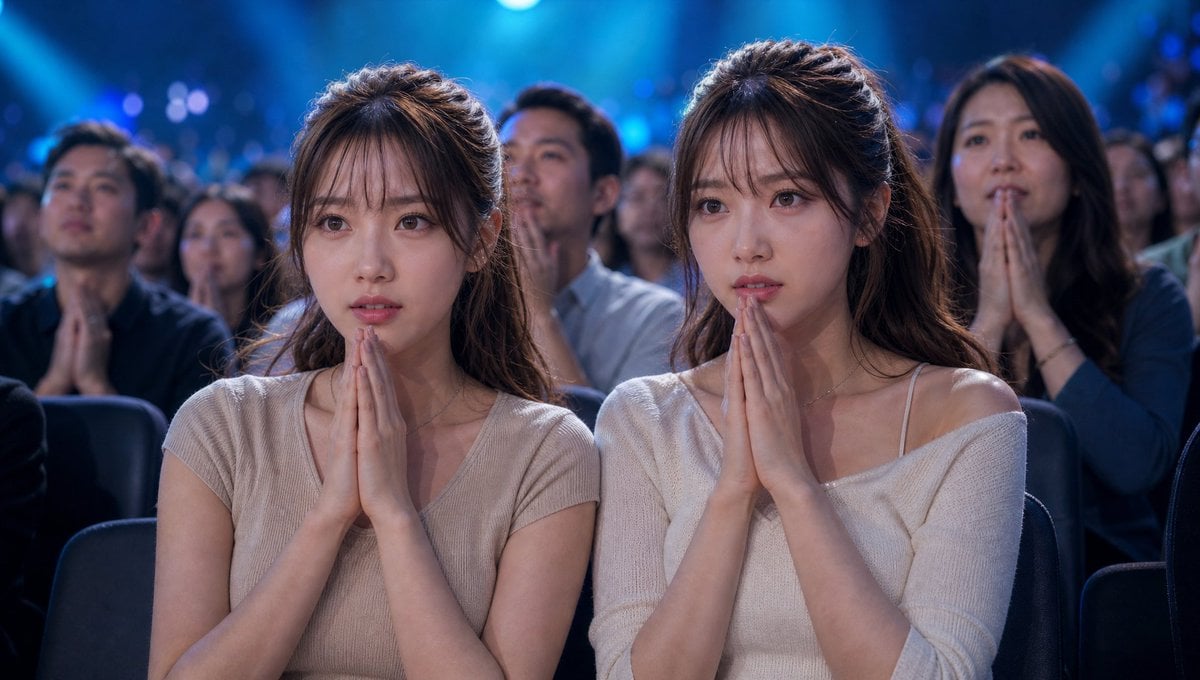
Cinematic Quiz Show Audience
Browse template categories
Iridescent Abstract Girl Portrait questions
How do I use the Iridescent Abstract Girl Portrait template?
Add your photo if the template asks for one, edit the prompt if you like — the template's model and format are already selected — and press Generate. Your version opens in PicX Studio.
Can I customize the Iridescent Abstract Girl Portrait template?
Yes. You can change the subject, setting, lighting, mood, format, and available model controls before creating your image.
Is the Iridescent Abstract Girl Portrait template free?
Opening and editing this template is free. Generating uses credits, shown on the Generate button when you are signed in.
Which AI model should I use?
Start with GPT Image 2, which is the model associated with this template. You can compare another compatible model for a different finish.
Looking for something else? Browse all templates.

Your photo, any look
Thousands of ready templates for every top image and video model, from one credit balance.