
Cyberpunk Couple in Rainy City
A detailed prompt for generating a stylish cyberpunk couple with futuristic gear in a rainy, neon-lit urban environment.
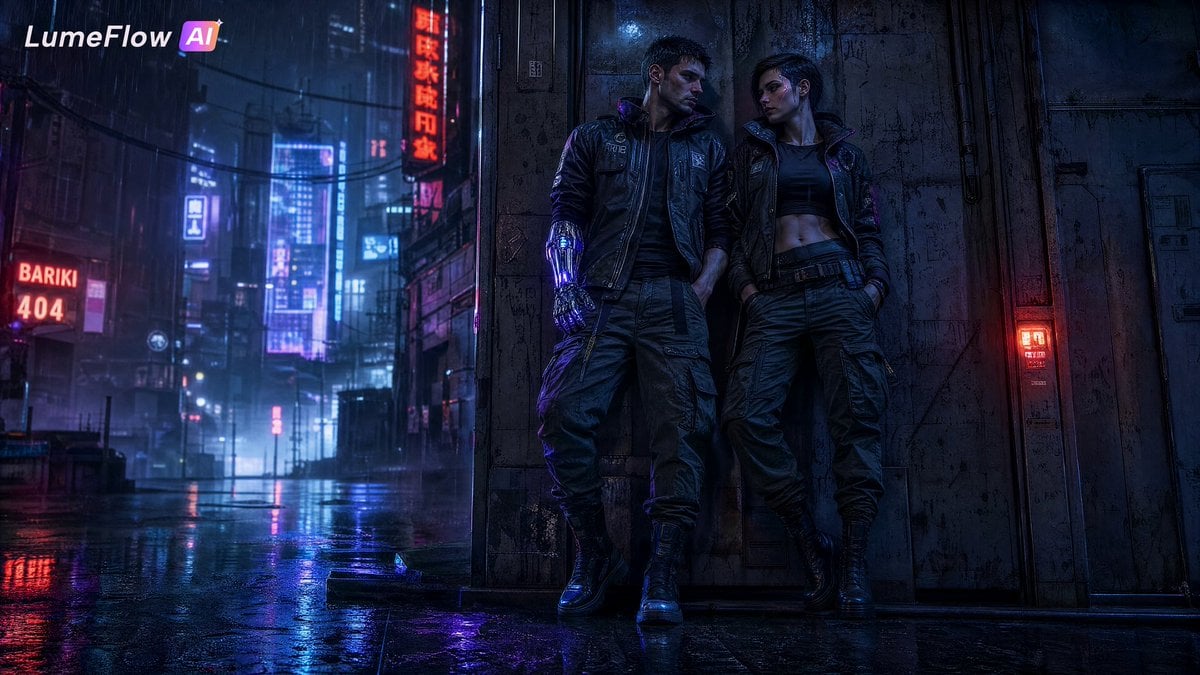
- Prompt included
- Model and format preset
- Free template
The prompt behind this image
Copy the exact prompt behind Cyberpunk Couple in Rainy City, or open it in the studio and make it yours.
Full-body composition, a cold and stylish {argument name="couple type" default="cyberpunk couple"} standing together in a {argument name="setting" default="futuristic rainy city"}. The male has sharp features, short dark hair, a semi-mechanical prosthetic arm with glowing neon details, wearing functional cargo pants and a futuristic streetwear jacket. The female has a cool and sharp appearance, short hair, subtle fluorescent mechanical line makeup on her face, wearing cyberpunk cargo fashion. Both lean against an old metal wall, standing close with legs slightly apart, hands inside cargo pant pockets, heads slightly lowered and turned, sharing a cold and intense gaze. Background: futuristic city on a rainy night, narrow high-rise streets, flickering colorful neon signs, wet ground reflecting lights, damp mist surrounding them. High contrast hard shadows, {argument name="lighting" default="cool blue-purple neon tones with hints of crimson and electric cyan"}, cinematic film grain texture, cyber wasteland environment, ultra realistic portrait, strong atmospheric mood, detailed lighting, dystopian romance aesthetic.
How to use Cyberpunk Couple in Rainy City in 3 steps
- 1
Open
The prompt is already in the box next to the preview, with the template's model and format selected.
- 2…a portrait of your subject in softgolden-hour light, 85mm…
Personalize
Edit the subject and creative details for your destination.
- 3Generate
Generate
Press Generate — your image is created in PicX Studio, so you can compare it with the original and refine one variable at a time.
More like this
Templates with the same subject, style or setup. Open one to see its prompt.

Rainy Night Android Cyberpunk Portrait
Rainy Night Android Cyberpunk Portrait

Spider-Man 2099 Cyberpunk Neon Future City

Sunday Afternoon, 1988

Two Tickets, One Night

If We Met in 1985

Found Photograph: Us, 1970

One Dance Before Midnight

Before We said Goodbye

Our Song was on a Cassette

Meet Me When It Rains

The Date After College
Make it yours
Cyberpunk Couple in Rainy City works as-is. These are the safest ways to change it without losing the look.
Change one field
Copy a single group, rewrite it, and generate again so you can see what that field is doing.
Keep the frame, change the subject
Hold the composition and light of Cyberpunk Couple in Rainy City, then swap wardrobe, props or the person for a new take.
| If the result… | Why | Fix |
|---|---|---|
| The result drifts from the preview | Too many fields changed at once. | Reuse Cyberpunk Couple in Rainy City as-is first, then change one group — subject, light, or setting. |
| The model over-stylizes the scene | The prose prompt leaves finish and camera underspecified. | Add one camera or lighting sentence and stay on GPT Image 2. |
More GPT Image 2 templates
Other prompts made for GPT Image 2.

Six VTuber Japanese Logo Sheet

Realistic Portrait of Woman and Deer

The Vista Modular Condo Poster

AI Model Routing Comparison Infographic

2.5D Anime Art Board

Isometric Productivity Desk Scene

New York Double Exposure Poster

Four-Panel AI Landscape Comparison

Japanese Tatami Lifestyle Magazine Cover

NESCAFÉ Coffee Map Poster
More image prompts
Fresh picks from across the catalog.
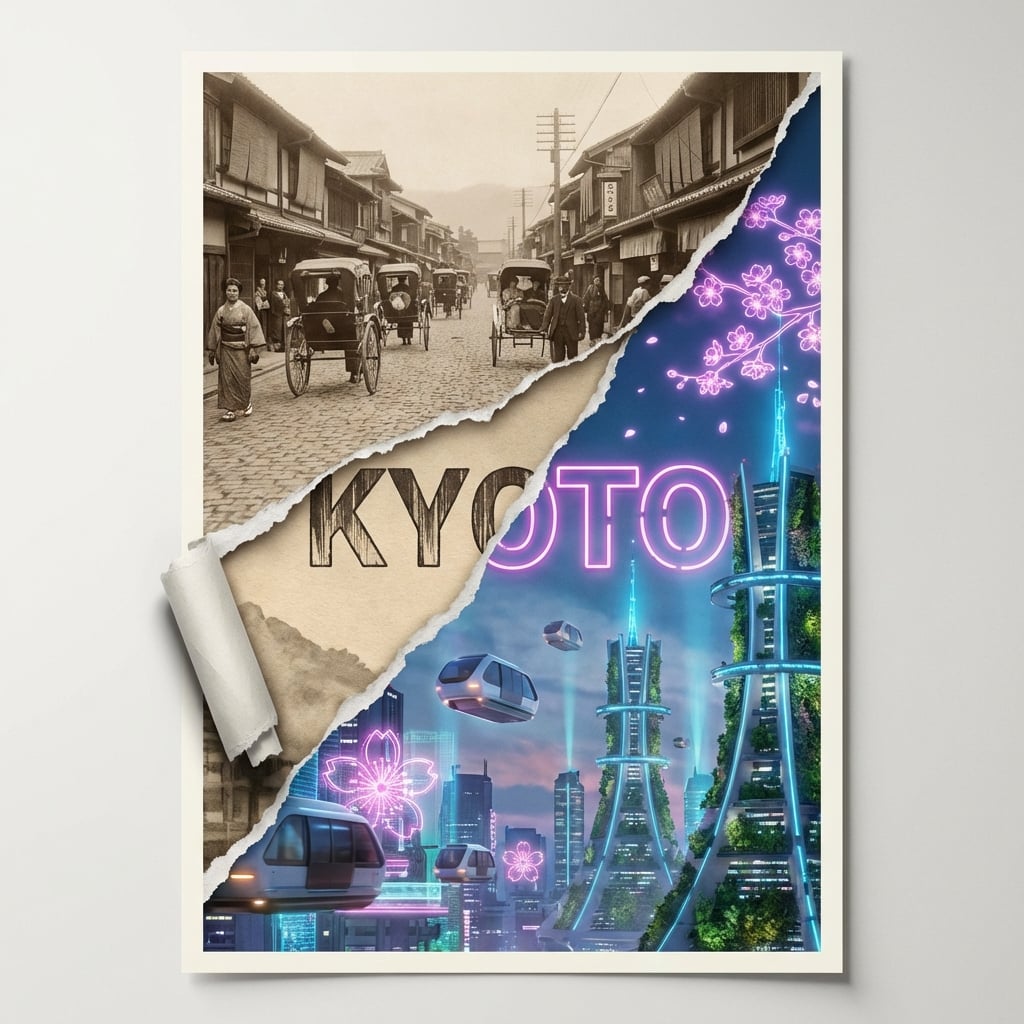
Torn Poster of Contrasting Kyoto Eras
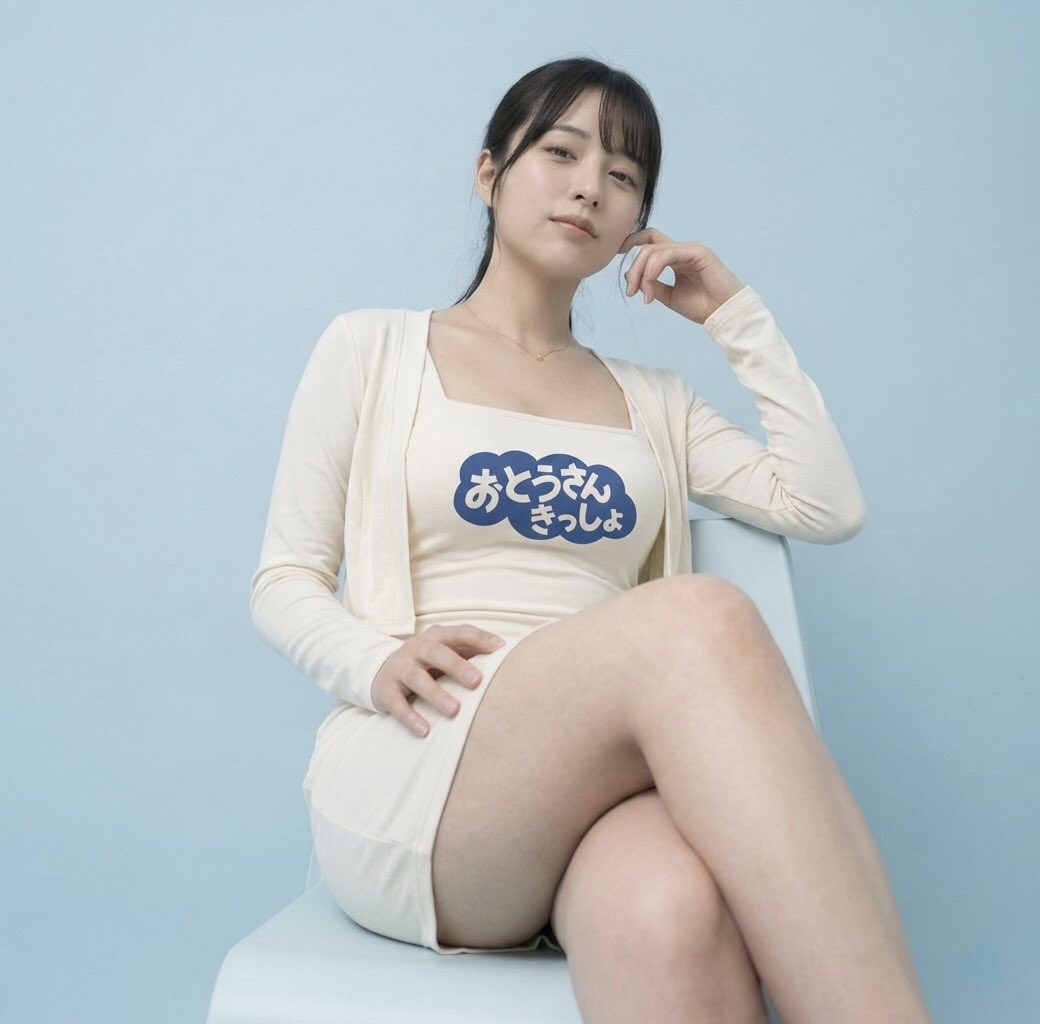
Image-to-Image: Place a Person on a Soap Land

Japanese Creative Agency Poster
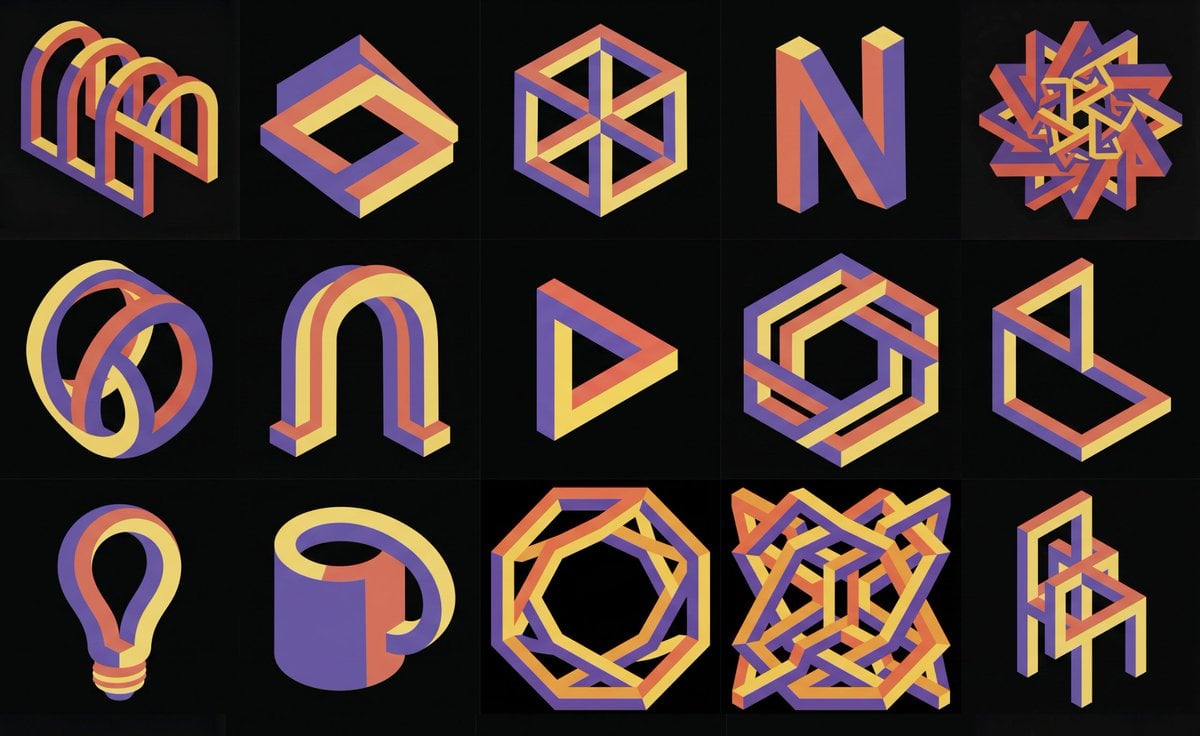
Impossible 3D shape in reference style
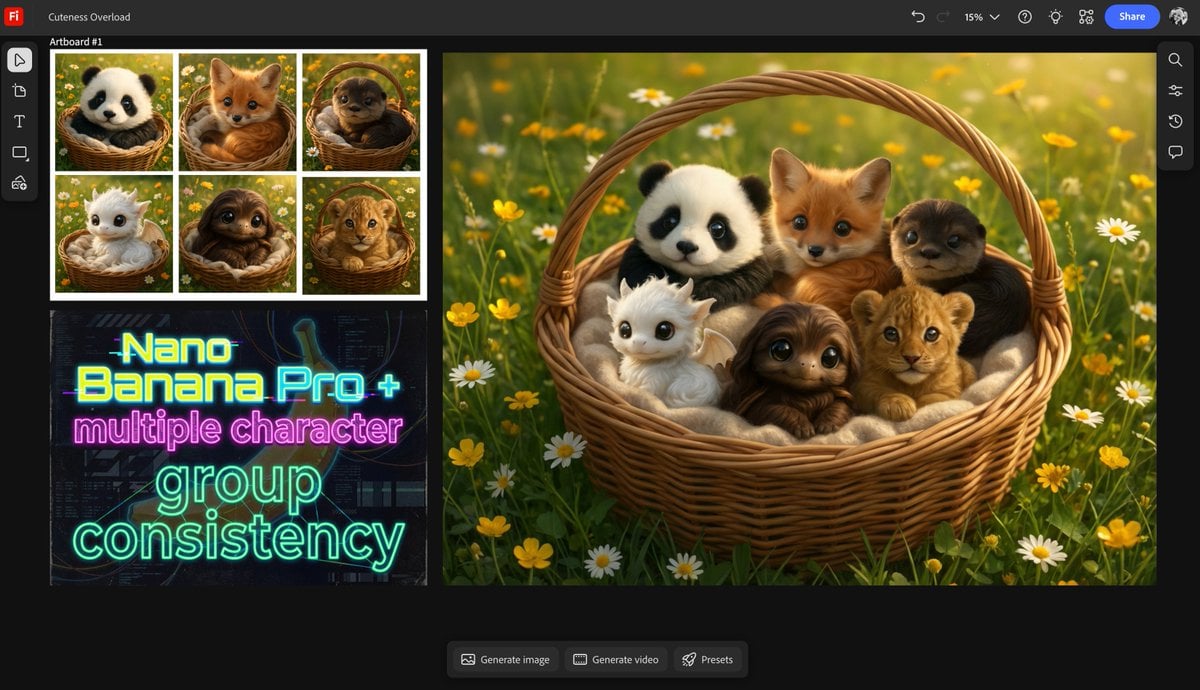
Multiple characters in one basket

Chinese Sour Fish Restaurant Poster
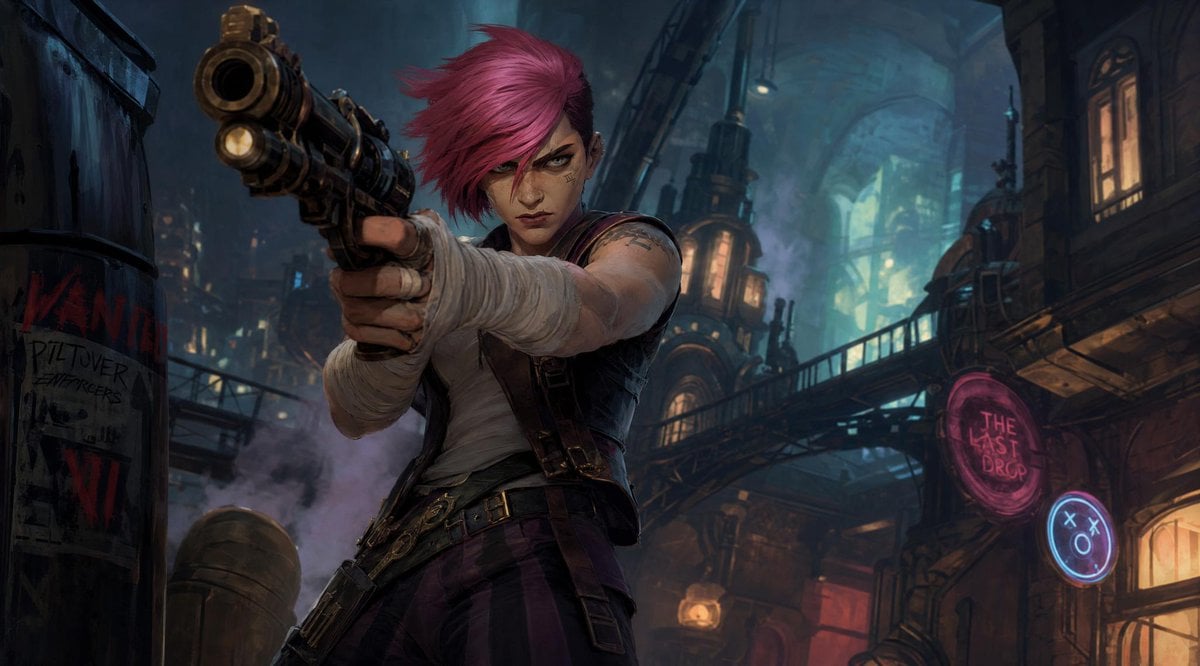
Punk Gunslinger in Steampunk Undercity
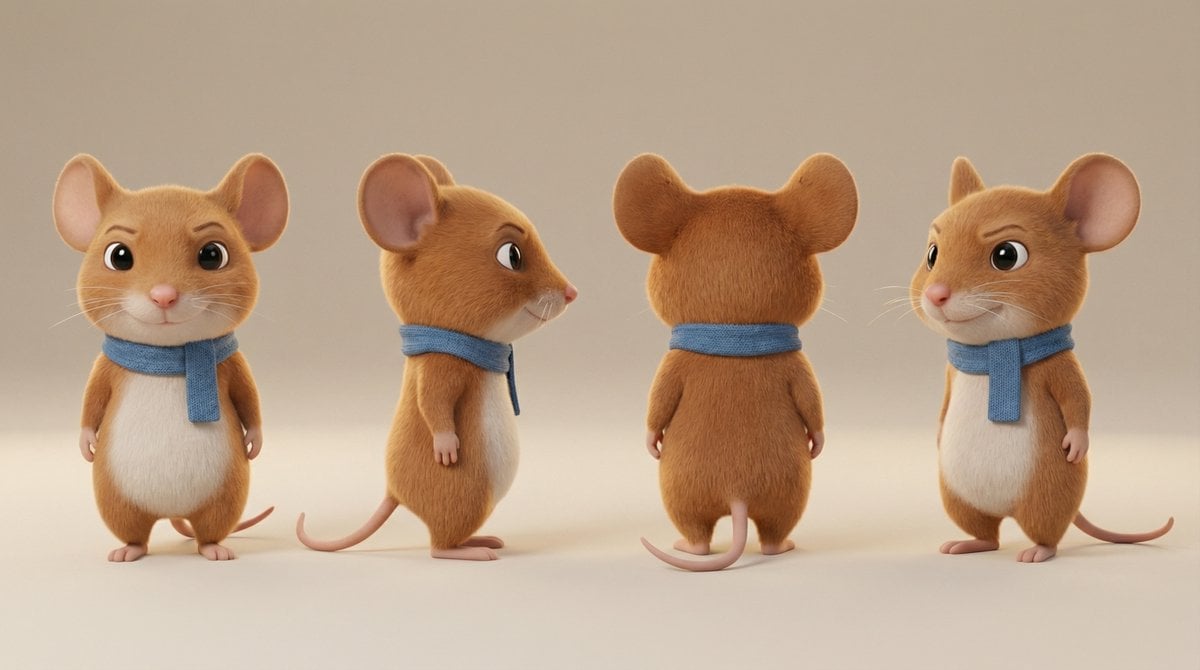
Action Pose Sheet for Cat
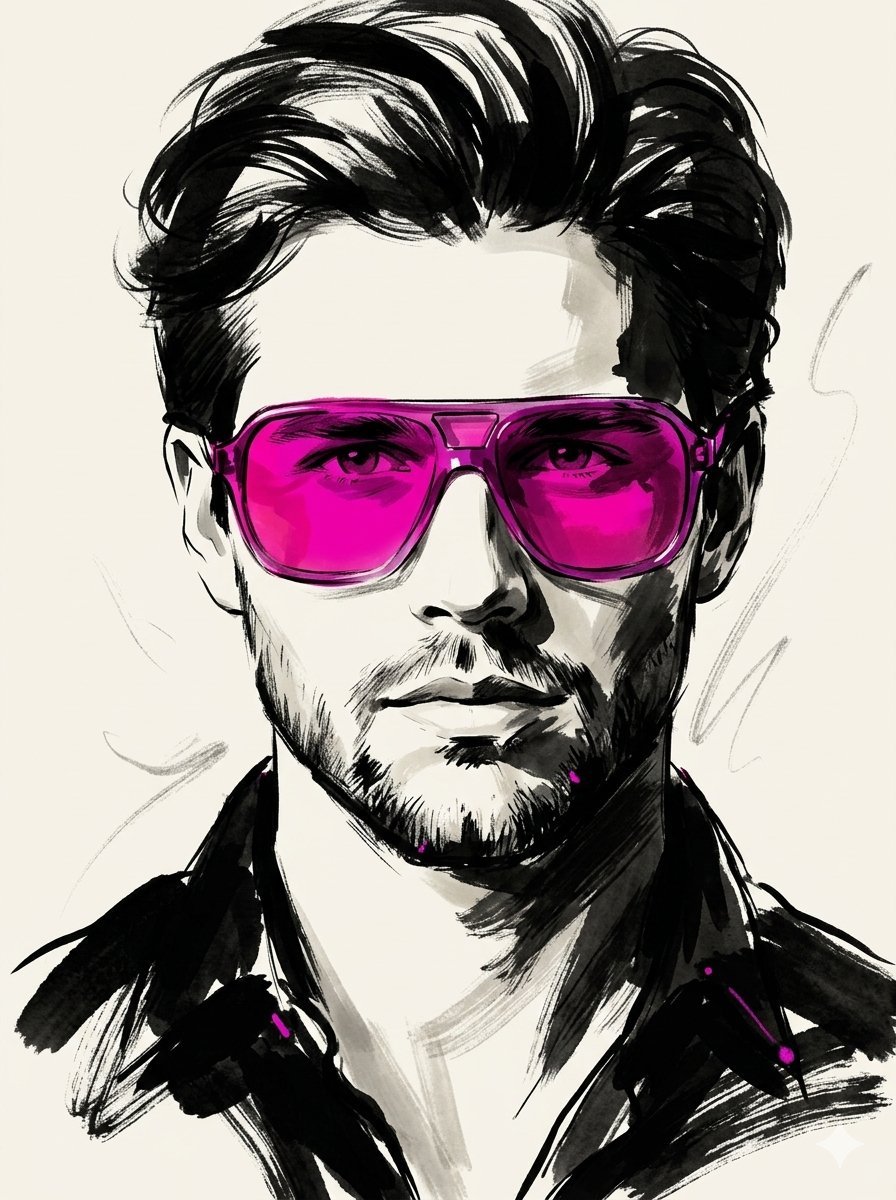
High-Fashion Ink Illustration Portrait
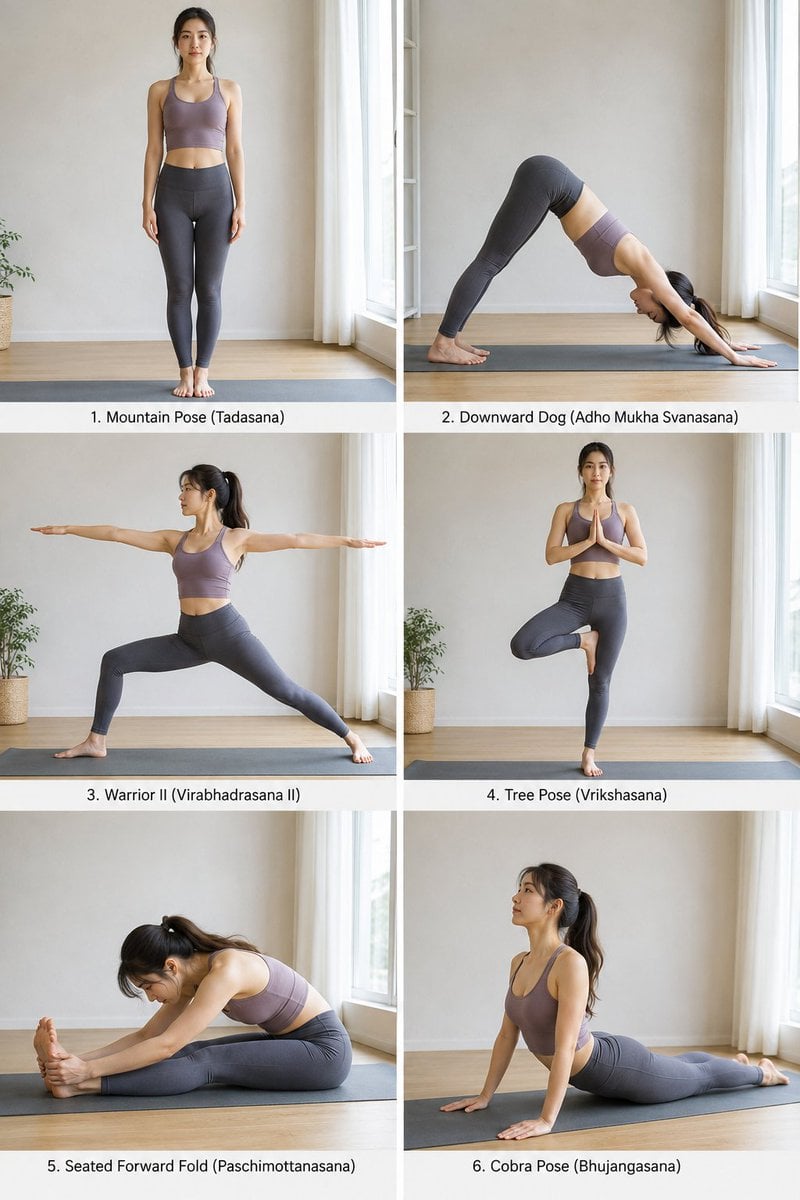
Yoga Pose Instructional Grid
Browse template categories
Cyberpunk Couple in Rainy City questions
How do I use the Cyberpunk Couple in Rainy City template?
Add your photo if the template asks for one, edit the prompt if you like — the template's model and format are already selected — and press Generate. Your version opens in PicX Studio.
Can I customize the Cyberpunk Couple in Rainy City template?
Yes. You can change the subject, setting, lighting, mood, format, and available model controls before creating your image.
Is the Cyberpunk Couple in Rainy City template free?
Opening and editing this template is free. Generating uses credits, shown on the Generate button when you are signed in.
Which AI model should I use?
Start with GPT Image 2, which is the model associated with this template. You can compare another compatible model for a different finish.
Looking for something else? Browse all templates.

Your photo, any look
Thousands of ready templates for every top image and video model, from one credit balance.