
High-Fashion Ink Illustration Portrait
A detailed prompt for generating a high-fashion editorial portrait in a gestural ink illustration style, characterized by bold brushwork, high contrast, and a specific accessory accent.
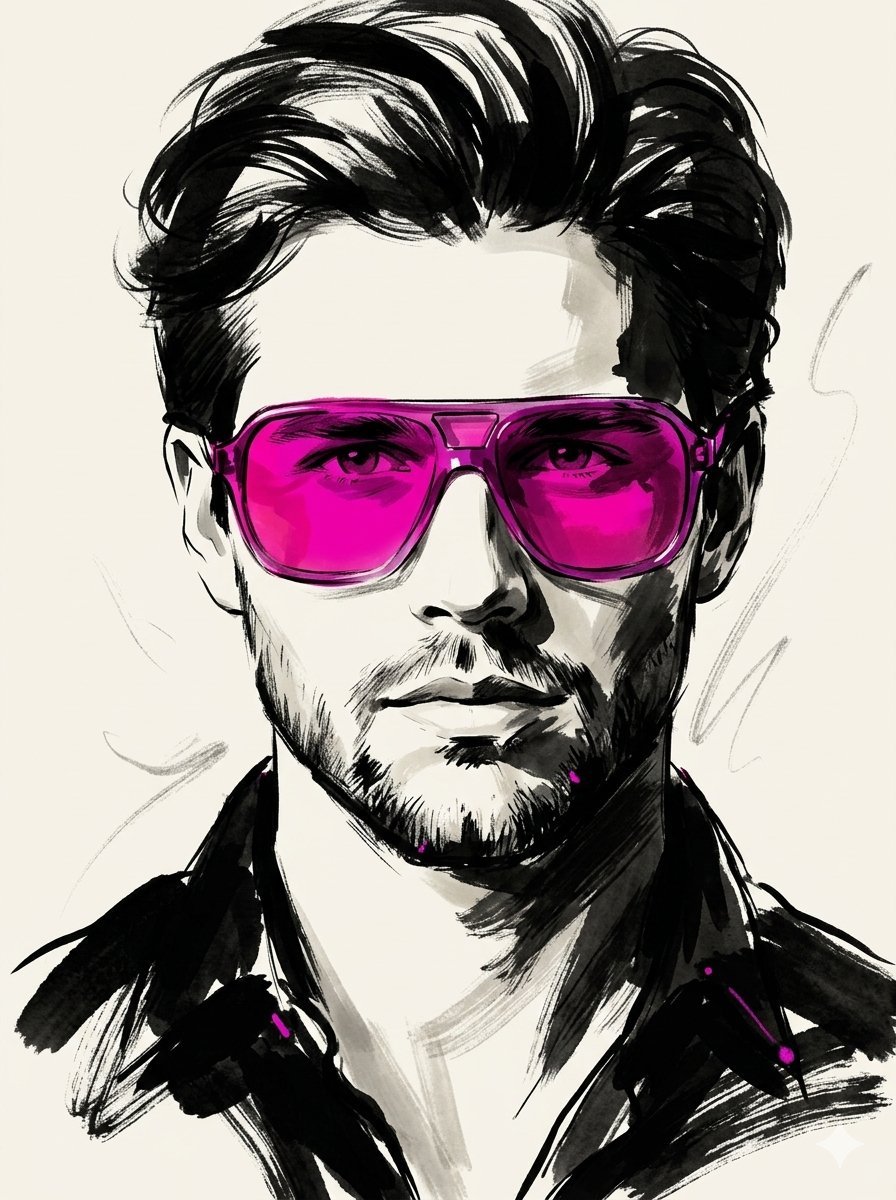
- Prompt included
- Model and format preset
- Free template
The prompt behind this image
Copy the exact prompt behind High-Fashion Ink Illustration Portrait, or open it in the studio and make it yours.
Use the provided source image as the sole identity reference. Preserve the subject’s facial features, likeness, and recognizability with high fidelity. Recompose the image into a tight close-up or upper-body editorial crop, ensuring the face dominates the frame. Disregard the original framing entirely. Transform the portrait into a high-fashion gestural ink illustration. The visual style must be driven by bold, expressive black brushwork rather than fine or delicate sketch lines. Apply the following stylistic elements: Very thick, heavy black brush strokes as the primary structure Broad dry-brush sweeps with visible texture Large, asymmetrical black ink masses shaping the composition Long, loose, calligraphic strokes for dynamic flow Broken and incomplete contours Scratchy, energetic secondary linework for detail accents Strong black-on-ivory contrast Smooth, minimal, monochrome skin rendering Ensure the thick brush strokes dominate the image. Avoid clean, polished, or softly illustrated aesthetics. The result should feel raw, expressive, and painterly—like it was created with a heavily loaded brush and finished with sharp, confident pen marks. Maintain a stylish, high-fashion editorial tone. Include one hero accessory: {argument name="accessory" default="oversized translucent tinted sunglasses"}. The accent color {argument name="accent color" default="[ACCENT_COLOR]"} must be primarily expressed within this accessory, especially as a bold luminous tint in the lenses. Allow only minimal, subtle traces of the same accent color elsewhere in the composition. Keep the background clean, minimal, and unobtrusive. Do not include any text, typography, or poster-style elements.
How to use High-Fashion Ink Illustration Portrait in 3 steps
- 1
Open
The prompt is already in the box next to the preview, with the template's model and format selected.
- 2…a portrait of your subject in softgolden-hour light, 85mm…
Personalize
Edit the subject and creative details for your destination.
- 3Generate
Generate
Press Generate — your image is created in PicX Studio, so you can compare it with the original and refine one variable at a time.
More like this
Templates with the same subject, style or setup. Open one to see its prompt.

Nano Banana 2 High Fashion Sports Campai

Couture Fashion Editorial Woman and Drag

Ive Yujin Fashion Portrait in Blue

Nano Banana 2 Editorial Fashion Portrait

Caution Tape Fashion — Industrial Editorial

Kids Crayon Travel Journal Illustration

Miniature Self Portrait Collage

Found Photograph: Us, 1970

80s Couple Studio Portrait

80s College Gate

1988 Mall Style

80s Polka Dot Saree
Make it yours
High-Fashion Ink Illustration Portrait works as-is. These are the safest ways to change it without losing the look.
Change one field
Copy a single group, rewrite it, and generate again so you can see what that field is doing.
Keep the frame, change the subject
Hold the composition and light of High-Fashion Ink Illustration Portrait, then swap wardrobe, props or the person for a new take.
| If the result… | Why | Fix |
|---|---|---|
| The result drifts from the preview | Too many fields changed at once. | Reuse High-Fashion Ink Illustration Portrait as-is first, then change one group — subject, light, or setting. |
| The model over-stylizes the scene | The prose prompt leaves finish and camera underspecified. | Add one camera or lighting sentence and stay on Nano Banana 2. |
More Nano Banana 2 templates
Other prompts made for Nano Banana 2.

Photorealistic Leaf Shaped Like a Dragon

K-Pop Idol Portrait Grid for Rapid Selection

Poetic Rain Forest Portrait During Golden Hour

Urban Street Portrait with Cartoon Inner Self Duo

Candid Nighttime Photo with Cat Prompt

High-Concept 3D Diorama Generation Prompt

Cinematic Futuristic Studio Portrait Template

Skincare Editorial Photography Collage Prompt

Hyper-Realistic Commercial Product Photography (Splash Effect)

Hyper-Realistic Nightclub Portrait Prompt
More image prompts
Fresh picks from across the catalog.
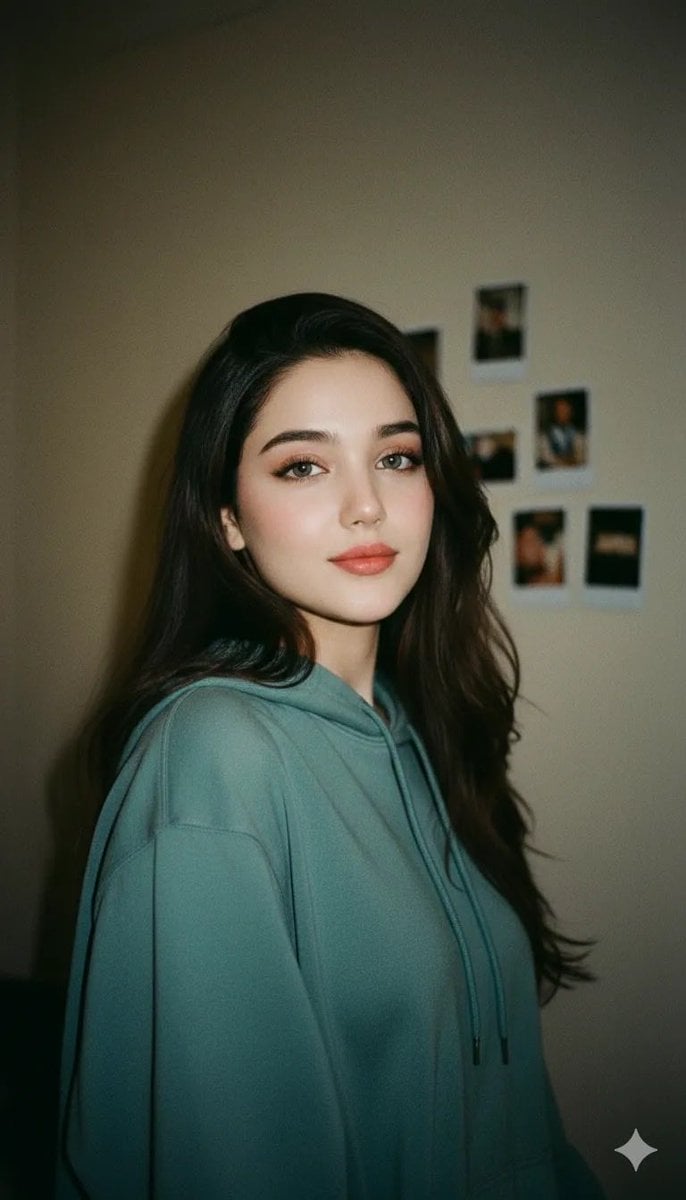
Cinematic Indoor Portrait of a Woman in a Teal Hoodie (Two Variations)
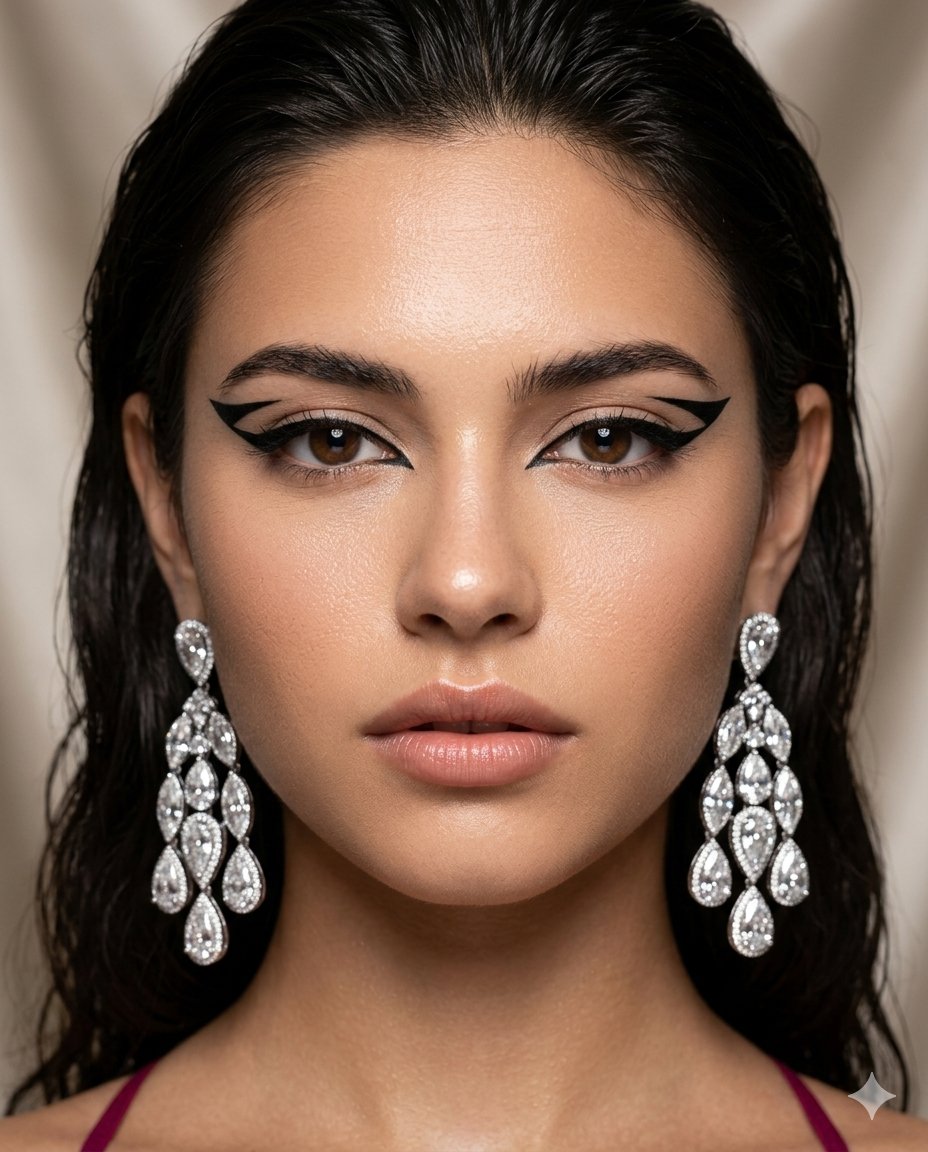
Vogue-Style Beauty Editorial Portrait
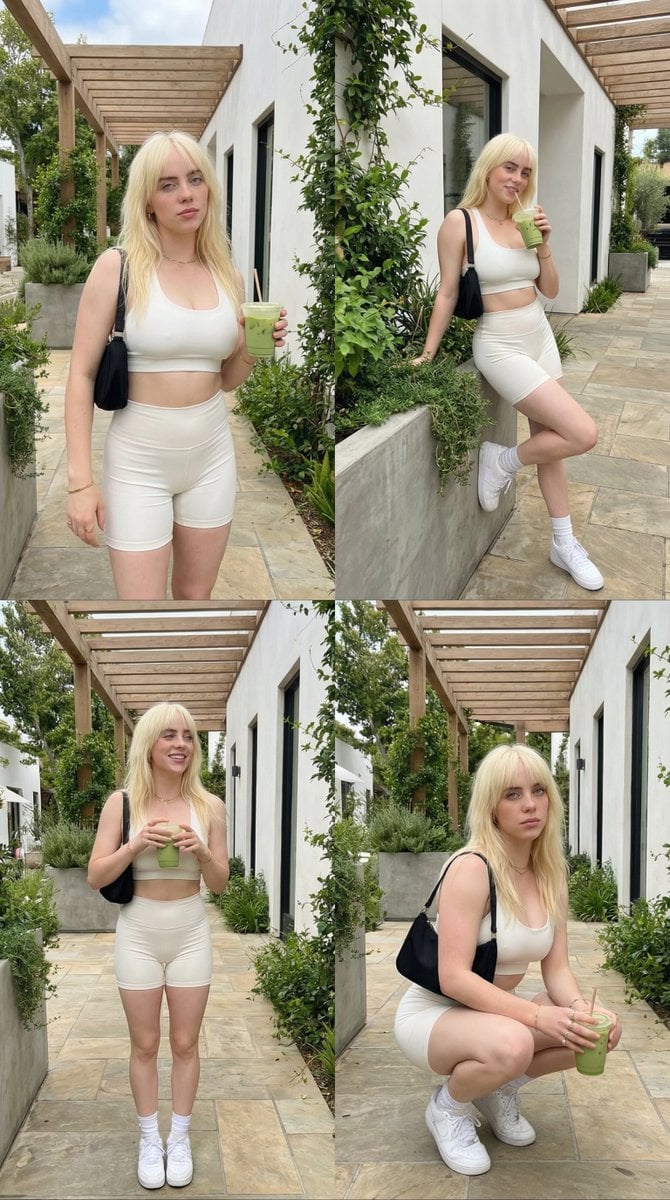
2x2 Grid Lifestyle Fashion Collage
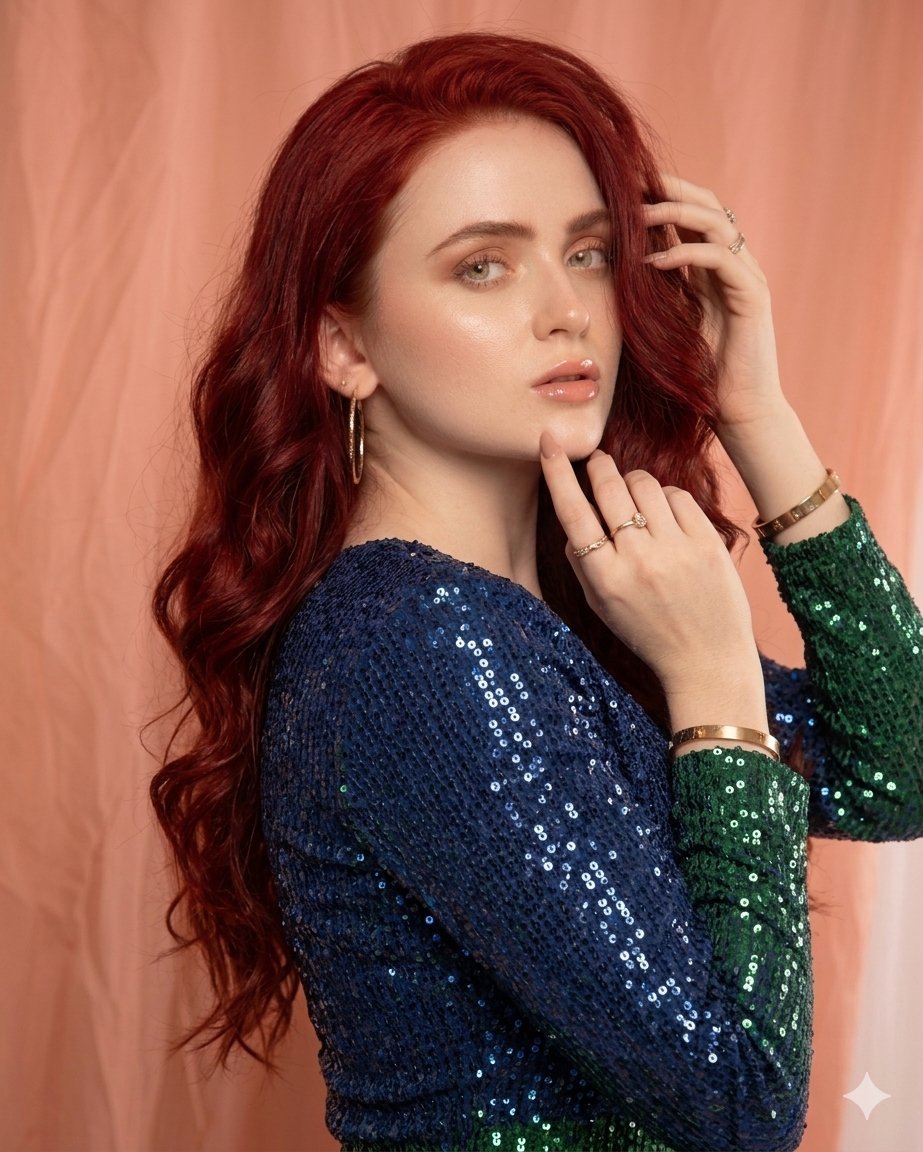
Glamorous High-Fashion Portrait with Gradient Sequin Dress
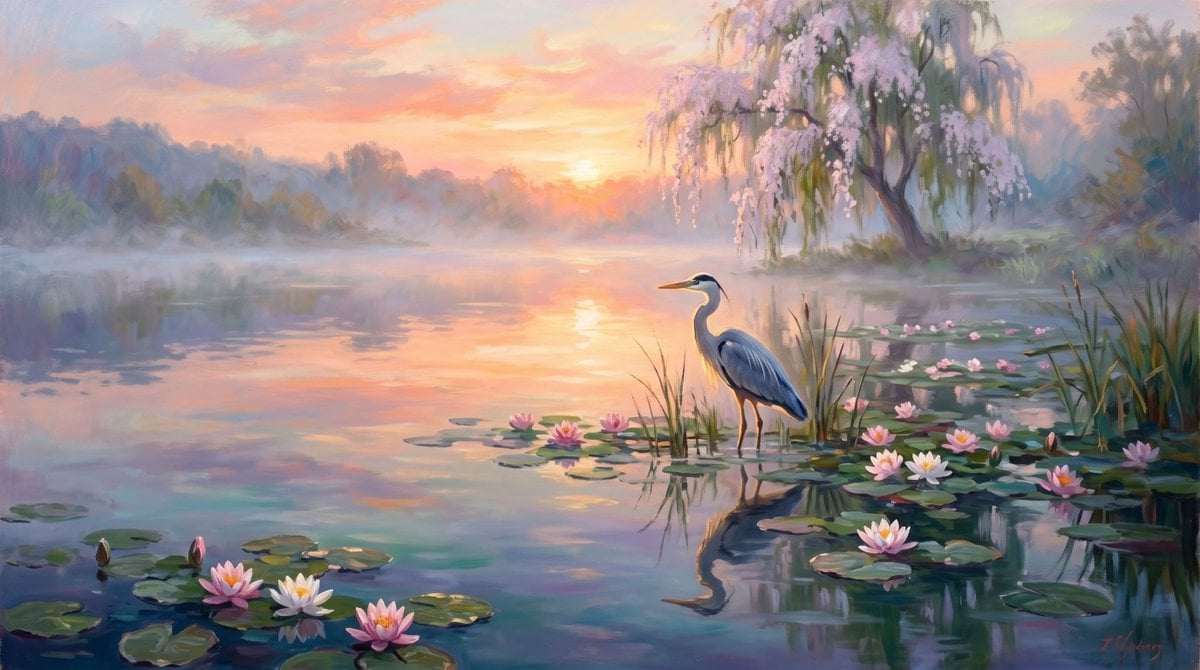
Misty Heron Lily Pond
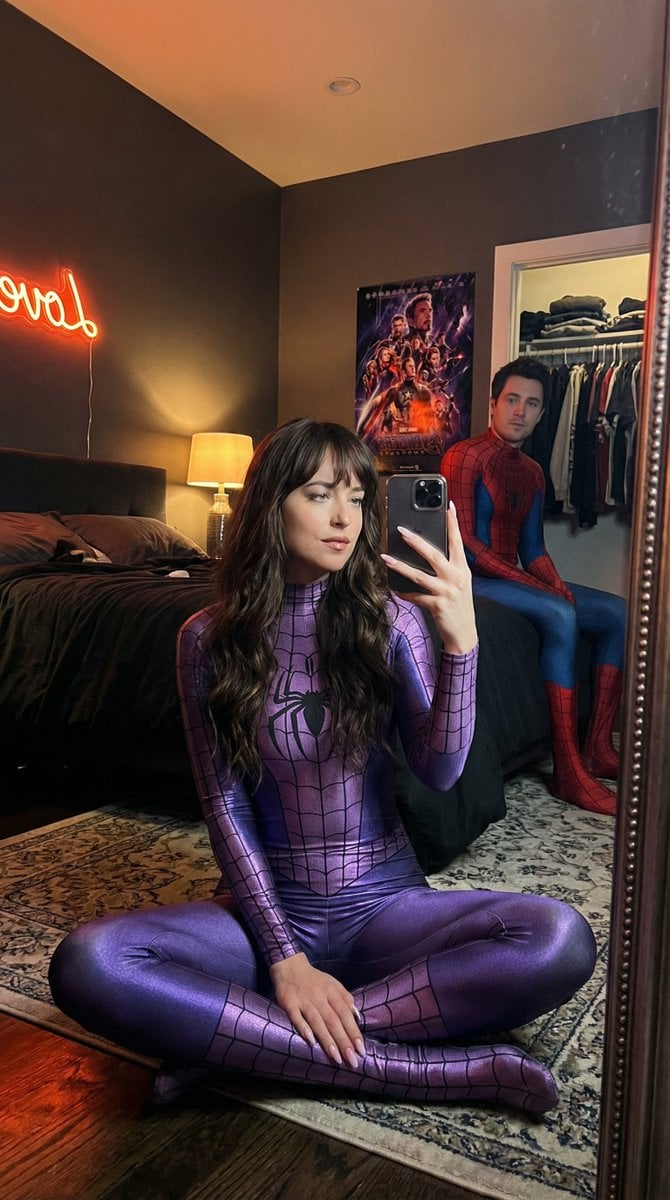
IG-Baddie Spider-Man Cosplay Mirror Selfie
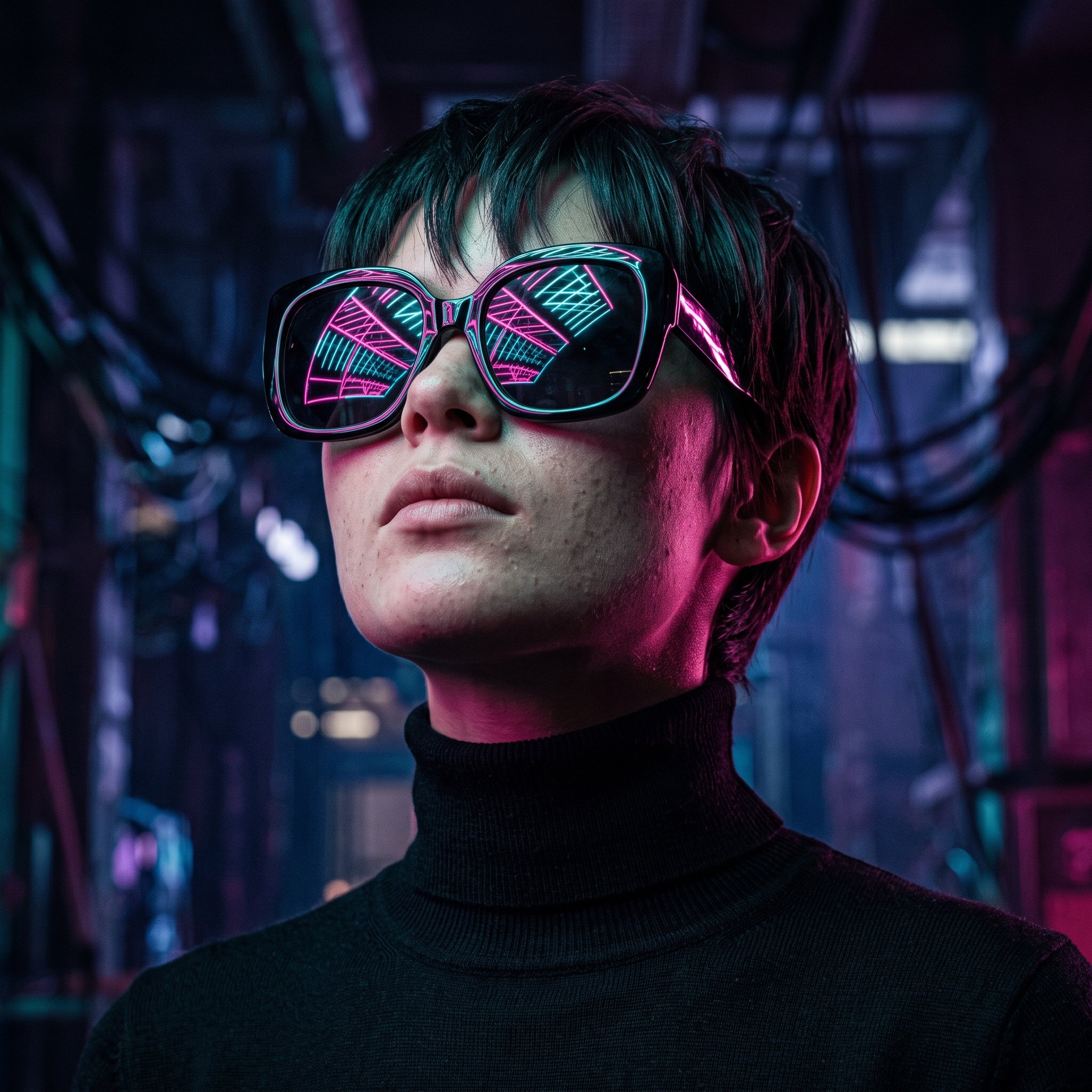
Cyberpunk Futuristic Portrait Prompt
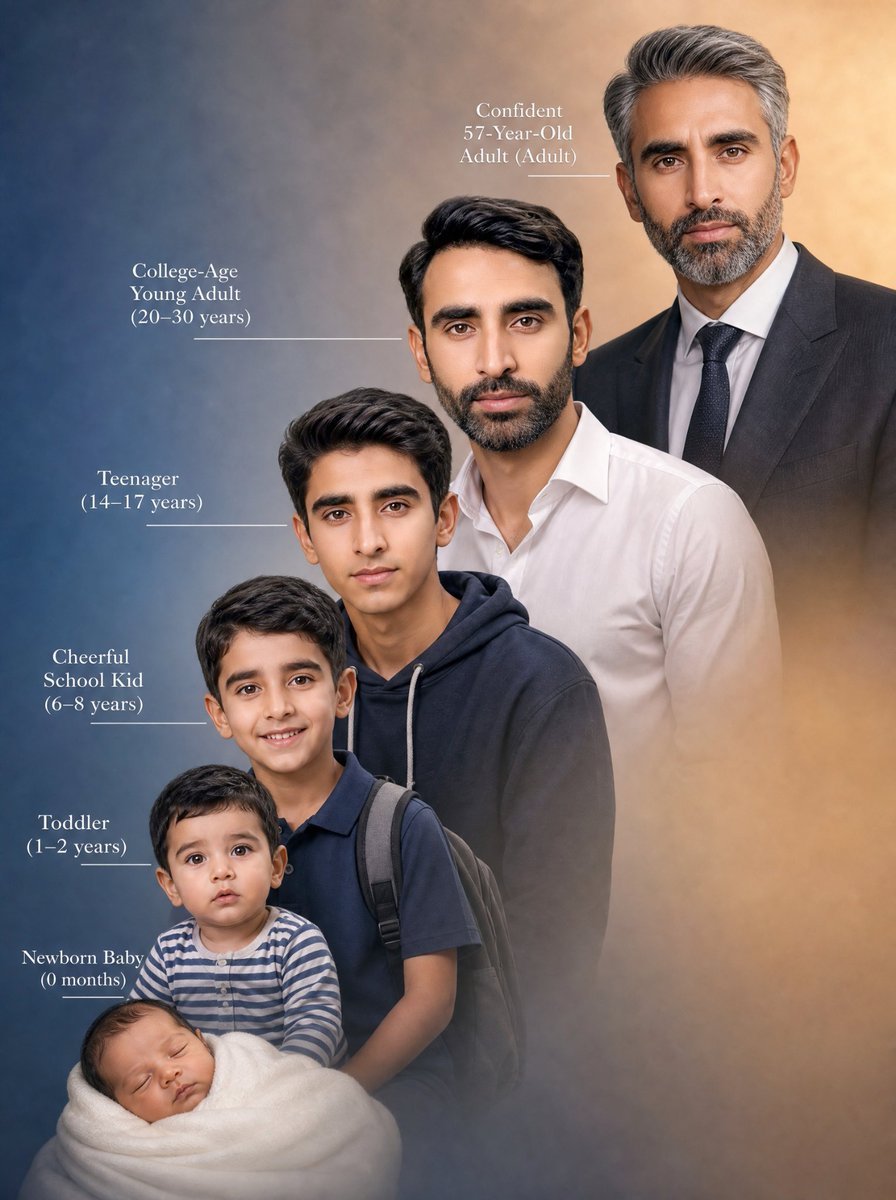
Life Stages Composite Portrait
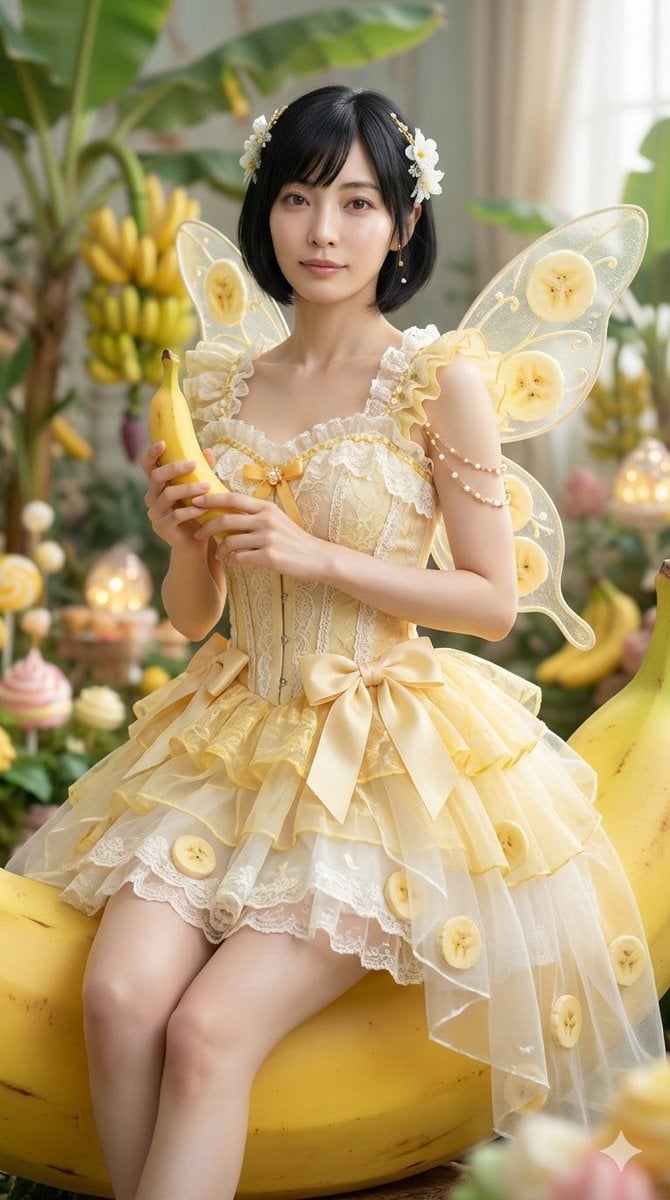
Cinematic Action Video Prompt: Banana Fairy vs. Zombies
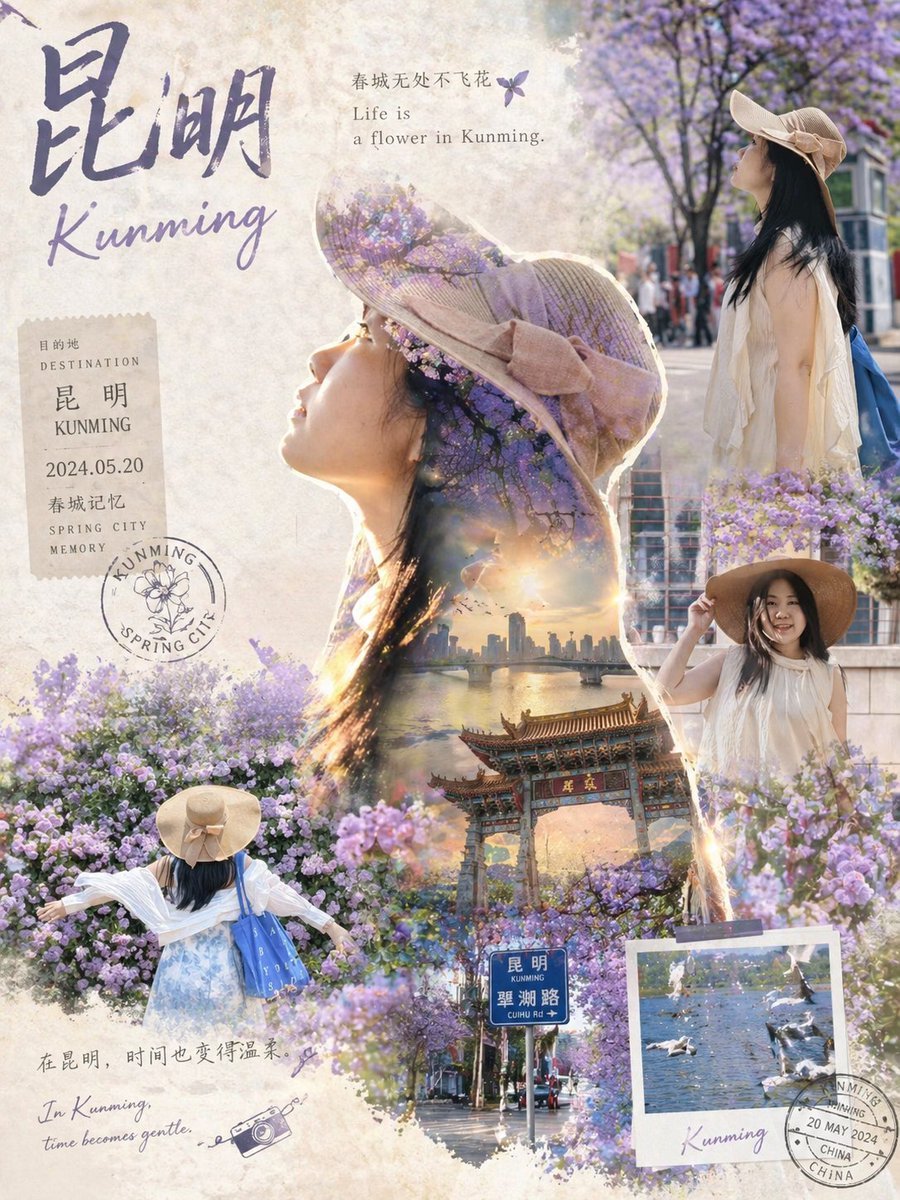
Epic Narrative Travel Poster
Browse template categories
High-Fashion Ink Illustration Portrait questions
How do I use the High-Fashion Ink Illustration Portrait template?
Add your photo if the template asks for one, edit the prompt if you like — the template's model and format are already selected — and press Generate. Your version opens in PicX Studio.
Can I customize the High-Fashion Ink Illustration Portrait template?
Yes. You can change the subject, setting, lighting, mood, format, and available model controls before creating your image.
Is the High-Fashion Ink Illustration Portrait template free?
Opening and editing this template is free. Generating uses credits, shown on the Generate button when you are signed in.
Which AI model should I use?
Start with Nano Banana 2, which is the model associated with this template. You can compare another compatible model for a different finish.
Looking for something else? Browse all templates.

Your photo, any look
Thousands of ready templates for every top image and video model, from one credit balance.