
Chinese Sour Fish Restaurant Poster
Generates a polished vertical restaurant launch poster for a sour pickled-cabbage fish dish with realistic food texture, ingredient callouts, selling points, price, and CTA.
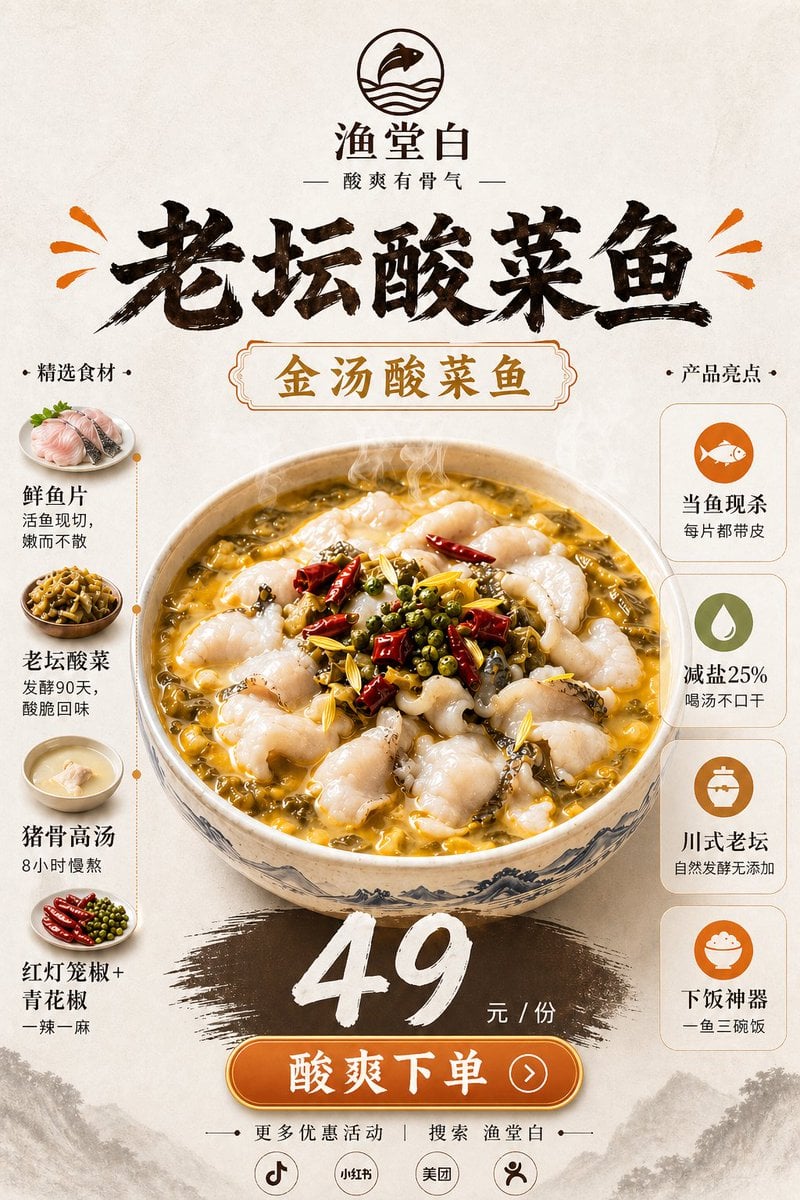
- Prompt included
- Model and format preset
- Free template
The prompt behind this image
Copy the exact prompt behind Chinese Sour Fish Restaurant Poster, or open it in the studio and make it yours.
Goal: Create a vertical Chinese restaurant new-product poster for {argument name="dish name" default="老坛酸菜鱼"}, emphasizing appetite appeal, real food texture, ingredients, selling points, and a clear price/order call-to-action. Canvas: Vertical 2:3 poster, warm off-white rice-paper background with subtle fibers, faint ink-wash mountains along the bottom edge, premium Chinese dining advertisement style. Top branding: Centered circular logo showing a simple fish over wave lines. Under it place the brand name {argument name="brand name" default="渔堂白"} and the tagline 「酸爽有骨气」. Add a huge black brush-calligraphy headline 「老坛酸菜鱼」 across the upper third, with small orange splash marks on both sides. Main visual: In the center, show one large steaming ceramic bowl of golden sour pickled-cabbage fish soup. The bowl has blue-gray Chinese landscape patterning. The soup is glossy yellow-gold with visible chopped pickled greens, tender white fish slices, red dried chilies, green Sichuan peppercorns, yellow ginger strips, sesame-like spices, and rising steam. Keep the food photorealistic and highly appetizing while the poster graphics remain elegant and clean. Central label: Above the bowl, place an ornate rounded rectangular label with gold text 「金汤酸菜鱼」 and a thin decorative border. Left ingredient column: Title 「精选食材」. Show exactly 4 ingredient items stacked vertically, each with a small circular food photo and text: 1) 「鲜鱼片」 with subtext 「活鱼现切,嫩而不散」, 2) 「老坛酸菜」 with subtext 「发酵90天,酸脆回味」, 3) 「猪骨高汤」 with subtext 「8小时慢熬」, 4) 「红灯笼椒+青花椒」 with subtext 「一辣一麻」. Connect the 4 items with a thin dotted vertical orange line. Right selling-point column: Title 「产品亮点」. Show exactly 4 rounded white cards stacked vertically, each with one simple orange/green icon and text: 1) fish icon, 「当鱼现杀」 and 「每片都带皮」, 2) droplet icon, 「减盐25%」 and 「喝汤不口干」, 3) jar icon, 「川式老坛」 and 「自然发酵无添加」, 4) rice bowl icon, 「下饭神器」 and 「一鱼三碗饭」. Price and CTA: Below the bowl, paint a wide dark brown brush-stroke swash. Over it place a large white hand-painted price {argument name="price" default="49"}, followed by 「元 / 份」. Beneath, add a glossy orange rounded button with white text {argument name="call to action" default="酸爽下单"} and a small right-arrow circle. Footer: Add small text 「更多优惠活动 | 搜索 渔堂白」. Under it, place exactly 4 small circular platform icons/labels: Douyin-style music note, 「小红书」, 「美团」, and a simple person/share icon. Visual style: High-end Chinese food poster, realistic steaming dish photography blended with brush-calligraphy typography, warm cream/gold/orange/brown palette, clean symmetrical layout, strong depth and shine on the soup, no clutter, no extra dishes or extra text beyond the specified elements.
How to use Chinese Sour Fish Restaurant Poster in 3 steps
- 1Upload ImagePNG, JPG or paste
Add your photo
Upload the photo the template builds on. The prompt, model and format are already set.
- 2…a portrait of your subject in softgolden-hour light, 85mm…
Personalize
Edit the subject and creative details for your destination.
- 3Generate
Generate
Press Generate — your image is created in PicX Studio, so you can compare it with the original and refine one variable at a time.
More like this
Templates with the same subject, style or setup. Open one to see its prompt.
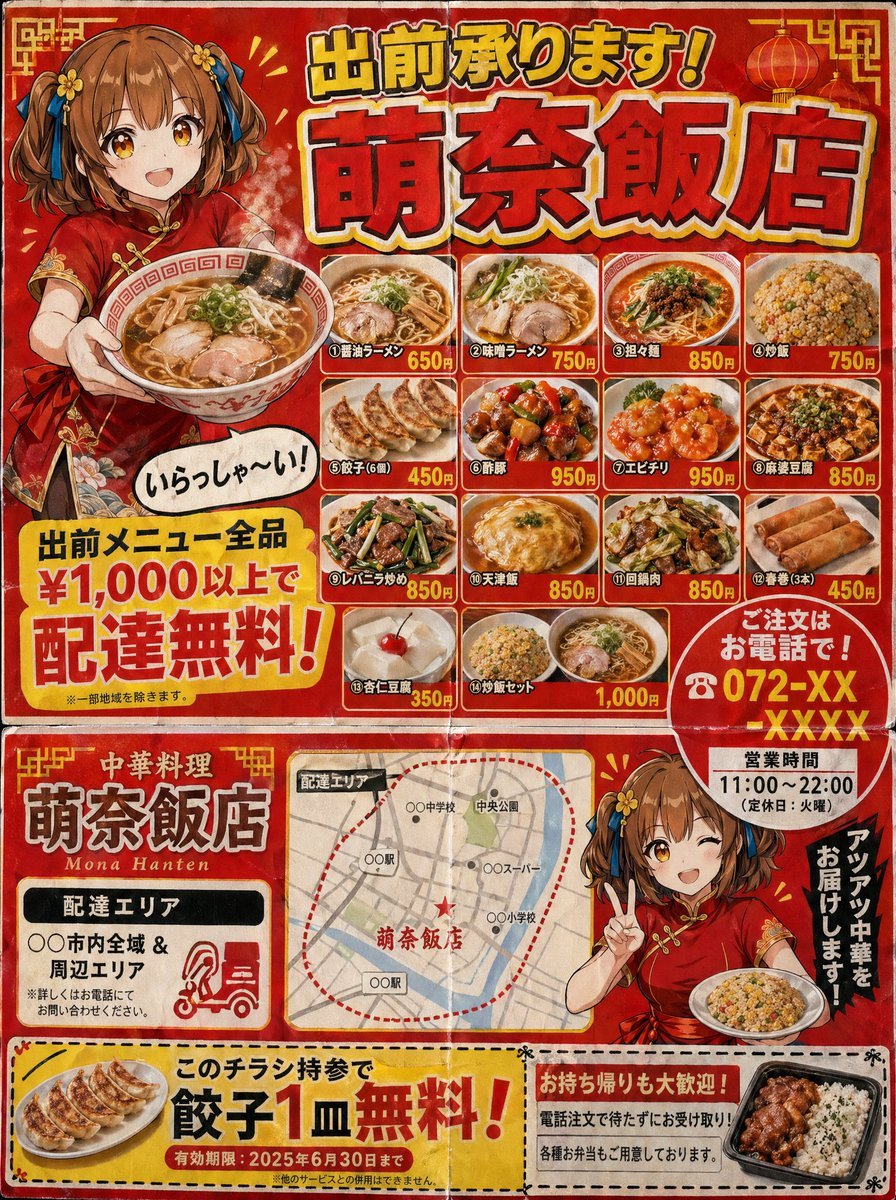
Gpt2 Product Marketing Japanese Chinese Food Delivery Flyer

Japan Travel Brochure Poster

Cartoon TV Show Poster Pack

Synthwave Retro Superhero Music Poster

Pop Art Superhero Explosion Poster

Spider-Verse Painterly Portrait Poster

Spider-Man Night Swing New York Cinematic

Vintage Lithograph Retro World Cup Poster

Victory Aura Football Poster
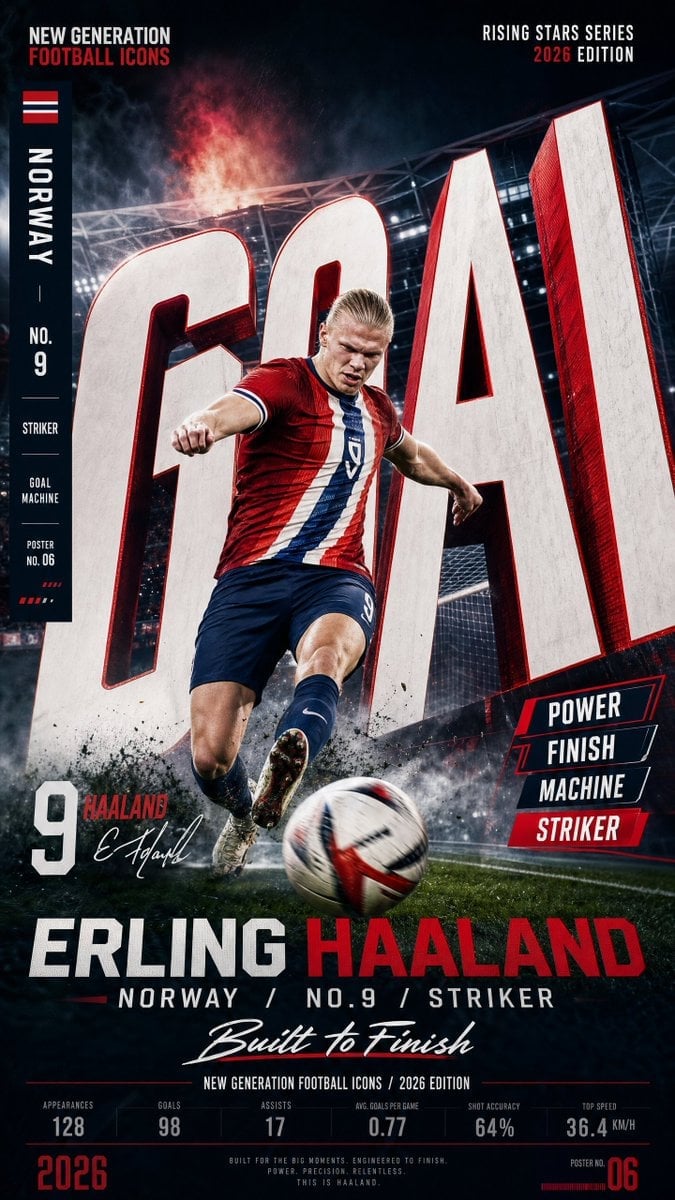
Vertical Football Star Campaign Poster

Usa Cinematic Hyperreal Collage Poster

Selective Color Monochrome Football Poster
Make it yours
Chinese Sour Fish Restaurant Poster works as-is. These are the safest ways to change it without losing the look.
Change one field
Copy a single group, rewrite it, and generate again so you can see what that field is doing.
Keep the frame, change the subject
Hold the composition and light of Chinese Sour Fish Restaurant Poster, then swap wardrobe, props or the person for a new take.
| If the result… | Why | Fix |
|---|---|---|
| The result drifts from the preview | Too many fields changed at once. | Reuse Chinese Sour Fish Restaurant Poster as-is first, then change one group — subject, light, or setting. |
| The model over-stylizes the scene | The prose prompt leaves finish and camera underspecified. | Add one camera or lighting sentence and stay on GPT Image 2. |
More GPT Image 2 templates
Other prompts made for GPT Image 2.

Futuristic Void Fang Mech
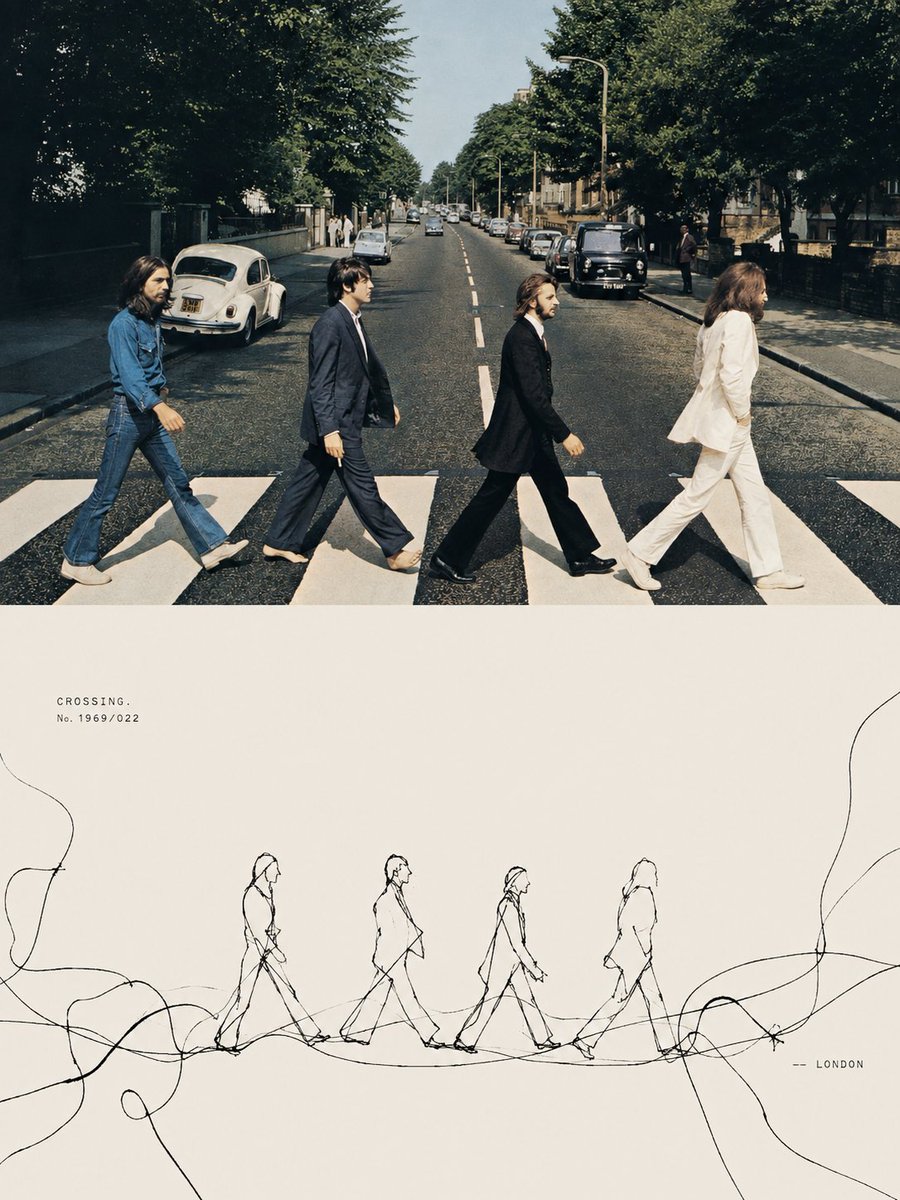
Tension Line Art Concept Poster
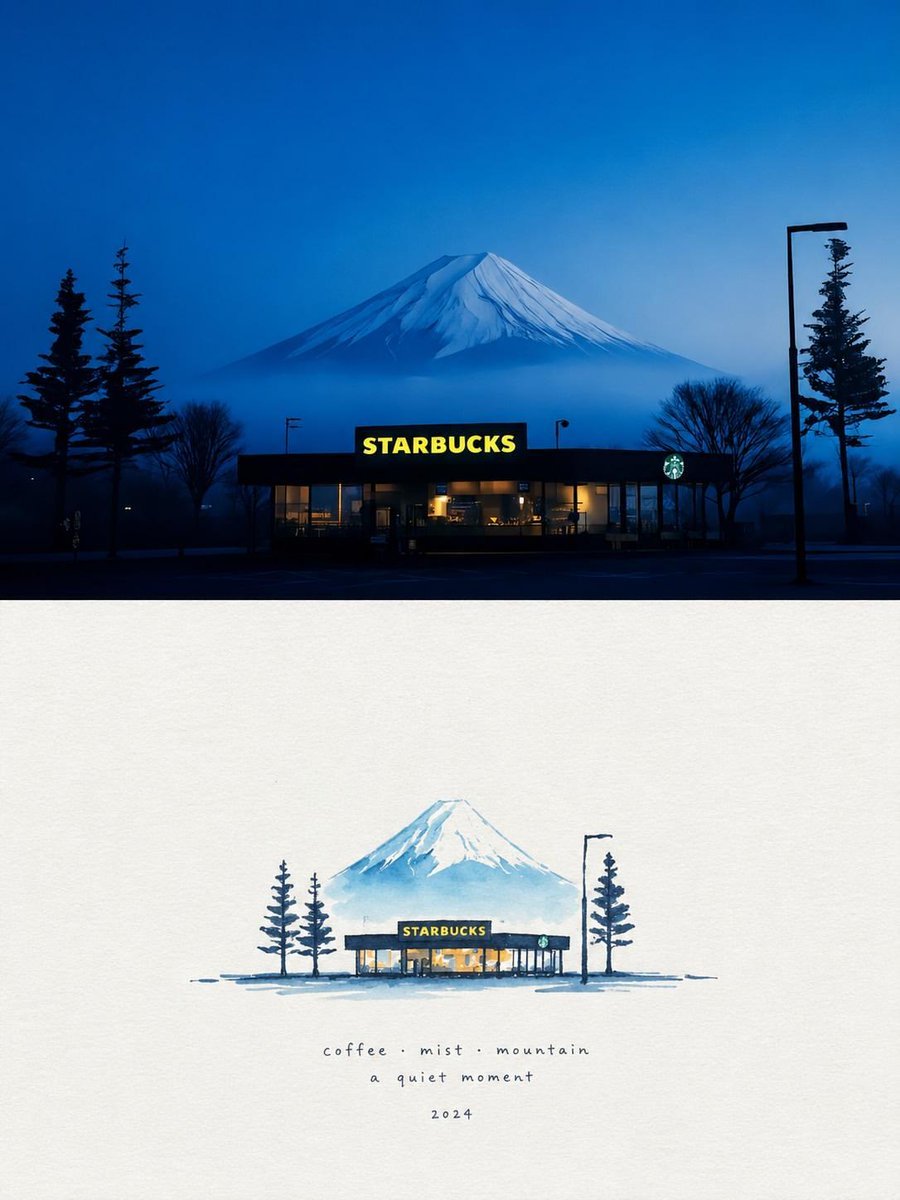
Starbucks Mountain Watercolor Comparison

Six VTuber Japanese Logo Sheet

Luxury ABKR Portrait Poster

Rainy Night Vintage Diner Portrait
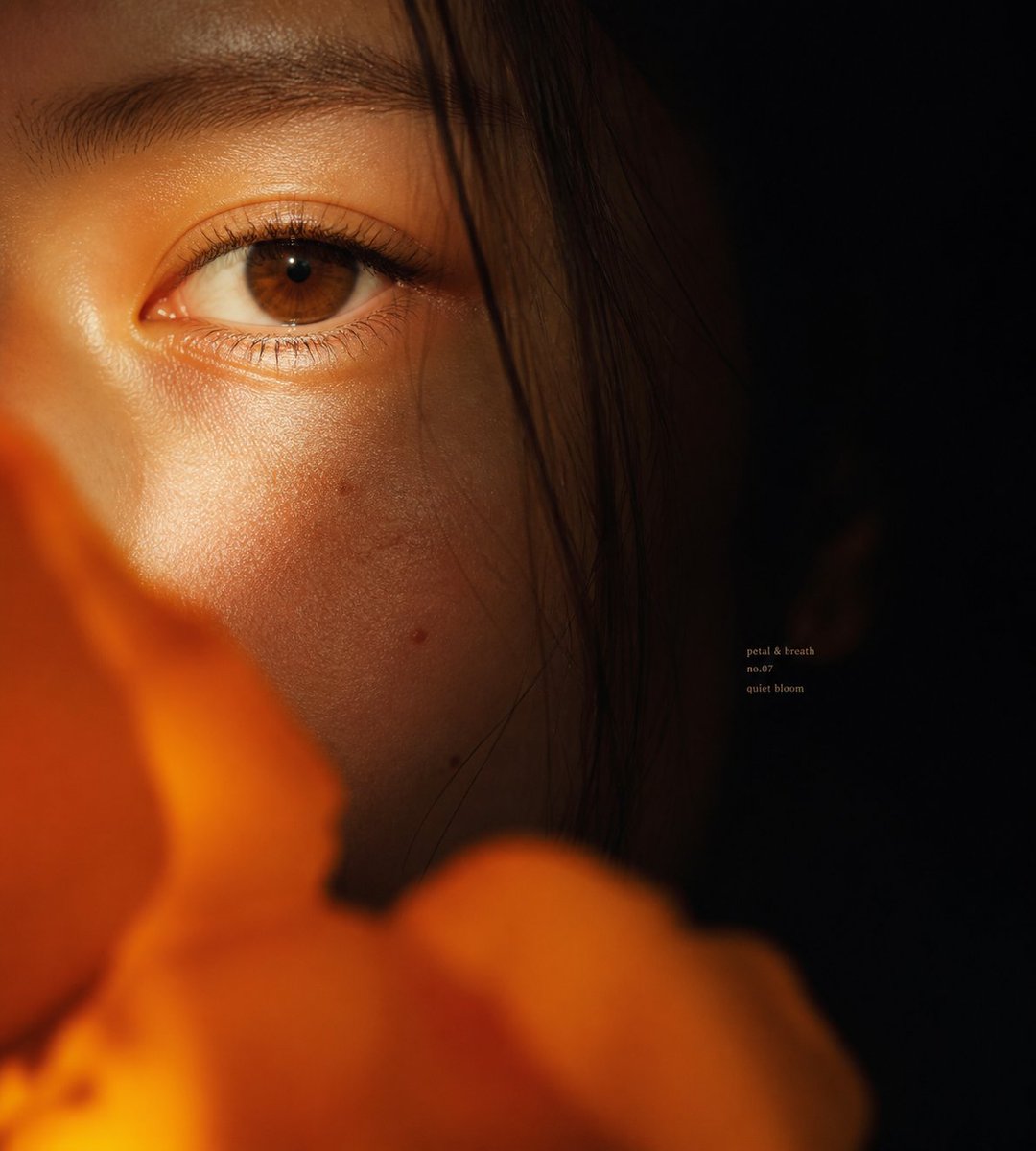
Intimate Flower Petal Macro Portrait
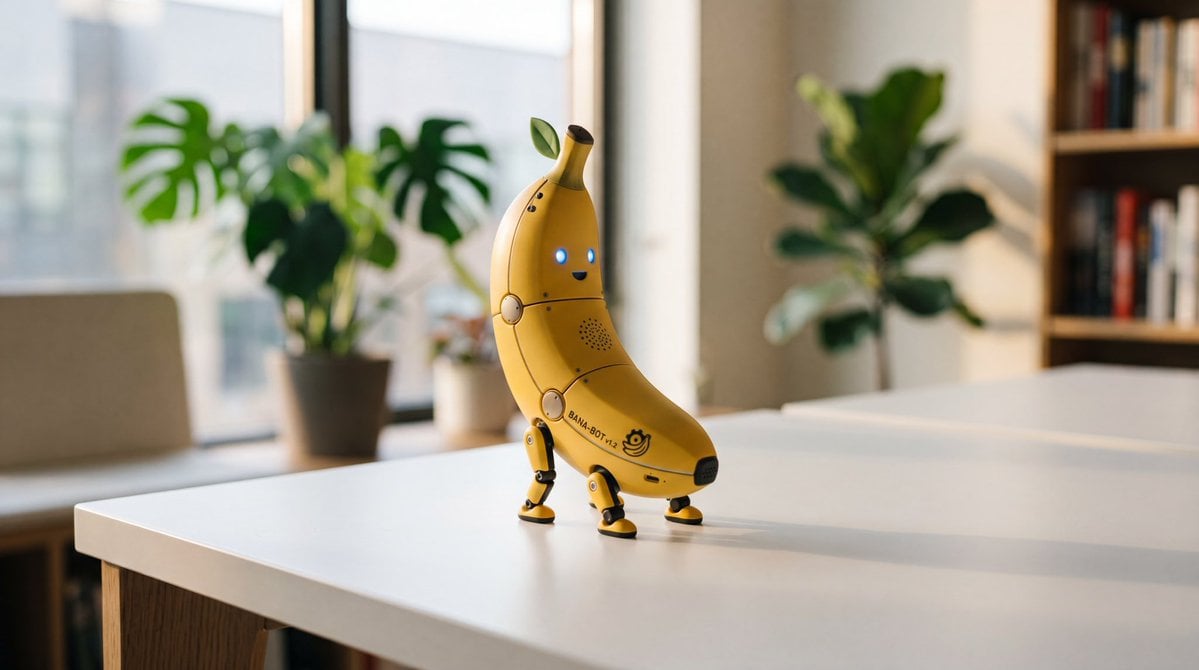
Cute Banana Robot on Table

Watercolor Fashion Illustration Aesthetic

Sunlit Orchard Girl With Apples
More image prompts
Fresh picks from across the catalog.
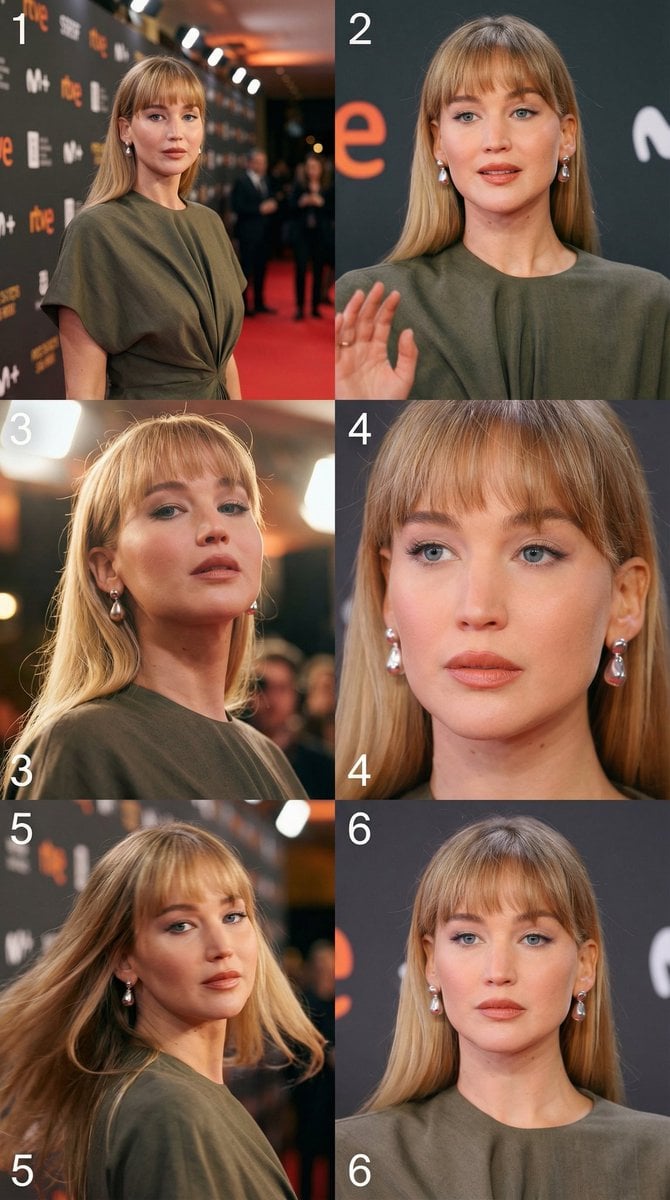
Cinematic 3x2 storyboard grid from a single image reference
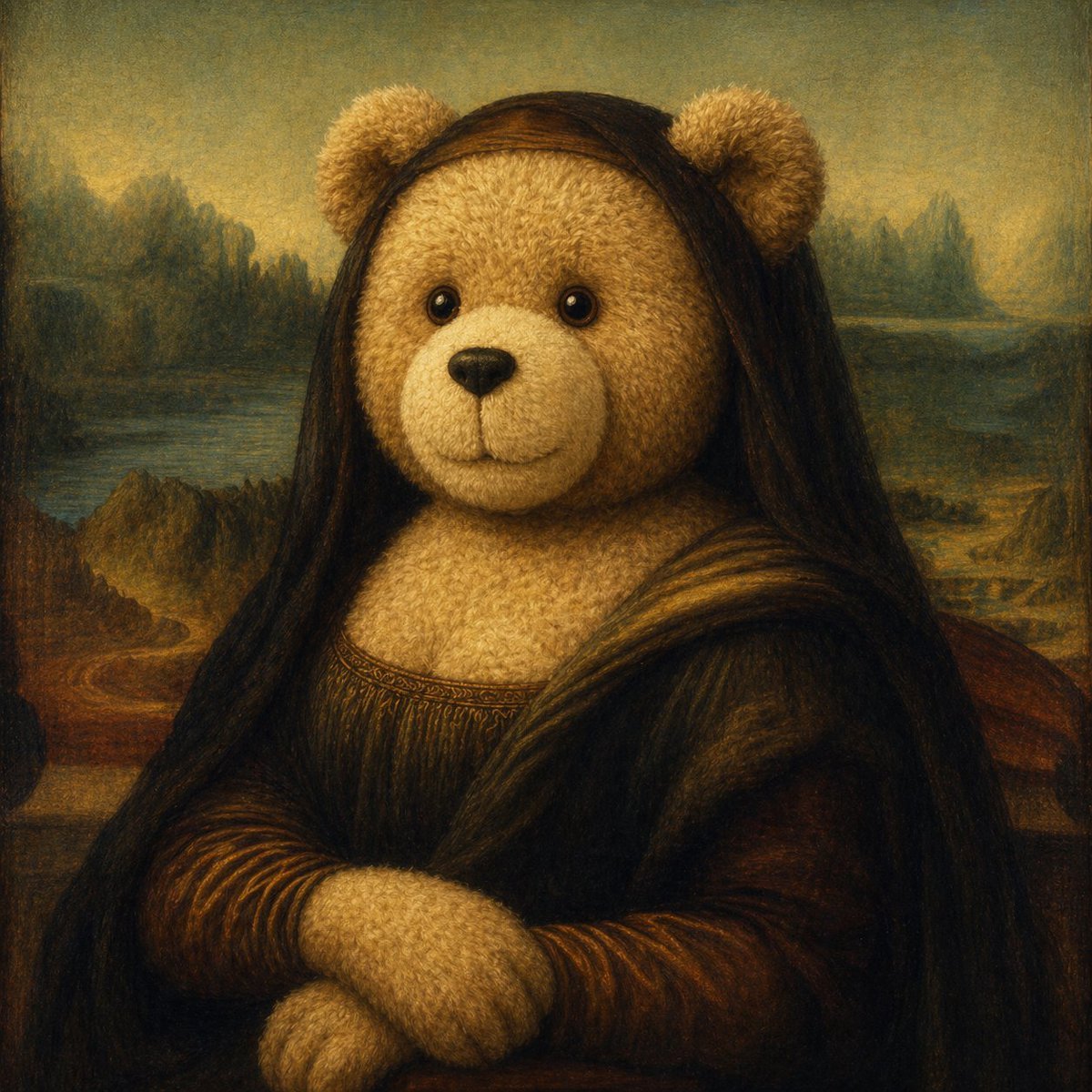
Teddy Bear Mona Lisa Hybrid
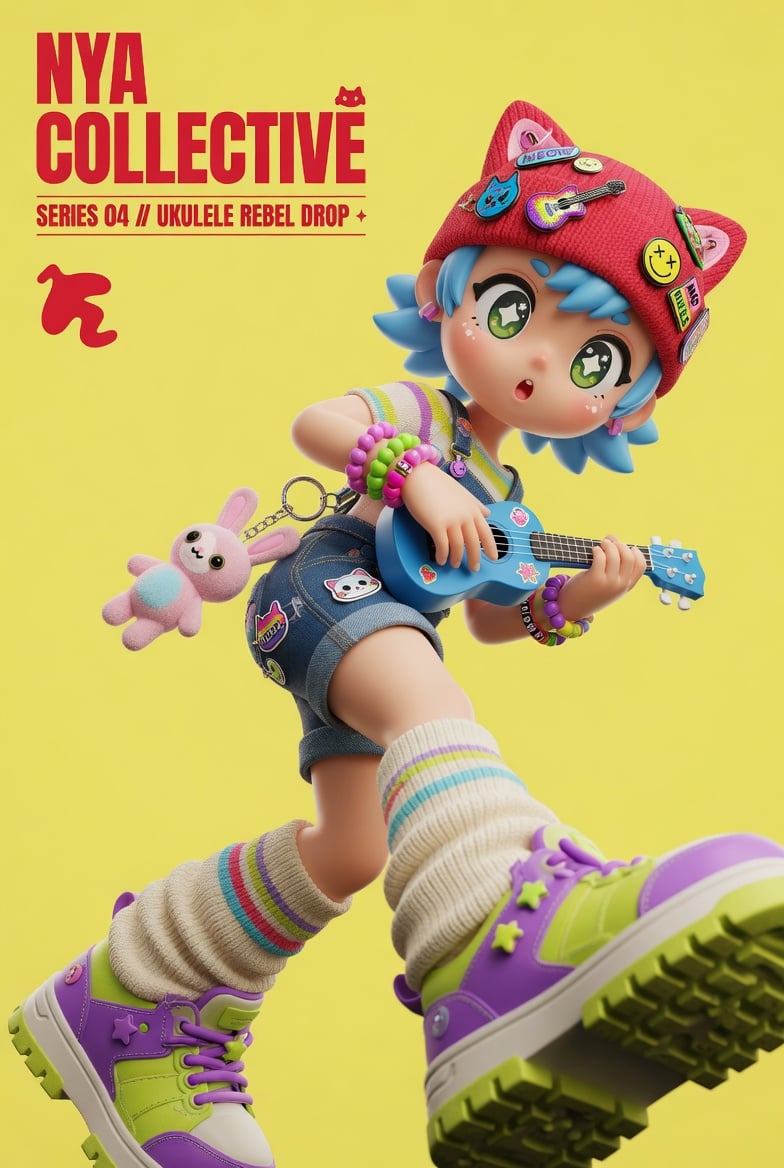
3D Designer Toy Poster
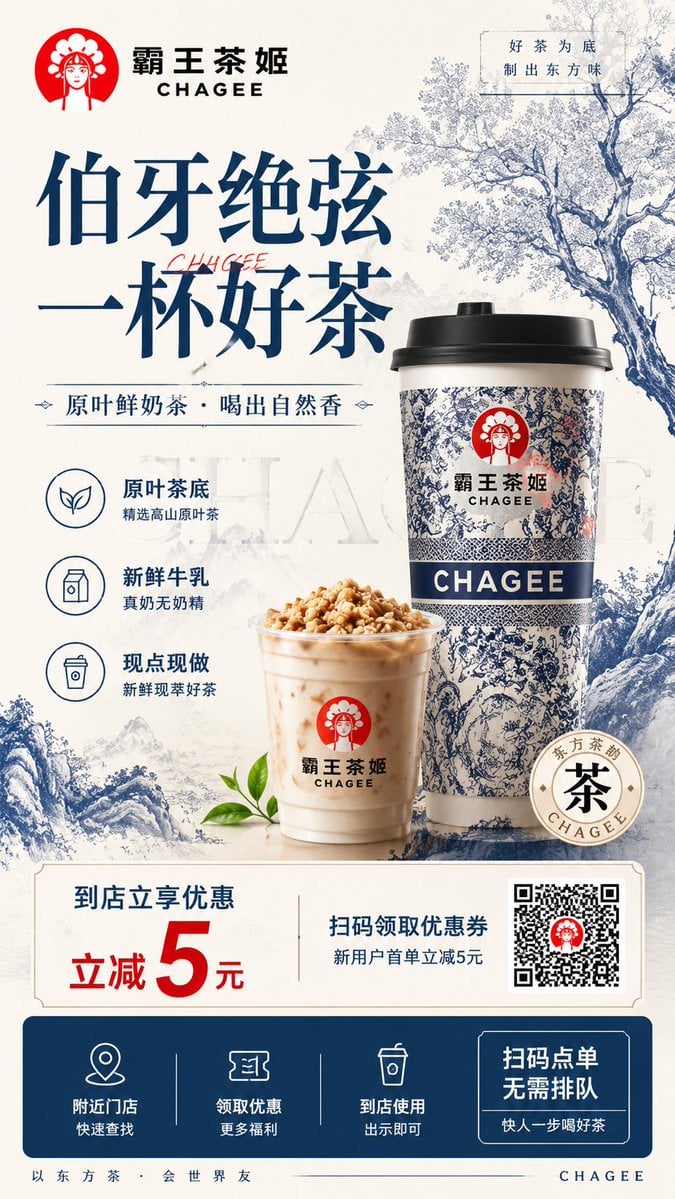
Modern Chinese Tea Brand Poster
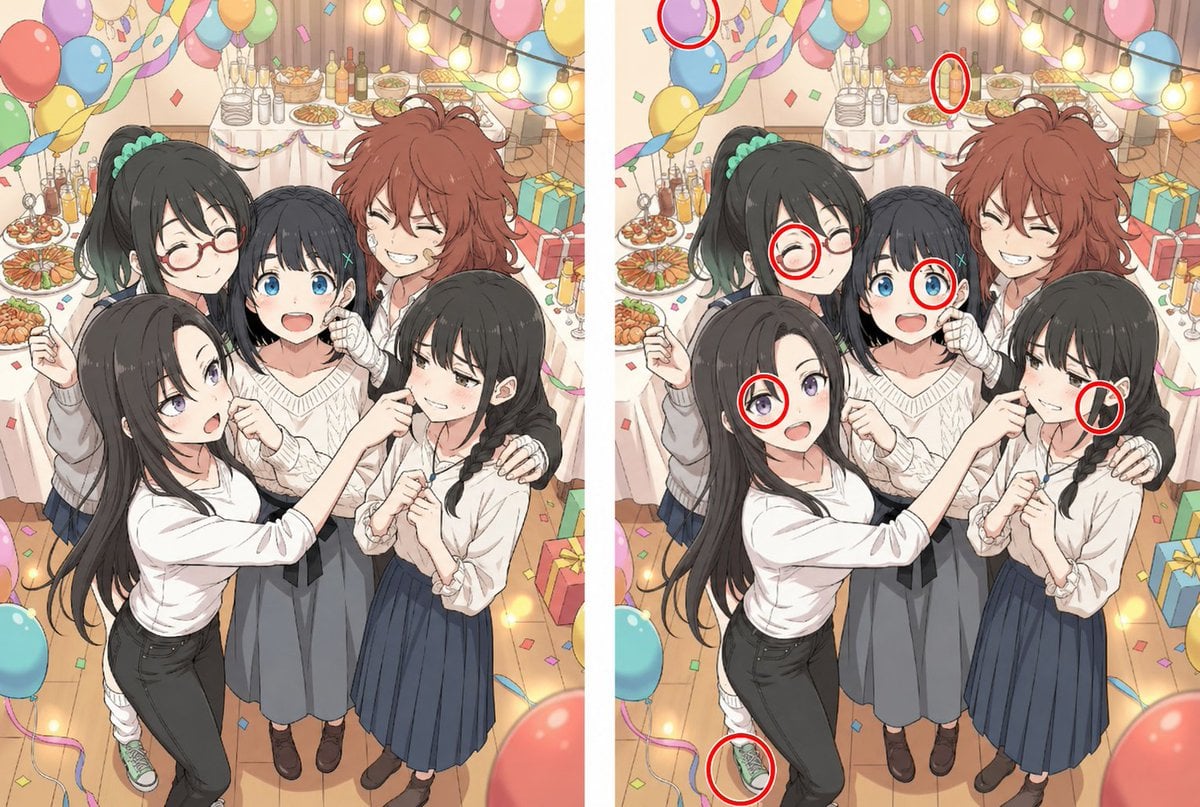
Anime Party Spot the Difference

Epic Fantasy Warriors: Fire and Ice Cinematic Poster
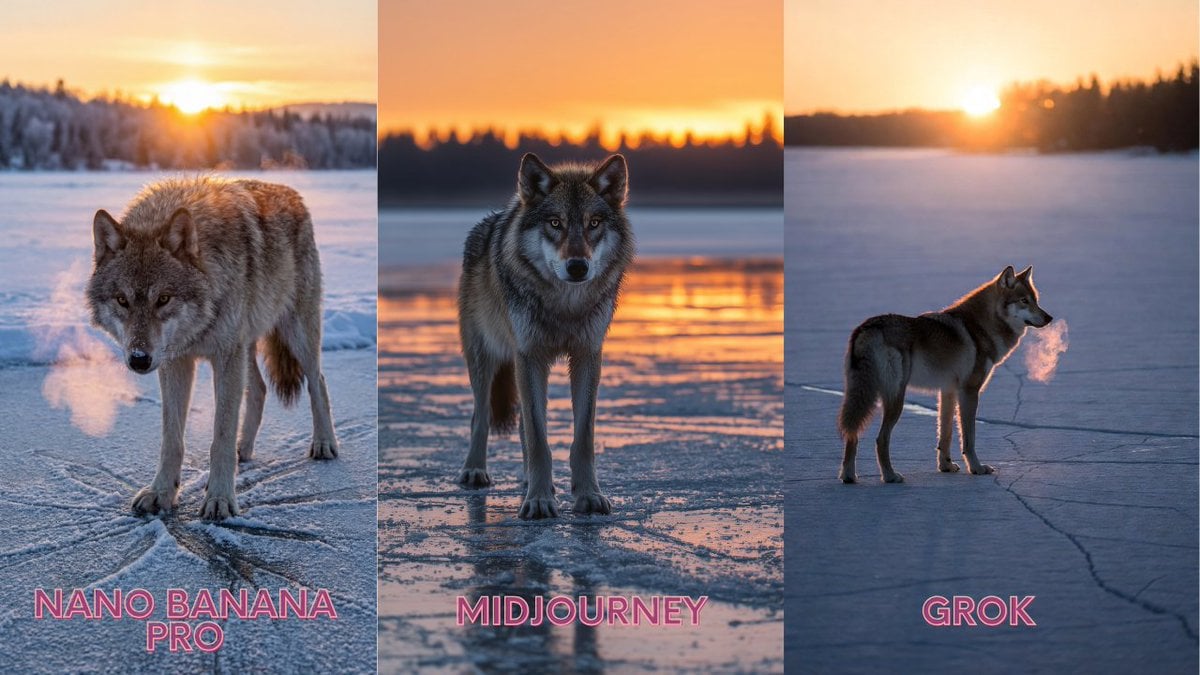
Lone Grey Wolf on Frozen Lake at Dawn

Cinematic Portrait beside the Thames River in London

Minimal Abstract Tech Logo Poster

Double Exposure Indian Woman Portrait
Browse template categories
Chinese Sour Fish Restaurant Poster questions
How do I use the Chinese Sour Fish Restaurant Poster template?
Add your photo if the template asks for one, edit the prompt if you like — the template's model and format are already selected — and press Generate. Your version opens in PicX Studio.
Can I customize the Chinese Sour Fish Restaurant Poster template?
Yes. You can change the subject, setting, lighting, mood, format, and available model controls before creating your image.
Is the Chinese Sour Fish Restaurant Poster template free?
Opening and editing this template is free. Generating uses credits, shown on the Generate button when you are signed in.
Which AI model should I use?
Start with GPT Image 2, which is the model associated with this template. You can compare another compatible model for a different finish.
Looking for something else? Browse all templates.

Your photo, any look
Thousands of ready templates for every top image and video model, from one credit balance.