
Anime Party Spot the Difference
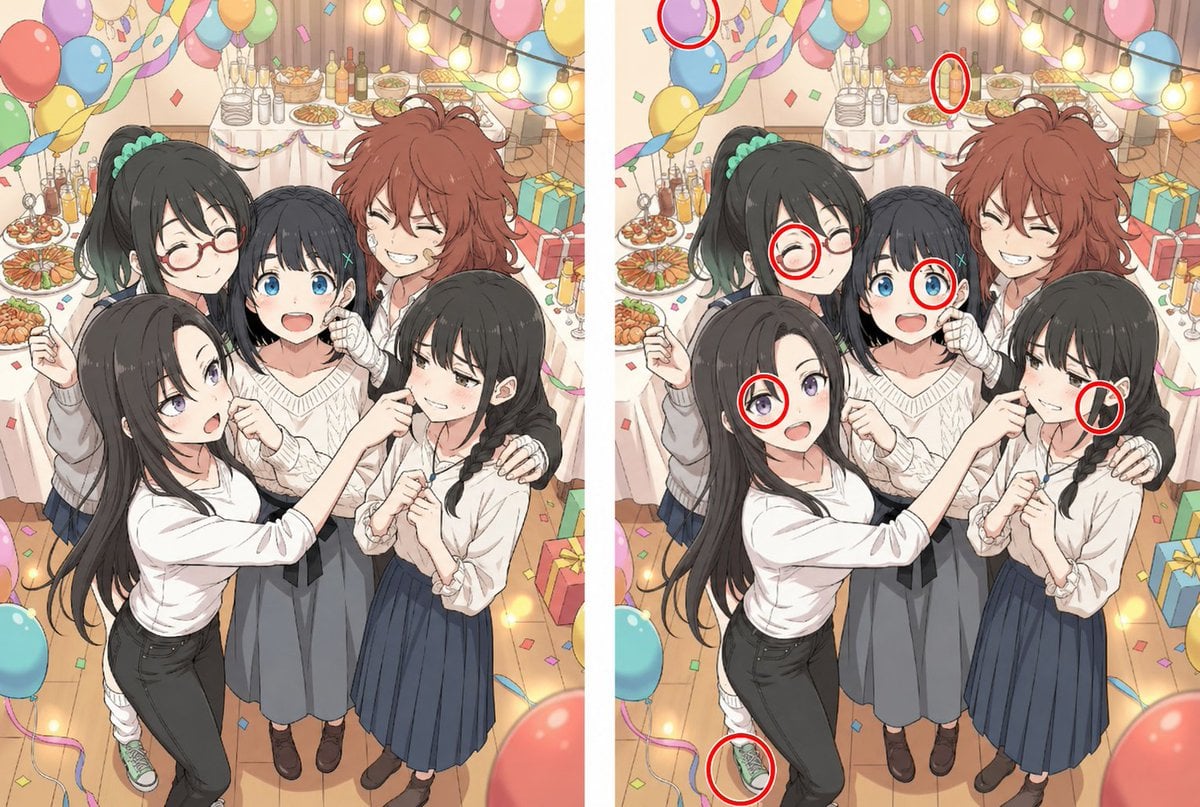
A side-by-side anime party illustration designed as a spot-the-difference puzzle, ideal for social posts, visual quizzes, and playful AI image experiments.
- Prompt included
- Model and format preset
- Free template
The prompt behind this image
Copy the exact prompt behind Anime Party Spot the Difference, or open it in the studio and make it yours.
A colorful anime-style spot-the-difference puzzle made as a side-by-side split image with 2 nearly identical panels separated by a vertical white divider. The scene shows a cozy indoor birthday or party celebration viewed from a slightly elevated angle, with 4 young people grouped closely together in the foreground for a candid photo. Three faces are intentionally blurred with soft rectangular censor blocks, while 1 face remains visible: a cheerful red-haired youth with messy medium-length hair, closed smiling eyes, and a wide grin, standing near the upper right of the group. In the front left, a slim black-haired girl with very long straight hair, pale skin, and large purple-gray anime eyes wears a fitted white long-sleeve top and black pants, leaning inward and pointing playfully toward the girl on the right. Behind her on the left stands another black-haired girl with a high ponytail tied with a mint-green scrunchie, wearing a light top and skirt; one sneaker peeks out at the lower left. In the center is a shorter dark-haired person in a cream cable-knit sweater and gray skirt. On the right is a black-haired girl with twin braids, a cream blouse with ruffled cuffs, and a navy pleated skirt, with the red-haired character’s hand resting on her shoulder. The background is packed with party decorations: many pastel balloons hanging overhead, twisted streamers, colorful confetti floating and scattered, warm string lights with glowing bulbs, a food and drink table covered with a white cloth, plates of snacks, bottles, glasses, and wrapped gift boxes on the floor at the right. The right panel includes exactly 6 red-circled differences highlighted for the puzzle solution: 1 circled missing or altered purple balloon near the top edge, 1 circled changed bottle or glass on the back table, 1 circled pair of round glasses added to the ponytailed girl’s face, 1 circled small red mark or hair accessory near the center figure’s right side, 1 circled missing or altered earring/ear detail on the braided girl at the lower right, and 1 circled changed green sneaker at the bottom left. Soft polished anime rendering, warm festive palette, clean line art, detailed clothing folds, lively celebratory mood, designed like a social-media spot-the-difference comparison image.
How to use Anime Party Spot the Difference in 3 steps
- 1Upload ImagePNG, JPG or paste
Add your photo
Upload the photo the template builds on. The prompt, model and format are already set.
- 2…a portrait of your subject in softgolden-hour light, 85mm…
Personalize
Edit the subject and creative details for your destination.
- 3Generate
Generate
Press Generate — your image is created in PicX Studio, so you can compare it with the original and refine one variable at a time.
More like this
Templates with the same subject, style or setup. Open one to see its prompt.










Make it yours
Anime Party Spot the Difference works as-is. These are the safest ways to change it without losing the look.
Change one field
Copy a single group, rewrite it, and generate again so you can see what that field is doing.
Keep the frame, change the subject
Hold the composition and light of Anime Party Spot the Difference, then swap wardrobe, props or the person for a new take.
| If the result… | Why | Fix |
|---|---|---|
| The result drifts from the preview | Too many fields changed at once. | Reuse Anime Party Spot the Difference as-is first, then change one group — subject, light, or setting. |
| The model over-stylizes the scene | The prose prompt leaves finish and camera underspecified. | Add one camera or lighting sentence and stay on GPT Image 2. |
More GPT Image 2 templates
Other prompts made for GPT Image 2.

Six VTuber Japanese Logo Sheet

Realistic Portrait of Woman and Deer

The Vista Modular Condo Poster

AI Model Routing Comparison Infographic

2.5D Anime Art Board

Isometric Productivity Desk Scene

New York Double Exposure Poster

Four-Panel AI Landscape Comparison

Japanese Tatami Lifestyle Magazine Cover

NESCAFÉ Coffee Map Poster
More image prompts
Fresh picks from across the catalog.
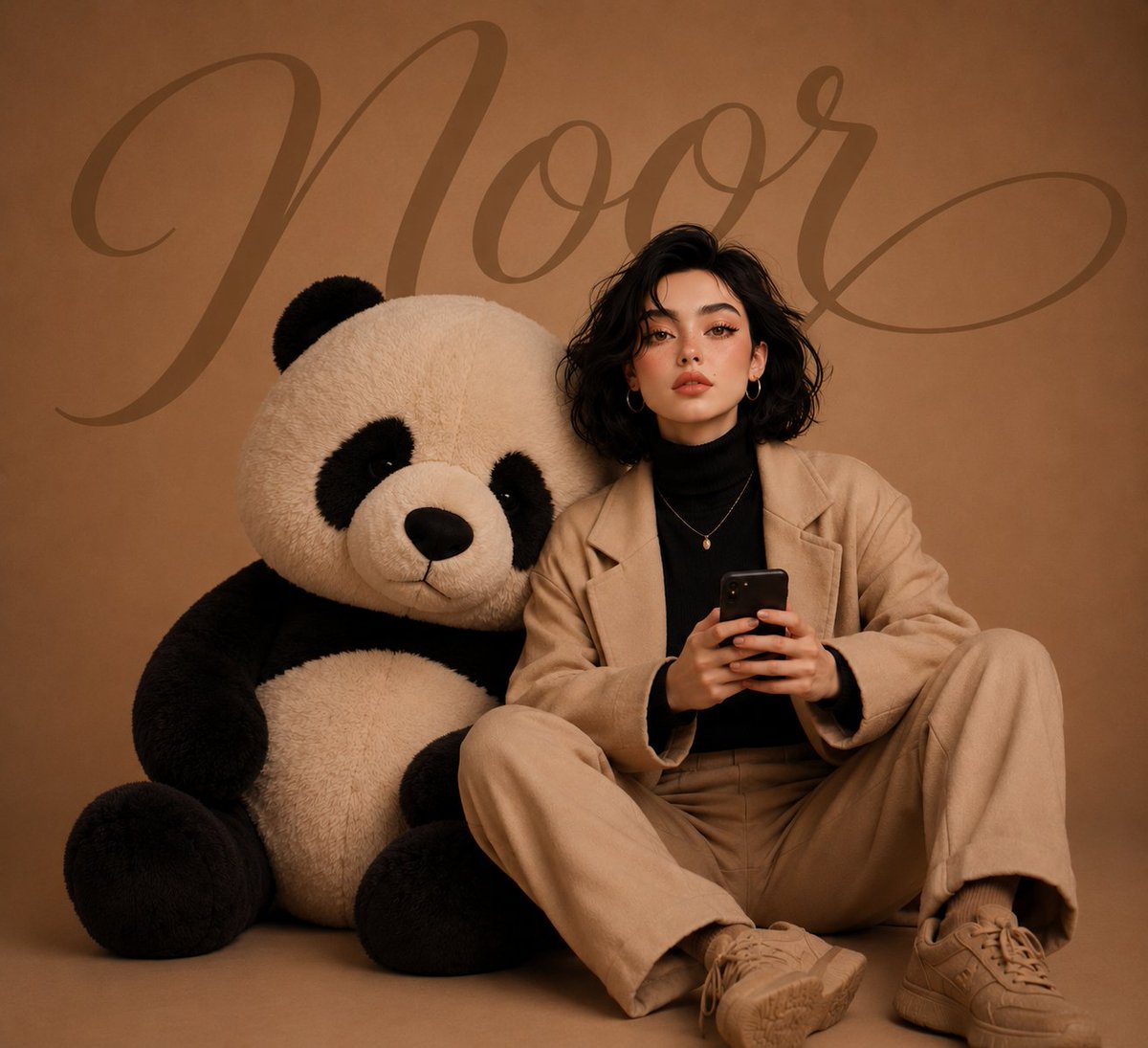
Girl with Giant Plush Panda
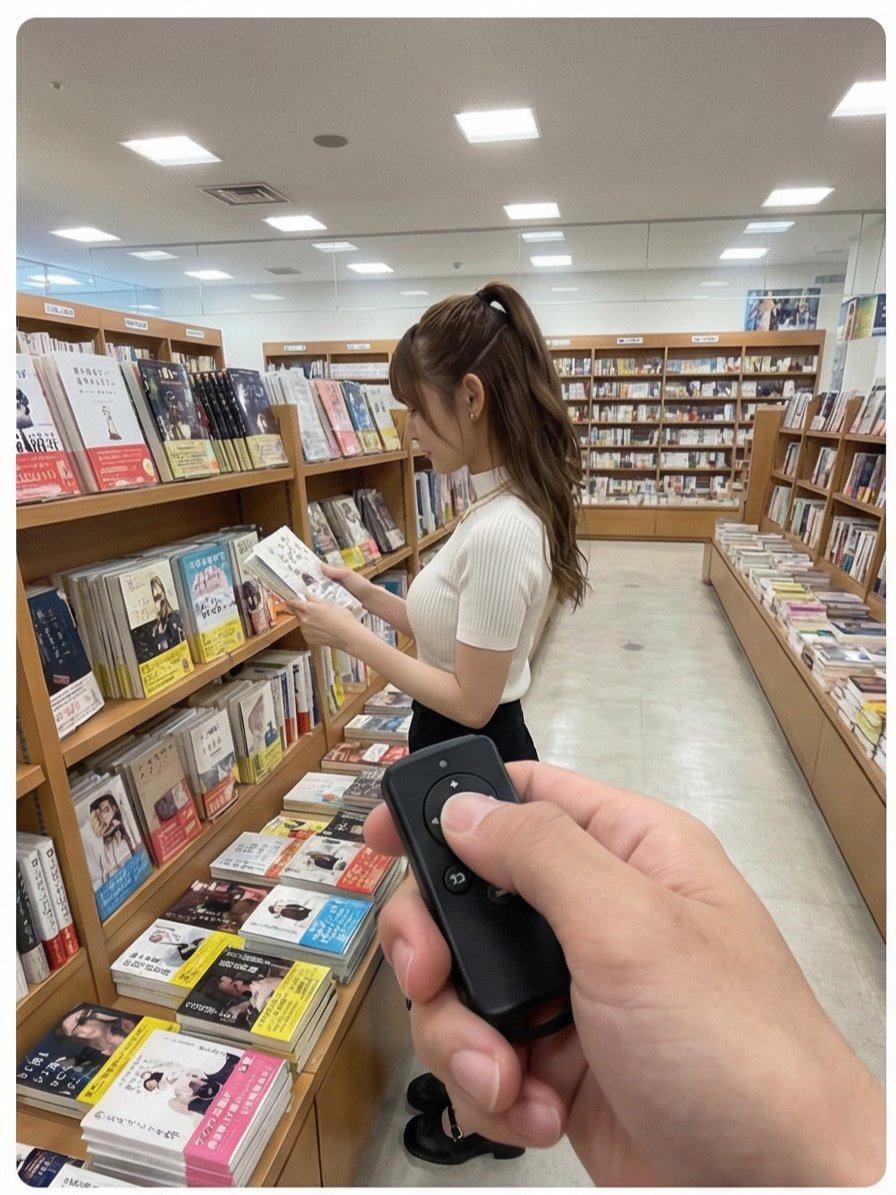
Multi-Angle Scene Generation Prompt (Oshi no Ko Style)
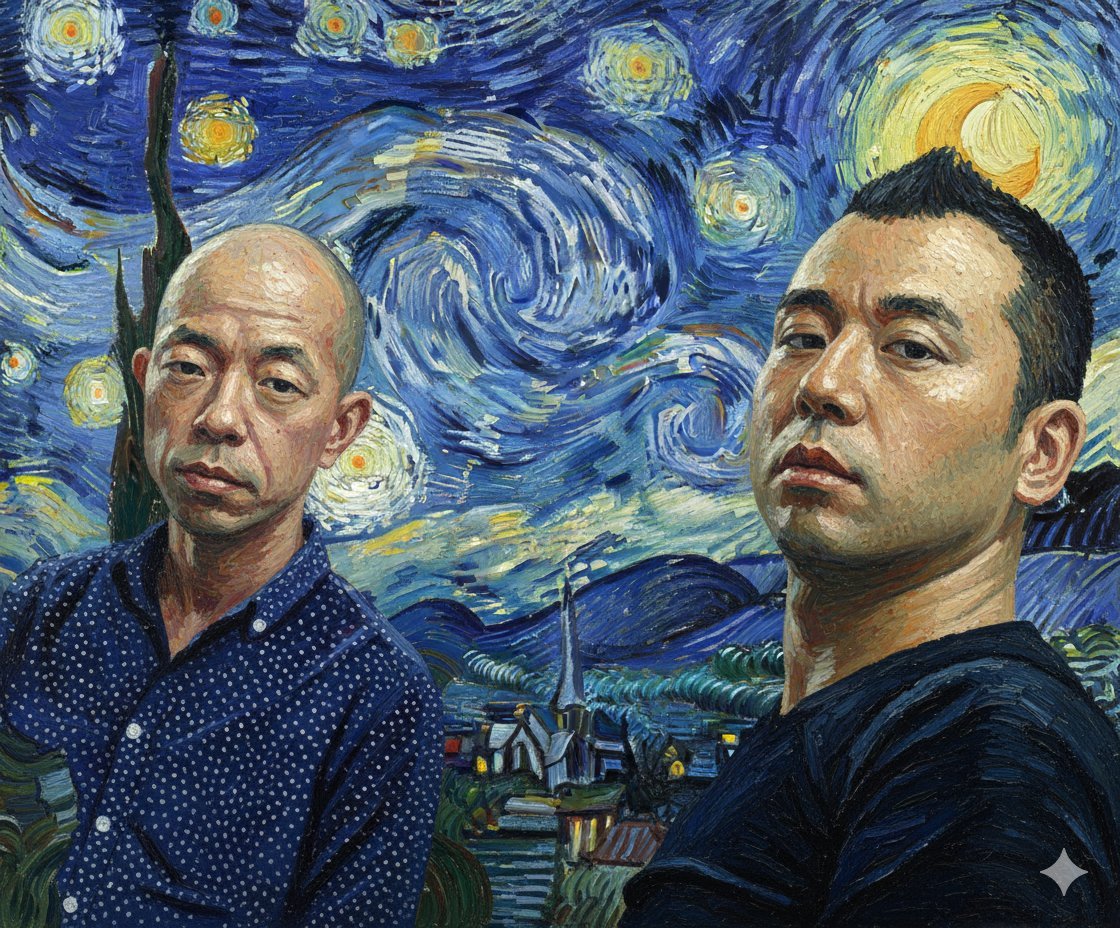
Image Style Transfer Prompt: Viking to Van Gogh's 'Starry Night' Style
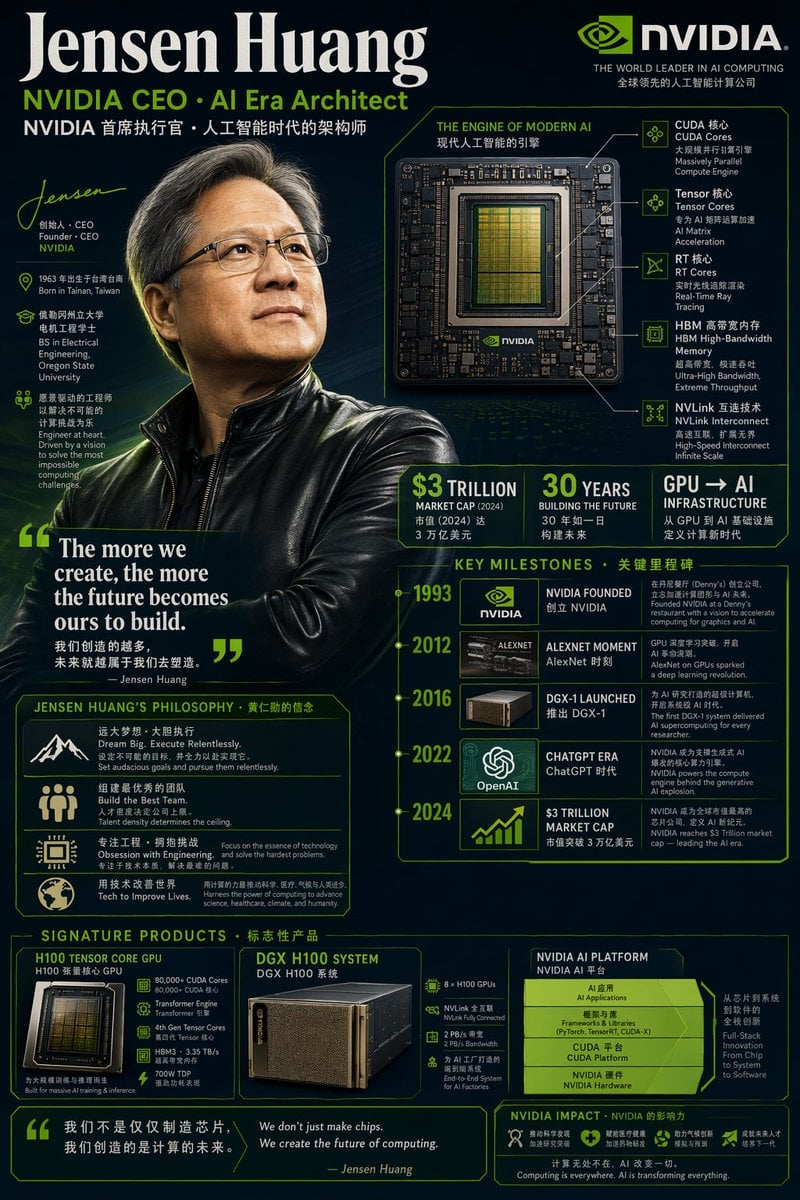
Bilingual Career Infographic Portrait
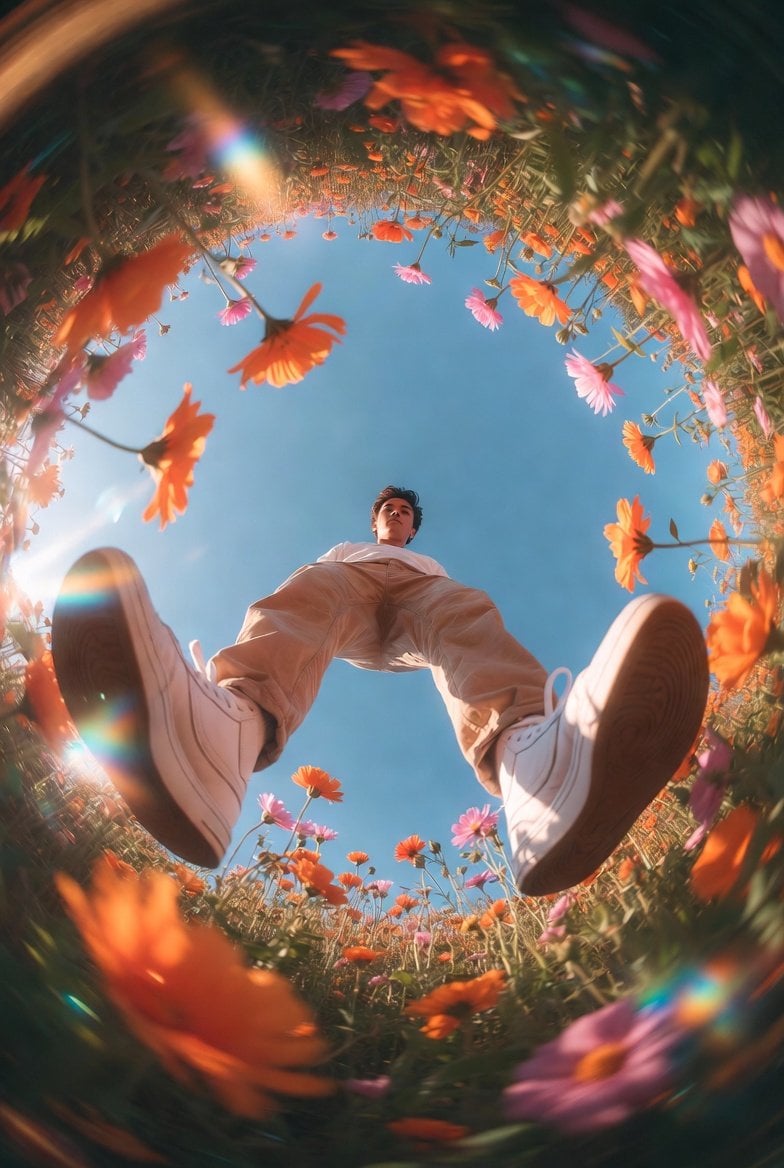
Unexpected High-End Product Concepts Prompt
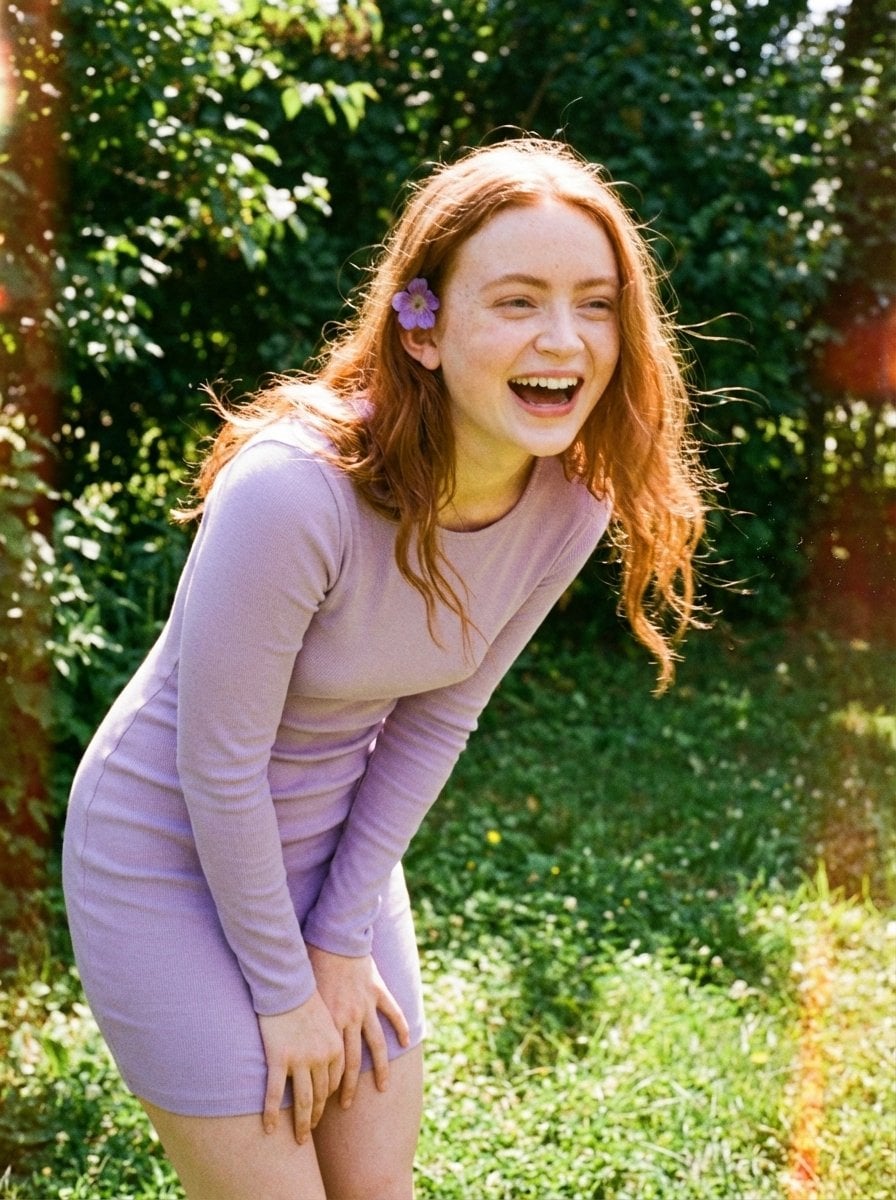
Candid Vintage Photo Aesthetic Prompt for Nano Banana Pro
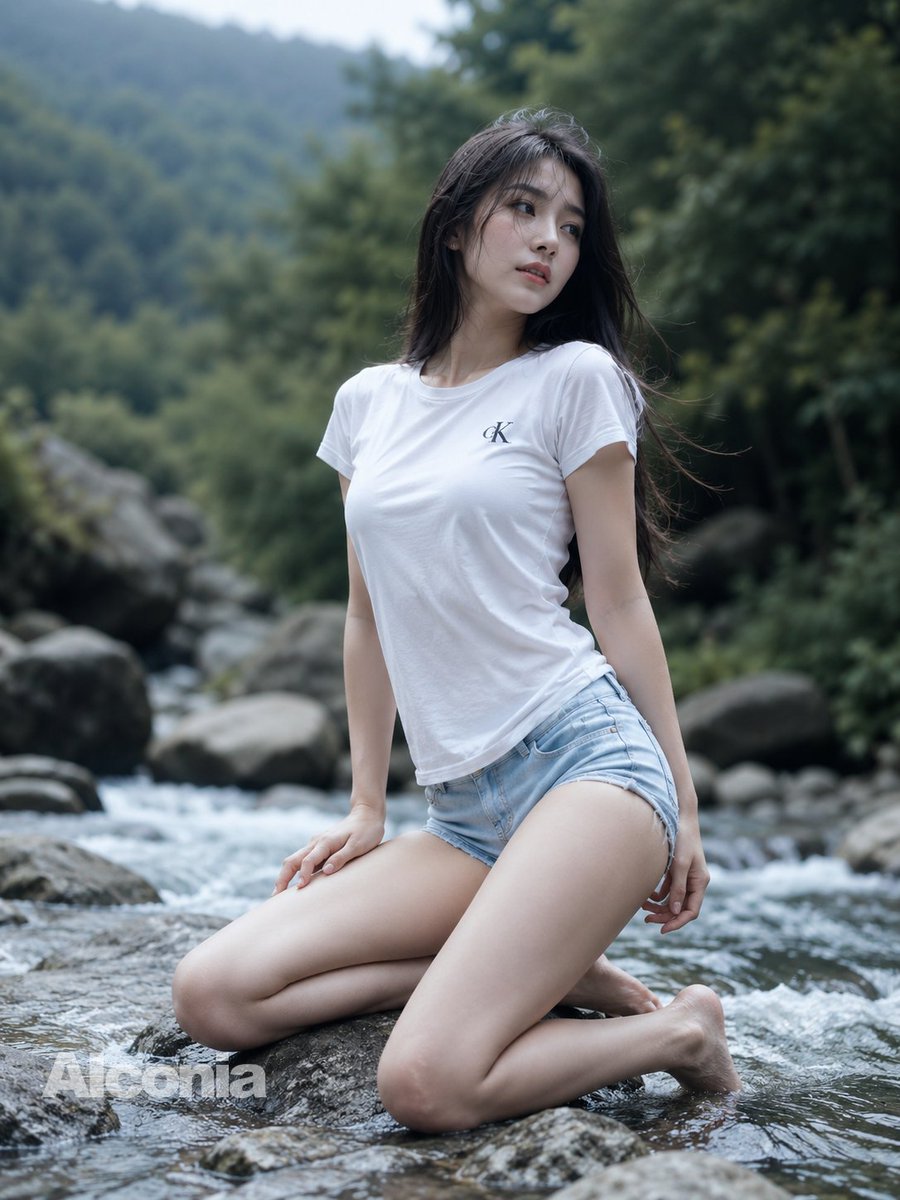
Mountain Stream Portrait
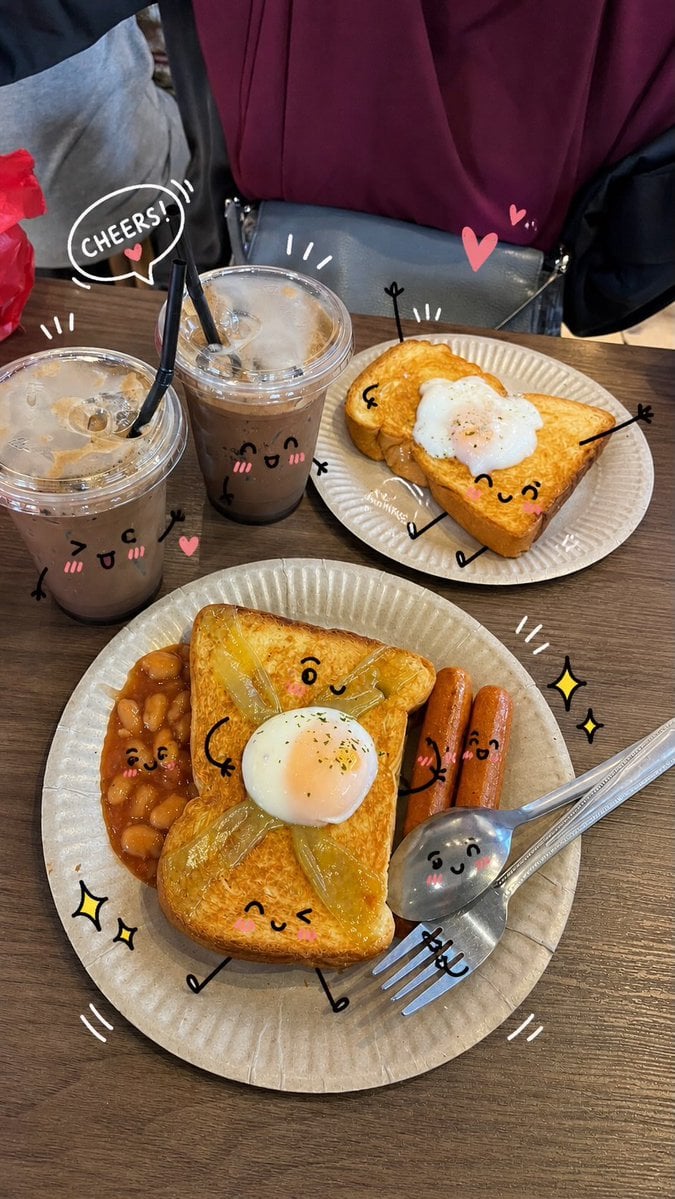
Kawaii Doodle Lifestyle Photography
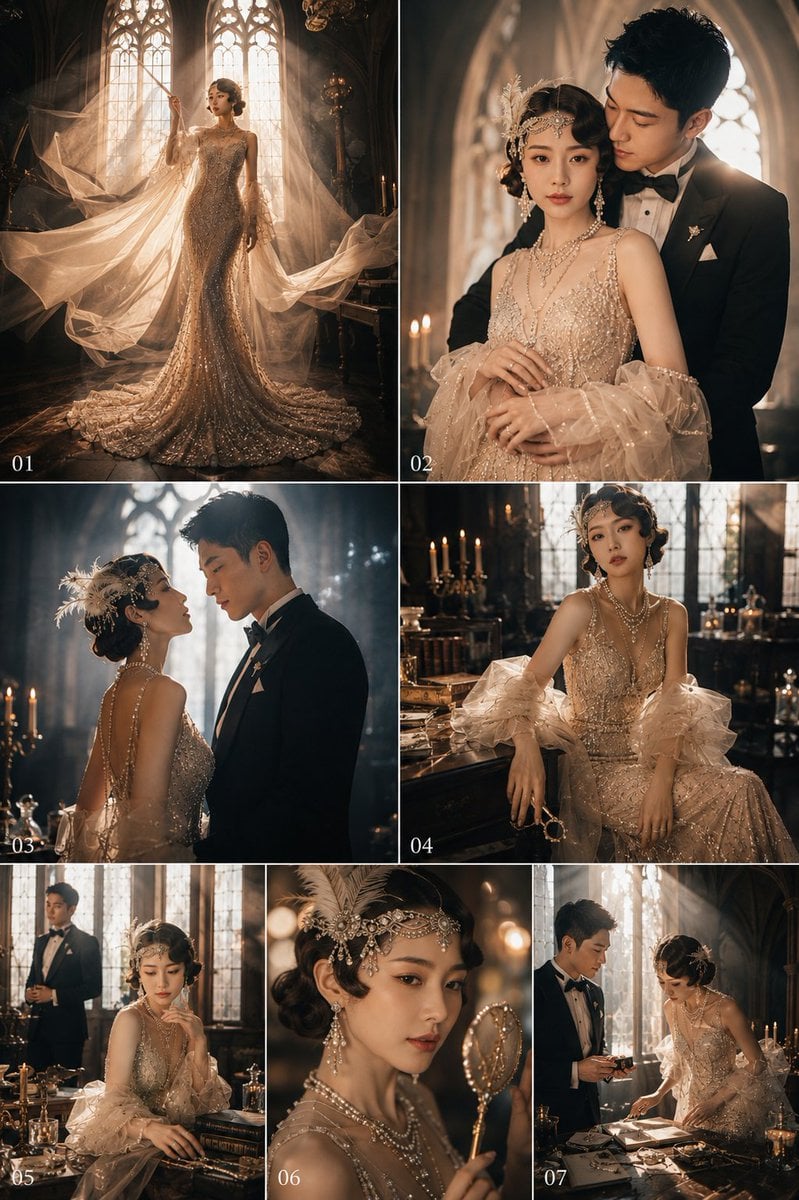
Gatsby Style Art Deco Wedding Photos
Cyberpunk Neon Rim Lighting Portrait
Featured in prompt roundups
Hand-picked collections that include this template.
Browse template categories
Anime Party Spot the Difference questions
How do I use the Anime Party Spot the Difference template?
Add your photo if the template asks for one, edit the prompt if you like — the template's model and format are already selected — and press Generate. Your version opens in PicX Studio.
Can I customize the Anime Party Spot the Difference template?
Yes. You can change the subject, setting, lighting, mood, format, and available model controls before creating your image.
Is the Anime Party Spot the Difference template free?
Opening and editing this template is free. Generating uses credits, shown on the Generate button when you are signed in.
Which AI model should I use?
Start with GPT Image 2, which is the model associated with this template. You can compare another compatible model for a different finish.
Looking for something else? Browse all templates.

Your photo, any look
Thousands of ready templates for every top image and video model, from one credit balance.