
Cartoon Animal Sticker Set
Useful for creating a cohesive 3x4 grid of cute cartoon animal stickers or emojis with different expressions and text labels.
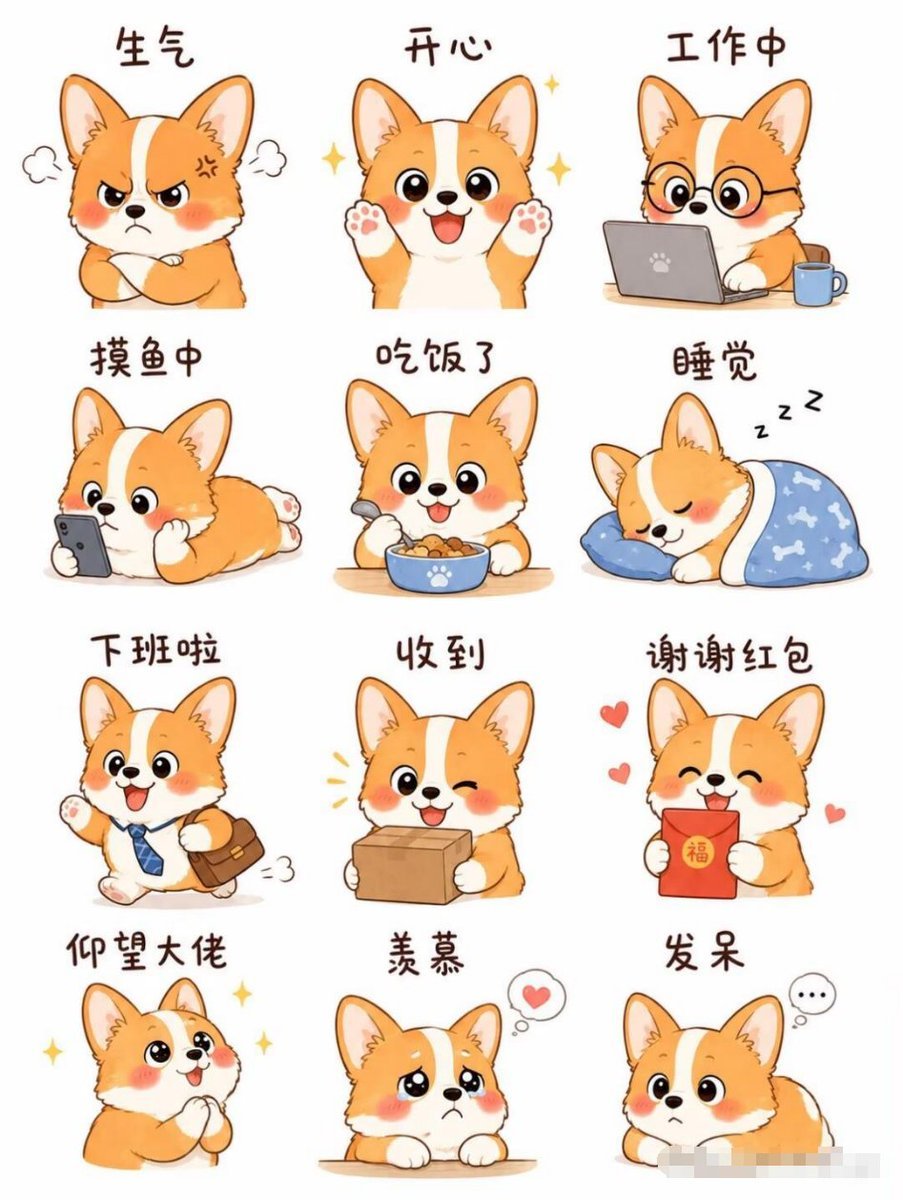
- Prompt included
- Model and format preset
- Free template
The prompt behind this image
Copy the exact prompt behind Cartoon Animal Sticker Set, or open it in the studio and make it yours.
一套12张{argument name="动物角色" default="柯基狗狗"}表情包,3×4排列,卡通手绘风格,干净线条,柔和色彩,纯白背景。{argument name="角色描述" default="柯基是橙白配色,圆脑袋、大眼睛、红扑扑的脸蛋,表情软萌治愈"}。每张对应不同日常情绪:生气、开心、工作中、摸鱼中、吃饭了、睡觉、下班啦、收到、谢谢红包、仰望大佬、羡慕、发呆。每张上方有手写风的中文文字标签,整体风格统一、平涂色彩、轻微软阴影,无多余背景元素,适合聊天贴纸。
How to use Cartoon Animal Sticker Set in 3 steps
- 1
Open
The prompt is already in the box next to the preview, with the template's model and format selected.
- 2…a portrait of your subject in softgolden-hour light, 85mm…
Personalize
Edit the subject and creative details for your destination.
- 3Generate
Generate
Press Generate — your image is created in PicX Studio, so you can compare it with the original and refine one variable at a time.
More like this
Templates with the same subject, style or setup. Open one to see its prompt.
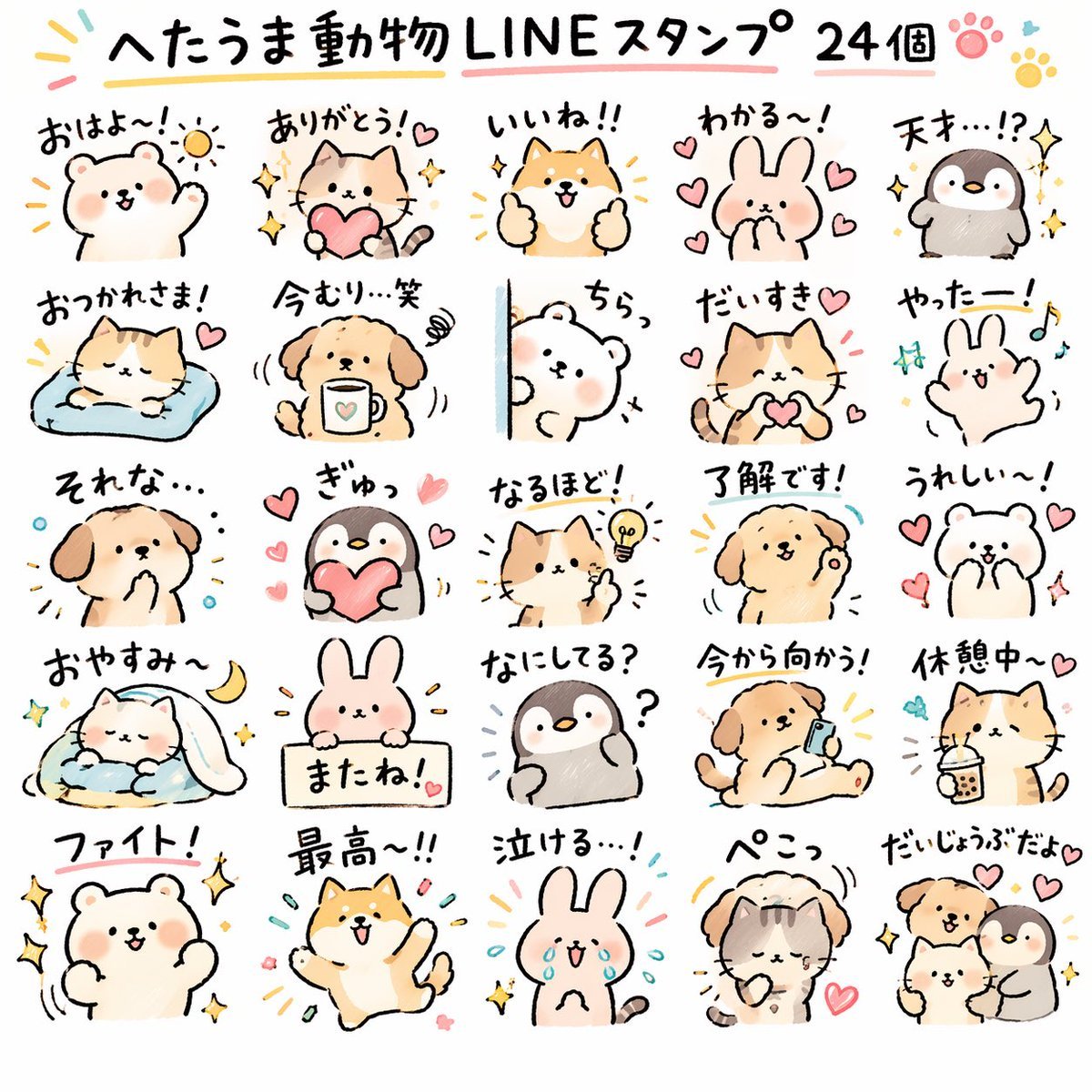
Quirky Animal Sticker Set

A trendy, high-end Sticker Sheet set

Toon Cartoon Finale Fireworks

Toon Cartoon Garden Maze

Toon Cartoon Rooftop Concert

Toon Cartoon Kitchen Chaos

Toon Cartoon Carnival Ride
Toon Cartoon Rainy Bus Stop

Toon Cartoon Space Dock

Toon Cartoon Cafe Morning

Toon Cartoon Street Festival

Toon Cartoon Ballroom Dance
Make it yours
Cartoon Animal Sticker Set works as-is. These are the safest ways to change it without losing the look.
Change one field
Copy a single group, rewrite it, and generate again so you can see what that field is doing.
Keep the frame, change the subject
Hold the composition and light of Cartoon Animal Sticker Set, then swap wardrobe, props or the person for a new take.
| If the result… | Why | Fix |
|---|---|---|
| The result drifts from the preview | Too many fields changed at once. | Reuse Cartoon Animal Sticker Set as-is first, then change one group — subject, light, or setting. |
| The model over-stylizes the scene | The prose prompt leaves finish and camera underspecified. | Add one camera or lighting sentence and stay on GPT Image 2. |
More GPT Image 2 templates
Other prompts made for GPT Image 2.

Six VTuber Japanese Logo Sheet

Realistic Portrait of Woman and Deer

The Vista Modular Condo Poster

AI Model Routing Comparison Infographic

2.5D Anime Art Board

Isometric Productivity Desk Scene

New York Double Exposure Poster

Four-Panel AI Landscape Comparison

Japanese Tatami Lifestyle Magazine Cover

NESCAFÉ Coffee Map Poster
More image prompts
Fresh picks from across the catalog.
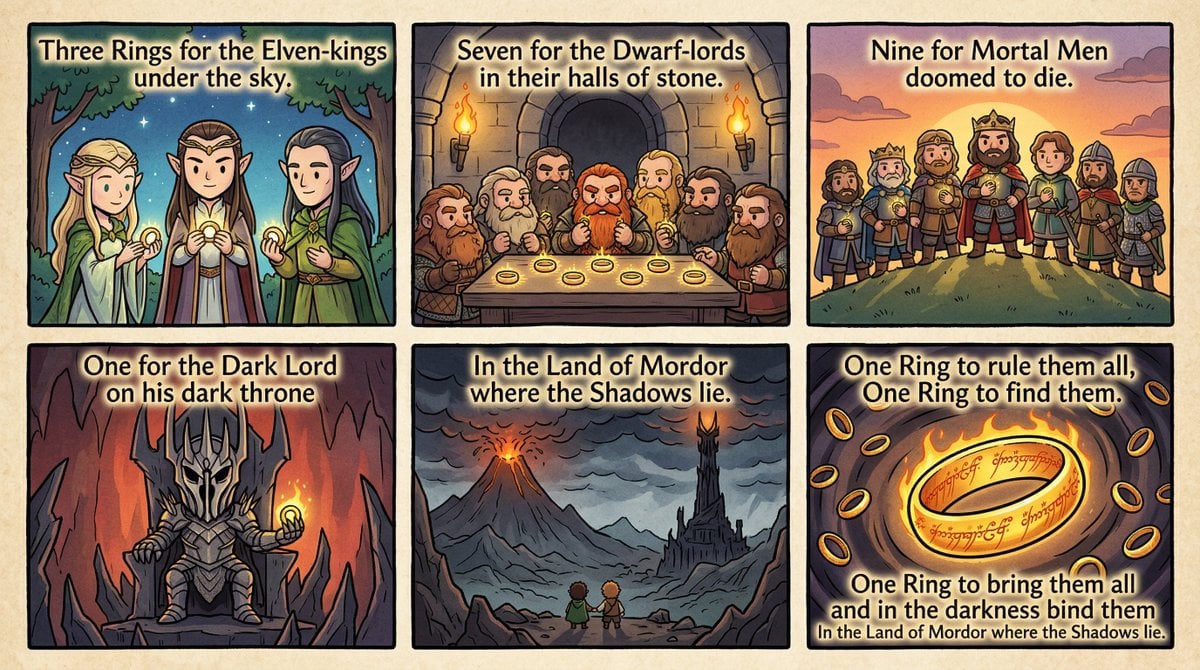
Cel-Shaded Comic Strip Prompt for LOTR Poem
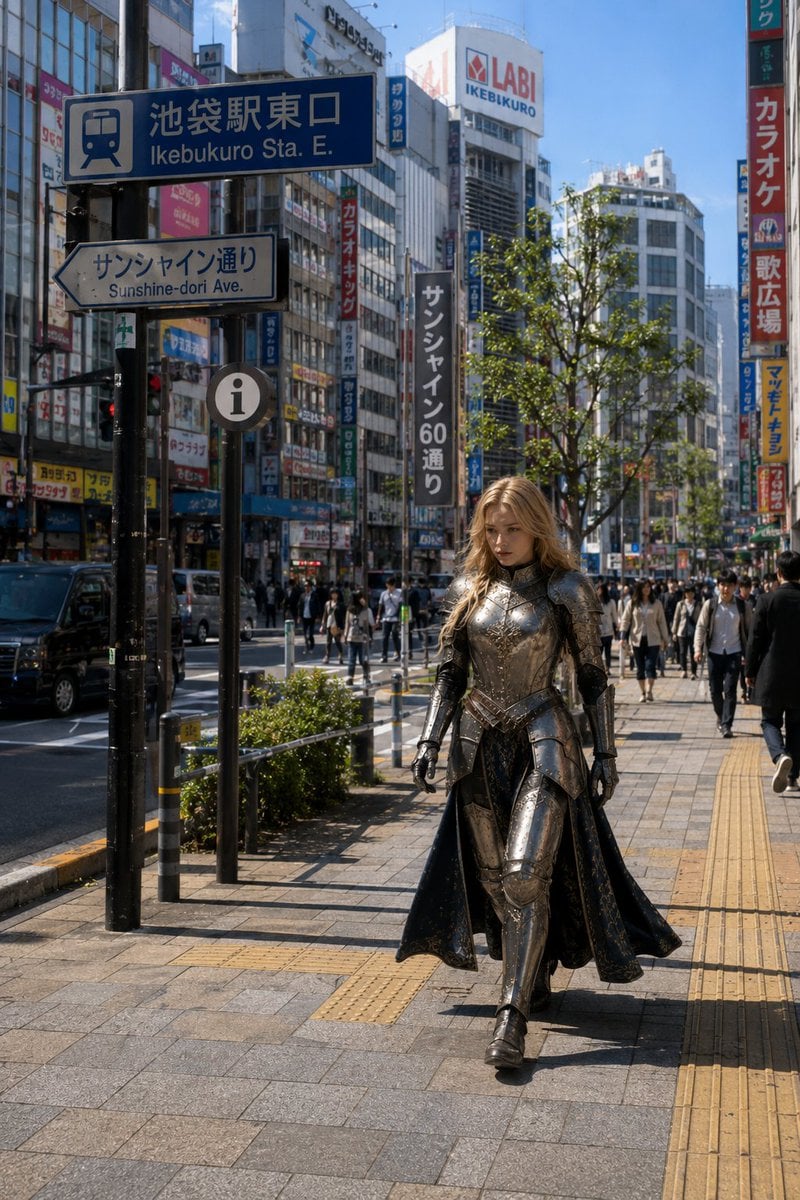
Armored Cosplayer in Ikebukuro
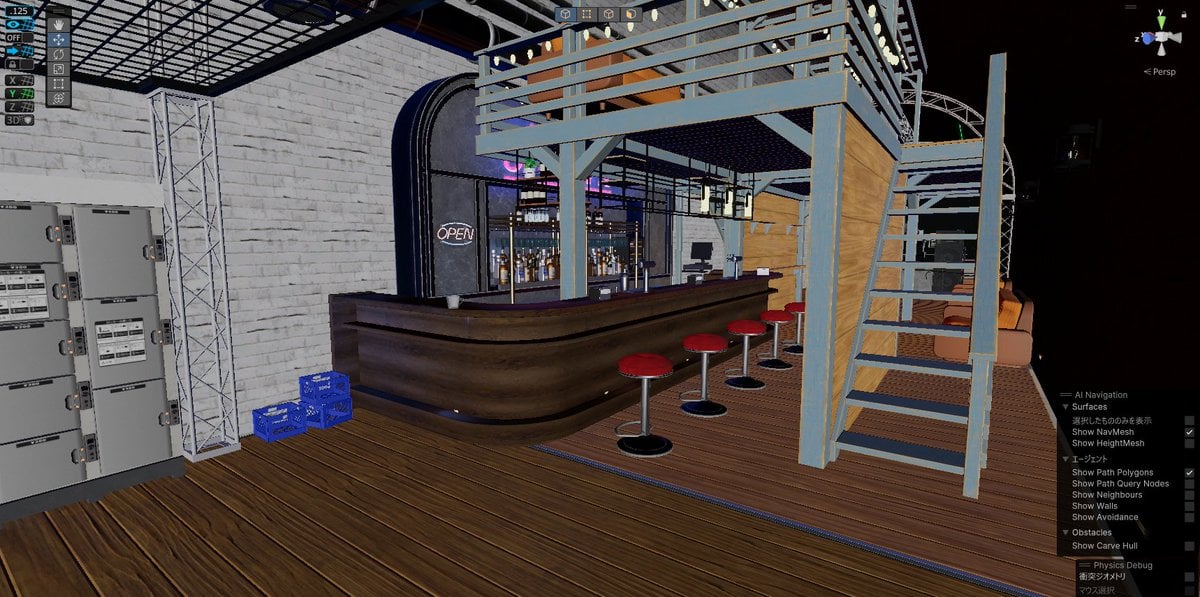
Nano Banana Detail Addition Test
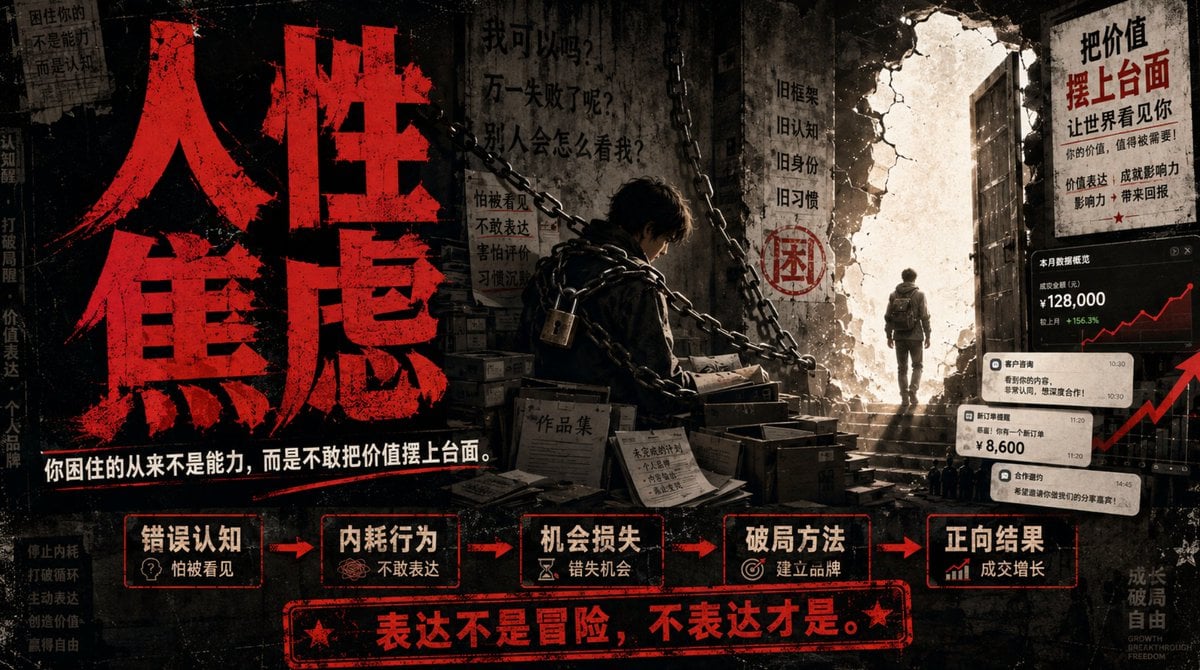
Human Anxiety Dark Business Poster

Multi-Frame Lifestyle Portrait Prompt for Nano Banana Pro
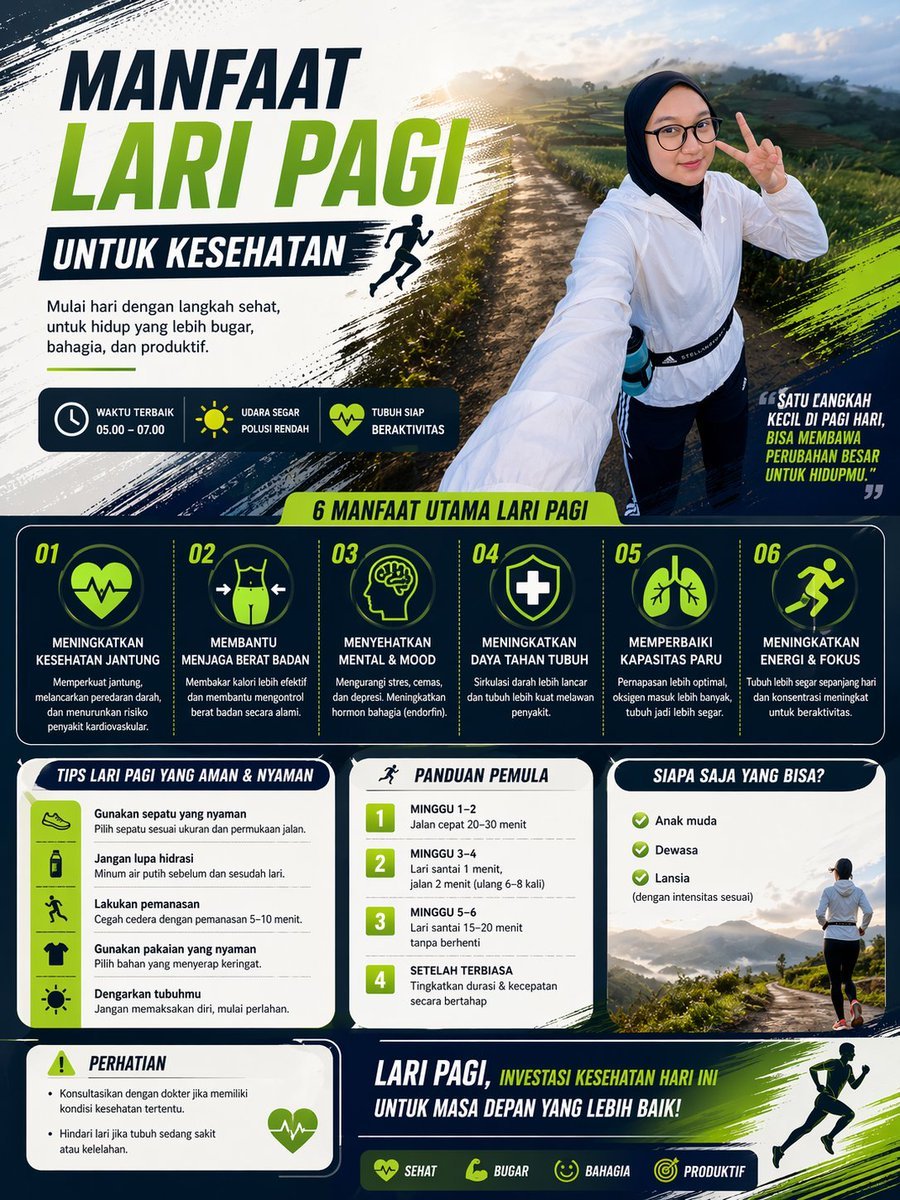
Morning Run Benefits Infographic
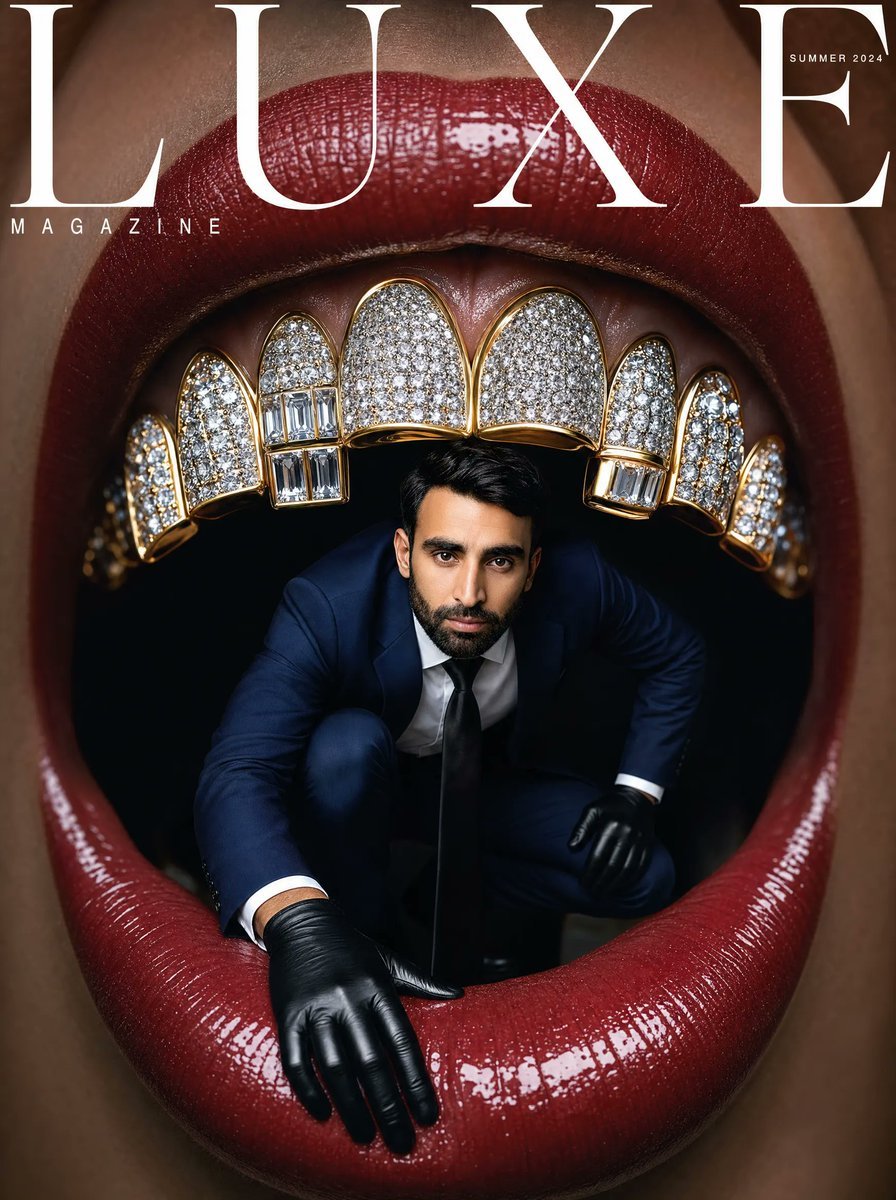
Surreal Luxe Mouth Magazine Cover
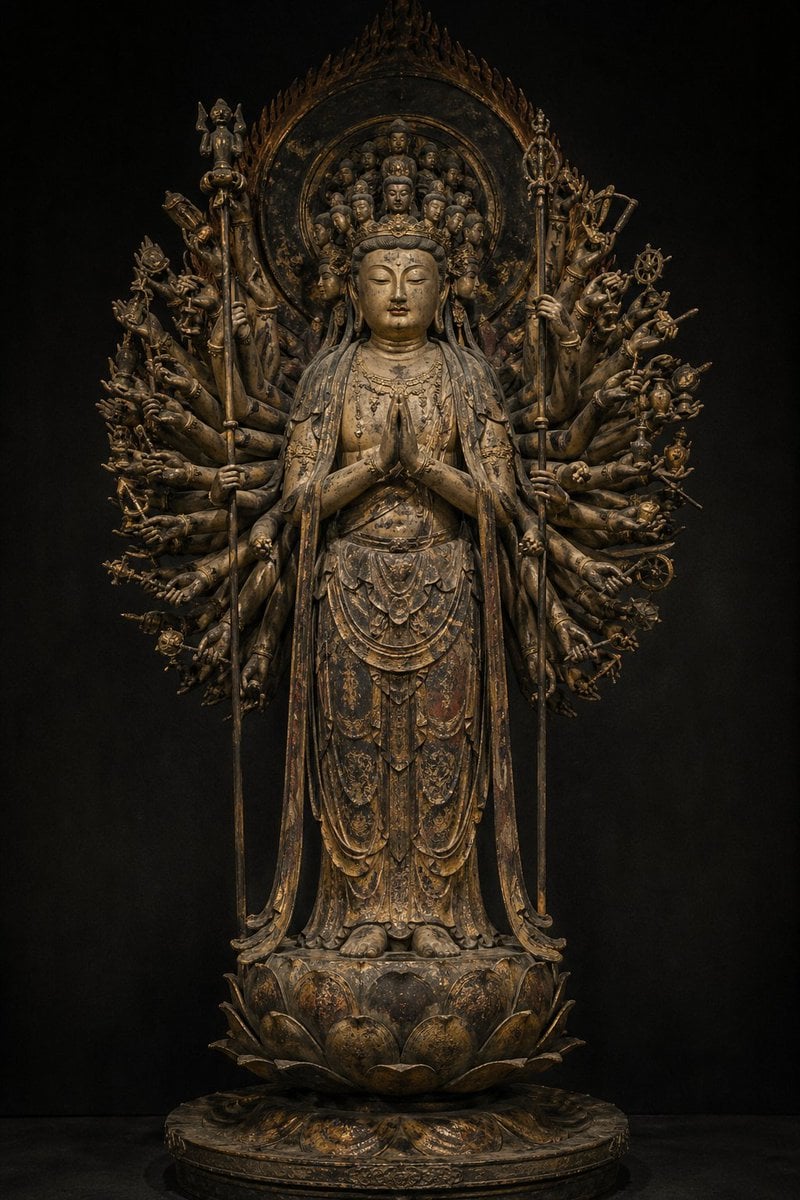
Traditional Japanese Buddhist Statue
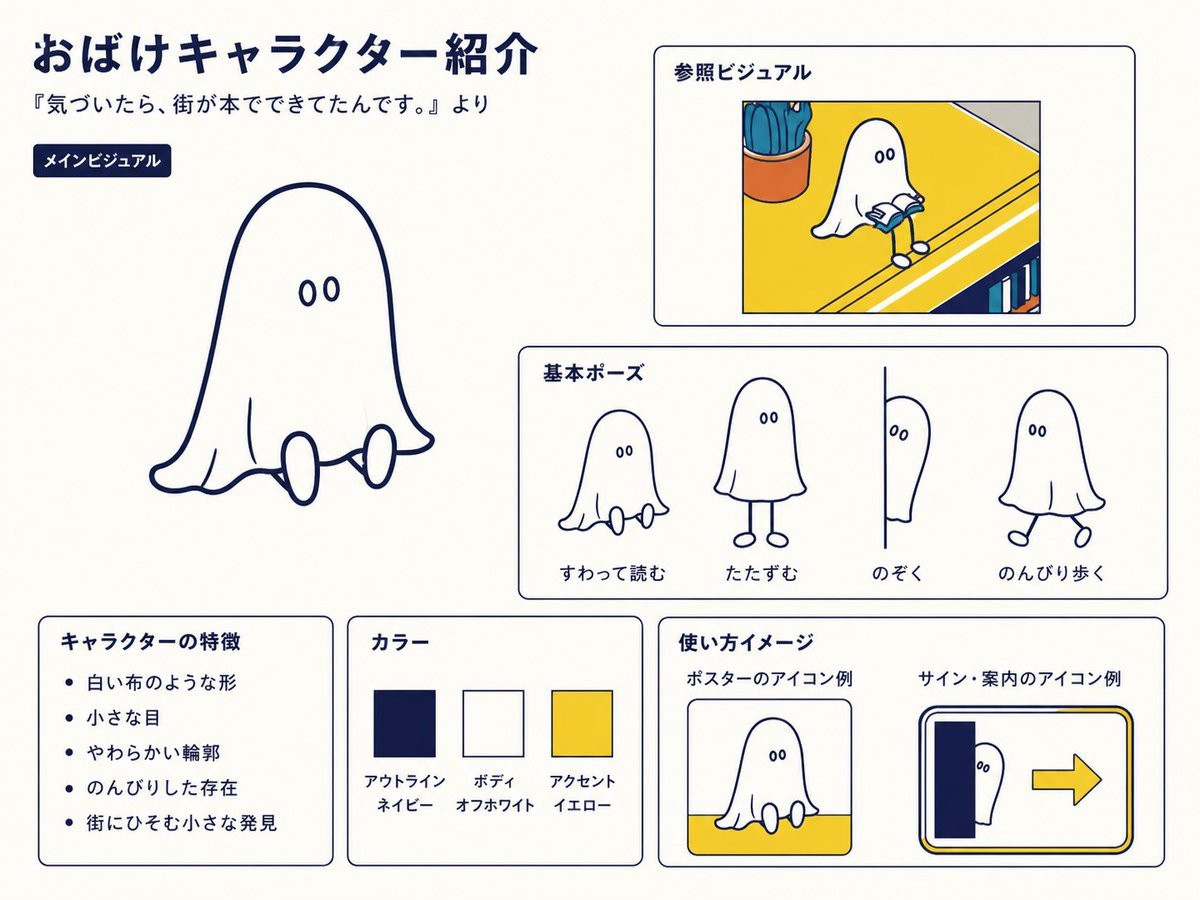
Japanese Ghost Mascot Style Guide
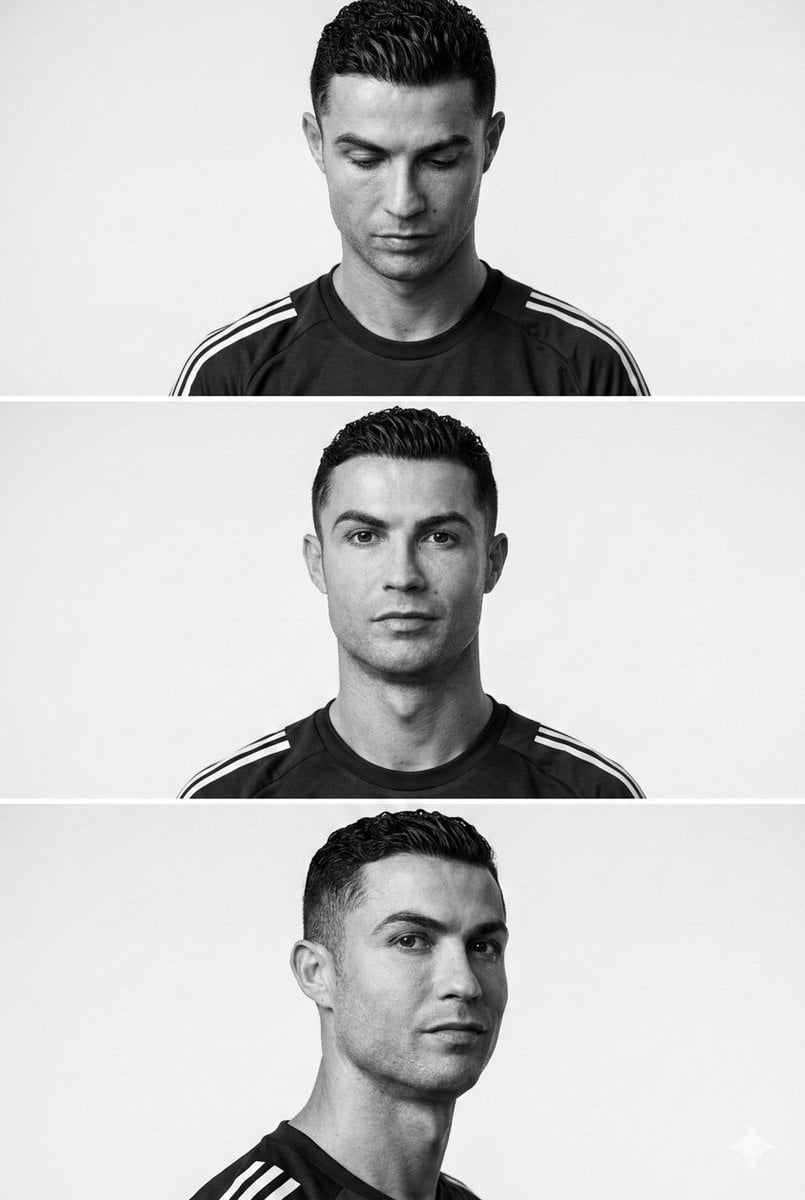
Minimalist Editorial Portrait Series Prompt
Browse template categories
Cartoon Animal Sticker Set questions
How do I use the Cartoon Animal Sticker Set template?
Add your photo if the template asks for one, edit the prompt if you like — the template's model and format are already selected — and press Generate. Your version opens in PicX Studio.
Can I customize the Cartoon Animal Sticker Set template?
Yes. You can change the subject, setting, lighting, mood, format, and available model controls before creating your image.
Is the Cartoon Animal Sticker Set template free?
Opening and editing this template is free. Generating uses credits, shown on the Generate button when you are signed in.
Which AI model should I use?
Start with GPT Image 2, which is the model associated with this template. You can compare another compatible model for a different finish.
Looking for something else? Browse all templates.

Your photo, any look
Thousands of ready templates for every top image and video model, from one credit balance.