
Synthwave Retro-Futuristic Music Poster
A gpt-image-2 prompt for a polished synthwave music poster featuring a platinum blonde bob and glossy pink vinyl.
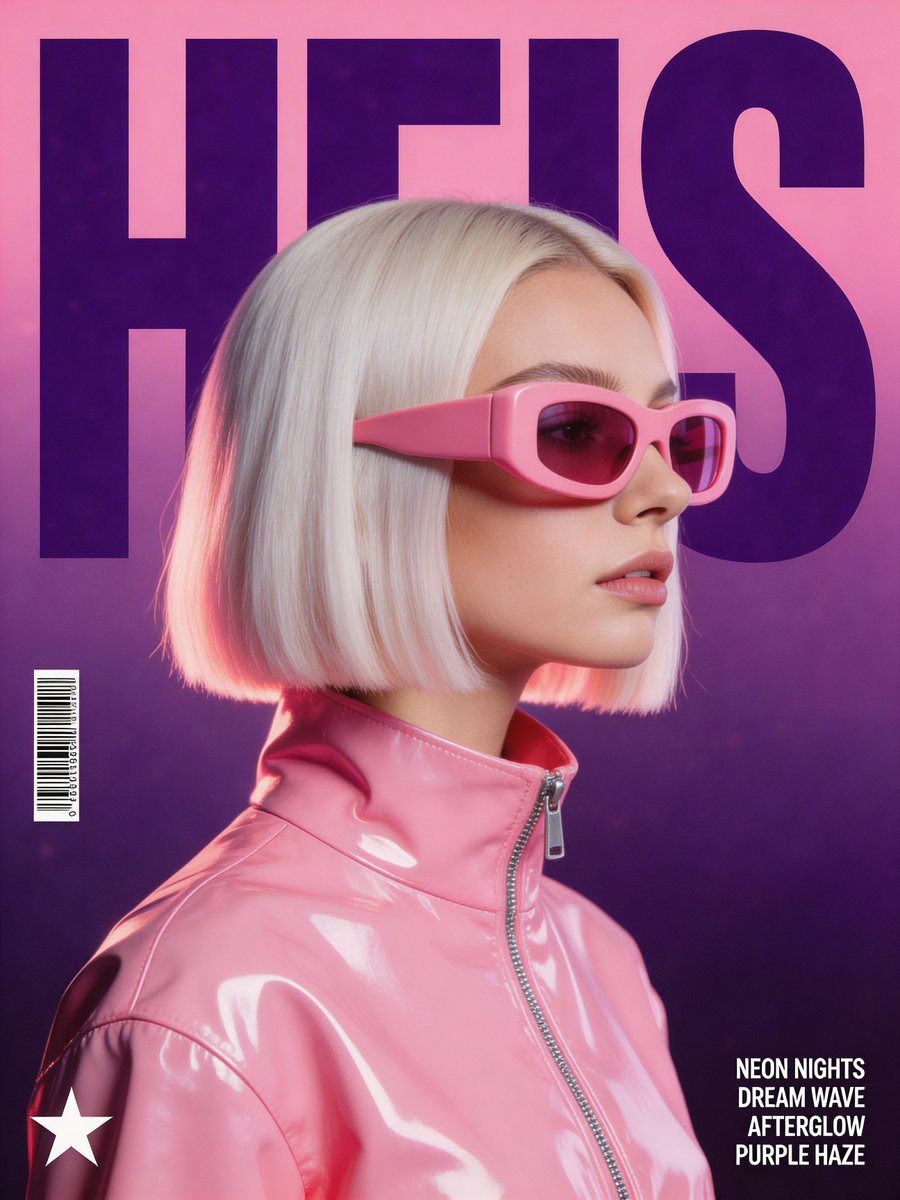
- Prompt included
- Model and format preset
- Free template
The prompt behind this image
Copy the exact prompt behind Synthwave Retro-Futuristic Music Poster, or open it in the studio and make it yours.
Create a stylized retro-futuristic music poster with a polished synthwave fashion aesthetic. Center the composition on a woman shown in side profile, with a sleek platinum blonde bob haircut, wearing oversized chunky opaque pink visor sunglasses and a {argument name="jacket" default="high-collar glossy bubblegum-pink vinyl jacket"} with a visible silver zipper and sharp specular highlights. Place the massive word "{argument name="title" default="HEIS"}" behind her in dark purple, condensed block typography, large enough to fill the poster and partially hidden by her head and hair. Use a clean vertical poster layout with a soft magenta-to-deep-purple gradient background and subtle film grain texture. Lighting should feel like a high-end studio shoot, with soft frontal illumination, bright glossy reflections on the vinyl jacket, and a gentle pink rim light along the hair. Keep the palette dominated by bubblegum pink, deep violet, lavender, and neon-magenta accents. Add small graphic details: a barcode on the left side, a minimalist star logo near the lower-left corner, and four tiny stacked uppercase sans-serif lyric-style lines in the lower-right, such as "{argument name="lyrics" default="NEON NIGHTS"}", "DREAM WAVE", "AFTERGLOW", and "PURPLE HAZE". The final image should feel like a clean, expensive electronic dance music cover or high-fashion editorial poster, crisp, polished, cinematic, and poster-ready.
How to use Synthwave Retro-Futuristic Music Poster in 3 steps
- 1
Open
The prompt is already in the box next to the preview, with the template's model and format selected.
- 2…a portrait of your subject in softgolden-hour light, 85mm…
Personalize
Edit the subject and creative details for your destination.
- 3Generate
Generate
Press Generate — your image is created in PicX Studio, so you can compare it with the original and refine one variable at a time.
More like this
Templates with the same subject, style or setup. Open one to see its prompt.
Synthwave Retro Superhero Music Poster
Synthwave Music Poster Retro Futuristic

Our Song was on a Cassette
80s Synthwave Sunset Drive

Gpt2 Youtube Thumbnail Anime Music Bootcamp Promo Poster

Sunday Afternoon, 1988

Two Tickets, One Night

If We Met in 1985

Found Photograph: Us, 1970

One Dance Before Midnight

Before We said Goodbye

Meet Me When It Rains
Make it yours
Synthwave Retro-Futuristic Music Poster works as-is. These are the safest ways to change it without losing the look.
Change one field
Copy a single group, rewrite it, and generate again so you can see what that field is doing.
Keep the frame, change the subject
Hold the composition and light of Synthwave Retro-Futuristic Music Poster, then swap wardrobe, props or the person for a new take.
| If the result… | Why | Fix |
|---|---|---|
| The result drifts from the preview | Too many fields changed at once. | Reuse Synthwave Retro-Futuristic Music Poster as-is first, then change one group — subject, light, or setting. |
| The model over-stylizes the scene | The prose prompt leaves finish and camera underspecified. | Add one camera or lighting sentence and stay on GPT Image 2. |
More GPT Image 2 templates
Other prompts made for GPT Image 2.

Six VTuber Japanese Logo Sheet

Realistic Portrait of Woman and Deer

The Vista Modular Condo Poster

AI Model Routing Comparison Infographic

2.5D Anime Art Board

Isometric Productivity Desk Scene

New York Double Exposure Poster

Four-Panel AI Landscape Comparison

Japanese Tatami Lifestyle Magazine Cover

NESCAFÉ Coffee Map Poster
More image prompts
Fresh picks from across the catalog.
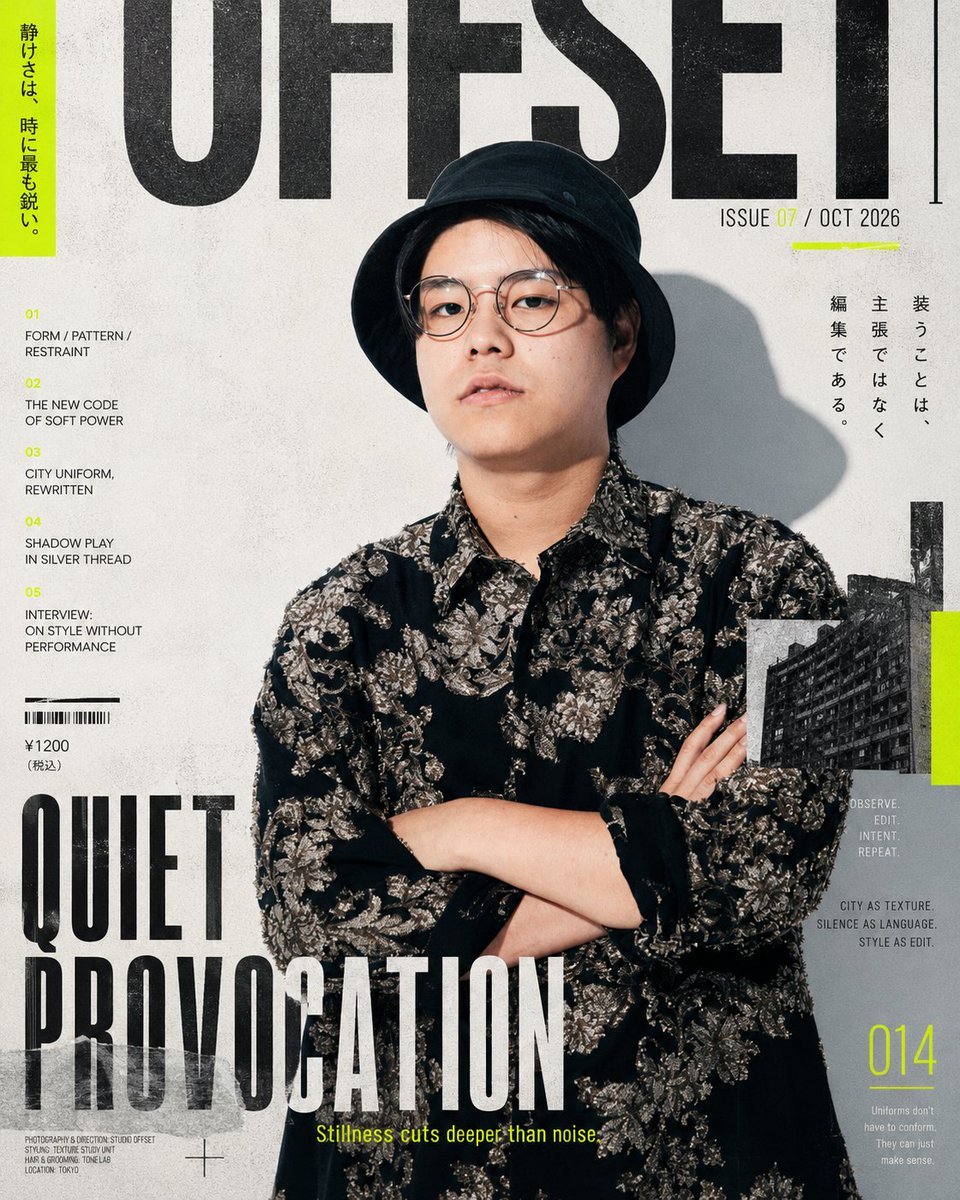
Editorial Fashion Magazine Cover
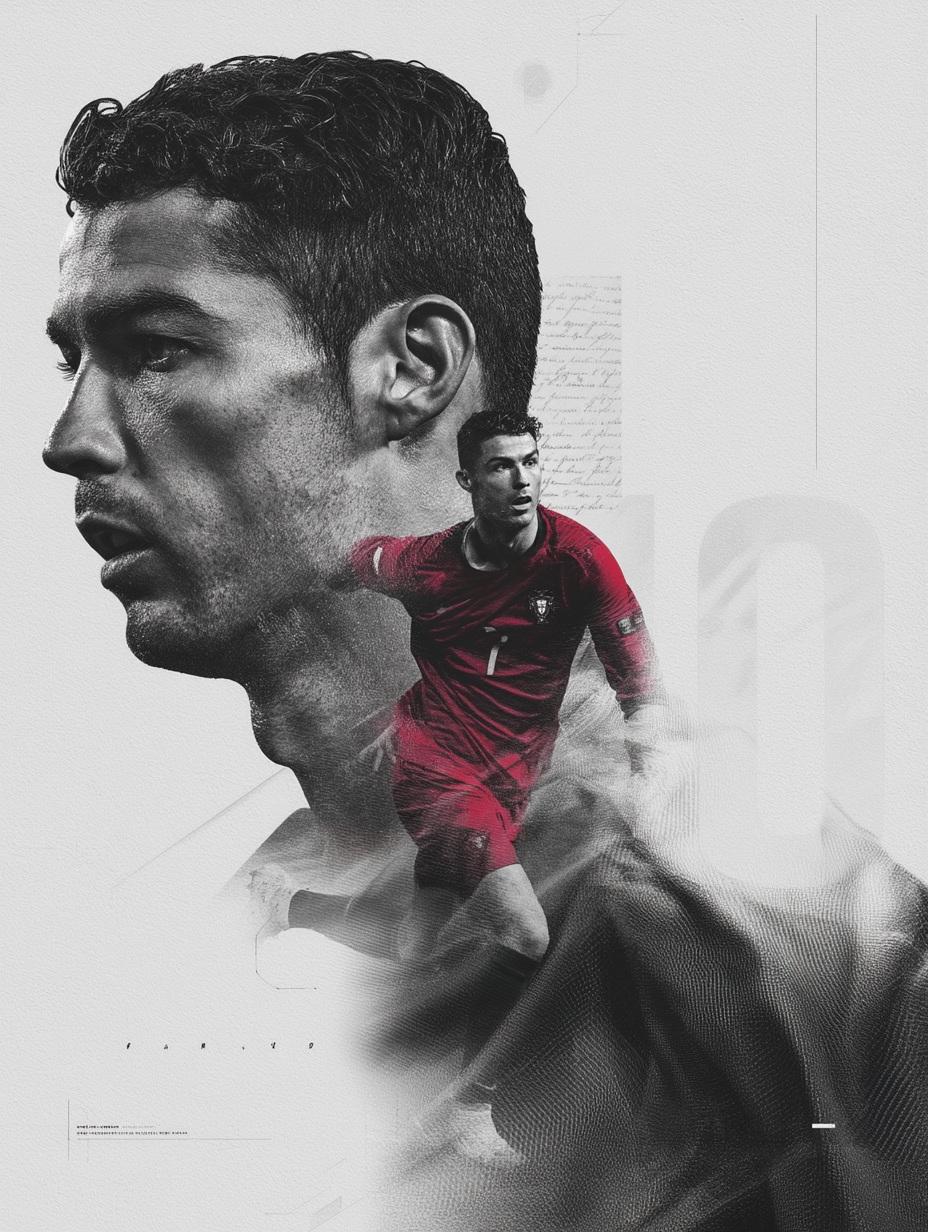
Nano Banana Pro on Gemini
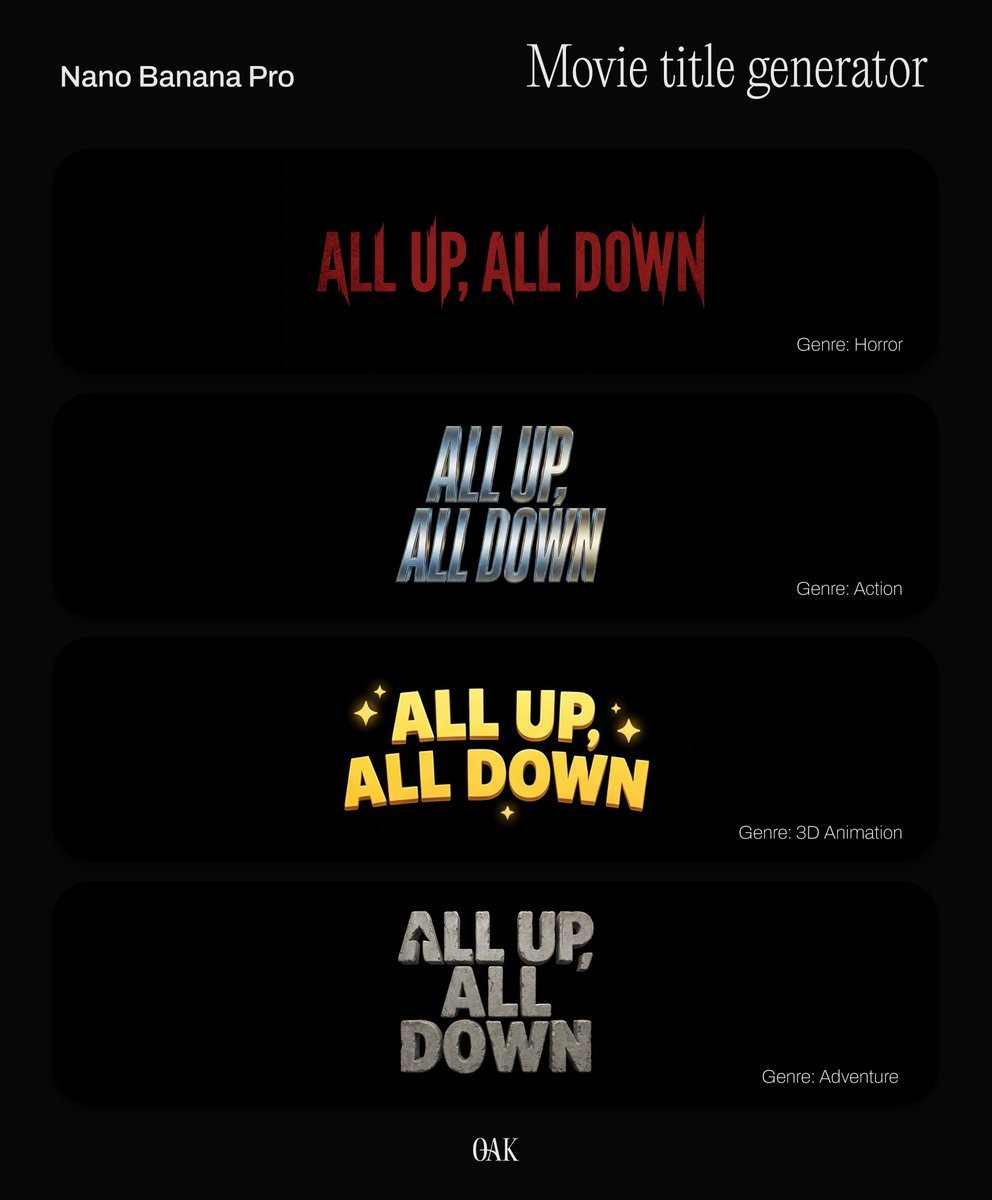
Movie Title Generator Prompt
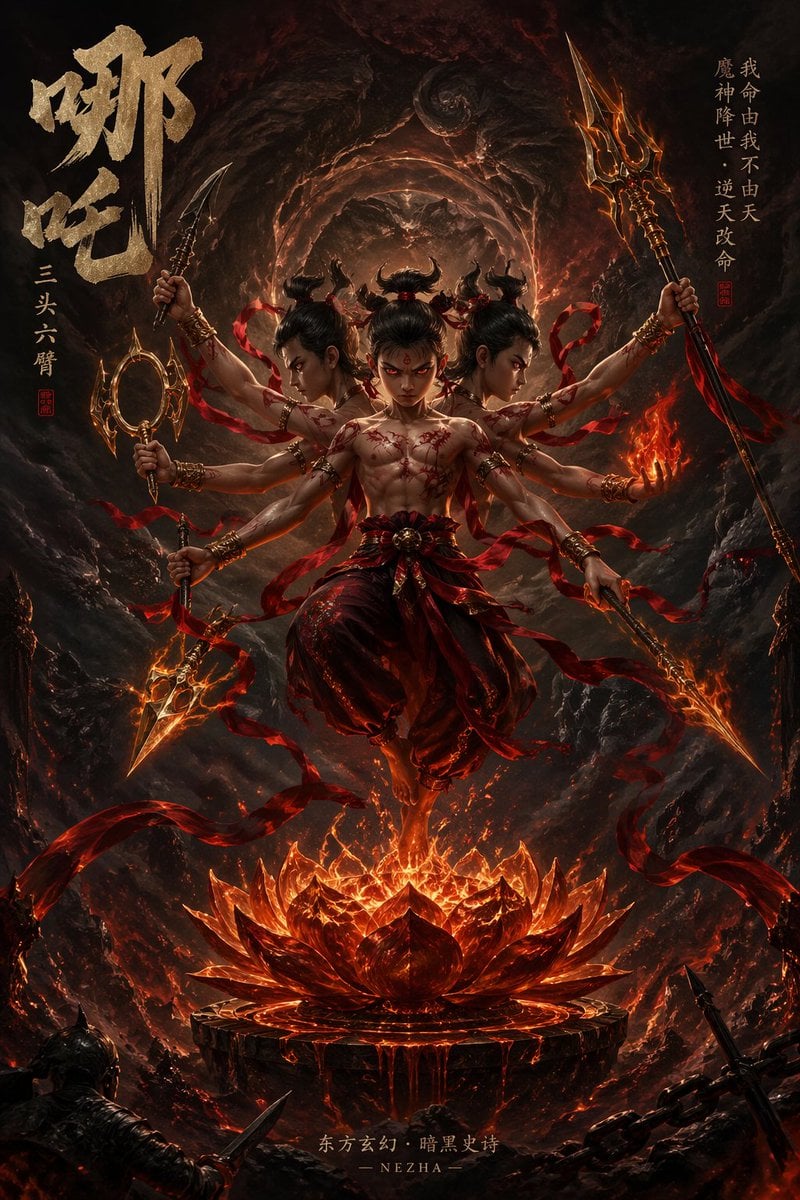
Epic Fantasy Novel Cover for Nezha
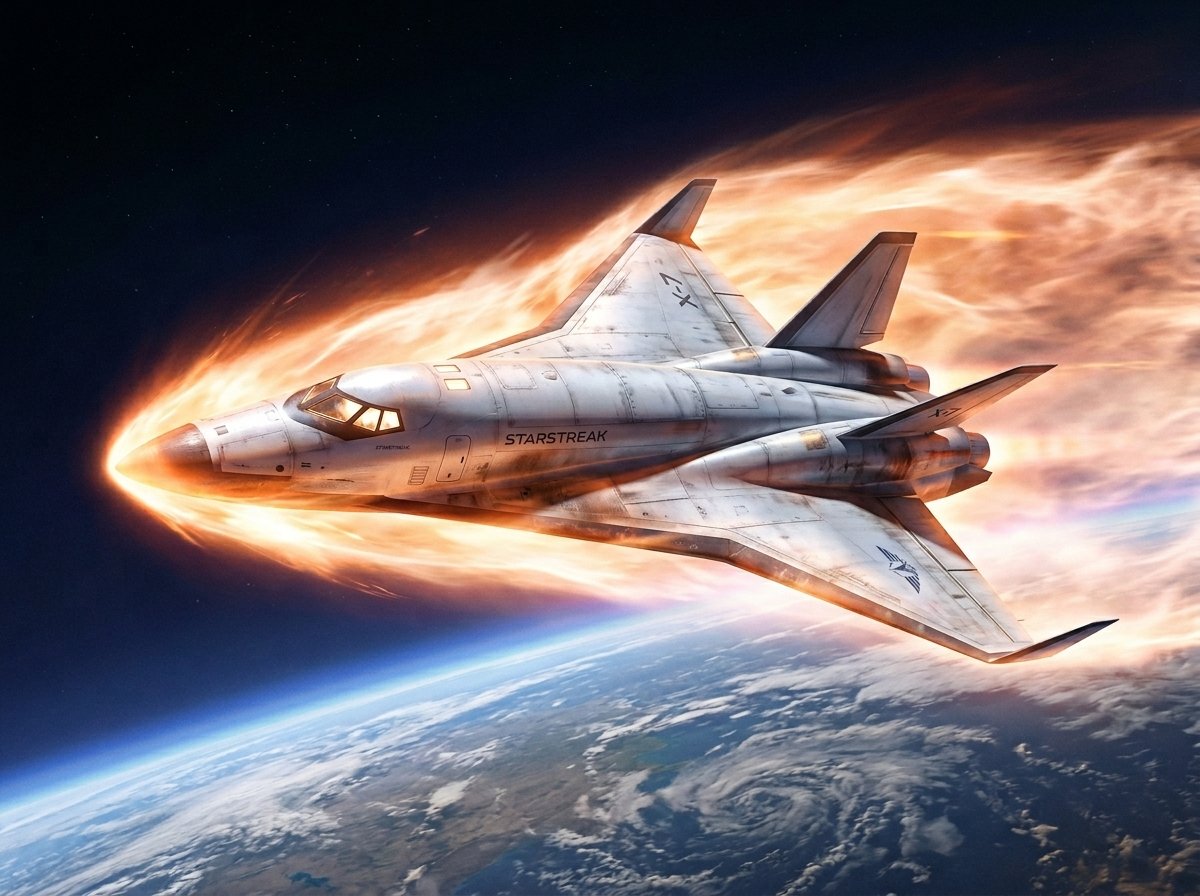
Reentry Shuttle Above Earth
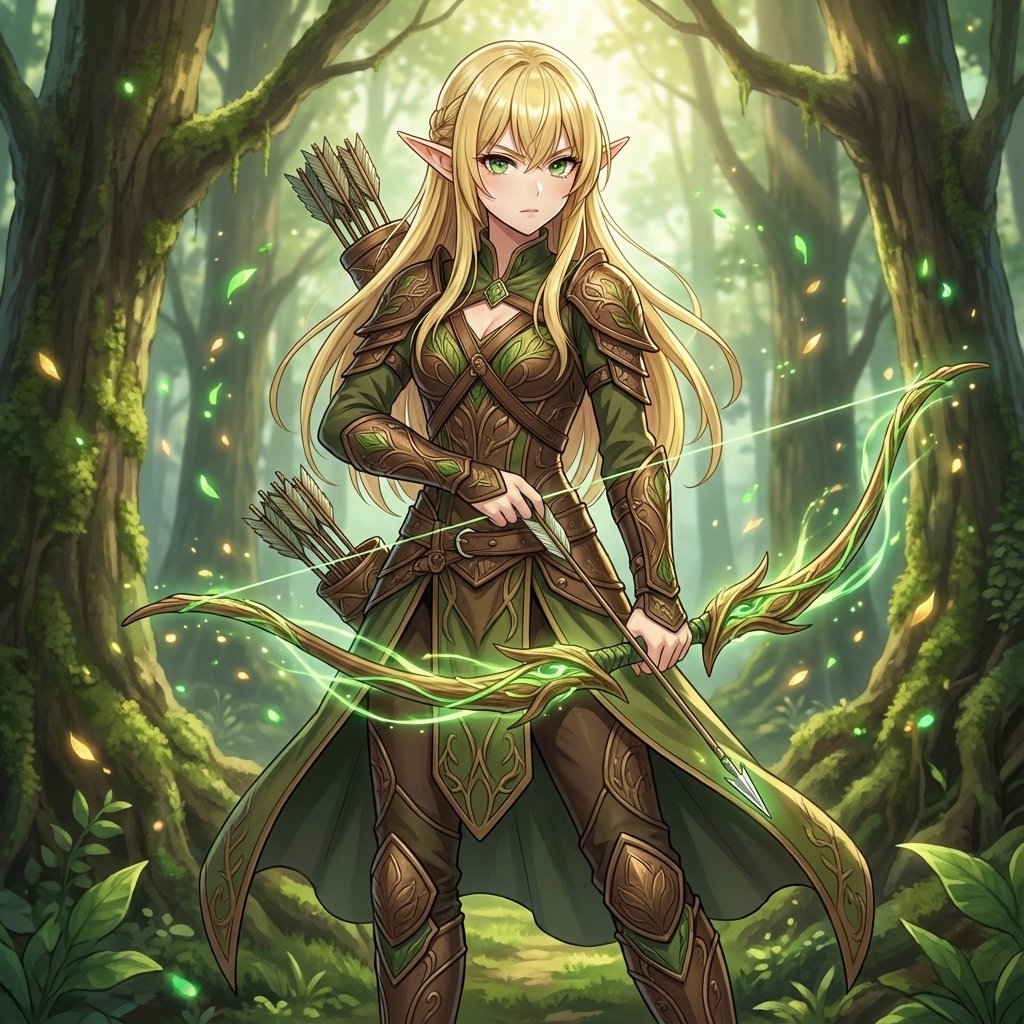
Elven Archer Transformation Prompt
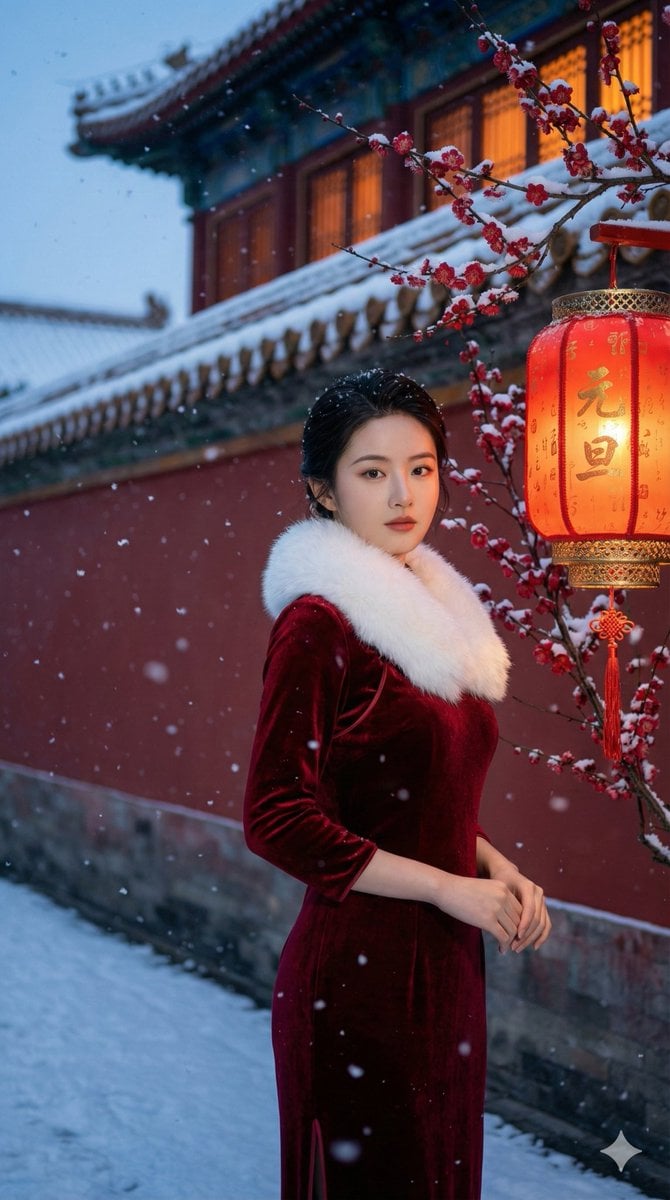
New Year's Day Special: Forbidden City in Snow
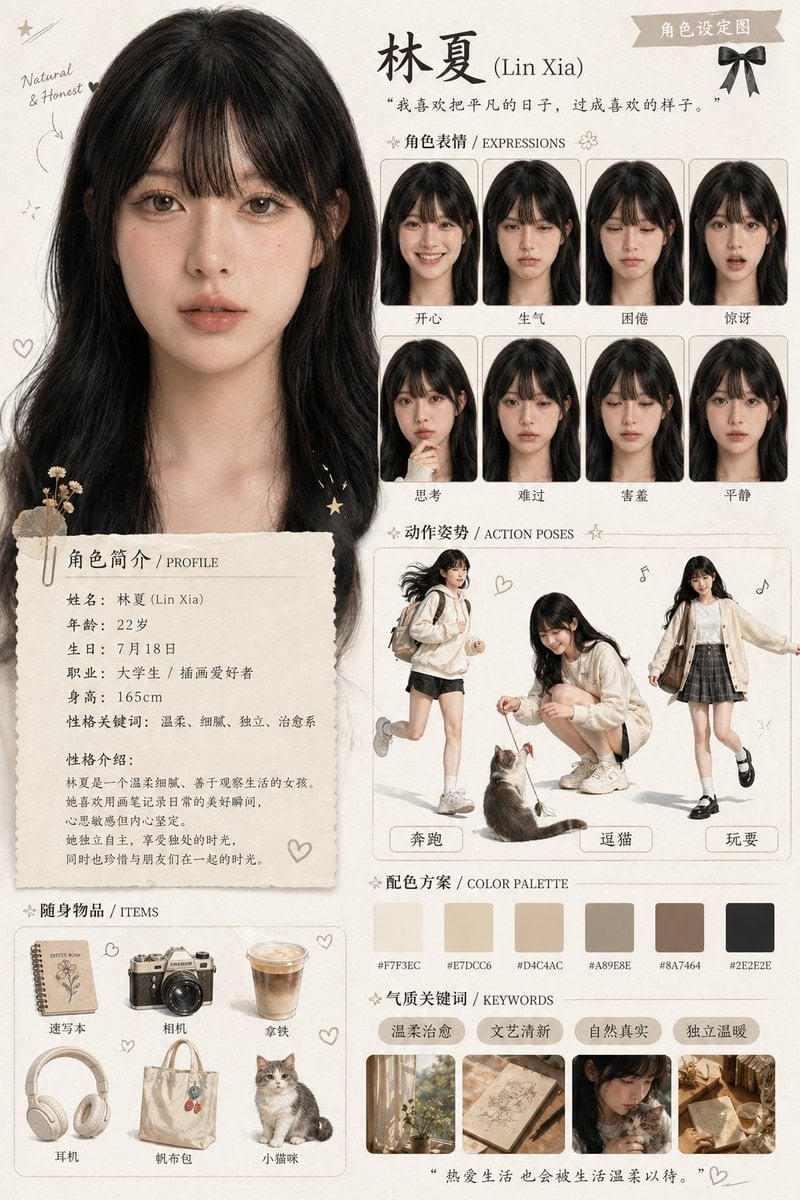
Character Asset Design Card
Watercolor Forest Clearing with Stream
Alpine Landscape Mountain Boardwalk Portrait
Browse template categories
Synthwave Retro-Futuristic Music Poster questions
How do I use the Synthwave Retro-Futuristic Music Poster template?
Add your photo if the template asks for one, edit the prompt if you like — the template's model and format are already selected — and press Generate. Your version opens in PicX Studio.
Can I customize the Synthwave Retro-Futuristic Music Poster template?
Yes. You can change the subject, setting, lighting, mood, format, and available model controls before creating your image.
Is the Synthwave Retro-Futuristic Music Poster template free?
Opening and editing this template is free. Generating uses credits, shown on the Generate button when you are signed in.
Which AI model should I use?
Start with GPT Image 2, which is the model associated with this template. You can compare another compatible model for a different finish.
Looking for something else? Browse all templates.

Your photo, any look
Thousands of ready templates for every top image and video model, from one credit balance.