
Sapporo Apocalypse Manga Page
A three-panel high-detail anime manga page showing a purple sky rift, a colossal demon attack, and a schoolgirl hero with robotic allies.
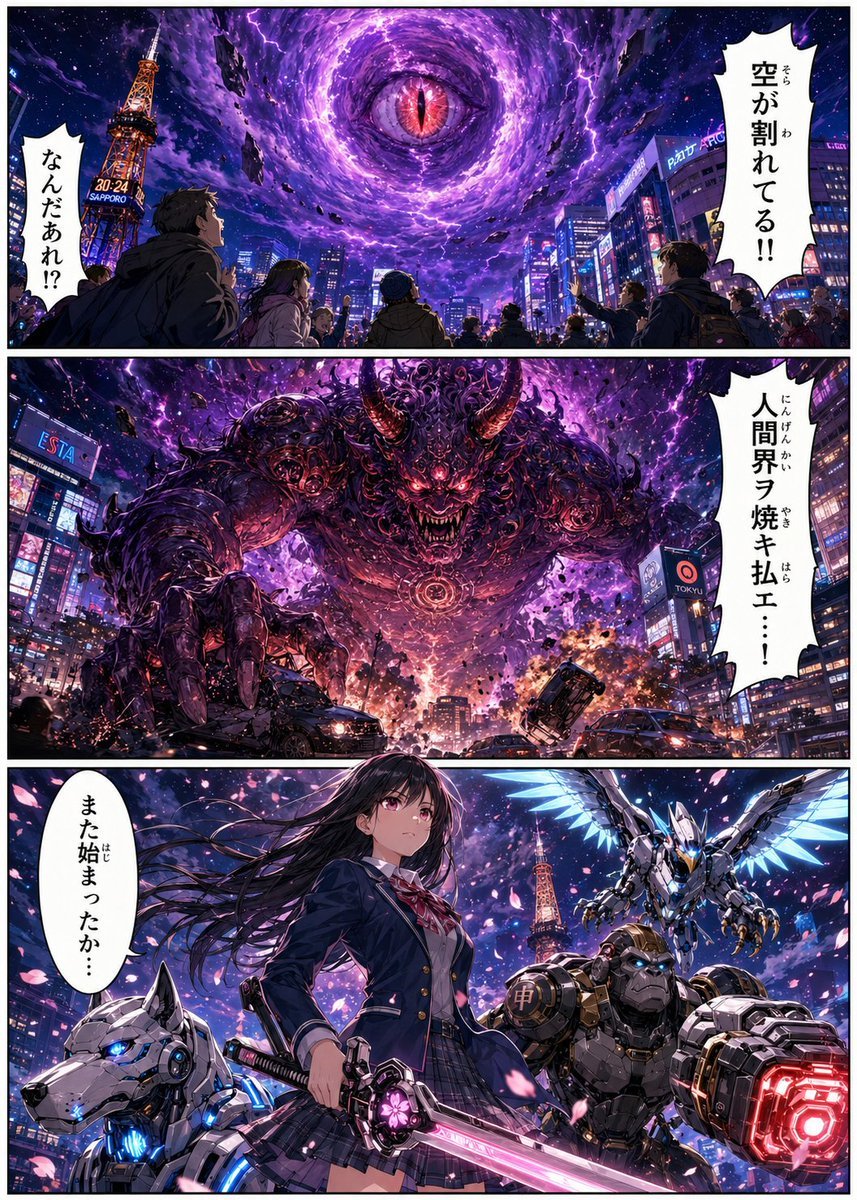
- Prompt included
- Model and format preset
- Free template
The prompt behind this image
Copy the exact prompt behind Sapporo Apocalypse Manga Page, or open it in the studio and make it yours.
Goal: Create a dramatic vertical manga page about a supernatural apocalypse in modern Sapporo, where a purple rift opens in the sky, a giant demon descends, and a schoolgirl hero with robotic allies prepares to fight. Canvas: Tall comic page in a 3:4 vertical ratio, full-bleed artwork with thin white gutters and black panel borders. Use a polished high-detail anime/manga style with cinematic lighting, saturated neon colors, dense city detail, and intense action composition. Layout: Use exactly 3 horizontal panels stacked vertically. Panel 1 occupies the top third, Panel 2 the middle third, and Panel 3 the bottom third. Add exactly 4 white jagged manga speech balloons with vertical Japanese text. Panel 1: Nighttime downtown Sapporo cityscape seen from street level, crowded with shocked pedestrians looking upward. The Sapporo TV Tower stands on the left, glowing orange with signage reading “30-24 SAPPORO.” Above the skyline, the sky has split into a massive swirling purple vortex filled with lightning, stars, debris, and a single red reptilian eye at the center. Include exactly 2 speech balloons: one small jagged balloon on the left reading {argument name="left reaction text" default="なんだあれ!?"}, and one tall jagged balloon on the right reading {argument name="sky warning text" default="空が割れてる!!"}. Panel 2: The vortex ruptures over a neon Japanese city intersection. A colossal demonic kaiju emerges from the purple storm, filling most of the frame. It has a muscular black-and-purple body, glowing red eyes, huge curved horns, ornate organic armor, clawed hands reaching toward the street, and a circular glowing sigil embedded in its chest. Cars crash and flip in the foreground, sparks and explosions scatter across the road, people run in panic, and buildings with neon signs frame both sides. Include exactly 1 tall jagged speech balloon on the right reading {argument name="demon proclamation" default="人間界ヲ焼キ払エ・・・!"}. Panel 3: Hero reveal composition under a cherry-blossom-like shower of pink petals and purple cosmic light. Center foreground: a Japanese high school girl hero, {argument name="hero name" default="unnamed schoolgirl"}, standing confidently with long black hair blowing in the wind; her face is softly obscured or not sharply detailed. She wears a navy school blazer, white shirt, red ribbon tie, plaid skirt, and holds a glowing pink energy katana angled downward across the foreground. Around her are exactly 3 mechanical allies: 1 white robotic wolf with blue glowing eyes and blue cybernetic armor at lower left, 1 bulky gorilla-like armored robot with blue eyes and a huge red glowing cannon fist at lower right, and 1 silver-blue winged mecha bird hovering behind her on the upper right. The Sapporo tower is visible again in the background. Include exactly 1 white oval speech balloon on the left reading {argument name="hero line" default="また始まったか・・・"}. Visual style: Hyper-detailed Japanese action manga/anime illustration, glossy digital painting, dramatic perspective, neon purple apocalypse lighting, electric effects, particles, debris, high contrast, intricate linework, cinematic depth, crisp panel art. Constraints: Keep exactly 3 panels, exactly 4 speech balloons, exactly 3 robotic allies, and no extra captions or narration boxes. Preserve the Japanese text exactly as written inside the balloons. Do not add watermarks, artist signatures, UI elements, or English subtitles.
How to use Sapporo Apocalypse Manga Page in 3 steps
- 1Upload ImagePNG, JPG or paste
Add your photo
Upload the photo the template builds on. The prompt, model and format are already set.
- 2…a portrait of your subject in softgolden-hour light, 85mm…
Personalize
Edit the subject and creative details for your destination.
- 3Generate
Generate
Press Generate — your image is created in PicX Studio, so you can compare it with the original and refine one variable at a time.
More like this
Templates with the same subject, style or setup. Open one to see its prompt.
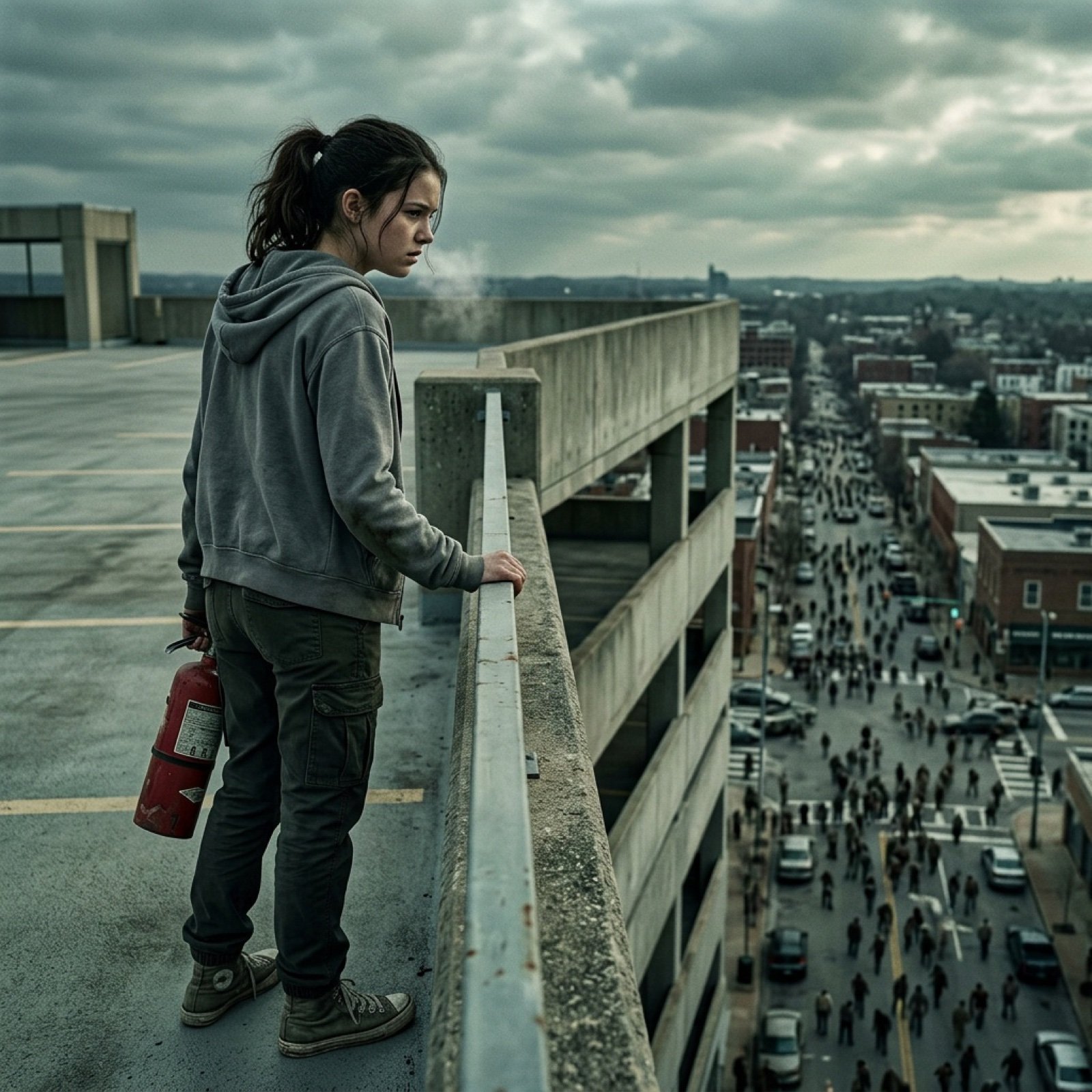
Seedance 2.0 - Zombie Girl Escapes
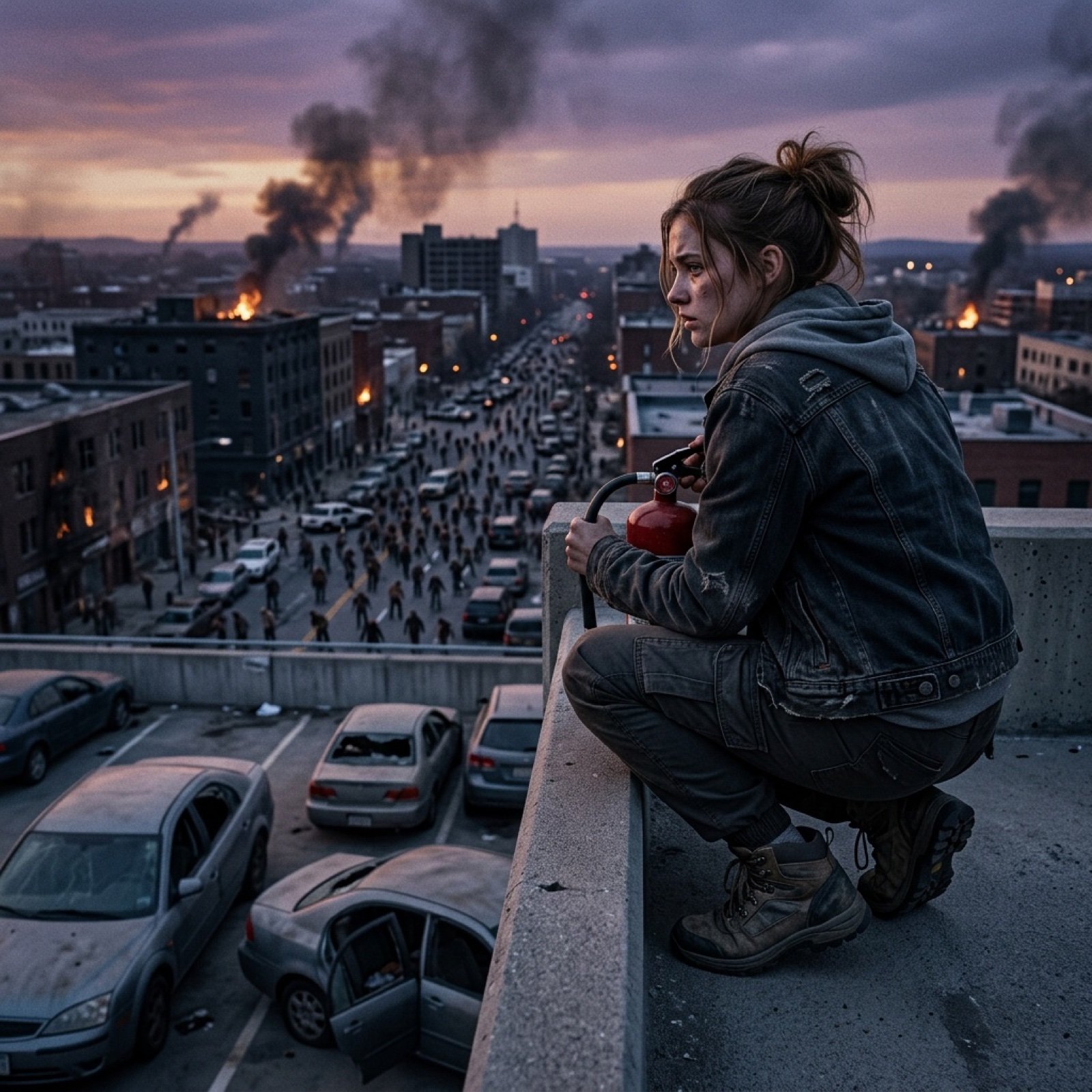
Seedance 2.0 - Zombie Girl Escapes
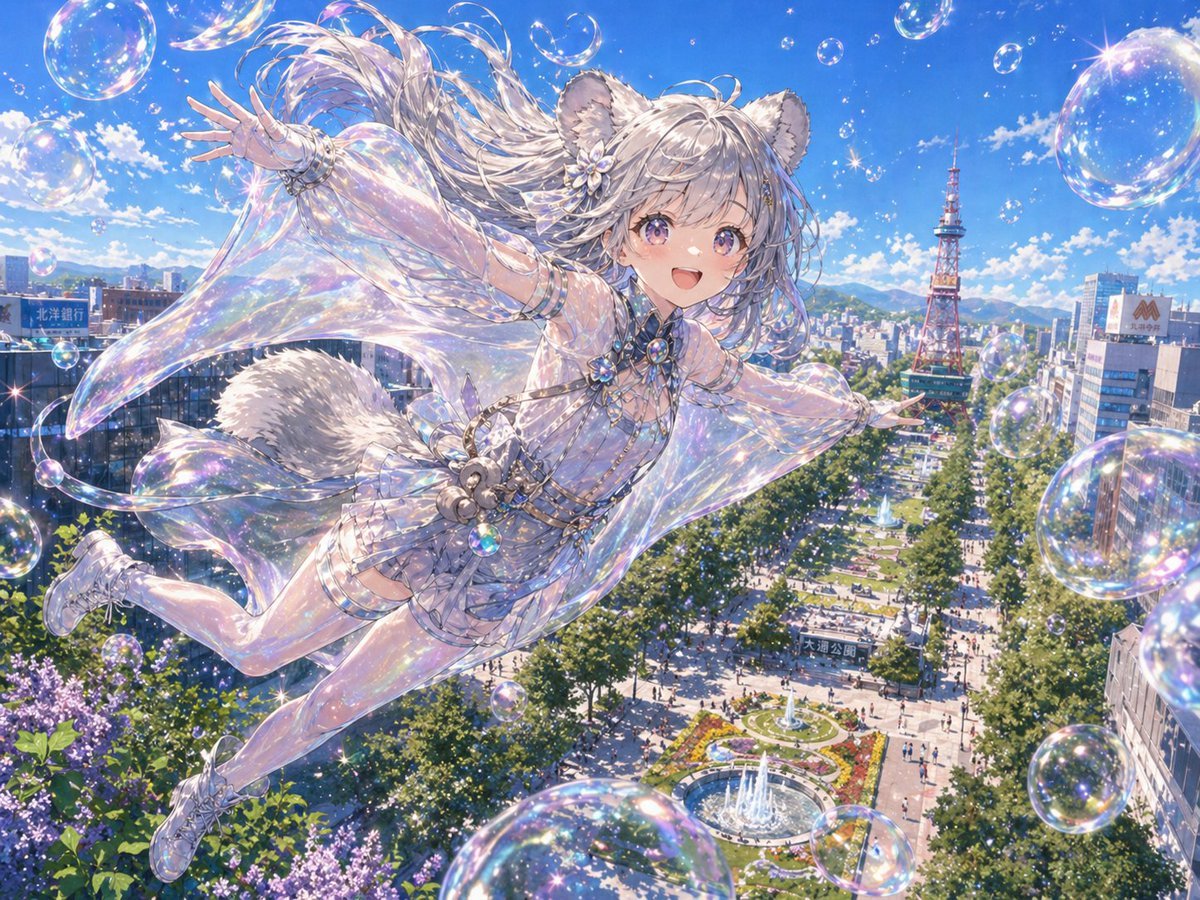
Iridescent Squirrel Girl Above Sapporo
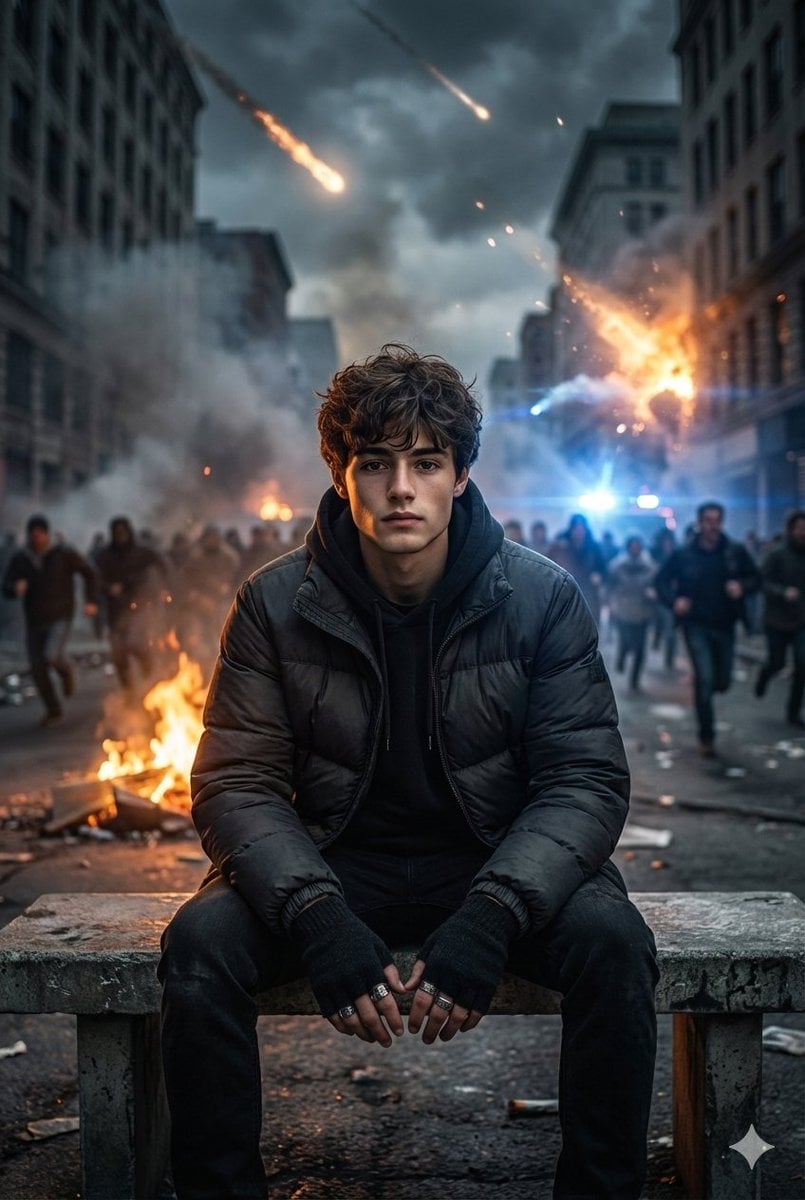
Cinematic Urban Apocalypse Portrait Prompt

Quiet Hamster Manga Page

Late-Night Hamster Manga Page

Surreal Noir Hamster Manga Page

Shojo Horror Manga Corridor Page

Cute AI Manga Lesson Comic Page

Hamster Summons Sol Manga Page

Lazy Day Chibi Manga Page

Overwhelmed Coding Manga Page
Make it yours
Sapporo Apocalypse Manga Page works as-is. These are the safest ways to change it without losing the look.
Change one field
Copy a single group, rewrite it, and generate again so you can see what that field is doing.
Keep the frame, change the subject
Hold the composition and light of Sapporo Apocalypse Manga Page, then swap wardrobe, props or the person for a new take.
| If the result… | Why | Fix |
|---|---|---|
| The result drifts from the preview | Too many fields changed at once. | Reuse Sapporo Apocalypse Manga Page as-is first, then change one group — subject, light, or setting. |
| The model over-stylizes the scene | The prose prompt leaves finish and camera underspecified. | Add one camera or lighting sentence and stay on GPT Image 2. |
More GPT Image 2 templates
Other prompts made for GPT Image 2.

Six VTuber Japanese Logo Sheet

Realistic Portrait of Woman and Deer

The Vista Modular Condo Poster

AI Model Routing Comparison Infographic

2.5D Anime Art Board

Isometric Productivity Desk Scene

New York Double Exposure Poster

Four-Panel AI Landscape Comparison

Japanese Tatami Lifestyle Magazine Cover

NESCAFÉ Coffee Map Poster
More image prompts
Fresh picks from across the catalog.
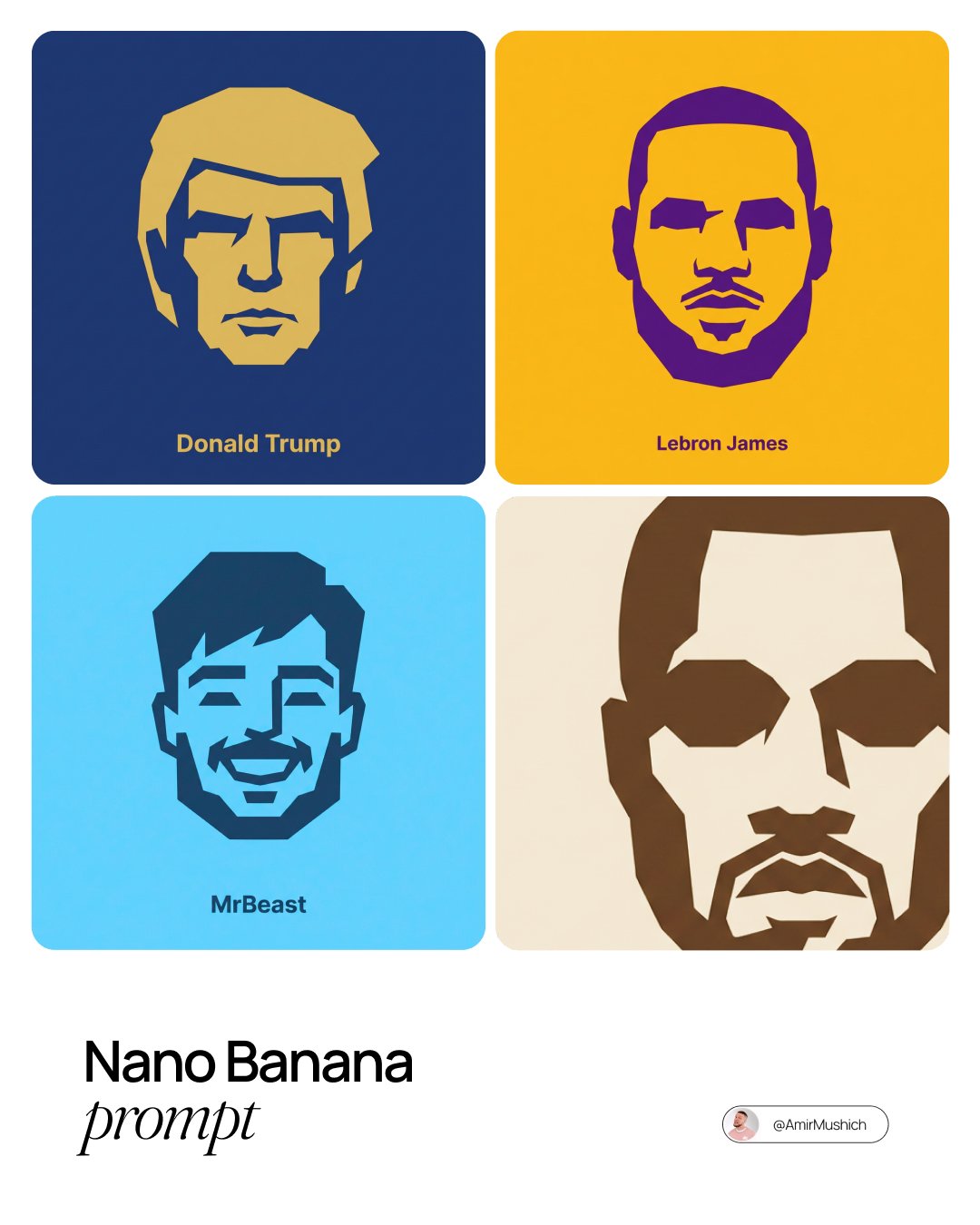
untitled
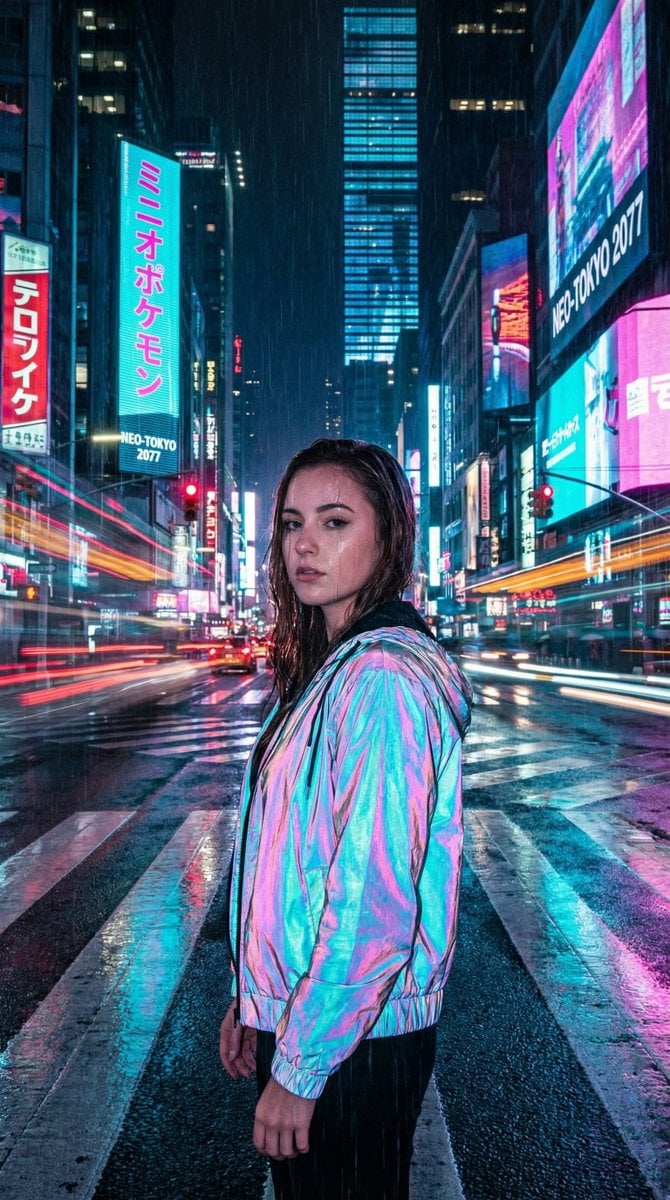
Cyberpunk City Night Scene

Cinematic Short Video Prompt for Close-up ASMR Scene
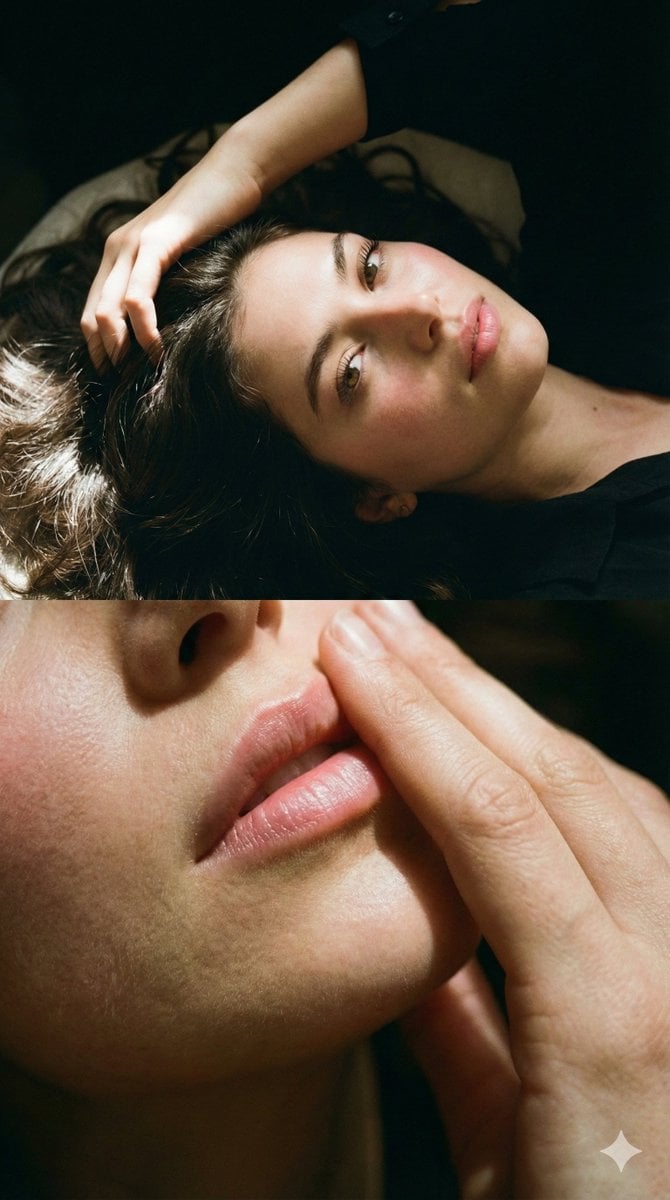
Two-Part Cinematic Portrait with Identity Lock
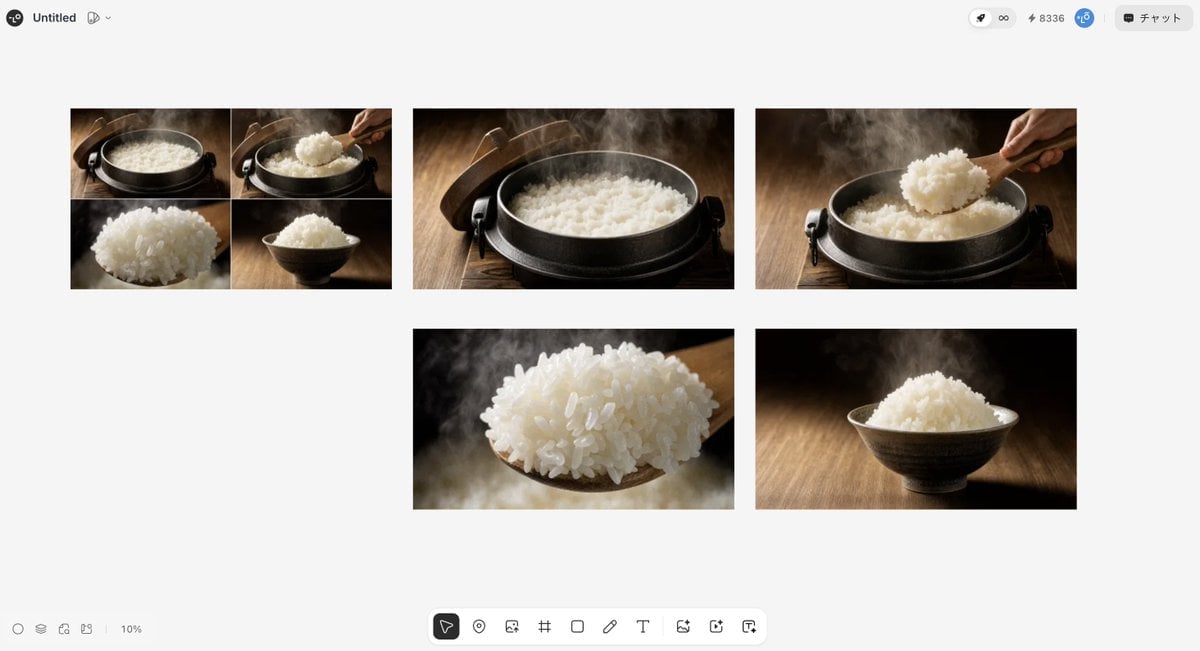
Japanese High-End Cuisine Storyboard
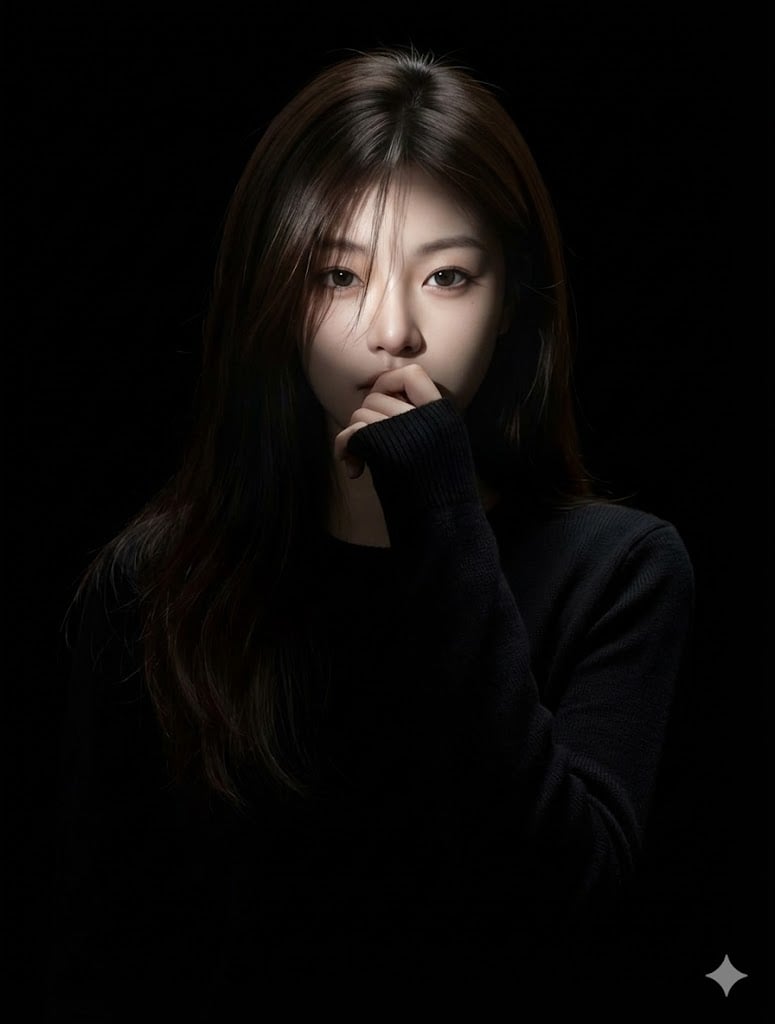
Hyperrealistic Anime Portrait with Split Lighting Prompt

03 Beverly Hills Convertible — California Series
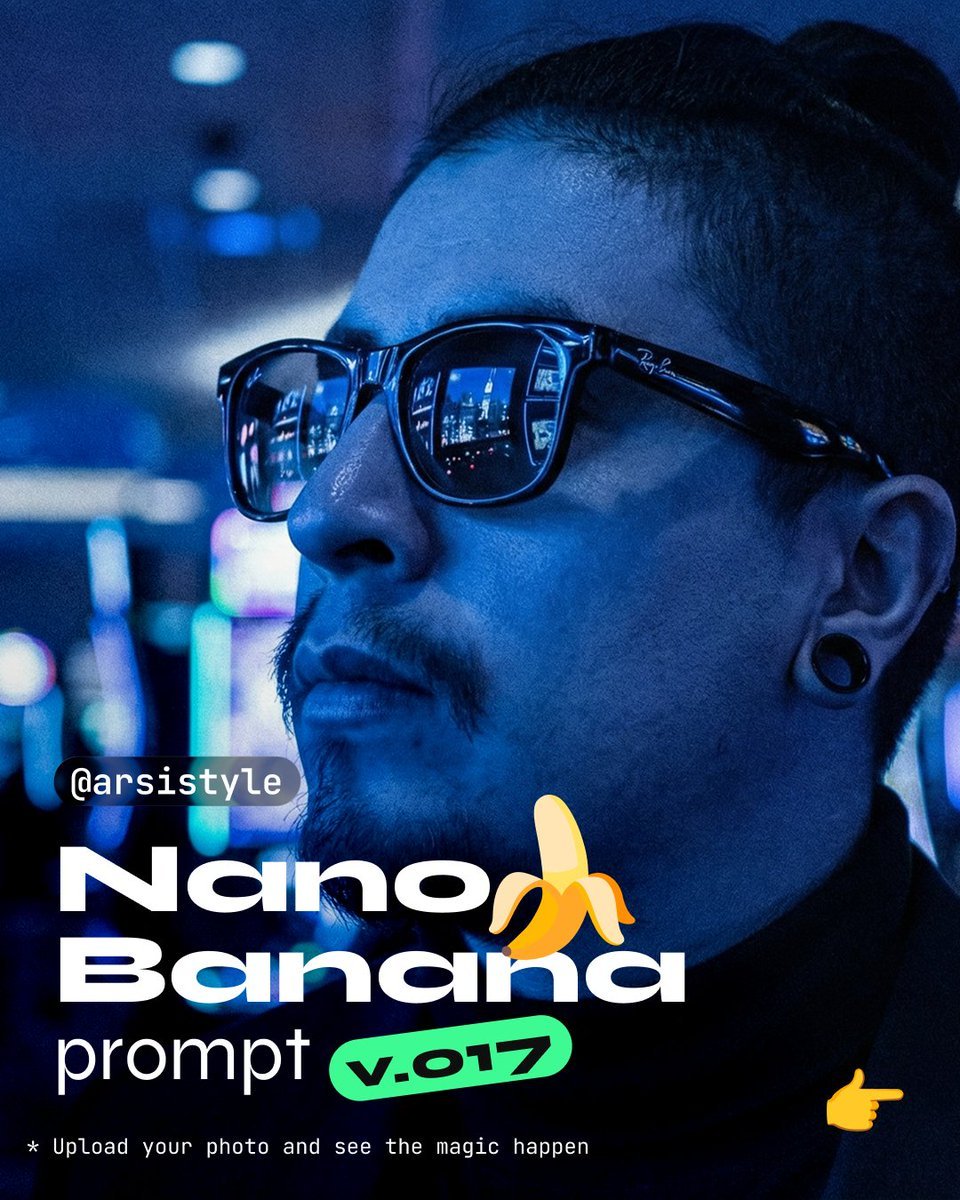
Synthwave Monochromatic Portrait with Bokeh
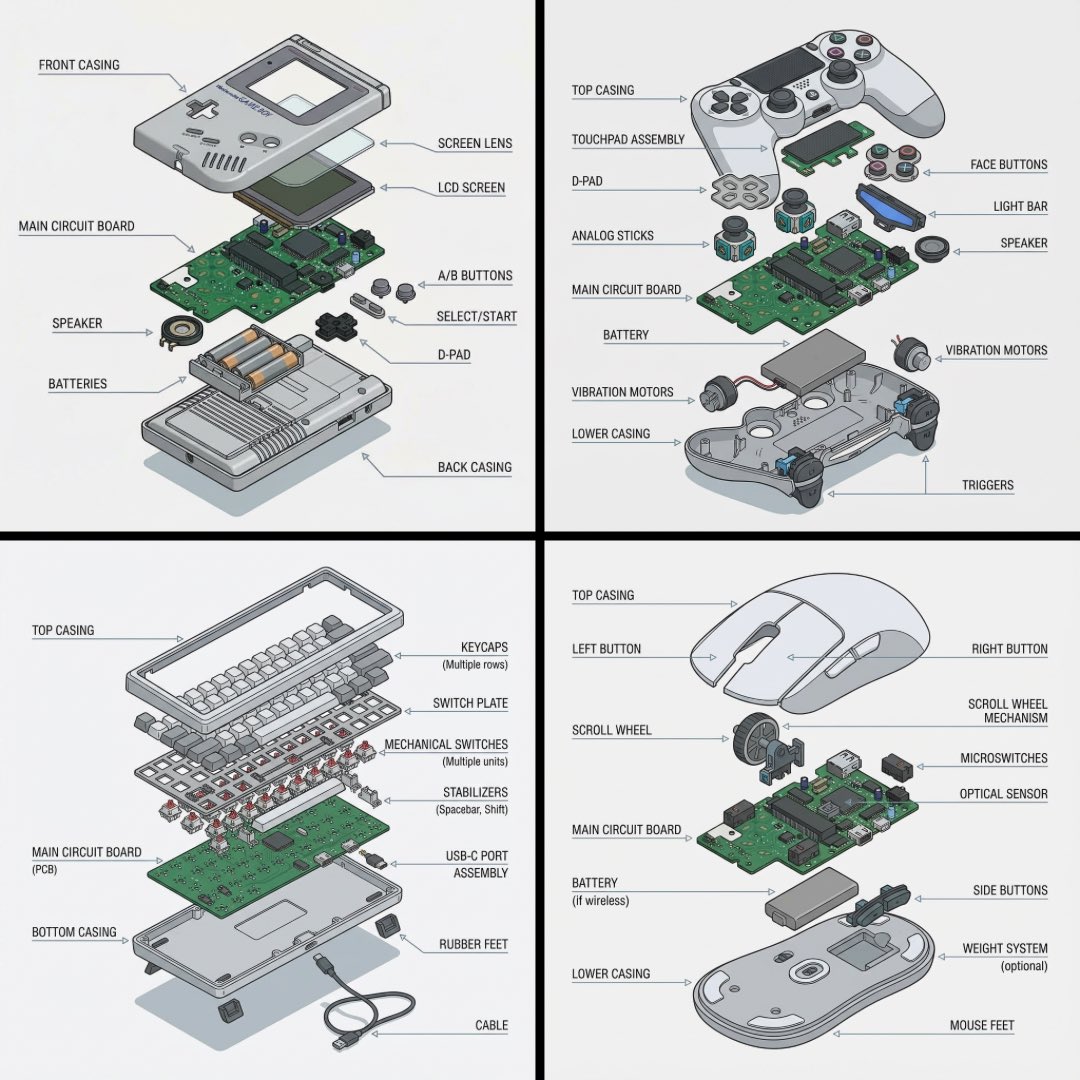
Technical exploded view diagram of a device
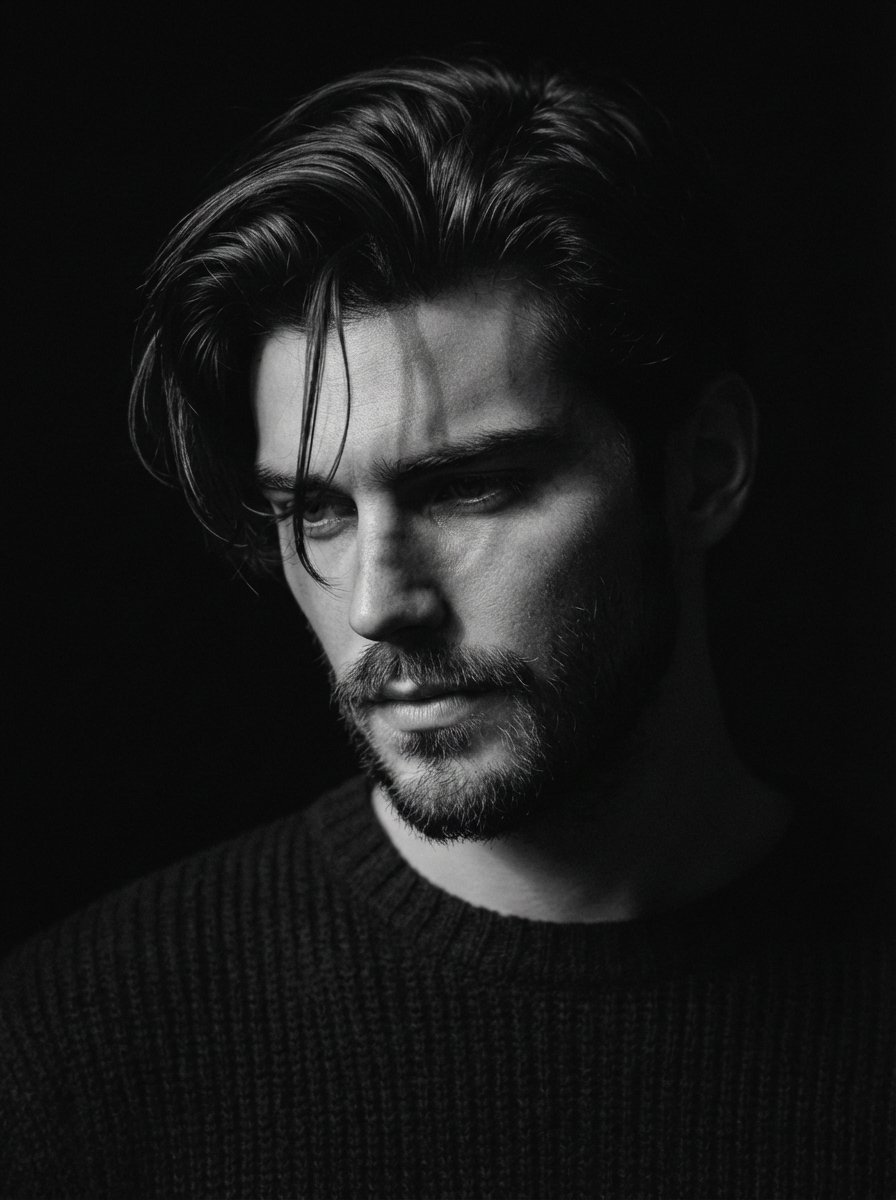
Black and White Pensive Portrait with Single Light Beam
Browse template categories
Sapporo Apocalypse Manga Page questions
How do I use the Sapporo Apocalypse Manga Page template?
Add your photo if the template asks for one, edit the prompt if you like — the template's model and format are already selected — and press Generate. Your version opens in PicX Studio.
Can I customize the Sapporo Apocalypse Manga Page template?
Yes. You can change the subject, setting, lighting, mood, format, and available model controls before creating your image.
Is the Sapporo Apocalypse Manga Page template free?
Opening and editing this template is free. Generating uses credits, shown on the Generate button when you are signed in.
Which AI model should I use?
Start with GPT Image 2, which is the model associated with this template. You can compare another compatible model for a different finish.
Looking for something else? Browse all templates.

Your photo, any look
Thousands of ready templates for every top image and video model, from one credit balance.