
untitled
untitled is a ready photo look for Nano Banana.
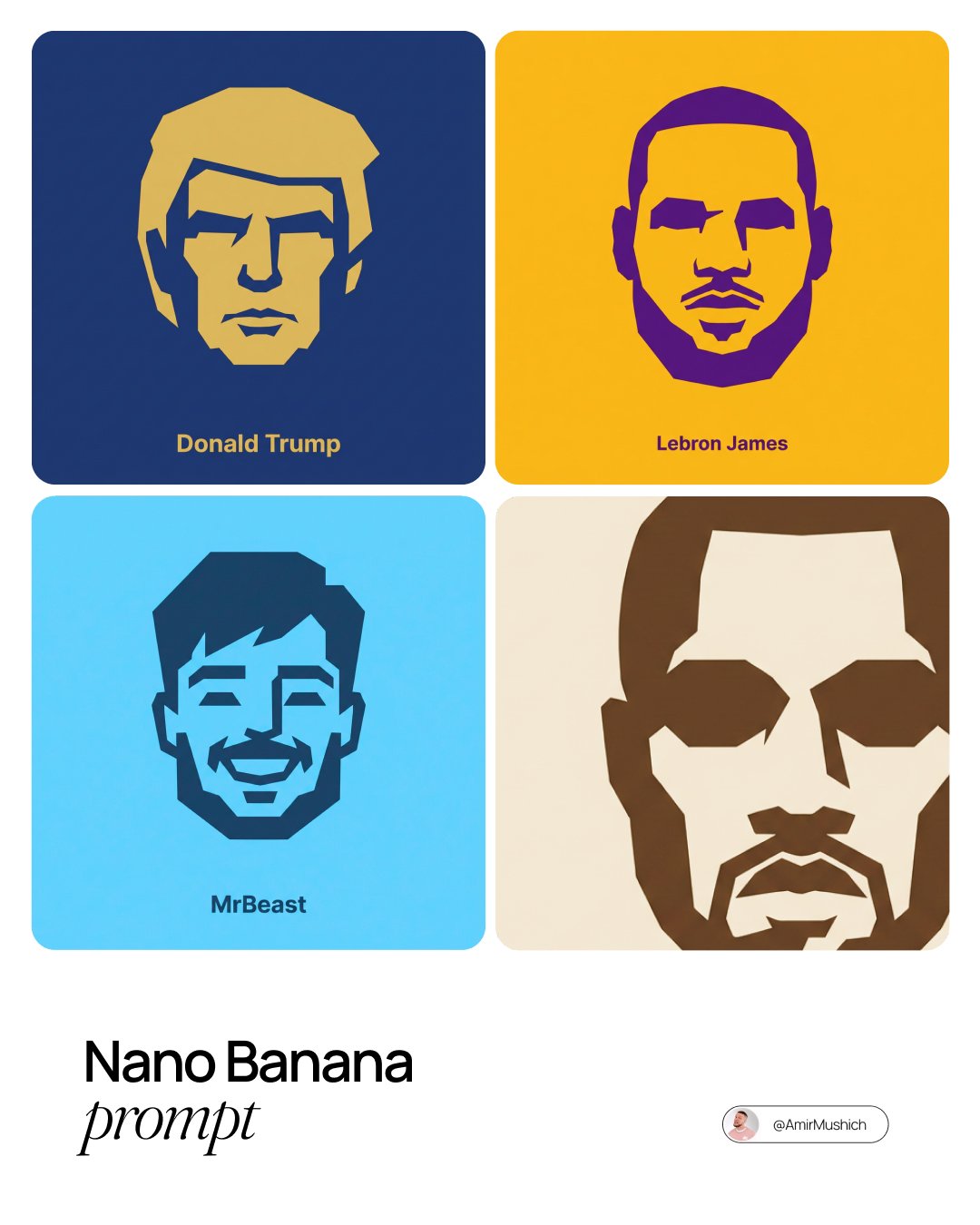
- Prompt included
- Model and format preset
- Free template
The prompt behind this image
Copy the exact prompt behind untitled, or open it in the studio and make it yours.
Nano Banana smart prompt: Minimalist vector icon of any character Prompt 👇 (access Nano Banana here: https://dub.sh/Amir-p1) A single, isolated, strict duotone flat vector icon representing the face of [CHARACTER NAME]. **CONTENT SCOPE (FACE ONLY):** The design must represent ONLY the head, face, or helmet of [CHARACTER NAME]. Absolutely NO shoulders, torso, weapons, or accessories. **DYNAMIC DUOTONE COLOR PALETTE (MATERIAL DESIGN):** The entire image must use strictly ONLY TWO solid, flat colors chosen by the AI based on the character's lore, allegiance, or iconic appearance. 1. **Background Theme Color:** A moderate, pleasing solid flat color covering the entire canvas. 2. **Foreground Theme Color:** A second solid flat color used for the icon shape and the text, chosen to contrast well with the background. * **Aesthetic Constraint:** The colors must be chosen from a "Google Material Design" aesthetic—moderate hues, matte finish, pleasing to the eye, avoiding overly harsh saturation or neon tones. No gradients, shadows, or outlines. **STYLE & TECHNIQUE (BRUTAL MINIMALISM):** The style is brutal geometric minimalism with high abstraction. Reduce facial features to their most basic, blocky, angular shapes. Use large, solid masses of the **Foreground Theme Color** to define the form. Internal details (eyes, mouth, key features) must be formed solely by bold, blocky "cuts" of the **Background Theme Color** negative space into the foreground silhouette. The icon must be a free-floating silhouette with NO enclosing circle, border, or container shape. **BACKGROUND:** The background is filled entirely with the solid, flat **Background Theme Color**. **TYPOGRAPHY (CRITICAL CONSTRAINTS):** Directly below the floating icon, placed centrally, is the name "[CHARACTER NAME]". 1. **FONT FAMILY (STRICT):** The text MUST be rendered in the style of the font **Inter Bold**. Do NOT use any other font. 2. **CASE & COLOR:** Title case only. The text color must exactly match the solid **Foreground Theme Color**. 3. **SIZE & SCALE (STRICT):** The text must be very small. The total width of the entire text string must NOT exceed 25% of the total image width. 4. **KERNING:** Maintain very tight negative kerning (approx **-8%**).
How to use untitled in 3 steps
- 1
Open
The prompt is already in the box next to the preview, with the template's model and format selected.
- 2…a portrait of your subject in softgolden-hour light, 85mm…
Personalize
Edit the subject and creative details for your destination.
- 3Generate
Generate
Press Generate — your image is created in PicX Studio, so you can compare it with the original and refine one variable at a time.
More like this
Templates with the same subject, style or setup. Open one to see its prompt.






Make it yours
untitled works as-is. These are the safest ways to change it without losing the look.
Change one field
Copy a single group, rewrite it, and generate again so you can see what that field is doing.
Keep the frame, change the subject
Hold the composition and light of 137-untitled, then swap wardrobe, props or the person for a new take.
| If the result… | Why | Fix |
|---|---|---|
| The result drifts from the preview | Too many fields changed at once. | Reuse 137-untitled as-is first, then change one group — subject, light, or setting. |
| The model over-stylizes the scene | The prose prompt leaves finish and camera underspecified. | Add one camera or lighting sentence and stay on Nano Banana. |
More Nano Banana templates
Other prompts made for Nano Banana.










More image prompts
Fresh picks from across the catalog.
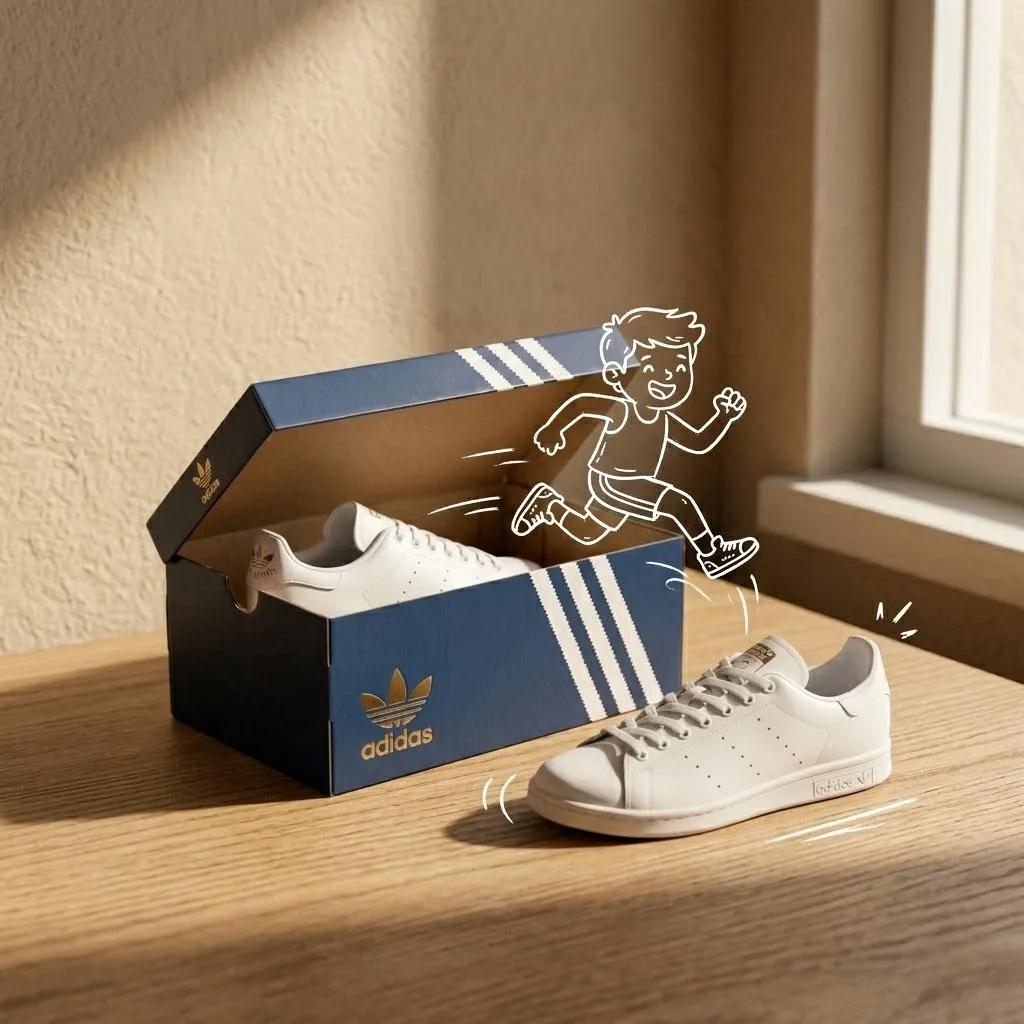
Minimalist Product Photography with Sketch Illustration
Cute Morning Greeting Figure Sticker
Pastel Abyss Quote Wallpaper
Mixed Reality Retail Experience Prompt
Cyberpunk Neon Logo Fashion Photography
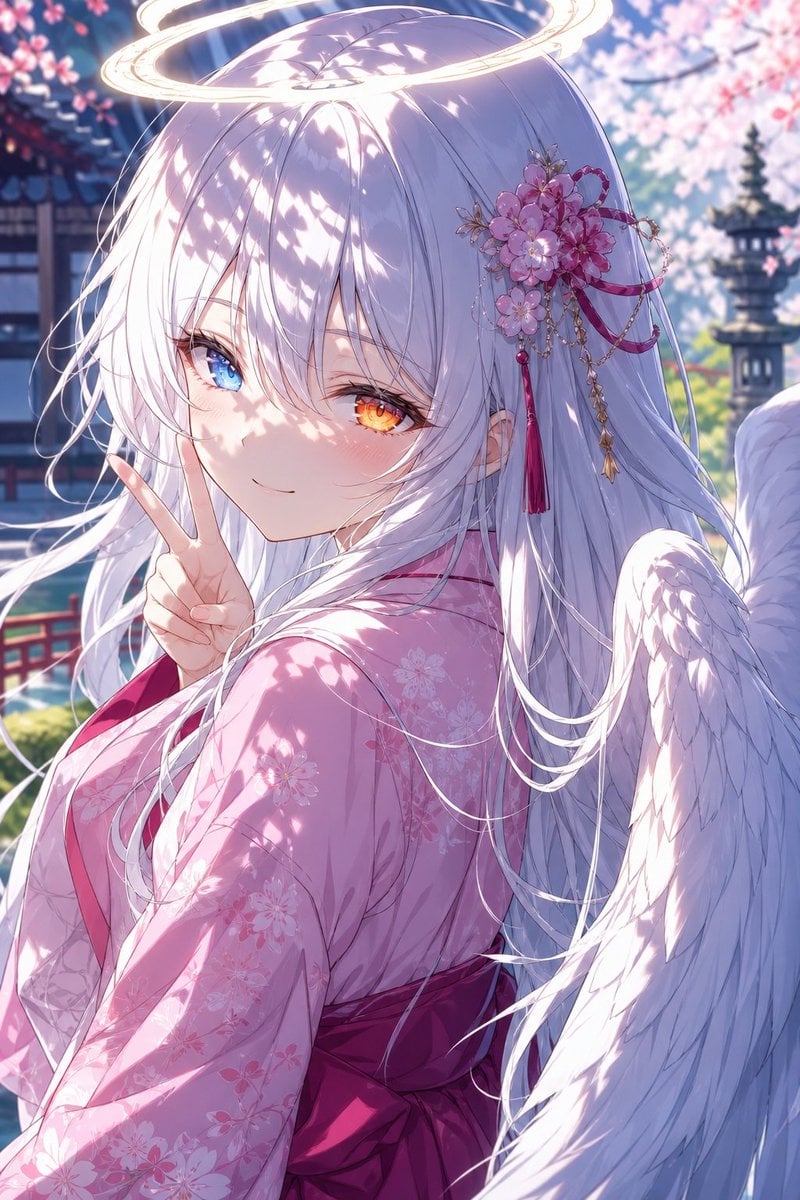
Angel Girl in Sakura Kimono
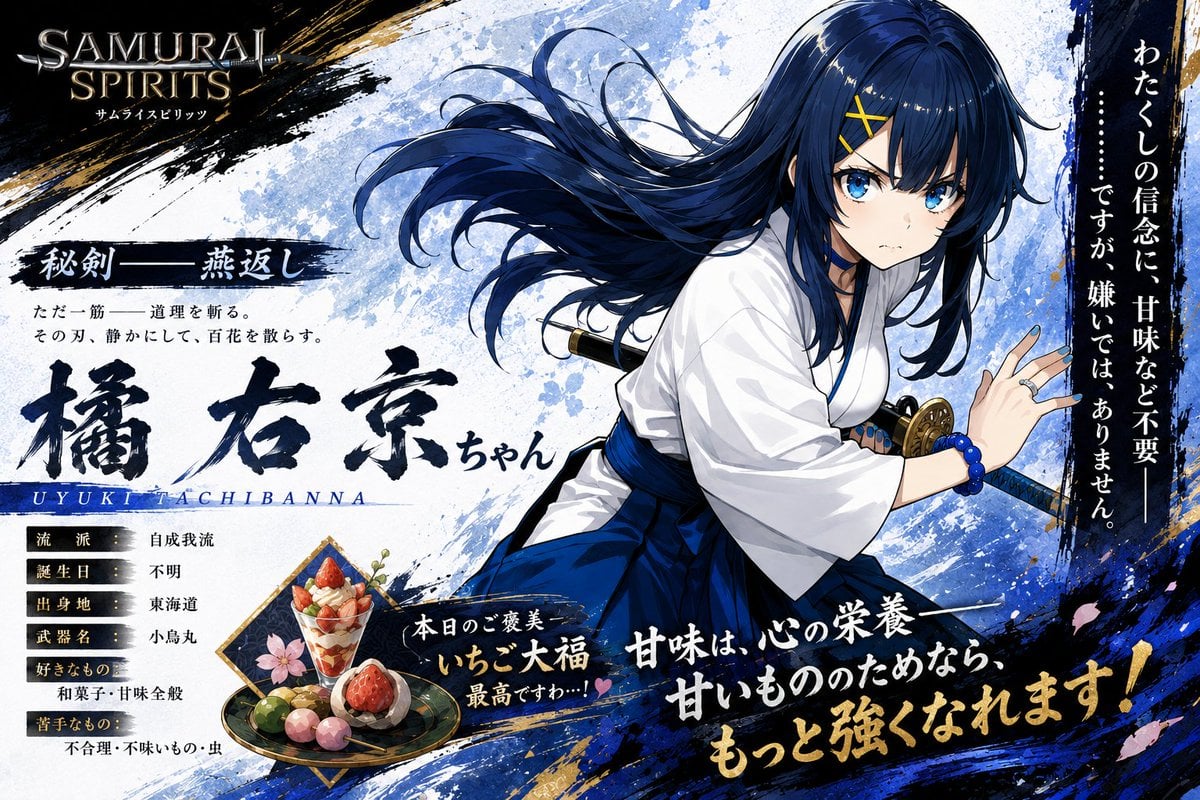
Anime Samurai Character Poster
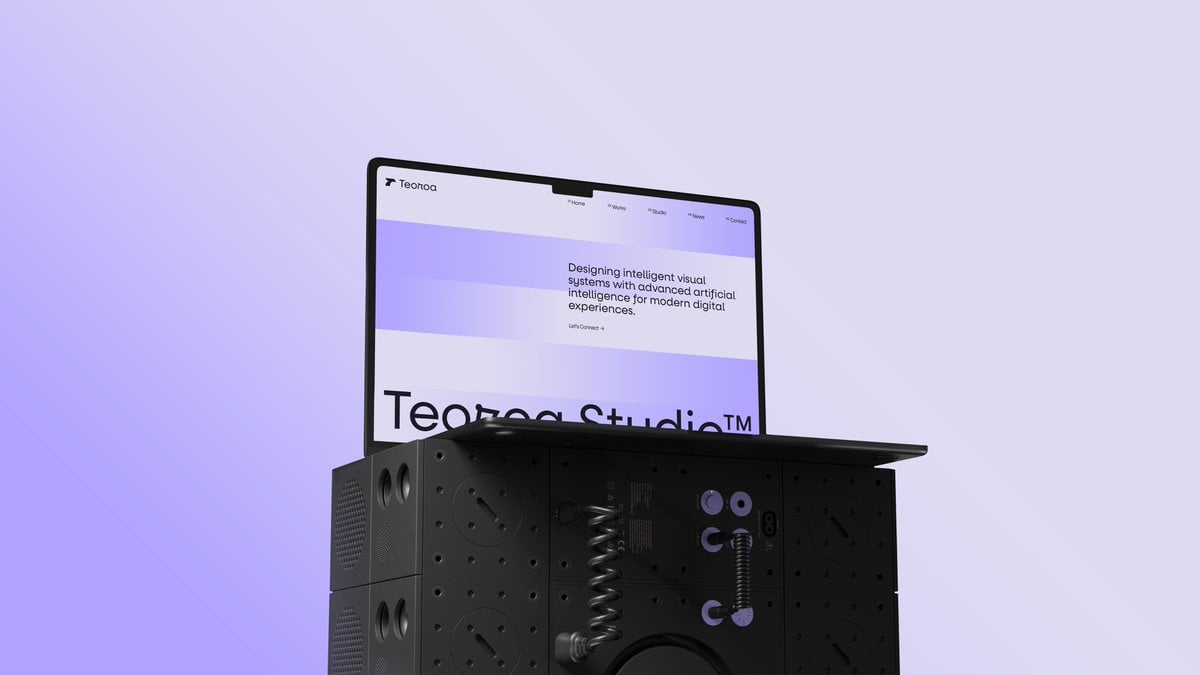
Minimal Laptop on Industrial Pedestal
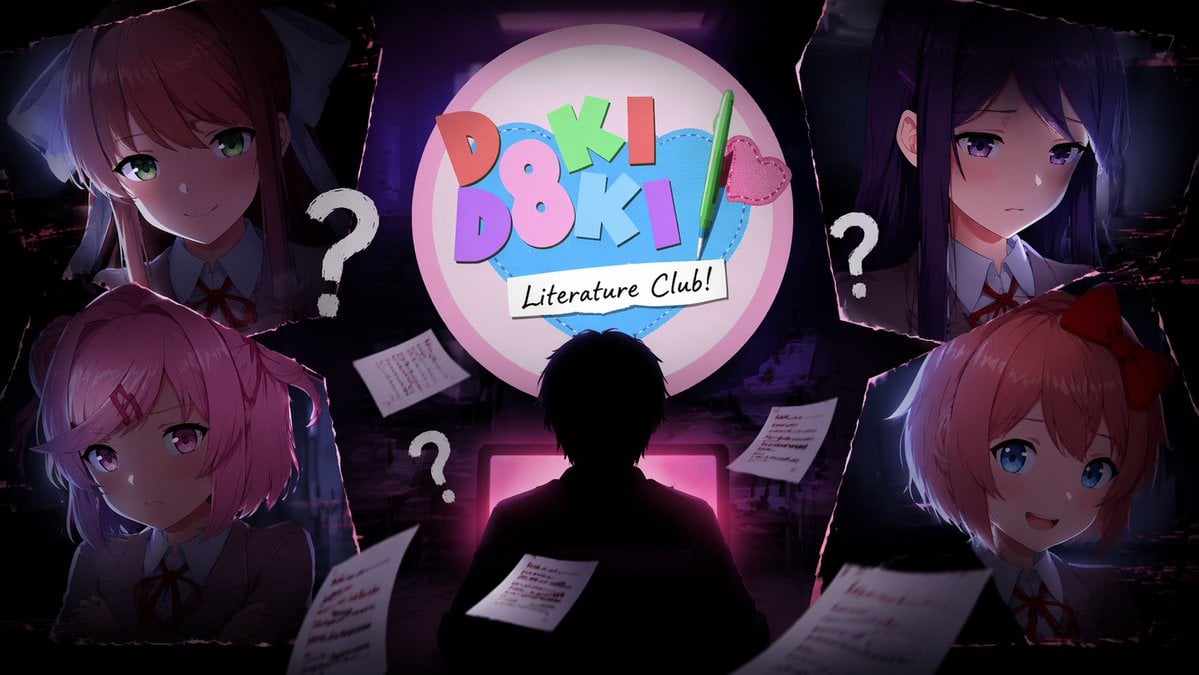
Anime Horror Game Thumbnail Composite
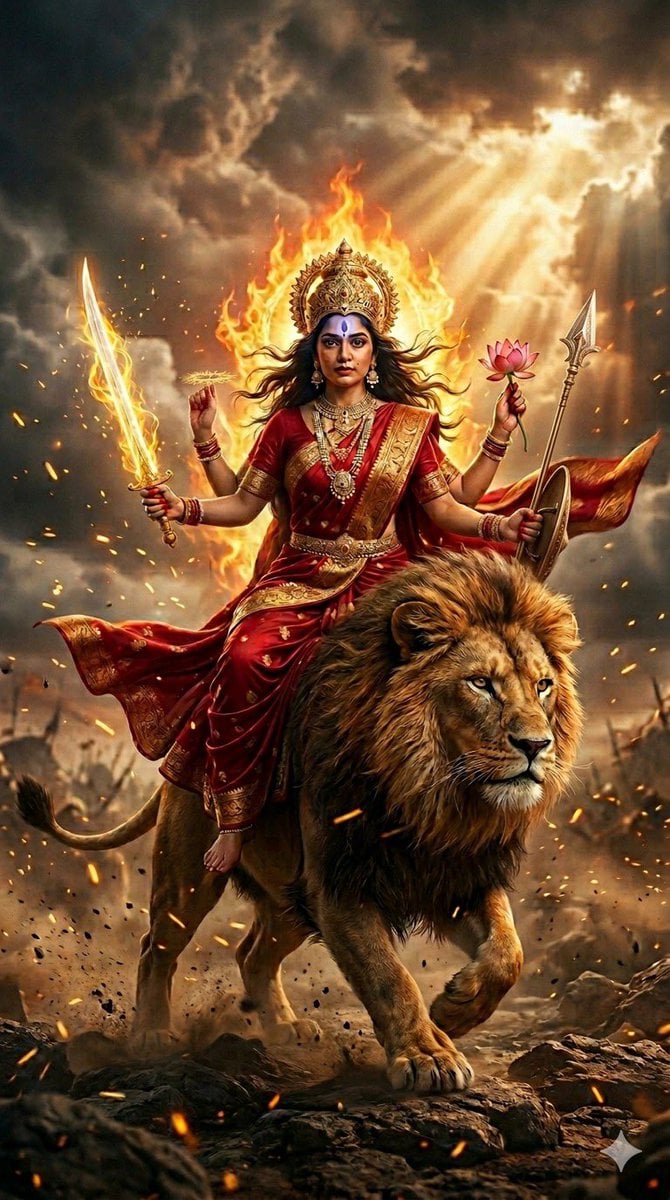
Ultra-Photorealistic Katyayani Warrior Goddess Prompt
Browse template categories
untitled questions
How do I use the 137-untitled template?
Add your photo if the template asks for one, edit the prompt if you like — the template's model and format are already selected — and press Generate. Your version opens in PicX Studio.
Can I customize the 137-untitled template?
Yes. You can change the subject, setting, lighting, mood, format, and available model controls before creating your image.
Is the 137-untitled template free?
Opening and editing this template is free. Generating uses credits, shown on the Generate button when you are signed in.
Which AI model should I use?
Start with Nano Banana, which is the model associated with this template. You can compare another compatible model for a different finish.
Looking for something else? Browse all templates.

Your photo, any look
Thousands of ready templates for every top image and video model, from one credit balance.