
Iridescent Fluid Shapes Poster
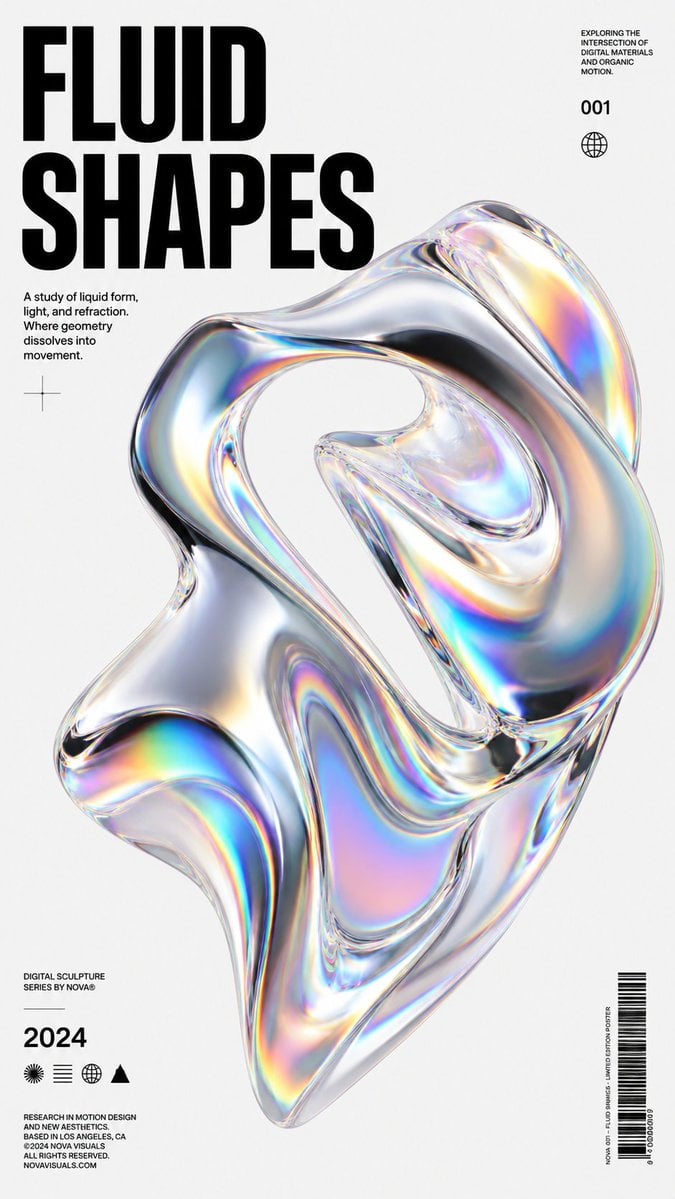
Generates a minimalist vertical 3D poster featuring a translucent iridescent fluid glass sculpture with bold editorial typography and metadata details.
- Prompt included
- Model and format preset
- Free template
The prompt behind this image
Copy the exact prompt behind Iridescent Fluid Shapes Poster, or open it in the studio and make it yours.
- Type
- minimalist 3D abstract design poster
- Format
- vertical poster, 2:3 aspect ratio
- Background
- clean off-white paper with subtle grain, generous negative space, modern Swiss editorial layout
- Main Visual › Subject
- one large floating translucent fluid glass sculpture
- Main Visual › Count
- 1
- Main Visual › Position
- center-right, extending from upper middle to lower middle
- Main Visual › Shape
- organic twisting loop like molten liquid, with hollow openings, folded ribbon-like surfaces, smooth rounded edges and stretched amorphous geometry
- Main Visual › Material
- hyper-realistic clear glass with chrome-like refraction, glossy caustics, rainbow iridescent prism highlights, pearlescent color bands of cyan, magenta, yellow, blue and orange
- Main Visual › Lighting
- bright studio lighting, crisp specular reflections, soft shadows, high contrast on glass contours
- Main Visual › Render Style
- premium 3D digital sculpture, octane render look, ultra sharp, photorealistic, futuristic design object
- Typography › Headline › Text
- {argument name="headline text" default="FLUID SHAPES"}
- Typography › Headline › Position
- top left
- Typography › Headline › Style
- huge bold condensed black sans-serif, uppercase, tightly stacked on two lines
- Typography › Headline › Count
- 1
- Typography › Body Copy › Text
- {argument name="body text" default="A study of liquid form, light, and refraction. Where geometry dissolves into movement."}
- Typography › Body Copy › Position
- left below headline
- Typography › Body Copy › Style
- small black sans-serif, four short lines
- Typography › Body Copy › Count
- 1
- Typography › Top Right Note › Text
- EXPLORING THE INTERSECTION OF DIGITAL MATERIALS AND ORGANIC MOTION.
- Typography › Top Right Note › Position
- top right
- Typography › Top Right Note › Style
- tiny uppercase black sans-serif block
- Typography › Top Right Note › Count
- 1
- Typography › Issue Number › Text
- {argument name="issue number" default="001"}
- Typography › Issue Number › Position
- upper right under note
Raw JSON
{"type":"minimalist 3D abstract design poster","format":"vertical poster, 2:3 aspect ratio","background":"clean off-white paper with subtle grain, generous negative space, modern Swiss editorial layout","main_visual":{"subject":"one large floating translucent fluid glass sculpture","count":1,"position":"center-right, extending from upper middle to lower middle","shape":"organic twisting loop like molten liquid, with hollow openings, folded ribbon-like surfaces, smooth rounded edges and stretched amorphous geometry","material":"hyper-realistic clear glass with chrome-like refraction, glossy caustics, rainbow iridescent prism highlights, pearlescent color bands of cyan, magenta, yellow, blue and orange","lighting":"bright studio lighting, crisp specular reflections, soft shadows, high contrast on glass contours","render_style":"premium 3D digital sculpture, octane render look, ultra sharp, photorealistic, futuristic design object"},"typography":{"headline":{"text":"{argument name=\"headline text\" default=\"FLUID SHAPES\"}","position":"top left","style":"huge bold condensed black sans-serif, uppercase, tightly stacked on two lines","count":1},"body_copy":{"text":"{argument name=\"body text\" default=\"A study of liquid form, light, and refraction. Where geometry dissolves into movement.\"}","position":"left below headline","style":"small black sans-serif, four short lines","count":1},"top_right_note":{"text":"EXPLORING THE INTERSECTION OF DIGITAL MATERIALS AND ORGANIC MOTION.","position":"top right","style":"tiny uppercase black sans-serif block","count":1},"issue_number":{"text":"{argument name=\"issue number\" default=\"001\"}","position":"upper right under note","style":"bold black numerals","count":1},"year":{"text":"{argument name=\"year\" default=\"2024\"}","position":"bottom left","style":"large bold black numerals","count":1},"series_caption":{"text":"DIGITAL SCULPTURE SERIES BY NOVA®","position":"lower left above year","style":"tiny uppercase sans-serif","count":1},"footer_legal":{"text":"RESEARCH IN MOTION DESIGN AND NEW AESTHETICS. BASED IN LOS ANGELES, CA ©2024 NOVA VISUALS ALL RIGHTS RESERVED. NOVAVISUALS.COM","position":"bottom left under icons","style":"very small uppercase black sans-serif","count":1},"vertical_barcode_text":{"text":"MOTION DESIGN / DIGITAL POSTER / SERIES 001 — NOVA","position":"bottom right beside barcode, rotated vertically","style":"micro uppercase sans-serif","count":1}},"graphic_elements":{"crosshair":{"count":1,"position":"left middle under body copy","description":"thin black registration cross mark"},"globe_icon":{"count":1,"position":"upper right under issue number","description":"small outlined globe symbol"},"bottom_icon_row":{"count":4,"position":"bottom left between year and footer legal","items":["radiating sunburst circle icon","three horizontal line icon","outlined globe icon","solid black triangle icon"]},"barcode":{"count":1,"position":"bottom right","description":"vertical black barcode with small numbers below"}},"composition":"asymmetrical editorial poster composition with oversized typography on the left, small metadata blocks on the right and bottom, and the iridescent glass sculpture dominating the center; high-end contemporary 3D poster aesthetic, clean margins, no people","color_palette":"black typography on warm white with transparent silver glass and vivid rainbow refractions","quality":"ultra high resolution, crisp print design, realistic refraction, polished commercial poster"}How to use Iridescent Fluid Shapes Poster in 3 steps
- 1Upload ImagePNG, JPG or paste
Add your photo
Upload the photo the template builds on. The prompt, model and format are already set.
- 2…a portrait of your subject in softgolden-hour light, 85mm…
Personalize
Edit the subject and creative details for your destination.
- 3Generate
Generate
Press Generate — your image is created in PicX Studio, so you can compare it with the original and refine one variable at a time.
More like this
Templates with the same subject, style or setup. Open one to see its prompt.

Japan Travel Brochure Poster

Cartoon TV Show Poster Pack

Trendy Cafe Drink Promo Poster

Urban Fashion Editorial Collage Streetwear Poster

Premium Fashion Editorial Cover Layout System

Polo Ralph Lauren Luxury American Heritage Fashion Campaign

Monochrome Halftone Editorial Fashion Poster

Retro Mirror Luxury Fashion Campaign Poster

Luxury Fashion Campaign Typography Poster System

Premium Fashion Editorial Campaign Poster System

Ultra-Stylized High-Fashion Streetwear Poster

Urban Fashion Editorial Collage Poster
Make it yours
Iridescent Fluid Shapes Poster works as-is. These are the safest ways to change it without losing the look.
Swap the setting
Keep the rest of the prompt and replace the location block. The current setting is “clean off-white paper with subtle grain, generous negative space, modern Swiss e”.
Swap the light
One lighting change is enough to compare takes. Current light: “bright studio lighting, crisp specular reflections, soft shadows, high contrast ”.
Change one field
Copy a single group, rewrite it, and generate again so you can see what that field is doing.
| If the result… | Why | Fix |
|---|---|---|
| The result drifts from the preview | Too many fields changed at once. | Reuse Iridescent Fluid Shapes Poster as-is first, then change one group — subject, light, or setting. |
| GPT Image 2 ignores part of the JSON | Some models flatten or skip nested keys. | Keep the same values and paste them as a short paragraph instead. |
More GPT Image 2 templates
Other prompts made for GPT Image 2.

Six VTuber Japanese Logo Sheet

Realistic Portrait of Woman and Deer

The Vista Modular Condo Poster

AI Model Routing Comparison Infographic

2.5D Anime Art Board

Isometric Productivity Desk Scene

New York Double Exposure Poster

Four-Panel AI Landscape Comparison

Japanese Tatami Lifestyle Magazine Cover

NESCAFÉ Coffee Map Poster
More image prompts
Fresh picks from across the catalog.
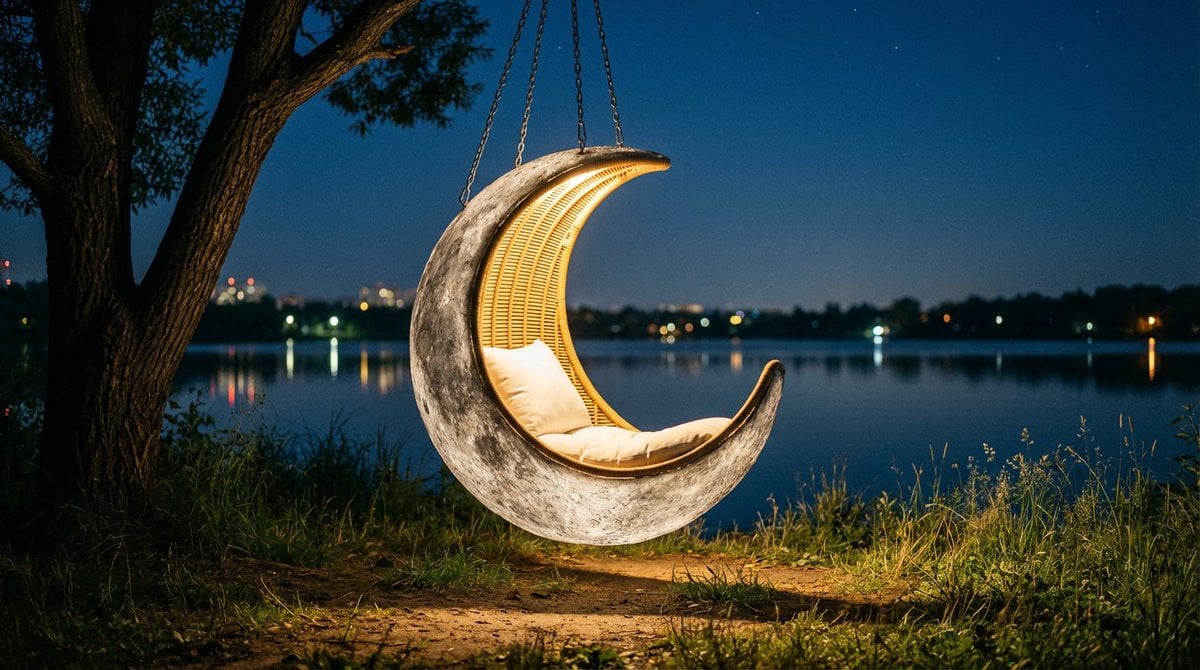
Cinematic lakeside hanging chair concept prompt with space object theme
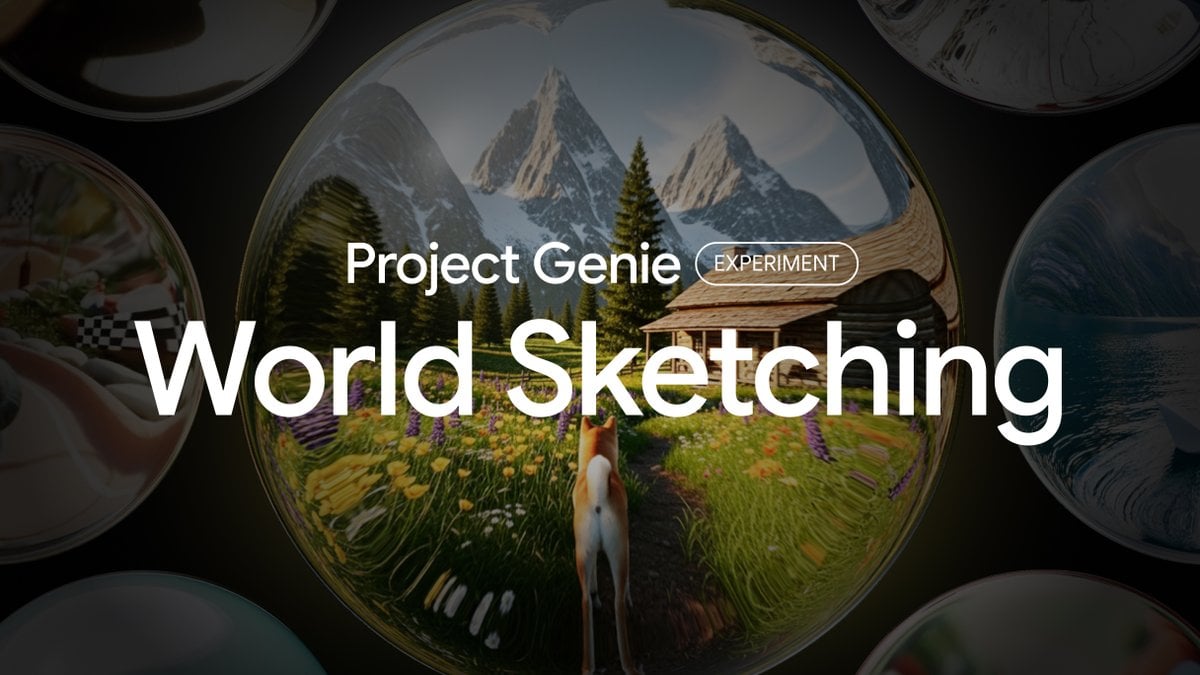
Project Genie World Design Prompt
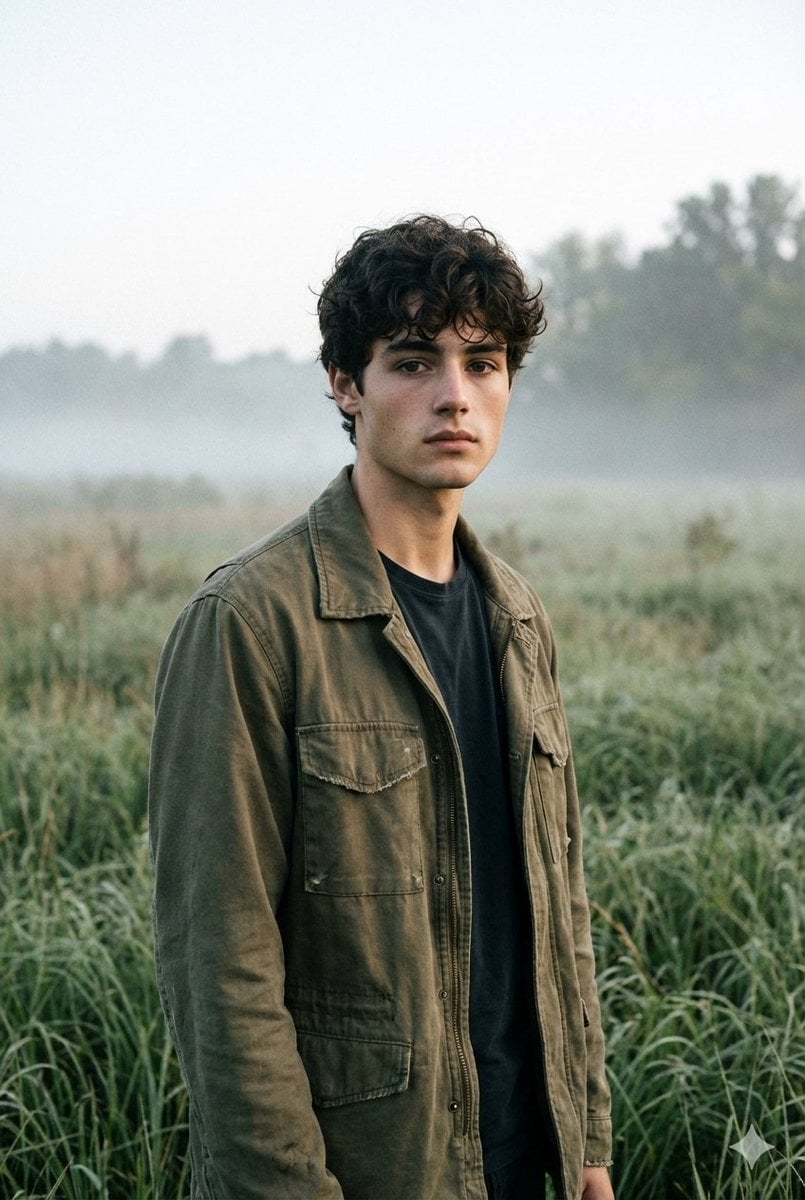
Contemplative Meadow Portrait Prompt (Identity Preservation)
Cinematic Golden Hour Portrait of Stylish Man
Censored Sunlit Red-Hair Portrait
Conceptual Fashion Portrait Prompt
Calligraphic City Impression Poster
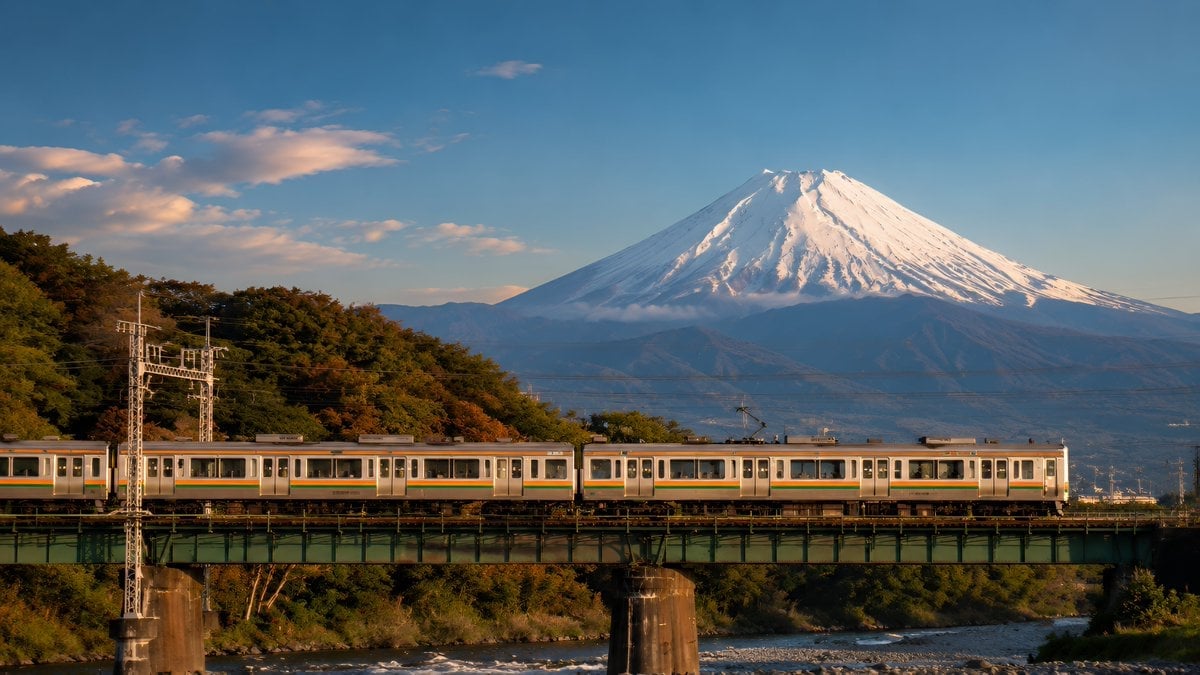
Mount Fuji Train Wallpaper
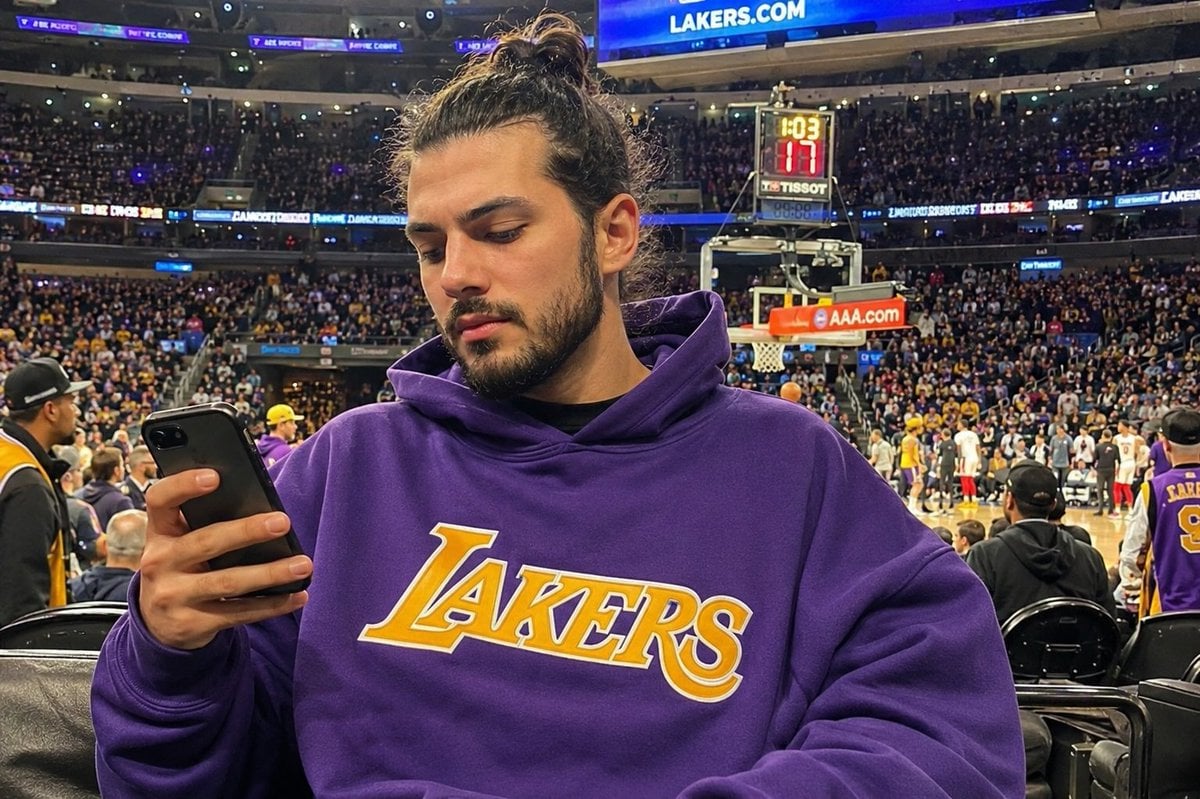
Courtside Lakers Fan Photo
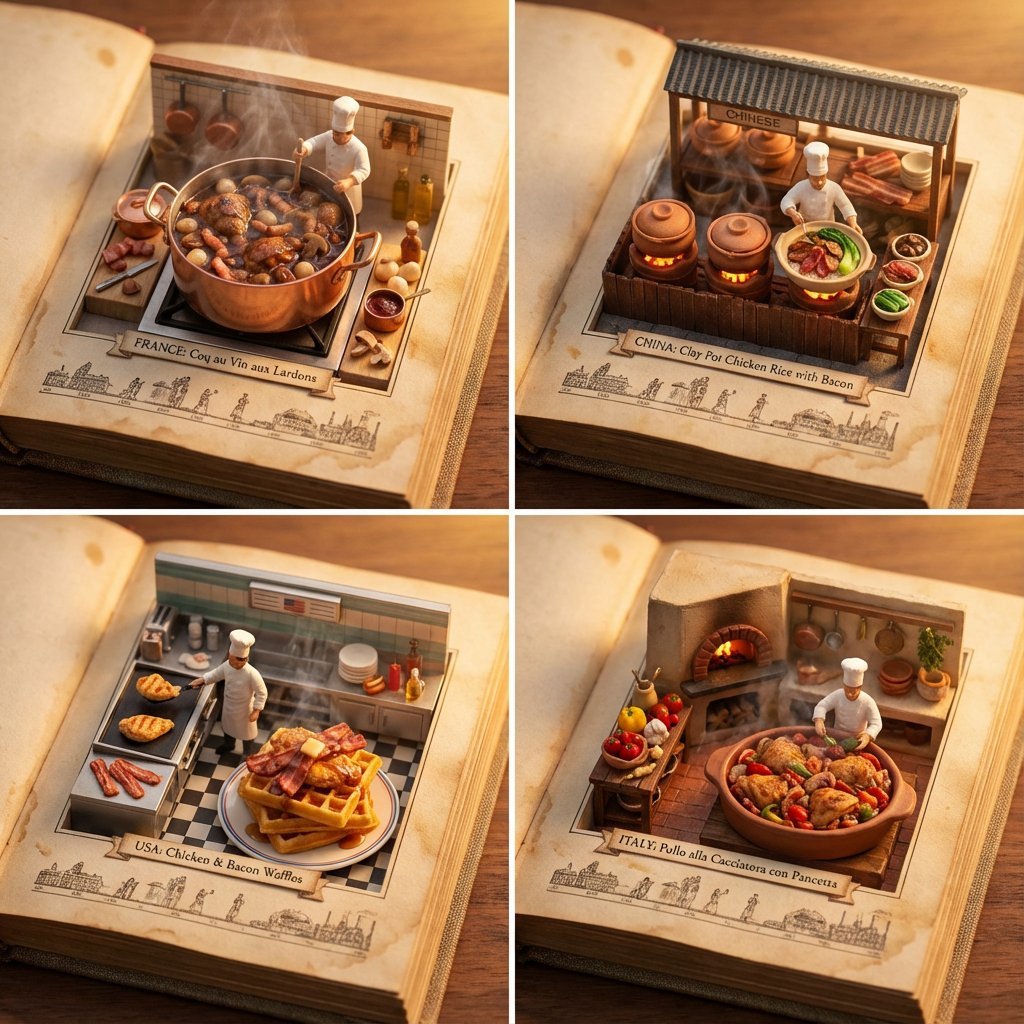
Food Recommendation System Prompt for Cookbook Generation
Browse template categories
Iridescent Fluid Shapes Poster questions
How do I use the Iridescent Fluid Shapes Poster template?
Add your photo if the template asks for one, edit the prompt if you like — the template's model and format are already selected — and press Generate. Your version opens in PicX Studio.
Can I customize the Iridescent Fluid Shapes Poster template?
Yes. You can change the subject, setting, lighting, mood, format, and available model controls before creating your image.
Is the Iridescent Fluid Shapes Poster template free?
Opening and editing this template is free. Generating uses credits, shown on the Generate button when you are signed in.
Which AI model should I use?
Start with GPT Image 2, which is the model associated with this template. You can compare another compatible model for a different finish.
Looking for something else? Browse all templates.

Your photo, any look
Thousands of ready templates for every top image and video model, from one credit balance.