
Calligraphic City Impression Poster
A sophisticated prompt for creating artistic city posters that blend traditional Chinese calligraphy with modern architectural elements, featuring a transparent bird motif and detailed urban landmarks.
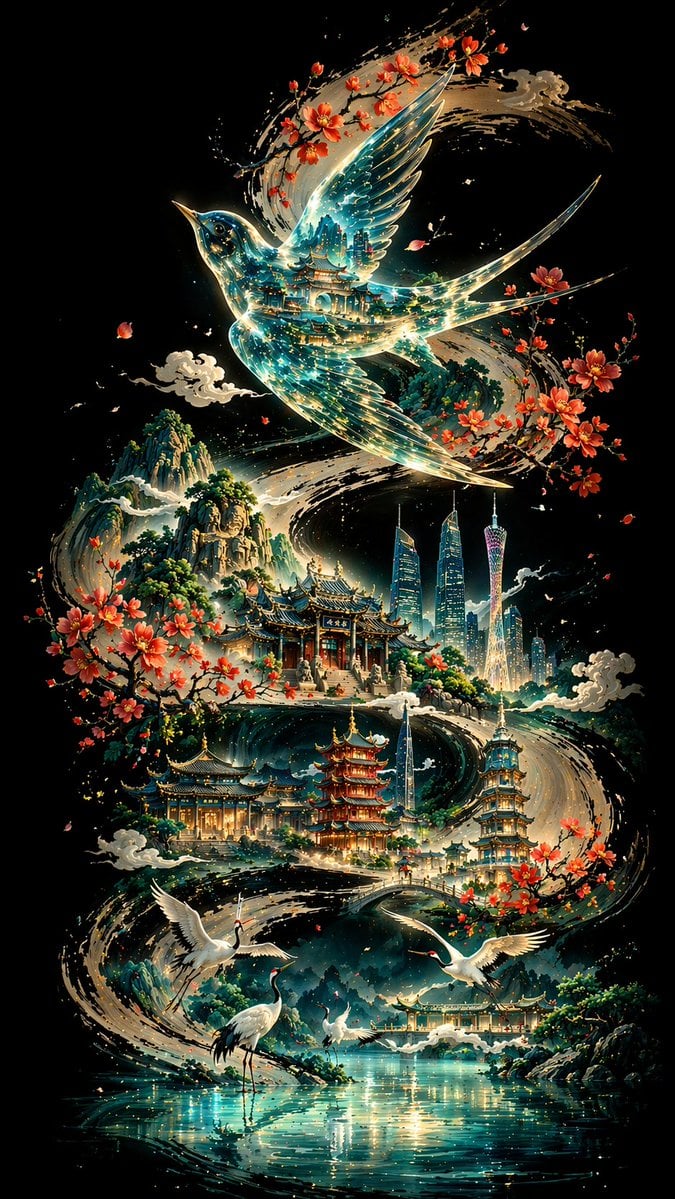
- Prompt included
- Model and format preset
- Free template
The prompt behind this image
Copy the exact prompt behind Calligraphic City Impression Poster, or open it in the studio and make it yours.
[Background and Skeletal Line] A pure, deep black background; a thick, powerful ink-calligraphy S-curve winds from one end of the frame to the other, the brushwork bold and vigorous, the ink varying from dark to light like a grand freehand (xieyi) stroke, forming the visual skeleton and narrative flow of the entire image. [Subject: {argument name="main bird" default="hwamei thrush"}] Above the curve, a hwamei thrush in flight with wings spread occupies the visual core; its body has a glass-transparent texture, with a layered reflection of traditional architecture visible inside, blue-green currents of light flowing and refracting between its transparent wings, as if the river of time and the memory of civilization were condensed within it; its outline is traced with an extremely fine gold line, enhancing its sense of dimensionality and sanctity. [Midground: A Sequence of Classical Architecture] Below the swallow, various scenic landmarks of {argument name="city" default="Guangzhou"} are scattered along the ink curve: Baiyun Mountain, Chen Clan Ancestral Hall, the Twin Towers, Canton Tower, Liede Bridge, and Haizhu Tower appear in sequence; the dominant colors are cyan-green and pale gold, with clear architectural detail — glazed tile roofs, upturned flying eaves, stone stairways and covered walkways; clusters of kapok (silk-cotton tree) blossoms decorate the surroundings of the buildings, their petals scattering lightly in the wind, quiet and distant; a few ink-wash clouds float lightly among them, adding an ethereal layer. [Foreground: White Cranes and Water Surface] At the lakeside in the foreground: several white cranes, some standing still by the water, others taking flight with wings beating, each in a different pose, elegant and composed; the pale blue lake surface is mirror-like, with rippling reflections and fine glimmers of light, creating a tranquil atmosphere. [Background: Mountains] Layered mountains rise and fall in the distance, washed in a dark blue-green tone, the ink shading from dense to faint, hazy and misty, rich with ink-wash gradation; this forms a spatial depth with the foreground, sharp and solid up close, soft and hazy far away. [Composition and Lighting] A non-linear perspective composition, with the ink-line curve as the narrative axis, along which ancient and modern elements are embedded; the light source radiates outward from the center of the frame, creating a strong contrast of light and dark — bright at the center, gradually darkening toward the edges; cool tones dominate (deep blue, cyan-green, silvery white), accented with warm tones (cherry-blossom pink, pale gold), harmonious yet mysterious; Eastern aesthetics blend with modern imagery, forming a surreal, poetic atmosphere. [Technical Specifications] 8K ultra-high-definition rendering, extreme detail precision, best image quality, aspect ratio {argument name="aspect ratio" default="9:16"}
How to use Calligraphic City Impression Poster in 3 steps
- 1
Open
The prompt is already in the box next to the preview, with the template's model and format selected.
- 2…a portrait of your subject in softgolden-hour light, 85mm…
Personalize
Edit the subject and creative details for your destination.
- 3Generate
Generate
Press Generate — your image is created in PicX Studio, so you can compare it with the original and refine one variable at a time.
More like this
Templates with the same subject, style or setup. Open one to see its prompt.

Japan Neon Speed City Racing Poster

Japan Travel Brochure Poster

Cartoon TV Show Poster Pack

Trendy Cafe Drink Promo Poster

Urban Fashion Editorial Collage Streetwear Poster

Premium Fashion Editorial Cover Layout System

Polo Ralph Lauren Luxury American Heritage Fashion Campaign

Monochrome Halftone Editorial Fashion Poster

Retro Mirror Luxury Fashion Campaign Poster

Luxury Fashion Campaign Typography Poster System

Premium Fashion Editorial Campaign Poster System

Ultra-Stylized High-Fashion Streetwear Poster
Make it yours
Calligraphic City Impression Poster works as-is. These are the safest ways to change it without losing the look.
Change one field
Copy a single group, rewrite it, and generate again so you can see what that field is doing.
Keep the frame, change the subject
Hold the composition and light of Calligraphic City Impression Poster, then swap wardrobe, props or the person for a new take.
| If the result… | Why | Fix |
|---|---|---|
| The result drifts from the preview | Too many fields changed at once. | Reuse Calligraphic City Impression Poster as-is first, then change one group — subject, light, or setting. |
| The model over-stylizes the scene | The prose prompt leaves finish and camera underspecified. | Add one camera or lighting sentence and stay on GPT Image 2. |
More GPT Image 2 templates
Other prompts made for GPT Image 2.

Six VTuber Japanese Logo Sheet

Realistic Portrait of Woman and Deer

The Vista Modular Condo Poster

AI Model Routing Comparison Infographic

2.5D Anime Art Board

Isometric Productivity Desk Scene

New York Double Exposure Poster

Four-Panel AI Landscape Comparison

Japanese Tatami Lifestyle Magazine Cover

NESCAFÉ Coffee Map Poster
More image prompts
Fresh picks from across the catalog.
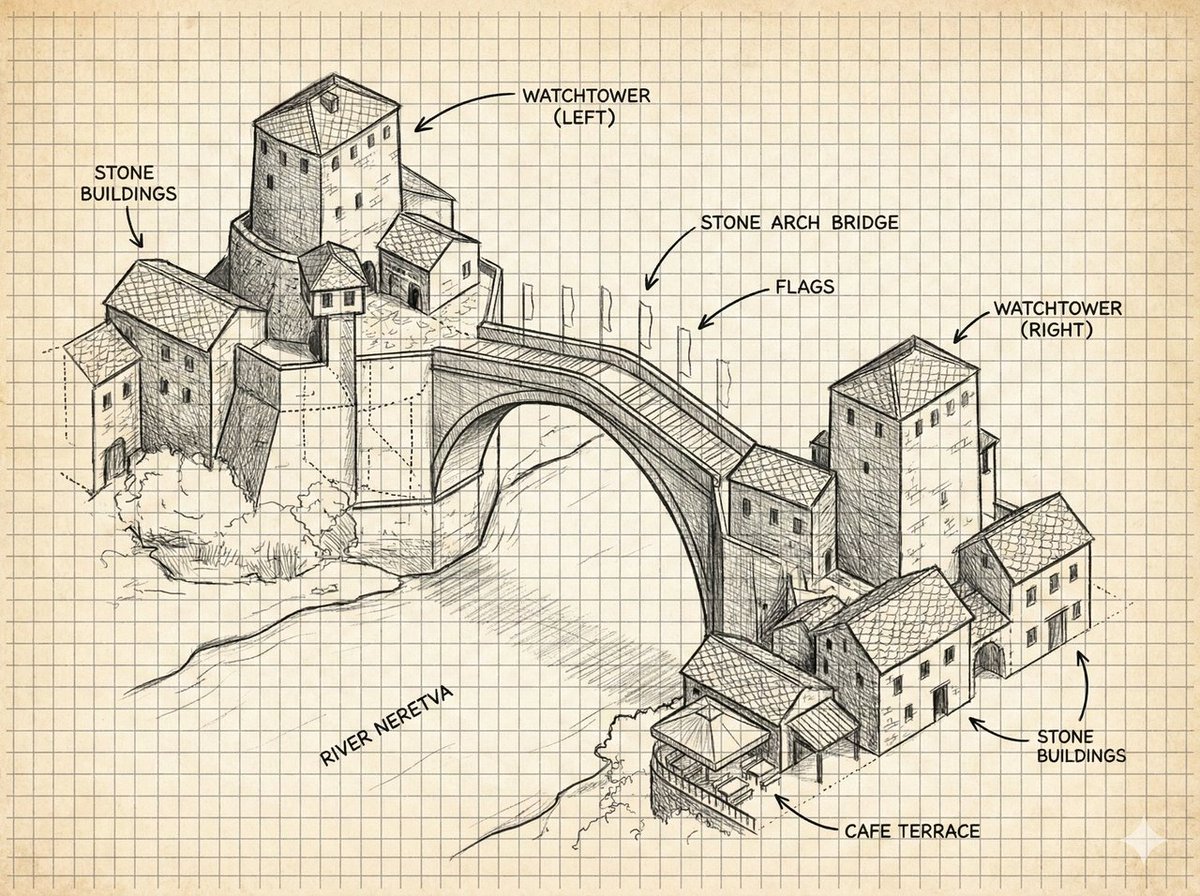
Annotated Stone Arch Bridge Sketch

Photorealistic Woman Hugging Giant Spoon in Kitchen Prompt
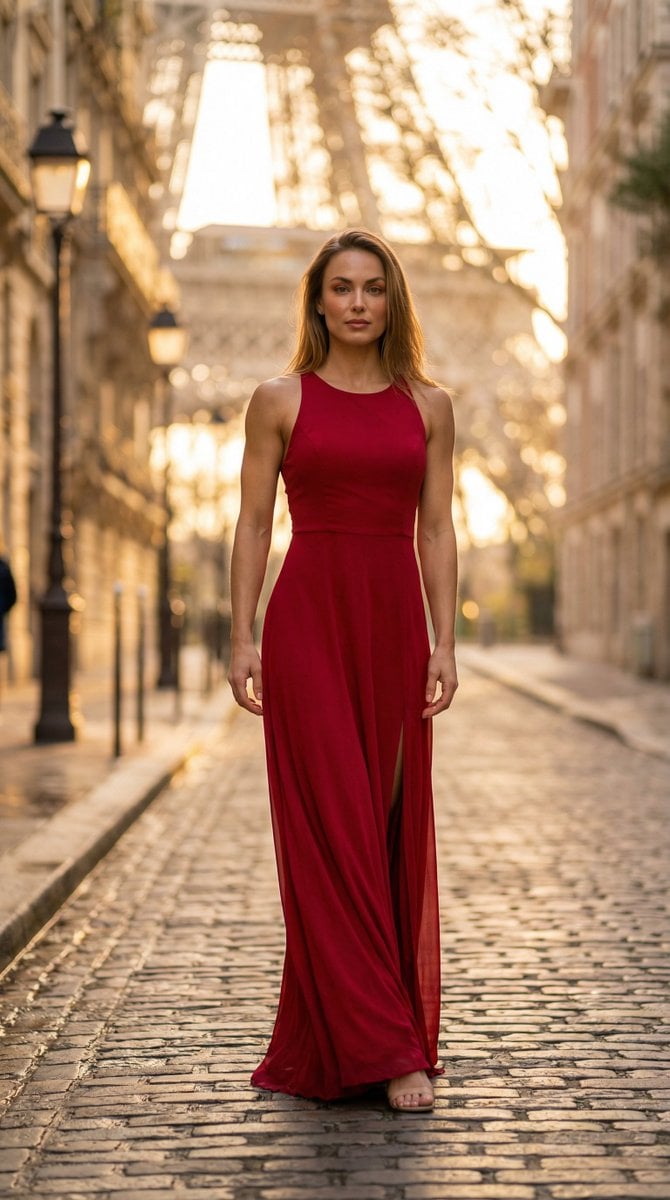
Photorealistic Female Model in Paris at Sunset
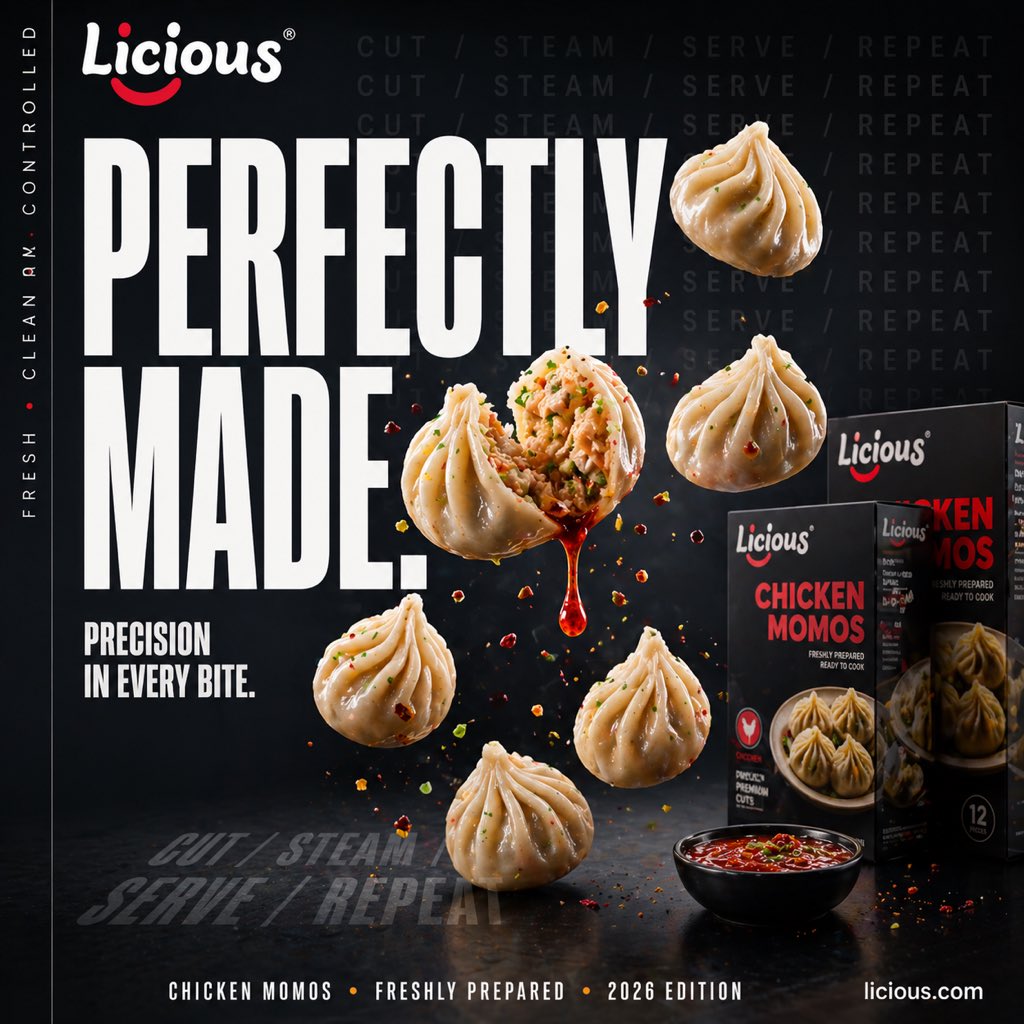
Cinematic Chicken Momos Ad Poster
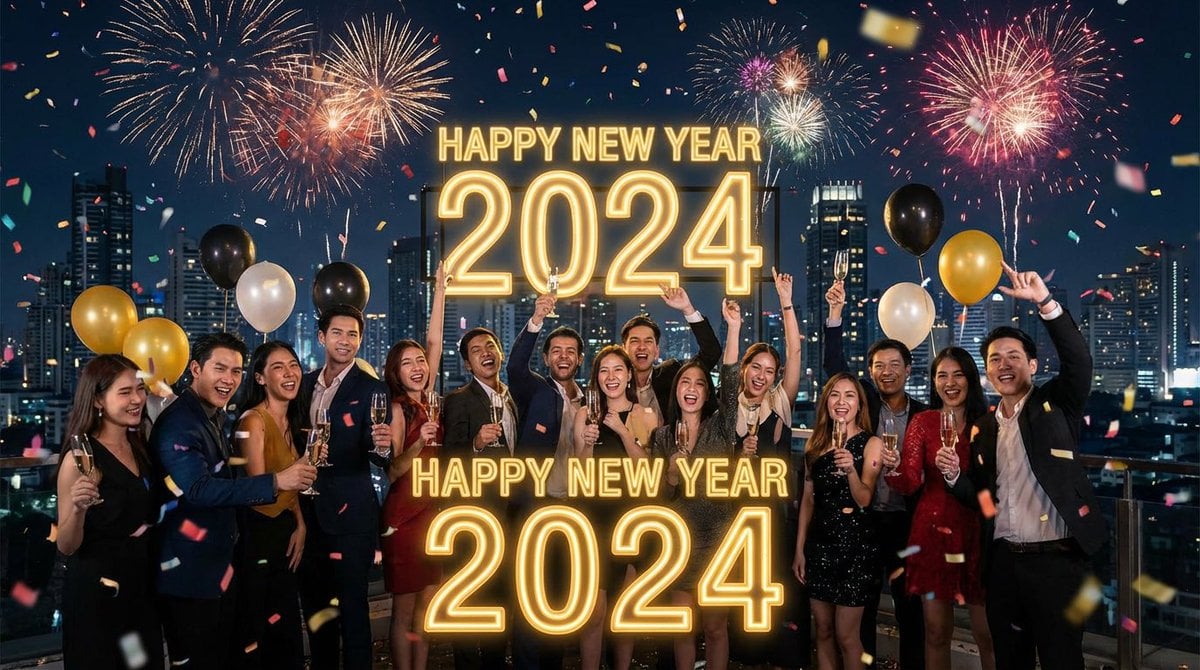
Simple 'Happy New Year' Prompt
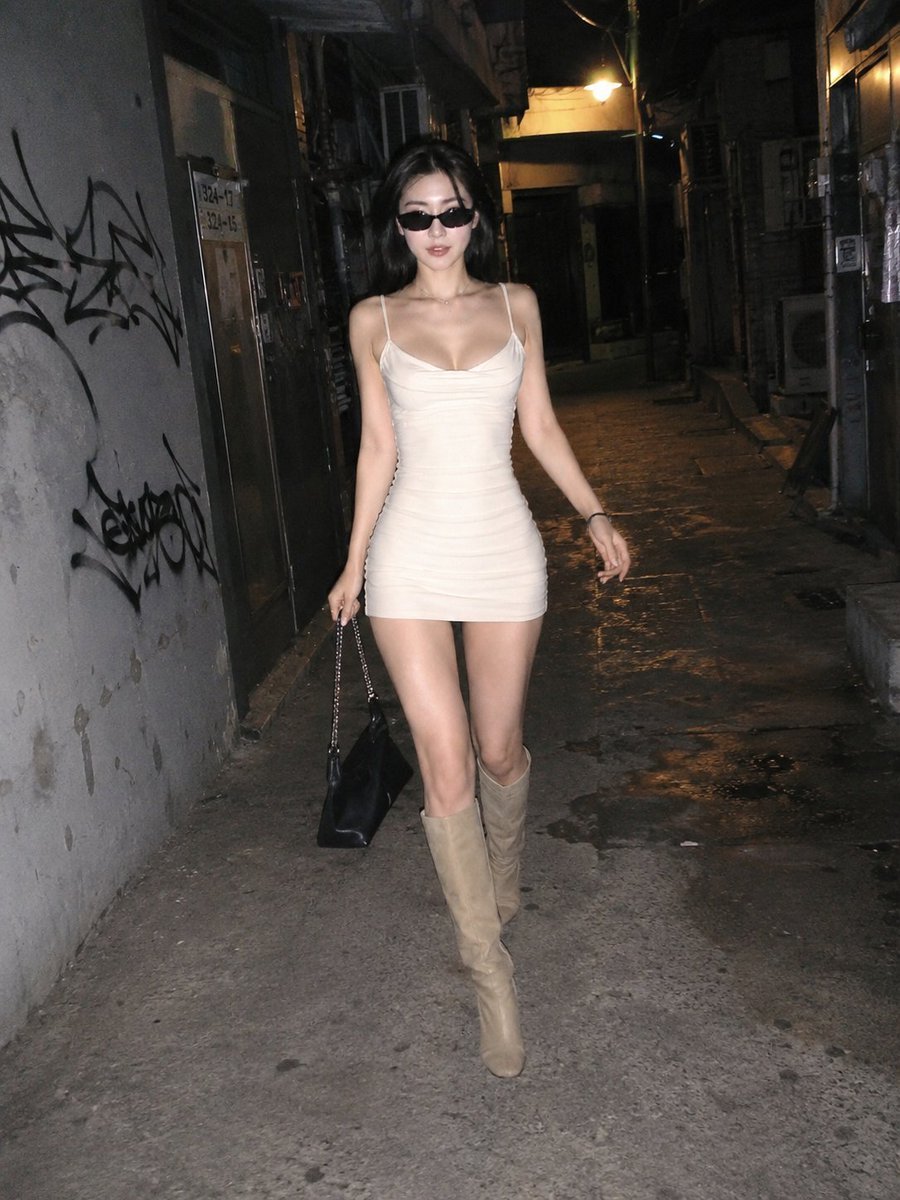
Candid Night Street Flash Photography
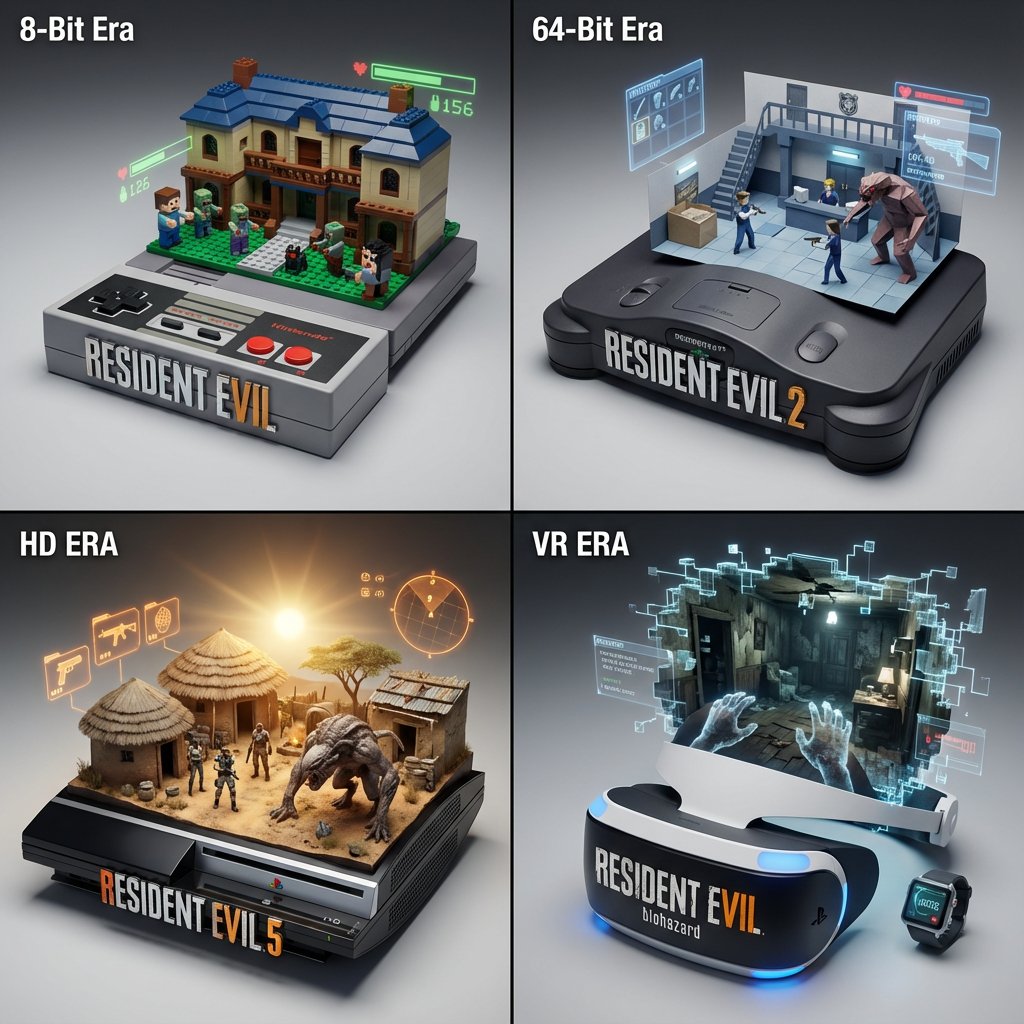
Gaming History Console Architecture Grid Template
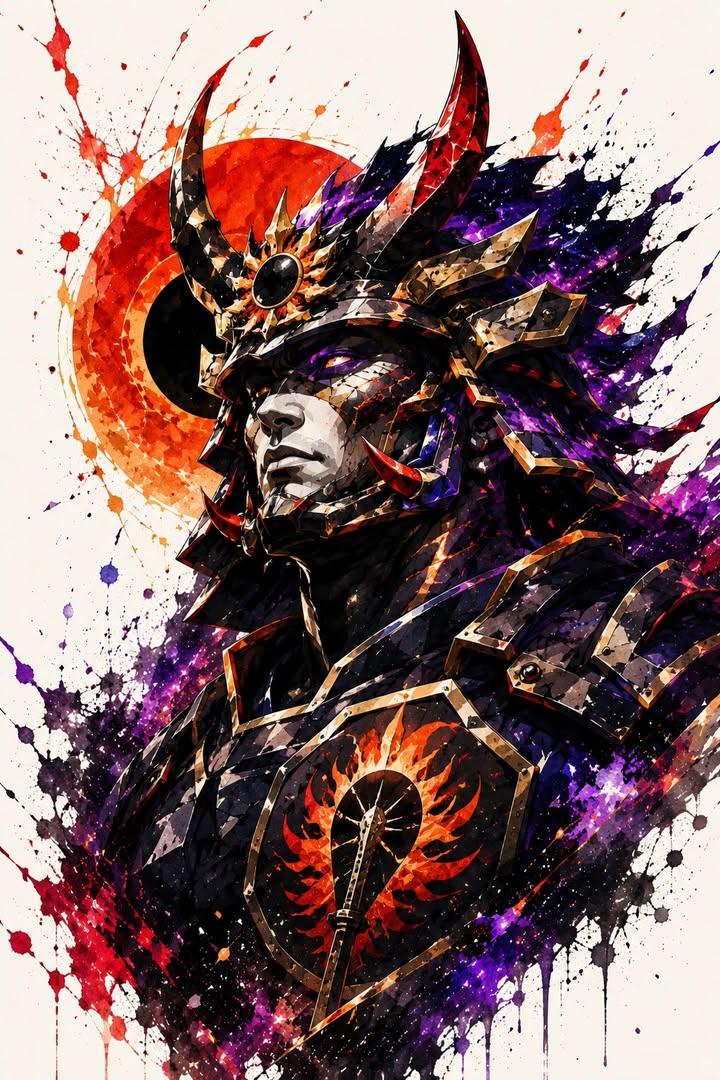
Samurai Warrior Watercolor Portrait
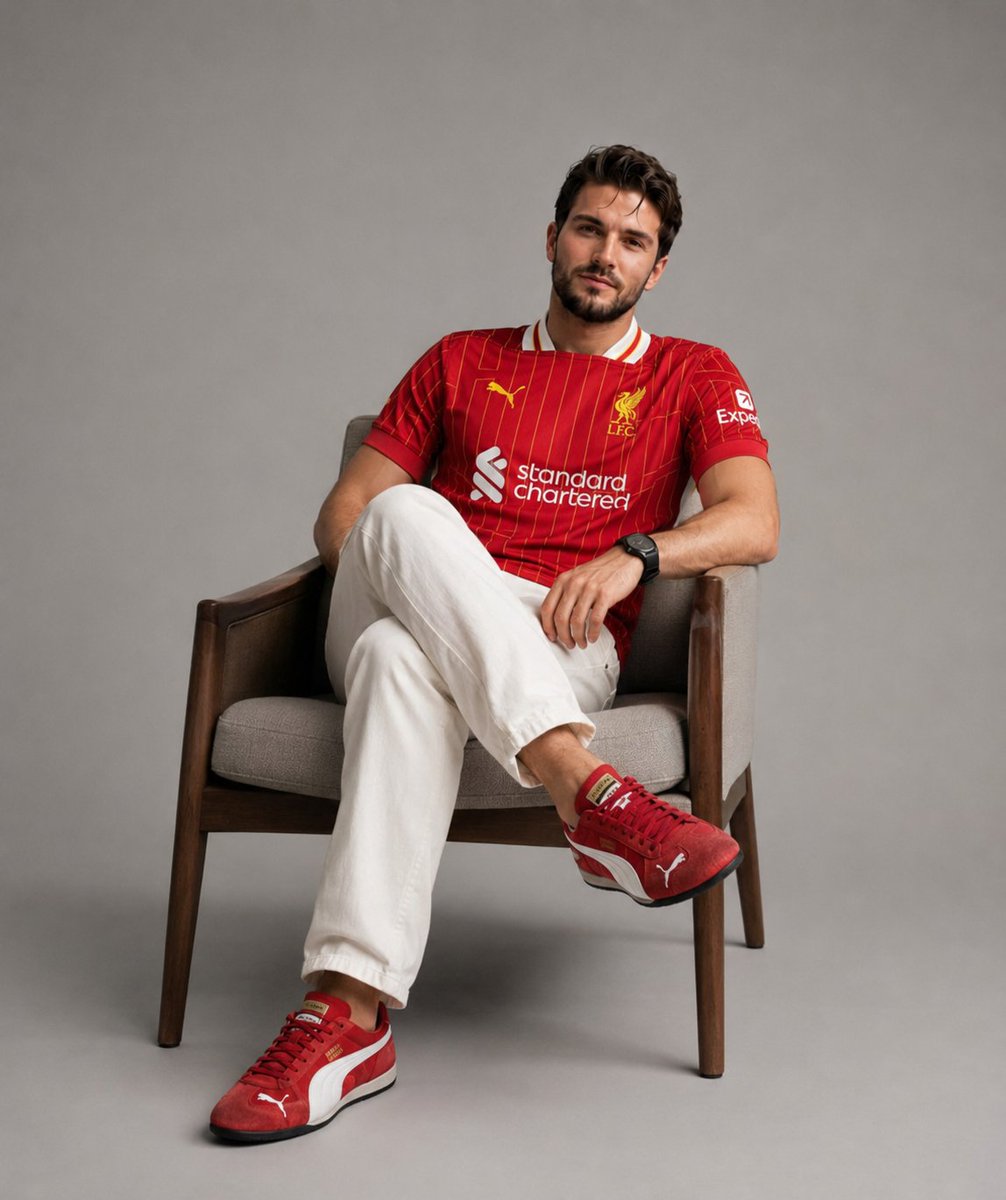
Professional Studio Fashion Portrait

Nostalgic Film Print Portrait on Wooden Table
Browse template categories
Calligraphic City Impression Poster questions
How do I use the Calligraphic City Impression Poster template?
Add your photo if the template asks for one, edit the prompt if you like — the template's model and format are already selected — and press Generate. Your version opens in PicX Studio.
Can I customize the Calligraphic City Impression Poster template?
Yes. You can change the subject, setting, lighting, mood, format, and available model controls before creating your image.
Is the Calligraphic City Impression Poster template free?
Opening and editing this template is free. Generating uses credits, shown on the Generate button when you are signed in.
Which AI model should I use?
Start with GPT Image 2, which is the model associated with this template. You can compare another compatible model for a different finish.
Looking for something else? Browse all templates.

Your photo, any look
Thousands of ready templates for every top image and video model, from one credit balance.