
Squirrel Girl Dragon Rider
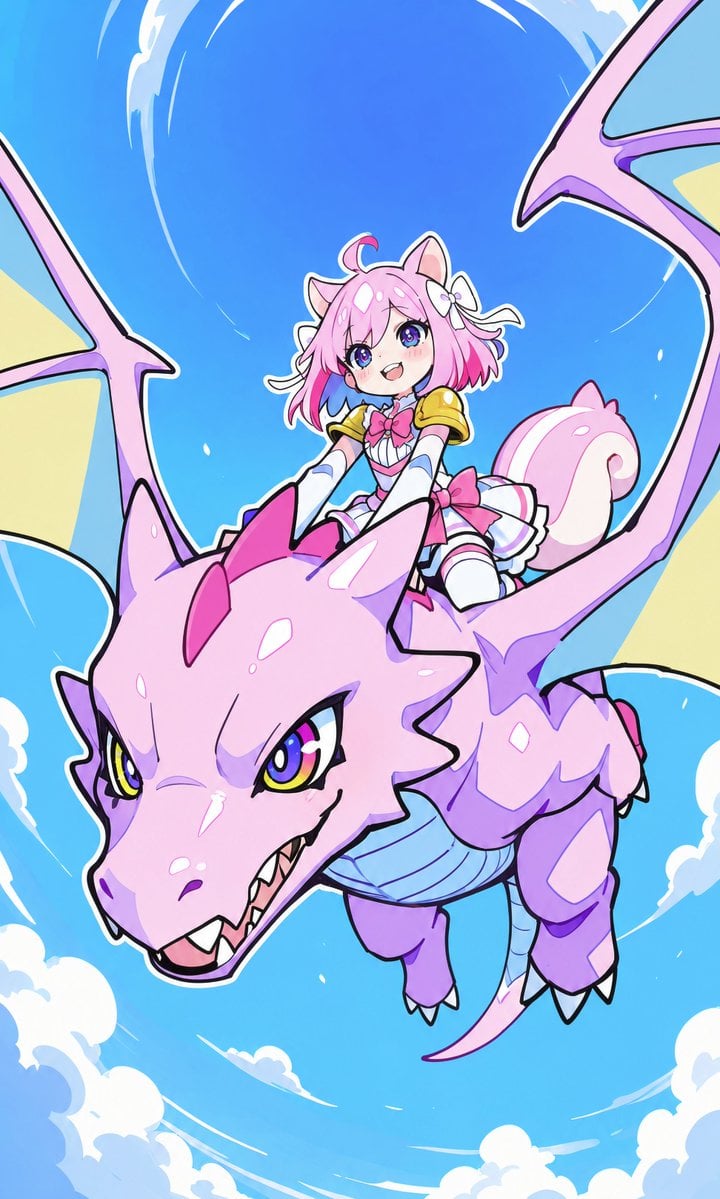
A bright kawaii anime fantasy scene of a cheerful squirrel-girl riding a pink dragon through a swirling blue sky.
- Prompt included
- Model and format preset
- Free template
The prompt behind this image
Copy the exact prompt behind Squirrel Girl Dragon Rider, or open it in the studio and make it yours.
Create a vibrant vertical anime illustration of {argument name="character name" default="Morina"}, a cute squirrel-girl dragon rider flying through a bright blue sky on a large pastel pink dragon. The composition is dynamic and slightly low-angle, with the dragon swooping diagonally toward the viewer from upper right to lower left, its big head dominating the lower half of the image, open mouth with small sharp teeth, yellow-green eyes with glossy highlights, pink forehead horn plates, purple shading, a pale blue segmented belly, small clawed feet, and wide bat-like wings extending partly off the left and right edges. The rider sits on the dragon’s back near the center top, smiling excitedly and looking forward; she is a petite chibi-style anime girl with {argument name="hair color" default="pink"} short fluffy hair, large purple eyes, catlike/squirrel ears, a big curled squirrel tail, a white flower hair accessory, and rosy cheeks. Her outfit is a cute fantasy rider costume: white and pink dress with a pleated skirt, large pink bow at the chest, small gold shoulder armor, white sleeves or gloves, pink ribbon accents, and thigh-high white boots. Use a clean Japanese kawaii fantasy style with thick dark outlines, glossy cel shading, saturated pastel colors, sparkling highlights, and energetic motion lines. The background is a clear cyan-to-blue sky with white swirling wind arcs and fluffy clouds around the edges, emphasizing the feeling of high-speed flight. No text, no watermark, no border; keep the image crisp, playful, adventurous, and centered on exactly two main characters: one squirrel-girl rider and one pink dragon.
How to use Squirrel Girl Dragon Rider in 3 steps
- 1Upload ImagePNG, JPG or paste
Add your photo
Upload the photo the template builds on. The prompt, model and format are already set.
- 2…a portrait of your subject in softgolden-hour light, 85mm…
Personalize
Edit the subject and creative details for your destination.
- 3Generate
Generate
Press Generate — your image is created in PicX Studio, so you can compare it with the original and refine one variable at a time.
More like this
Templates with the same subject, style or setup. Open one to see its prompt.

Teen Girl Alpine Lake Mountain View

Minecraft Fantasy Kingdom Voxel Landscape
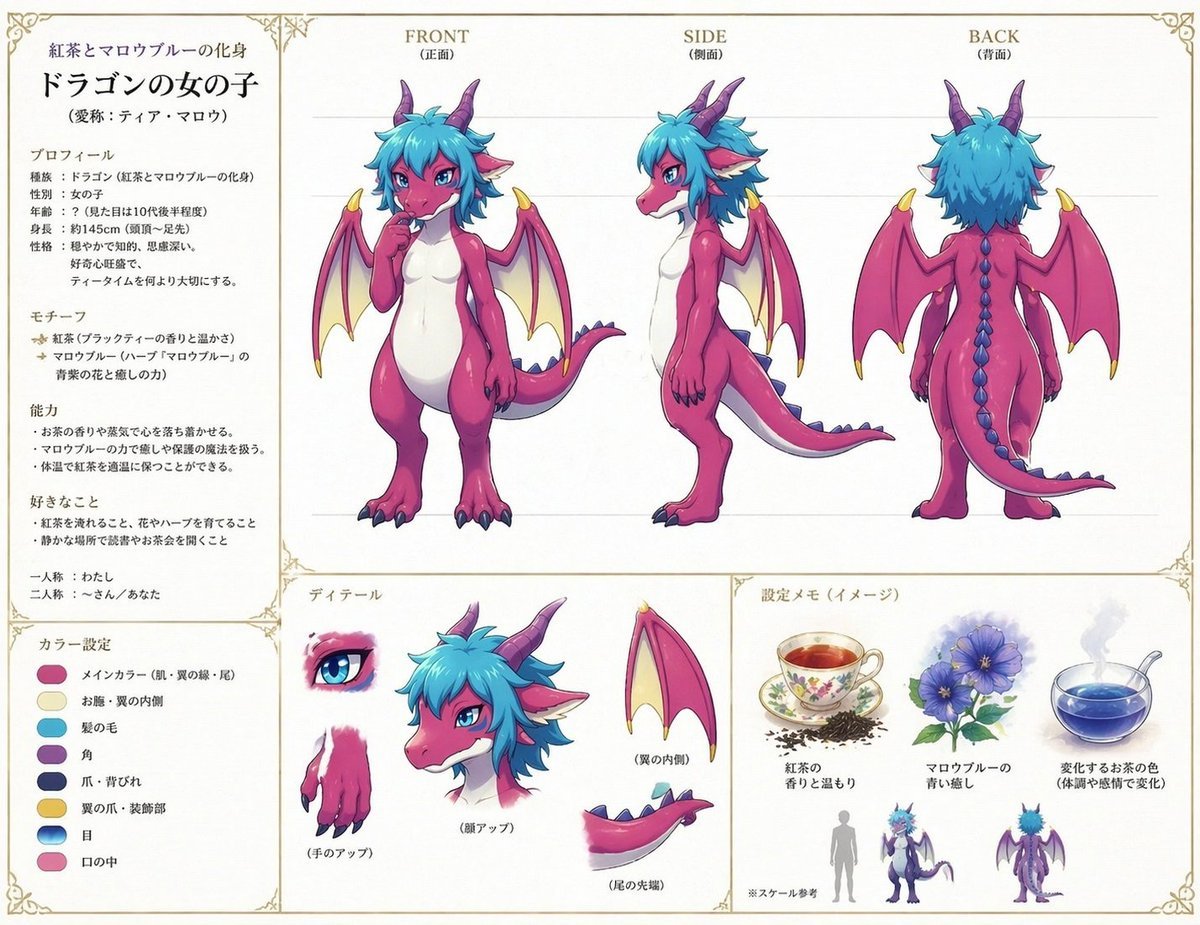
Anime Dragon Girl Reference Sheet
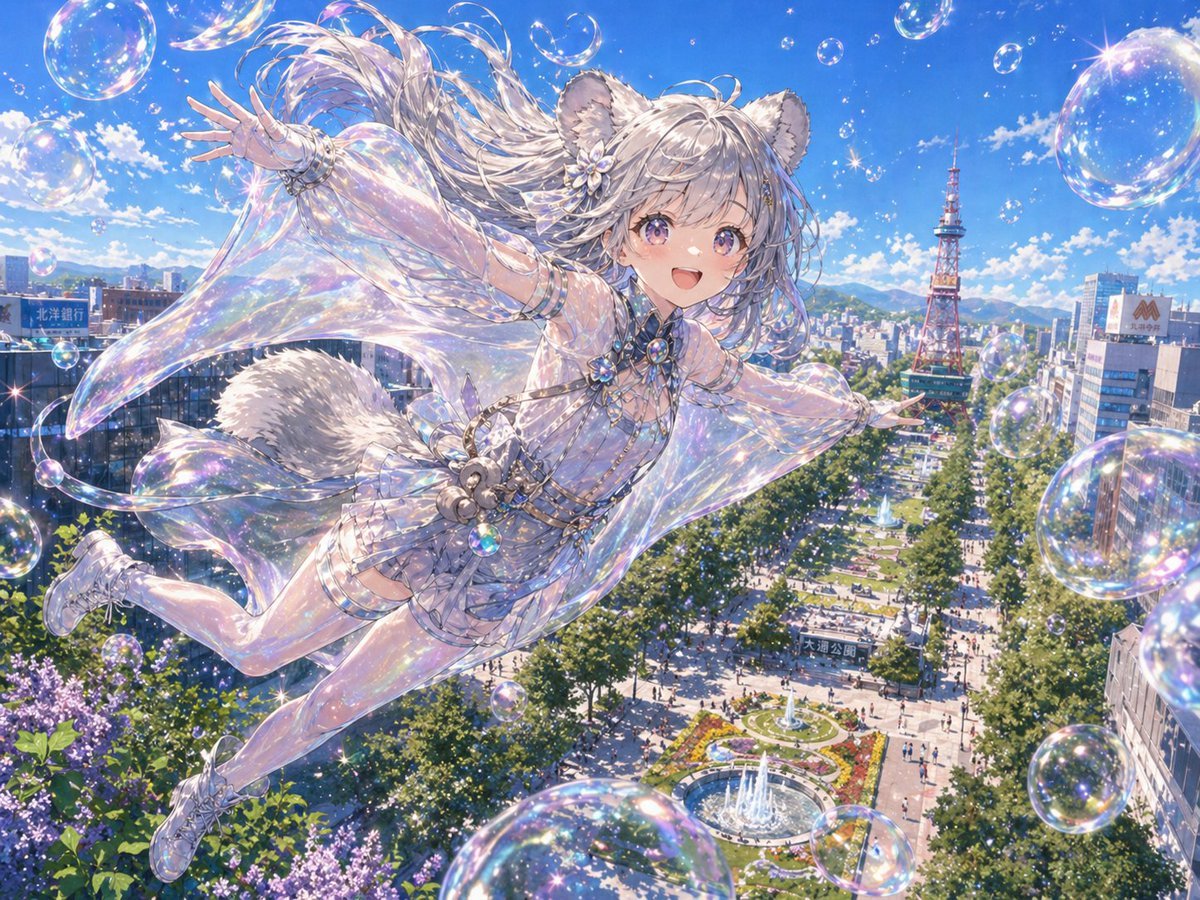
Iridescent Squirrel Girl Above Sapporo
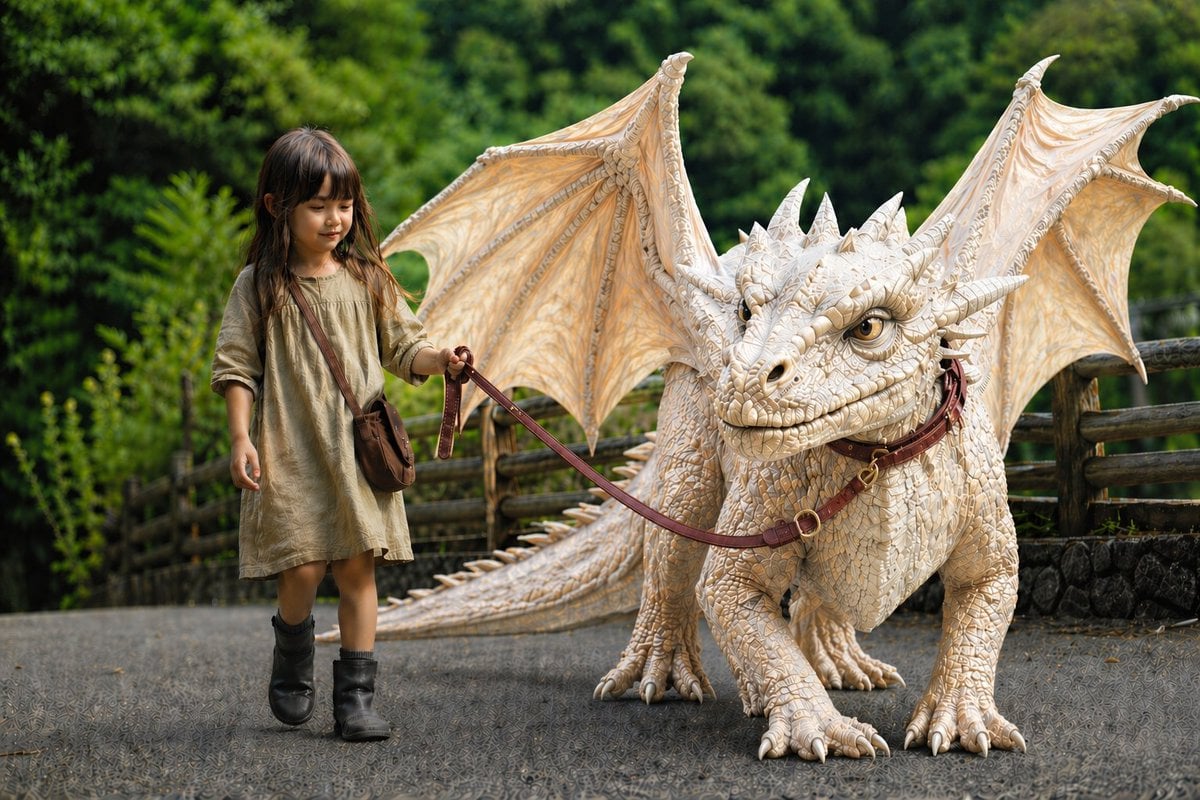
Girl Walking a Giant Cream Dragon
Seedance - Dragon vs Python Battle
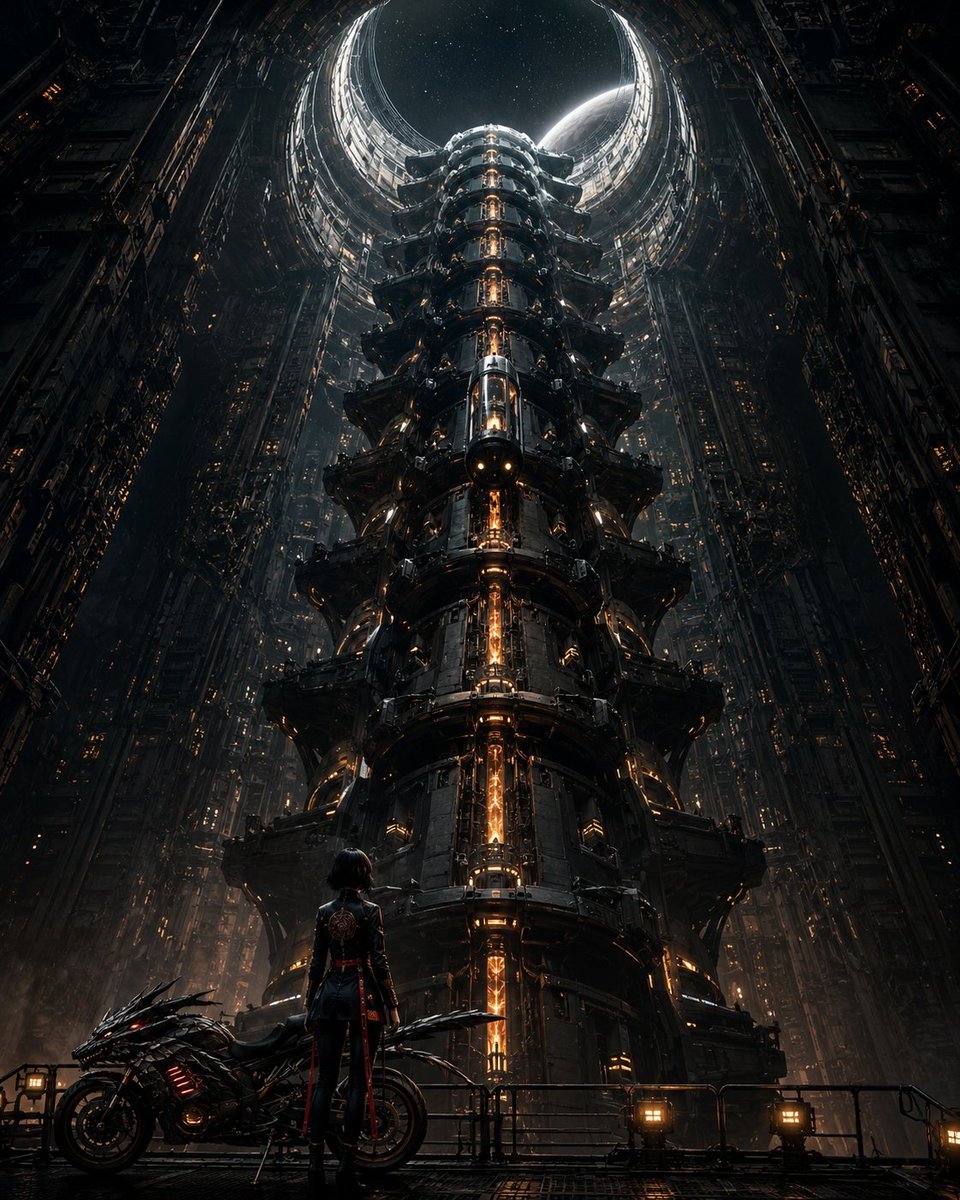
Cyberpunk Megastructure Rider
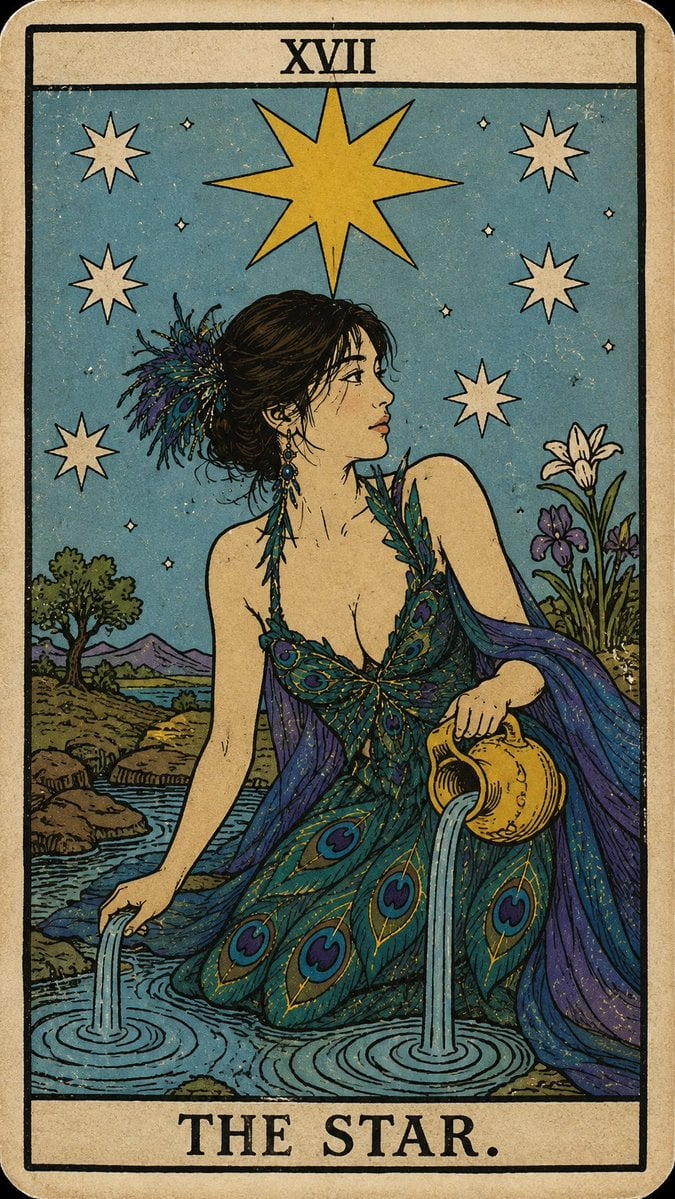
Personalized Rider-Waite Tarot Card
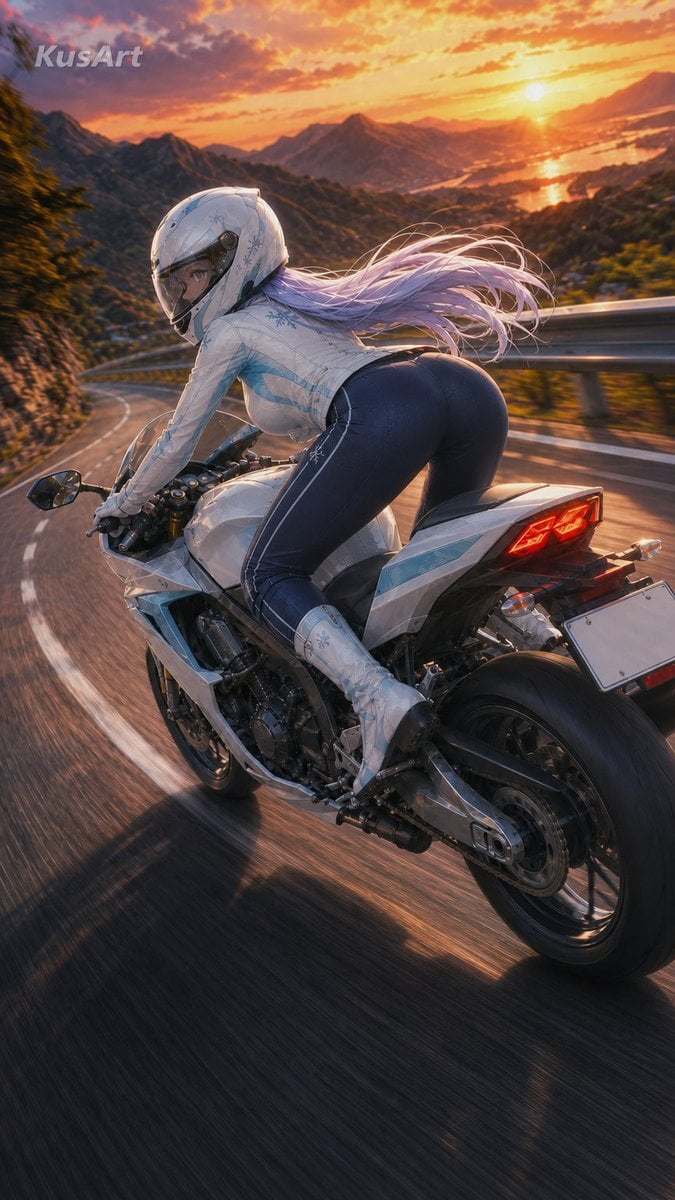
Sunset Mountain Sportbike Rider

Obscured Cyberpunk Girl Poster

Sunlit Orchard Girl With Apples
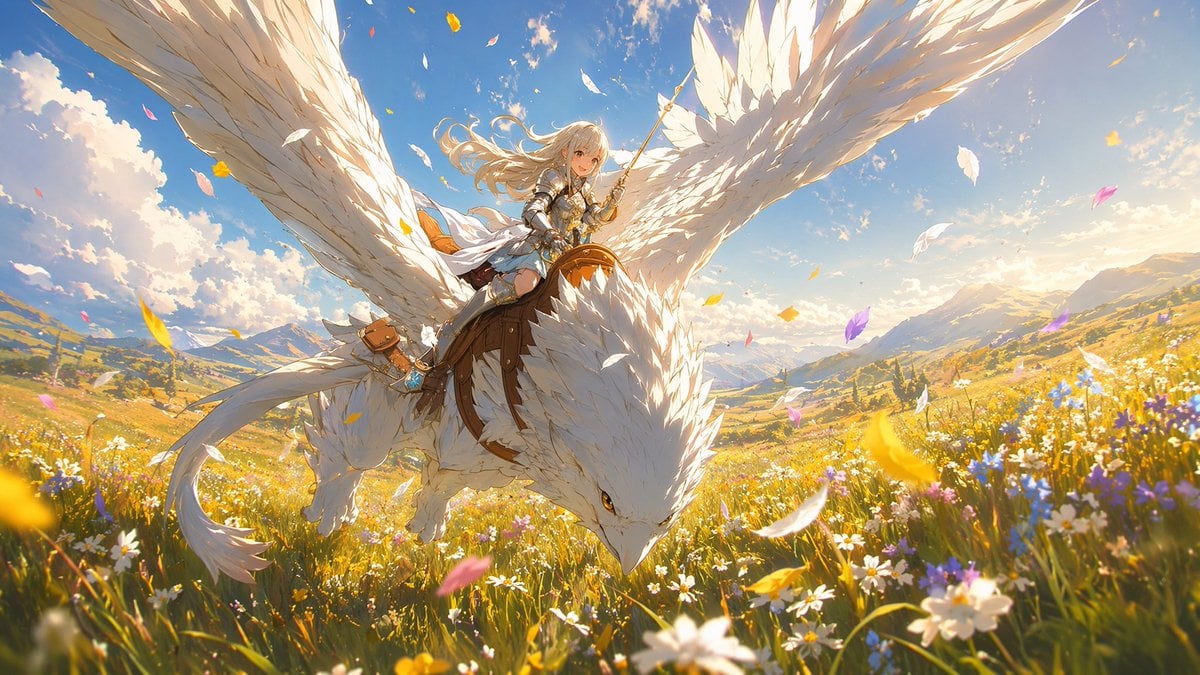
White-Haired Griffin Rider Meadow Flight
Make it yours
Squirrel Girl Dragon Rider works as-is. These are the safest ways to change it without losing the look.
Change one field
Copy a single group, rewrite it, and generate again so you can see what that field is doing.
Keep the frame, change the subject
Hold the composition and light of Squirrel Girl Dragon Rider, then swap wardrobe, props or the person for a new take.
| If the result… | Why | Fix |
|---|---|---|
| The result drifts from the preview | Too many fields changed at once. | Reuse Squirrel Girl Dragon Rider as-is first, then change one group — subject, light, or setting. |
| The model over-stylizes the scene | The prose prompt leaves finish and camera underspecified. | Add one camera or lighting sentence and stay on GPT Image 2. |
More GPT Image 2 templates
Other prompts made for GPT Image 2.

Six VTuber Japanese Logo Sheet

Realistic Portrait of Woman and Deer

The Vista Modular Condo Poster

AI Model Routing Comparison Infographic

2.5D Anime Art Board

Isometric Productivity Desk Scene

New York Double Exposure Poster

Four-Panel AI Landscape Comparison

Japanese Tatami Lifestyle Magazine Cover

NESCAFÉ Coffee Map Poster
More image prompts
Fresh picks from across the catalog.
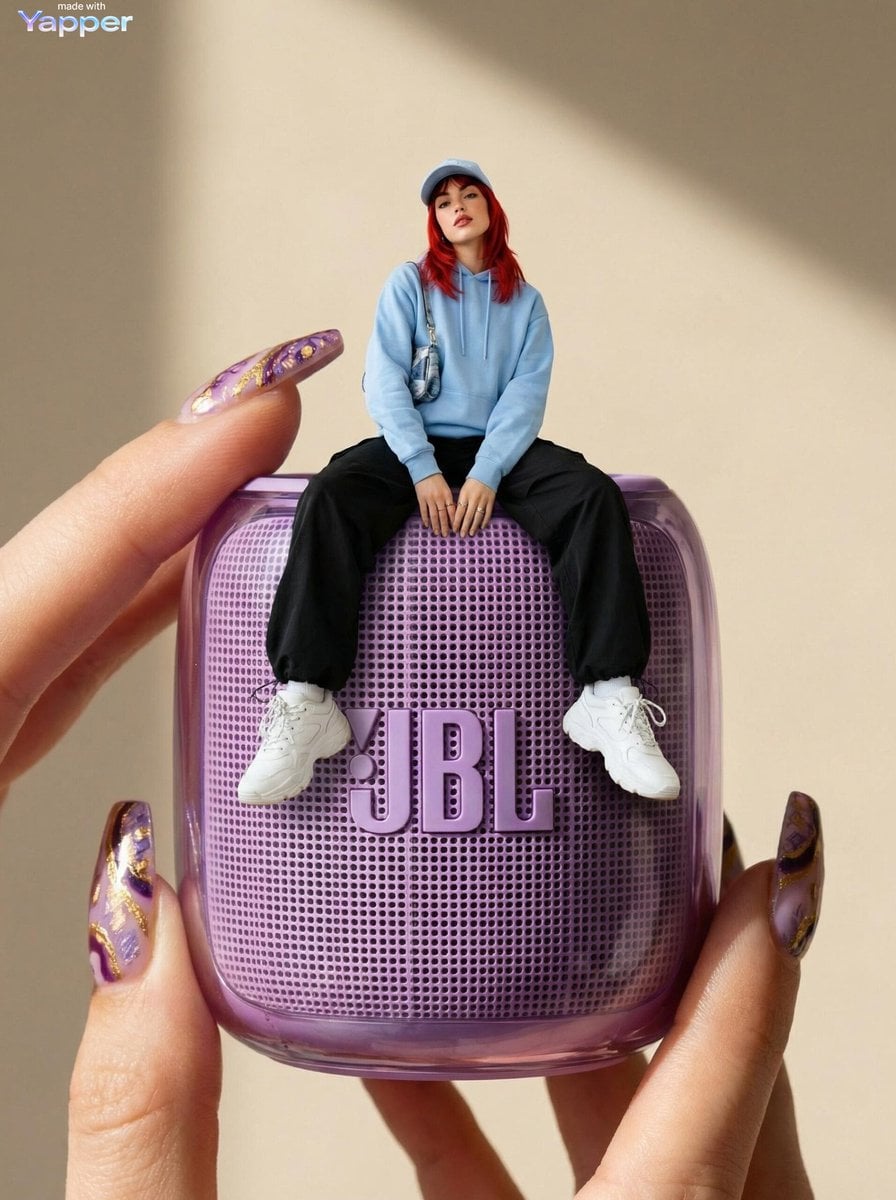
Forced Perspective Miniature Woman on Speaker
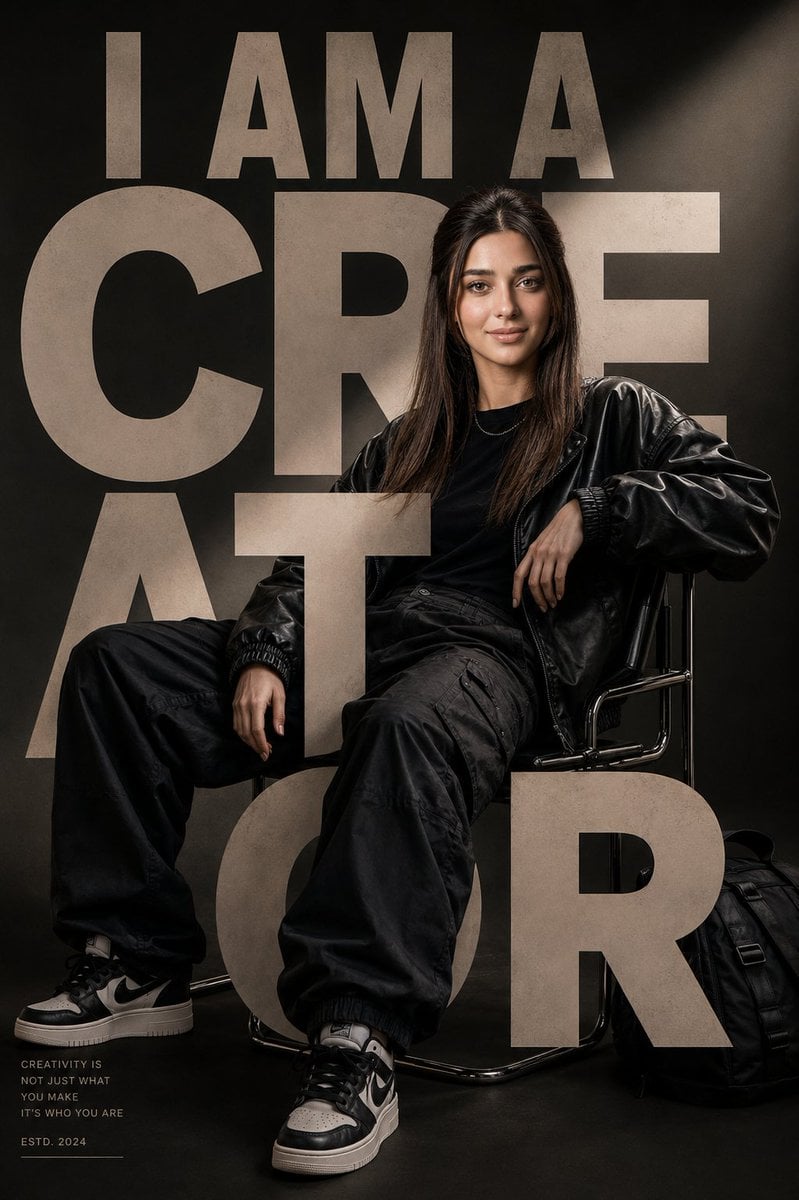
Luxury Streetwear Editorial Poster
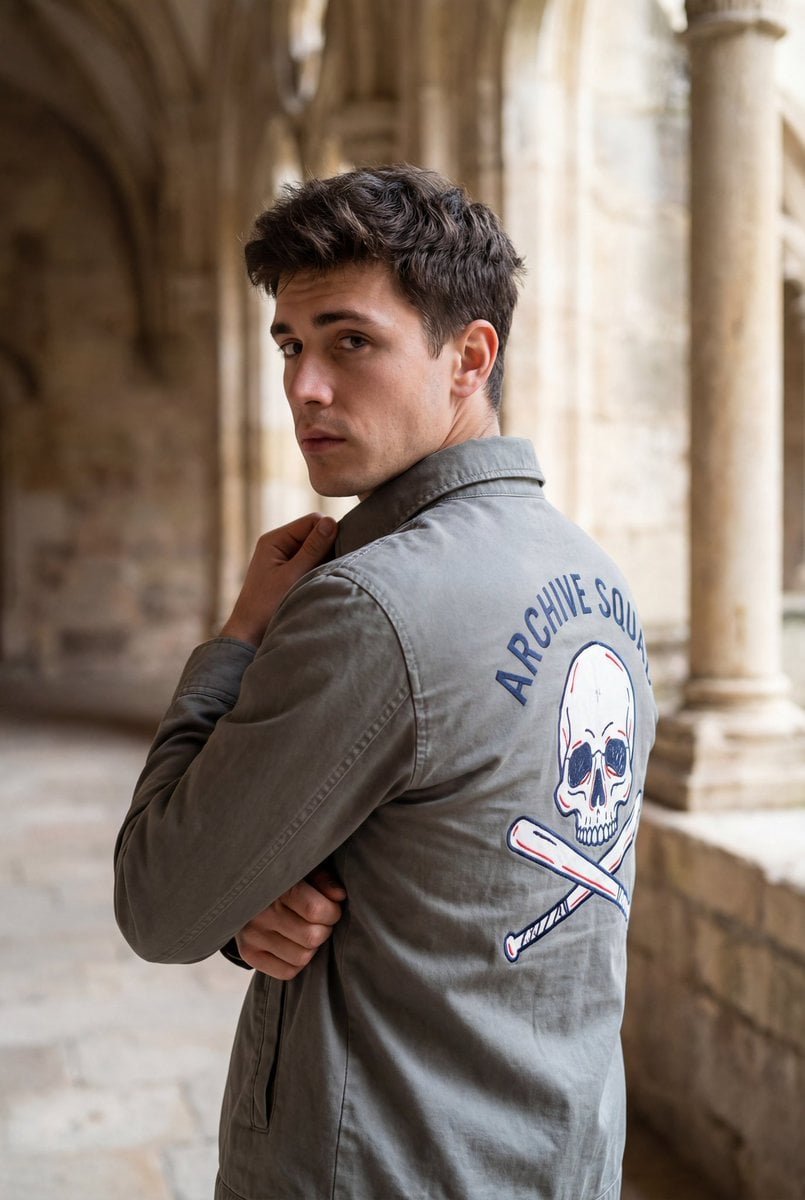
Editorial Portrait with Architectural Backdrop
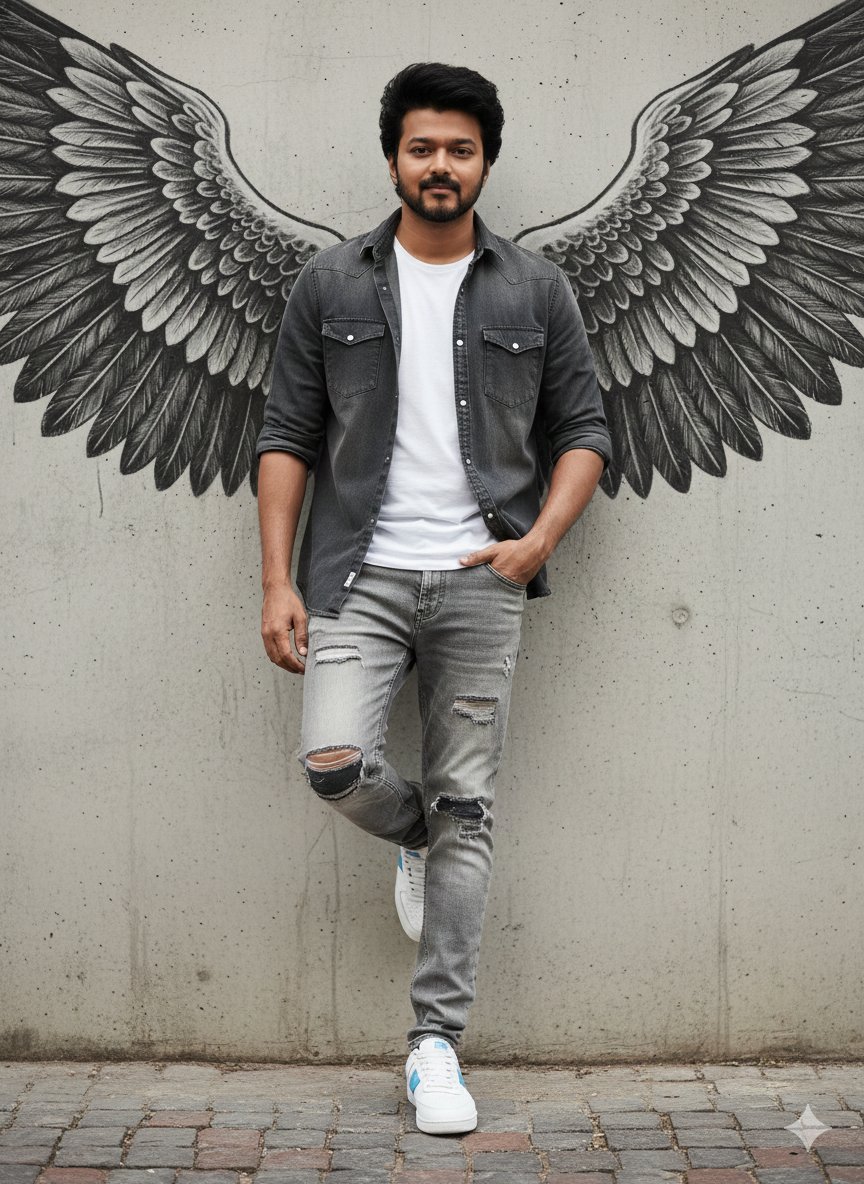
Urban Cinematic Portrait with Painted Angel Wings
Photorealistic Cinematic Portrait with Miniature Clones
Cinematic Spinning Latte Splash
Anime ChatGPT Companion in Study
Nighttime Lifestyle Portrait Prompt
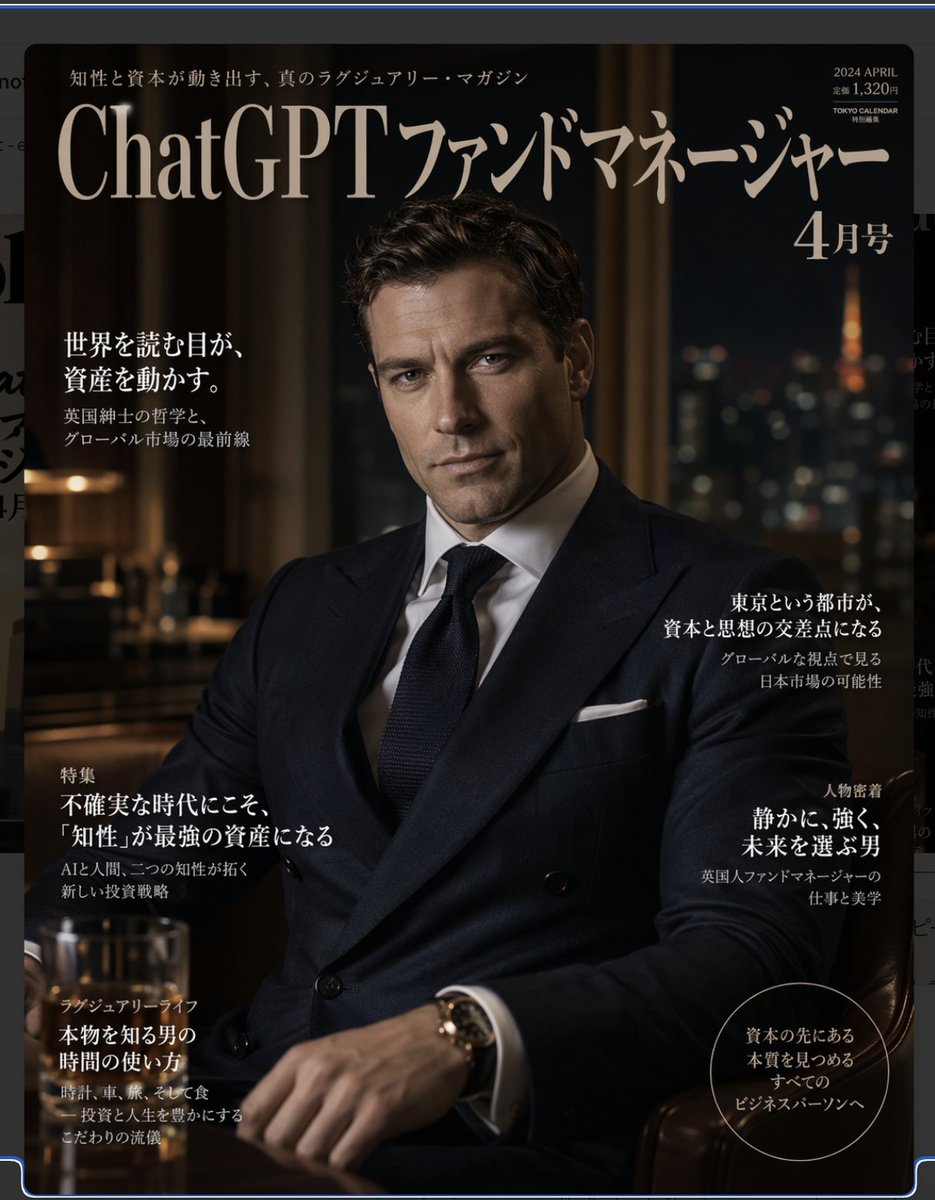
Luxury Magazine Layout
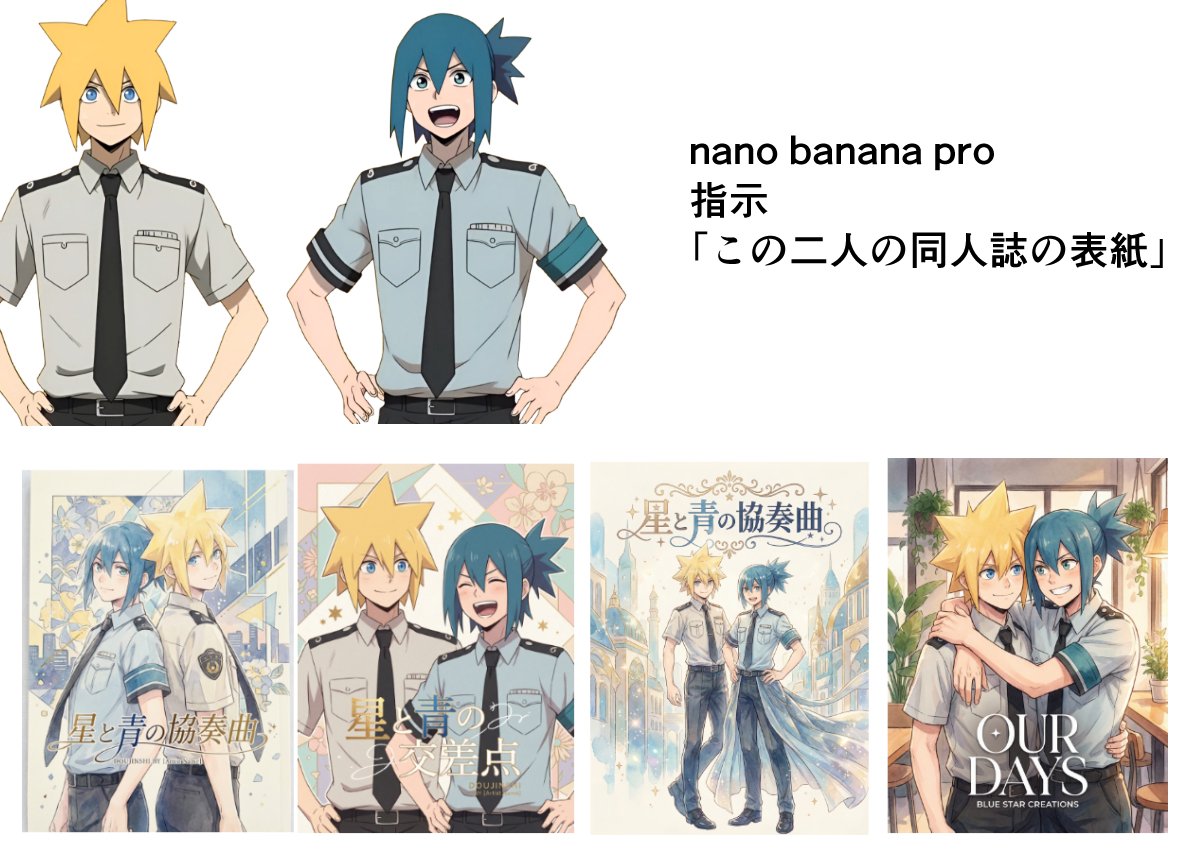
Doujinshi cover from two characters
Browse template categories
Squirrel Girl Dragon Rider questions
How do I use the Squirrel Girl Dragon Rider template?
Add your photo if the template asks for one, edit the prompt if you like — the template's model and format are already selected — and press Generate. Your version opens in PicX Studio.
Can I customize the Squirrel Girl Dragon Rider template?
Yes. You can change the subject, setting, lighting, mood, format, and available model controls before creating your image.
Is the Squirrel Girl Dragon Rider template free?
Opening and editing this template is free. Generating uses credits, shown on the Generate button when you are signed in.
Which AI model should I use?
Start with GPT Image 2, which is the model associated with this template. You can compare another compatible model for a different finish.
Looking for something else? Browse all templates.

Your photo, any look
Thousands of ready templates for every top image and video model, from one credit balance.